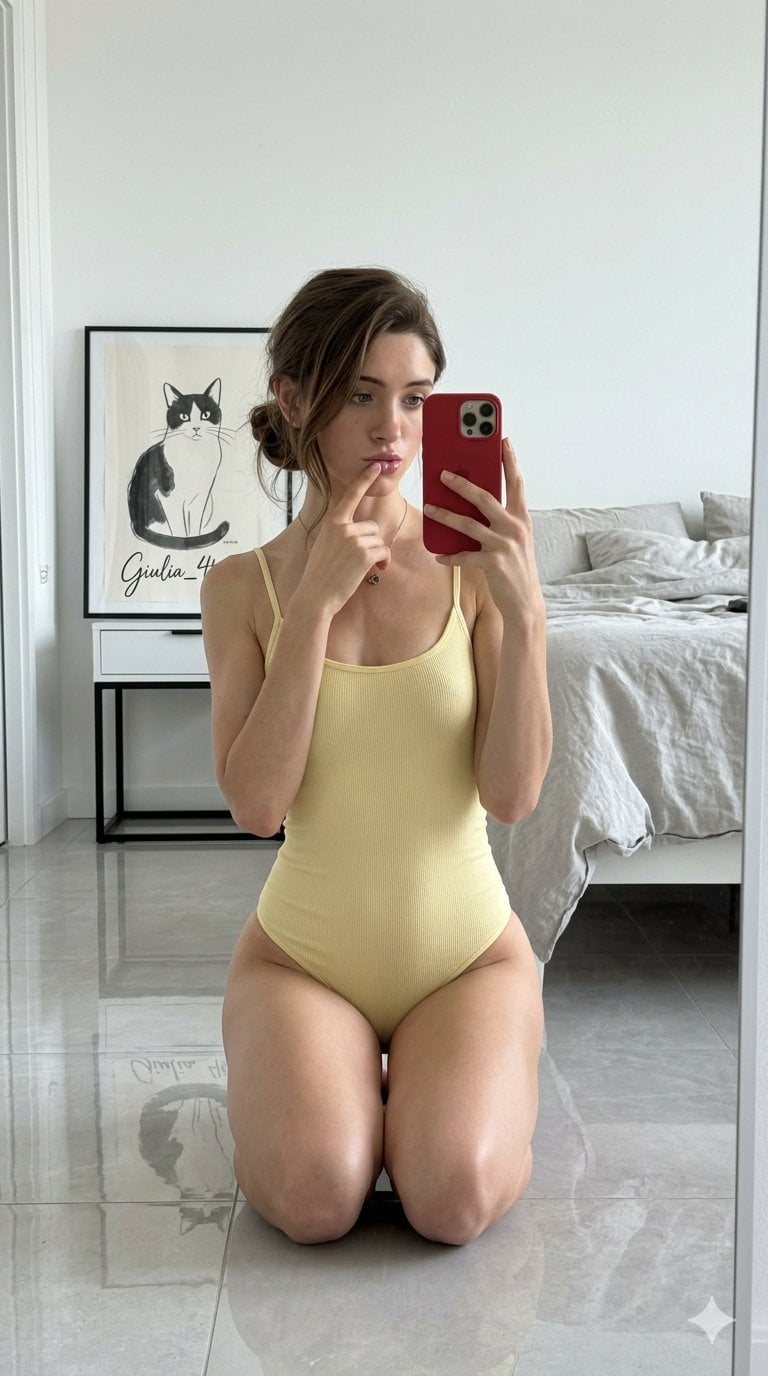
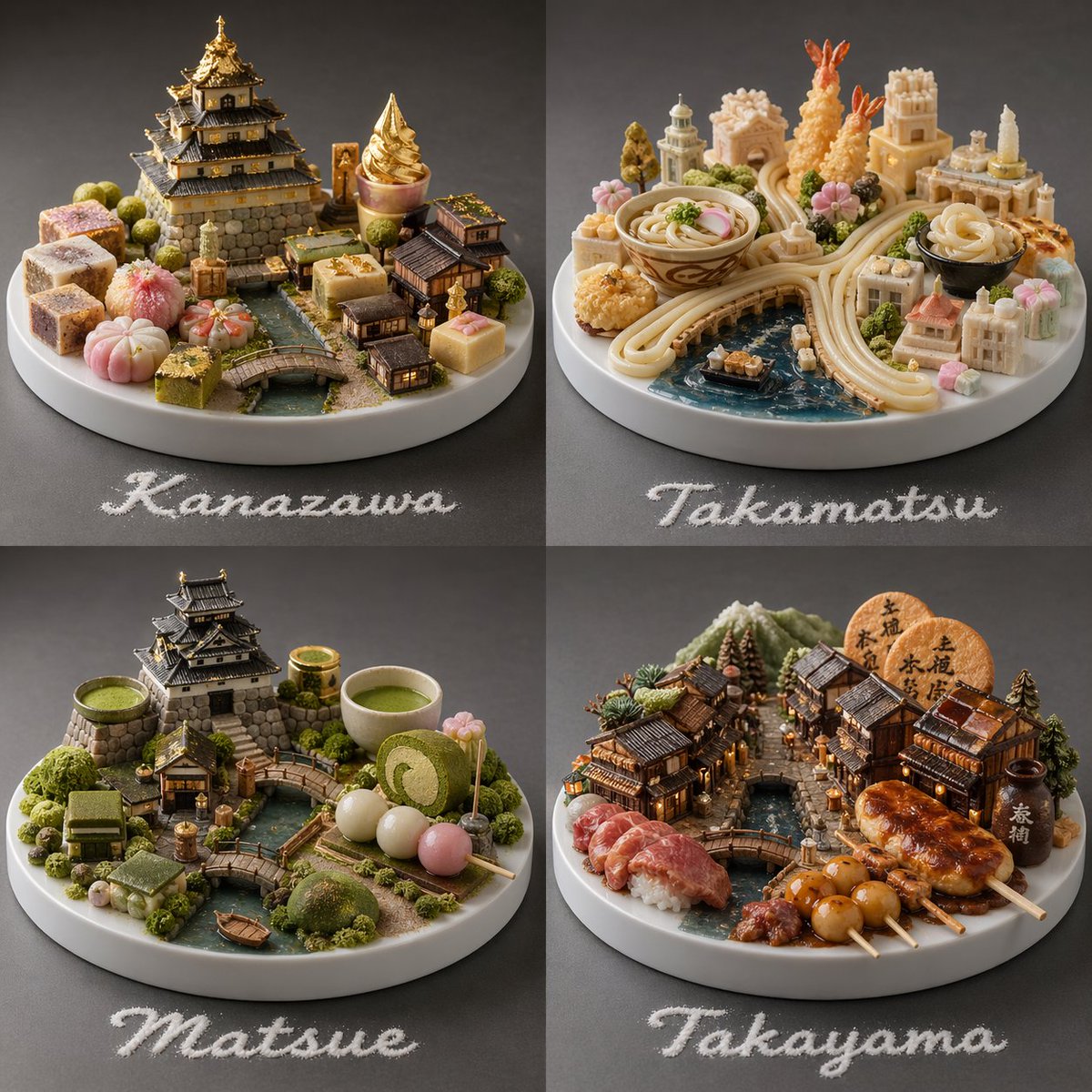
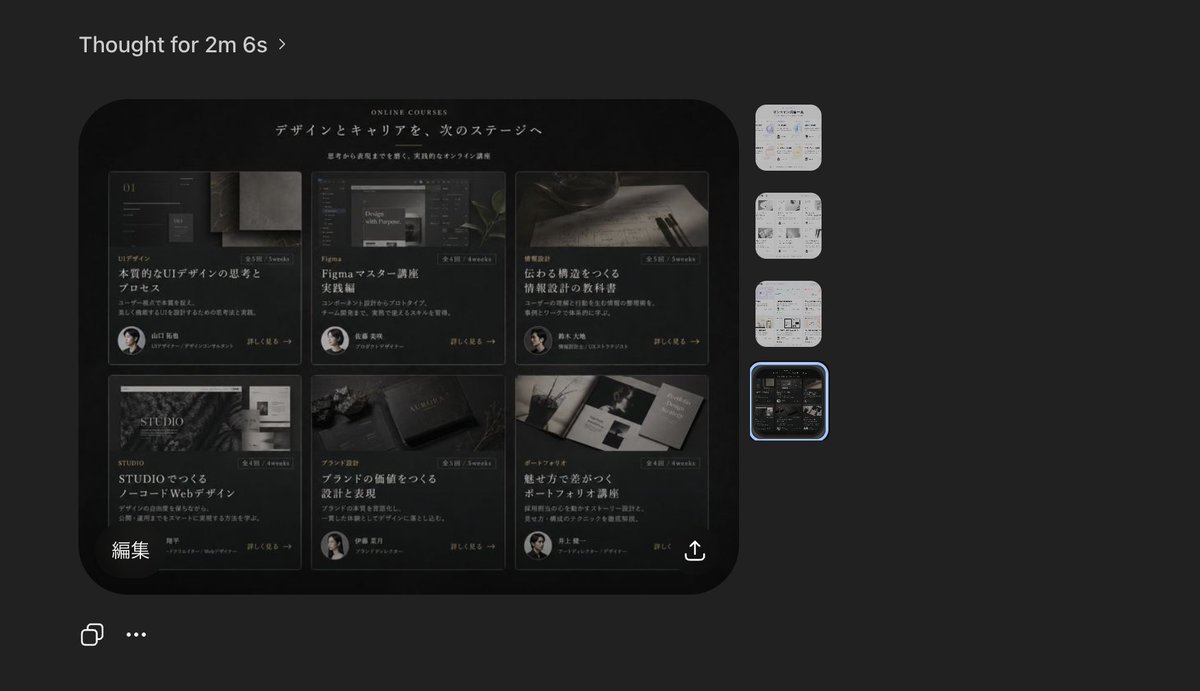
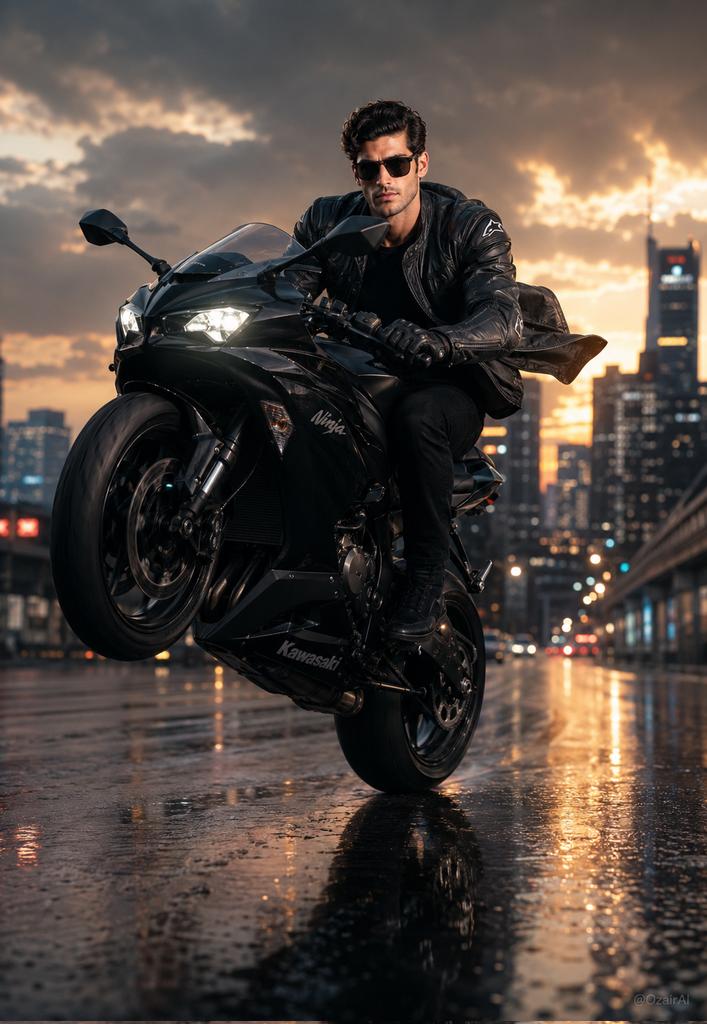
How do I use the Realistic Smartphone Selfie Twins template?
Choose the primary action to open PicX Studio with the available template settings. Review the model and format, personalize the creative direction, and generate when ready.
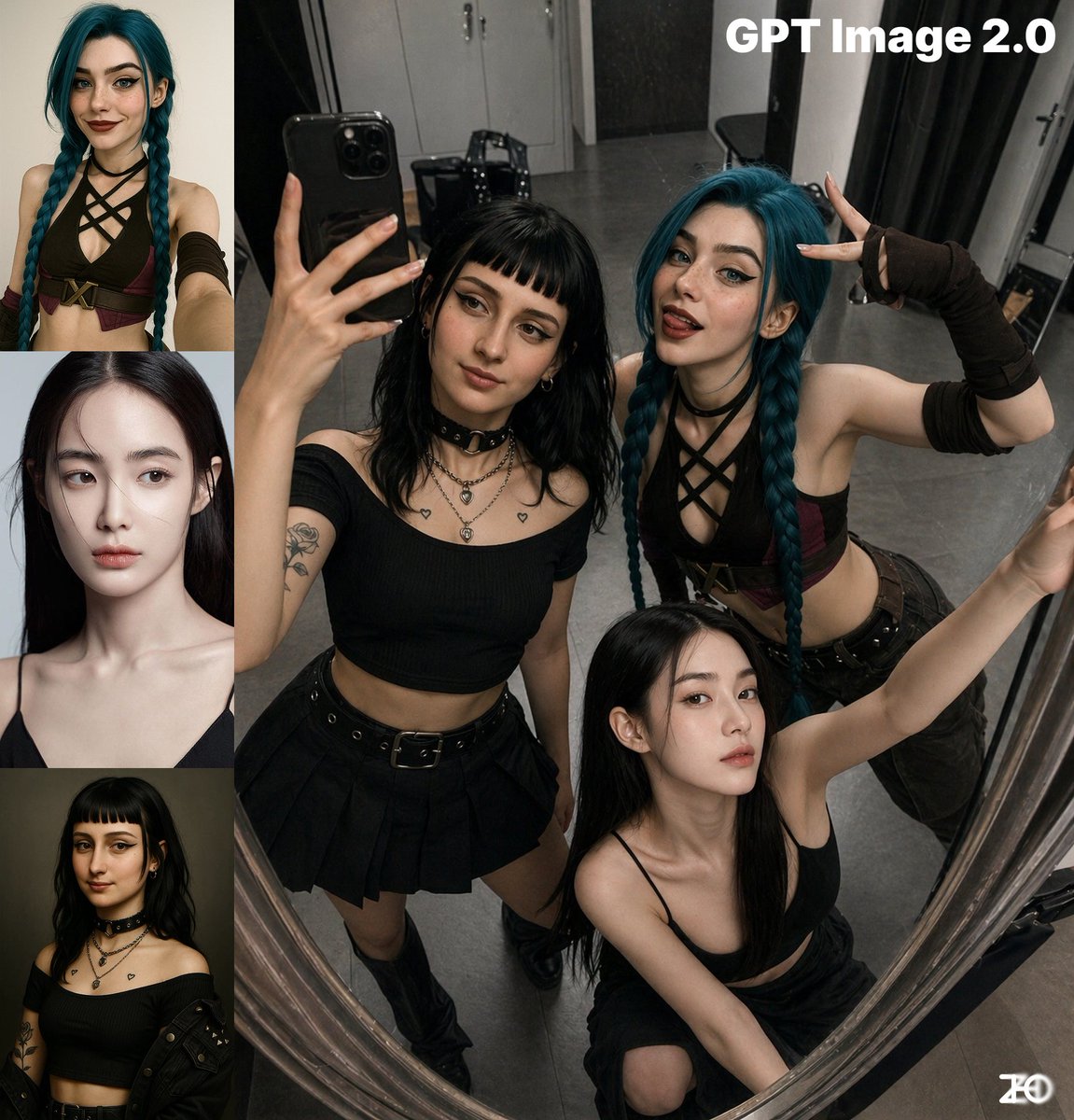
A photorealistic prompt for generating a casual smartphone selfie of two women in matching outfits inside a shopping mall.
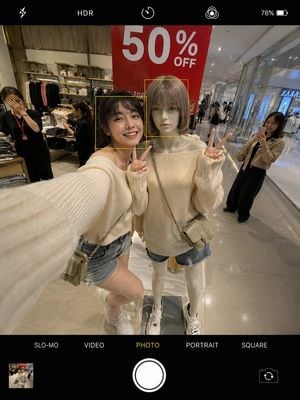
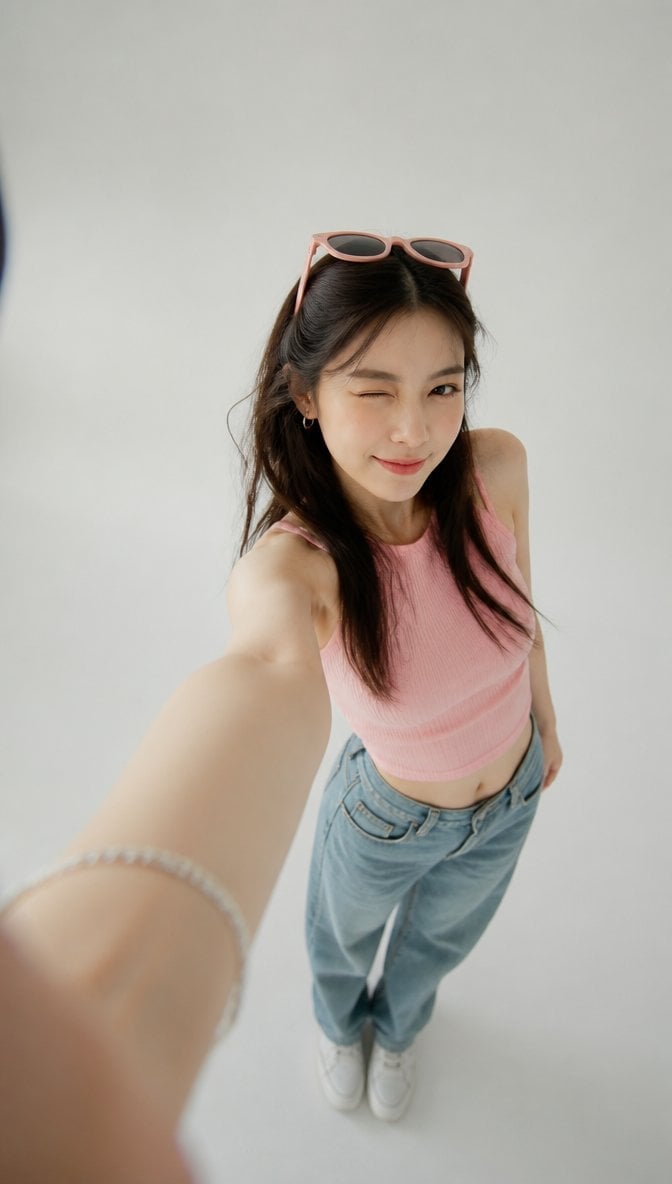
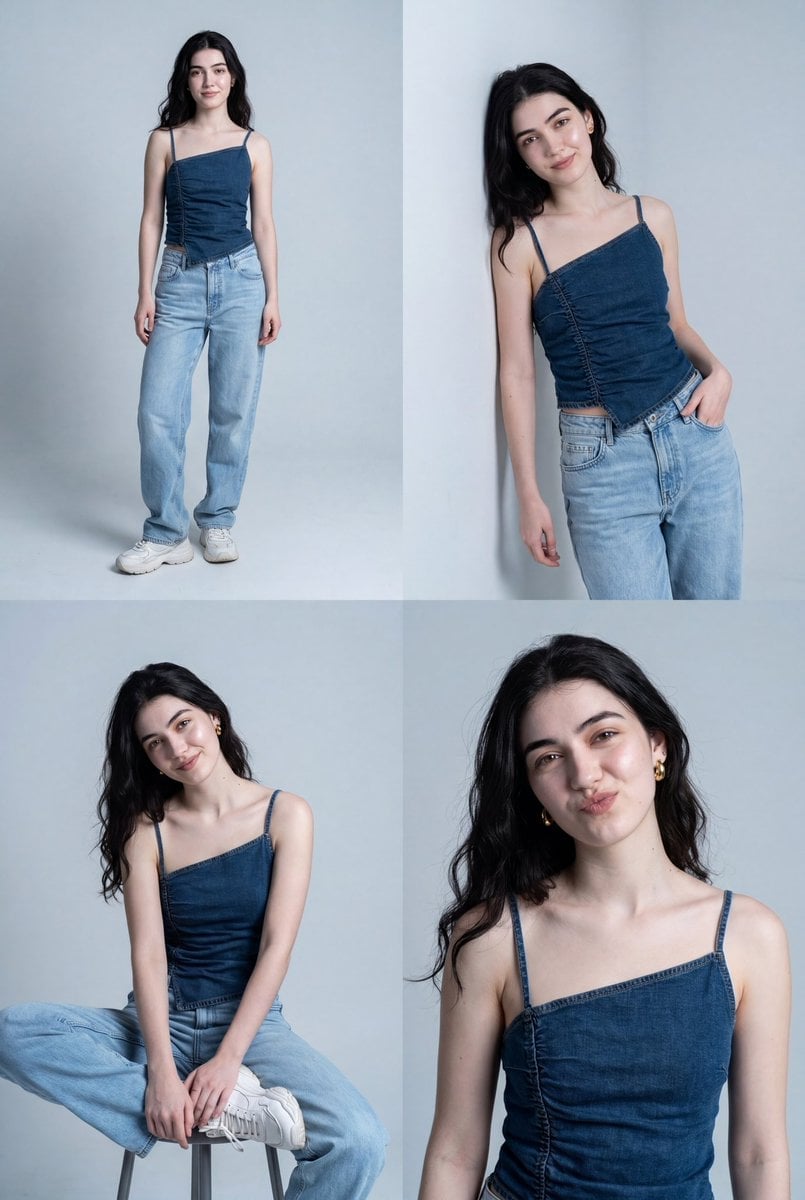
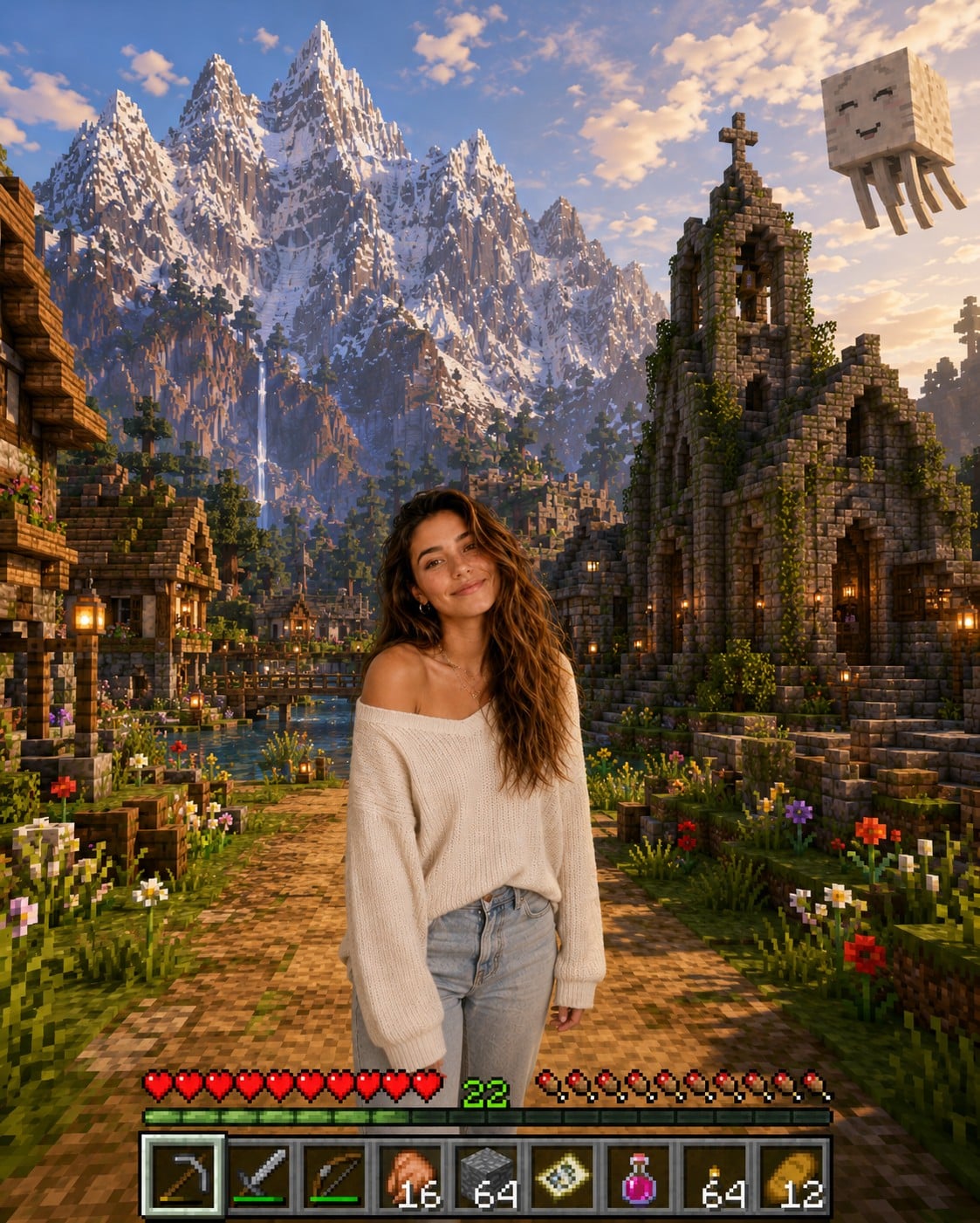
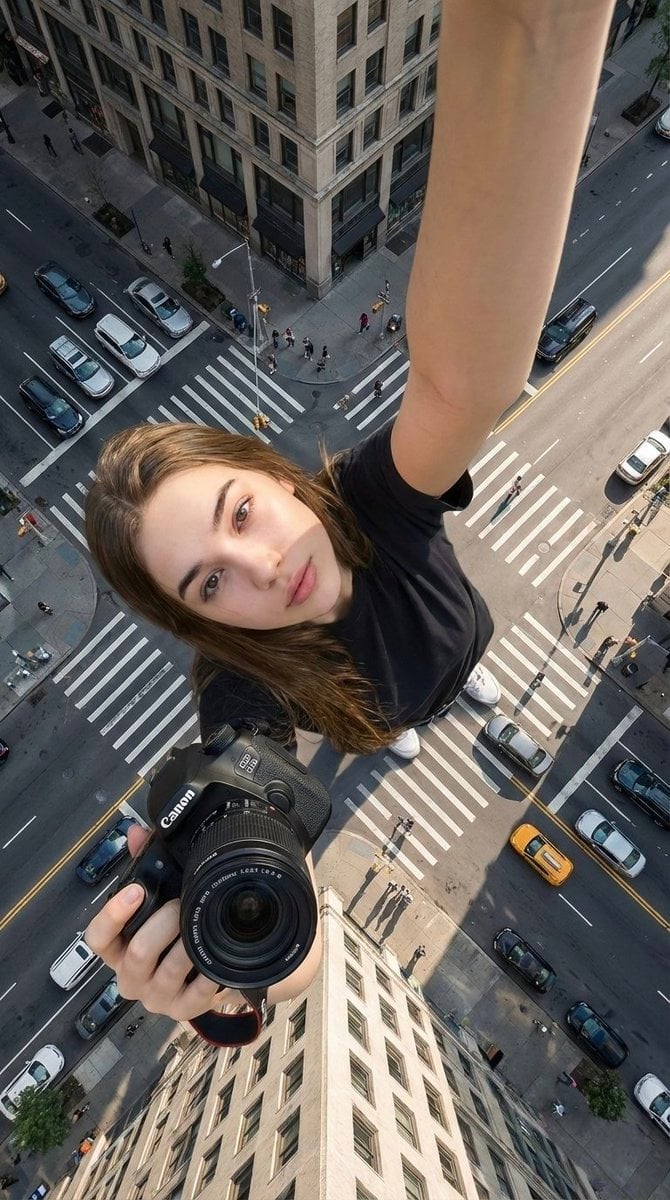
Ultra-realistic cinematic smartphone selfie. Beautiful young woman in an oversized off-shoulder {argument name="outfit color" default="cream"} knit sweater, {argument name="bottoms" default="denim shorts"}, {argument name="shoes" default="white sneakers"}, and a small crossbody bag, soft Korean glam makeup.\nInside a modern mall clothing store, happily posing beside another girl wearing the exact same outfit like a fashion twin. Both lean shoulder-to-shoulder making double peace signs with bright smiles.\nLarge red "50% OFF" sign above them, polished floor, warm store lighting, blurred shoppers in the background. One employee facepalms while another hides laughter, and a shopper secretly records the moment.\nSmartphone camera UI visible, HDR, realistic skin, slight wide-angle distortion, photorealistic, cinematic, 8K.\nNegative: anime, CGI, blur, bad anatomy, extra fingers, watermark, logo.
Choose the primary action to open PicX Studio with the available template settings. Review the model and format, personalize the creative direction, and generate when ready.
Yes. You can change the subject, setting, lighting, mood, format, and available model controls before creating your image.
This template is free to open and customize. Generation usage is shown in PicX Studio before you create.
Start with GPT Image 2, which is the model associated with this template. You can compare another compatible model for a different finish.
Follow a topic to a crawlable collection of related PicX Studio templates.