
Chaotic Cat Flash Snapshot
Generates a raw low-light smartphone-style candid photo of two people struggling with a hissing cat in a messy apartment.
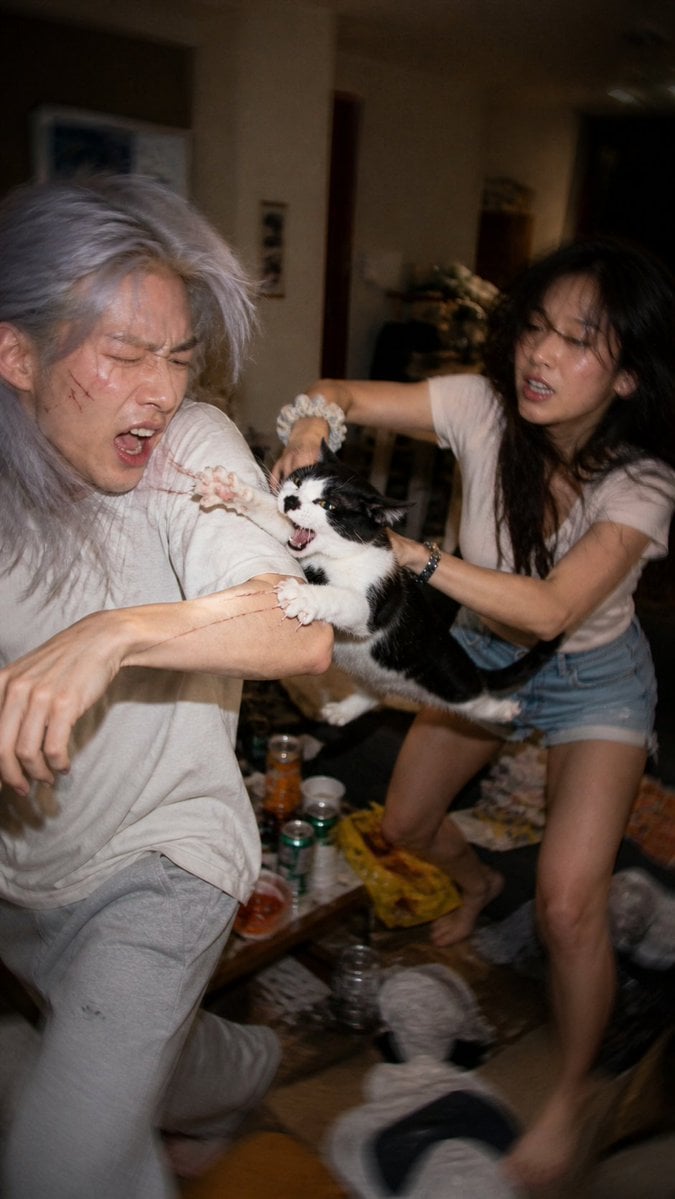
- Prompt included
- Model and format preset
- Free template
The prompt behind this image
Copy the exact prompt behind Chaotic Cat Flash Snapshot, or open it in the studio and make it yours.
Create an ultra-realistic candid smartphone flash photo in a messy dim apartment at night, vertical 9:16 framing, low-end Android camera look with harsh direct flash, motion blur, imperfect autofocus, grain, compression artifacts, awkward tilted composition, and raw chaotic party energy. The scene shows exactly two young adults and one black-and-white cat: on the left, a young adult with {argument name="hair color" default="silver-gray messy shoulder-length hair"} wearing an oversized off-white T-shirt and light gray sweatpants, recoiling and twisting away with one arm stretched forward; on the right, a young woman with long dark hair wearing a pale T-shirt and denim shorts, barefoot, leaning forward while holding the cat. The cat is suspended between them, black-and-white tuxedo markings, mouth wide open hissing or yowling, claws gripping the left person’s forearm, creating a frantic accidental moment. Add large rectangular privacy blocks obscuring both human faces, as if posted online with identities hidden. The background is cluttered and realistic: a low table with cans, cups, bottles, snacks and trash, scattered objects on the floor, slippers near the bottom, warm dark interior lighting, doorway and furniture fading into shadow. Make it look like a badly timed real phone snapshot rather than a polished photo, with blown flash highlights, smeared movement, off-center cropping, and a sense that the photographer reacted too late.
How to use Chaotic Cat Flash Snapshot in 3 steps
- 1Upload ImagePNG, JPG or paste
Add your photo
Upload the photo the template builds on. The prompt, model and format are already set.
- 2…a portrait of your subject in softgolden-hour light, 85mm…
Personalize
Edit the subject and creative details for your destination.
- 3Generate
Generate
Press Generate — your image is created in PicX Studio, so you can compare it with the original and refine one variable at a time.
More like this
Templates with the same subject, style or setup. Open one to see its prompt.
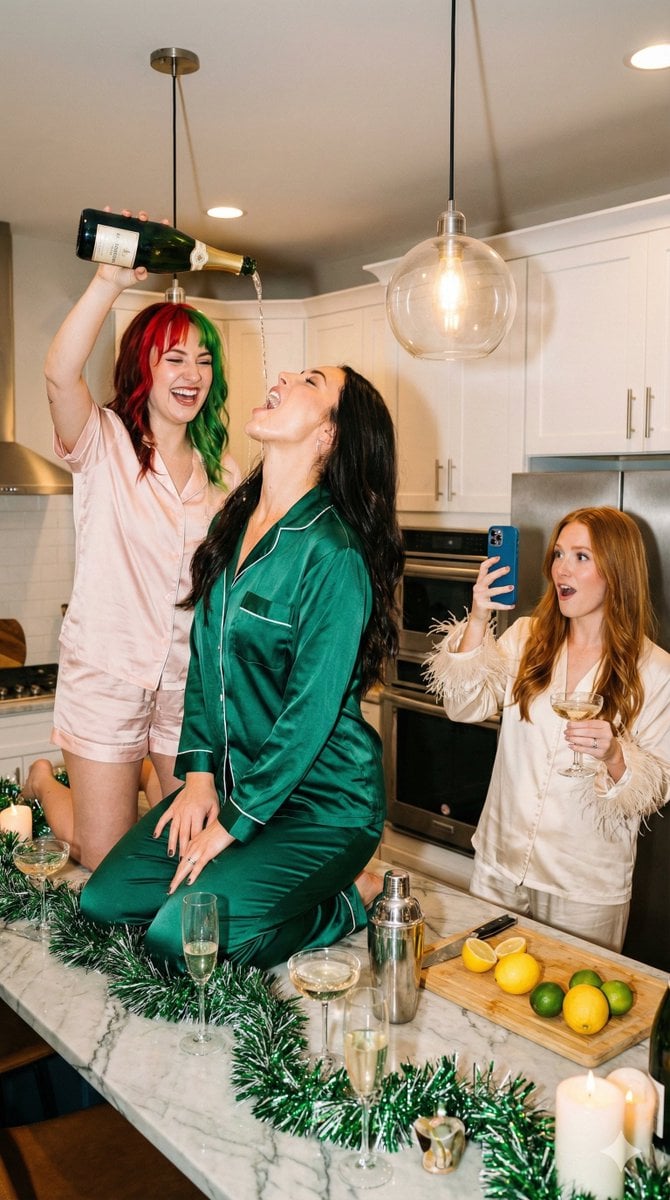
Candid Flash Photography: Chaotic Holiday Party (Duplicate)

Cat Photobomb Selfie — 0.5x Wide Angle Café Chaos

Surreal Cat Astronaut — Humanoid Face Freefall
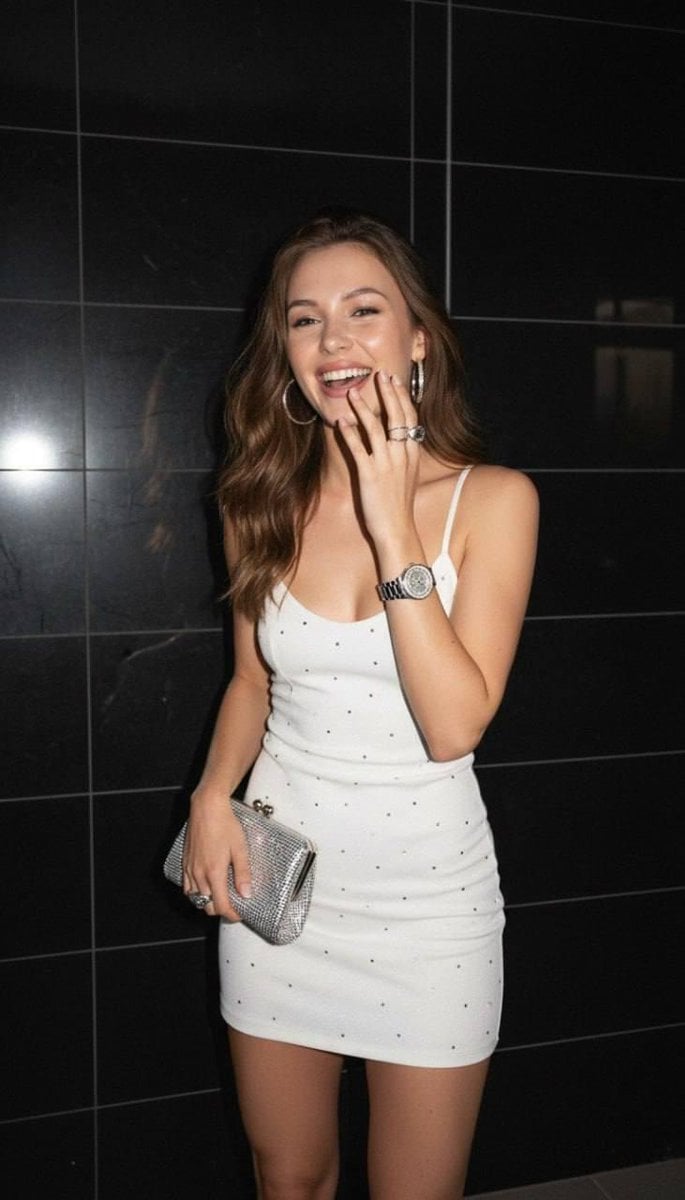
2000s Handheld Flash Snapshot

Nostalgic Digicam Café Afternoon Portrait
Nostalgic Digicam Café Afternoon Portrait

Low Angle Floor Selfie With Upside Down Cat
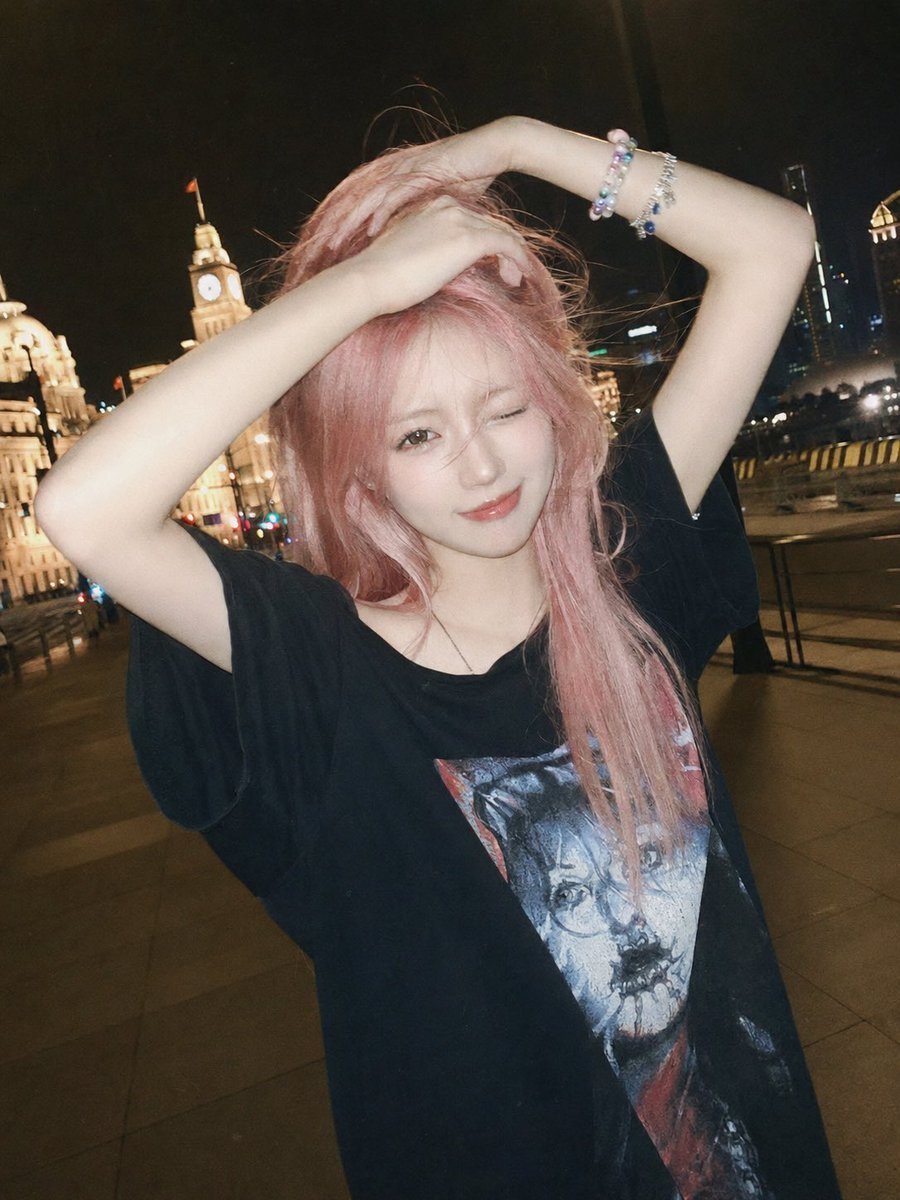
Flash Snapshot on Shanghai Bund
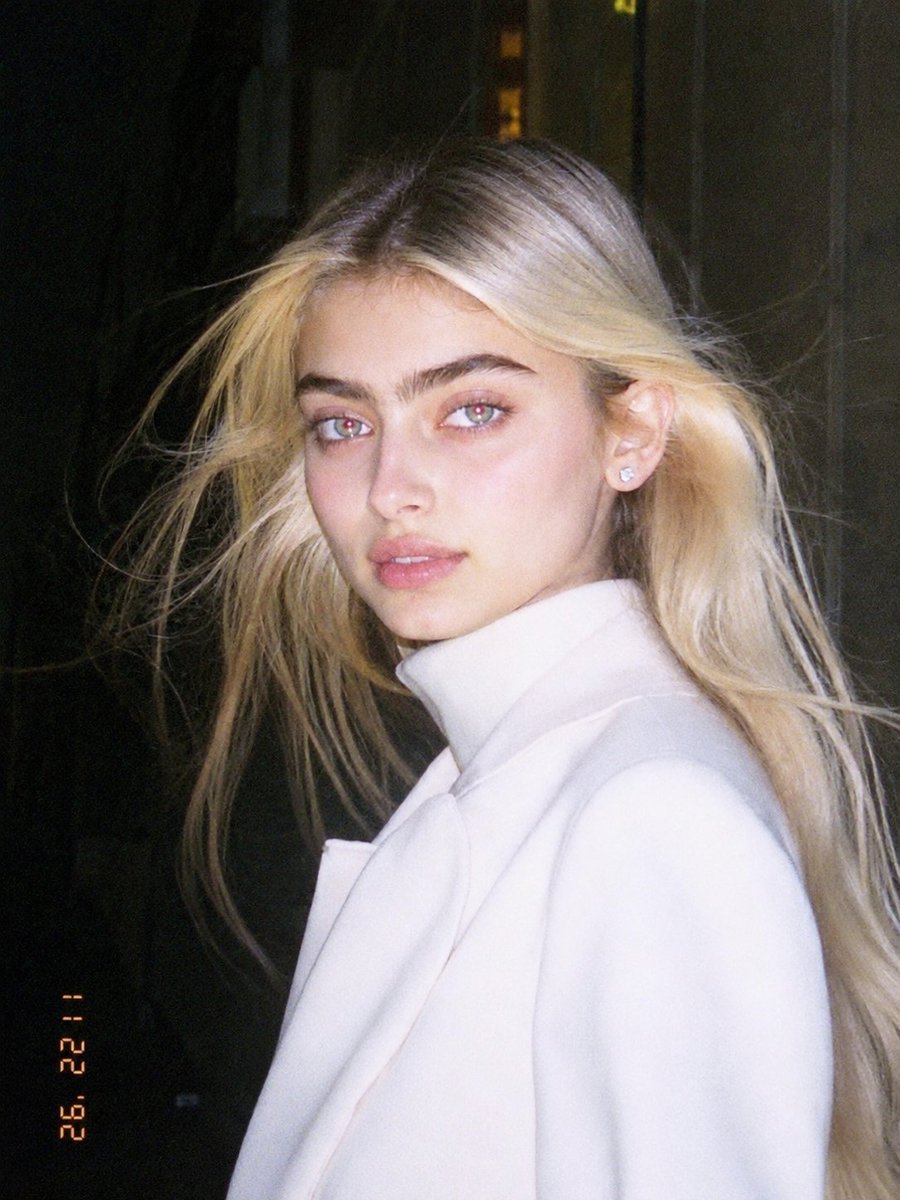
1990s Flash Camera Snapshot Portrait
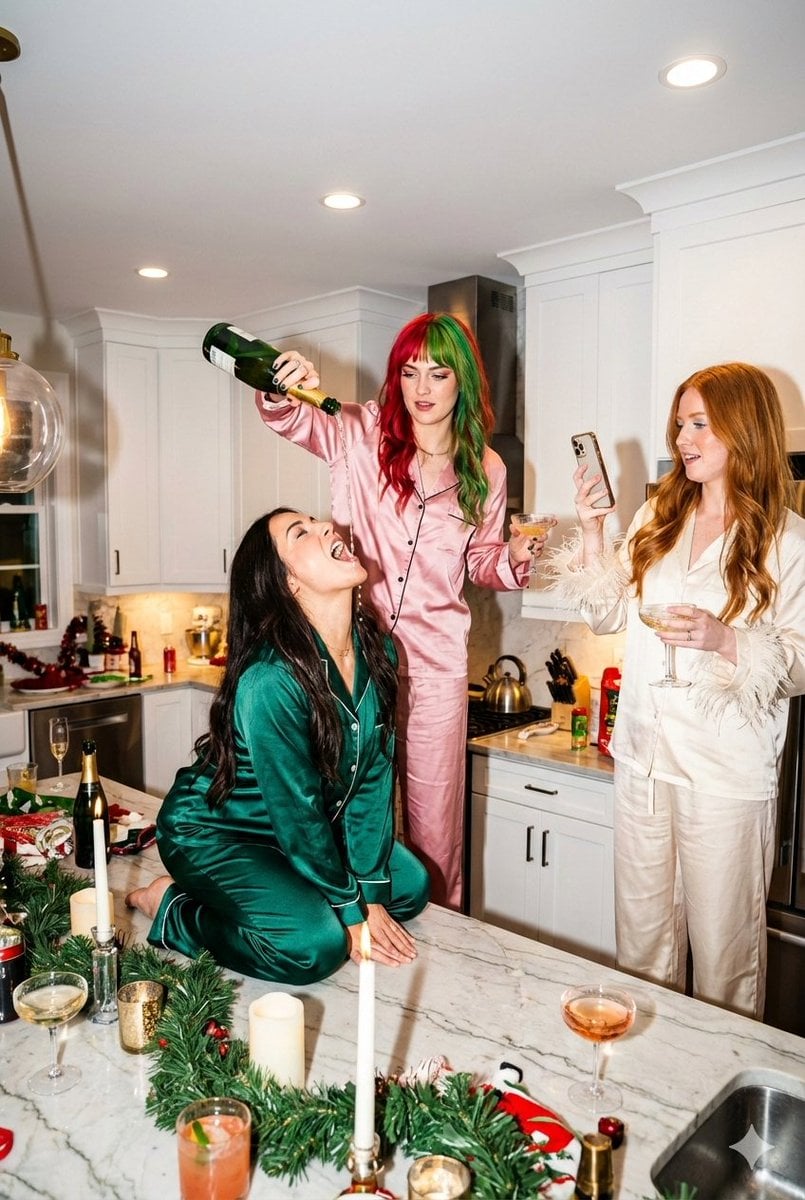
Candid Flash Photography: Chaotic Holiday Party
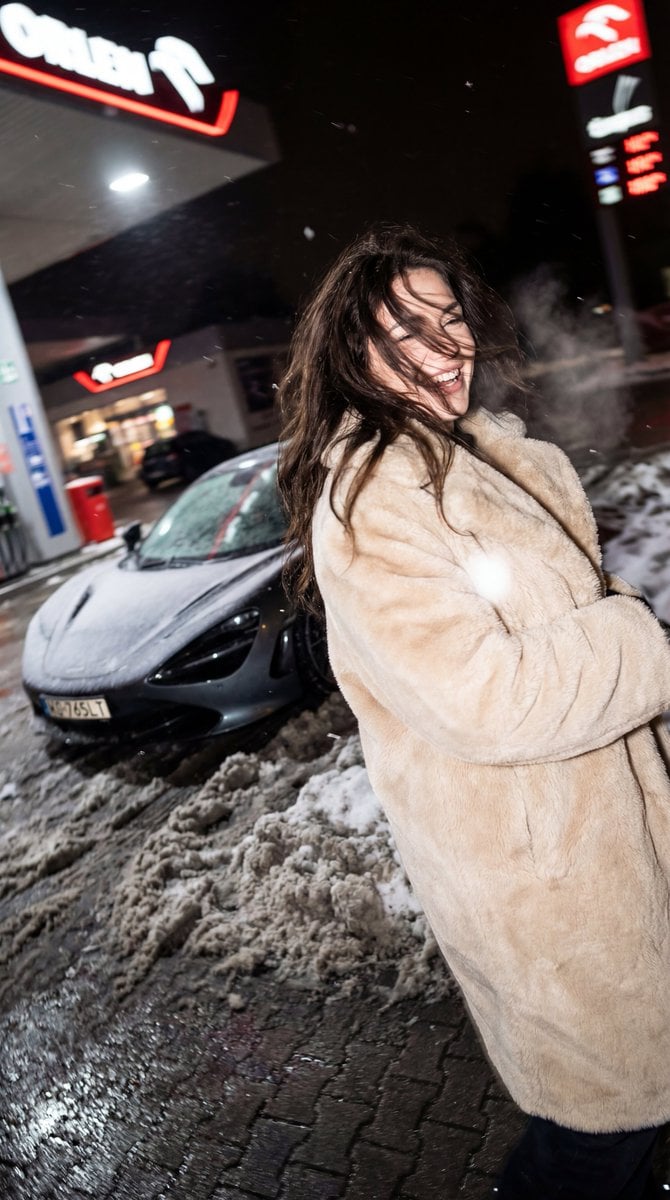
Chaotic Nightlife Flash Photography Portrait

Night Sports Car Portrait — Cinematic Moody
Make it yours
Chaotic Cat Flash Snapshot works as-is. These are the safest ways to change it without losing the look.
Change one field
Copy a single group, rewrite it, and generate again so you can see what that field is doing.
Keep the frame, change the subject
Hold the composition and light of Chaotic Cat Flash Snapshot, then swap wardrobe, props or the person for a new take.
| If the result… | Why | Fix |
|---|---|---|
| The result drifts from the preview | Too many fields changed at once. | Reuse Chaotic Cat Flash Snapshot as-is first, then change one group — subject, light, or setting. |
| The model over-stylizes the scene | The prose prompt leaves finish and camera underspecified. | Add one camera or lighting sentence and stay on GPT Image 2. |
More GPT Image 2 templates
Other prompts made for GPT Image 2.

Six VTuber Japanese Logo Sheet

Realistic Portrait of Woman and Deer

The Vista Modular Condo Poster

AI Model Routing Comparison Infographic

2.5D Anime Art Board

Isometric Productivity Desk Scene

New York Double Exposure Poster

Four-Panel AI Landscape Comparison

Japanese Tatami Lifestyle Magazine Cover

NESCAFÉ Coffee Map Poster
More image prompts
Fresh picks from across the catalog.
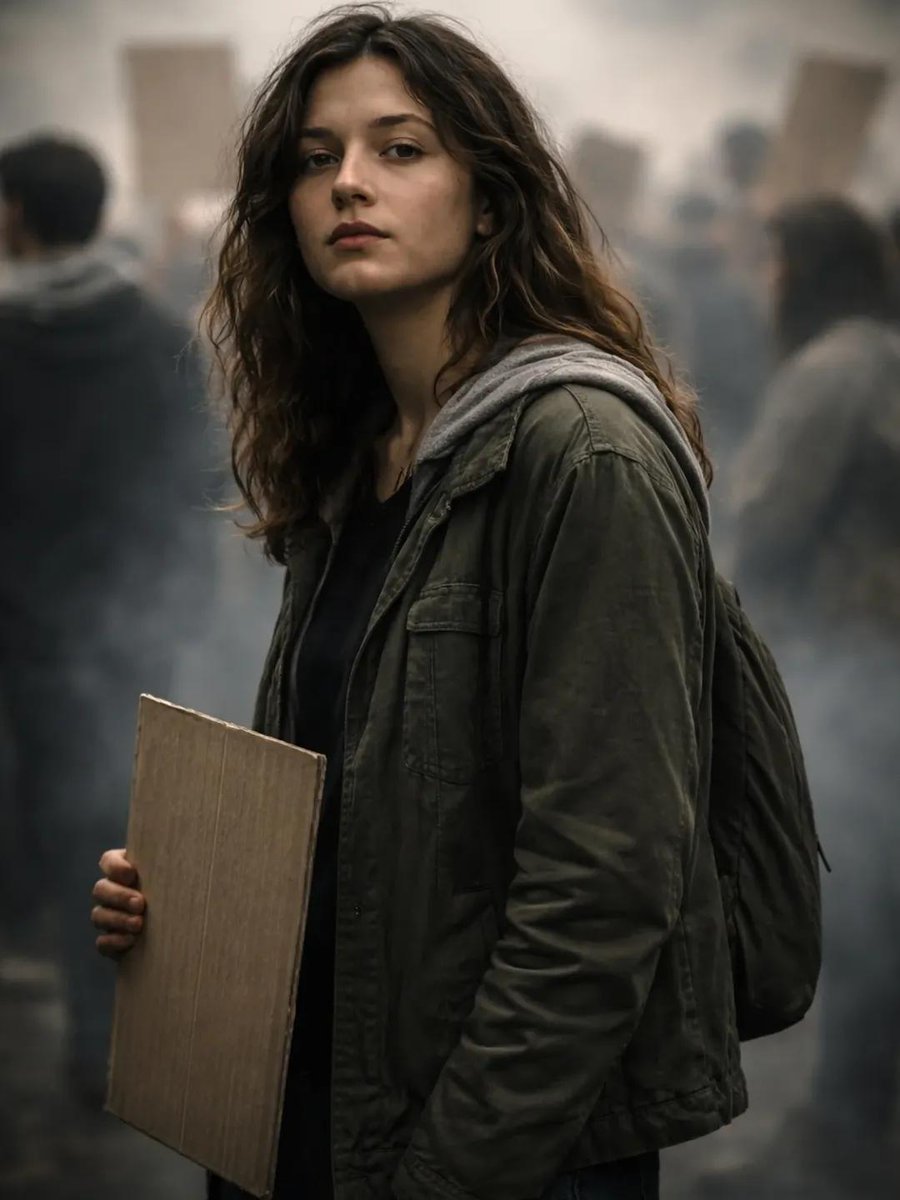
Documentary Portrait of Resilience in Protest
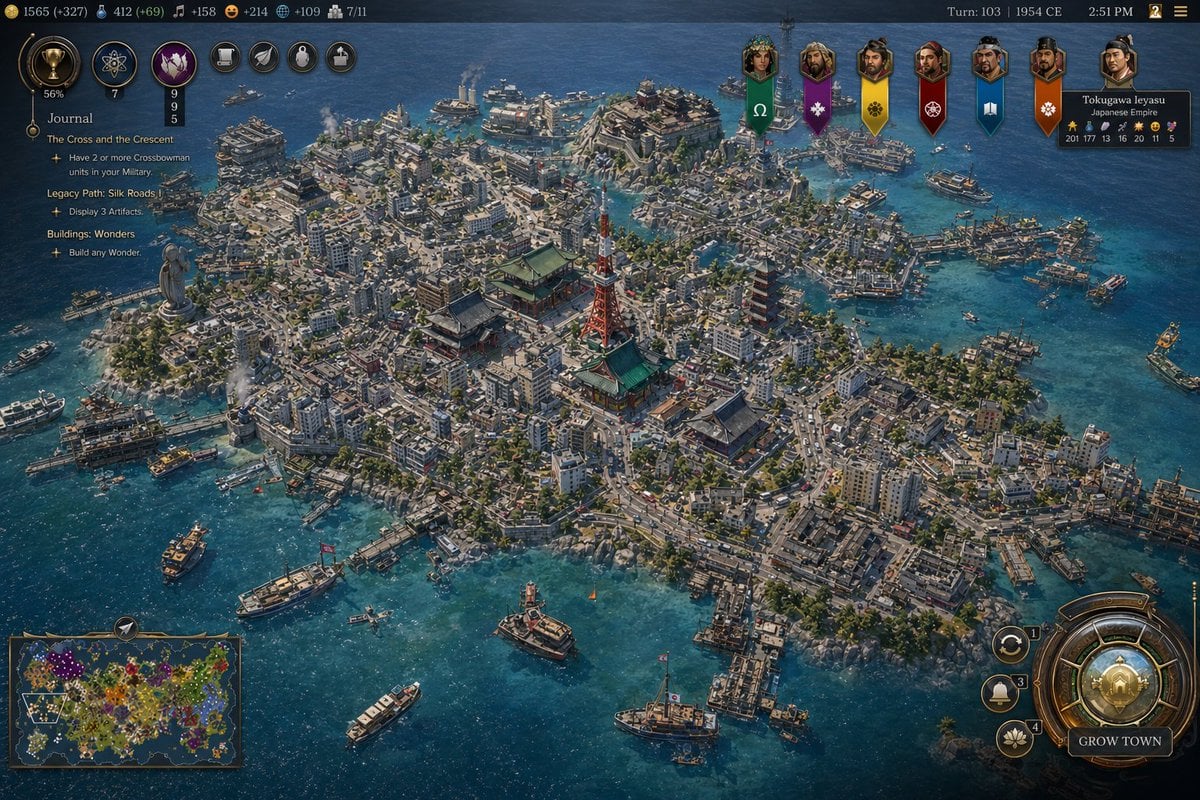
Civ-Style 1954 Tokyo Harbor Screenshot
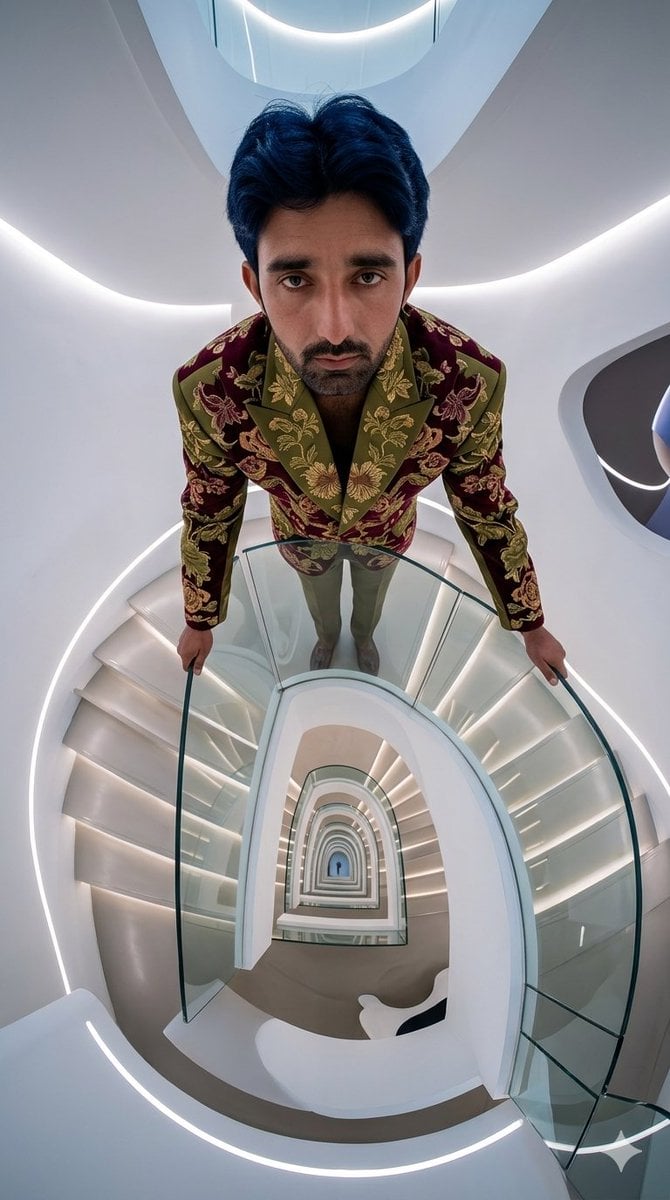
Fisheye Staircase Fashion Editorial
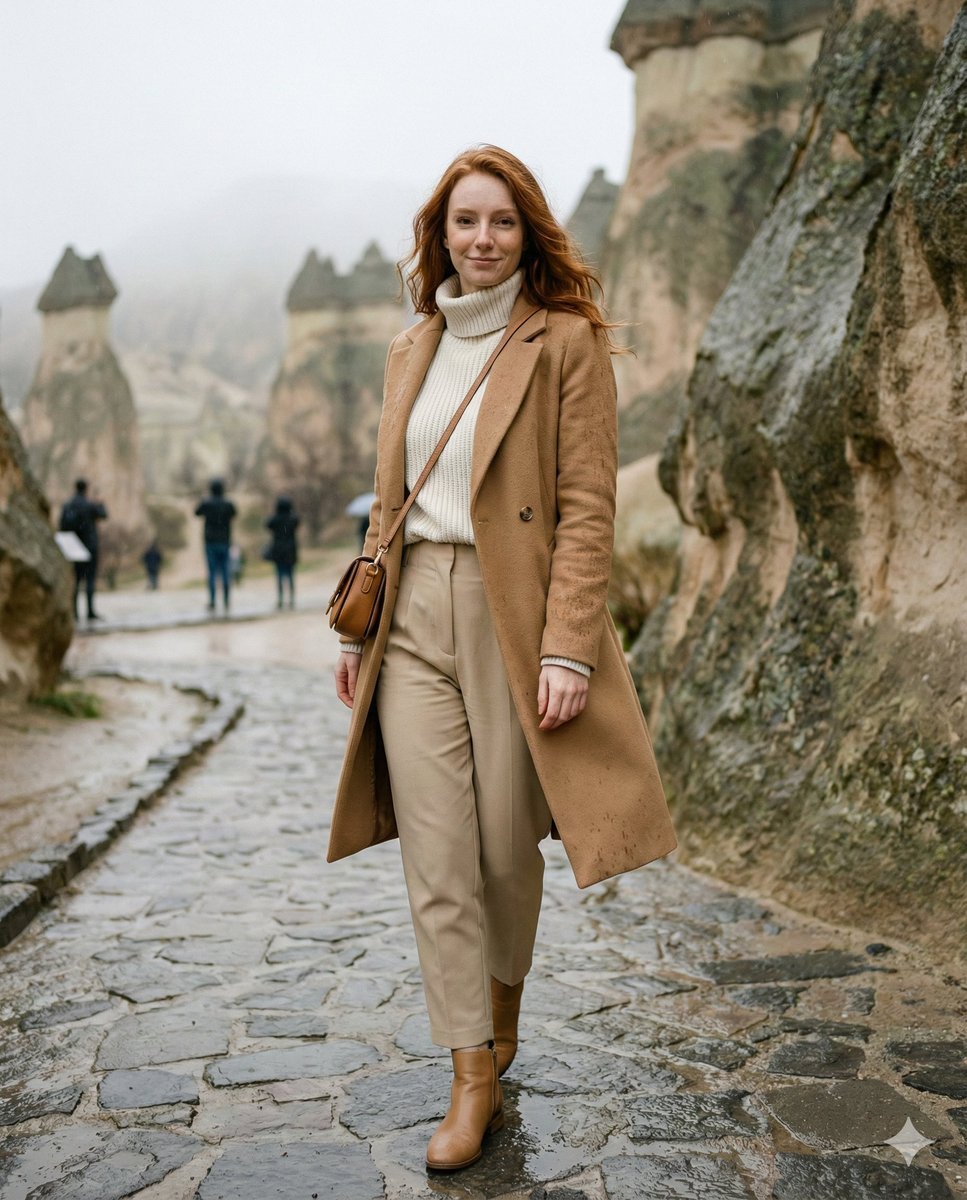
Winter Travel Influencer Editorial Prompt (Cappadocia)
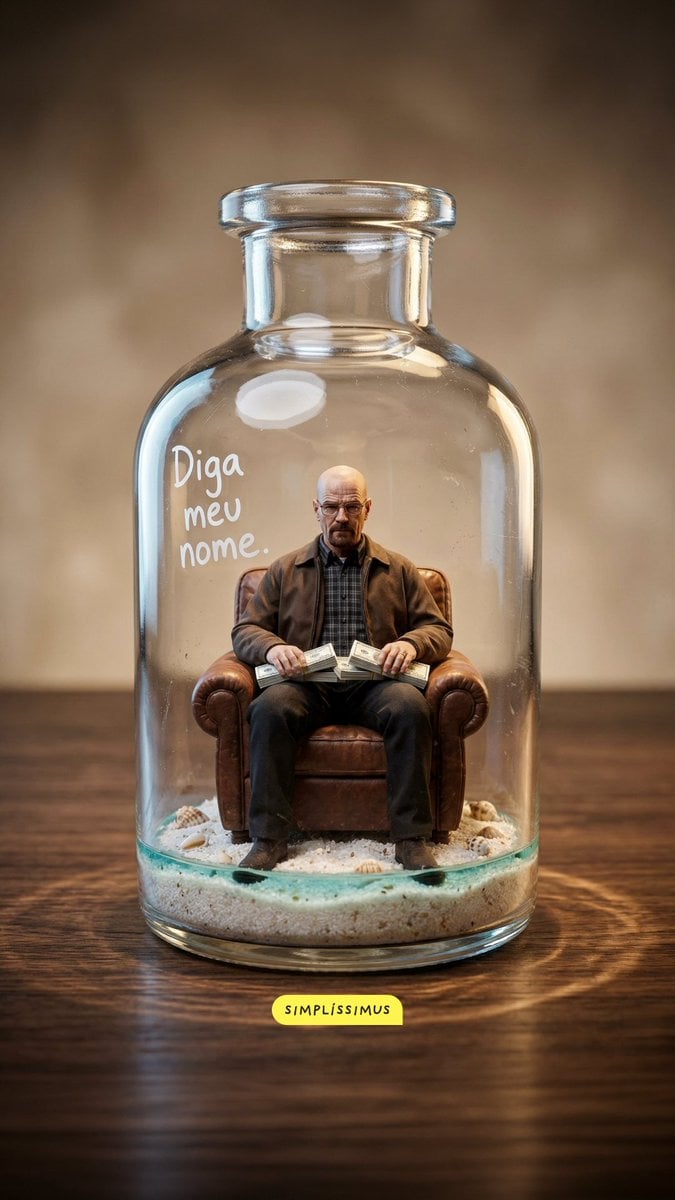
Hyper-real Miniature Diorama Pop Culture Prompt for Nano Banana 2
Luxury Fashion Color Block Campaign
AI Cost Reduction Taoist Talisman
Taiwan Breakfast Shop Candid Portrait
Direct flash gamer girl Nano Banana Pro JSON tag prompt
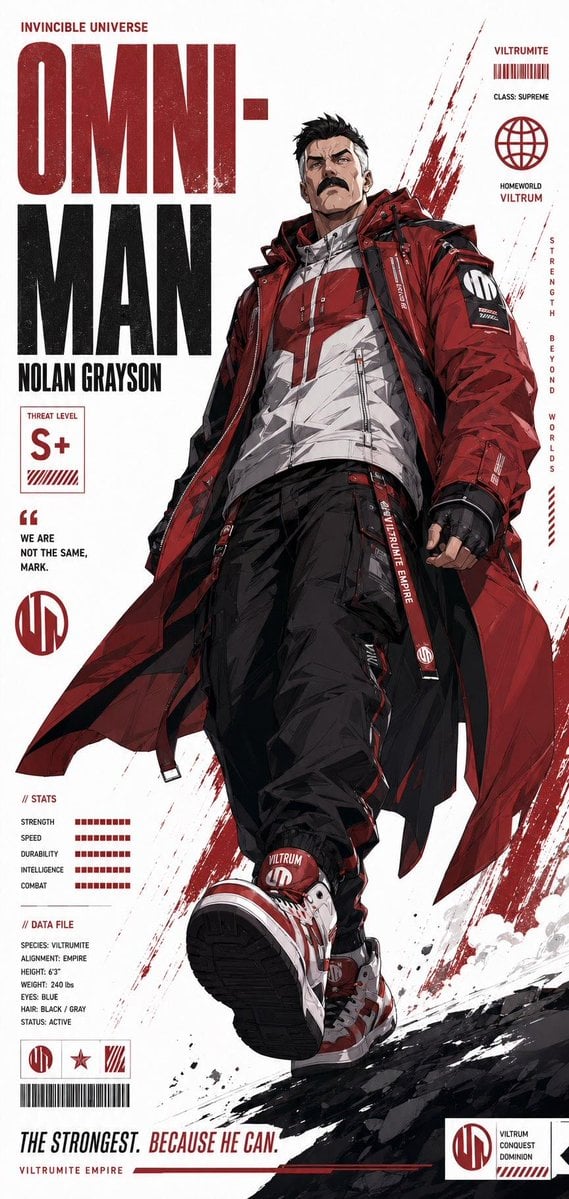
Futuristic Anime Superhero Techwear Poster
Browse template categories
Chaotic Cat Flash Snapshot questions
How do I use the Chaotic Cat Flash Snapshot template?
Add your photo if the template asks for one, edit the prompt if you like — the template's model and format are already selected — and press Generate. Your version opens in PicX Studio.
Can I customize the Chaotic Cat Flash Snapshot template?
Yes. You can change the subject, setting, lighting, mood, format, and available model controls before creating your image.
Is the Chaotic Cat Flash Snapshot template free?
Opening and editing this template is free. Generating uses credits, shown on the Generate button when you are signed in.
Which AI model should I use?
Start with GPT Image 2, which is the model associated with this template. You can compare another compatible model for a different finish.
Looking for something else? Browse all templates.

Your photo, any look
Thousands of ready templates for every top image and video model, from one credit balance.