How do I use the Flash Snapshot on Shanghai Bund template?
Edit the prompt in the box under the preview — the template's model and format are already selected — and press Generate. Your version appears right on this page.
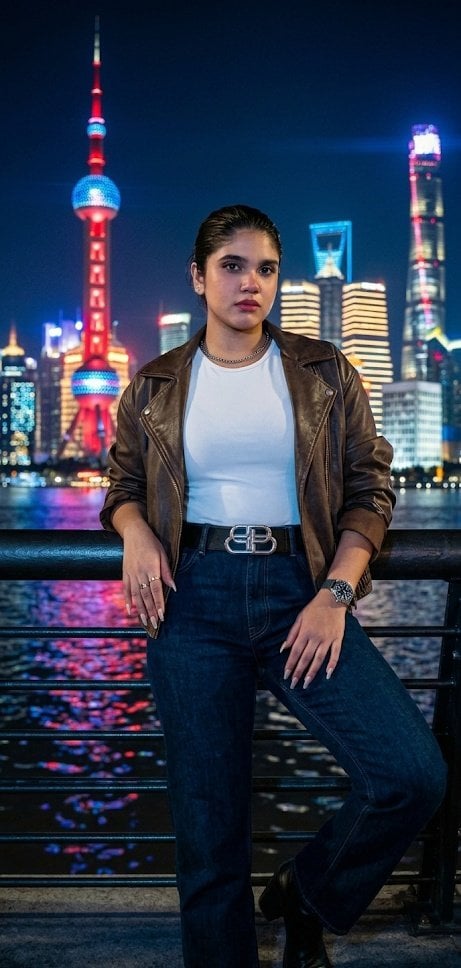
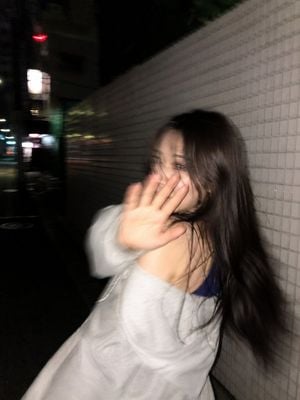
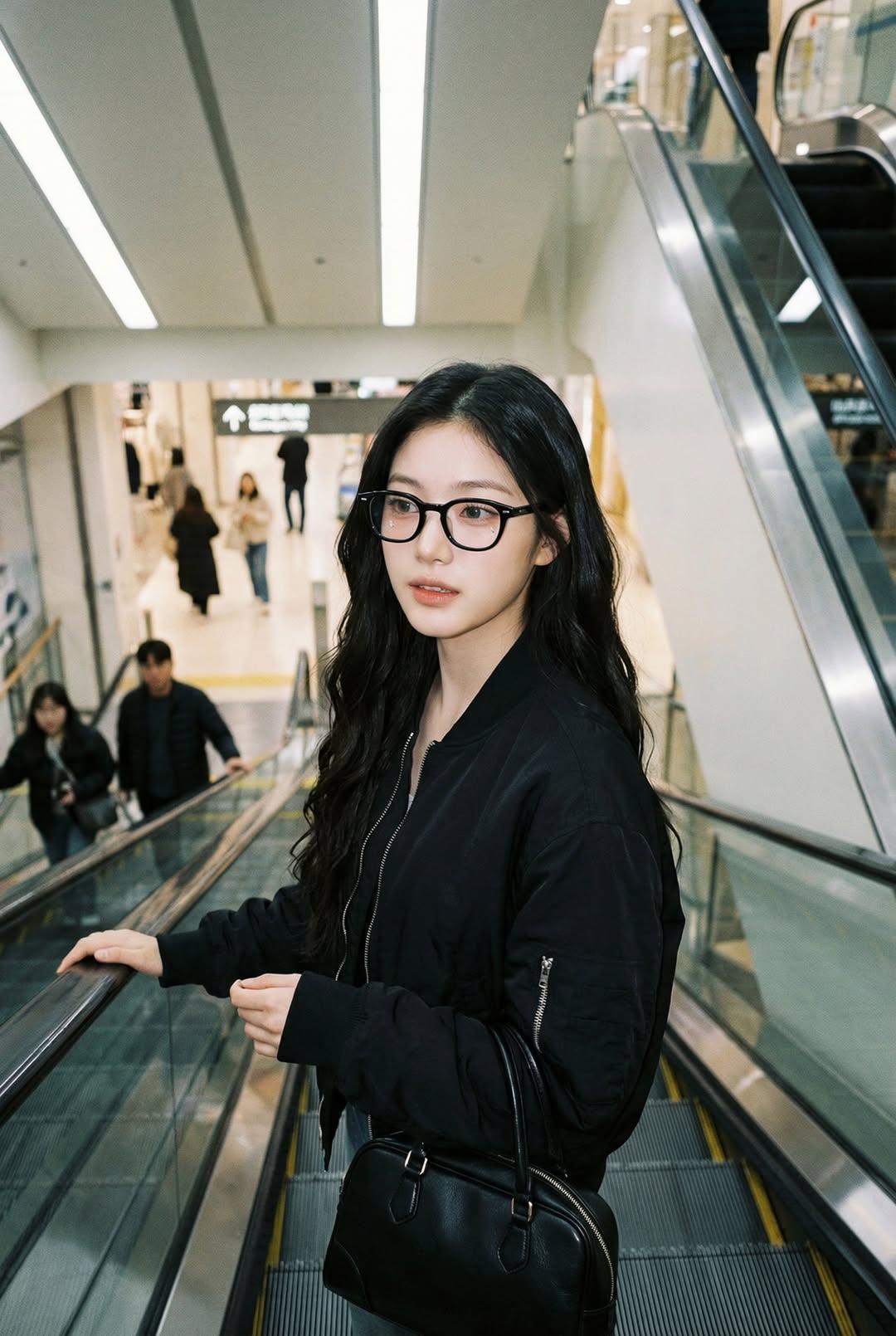
Generates a candid late-night Shanghai street portrait with harsh flash, film grain, and Japanese disposable-camera realism.

This template uses your photo — add one with the + button.
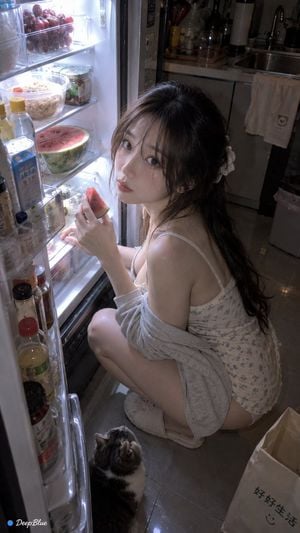
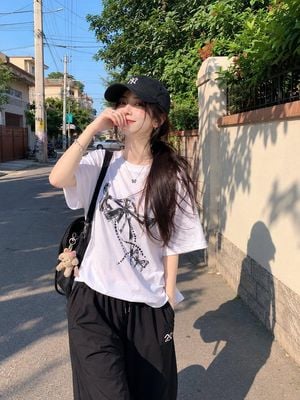
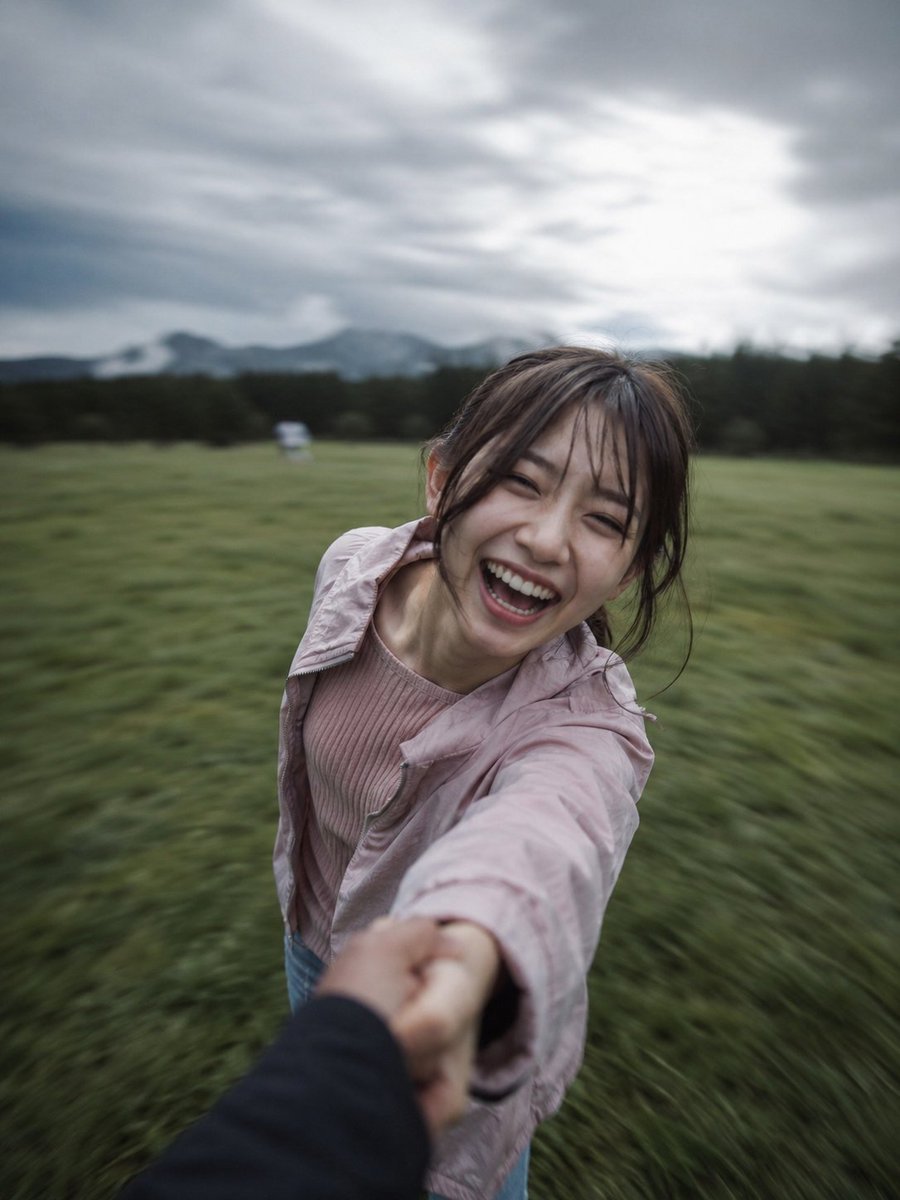
Create a realistic late-night street snapshot in Shanghai with a Japanese negative-film aesthetic, shot as direct flash photography on a Ricoh GR III or disposable film camera. The subject is one young urban woman standing very close to the camera on the Bund waterfront at night, framed from mid-thigh to above the head in a slightly awkward handheld vertical composition. She has {argument name="hair color" default="messy pastel pink hair"}, wind-tossed and partially covering her head, with both arms raised over her head in a spontaneous pose; her face is intentionally obscured by a plain square censor block in muted skin-pink color. She wears one oversized black T-shirt with a large distressed horror-style graphic print on the front, one thin necklace, and exactly two visible wrist accessories on her raised right wrist: a colorful beaded bracelet and a dangling silver charm bracelet. The background shows illuminated historic Shanghai architecture and clock-tower buildings on the left, dark modern skyline lights on the right, wet-looking pavement, railings, and a dark riverfront promenade. Use harsh flash highlights on skin and shirt, low-contrast deep shadows, visible film grain, subtle motion blur in the hair and hands, imperfect handheld tilt, candid diary-like city-girl atmosphere, random beautiful flaws, realistic skin texture, warm building lights against a black night sky, and no polished studio look.
Create a realistic late-night street snapshot in Shanghai with a Japanese negative-film aesthetic, shot as direct flash photography on a Ricoh GR III or disposable film camera. The subject is one young urban woman standing very close to the camera on the Bund waterfront at night, framed from mid-thigh to above the head in a slightly awkward handheld vertical composition. She has {argument name="hair color" default="messy pastel pink hair"}, wind-tossed and partially covering her head, with both arms raised over her head in a spontaneous pose; her face is intentionally obscured by a plain square censor block in muted skin-pink color. She wears one oversized black T-shirt with a large distressed horror-style graphic print on the front, one thin necklace, and exactly two visible wrist accessories on her raised right wrist: a colorful beaded bracelet and a dangling silver charm bracelet. The background shows illuminated historic Shanghai architecture and clock-tower buildings on the left, dark modern skyline lights on the right, wet-looking pavement, railings, and a dark riverfront promenade. Use harsh flash highlights on skin and shirt, low-contrast deep shadows, visible film grain, subtle motion blur in the hair and hands, imperfect handheld tilt, candid diary-like city-girl atmosphere, random beautiful flaws, realistic skin texture, warm building lights against a black night sky, and no polished studio look.
Edit the prompt in the box under the preview — the template's model and format are already selected — and press Generate. Your version appears right on this page.
Yes. You can change the subject, setting, lighting, mood, format, and available model controls before creating your image.
Opening and editing this template is free. Generating uses credits, shown on the Generate button when you are signed in.
Start with GPT Image 2, which is the model associated with this template. You can compare another compatible model for a different finish.
Follow a topic to a crawlable collection of related PicX Studio templates.