
Consistent Series Character Street Snapshot
A prompt designed to maintain identity consistency across a series, featuring a woman with a large bouquet of flowers in a vintage 35mm street photograph with heavy motion blur.
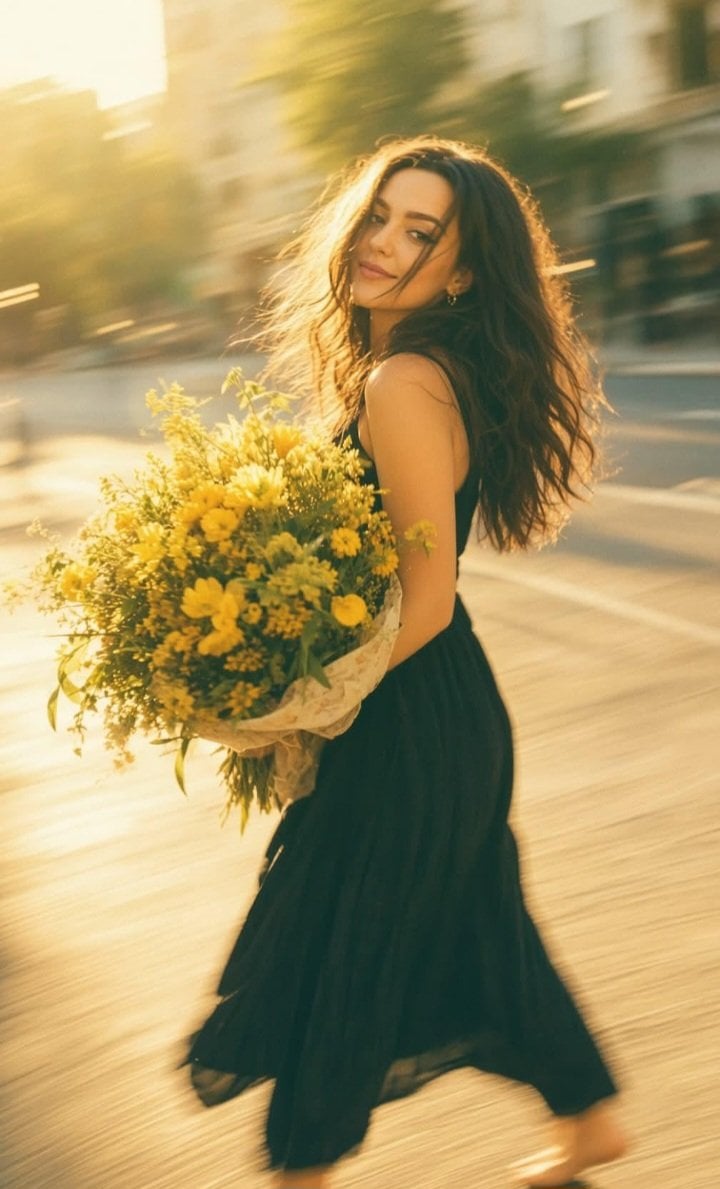
- Prompt included
- Model and format preset
- Free template
The prompt behind this image
Copy the exact prompt behind Consistent Series Character Street Snapshot, or open it in the studio and make it yours.
ABSOLUTE SERIES LOCK: Keep EXACTLY the SAME woman and identity, SAME city street, SAME enormous messy bouquet of {argument name="flower type" default="real yellow flowers"}, SAME {argument name="outfit" default="dark outfit"}, SAME long loose hair, SAME {argument name="vintage tint" default="strong golden-yellow vintage tint"}, SAME heavy motion blur, SAME softness and SAME old RAW 35mm character. DO NOT redesign anything. ONLY CHANGE: POSE + CAMERA ANGLE. POSE — COMPLETELY NEW: She is captured in the exact moment of SUDDENLY STOPPING after moving quickly. Her body is turned in a strong THREE-QUARTER SIDE angle. Her torso leans slightly BACKWARD from the sudden stop. One leg is planted firmly forward while the other remains stretched slightly behind her, heel lifted naturally from the pavement. She holds the huge bouquet LOW against ONE HIP and stomach with BOTH arms instead of directly against her chest. Because the bouquet is genuinely heavy, her shoulders are slightly uneven and one side of her body drops naturally under its weight. Her head turns BACK over her shoulder toward something behind her. She is NOT looking directly into the camera. EXPRESSION — VERY SUBTLE: Only a tiny spontaneous smile. Lips CLOSED with one corner lifted slightly more than the other. Relaxed cheeks. NO teeth. NO laughing. NO wide smile. NO perfect symmetry. NO AI expression. HAIR: Her long loose hair continues moving FORWARD from inertia while her body has already stopped. Large messy sections sweep across one side of her face and shoulder. Strong natural motion blur. NO perfect waves. NO individually rendered strands. BOUQUET — REAL / IMPERFECT: Enormous heavy bouquet of REAL freshly cut yellow flowers. Uneven clusters, different sizes, crooked stems, bent leaves, damaged and crushed sections, irregular gaps and flowers facing random directions. The bouquet is slightly compressed where her arms hold it. Loose transparent florist wrapping is wrinkled, folded and imperfect. NO cloned flowers. NO repeated flower patterns. NO perfect bouquet shape. NO plastic texture. NO botanical AI perfection. CAMERA — NEW ANGLE: Camera positioned from her SIDE-BACK at approximately HIP HEIGHT, only 2–3 meters away. The photographer is slightly behind her movement direction. Strong diagonal composition. The street recedes behind her while nearby pavement and passing urban elements streak across the frame. Framing is slightly crooked and imperfect, like a genuine accidental snapshot. MOTION BLUR — STRONG: Slow-shutter handheld 35mm photograph, approximately 1/20–1/30 sec. Her body is somewhat readable, but hair, bouquet edges, trailing leg and entire background have strong directional movement blur. Her FACE is also softly blurred and slightly missed in focus. NO frozen sharp details. COLOR: STRONG warm GOLDEN-YELLOW vintage cast over the entire frame. Creamy yellow highlights, honey-gold sunlight, warm beige skin, ochre pavement, muted brown-green shadows and yellowed whites. NO neutral whites. NO cold tones. OLD 35MM SOFTNESS:
How to use Consistent Series Character Street Snapshot in 3 steps
- 1
Open
The prompt is already in the box next to the preview, with the template's model and format selected.
- 2…a portrait of your subject in softgolden-hour light, 85mm…
Personalize
Edit the subject and creative details for your destination.
- 3Generate
Generate
Press Generate — your image is created in PicX Studio, so you can compare it with the original and refine one variable at a time.
More like this
Templates with the same subject, style or setup. Open one to see its prompt.

Two Tickets, One Night

Meet Me When It Rains

Two Hearts. One Scooter.

1986 Street Couple

1985 Street Scene

Cinematic Street Fashion Portrait Motion Blur Crowd

Blue Hour Editorial Fashion Portrait
Golden Hour Street Motion Portrait

Nostalgic Digicam Café Afternoon Portrait

Face-Locked Cream Half-Zip Street Walk

Golden Hour Fedora Bar Doorway Street Style
Cyber Noir Dreadlocks Street Portrait
Make it yours
Consistent Series Character Street Snapshot works as-is. These are the safest ways to change it without losing the look.
Change one field
Copy a single group, rewrite it, and generate again so you can see what that field is doing.
Keep the frame, change the subject
Hold the composition and light of Consistent Series Character Street Snapshot, then swap wardrobe, props or the person for a new take.
| If the result… | Why | Fix |
|---|---|---|
| The result drifts from the preview | Too many fields changed at once. | Reuse Consistent Series Character Street Snapshot as-is first, then change one group — subject, light, or setting. |
| The model over-stylizes the scene | The prose prompt leaves finish and camera underspecified. | Add one camera or lighting sentence and stay on GPT Image 2. |
More GPT Image 2 templates
Other prompts made for GPT Image 2.

Six VTuber Japanese Logo Sheet

Realistic Portrait of Woman and Deer

The Vista Modular Condo Poster

AI Model Routing Comparison Infographic

2.5D Anime Art Board

Isometric Productivity Desk Scene

New York Double Exposure Poster

Four-Panel AI Landscape Comparison

Japanese Tatami Lifestyle Magazine Cover

NESCAFÉ Coffee Map Poster
More image prompts
Fresh picks from across the catalog.
panel fitness boxing poster prompt
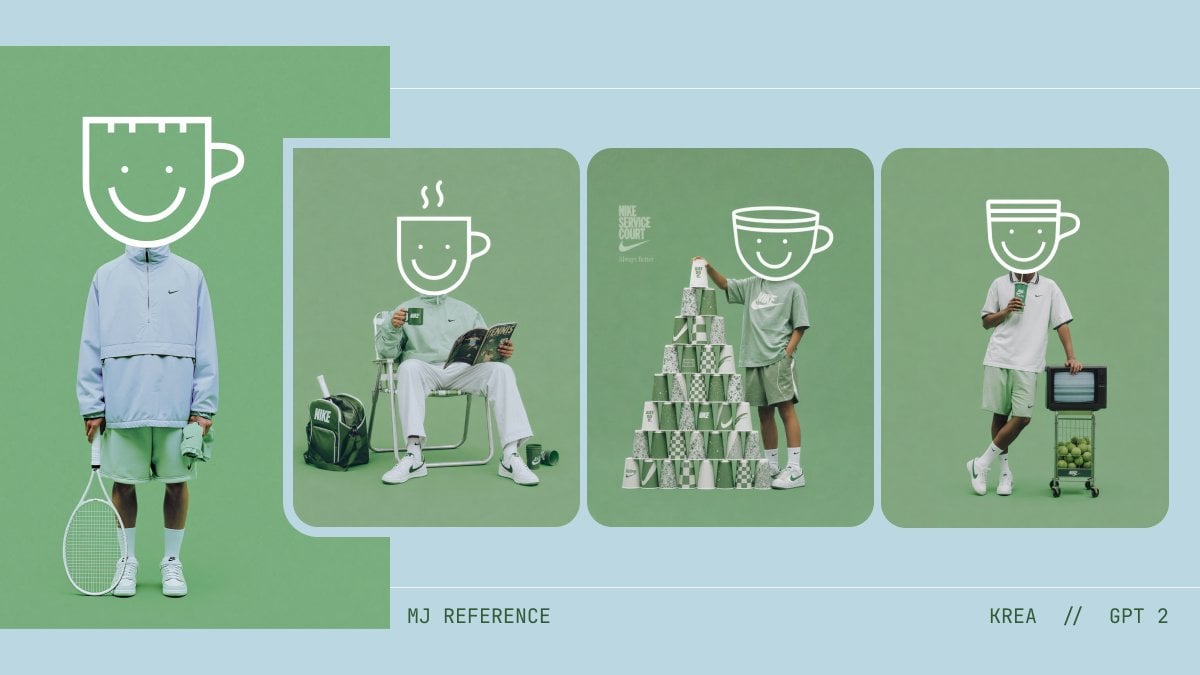
Monochrome Tennis Streetwear Moodboard
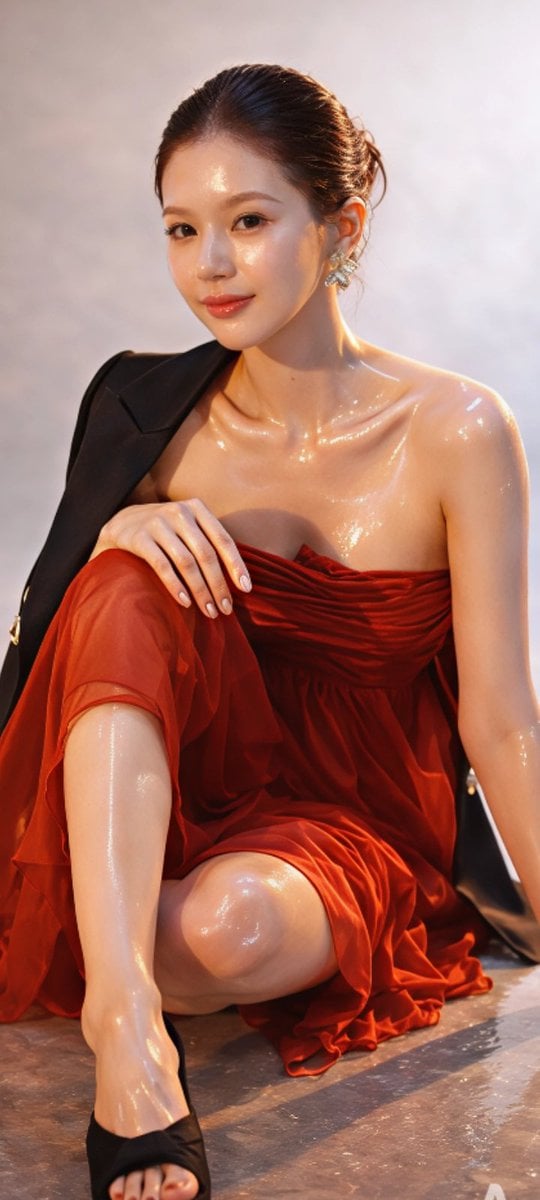
Zhao Lusi High-Fashion Editorial Prompt

Cinematic Tennis Sports Poster
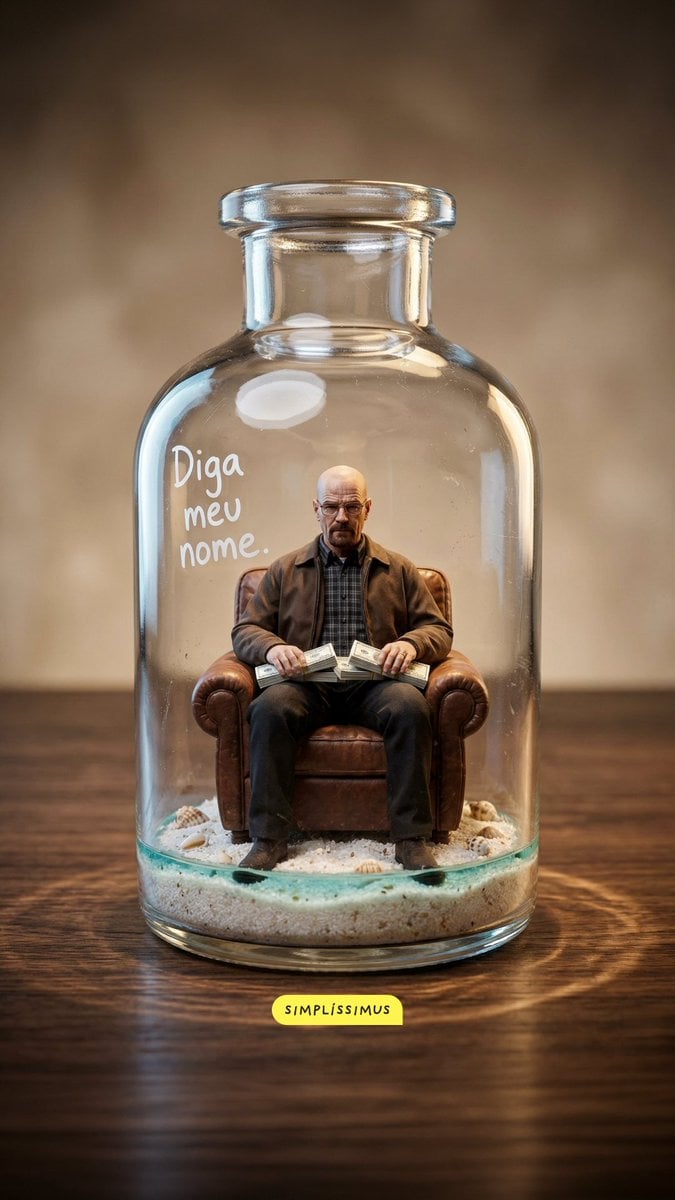
Hyper-real Miniature Diorama Pop Culture Prompt for Nano Banana 2
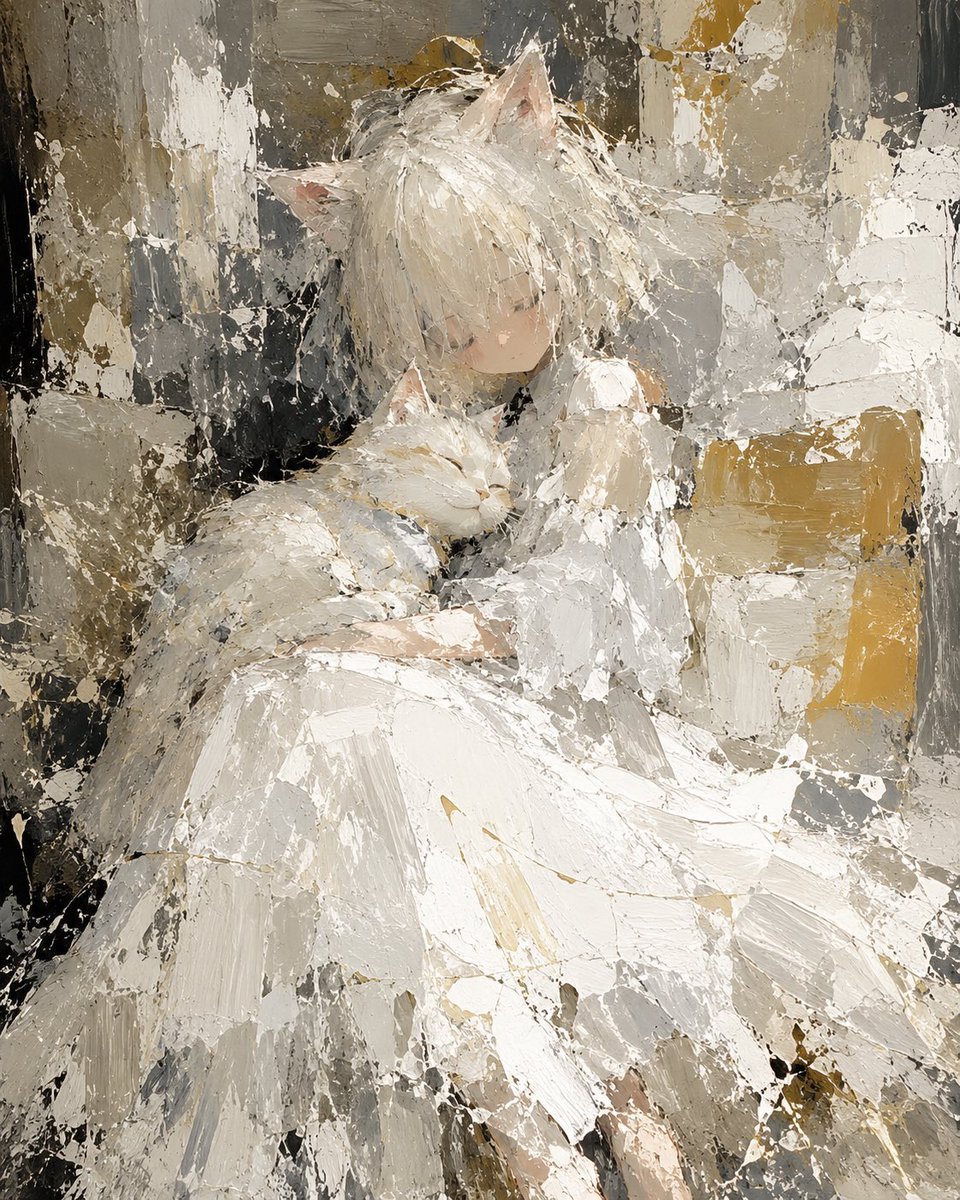
Abstract Cat Girl and Gentle Cat Painting
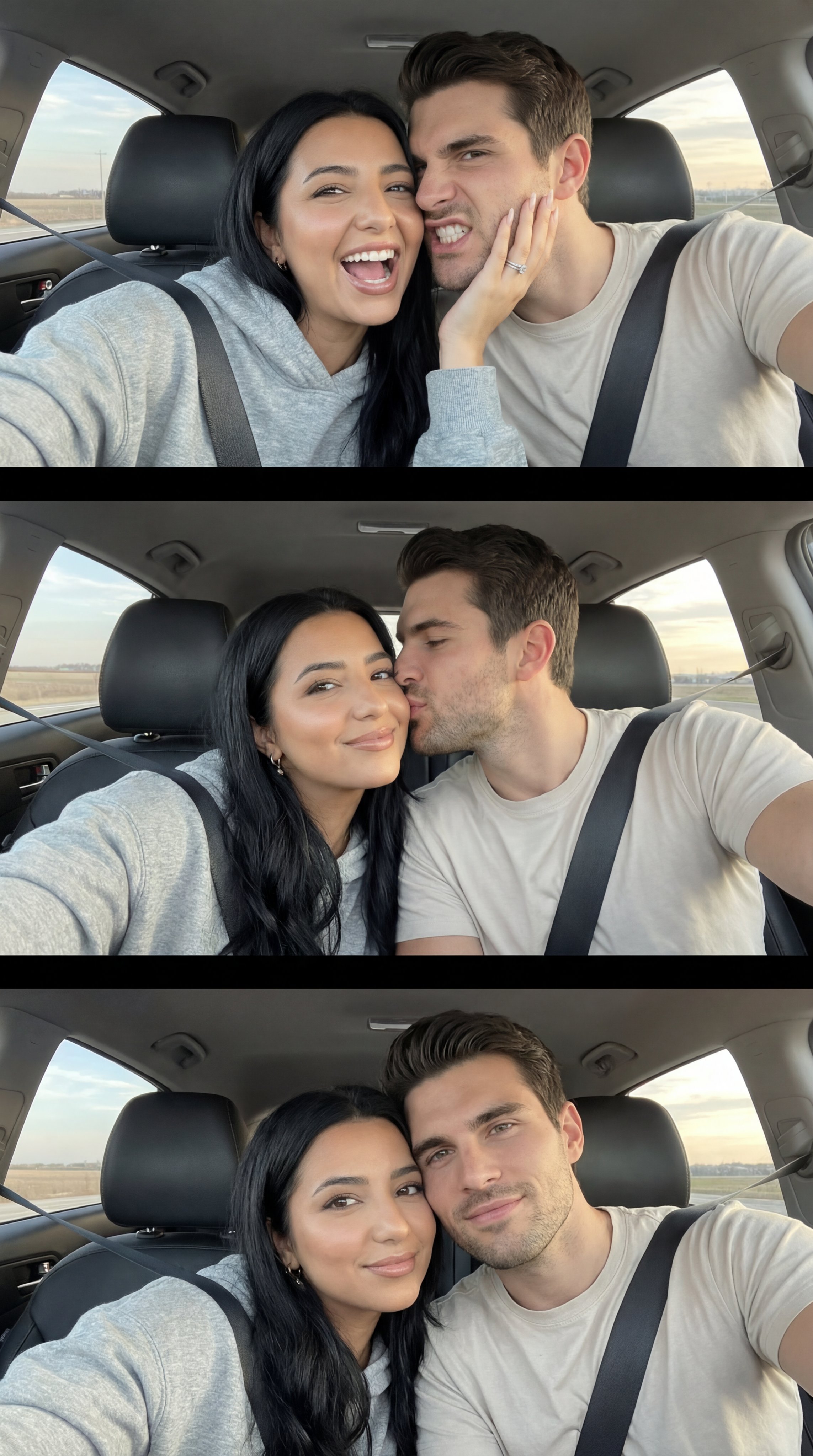
Ai Evolution Timeline Infographic
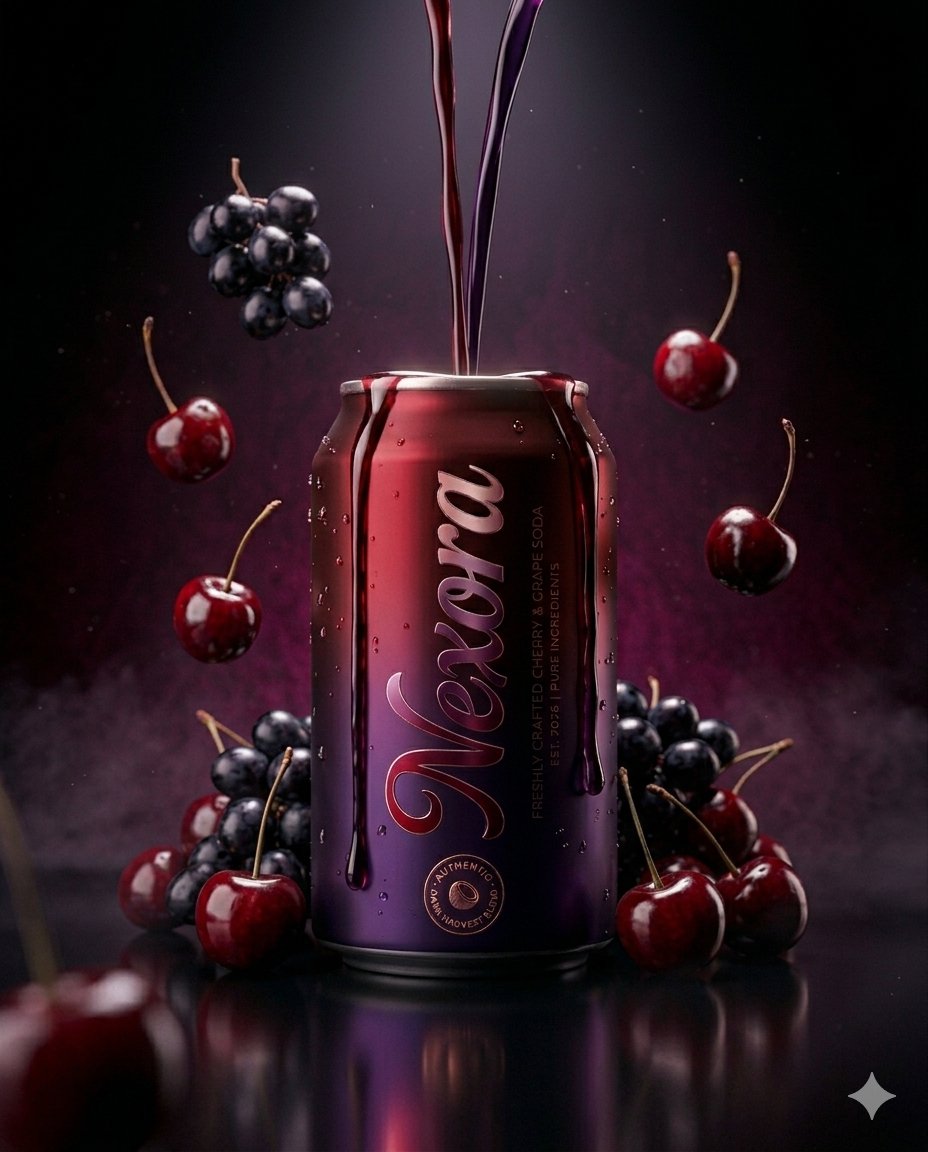
Ultra-realistic Beverage Product Photography Prompt
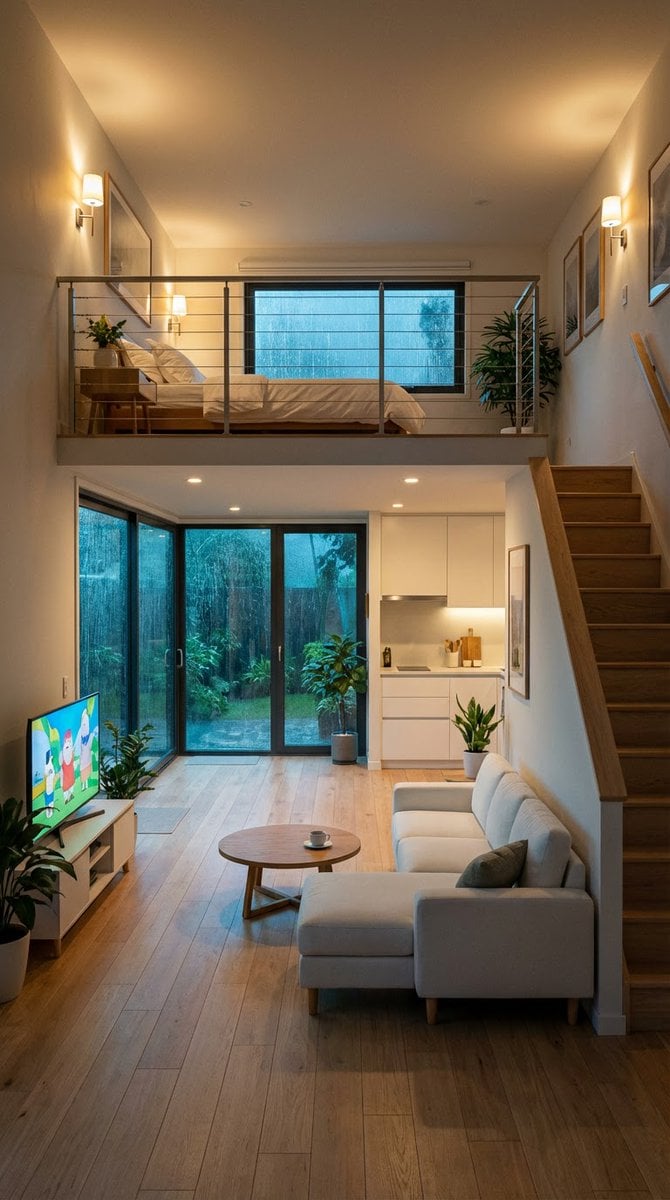
Cozy Split-Level Studio Apartment with Rainy Garden View
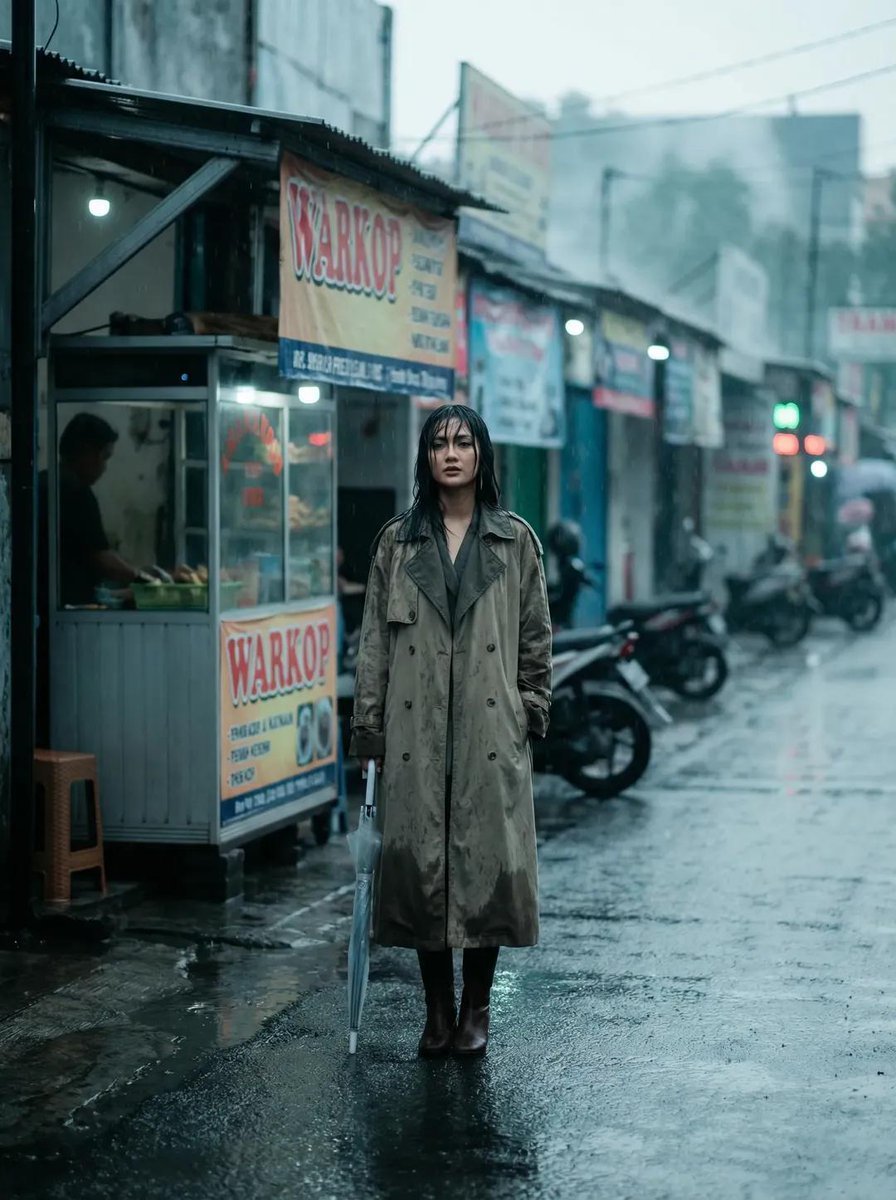
Rainy Indonesian Warkop Fashion Editorial Prompt
Browse template categories
Consistent Series Character Street Snapshot questions
How do I use the Consistent Series Character Street Snapshot template?
Add your photo if the template asks for one, edit the prompt if you like — the template's model and format are already selected — and press Generate. Your version opens in PicX Studio.
Can I customize the Consistent Series Character Street Snapshot template?
Yes. You can change the subject, setting, lighting, mood, format, and available model controls before creating your image.
Is the Consistent Series Character Street Snapshot template free?
Opening and editing this template is free. Generating uses credits, shown on the Generate button when you are signed in.
Which AI model should I use?
Start with GPT Image 2, which is the model associated with this template. You can compare another compatible model for a different finish.
Looking for something else? Browse all templates.

Your photo, any look
Thousands of ready templates for every top image and video model, from one credit balance.