
Golden Hour Fedora Bar Doorway Street Style
Model: Golden hour, vintage vibes, effortless class.

- Prompt included
- Model and format preset
- Free template
The prompt behind this image
Copy the exact prompt behind Golden Hour Fedora Bar Doorway Street Style, or open it in the studio and make it yours.
A full-length street style photograph of a stylish Black(use refrence of uploaded images)man leaning casually against the dark green wooden doorway of a vintage-style bar. He is dressed in a classic, sophisticated outfit featuring: Clothing: A crisp white crewneck t-shirt with rolled-up sleeves, tucked into high-waisted, pleated taupe trousers secured with a dark brown leather belt. The trousers have clean cuffed hems resting just above sleek, polished black leather boots. Accessories: A tan wide-brim fedora hat tilted slightly, round wire-rimmed glasses, and multiple layered gold chain necklaces, including one with a distinct key or keyhole pendant. Setting & Lighting: Warm, natural golden hour sunlight illuminates the subject from the side, casting soft shadows. The background shows the dimly lit interior of a cozy, rustic bar with exposed brick walls, soft overhead pendant lighting, and bottles lined up neatly on dark wooden shelves one hand on a fedora hat and another hand in pocket
How to use Golden Hour Fedora Bar Doorway Street Style in 3 steps
- 1Upload ImagePNG, JPG or paste
Add your photo
Upload the photo the template builds on. The prompt, model and format are already set.
- 2…a portrait of your subject in softgolden-hour light, 85mm…
Personalize
Edit the subject and creative details for your destination.
- 3Generate
Generate
Press Generate — your image is created in PicX Studio, so you can compare it with the original and refine one variable at a time.
More like this
Templates with the same subject, style or setup. Open one to see its prompt.
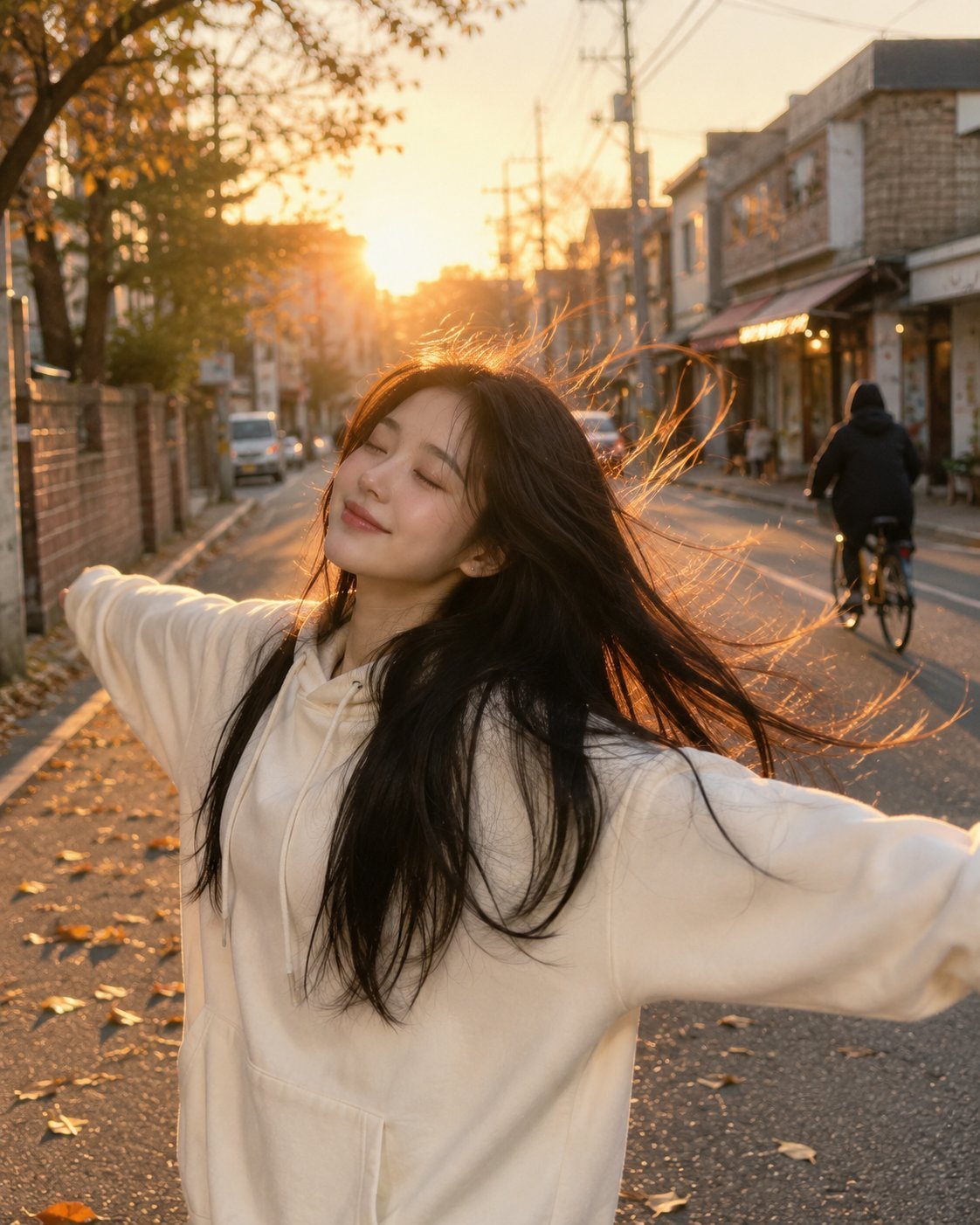
Golden Hour Street Hoodie Lifestyle Portrait
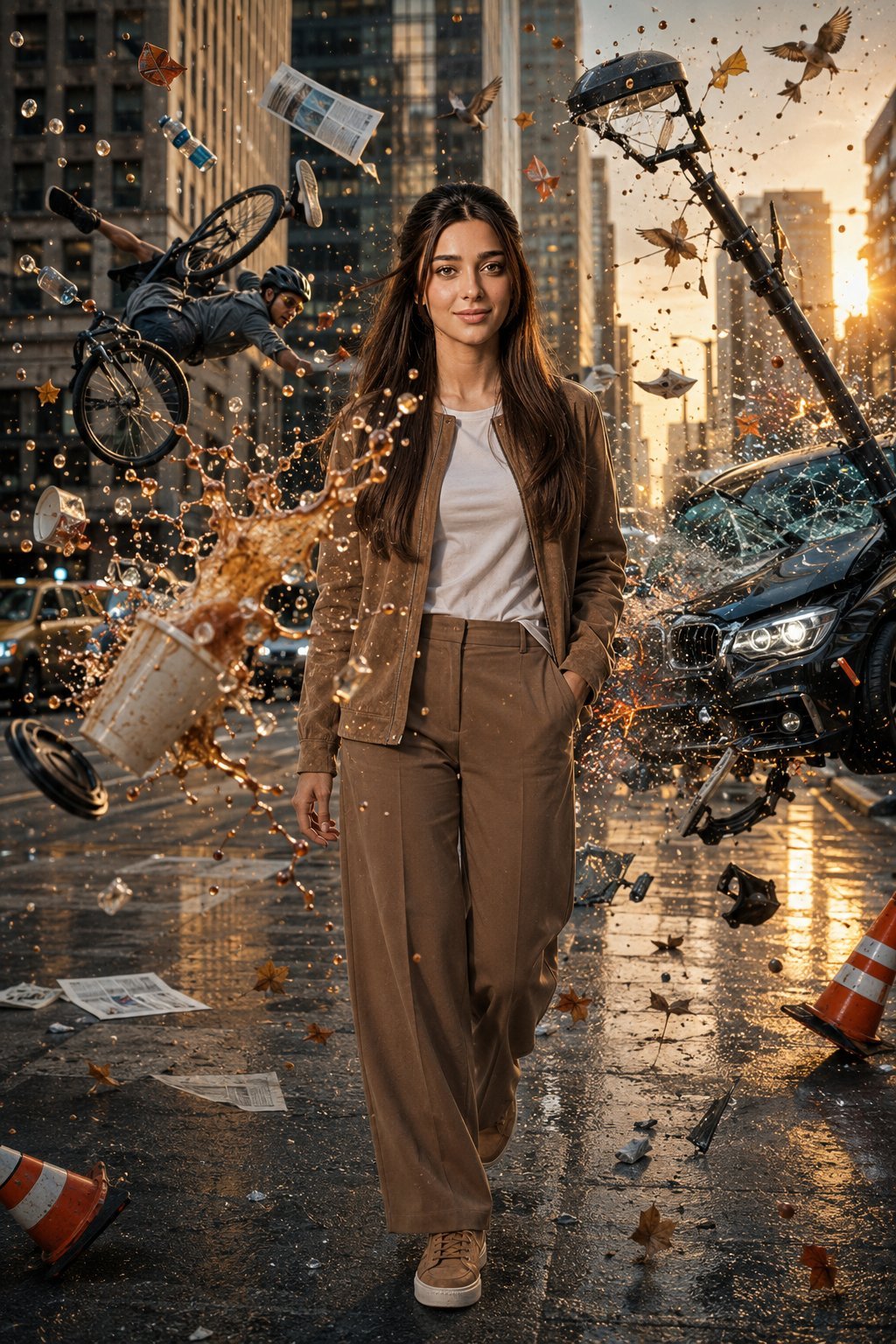
Bullet Time Frozen Street Action Portrait
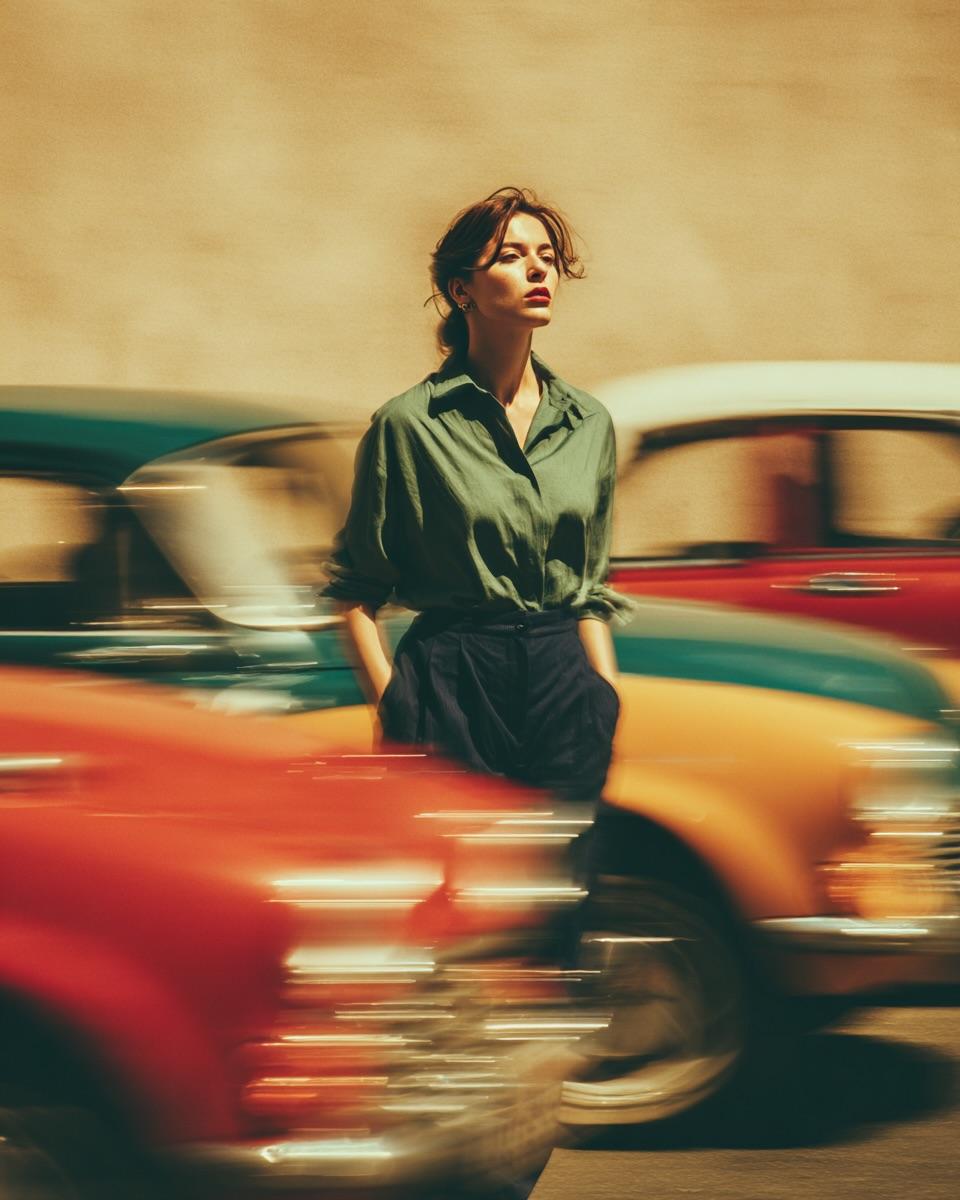
Golden Hour Street Motion Portrait
Golden Hour Street Motion Portrait

80s Golden Hour Cinema

Rooftop Fisheye — Cat-Ear Balaclava at Golden Hour
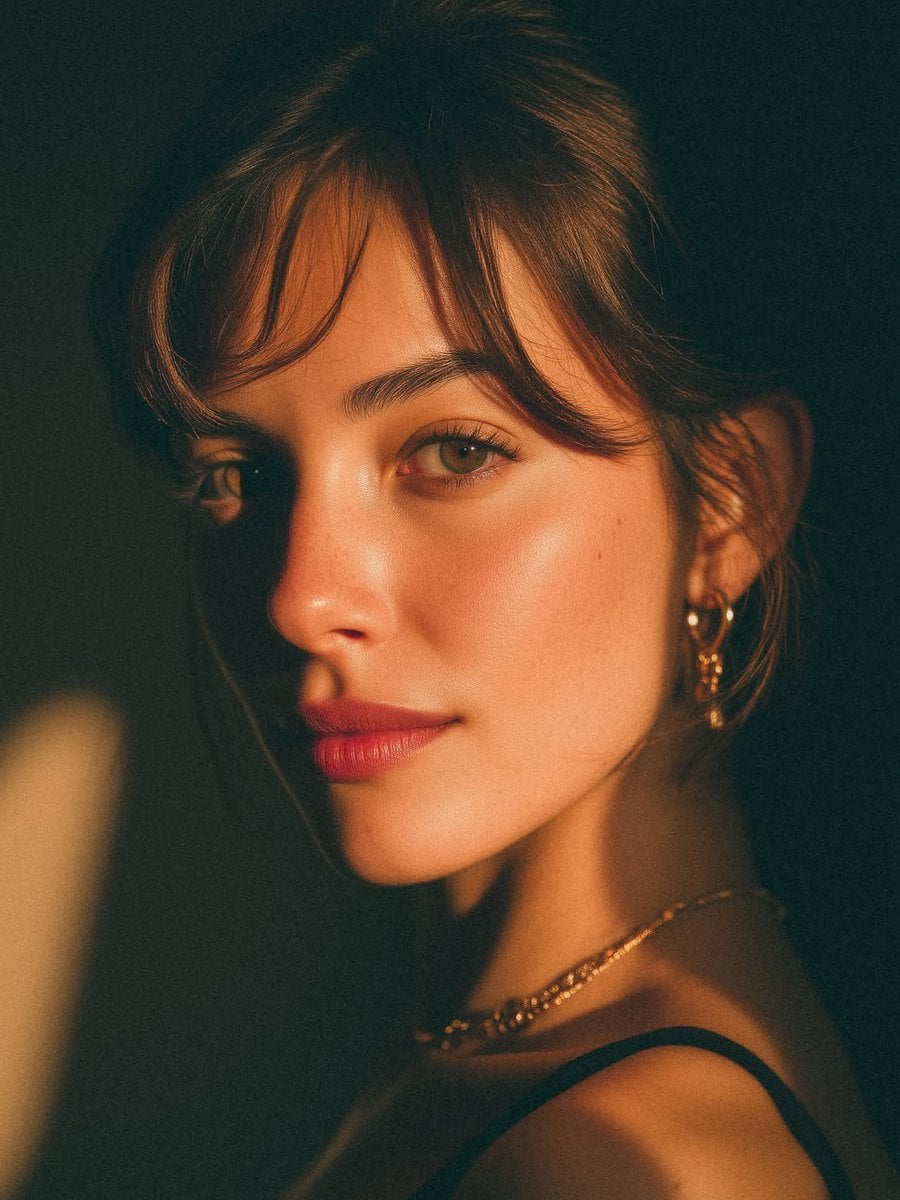
Golden Hour Look-Back Beauty Portrait

Unfinished Sketch Comes Alive Portrait
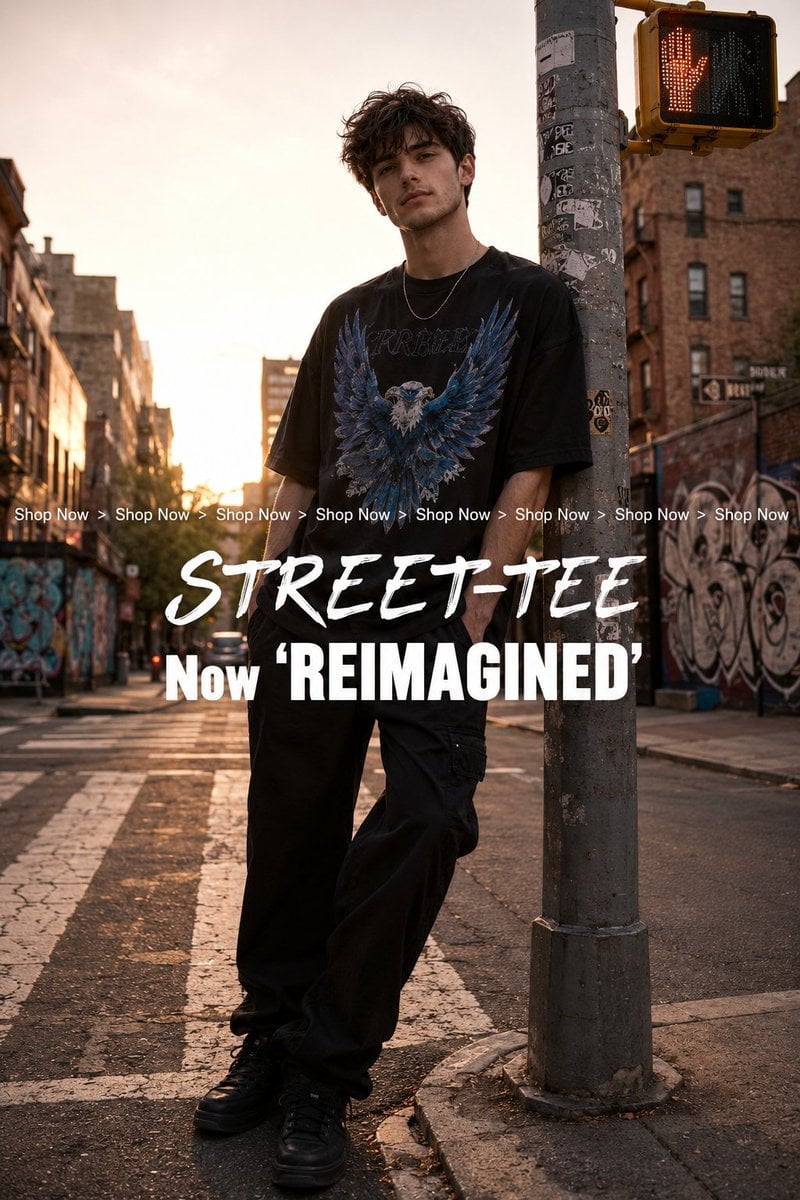
Golden Hour Streetwear Facebook Ad

Cinematic Golden Hour Garden Portrait

Cinematic Golden Hour Urban Portrait
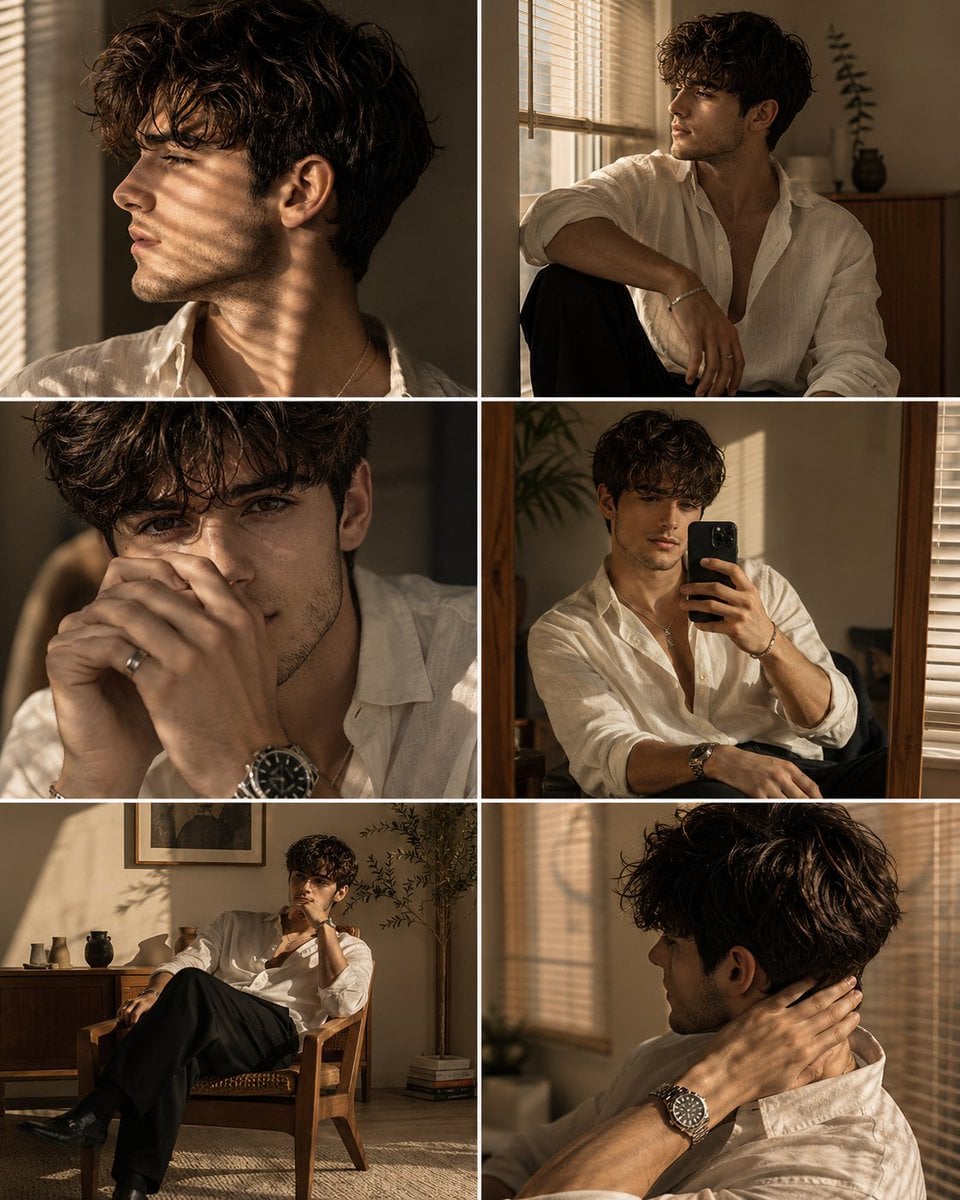
Luxury Men's Golden Hour Collage
Make it yours
Golden Hour Fedora Bar Doorway Street Style works as-is. These are the safest ways to change it without losing the look.
Change one field
Copy a single group, rewrite it, and generate again so you can see what that field is doing.
Keep the frame, change the subject
Hold the composition and light of Golden Hour Fedora Bar Doorway Street Style, then swap wardrobe, props or the person for a new take.
| If the result… | Why | Fix |
|---|---|---|
| The result drifts from the preview | Too many fields changed at once. | Reuse Golden Hour Fedora Bar Doorway Street Style as-is first, then change one group — subject, light, or setting. |
| The model over-stylizes the scene | The prose prompt leaves finish and camera underspecified. | Add one camera or lighting sentence and stay on PicX Studio. |
More image prompts
Fresh picks from across the catalog.
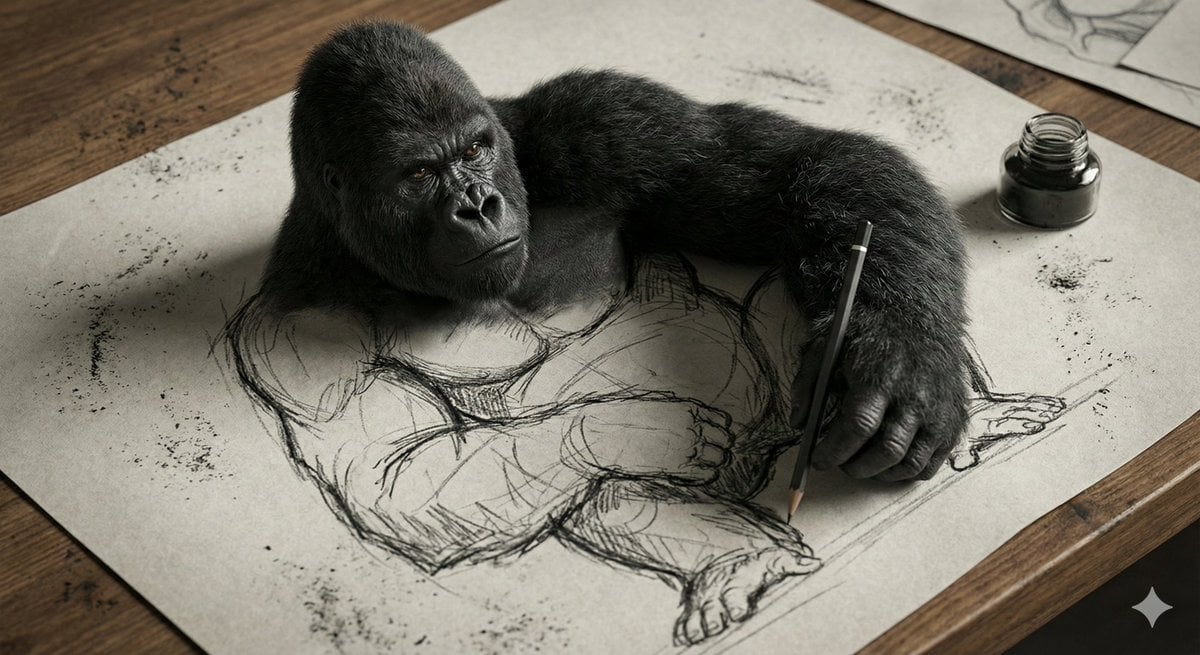
3D Gorilla Emerging from 2D Charcoal Sketch
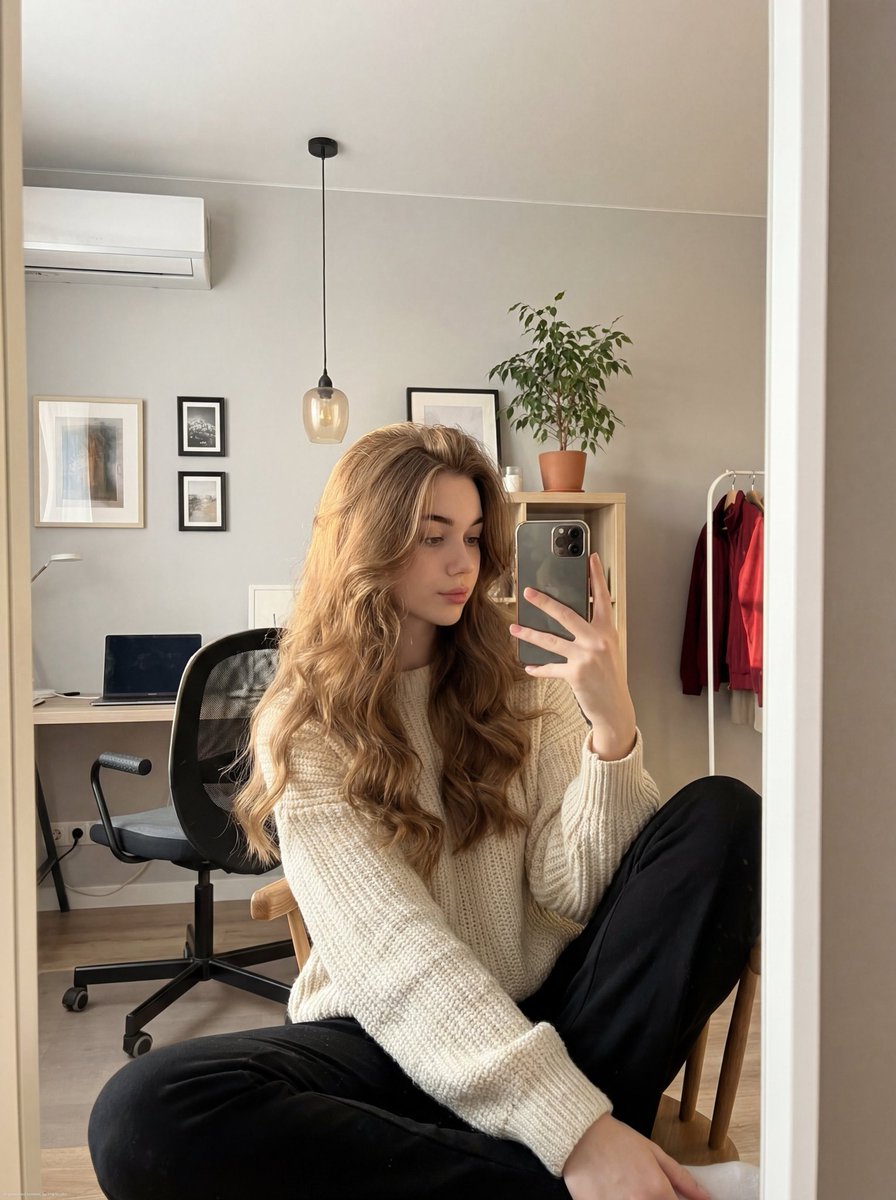
Realistic mirror selfie of a young woman in a cozy cream sweater
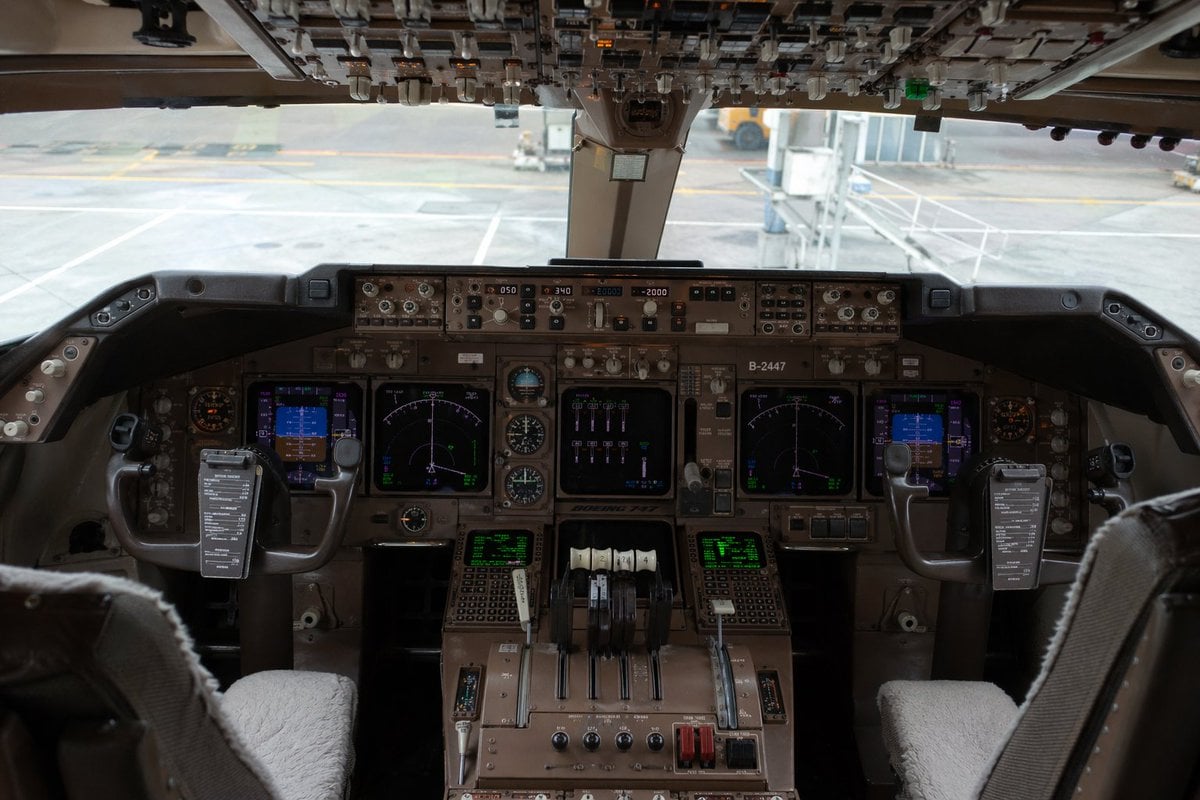
Photorealistic Boeing 747 Cockpit
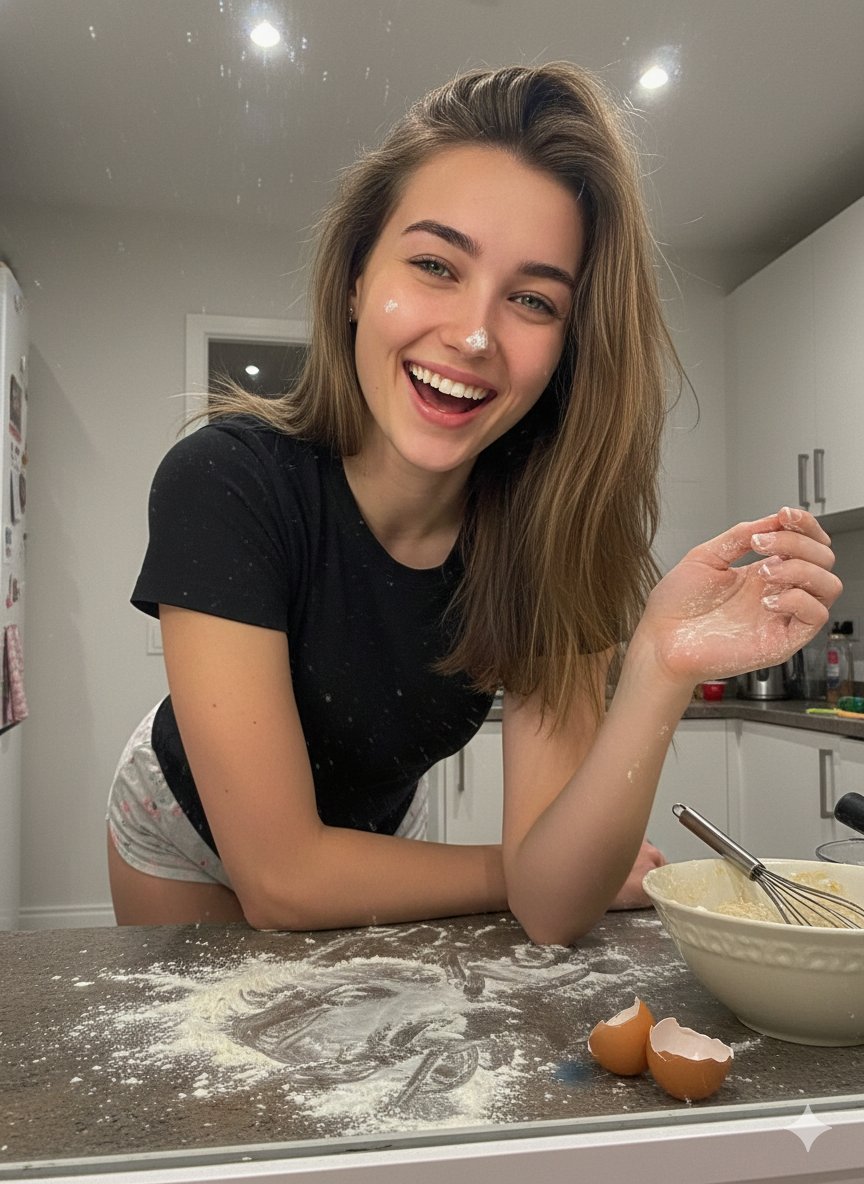
Ultra-Realistic Mirror Selfie Portrait in a Messy Kitchen

03 Beverly Hills Convertible — California Series
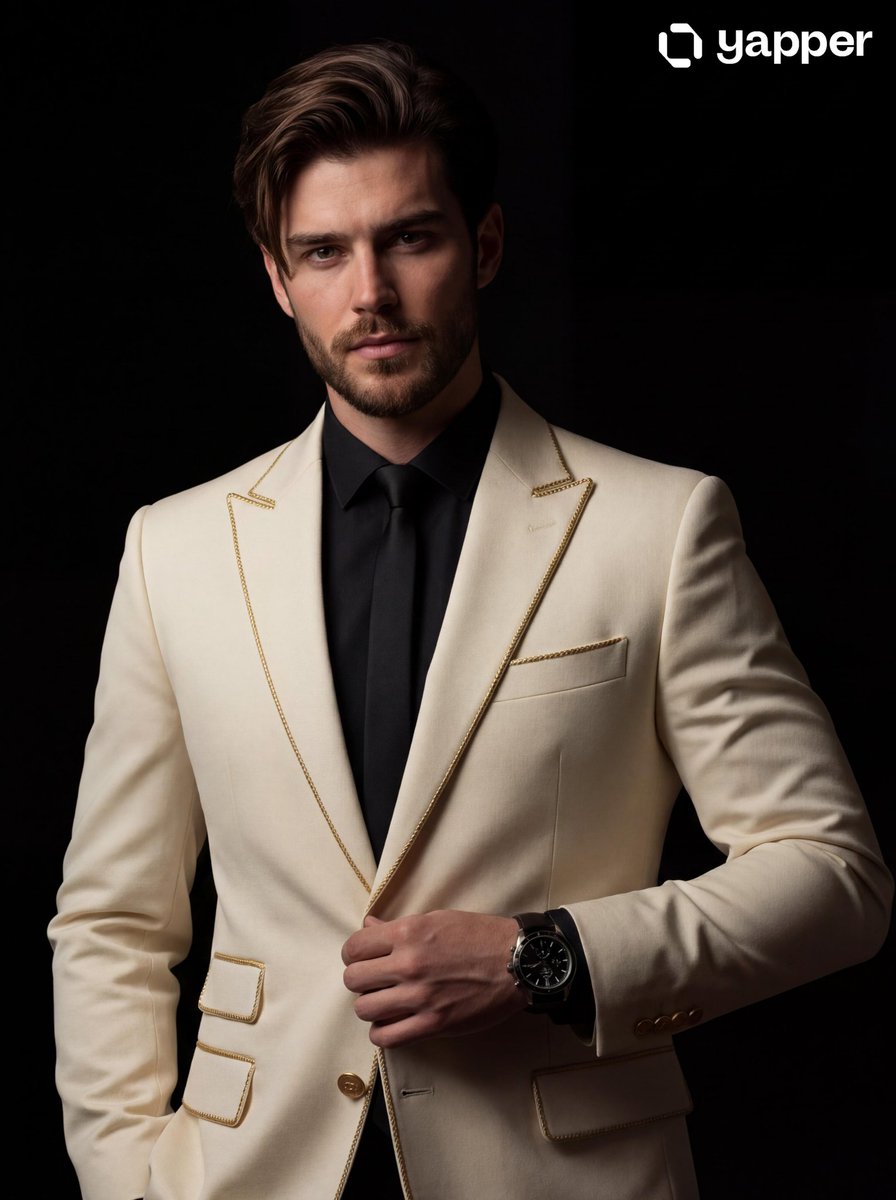
Cinematic Portrait of a Man in a Tailored Suit
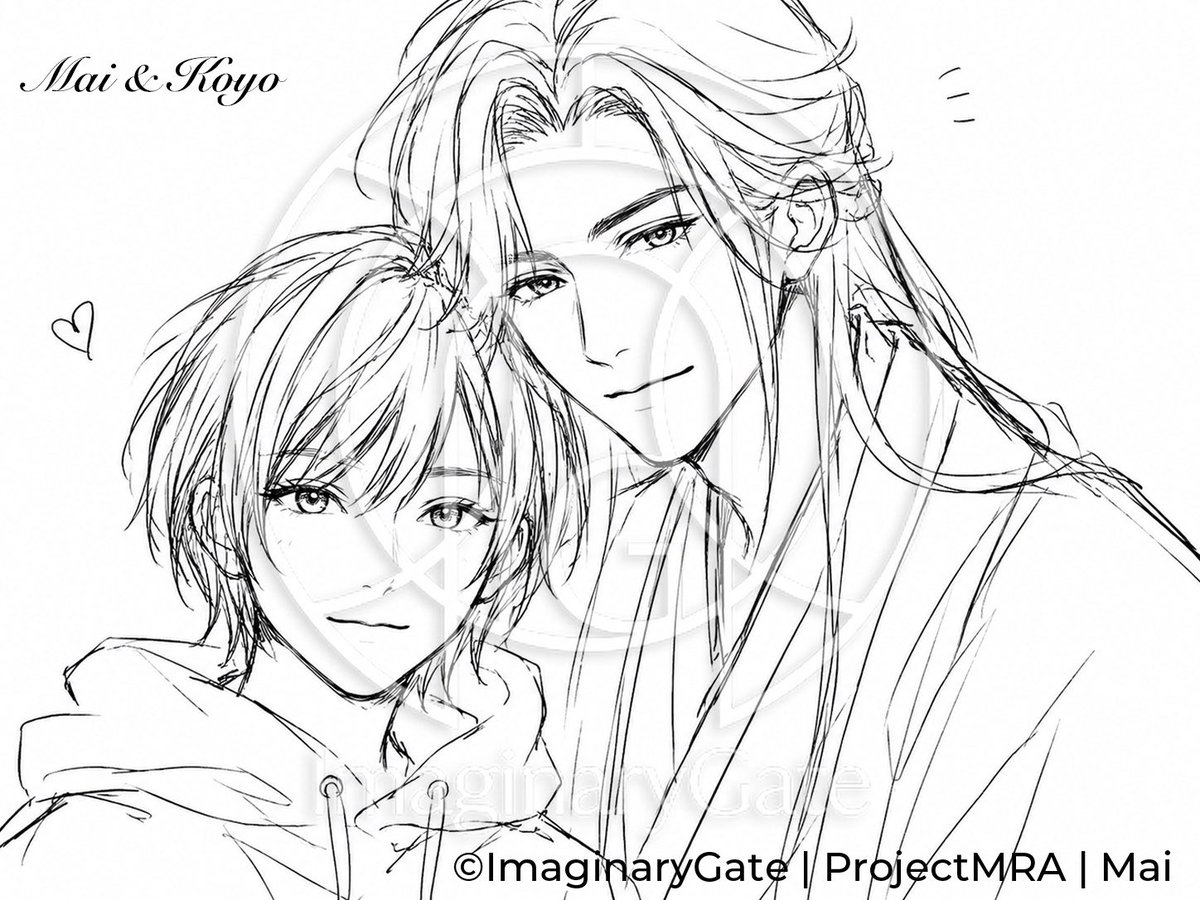
Monochrome Anime Couple Sketch

Spherical Cute Animal Portrait
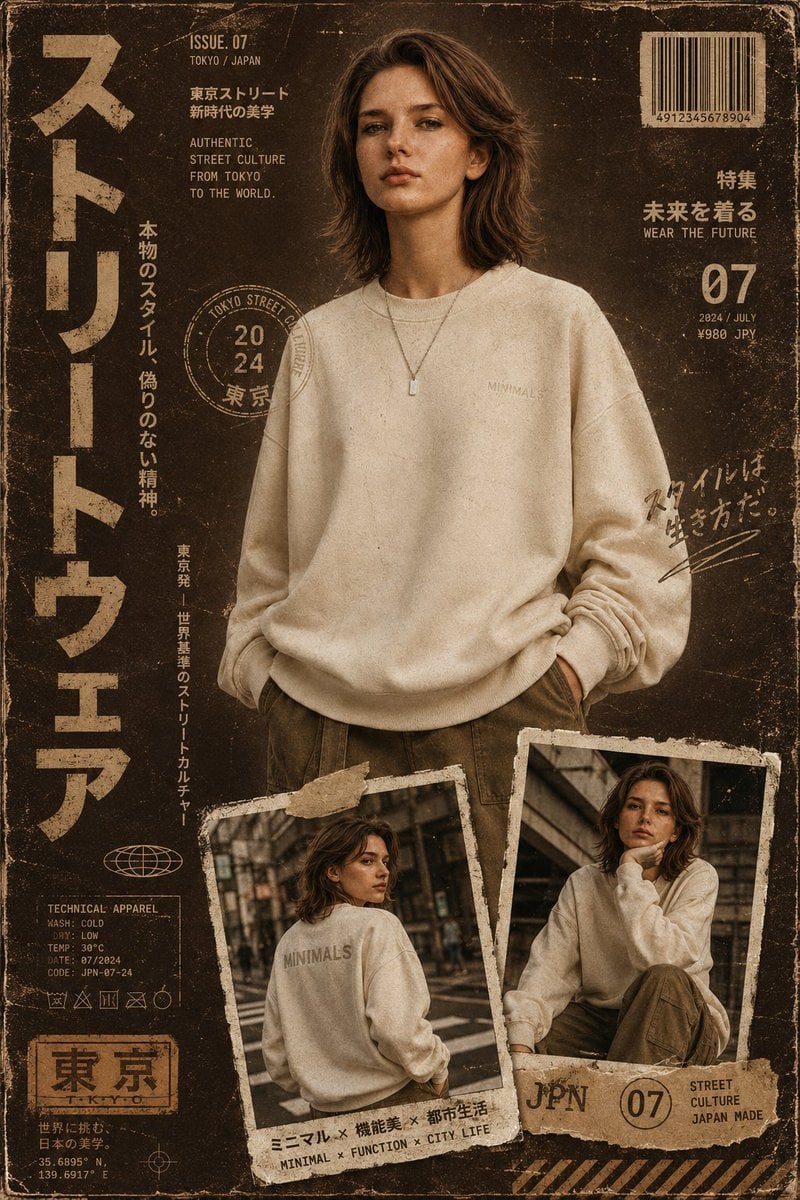
Streetwear Magazine Layout Template
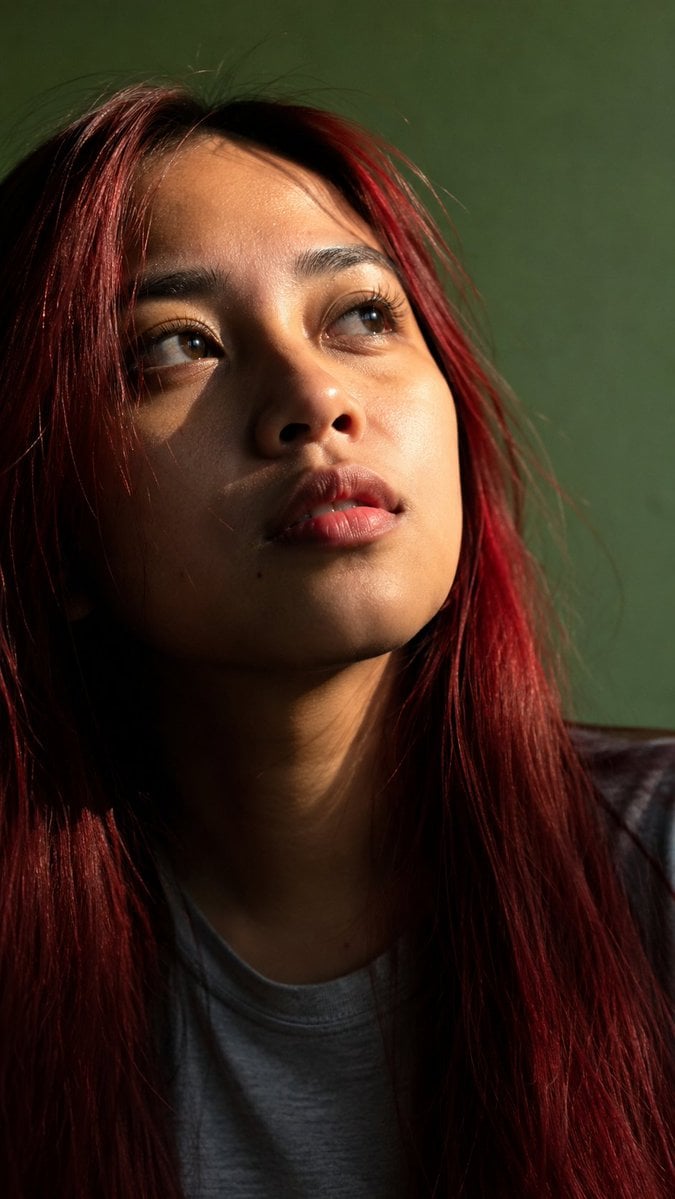
Censored Sunlit Red-Hair Portrait
Browse template categories
Golden Hour Fedora Bar Doorway Street Style questions
How do I use the Golden Hour Fedora Bar Doorway Street Style template?
Add your photo if the template asks for one, edit the prompt if you like — the template's model and format are already selected — and press Generate. Your version opens in PicX Studio.
Can I customize the Golden Hour Fedora Bar Doorway Street Style template?
Yes. You can change the subject, setting, lighting, mood, format, and available model controls before creating your image.
Is the Golden Hour Fedora Bar Doorway Street Style template free?
Opening and editing this template is free. Generating uses credits, shown on the Generate button when you are signed in.
Which AI model should I use?
Choose a compatible model in PicX Studio based on the style, speed, and output controls your project needs.
Looking for something else? Browse all templates.

Your photo, any look
Thousands of ready templates for every top image and video model, from one credit balance.