
Luxury Men's Golden Hour Collage
A cinematic fashion collage prompt showing a handsome man in various poses within a minimalist apartment during the golden hour.
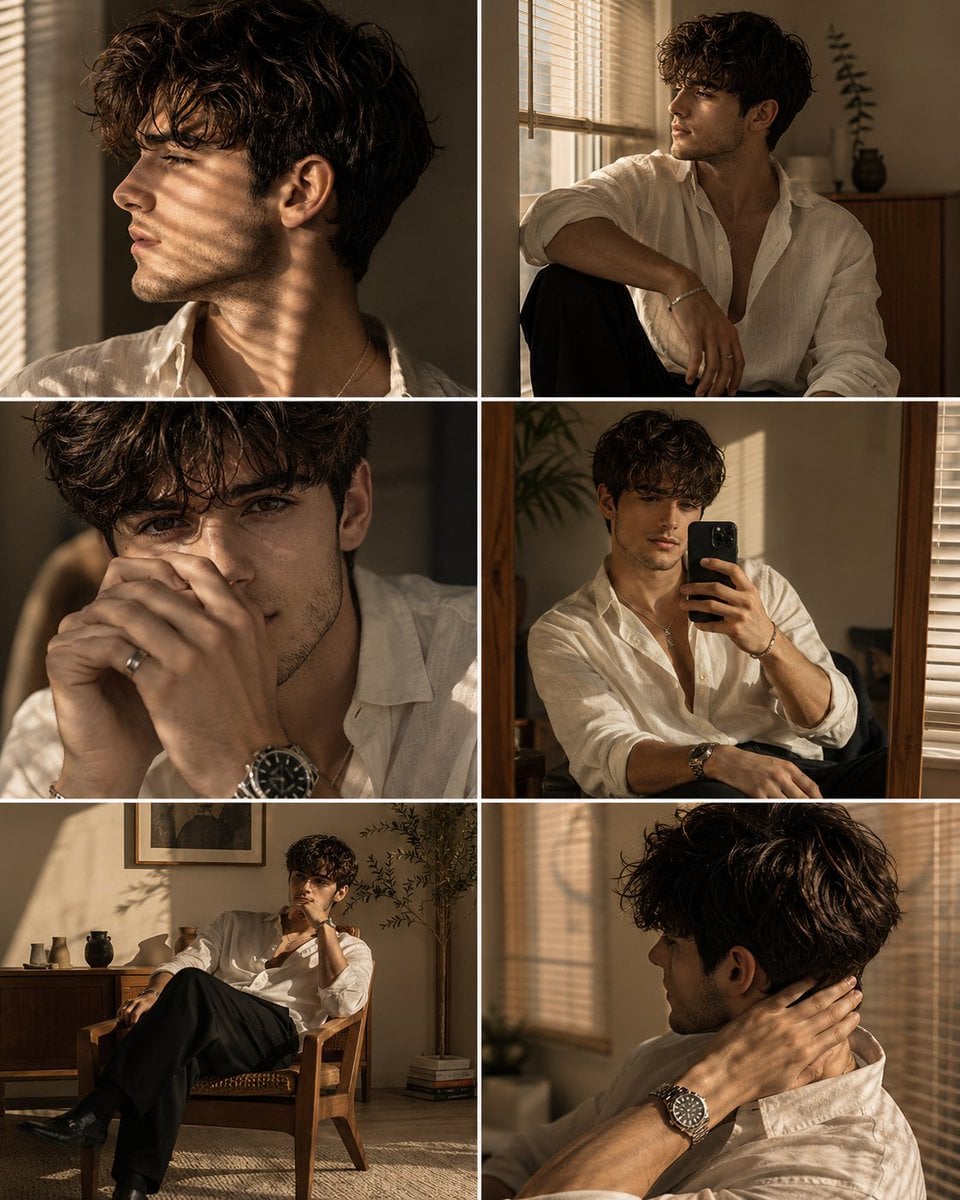
- Prompt included
- Model and format preset
- Premium template
The prompt behind this image
Copy the exact prompt behind Luxury Men's Golden Hour Collage, or open it in the studio and make it yours.
Ultra realistic luxury men's fashion editorial collage featuring the same {argument name="subject" default="handsome young man"} in six different cinematic lifestyle portraits, arranged in a clean magazine inspired grid with thin white borders separating each frame. Every panel features the same person, wearing the same outfit, photographed during warm {argument name="lighting" default="golden hour sunlight"} inside a modern minimalist apartment. The subject has naturally wavy medium length dark brown hair with soft volume and textured curls falling over the forehead, thick eyebrows, warm olive skin, a sharp defined jawline, high cheekbones, straight nose, subtle stubble, full lips, and a calm, mysterious expression. His appearance is effortlessly elegant and masculine. He wears an {argument name="clothing" default="oversized ivory white linen button up shirt"} with the top three buttons casually undone, exposing part of the collarbone and chest, sleeves loosely rolled to the forearms, paired with tailored black trousers. Accessories include a stainless steel luxury wristwatch, a thin silver bracelet, a minimalist necklace, and a subtle silver ring. The lighting is entirely natural golden hour sunlight streaming through large windows fitted with Venetian blinds, creating dramatic horizontal shadow patterns across the face, shirt, walls, and furniture. The warm amber sunlight produces cinematic contrast, soft highlights, realistic skin glow, and rich atmospheric depth. Panel 1: Close side profile portrait looking toward the window, strong jawline highlighted by warm sunlight, relaxed expression, dramatic blind shadows crossing the neck and cheek. Panel 2: Medium portrait sitting beside a window, body turned slightly sideways while gazing outside thoughtfully, relaxed posture with one arm resting on the knee. Panel 3: Tight emotional close up with both hands gently covering part of the mouth, luxury wristwatch prominently visible, eyes partially hidden by soft hair, cinematic shadow patterns across the face. Panel 4: Casual mirror selfie holding a black smartphone in one hand while seated indoors, soft sunlight illuminating the shirt and face, relaxed fashion aesthetic. Panel 5: Wide lifestyle portrait sitting comfortably in a vintage wooden chair, legs crossed naturally, one hand touching the face while surrounded by warm evening light, minimalist interior visible. Panel 6: Close portrait from behind and slightly to the side, hand resting on the back of the neck while looking away toward the sunlight, emphasizing profile, neck, and soft hair texture. The environment features warm beige walls, wooden furniture, linen curtains, indoor plants, subtle decor, and a calm minimalist apartment with Scandinavian and Japanese inspired interior design. Soft shadows, realistic room depth, and clean architectural lines create an intimate atmosphere. Photography style: luxury fashion editorial, GQ magazine, Vogue Homme, Zara campaign, COS campaign, premium lifestyle photography, cinematic storytelling, minimalist composition, moody gol
How to use Luxury Men's Golden Hour Collage in 3 steps
- 1
Open
The prompt is already in the box next to the preview, with the template's model and format selected.
- 2…a portrait of your subject in softgolden-hour light, 85mm…
Personalize
Edit the subject and creative details for your destination.
- 3Generate
Generate
Press Generate — your image is created in PicX Studio, so you can compare it with the original and refine one variable at a time.
More like this
Templates with the same subject, style or setup. Open one to see its prompt.
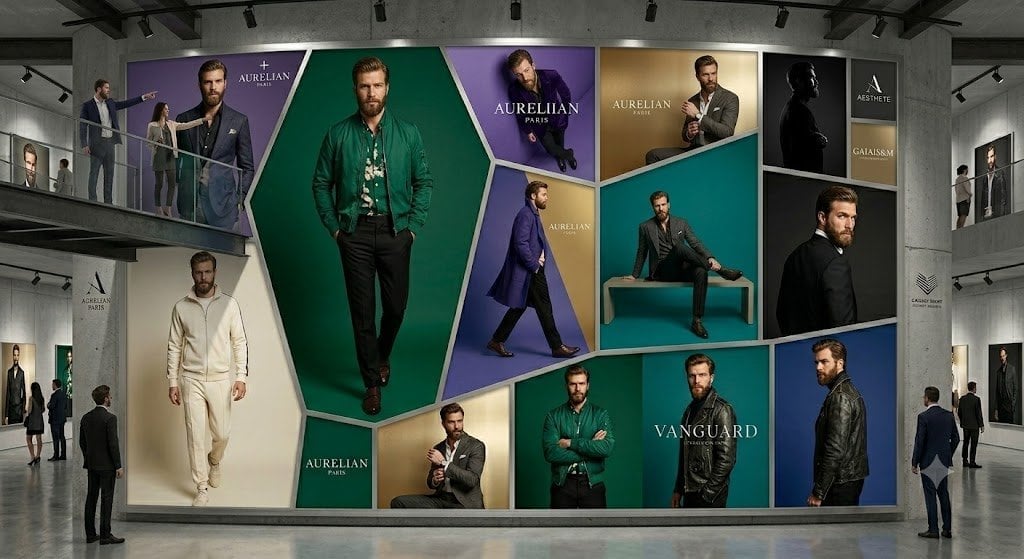
Luxury Menswear Gallery Collage
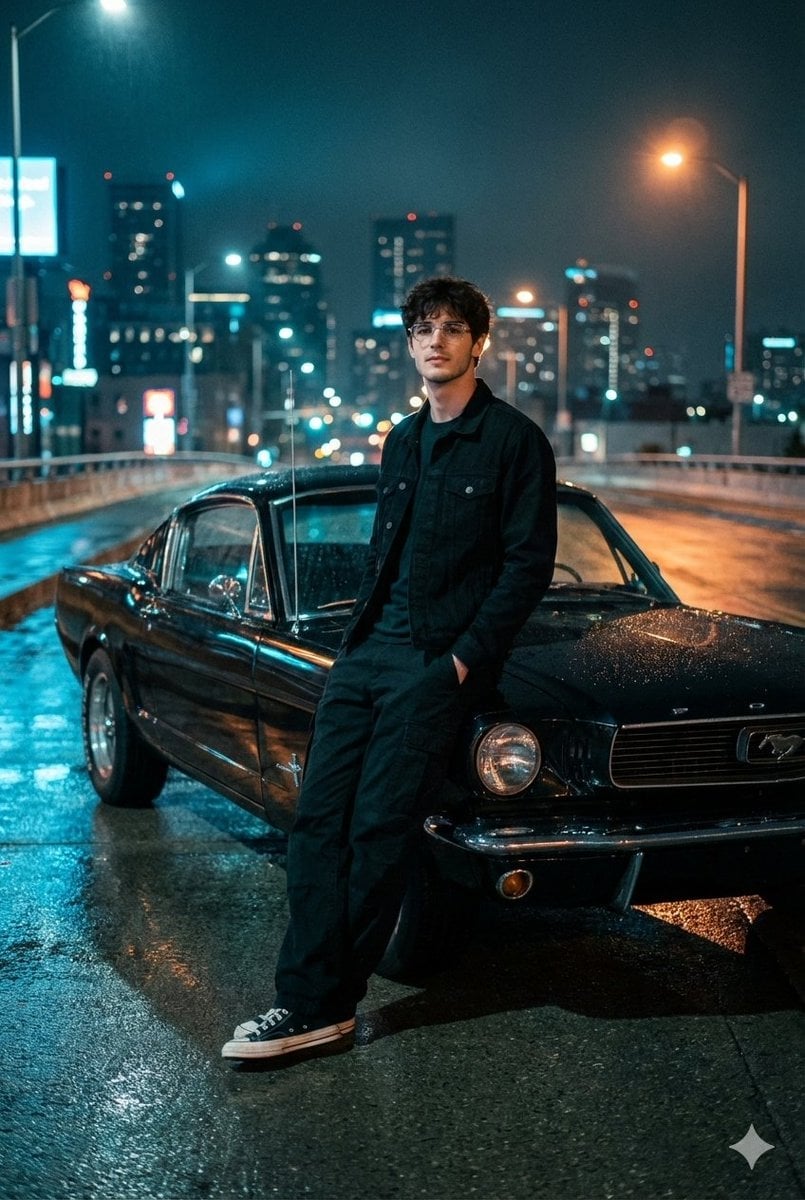
Polo Match Golden Field
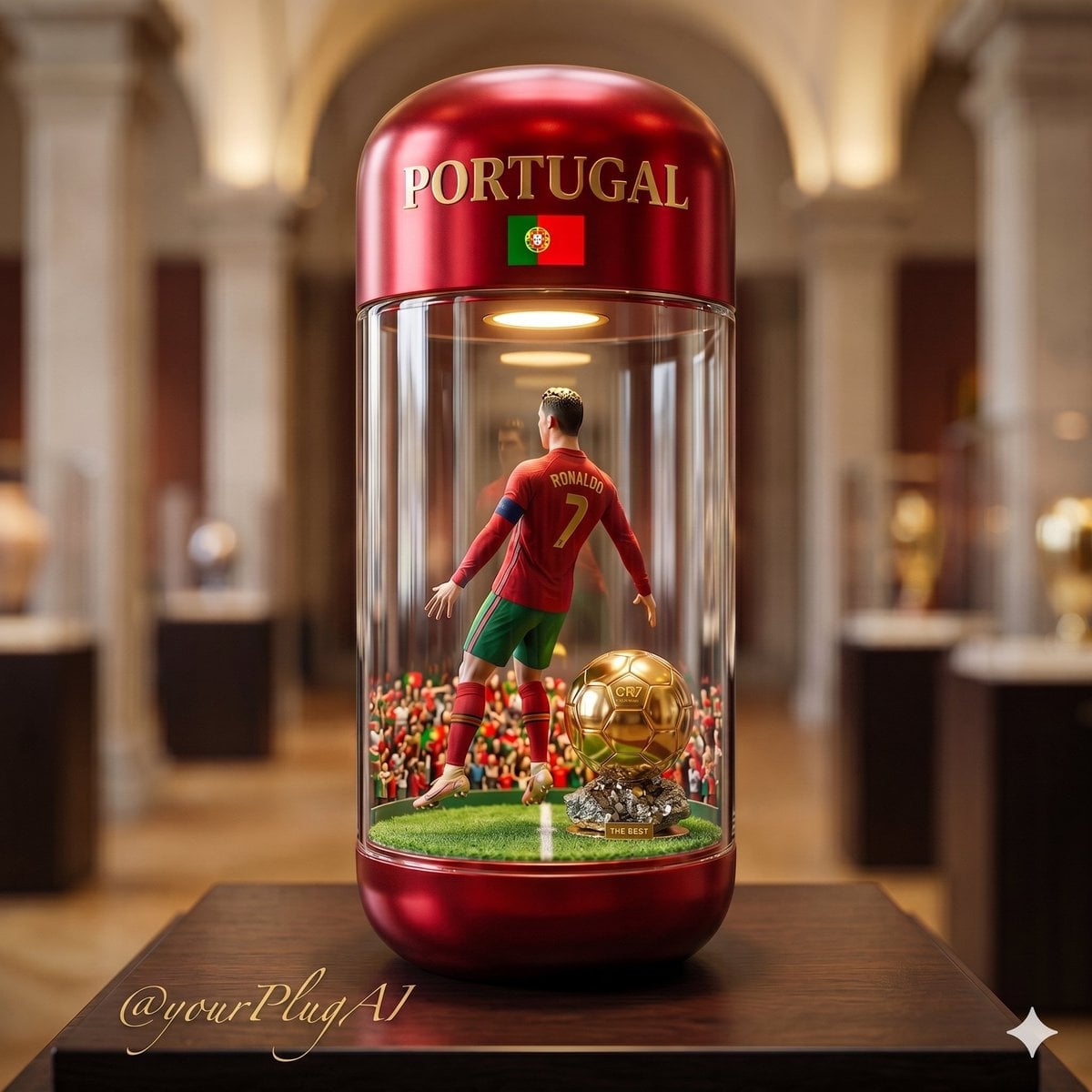
Gold Dust Hourglass

80s Golden Hour Cinema
Luxury Penthouse Menswear Editorial
Luxury Men's Fashion Portrait
Anonymous Menswear Editorial Collage

Cinematic Golden Hour Garden Portrait
Vintage Rabbit Collage Specimen
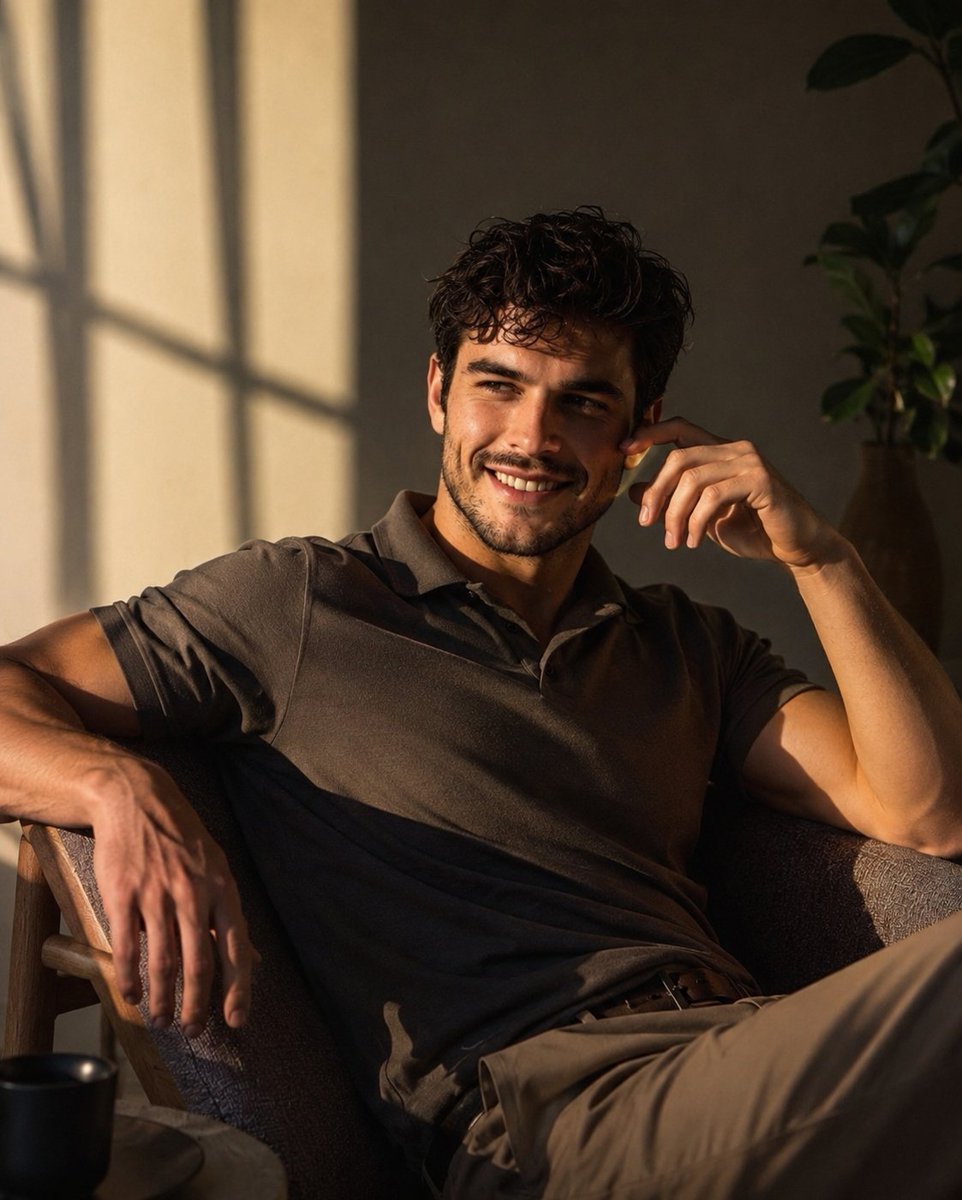
Luxury Men's Lifestyle Portrait

Cinematic Golden Hour Urban Portrait

Luxury Citrus Sparkling Drink Advertisement
Make it yours
Luxury Men's Golden Hour Collage works as-is. These are the safest ways to change it without losing the look.
Change one field
Copy a single group, rewrite it, and generate again so you can see what that field is doing.
Keep the frame, change the subject
Hold the composition and light of Luxury Men's Golden Hour Collage, then swap wardrobe, props or the person for a new take.
| If the result… | Why | Fix |
|---|---|---|
| The result drifts from the preview | Too many fields changed at once. | Reuse Luxury Men's Golden Hour Collage as-is first, then change one group — subject, light, or setting. |
| The model over-stylizes the scene | The prose prompt leaves finish and camera underspecified. | Add one camera or lighting sentence and stay on GPT Image 2. |
More GPT Image 2 templates
Other prompts made for GPT Image 2.

Six VTuber Japanese Logo Sheet

Realistic Portrait of Woman and Deer

The Vista Modular Condo Poster

AI Model Routing Comparison Infographic

2.5D Anime Art Board

Isometric Productivity Desk Scene

New York Double Exposure Poster

Four-Panel AI Landscape Comparison

Japanese Tatami Lifestyle Magazine Cover

NESCAFÉ Coffee Map Poster
More image prompts
Fresh picks from across the catalog.
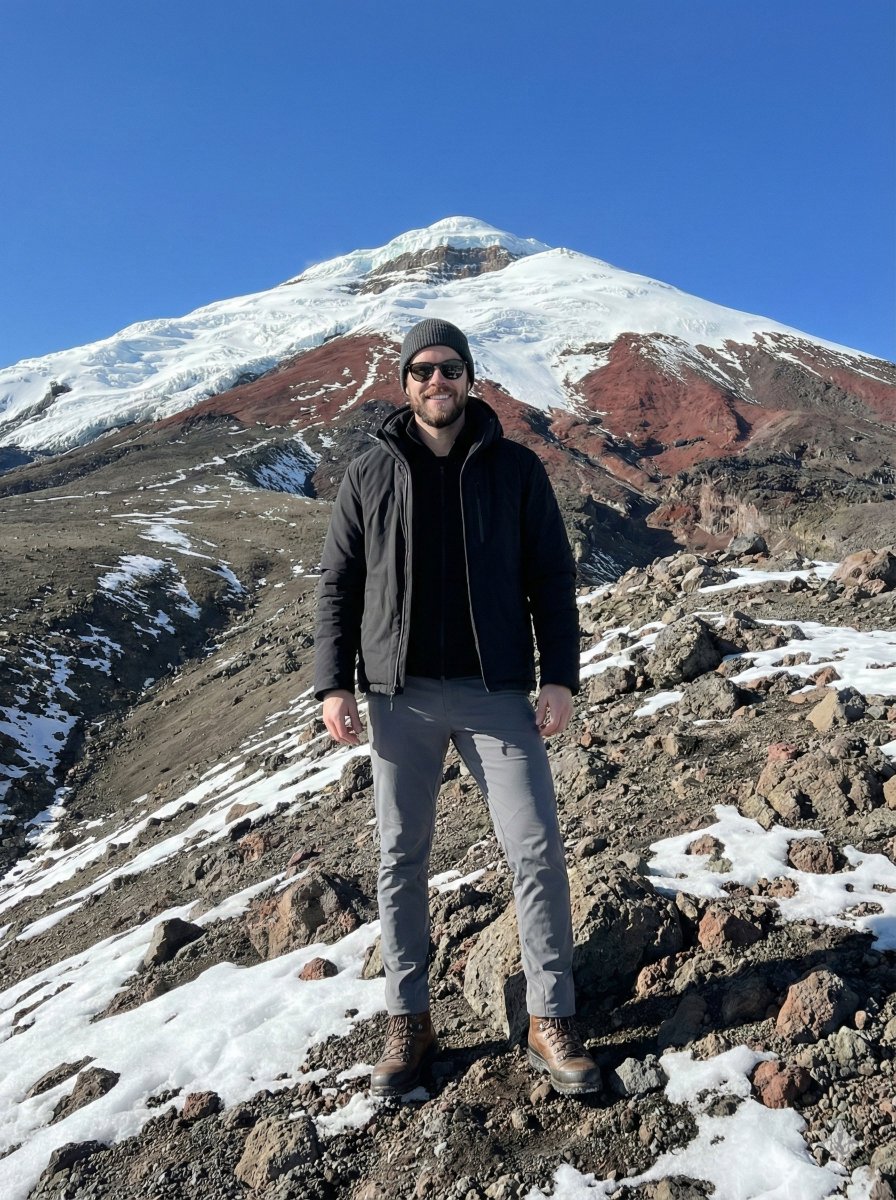
Hyper-realistic Editorial Photo at Cotopaxi, Ecuador
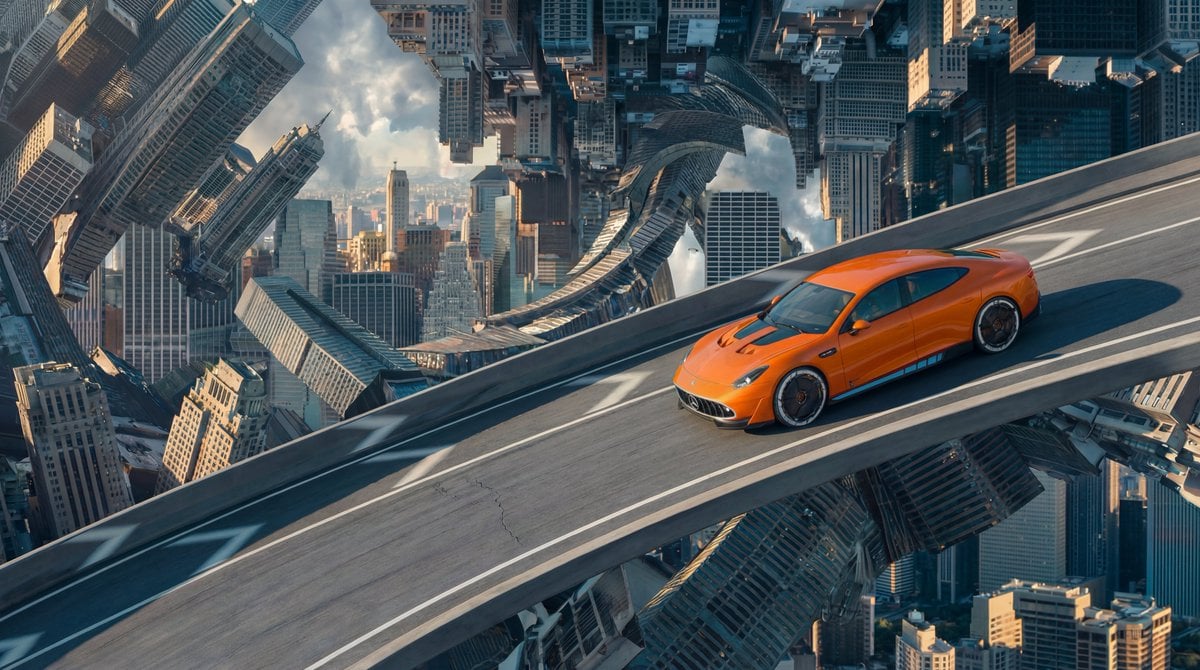
Inverted Cityscape Car Chase Prompt for Nano Banana Pro
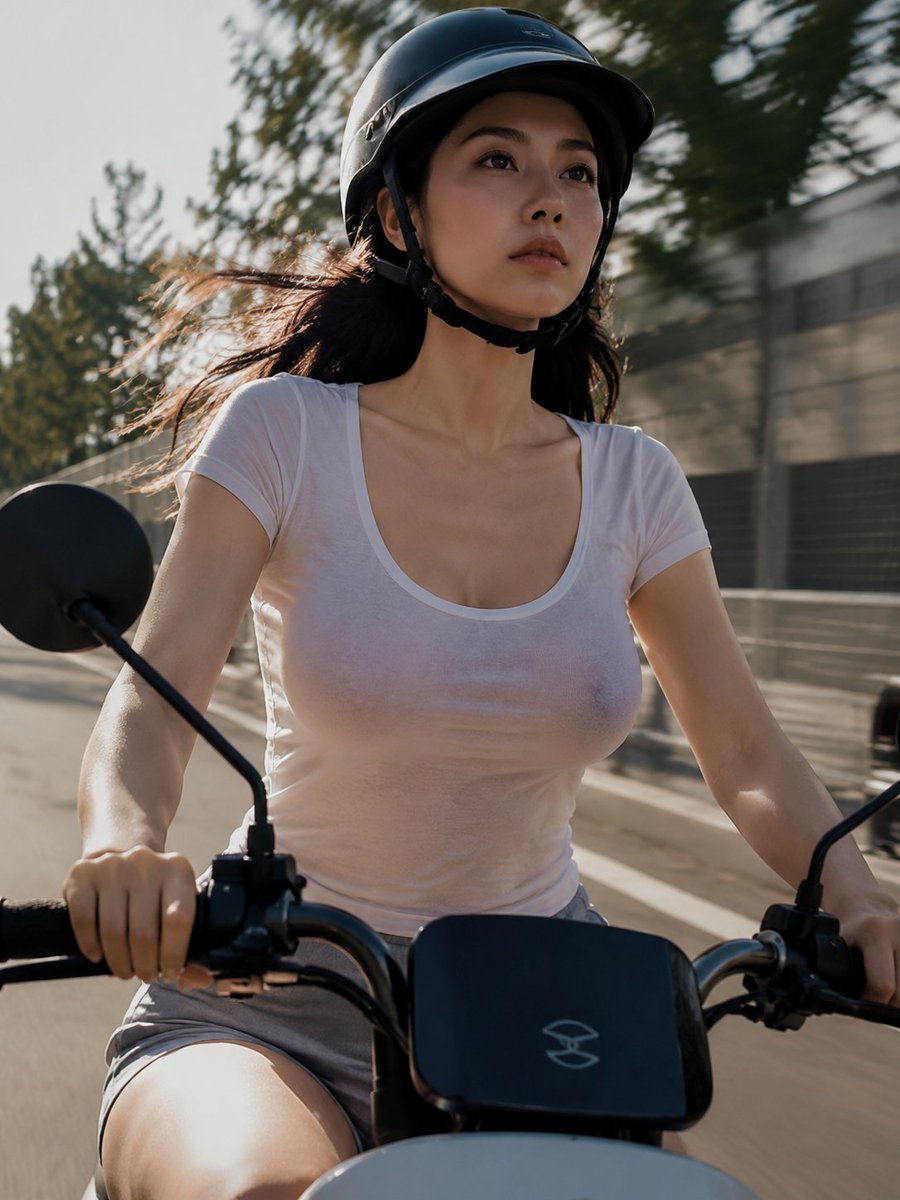
Helmeted Scooter Rider With Face Block
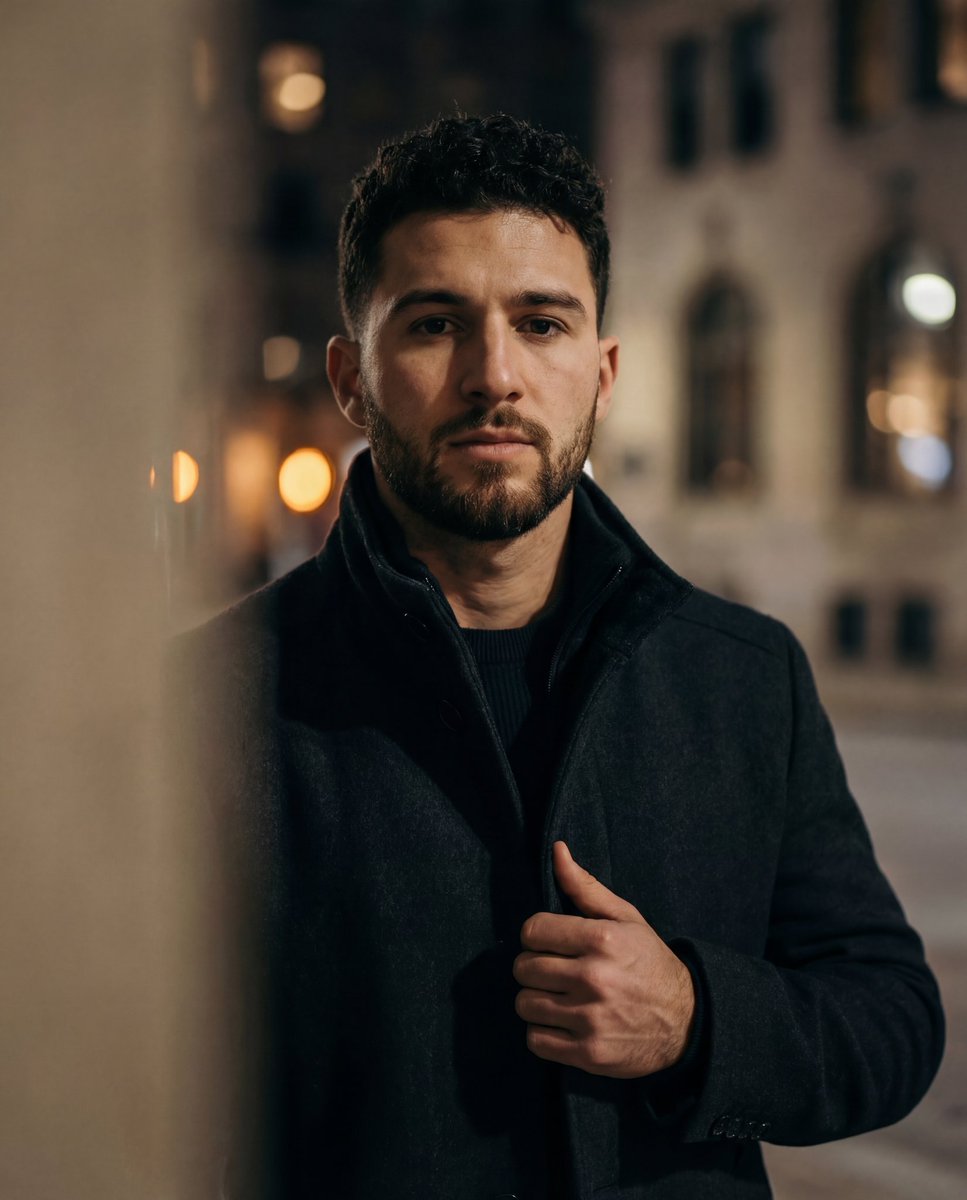
Cinematic low-key urban portrait prompt
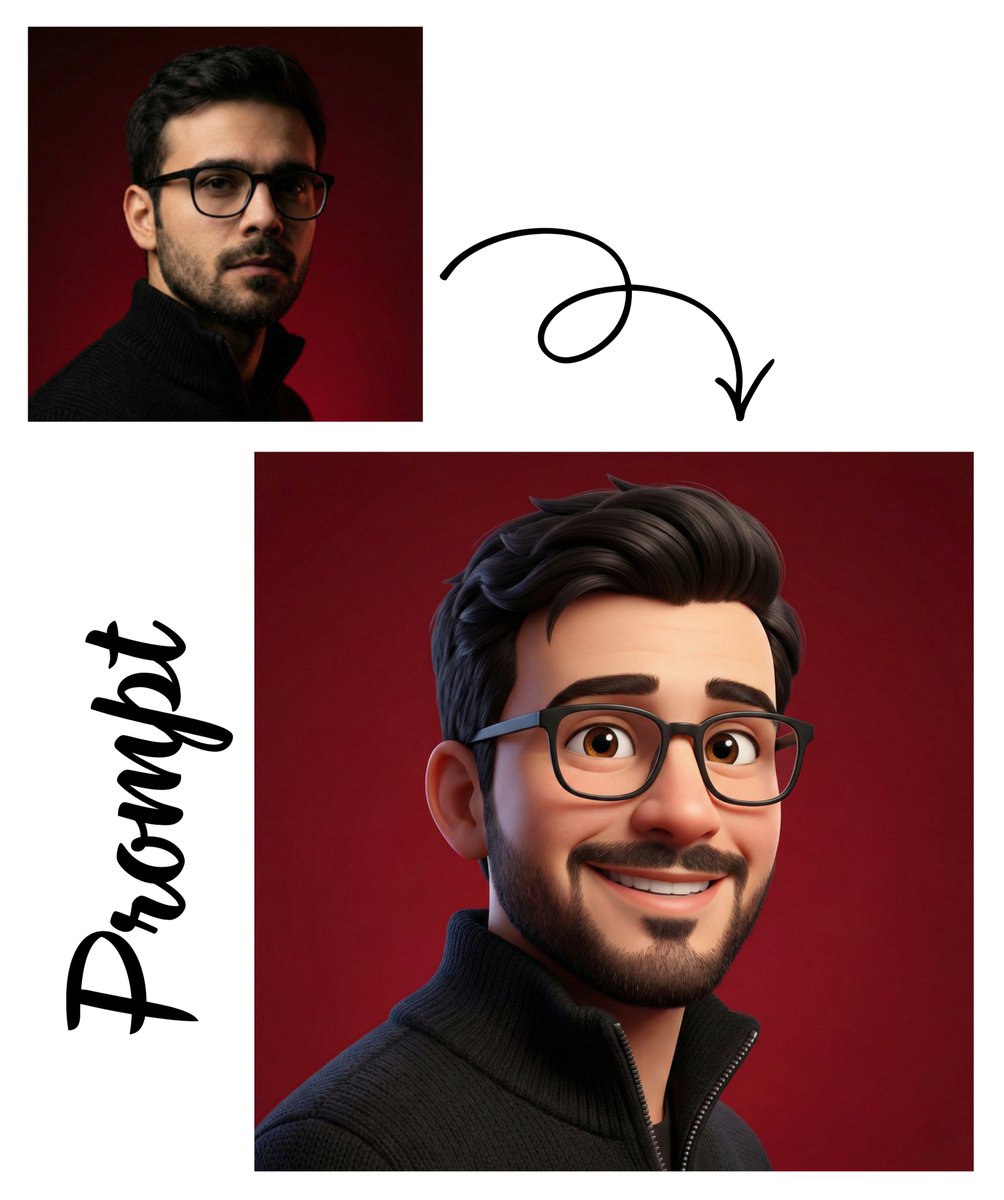
Pixar-Style 3D Avatar Generation
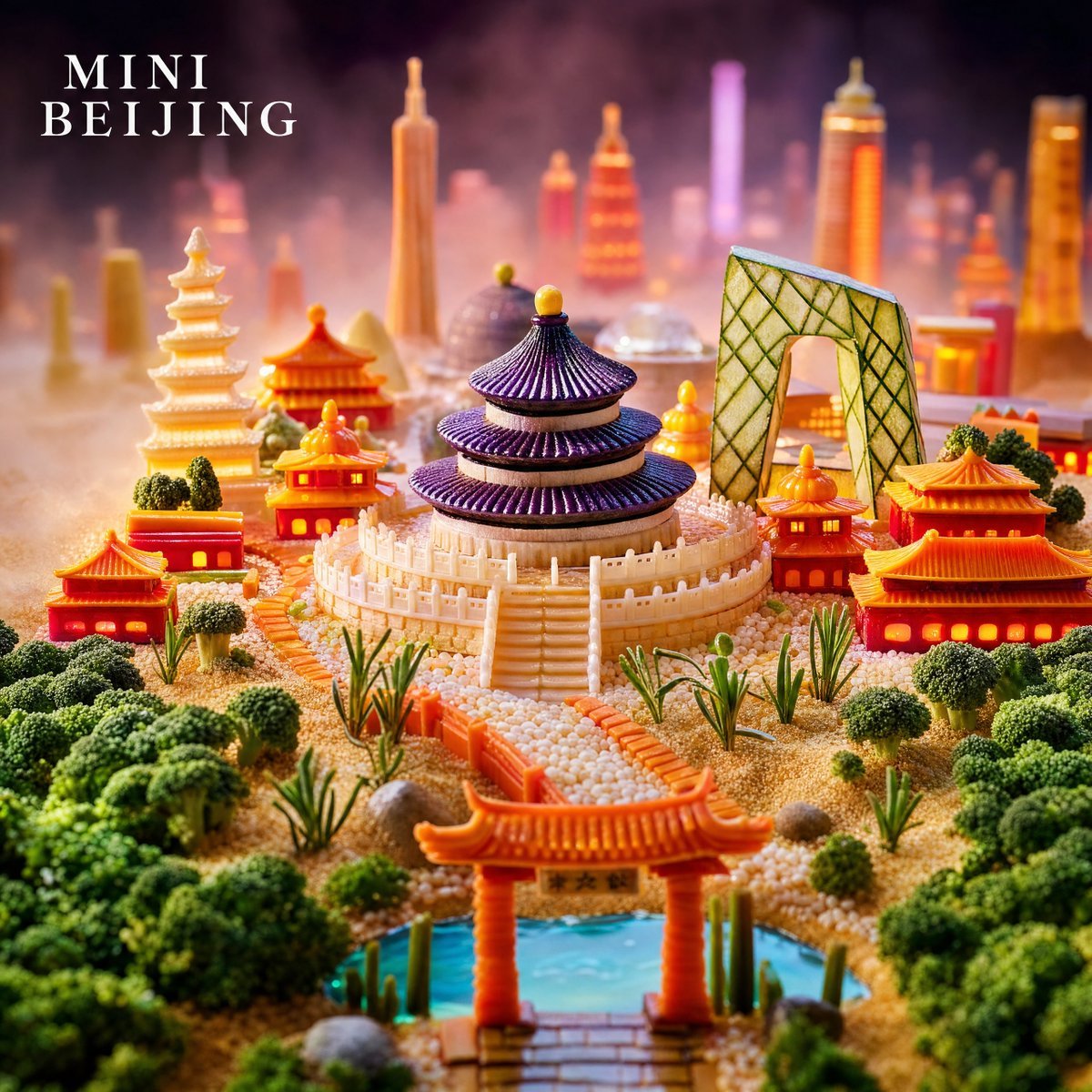
Mini Beijing Sugar Cityscape
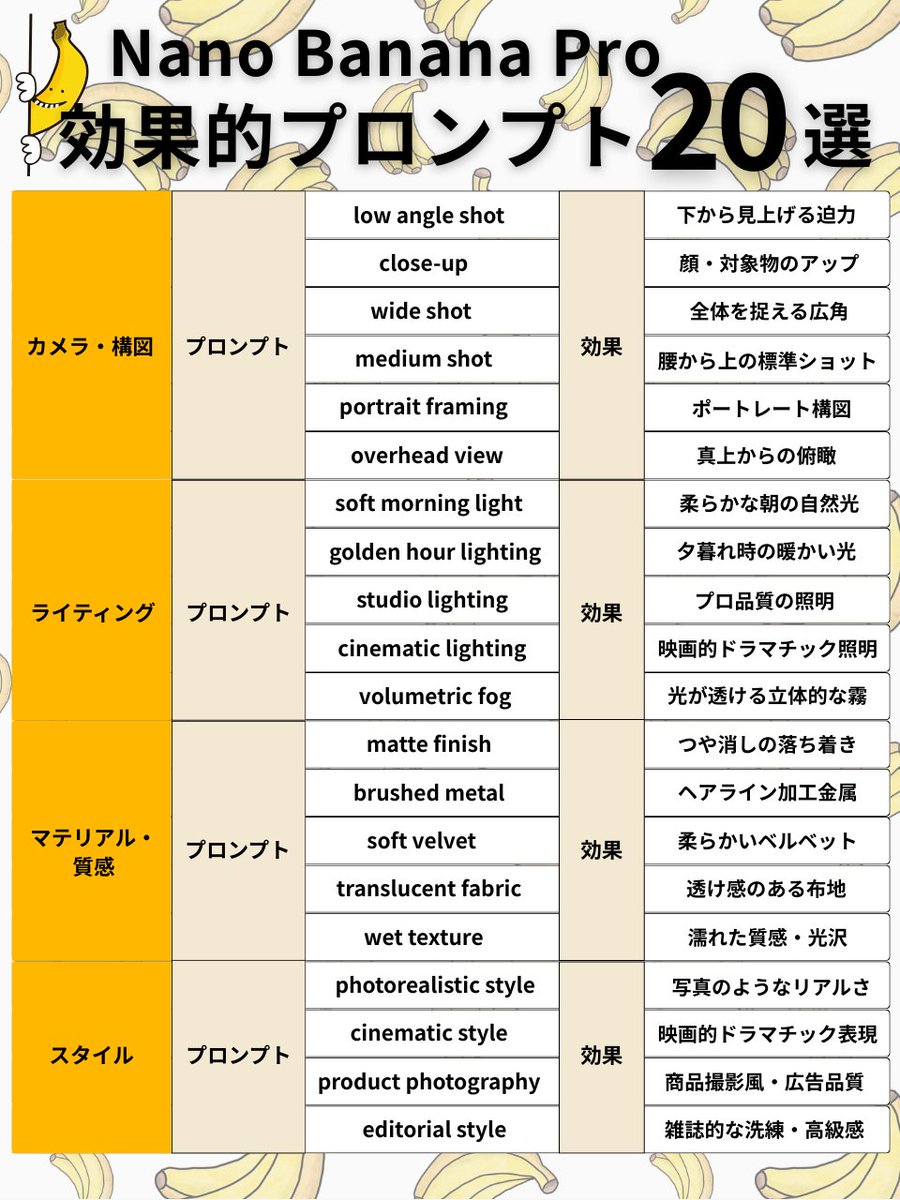
Nano Banana Pro Prompt Structure and Visual Elements
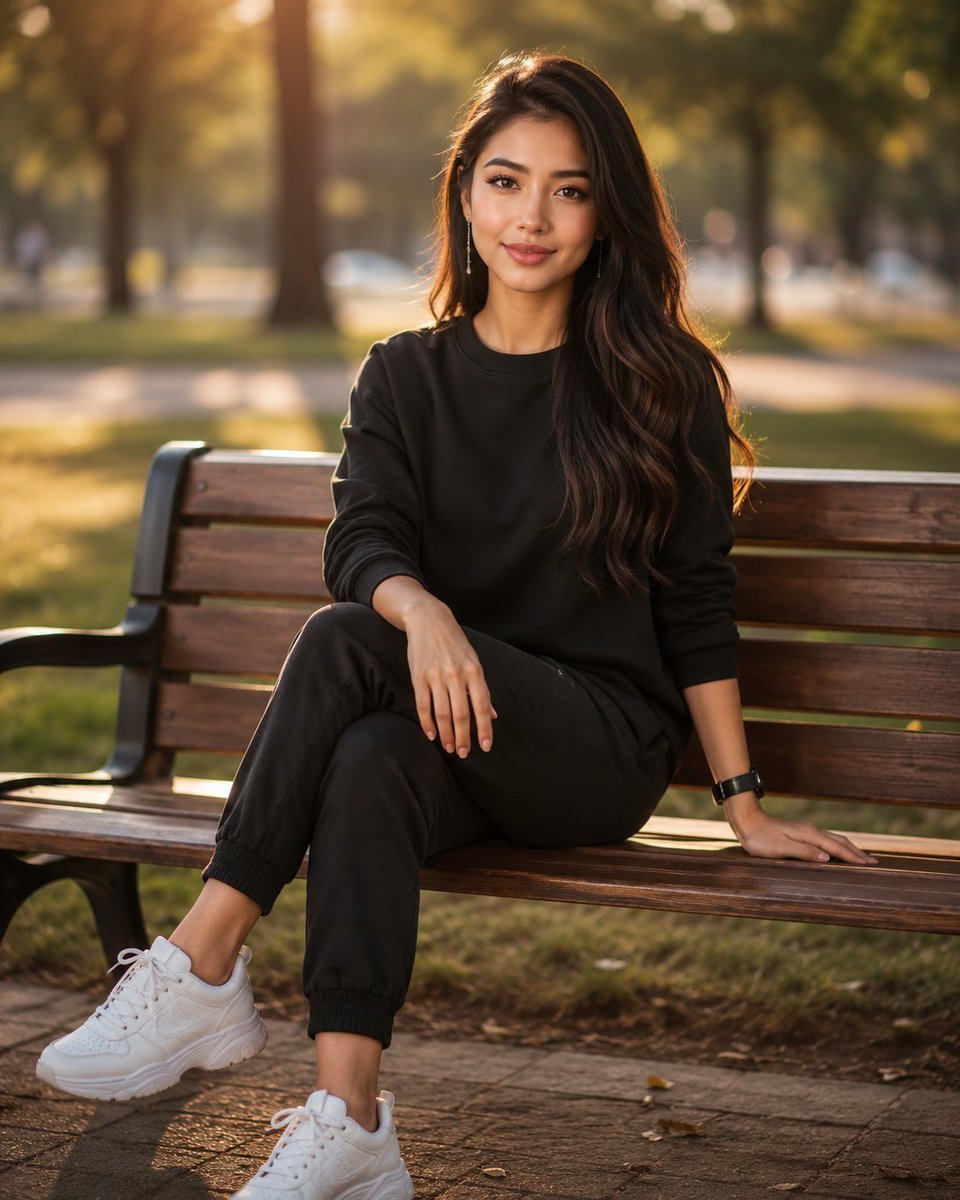
Golden Hour Park Bench Portrait

AI Mechanism Infographic
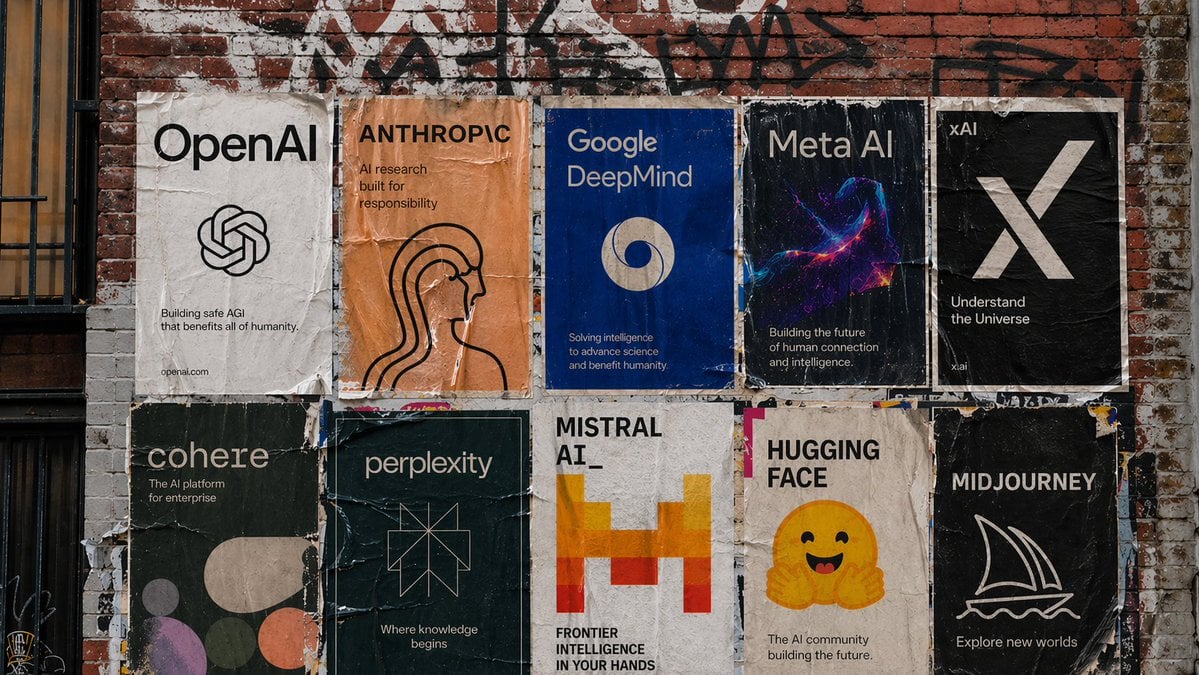
Urban Wheatpaste Poster Setup
Browse template categories
Luxury Men's Golden Hour Collage questions
How do I use the Luxury Men's Golden Hour Collage template?
Add your photo if the template asks for one, edit the prompt if you like — the template's model and format are already selected — and press Generate. Your version opens in PicX Studio.
Can I customize the Luxury Men's Golden Hour Collage template?
Yes. You can change the subject, setting, lighting, mood, format, and available model controls before creating your image.
Is the Luxury Men's Golden Hour Collage template free?
Opening and editing this template is free. Generating uses credits, shown on the Generate button when you are signed in.
Which AI model should I use?
Start with GPT Image 2, which is the model associated with this template. You can compare another compatible model for a different finish.
Looking for something else? Browse all templates.

Your photo, any look
Thousands of ready templates for every top image and video model, from one credit balance.