
Vintage Rabbit Collage Specimen
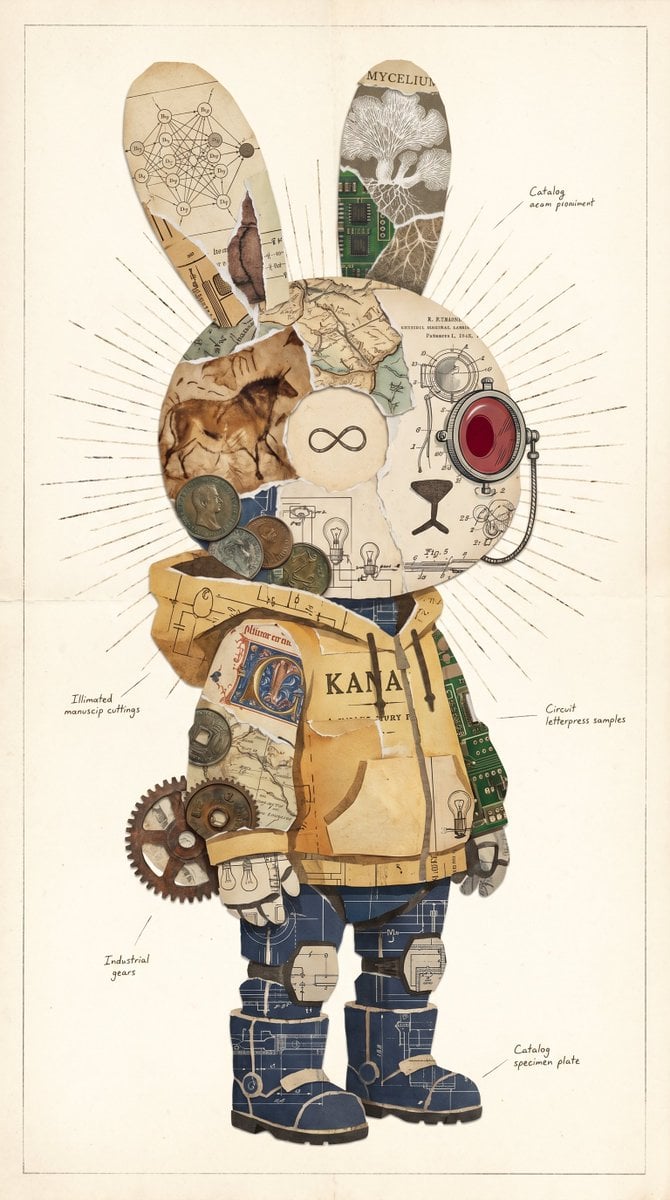
A detailed prompt for generating a retro-futurist rabbit-shaped paper collage specimen plate with diagrams, circuits, coins, gears, and handwritten annotations.
- Prompt included
- Model and format preset
- Premium template
The prompt behind this image
Copy the exact prompt behind Vintage Rabbit Collage Specimen, or open it in the studio and make it yours.
Create a vertical vintage mixed-media collage illustration of a standing rabbit-shaped character centered on an aged cream archival paper page, with a thin rectangular border and subtle stains. The character is a full-body anthropomorphic bunny silhouette with exactly 2 long upright ears, 1 round head, 1 torso, 2 arms, 2 legs, and 2 chunky boots, constructed entirely from torn paper fragments, antique diagrams, maps, manuscript scraps, circuit board pieces, coins, gears, and engineering blueprints. Use a muted sepia, parchment, ochre, navy blueprint, faded green circuit-board, copper, and dark ink palette. The head should be a collage of horse cave-art paper on the left, anatomical/technical drawing paper on the right, a central cream circular face patch containing a simple black infinity symbol, and a large red glass camera-lens or mechanical optical device attached on the right side of the head. Behind the head, draw fine radial sunburst ink lines extending outward. The 2 ears should differ: the left ear contains a scientific network diagram with small labeled nodes and torn manuscript edges; the right ear contains the word “MYCELIUM,” a white mushroom/mycelium illustration, and a green circuit-board strip. The torso should resemble a patched yellow paper coat or tunic with the large printed word {argument name="torso text" default="KANA"}, torn tape-like strips, map fragments, small lightbulb drawings, and exposed green circuit board on the right side. Add exactly 6 visible coins clustered near the lower left side of the head/upper torso, and exactly 3 industrial gears at the character’s left hip/side. The legs and boots should be made from dark navy blueprint paper with white drafting lines, beige torn paper bands, and heavy black boot soles. Include small handwritten annotation labels around the character with thin leader lines, in the style of an old specimen plate: “Catalog ocean prominent” near the upper right, “Illimeted manuscip cuttings” at left middle, “Circuit letterpress samples” at right middle, “Industrial gears” at lower left, and “Catalog specimen plate” at lower right. Overall mood: whimsical retro-futurist cabinet-of-curiosities specimen, precise collage edges, layered torn paper texture, hand-drawn technical details, no photorealistic human features, no modern clean vector style. The main subject should be {argument name="character shape" default="a rabbit silhouette"} with {argument name="central symbol" default="a black infinity symbol"} on the face patch, rendered as a high-resolution scanned paper collage on {argument name="background paper" default="aged cream paper"}.
How to use Vintage Rabbit Collage Specimen in 3 steps
- 1Upload ImagePNG, JPG or paste
Add your photo
Upload the photo the template builds on. The prompt, model and format are already set.
- 2…a portrait of your subject in softgolden-hour light, 85mm…
Personalize
Edit the subject and creative details for your destination.
- 3Generate
Generate
Press Generate — your image is created in PicX Studio, so you can compare it with the original and refine one variable at a time.
More like this
Templates with the same subject, style or setup. Open one to see its prompt.










Make it yours
Vintage Rabbit Collage Specimen works as-is. These are the safest ways to change it without losing the look.
Change one field
Copy a single group, rewrite it, and generate again so you can see what that field is doing.
Keep the frame, change the subject
Hold the composition and light of Vintage Rabbit Collage Specimen, then swap wardrobe, props or the person for a new take.
| If the result… | Why | Fix |
|---|---|---|
| The result drifts from the preview | Too many fields changed at once. | Reuse Vintage Rabbit Collage Specimen as-is first, then change one group — subject, light, or setting. |
| The model over-stylizes the scene | The prose prompt leaves finish and camera underspecified. | Add one camera or lighting sentence and stay on GPT Image 2. |
More GPT Image 2 templates
Other prompts made for GPT Image 2.

Six VTuber Japanese Logo Sheet

Realistic Portrait of Woman and Deer

The Vista Modular Condo Poster

AI Model Routing Comparison Infographic

2.5D Anime Art Board

Isometric Productivity Desk Scene

New York Double Exposure Poster

Four-Panel AI Landscape Comparison

Japanese Tatami Lifestyle Magazine Cover

NESCAFÉ Coffee Map Poster
More image prompts
Fresh picks from across the catalog.
Editorial Surrealist Portrait: The Ink Lament
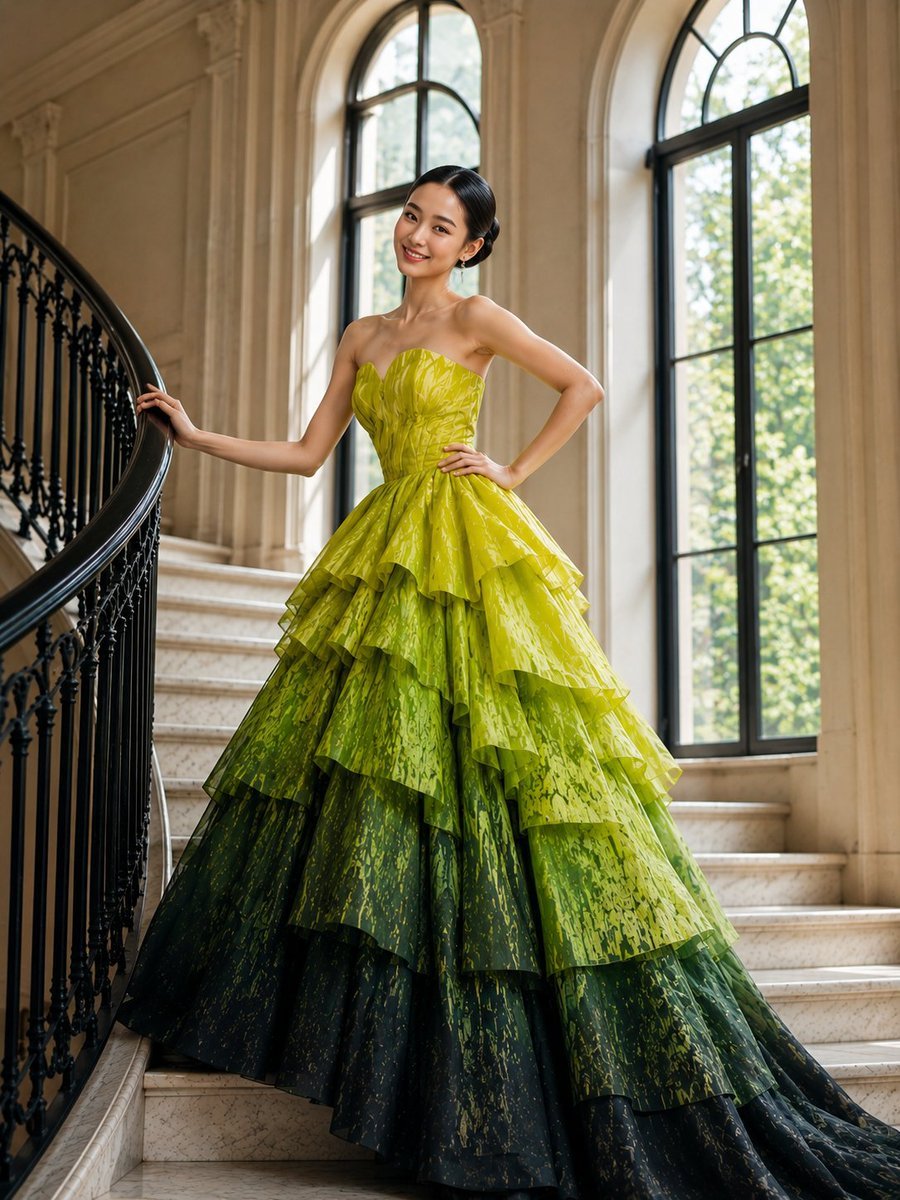
High-Fashion Tiered Ballgown Editorial
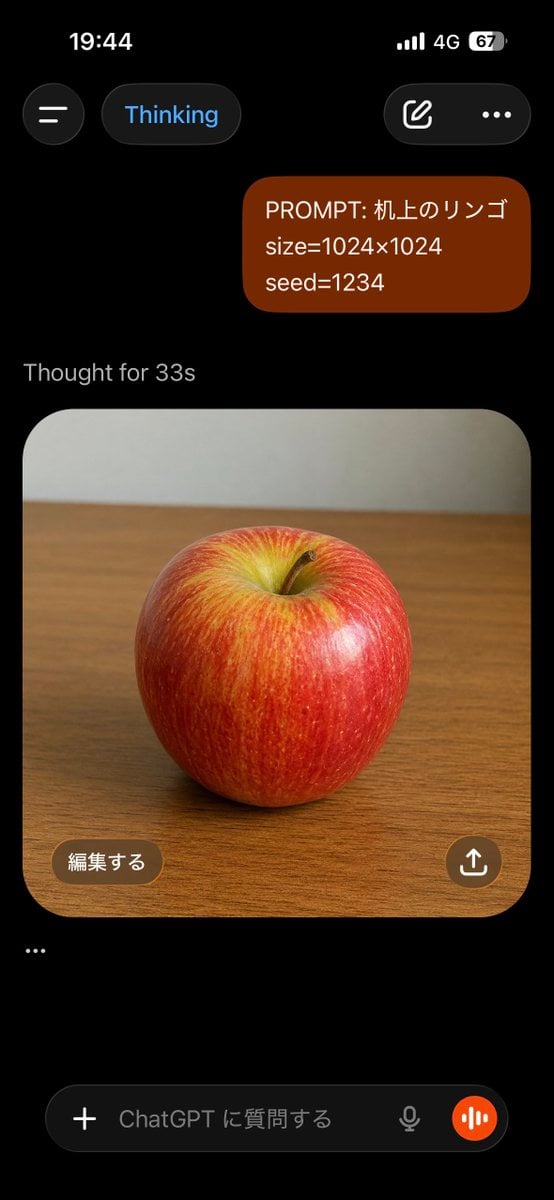
ChatGPT Apple Generation Screenshot
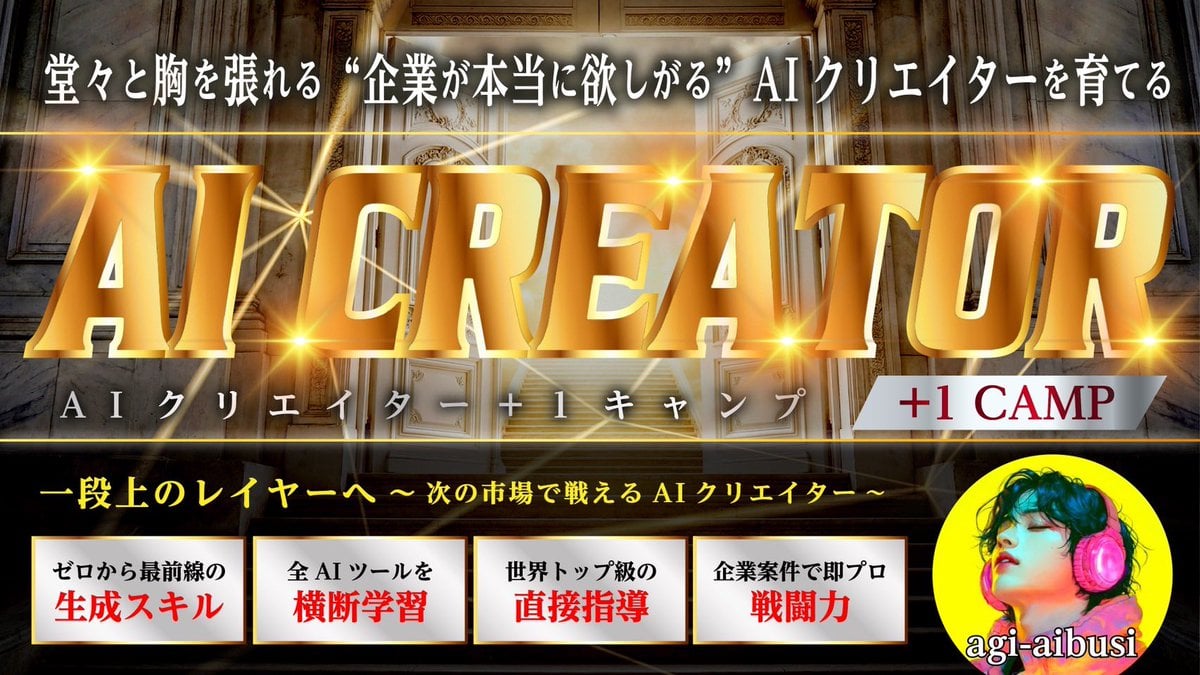
Thumbnail Text Decoration Enhancement Prompt
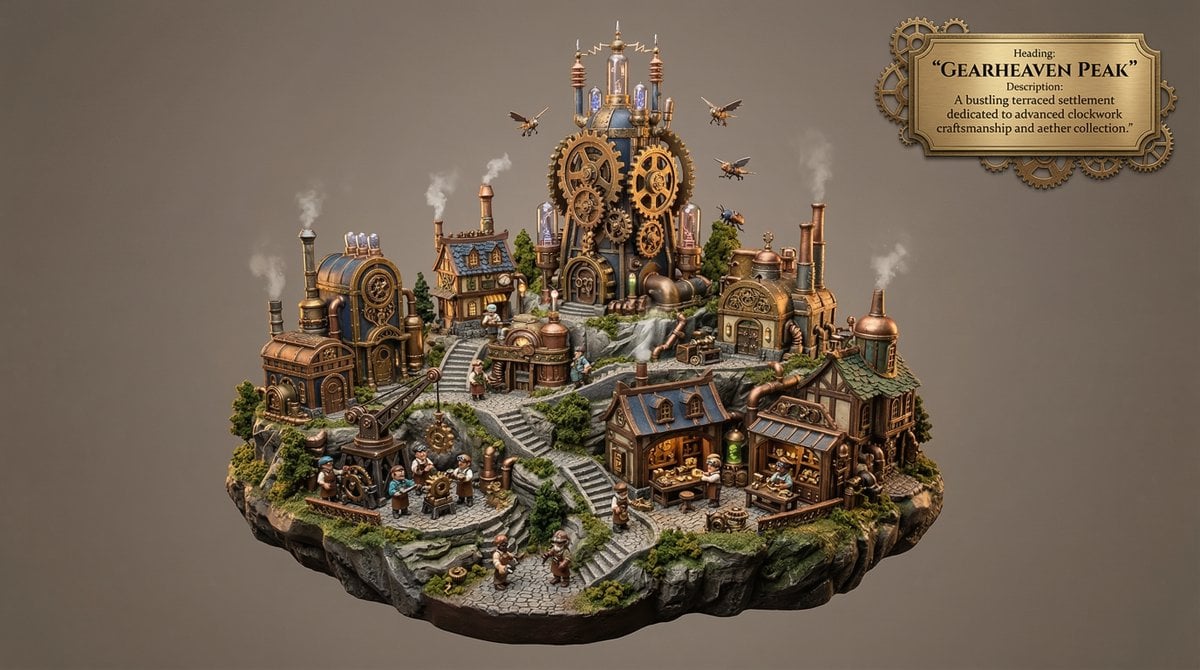
Whimsical Mono-Punk Floating Miniature Diorama Generator
Nano Banana Pro Tip: Glitch Static Ghost Silhouette Portrait
Ultra-Realistic Studio Portrait with Playful Expression
Hyper-Realistic Military Squad Portrait
Vintage Technical Illustration Macro Shot
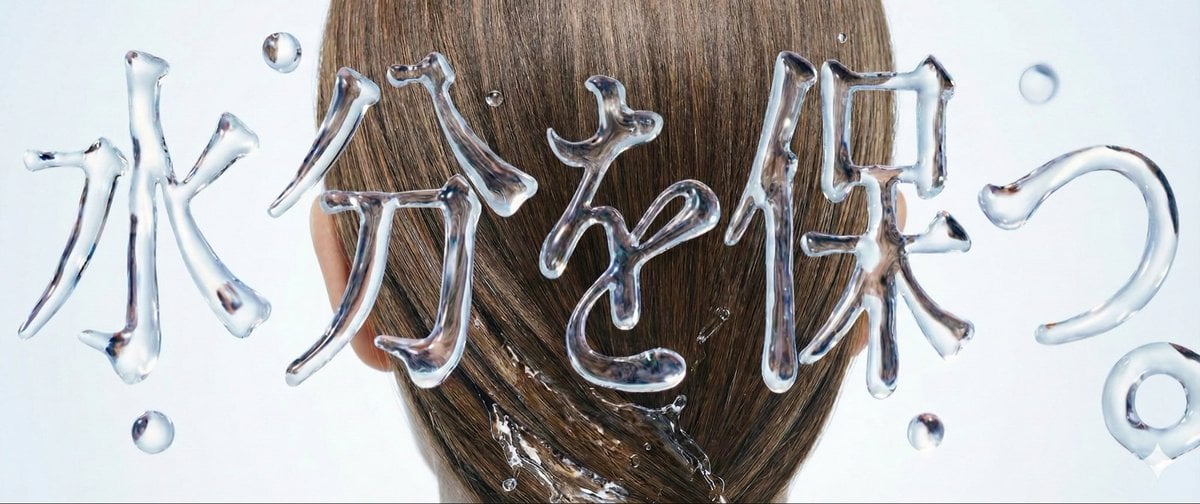
Water Typography Experiment Prompt
Browse template categories
Vintage Rabbit Collage Specimen questions
How do I use the Vintage Rabbit Collage Specimen template?
Add your photo if the template asks for one, edit the prompt if you like — the template's model and format are already selected — and press Generate. Your version opens in PicX Studio.
Can I customize the Vintage Rabbit Collage Specimen template?
Yes. You can change the subject, setting, lighting, mood, format, and available model controls before creating your image.
Is the Vintage Rabbit Collage Specimen template free?
Opening and editing this template is free. Generating uses credits, shown on the Generate button when you are signed in.
Which AI model should I use?
Start with GPT Image 2, which is the model associated with this template. You can compare another compatible model for a different finish.
Looking for something else? Browse all templates.

Your photo, any look
Thousands of ready templates for every top image and video model, from one credit balance.