
Editorial Surrealist Portrait: The Ink Lament
A highly detailed, structured prompt for generating a hyper-realistic, surreal editorial portrait.
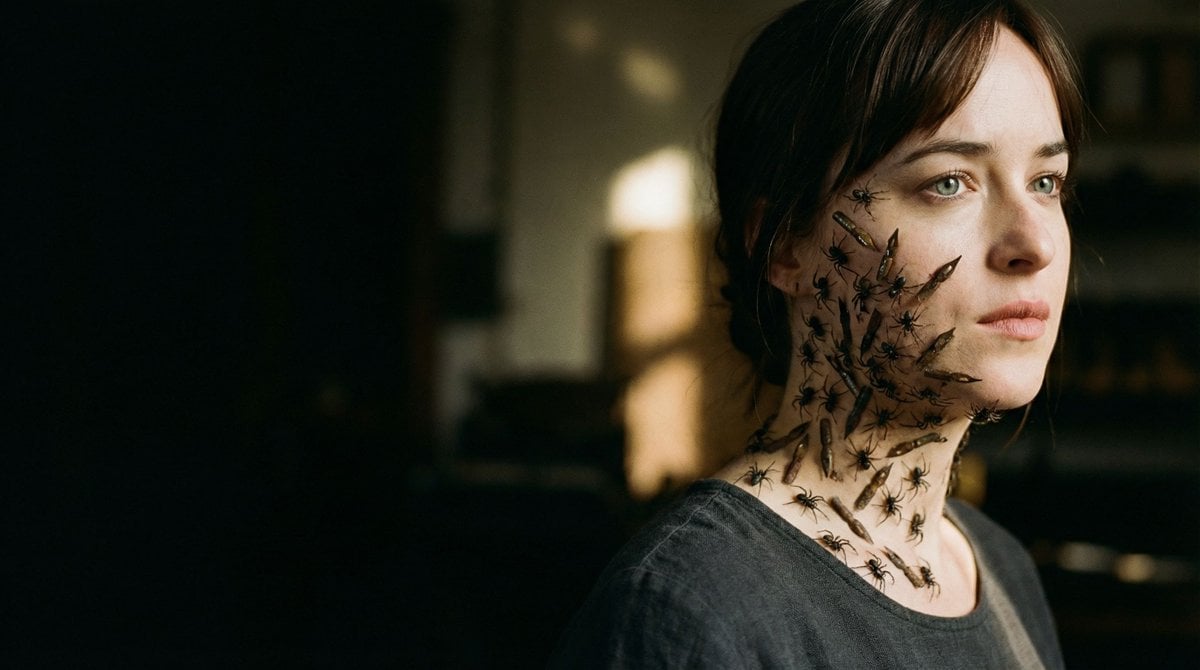
- Prompt included
- Model and format preset
- Free template
The prompt behind this image
Copy the exact prompt behind Editorial Surrealist Portrait: The Ink Lament, or open it in the studio and make it yours.
{ "vibe_title_en": "The Ink Lament", "master_prompt": "A hyper-realistic, surreal editorial portrait of The Melancholic Prodigy, captured in a dimly lit, dust-filled antique letterpress workshop. The protagonist is framed strictly according to the Cinematic Rule of Thirds, positioned on the far right, leaving vast, moody negative space to the left. The subject exhibits a 'sorrowful focus,' staring past the lens. SURREAL VISUAL TRANSLATION: mirroring the dense, swarming geometry of the reference image, the subject's face and neck are not covered in spiders, but in viscous, anti-gravity droplets of black India ink and broken, antique calligraphy nibs that cling to the skin like organic parasites. These elements cast realistic, micro-shadows on the pores, treating the surrealism as a practical effect. The lighting is a high-contrast Chiaroscuro: a single, warm shaft of light cuts through the airborne dust particles, illuminating the glossy texture of the ink against the matte skin, while the rest falls into deep shadow. Shot on a Hasselblad H6D-100c with an HC 100mm f/2.2 lens to achieve a razor-thin depth of field, focusing intensely on the eyes and the tactile ink texture. Film simulation: Kodak Portra 800, rich grain, desaturated slightly to emphasize the melancholic atmosphere. No neon, no digital gloss.", "meta": { "intent": "Editorial Surrealism", "priorities": "Texture, Mood, Narrative Conflict", "device_profile": "Hasselblad H6D-100c" }, "frame": { "aspect": "16:9", "composition": "Rule of Thirds", "layout": "Off-Center Negative Space", "camera_angle": "Eye Level", "tilt_roll_degrees": "0" }, "subject": { "gender": "Female", "identity": "The Melancholic Prodigy", "demographics": "Adult, Ageless", "face": "Sorrowful, Intense Focus, Hyper-detailed Pores", "hair": "Pulled back or styled simply to focus on face texture", "body": "Shoulder-up Portrait", "expression": "Stoic Melancholy, Lost in thought", "pose": "Static but tense, head slightly turned to the negative space" }, "wardrobe_accessories": { "garments": [ { "item": "Vintage Work Smock", "material": "Linen", "color": "Faded Charcoal", "fit": "Loose, Textured" } ], "accessories": [ { "item": "Surreal Ink Droplets", "color": "Obsidian Black", "material": "Liquid/Viscous", "brand_style": "Surreal Organic" }, { "item": "Calligraphy Nibs", "color": "Rusted Steel", "material": "Metal", "brand_style": "Antique" } ] }, "environment": { "setting": "Antique Letterpress Workshop", "surfaces": "Aged Wood, Dust Motes, Paper Stacks", "depth": "Deep shadowy background with bokeh highlights", "atmosphere": "Heavy, Dusty, Melancholic, Warm", "lens_interaction": "Sharp focus on ink texture, r"
How to use Editorial Surrealist Portrait: The Ink Lament in 3 steps
- 1Upload ImagePNG, JPG or paste
Add your photo
Upload the photo the template builds on. The prompt, model and format are already set.
- 2…a portrait of your subject in softgolden-hour light, 85mm…
Personalize
Edit the subject and creative details for your destination.
- 3Generate
Generate
Press Generate — your image is created in PicX Studio, so you can compare it with the original and refine one variable at a time.
More like this
Templates with the same subject, style or setup. Open one to see its prompt.

untitled

Gpt Image 2 Fashion Portrait

Caution Tape Fashion — Industrial Editorial
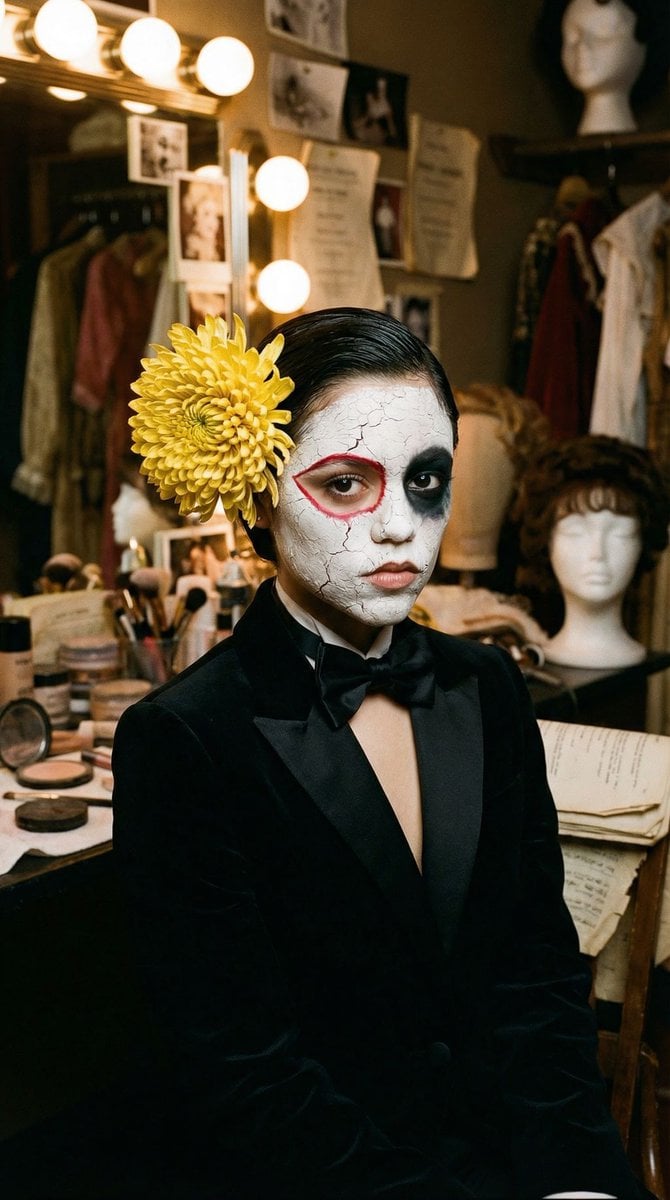
Surrealist Backstage Chaos: Jenna Ortega Editorial Portrait

Couture Fashion Editorial Woman and Drag

Nano Banana 2 Editorial Fashion Portrait

Found Photograph: Us, 1970

80s Couple Studio Portrait

80s Bollywood Star

80s Golden Hour Cinema

Me in 1985

1985 Studio Portrait
Make it yours
Editorial Surrealist Portrait: The Ink Lament works as-is. These are the safest ways to change it without losing the look.
Change one field
Copy a single group, rewrite it, and generate again so you can see what that field is doing.
Keep the frame, change the subject
Hold the composition and light of Editorial Surrealist Portrait: The Ink Lament, then swap wardrobe, props or the person for a new take.
| If the result… | Why | Fix |
|---|---|---|
| The result drifts from the preview | Too many fields changed at once. | Reuse Editorial Surrealist Portrait: The Ink Lament as-is first, then change one group — subject, light, or setting. |
| The model over-stylizes the scene | The prose prompt leaves finish and camera underspecified. | Add one camera or lighting sentence and stay on Nano Banana 2. |
More Nano Banana 2 templates
Other prompts made for Nano Banana 2.

Photorealistic Leaf Shaped Like a Dragon

K-Pop Idol Portrait Grid for Rapid Selection

Poetic Rain Forest Portrait During Golden Hour

Urban Street Portrait with Cartoon Inner Self Duo

Candid Nighttime Photo with Cat Prompt

High-Concept 3D Diorama Generation Prompt

Cinematic Futuristic Studio Portrait Template

Skincare Editorial Photography Collage Prompt

Hyper-Realistic Commercial Product Photography (Splash Effect)

Hyper-Realistic Nightclub Portrait Prompt
More image prompts
Fresh picks from across the catalog.
Faceless Anime Neon City Night
Zhao Linger Ethereal Xianxia Poster
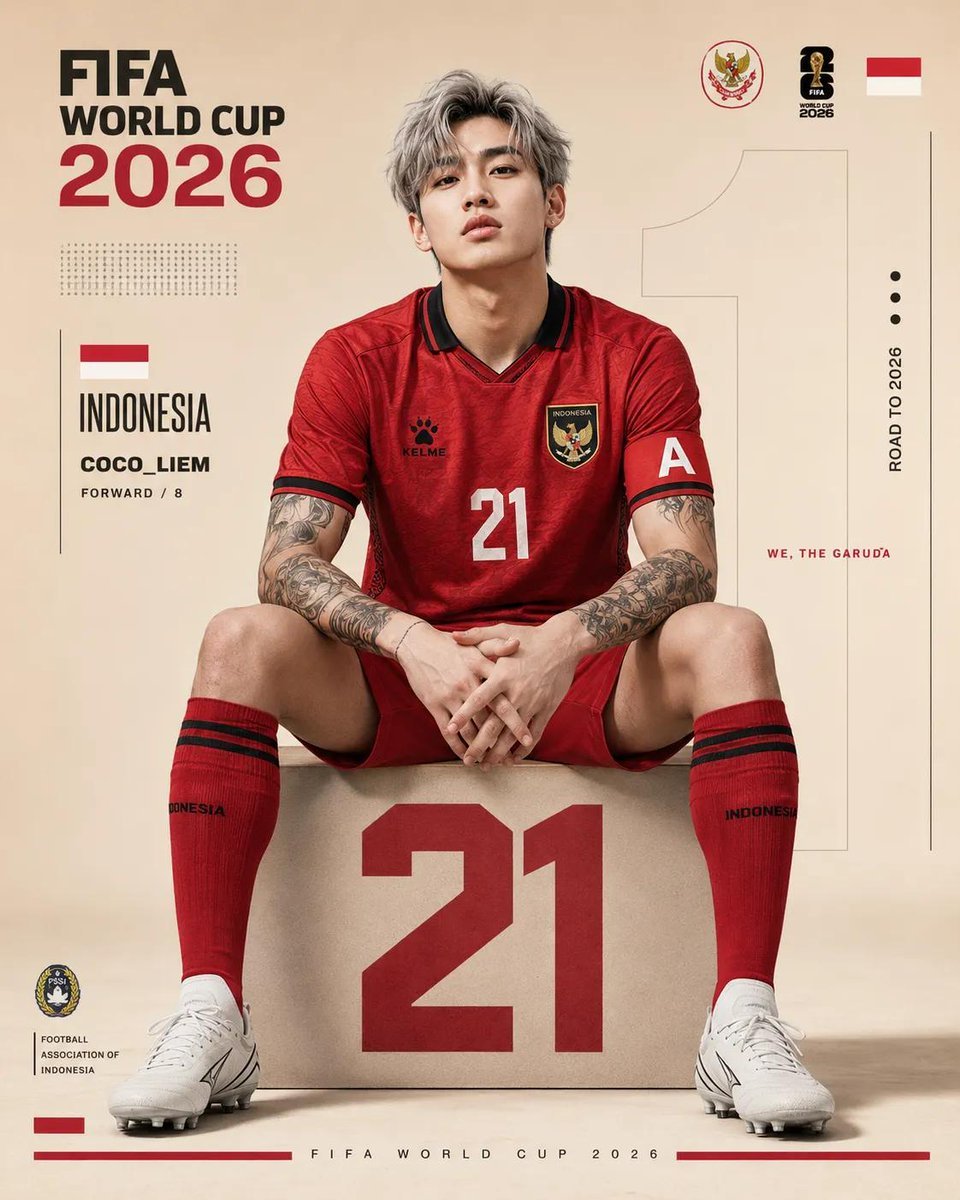
FIFA World Cup Poster Design
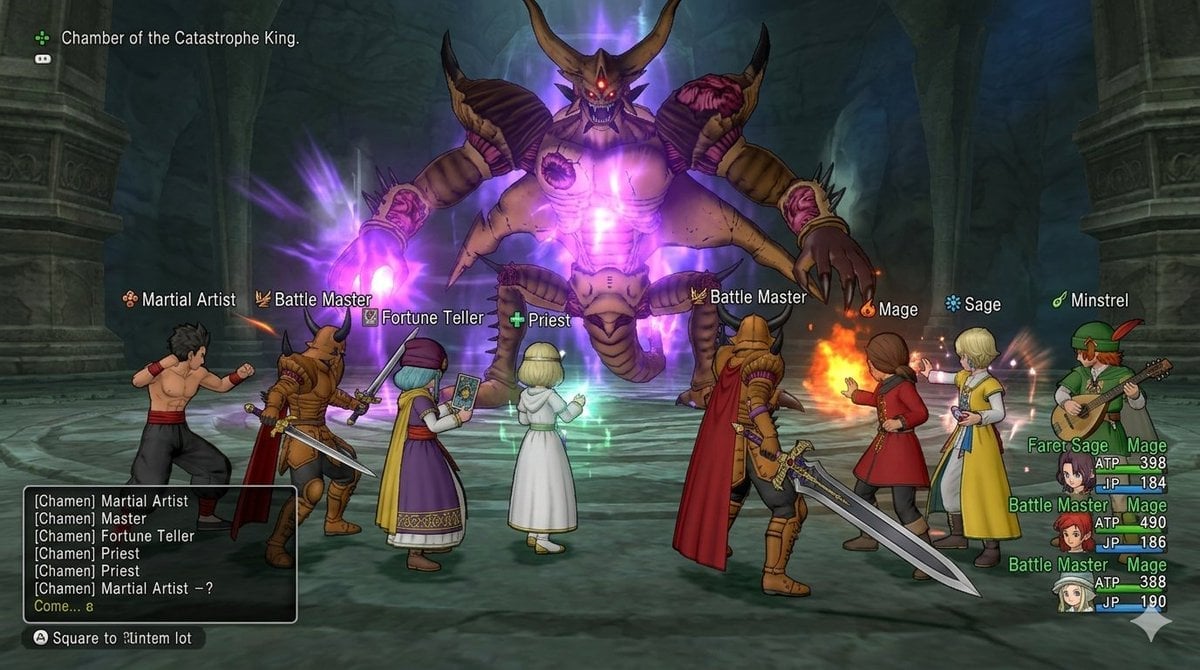
Image generation for Dragon Quest X: VS Calamity King
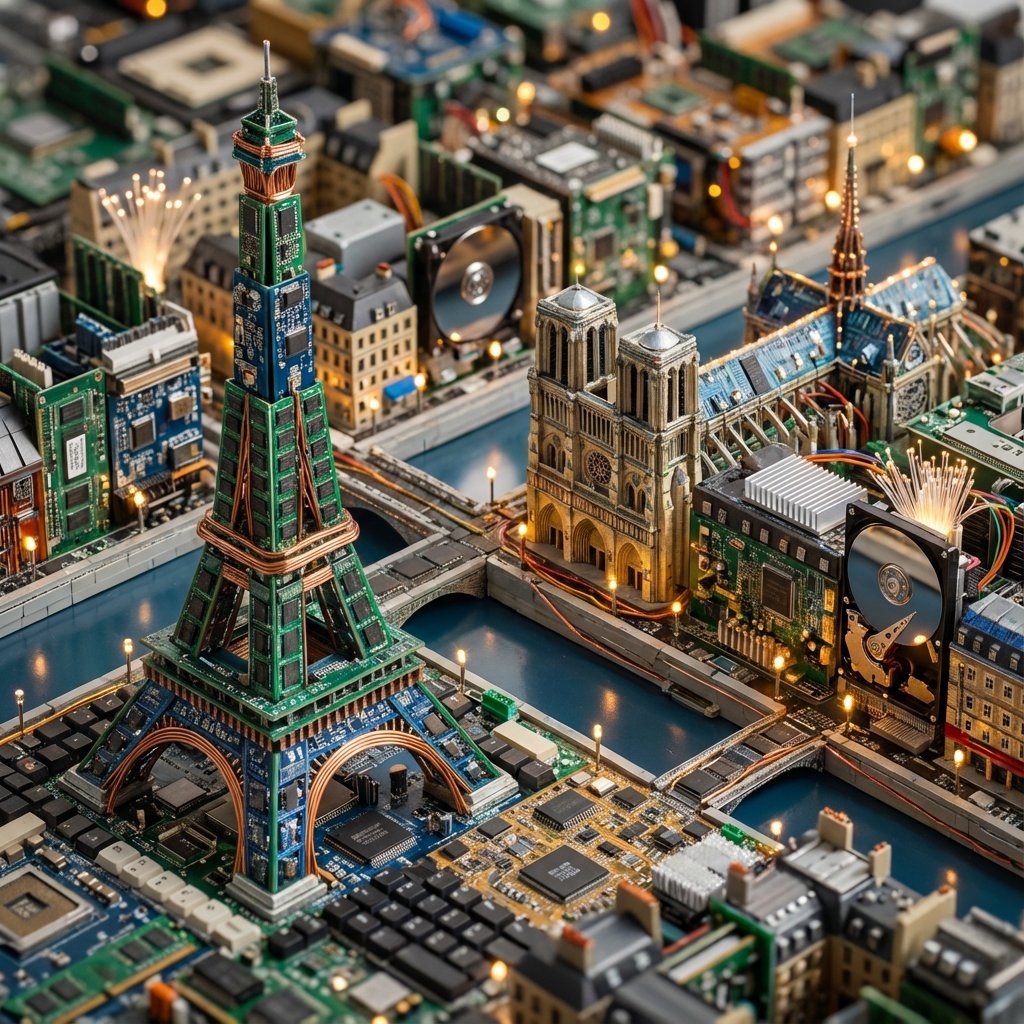
Cityscape Morphology from Material Concepts

Dai Woman Riverbank Hair Washing
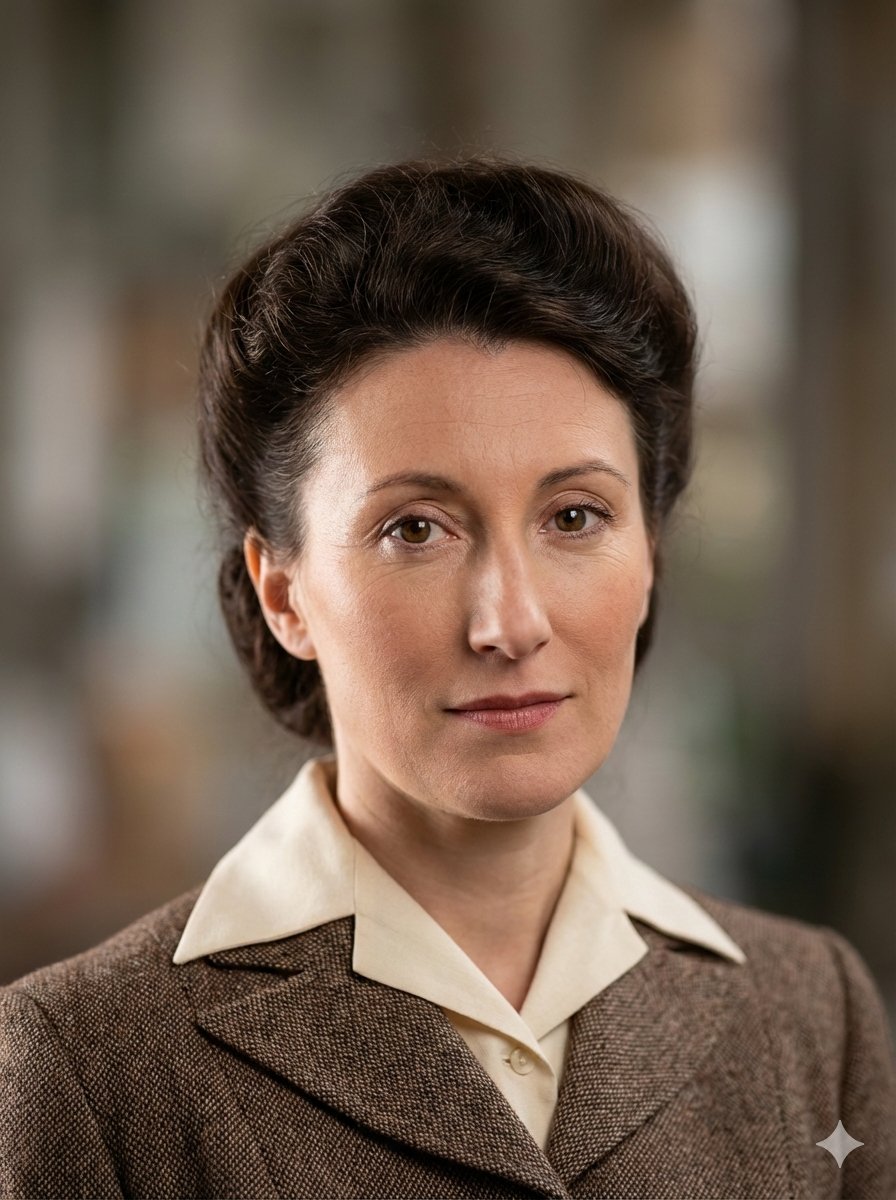
Photo restoration prompt for Nano Banana Pro

Tropical Resort Travel Ad Banner

untitled
Custom Logo Basketball Selfie
Browse template categories
Editorial Surrealist Portrait: The Ink Lament questions
How do I use the Editorial Surrealist Portrait: The Ink Lament template?
Add your photo if the template asks for one, edit the prompt if you like — the template's model and format are already selected — and press Generate. Your version opens in PicX Studio.
Can I customize the Editorial Surrealist Portrait: The Ink Lament template?
Yes. You can change the subject, setting, lighting, mood, format, and available model controls before creating your image.
Is the Editorial Surrealist Portrait: The Ink Lament template free?
Opening and editing this template is free. Generating uses credits, shown on the Generate button when you are signed in.
Which AI model should I use?
Start with Nano Banana 2, which is the model associated with this template. You can compare another compatible model for a different finish.
Looking for something else? Browse all templates.

Your photo, any look
Thousands of ready templates for every top image and video model, from one credit balance.