
Faceless Anime Neon City Night
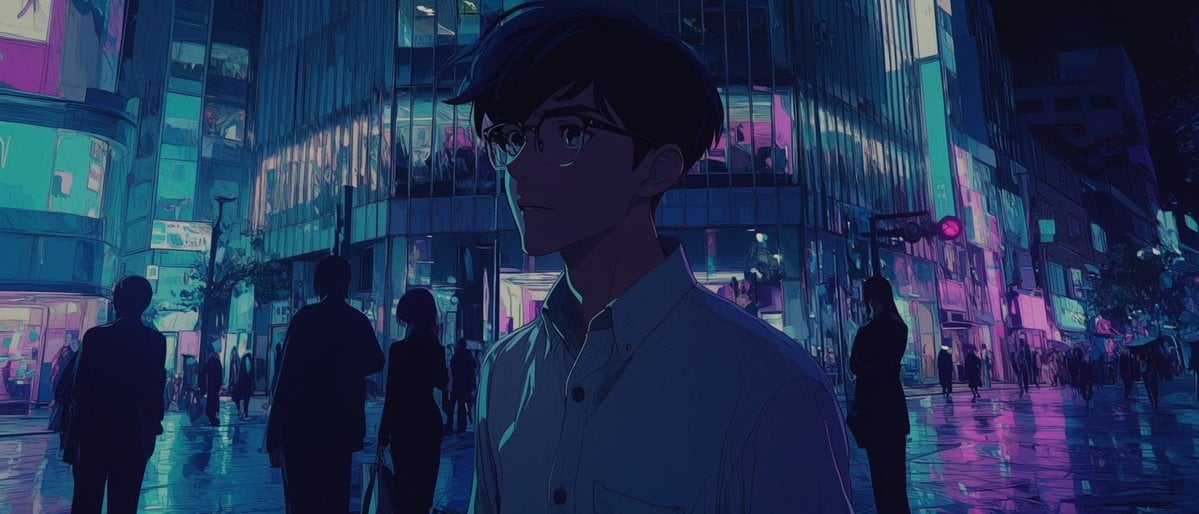
A cinematic prompt for generating a moody anime-style rainy neon city scene with a shadowed faceless young man in the foreground.
- Prompt included
- Model and format preset
- Free template
The prompt behind this image
Copy the exact prompt behind Faceless Anime Neon City Night, or open it in the studio and make it yours.
Create a cinematic anime-style night scene in a neon-lit urban shopping district, with {argument name="character name" default="an unnamed young man"} as the single main subject in the foreground. Use a wide horizontal 2.35:1 composition, viewed from street level after rain, with glossy wet pavement reflecting cyan, teal, violet, and magenta lights. The main subject is a slim young man in his late teens or early twenties, shown from chest up and slightly right of center, wearing a pale button-up shirt with a small chest pocket; his head is turned slightly left, his short dark hair forms a soft silhouette, and his entire face is deliberately obscured in deep shadow with no visible facial features, creating a mysterious, breathless atmosphere. Behind him, show exactly 9 secondary human figures: 4 larger dark silhouettes in the midground, including one person carrying a bag, and 5 tiny distant pedestrians scattered along the crossing and sidewalks. The background is a dense modern city intersection with tall glass buildings, stacked illuminated windows, storefront signs, vertical light panels, and a traffic signal glowing pink-red. Make the architecture feel like a rainy Tokyo nightlife district without readable signage. Lighting should be moody and high contrast, dominated by {argument name="neon palette" default="cyan, teal, deep blue, violet, and hot magenta"}; the foreground character should be mostly navy and purple shadow with thin turquoise rim light on the shirt collar and shoulder. Use expressive painted anime background art, subtle grain, soft bloom, reflective puddles, and a quiet melancholic mood inspired by {argument name="mood reference" default="a silent holy-night urban mood board"}. Avoid text, logos, watermarks, clear facial details, daylight, or cheerful colors.
How to use Faceless Anime Neon City Night in 3 steps
- 1Upload ImagePNG, JPG or paste
Add your photo
Upload the photo the template builds on. The prompt, model and format are already set.
- 2…a portrait of your subject in softgolden-hour light, 85mm…
Personalize
Edit the subject and creative details for your destination.
- 3Generate
Generate
Press Generate — your image is created in PicX Studio, so you can compare it with the original and refine one variable at a time.
More like this
Templates with the same subject, style or setup. Open one to see its prompt.

80s Neon Disco Night

Cel 2D Library Night

Cel 2D City Chase

Neon Night Crosswalk Candid Portrait
Neon Night Crosswalk Candid Portrait

Spider-Man 2099 Cyberpunk Neon Future City
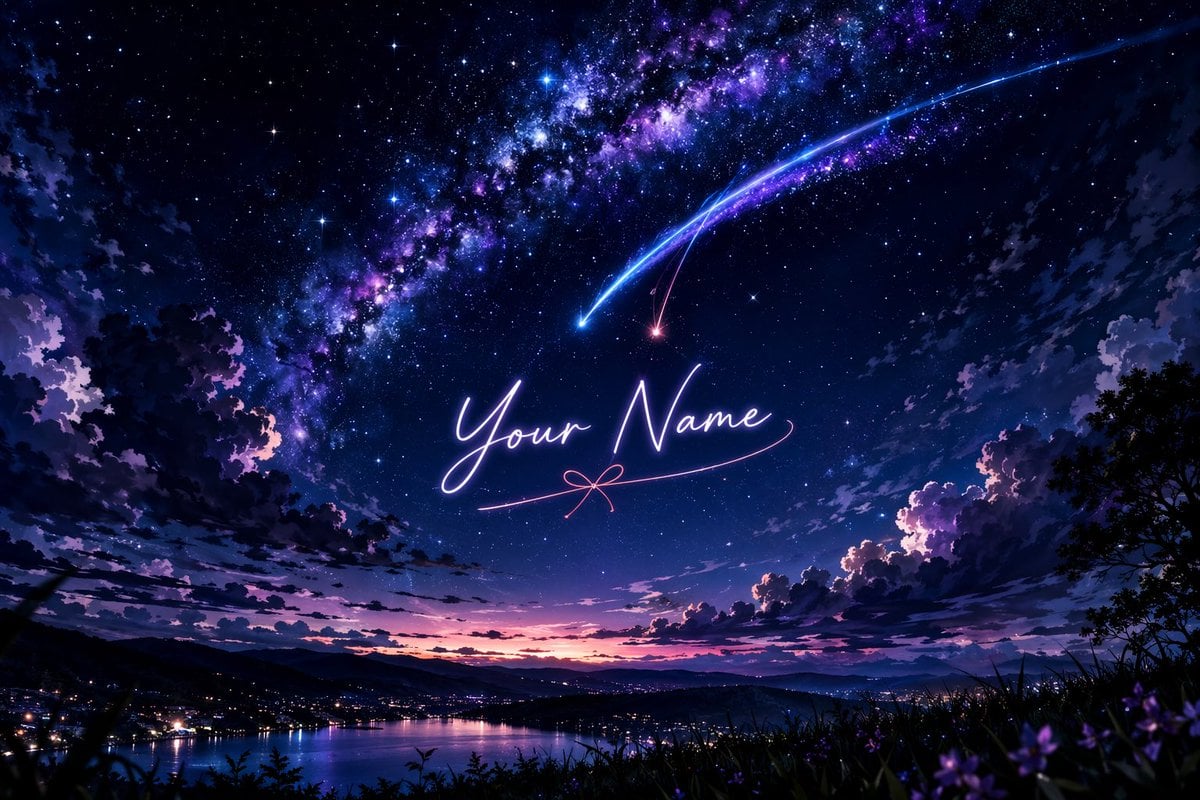
Anime Starry Night Sky with Custom Neon Text
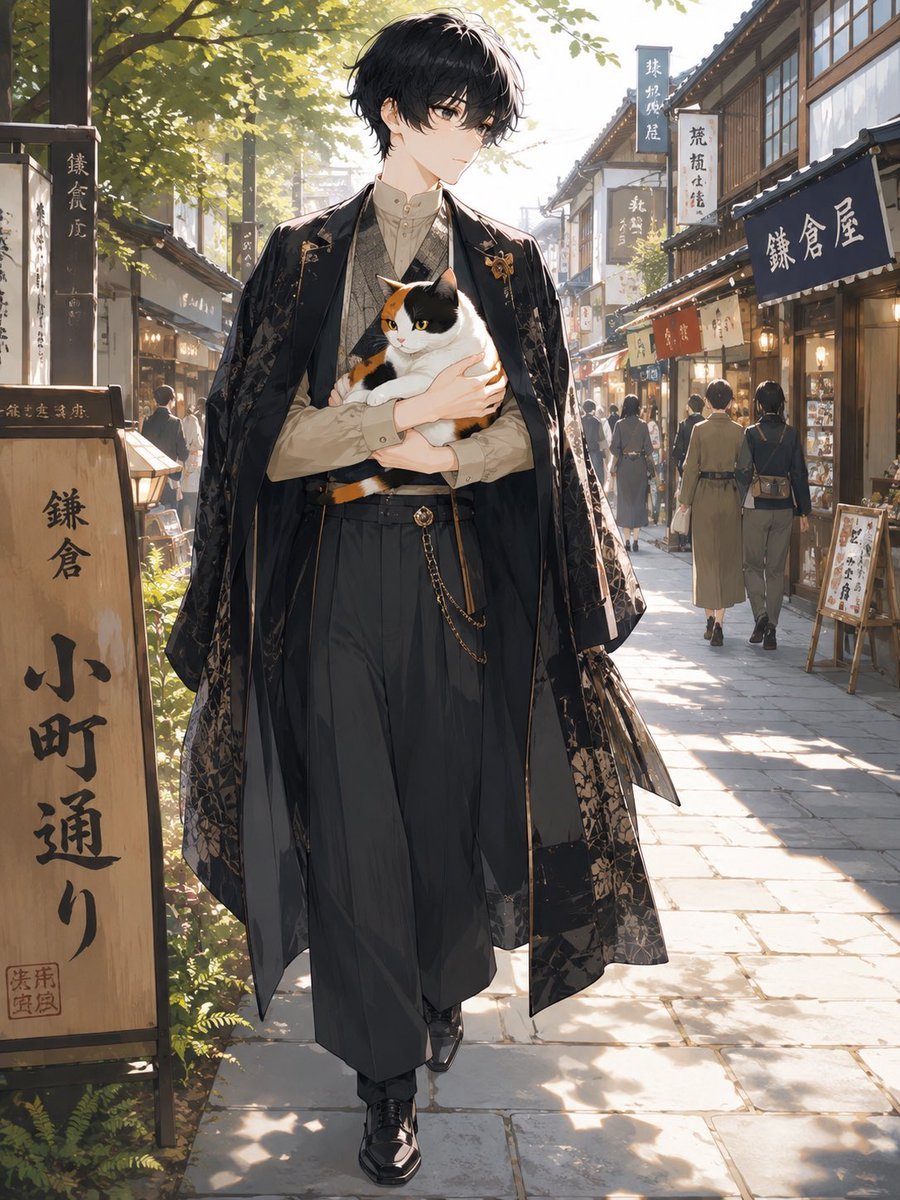
Faceless Anime Man Holding Calico Cat
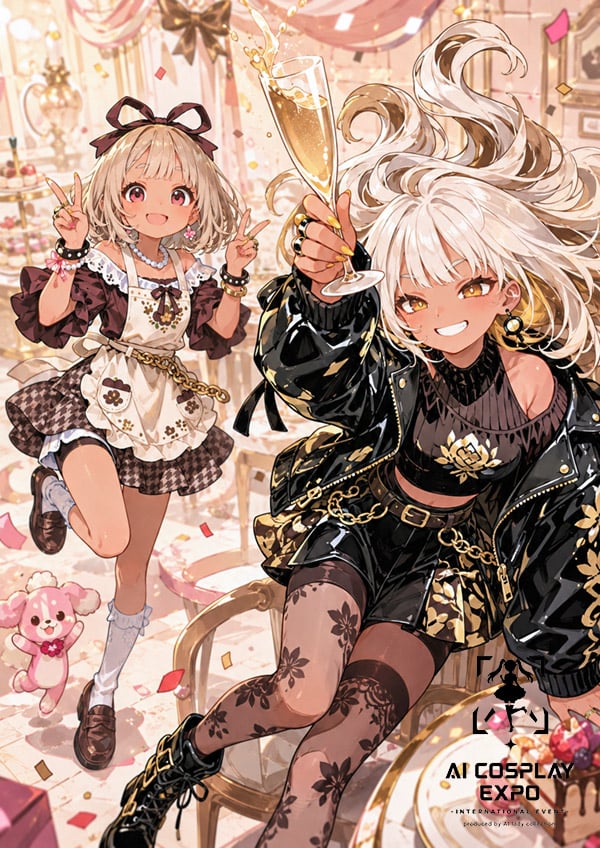
Faceless Anime Cosplay Expo Duo
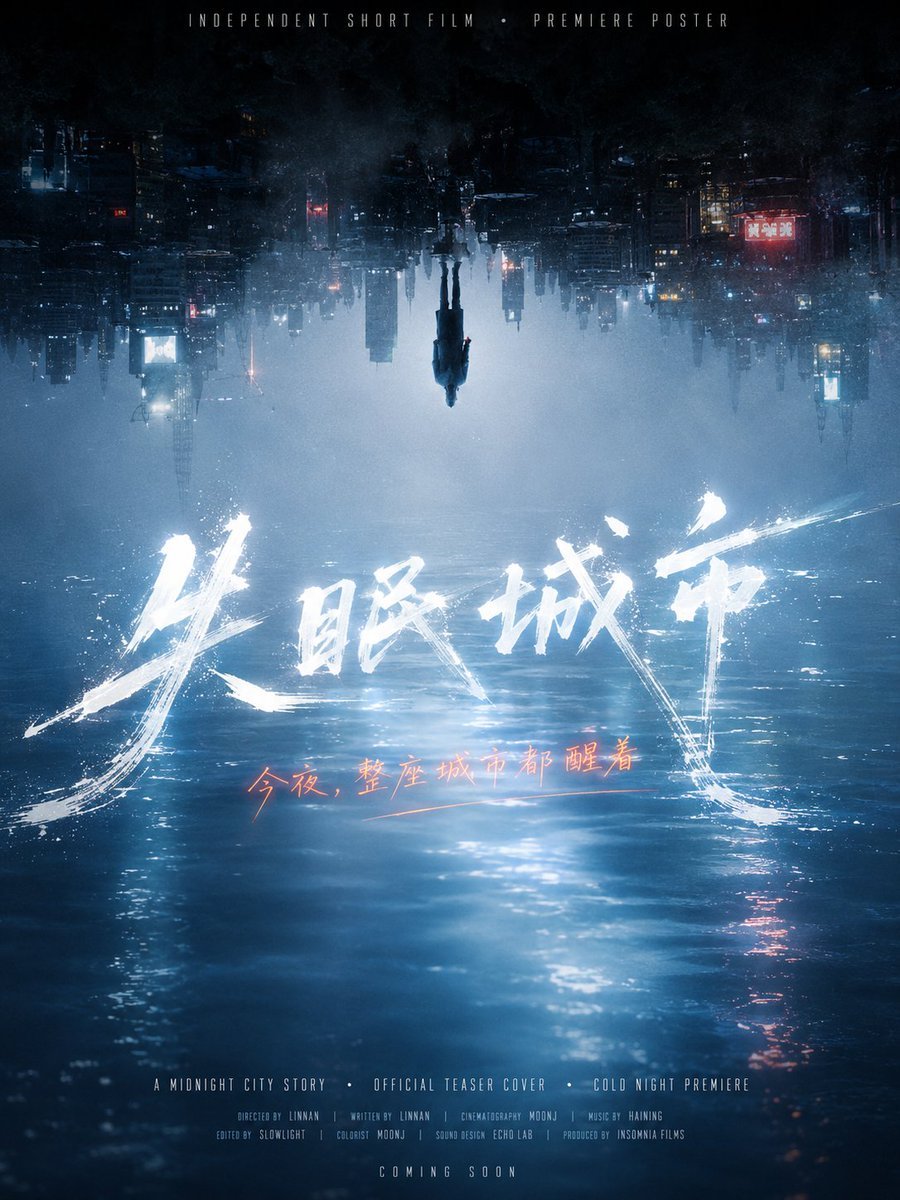
Inverted Midnight City Film Poster

Neon Anime Fireworks Magazine Cover
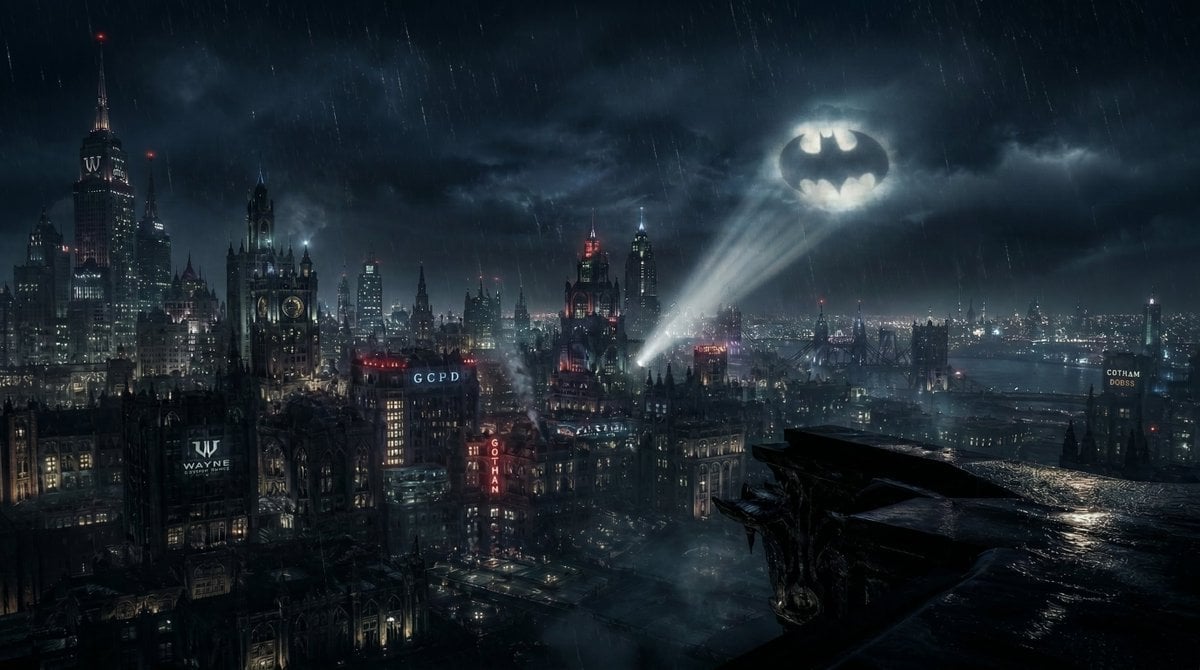
Gotham City Night Background
Make it yours
Faceless Anime Neon City Night works as-is. These are the safest ways to change it without losing the look.
Change one field
Copy a single group, rewrite it, and generate again so you can see what that field is doing.
Keep the frame, change the subject
Hold the composition and light of Faceless Anime Neon City Night, then swap wardrobe, props or the person for a new take.
| If the result… | Why | Fix |
|---|---|---|
| The result drifts from the preview | Too many fields changed at once. | Reuse Faceless Anime Neon City Night as-is first, then change one group — subject, light, or setting. |
| The model over-stylizes the scene | The prose prompt leaves finish and camera underspecified. | Add one camera or lighting sentence and stay on GPT Image 2. |
More GPT Image 2 templates
Other prompts made for GPT Image 2.

Six VTuber Japanese Logo Sheet

Realistic Portrait of Woman and Deer

The Vista Modular Condo Poster

AI Model Routing Comparison Infographic

2.5D Anime Art Board

Isometric Productivity Desk Scene

New York Double Exposure Poster

Four-Panel AI Landscape Comparison

Japanese Tatami Lifestyle Magazine Cover

NESCAFÉ Coffee Map Poster
More image prompts
Fresh picks from across the catalog.
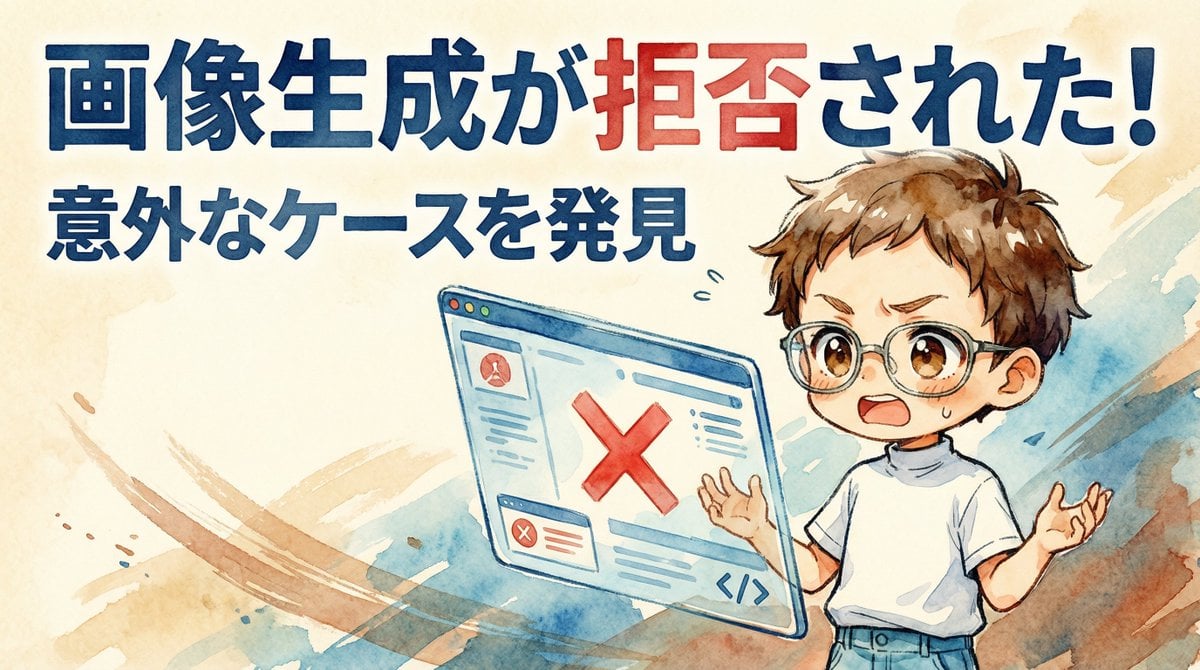
Nano Banana Pro Image Generation Refusal Analysis (Freepik Example)
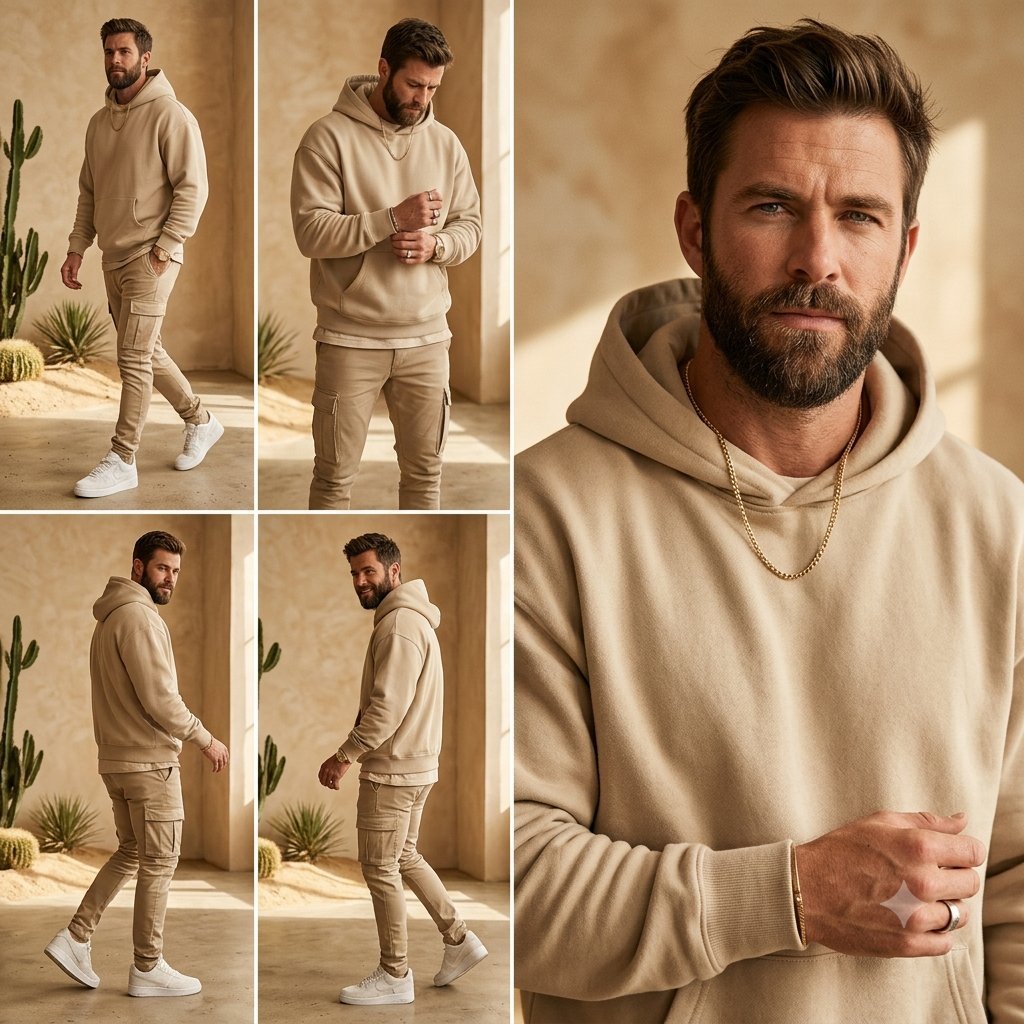
Beige Menswear Lookbook Collage
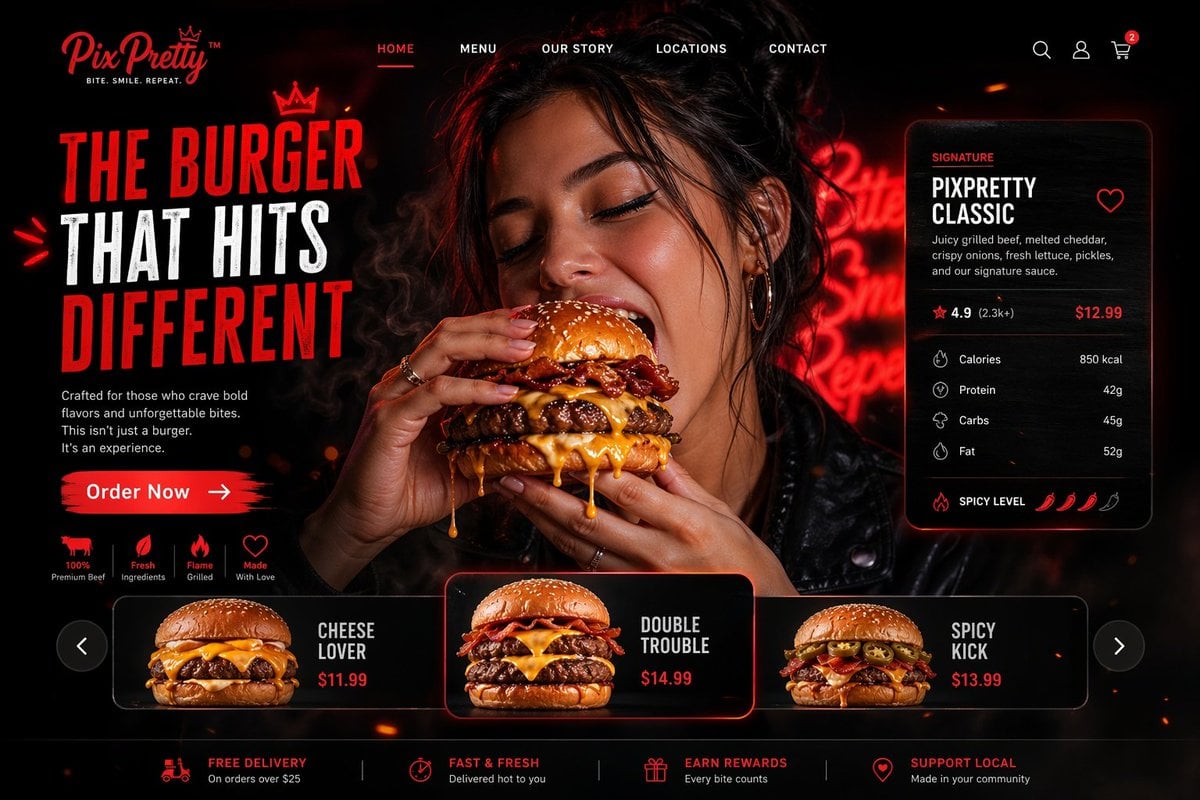
Luxury Cinematic Burger Landing Page
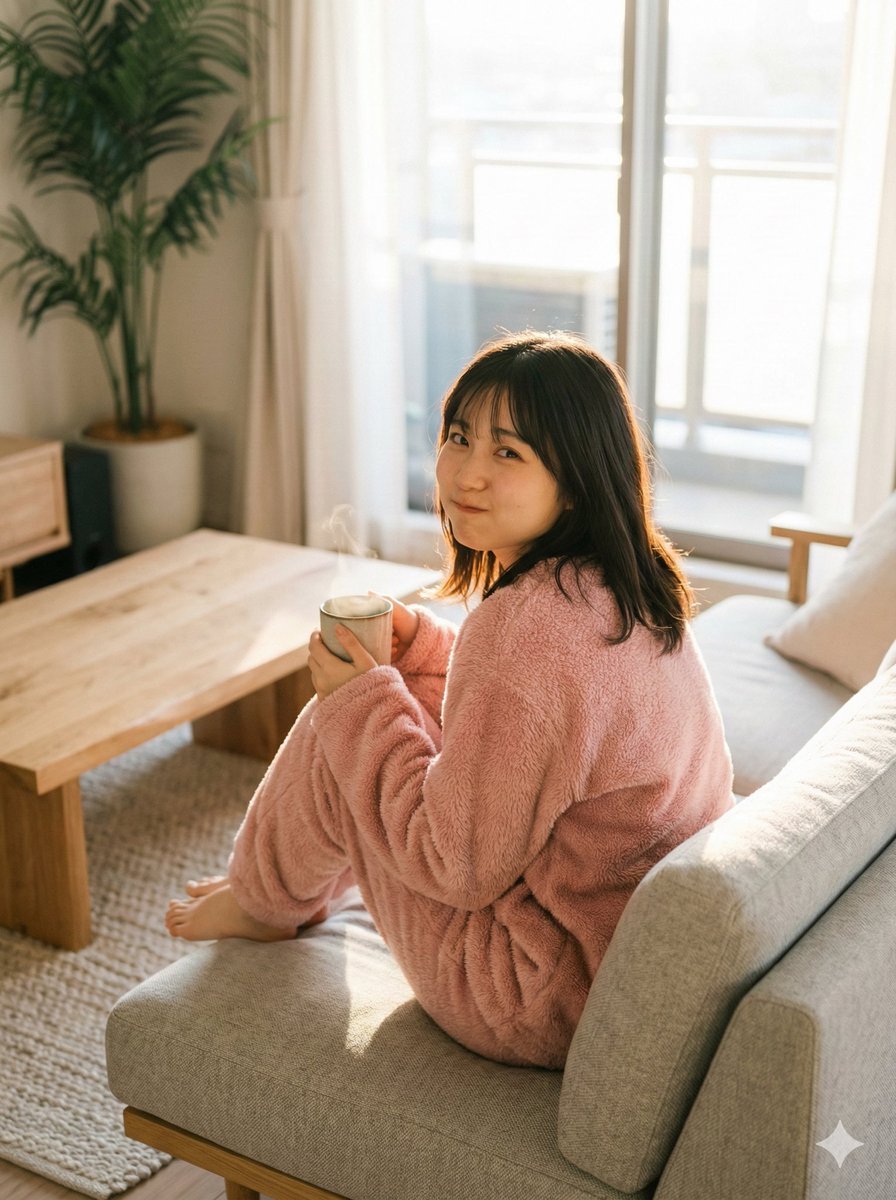
Refining Image Generation for Natural Expression
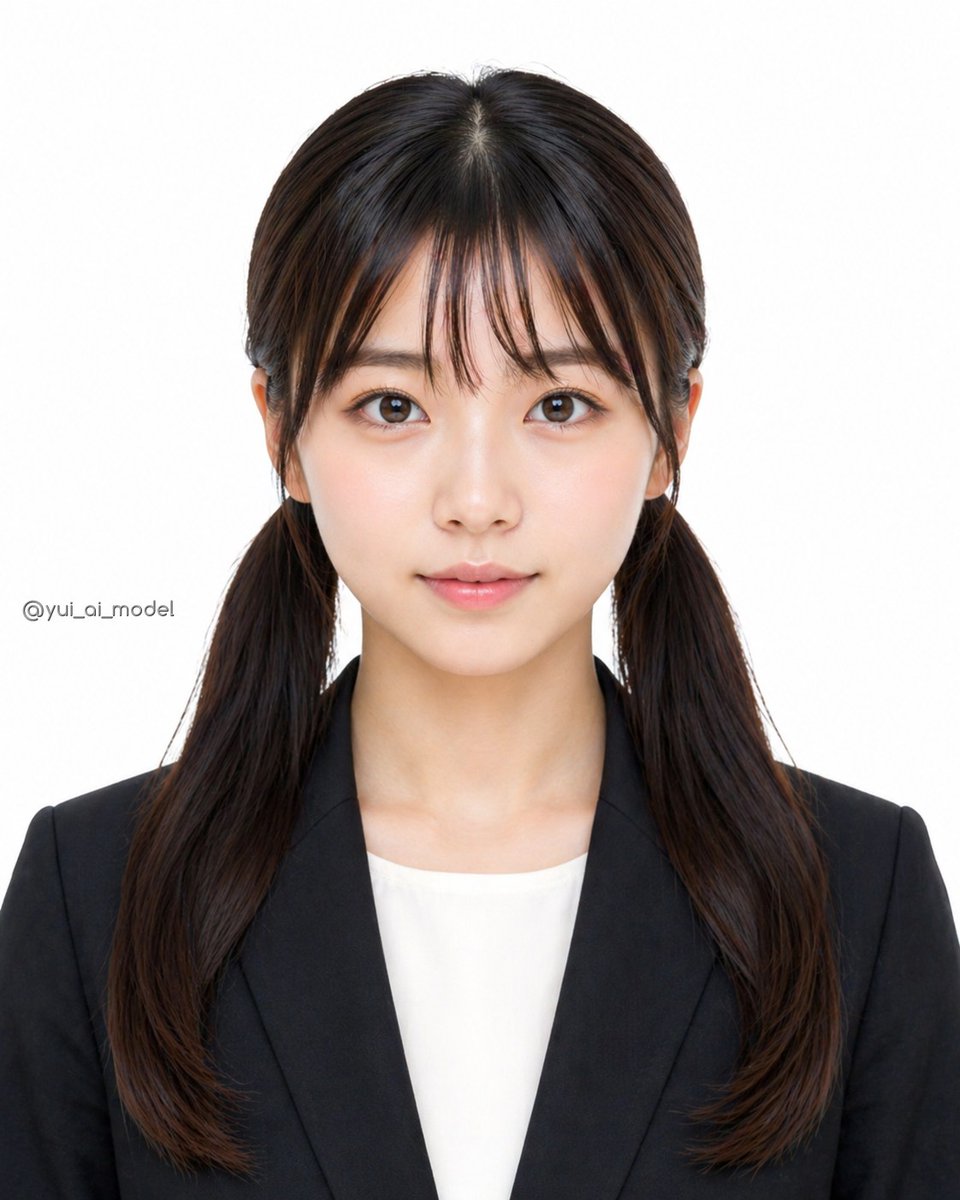
Anonymized Business Headshot
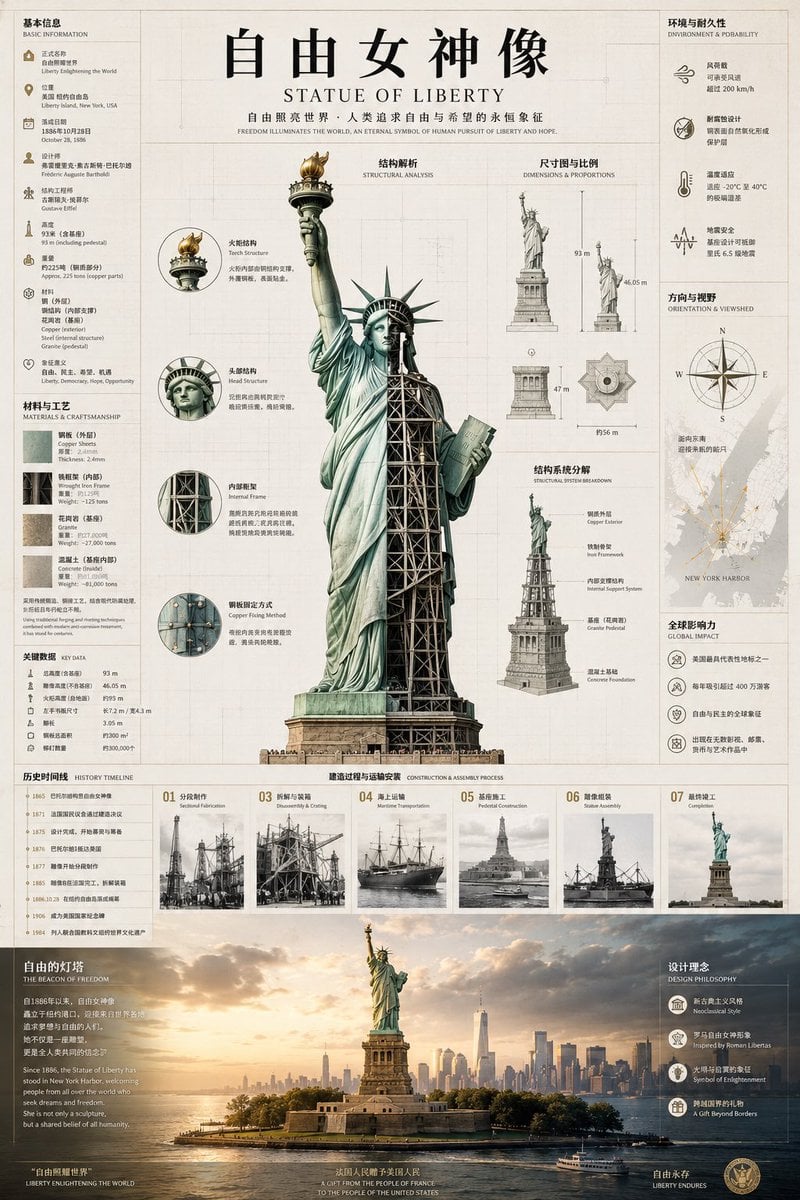
Statue of Liberty Technical Infographic
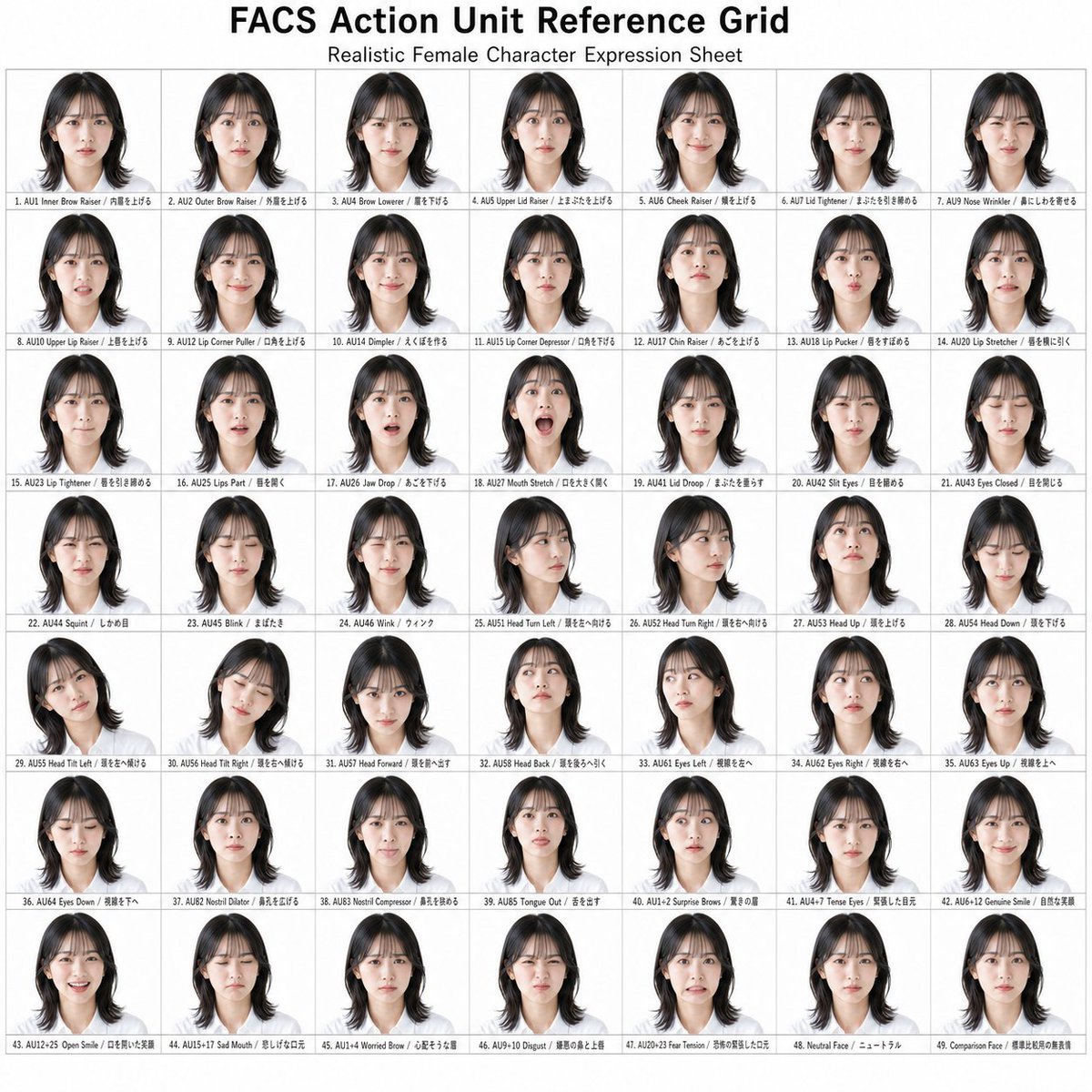
FACS Action Unit Reference Grid
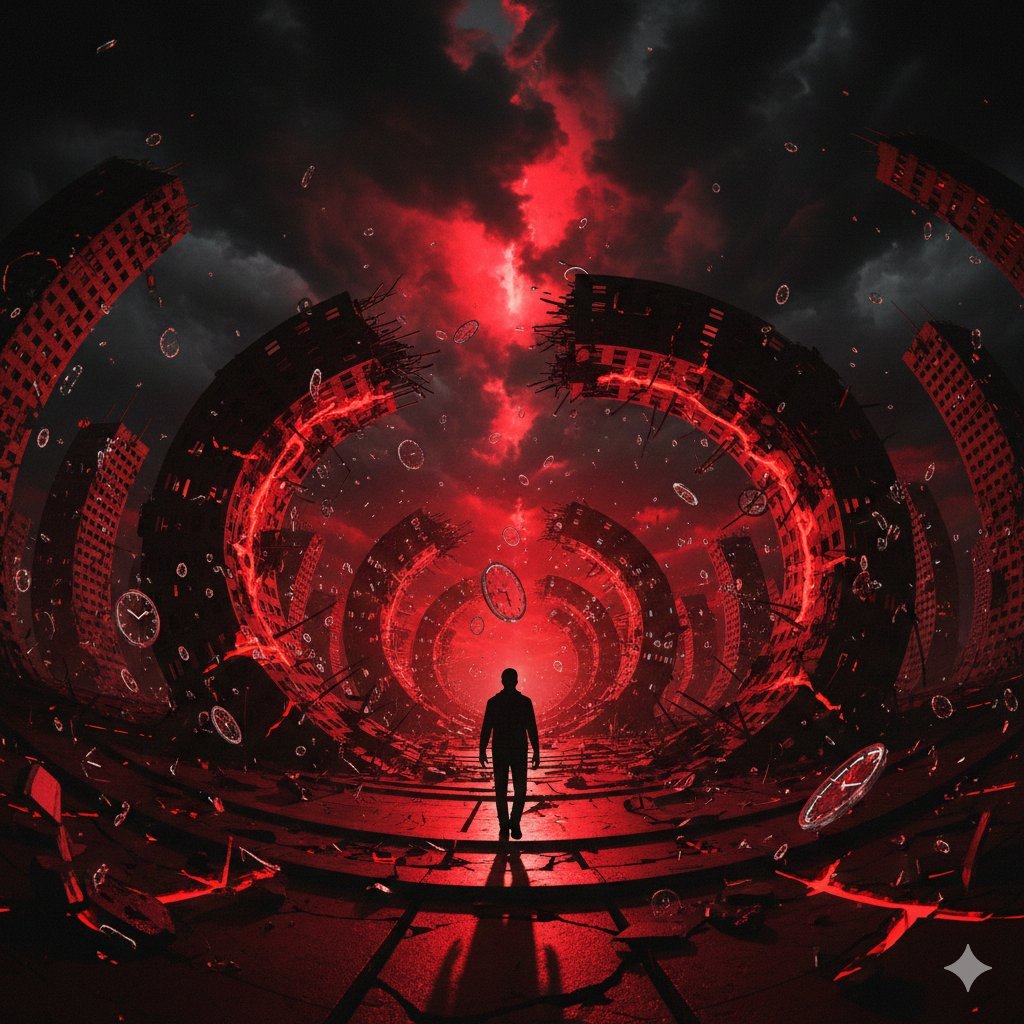
Surreal Physics Dystopia Image Generation Prompt
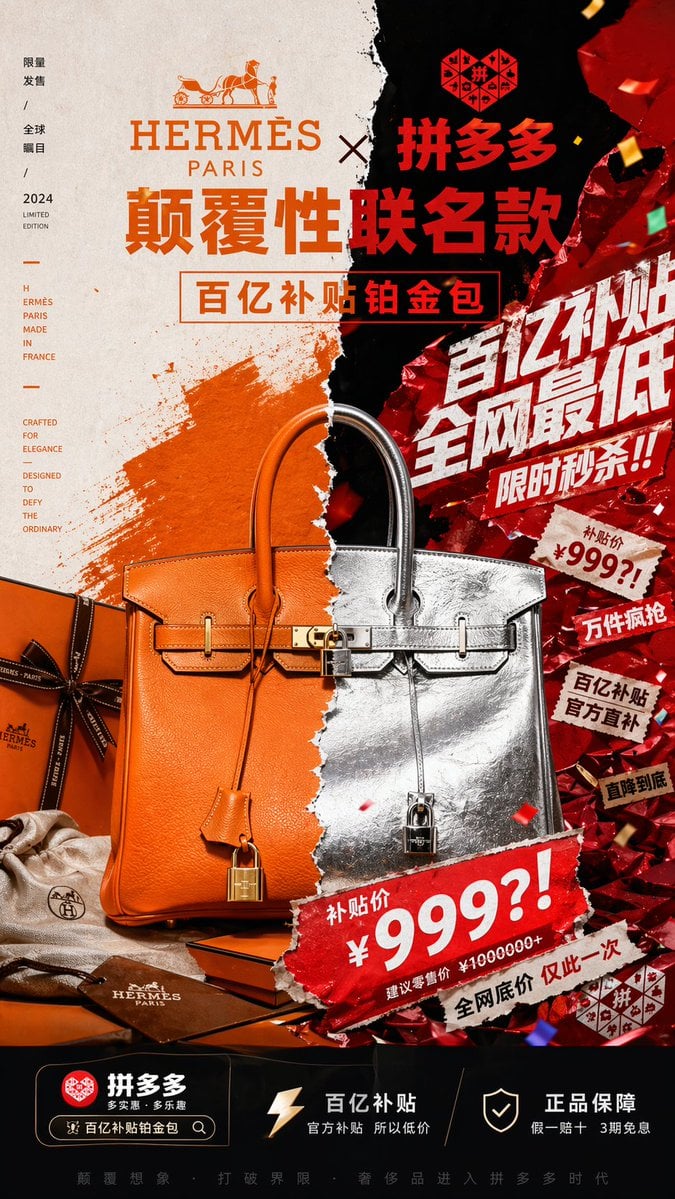
Luxury x E-commerce Split Poster
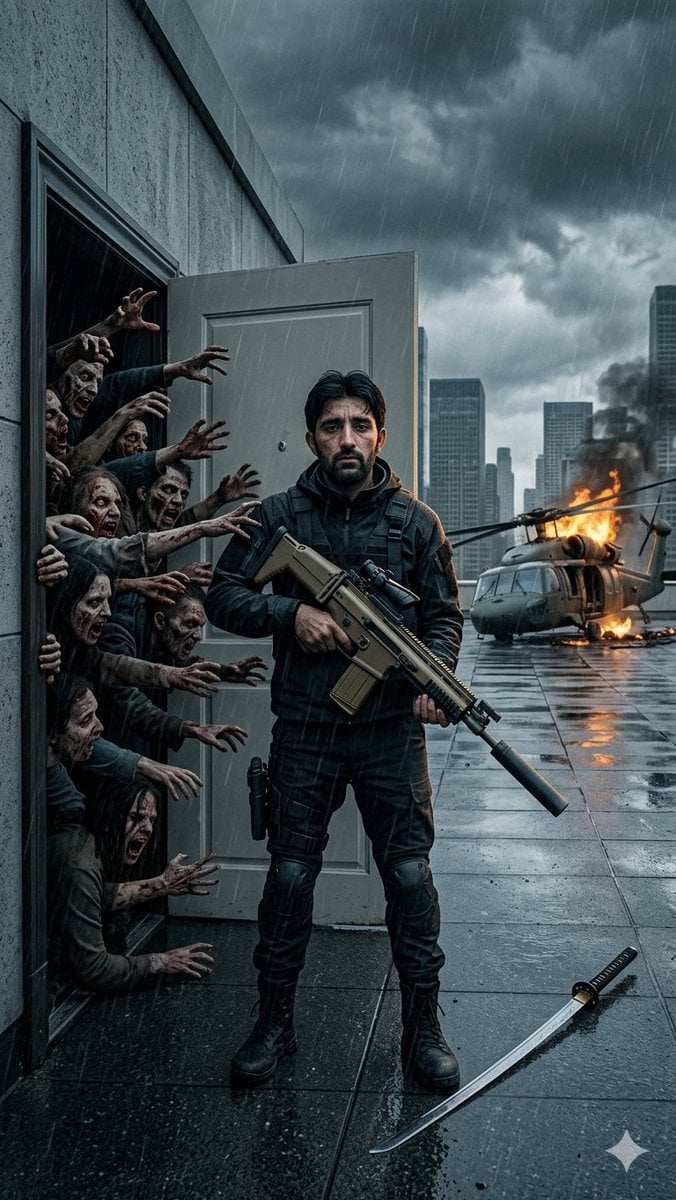
Stormy Rooftop Zombie Siege
Browse template categories
Faceless Anime Neon City Night questions
How do I use the Faceless Anime Neon City Night template?
Add your photo if the template asks for one, edit the prompt if you like — the template's model and format are already selected — and press Generate. Your version opens in PicX Studio.
Can I customize the Faceless Anime Neon City Night template?
Yes. You can change the subject, setting, lighting, mood, format, and available model controls before creating your image.
Is the Faceless Anime Neon City Night template free?
Opening and editing this template is free. Generating uses credits, shown on the Generate button when you are signed in.
Which AI model should I use?
Start with GPT Image 2, which is the model associated with this template. You can compare another compatible model for a different finish.
Looking for something else? Browse all templates.

Your photo, any look
Thousands of ready templates for every top image and video model, from one credit balance.