
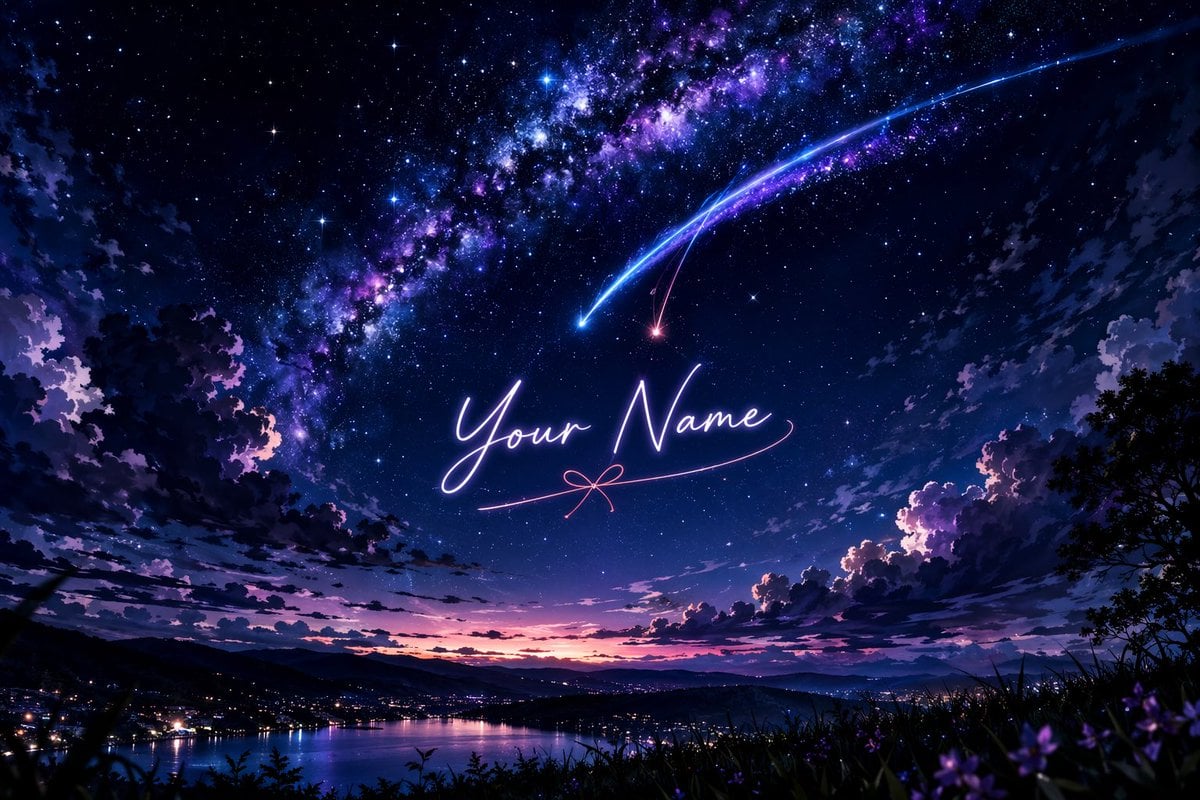
Anime Starry Night Sky with Custom Neon Text
Generates a cinematic, anime-style starry night landscape featuring a sweeping Milky Way, shooting stars, and customizable glowing cursive text in the center.
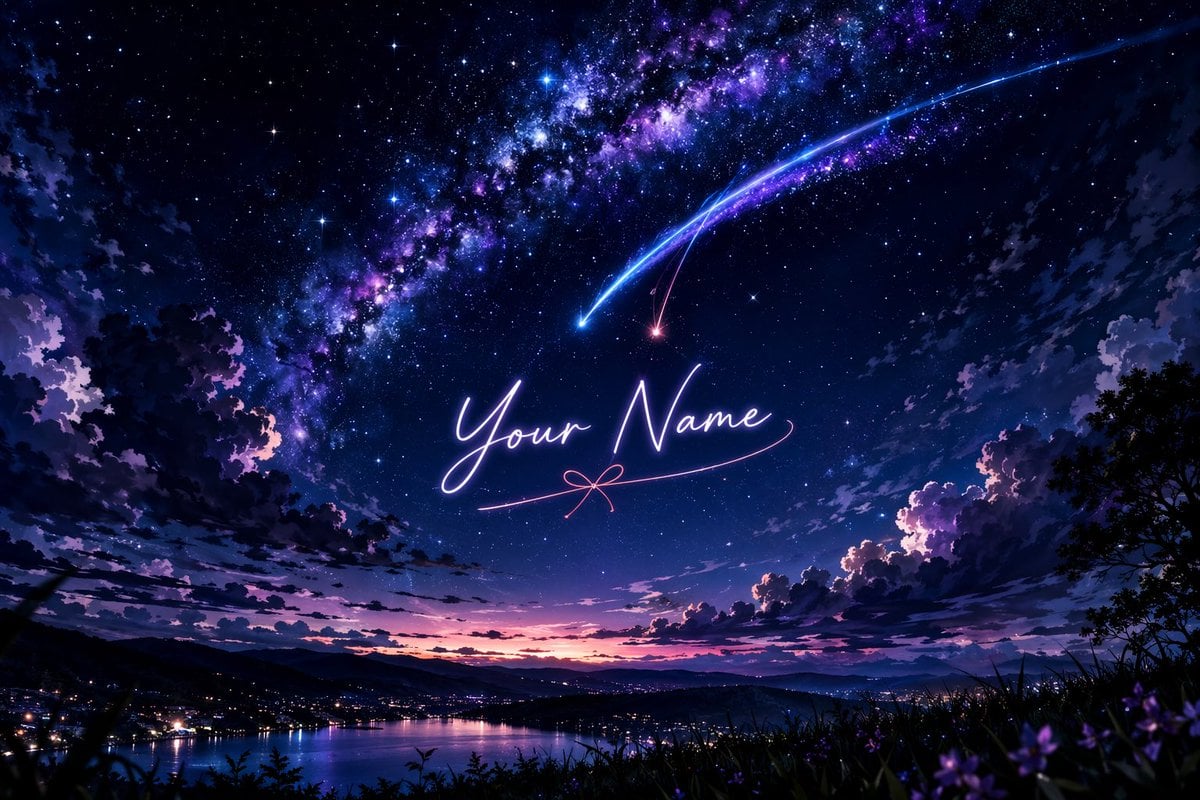
- Prompt included
- Model and format preset
- Free template
The prompt behind this image
Copy the exact prompt behind Anime Starry Night Sky with Custom Neon Text, or open it in the studio and make it yours.
A breathtaking anime-style landscape featuring a vibrant, starry night sky dominated by a brilliant, sweeping Milky Way in hues of deep purple, blue, and magenta. Two prominent shooting stars, one glowing bright blue and the other a softer pinkish-red, streak downwards across the sky, their tails intersecting. In the center of the sky, written in elegant, glowing cursive neon-like script, is the text "{argument name="custom text" default="Your Name"}", underlined by a delicate pink line that forms a small bow in the middle. Below, a serene landscape unfolds with dark, silhouetted clouds framing the edges. A distant town with glowing city lights sits nestled along the shores of a calm lake, reflecting the twilight colors of the horizon where the sun has just set, leaving a gradient of pink and orange. The foreground features dark silhouettes of grassy hills and subtle hints of purple flowers, adding depth to this magical, cinematic scene reminiscent of Makoto Shinkai's art style.
Reference images included
Anime Starry Night Sky with Custom Neon Text needs input media to work. They load alongside the prompt when you open it in the studio.
How to use Anime Starry Night Sky with Custom Neon Text in 3 steps
- 1Upload ImagePNG, JPG or paste
Add your photo
Upload the photo the template builds on. The prompt, model and format are already set.
- 2…a portrait of your subject in softgolden-hour light, 85mm…
Personalize
Edit the subject and creative details for your destination.
- 3Generate
Generate
Press Generate — your image is created in PicX Studio, so you can compare it with the original and refine one variable at a time.
More like this
Templates with the same subject, style or setup. Open one to see its prompt.

80s Neon Disco Night
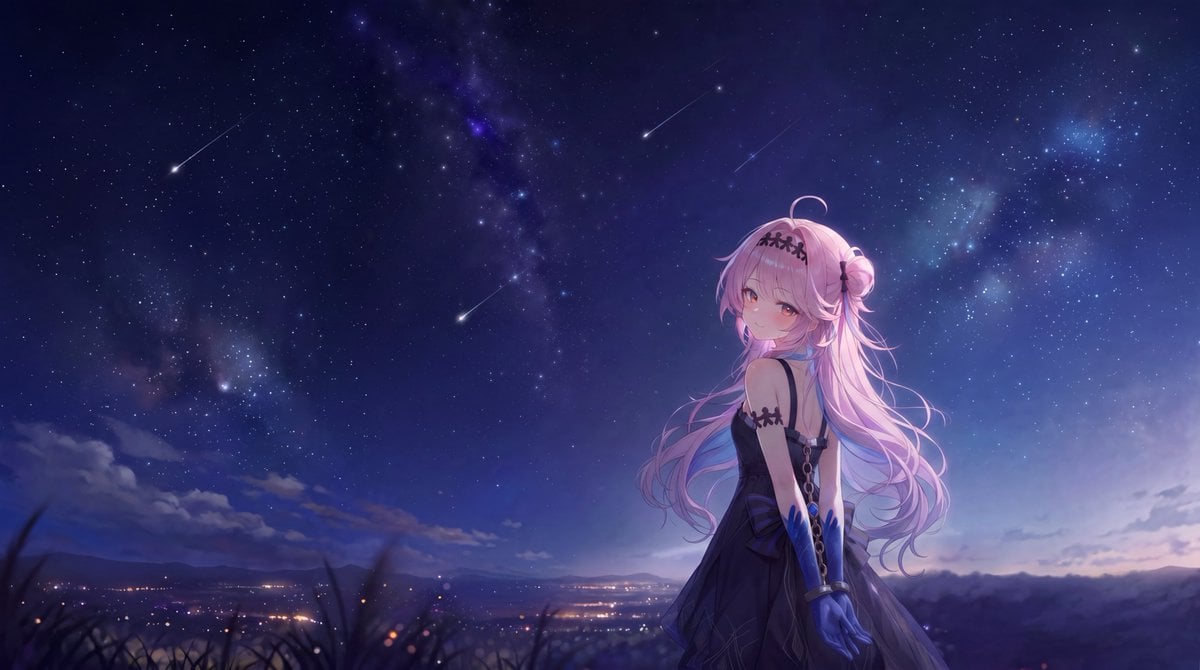
Anime Girl Under Meteor Starry Sky

Cel 2D Library Night

Pixar Anime Sky Race

Neon Night Crosswalk Candid Portrait
Neon Night Crosswalk Candid Portrait
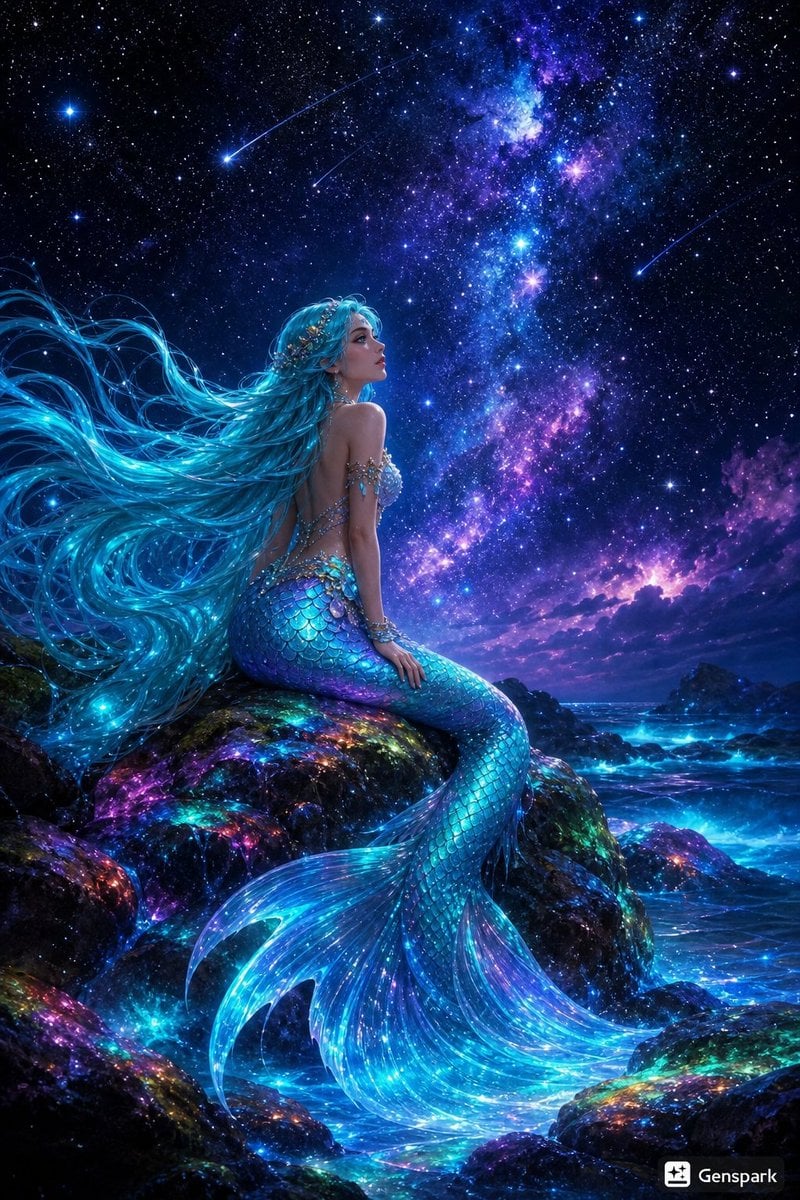
Starry Night Mermaid on Rainbow Reef
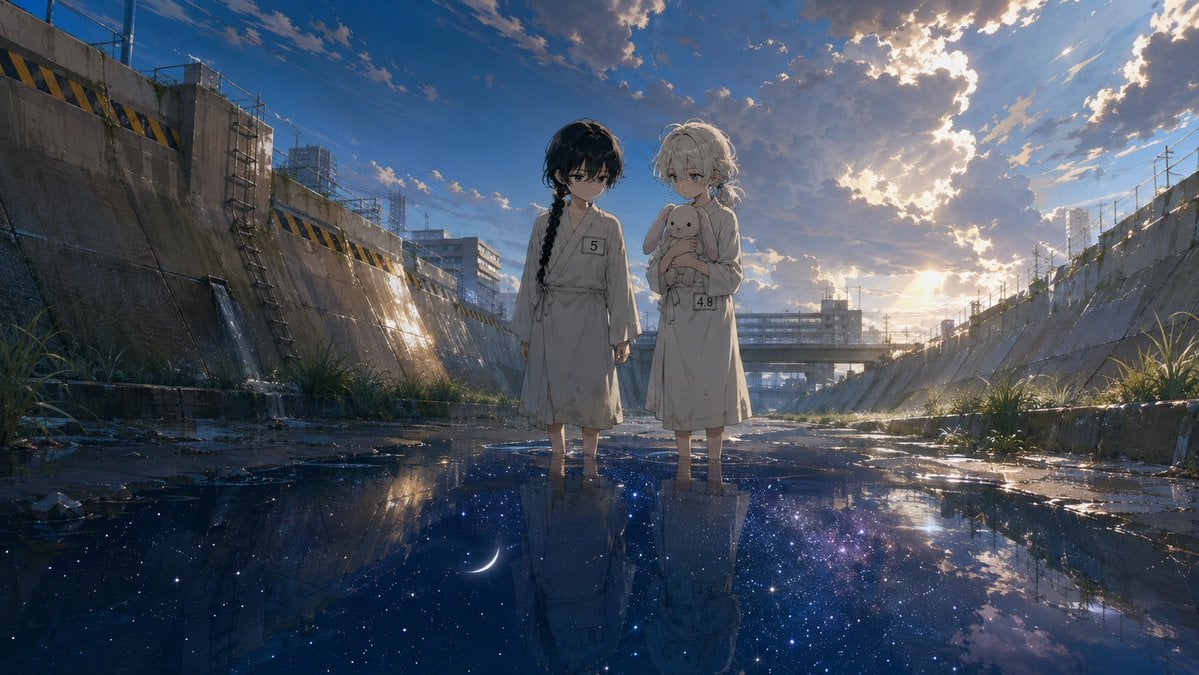
Anime Girls in Starry Flooded Canal
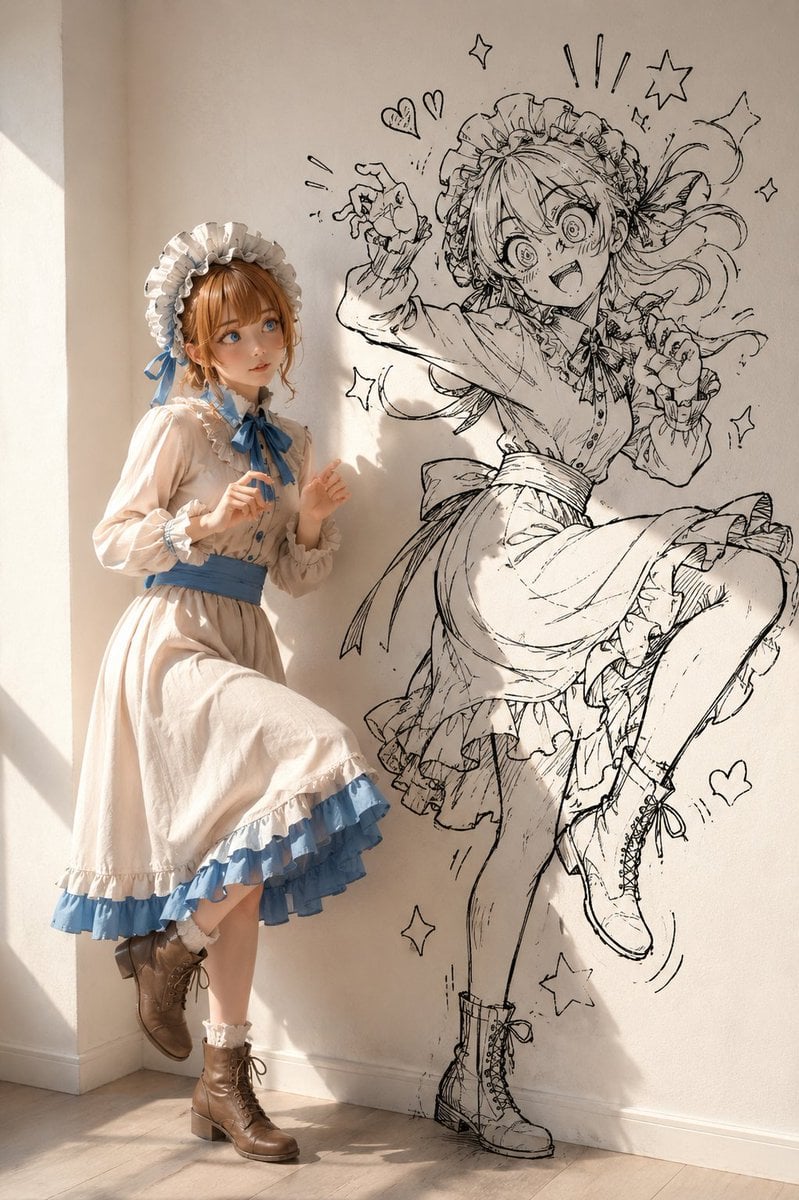
Starry Night Maiden
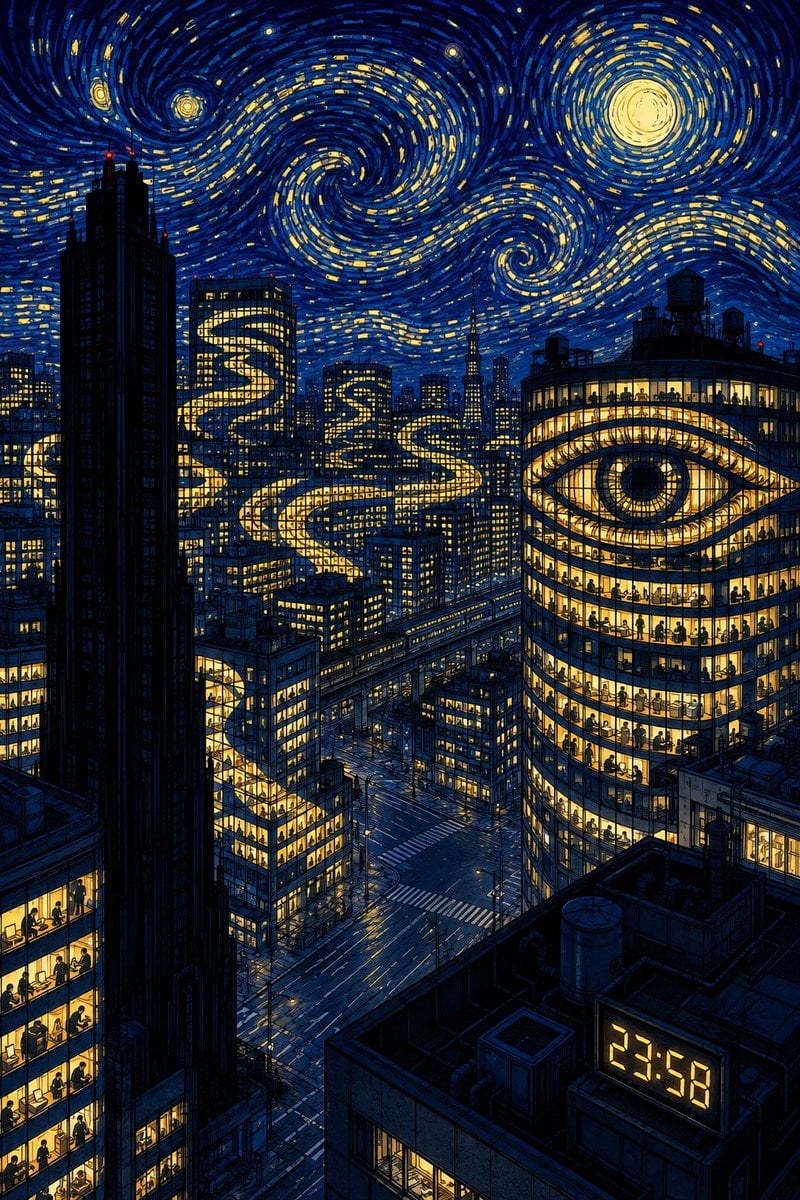
Starry Night Overtime City
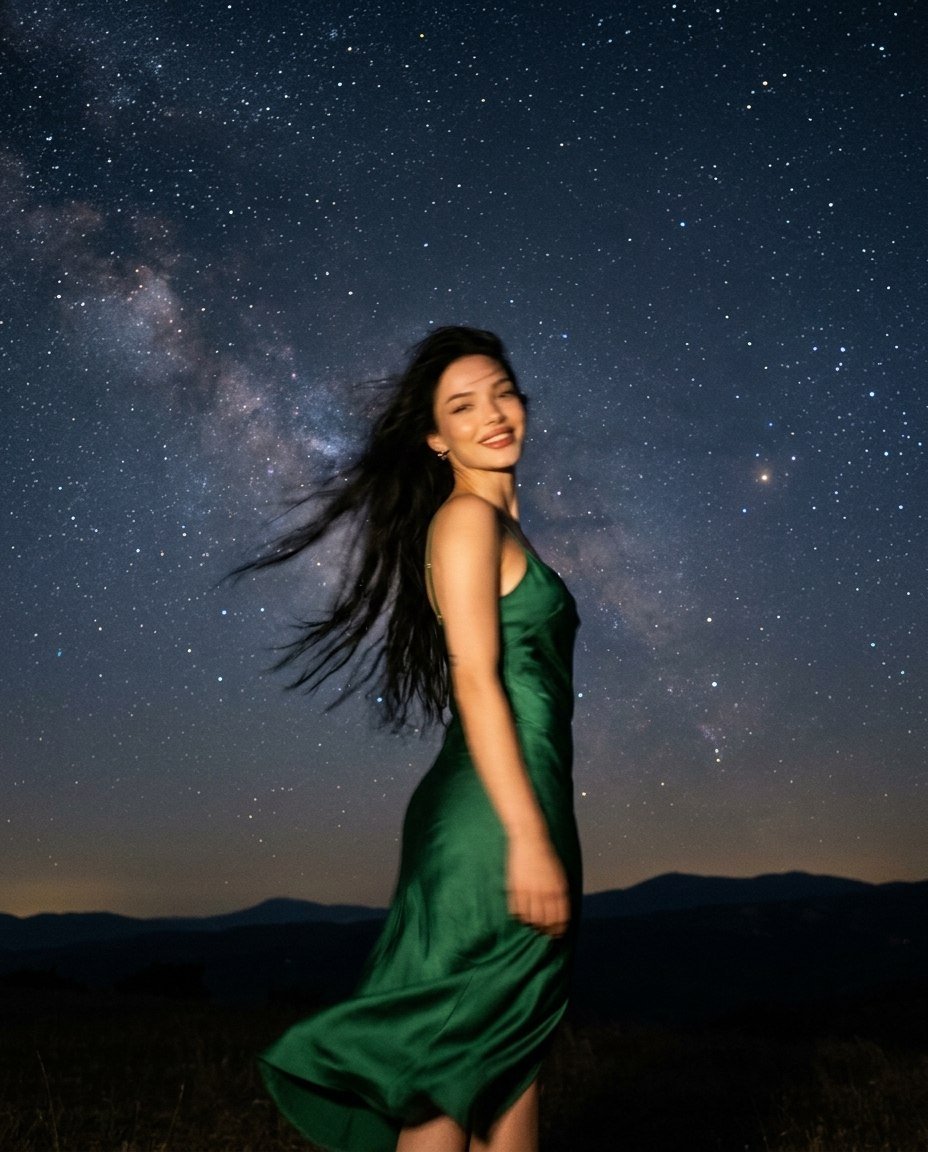
Starry Night Motion Blur Portrait
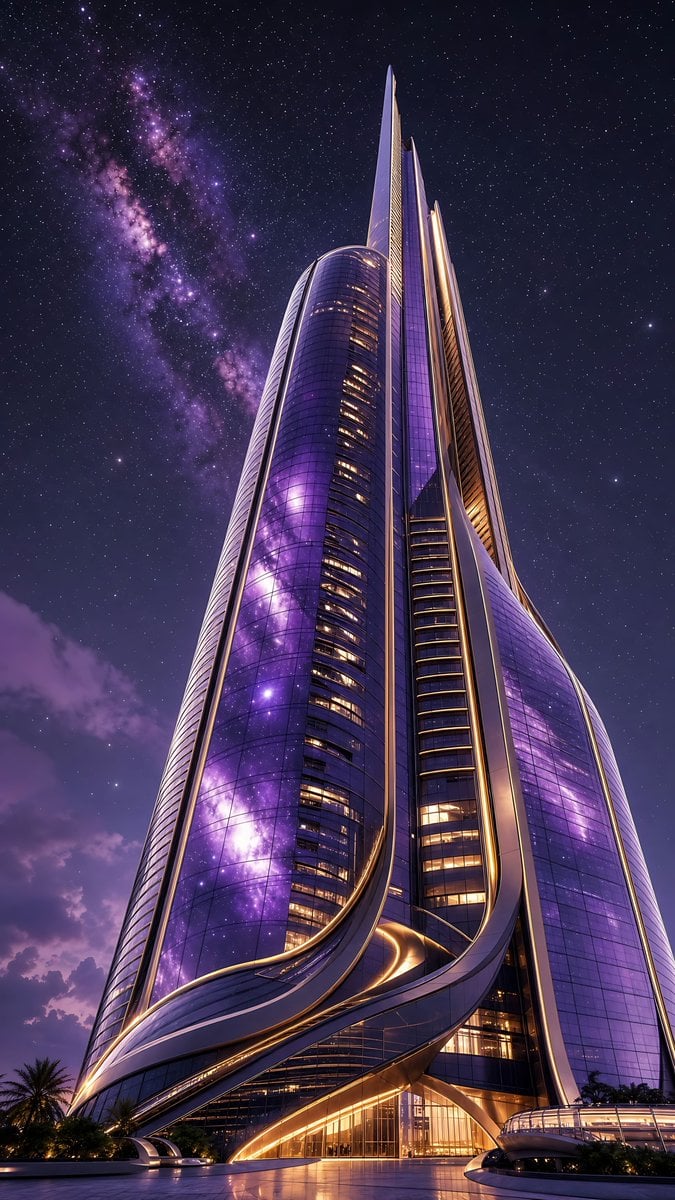
Futuristic Starry Skyscraper Wallpaper
Make it yours
Anime Starry Night Sky with Custom Neon Text works as-is. These are the safest ways to change it without losing the look.
Change one field
Copy a single group, rewrite it, and generate again so you can see what that field is doing.
Keep the frame, change the subject
Hold the composition and light of Anime Starry Night Sky with Custom Neon Text, then swap wardrobe, props or the person for a new take.
| If the result… | Why | Fix |
|---|---|---|
| The result drifts from the preview | Too many fields changed at once. | Reuse Anime Starry Night Sky with Custom Neon Text as-is first, then change one group — subject, light, or setting. |
| The model over-stylizes the scene | The prose prompt leaves finish and camera underspecified. | Add one camera or lighting sentence and stay on GPT Image 2. |
More GPT Image 2 templates
Other prompts made for GPT Image 2.

Six VTuber Japanese Logo Sheet

Realistic Portrait of Woman and Deer

The Vista Modular Condo Poster

AI Model Routing Comparison Infographic

2.5D Anime Art Board

Isometric Productivity Desk Scene

New York Double Exposure Poster

Four-Panel AI Landscape Comparison

Japanese Tatami Lifestyle Magazine Cover

NESCAFÉ Coffee Map Poster
More image prompts
Fresh picks from across the catalog.
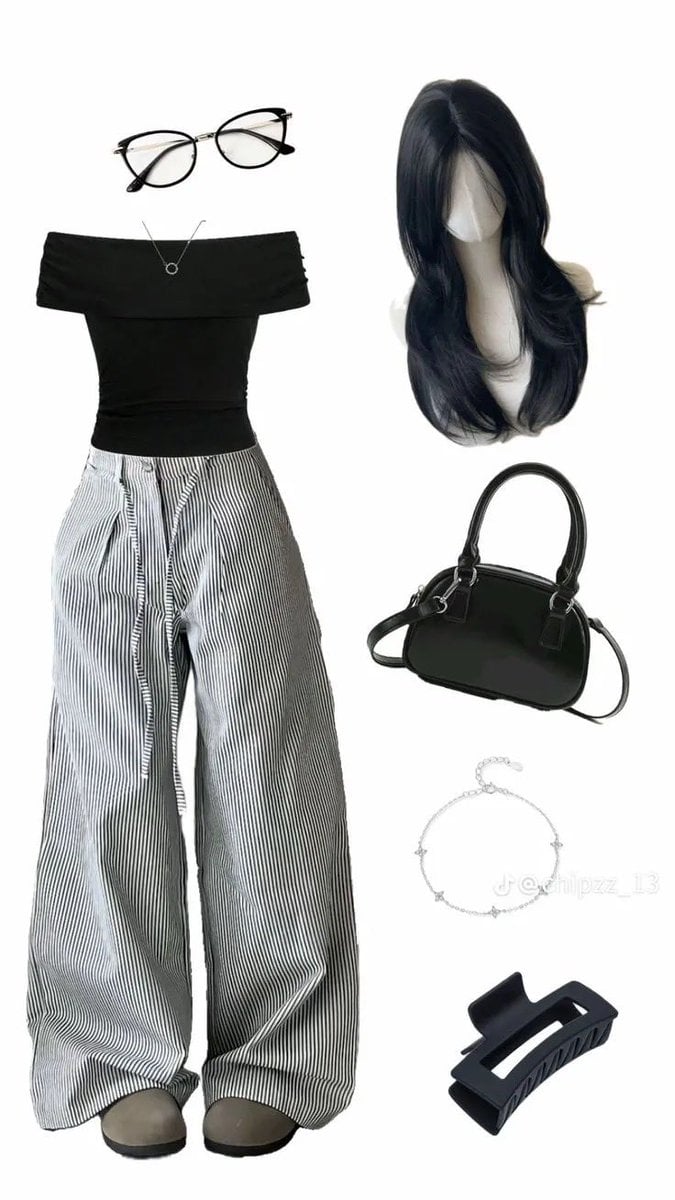
High-End Pinstripe Fashion Portrait
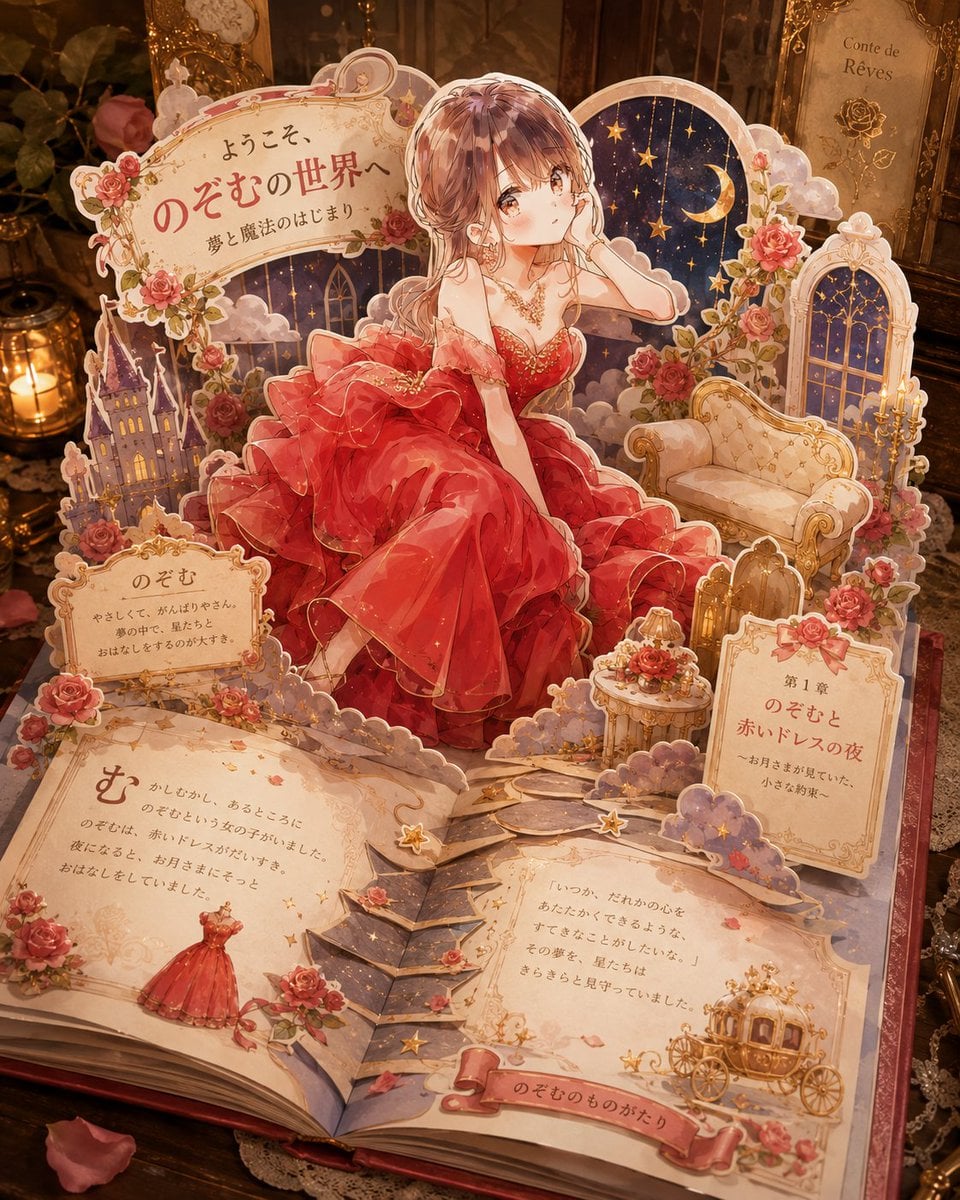
Personalized Pop-Up Fairy Tale Book
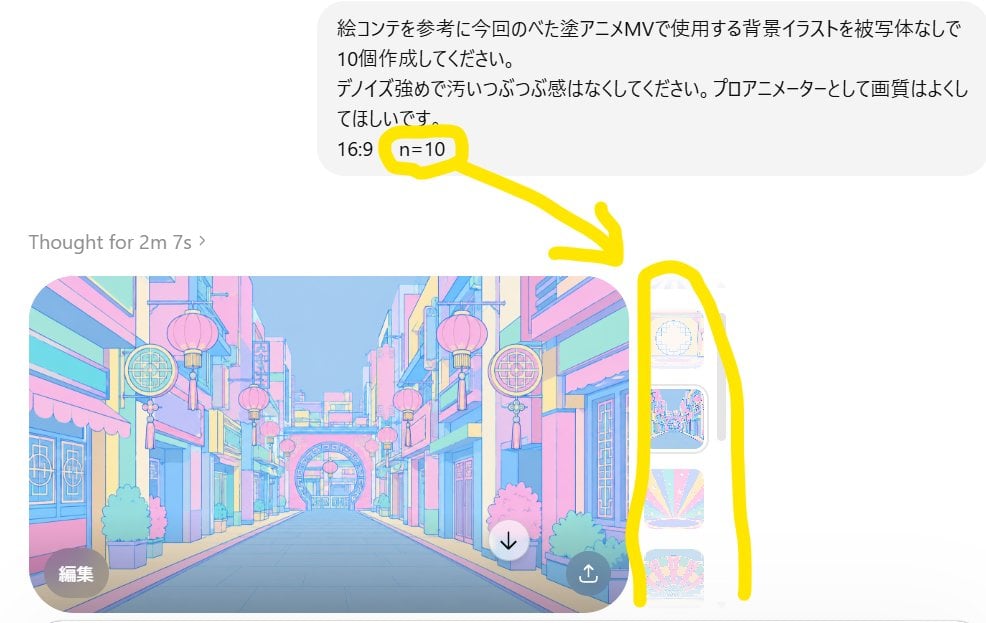
Annotated ChatGPT Multiple Image Outputs
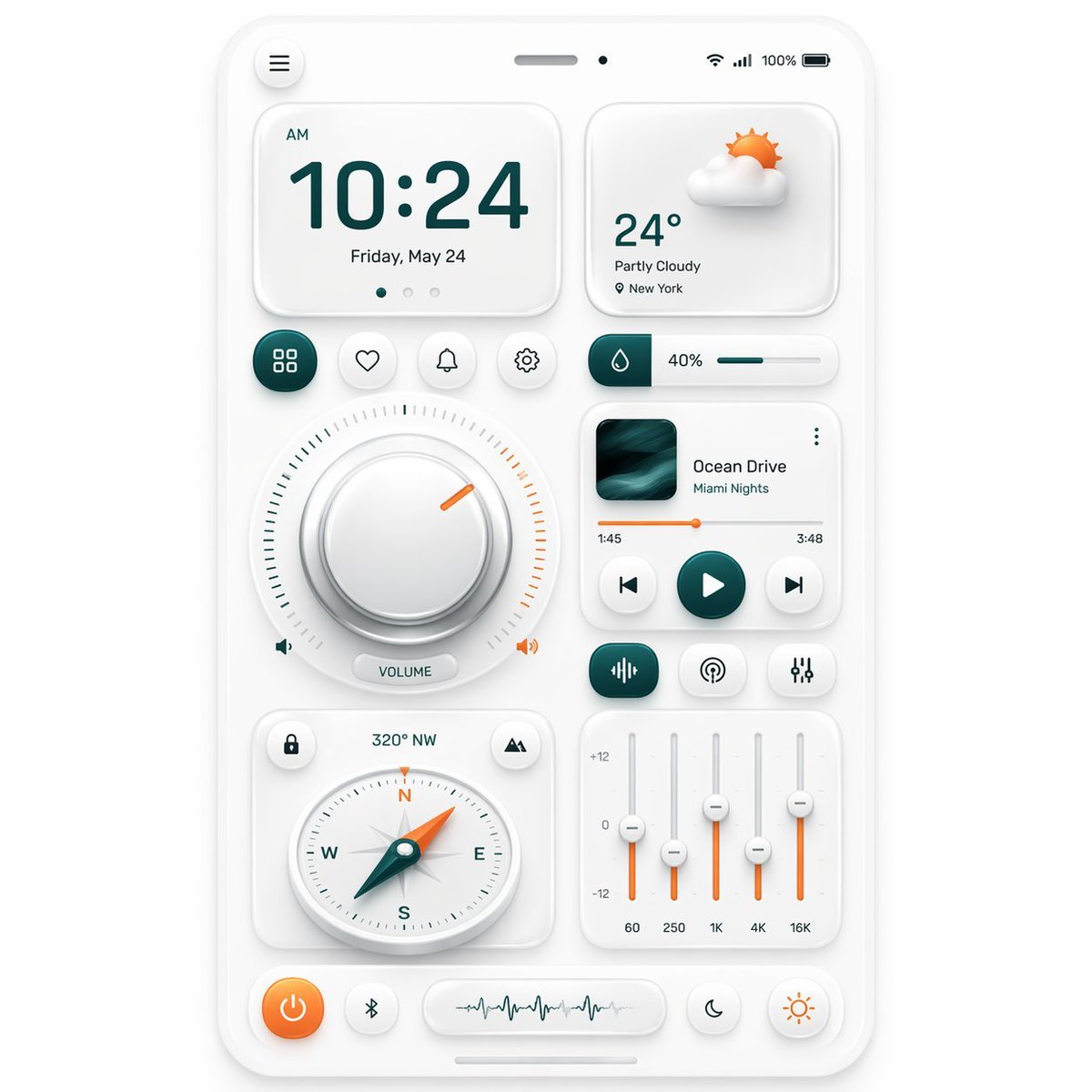
Neumorphic Smart Dashboard UI
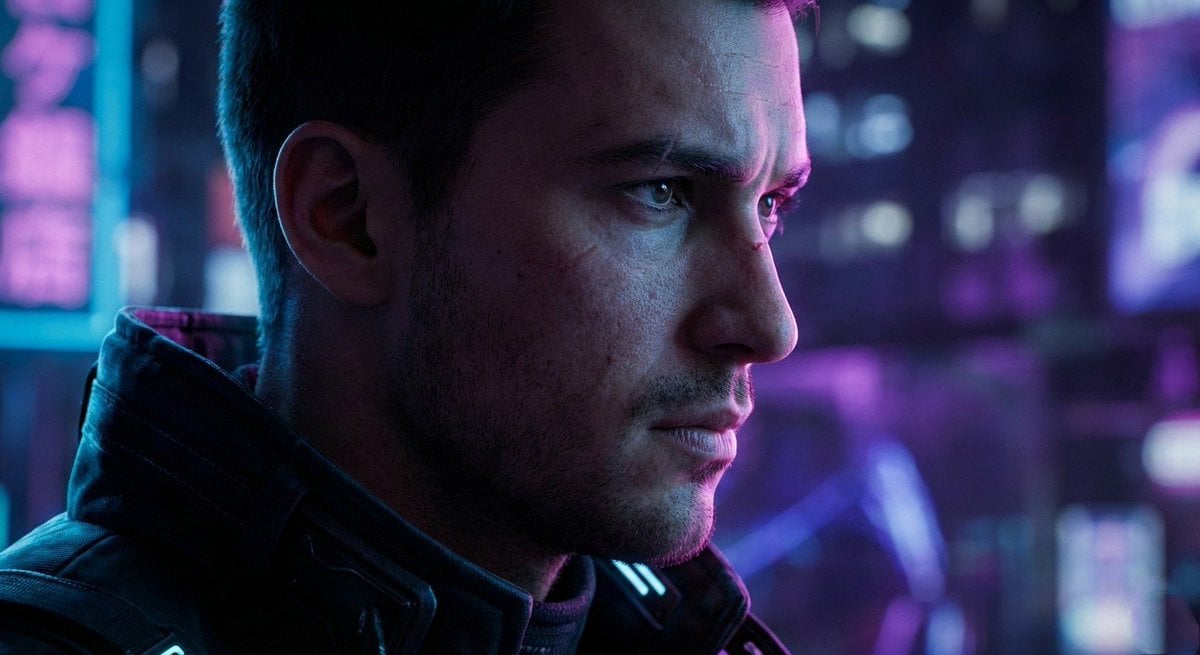
Cyberpunk Cinematic Close-up Portrait
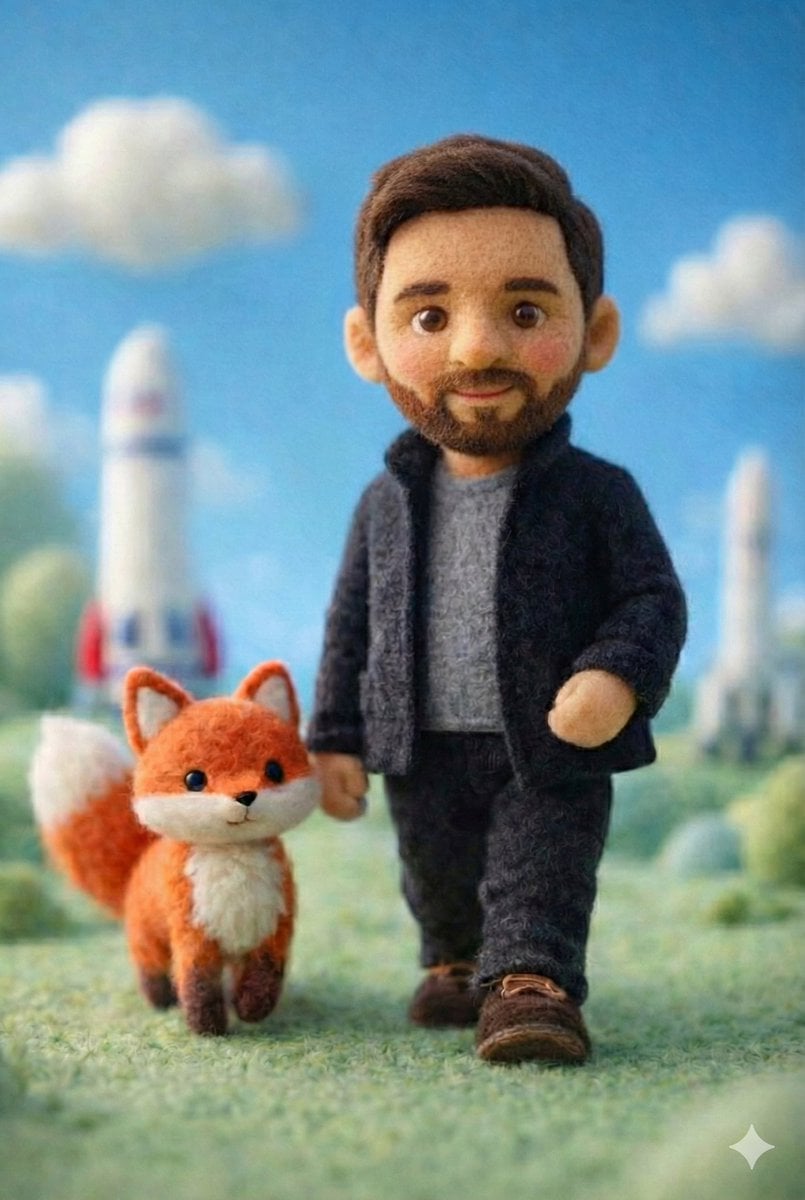
Handcrafted Felt Miniature Scene with Tech Character
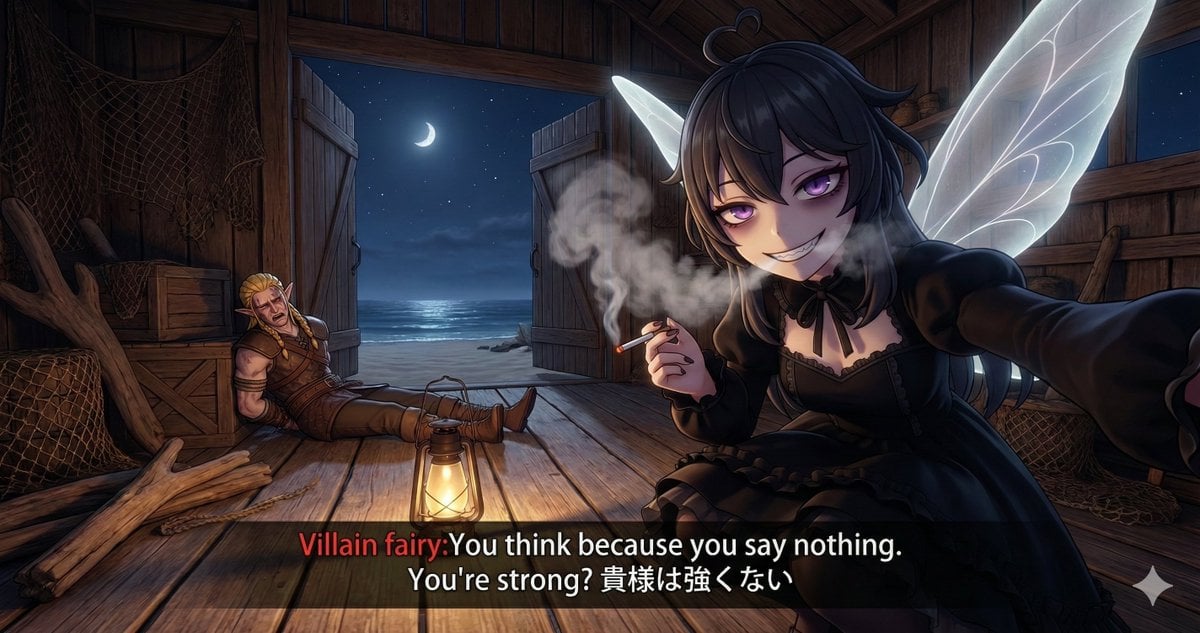
Villain Fairy Quote Generation
Microscopic Y2K Candid Portrait with PersonaFusion
Foggy pine forest cinematic portrait
Kawaii Japanese Anime-Style POP Typography Sticker
Browse template categories
Anime Starry Night Sky with Custom Neon Text questions
How do I use the Anime Starry Night Sky with Custom Neon Text template?
Add your photo if the template asks for one, edit the prompt if you like — the template's model and format are already selected — and press Generate. Your version opens in PicX Studio.
Can I customize the Anime Starry Night Sky with Custom Neon Text template?
Yes. You can change the subject, setting, lighting, mood, format, and available model controls before creating your image.
Is the Anime Starry Night Sky with Custom Neon Text template free?
Opening and editing this template is free. Generating uses credits, shown on the Generate button when you are signed in.
Which AI model should I use?
Start with GPT Image 2, which is the model associated with this template. You can compare another compatible model for a different finish.
Looking for something else? Browse all templates.

Your photo, any look
Thousands of ready templates for every top image and video model, from one credit balance.