
Starry Night Overtime City
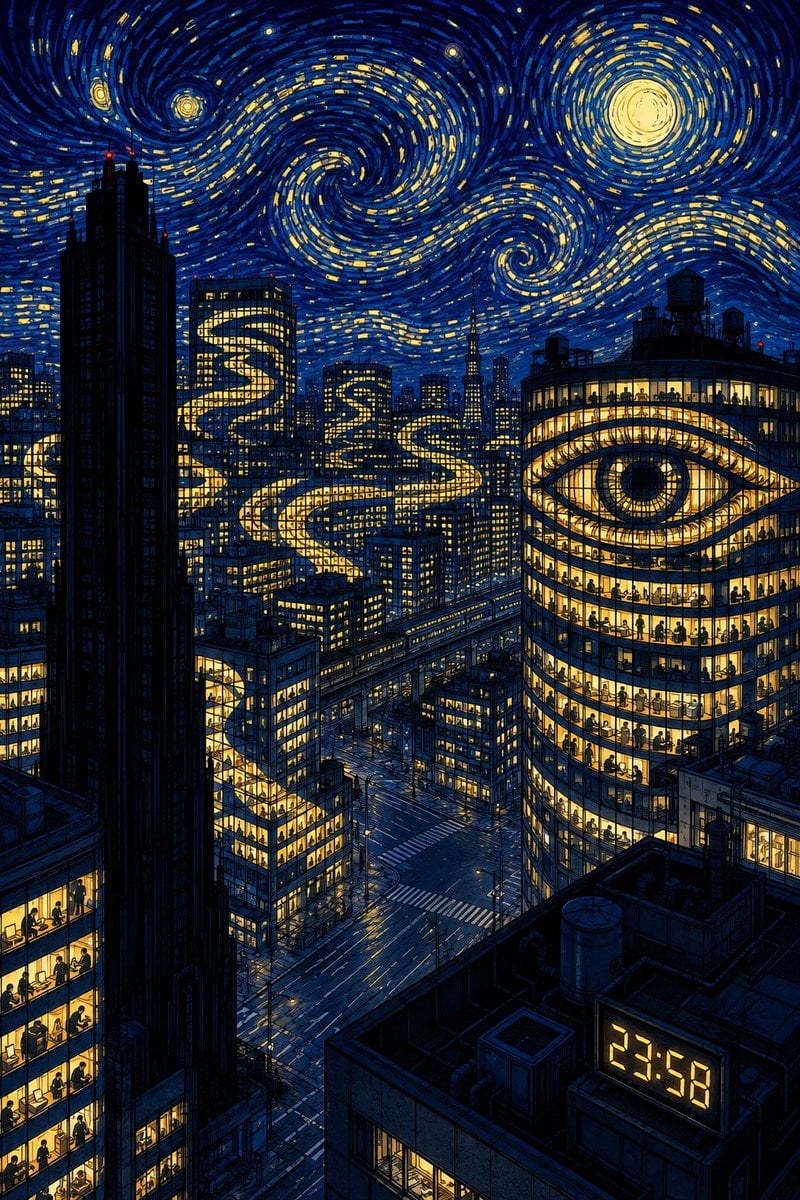
A surreal Van Gogh-inspired nighttime metropolis prompt for depicting late-night office work and corporate exhaustion.
- Prompt included
- Model and format preset
- Free template
The prompt behind this image
Copy the exact prompt behind Starry Night Overtime City, or open it in the studio and make it yours.
Create a vertical 2:3 highly detailed night cityscape that feels like a modern homage to Van Gogh’s The Starry Night, focused on {argument name="theme" default="overtime work in a sleepless corporate city"}. Show a dense metropolis from a high rooftop viewpoint, with deep navy and cobalt blue buildings outlined in dark ink and hundreds of warm yellow office windows. The sky dominates the upper half with thick swirling impasto-style brush strokes, three visible glowing celestial bodies: one large moon in the upper right and two smaller stars or planets in the upper left, plus many short yellow dash-like stars embedded in spiral currents. In the city, depict exactly four major surreal light motifs: a giant glowing eye shape spanning the facade of a rounded glass office tower on the right, a winding golden ribbon of light snaking through multiple skyscraper windows in the center, a smaller S-shaped glowing ribbon on a mid-distance tower, and another illuminated ribbon continuing through buildings on the far left. Fill many office floors with tiny black silhouettes of workers sitting at desks, emphasizing late-night overtime. Include a very tall dark skyscraper silhouette on the left foreground, layered mid-rise buildings, elevated rail or road lines, empty intersections below, rooftop machinery in the lower right, and a digital clock display on a rooftop reading {argument name="clock time" default="23:58"}. Use dramatic contrast between electric blue shadows and golden light, intricate architectural linework, painterly swirling sky texture, melancholic surreal mood, no visible logo, no border, no extra text besides the clock.
How to use Starry Night Overtime City in 3 steps
- 1Upload ImagePNG, JPG or paste
Add your photo
Upload the photo the template builds on. The prompt, model and format are already set.
- 2…a portrait of your subject in softgolden-hour light, 85mm…
Personalize
Edit the subject and creative details for your destination.
- 3Generate
Generate
Press Generate — your image is created in PicX Studio, so you can compare it with the original and refine one variable at a time.
More like this
Templates with the same subject, style or setup. Open one to see its prompt.

Floating Woman Above Cityscape with Notifications

Cozy Knit Sweater Window Portrait

Minimalist Hand-Drawn Doodle Portrait

Subway Platform Quiet Introspective Portrait
Subway Platform Quiet Introspective Portrait

Spider-Man Night Swing New York Cinematic

Nano Banana Pro 2.0 — 3x3 Travel Profile Grid

Night Sports Car Portrait — Cinematic Moody

Nano Banana - Cozy Cafe Night
Nano Banana - Dancing Carefree Paris

Nano Banana - Paris Night Party Dancing
Nano Banana - Bathtub Eiffel Night
Make it yours
Starry Night Overtime City works as-is. These are the safest ways to change it without losing the look.
Change one field
Copy a single group, rewrite it, and generate again so you can see what that field is doing.
Keep the frame, change the subject
Hold the composition and light of Starry Night Overtime City, then swap wardrobe, props or the person for a new take.
| If the result… | Why | Fix |
|---|---|---|
| The result drifts from the preview | Too many fields changed at once. | Reuse Starry Night Overtime City as-is first, then change one group — subject, light, or setting. |
| The model over-stylizes the scene | The prose prompt leaves finish and camera underspecified. | Add one camera or lighting sentence and stay on GPT Image 2. |
More GPT Image 2 templates
Other prompts made for GPT Image 2.

Six VTuber Japanese Logo Sheet

Realistic Portrait of Woman and Deer

The Vista Modular Condo Poster

AI Model Routing Comparison Infographic

2.5D Anime Art Board

Isometric Productivity Desk Scene

New York Double Exposure Poster

Four-Panel AI Landscape Comparison

Japanese Tatami Lifestyle Magazine Cover

NESCAFÉ Coffee Map Poster
More image prompts
Fresh picks from across the catalog.
Surreal Bioluminescent Vine Fantasy
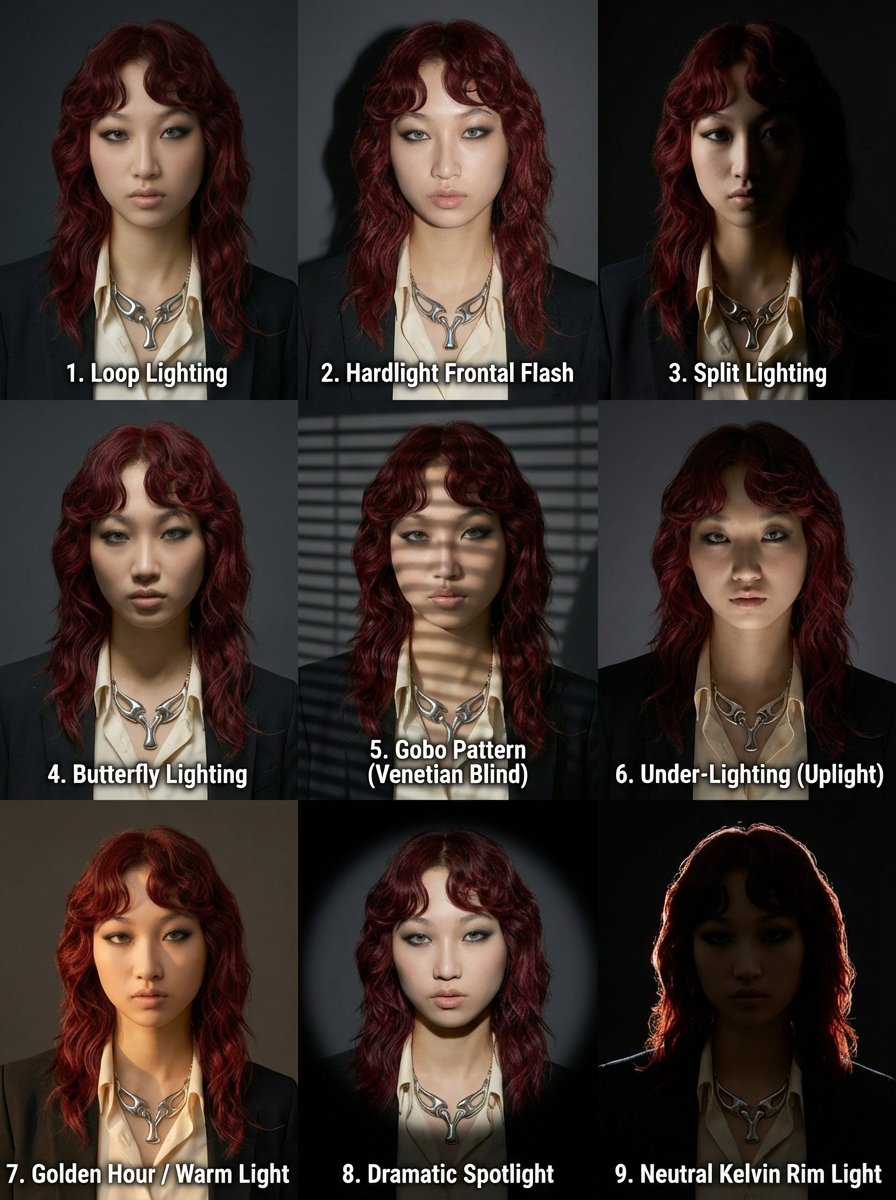
3x3 Grid Prompt for Lighting Cheatsheet
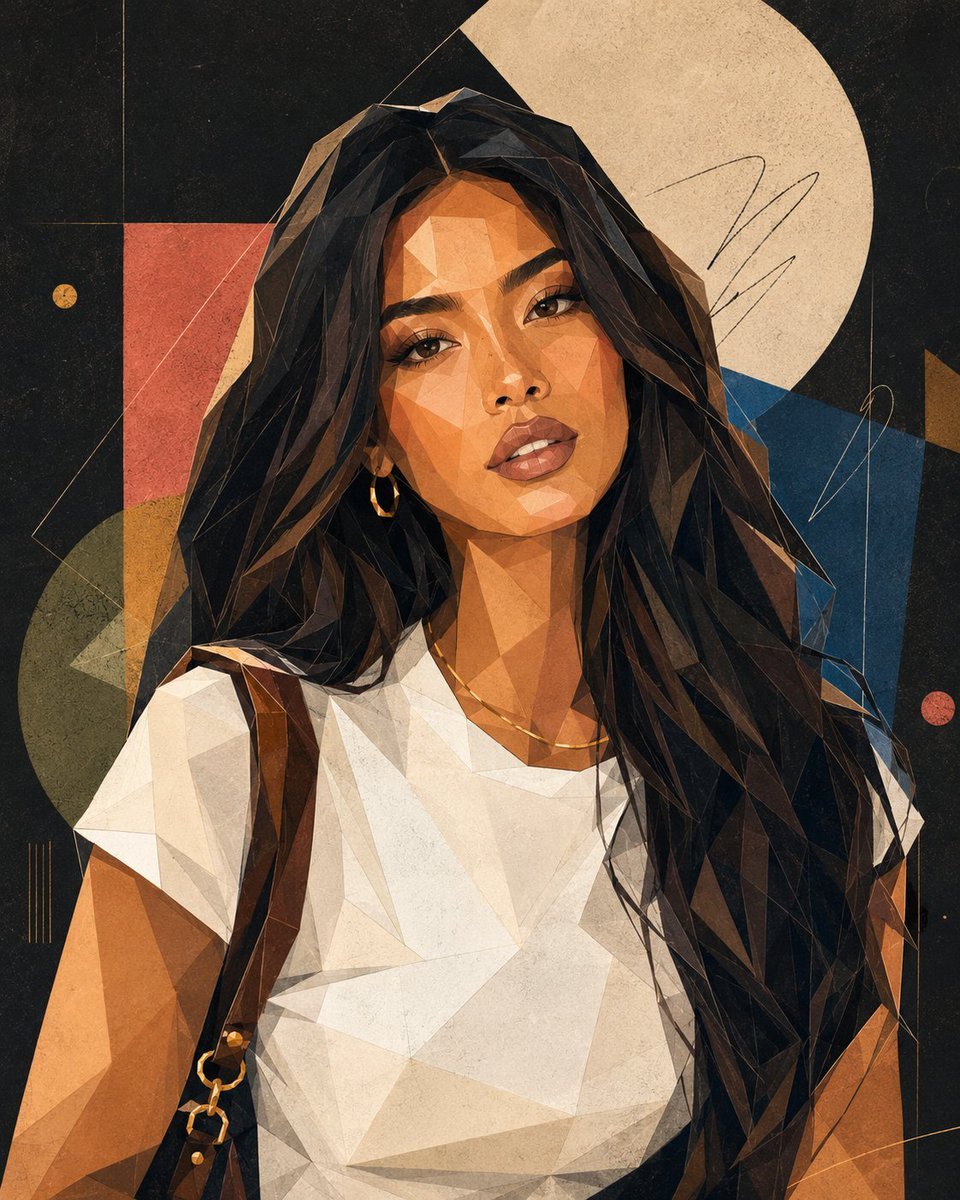
Modern Geometric Polygon Portrait
Seedance - Dragon vs Python Battle
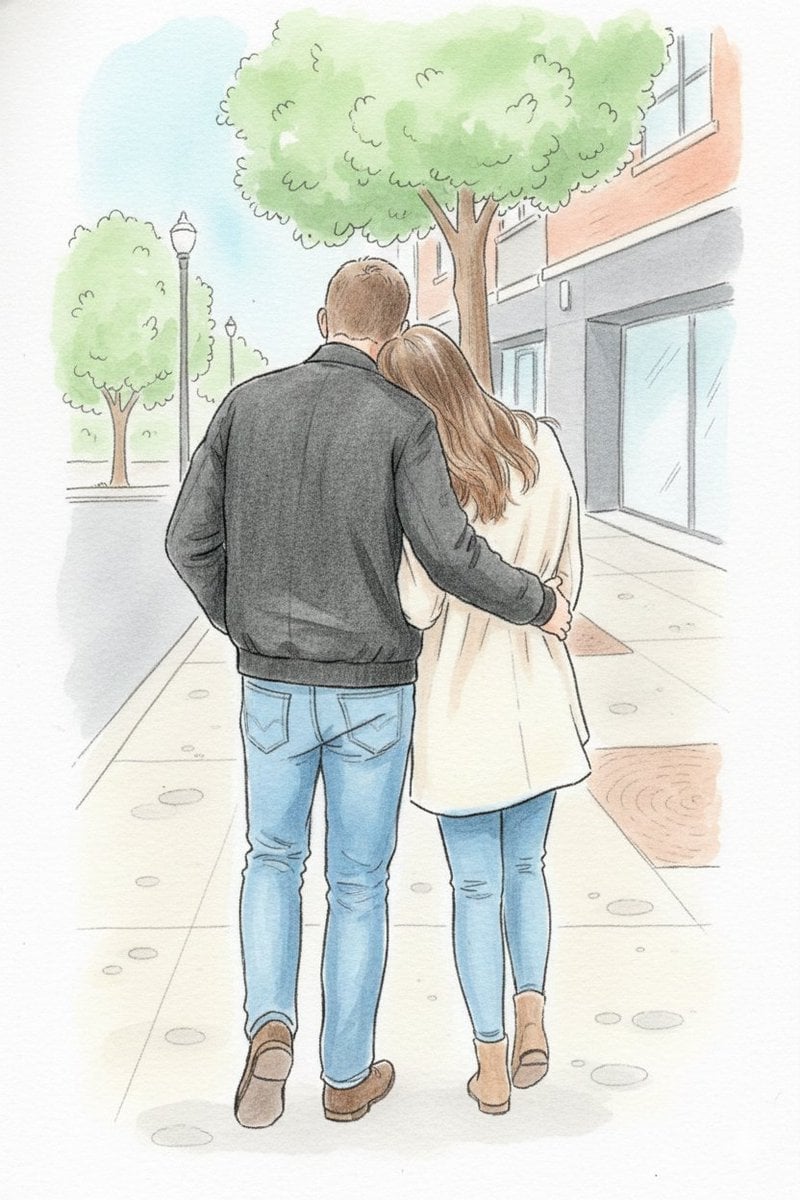
Identity-Preserving Storybook Illustration
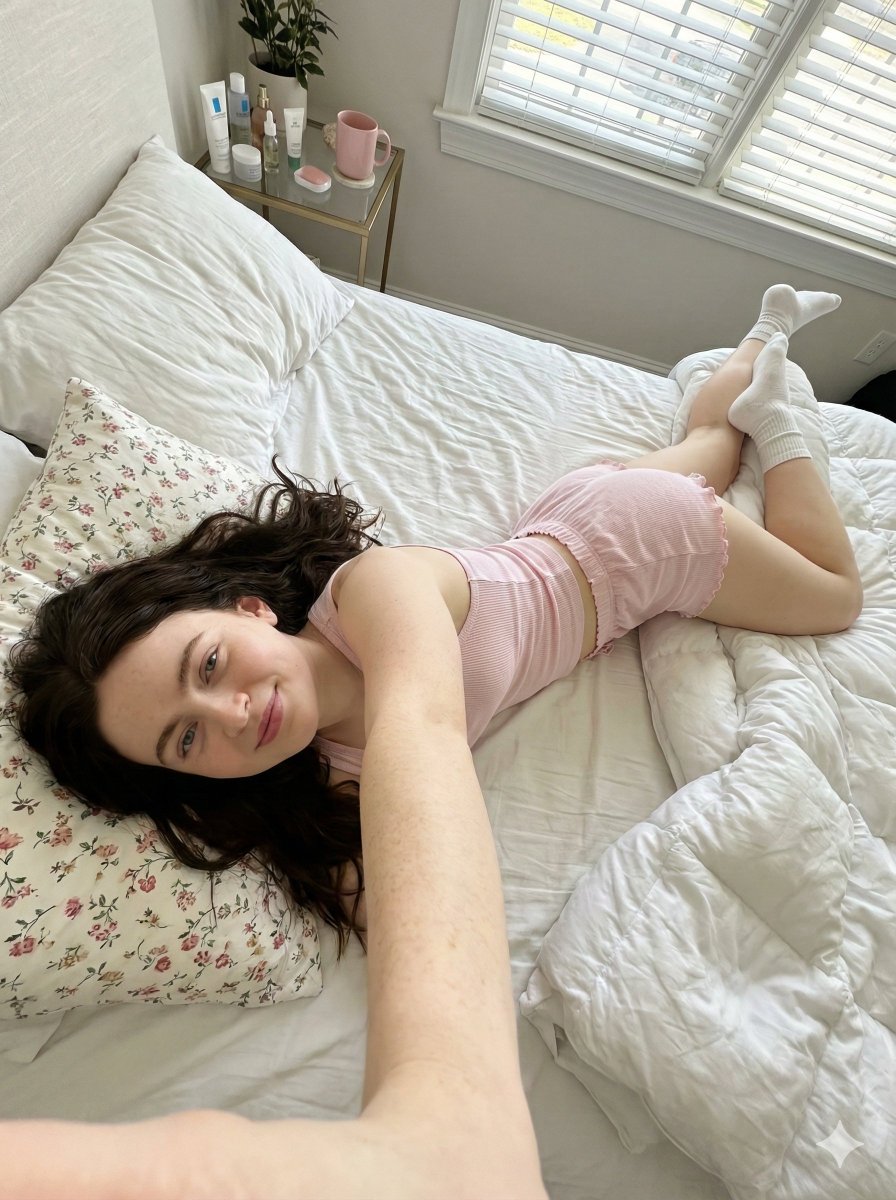
Prone Bed Selfie in Pink Lounge Wear (Duplicate)
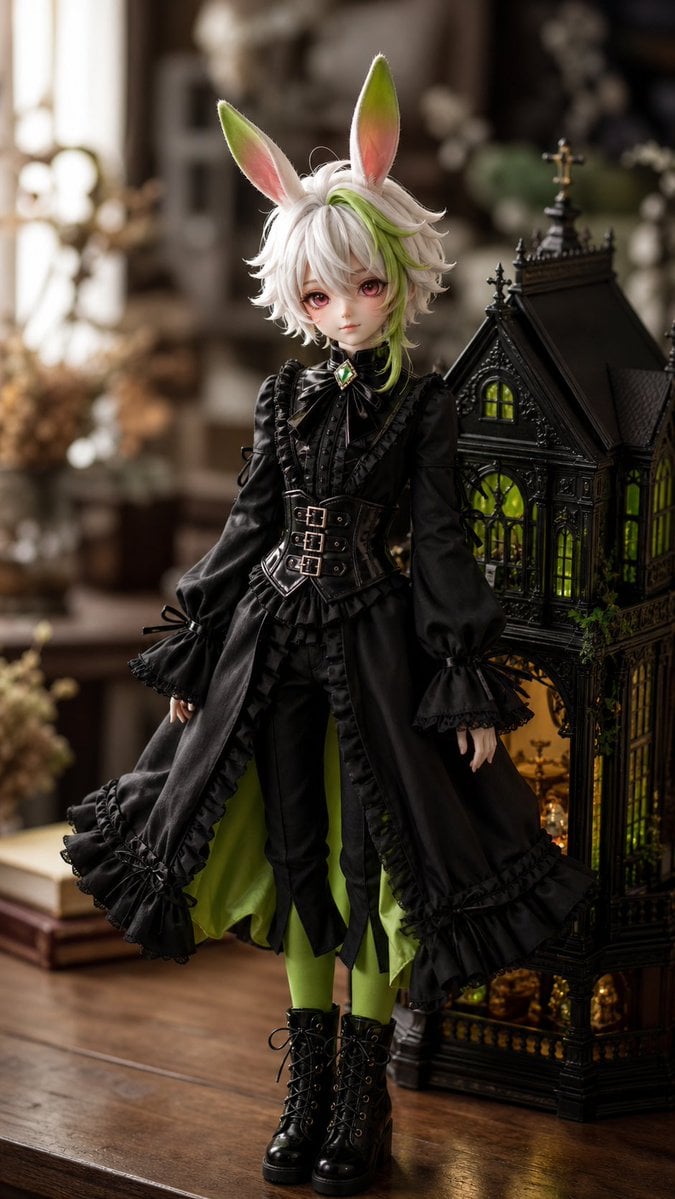
Character to Ball-Jointed Doll Conversion
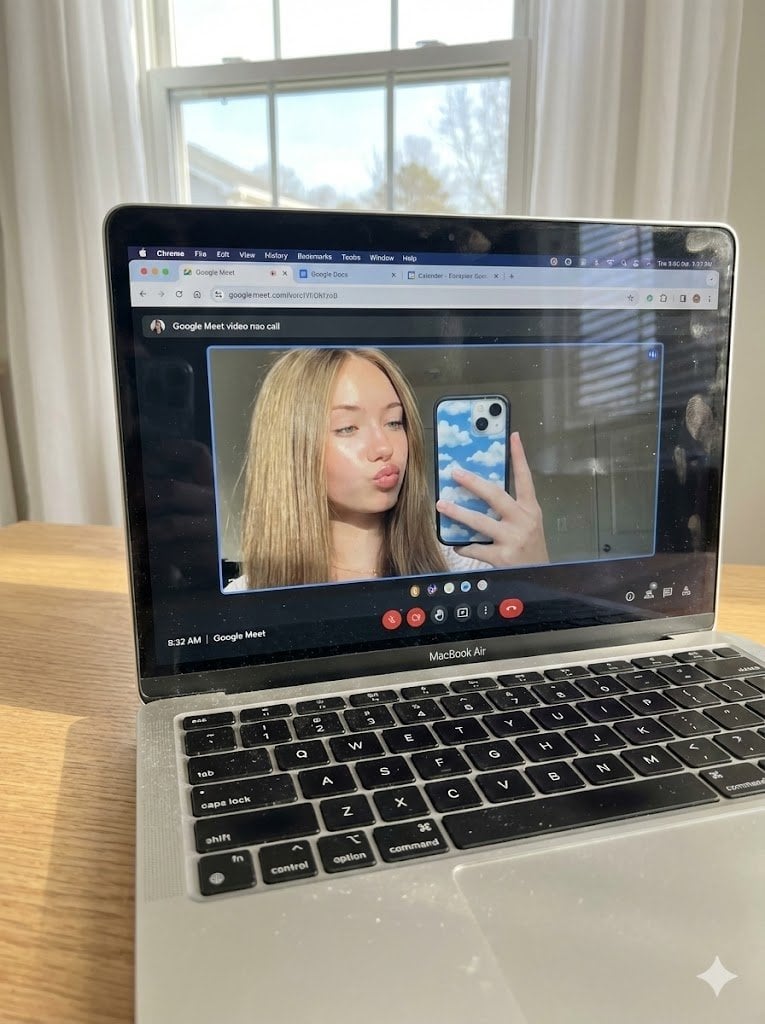
Raw Photo of MacBook Screen During Google Meet Selfie
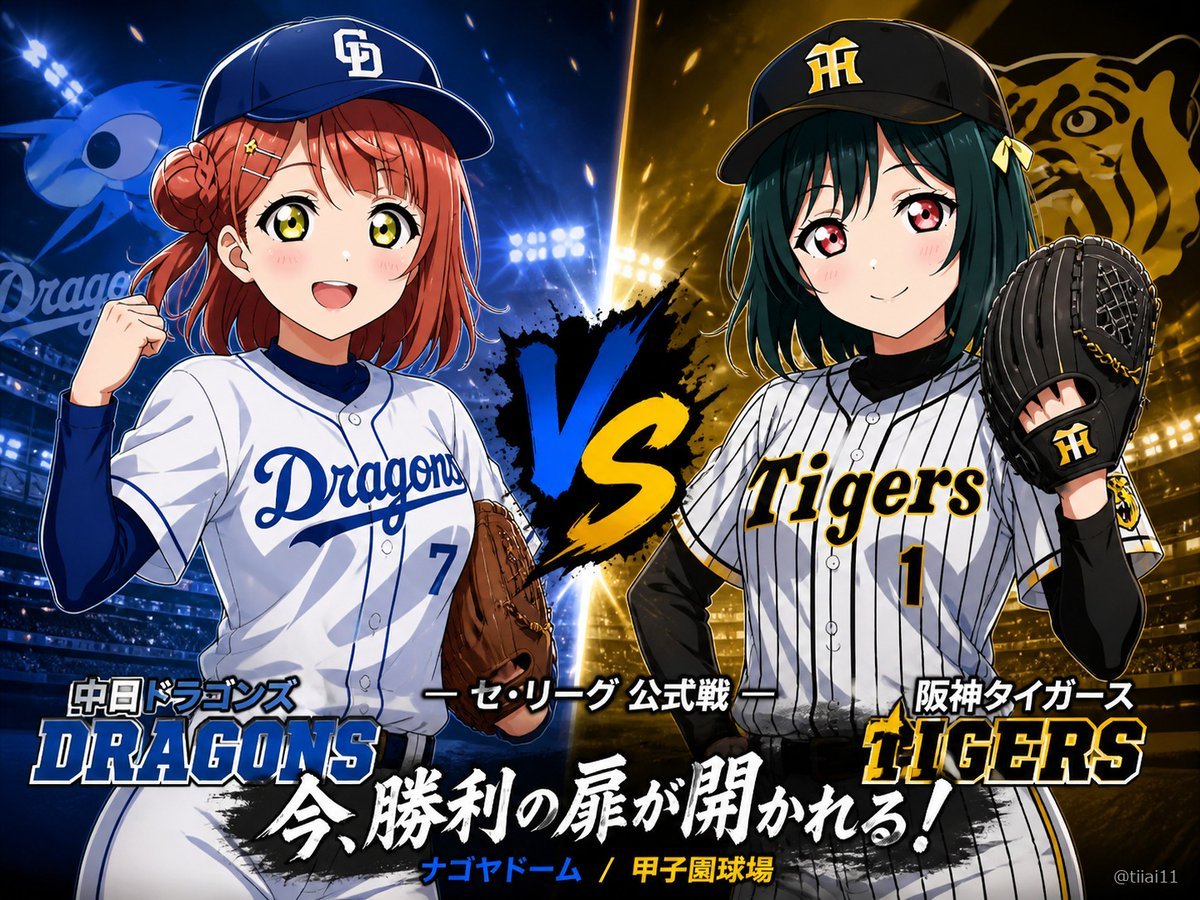
Anime Baseball Rivalry Poster
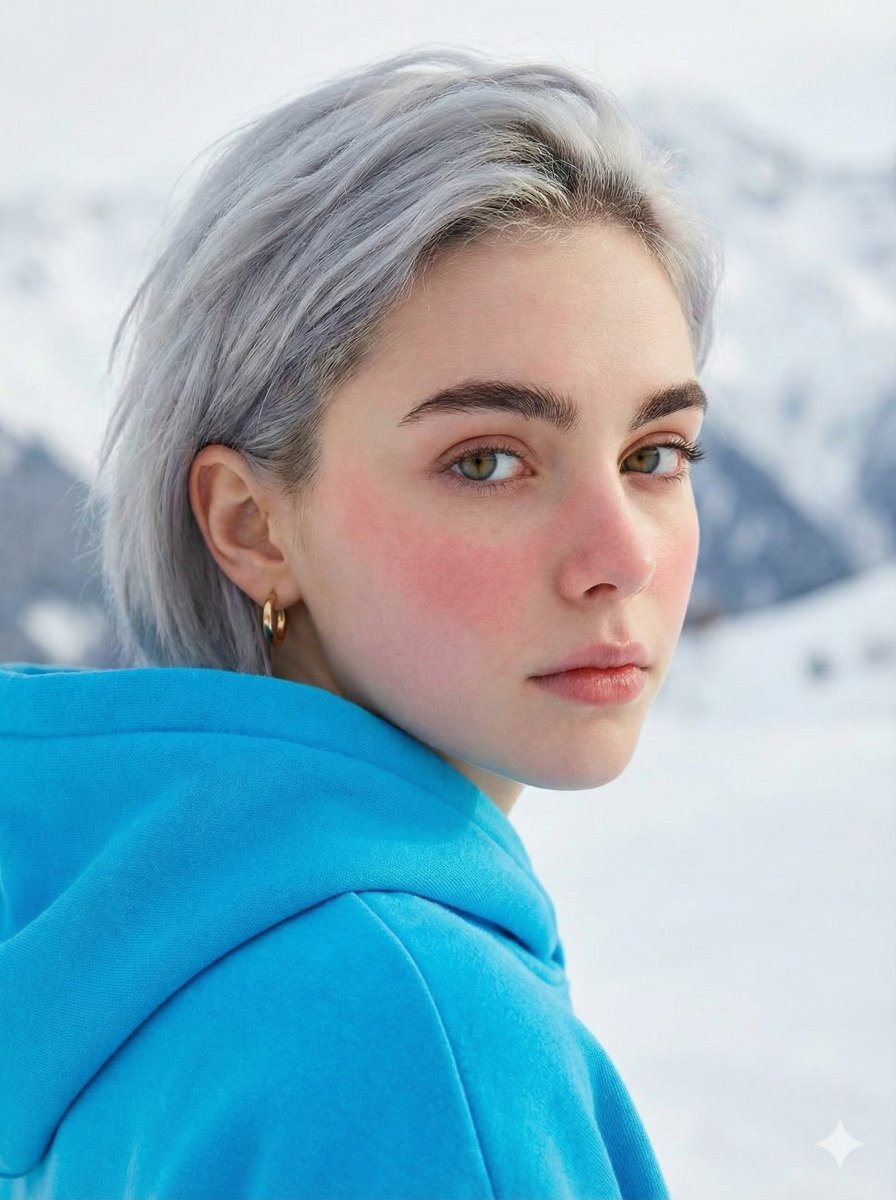
Melancholic Portrait Looking Over Shoulder Prompt
Browse template categories
Starry Night Overtime City questions
How do I use the Starry Night Overtime City template?
Add your photo if the template asks for one, edit the prompt if you like — the template's model and format are already selected — and press Generate. Your version opens in PicX Studio.
Can I customize the Starry Night Overtime City template?
Yes. You can change the subject, setting, lighting, mood, format, and available model controls before creating your image.
Is the Starry Night Overtime City template free?
Opening and editing this template is free. Generating uses credits, shown on the Generate button when you are signed in.
Which AI model should I use?
Start with GPT Image 2, which is the model associated with this template. You can compare another compatible model for a different finish.
Looking for something else? Browse all templates.

Your photo, any look
Thousands of ready templates for every top image and video model, from one credit balance.