
Night Sports Car Portrait — Cinematic Moody
Nano Banana Pro prompt by @Ciri_ai — Cinematic nighttime portrait of a woman beside a glossy black carbon-fiber sports car, starry sky, cool color tone, flash illumination.

- Prompt included
- Model and format preset
- Free template
The prompt behind this image
Copy the exact prompt behind Night Sports Car Portrait — Cinematic Moody, or open it in the studio and make it yours.
A nighttime outdoor scene with a young woman standing beside a sleek black sports car. The sky is dark and filled with visible stars. The woman has straight, shoulder-length dark hair and is wearing a fitted long-sleeve black top and loose black pants. She is looking slightly downward with a calm, neutral expression. The car has a glossy black carbon-fiber finish with reflections from nearby lighting, emphasizing its curves and luxury design. The setting includes trees and greenery in the background, dimly lit. The lighting is soft but focused, likely from a camera flash or nearby light source, illuminating the subject and car while keeping the background darker. The composition is cinematic and slightly moody, with high contrast between the illuminated subject and the dark surroundings. Shot in a realistic photography style, high detail, sharp focus, natural skin tones, subtle reflections on the car, and a slightly cool color tone.
How to use Night Sports Car Portrait — Cinematic Moody in 3 steps
- 1
Open
The prompt is already in the box next to the preview, with the template's model and format selected.
- 2…a portrait of your subject in softgolden-hour light, 85mm…
Personalize
Edit the subject and creative details for your destination.
- 3Generate
Generate
Press Generate — your image is created in PicX Studio, so you can compare it with the original and refine one variable at a time.
More like this
Templates with the same subject, style or setup. Open one to see its prompt.

Rainy Café Window Moody Portrait

80s Bollywood Star

80s Golden Hour Cinema

Toddler Version of a Person in 3d Pixar

Ultra Detailed 3d Plush Cartoon Characte

Studio Quality Portrait Generation Using

Nano Banana 2

Gemini Nano Banana 2 Logo in Wet Sand Be

Nano Banana 2 Gourmet Ice Cream Commerci

Hyper-Realistic Minecraft POV Portrait

Gpt2 Fisheye Sky Crouch Portrait
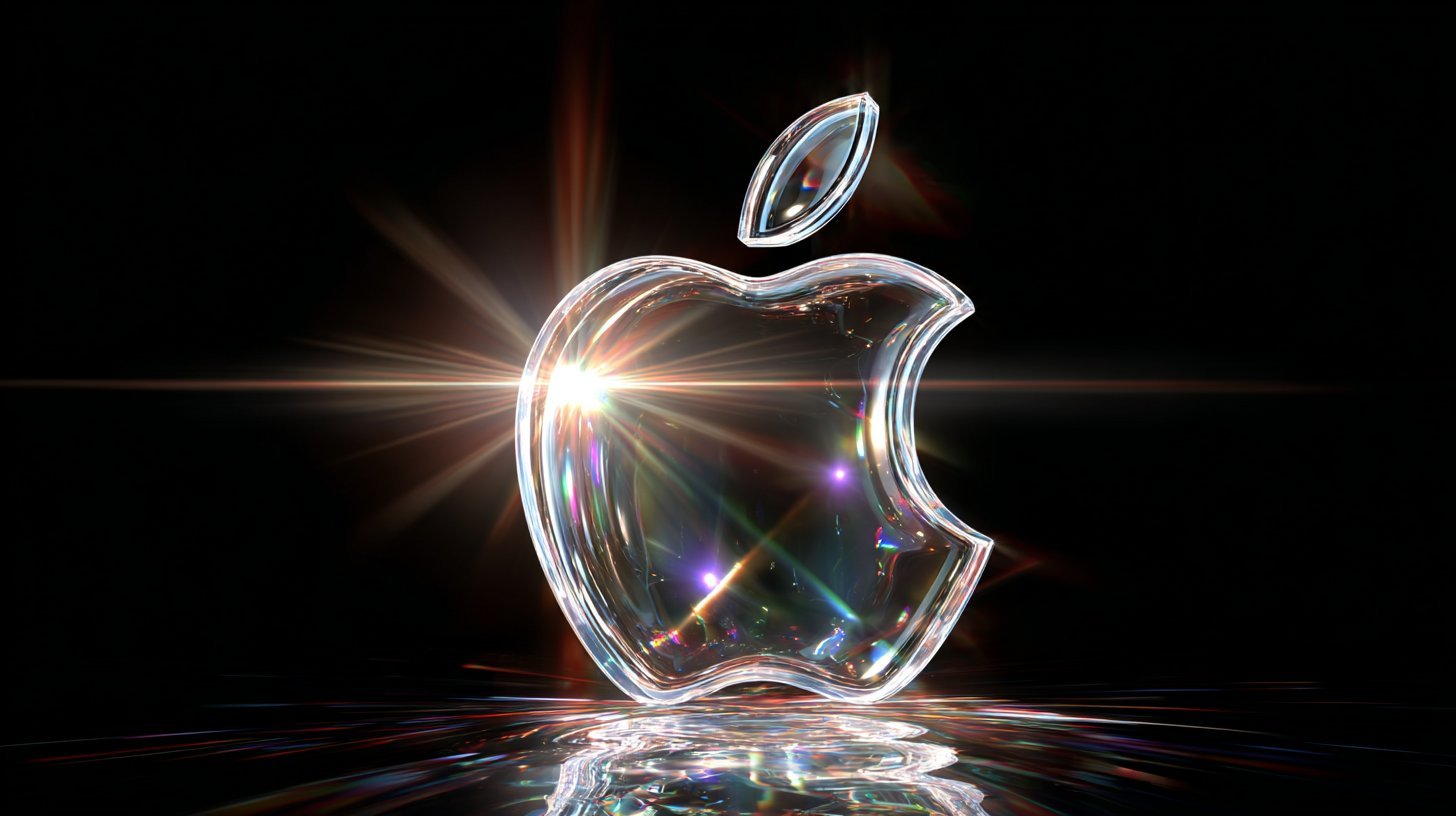
Cinematic Sport Logo Render in Midjourne
Make it yours
Night Sports Car Portrait — Cinematic Moody works as-is. These are the safest ways to change it without losing the look.
Change one field
Copy a single group, rewrite it, and generate again so you can see what that field is doing.
Keep the frame, change the subject
Hold the composition and light of Night Sports Car Portrait — Cinematic Moody, then swap wardrobe, props or the person for a new take.
| If the result… | Why | Fix |
|---|---|---|
| The result drifts from the preview | Too many fields changed at once. | Reuse Night Sports Car Portrait — Cinematic Moody as-is first, then change one group — subject, light, or setting. |
| The model over-stylizes the scene | The prose prompt leaves finish and camera underspecified. | Add one camera or lighting sentence and stay on Nano Banana. |
More Nano Banana templates
Other prompts made for Nano Banana.








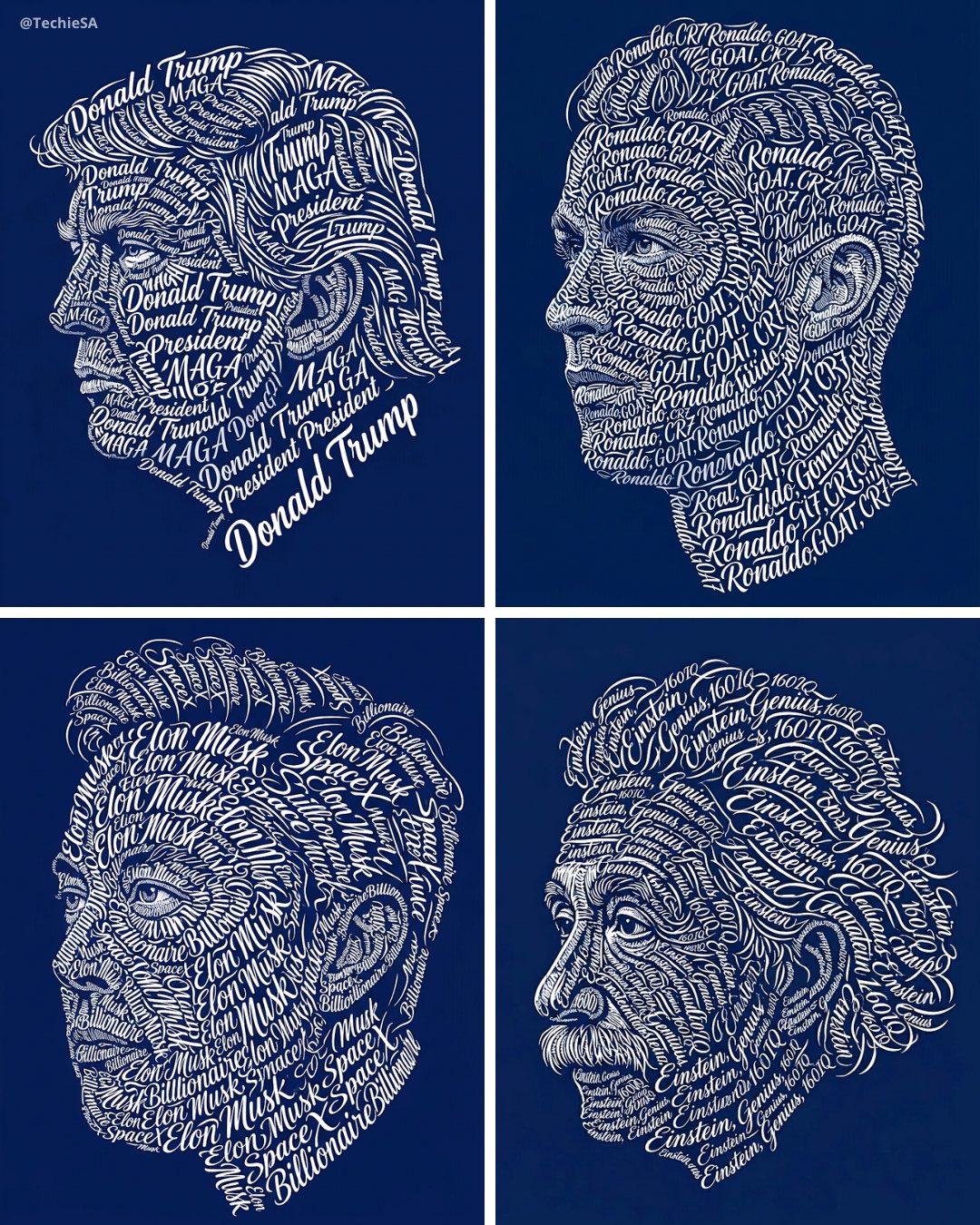

More image prompts
Fresh picks from across the catalog.
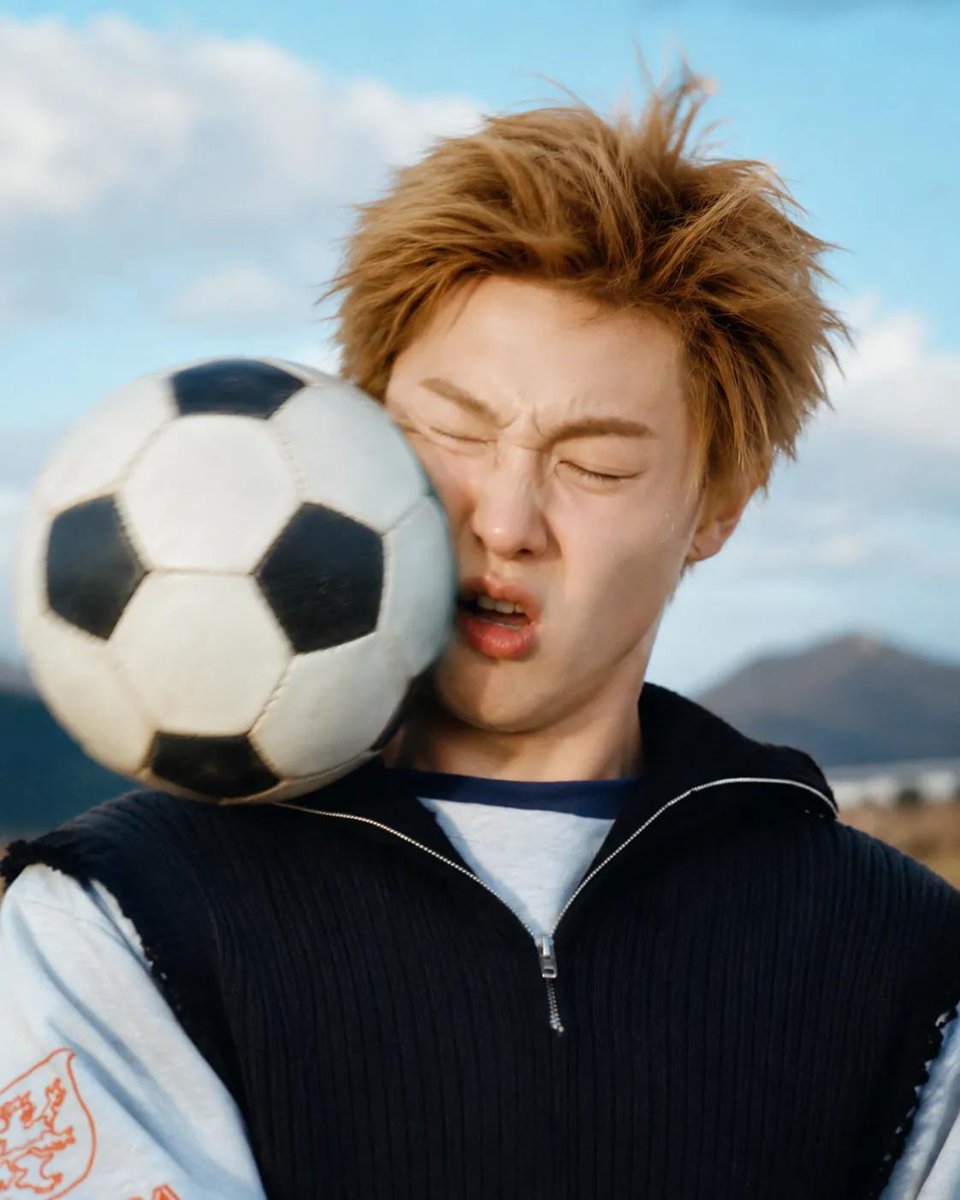
Soccer Ball Impact Action Shot
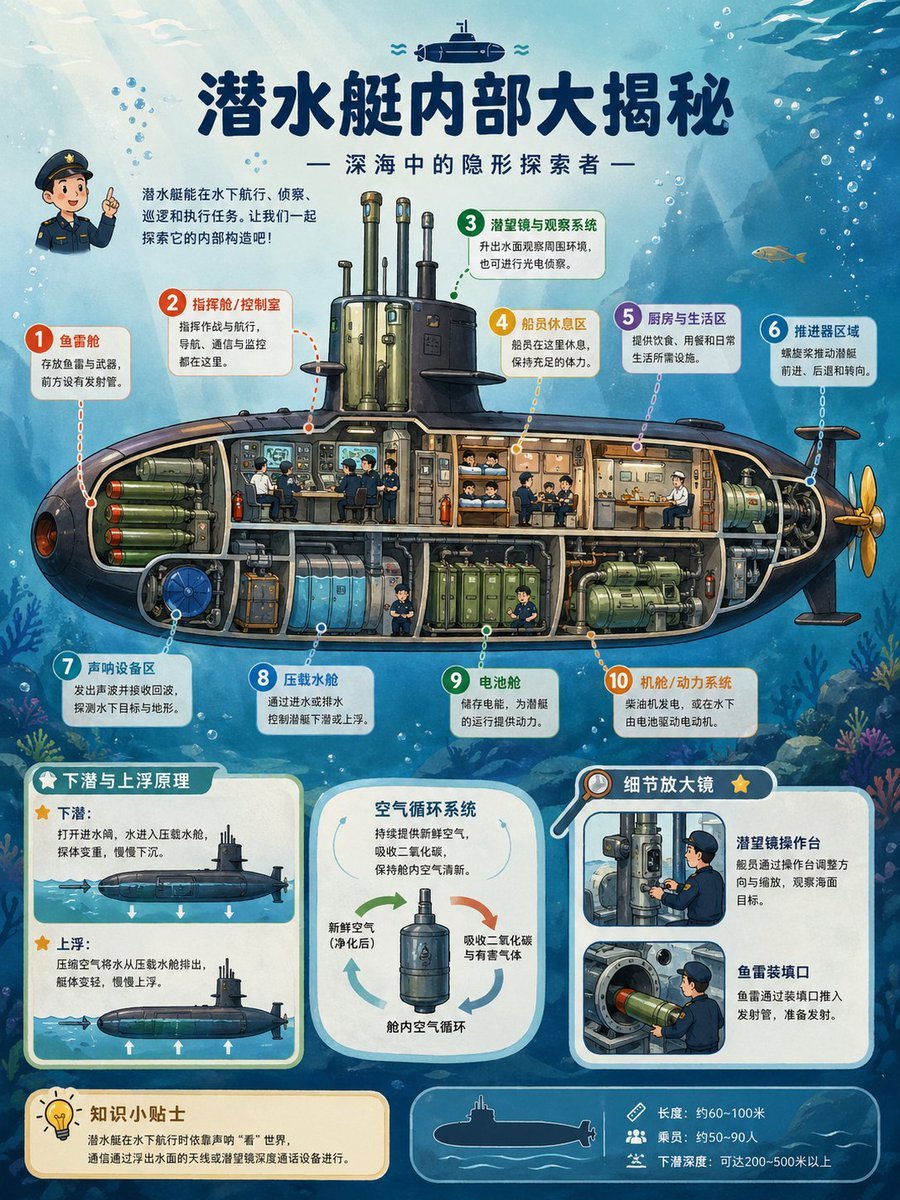
Submarine Cutaway Encyclopedia Poster
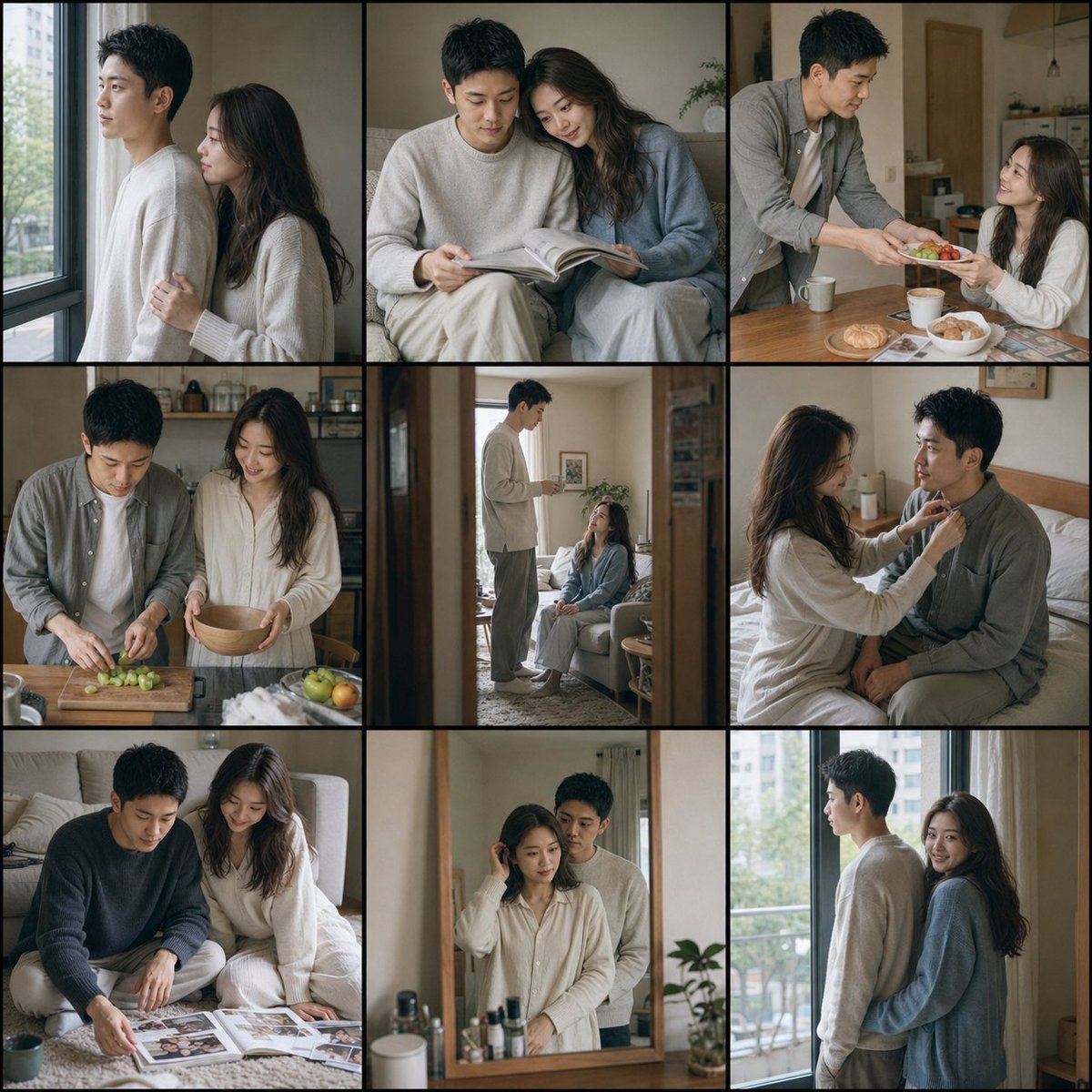
Fujifilm Style Home Couple Portraits
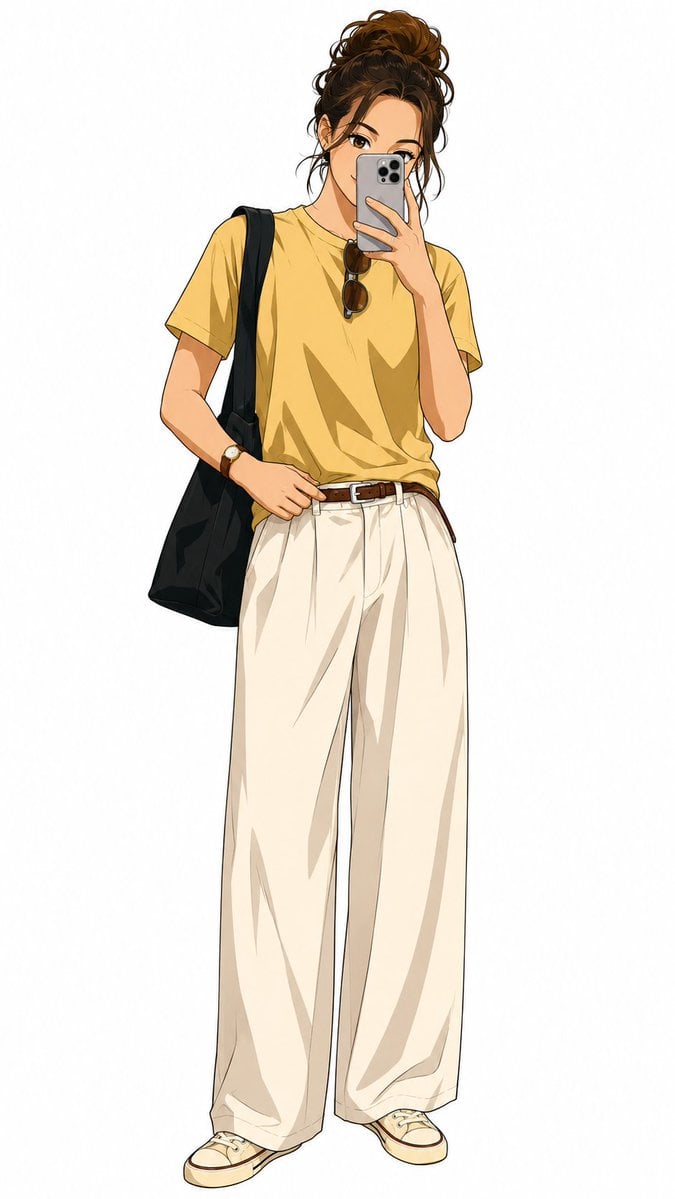
Demon Slayer Anime Character Portrait
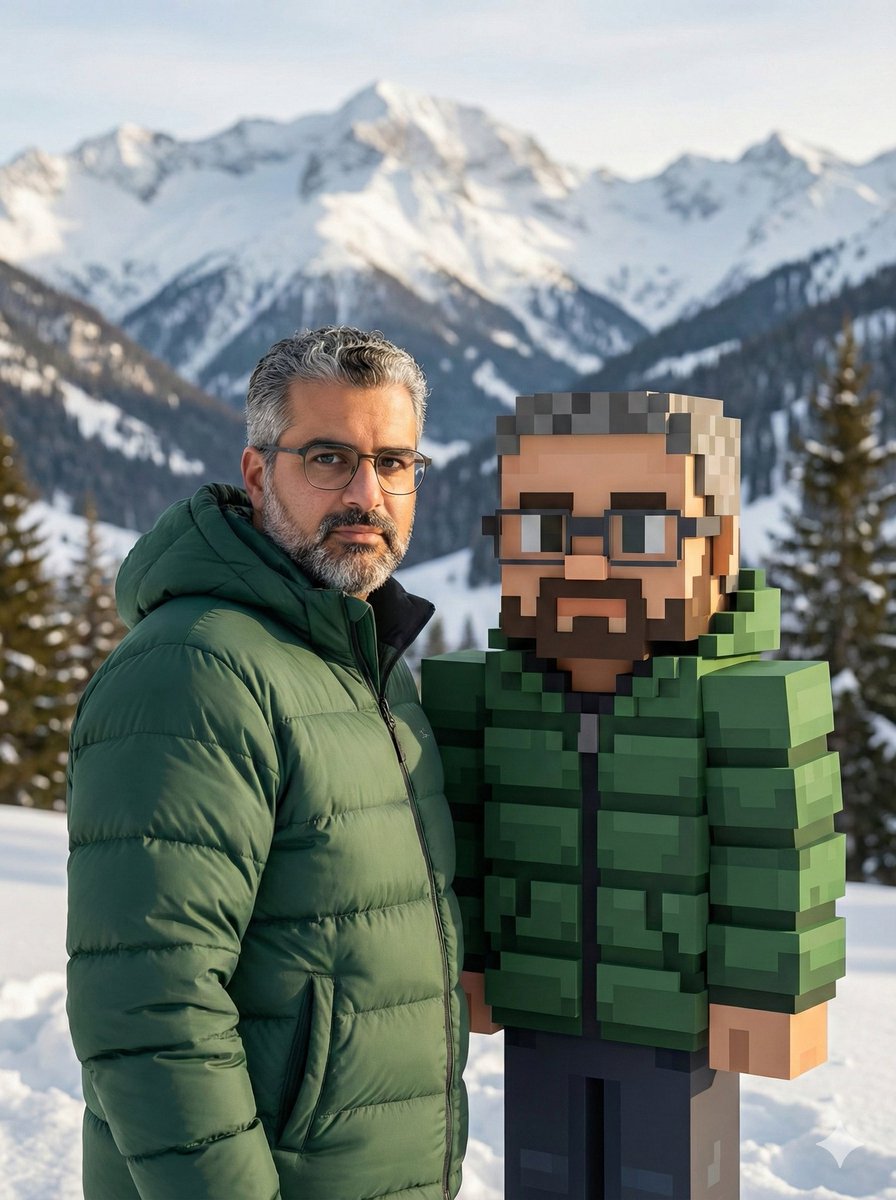
Realistic Photo with Voxel Minecraft Doppelgänger
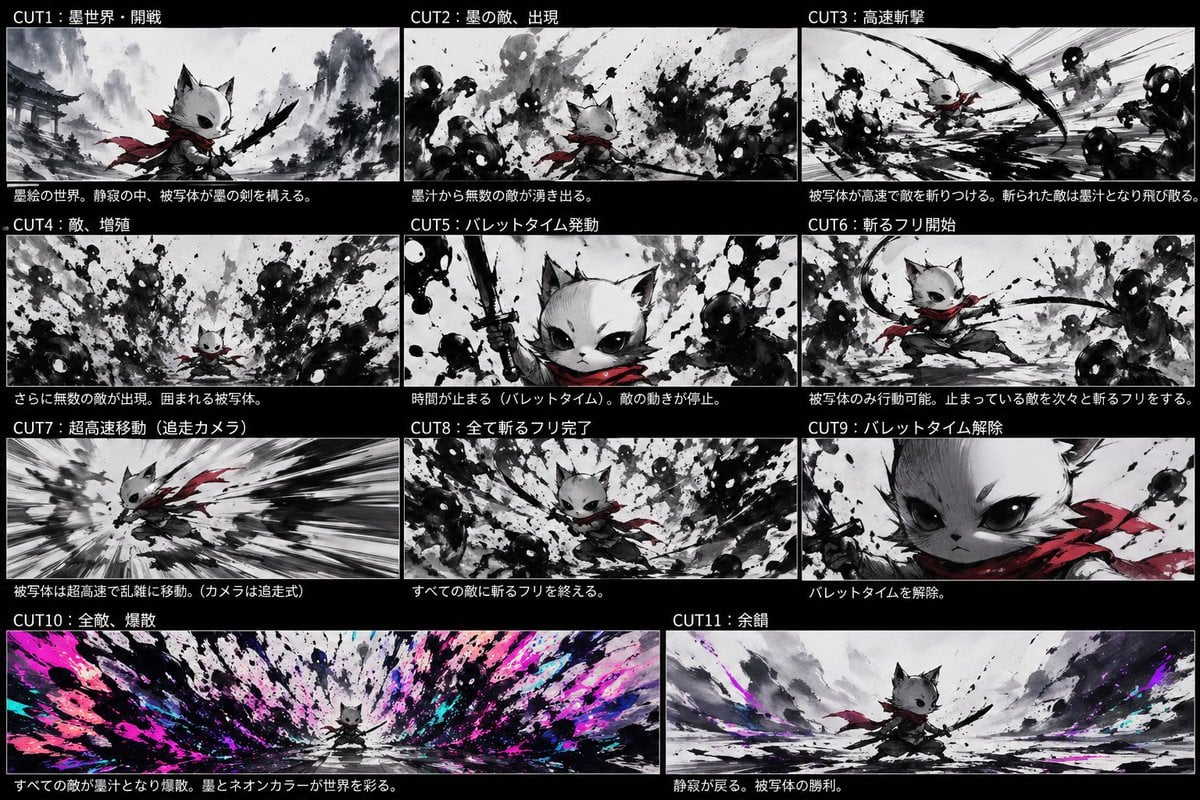
Ink Neon Cat Samurai Storyboard
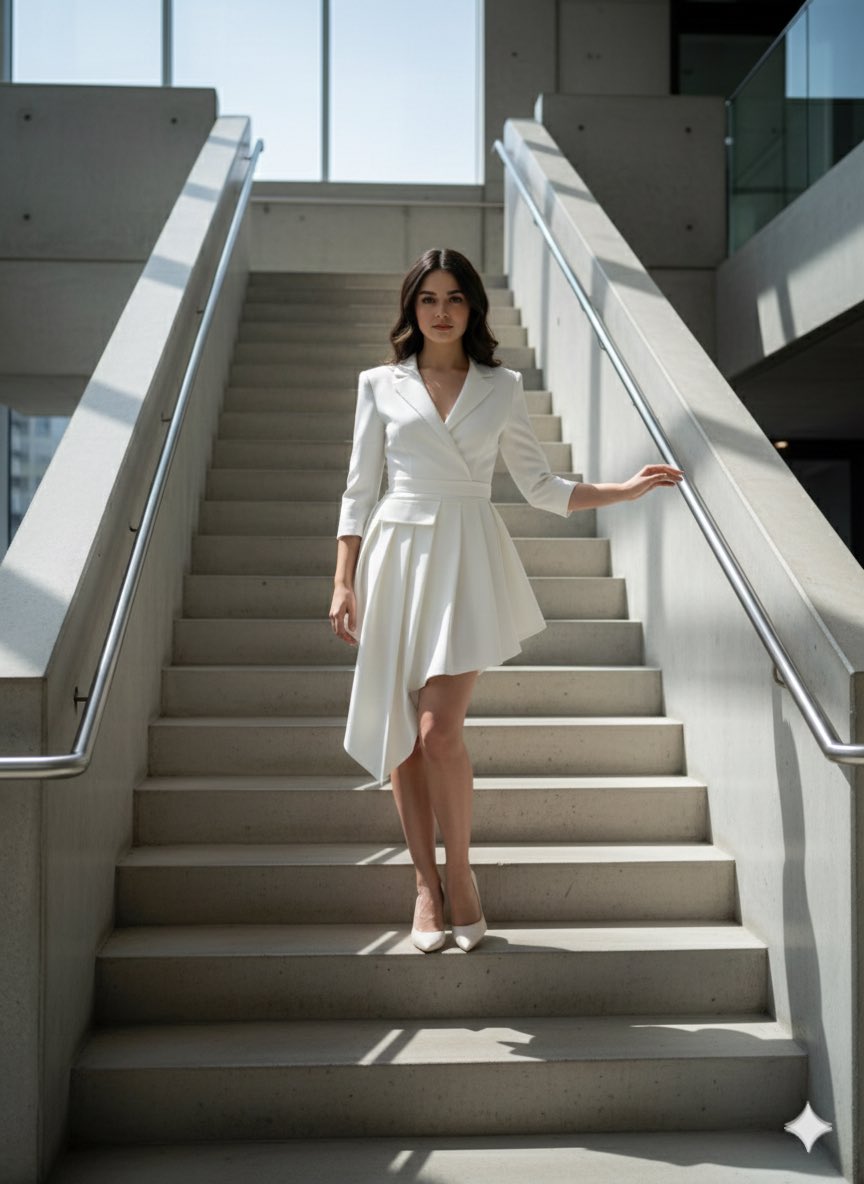
Narrative Cinematic Fashion Portrait Prompt
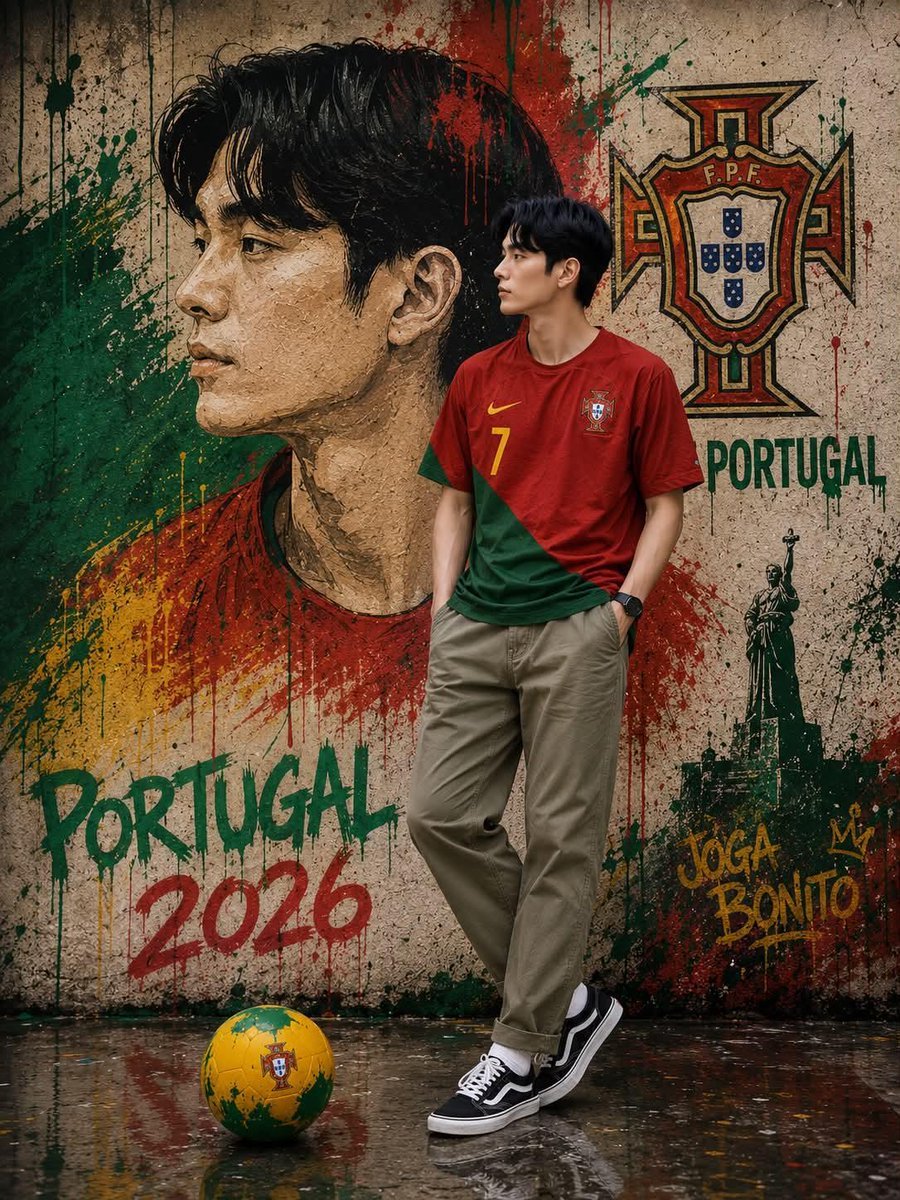
South Korean Graffiti Jersey Portrait
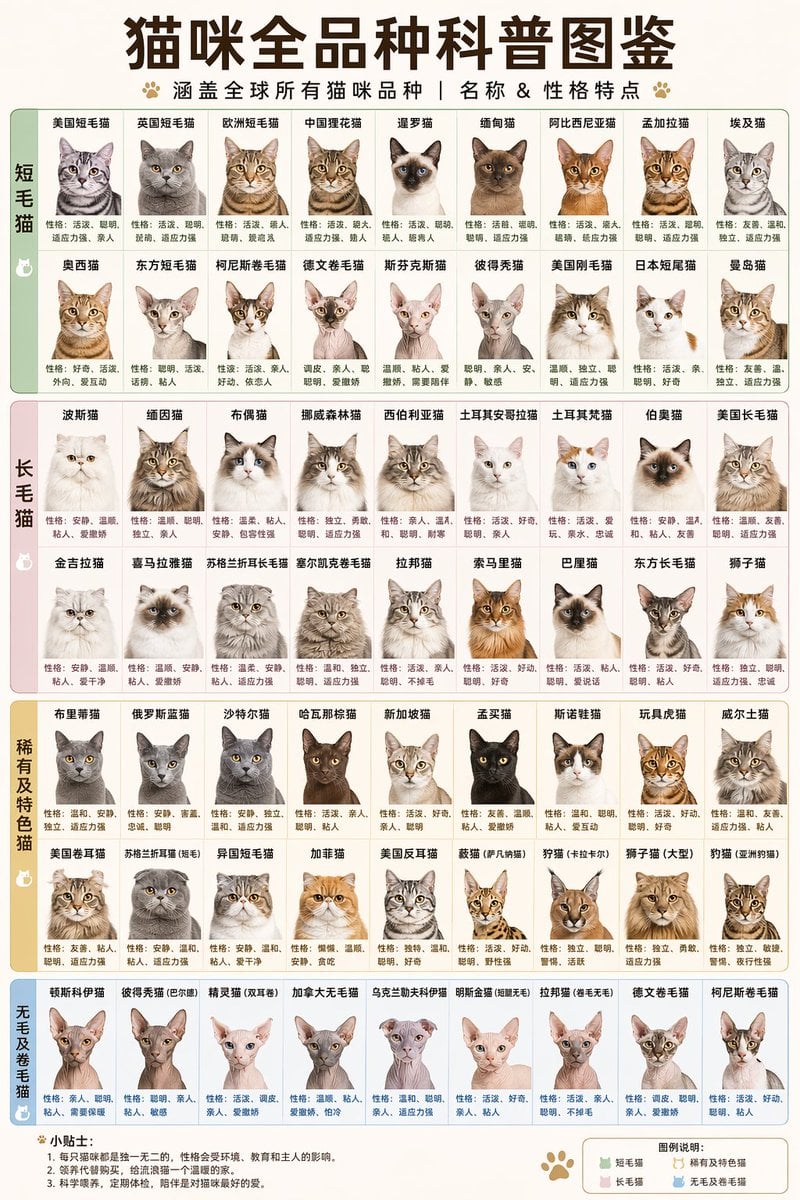
Comprehensive Cat Breed Infographic
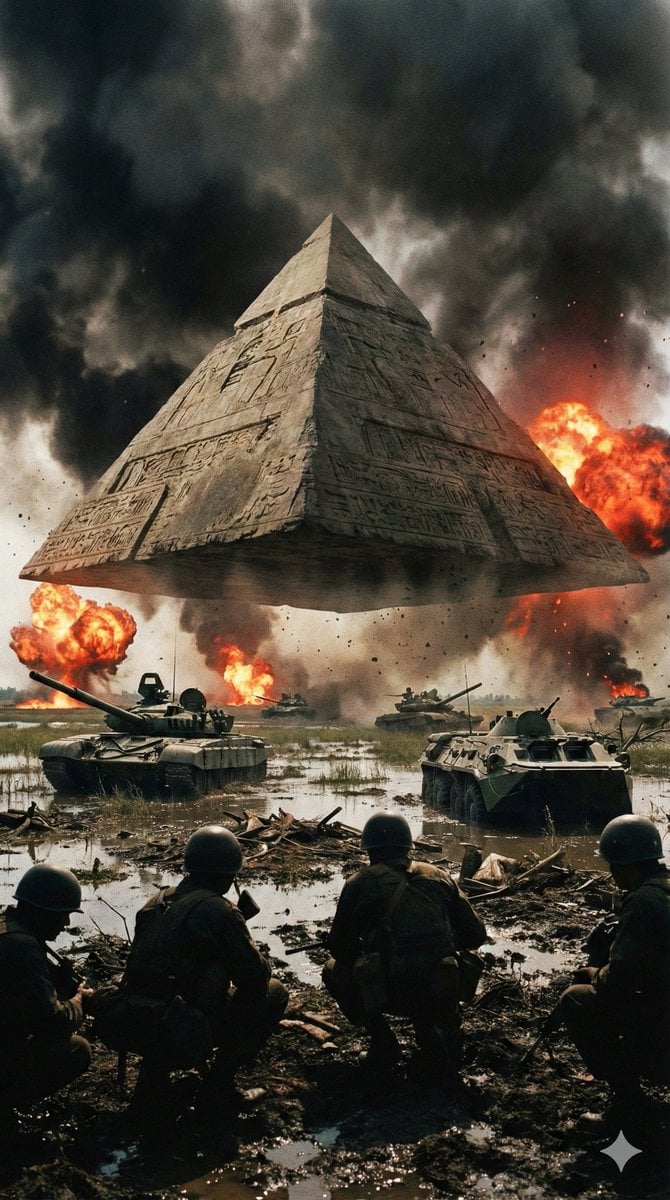
Ancient Pyramid Floating Over a Modern Battlefield
Browse template categories
Night Sports Car Portrait — Cinematic Moody questions
How do I use the Night Sports Car Portrait — Cinematic Moody template?
Add your photo if the template asks for one, edit the prompt if you like — the template's model and format are already selected — and press Generate. Your version opens in PicX Studio.
Can I customize the Night Sports Car Portrait — Cinematic Moody template?
Yes. You can change the subject, setting, lighting, mood, format, and available model controls before creating your image.
Is the Night Sports Car Portrait — Cinematic Moody template free?
Opening and editing this template is free. Generating uses credits, shown on the Generate button when you are signed in.
Which AI model should I use?
Start with Nano Banana, which is the model associated with this template. You can compare another compatible model for a different finish.
Looking for something else? Browse all templates.

Your photo, any look
Thousands of ready templates for every top image and video model, from one credit balance.