
Submarine Cutaway Encyclopedia Poster
Creates a detailed Chinese educational infographic showing a submarine cutaway with labeled compartments, operating principles, close-up panels, and fact boxes for science publishing or classroom use.
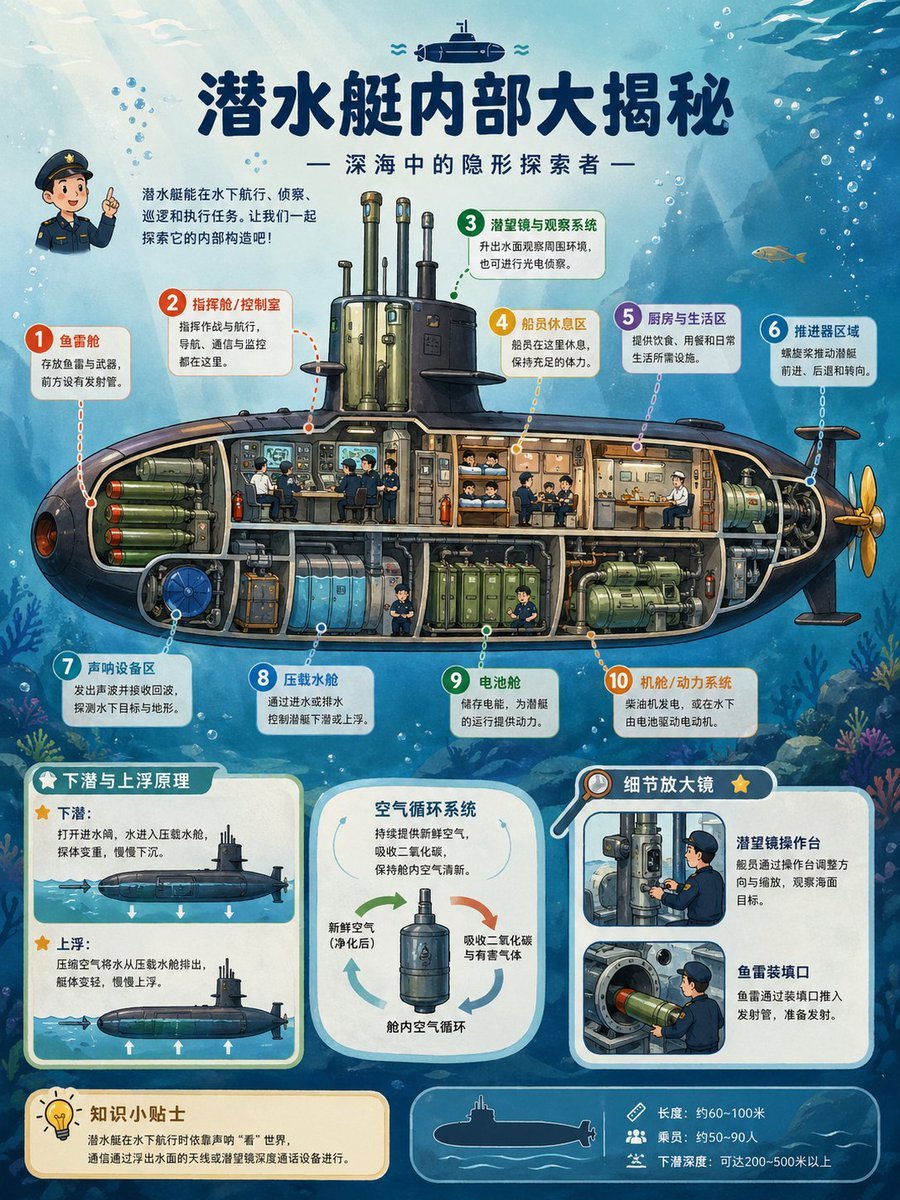
- Prompt included
- Model and format preset
- Free template
The prompt behind this image
Copy the exact prompt behind Submarine Cutaway Encyclopedia Poster, or open it in the studio and make it yours.
{"type":"publication-quality educational cutaway science encyclopedia poster","topic":"{argument name=\"poster topic\" default=\"submarine internal structure\"}","language":"Simplified Chinese visible text","aspect_ratio":"3:4 vertical poster","style":"richly colored semi-realistic illustrated infographic for children, detailed cross-section engineering diagram, clean vector-like labels mixed with painterly underwater background, high-resolution print design","main_title":"{argument name=\"headline text\" default=\"潜水艇内部大揭秘\"}","subtitle":"— 深海中的隐形探索者 —","scene":{"background":"blue underwater ocean with sunbeams from the upper left, bubbles, fish silhouettes, seaweed and coral near the bottom, a small submarine icon above the title","main_subject":"large side-view submarine cutaway spanning the center, dark navy outer hull, golden propeller at the right, transparent interior compartments with pipes, tanks, crew members, machinery, bunks, control panels, and torpedoes visible","character":"small cute naval officer mascot at upper left pointing upward beside an introductory paragraph"},"layout":{"top_intro":"short paragraph in Chinese explaining that submarines can travel underwater, spy, avoid attacks, and explore the ocean","central_cutaway":{"position":"middle","description":"one full submarine cross-section with ten numbered annotation callouts connected by dotted leader lines","callout_count":10,"callouts":[{"number":1,"label":"鱼雷舱","color":"red","description":"front torpedo storage and launch tubes"},{"number":2,"label":"指挥舱 / 控制室","color":"orange-red","description":"operators, navigation, communication and monitoring equipment"},{"number":3,"label":"潜望镜与观察系统","color":"green","description":"periscopes and optical observation masts above the conning tower"},{"number":4,"label":"船员休息区","color":"yellow","description":"bunks and compact sleeping quarters"},{"number":5,"label":"厨房与生活区","color":"purple","description":"galley and living space for food and daily needs"},{"number":6,"label":"推进器区域","color":"blue","description":"rear propulsion shaft, engine drive and steering fins"},{"number":7,"label":"声呐设备区","color":"teal","description":"sonar equipment for detecting underwater targets and terrain"},{"number":8,"label":"压载水舱","color":"light blue","description":"ballast tanks that fill and release water to control diving and floating"},{"number":9,"label":"电池舱","color":"green","description":"battery compartment supplying submarine power"},{"number":10,"label":"机舱 / 动力系统","color":"orange","description":"engine room, electric motor and power machinery"}]},"bottom_sections":{"section_count":5,"sections":[{"title":"下潜与上浮原理","position":"bottom left","count":2,"items":["下潜:打开进水阀,水进入压载水舱,使艇下沉。","上浮:压缩空气将水从压载水舱排出,艇体变轻,慢慢上浮。"],"visuals":"two small side-view submarine diagrams with arrows showing descent and ascent"},{"title":"空气循环系统","position":"bottom center","count":3,"items":["新鲜空气(净化后)","吸收二氧化碳与有害气体","舱内空气循环"],"visuals":"rounded card with central cylindrical air purifier and circular arrows"},{"title":"细节放大镜","position":"bottom right","count":2,"items":["潜望镜操作台","鱼雷装填口"],"visuals":"two inset close-up panels, one showing a sailor operating a periscope console and one showing torpedo loading"},{"title":"知识小贴士","position":"bottom left below diagrams","count":1,"items":["潜水艇在水下航行时依靠声呐‘看’世界,通信通过浮出水面的天线或浮缆装置与海面设备进行。"],"visuals":"cream note box with lightbulb icon"},{"title":"specification strip","position":"bottom right footer","count":3,"items":["长度:约60~100米","乘员:约50~90人","下潜深度:可达200~500米以上"],"visuals":"thin rounded blue footer with white submarine silhouette and three small icons"}]},"design_details":{"typography":"large bold dark navy Chinese title, rounded sans-serif annotation labels, white rounded callout cards with colored number circles","palette":"deep ocean blues, teal, cream cards, orange and green engineering accents, dark hull with warm interior lighting","quality":"crisp readable infographic, balanced spacing, accurate leader lines, detailed but friendly educational illustration, suitable for a children’s science book or classroom poster"},"customization":{"submarine_name":"{argument name=\"submarine name\" default=\"深海探索者\"}","audience":"{argument name=\"target audience\" default=\"children’s science encyclopedia readers\"}","color_mood":"{argument name=\"color mood\" default=\"bright blue underwater educational palette\"}"}}
How to use Submarine Cutaway Encyclopedia Poster in 3 steps
- 1Upload ImagePNG, JPG or paste
Add your photo
Upload the photo the template builds on. The prompt, model and format are already set.
- 2…a portrait of your subject in softgolden-hour light, 85mm…
Personalize
Edit the subject and creative details for your destination.
- 3Generate
Generate
Press Generate — your image is created in PicX Studio, so you can compare it with the original and refine one variable at a time.
More like this
Templates with the same subject, style or setup. Open one to see its prompt.
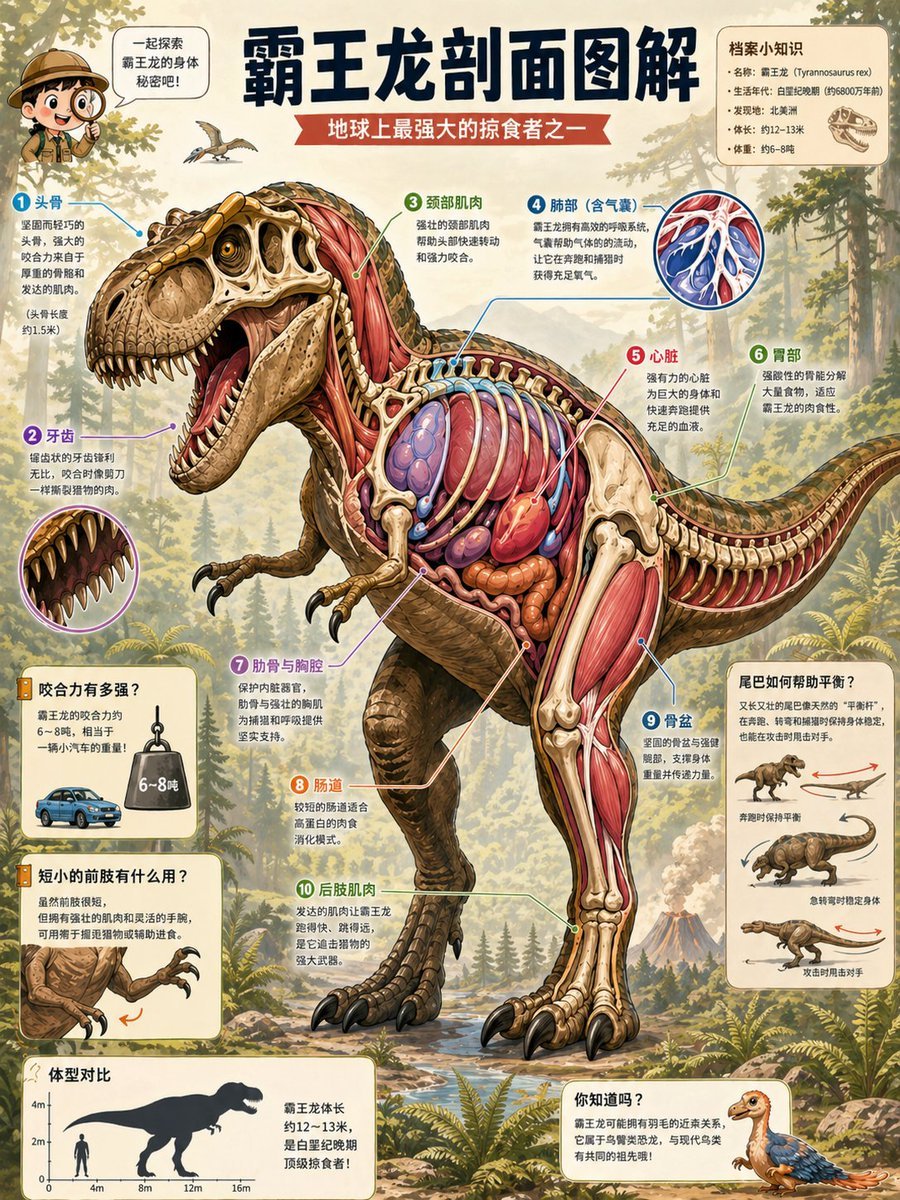
T. Rex Cutaway Encyclopedia Poster

Japan Travel Brochure Poster

Cartoon TV Show Poster Pack

Trendy Cafe Drink Promo Poster

Urban Fashion Editorial Collage Streetwear Poster

Premium Fashion Editorial Cover Layout System

Polo Ralph Lauren Luxury American Heritage Fashion Campaign

Monochrome Halftone Editorial Fashion Poster

Retro Mirror Luxury Fashion Campaign Poster

Luxury Fashion Campaign Typography Poster System

Premium Fashion Editorial Campaign Poster System

Ultra-Stylized High-Fashion Streetwear Poster
Make it yours
Submarine Cutaway Encyclopedia Poster works as-is. These are the safest ways to change it without losing the look.
Change one field
Copy a single group, rewrite it, and generate again so you can see what that field is doing.
Keep the frame, change the subject
Hold the composition and light of Submarine Cutaway Encyclopedia Poster, then swap wardrobe, props or the person for a new take.
| If the result… | Why | Fix |
|---|---|---|
| The result drifts from the preview | Too many fields changed at once. | Reuse Submarine Cutaway Encyclopedia Poster as-is first, then change one group — subject, light, or setting. |
| The model over-stylizes the scene | The prose prompt leaves finish and camera underspecified. | Add one camera or lighting sentence and stay on GPT Image 2. |
More GPT Image 2 templates
Other prompts made for GPT Image 2.

Six VTuber Japanese Logo Sheet

Realistic Portrait of Woman and Deer

The Vista Modular Condo Poster

AI Model Routing Comparison Infographic

2.5D Anime Art Board

Isometric Productivity Desk Scene

New York Double Exposure Poster

Four-Panel AI Landscape Comparison

Japanese Tatami Lifestyle Magazine Cover

NESCAFÉ Coffee Map Poster
More image prompts
Fresh picks from across the catalog.
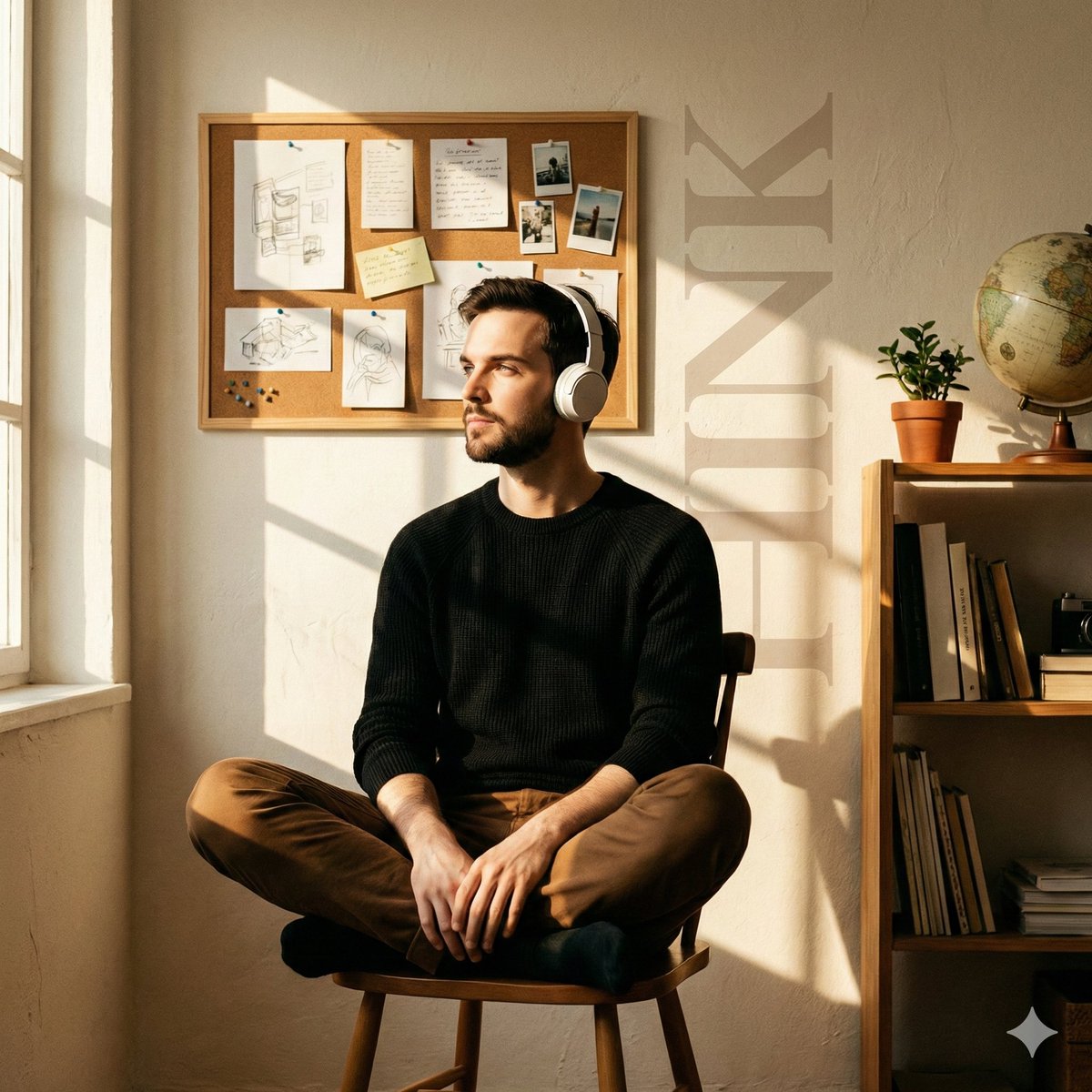
Cinematic Editorial Portrait in a Cafe with Window Shadows

Dual Prompts: Painterly Portrait and Pixar-Style 3D Character

Hyper-realistic Product Photography of Kinder Joy
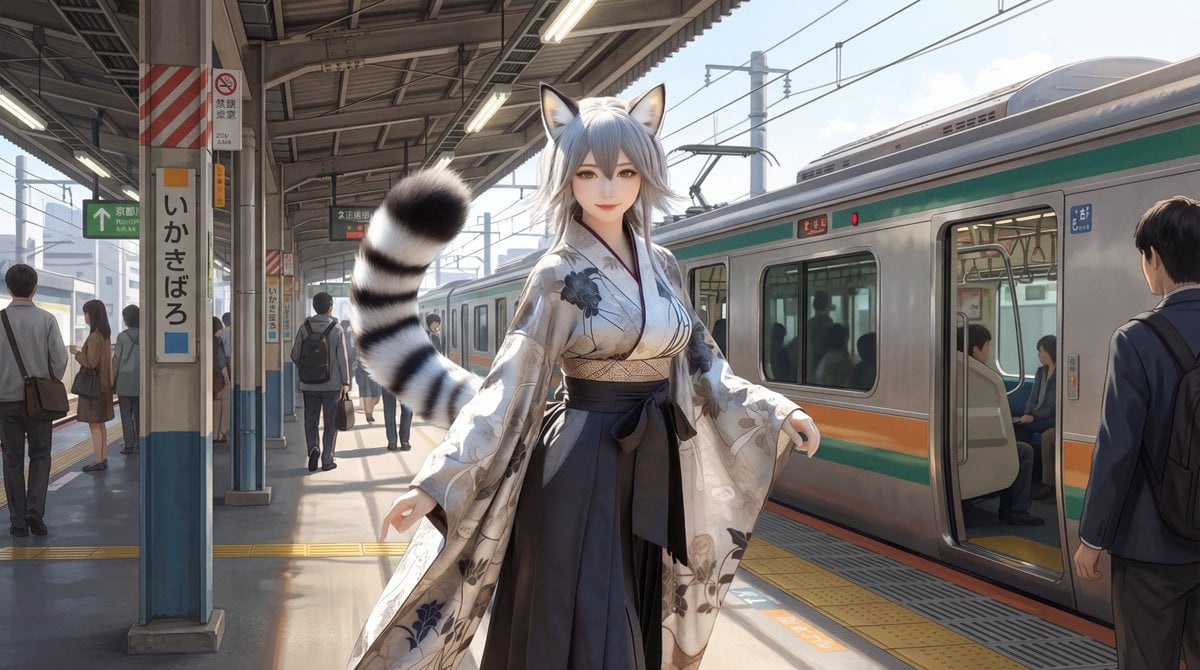
Character on Japanese train platform with matched lighting

Vector Art Style Transformation Prompt

High-Contrast Black and White Fashion Photography

Cinematic Street Racing Sequence Seedanc

Golden Hour Backlit Park Portrait
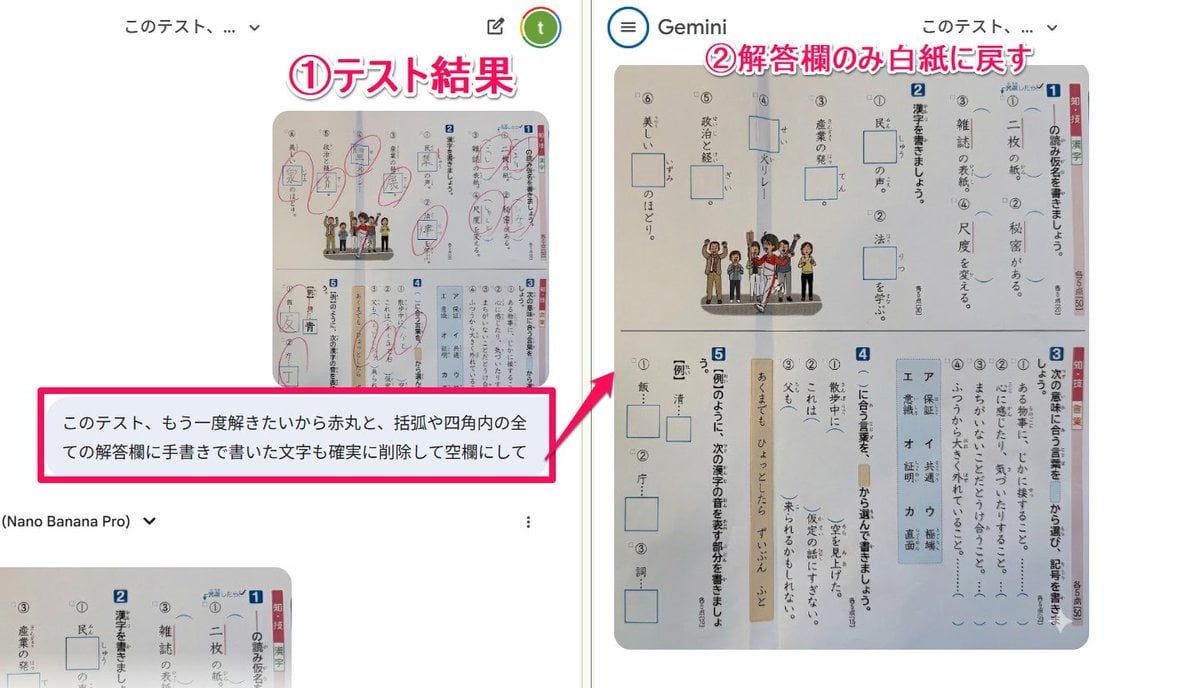
Prompt for clearing handwritten answers from a test image for reuse

Natural Lifestyle Portrait on Country Road at Golden Hour
Browse template categories
Submarine Cutaway Encyclopedia Poster questions
How do I use the Submarine Cutaway Encyclopedia Poster template?
Add your photo if the template asks for one, edit the prompt if you like — the template's model and format are already selected — and press Generate. Your version opens in PicX Studio.
Can I customize the Submarine Cutaway Encyclopedia Poster template?
Yes. You can change the subject, setting, lighting, mood, format, and available model controls before creating your image.
Is the Submarine Cutaway Encyclopedia Poster template free?
Opening and editing this template is free. Generating uses credits, shown on the Generate button when you are signed in.
Which AI model should I use?
Start with GPT Image 2, which is the model associated with this template. You can compare another compatible model for a different finish.
Looking for something else? Browse all templates.

Your photo, any look
Thousands of ready templates for every top image and video model, from one credit balance.