
Isometric Productivity Desk Scene
Generates a wide navy-and-gold 3D productivity workspace hero image for business, tech, or planning-themed banners.

- Prompt included
- Model and format preset
- Premium template
The prompt behind this image
Copy the exact prompt behind Isometric Productivity Desk Scene, or open it in the studio and make it yours.
Create a wide 2:1 cinematic 3D isometric desktop scene about digital planning and productivity, with a large empty dark navy workspace on the left for copy space and the objects clustered on the right. Use a premium matte clay-render style with soft bevels, realistic ambient occlusion, subtle depth of field, and dramatic blue-and-gold accent lighting. The surface is a dark navy desk with a smooth gradient background fading from deep blue to charcoal. Subject and layout: Arrange exactly 10 main object groups on the right half of the canvas: 1) a layered stack of documents and folders in white, navy, royal blue, and muted gold, slightly rotated in perspective; 2) a central open document or dashboard sheet showing pale rectangular UI wireframes and blue header blocks; 3) a small raised web page card on top with one blue title rectangle and three lower content blocks; 4) a smaller analytics tile in front with six blue-gray rounded squares; 5) a dark horizontal chart card with a blue folded area graph; 6) a compact donut chart disk with blue and gold segments; 7) a vertical dark checklist panel with six circular status dots and six short horizontal list lines, including one gold highlighted dot; 8) a spiral desk calendar in the upper right with a grid of small dark squares and one gold highlighted date; 9) a circular mouse-button icon with a gold cursor arrow; 10) a blue-and-white file organizer box on the far right holding folders. Additional desk details: Include exactly 1 black fountain pen with gold trim lying diagonally near the bottom center, exactly 1 small gold sticky note on the paper stack, exactly 9 small color swatches near the bottom right arranged as tiny rounded squares in navy, blue, gray, white, and gold, and exactly 3 visible file folders inside the right organizer. Keep all text as abstract lines and blocks, no readable words. Visual style: Minimal corporate design, elegant planning-dashboard concept, monochrome navy palette with {argument name="accent color" default="warm gold"} highlights, clean geometric shapes, smooth plastic-paper materials, soft shadows, high-end product mockup aesthetic. Use {argument name="canvas ratio" default="2:1 ultra-wide landscape"}, {argument name="background color" default="deep navy gradient"}, and a quiet professional mood suitable for a technology or productivity hero banner. Constraints: No people, no logos, no watermark, no realistic clutter, no readable text, leave the left 45% of the image mostly empty and dark for headline placement.
How to use Isometric Productivity Desk Scene in 3 steps
- 1Upload ImagePNG, JPG or paste
Add your photo
Upload the photo the template builds on. The prompt, model and format are already set.
- 2…a portrait of your subject in softgolden-hour light, 85mm…
Personalize
Edit the subject and creative details for your destination.
- 3Generate
Generate
Press Generate — your image is created in PicX Studio, so you can compare it with the original and refine one variable at a time.
More like this
Templates with the same subject, style or setup. Open one to see its prompt.
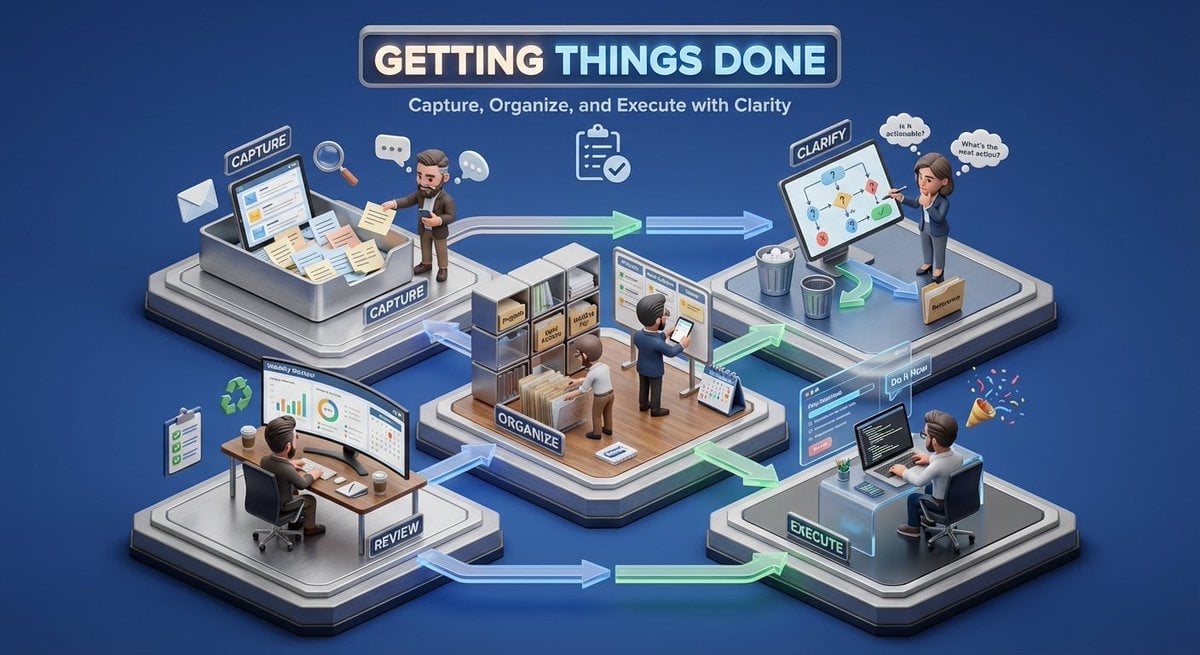
3D isometric miniature diorama showcasing the productivity system

Isometric Process Educational Diorama

Isometric Brand Store Diorama

Isometric Vehicle Teardown Infographic Template
Pastel Anime Nail Artist at Desk

Cozy Isometric Bathroom Miniature Diorama

Clear, 45 top-down isometric miniature 3D cartoon scene of the iconic

Isometric Workflow Automation Illustration

Miniature Girl on Giant Smartphone Desk
Custom Figurine on Creator Desk

Conceptual Productivity Force Field
Isometric Zen Woman Line Art
Make it yours
Isometric Productivity Desk Scene works as-is. These are the safest ways to change it without losing the look.
Change one field
Copy a single group, rewrite it, and generate again so you can see what that field is doing.
Keep the frame, change the subject
Hold the composition and light of Isometric Productivity Desk Scene, then swap wardrobe, props or the person for a new take.
| If the result… | Why | Fix |
|---|---|---|
| The result drifts from the preview | Too many fields changed at once. | Reuse Isometric Productivity Desk Scene as-is first, then change one group — subject, light, or setting. |
| The model over-stylizes the scene | The prose prompt leaves finish and camera underspecified. | Add one camera or lighting sentence and stay on GPT Image 2. |
More GPT Image 2 templates
Other prompts made for GPT Image 2.

Six VTuber Japanese Logo Sheet

Realistic Portrait of Woman and Deer

The Vista Modular Condo Poster

AI Model Routing Comparison Infographic

2.5D Anime Art Board

New York Double Exposure Poster

Four-Panel AI Landscape Comparison

Japanese Tatami Lifestyle Magazine Cover

NESCAFÉ Coffee Map Poster

Brutalist Cogito Chinese Typography Poster
More image prompts
Fresh picks from across the catalog.
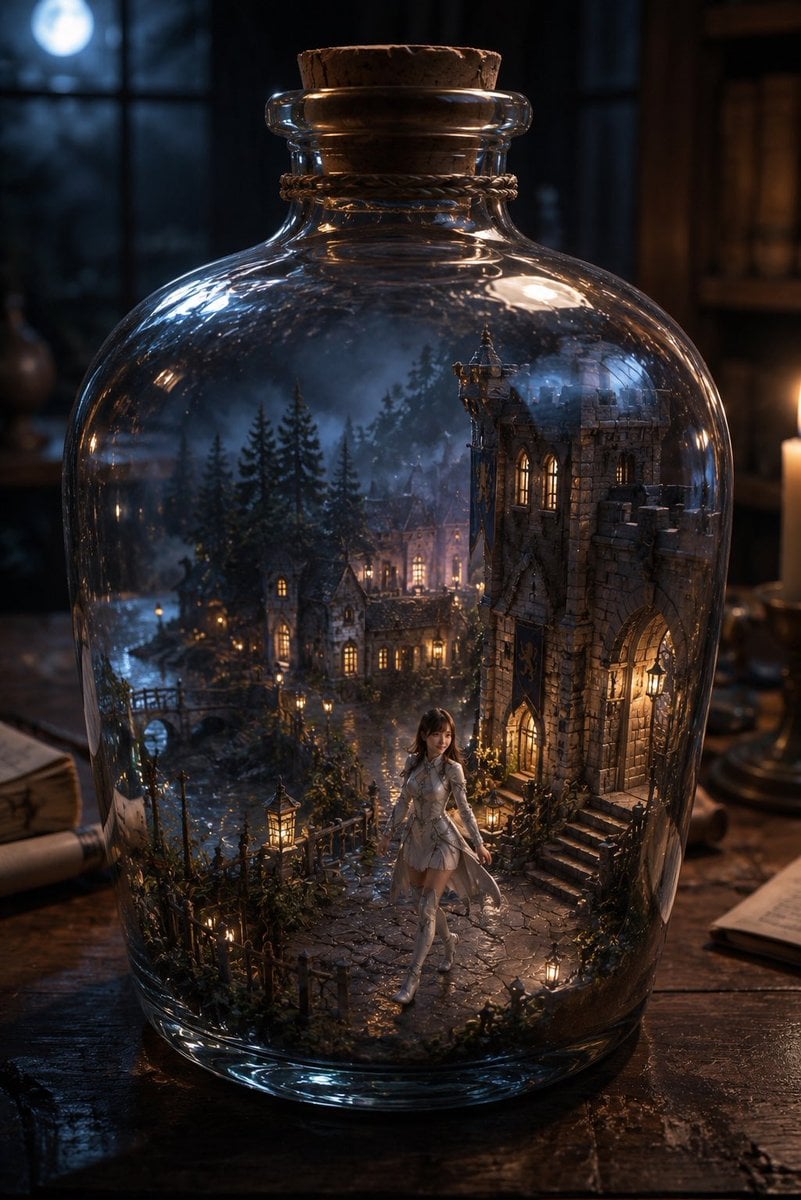
Miniature Fantasy Village in a Glass Bottle

Banner Generation Prompt for Model Comparison
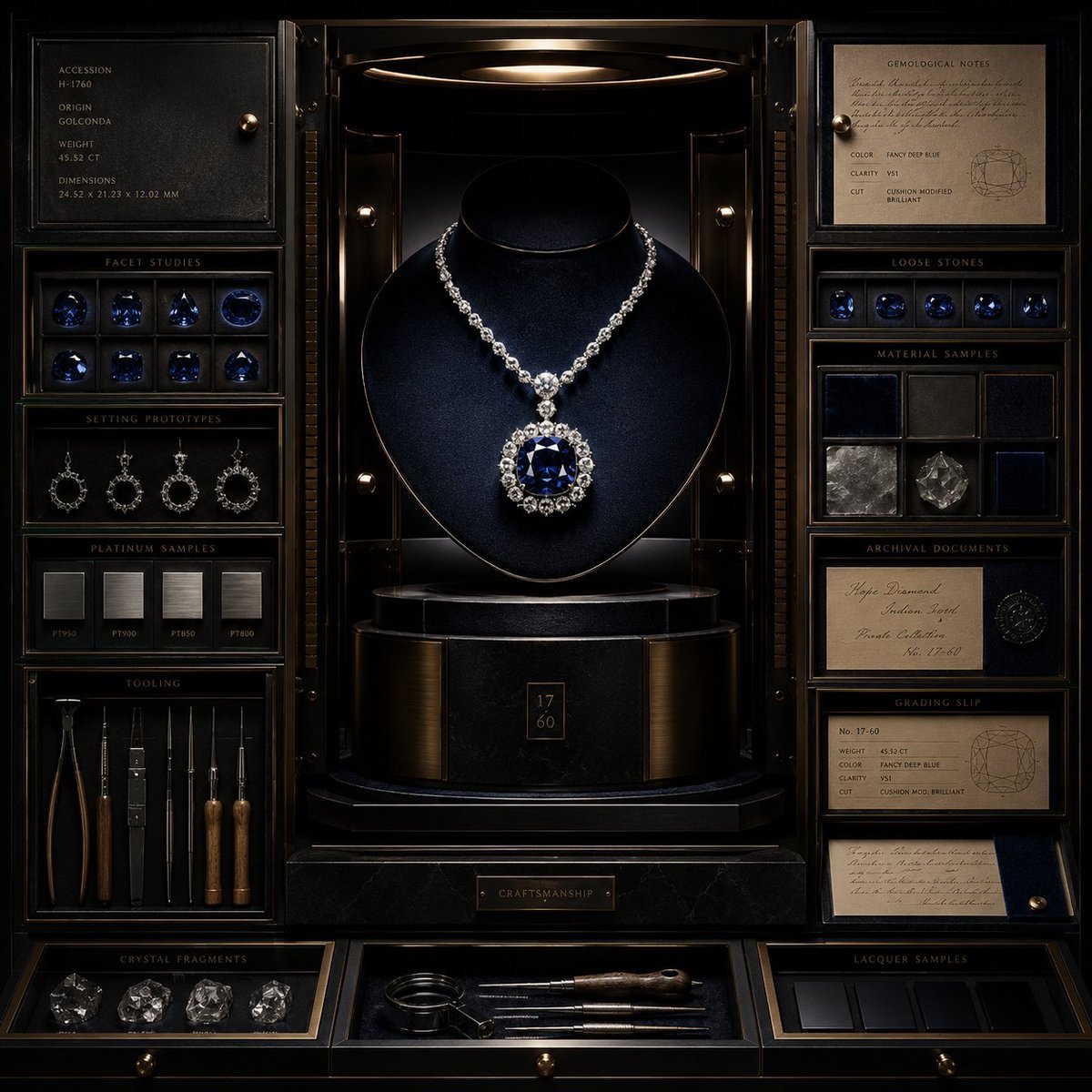
Luxury Jewelry Vault Exhibition

Dramatic Neon Hand-Lettering Portrait
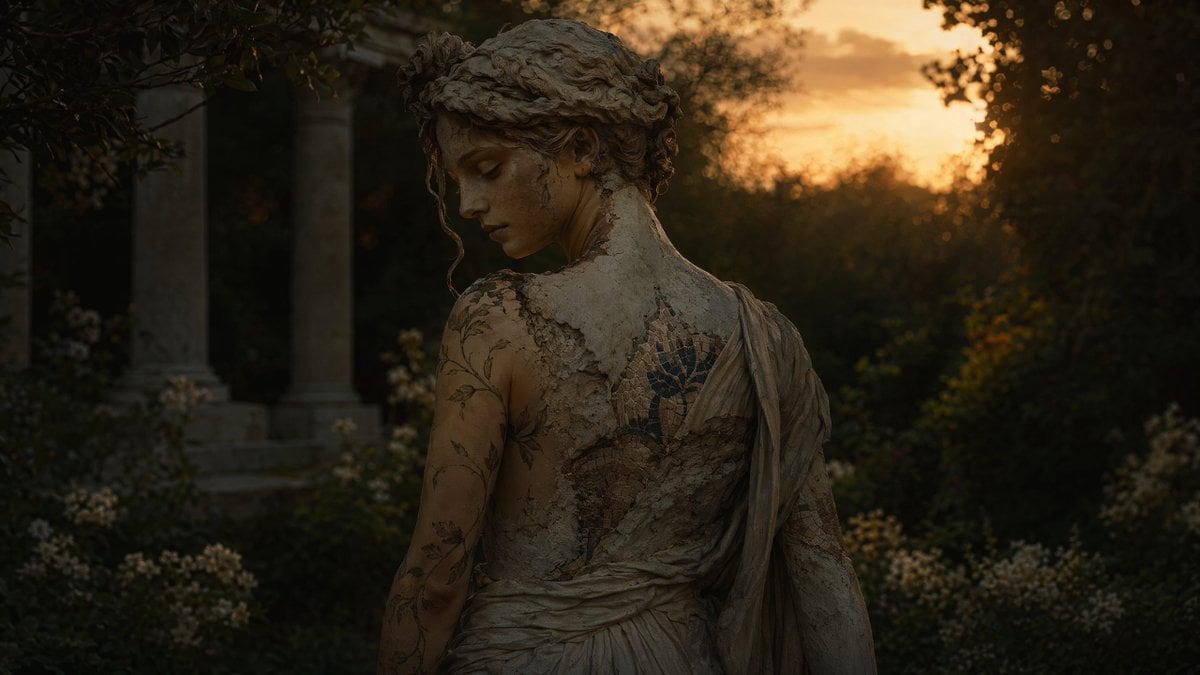
Haunting Statue Woman at Sunset
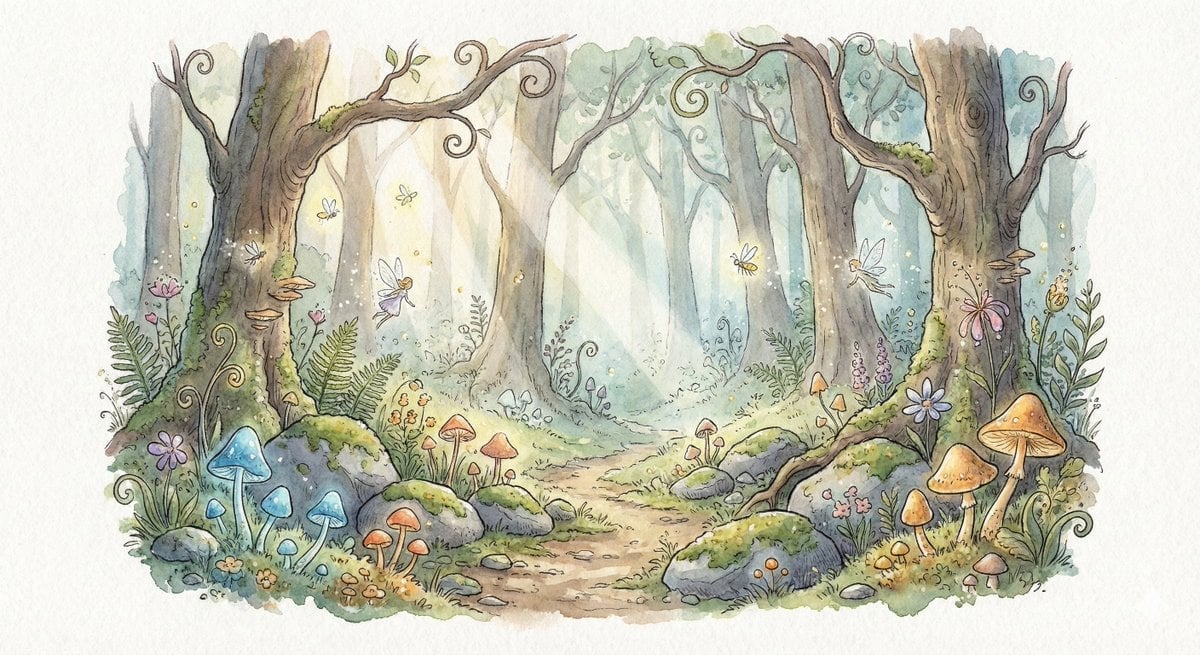
Watercolor Illustration of Enchanted Forest Clearing at Dawn

Ultra-Realistic 8K Candid Street Portrait Prompt
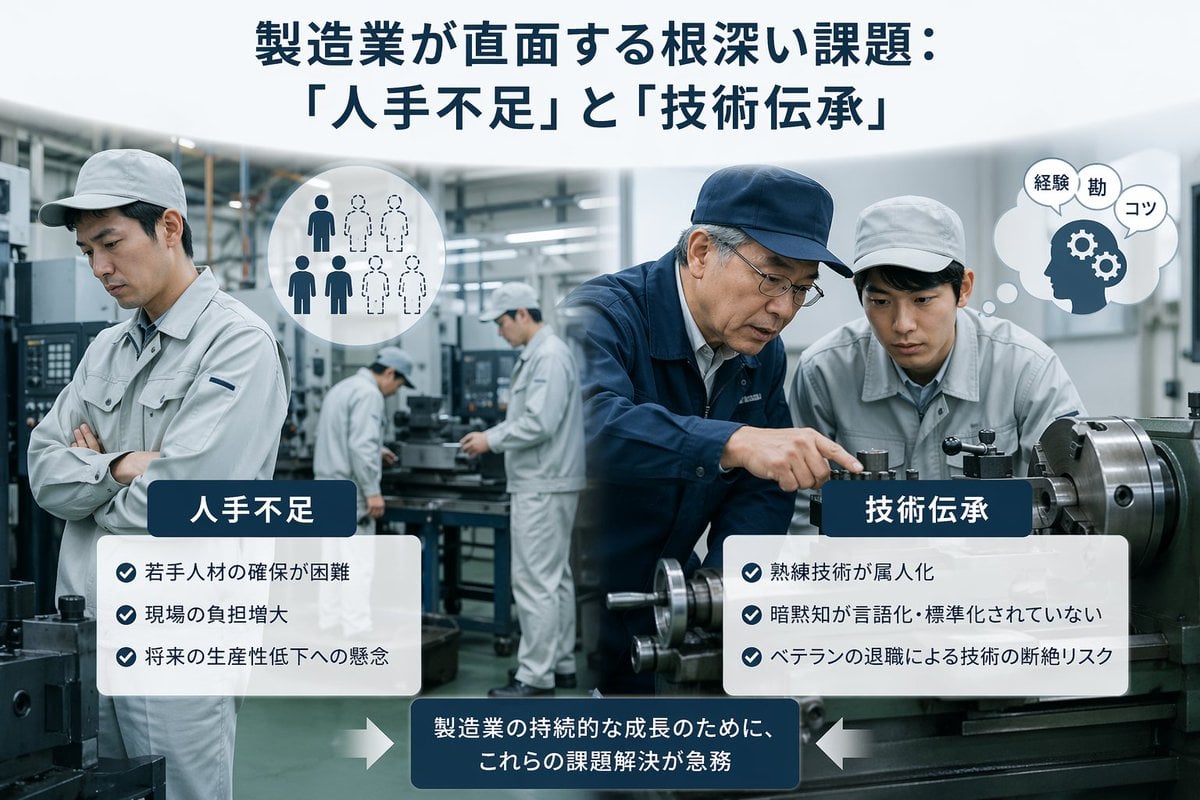
Japanese Manufacturing Challenges Infographic
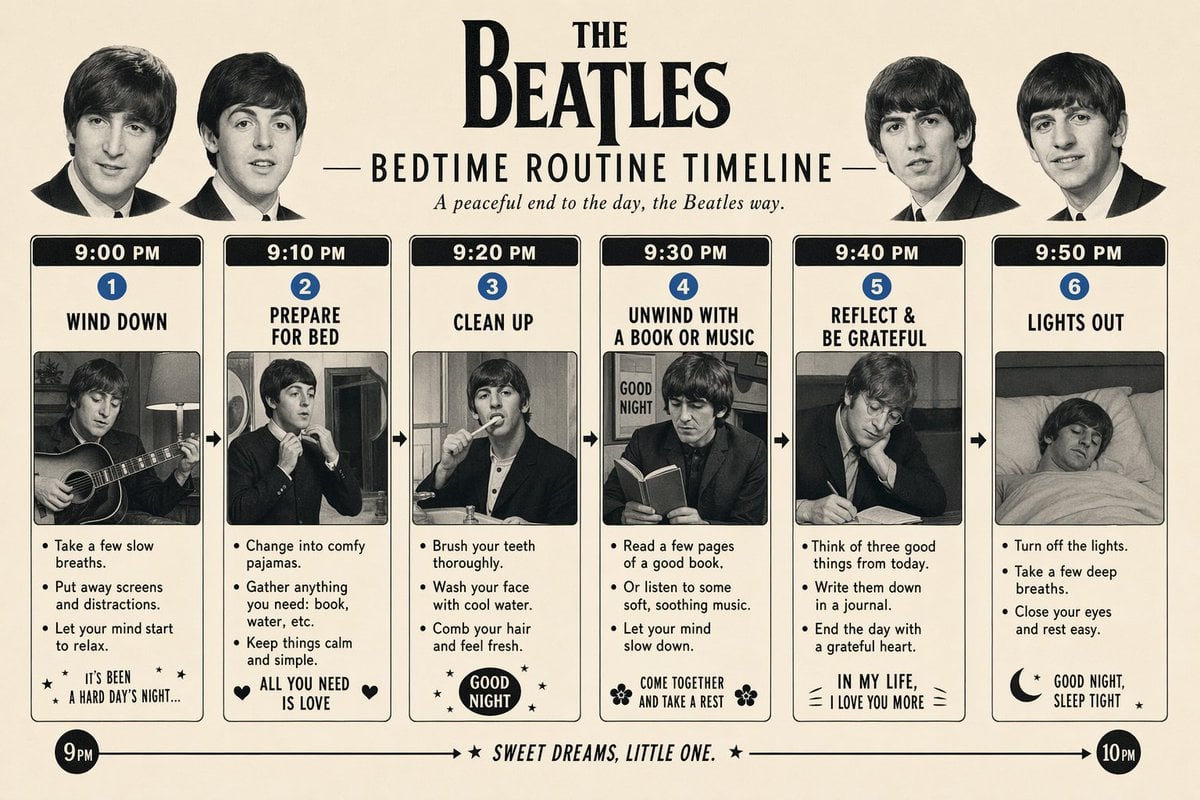
Themed Routine Timeline Infographic
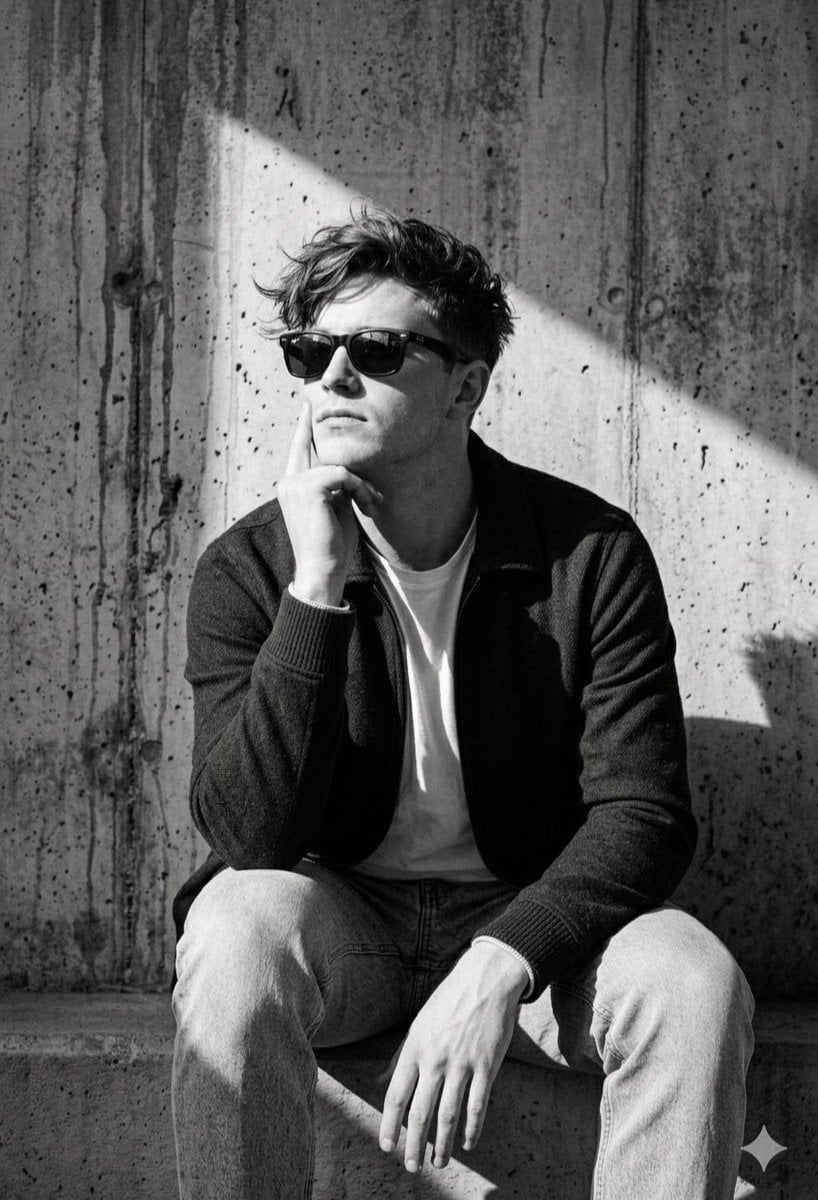
Industrial Concrete Portrait
Browse template categories
Isometric Productivity Desk Scene questions
How do I use the Isometric Productivity Desk Scene template?
Add your photo if the template asks for one, edit the prompt if you like — the template's model and format are already selected — and press Generate. Your version opens in PicX Studio.
Can I customize the Isometric Productivity Desk Scene template?
Yes. You can change the subject, setting, lighting, mood, format, and available model controls before creating your image.
Is the Isometric Productivity Desk Scene template free?
Opening and editing this template is free. Generating uses credits, shown on the Generate button when you are signed in.
Which AI model should I use?
Start with GPT Image 2, which is the model associated with this template. You can compare another compatible model for a different finish.
Looking for something else? Browse all templates.

Your photo, any look
Thousands of ready templates for every top image and video model, from one credit balance.