
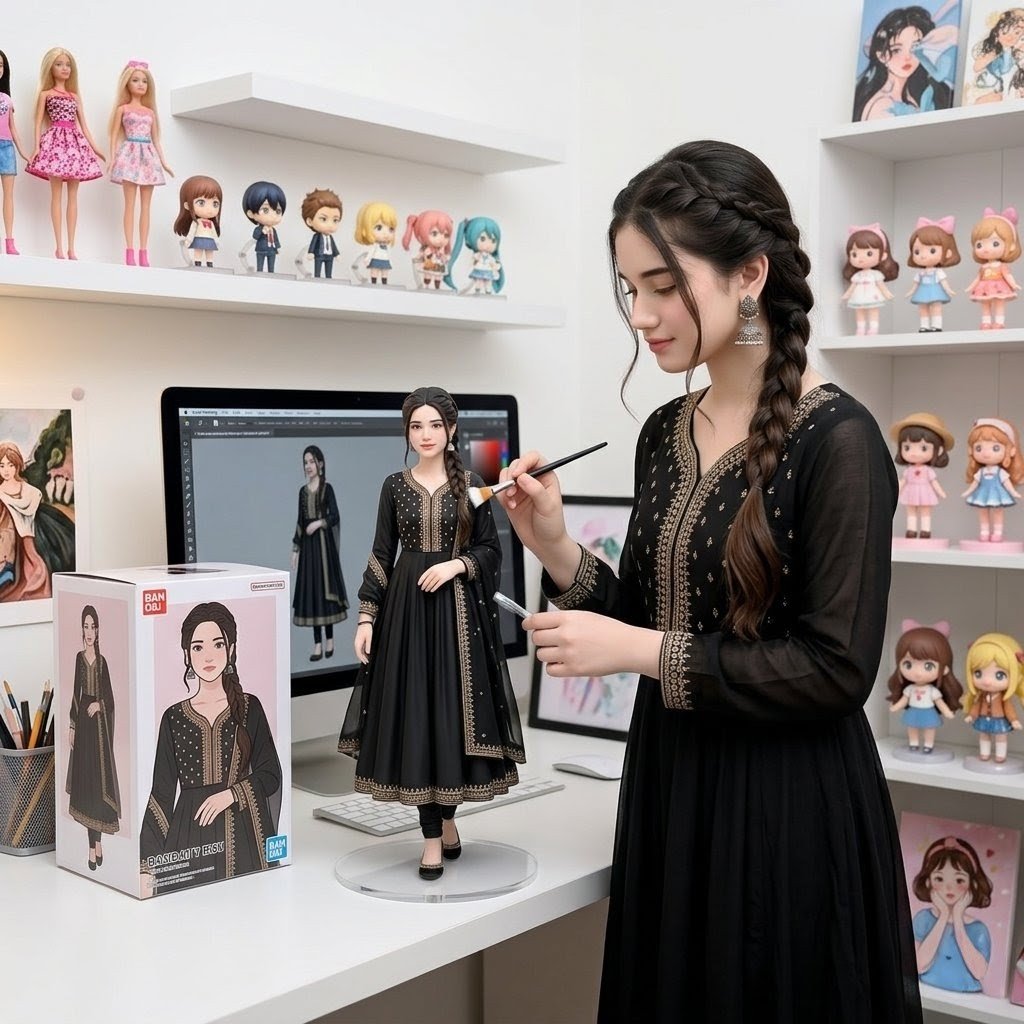
Custom Figurine on Creator Desk
A realistic studio scene of a matching life-size creator and 1/7 scale collectible figurine displayed on a computer desk with packaging and shelves.
- Prompt included
- Model and format preset
- Premium template
The prompt behind this image
Copy the exact prompt behind Custom Figurine on Creator Desk, or open it in the studio and make it yours.
Create a realistic square commercial product-photo scene showing a custom 1/7 scale figurine of {argument name="character name" default="a young woman in a black embroidered traditional dress"} displayed on a white computer desk in a bright collector's studio. The life-size real person stands to the right of the desk, matching the figurine exactly: long dark brown hair in a thick side braid, black ankle-length dress with sheer sleeves, gold embroidered trim, black leggings, black shoes, and dangling earrings; her face is softly privacy-blurred. She holds a thin paintbrush in one hand and a small tool or stylus in the other, posed as if touching up the figurine. The figurine stands centered on a round transparent acrylic base, wearing the same outfit and hairstyle, with a softly blurred face, realistic PVC collectible finish, fine fabric texture, and detailed gold trim. On the desk to the left is a retail figure box with a large front window and printed full-body artwork of the same character, styled like a commercial toy package with small logo blocks and the product name {argument name="box product name" default="BASHEEQA DOLL"}. Behind the figurine is a desktop monitor showing digital character-art software with a full-body reference of the same woman. Include exactly 2 desk art/office objects besides the box, monitor, keyboard, and figurine: a mesh pencil cup filled with pencils and brushes, and a framed illustration leaning near the monitor. The room has white walls, white floating shelves, and a clean pastel collector aesthetic. Count and include exactly 18 visible shelf collectibles/art pieces: on the upper left shelf, 2 tall fashion dolls in pink dresses and 6 small chibi/anime figures; on the upper right wall/shelf area, 2 framed anime-girl prints and 3 small dolls in pastel dresses; on the middle right shelf, 2 small pastel dolls; on the lower right shelf, 2 small dolls with oversized heads; on the bottom right, 1 framed princess-style illustration. Use soft daylight, shallow depth of field, realistic camera perspective, crisp product details, subtle bokeh on background toys, and no extra text beyond the toy-box branding.
How to use Custom Figurine on Creator Desk in 3 steps
- 1Upload ImagePNG, JPG or paste
Add your photo
Upload the photo the template builds on. The prompt, model and format are already set.
- 2…a portrait of your subject in softgolden-hour light, 85mm…
Personalize
Edit the subject and creative details for your destination.
- 3Generate
Generate
Press Generate — your image is created in PicX Studio, so you can compare it with the original and refine one variable at a time.
More like this
Templates with the same subject, style or setup. Open one to see its prompt.
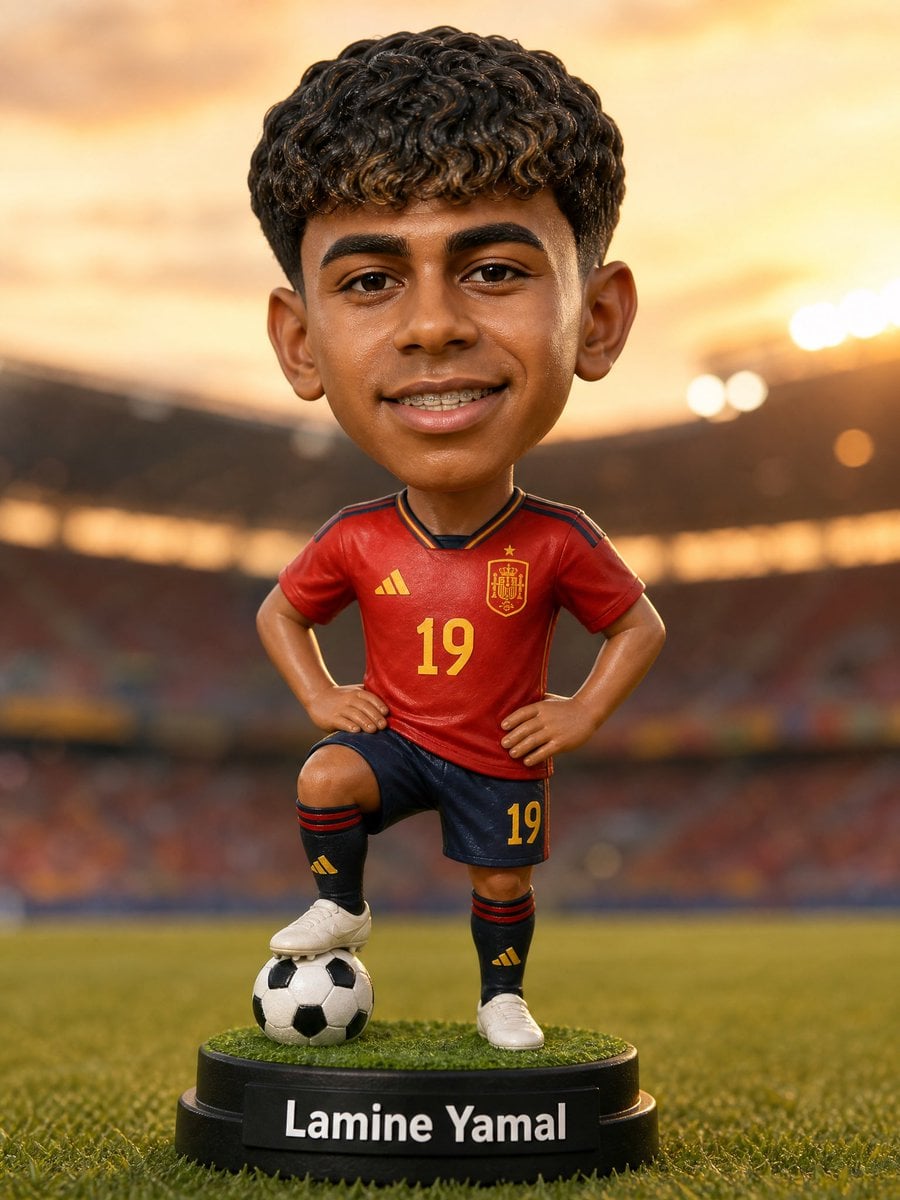
Custom Sports Bobblehead Figurine
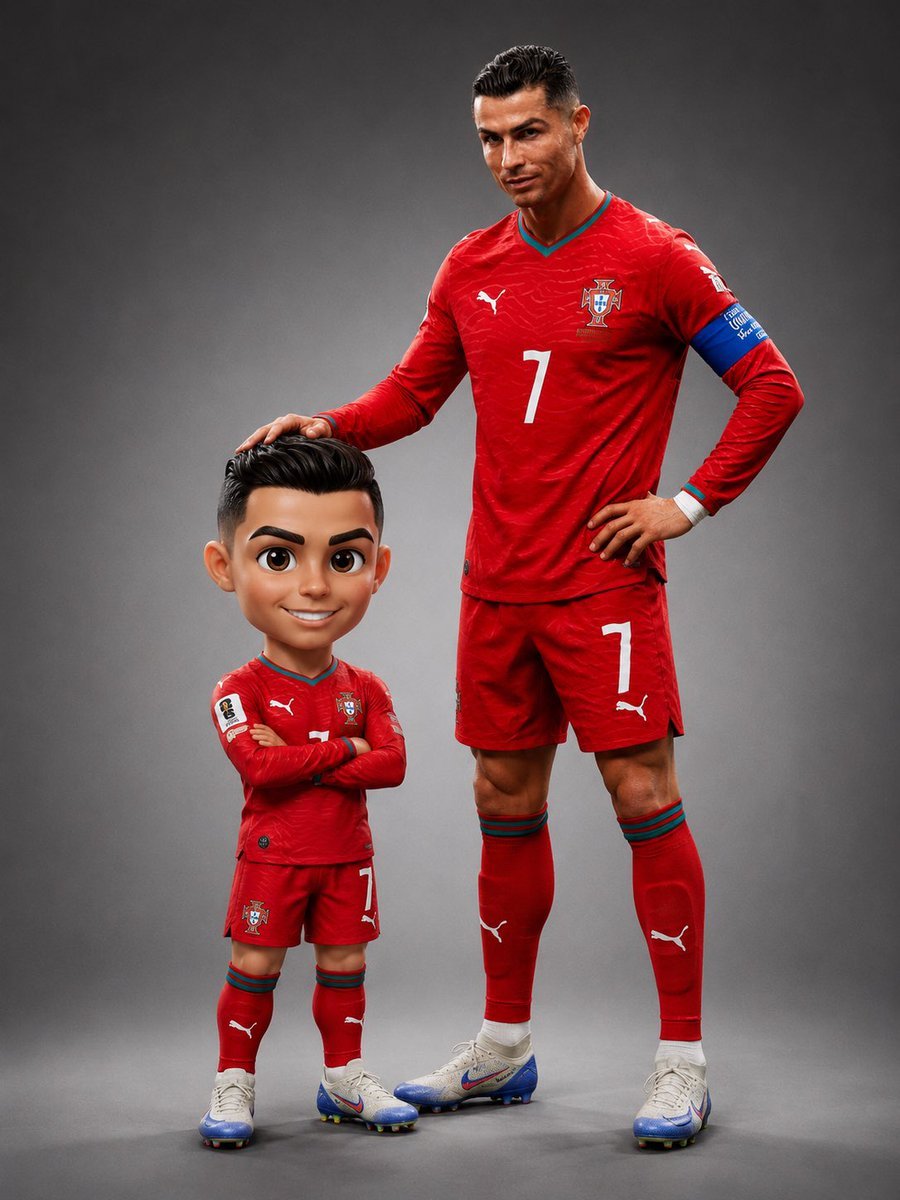
Pixar Style Chibi Figurine Creator

Felt & Knit 3D Character — Photo-Exact Face, Pixar-Quality Plush Figurine
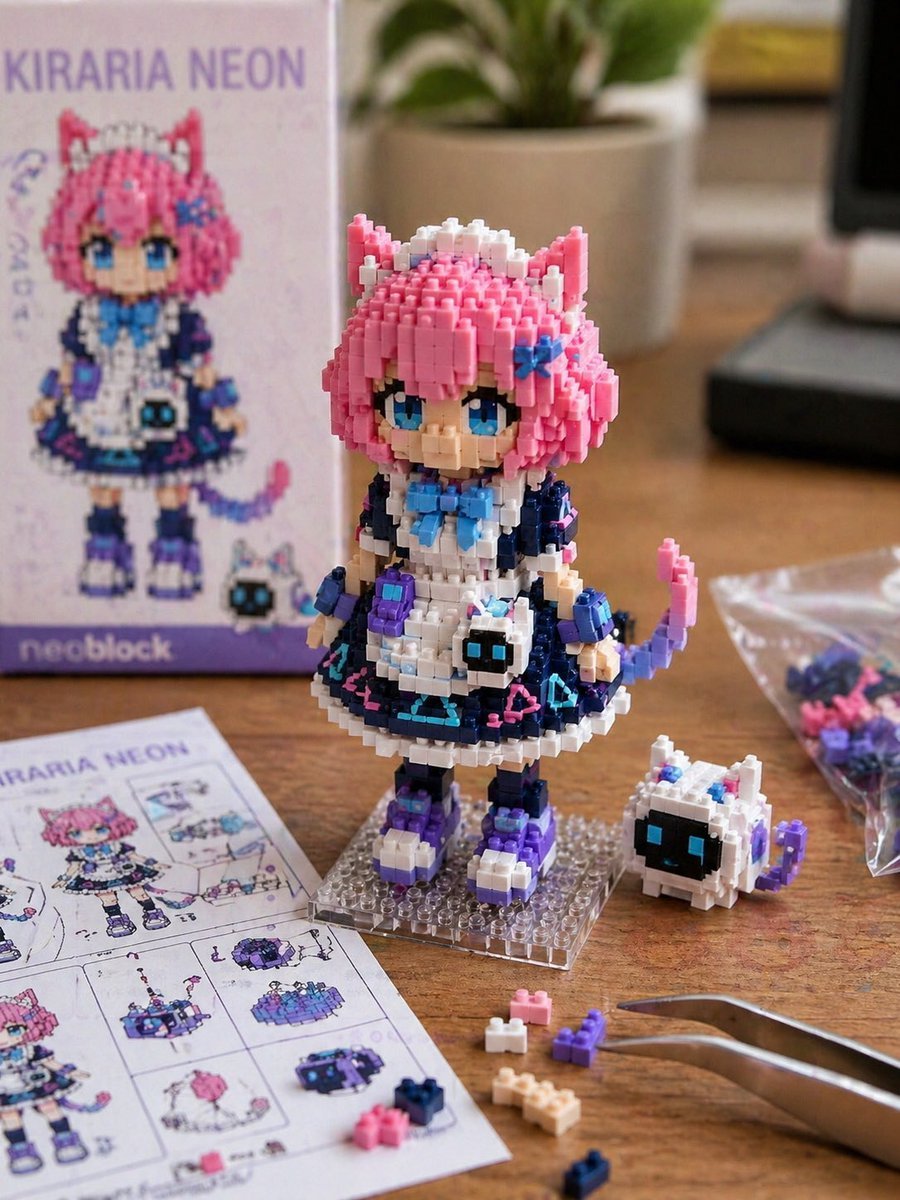
Custom Nanoblock Toy Creator
Pastel Anime Nail Artist at Desk
To hyper-realistic 3D CGI collectible figurine render
Itasha Car Customization
Miniature Girl on Giant Smartphone Desk
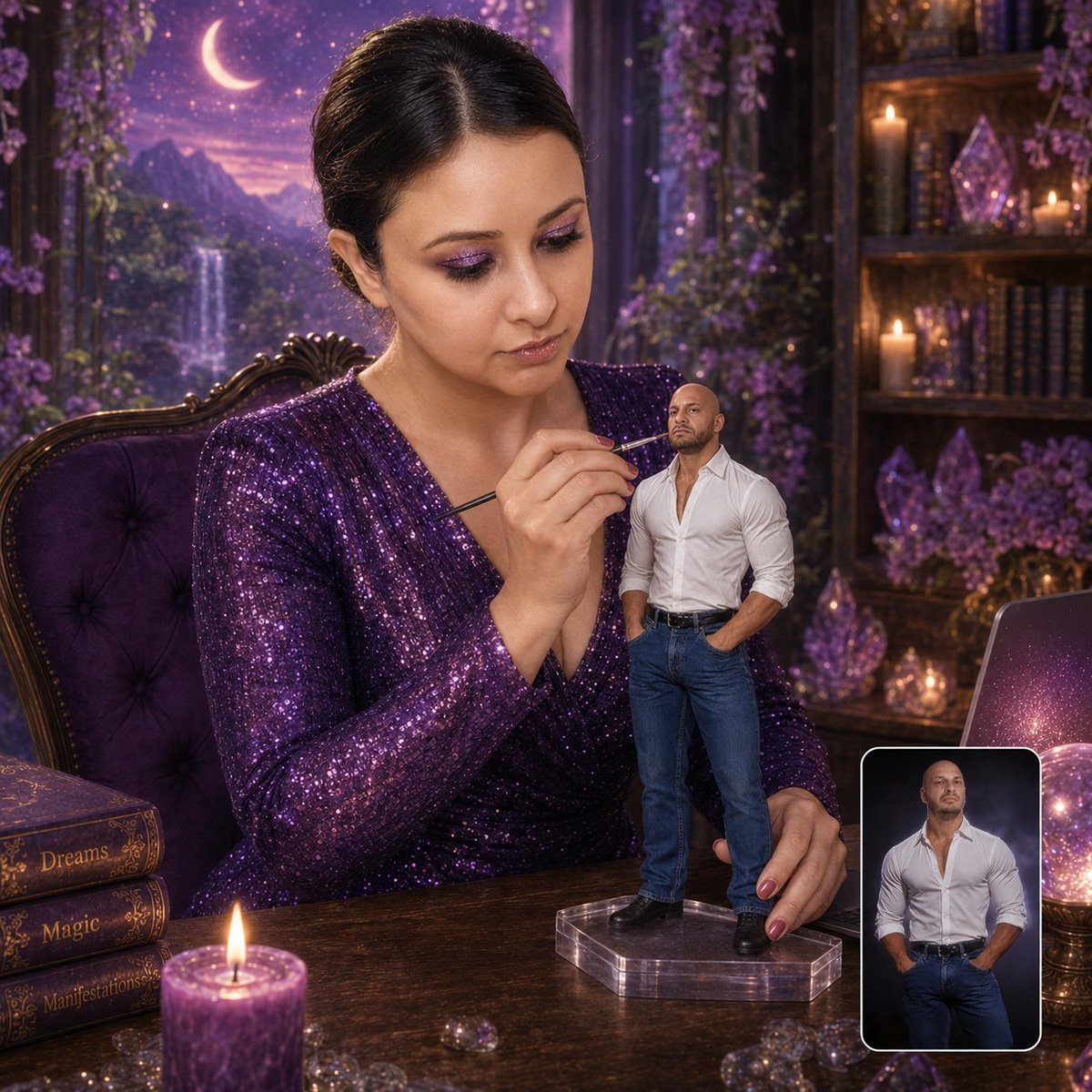
Miniature Figurine Painting Scene
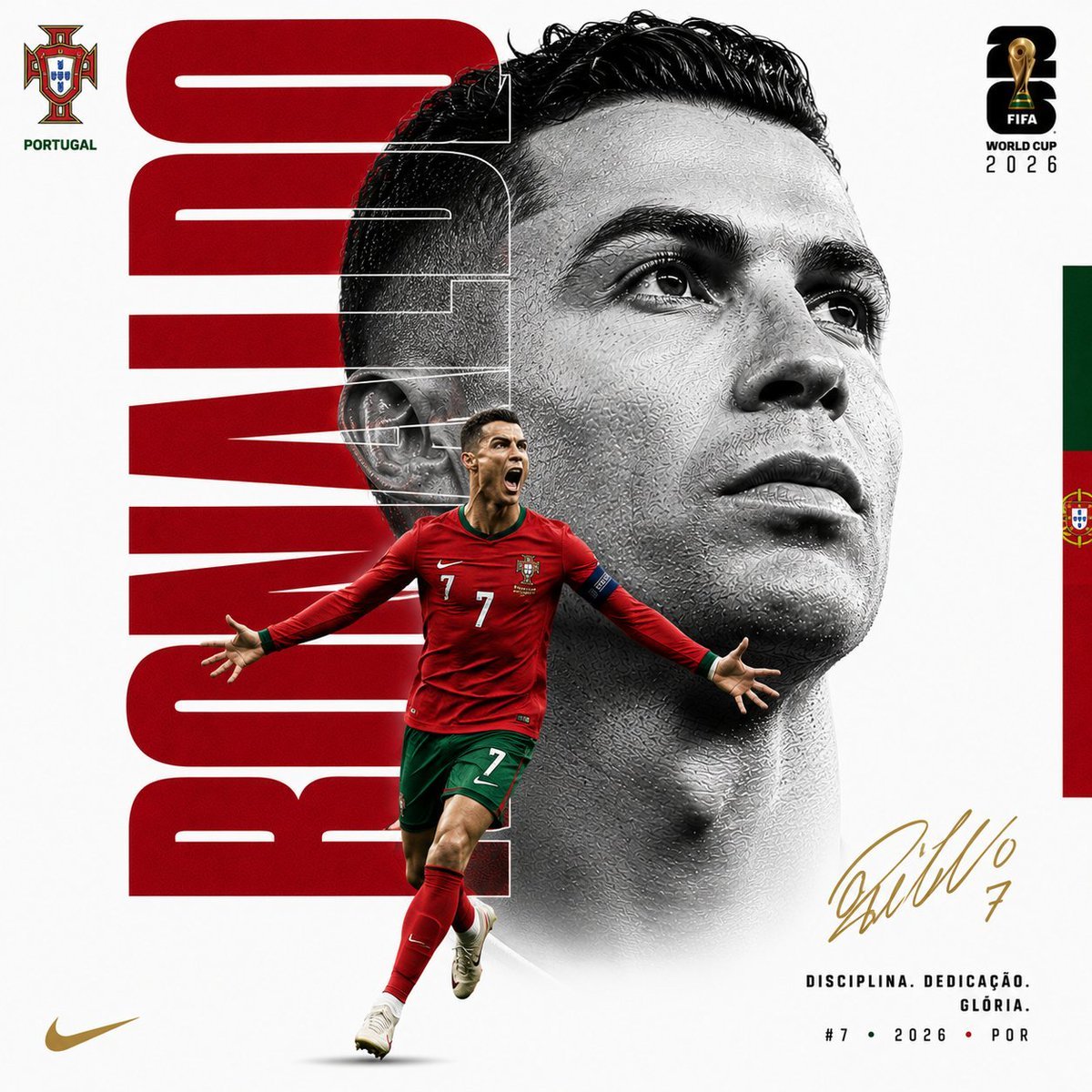
Customizable Luxury FIFA Editorial Poster
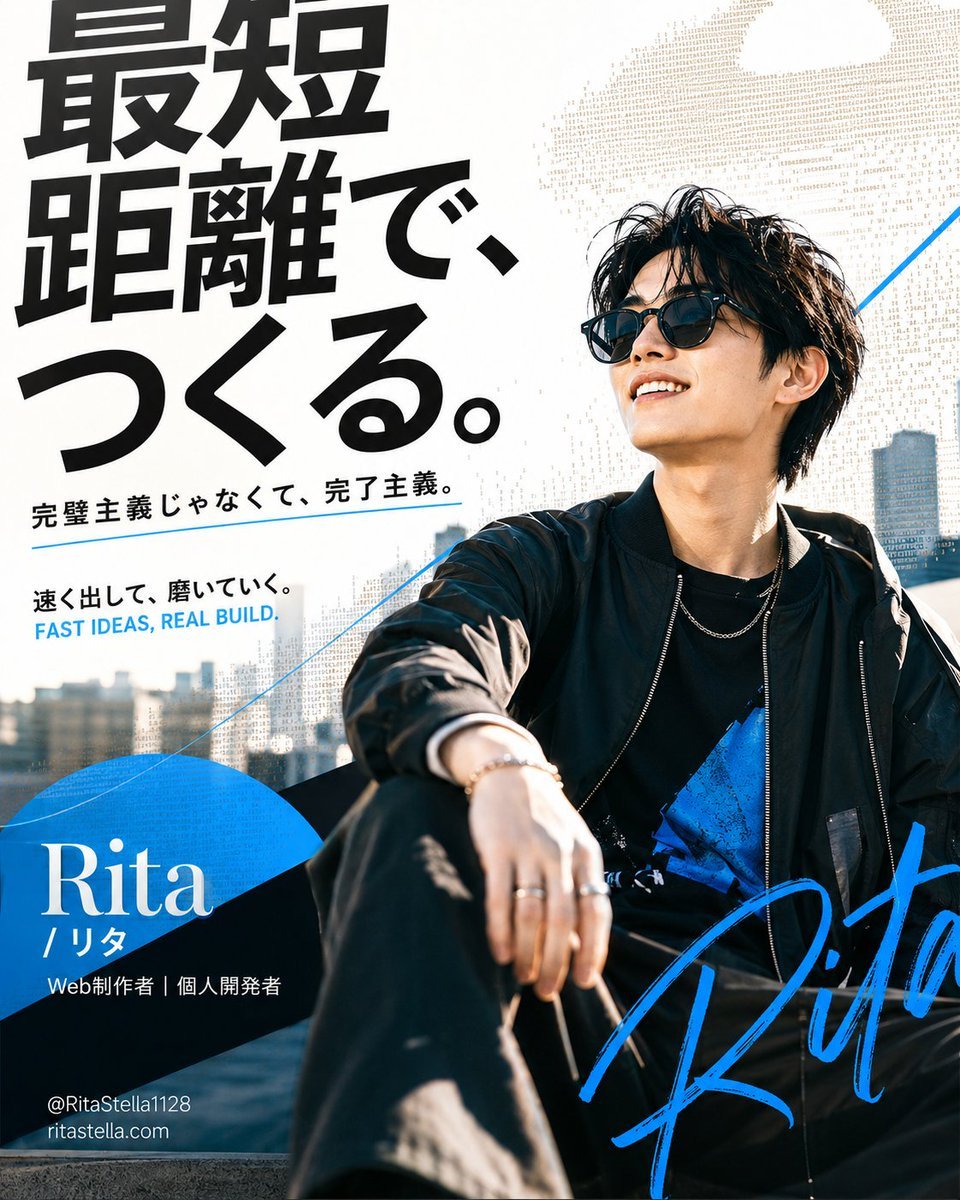
Japanese Creator Branding Poster

Isometric Productivity Desk Scene
Make it yours
Custom Figurine on Creator Desk works as-is. These are the safest ways to change it without losing the look.
Change one field
Copy a single group, rewrite it, and generate again so you can see what that field is doing.
Keep the frame, change the subject
Hold the composition and light of Custom Figurine on Creator Desk, then swap wardrobe, props or the person for a new take.
| If the result… | Why | Fix |
|---|---|---|
| The result drifts from the preview | Too many fields changed at once. | Reuse Custom Figurine on Creator Desk as-is first, then change one group — subject, light, or setting. |
| The model over-stylizes the scene | The prose prompt leaves finish and camera underspecified. | Add one camera or lighting sentence and stay on GPT Image 2. |
More GPT Image 2 templates
Other prompts made for GPT Image 2.

Six VTuber Japanese Logo Sheet

Realistic Portrait of Woman and Deer

The Vista Modular Condo Poster

AI Model Routing Comparison Infographic

2.5D Anime Art Board

New York Double Exposure Poster

Four-Panel AI Landscape Comparison

Japanese Tatami Lifestyle Magazine Cover

NESCAFÉ Coffee Map Poster

Brutalist Cogito Chinese Typography Poster
More image prompts
Fresh picks from across the catalog.
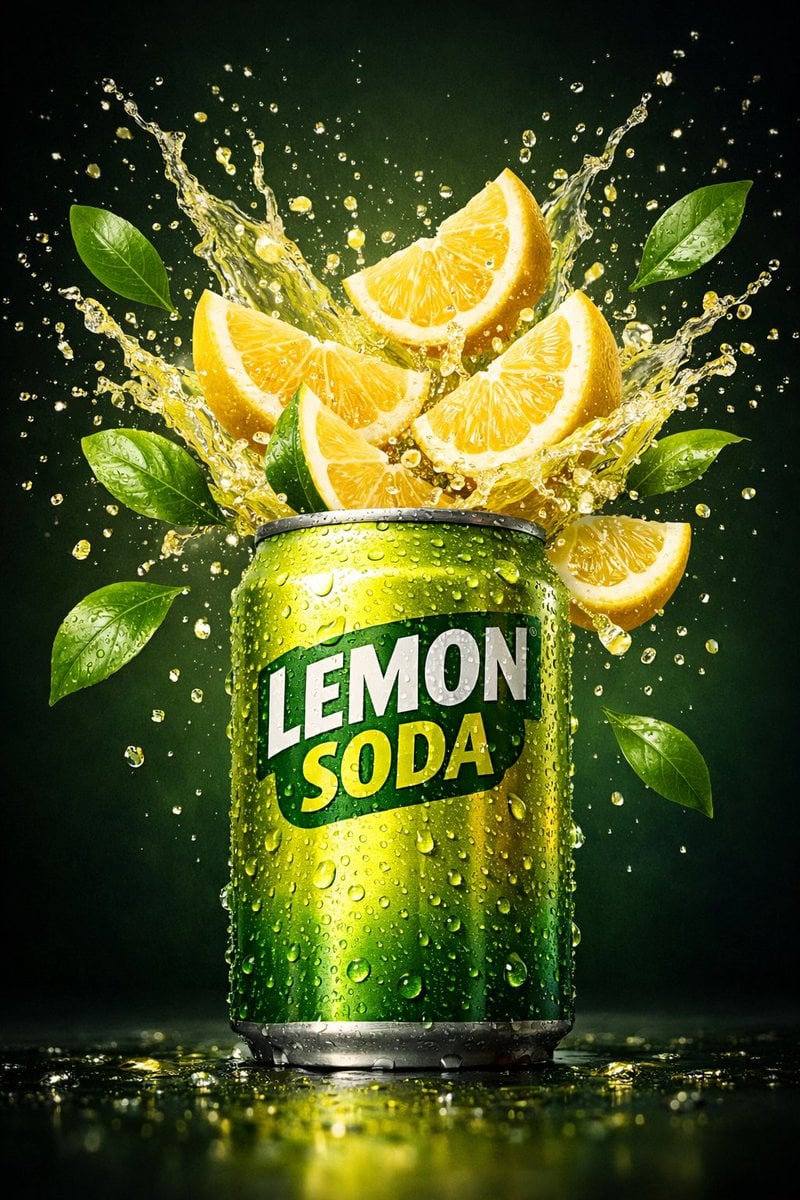
Hyper-realistic commercial product shot of a lemon soda can
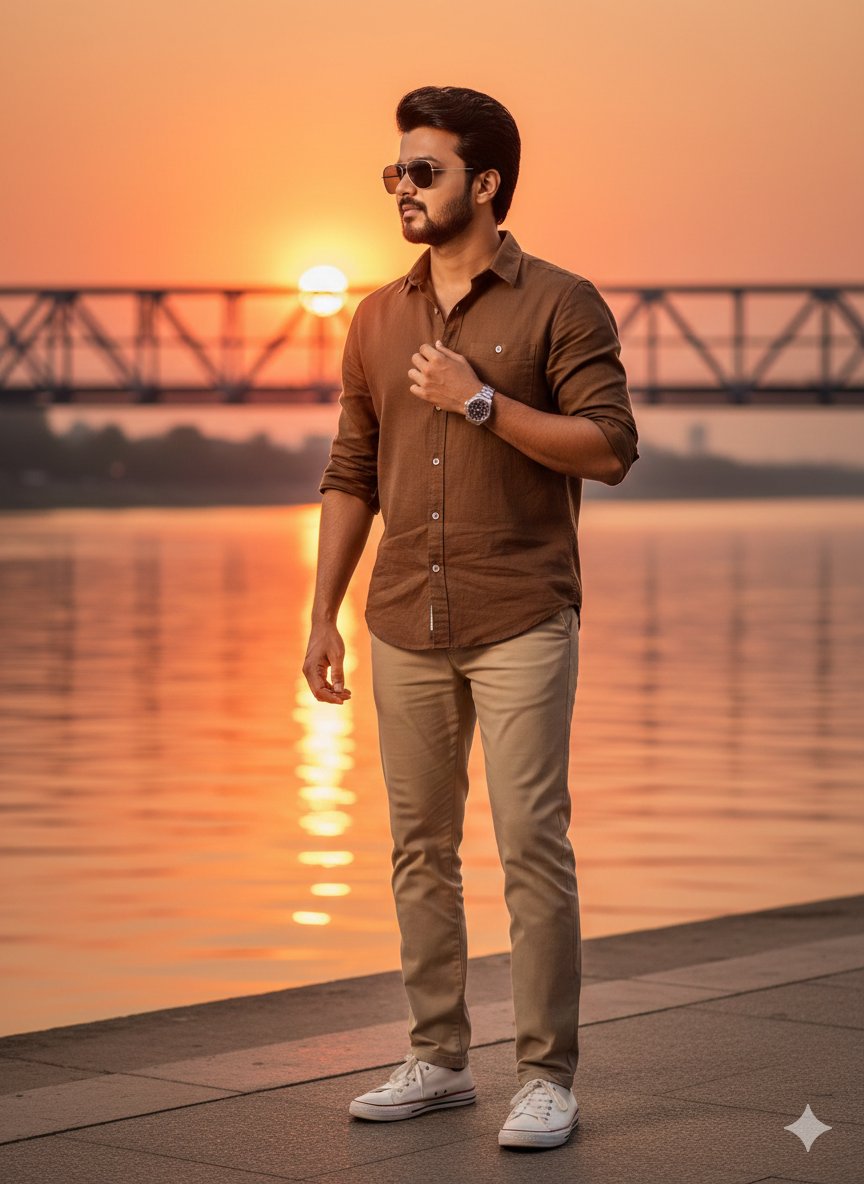
Golden Hour Riverside Portrait with Identity Lock
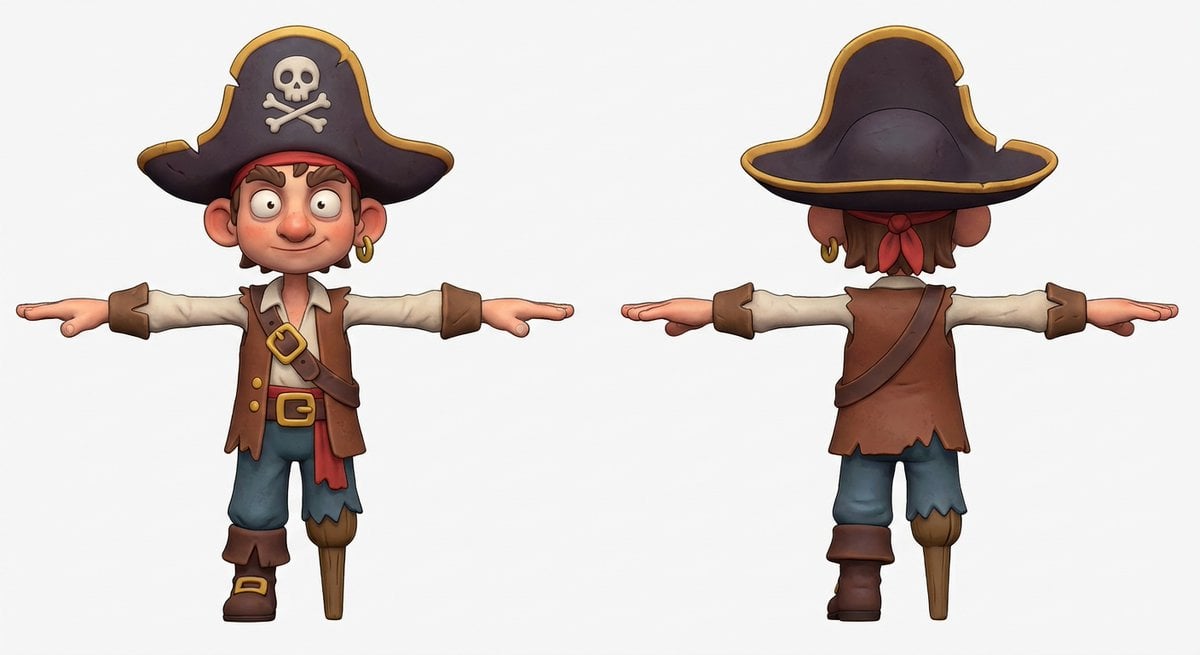
3D Pirate Character in T-Pose for Modeling
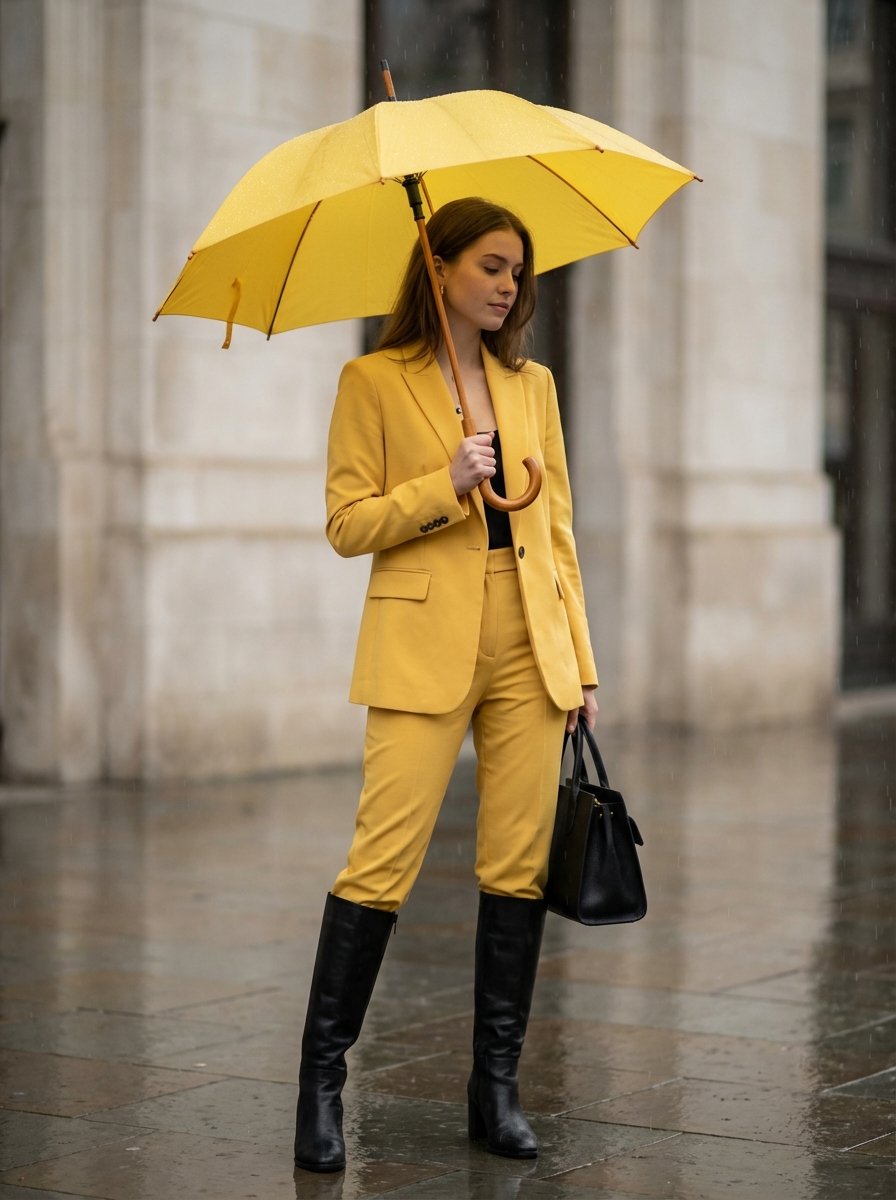
Rainy Day Yellow Power Suit Editorial Prompt
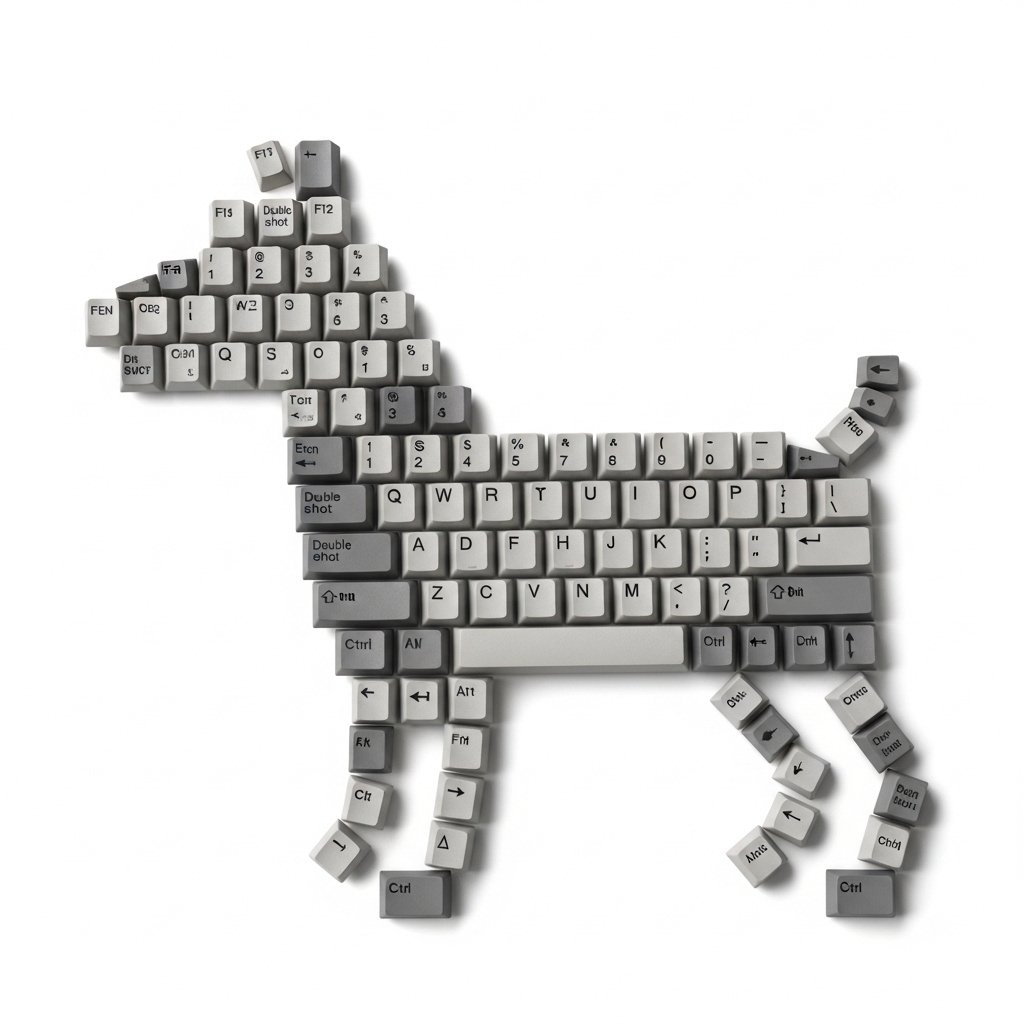
Top-Down Flat Lay of Dog Formed from Keyboard Keycaps
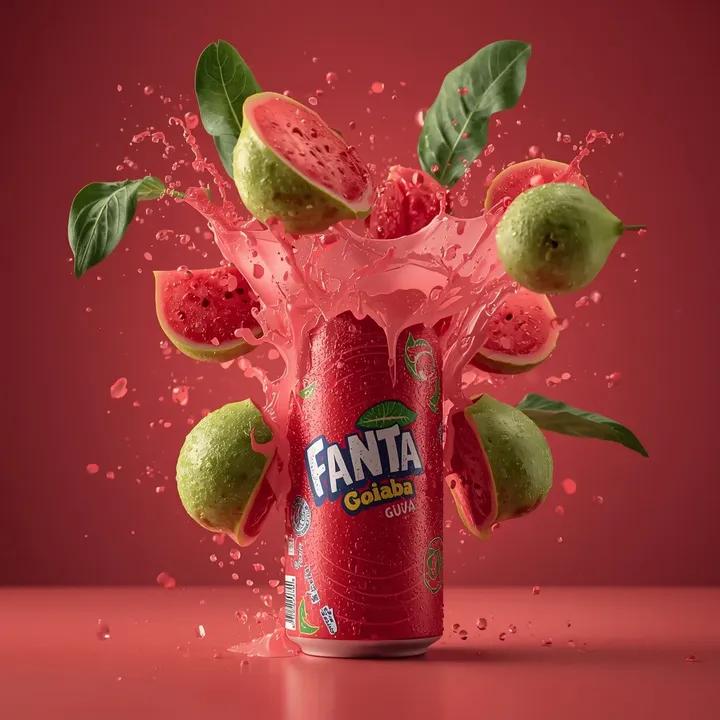
Exploding Fanta Goiaba Soda Can Product Shot
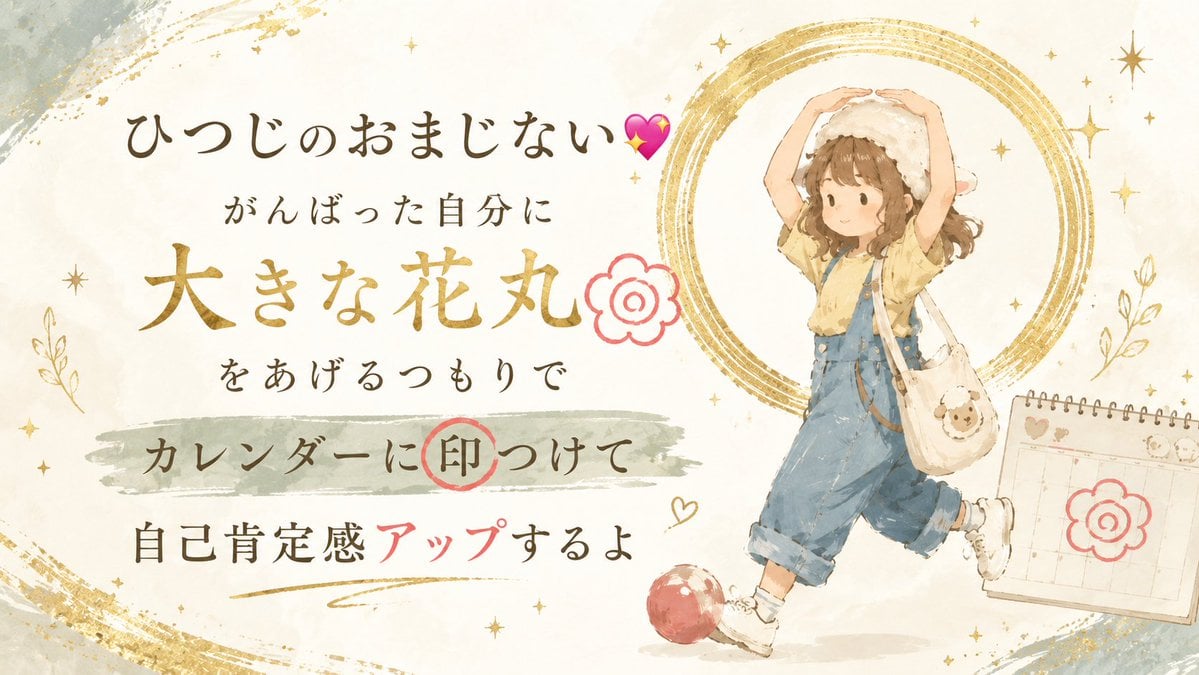
Japanese Self-Care Flower Mark Card
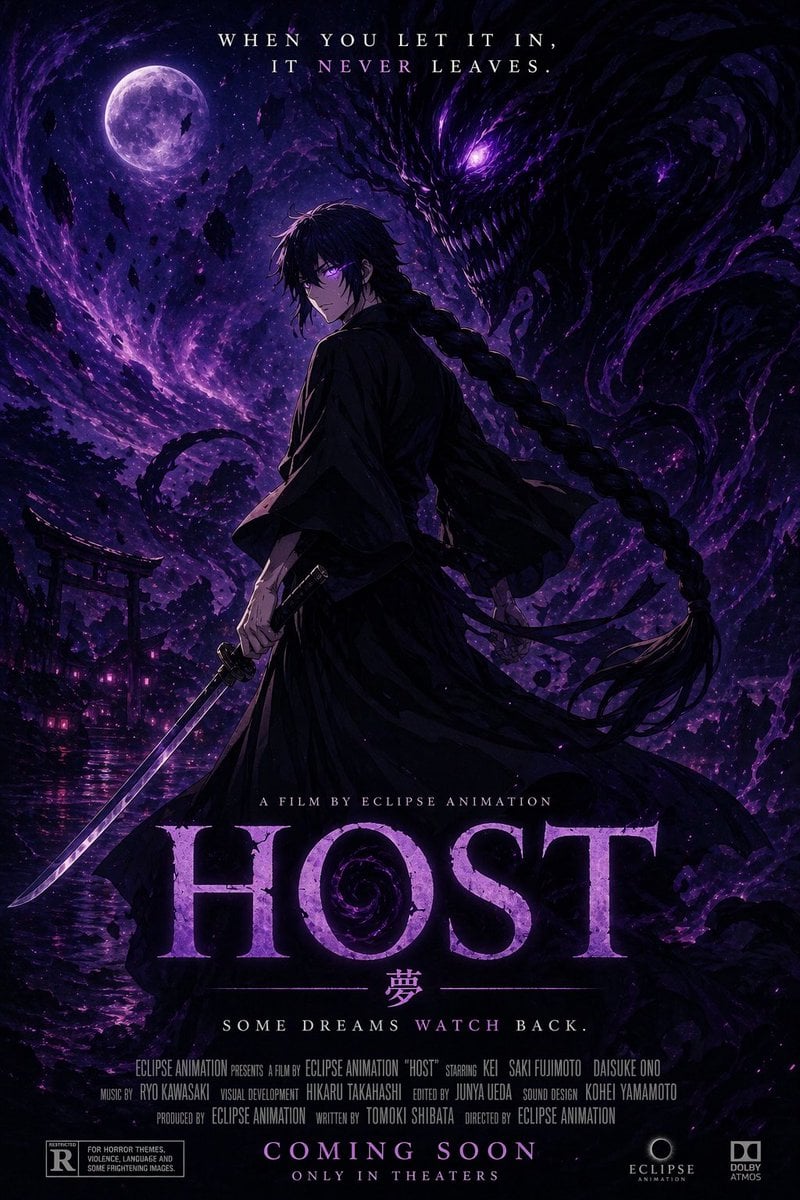
Horror Anime Movie Poster
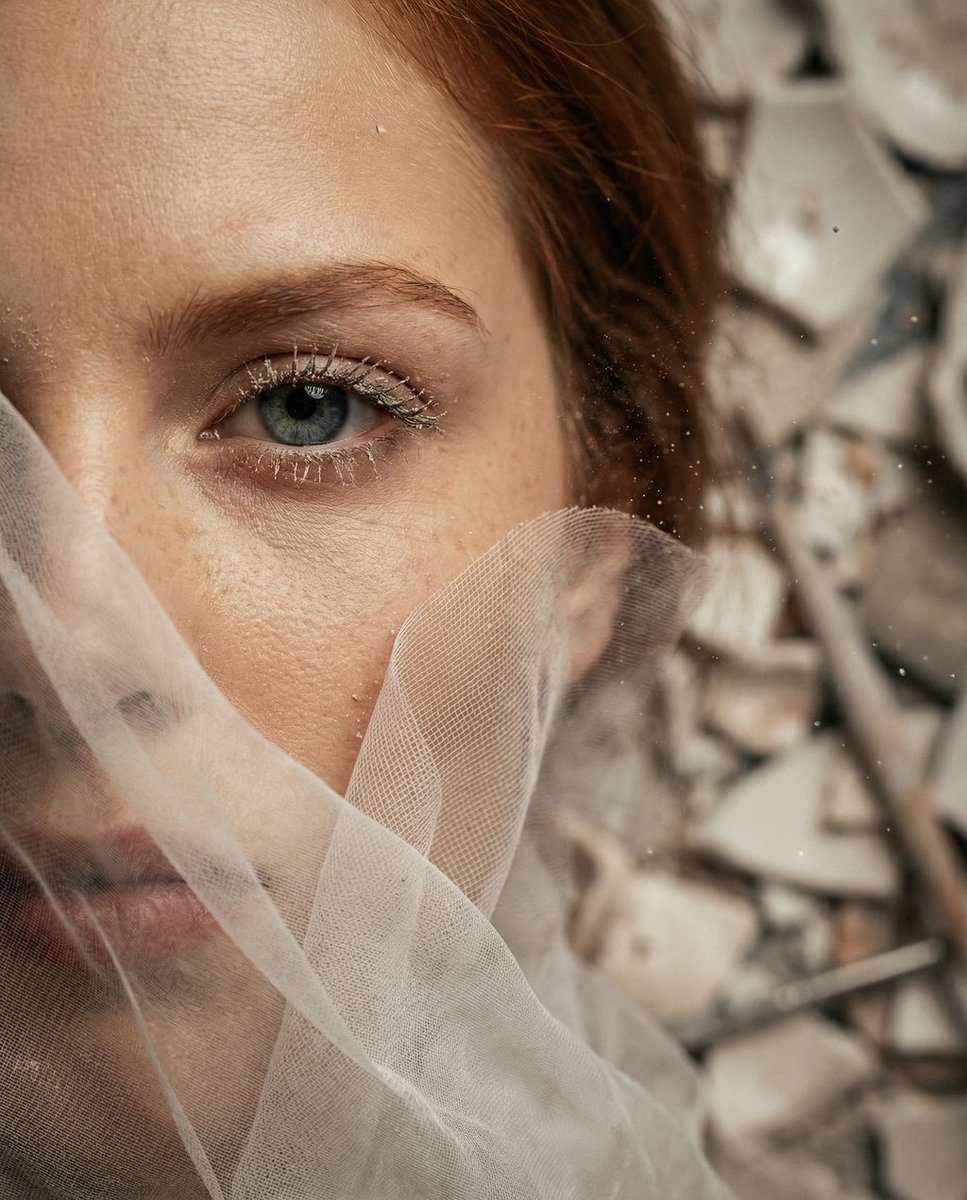
Surreal Macro Portrait with Porcelain Restoration Theme
3D Portrait with Chibi Characters and Doodles
Browse template categories
Custom Figurine on Creator Desk questions
How do I use the Custom Figurine on Creator Desk template?
Add your photo if the template asks for one, edit the prompt if you like — the template's model and format are already selected — and press Generate. Your version opens in PicX Studio.
Can I customize the Custom Figurine on Creator Desk template?
Yes. You can change the subject, setting, lighting, mood, format, and available model controls before creating your image.
Is the Custom Figurine on Creator Desk template free?
Opening and editing this template is free. Generating uses credits, shown on the Generate button when you are signed in.
Which AI model should I use?
Start with GPT Image 2, which is the model associated with this template. You can compare another compatible model for a different finish.
Looking for something else? Browse all templates.

Your photo, any look
Thousands of ready templates for every top image and video model, from one credit balance.