
Japanese Self-Care Flower Mark Card
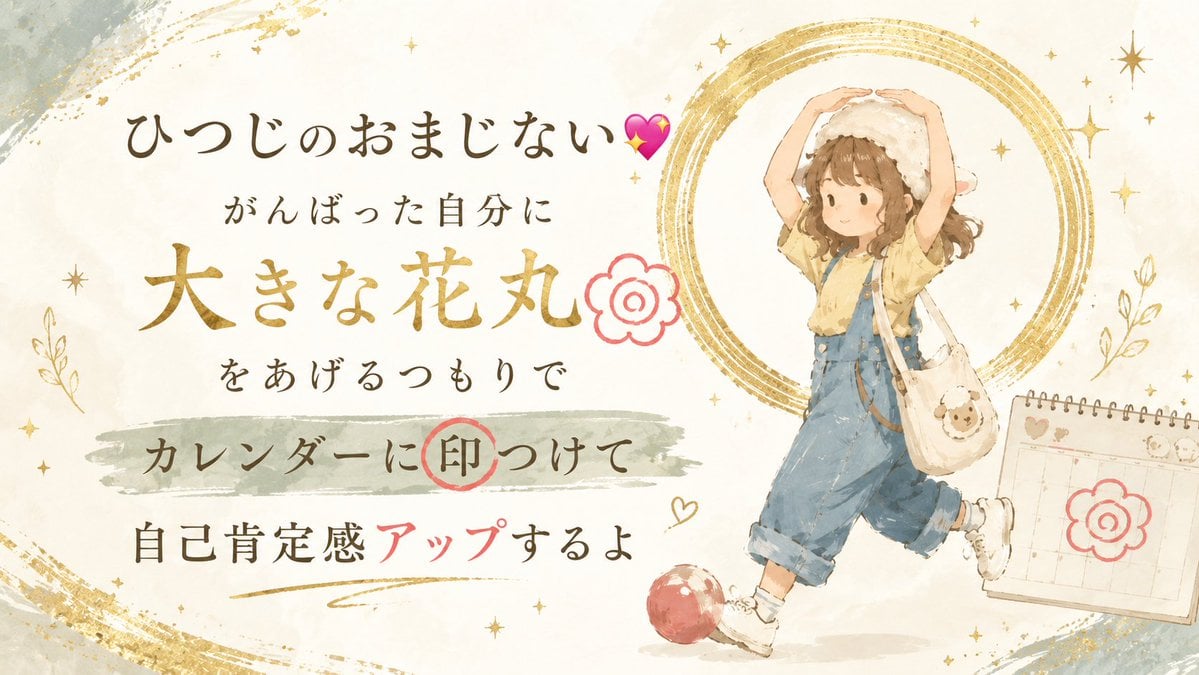
A cozy watercolor Japanese affirmation card with a sheep-hat girl and calendar flower mark, useful for bedtime self-care or motivational social posts.
- Prompt included
- Model and format preset
- Free template
The prompt behind this image
Copy the exact prompt behind Japanese Self-Care Flower Mark Card, or open it in the studio and make it yours.
Goal: Create a warm Japanese self-care affirmation card about a good-luck charm for someone who missed their chance to sleep, encouraging them to reward themselves with a big flower mark on the calendar. Canvas: Horizontal 16:9 illustration, soft off-white textured paper background, watercolor and colored-pencil feel, gentle bedtime mood. Use muted cream, beige, dusty gold, sage gray, soft brown, faded denim blue, and coral red accents. Layout: Place the main Japanese typography on the left two-thirds and a cute child illustration on the right third. The text is arranged in 6 visible lines: 1) large handwritten title at top left with a pink sparkling heart, 2) smaller line beneath it, 3) very large gold phrase in the center, 4) smaller line beneath, 5) medium line over a sage-gray horizontal brush stroke with a red circled stamp around one character, 6) final line at bottom with one word in coral red. Add a gold swoosh underline under the final line. Text content: Use the exact Japanese text: {argument name="title text" default="ひつじのおまじない💕"}; second line: {argument name="encouragement line" default="がんばった自分に"}; large center line: {argument name="main reward phrase" default="大きな花丸"}; next line: "をあげるつもりで"; brush-stroke line: "カレンダーに印つけて" with the character "印" circled in coral red; final line: "自己肯定感アップするよ" with "アップ" colored coral red and the rest dark brown. Subject details: On the right, draw exactly 1 cute young girl in a soft storybook watercolor style. She has light brown wavy shoulder-length hair, rosy cheeks, and a calm happy expression. She wears a fluffy white sheep hat with tiny ears, a pale yellow short-sleeve shirt, loose denim-blue overalls with rolled cuffs, white socks, and white sneakers. She is walking lightly to the right with one leg lifted, holding both arms above her head to make a big circle like a flower mark. She carries exactly 1 cream shoulder bag with a small sheep face emblem. Decorative elements: Include exactly 1 small red ball near her feet, exactly 1 spiral-bound desktop calendar on the far right with a coral flower mark drawn on it, exactly 2 coral flower-mark doodles total, exactly 1 coral circled stamp around the word "印", exactly 1 pink sparkling heart near the title, and many tiny gold stars scattered around. Behind the girl, place approximately 5 imperfect concentric metallic-gold brush circles like a halo. Add loose gold brush arcs in the top-right and bottom-left corners, plus subtle gray-blue paint washes in the top-left and bottom-left corners. Visual style: Gentle Japanese kawaii watercolor postcard, soft edges, hand-drawn imperfect lines, elegant brush-calligraphy typography mixed with neat handwritten text, airy composition, cozy night-time encouragement, no harsh outlines, no photorealism. Constraints: Keep all text legible and positioned as described. Do not add extra characters, extra calendars, or extra major objects. No watermark, no logo, no English text.
How to use Japanese Self-Care Flower Mark Card in 3 steps
- 1Upload ImagePNG, JPG or paste
Add your photo
Upload the photo the template builds on. The prompt, model and format are already set.
- 2…a portrait of your subject in softgolden-hour light, 85mm…
Personalize
Edit the subject and creative details for your destination.
- 3Generate
Generate
Press Generate — your image is created in PicX Studio, so you can compare it with the original and refine one variable at a time.
More like this
Templates with the same subject, style or setup. Open one to see its prompt.
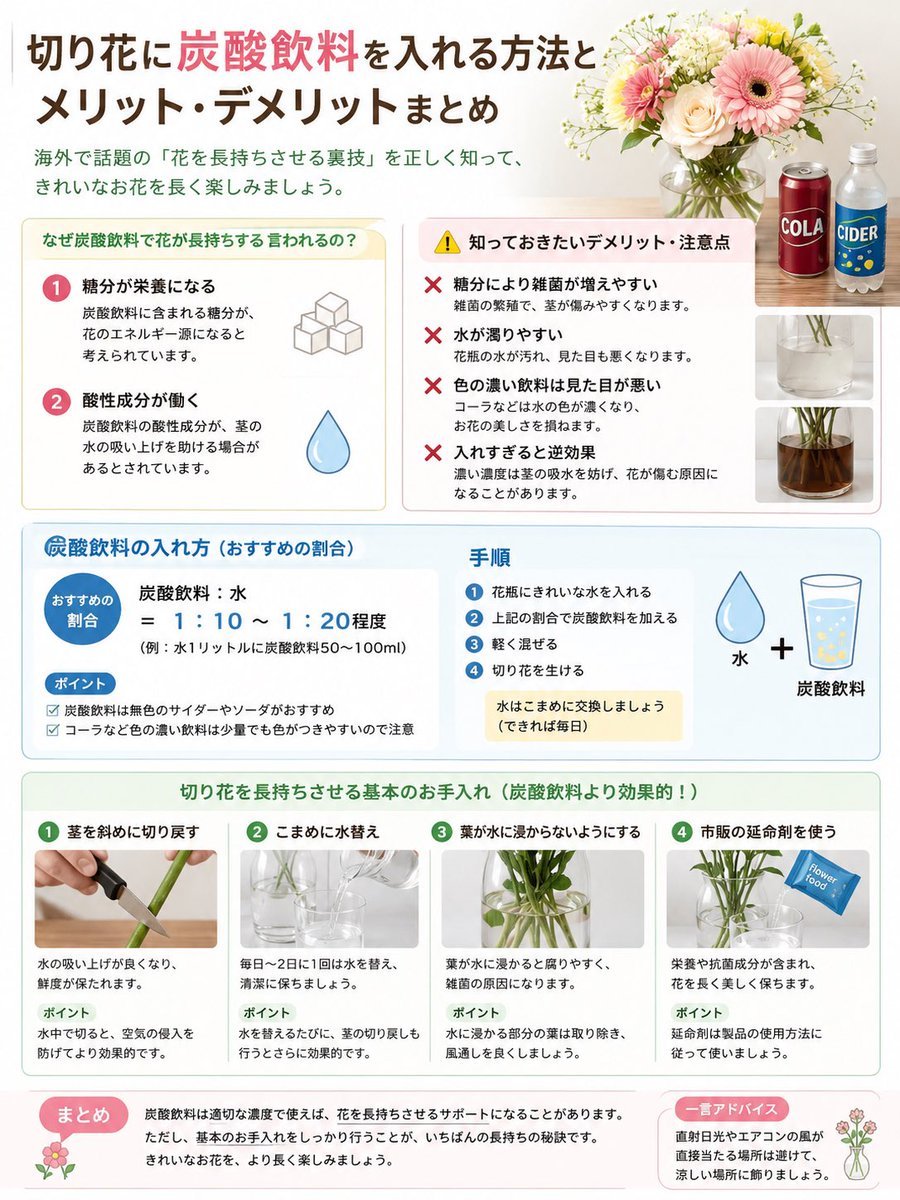
Japanese Cut Flower Soda Care Infographic

Skincare Self-Care Selfie Prompt

Teal Japanese Handwritten Lyric Card

Minecraft Japanese Research Lab Exploration

Japanese Architectural Concrete Studio Fashion Campaign

Japanese Minimalist Concrete Studio Fashion Editorial

Blue Backdrop Luxury Fashion Portrait Campaign

Round Tabletop Mirror Skincare Selfie
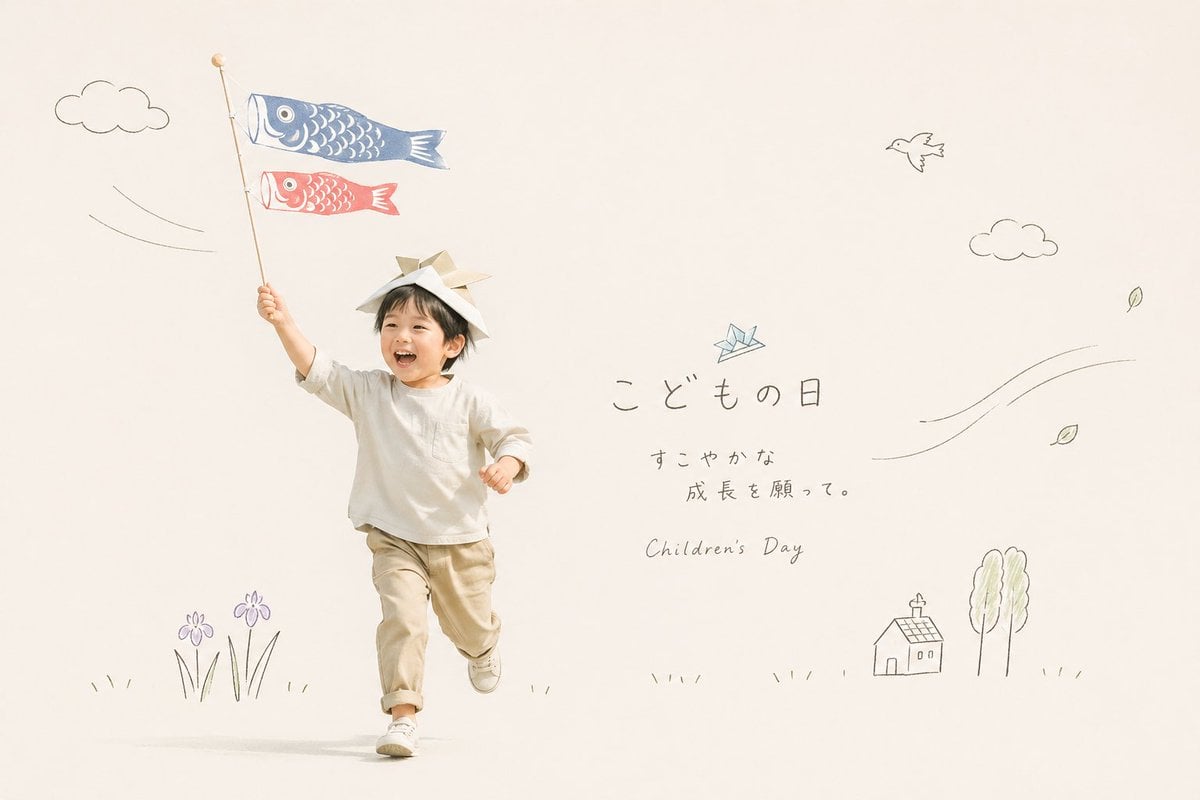
Japanese Children's Day Photo Card
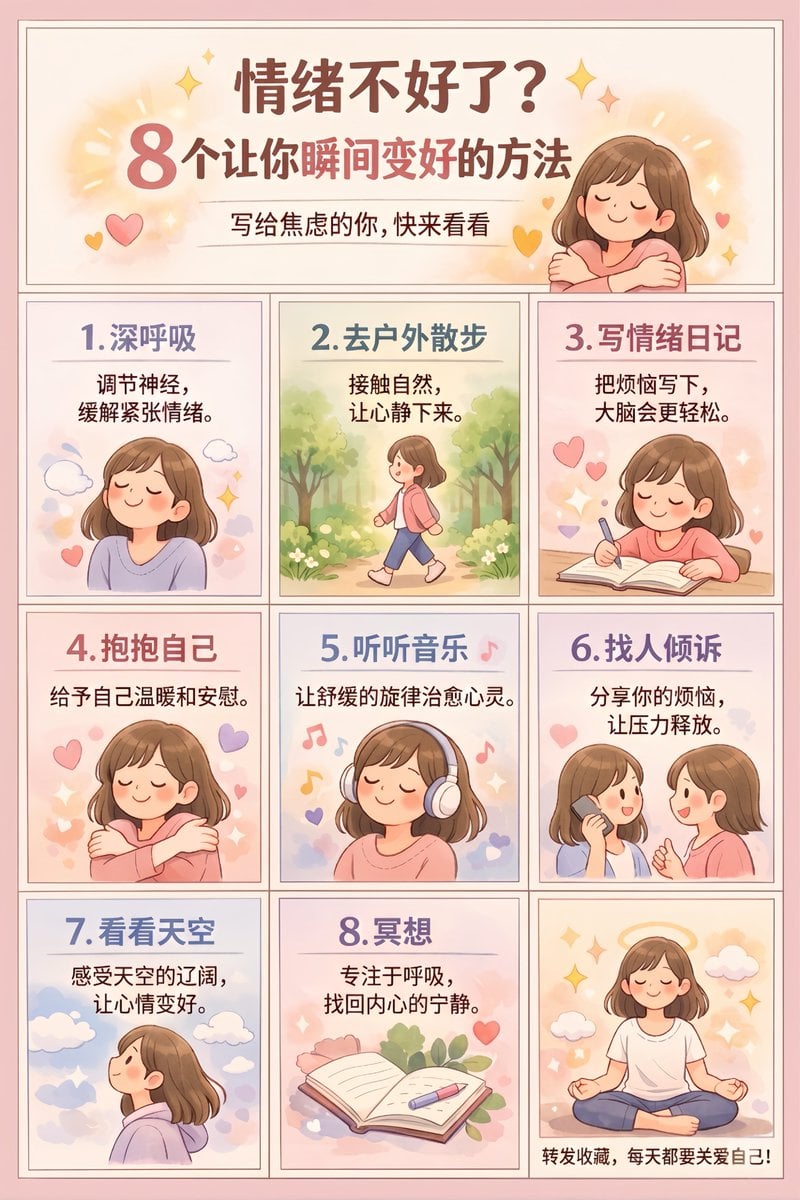
Panel Self-Care Infographic Grid

Luxurious Self-Care Moment in a Bathtub with Identity Lock
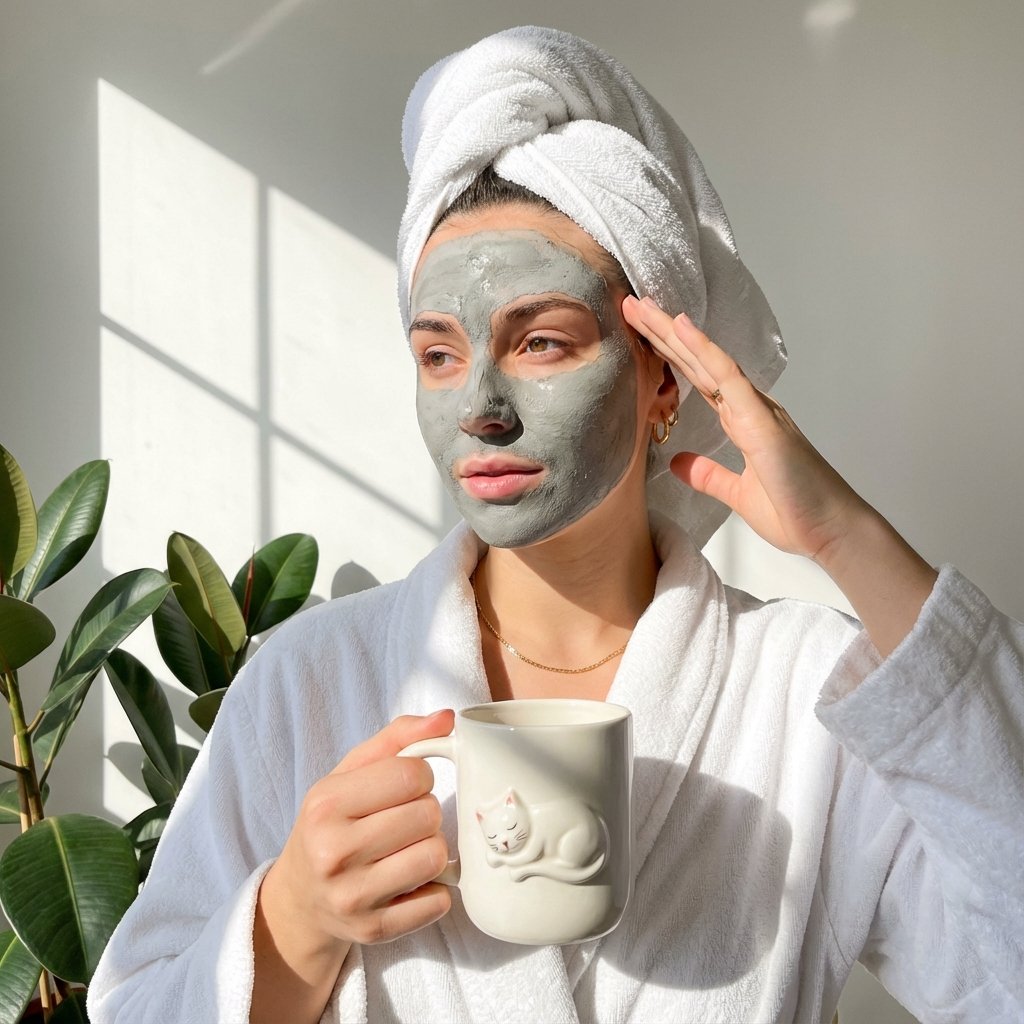
Self-Care Morning Routine Portrait
Make it yours
Japanese Self-Care Flower Mark Card works as-is. These are the safest ways to change it without losing the look.
Change one field
Copy a single group, rewrite it, and generate again so you can see what that field is doing.
Keep the frame, change the subject
Hold the composition and light of Japanese Self-Care Flower Mark Card, then swap wardrobe, props or the person for a new take.
| If the result… | Why | Fix |
|---|---|---|
| The result drifts from the preview | Too many fields changed at once. | Reuse Japanese Self-Care Flower Mark Card as-is first, then change one group — subject, light, or setting. |
| The model over-stylizes the scene | The prose prompt leaves finish and camera underspecified. | Add one camera or lighting sentence and stay on GPT Image 2. |
More GPT Image 2 templates
Other prompts made for GPT Image 2.

Six VTuber Japanese Logo Sheet

Realistic Portrait of Woman and Deer

The Vista Modular Condo Poster

AI Model Routing Comparison Infographic

2.5D Anime Art Board

Isometric Productivity Desk Scene

New York Double Exposure Poster

Four-Panel AI Landscape Comparison

Japanese Tatami Lifestyle Magazine Cover

NESCAFÉ Coffee Map Poster
More image prompts
Fresh picks from across the catalog.
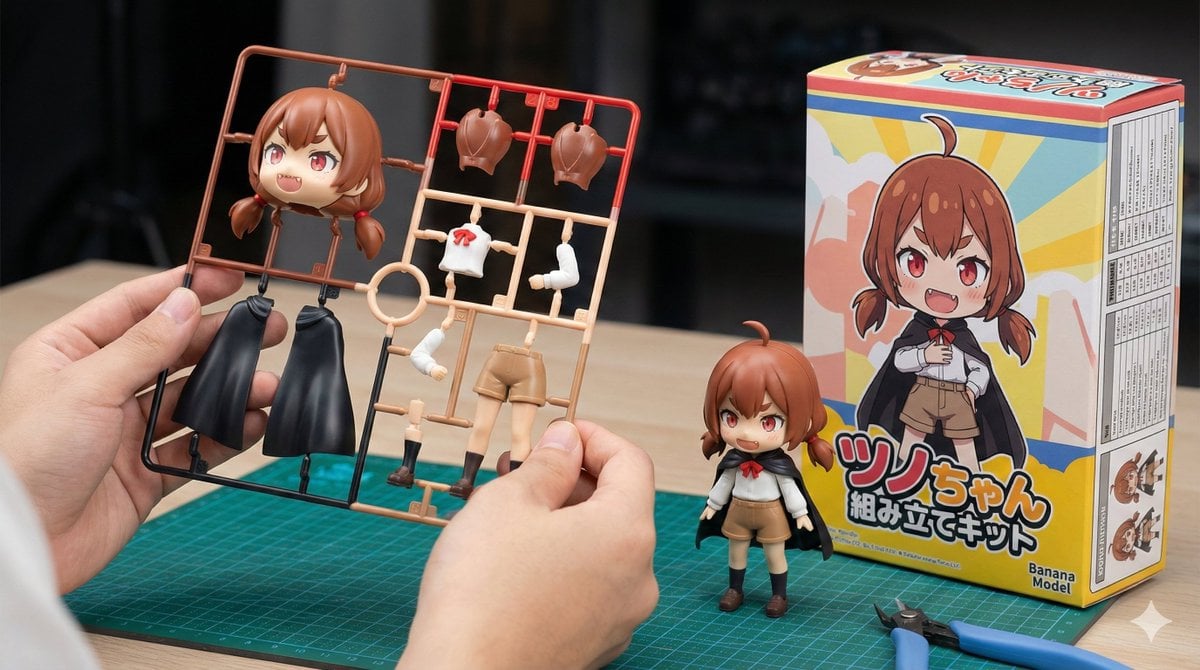
Plastic Model Kit Generation Prompt

Luxury Editorial Portrait of Mature Woman Prompt

Dewy Nemophila Sunrise Macro

Ink River Fairy Tale Diorama
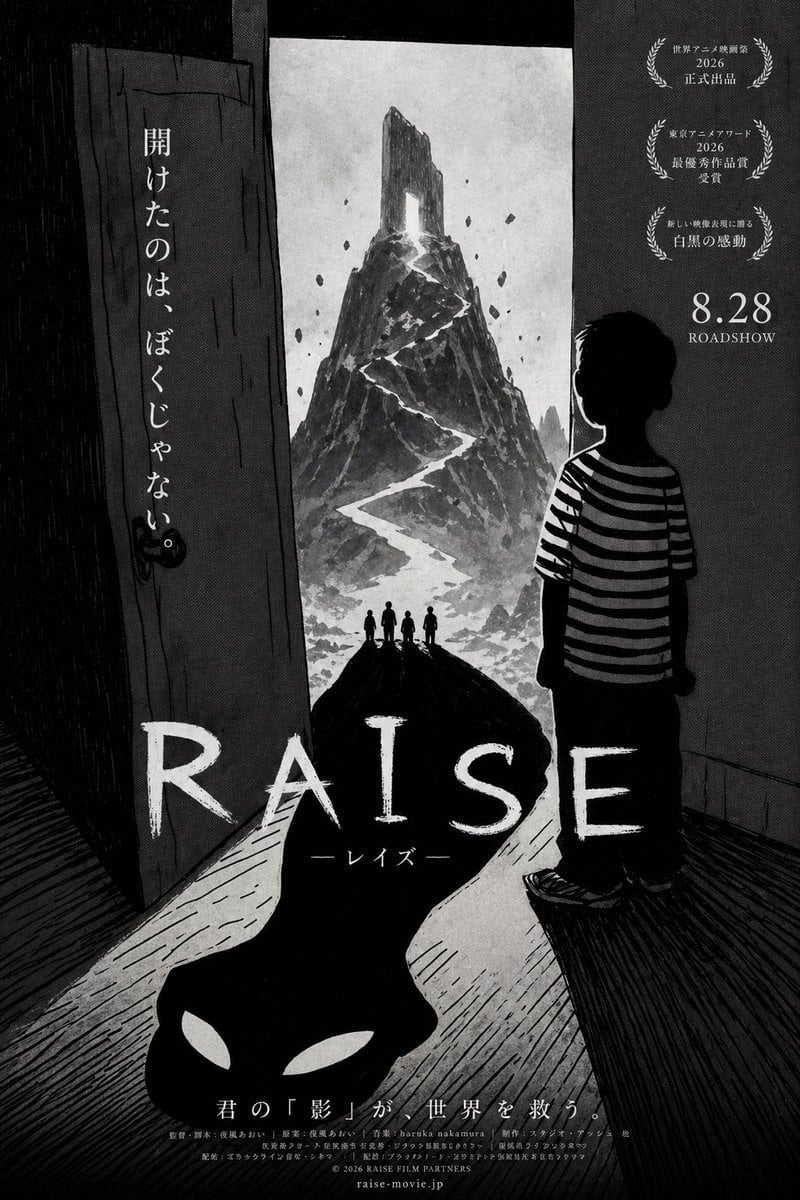
Monochrome Anime Horror Film Poster

Retro Japanese Onsen Photography

Indoor Arena Cheerleader Performance

Luxury Patent Artifact Poster

Moody Portrait with Diagonal Light Beam

Nano Banana Pro Wallpaper Generation Template
Browse template categories
Japanese Self-Care Flower Mark Card questions
How do I use the Japanese Self-Care Flower Mark Card template?
Add your photo if the template asks for one, edit the prompt if you like — the template's model and format are already selected — and press Generate. Your version opens in PicX Studio.
Can I customize the Japanese Self-Care Flower Mark Card template?
Yes. You can change the subject, setting, lighting, mood, format, and available model controls before creating your image.
Is the Japanese Self-Care Flower Mark Card template free?
Opening and editing this template is free. Generating uses credits, shown on the Generate button when you are signed in.
Which AI model should I use?
Start with GPT Image 2, which is the model associated with this template. You can compare another compatible model for a different finish.
Looking for something else? Browse all templates.

Your photo, any look
Thousands of ready templates for every top image and video model, from one credit balance.