
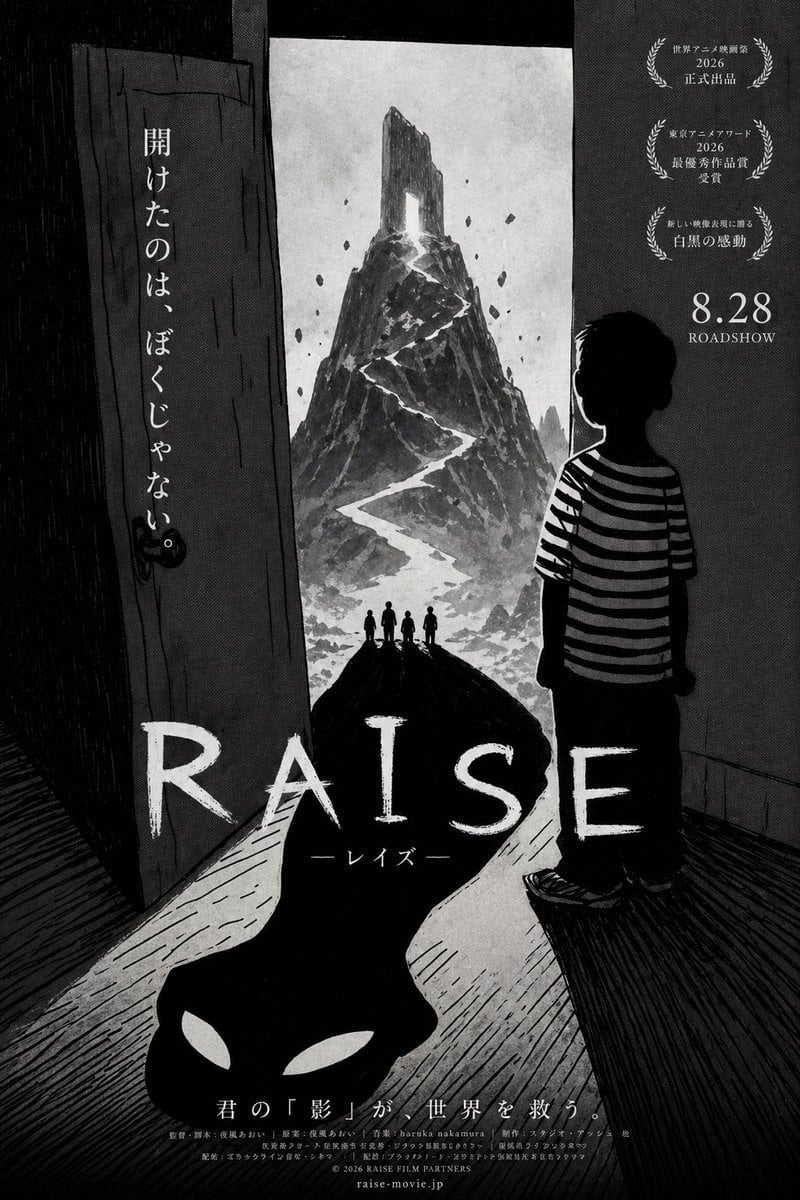
Monochrome Anime Horror Film Poster
This prompt generates a stylized Japanese horror-fantasy movie poster, ideal for fictional film branding, trailer key art, or cinematic concept development.
- Prompt included
- Model and format preset
- Free template
The prompt behind this image
Copy the exact prompt behind Monochrome Anime Horror Film Poster, or open it in the studio and make it yours.
A haunting monochrome Japanese animated movie poster in gritty ink-wash and charcoal style, high contrast black, white, and gray only, with a tall vertical composition. The scene is viewed from inside a dark room toward an open doorway. On the right stands a young boy in silhouette, seen from behind in three-quarter view, with short messy hair, wearing a black-and-white horizontal striped T-shirt, loose dark pants, and sneakers, quietly staring out through the door. The left side shows the open wooden door itself, rough and weathered, with a visible round knob and a vertical line of Japanese text painted on it that reads 「開けたのは、ぼくじゃない」. Beyond the doorway is a surreal towering mountain or jagged monolith, centered in the distance, painted like a hand-drawn ink illustration, with a glowing white zigzag path or crack snaking from the base to a bright opening near the summit. Small floating rock fragments hover around the mountain. At the foot of the mountain, exactly 4 tiny human silhouettes stand together on a dark ridge facing it. The bright doorway light spills into the room and transforms into a long black shadow stretching toward the viewer across the wooden floor; at the end of that shadow is a demonic face shape with exactly 2 white almond-shaped eyes embedded in the darkness. The floorboards and walls are crosshatched and heavily textured, creating an eerie psychological horror atmosphere. Add Japanese festival-style laurels and release copy on the upper right in 3 stacked award blocks with elegant serif typography, plus large release date text reading “8.28 ROADSHOW”. Place the film title huge across the lower middle in distressed white hand-painted letters: “{argument name="film title" default="RAISE"}”, with smaller katakana beneath it reading 「レイズ」. Add a Japanese tagline centered along the bottom above the credits: 「君の『影』が、世界を救う。」 Include dense, tiny Japanese credit lines and a website at the very bottom, styled like a real theatrical poster. Overall mood: ominous, poetic, surreal coming-of-age horror fantasy, indie anime film poster, dramatic negative space, cinematic poster design, unsettling but beautiful.
How to use Monochrome Anime Horror Film Poster in 3 steps
- 1Upload ImagePNG, JPG or paste
Add your photo
Upload the photo the template builds on. The prompt, model and format are already set.
- 2…a portrait of your subject in softgolden-hour light, 85mm…
Personalize
Edit the subject and creative details for your destination.
- 3Generate
Generate
Press Generate — your image is created in PicX Studio, so you can compare it with the original and refine one variable at a time.
More like this
Templates with the same subject, style or setup. Open one to see its prompt.

Luxury Black-and-White Fashion Contact Sheet
Last Dance Legacy Monochrome Portrait

Captain Tsubasa Anime World Cup Poster
VHS Cover Horror Camp
Moonlit Anime Horror Cosplay Poster
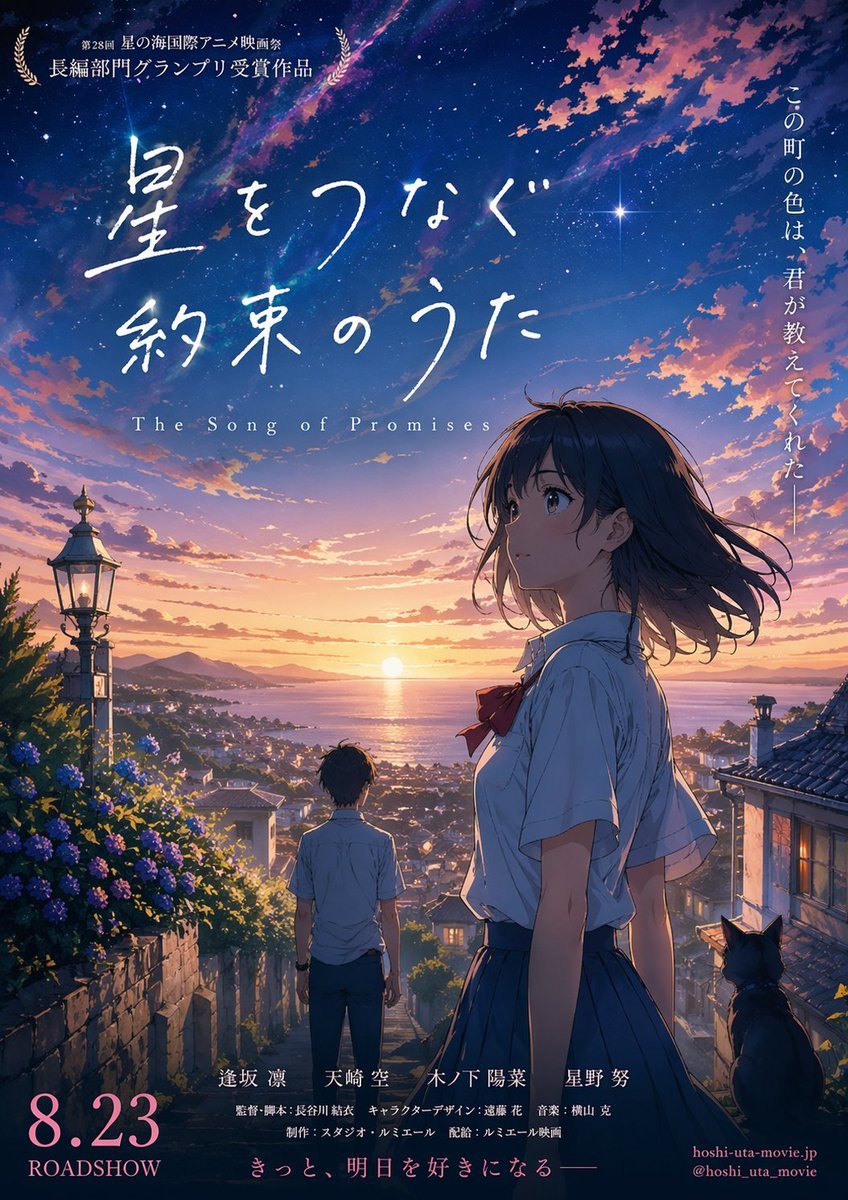
Anime Sunset Film Poster
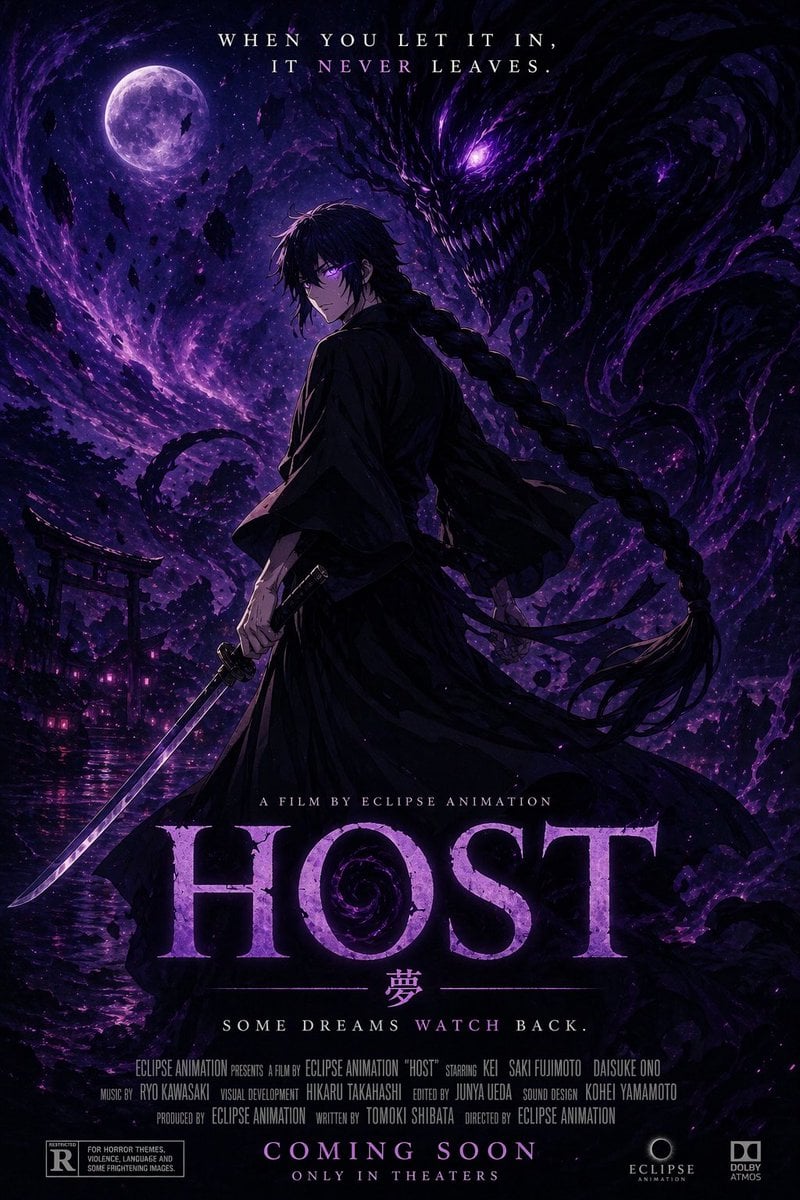
Horror Anime Movie Poster

Gpt2 Youtube Thumbnail Anime Music Bootcamp Promo Poster

Japan Travel Brochure Poster
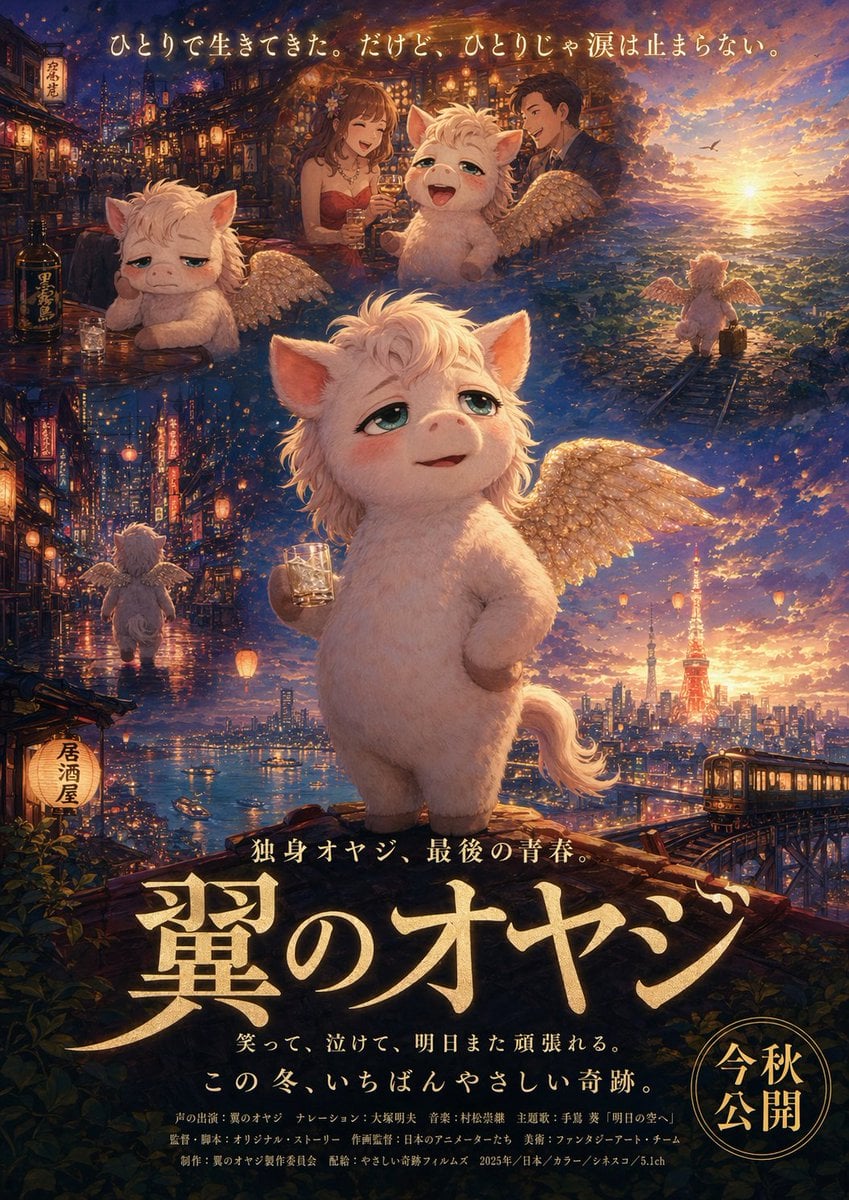
Japanese Fantasy Winged Pig Film Poster
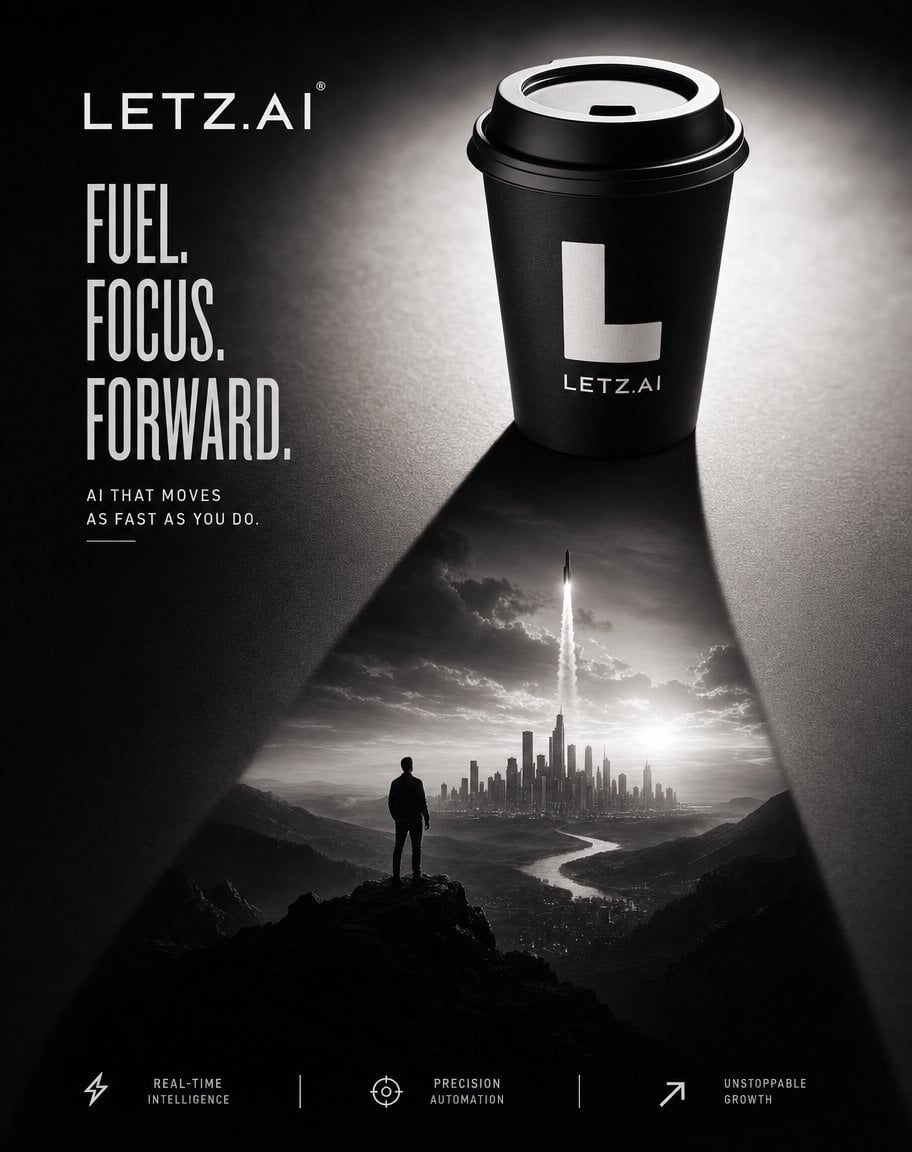
Monochrome AI Coffee Poster

Nice Day Anime Poster
Make it yours
Monochrome Anime Horror Film Poster works as-is. These are the safest ways to change it without losing the look.
Change one field
Copy a single group, rewrite it, and generate again so you can see what that field is doing.
Keep the frame, change the subject
Hold the composition and light of Monochrome Anime Horror Film Poster, then swap wardrobe, props or the person for a new take.
| If the result… | Why | Fix |
|---|---|---|
| The result drifts from the preview | Too many fields changed at once. | Reuse Monochrome Anime Horror Film Poster as-is first, then change one group — subject, light, or setting. |
| The model over-stylizes the scene | The prose prompt leaves finish and camera underspecified. | Add one camera or lighting sentence and stay on GPT Image 2. |
More GPT Image 2 templates
Other prompts made for GPT Image 2.

Six VTuber Japanese Logo Sheet

Realistic Portrait of Woman and Deer

The Vista Modular Condo Poster

AI Model Routing Comparison Infographic

2.5D Anime Art Board

Isometric Productivity Desk Scene

New York Double Exposure Poster

Four-Panel AI Landscape Comparison

Japanese Tatami Lifestyle Magazine Cover

NESCAFÉ Coffee Map Poster
More image prompts
Fresh picks from across the catalog.
Key Visual Generation for Slides (Nano Banana Pro)
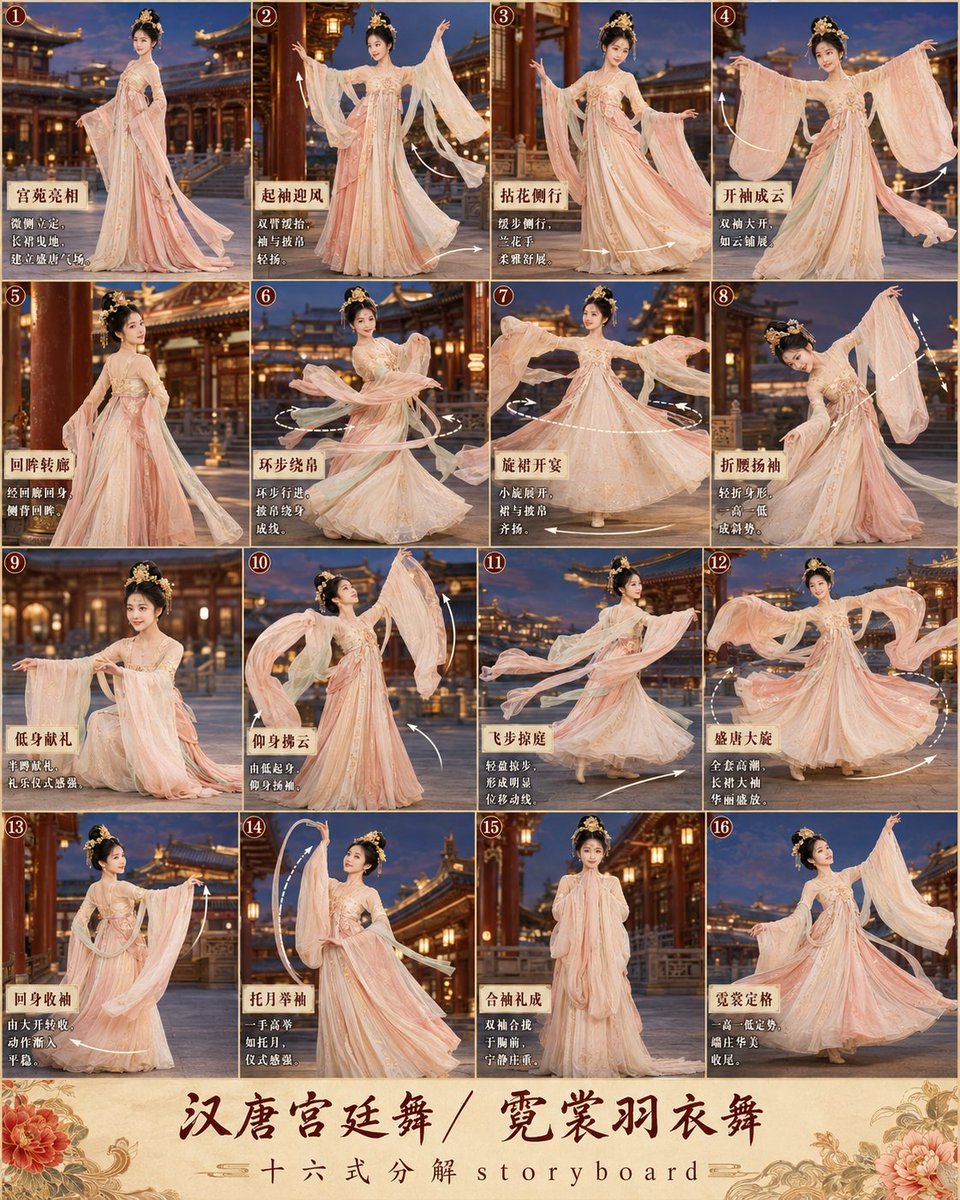
第3张分镜图提示词: 请创作一张高完成度、高清晰度的「汉唐宫廷舞 / 霓裳羽衣舞 · 16宫格分镜图
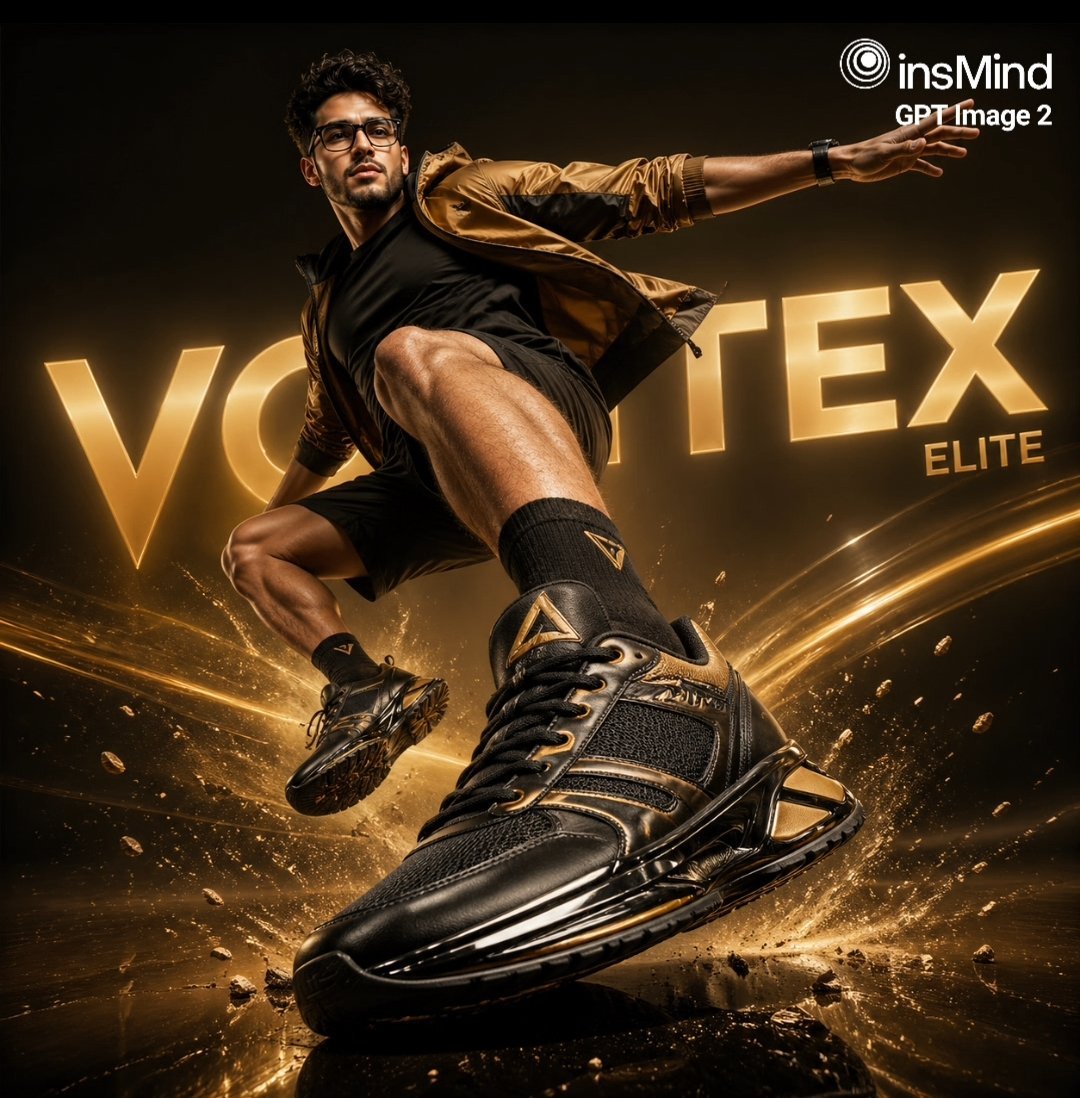
Luxury Black and Gold Sneaker Ad
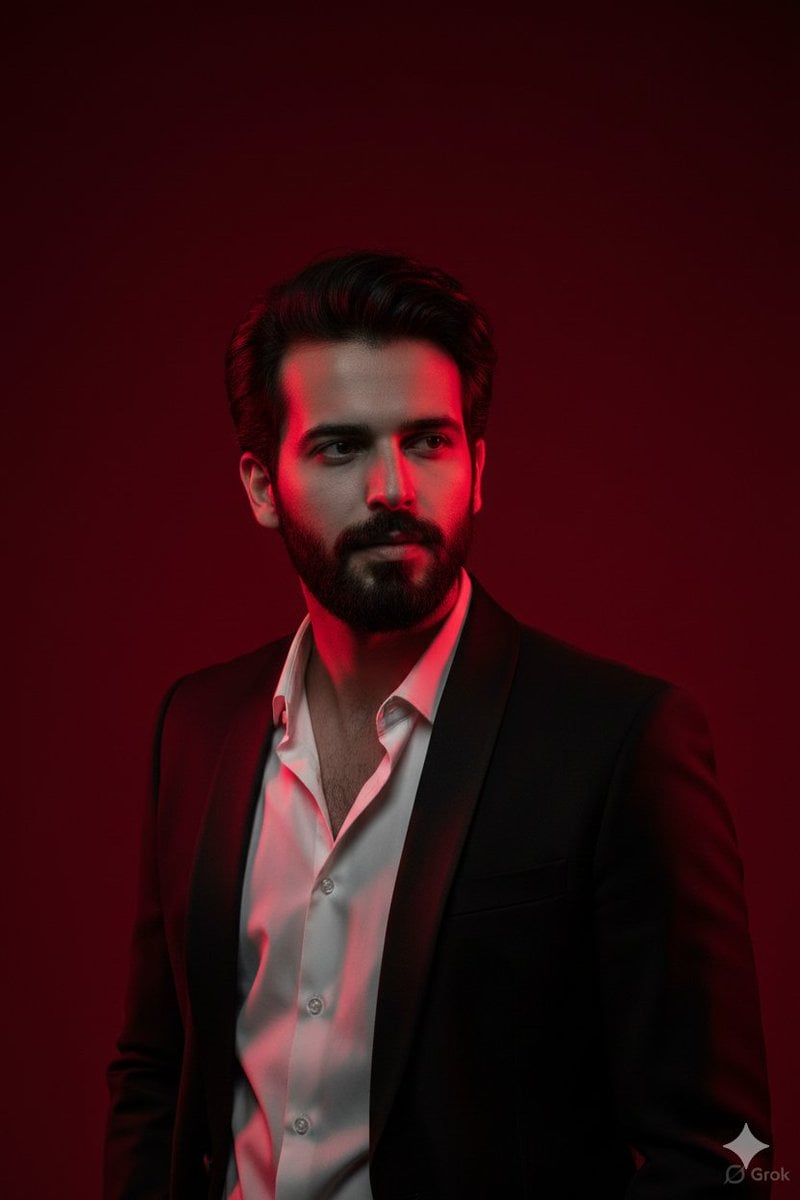
Cinematic Portrait with Dramatic Red Lighting
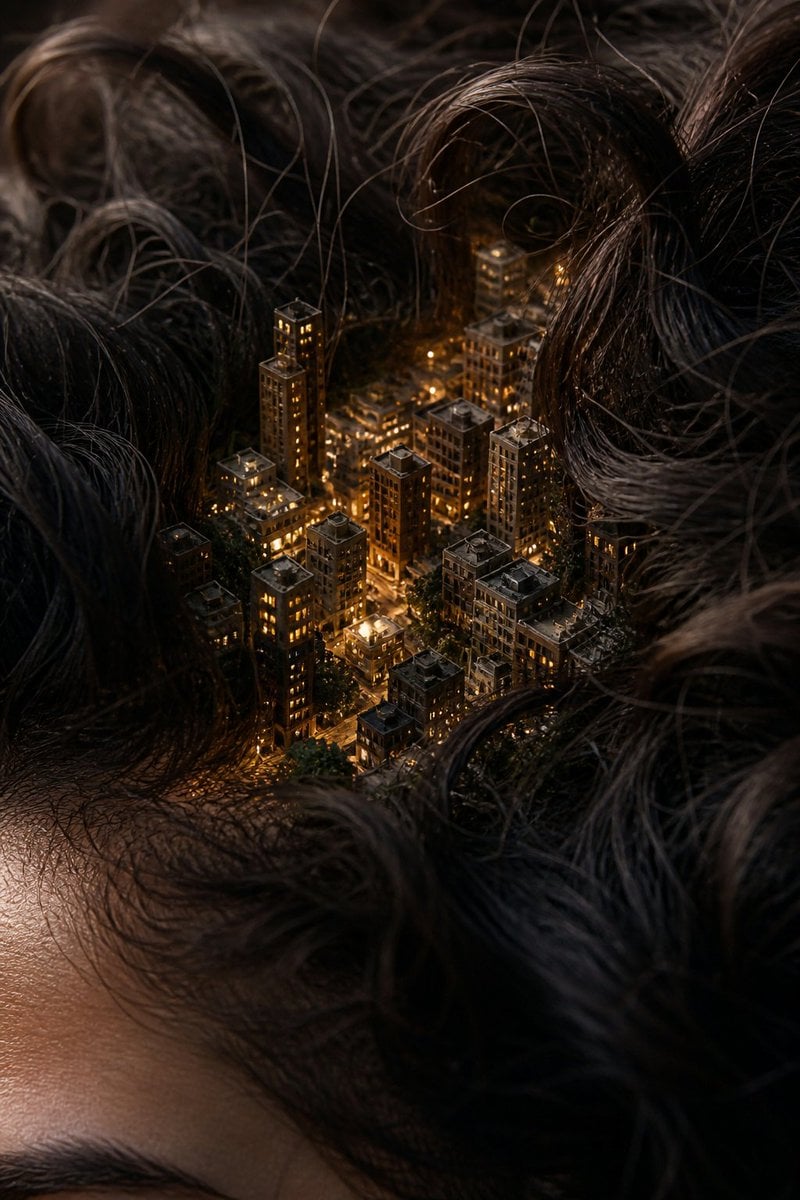
Miniature City Tiny Worlds
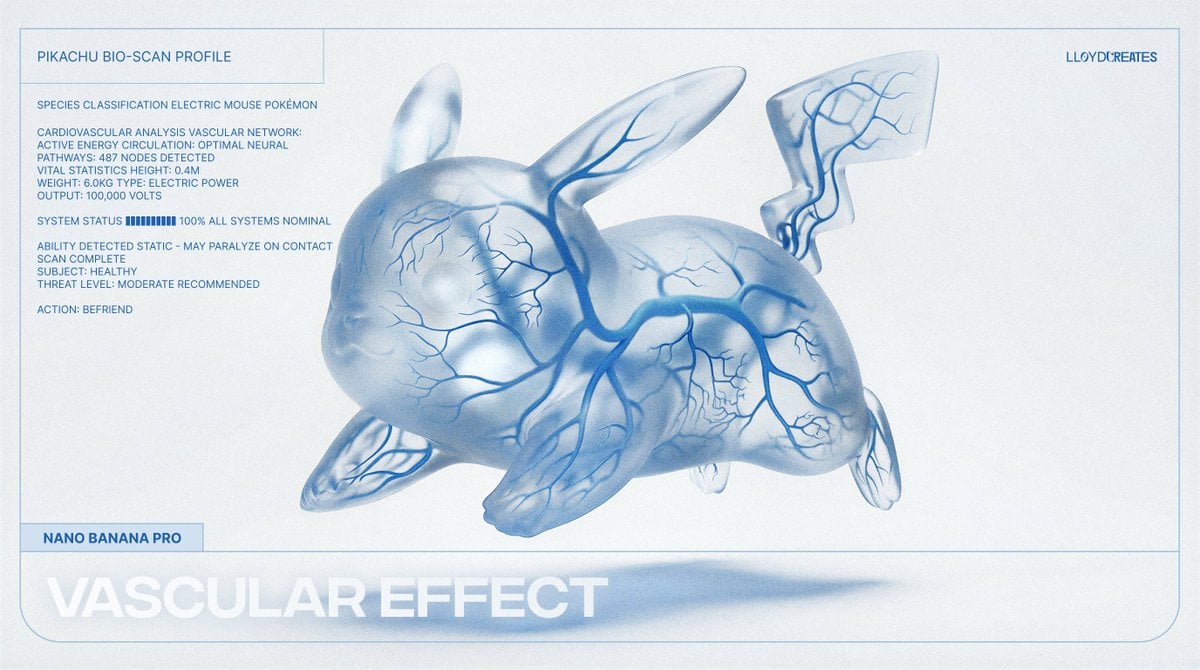
Vascular Effect Object Prompt
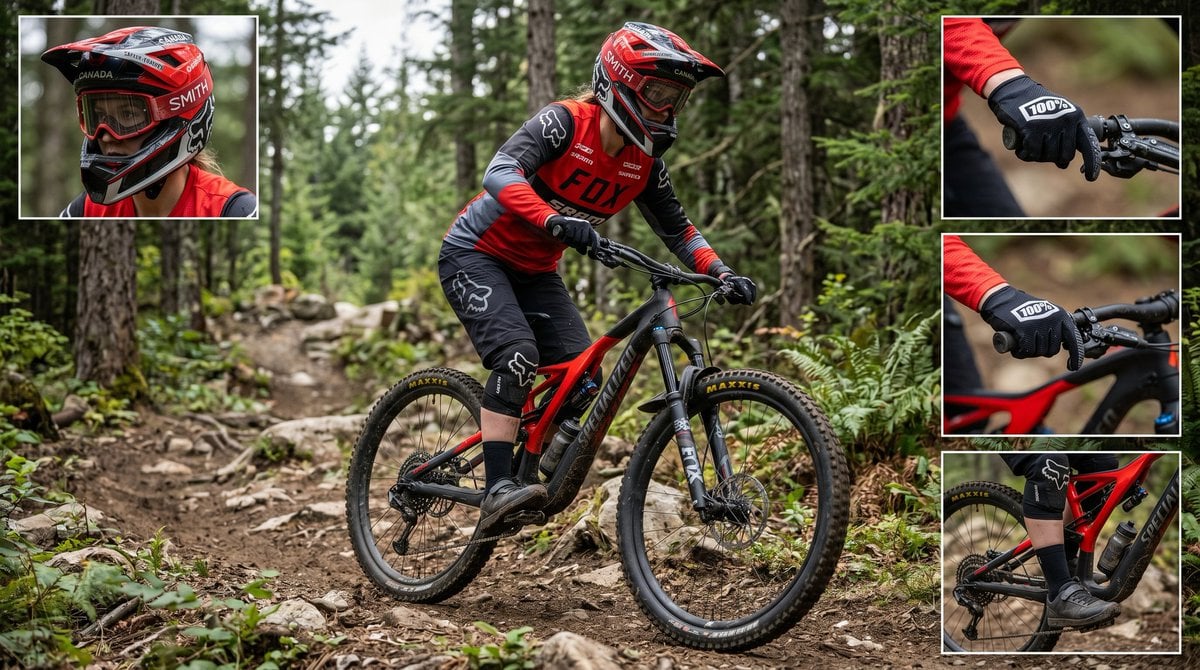
Mountain Biker Action Shots Prompt
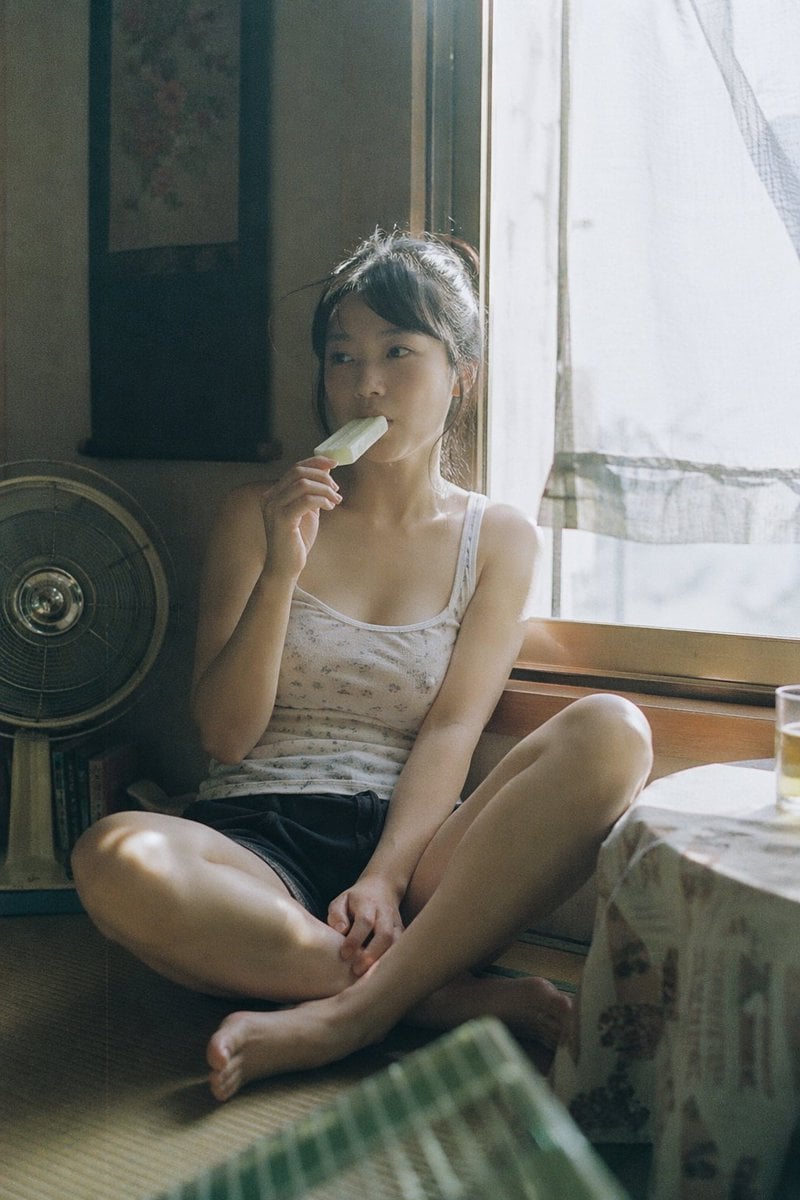
Summer Ice Cream Moment
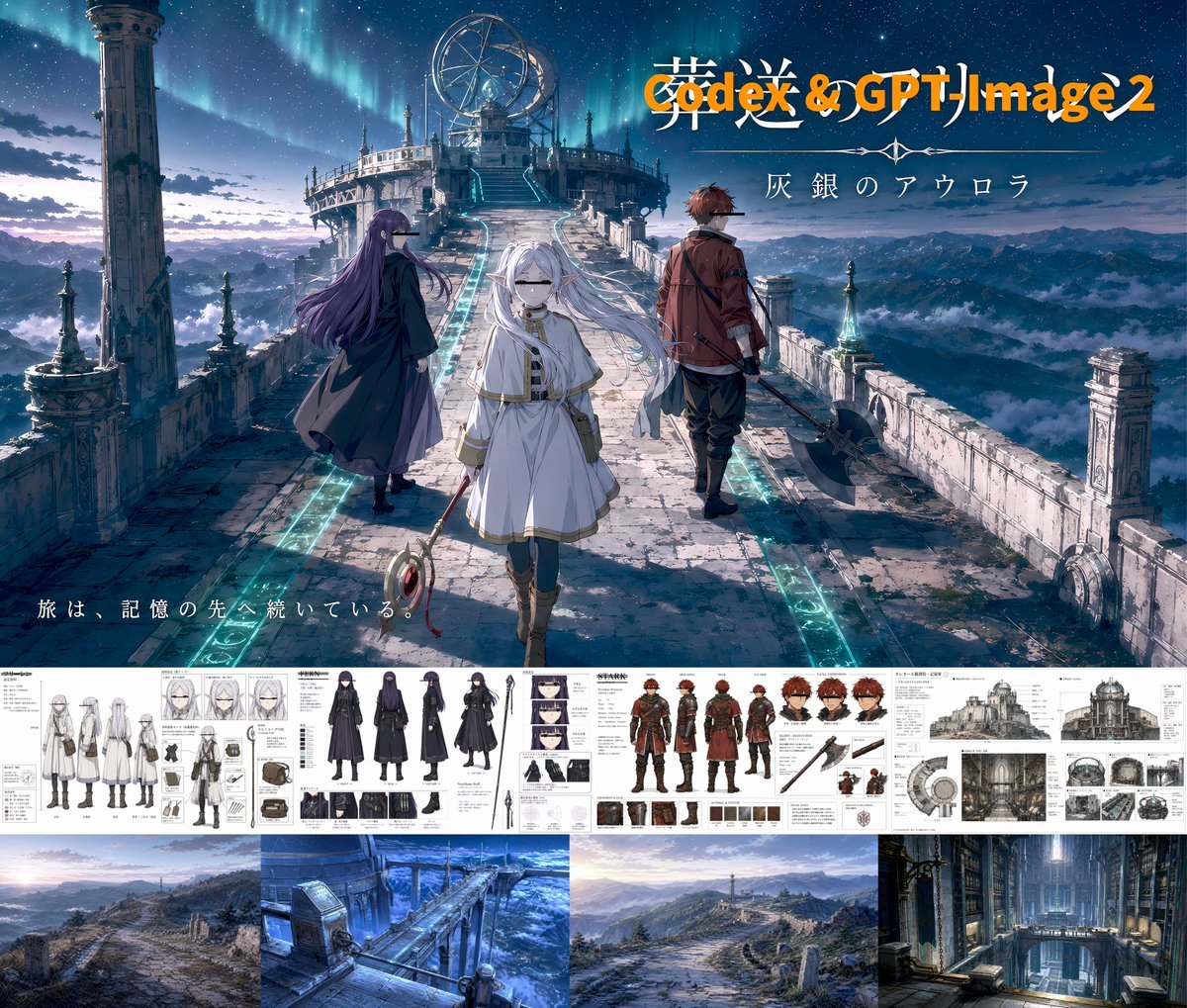
Anime Fantasy Key Visual Board
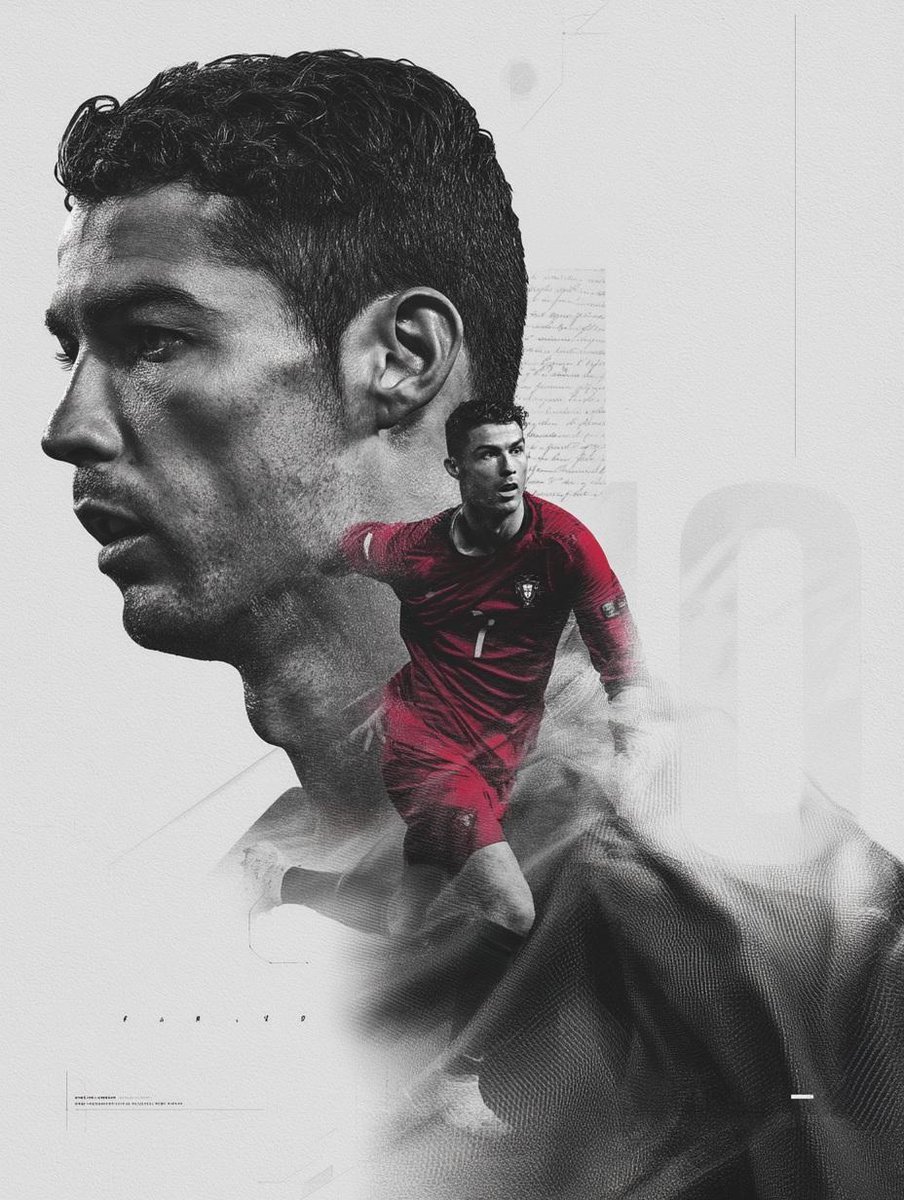
Dramatic Double Exposure Sports Portrait
Browse template categories
Monochrome Anime Horror Film Poster questions
How do I use the Monochrome Anime Horror Film Poster template?
Add your photo if the template asks for one, edit the prompt if you like — the template's model and format are already selected — and press Generate. Your version opens in PicX Studio.
Can I customize the Monochrome Anime Horror Film Poster template?
Yes. You can change the subject, setting, lighting, mood, format, and available model controls before creating your image.
Is the Monochrome Anime Horror Film Poster template free?
Opening and editing this template is free. Generating uses credits, shown on the Generate button when you are signed in.
Which AI model should I use?
Start with GPT Image 2, which is the model associated with this template. You can compare another compatible model for a different finish.
Looking for something else? Browse all templates.

Your photo, any look
Thousands of ready templates for every top image and video model, from one credit balance.