
Monochrome AI Coffee Poster
A high-contrast black-and-white tech advertisement featuring a branded coffee cup whose shadow reveals a futuristic city and rocket launch.
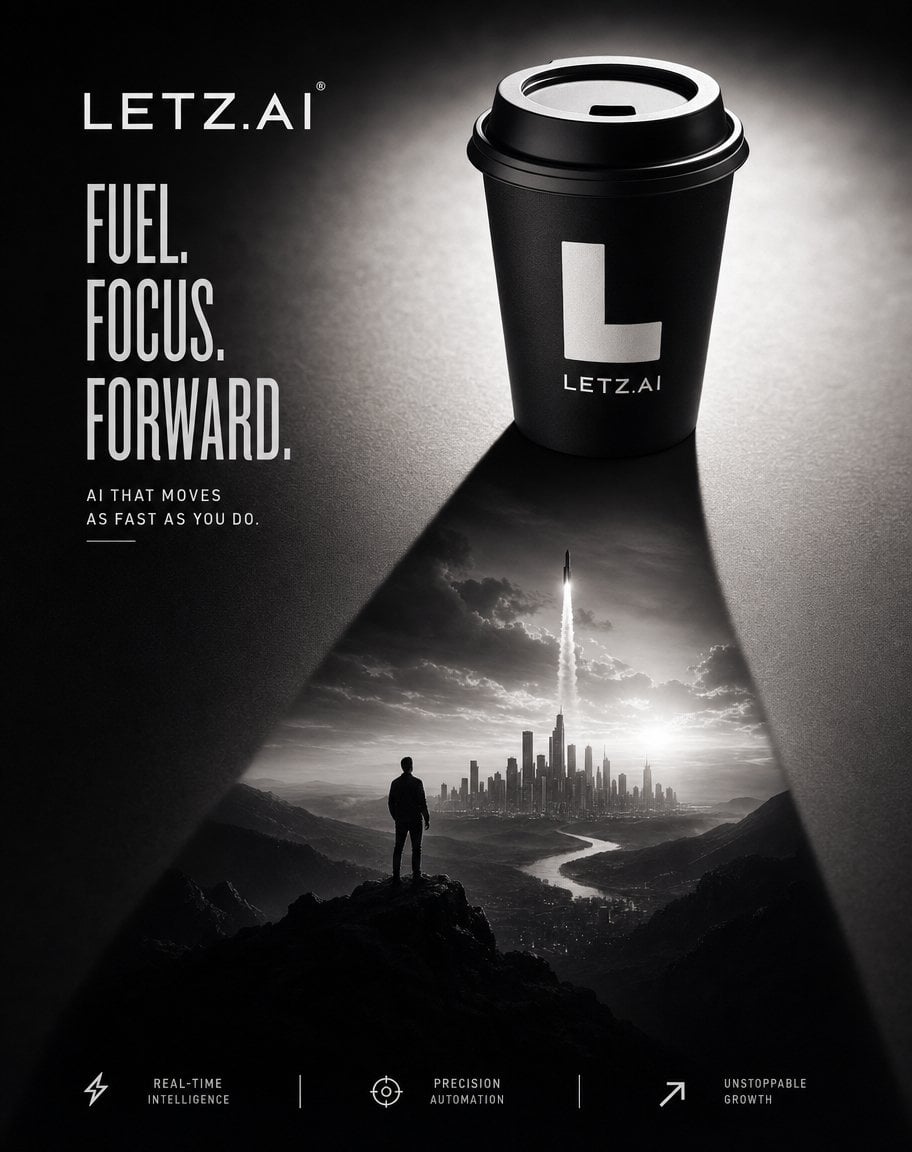
- Prompt included
- Model and format preset
- Premium template
The prompt behind this image
Copy the exact prompt behind Monochrome AI Coffee Poster, or open it in the studio and make it yours.
Goal: Create a dramatic monochrome advertising poster for {argument name="brand name" default="LETZ.AI"}, combining a premium takeaway coffee cup with a visionary AI-growth metaphor. Canvas: Vertical poster, roughly 4:5 aspect ratio, black-and-white only, high contrast, cinematic lighting, luxury tech brand aesthetic. Use a dark textured tabletop background with a bright overhead spotlight behind the cup and deep shadows. Layout: Place the brand wordmark in the upper left as “LETZ.AI” in thin wide-spaced uppercase letters, with a small registered mark. On the upper right, show one black takeaway coffee cup with a black plastic lid, lit from behind; the cup front has a large white block letter “L” and small text “LETZ.AI” underneath. The cup casts a long triangular shadow downward into the lower half of the poster. Inside that shadow, reveal a surreal grayscale landscape scene as if projected onto the table: a lone person standing on a rocky cliff, looking toward a futuristic city skyline in the distance, with one rocket launching vertically from the center of the city into cloudy sky and bright sun glow near the horizon. Main text: On the left side beneath the logo, set a bold condensed uppercase headline in three stacked lines: “FUEL.”, “FOCUS.”, “FORWARD.” Use tall narrow sans-serif type, white or light gray. Below it, add a small spaced uppercase subheading: “AI THAT MOVES AS FAST AS YOU DO.” with a short thin underline accent. Bottom feature row: Add exactly 3 feature items along the bottom edge, separated by exactly 2 thin vertical divider lines. The 3 items are: 1) lightning-bolt icon with label “REAL-TIME INTELLIGENCE”, 2) crosshair/target icon with label “PRECISION AUTOMATION”, 3) upward diagonal arrow icon with label “UNSTOPPABLE GROWTH”. Keep icons minimal, white line art, small uppercase labels. Subject details: The scene in the shadow must contain exactly 1 human silhouette, exactly 1 rocket, exactly 1 city skyline, exactly 1 winding river, and mountain silhouettes framing the valley. The coffee cup must be the dominant object and should feel realistic, matte black, with crisp rim highlights and subtle grain. Visual style: Premium black-and-white commercial photography blended with cinematic matte-painting surrealism, sharp product focus, atmospheric haze, strong chiaroscuro, dramatic triangular composition, inspirational startup/AI advertising mood. Constraints: Preserve all visible text exactly as specified, avoid additional slogans or extra objects, no color accents, no watermark beyond the brand marks, no clutter, keep the poster clean and editorial.
How to use Monochrome AI Coffee Poster in 3 steps
- 1Upload ImagePNG, JPG or paste
Add your photo
Upload the photo the template builds on. The prompt, model and format are already set.
- 2…a portrait of your subject in softgolden-hour light, 85mm…
Personalize
Edit the subject and creative details for your destination.
- 3Generate
Generate
Press Generate — your image is created in PicX Studio, so you can compare it with the original and refine one variable at a time.
More like this
Templates with the same subject, style or setup. Open one to see its prompt.

Monochrome Halftone Editorial Fashion Poster
Monochrome Portrait Jersey Accent Poster

Last Dance Legacy Monochrome Portrait
Selective Color Monochrome Football Poster

Japan Travel Brochure Poster

Cartoon TV Show Poster Pack

Trendy Cafe Drink Promo Poster

Urban Fashion Editorial Collage Streetwear Poster
Monochrome Hypebeast Street Fashion Editorial Motion

Premium Fashion Editorial Cover Layout System

Polo Ralph Lauren Luxury American Heritage Fashion Campaign
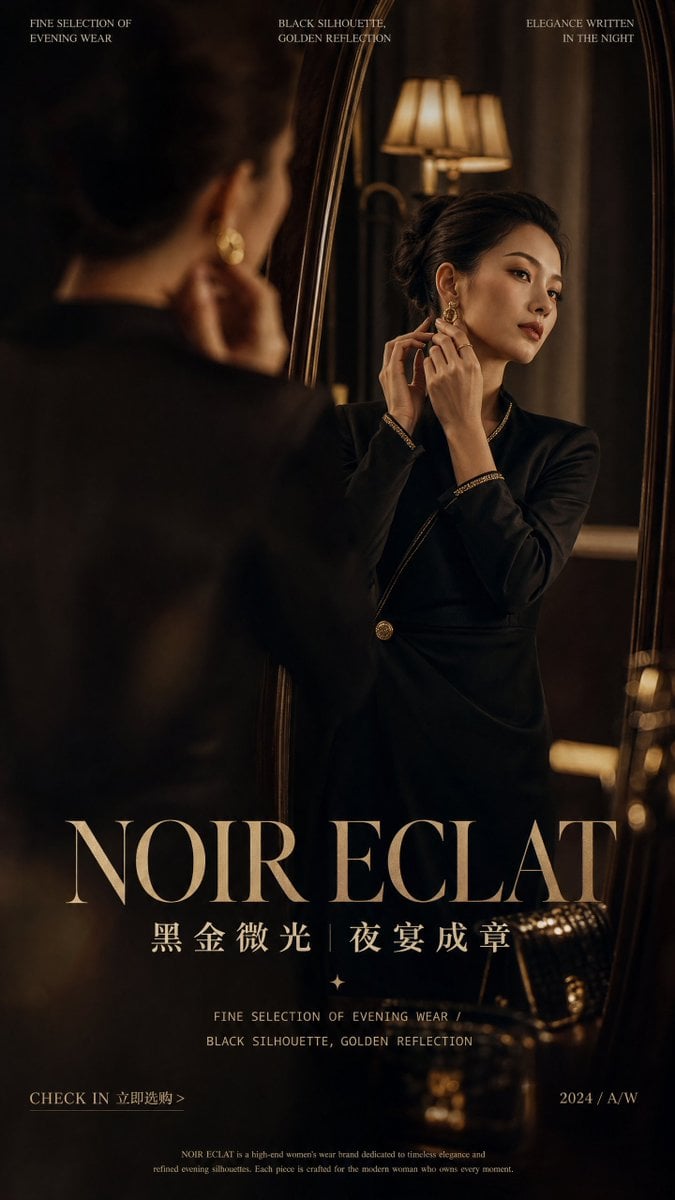
Retro Mirror Luxury Fashion Campaign Poster
Make it yours
Monochrome AI Coffee Poster works as-is. These are the safest ways to change it without losing the look.
Change one field
Copy a single group, rewrite it, and generate again so you can see what that field is doing.
Keep the frame, change the subject
Hold the composition and light of Monochrome AI Coffee Poster, then swap wardrobe, props or the person for a new take.
| If the result… | Why | Fix |
|---|---|---|
| The result drifts from the preview | Too many fields changed at once. | Reuse Monochrome AI Coffee Poster as-is first, then change one group — subject, light, or setting. |
| The model over-stylizes the scene | The prose prompt leaves finish and camera underspecified. | Add one camera or lighting sentence and stay on GPT Image 2. |
More GPT Image 2 templates
Other prompts made for GPT Image 2.

Six VTuber Japanese Logo Sheet

Realistic Portrait of Woman and Deer

The Vista Modular Condo Poster

AI Model Routing Comparison Infographic

2.5D Anime Art Board

Isometric Productivity Desk Scene

New York Double Exposure Poster

Four-Panel AI Landscape Comparison

Japanese Tatami Lifestyle Magazine Cover

NESCAFÉ Coffee Map Poster
More image prompts
Fresh picks from across the catalog.
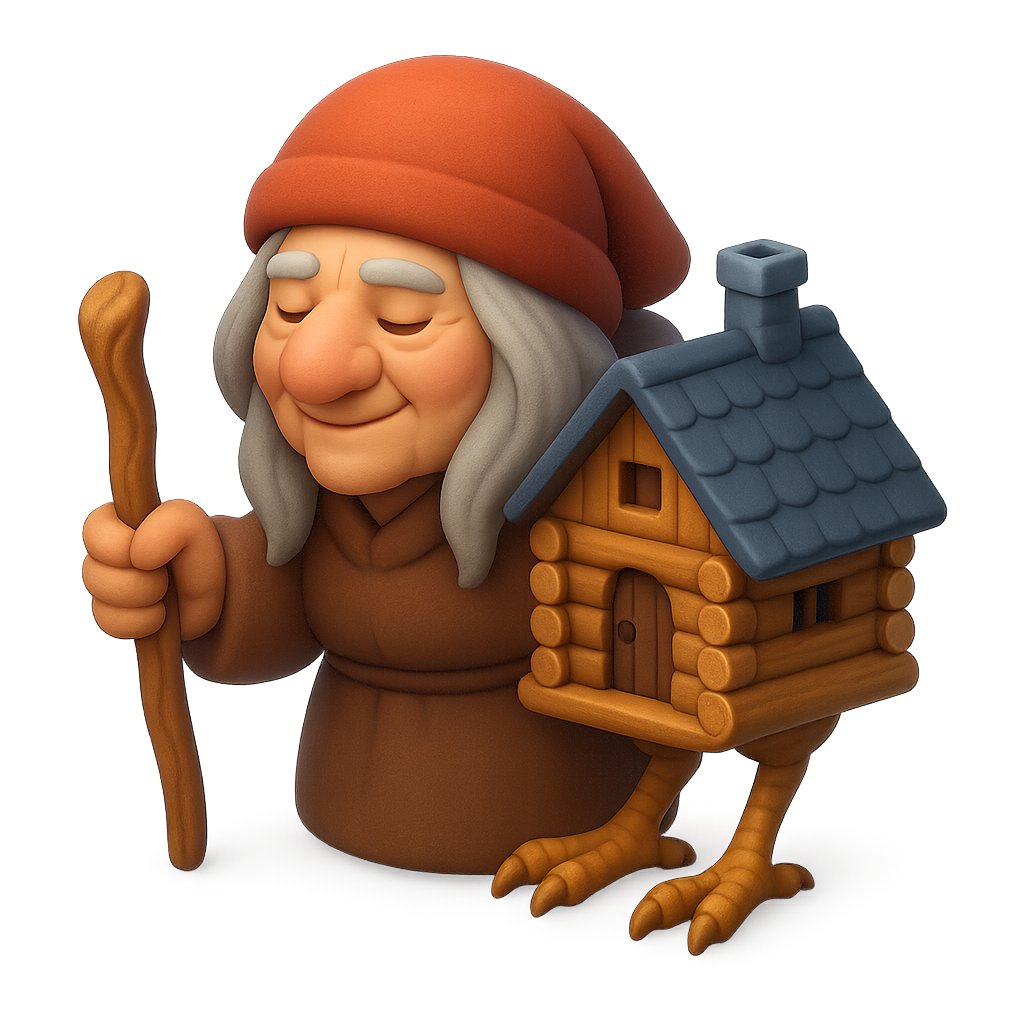
Clay Baba Yaga With Chicken-Leg Hut
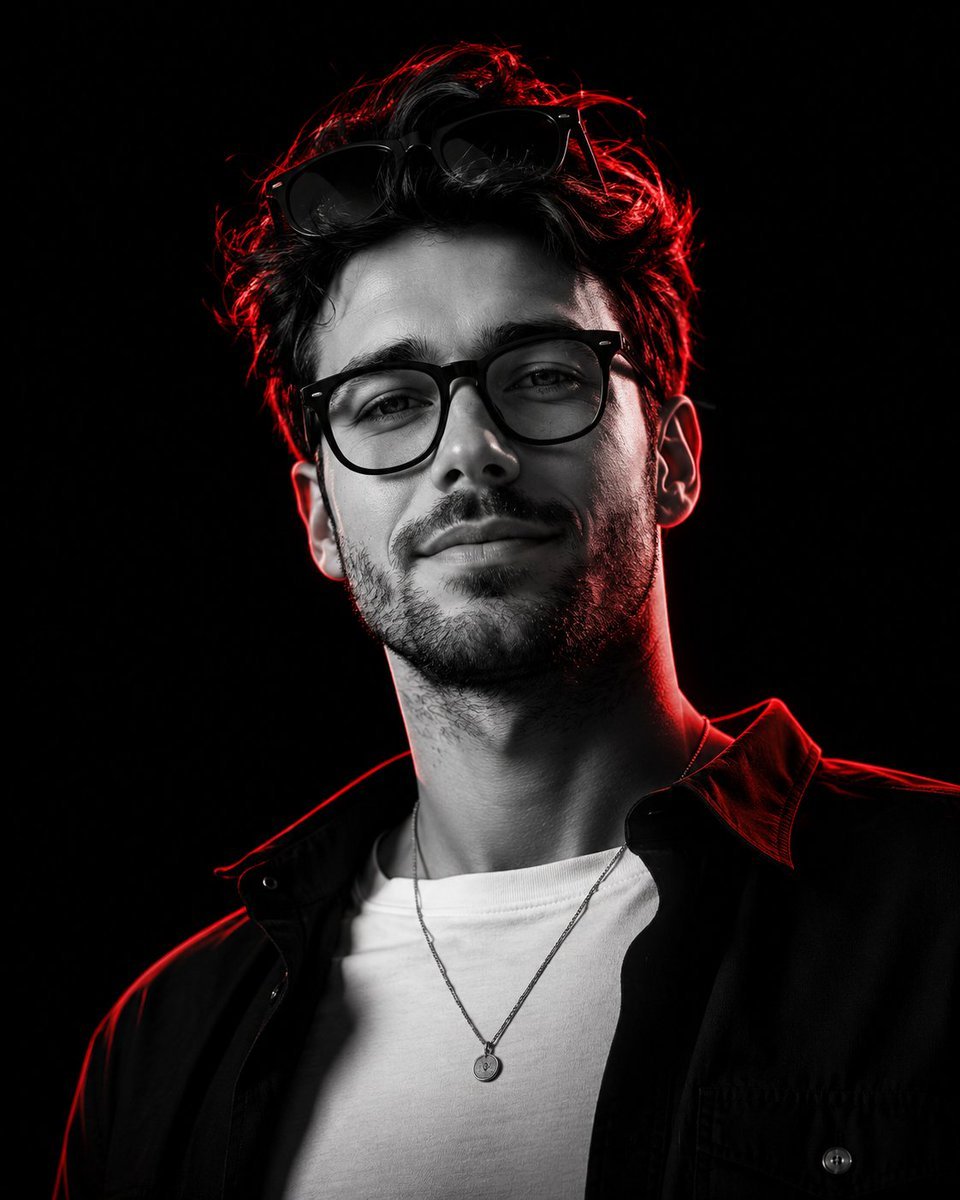
Monochrome Low-Angle Portrait with Red Glow
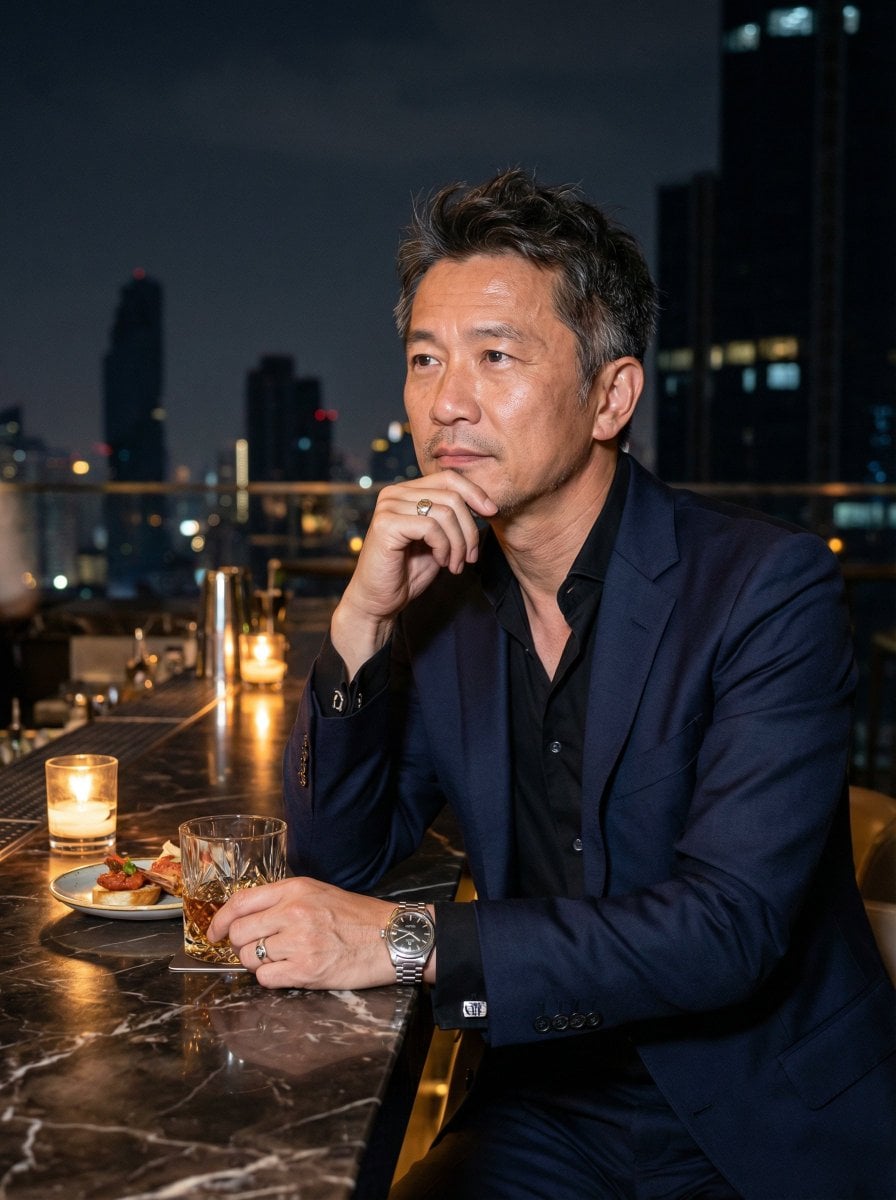
Ultra-Realistic Asian Male Editorial Portrait
Floral Cottage Café Kakigori
Chinese Casino Glamour Scene Prompt
Image generation for Jolivet's 'Pachinko for Two Pianos'
Nano Banana Pro Image Generation Instructions
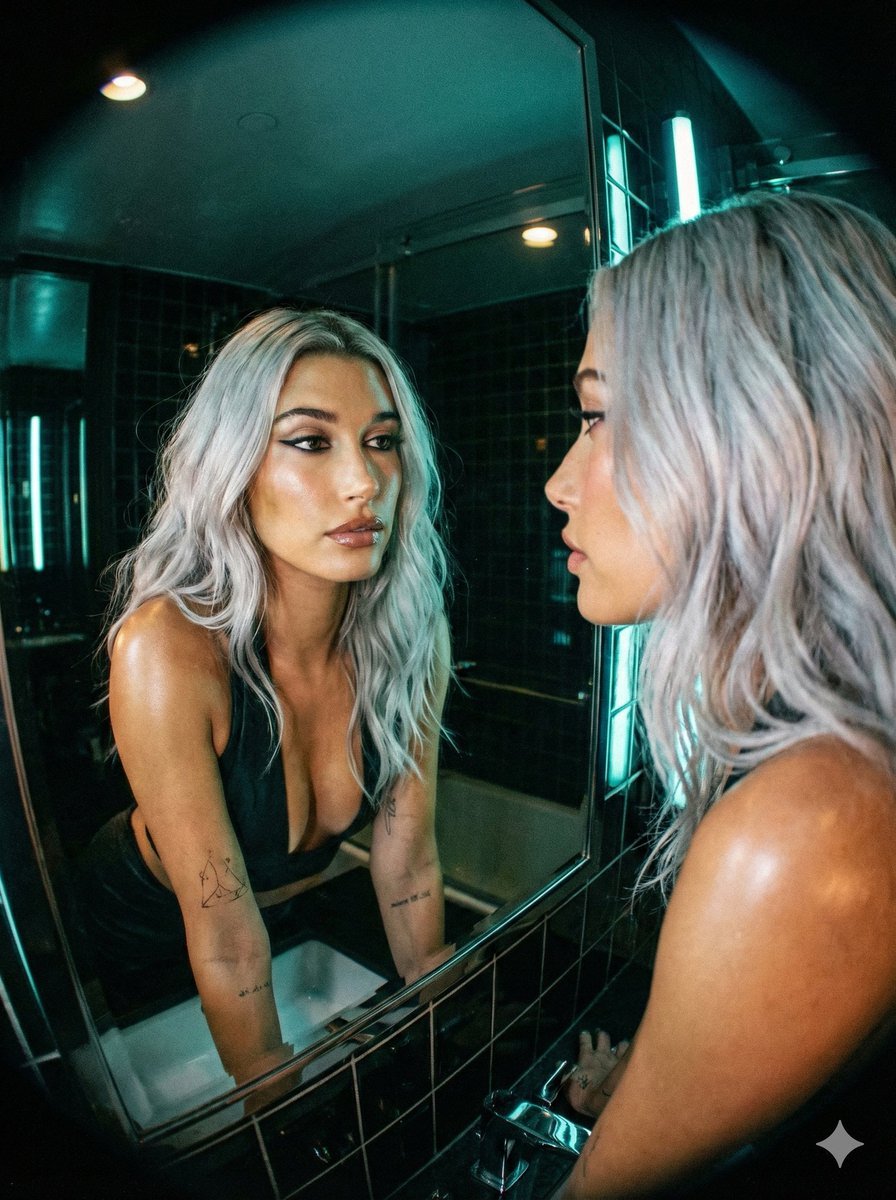
Neon Noir Wide-Angle Cinematic Portrait Prompt in JSON
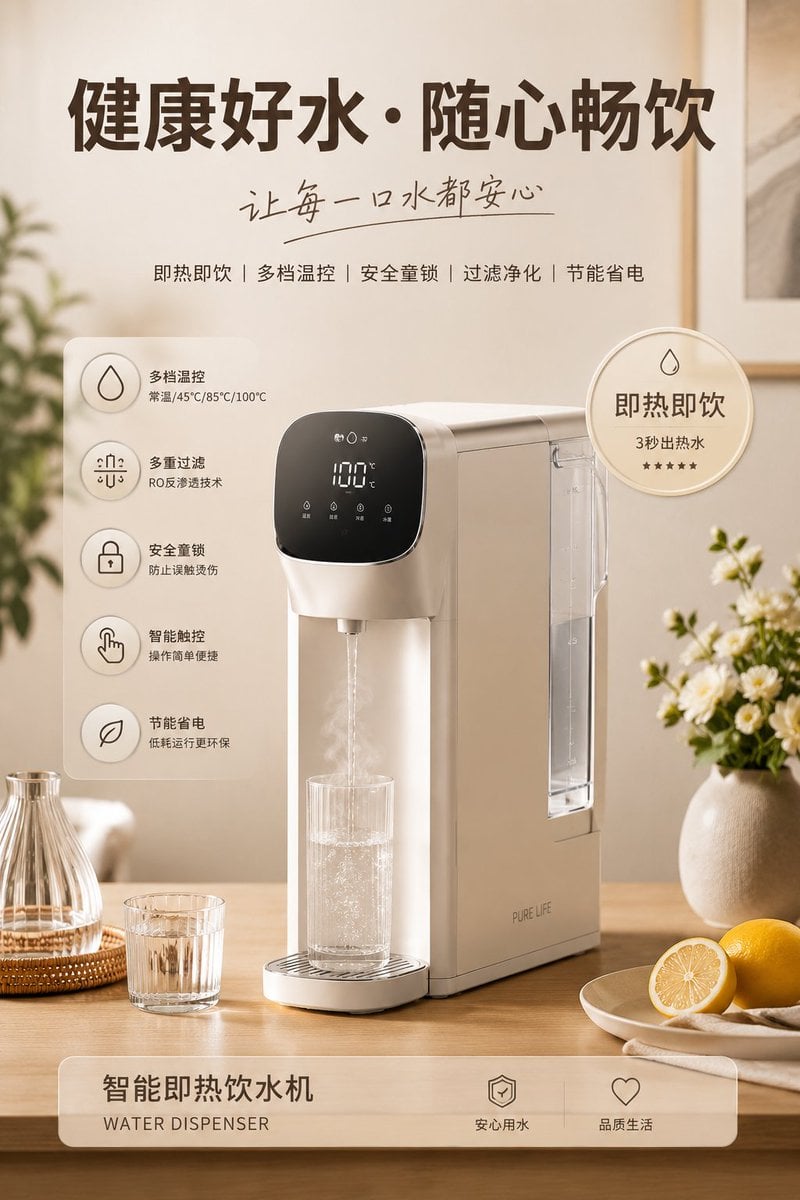
Home Appliance Commercial Poster

Blurry Retro Pixel Parrot Jungle
Browse template categories
Monochrome AI Coffee Poster questions
How do I use the Monochrome AI Coffee Poster template?
Add your photo if the template asks for one, edit the prompt if you like — the template's model and format are already selected — and press Generate. Your version opens in PicX Studio.
Can I customize the Monochrome AI Coffee Poster template?
Yes. You can change the subject, setting, lighting, mood, format, and available model controls before creating your image.
Is the Monochrome AI Coffee Poster template free?
Opening and editing this template is free. Generating uses credits, shown on the Generate button when you are signed in.
Which AI model should I use?
Start with GPT Image 2, which is the model associated with this template. You can compare another compatible model for a different finish.
Looking for something else? Browse all templates.

Your photo, any look
Thousands of ready templates for every top image and video model, from one credit balance.