
Floral Cottage Café Kakigori
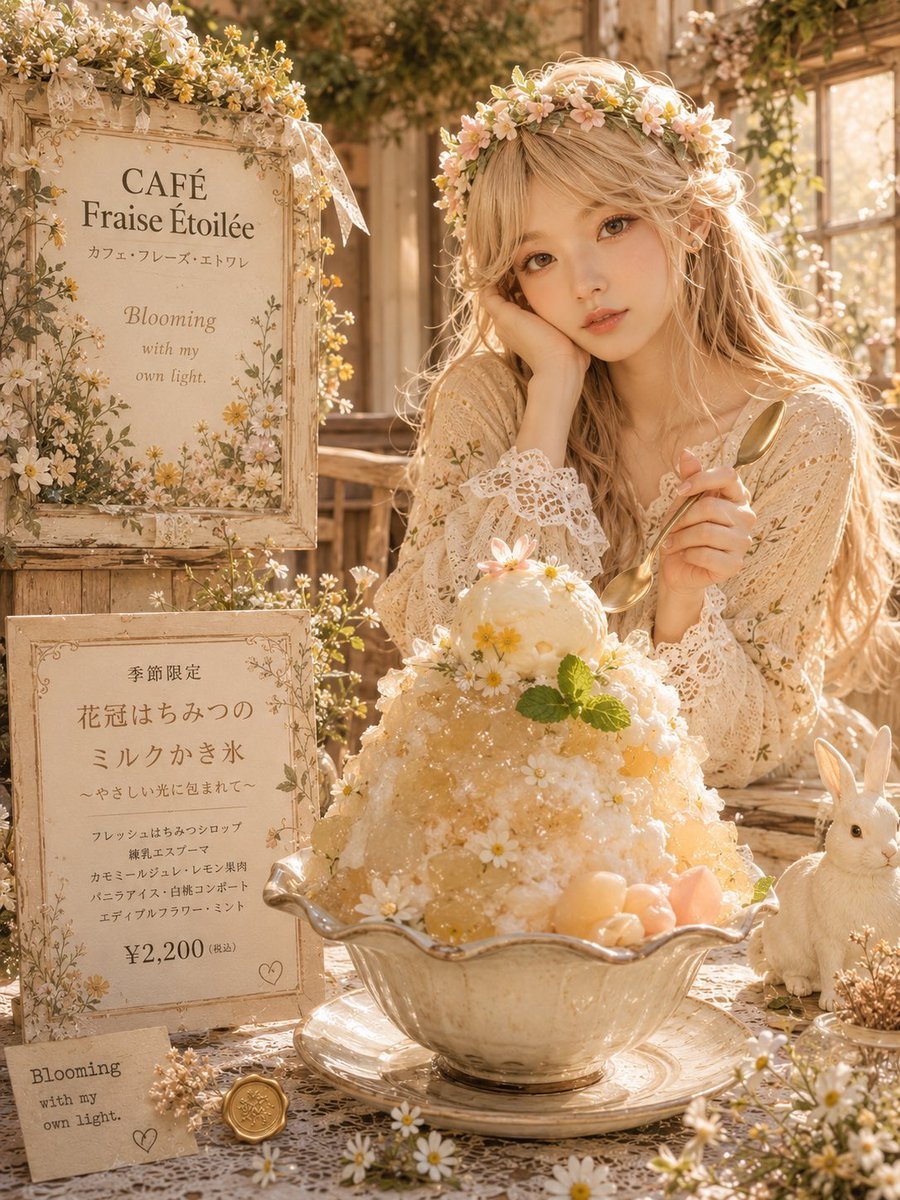
Generates a romantic premium Japanese kakigori café advertisement with vintage floral signage, a lace-dressed woman, and a honey-milk shaved ice dessert.
- Prompt included
- Model and format preset
- Free template
The prompt behind this image
Copy the exact prompt behind Floral Cottage Café Kakigori, or open it in the studio and make it yours.
Goal: Create a warm, dreamy vertical café advertisement illustration for a premium Japanese kakigori dessert, styled like a romantic floral cottage café photo shoot. Canvas: Portrait 3:4 composition, softly lit by golden afternoon sunlight, shallow depth of field, creamy beige and honey tones, highly detailed realistic illustration with a fairytale café atmosphere. Layout: Place the large kakigori bowl in the lower center foreground as the hero subject. Behind it on the right, show a young blonde woman in a cream lace dress holding a gold spoon, wearing a daisy-and-pink-flower crown; her face is covered by a plain tan square censor block. On the left, arrange two vintage framed signs stacked vertically, plus one small handwritten card at the bottom. Add a white rabbit figurine or plush on the lower right beside the dessert. Surround everything with lace cloth, daisies, tiny wildflowers, vines, weathered wood, and sunlit café windows. Main dessert details: A premium milk kakigori mound served in an ornate scalloped glass bowl on a matching glass saucer. The shaved ice is pale cream and honey-gold, glossy with syrup, topped with exactly 1 round scoop of creamy ice or mousse. Decorate the dessert with exactly 5 visible topping types: small white daisies, translucent honey jelly cubes, pale peach fruit balls, mint leaves, and tiny edible flower petals. Make the dessert look luxurious, cold, fluffy, sparkling, and abundant. Discrete foreground and sign elements: Include exactly 6 prominent non-flower props: 1 ornate top café sign, 1 framed menu board, 1 small paper card, 1 gold wax seal, 1 gold spoon, and 1 white rabbit. Include exactly 3 readable sign/card text areas. Text content: On the top framed sign, write “CAFÉ Fraise Étoilée” with a smaller Japanese katakana line underneath, then the motto “Blooming with my own light.” On the middle menu board, write a seasonal limited menu in Japanese with the main item name {argument name="dessert name" default="花冠はちみつのミルクかき氷"}, a delicate subtitle, a short ingredient list, and the price {argument name="price" default="¥2,200(税込)"}. On the small bottom card, write “Blooming with my own light.” Add a tiny hand-drawn heart on the menu board and card. Style and atmosphere: Use antique cream frames, faded botanical borders, dried flowers, daisies, lace ribbons, rustic wood, soft bokeh, backlit blonde hair, and a nostalgic French-Japanese café aesthetic. The palette should be ivory, champagne, soft yellow, pale peach, warm beige, muted green, and gold. Keep the typography elegant and café-menu-like. Customizable details: The café name should be {argument name="café name" default="CAFÉ Fraise Étoilée"}; the dessert flavor theme should be {argument name="flavor theme" default="honey milk, chamomile, vanilla, white peach, edible flowers, and mint"}; the overall mood should be {argument name="overall mood" default="sunlit blooming cottage café fantasy"}. Constraints: Do not add modern objects, logos, watermarks, barcodes, plastic packaging, or extra people. Keep the face-obscuring tan square visible and centered over the woman’s face. Maintain a premium realistic illustration look rather than flat anime.
How to use Floral Cottage Café Kakigori in 3 steps
- 1Upload ImagePNG, JPG or paste
Add your photo
Upload the photo the template builds on. The prompt, model and format are already set.
- 2…a portrait of your subject in softgolden-hour light, 85mm…
Personalize
Edit the subject and creative details for your destination.
- 3Generate
Generate
Press Generate — your image is created in PicX Studio, so you can compare it with the original and refine one variable at a time.
More like this
Templates with the same subject, style or setup. Open one to see its prompt.
Floral Honey Milk Kakigori Café Scene

Floraverse Botanical Fusion

FLORAVERSE BOTANICAL FUSION
Luxury Cybernetic Kakigori Café Scene

Char-Inspired Red Kakigori Café Photo

Tropical Vacation Selfie — Nano Banana (Chryzleen)

Coastal Bench Portrait — Navy Floral Sundress

Pink Floral Vacation Café Portrait
Rainy Cottage Garden With Sheep
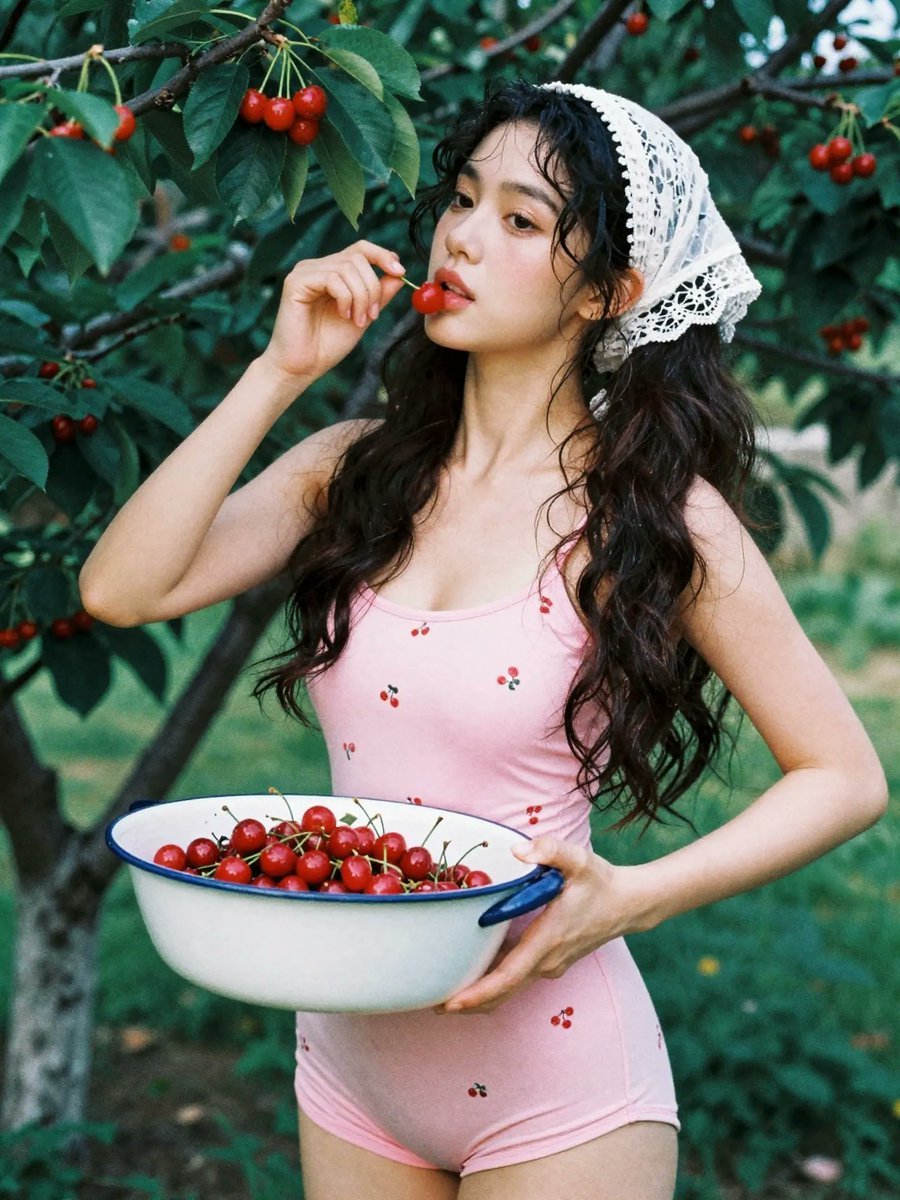
Summer Cottage Cherry Garden Portrait
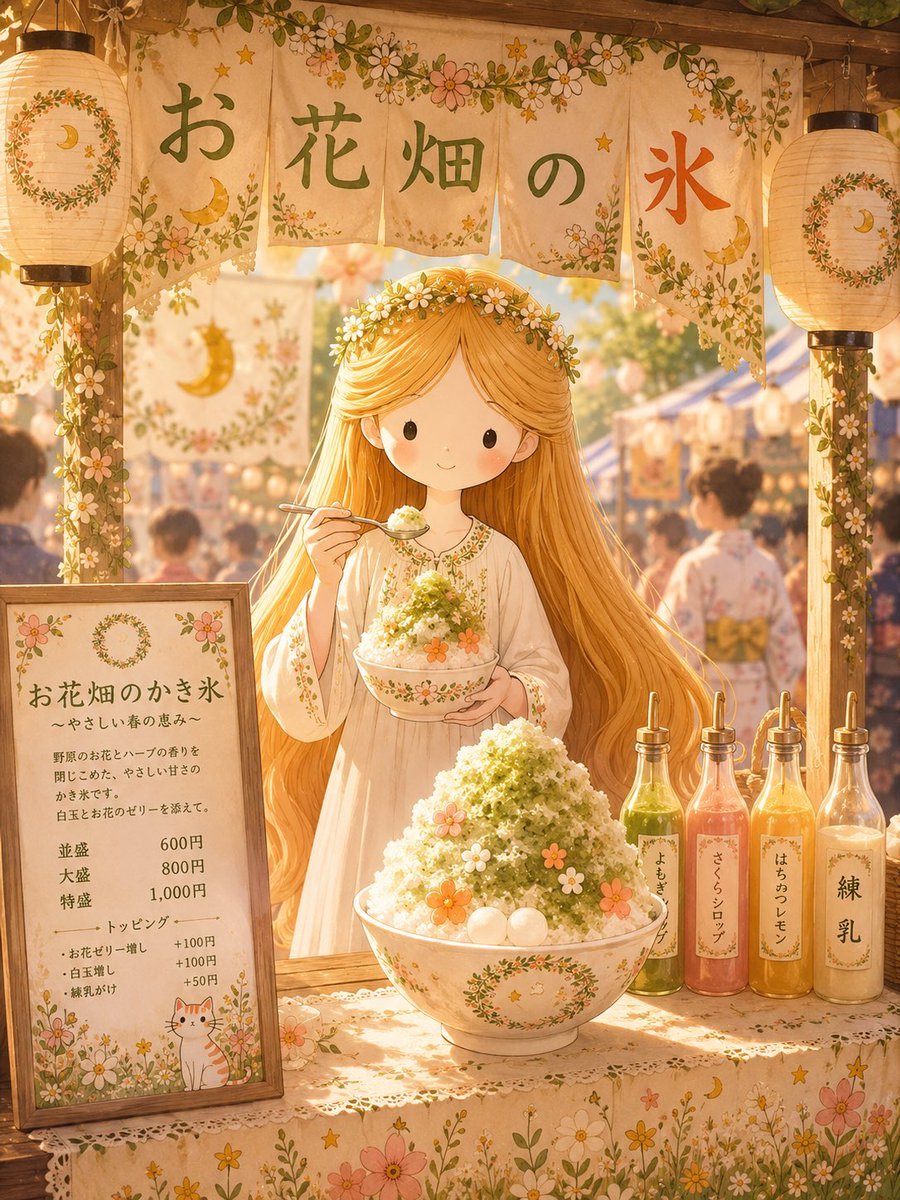
Japanese Festival Kakigori Stall
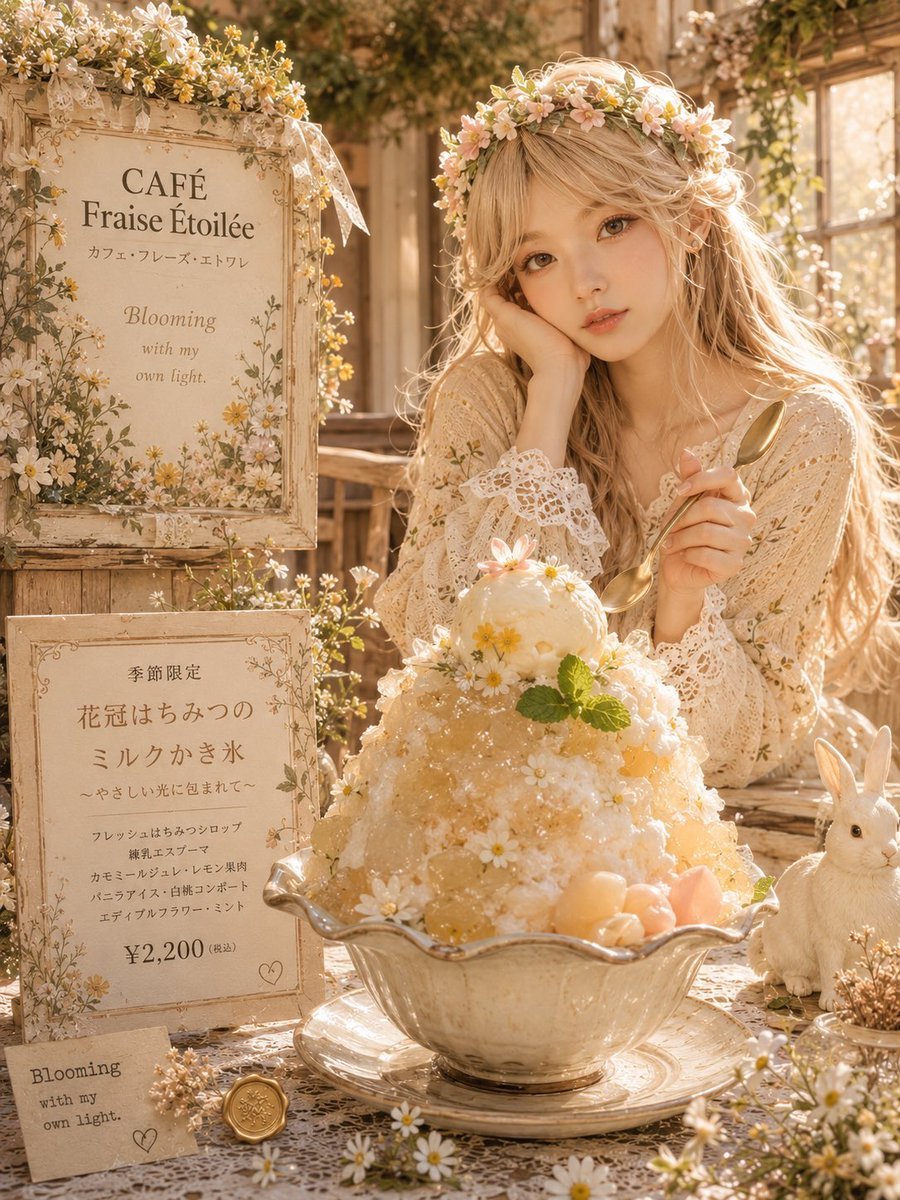
Dreamy Flower Crown Shaved Ice Café
Make it yours
Floral Cottage Café Kakigori works as-is. These are the safest ways to change it without losing the look.
Change one field
Copy a single group, rewrite it, and generate again so you can see what that field is doing.
Keep the frame, change the subject
Hold the composition and light of Floral Cottage Café Kakigori, then swap wardrobe, props or the person for a new take.
| If the result… | Why | Fix |
|---|---|---|
| The result drifts from the preview | Too many fields changed at once. | Reuse Floral Cottage Café Kakigori as-is first, then change one group — subject, light, or setting. |
| The model over-stylizes the scene | The prose prompt leaves finish and camera underspecified. | Add one camera or lighting sentence and stay on GPT Image 2. |
More GPT Image 2 templates
Other prompts made for GPT Image 2.

Six VTuber Japanese Logo Sheet

Realistic Portrait of Woman and Deer

The Vista Modular Condo Poster

AI Model Routing Comparison Infographic

2.5D Anime Art Board

Isometric Productivity Desk Scene

New York Double Exposure Poster

Four-Panel AI Landscape Comparison

Japanese Tatami Lifestyle Magazine Cover

NESCAFÉ Coffee Map Poster
More image prompts
Fresh picks from across the catalog.
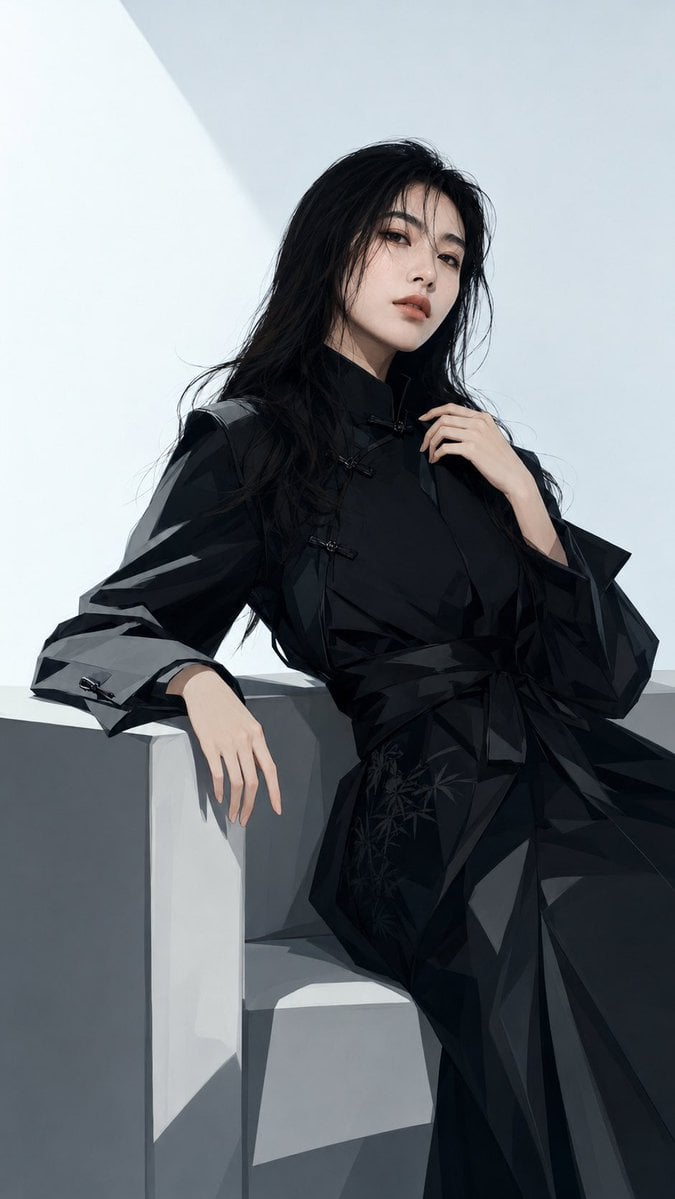
Black New Chinese Fashion Cover

Awkward Stacked NFT Family Portrait
Dark Anime Sylus Scrapbook Poster
Lifestyle Product Integration Prompt for Nano Banana Pro
untitled

Long Stretching Tabby Cat
Whimsical Dream Race Concept

Starry Desert Cafe Narrative

Chibi Kids Playing on Exercise Balls
Empty Baseball Stadium Noodle Scene
Browse template categories
Floral Cottage Café Kakigori questions
How do I use the Floral Cottage Café Kakigori template?
Add your photo if the template asks for one, edit the prompt if you like — the template's model and format are already selected — and press Generate. Your version opens in PicX Studio.
Can I customize the Floral Cottage Café Kakigori template?
Yes. You can change the subject, setting, lighting, mood, format, and available model controls before creating your image.
Is the Floral Cottage Café Kakigori template free?
Opening and editing this template is free. Generating uses credits, shown on the Generate button when you are signed in.
Which AI model should I use?
Start with GPT Image 2, which is the model associated with this template. You can compare another compatible model for a different finish.
Looking for something else? Browse all templates.

Your photo, any look
Thousands of ready templates for every top image and video model, from one credit balance.