
Floral Honey Milk Kakigori Café Scene
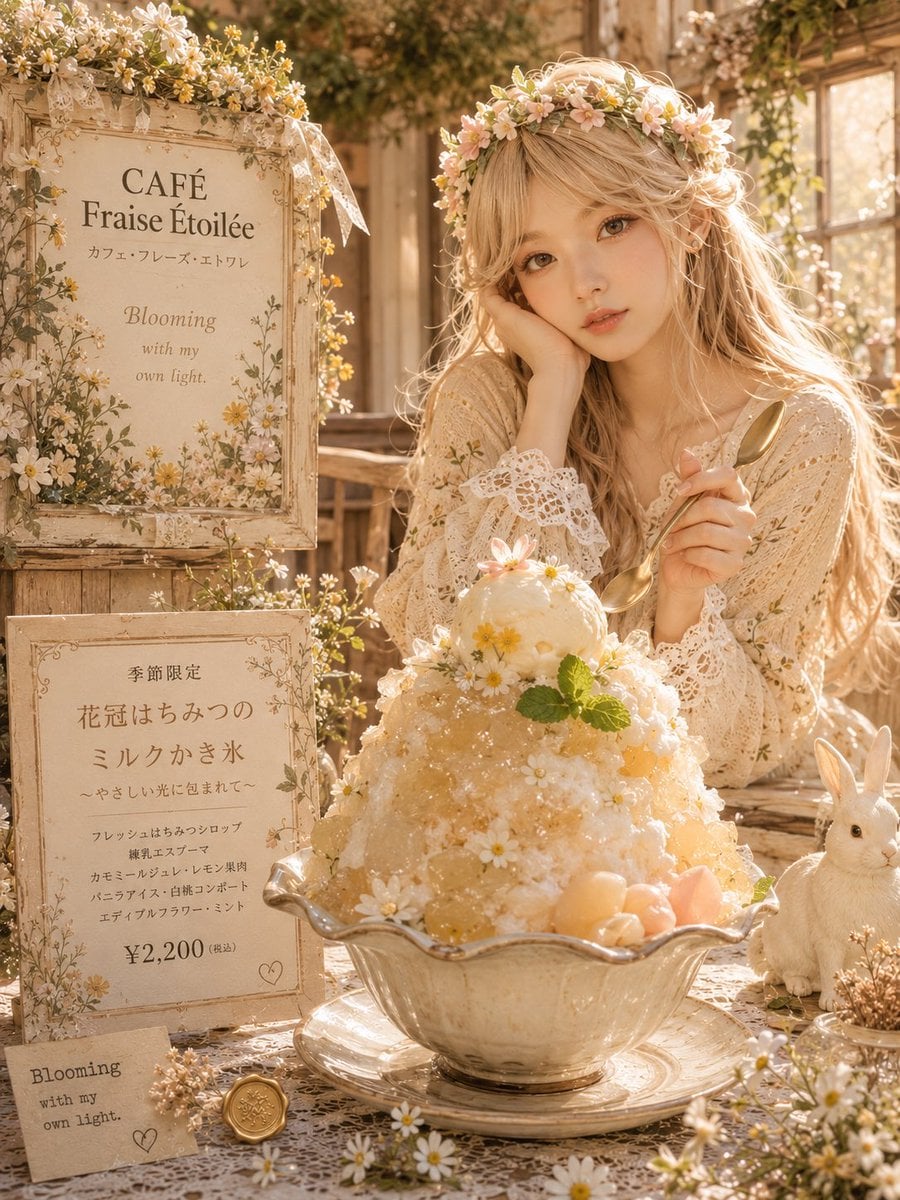
Generates a romantic premium Japanese kakigori café advertisement scene with floral signage, vintage styling, and a seasonal dessert centerpiece.
- Prompt included
- Model and format preset
- Free template
The prompt behind this image
Copy the exact prompt behind Floral Honey Milk Kakigori Café Scene, or open it in the studio and make it yours.
Goal: Create a warm, realistic premium Japanese café dessert advertisement scene for a seasonal kakigori menu, with a romantic cottagecore flower-garden atmosphere. Canvas: Vertical 3:4 composition, photorealistic but softly idealized, golden-hour sunlight, shallow depth of field, creamy beige and honey tones, high detail, no harsh contrast. Layout: Foreground center shows one large ornate glass bowl of kakigori on a matching saucer. Left side contains exactly 3 separate signage elements: 1 tall framed café sign at upper left, 1 framed menu board at lower left, and 1 small paper tag near the bottom left. Right side contains 1 seated young woman behind the dessert and 1 small white rabbit figurine or plush beside the bowl. The background is a rustic wooden café interior with a sunlit window, trailing greenery, lace, dried flowers, and small daisies. Main subject: A luxurious mound of milk kakigori in a scalloped vintage glass bowl, topped with a round scoop of pale milk ice cream. Decorate the shaved ice with translucent honey syrup, small pale yellow honey jelly cubes, peach-pink fruit pieces, white edible flowers, yellow daisy centers, mint leaves, and glittering ice crystals. The flavor should feel like honey, milk, edible flowers, vanilla, and gentle citrus. Make the dessert look premium, delicate, and refreshing. Character: Place one young blonde woman in a cream lace cardigan or crochet blouse, holding a gold spoon in her right hand and resting her chin on her left hand. She wears a flower crown of small white, cream, and pale pink blossoms. Her face is intentionally covered by a flat opaque square in warm beige, matching the visible generated image. Use {argument name="hair color" default="long wavy blonde hair"} and {argument name="outfit style" default="cream vintage lace cardigan with crochet cuffs"}. Text and signage: Upper framed sign should read “CAFÉ Fraise Étoilée” with a smaller Japanese subtitle and the English phrase “Blooming with my own light.” Lower framed menu board should feature a seasonal limited kakigori title in Japanese: {argument name="menu title" default="花冠はちみつのミルクかき氷"}, a small subtitle, several short Japanese ingredient lines, and a large price {argument name="price" default="¥2,200(税込)"}. The small bottom tag should read “Blooming with my own light.” Add a tiny heart doodle and a small gold wax seal near the tag. Keep the Japanese typography elegant, centered, and café-menu-like. Visible counted details to include: exactly 1 kakigori bowl, 1 spoon in the woman’s hand, 1 flower crown, 1 white rabbit, 3 signage elements, many scattered daisies and dried blossoms, 1 gold wax seal, and 1 small heart doodle. Style constraints: Use realistic food photography lighting blended with fairytale café styling. Include lace tablecloth texture, antique frames, pressed-flower ornamentation, transparent glass reflections, warm backlight through the window, and soft bokeh. Avoid modern plastic objects, neon colors, hard shadows, extra people, watermarks, or unrelated text.
How to use Floral Honey Milk Kakigori Café Scene in 3 steps
- 1Upload ImagePNG, JPG or paste
Add your photo
Upload the photo the template builds on. The prompt, model and format are already set.
- 2…a portrait of your subject in softgolden-hour light, 85mm…
Personalize
Edit the subject and creative details for your destination.
- 3Generate
Generate
Press Generate — your image is created in PicX Studio, so you can compare it with the original and refine one variable at a time.
More like this
Templates with the same subject, style or setup. Open one to see its prompt.
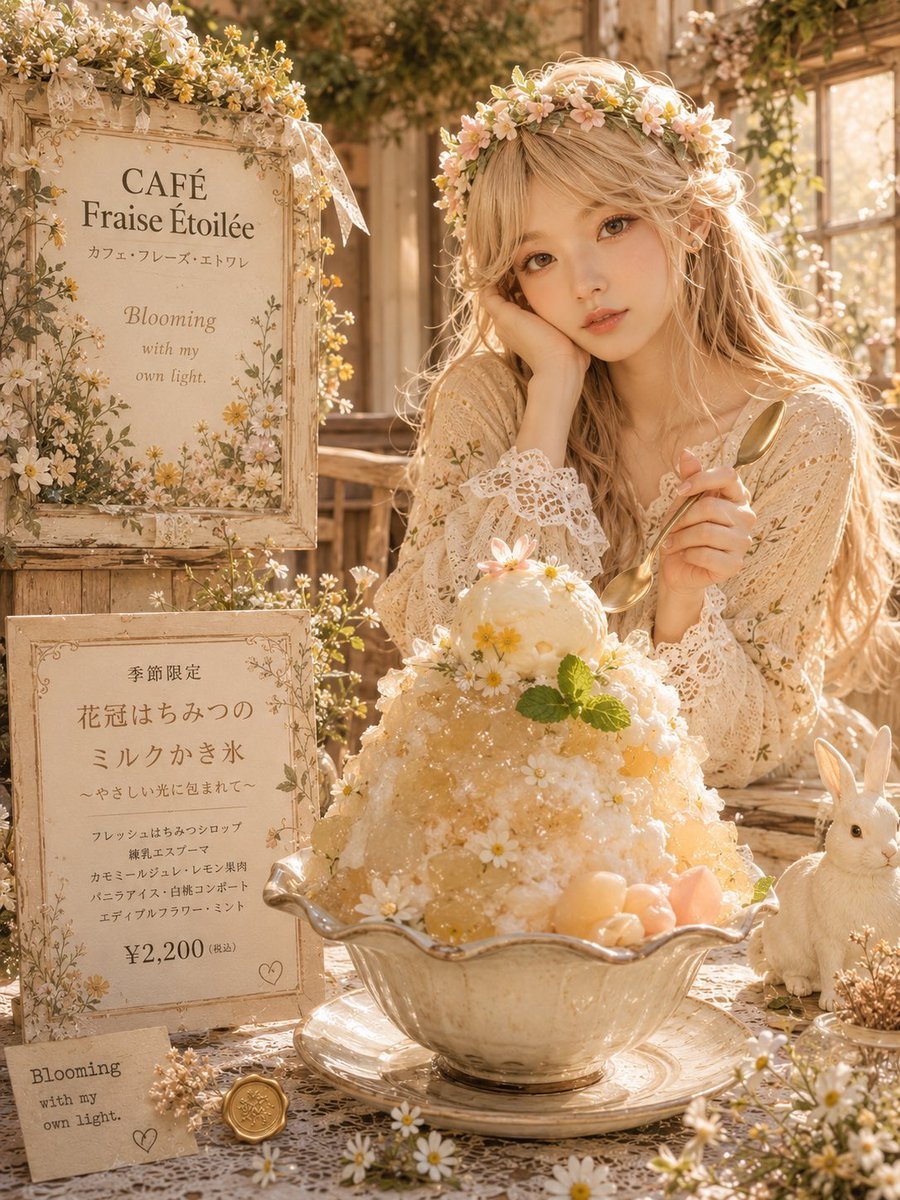
Floral Cottage Café Kakigori
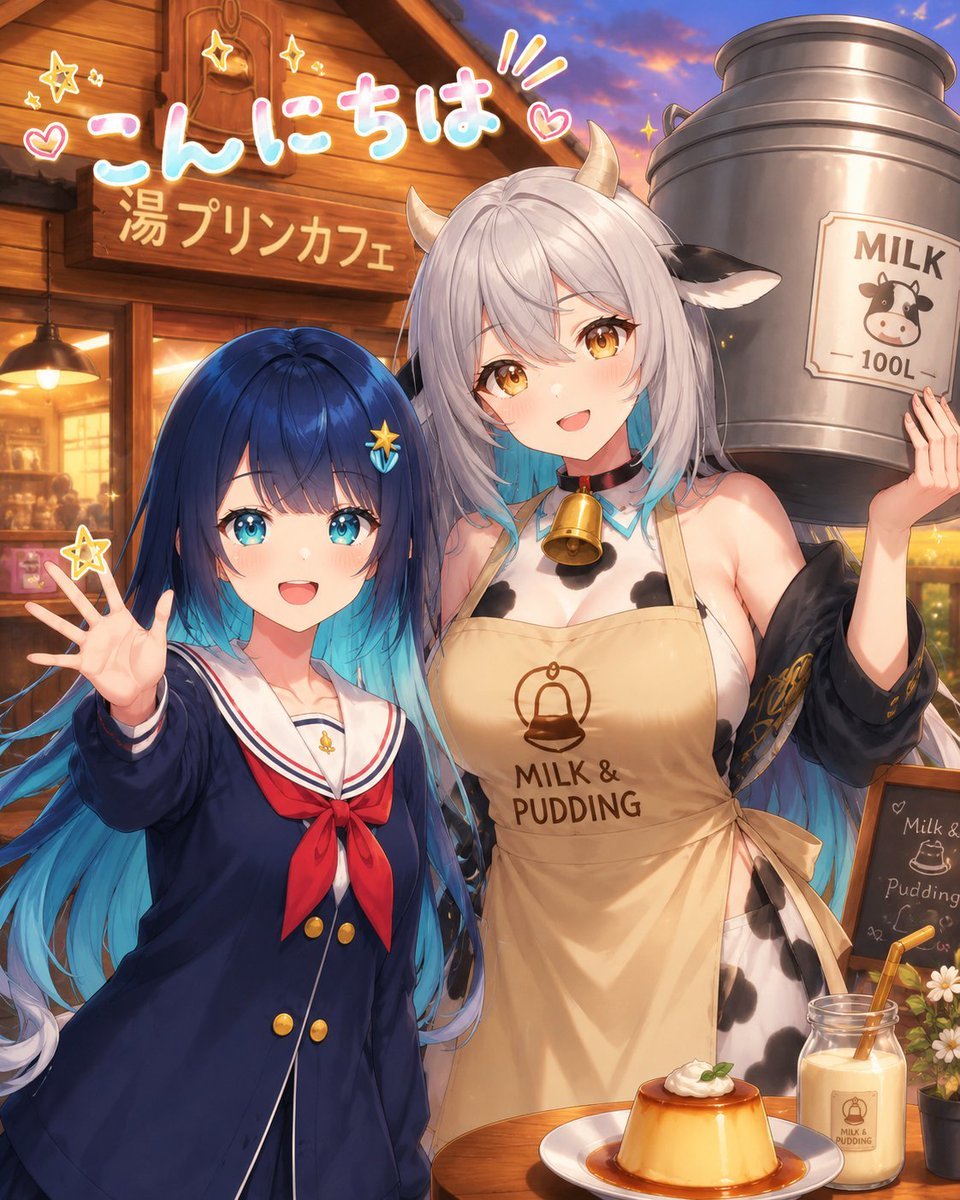
Anime Milk Pudding Café Greeting

Floraverse Botanical Fusion

FLORAVERSE BOTANICAL FUSION
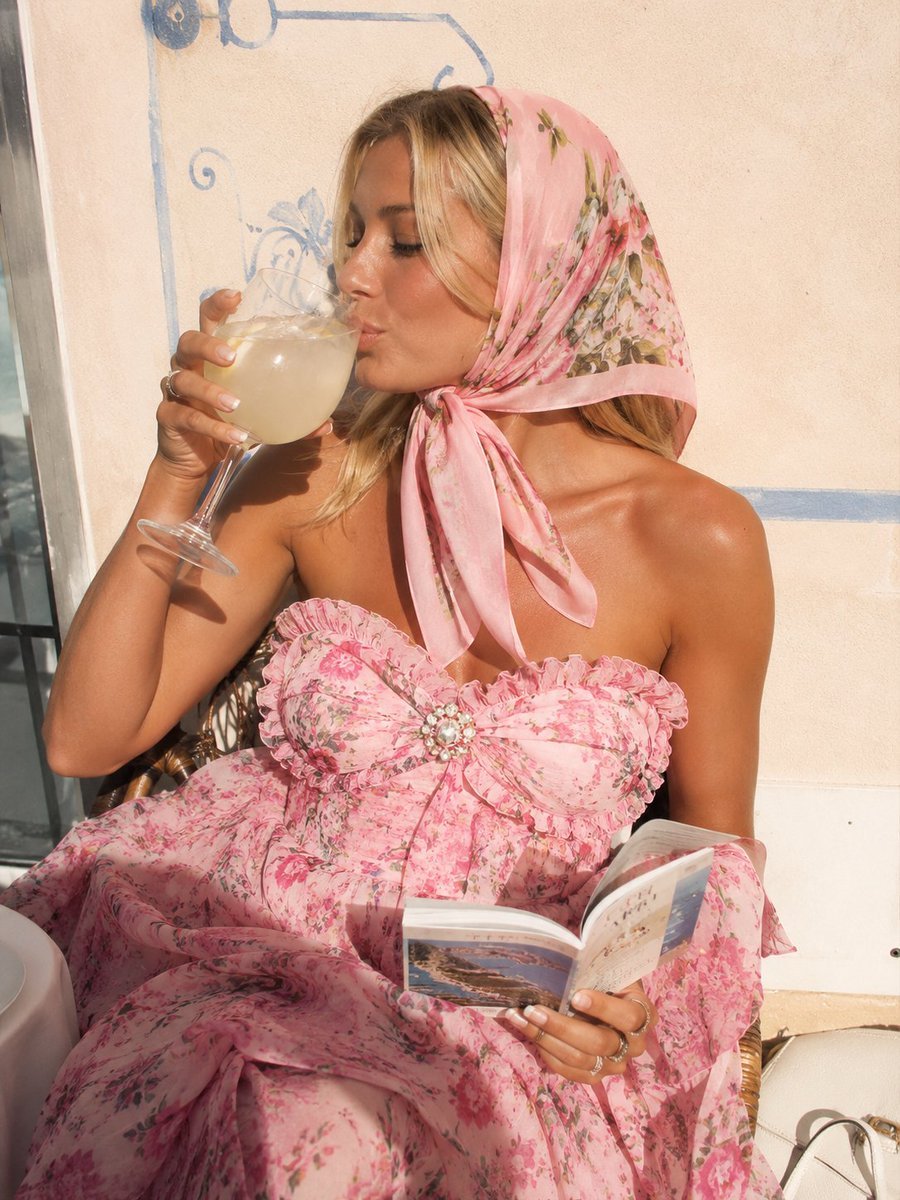
Pink Floral Vacation Café Portrait
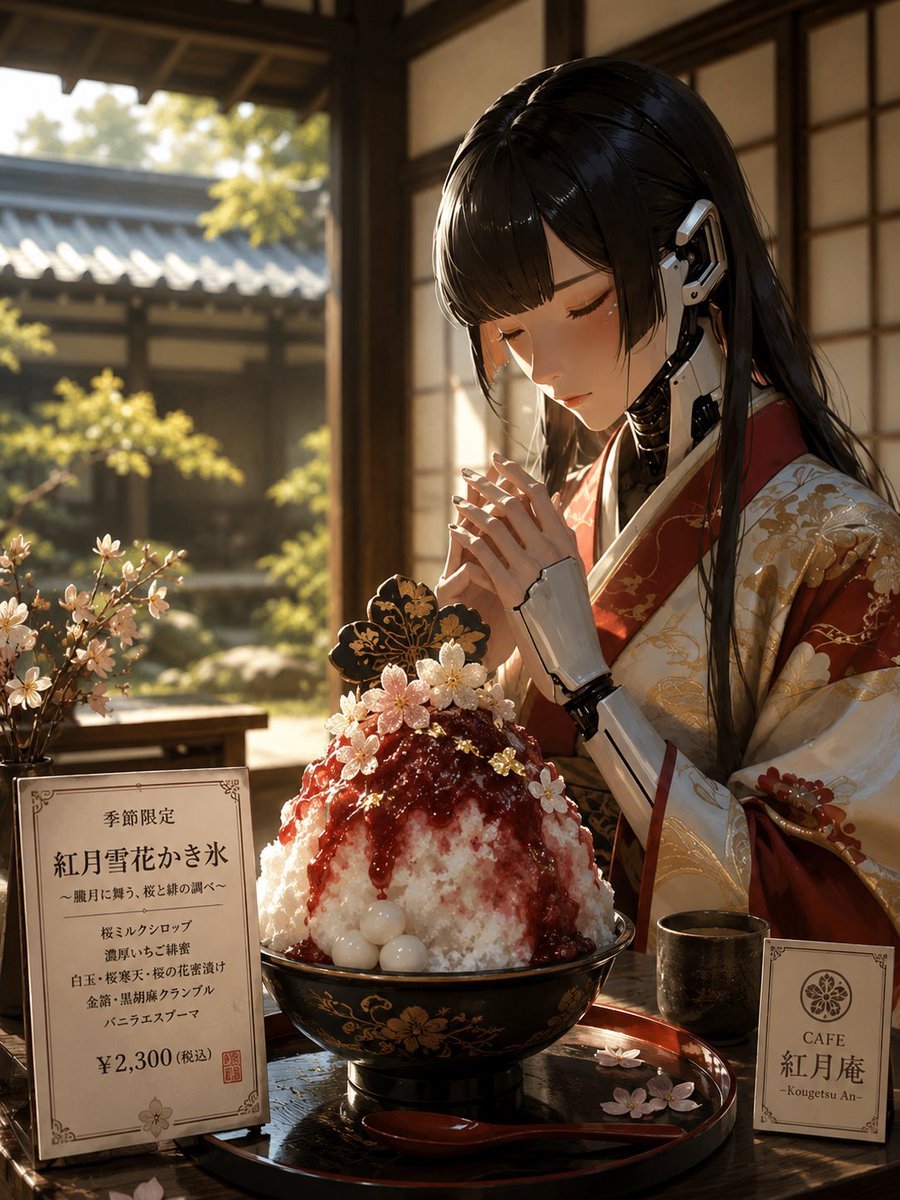
Luxury Cybernetic Kakigori Café Scene
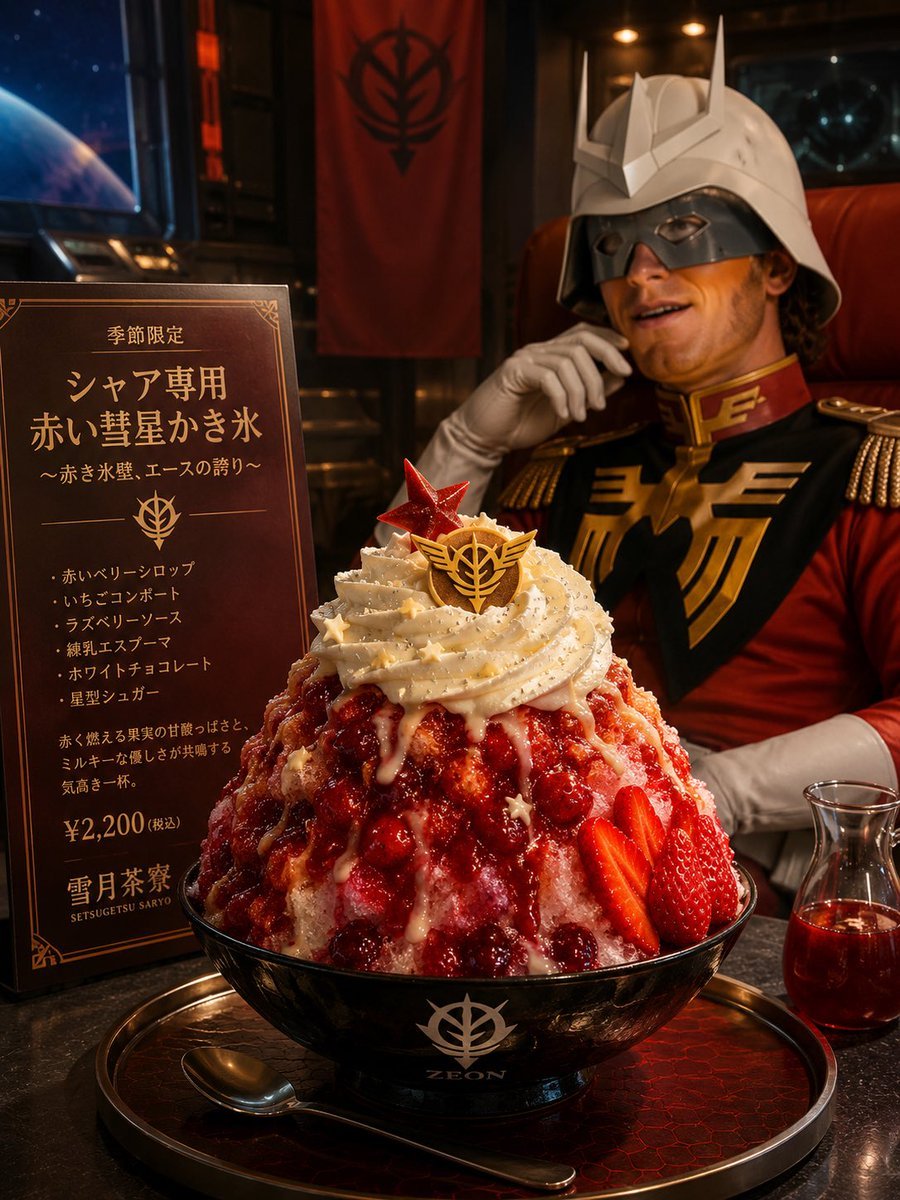
Char-Inspired Red Kakigori Café Photo

Tropical Vacation Selfie — Nano Banana (Chryzleen)

Coastal Bench Portrait — Navy Floral Sundress
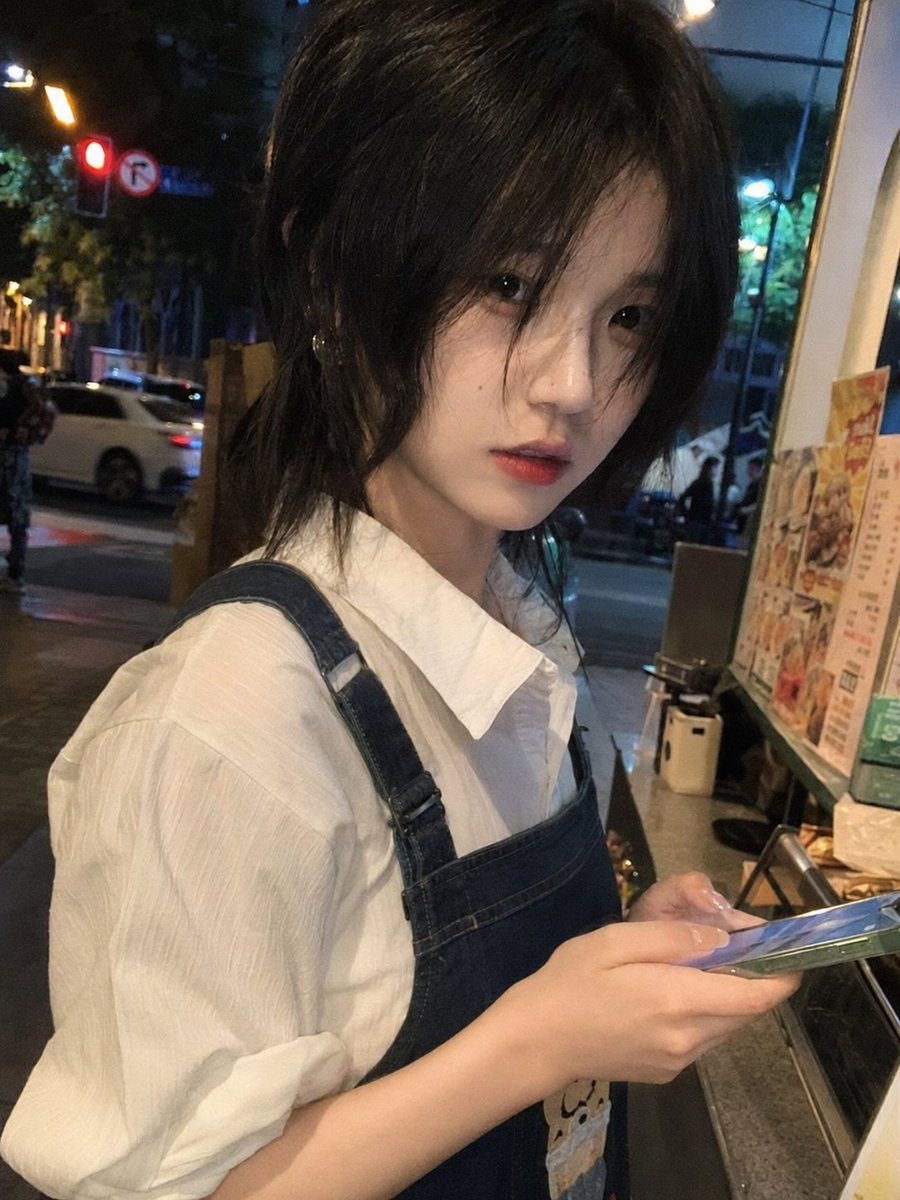
Candid Night Milk Tea Girl Portrait
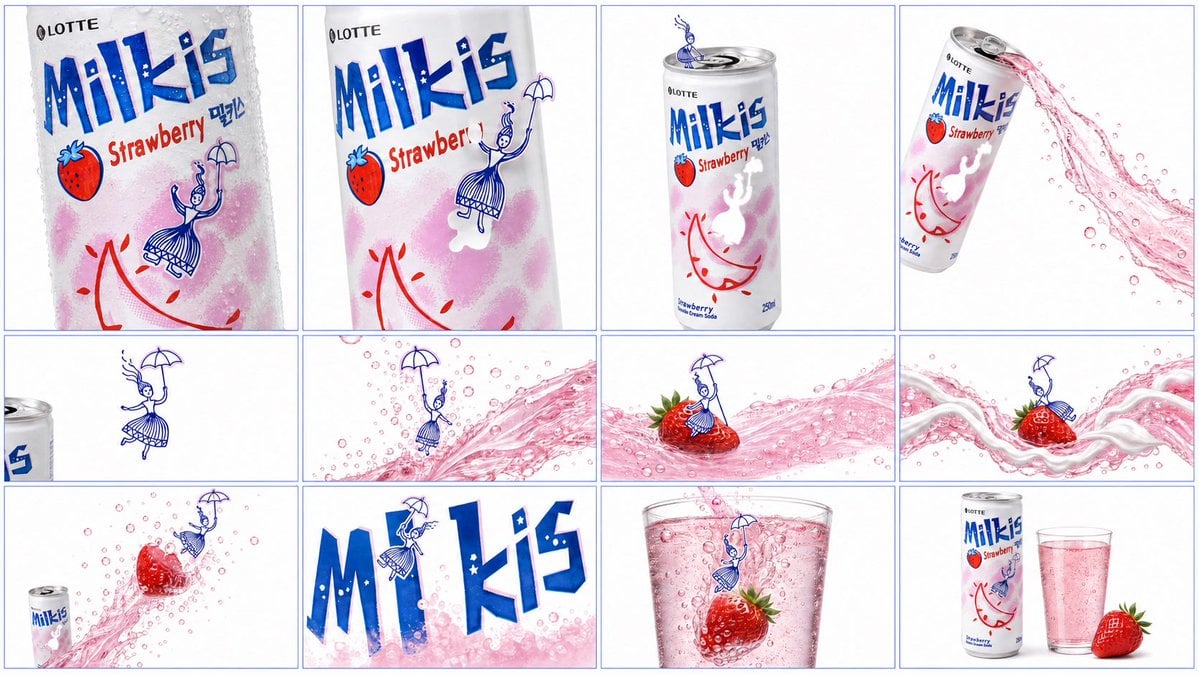
Milkis Strawberry Ad Shot Map
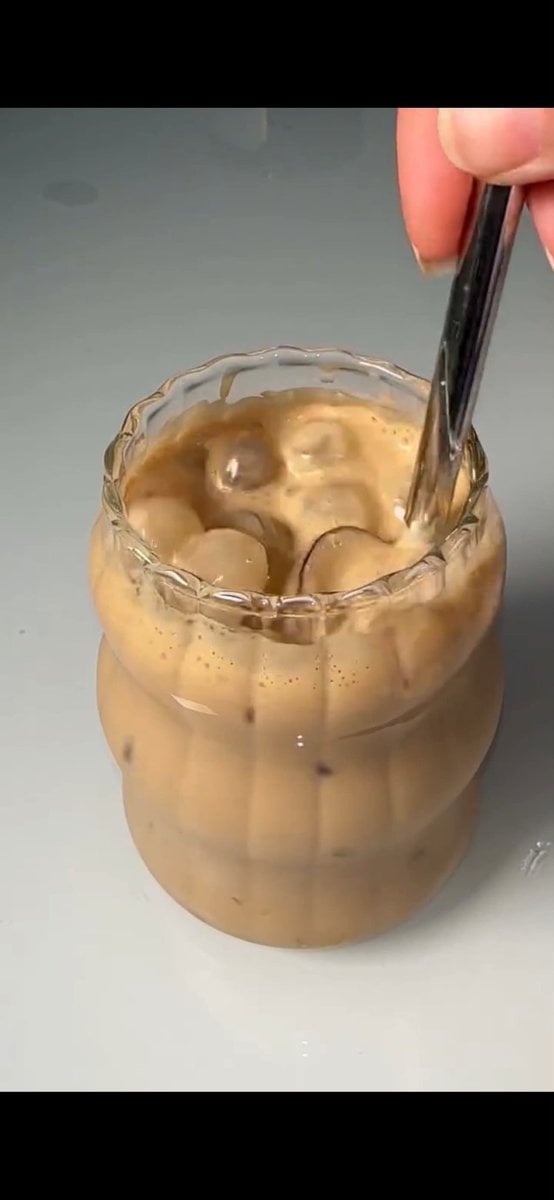
Stirred Iced Honey Latte Close-Up
Make it yours
Floral Honey Milk Kakigori Café Scene works as-is. These are the safest ways to change it without losing the look.
Change one field
Copy a single group, rewrite it, and generate again so you can see what that field is doing.
Keep the frame, change the subject
Hold the composition and light of Floral Honey Milk Kakigori Café Scene, then swap wardrobe, props or the person for a new take.
| If the result… | Why | Fix |
|---|---|---|
| The result drifts from the preview | Too many fields changed at once. | Reuse Floral Honey Milk Kakigori Café Scene as-is first, then change one group — subject, light, or setting. |
| The model over-stylizes the scene | The prose prompt leaves finish and camera underspecified. | Add one camera or lighting sentence and stay on GPT Image 2. |
More GPT Image 2 templates
Other prompts made for GPT Image 2.

Six VTuber Japanese Logo Sheet

Realistic Portrait of Woman and Deer

The Vista Modular Condo Poster

AI Model Routing Comparison Infographic

2.5D Anime Art Board

Isometric Productivity Desk Scene

New York Double Exposure Poster

Four-Panel AI Landscape Comparison

Japanese Tatami Lifestyle Magazine Cover

NESCAFÉ Coffee Map Poster
More image prompts
Fresh picks from across the catalog.
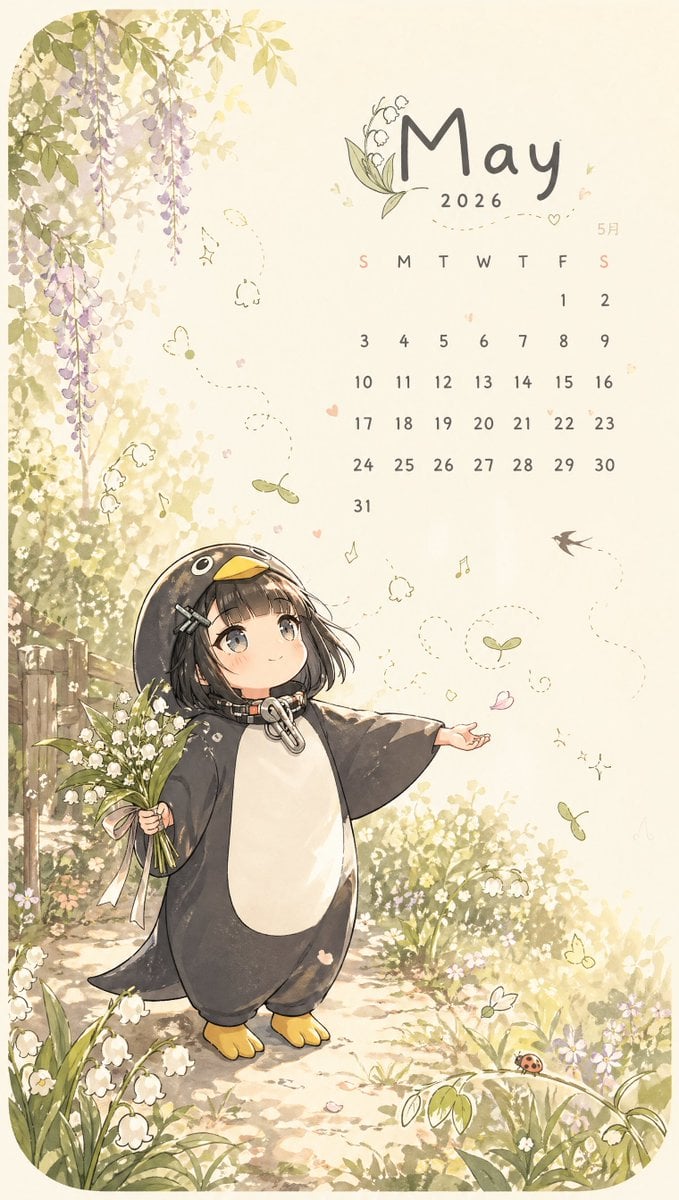
Whimsical May Spring Calendar
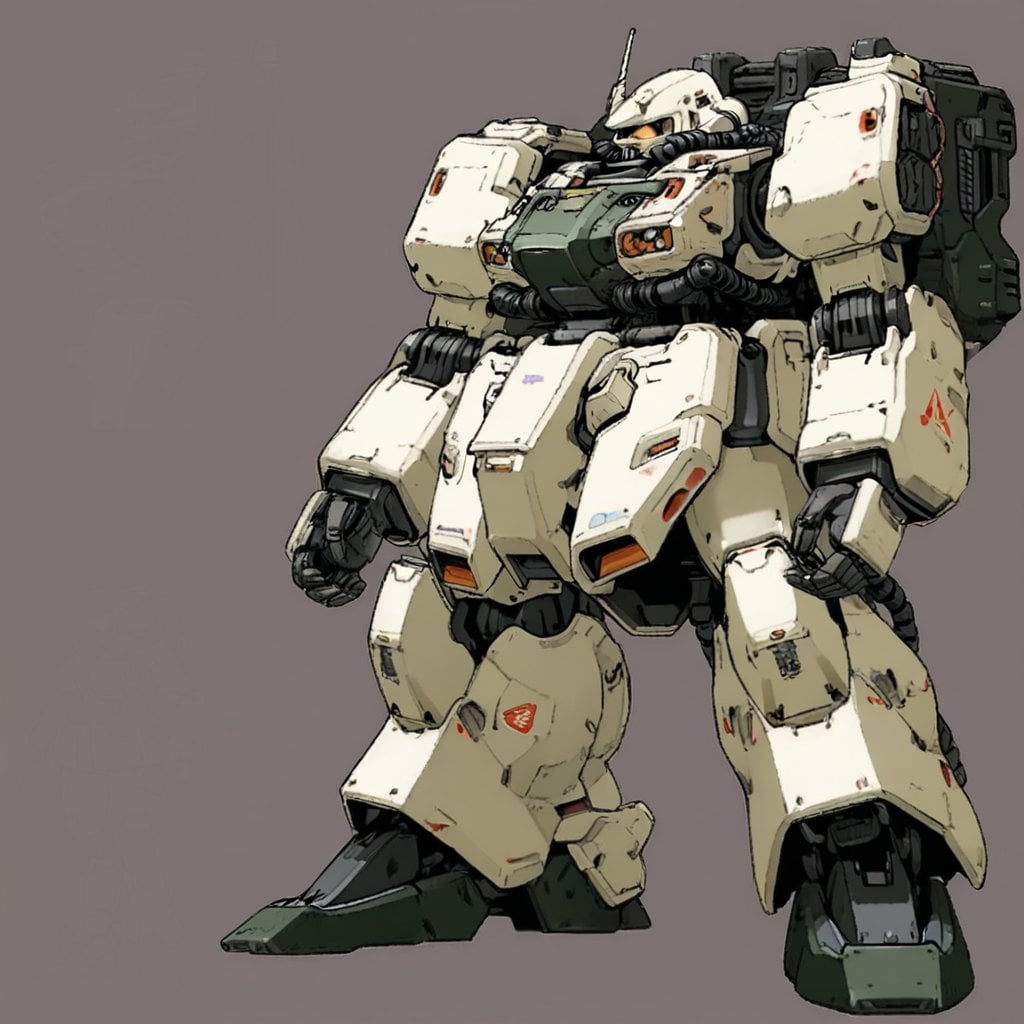
Image Generation Prompt: Internal Structure of a Robot

Luxury Lifestyle Portrait at Sunset

Mugshot AI Filter Trend Portrait Prompt
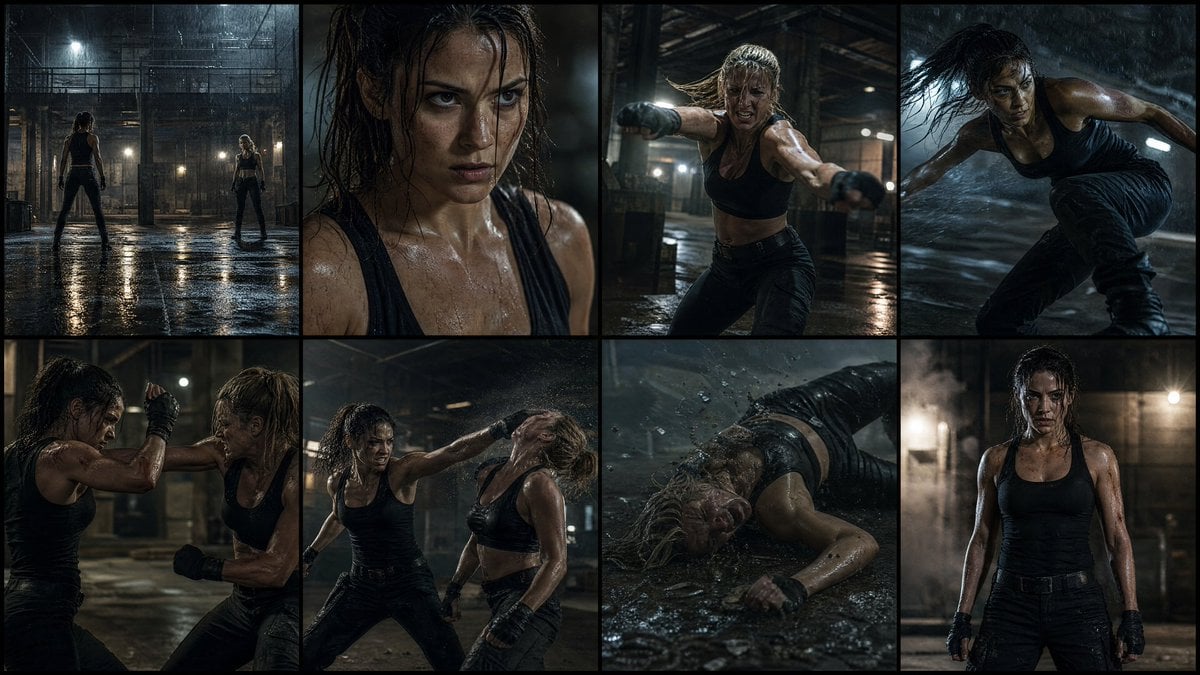
Cinematic Action Movie Storyboard

Cute Futuristic Platformer Scene
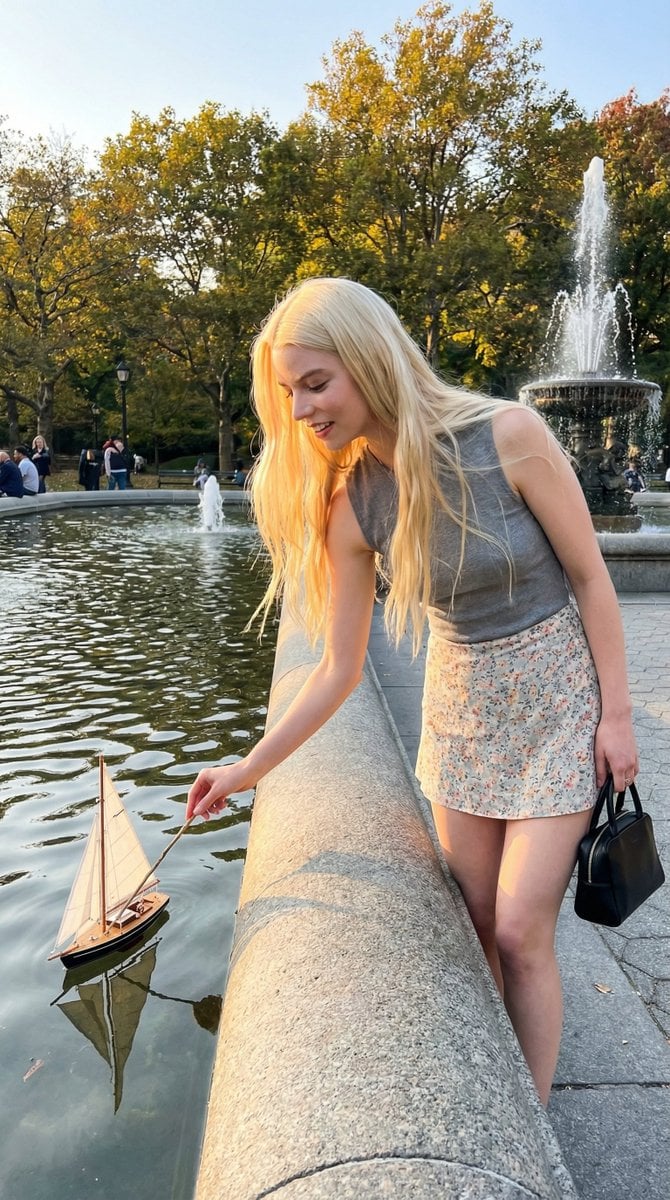
Park Fountain Lifestyle Photo with Sailboats
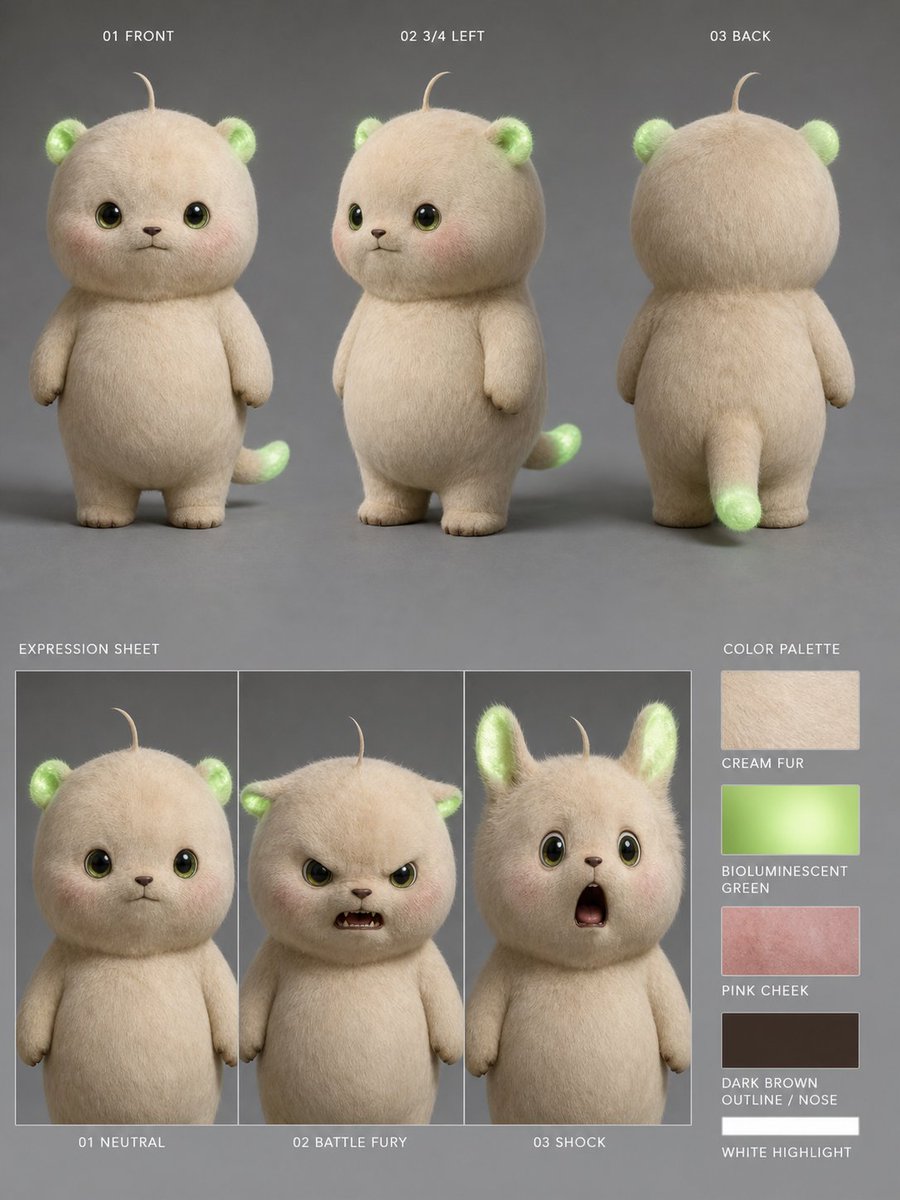
Bioluminescent Plush Creature Sheet

Romantic Beach Couple Closeup with Identity Preservation
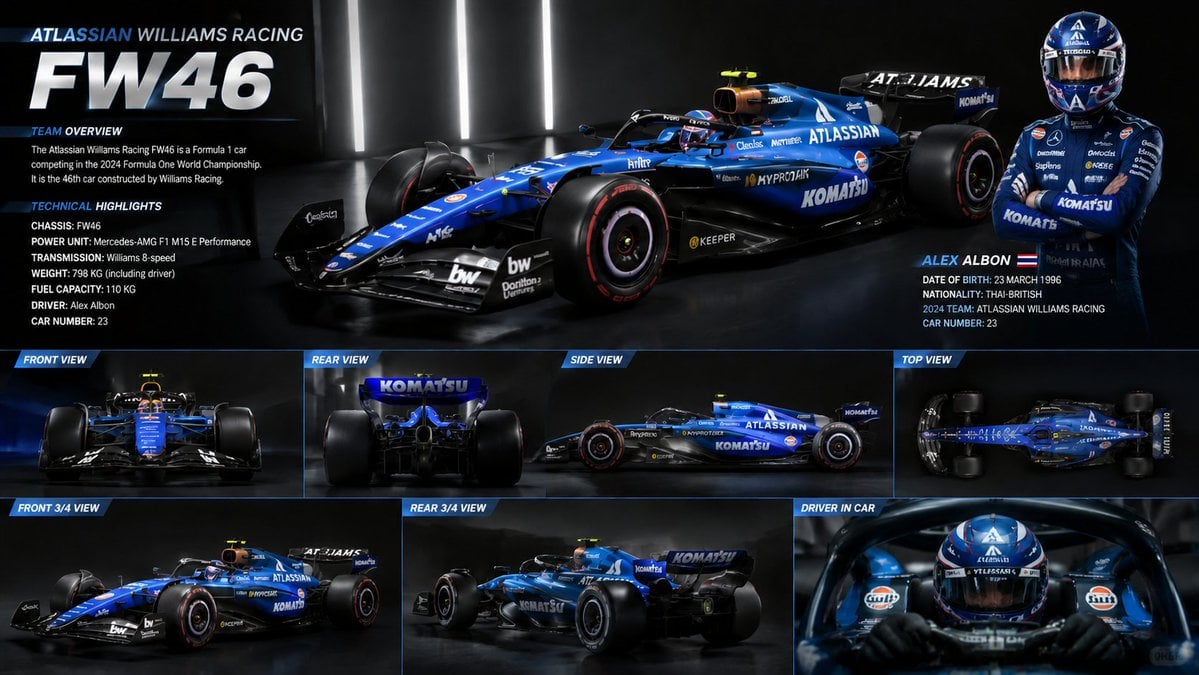
F1 Car Technical Design Sheet
Browse template categories
Floral Honey Milk Kakigori Café Scene questions
How do I use the Floral Honey Milk Kakigori Café Scene template?
Add your photo if the template asks for one, edit the prompt if you like — the template's model and format are already selected — and press Generate. Your version opens in PicX Studio.
Can I customize the Floral Honey Milk Kakigori Café Scene template?
Yes. You can change the subject, setting, lighting, mood, format, and available model controls before creating your image.
Is the Floral Honey Milk Kakigori Café Scene template free?
Opening and editing this template is free. Generating uses credits, shown on the Generate button when you are signed in.
Which AI model should I use?
Start with GPT Image 2, which is the model associated with this template. You can compare another compatible model for a different finish.
Looking for something else? Browse all templates.

Your photo, any look
Thousands of ready templates for every top image and video model, from one credit balance.