
Cinematic Action Movie Storyboard
An intensive prompt for generating a precise 8-panel action movie storyboard with dramatic lighting and gritty film tones, perfect for planning fight sequences.
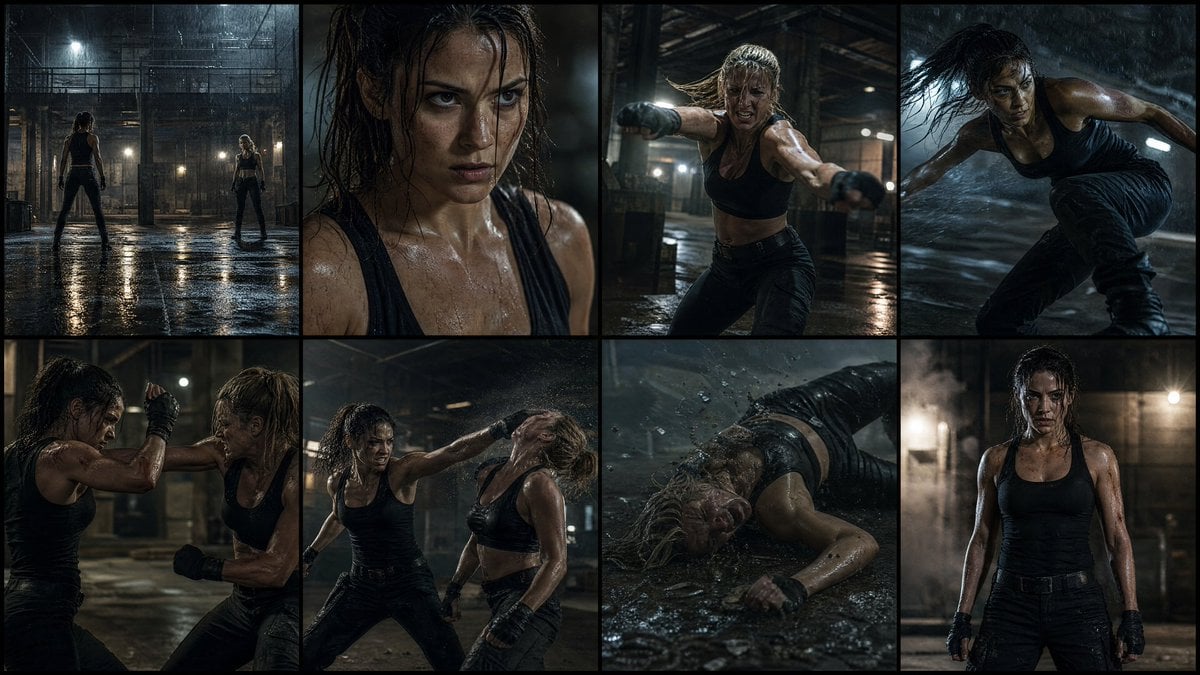
- Prompt included
- Model and format preset
- Free template
The prompt behind this image
Copy the exact prompt behind Cinematic Action Movie Storyboard, or open it in the studio and make it yours.
Create a high-quality 4K cinematic action movie storyboard with EXACTLY {argument name="panel count" default="8"} PANELS ONLY (no more, no less), showing a {argument name="protagonist" default="female protagonist"} in a realistic fight sequence where she wins. Use dramatic lighting, high contrast shadows, realistic environments ({argument name="location" default="abandoned warehouse, rooftop, or underground fight arena"}), and a gritty film tone. No text anywhere. The storyboard must include exactly these 8 scenes: Wide establishing shot of a dark, intense location (rain, dust, or low light atmosphere), both fighters facing each other Close-up of the woman’s focused expression, controlled breathing, tension building Opponent attacks first with aggressive movement (punch or kick) She narrowly dodges—dynamic motion, fast reaction, camera tracking Close combat exchange—blocks, counters, and impact moments with cinematic slow motion Turning point—she reads the opponent and lands a clean, powerful counter move Decisive takedown—opponent falls hard, dramatic impact, environment reacting (dust, water splash, etc.) Final frame—she stands strong and calm, slightly injured but dominant, looking forward under dramatic lighting, clear victory Use varied camera angles (wide, close-up, over-shoulder, low angle), realistic fight choreography, motion blur, and physical impact details. Tone should feel like a Hollywood action film, focusing on tension, realism, and character strength—not stylized or social media aesthetic. Strict rule: only 8 panels, no repetition, no extra frames.
How to use Cinematic Action Movie Storyboard in 3 steps
- 1
Open
The prompt is already in the box next to the preview, with the template's model and format selected.
- 2…a portrait of your subject in softgolden-hour light, 85mm…
Personalize
Edit the subject and creative details for your destination.
- 3Generate
Generate
Press Generate — your image is created in PicX Studio, so you can compare it with the original and refine one variable at a time.
More like this
Templates with the same subject, style or setup. Open one to see its prompt.
Seedance - Storyboard to Movie
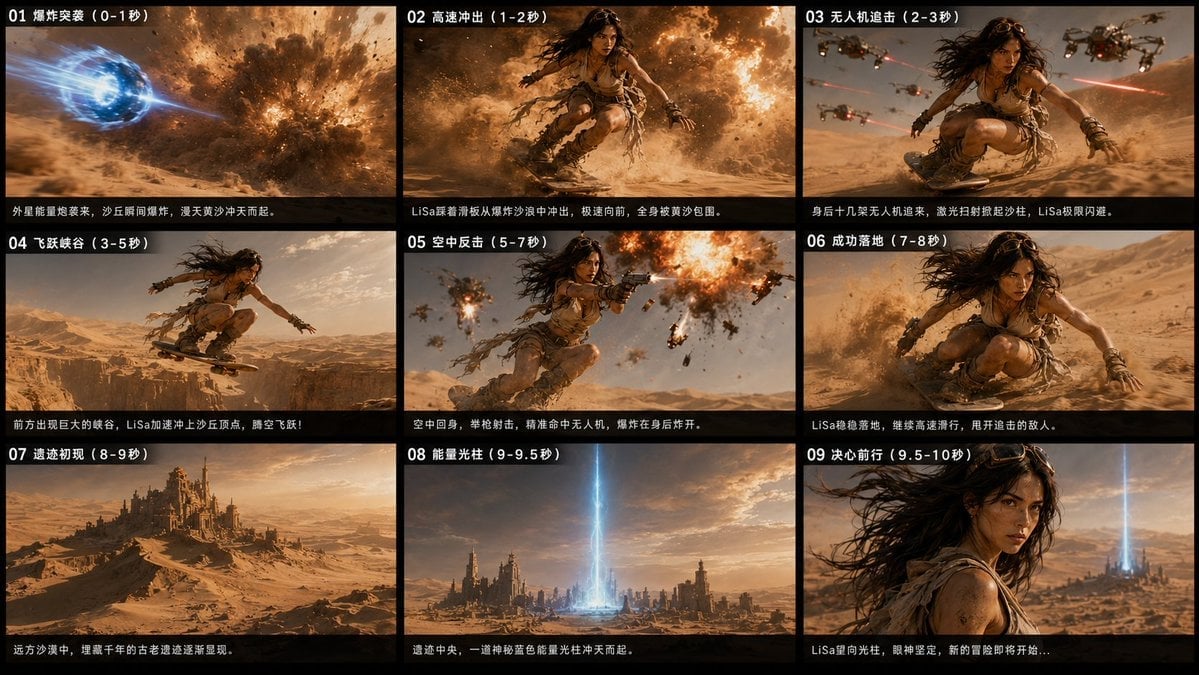
Desert Sci-Fi Action Storyboard

Venom SpongeBob Hyperreal Cinematic Mix

Hero Portrait Comic Multi-Panel Poster

Panning Motion Soccer Kick Poster
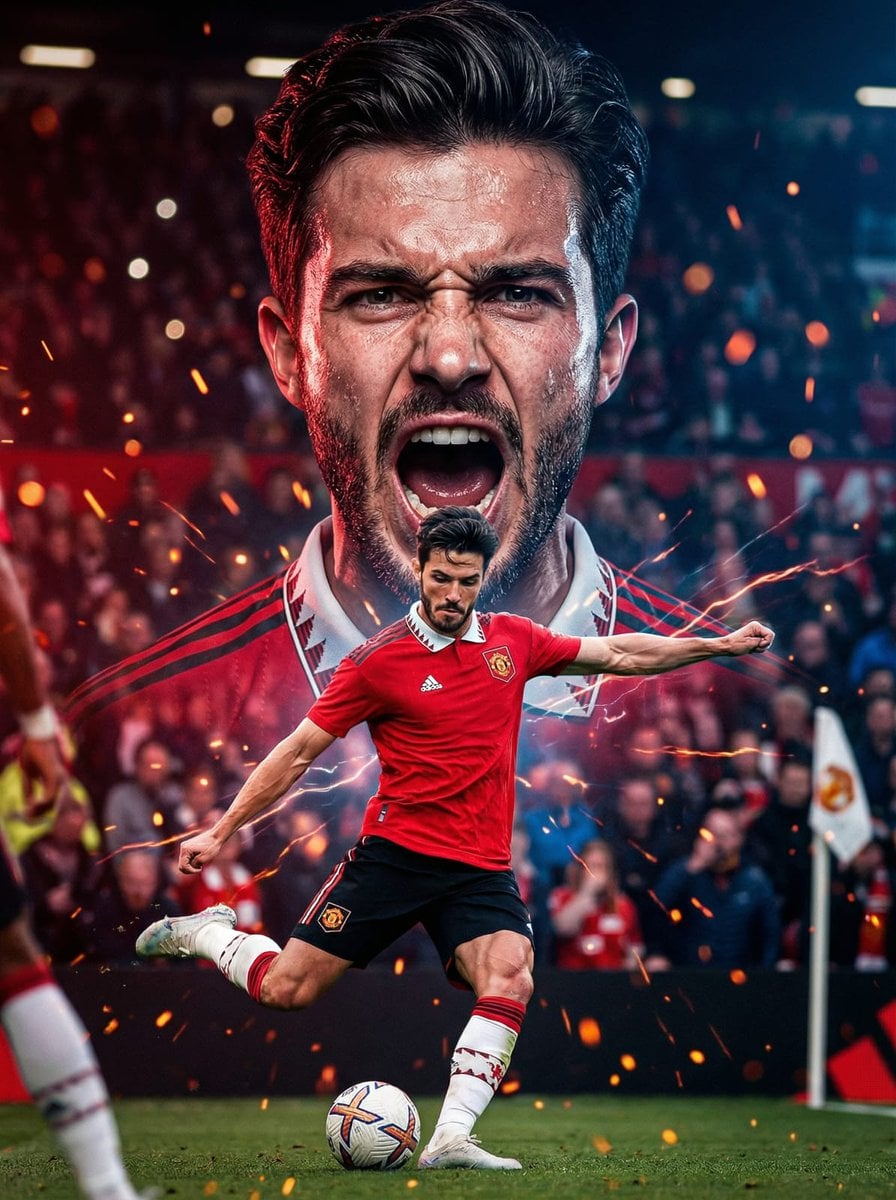
Dual Composition Hero Action Football Poster

Headphones Lifestyle Nine Panel Grid
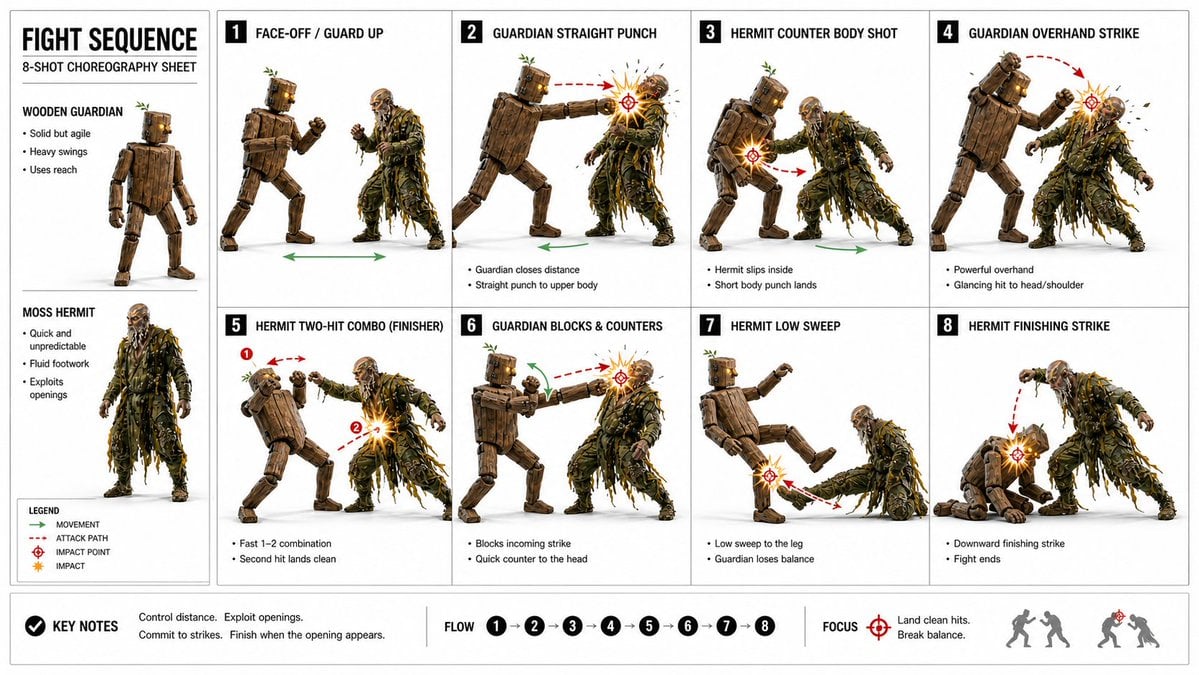
Action Storyboard Simplification
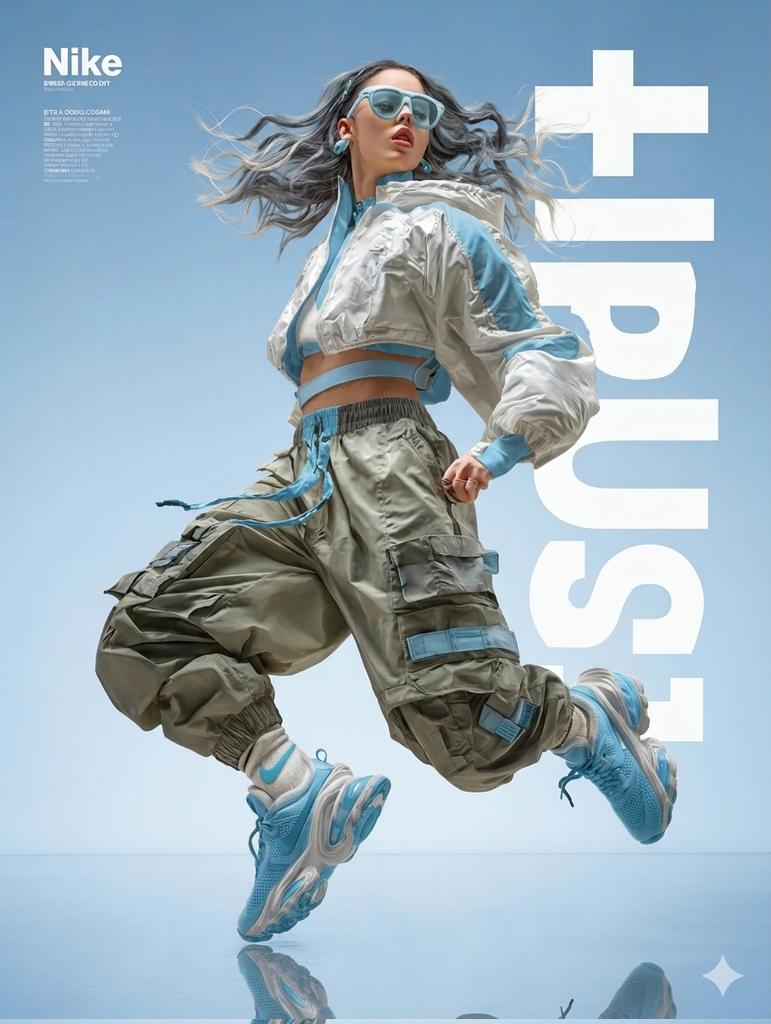
High Fashion Action Nike Nano Banana
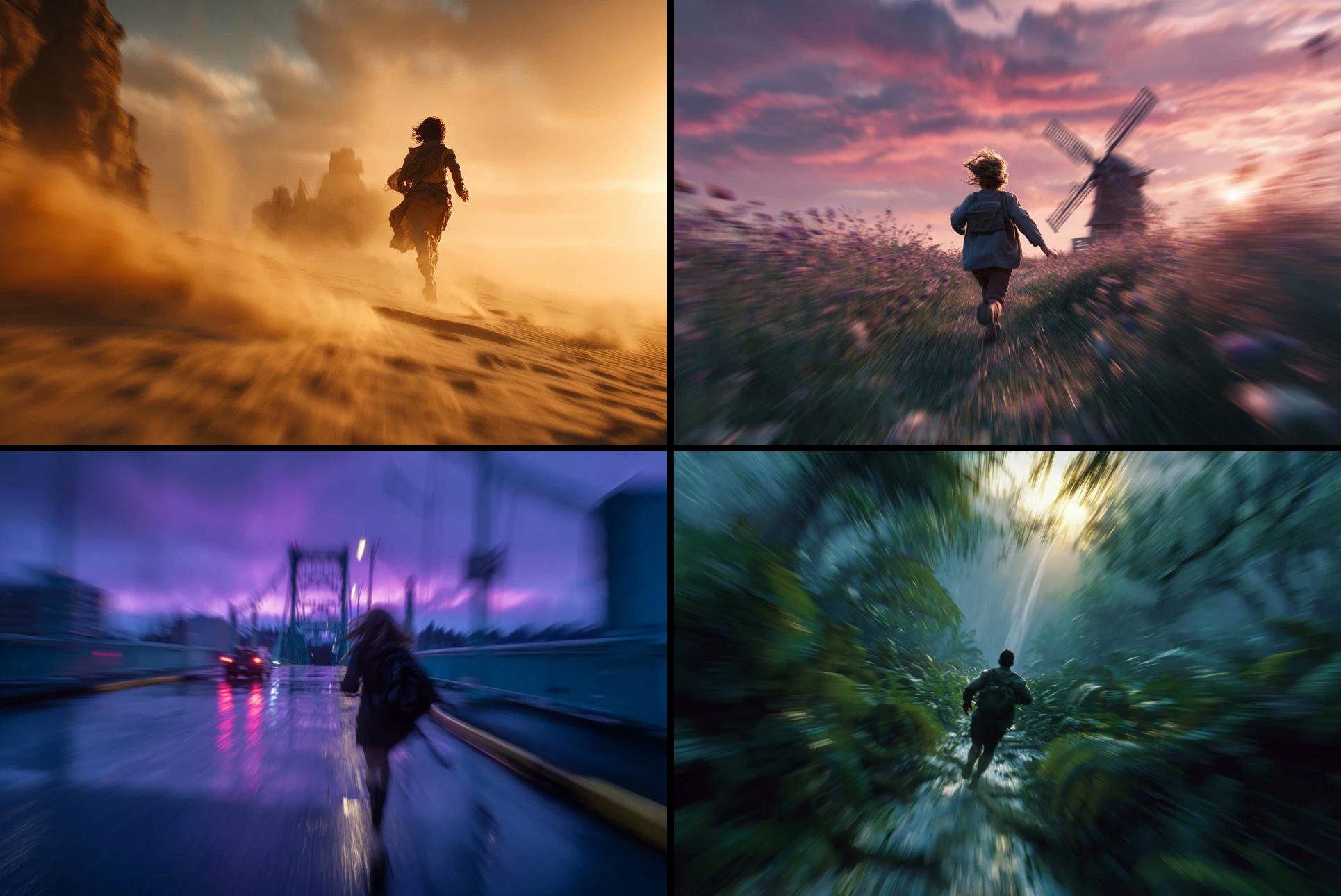
Freedom in Motion — Cinematic Sprint
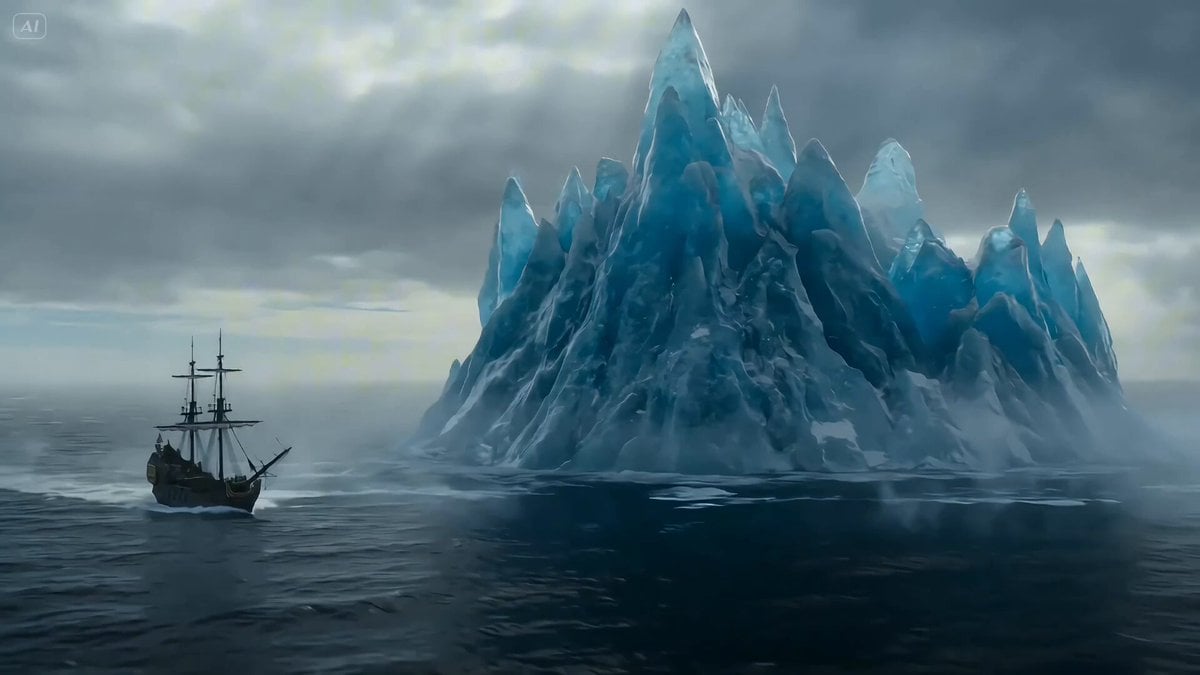
Ice Dragon and the Sailers - Seedance 2.0

Seedance 2.0 - Anime Girl Fight
Make it yours
Cinematic Action Movie Storyboard works as-is. These are the safest ways to change it without losing the look.
Change one field
Copy a single group, rewrite it, and generate again so you can see what that field is doing.
Keep the frame, change the subject
Hold the composition and light of Cinematic Action Movie Storyboard, then swap wardrobe, props or the person for a new take.
| If the result… | Why | Fix |
|---|---|---|
| The result drifts from the preview | Too many fields changed at once. | Reuse Cinematic Action Movie Storyboard as-is first, then change one group — subject, light, or setting. |
| The model over-stylizes the scene | The prose prompt leaves finish and camera underspecified. | Add one camera or lighting sentence and stay on GPT Image 2. |
More GPT Image 2 templates
Other prompts made for GPT Image 2.

Six VTuber Japanese Logo Sheet

Realistic Portrait of Woman and Deer

The Vista Modular Condo Poster

AI Model Routing Comparison Infographic

2.5D Anime Art Board

Isometric Productivity Desk Scene

New York Double Exposure Poster

Four-Panel AI Landscape Comparison

Japanese Tatami Lifestyle Magazine Cover

NESCAFÉ Coffee Map Poster
More image prompts
Fresh picks from across the catalog.
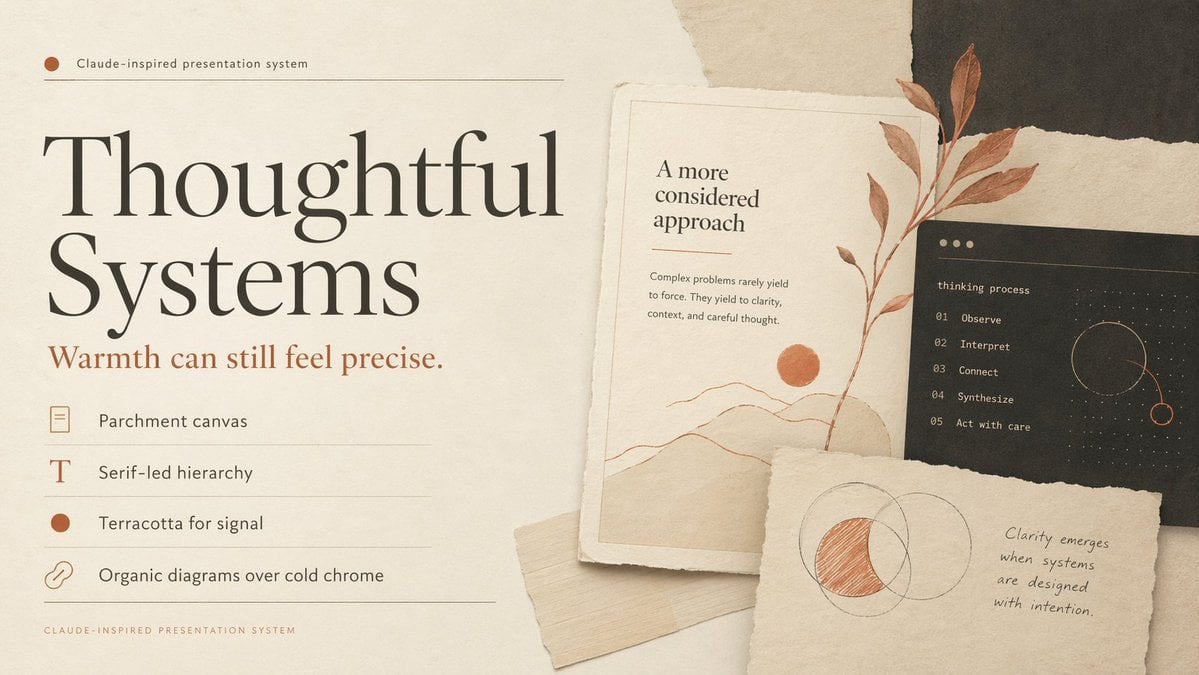
Thoughtful Systems Presentation Cover

Nano Banana Pro Pink Office Chibi
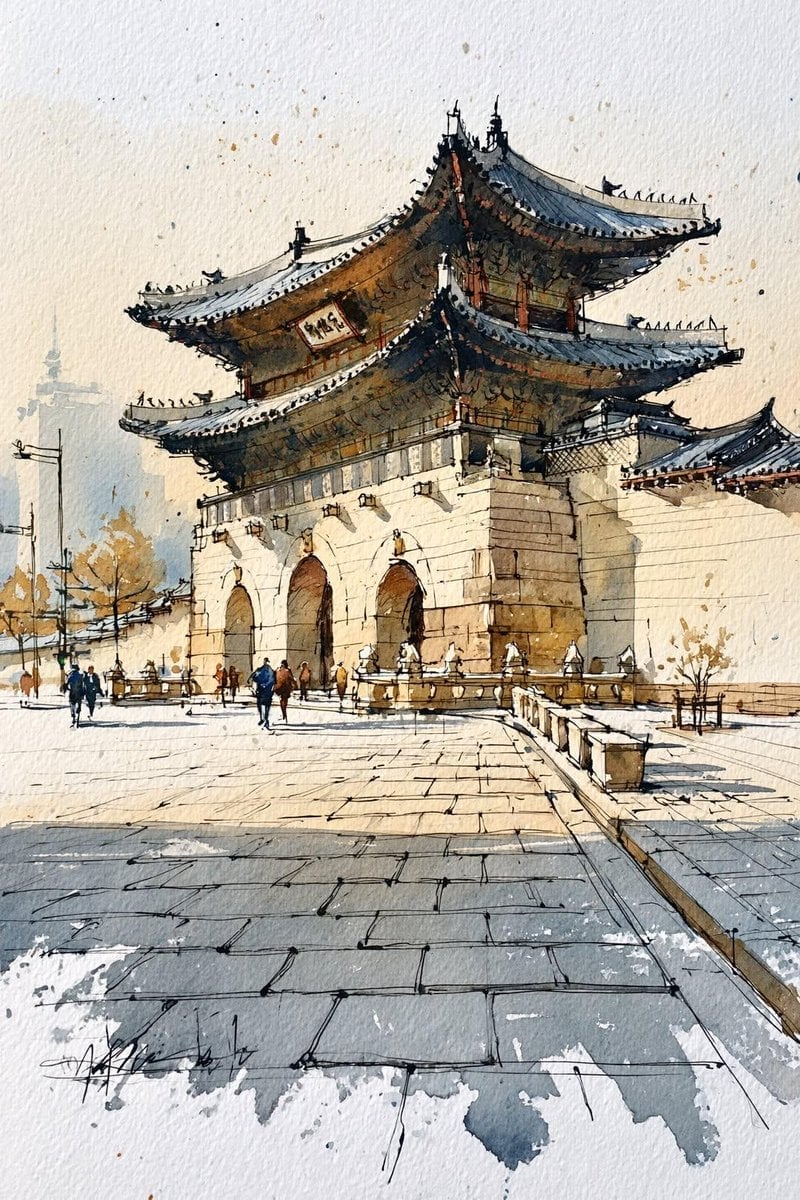
Korean Hanok Watercolor Sketch
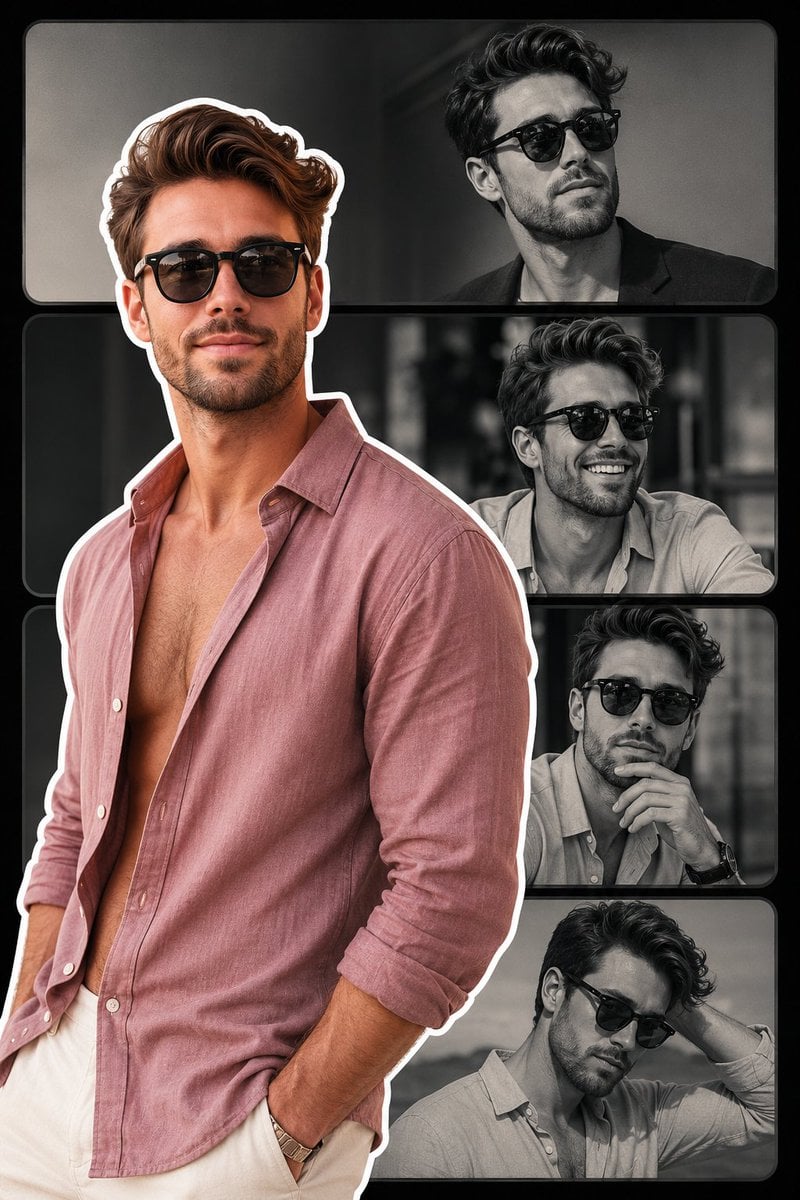
Fashion Collage Vertical Poster Design
Onion-Cutting Prompt (Text/LLM)
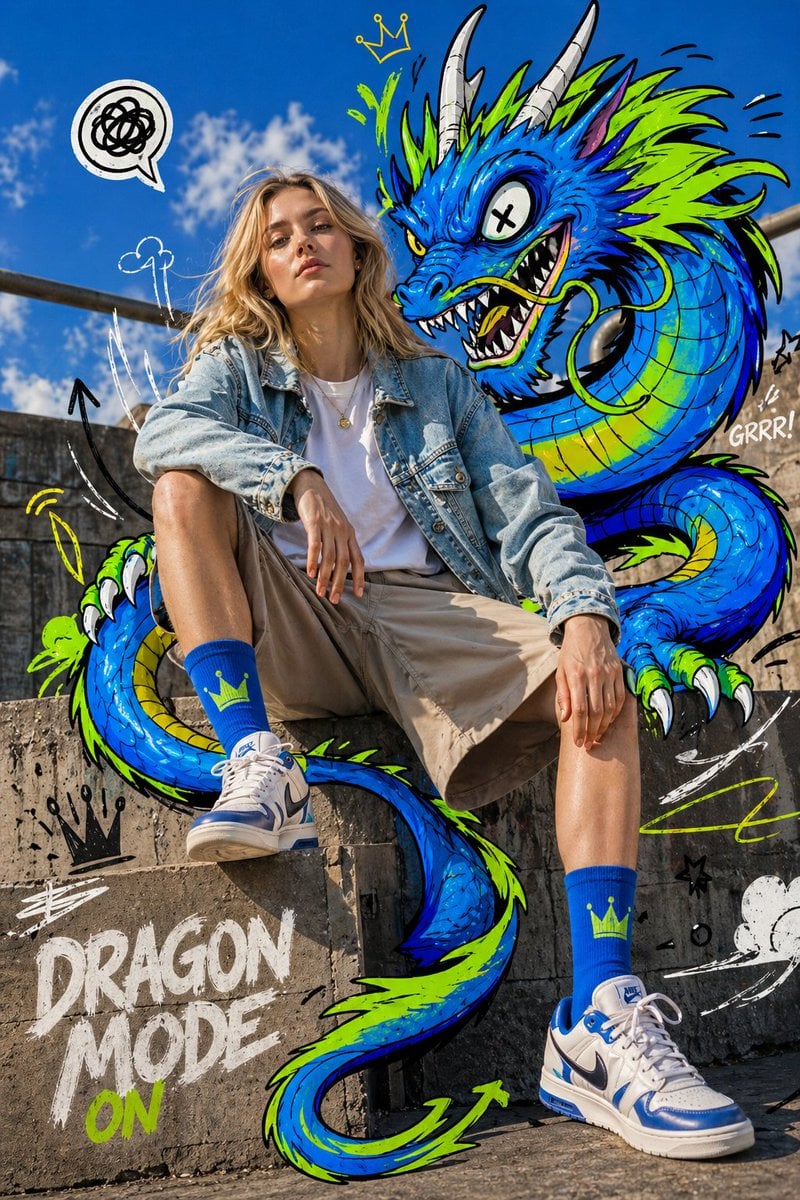
Mixed-Media Fashion Editorial

Ultra-Sharp 4K Selfie Portrait Prompt
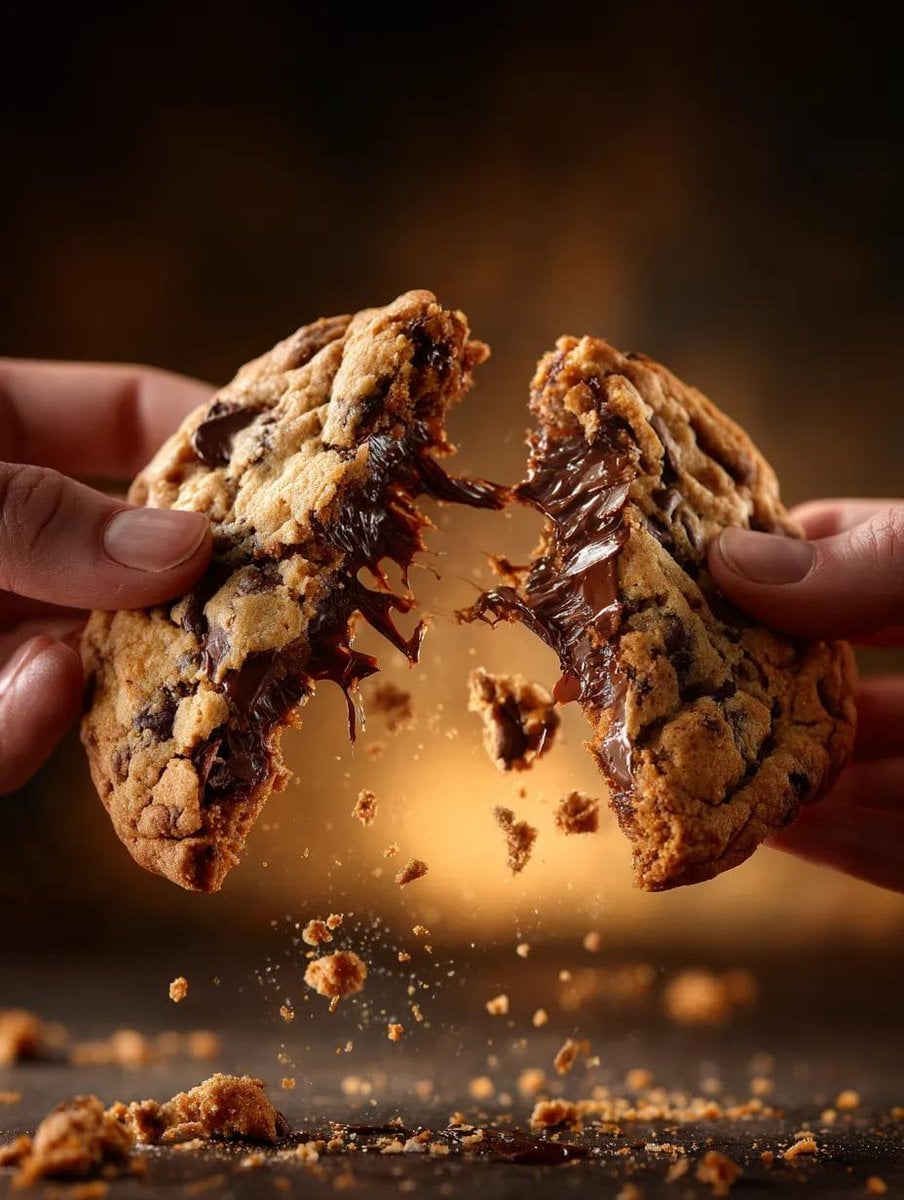
Food Action Photography Prompts for Melted Cheese and Gooey Textures
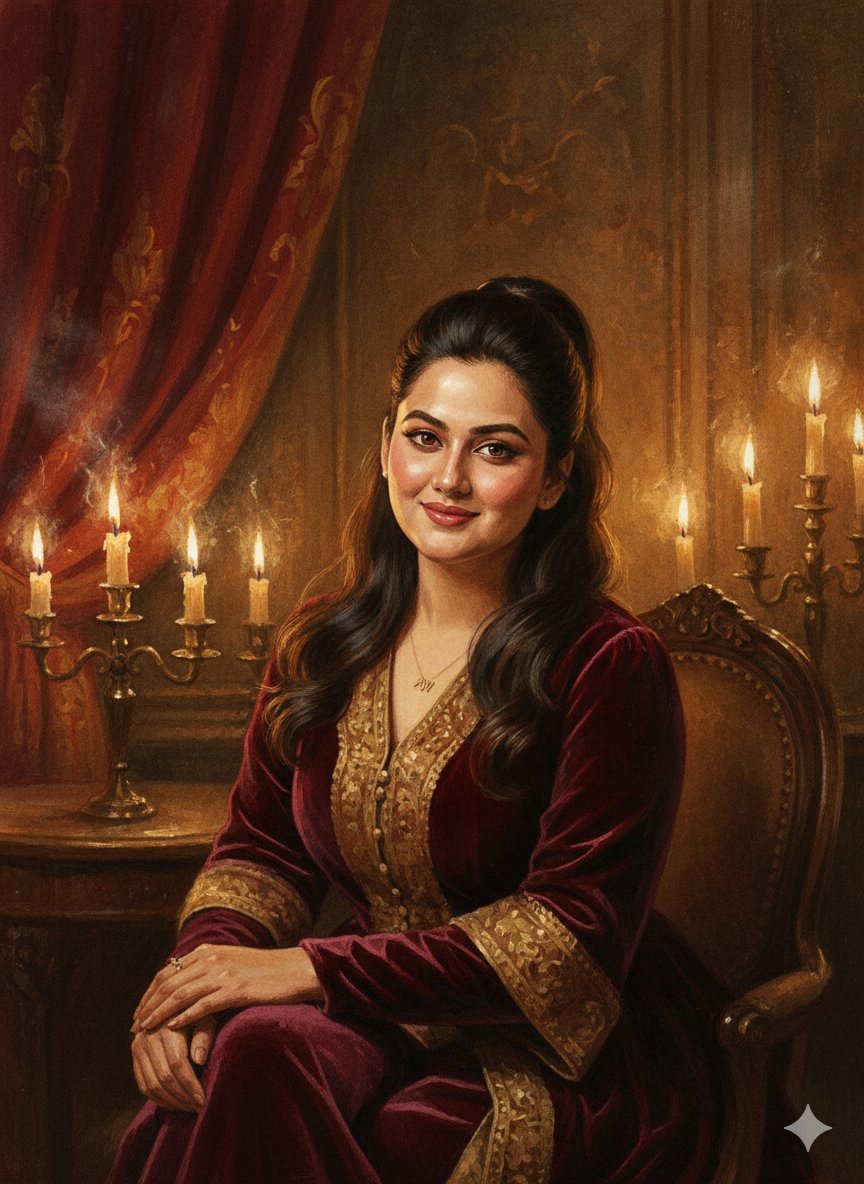
Baroque Candlelight Oil Painting Fusion (Image-to-Image)
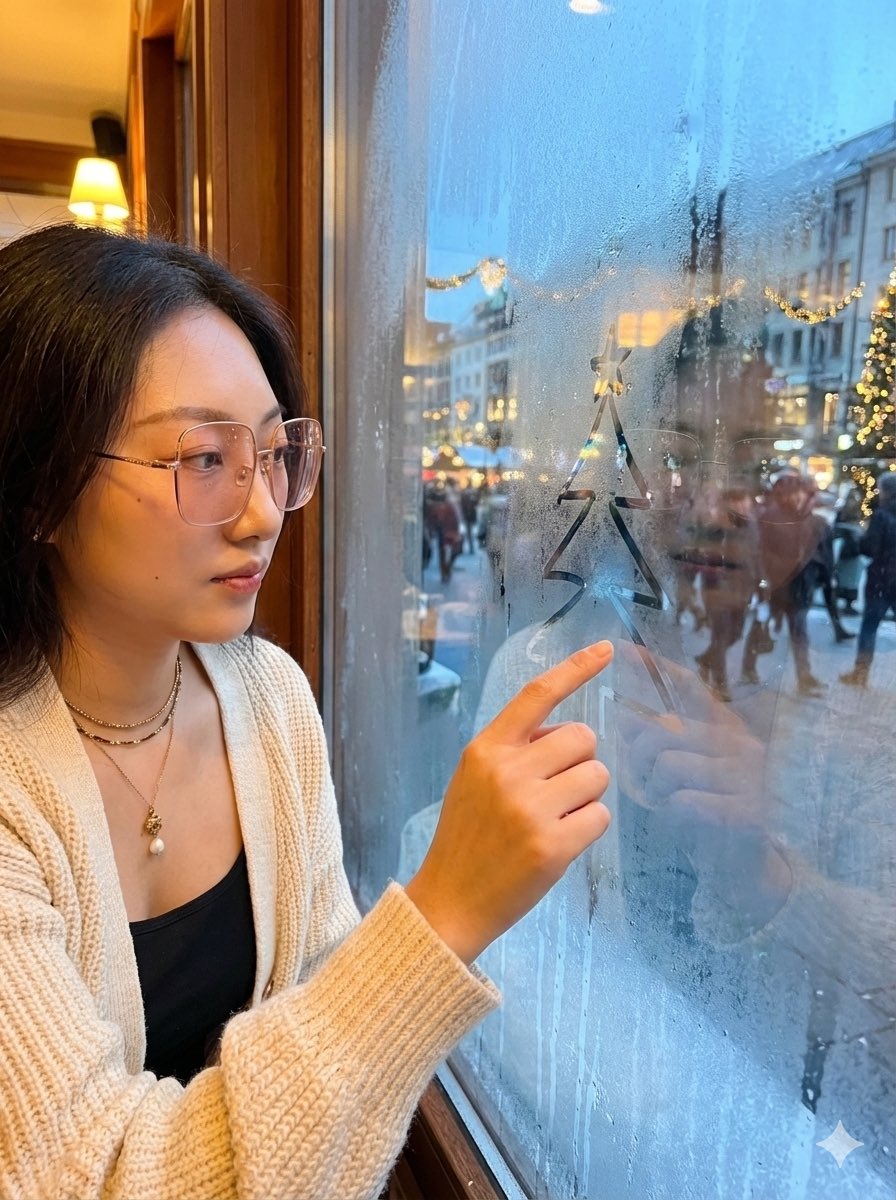
Christmas Window Condensation Doodle Portrait
Browse template categories
Cinematic Action Movie Storyboard questions
How do I use the Cinematic Action Movie Storyboard template?
Add your photo if the template asks for one, edit the prompt if you like — the template's model and format are already selected — and press Generate. Your version opens in PicX Studio.
Can I customize the Cinematic Action Movie Storyboard template?
Yes. You can change the subject, setting, lighting, mood, format, and available model controls before creating your image.
Is the Cinematic Action Movie Storyboard template free?
Opening and editing this template is free. Generating uses credits, shown on the Generate button when you are signed in.
Which AI model should I use?
Start with GPT Image 2, which is the model associated with this template. You can compare another compatible model for a different finish.
Looking for something else? Browse all templates.

Your photo, any look
Thousands of ready templates for every top image and video model, from one credit balance.