
Thoughtful Systems Presentation Cover
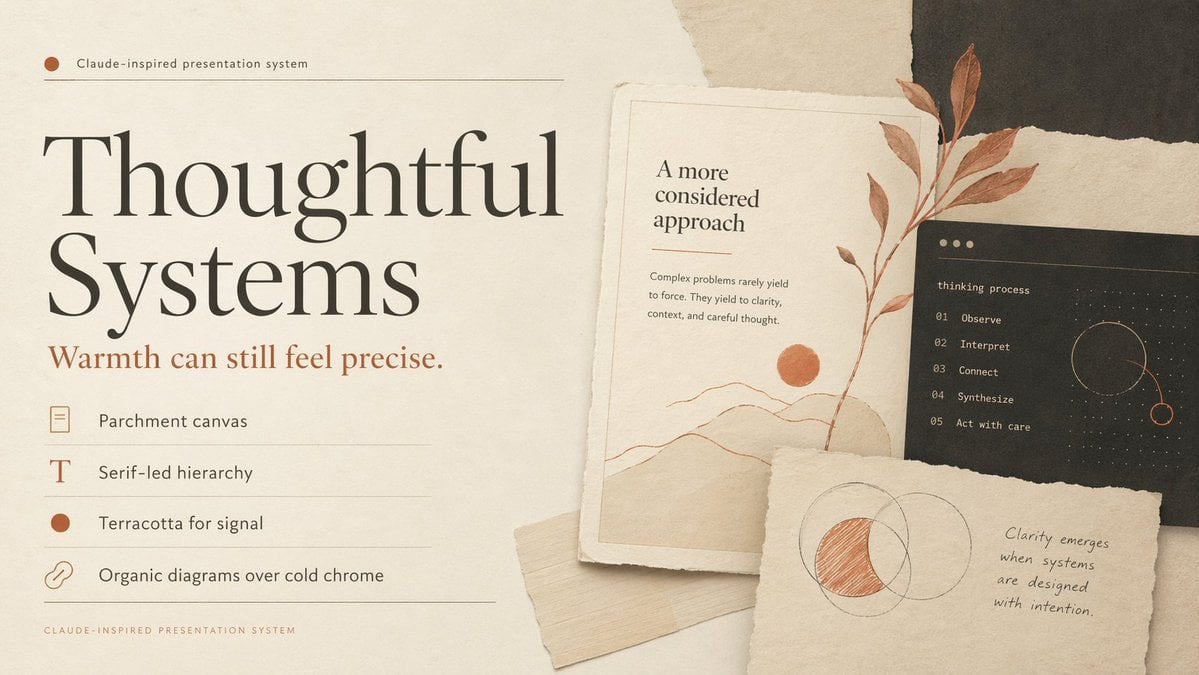
A warm editorial slide cover for AI or product design presentations, using parchment textures, serif typography, and terracotta-accented collage cards.
- Prompt included
- Model and format preset
- Free template
The prompt behind this image
Copy the exact prompt behind Thoughtful Systems Presentation Cover, or open it in the studio and make it yours.
Create a refined editorial presentation cover slide in a warm, Claude-inspired design system. Use a landscape 16:9 composition with a parchment-paper background, subtle paper grain, soft shadows, and layered torn-paper collage elements. The overall palette should be warm ivory, cream, sand, charcoal, muted black, and terracotta accent. On the left half, place a small top label reading "{argument name="system label" default="Claude-inspired presentation system"}" with a small terracotta dot and a thin horizontal divider line. Below it, set an oversized elegant high-contrast serif headline in black that reads "{argument name="main headline" default="Thoughtful Systems"}", split across two lines and dominating the left side. Under the headline, add a smaller serif subheadline in terracotta reading "{argument name="subheadline" default="Warmth can still feel precise."}". Beneath that, create a vertical list of exactly 4 design principles, each on its own row with thin divider lines and a small icon at left: 1) a rectangular parchment-sheet icon with the text "Parchment canvas", 2) a serif capital T icon with the text "Serif-led hierarchy", 3) a filled terracotta circle icon with the text "Terracotta for signal", 4) a chain-link icon with the text "Organic diagrams over cold chrome". Add a tiny footer caption at bottom left reading "CLAUDE-INSPIRED PRESENTATION SYSTEM" in spaced small caps. On the right half, build a layered collage of exactly 3 paper cards: first, a tall off-white art card with a fine border containing the heading "A more considered approach", a short body paragraph about complex problems yielding to clarity, a minimal landscape line drawing with a terracotta sun, and a vertical terracotta botanical branch overlapping the card; second, a dark charcoal rectangular card partially behind it with the lowercase title "thinking process" and an exact 5-step numbered list: "01 Observe", "02 Interpret", "03 Connect", "04 Synthesize", "05 Act with care", plus a delicate circular orbital diagram in dotted lines and terracotta highlight; third, a torn off-white note card in front near the bottom with a hand-drawn overlapping-circles diagram where one crescent-shaped intersection area is shaded in terracotta, alongside a handwritten quote reading "{argument name="quote" default="Clarity emerges when systems are designed with intention."}". Include one extra light beige paper strip tucked beneath the lower cards. Emphasize tactile realism, elegant negative space, print-editorial sophistication, soft natural lighting, and a calm, thoughtful luxury-tech mood.
How to use Thoughtful Systems Presentation Cover in 3 steps
- 1Upload ImagePNG, JPG or paste
Add your photo
Upload the photo the template builds on. The prompt, model and format are already set.
- 2…a portrait of your subject in softgolden-hour light, 85mm…
Personalize
Edit the subject and creative details for your destination.
- 3Generate
Generate
Press Generate — your image is created in PicX Studio, so you can compare it with the original and refine one variable at a time.
More like this
Templates with the same subject, style or setup. Open one to see its prompt.
Animation Style - Framer Motion
Animation Style - Framer Motion v2
Animation Style - Framer Motion

Premium 4 3 presentation cover slide introducing Chronicle
Apple-Style Minimal Presentation Cover
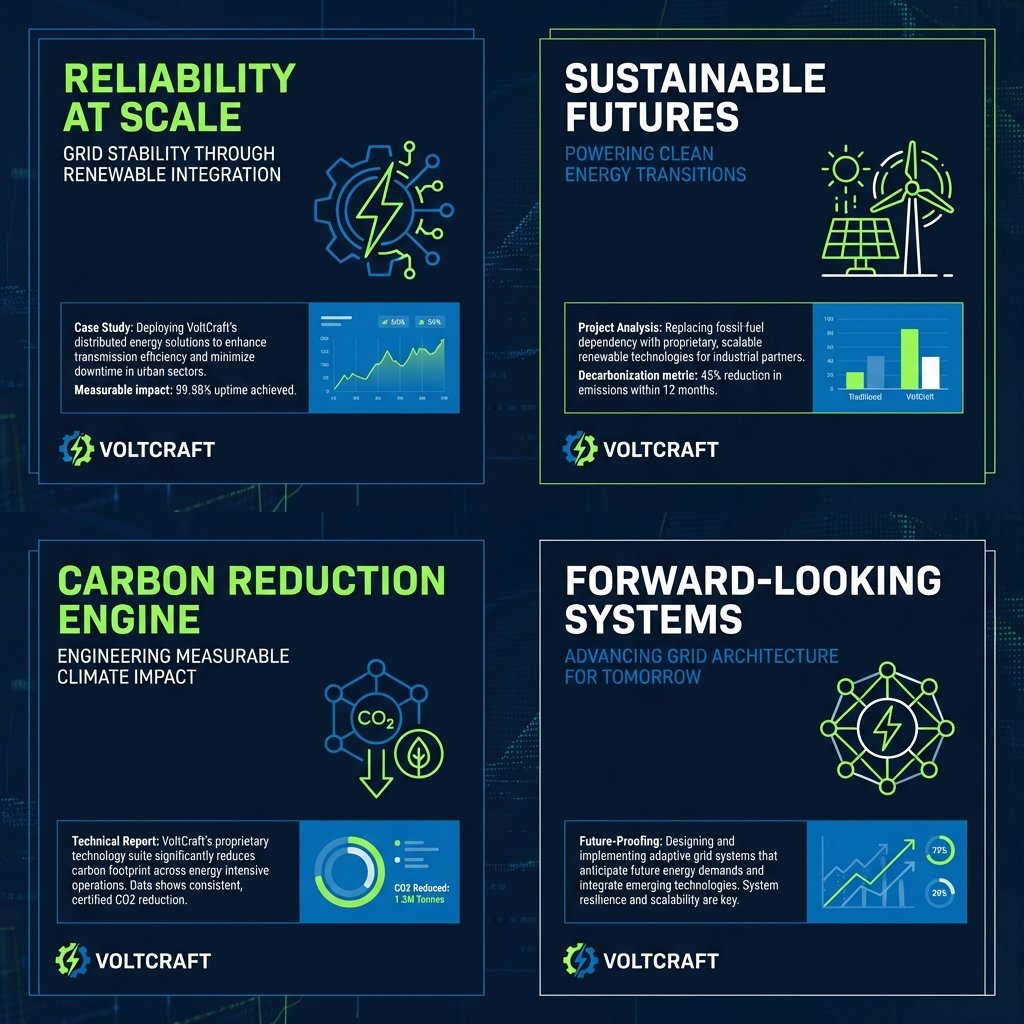
Consulting-Grade Presentation Cover Visual Prompt

Cinematic Thoughtful Man Portrait
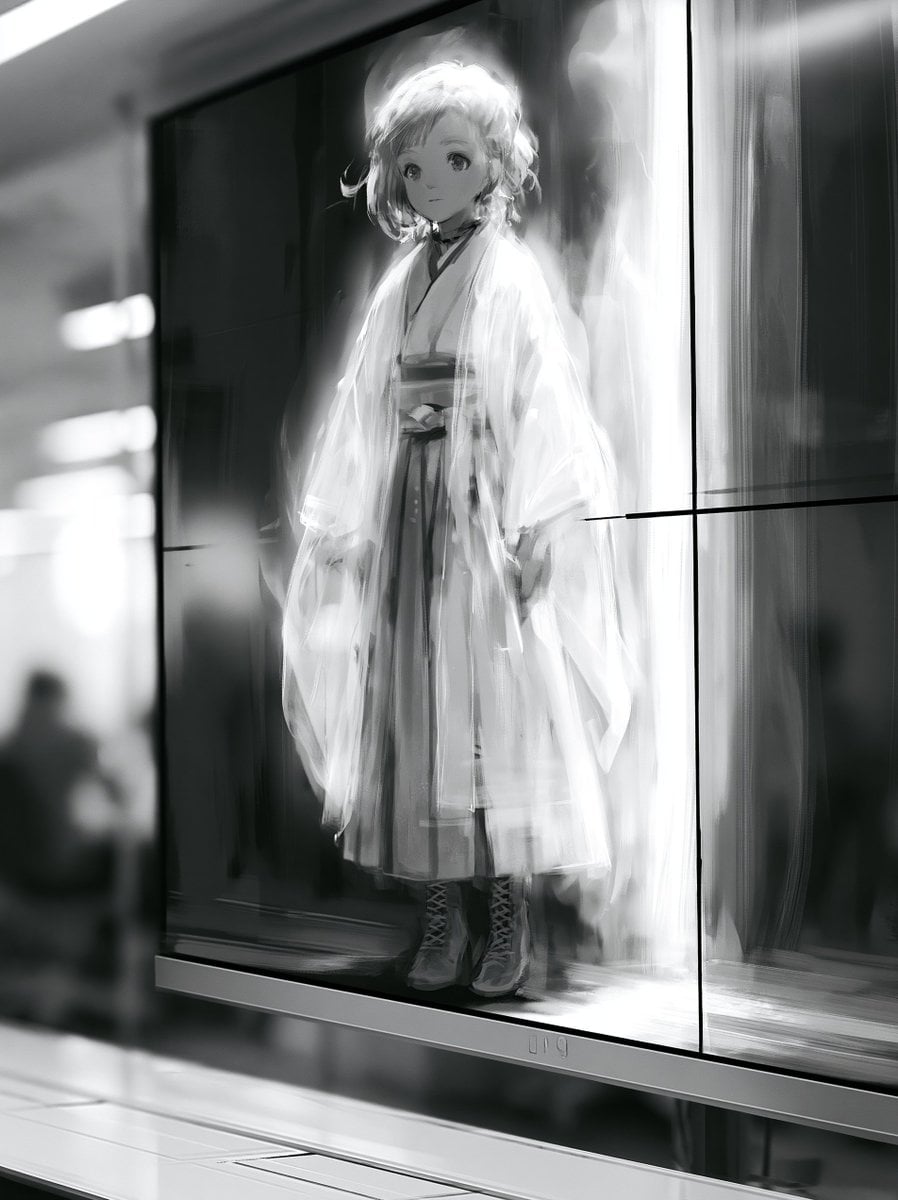
Taisho Era Girl Remote Work Presentation

Taisho Romance Girl Presentation Revised
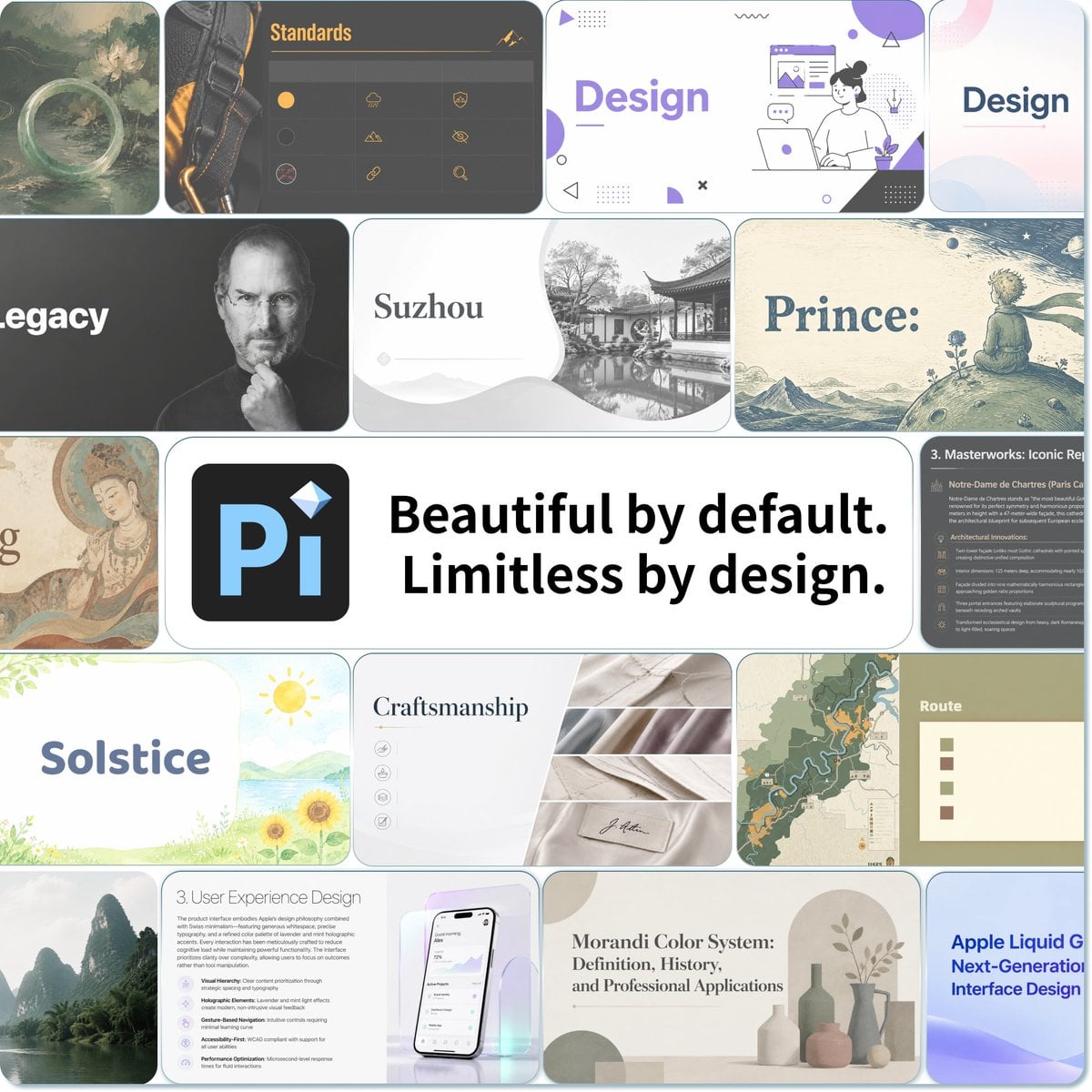
Pi Presentation Template Collage
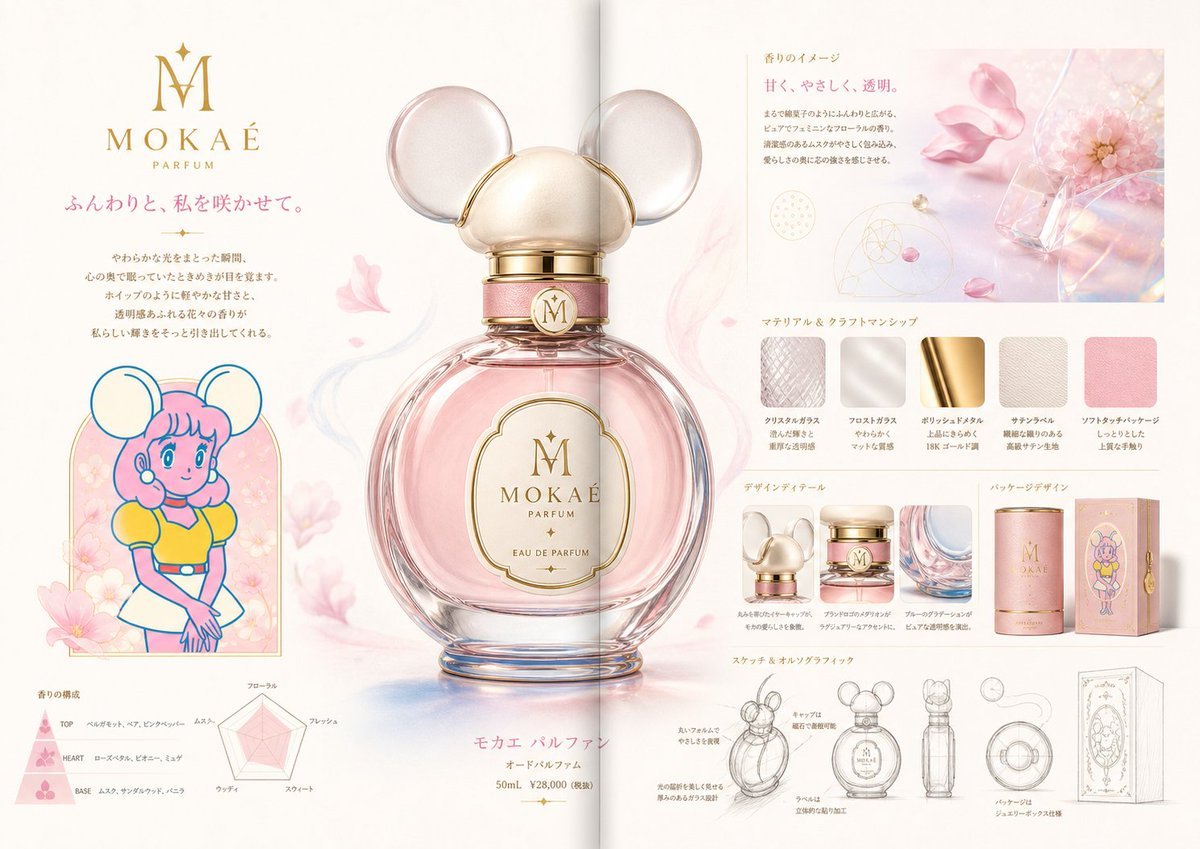
Luxury Perfume Presentation Board
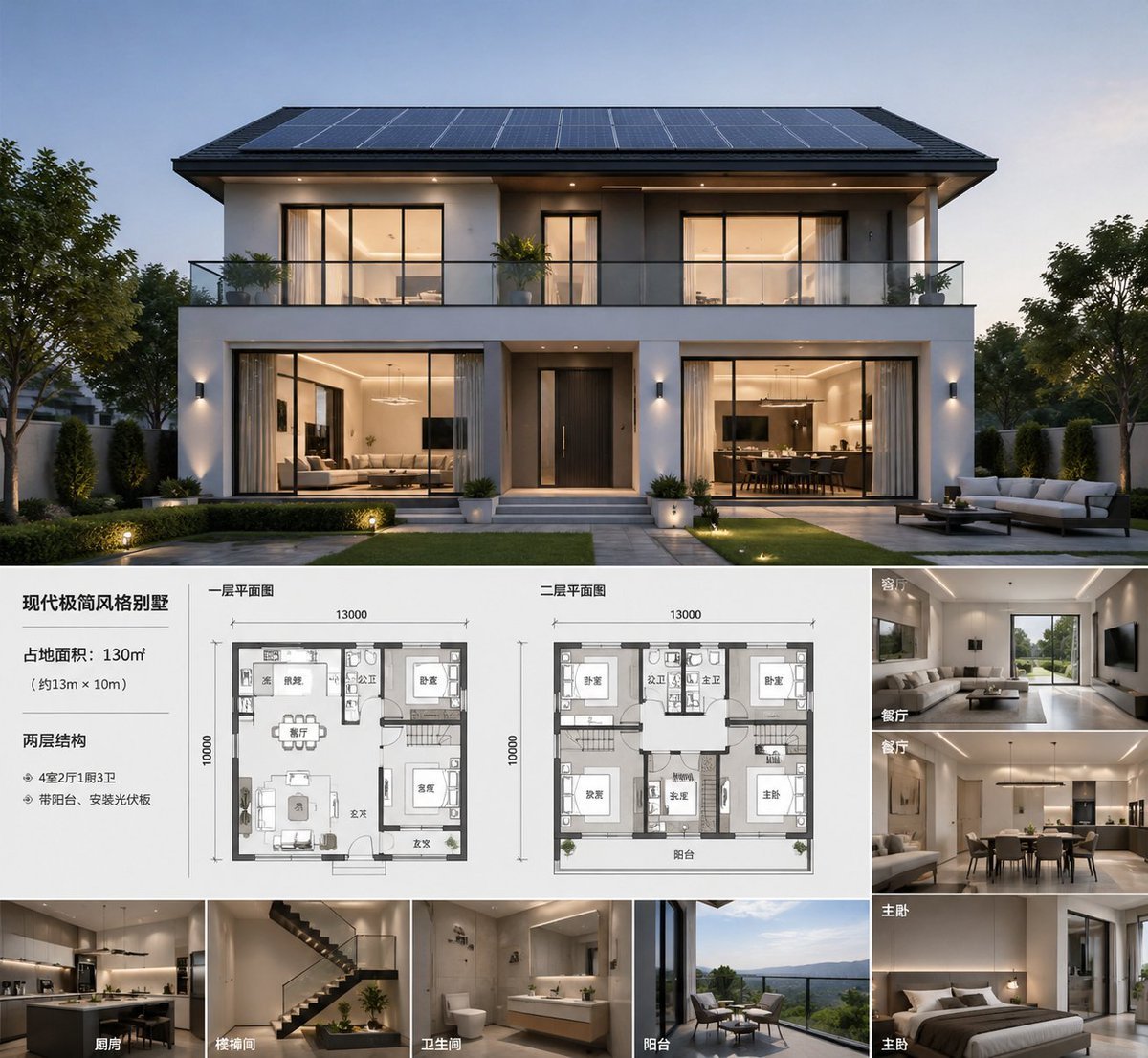
Modern Villa Architecture Presentation Board
Make it yours
Thoughtful Systems Presentation Cover works as-is. These are the safest ways to change it without losing the look.
Change one field
Copy a single group, rewrite it, and generate again so you can see what that field is doing.
Keep the frame, change the subject
Hold the composition and light of Thoughtful Systems Presentation Cover, then swap wardrobe, props or the person for a new take.
| If the result… | Why | Fix |
|---|---|---|
| The result drifts from the preview | Too many fields changed at once. | Reuse Thoughtful Systems Presentation Cover as-is first, then change one group — subject, light, or setting. |
| The model over-stylizes the scene | The prose prompt leaves finish and camera underspecified. | Add one camera or lighting sentence and stay on GPT Image 2. |
More GPT Image 2 templates
Other prompts made for GPT Image 2.

Six VTuber Japanese Logo Sheet

Realistic Portrait of Woman and Deer

The Vista Modular Condo Poster

AI Model Routing Comparison Infographic

2.5D Anime Art Board

Isometric Productivity Desk Scene

New York Double Exposure Poster

Four-Panel AI Landscape Comparison

Japanese Tatami Lifestyle Magazine Cover

NESCAFÉ Coffee Map Poster
More image prompts
Fresh picks from across the catalog.
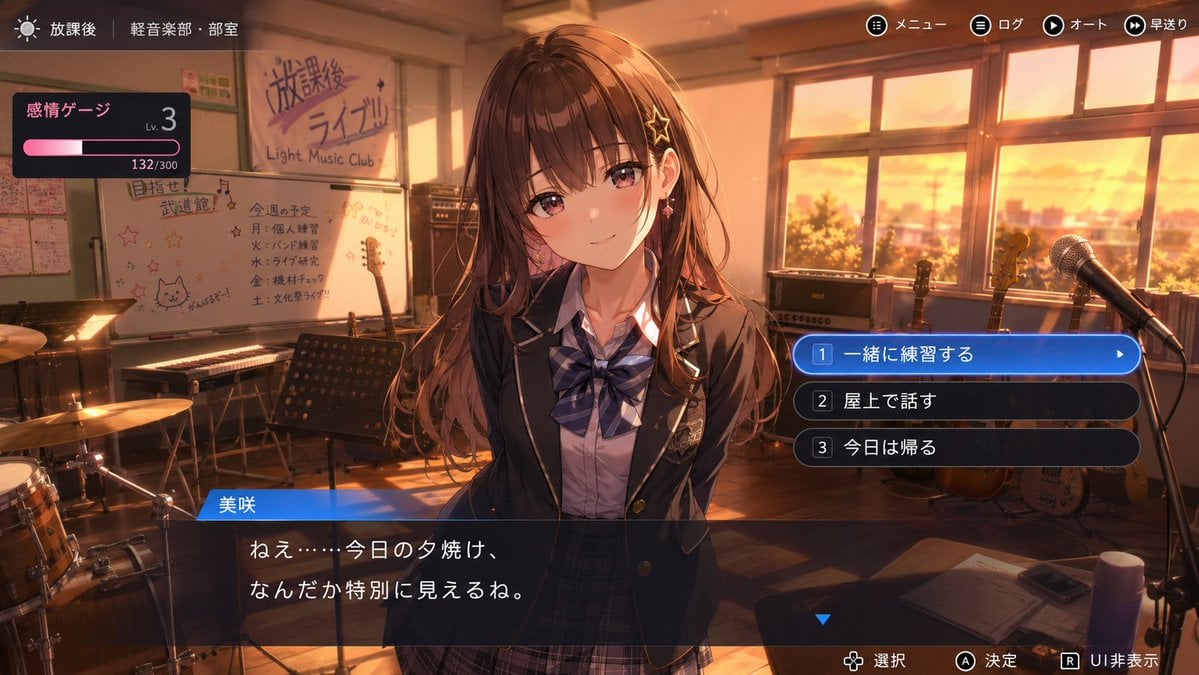
Anime Adventure Game UI

Retro 70s Coquette Selfie Portrait

Encyclopedia of Flavor Diorama Generator
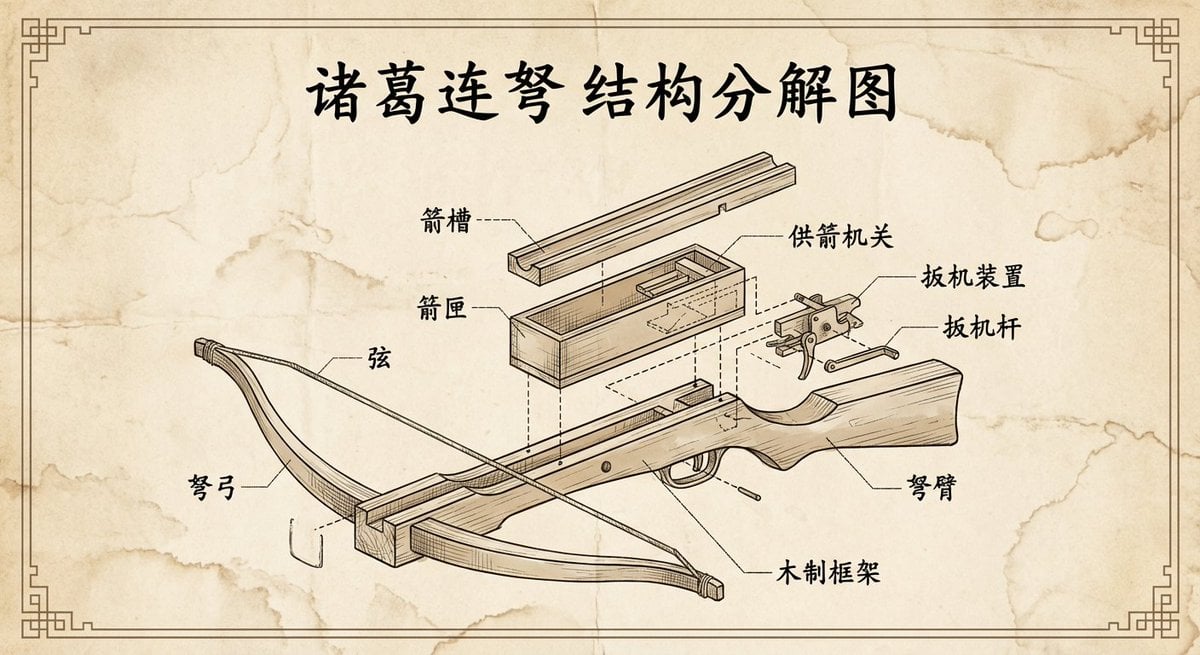
Vintage engineering exploded view of Zhuge repeating crossbow
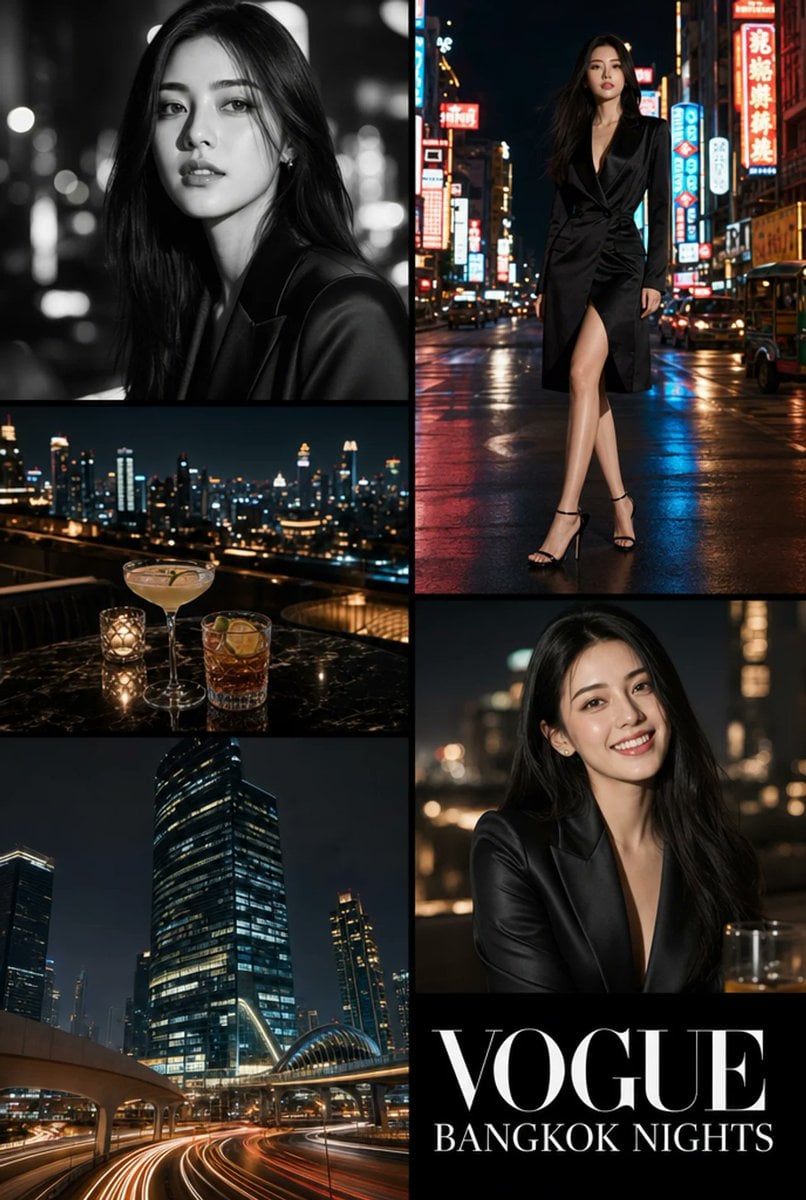
Vogue Bangkok Nights Collage
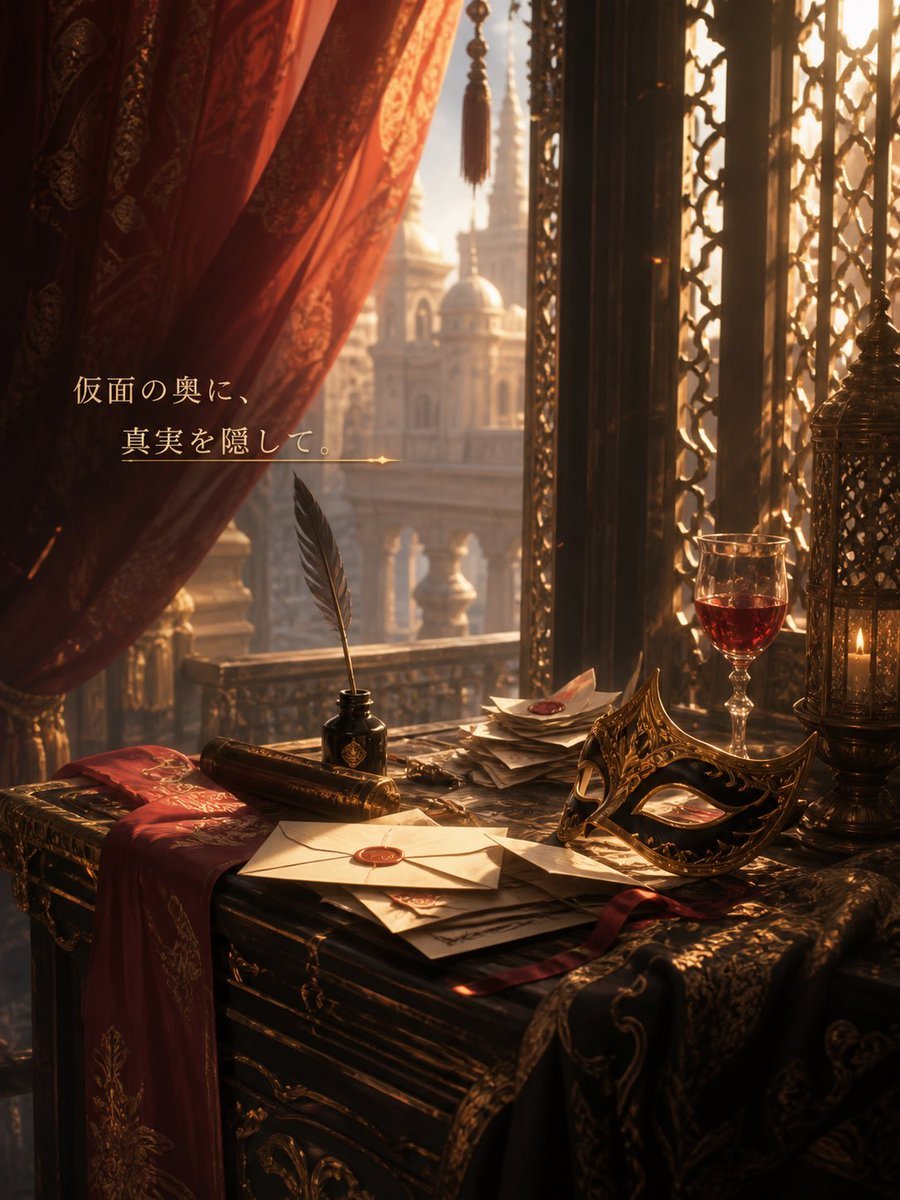
Masquerade Palace Wallpaper

Hyperrealistic Aviator Portrait

Romantic Paper-Cut Couple Portrait

Gpt2 Youtube Thumbnail Purple Anime Yuri Banner

Fashion Editorial Prompt in Lemon Green Studio
Browse template categories
Thoughtful Systems Presentation Cover questions
How do I use the Thoughtful Systems Presentation Cover template?
Add your photo if the template asks for one, edit the prompt if you like — the template's model and format are already selected — and press Generate. Your version opens in PicX Studio.
Can I customize the Thoughtful Systems Presentation Cover template?
Yes. You can change the subject, setting, lighting, mood, format, and available model controls before creating your image.
Is the Thoughtful Systems Presentation Cover template free?
Opening and editing this template is free. Generating uses credits, shown on the Generate button when you are signed in.
Which AI model should I use?
Start with GPT Image 2, which is the model associated with this template. You can compare another compatible model for a different finish.
Looking for something else? Browse all templates.

Your photo, any look
Thousands of ready templates for every top image and video model, from one credit balance.