
Apple-Style Minimal Presentation Cover
This prompt generates a sleek Apple-inspired presentation title slide with editorial typography and a floating black-glass product object, ideal for keynote covers, pitch decks, and design system presentations.
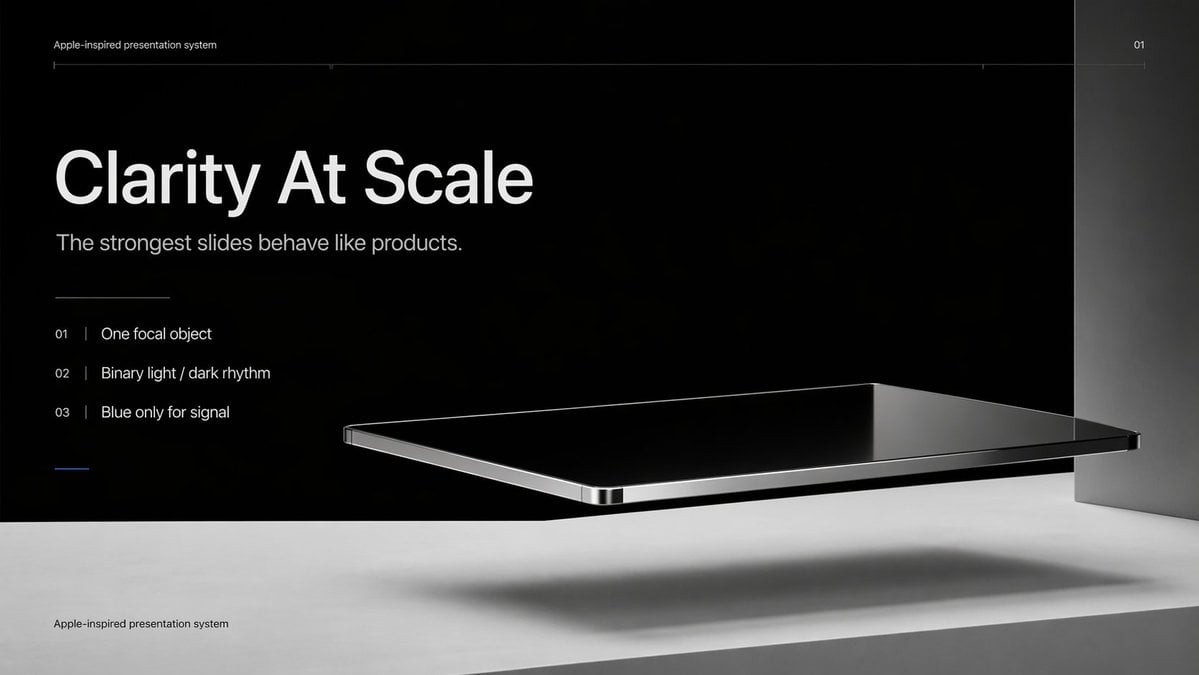
- Prompt included
- Model and format preset
- Free template
The prompt behind this image
Copy the exact prompt behind Apple-Style Minimal Presentation Cover, or open it in the studio and make it yours.
Create a premium minimalist keynote-style presentation cover slide in an Apple-inspired industrial design aesthetic. Use a wide 16:9 layout with a deep matte black upper background and a pale concrete-gray lower platform occupying the bottom quarter of the frame. Place a large photorealistic floating rectangular slab in the right-center foreground, resembling a thin black glass device or polished obsidian platform with mirror-like reflections, chamfered chrome-metal edges, and precise industrial finishing. The slab should hover above the light surface and cast a soft elongated shadow directly beneath it. Add a tall vertical gray metallic wall or pillar on the far right edge to frame the composition. Use extremely sparse, high-end art direction, lots of negative space, cinematic studio lighting, subtle gradients, and crisp contrast between black and silver materials. On the left side, set clean white sans-serif typography with a clear hierarchy: a tiny top caption reading "{argument name="system label" default="Apple-inspired presentation system"}", a very large bold headline reading "{argument name="headline text" default="Clarity At Scale"}", and a medium subtitle reading "{argument name="subtitle text" default="The strongest slides behave like products."}". Below that, include exactly 3 numbered principles in a vertical list with thin separators and refined spacing: "01 | {argument name="principle 1" default="One focal object"}", "02 | Binary light / dark rhythm", and "03 | Blue only for signal". Add a short thin horizontal rule above the list and a tiny blue accent line below the list. Draw a very fine horizontal guide line near the top spanning most of the slide, with the small page number "01" at the upper right. Repeat the small caption "Apple-inspired presentation system" once again at the bottom left on the light surface. Overall look: luxury tech presentation, editorial product-launch slide, ultra-clean Swiss grid, restrained monochrome palette with only one subtle blue accent, photorealistic rendering blended with presentation design.
How to use Apple-Style Minimal Presentation Cover in 3 steps
- 1Upload ImagePNG, JPG or paste
Add your photo
Upload the photo the template builds on. The prompt, model and format are already set.
- 2…a portrait of your subject in softgolden-hour light, 85mm…
Personalize
Edit the subject and creative details for your destination.
- 3Generate
Generate
Press Generate — your image is created in PicX Studio, so you can compare it with the original and refine one variable at a time.
More like this
Templates with the same subject, style or setup. Open one to see its prompt.

Premium 4 3 presentation cover slide introducing Chronicle

Japanese Architectural Concrete Studio Fashion Campaign

Quiet Luxury Black and White Fashion Editorial Portrait

Premium Editorial Branding Poster Charcoal Green

Premium Vintage Travel Poster Landscape

Japanese Café Sketch Duo Illustration

Delicate Japanese Café Lifestyle Illustration

Soft Shadow Studio Minimalist Product Shot

Minimalist Skincare Product Water Stone Still

Botanical Skincare Minimal Product Advertising

Luxury Sliced Wordmark Player Poster

Legendary Player Fragmented Editorial Poster
Make it yours
Apple-Style Minimal Presentation Cover works as-is. These are the safest ways to change it without losing the look.
Change one field
Copy a single group, rewrite it, and generate again so you can see what that field is doing.
Keep the frame, change the subject
Hold the composition and light of Apple-Style Minimal Presentation Cover, then swap wardrobe, props or the person for a new take.
| If the result… | Why | Fix |
|---|---|---|
| The result drifts from the preview | Too many fields changed at once. | Reuse Apple-Style Minimal Presentation Cover as-is first, then change one group — subject, light, or setting. |
| The model over-stylizes the scene | The prose prompt leaves finish and camera underspecified. | Add one camera or lighting sentence and stay on GPT Image 2. |
More GPT Image 2 templates
Other prompts made for GPT Image 2.

Six VTuber Japanese Logo Sheet

Realistic Portrait of Woman and Deer

The Vista Modular Condo Poster

AI Model Routing Comparison Infographic

2.5D Anime Art Board

Isometric Productivity Desk Scene

New York Double Exposure Poster

Four-Panel AI Landscape Comparison

Japanese Tatami Lifestyle Magazine Cover

NESCAFÉ Coffee Map Poster
More image prompts
Fresh picks from across the catalog.
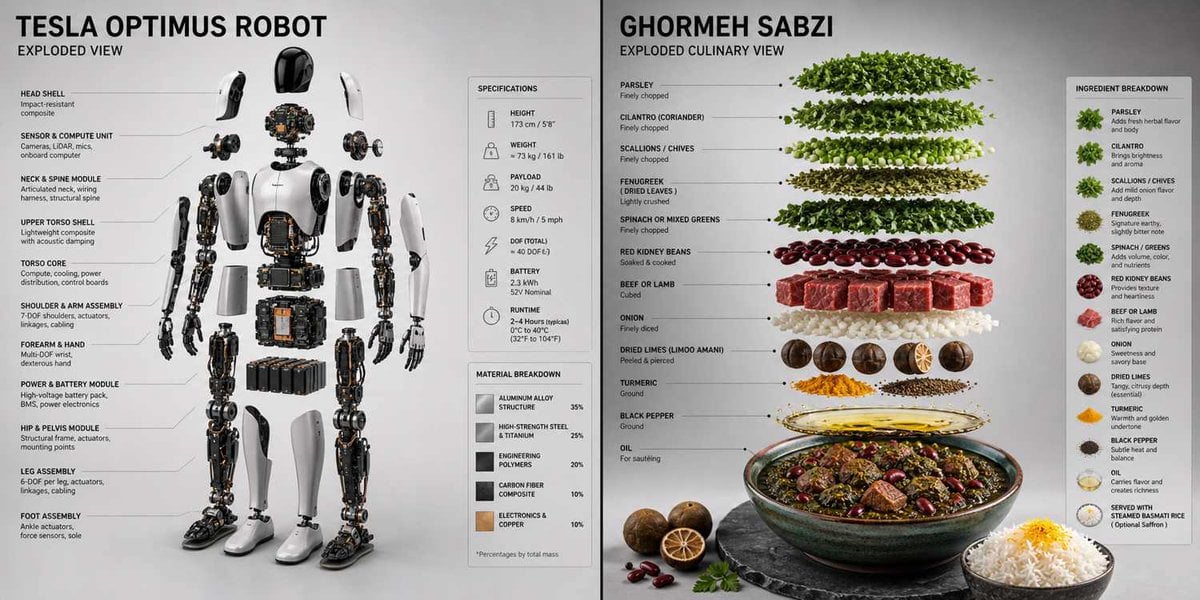
Technical 3D Exploded View
Elegant Anonymous Lifestyle Collage

Taekwondo Woman and Chibi Versions
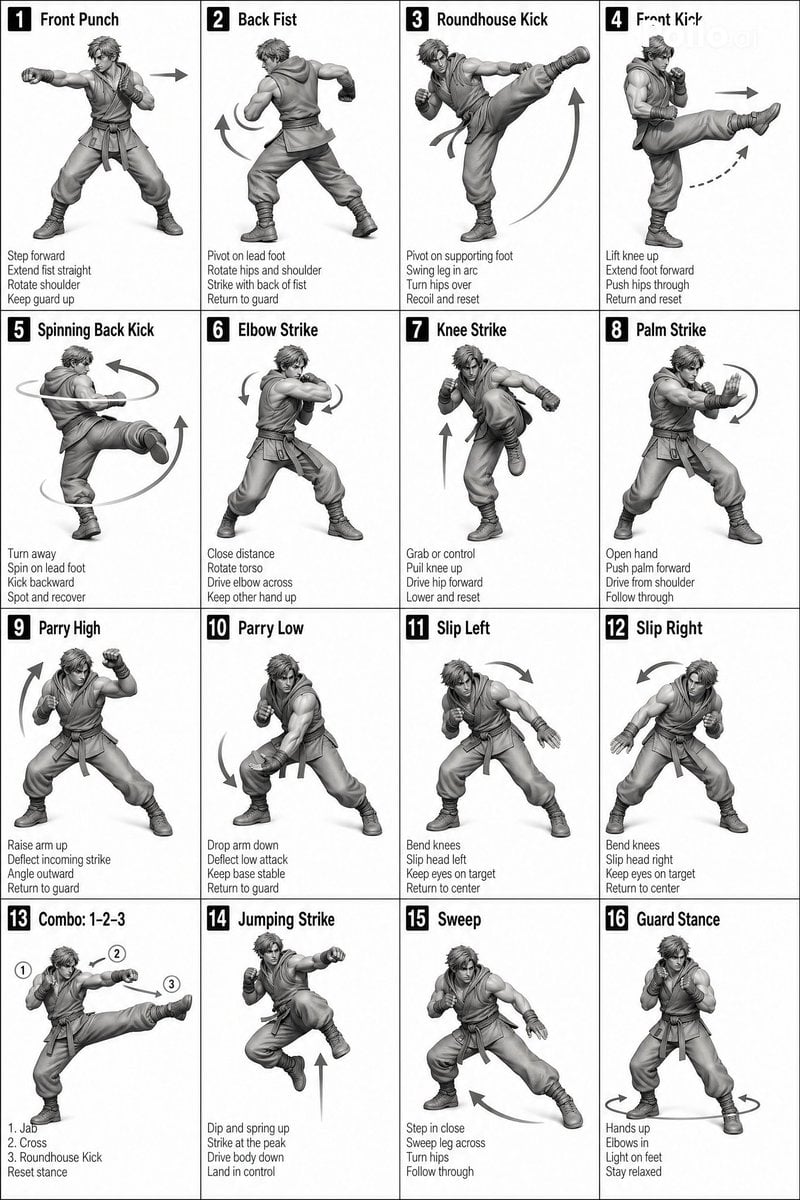
Instructional Martial Arts Movement Sheet
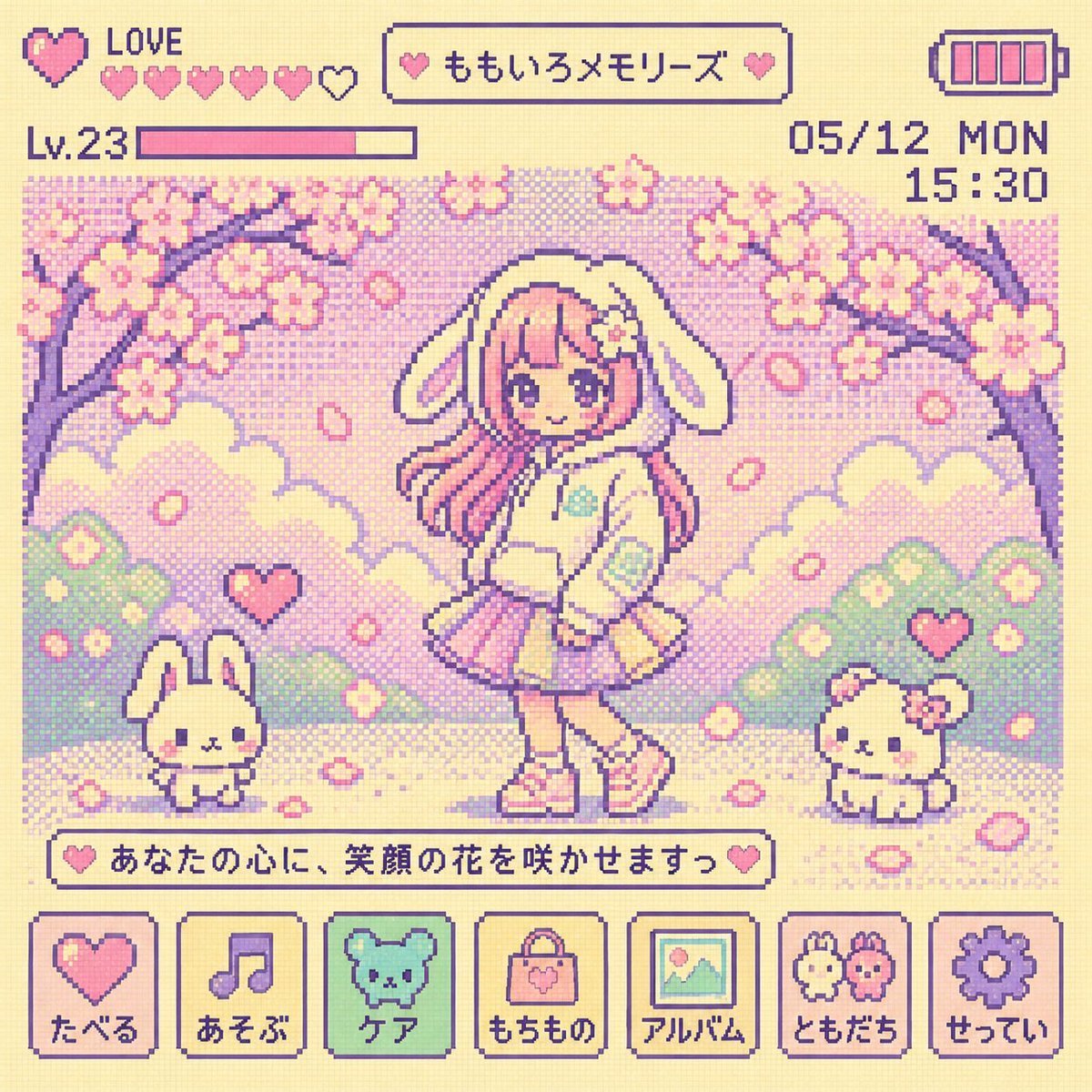
Y2K Tamagotchi LCD Filter

X Ohmuyi 那就来个歪头杀吧
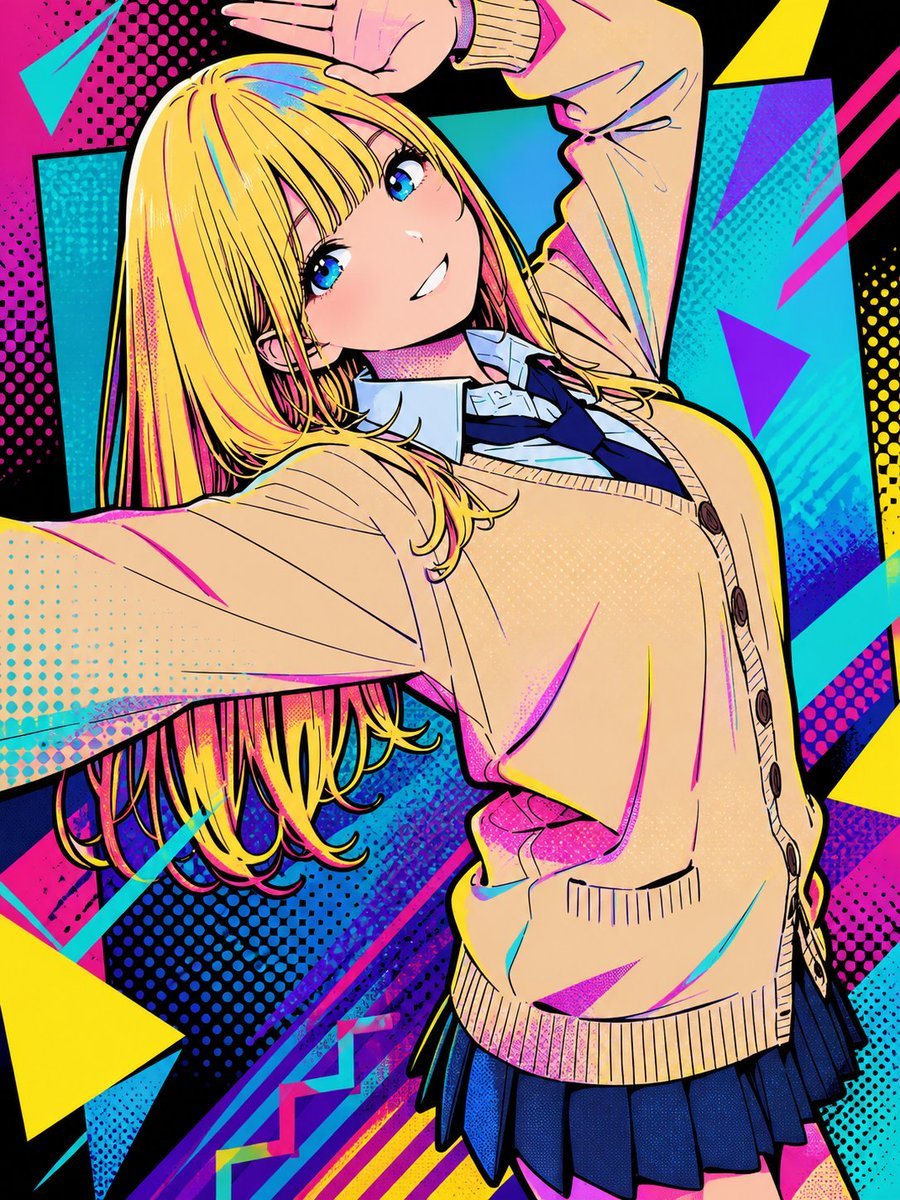
Pop Art Street Style Conversion
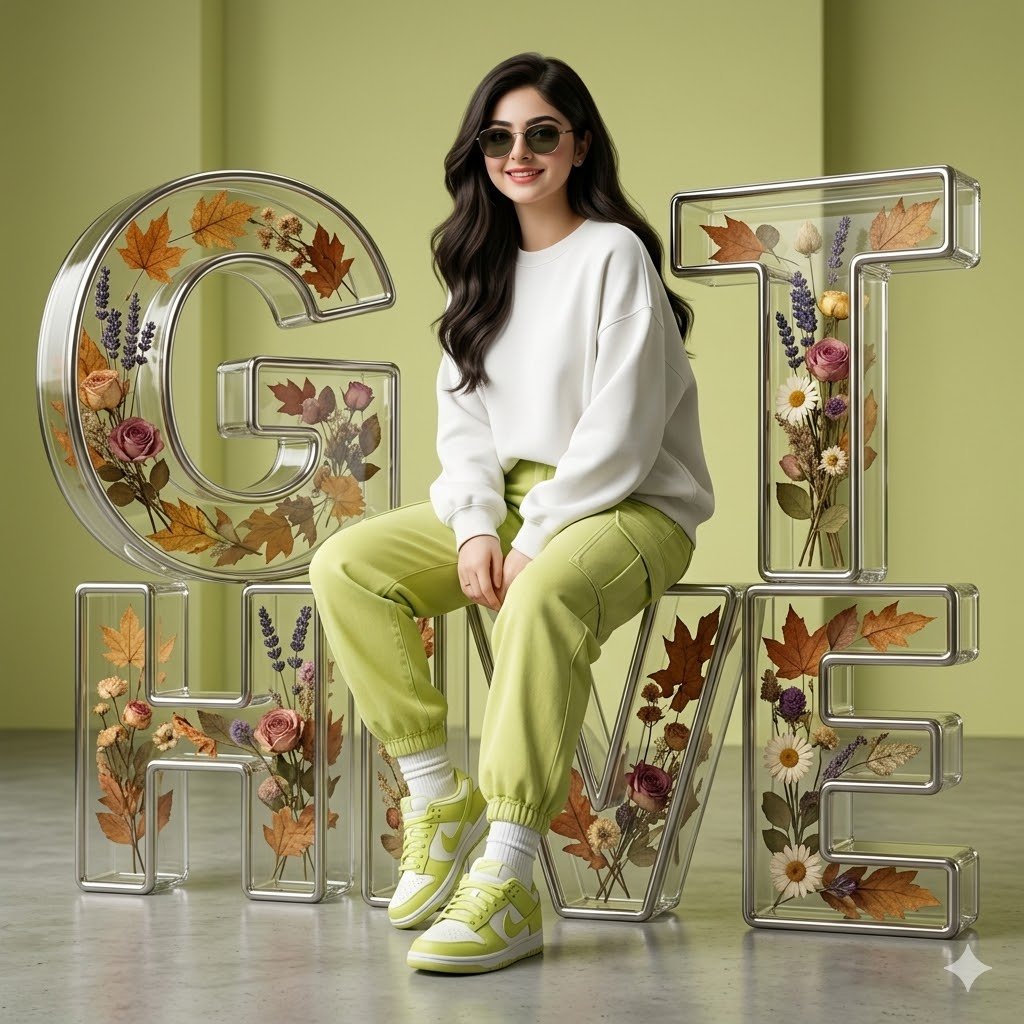
3D Digital Fashion Artwork
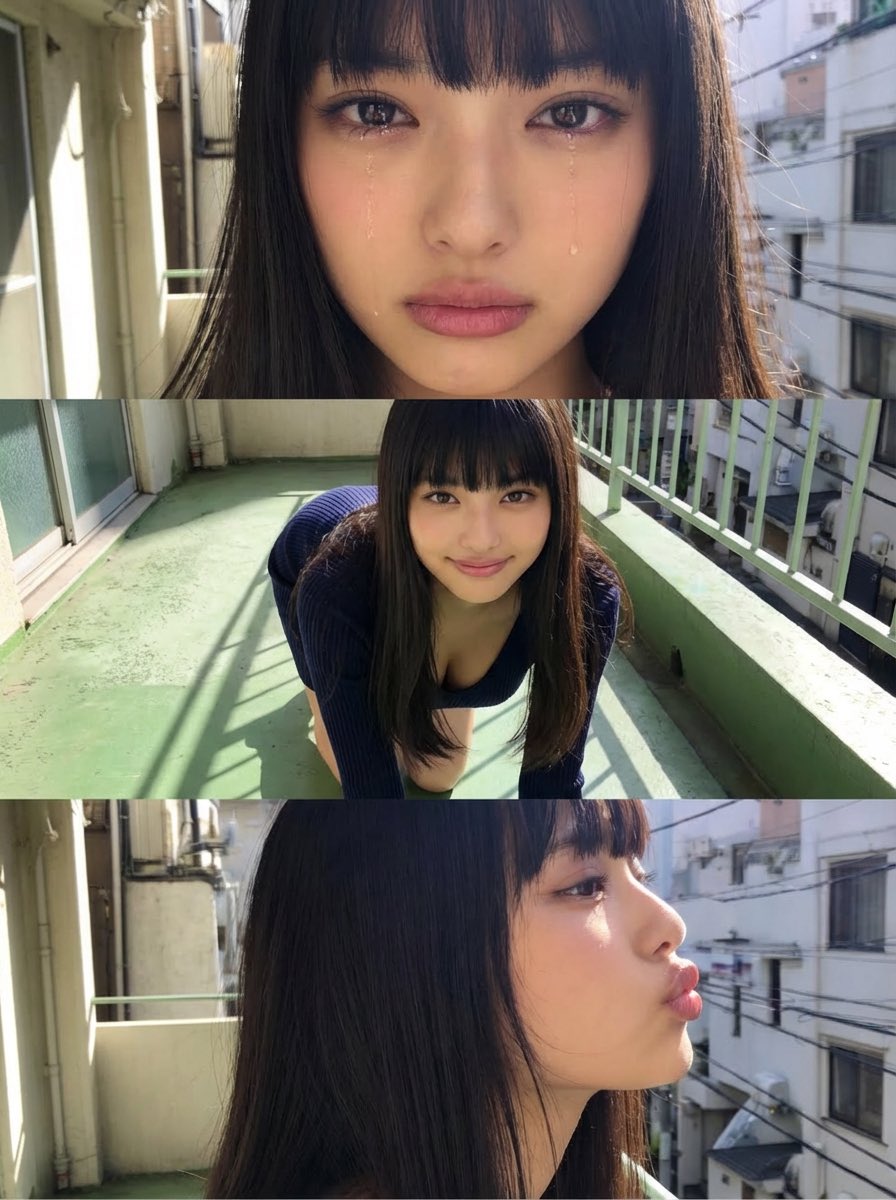
Horizontal three-panel emotional portrait from one image
Advertising Style Food Photography Templ
Browse template categories
Apple-Style Minimal Presentation Cover questions
How do I use the Apple-Style Minimal Presentation Cover template?
Add your photo if the template asks for one, edit the prompt if you like — the template's model and format are already selected — and press Generate. Your version opens in PicX Studio.
Can I customize the Apple-Style Minimal Presentation Cover template?
Yes. You can change the subject, setting, lighting, mood, format, and available model controls before creating your image.
Is the Apple-Style Minimal Presentation Cover template free?
Opening and editing this template is free. Generating uses credits, shown on the Generate button when you are signed in.
Which AI model should I use?
Start with GPT Image 2, which is the model associated with this template. You can compare another compatible model for a different finish.
Looking for something else? Browse all templates.

Your photo, any look
Thousands of ready templates for every top image and video model, from one credit balance.