
Legendary Player Fragmented Editorial Poster
Fragmented editorial poster with sliced monochrome portrait, bold color typography, and confident player celebration pose.

- Prompt included
- Model and format preset
- Free template
The prompt behind this image
Copy the exact prompt behind Legendary Player Fragmented Editorial Poster, or open it in the studio and make it yours.
Create a premium FIFA World Cup poster design featuring a legendary football superstar. Minimalist white background with a giant monochrome close-up portrait occupying most of the canvas. The portrait is divided into several horizontal slices with thin white gaps between them, creating a modern fragmented editorial effect. On the left side, large vertical bold typography spelling the player’s name in national team colors. A full-body action pose of the player overlaps the portrait in the foreground, wearing the national team jersey and celebrating confidently. National flag and federation crest placed on the upper right. Elegant autograph signature near the portrait. Soft fog/smoke fading at the bottom. Luxury sports magazine aesthetic, Nike-style advertising campaign, high contrast black-and-white portrait, sharp facial details, clean composition, premium typography, poster design, sports branding, editorial layout, cinematic lighting, ultra realistic, 8k, professional graphic design, negative space, modern FIFA World Cup promotional artwork.
How to use Legendary Player Fragmented Editorial Poster in 3 steps
- 1
Open
The prompt is already in the box next to the preview, with the template's model and format selected.
- 2…a portrait of your subject in softgolden-hour light, 85mm…
Personalize
Edit the subject and creative details for your destination.
- 3Generate
Generate
Press Generate — your image is created in PicX Studio, so you can compare it with the original and refine one variable at a time.
More like this
Templates with the same subject, style or setup. Open one to see its prompt.

Luxury Sliced Wordmark Player Poster
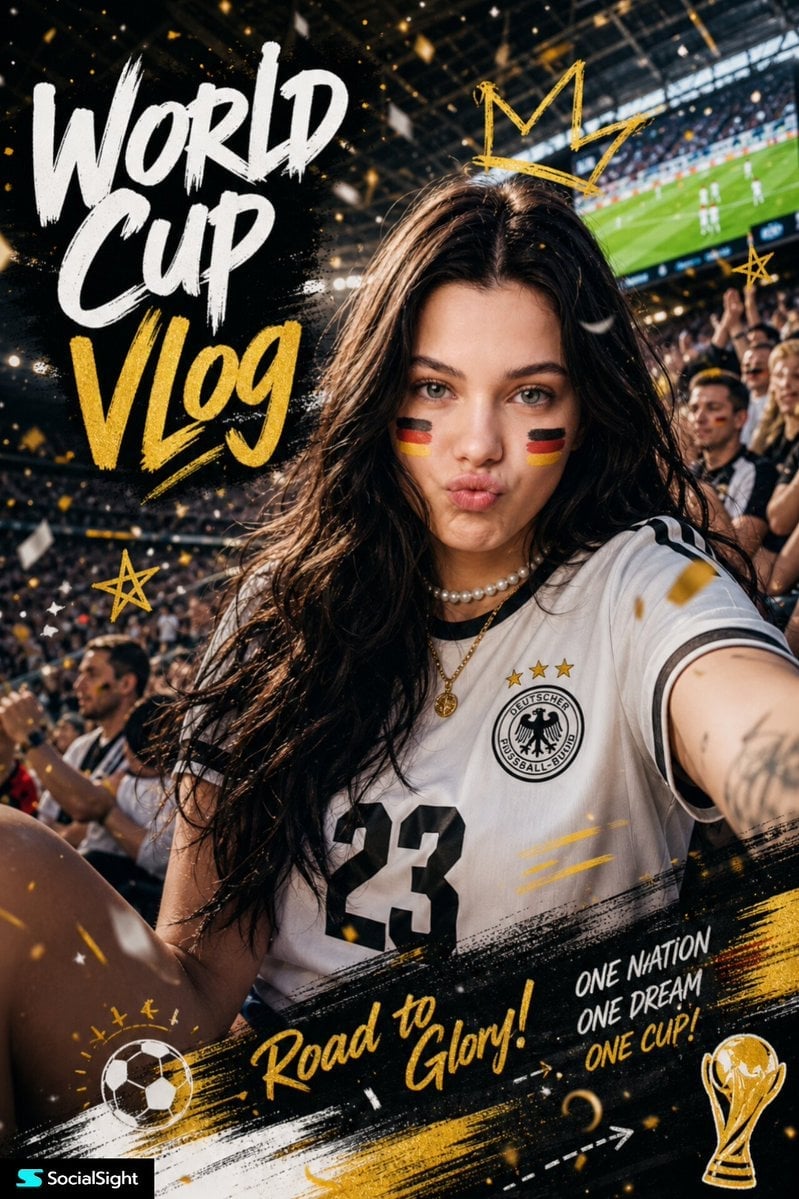
Fifa Stadium Fan Portrait Poster

Typography Mask Editorial Fashion Poster

Captain Tsubasa Anime World Cup Poster

Premium Vintage Travel Poster Landscape

FIFA Football — Selective Color Editorial Poster

Cyberpunk Neon Brazil World Cup Poster

Campaign Smoke National Symbols World Cup
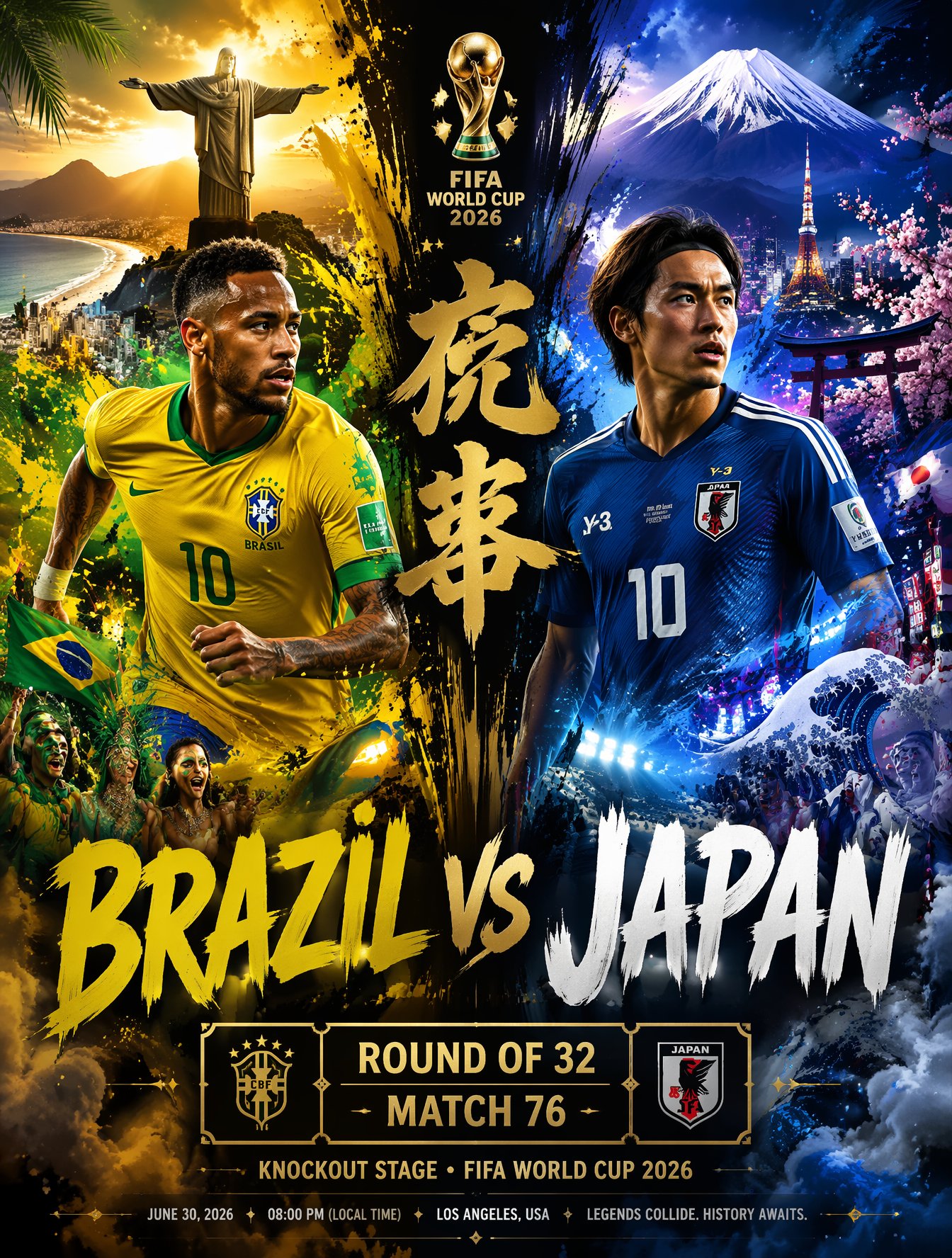
Brazil Versus Japan Knockout Split Rivalry Poster
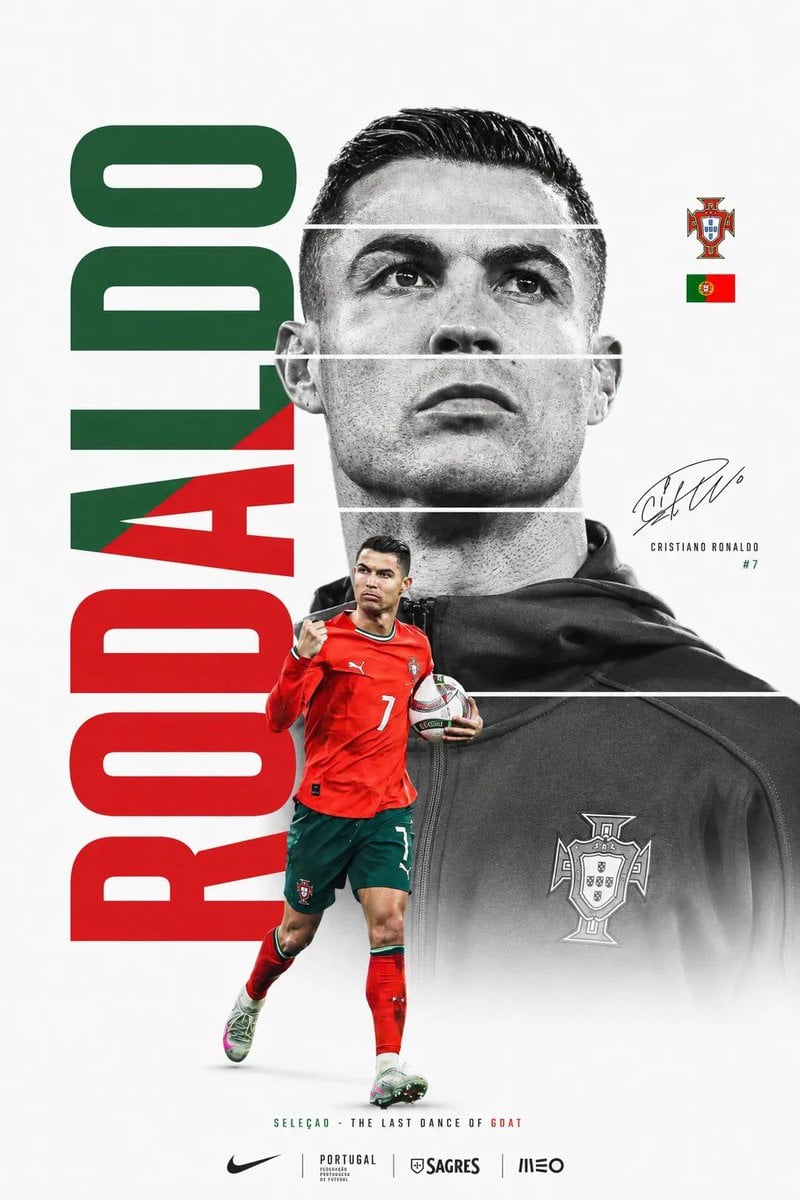
FIFA World Cup Minimalist Poster
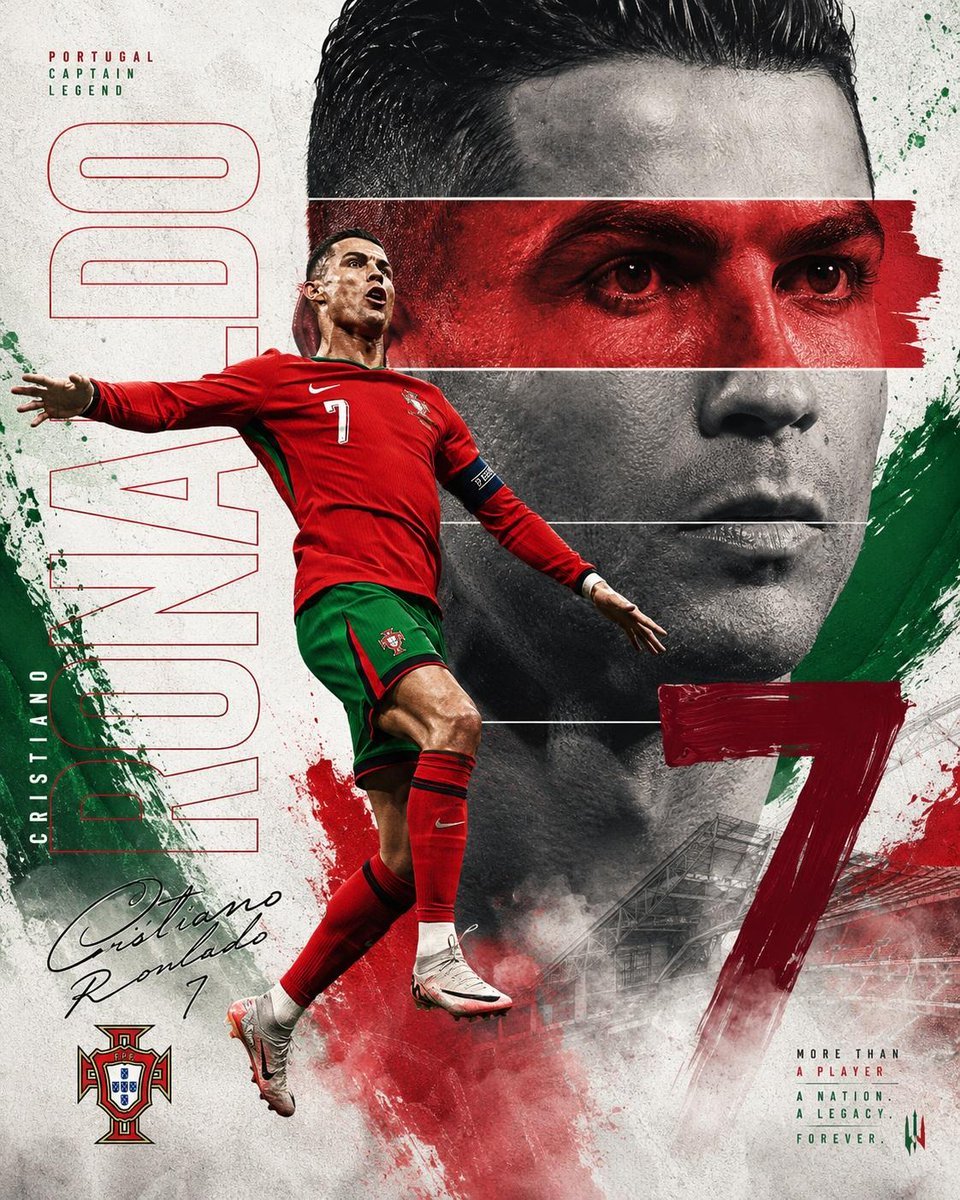
Nike FIFA World Cup Sports Poster
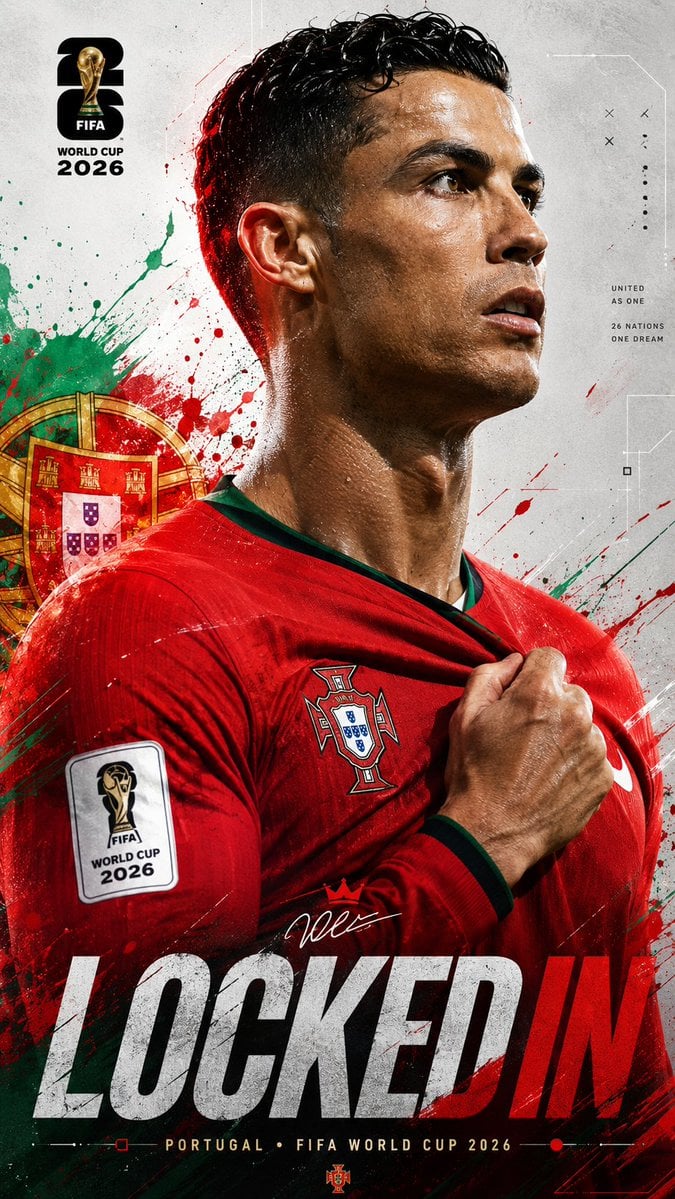
FIFA World Cup 2026 Sports Poster
Make it yours
Legendary Player Fragmented Editorial Poster works as-is. These are the safest ways to change it without losing the look.
Change one field
Copy a single group, rewrite it, and generate again so you can see what that field is doing.
Keep the frame, change the subject
Hold the composition and light of legendary-player-fragmented-editorial-poster, then swap wardrobe, props or the person for a new take.
| If the result… | Why | Fix |
|---|---|---|
| The result drifts from the preview | Too many fields changed at once. | Reuse legendary-player-fragmented-editorial-poster as-is first, then change one group — subject, light, or setting. |
| The model over-stylizes the scene | The prose prompt leaves finish and camera underspecified. | Add one camera or lighting sentence and stay on PicX Studio. |
More image prompts
Fresh picks from across the catalog.
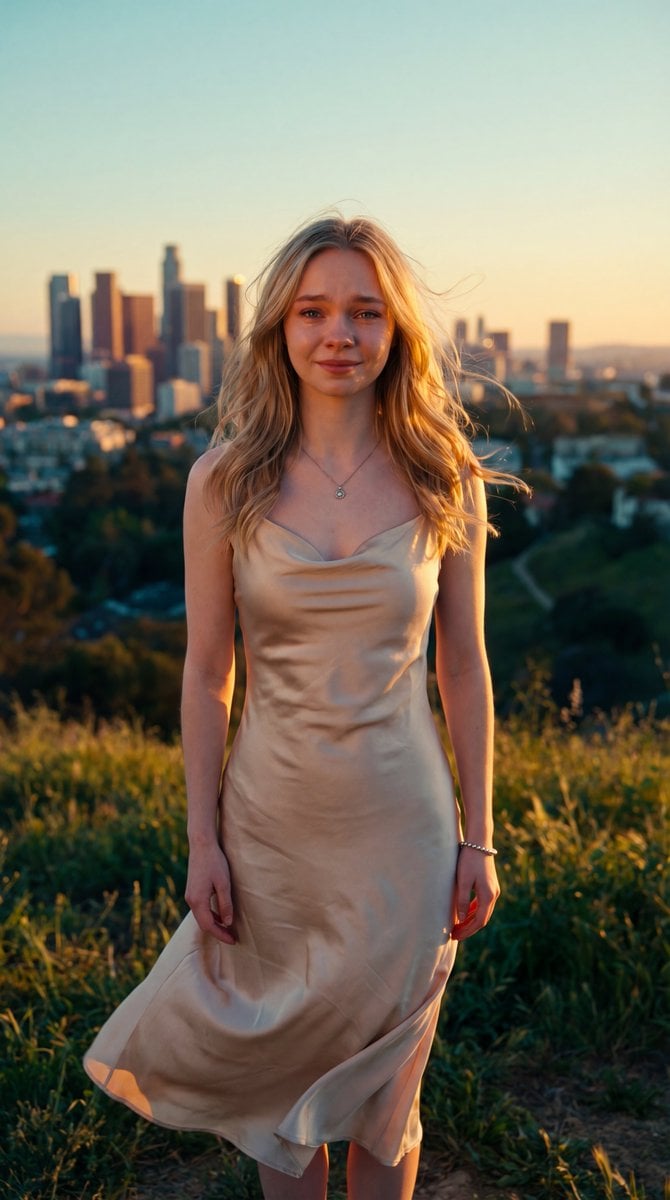
Cinematic Golden Hour Portrait
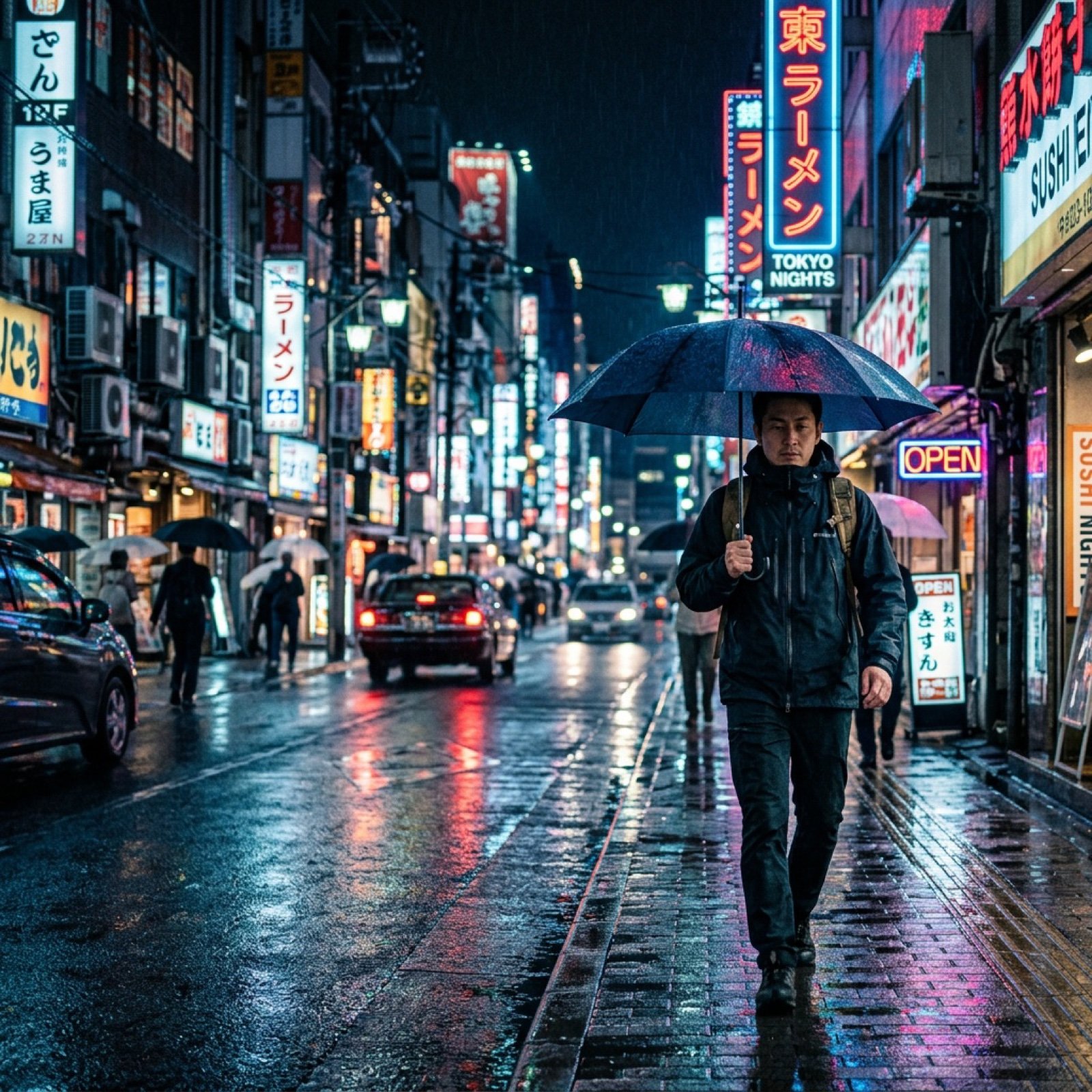
Google Flow video generation prompt formula and features
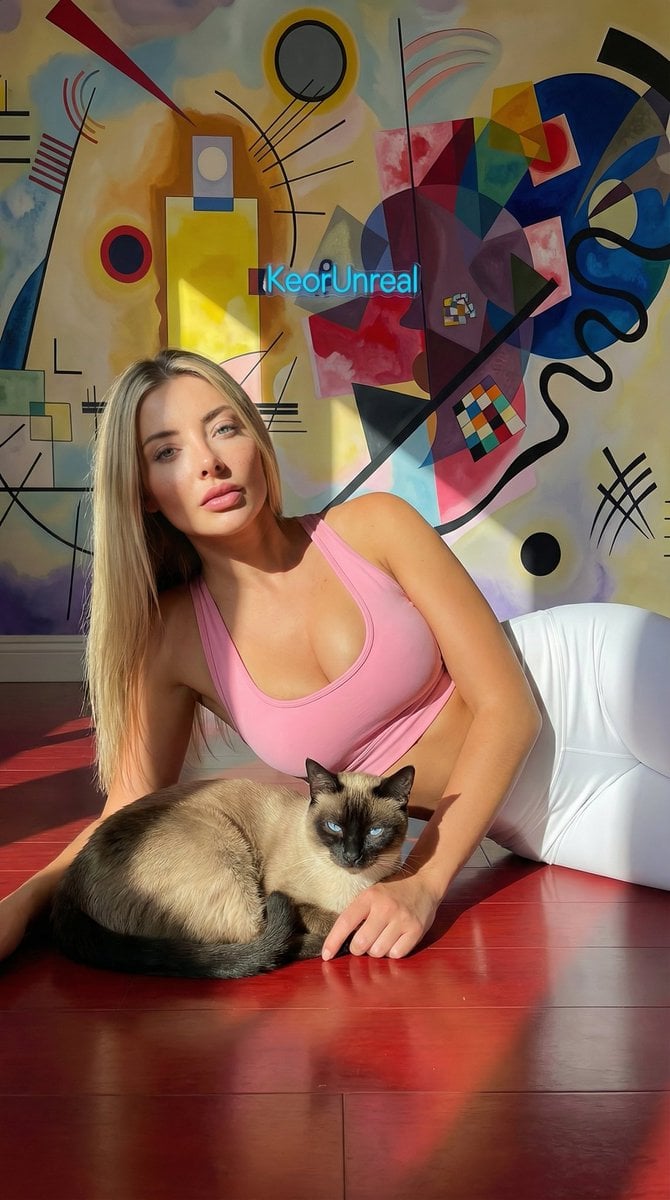
Photorealistic Portrait with Kandinsky Wall and Cat Prompt

Nano Banana - Paris Cafe Editorial
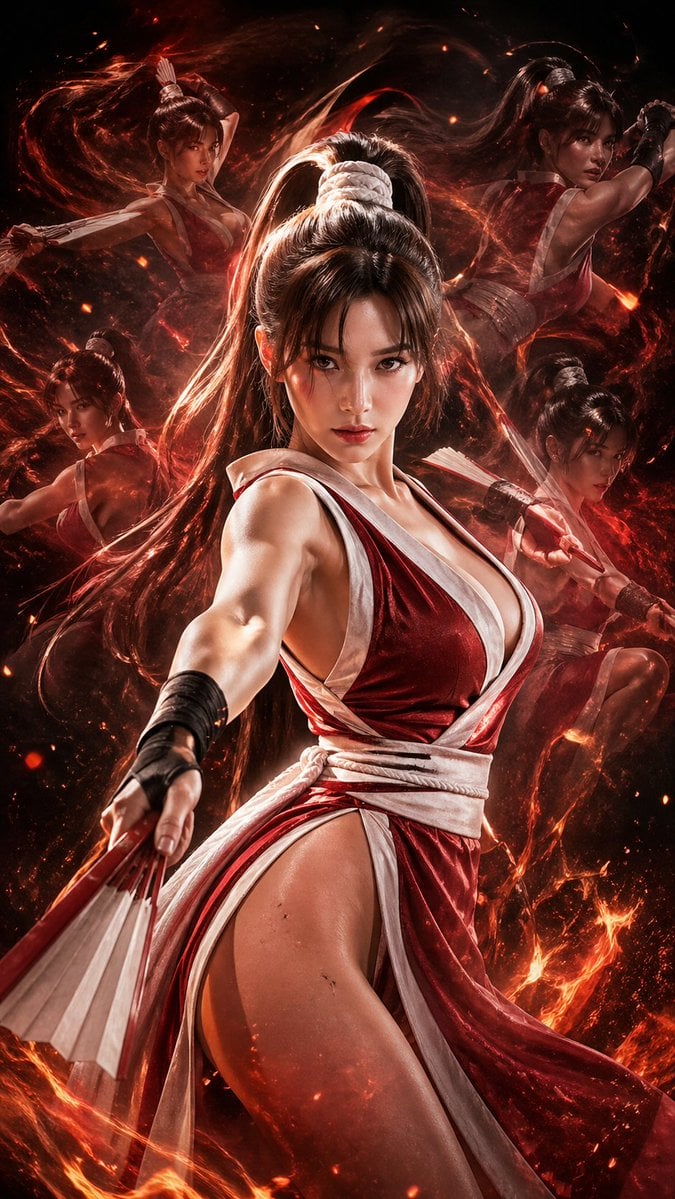
Double Exposure Cinematic Character Poster

Luxury 3D Carved Football Poster
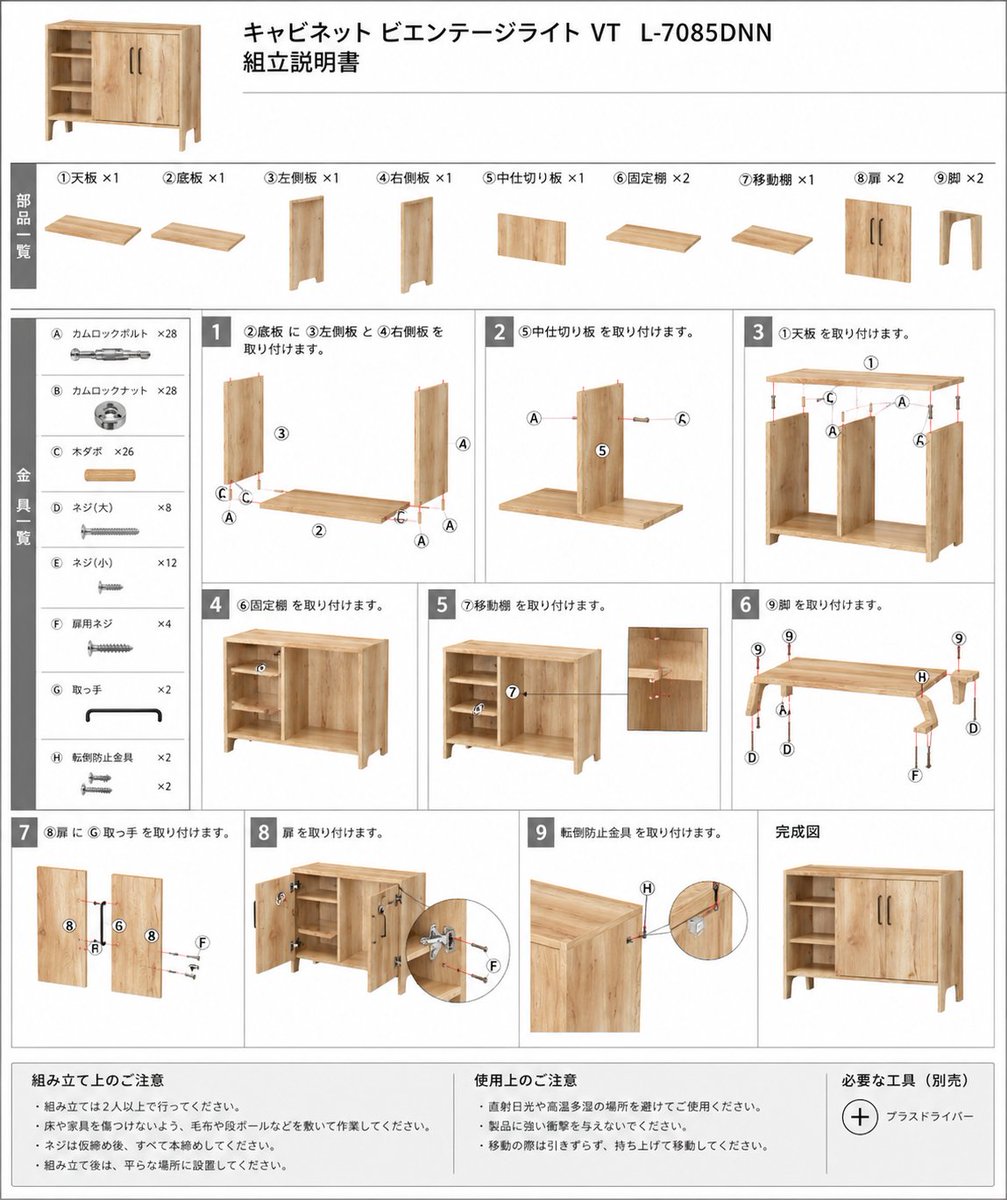
Furniture Assembly Manual Generator
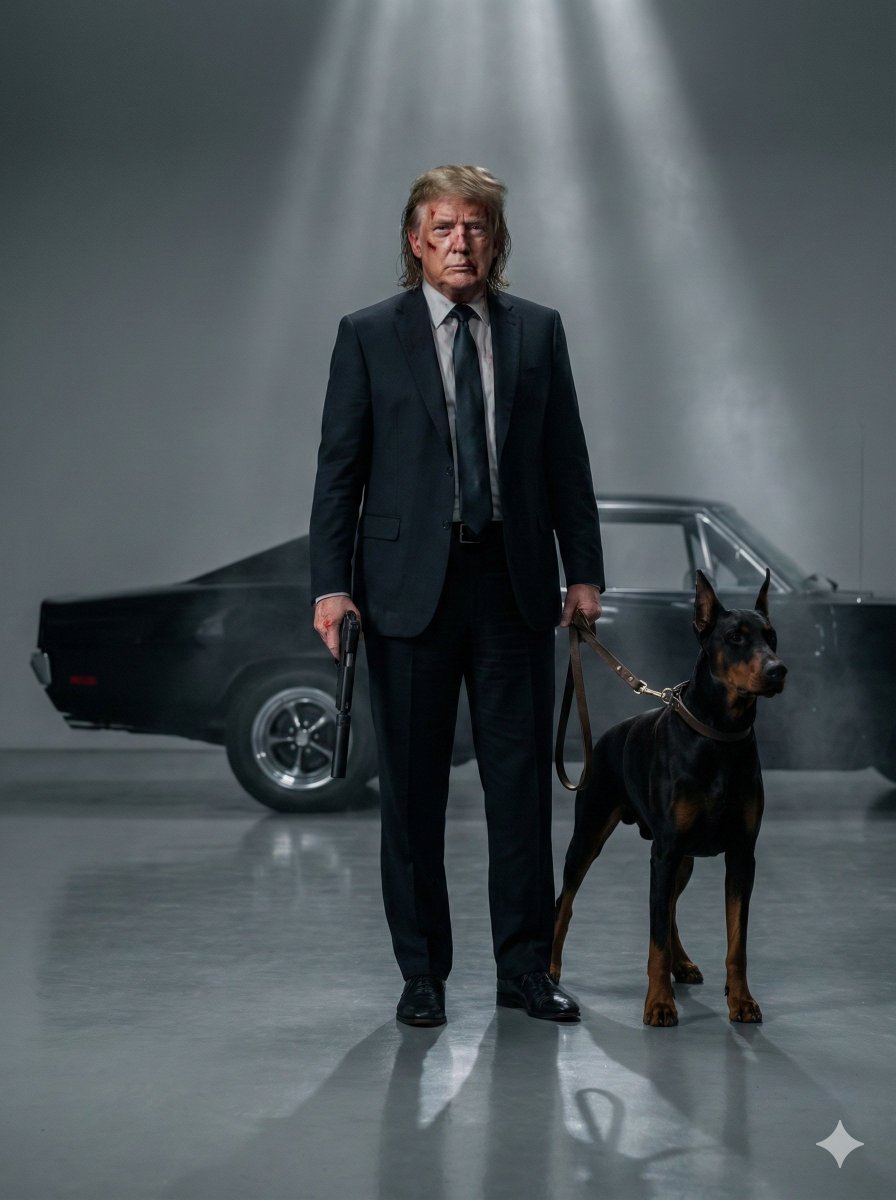
Neo-Noir Hitman Film Still
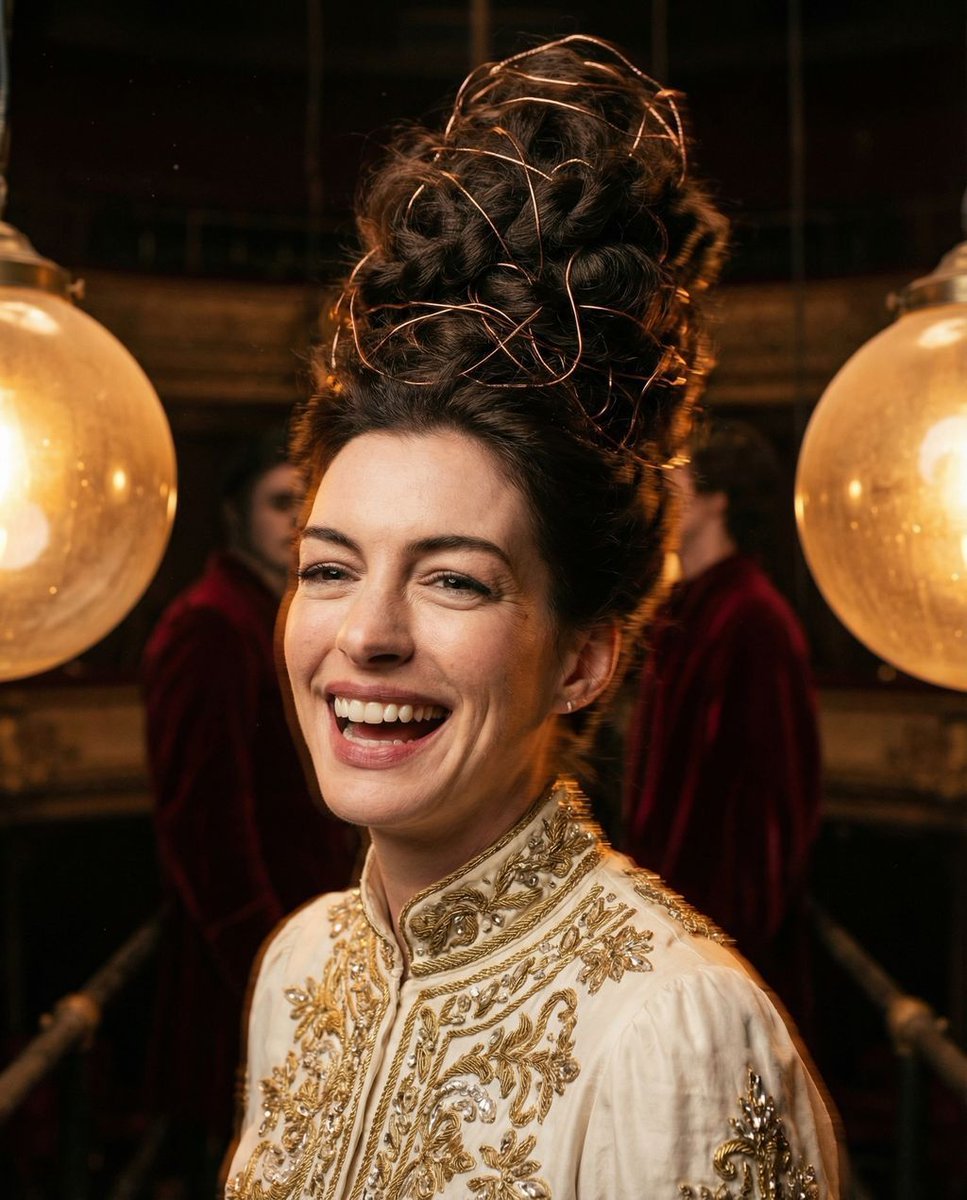
Surreal Avant-Garde Beauty Portrait

Social Media Magazine Cover
Browse template categories
Legendary Player Fragmented Editorial Poster questions
How do I use the legendary-player-fragmented-editorial-poster template?
Add your photo if the template asks for one, edit the prompt if you like — the template's model and format are already selected — and press Generate. Your version opens in PicX Studio.
Can I customize the legendary-player-fragmented-editorial-poster template?
Yes. You can change the subject, setting, lighting, mood, format, and available model controls before creating your image.
Is the legendary-player-fragmented-editorial-poster template free?
Opening and editing this template is free. Generating uses credits, shown on the Generate button when you are signed in.
Which AI model should I use?
Choose a compatible model in PicX Studio based on the style, speed, and output controls your project needs.
Looking for something else? Browse all templates.

Your photo, any look
Thousands of ready templates for every top image and video model, from one credit balance.