
FIFA Football — Selective Color Editorial Poster
High-contrast selective-color football editorial poster (jersey color pop).

- Prompt included
- Model and format preset
- Premium template
The prompt behind this image
Copy the exact prompt behind FIFA Football — Selective Color Editorial Poster, or open it in the studio and make it yours.
Ultra-stylized football poster, dark cinematic sports artwork, selective color effect, deep black background, monochrome grayscale players with only team colors preserved, high contrast lighting, dramatic shadows, gritty film grain texture, halftone print effect, retro magazine aesthetic, neon glow accents, glowing censor bar across eyes, modern streetwear graphic design, editorial sports poster, dynamic action pose, stadium atmosphere fading into darkness. Main subject: elite football player in national team jersey, intense expression, mid-celebration, centered composition, jersey colors remain vibrant while skin and background stay black and white, subtle red/orange glow outlining body, dramatic rim lighting, floating particles, cinematic depth. Style inspired by contemporary sports graphic design, underground football culture, poster art, graphic novel texture, premium branding campaign, bold composition, minimalist background, high-end Photoshop manipulation, ultra detailed, 8K, masterpiece. Color treatment: - Entire image in black and white - Only jersey, socks, boots, and football remain in full national team colors - Neon glow matching team colors - Red, orange, yellow, blue, or national palette highlights - Strong contrast and moody atmosphere Effects: heavy film grain, CRT texture, noise overlay, dust particles, halftone dots, paper texture, vignette, glow bloom, chromatic aberration, subtle motion blur, sports editorial look. Typography area: leave negative space for title and branding, poster layout, magazine cover composition.
How to use FIFA Football — Selective Color Editorial Poster in 3 steps
- 1
Open
The prompt is already in the box next to the preview, with the template's model and format selected.
- 2…a portrait of your subject in softgolden-hour light, 85mm…
Personalize
Edit the subject and creative details for your destination.
- 3Generate
Generate
Press Generate — your image is created in PicX Studio, so you can compare it with the original and refine one variable at a time.
More like this
Templates with the same subject, style or setup. Open one to see its prompt.
Selective Color Monochrome Football Poster
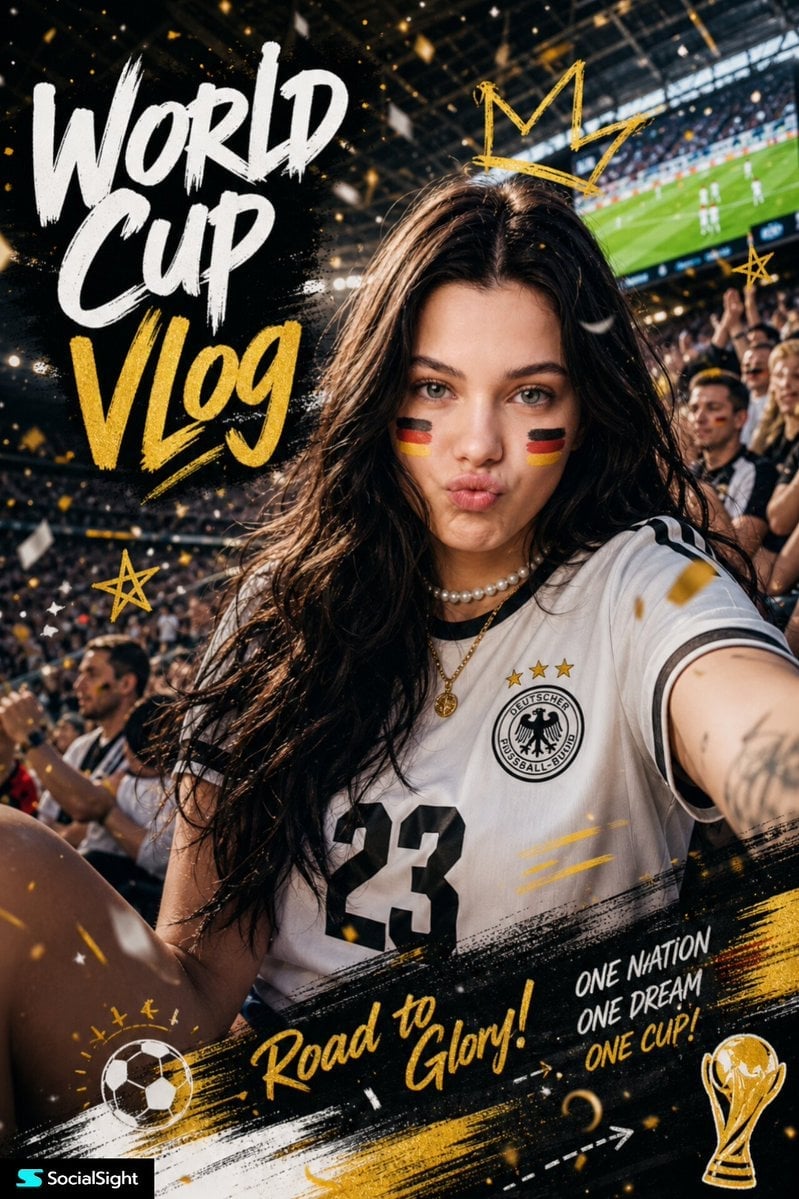
Fifa Stadium Fan Portrait Poster

Urban Fashion Editorial Collage Poster

Typography Mask Editorial Fashion Poster

Luxury Sliced Wordmark Player Poster
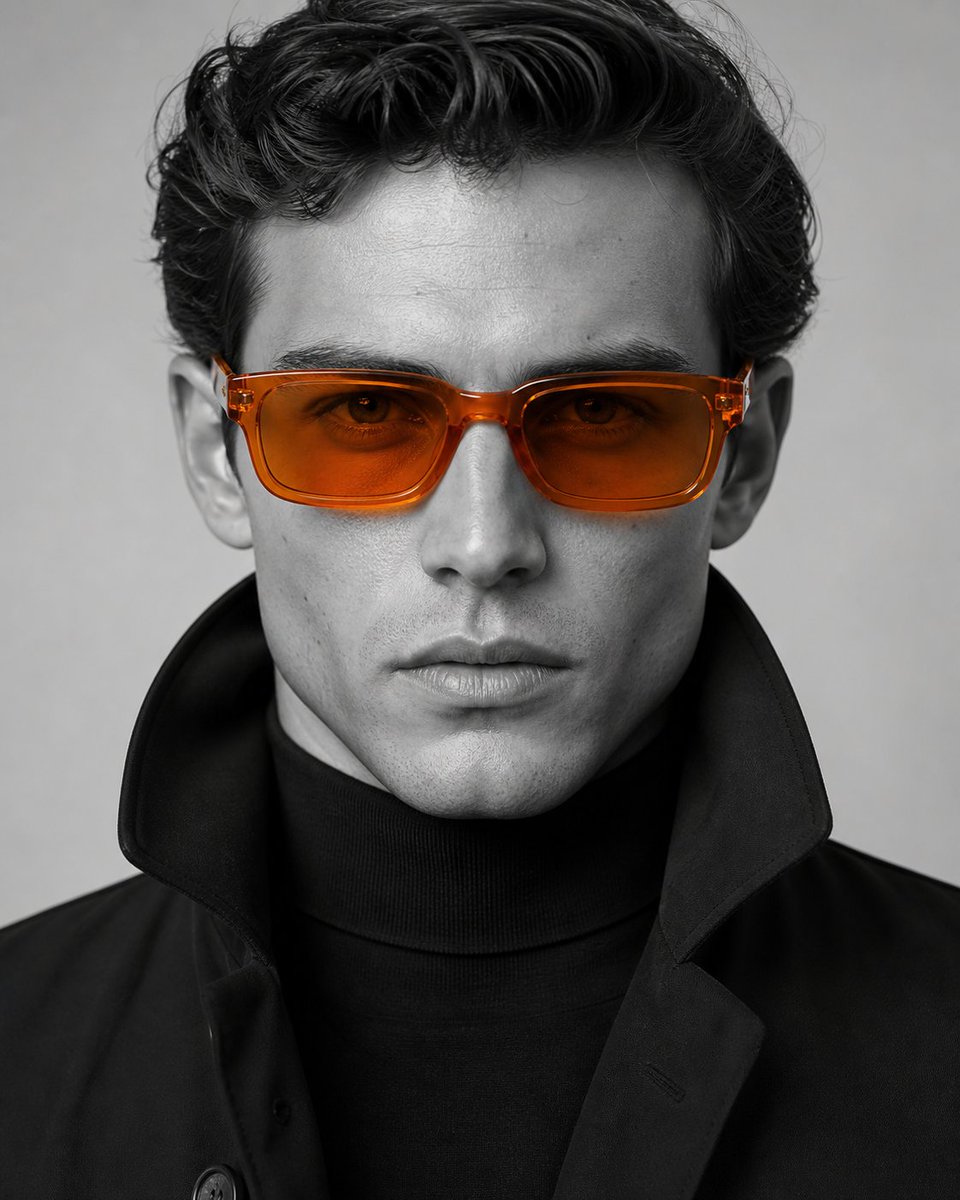
Editorial Selective Color Portrait
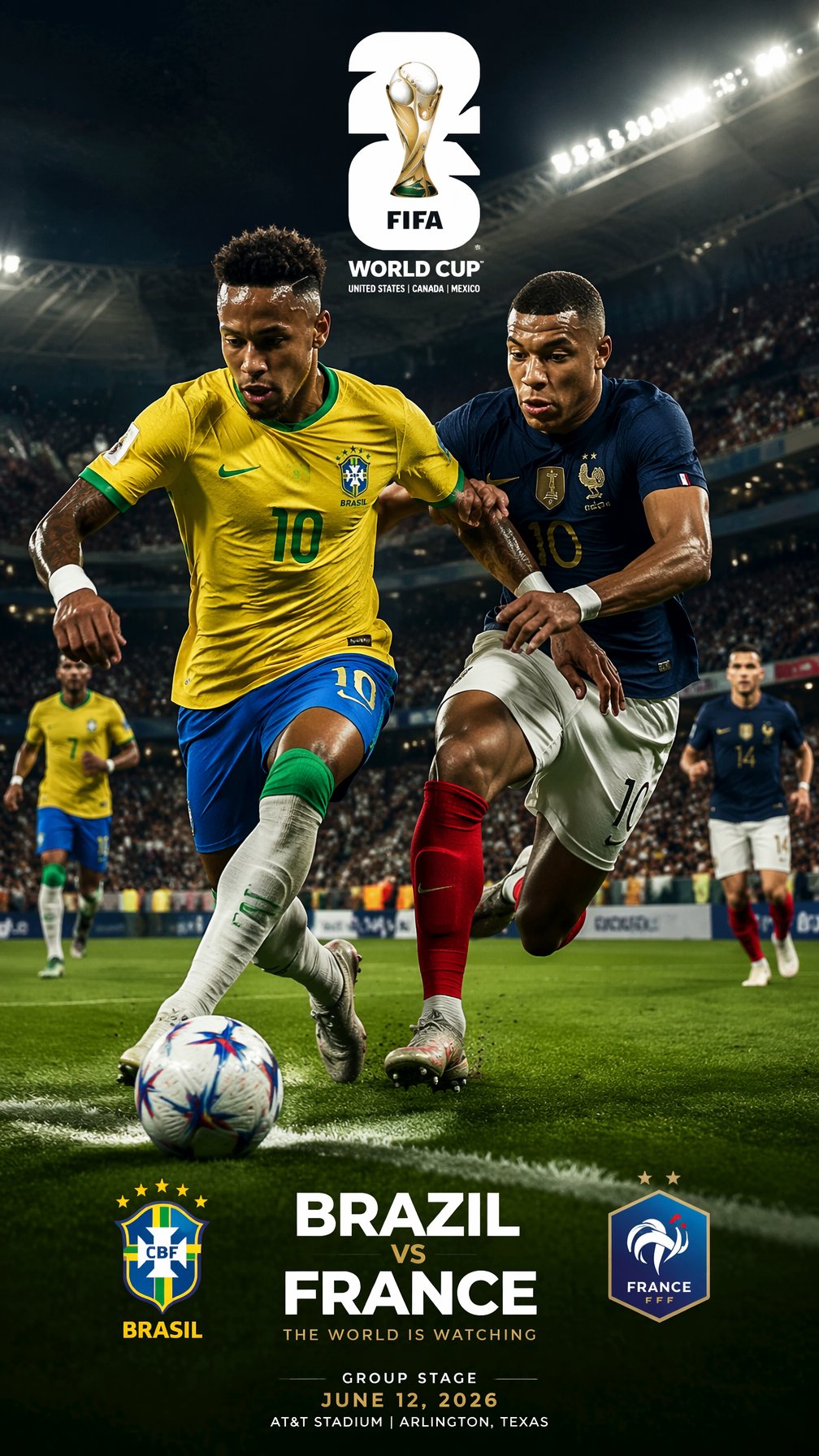
FIFA 2026 — Brazil vs France Match Sim Poster
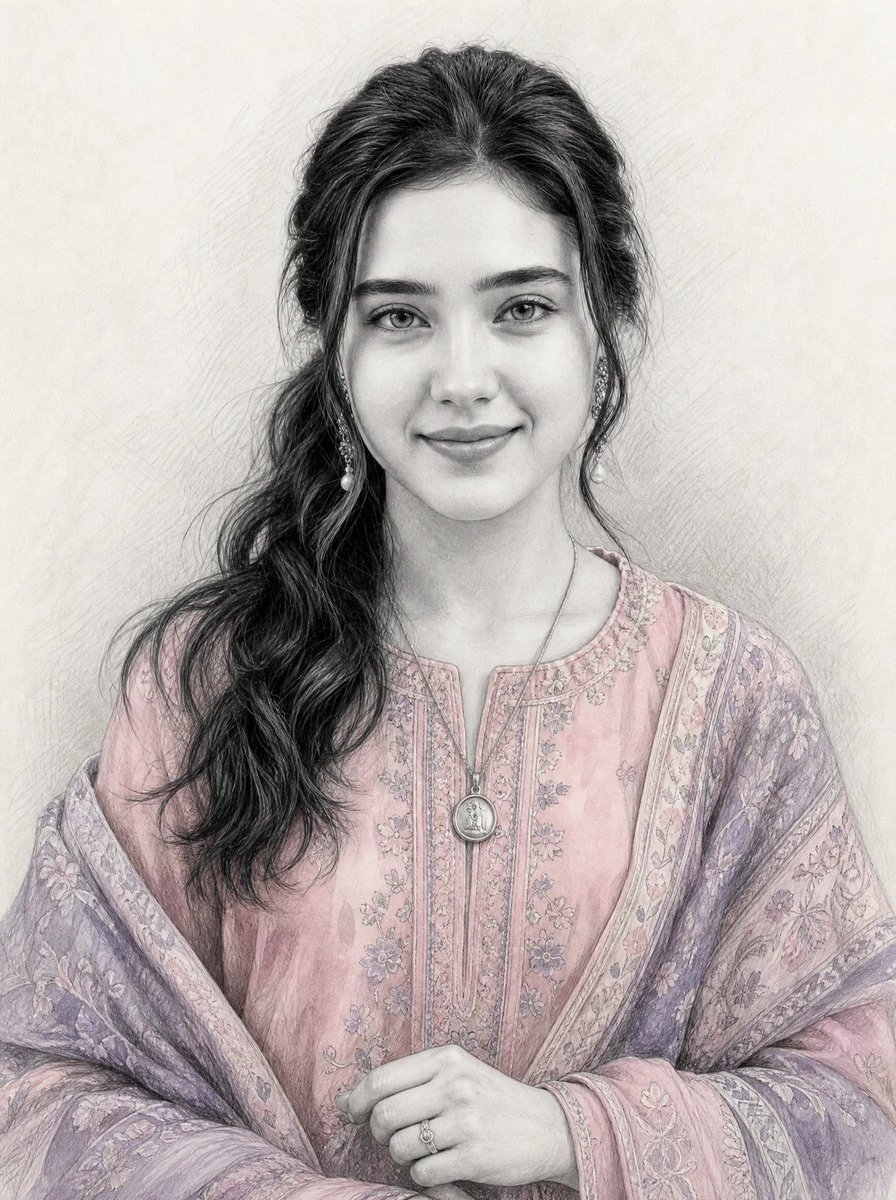
Graphite Sketch with Selective Color
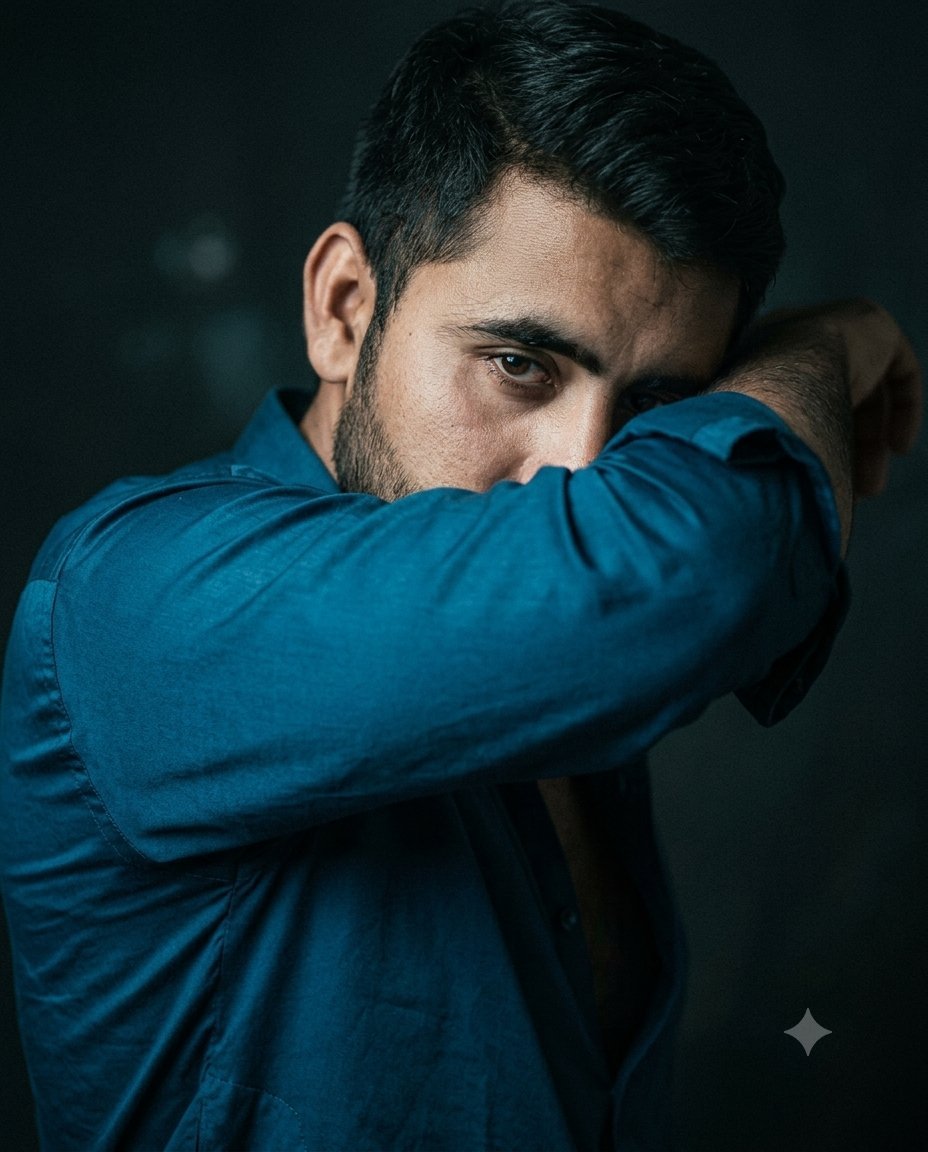
Cinematic Selective Color Portrait
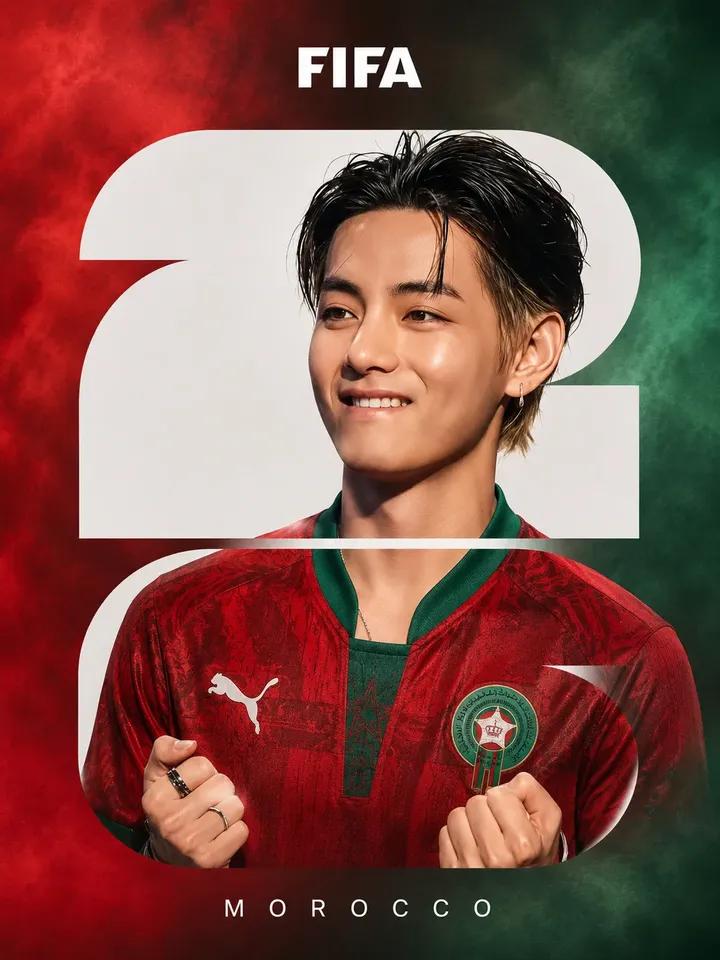
FIFA Football Poster Design
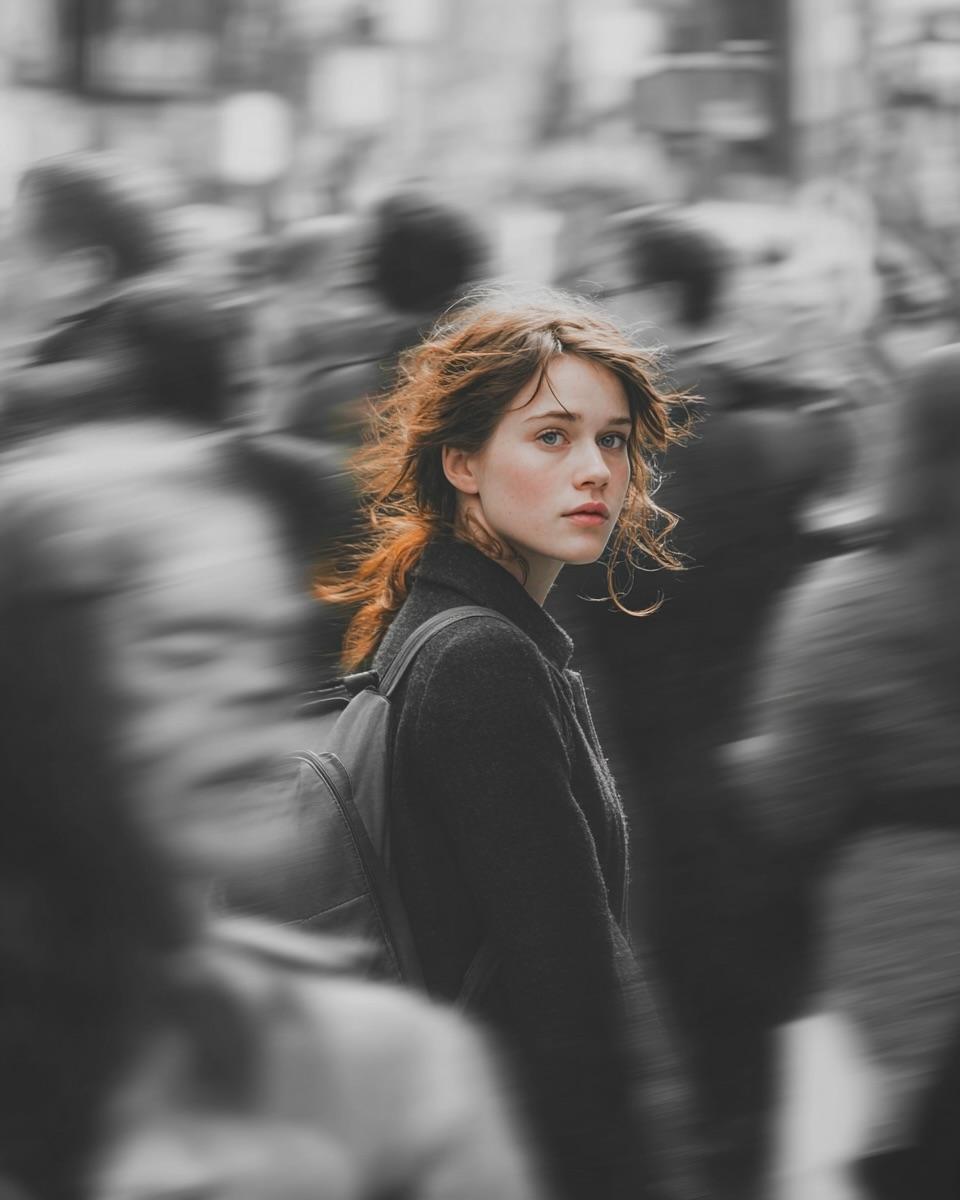
Selective Color Street Photography
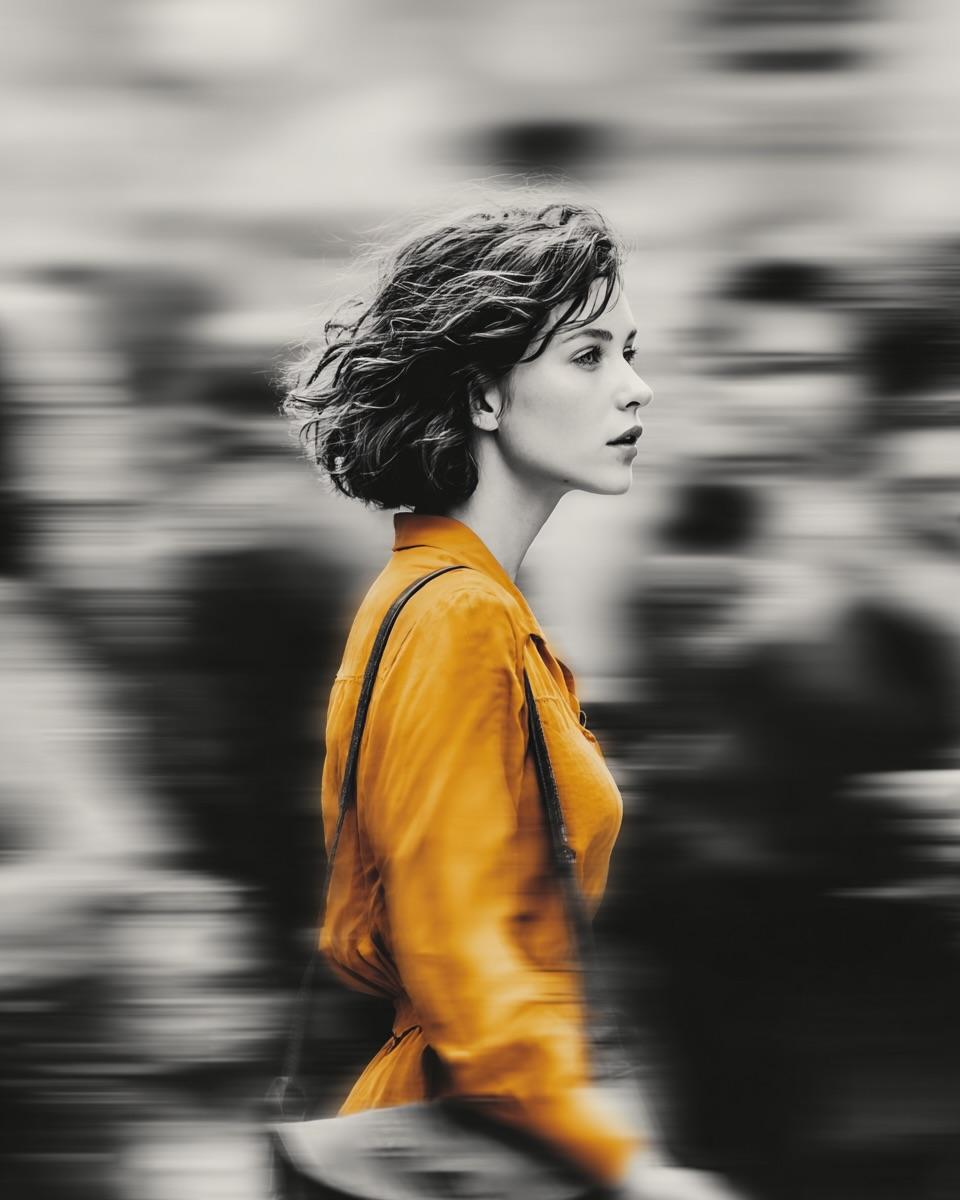
Selective Color Street Motion Portrait
Make it yours
FIFA Football — Selective Color Editorial Poster works as-is. These are the safest ways to change it without losing the look.
Change one field
Copy a single group, rewrite it, and generate again so you can see what that field is doing.
Keep the frame, change the subject
Hold the composition and light of FIFA Football — Selective Color Editorial Poster, then swap wardrobe, props or the person for a new take.
| If the result… | Why | Fix |
|---|---|---|
| The result drifts from the preview | Too many fields changed at once. | Reuse FIFA Football — Selective Color Editorial Poster as-is first, then change one group — subject, light, or setting. |
| The model over-stylizes the scene | The prose prompt leaves finish and camera underspecified. | Add one camera or lighting sentence and stay on PicX Studio. |
More image prompts
Fresh picks from across the catalog.
Nano Banana Pro Prompt Sharing
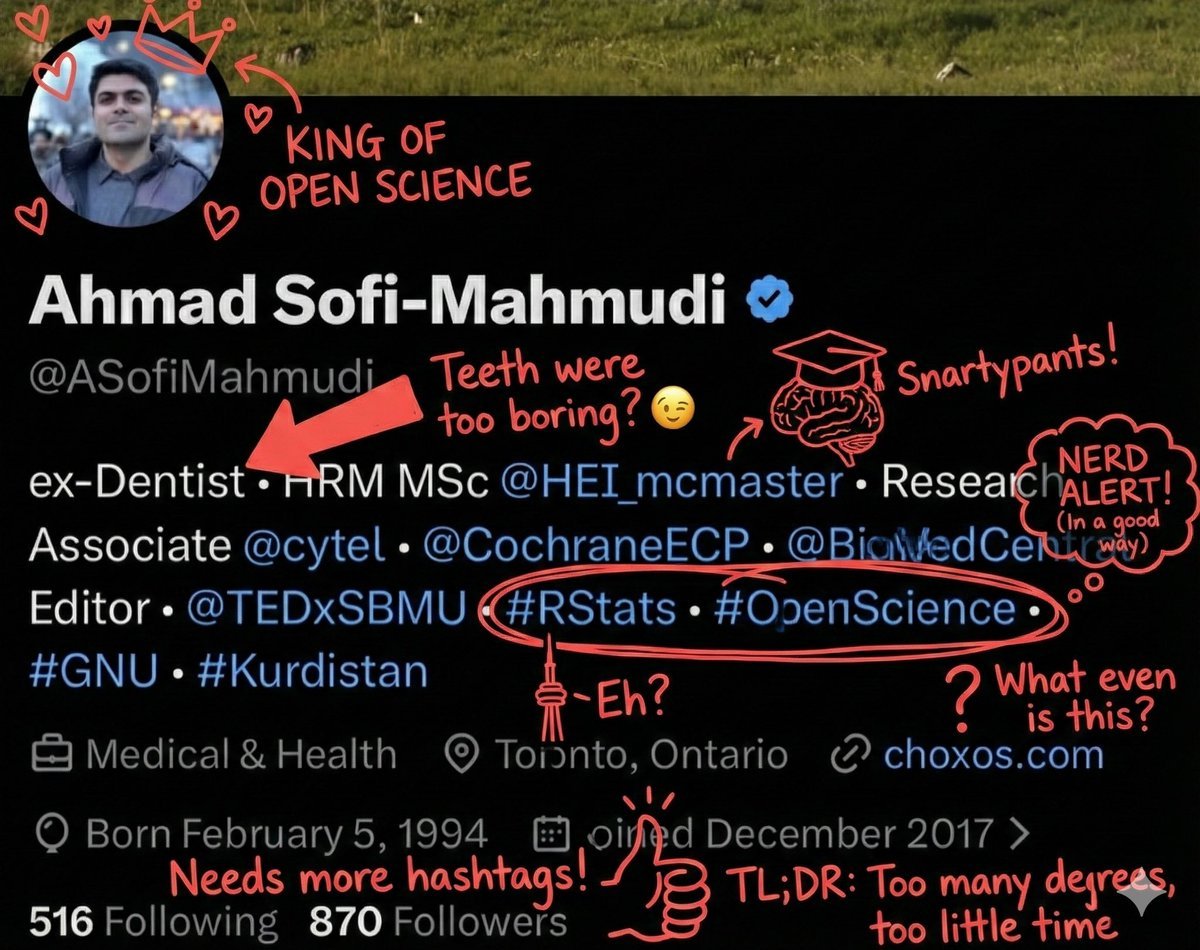
Overlay Image with Funny Comments
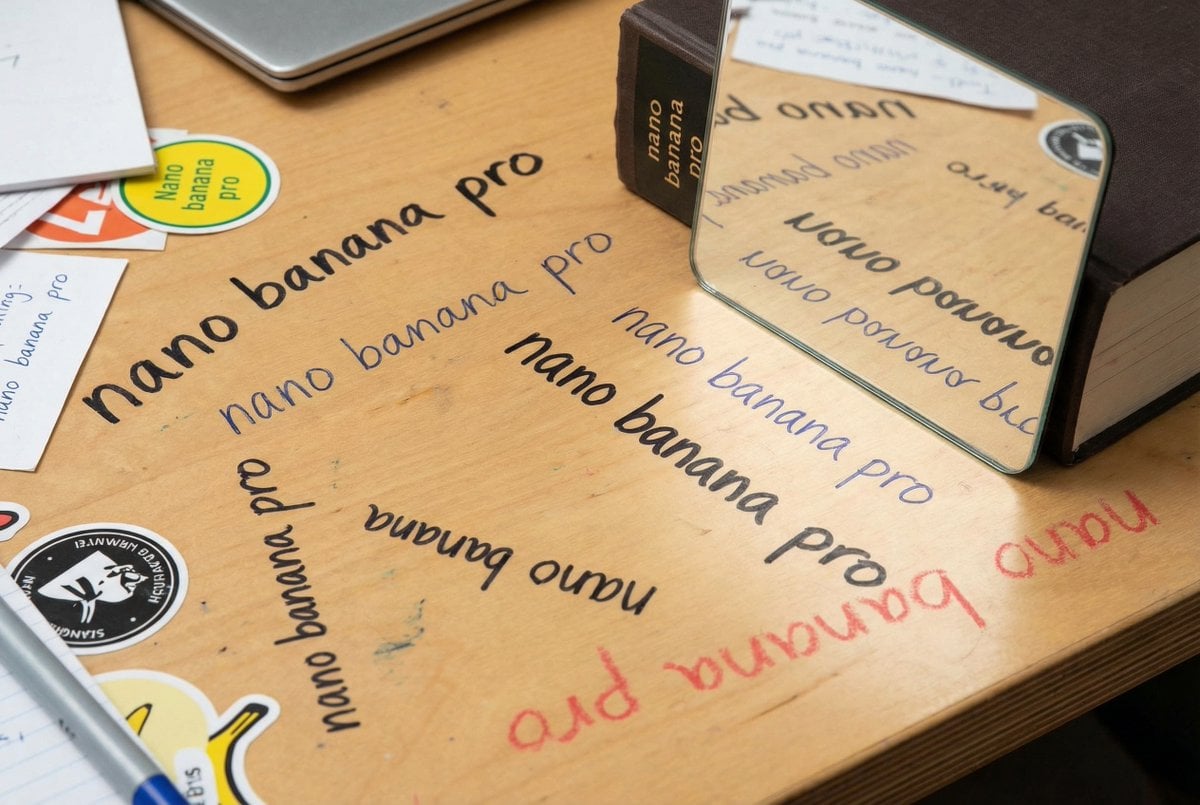
Glossy magazine article with full text
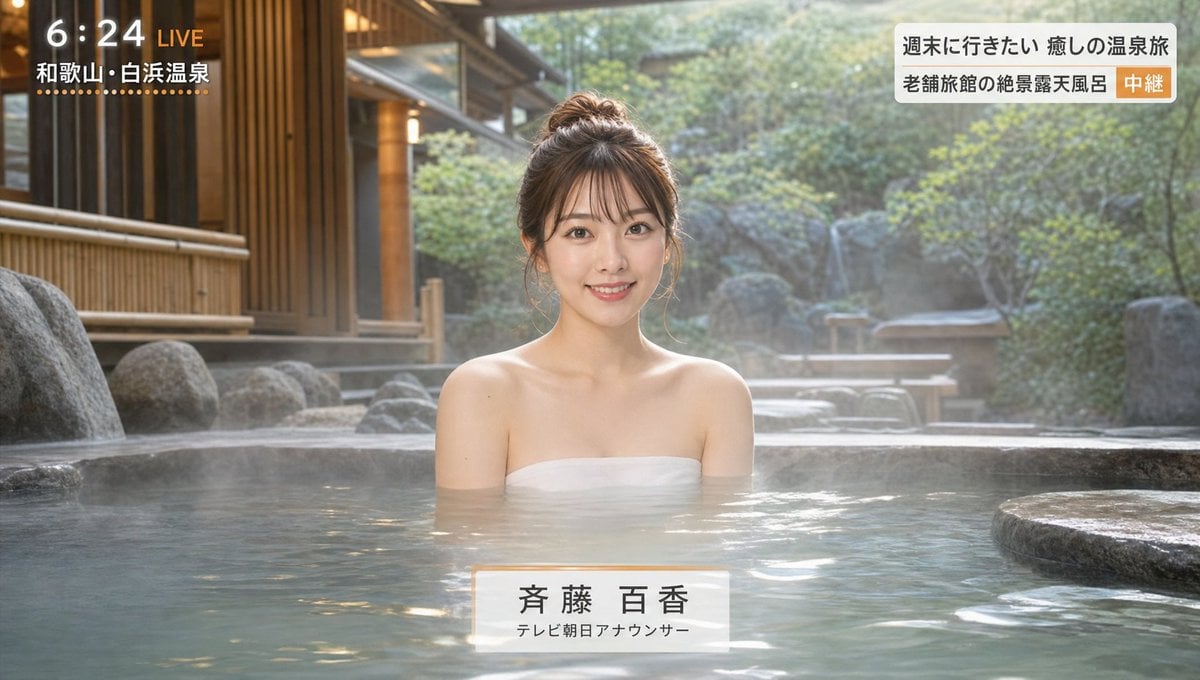
Japanese Hot Spring TV Report
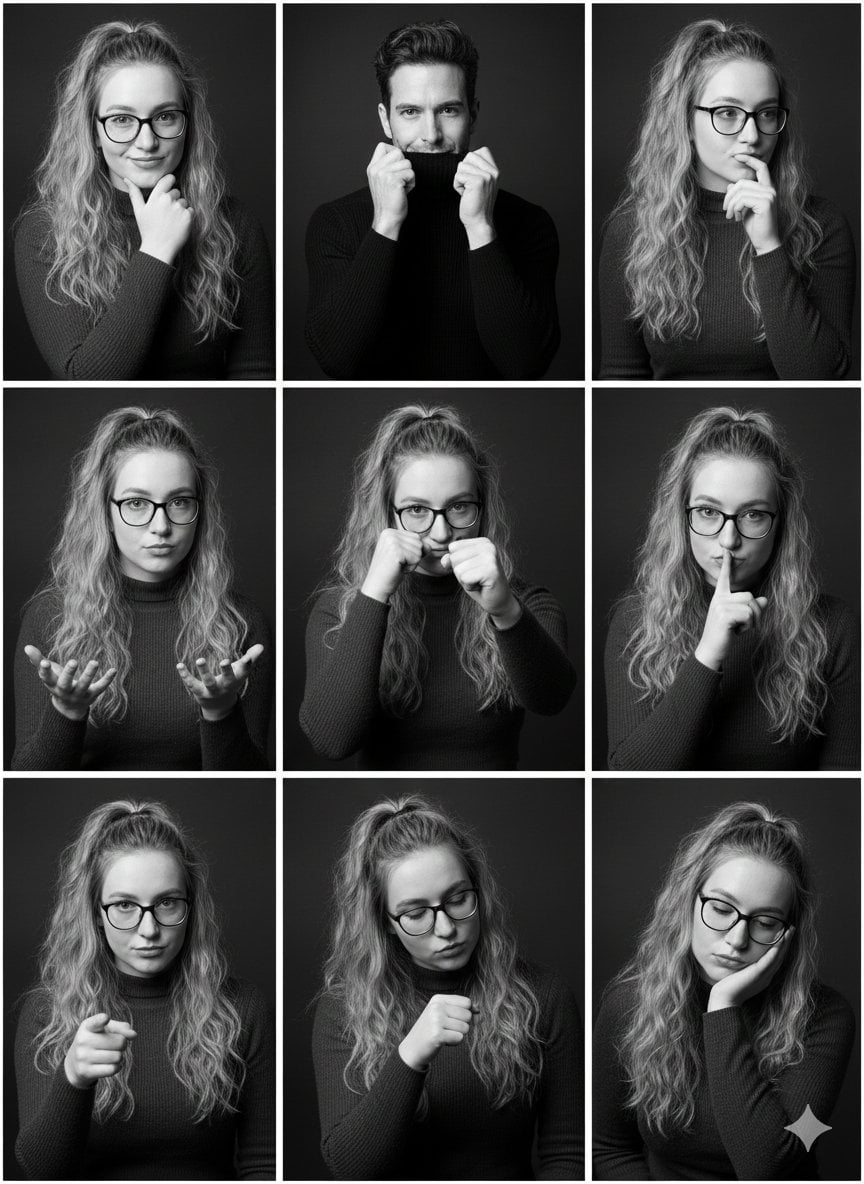
Black and White Studio Portrait Collage (3x3 Grid)
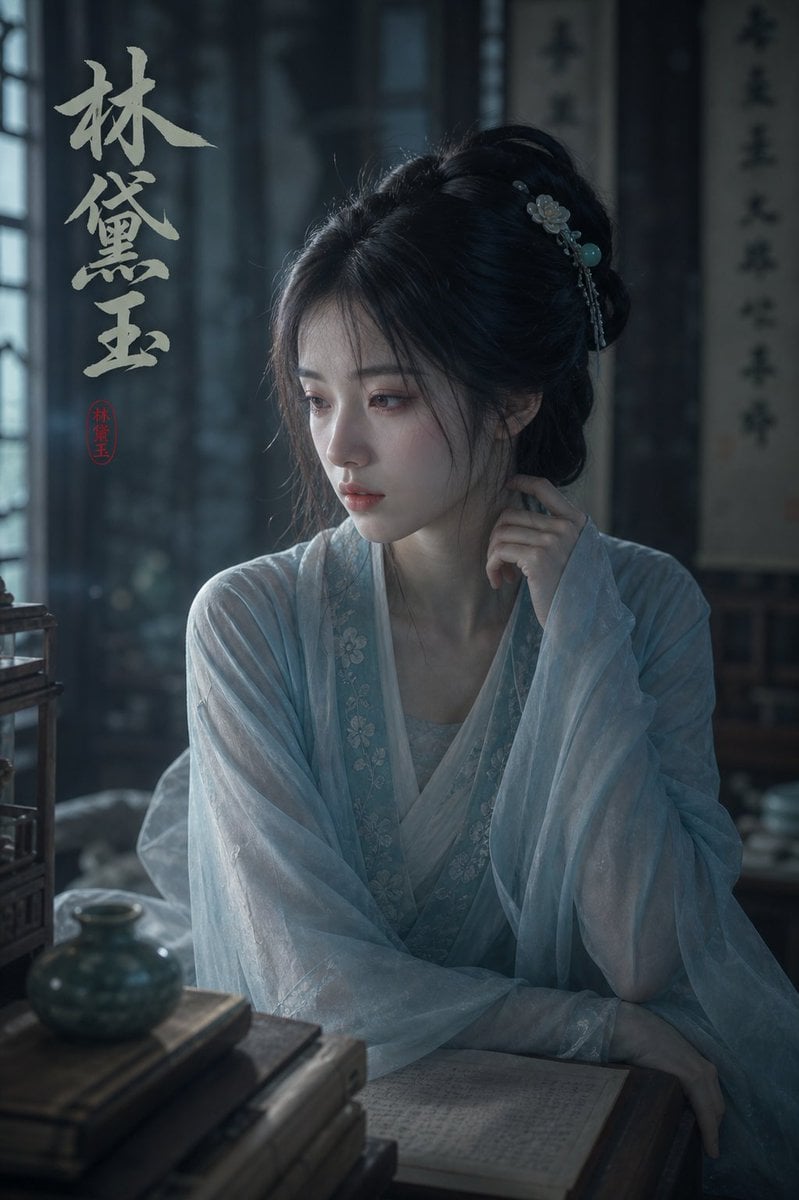
Melancholic Lin Daiyu Portrait
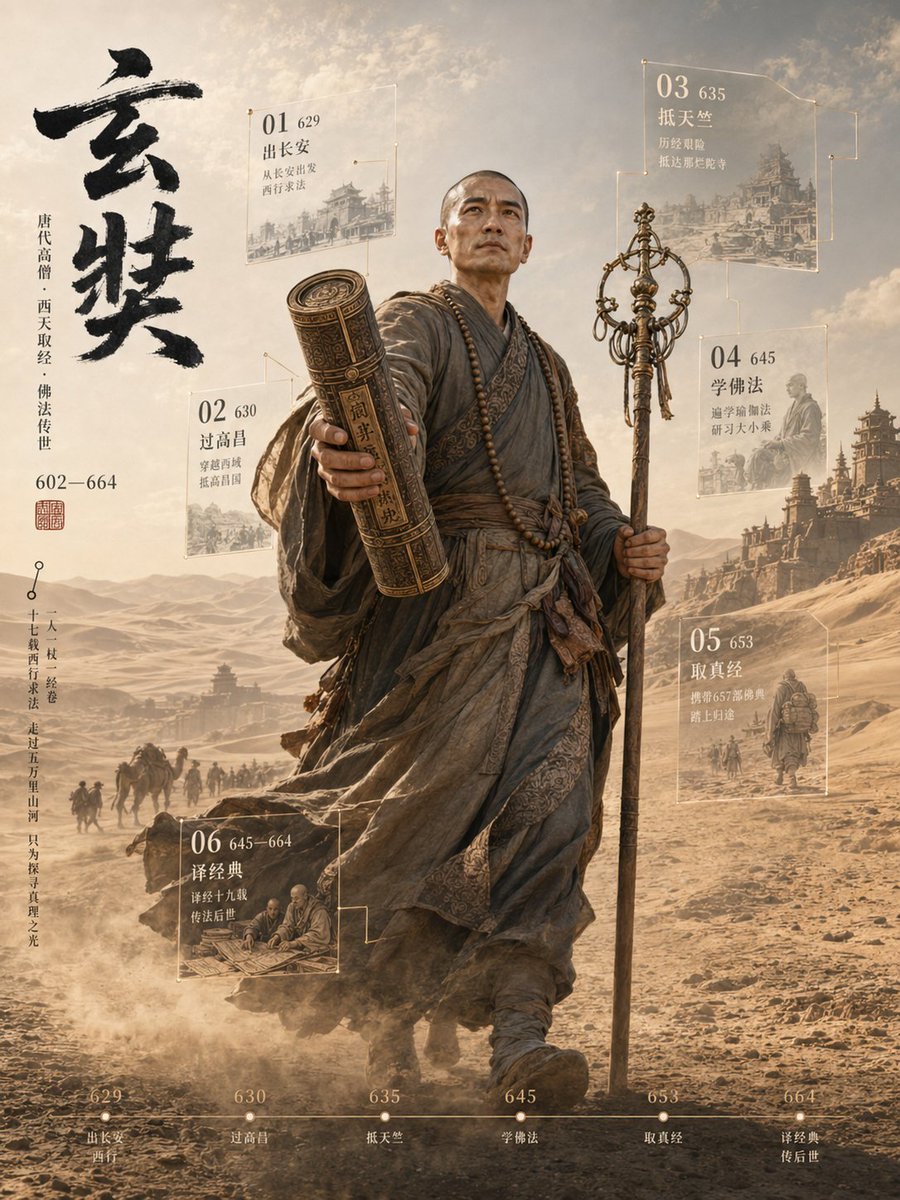
3D Xuanzang Historical Archive Poster
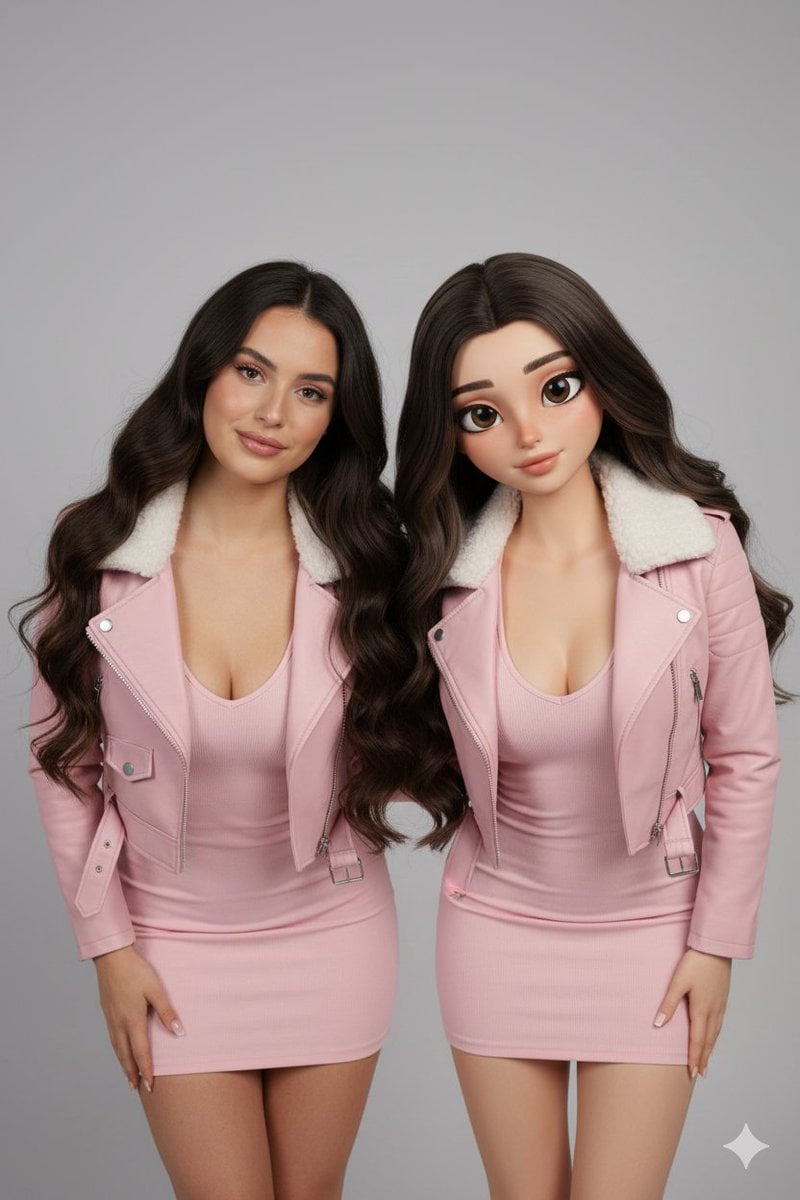
Realistic Human vs. 3D Character Side-by-Side Prompt
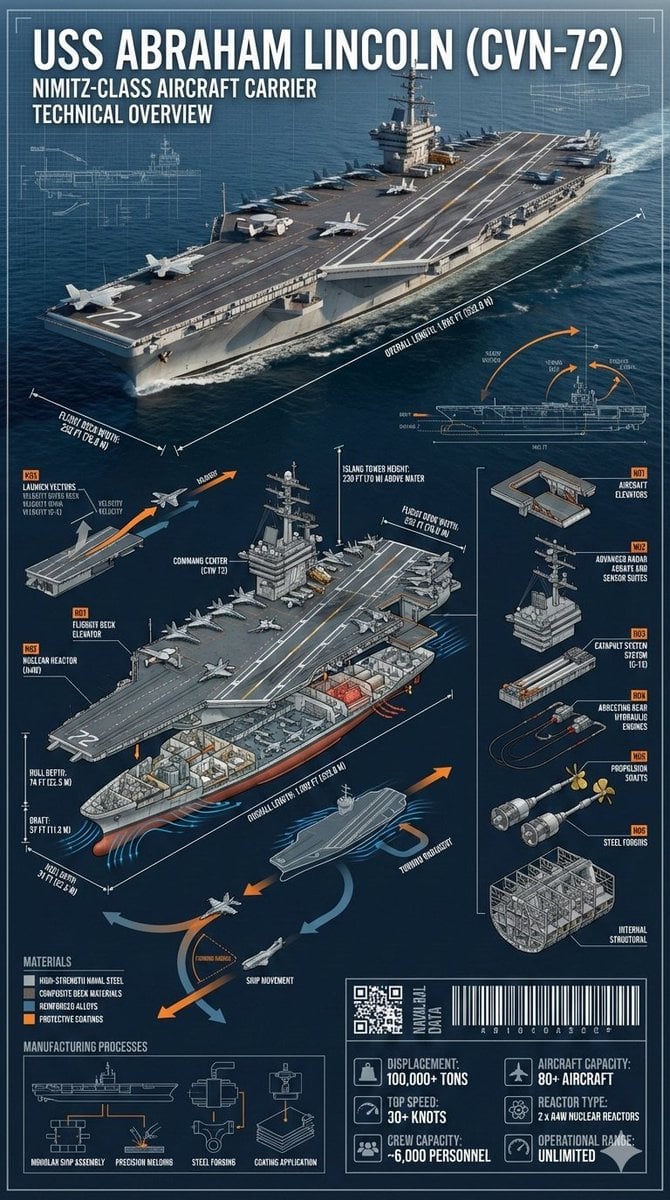
Cinematic Engineering Infographic of USS Abraham Lincoln
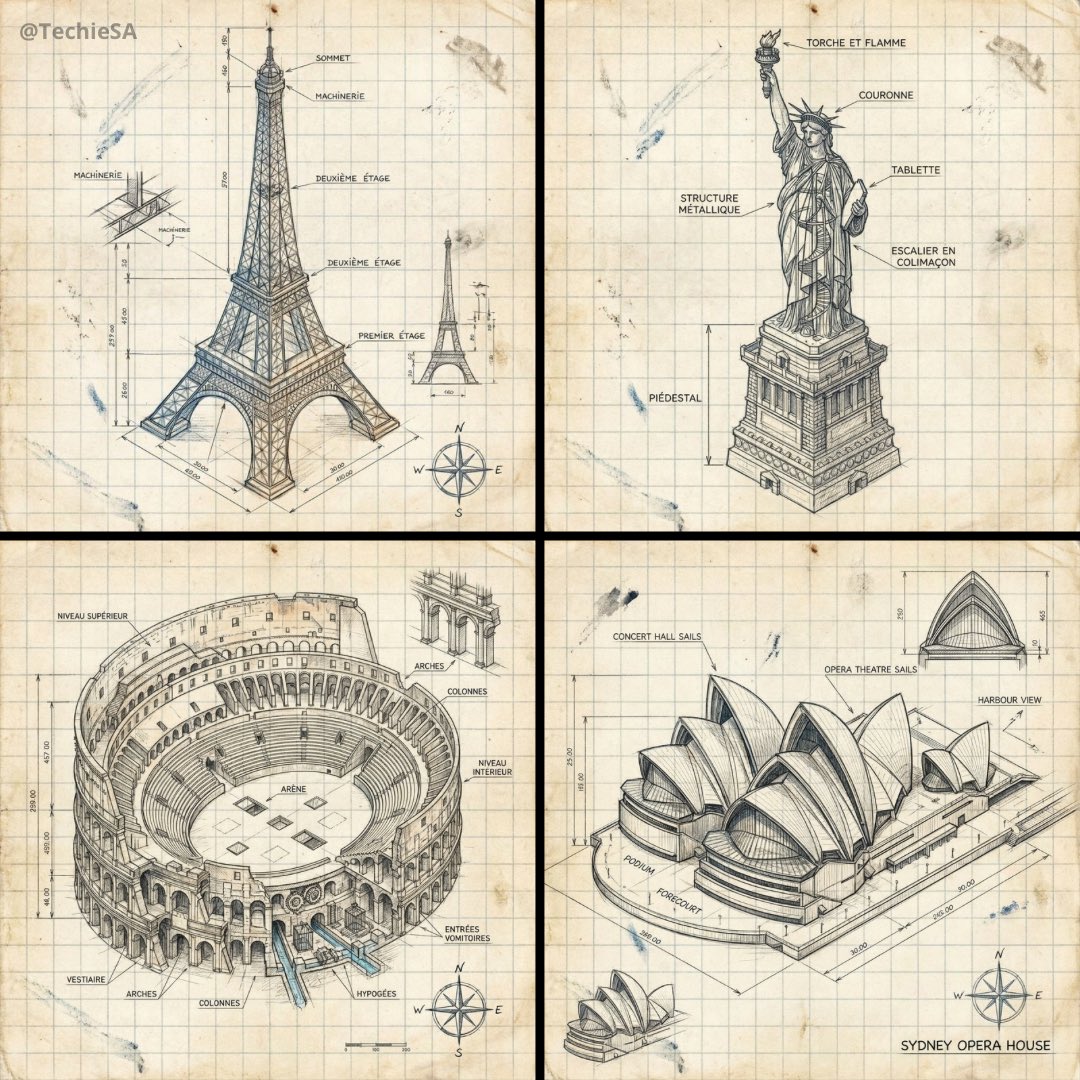
Hand-drawn isometric landmark schematic
Browse template categories
FIFA Football — Selective Color Editorial Poster questions
How do I use the FIFA Football — Selective Color Editorial Poster template?
Add your photo if the template asks for one, edit the prompt if you like — the template's model and format are already selected — and press Generate. Your version opens in PicX Studio.
Can I customize the FIFA Football — Selective Color Editorial Poster template?
Yes. You can change the subject, setting, lighting, mood, format, and available model controls before creating your image.
Is the FIFA Football — Selective Color Editorial Poster template free?
Opening and editing this template is free. Generating uses credits, shown on the Generate button when you are signed in.
Which AI model should I use?
Choose a compatible model in PicX Studio based on the style, speed, and output controls your project needs.
Looking for something else? Browse all templates.

Your photo, any look
Thousands of ready templates for every top image and video model, from one credit balance.