
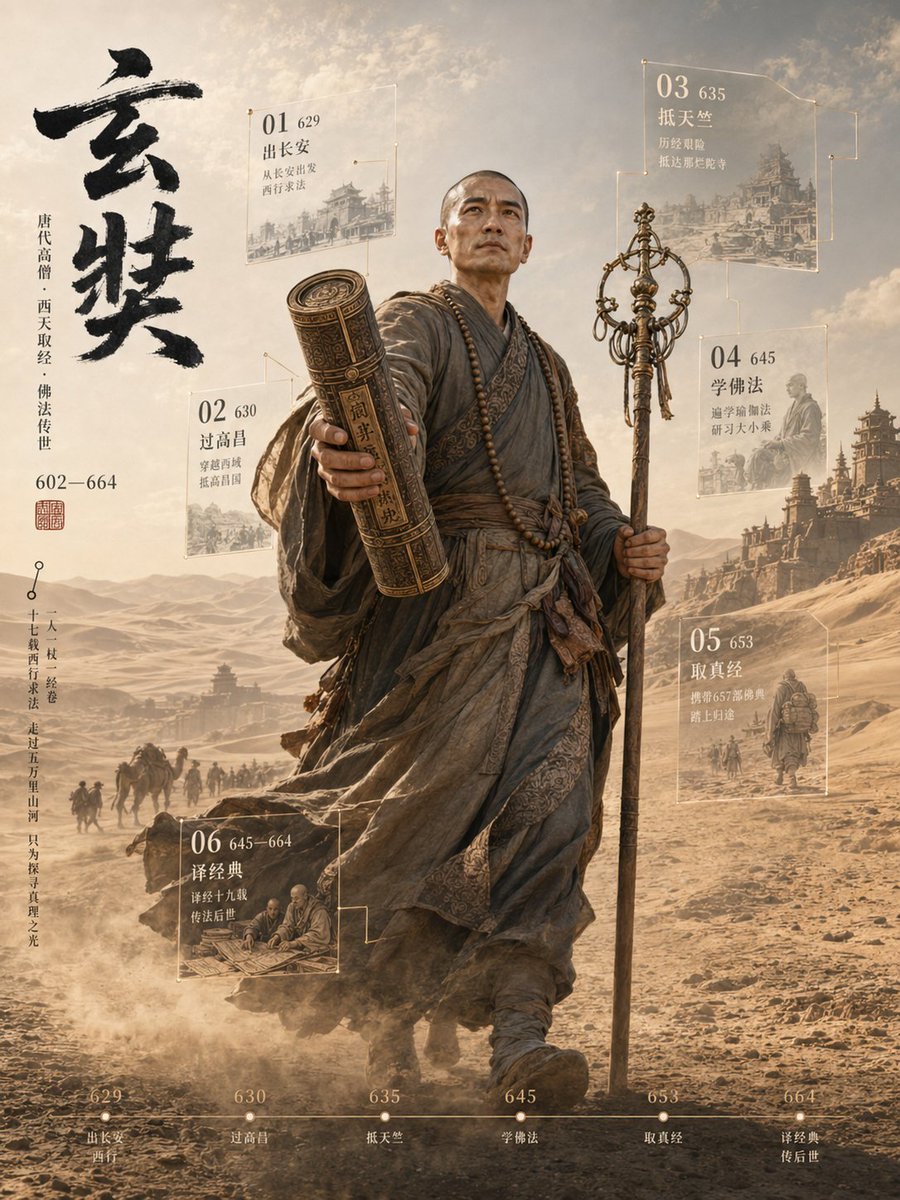
3D Xuanzang Historical Archive Poster
Generates a cinematic 3D historical figure poster with Xuanzang, Silk Road scenery, Chinese calligraphy, six archive panels, and a bottom timeline.
- Prompt included
- Model and format preset
- Free template
The prompt behind this image
Copy the exact prompt behind 3D Xuanzang Historical Archive Poster, or open it in the studio and make it yours.
Goal: Create a cinematic vertical 3D historical figure archive poster about {argument name="character name" default="Xuanzang"}, showing a Tang dynasty monk as a monumental full-body statue-like traveler walking toward the viewer through a desert Silk Road landscape. Use an epic museum-exhibition style with realistic 3D rendering, documentary historical atmosphere, and floating translucent data panels. Canvas: Vertical 3:4 poster, warm sepia and dusty gold color palette, high detail, dramatic backlight, hazy sky, windblown sand, ancient city silhouettes and pagodas in the distance. The central figure occupies most of the height, slightly right of center, walking forward with strong depth and scale. Main subject: A bald Tang dynasty Buddhist monk in layered weathered gray-brown robes, wrapped sashes, prayer beads around the neck, worn cloth textures, dust and wind movement. He holds a tall ornate monk staff in his right hand and extends an ancient rolled scripture tube or sutra scroll case toward the viewer in his left hand, creating a strong foreground perspective. The face area should be softly obscured or neutral rather than a recognizable modern face. The pose should feel determined, solemn, and pioneering. Left title column: Large expressive black ink-brush Chinese calligraphy reading {argument name="main calligraphy title" default="玄奘"} at the upper left. Beside it, add thin vertical Chinese-style biographical text indicating Tang dynasty monk, westward scripture journey, Buddhist transmission, and lifespan 602—664. Add a small red seal stamp under the biographical text. Add an additional slim vertical annotation line near the lower left like an archival quote or route note. Floating archive panels: Include exactly 6 semi-transparent glass panels with thin gold outlines, small node connectors, white/gold text, faint historical illustration backgrounds, and a numbered sequence. The six panels are: 01, year 629, departure from Chang'an; 02, year 630, crossing Gaochang; 03, year 635, reaching Tianzhu/India; 04, year 645, studying Buddhism and returning east; 05, year 653, collecting and bringing back scriptures; 06, years 645—664, translating classics and transmitting them to later generations. Place panels around the figure: 01 upper left, 02 mid-left, 03 upper right, 04 right middle, 05 lower right, 06 lower left. Keep the panels legible but ethereal, as if holographic museum labels. Bottom timeline: Add one thin horizontal timeline across the bottom with exactly 6 marked dots labeled 629, 630, 635, 645, 653, and 664. Under the dots, add short Chinese-style event captions matching the six archive panels. Use small refined serif or Song-style typography in off-white/gold. Background details: A vast desert road with caravan silhouettes, camels, monks, travelers, dust clouds, distant mountains, and ancient frontier architecture. Include faint ruined city walls and pagoda-like structures to support the historical westward journey atmosphere. Make the scroll case and monk staff break the flat poster plane visually, as if protruding from the archival layout. Visual style: {argument name="visual style" default="ultra-realistic 3D historical poster, cinematic lighting, museum archive infographic, sepia desert palette, volumetric dust, high-detail cloth and metal textures"}. Elegant, solemn, heroic, not cartoonish. Combine realistic historical portraiture with infographic overlays and Chinese ink-calligraphy aesthetics. Constraints: Use exactly 1 central character, exactly 6 floating archive panels, and exactly 6 bottom timeline markers. No modern objects, no English text on the poster unless requested, no watermark, no logo, no extra characters in the foreground.
How to use 3D Xuanzang Historical Archive Poster in 3 steps
- 1Upload ImagePNG, JPG or paste
Add your photo
Upload the photo the template builds on. The prompt, model and format are already set.
- 2…a portrait of your subject in softgolden-hour light, 85mm…
Personalize
Edit the subject and creative details for your destination.
- 3Generate
Generate
Press Generate — your image is created in PicX Studio, so you can compare it with the original and refine one variable at a time.
More like this
Templates with the same subject, style or setup. Open one to see its prompt.
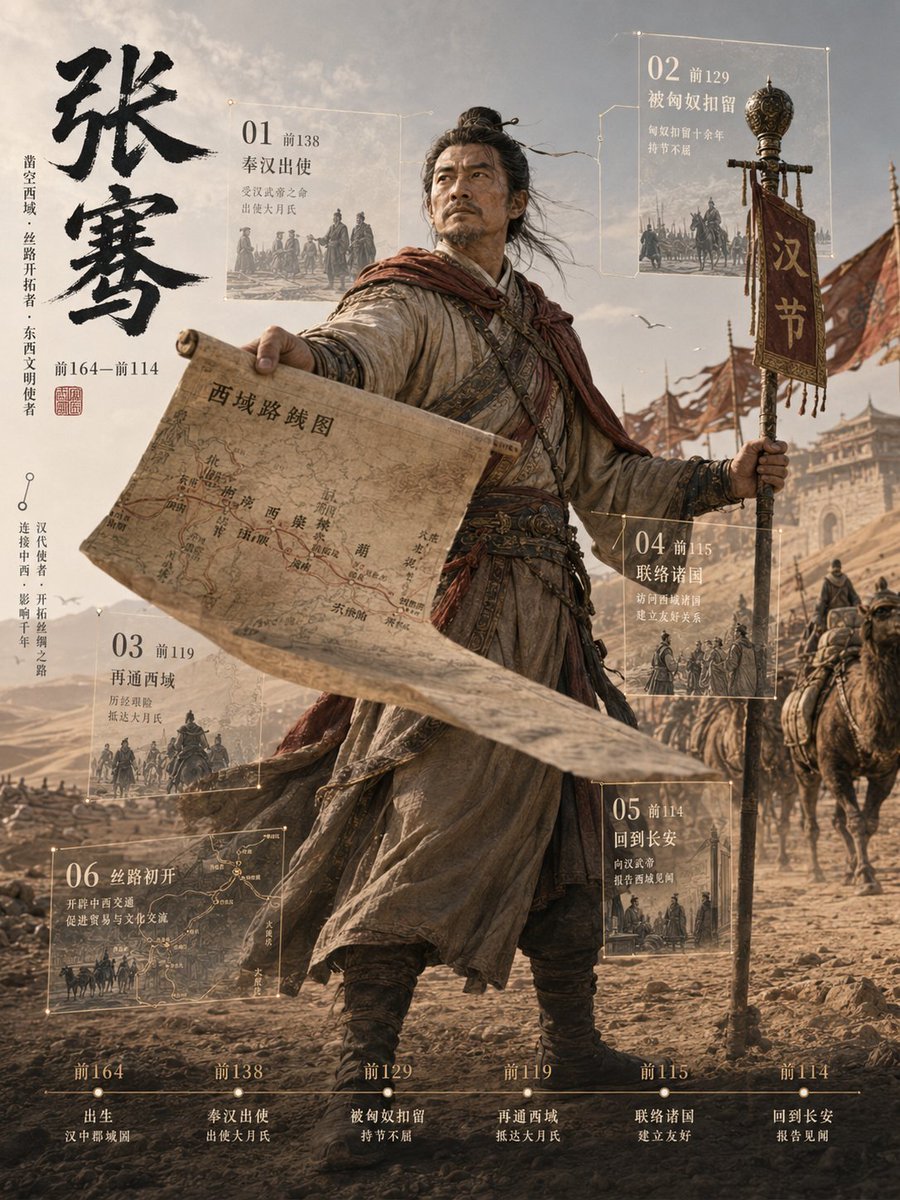
Zhang Qian 3D Historical Archive Poster
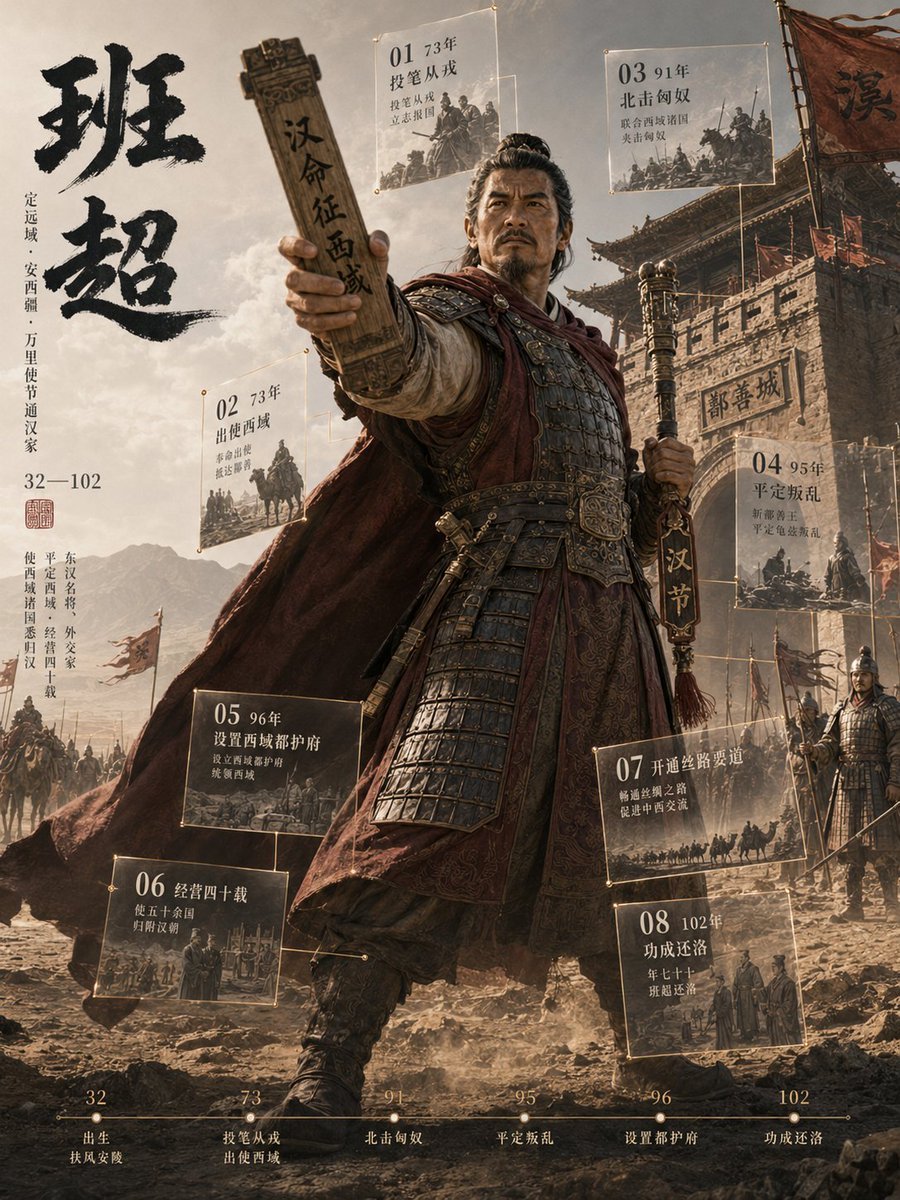
3D Chinese Historical Figure Archive Poster

Japan Travel Brochure Poster

Cartoon TV Show Poster Pack

Trendy Cafe Drink Promo Poster

Urban Fashion Editorial Collage Streetwear Poster

Premium Fashion Editorial Cover Layout System

Polo Ralph Lauren Luxury American Heritage Fashion Campaign

Monochrome Halftone Editorial Fashion Poster

Retro Mirror Luxury Fashion Campaign Poster

Luxury Fashion Campaign Typography Poster System

Premium Fashion Editorial Campaign Poster System
Make it yours
3D Xuanzang Historical Archive Poster works as-is. These are the safest ways to change it without losing the look.
Change one field
Copy a single group, rewrite it, and generate again so you can see what that field is doing.
Keep the frame, change the subject
Hold the composition and light of 3D Xuanzang Historical Archive Poster, then swap wardrobe, props or the person for a new take.
| If the result… | Why | Fix |
|---|---|---|
| The result drifts from the preview | Too many fields changed at once. | Reuse 3D Xuanzang Historical Archive Poster as-is first, then change one group — subject, light, or setting. |
| The model over-stylizes the scene | The prose prompt leaves finish and camera underspecified. | Add one camera or lighting sentence and stay on GPT Image 2. |
More GPT Image 2 templates
Other prompts made for GPT Image 2.

Six VTuber Japanese Logo Sheet

Realistic Portrait of Woman and Deer

The Vista Modular Condo Poster

AI Model Routing Comparison Infographic

2.5D Anime Art Board

Isometric Productivity Desk Scene

New York Double Exposure Poster

Four-Panel AI Landscape Comparison

Japanese Tatami Lifestyle Magazine Cover

NESCAFÉ Coffee Map Poster
More image prompts
Fresh picks from across the catalog.
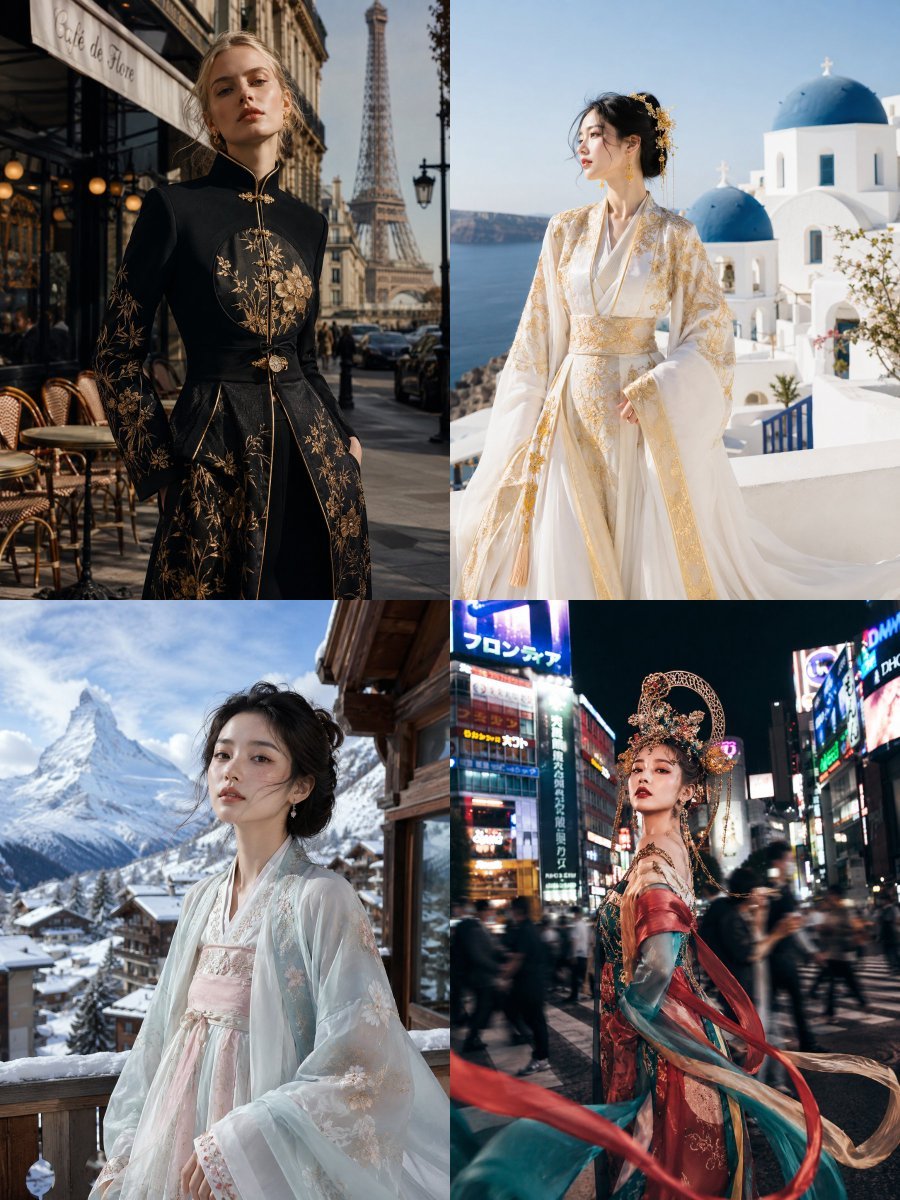
Visual Contrast Cultural Photography

Caffeine-Free Herbal Tea Chart
Cinematic Surveillance Interface Aesthetic

Traditional Chinese Blue-Green Landscape
Rainstorm Ronin Bridge Scene
Ultra-Realistic Portrait in Cinematic Bathroom Lighting
Futuristic BentoCard Floppy Ad

Epic Fantasy Movie Poster
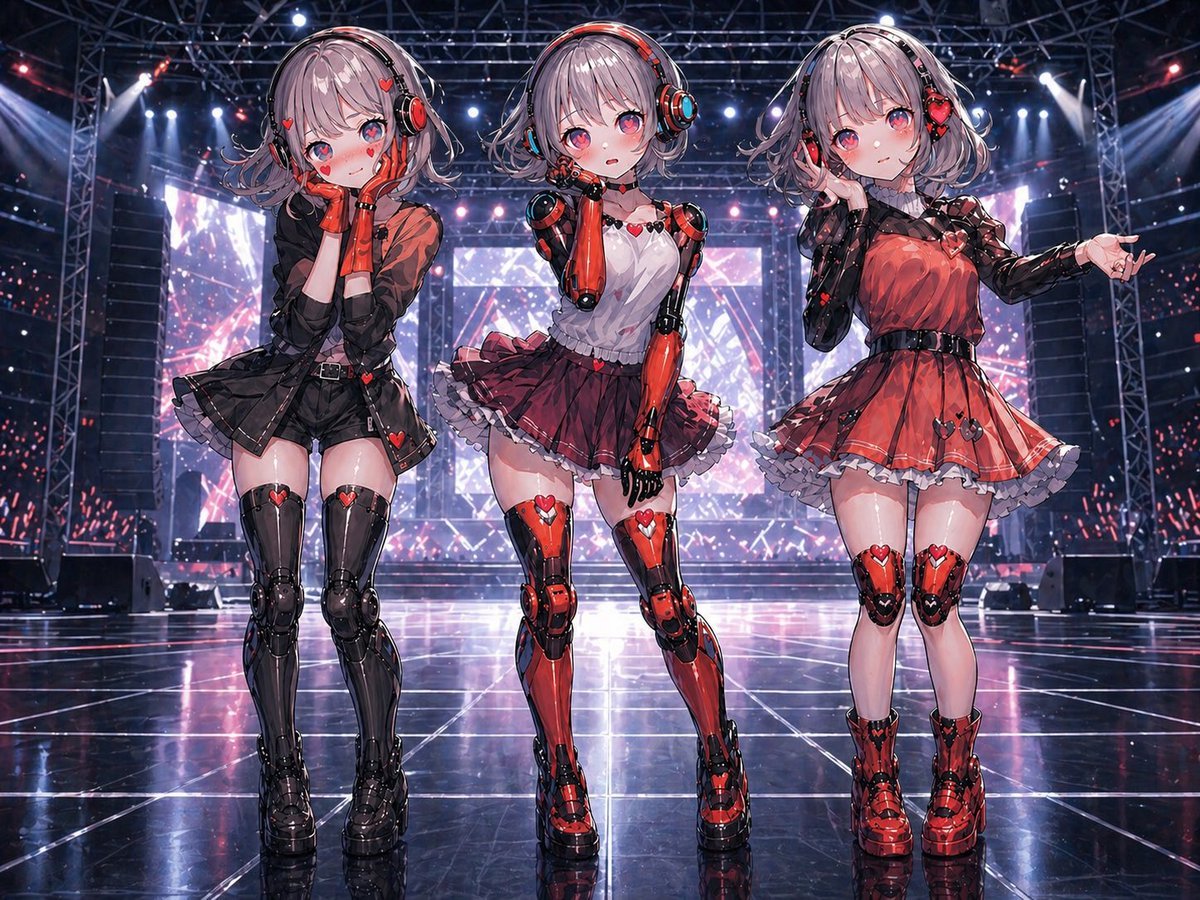
Three Android Idol Girls on Concert Stage
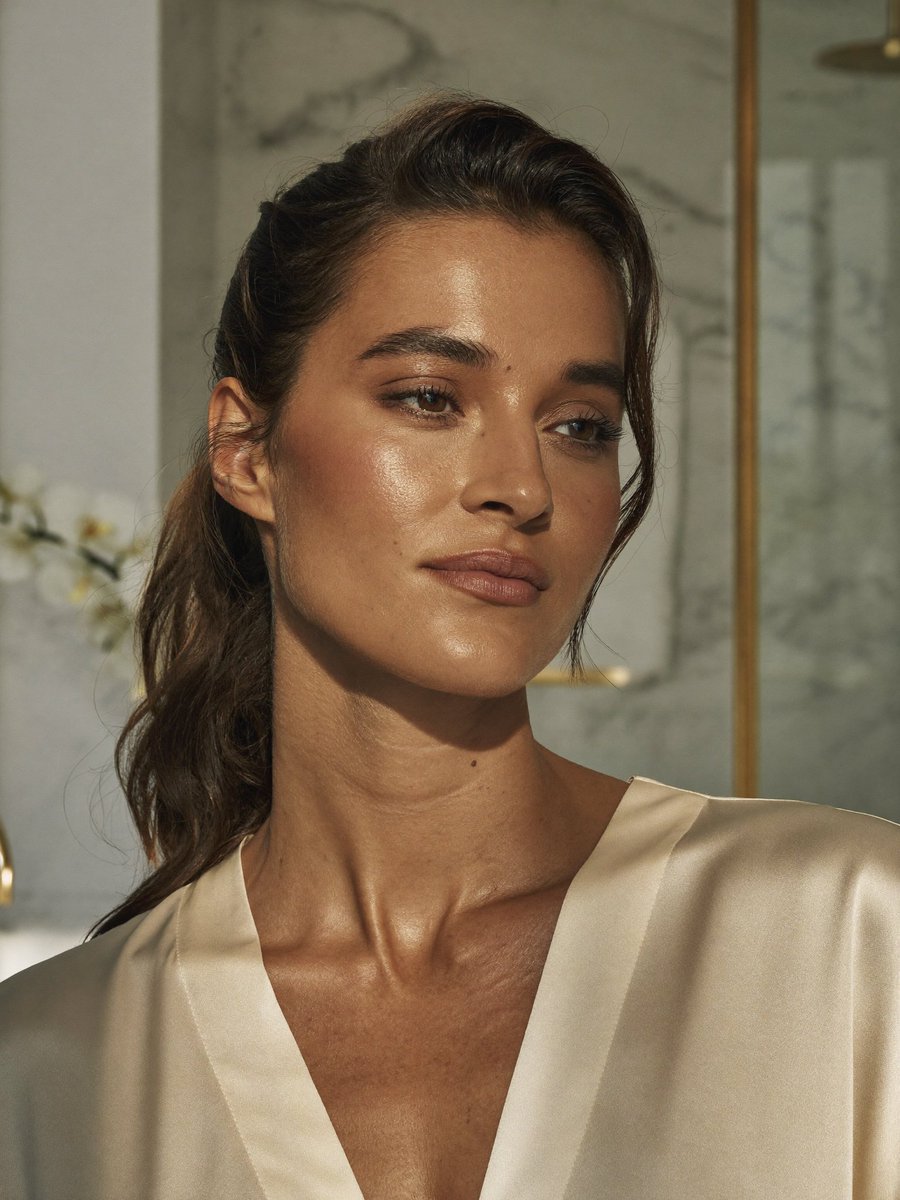
Censored Realistic Spa Portrait
Browse template categories
3D Xuanzang Historical Archive Poster questions
How do I use the 3D Xuanzang Historical Archive Poster template?
Add your photo if the template asks for one, edit the prompt if you like — the template's model and format are already selected — and press Generate. Your version opens in PicX Studio.
Can I customize the 3D Xuanzang Historical Archive Poster template?
Yes. You can change the subject, setting, lighting, mood, format, and available model controls before creating your image.
Is the 3D Xuanzang Historical Archive Poster template free?
Opening and editing this template is free. Generating uses credits, shown on the Generate button when you are signed in.
Which AI model should I use?
Start with GPT Image 2, which is the model associated with this template. You can compare another compatible model for a different finish.
Looking for something else? Browse all templates.

Your photo, any look
Thousands of ready templates for every top image and video model, from one credit balance.