
Zhang Qian 3D Historical Archive Poster
Creates a cinematic Chinese historical figure archive poster with a central 3D Zhang Qian, Silk Road map, expedition banner, six event panels, and a bottom timeline.
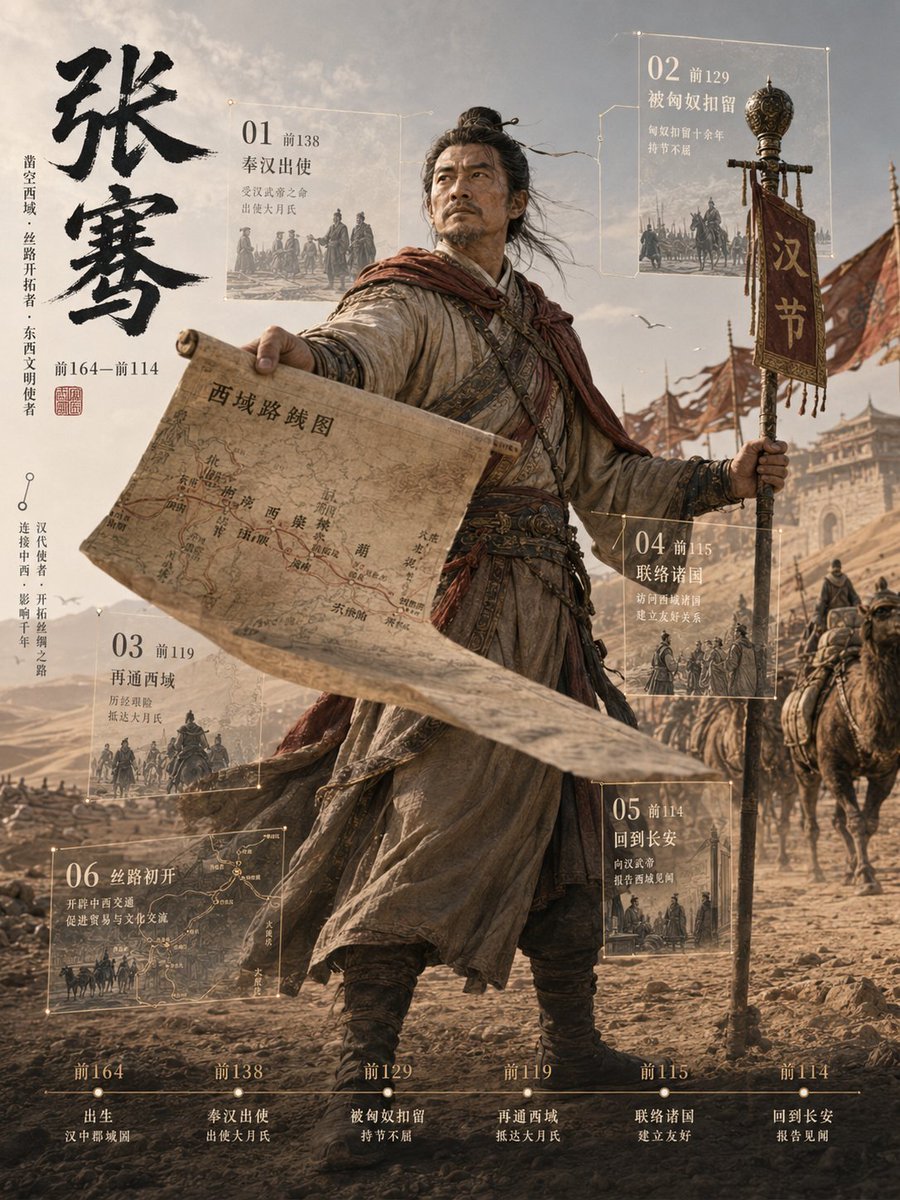
- Prompt included
- Model and format preset
- Free template
The prompt behind this image
Copy the exact prompt behind Zhang Qian 3D Historical Archive Poster, or open it in the studio and make it yours.
Goal: Create a vertical cinematic 3D historical figure archive poster about {argument name="character name" default="张骞"}, showing an ancient Chinese explorer breaking out of a documentary-style timeline layout with strong depth and motion. Canvas: Vertical 3:4 poster, sepia desert palette, high-detail realistic 3D render mixed with aged parchment infographic design. Use dramatic backlight, dusty atmosphere, wind-blown fabric, shallow depth of field, and a grand Silk Road expedition mood. Main subject: A full-body ancient Han dynasty envoy stands in the center foreground on a rocky desert road. His face is intentionally covered by a soft square pixelated blur. He wears layered worn robes, leather belts, travel wraps, boots, and a red-brown scarf blowing in the wind. His left arm stretches forward holding a large unrolled parchment map that projects toward the viewer in forced perspective; the map is labeled in Chinese as {argument name="map title" default="西域线路图"} and contains route lines and place names. His right hand holds a tall ceremonial staff with an ornate metal finial and a hanging vertical red banner reading {argument name="banner text" default="汉节"}. Behind him, show a caravan of camels, riders, soldiers, flags, and a distant western-region city gate under a hazy sky with birds. Left title column: Place huge black ink-brush Chinese calligraphy vertically reading {argument name="main title" default="张骞"}. Add smaller vertical Chinese descriptors beside it describing him as an opener of the Western Regions and Silk Road pioneer, plus dates “前164—前114” and a small red seal stamp. Keep the typography elegant, historical, and museum-like. Floating archive panels: Use exactly 6 translucent glass-and-gold-line information cards around the figure, each with thin borders, small glowing corner nodes, miniature monochrome historical scene illustrations, and Chinese headings. Count and place them as follows: 1) upper left card, “01 前138 奉汉出使”, with a small envoy departure scene; 2) upper right card, “02 前129 被匈奴扣留”, with a captivity or horsemen scene; 3) lower left-middle card, “03 前119 再通西域”, with a caravan scene; 4) right-middle card, “04 前115 联络诸国”, with diplomats and allies; 5) lower right card, “05 前114 回到长安”, with return-to-capital imagery; 6) bottom-left large card, “06 丝路初开”, showing a route map and camel caravan. Bottom timeline: Add one thin horizontal timeline across the bottom with exactly 6 labeled milestones, evenly spaced: “前164 出生 汉中郡城固”, “前138 奉汉出使 出使大月氏”, “前129 被匈奴扣留 持节不屈”, “前119 再通西域 抵达大月氏”, “前115 联络诸国 建立友好”, “前114 回到长安 报告见闻”. Use small serif-like Chinese type, warm off-white ink, and subtle gold tick marks. Visual style: Epic historical realism, photorealistic cloth and leather textures, parchment infographic overlay, museum exhibition poster, ancient Chinese frontier expedition, desert dust, wind, warm bronze and beige tones, sharp foreground map, cinematic perspective, volumetric light, ultra-detailed 3D立像档案 aesthetic. Constraints: Preserve exactly one central figure, one large parchment map, one ceremonial staff with one hanging banner, six floating archive cards, and six bottom timeline milestones. Avoid modern objects, avoid extra panels, avoid neon colors, and do not add a watermark.
How to use Zhang Qian 3D Historical Archive Poster in 3 steps
- 1Upload ImagePNG, JPG or paste
Add your photo
Upload the photo the template builds on. The prompt, model and format are already set.
- 2…a portrait of your subject in softgolden-hour light, 85mm…
Personalize
Edit the subject and creative details for your destination.
- 3Generate
Generate
Press Generate — your image is created in PicX Studio, so you can compare it with the original and refine one variable at a time.
More like this
Templates with the same subject, style or setup. Open one to see its prompt.
3D Xuanzang Historical Archive Poster
3D Chinese Historical Figure Archive Poster

Japan Travel Brochure Poster

Cartoon TV Show Poster Pack

Trendy Cafe Drink Promo Poster

Urban Fashion Editorial Collage Streetwear Poster

Premium Fashion Editorial Cover Layout System

Polo Ralph Lauren Luxury American Heritage Fashion Campaign

Monochrome Halftone Editorial Fashion Poster

Retro Mirror Luxury Fashion Campaign Poster

Luxury Fashion Campaign Typography Poster System

Premium Fashion Editorial Campaign Poster System
Make it yours
Zhang Qian 3D Historical Archive Poster works as-is. These are the safest ways to change it without losing the look.
Change one field
Copy a single group, rewrite it, and generate again so you can see what that field is doing.
Keep the frame, change the subject
Hold the composition and light of Zhang Qian 3D Historical Archive Poster, then swap wardrobe, props or the person for a new take.
| If the result… | Why | Fix |
|---|---|---|
| The result drifts from the preview | Too many fields changed at once. | Reuse Zhang Qian 3D Historical Archive Poster as-is first, then change one group — subject, light, or setting. |
| The model over-stylizes the scene | The prose prompt leaves finish and camera underspecified. | Add one camera or lighting sentence and stay on GPT Image 2. |
More GPT Image 2 templates
Other prompts made for GPT Image 2.

Six VTuber Japanese Logo Sheet

Realistic Portrait of Woman and Deer

The Vista Modular Condo Poster

AI Model Routing Comparison Infographic

2.5D Anime Art Board

Isometric Productivity Desk Scene

New York Double Exposure Poster

Four-Panel AI Landscape Comparison

Japanese Tatami Lifestyle Magazine Cover

NESCAFÉ Coffee Map Poster
More image prompts
Fresh picks from across the catalog.

Beauty Commercial Portrait on Reflective Surface

Chinese Livestream Dorm Selfie UI
Instagram Story Prompt: Parisian Morning Croissant Selfie
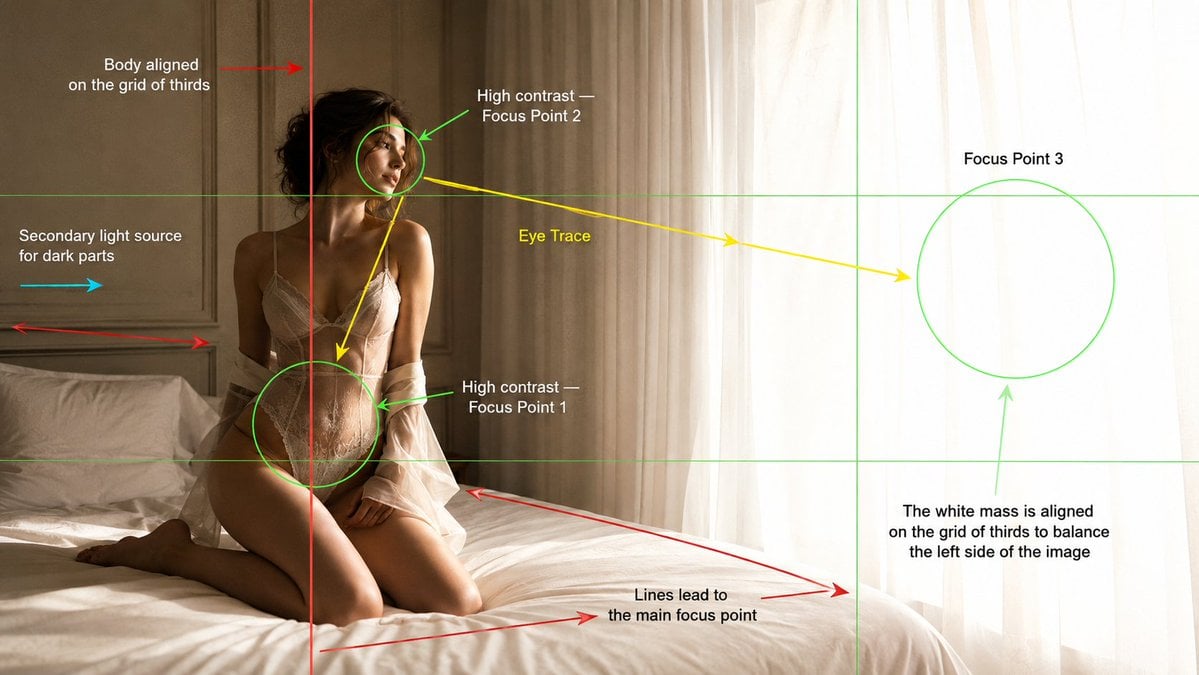
Cinematography Composition Analysis Frame

Dark Fantasy Neon Portrait with Glowing Halo Prompt
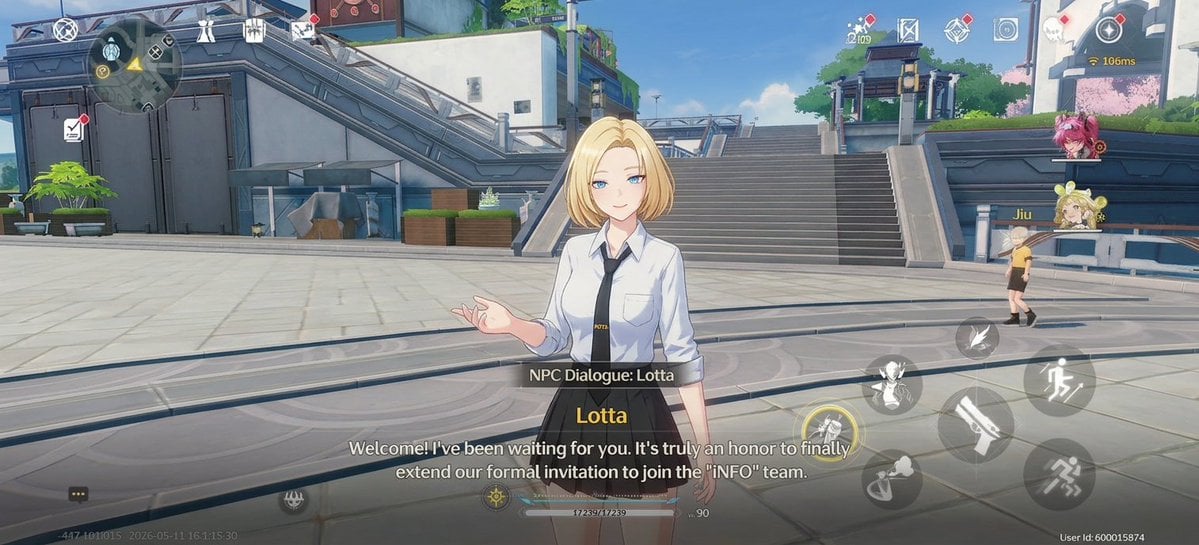
Anime RPG Dialogue Screenshot
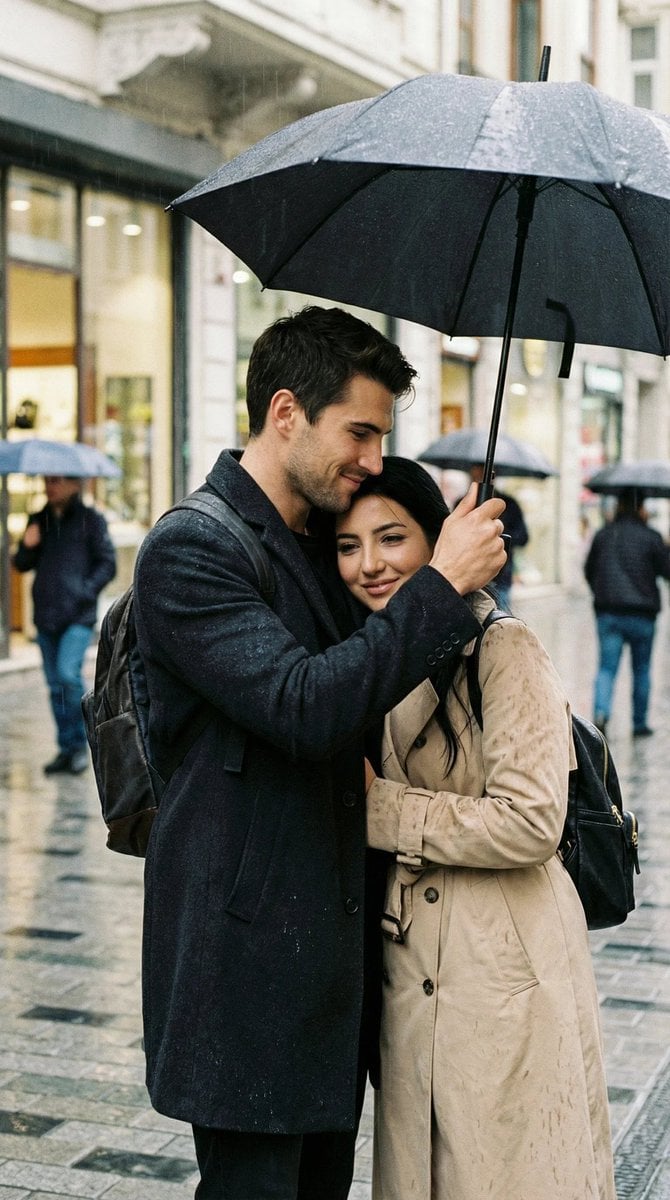
Photoreal Candid Street Romance in Istanbul Prompt

Gpt2 E Commerce Main Image Skincare Product Studio Shot

Futuristic Energy Drink Ad Poster
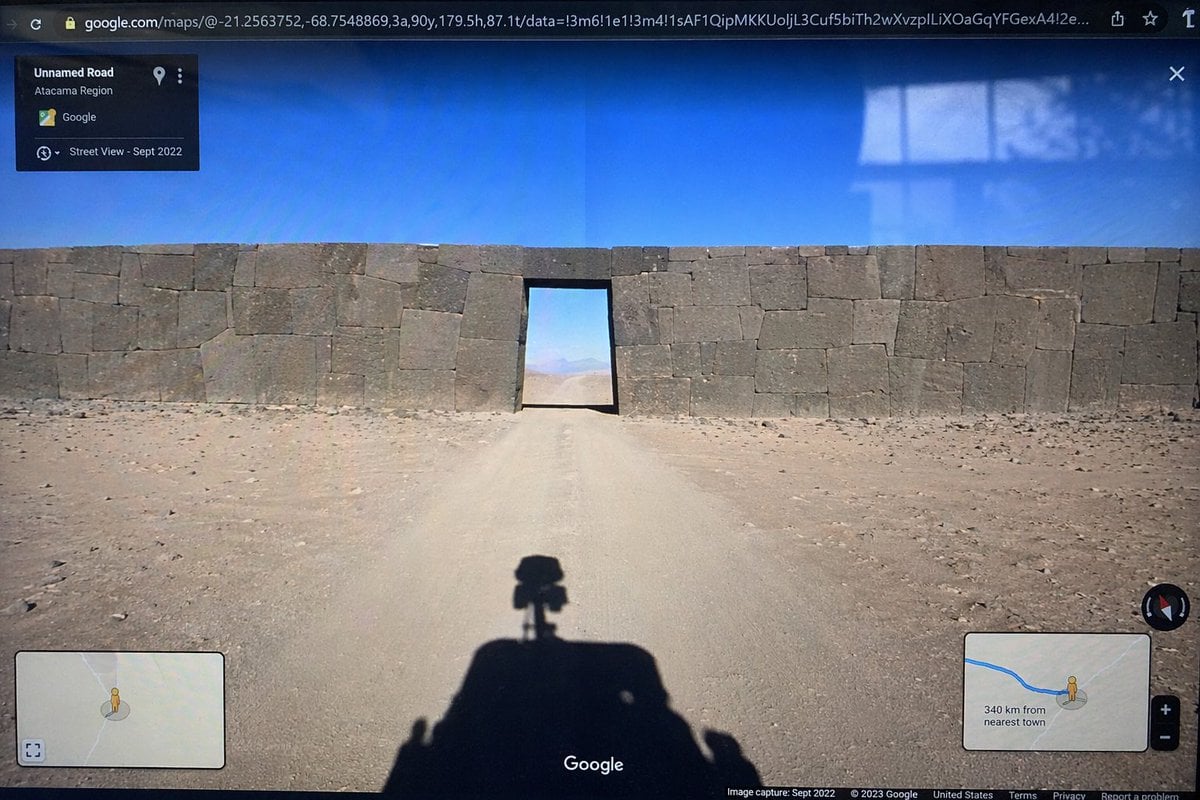
Google Street View Anomaly Screen Photo
Browse template categories
Zhang Qian 3D Historical Archive Poster questions
How do I use the Zhang Qian 3D Historical Archive Poster template?
Add your photo if the template asks for one, edit the prompt if you like — the template's model and format are already selected — and press Generate. Your version opens in PicX Studio.
Can I customize the Zhang Qian 3D Historical Archive Poster template?
Yes. You can change the subject, setting, lighting, mood, format, and available model controls before creating your image.
Is the Zhang Qian 3D Historical Archive Poster template free?
Opening and editing this template is free. Generating uses credits, shown on the Generate button when you are signed in.
Which AI model should I use?
Start with GPT Image 2, which is the model associated with this template. You can compare another compatible model for a different finish.
Looking for something else? Browse all templates.

Your photo, any look
Thousands of ready templates for every top image and video model, from one credit balance.