
Google Street View Anomaly Screen Photo
Generates a realistic photograph of a computer screen displaying a Google Street View interface featuring a surreal or out-of-place architectural anomaly.
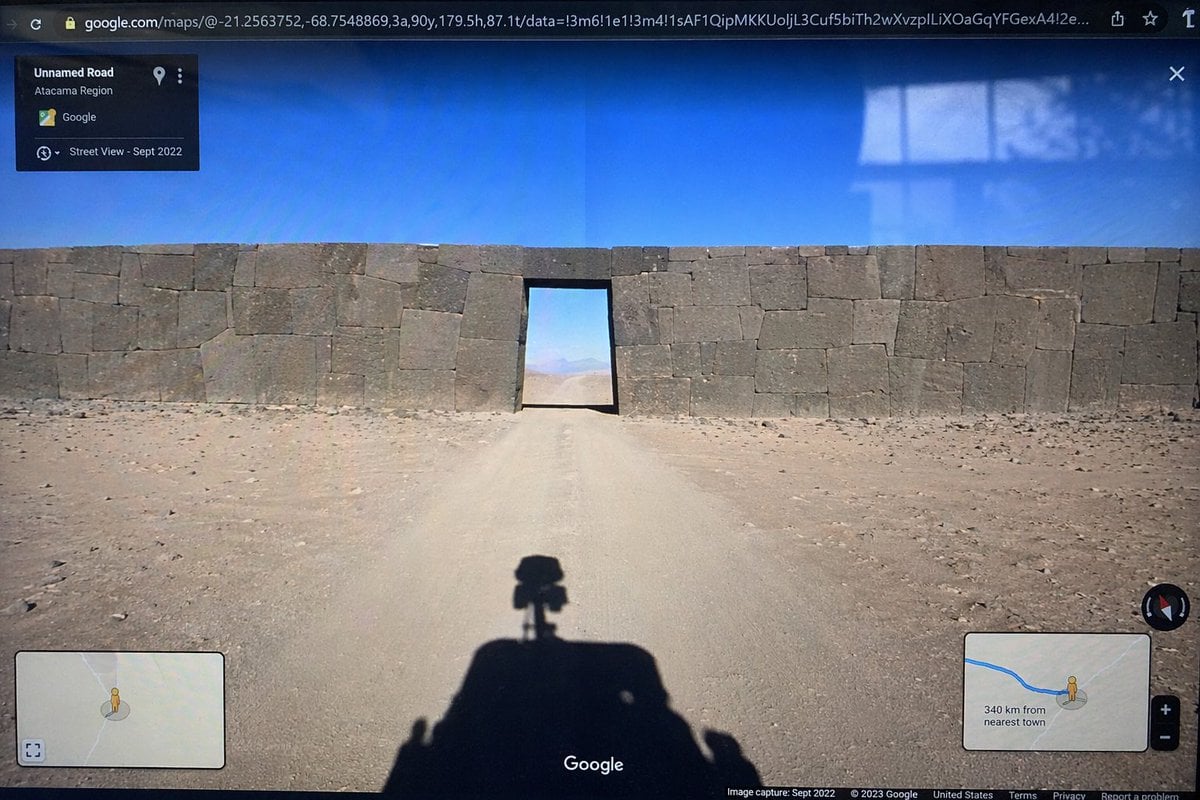
- Prompt included
- Model and format preset
- Free template
The prompt behind this image
Copy the exact prompt behind Google Street View Anomaly Screen Photo, or open it in the studio and make it yours.
- Type
- photograph of a computer monitor displaying a Google Maps Street View interface
- Scene › Environment
- {argument name="environment" default="barren desert landscape under a clear blue sky"}
- Scene › Subject
- {argument name="subject" default="massive ancient stone wall with perfectly fitted cyclopean masonry blocking a dirt road, with a rectangular doorway cut through the center"}
- Scene › Foreground
- shadow of a Google Street View car with a 360-degree camera mounted on top cast onto the dirt road
- Ui Elements › Browser Bar
- URL bar at the top showing google.com/maps with latitude and longitude coordinates
- Ui Elements › Top Left Panel
- black semi-transparent info box with text 'Unnamed Road', '{argument name="region" default="Atacama Region"}', and 'Street View - Sept 2022'
- Ui Elements › Bottom Left Panel
- minimap inset with a yellow Pegman icon
- Ui Elements › Bottom Right Panel
- minimap inset showing a blue route line, Pegman, zoom controls, and text '{argument name="distance text" default="340 km from nearest town"}'
- Ui Elements › Bottom Bar
- Google logo in the bottom center, compass icon on the right, and copyright/capture date text along the bottom edge
- Style Details
- visible screen glare and slight monitor distortion to simulate a photograph taken of a physical screen with a smartphone
Raw JSON
{
  "type": "photograph of a computer monitor displaying a Google Maps Street View interface",
  "scene": {
    "environment": "{argument name=\"environment\" default=\"barren desert landscape under a clear blue sky\"}",
    "subject": "{argument name=\"subject\" default=\"massive ancient stone wall with perfectly fitted cyclopean masonry blocking a dirt road, with a rectangular doorway cut through the center\"}",
    "foreground": "shadow of a Google Street View car with a 360-degree camera mounted on top cast onto the dirt road"
  },
  "ui_elements": {
    "browser_bar": "URL bar at the top showing google.com/maps with latitude and longitude coordinates",
    "top_left_panel": "black semi-transparent info box with text 'Unnamed Road', '{argument name=\"region\" default=\"Atacama Region\"}', and 'Street View - Sept 2022'",
    "bottom_left_panel": "minimap inset with a yellow Pegman icon",
    "bottom_right_panel": "minimap inset showing a blue route line, Pegman, zoom controls, and text '{argument name=\"distance text\" default=\"340 km from nearest town\"}'",
    "bottom_bar": "Google logo in the bottom center, compass icon on the right, and copyright/capture date text along the bottom edge"
  },
  "style_details": "visible screen glare and slight monitor distortion to simulate a photograph taken of a physical screen with a smartphone"
}How to use Google Street View Anomaly Screen Photo in 3 steps
- 1Upload ImagePNG, JPG or paste
Add your photo
Upload the photo the template builds on. The prompt, model and format are already set.
- 2…a portrait of your subject in softgolden-hour light, 85mm…
Personalize
Edit the subject and creative details for your destination.
- 3Generate
Generate
Press Generate — your image is created in PicX Studio, so you can compare it with the original and refine one variable at a time.
More like this
Templates with the same subject, style or setup. Open one to see its prompt.

Two Tickets, One Night

Meet Me When It Rains

Two Hearts. One Scooter.

1986 Street Couple

1985 Street Scene

Cinematic Street Fashion Portrait Motion Blur Crowd

Blue Hour Editorial Fashion Portrait
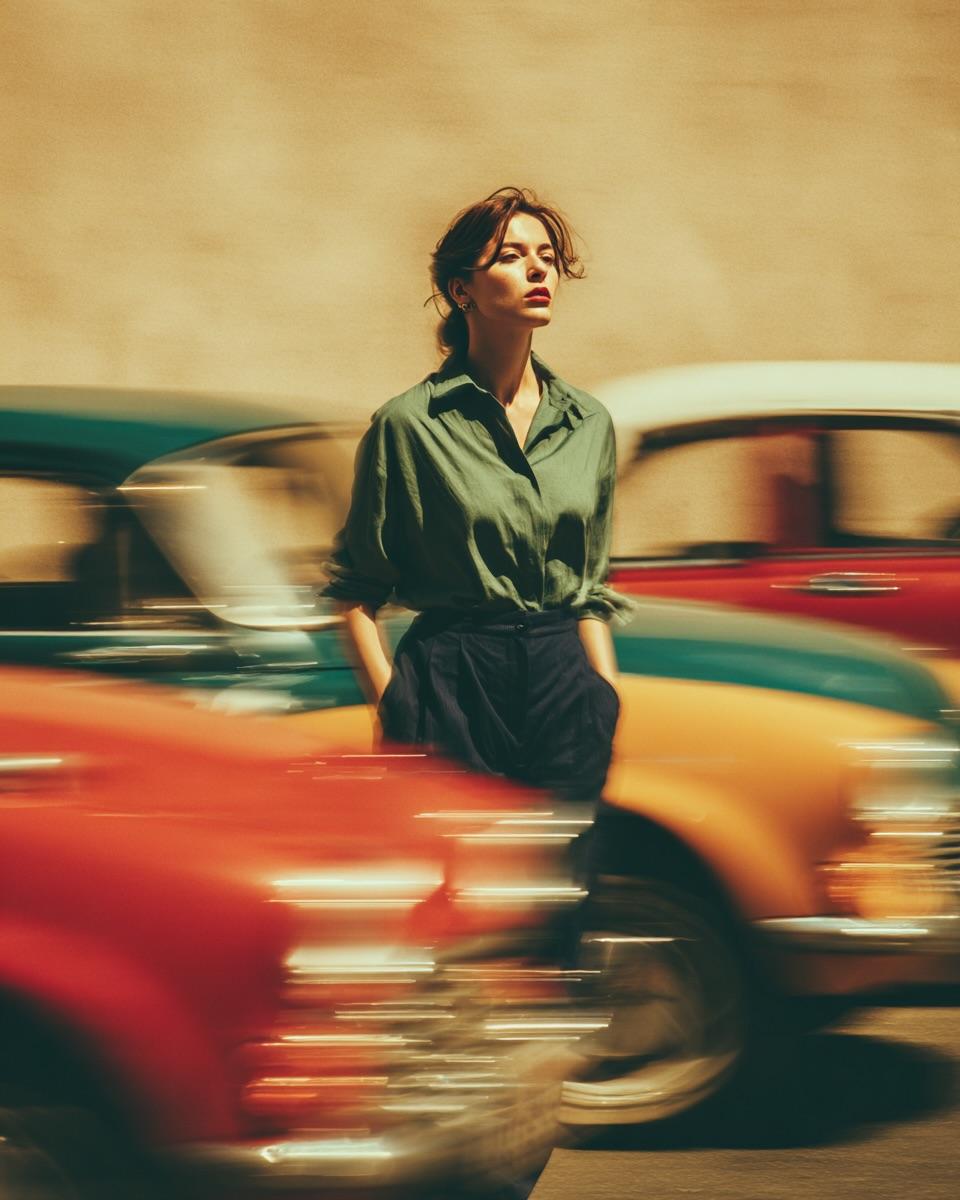
Golden Hour Street Motion Portrait

Face-Locked Cream Half-Zip Street Walk

Golden Hour Fedora Bar Doorway Street Style
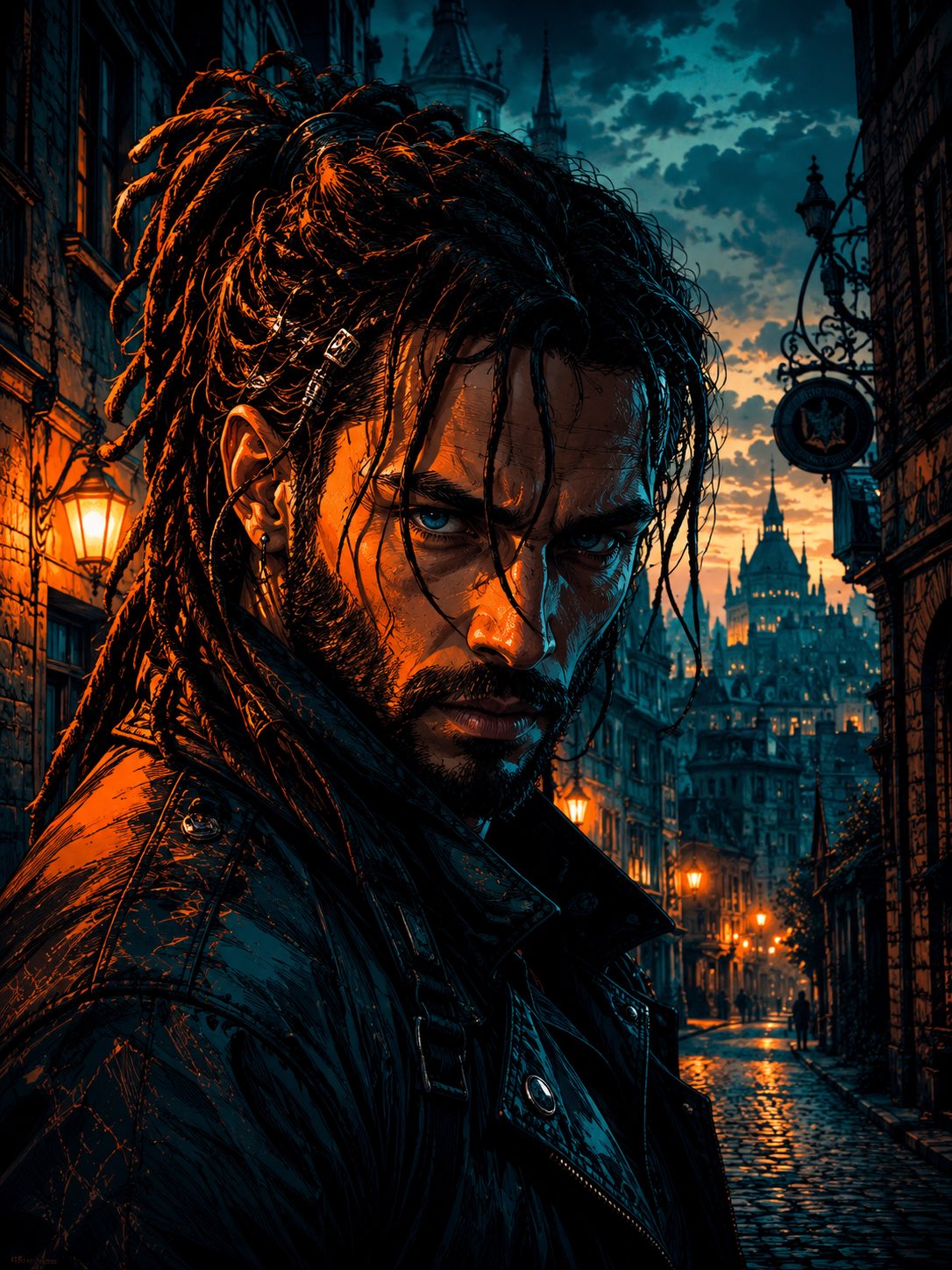
Cyber Noir Dreadlocks Street Portrait

Face-Locked City Skyline Double Exposure
Make it yours
Google Street View Anomaly Screen Photo works as-is. These are the safest ways to change it without losing the look.
Swap the setting
Keep the rest of the prompt and replace the location block. The current setting is “{argument name="environment" default="barren desert landscape under a clear blue”.
Change one field
Copy a single group, rewrite it, and generate again so you can see what that field is doing.
Keep the frame, change the subject
Hold the composition and light of Google Street View Anomaly Screen Photo, then swap wardrobe, props or the person for a new take.
| If the result… | Why | Fix |
|---|---|---|
| The result drifts from the preview | Too many fields changed at once. | Reuse Google Street View Anomaly Screen Photo as-is first, then change one group — subject, light, or setting. |
| GPT Image 2 ignores part of the JSON | Some models flatten or skip nested keys. | Keep the same values and paste them as a short paragraph instead. |
More GPT Image 2 templates
Other prompts made for GPT Image 2.

Six VTuber Japanese Logo Sheet

Realistic Portrait of Woman and Deer

The Vista Modular Condo Poster

AI Model Routing Comparison Infographic

2.5D Anime Art Board

Isometric Productivity Desk Scene

New York Double Exposure Poster

Four-Panel AI Landscape Comparison

Japanese Tatami Lifestyle Magazine Cover

NESCAFÉ Coffee Map Poster
More image prompts
Fresh picks from across the catalog.

Cinematic Behind-the-Scenes VFX Artists Prompt

Surreal Floral Couture Portrait

Luxury Skincare Product Photography
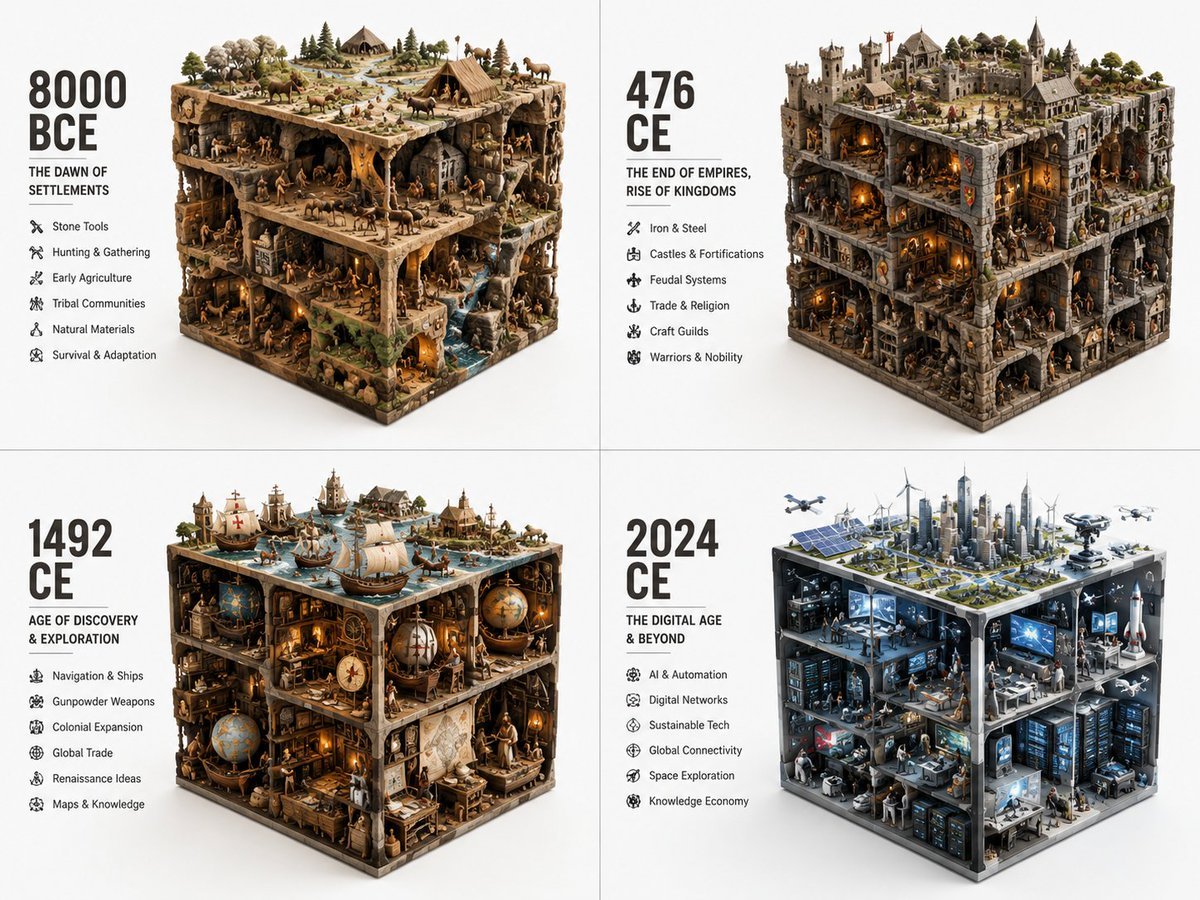
Historical Era Visualization Cube
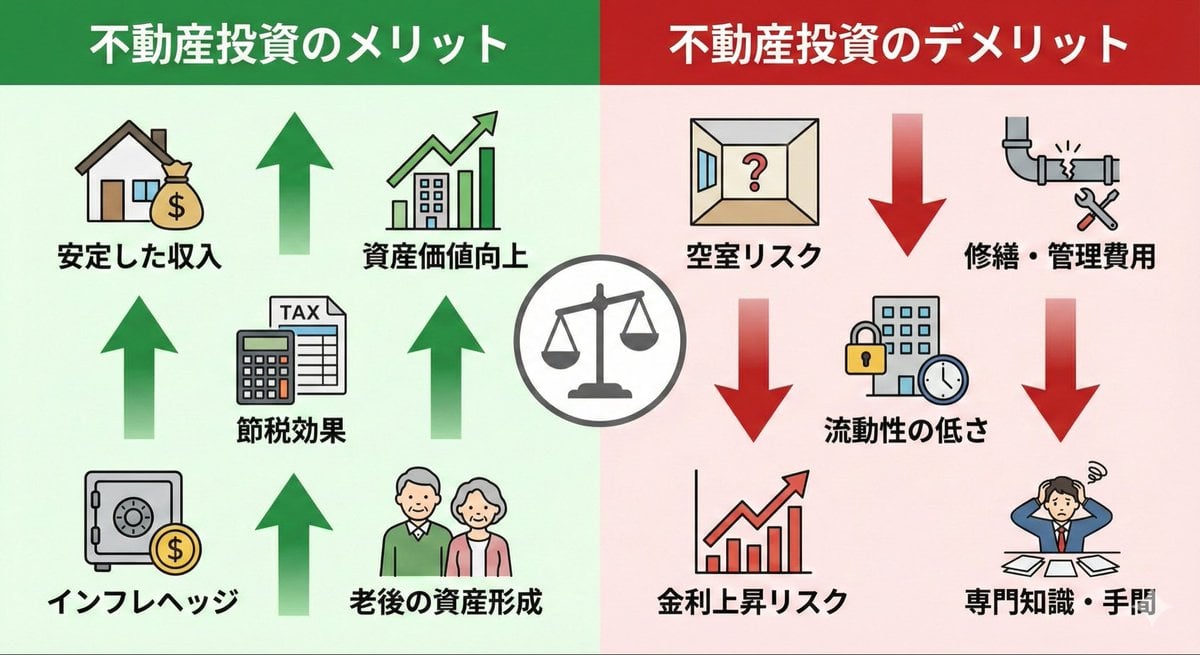
Pros and cons of real estate investment infographic

Studio Photoshoot with Labubu and British Shorthair
Rooftop Golden Hour Cinematic Portrait

Pixar Style Cool Boy Illustration

Character Enhancement and Style Transfer Prompt
Close-up Character Nose Prompt
Browse template categories
Google Street View Anomaly Screen Photo questions
How do I use the Google Street View Anomaly Screen Photo template?
Add your photo if the template asks for one, edit the prompt if you like — the template's model and format are already selected — and press Generate. Your version opens in PicX Studio.
Can I customize the Google Street View Anomaly Screen Photo template?
Yes. You can change the subject, setting, lighting, mood, format, and available model controls before creating your image.
Is the Google Street View Anomaly Screen Photo template free?
Opening and editing this template is free. Generating uses credits, shown on the Generate button when you are signed in.
Which AI model should I use?
Start with GPT Image 2, which is the model associated with this template. You can compare another compatible model for a different finish.
Looking for something else? Browse all templates.

Your photo, any look
Thousands of ready templates for every top image and video model, from one credit balance.