
Historical Era Visualization Cube
A structured workflow prompt to visualize different historical eras condensed into a 3D cube volume with representative agents and artifacts.
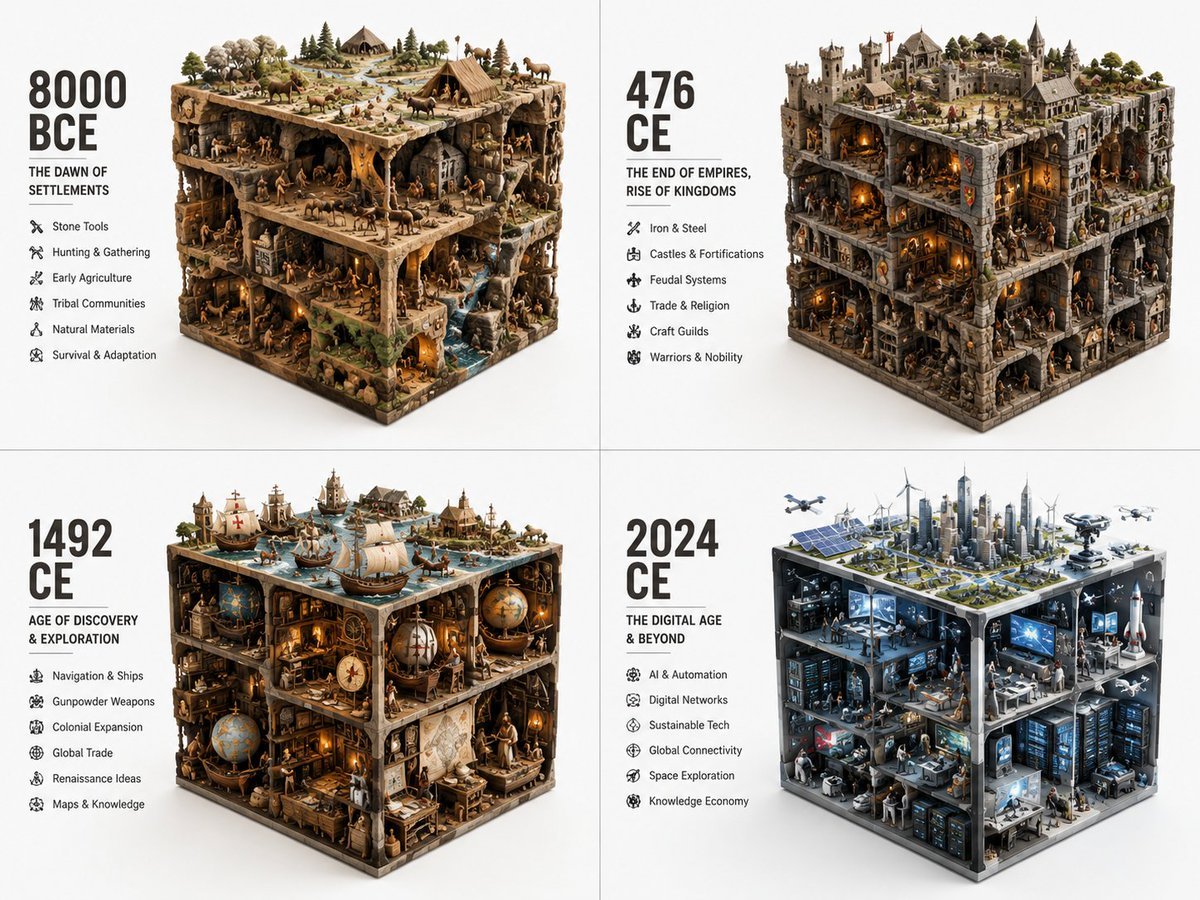
- Prompt included
- Model and format preset
- Free template
The prompt behind this image
Copy the exact prompt behind Historical Era Visualization Cube, or open it in the studio and make it yours.
2x2 grid, do this for different years of vastly different eras: {argument name="topic" default="ERA_TO_CUBE_SOLVER"} INPUT ::= [TOPIC], [ERA] STEP_1 :: infer era identity - time period or stage - dominant materials - key tools or artifacts - social/technical/cultural context - built environment or natural environment - representative agents or figures if relevant STEP_2 :: compress into cube - large objects define cuboid edges - medium objects build internal scenes - small objects fill gaps - top, side, and front faces remain visible - everything stays inside a strict rectangular volume STEP_3 :: create module text - large era label - short subtitle - compact bullet list - no fixed facts unless supplied STEP_4 :: repeat across eras - preserve identical visual grammar - increase or transform complexity chronologically
How to use Historical Era Visualization Cube in 3 steps
- 1
Open
The prompt is already in the box next to the preview, with the template's model and format selected.
- 2…a portrait of your subject in softgolden-hour light, 85mm…
Personalize
Edit the subject and creative details for your destination.
- 3Generate
Generate
Press Generate — your image is created in PicX Studio, so you can compare it with the original and refine one variable at a time.
More like this
Templates with the same subject, style or setup. Open one to see its prompt.
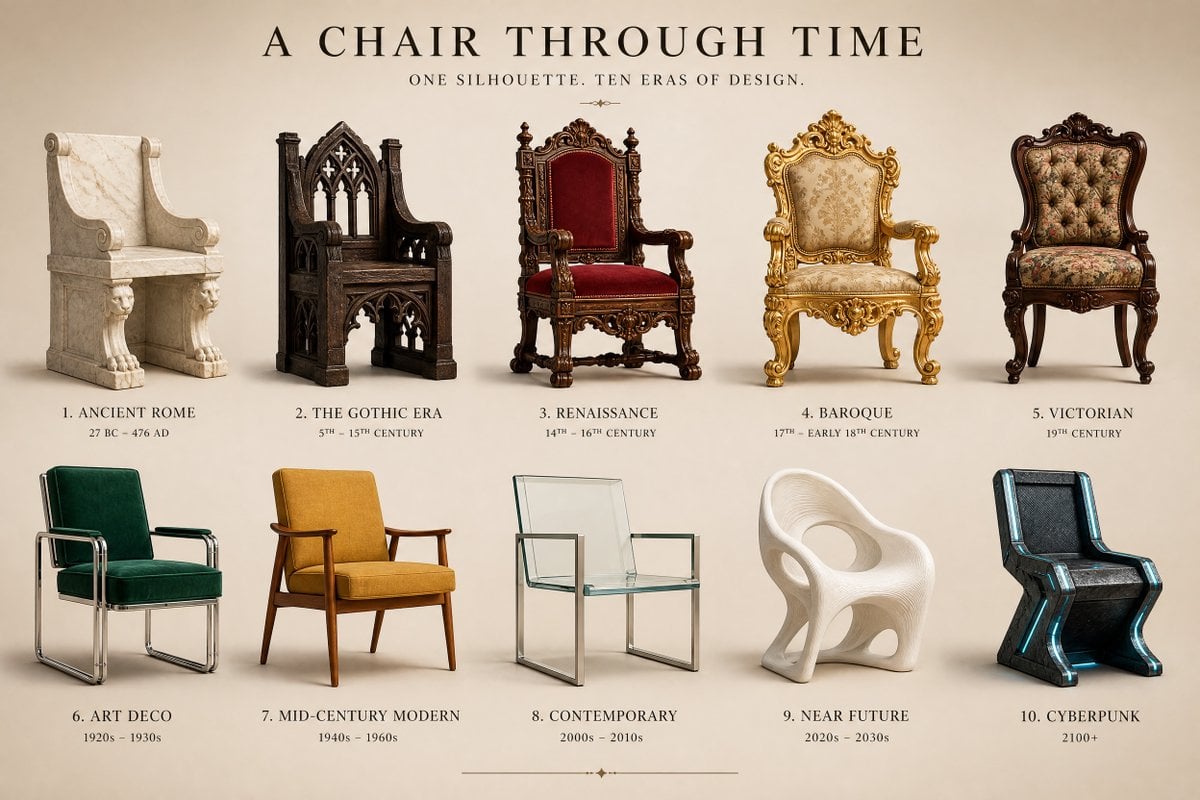
Historical Era Design Comparison
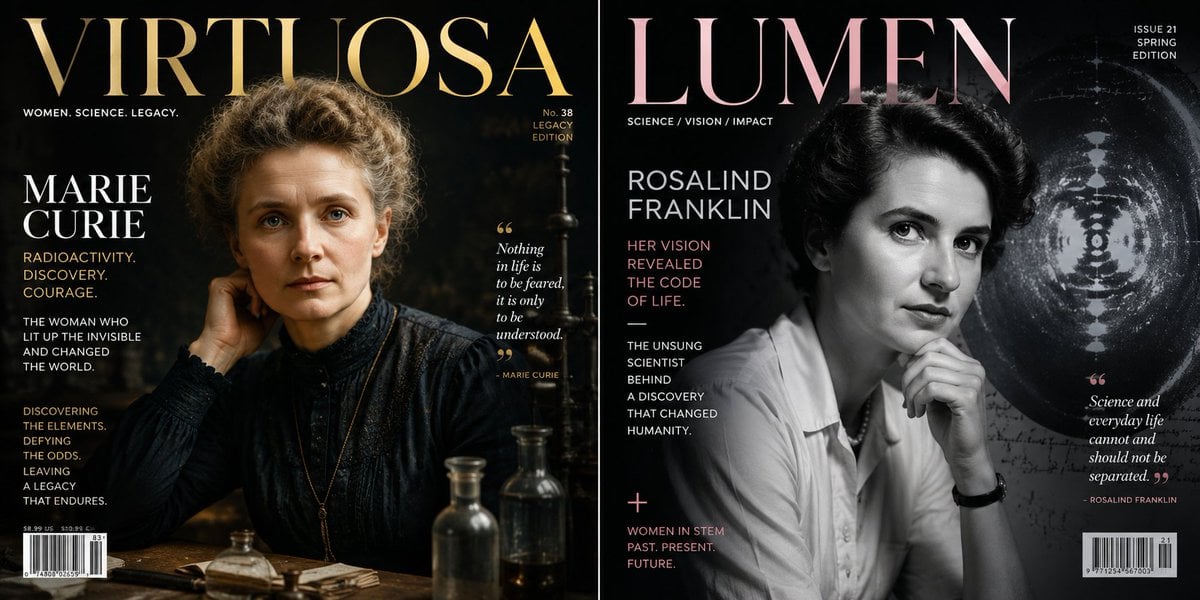
Historical Figure Magazine Cover Generator
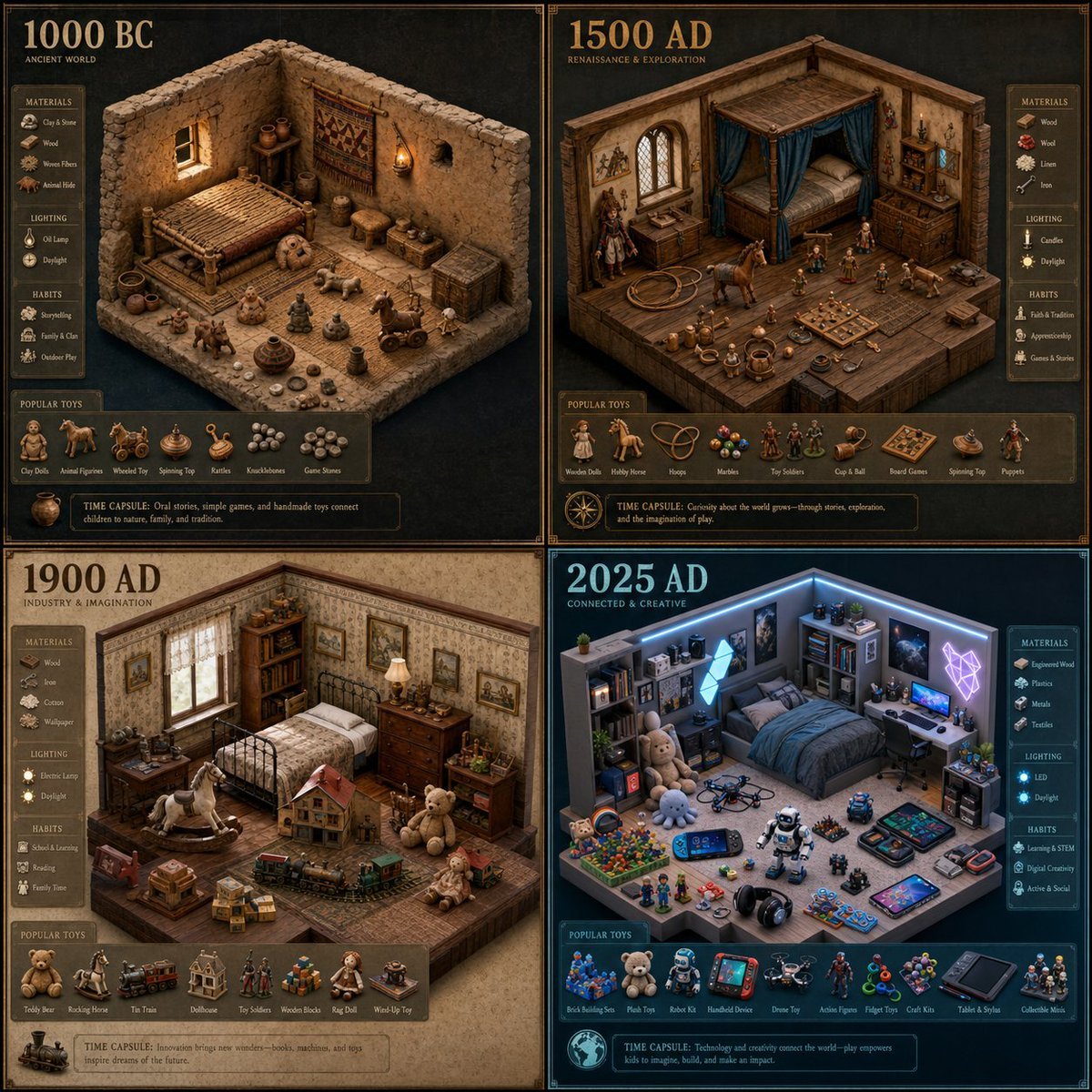
Historical Era Bedroom Interior Map
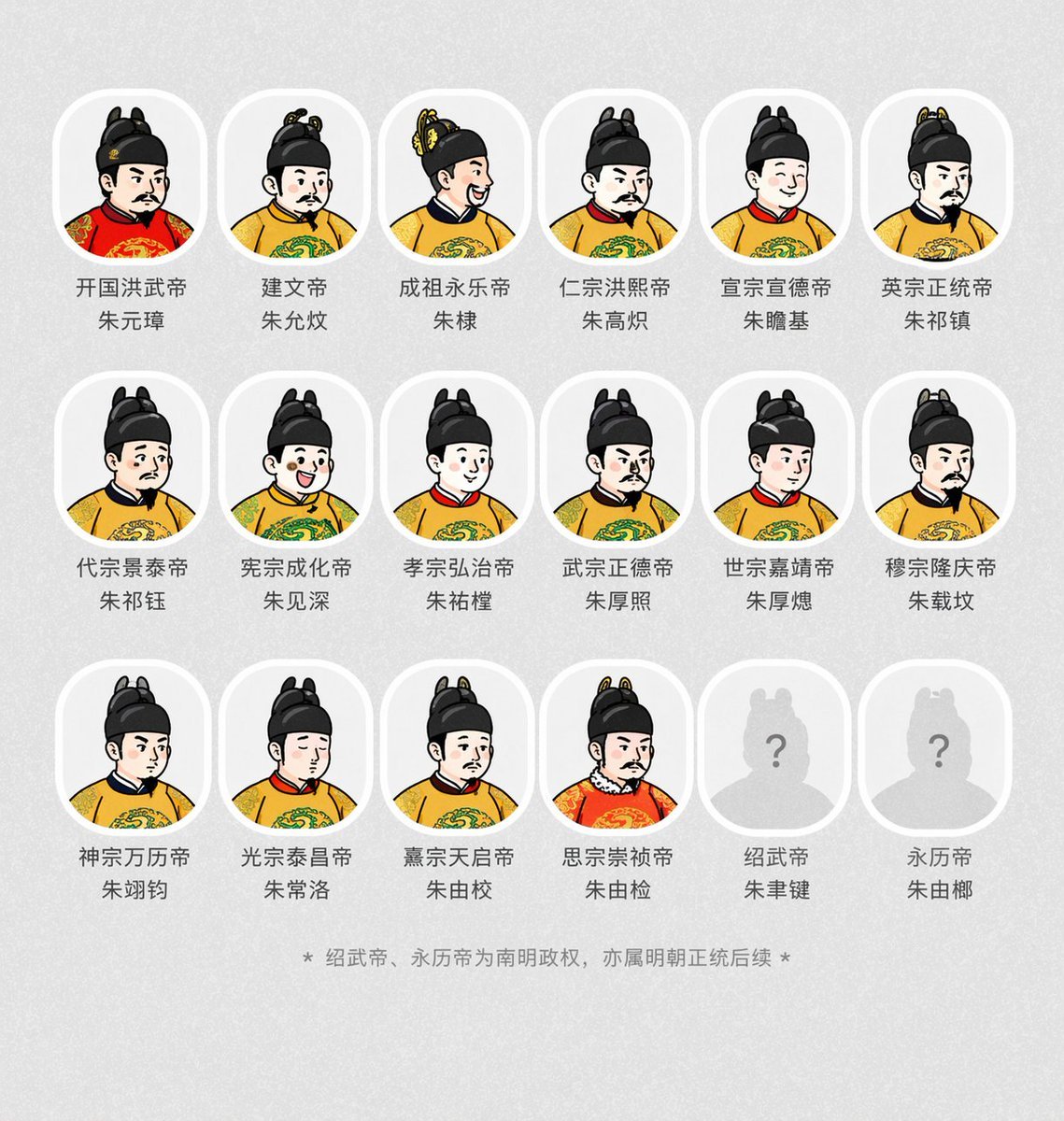
Historical Emperor Portrait Generation
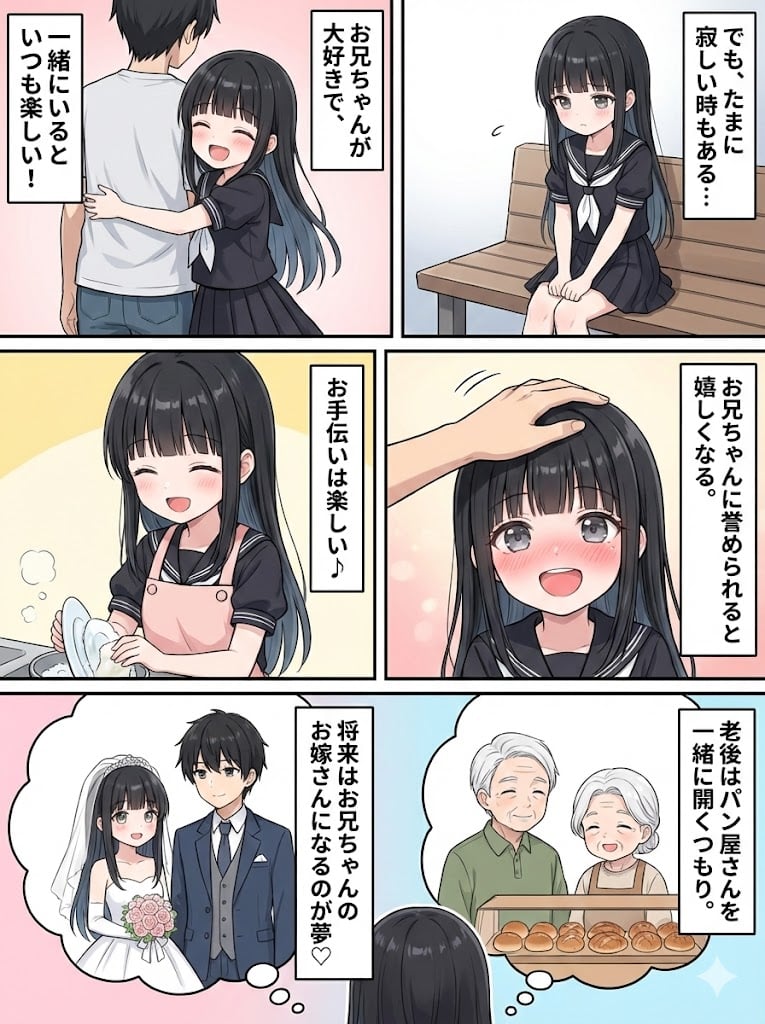
Character Generation and Document Summary Visualization
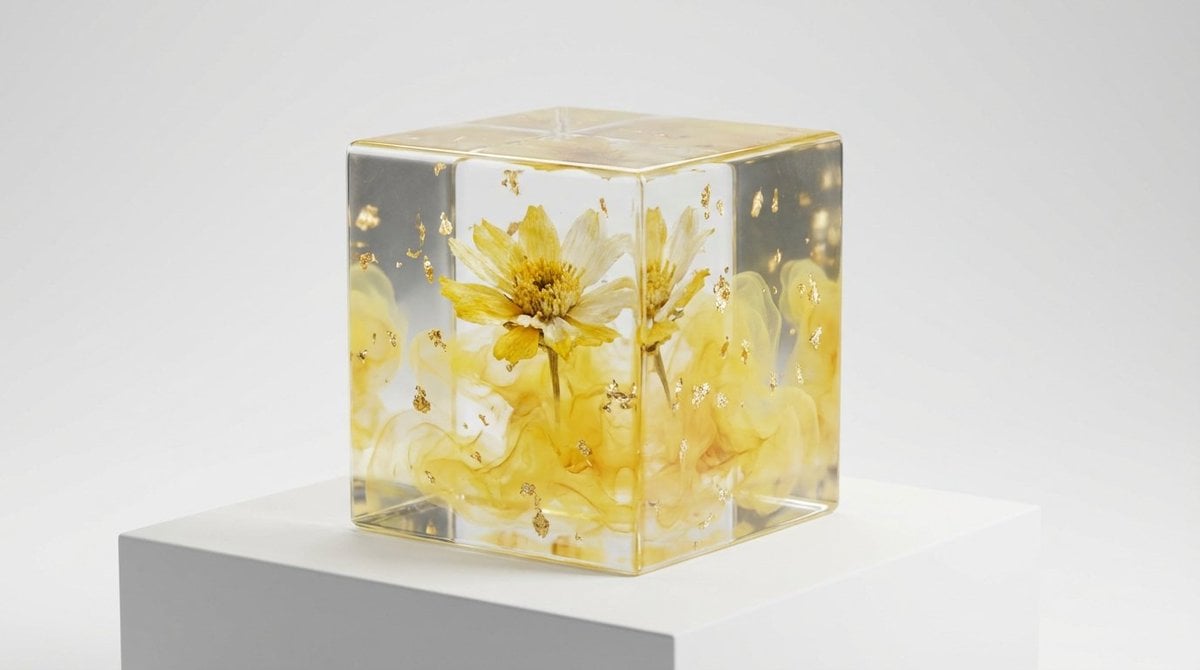
Epoxy Resin Art Cube Generation
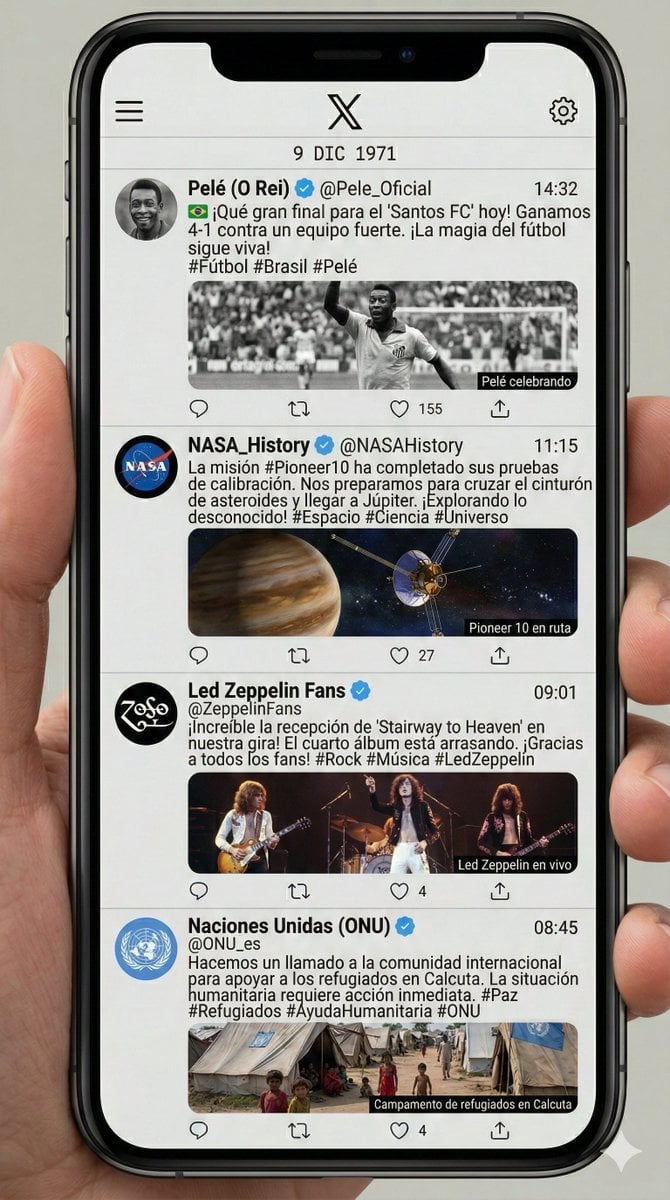
Historical Social Media Feed Generation

Ancient Temple Portrait — White Dress Nano Banana
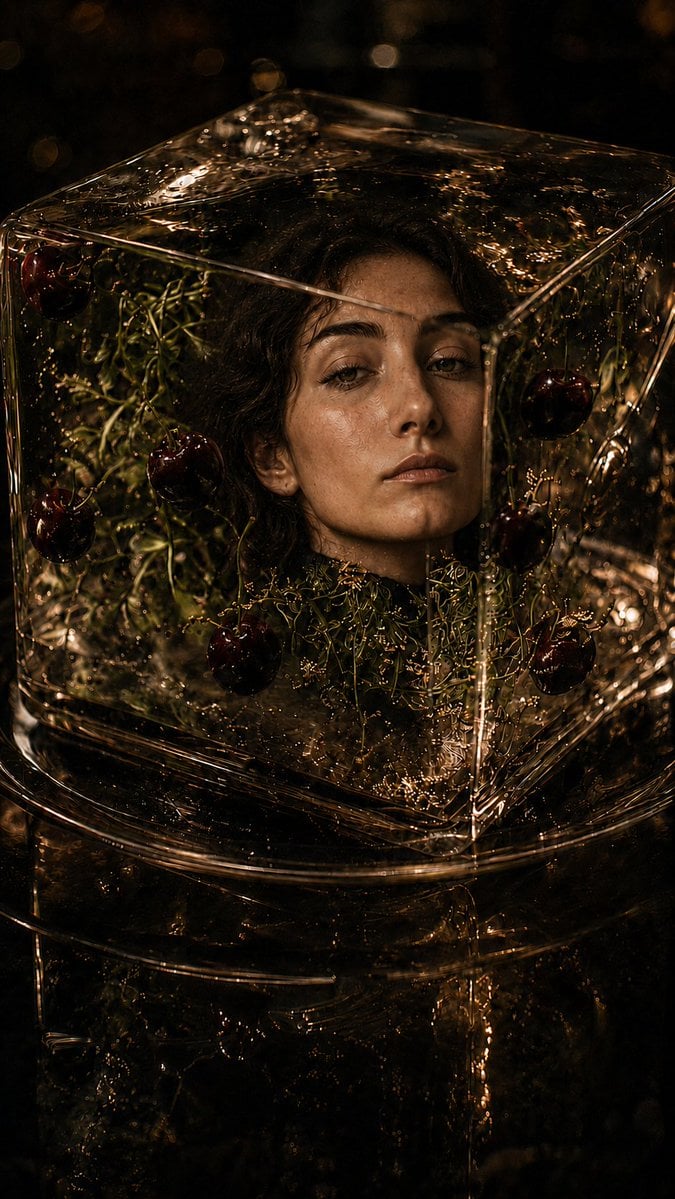
Woman Encased in Amber Glass Cube
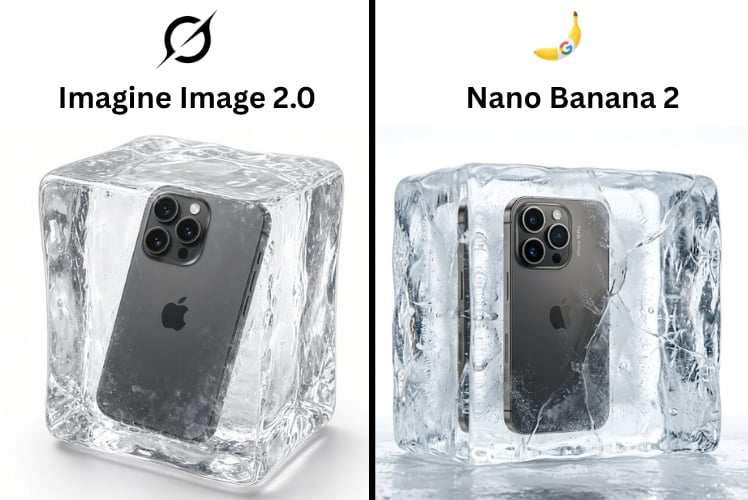
Product in Ice Cube Minimalist

A stylish male model sitting on a white cube in a minimalist studio
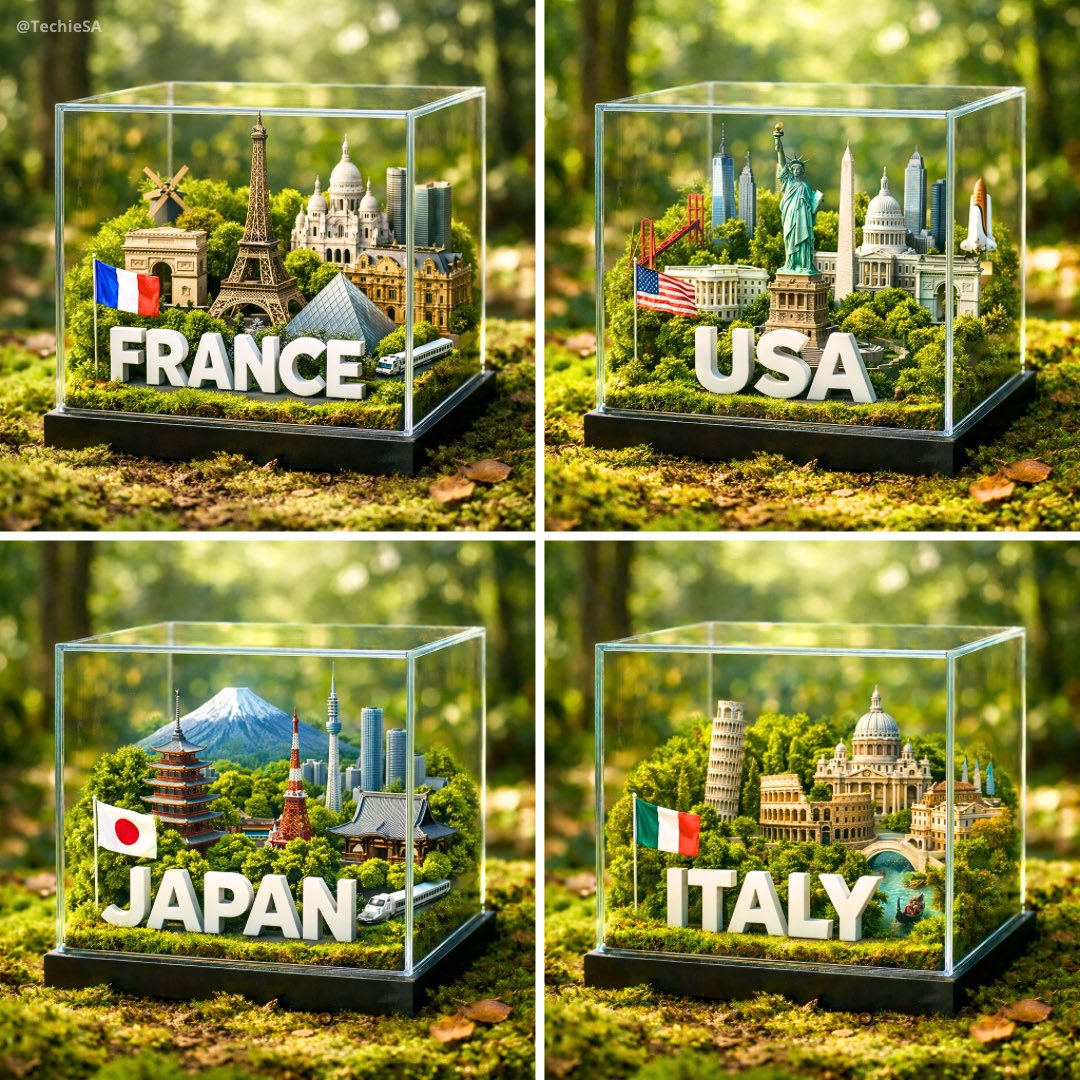
A hyper-realistic 1080x1080 photograph of a glass cube diorama placed
Make it yours
Historical Era Visualization Cube works as-is. These are the safest ways to change it without losing the look.
Change one field
Copy a single group, rewrite it, and generate again so you can see what that field is doing.
Keep the frame, change the subject
Hold the composition and light of Historical Era Visualization Cube, then swap wardrobe, props or the person for a new take.
| If the result… | Why | Fix |
|---|---|---|
| The result drifts from the preview | Too many fields changed at once. | Reuse Historical Era Visualization Cube as-is first, then change one group — subject, light, or setting. |
| The model over-stylizes the scene | The prose prompt leaves finish and camera underspecified. | Add one camera or lighting sentence and stay on GPT Image 2. |
More GPT Image 2 templates
Other prompts made for GPT Image 2.

Six VTuber Japanese Logo Sheet

Realistic Portrait of Woman and Deer

The Vista Modular Condo Poster

AI Model Routing Comparison Infographic

2.5D Anime Art Board

Isometric Productivity Desk Scene

New York Double Exposure Poster

Four-Panel AI Landscape Comparison

Japanese Tatami Lifestyle Magazine Cover

NESCAFÉ Coffee Map Poster
More image prompts
Fresh picks from across the catalog.
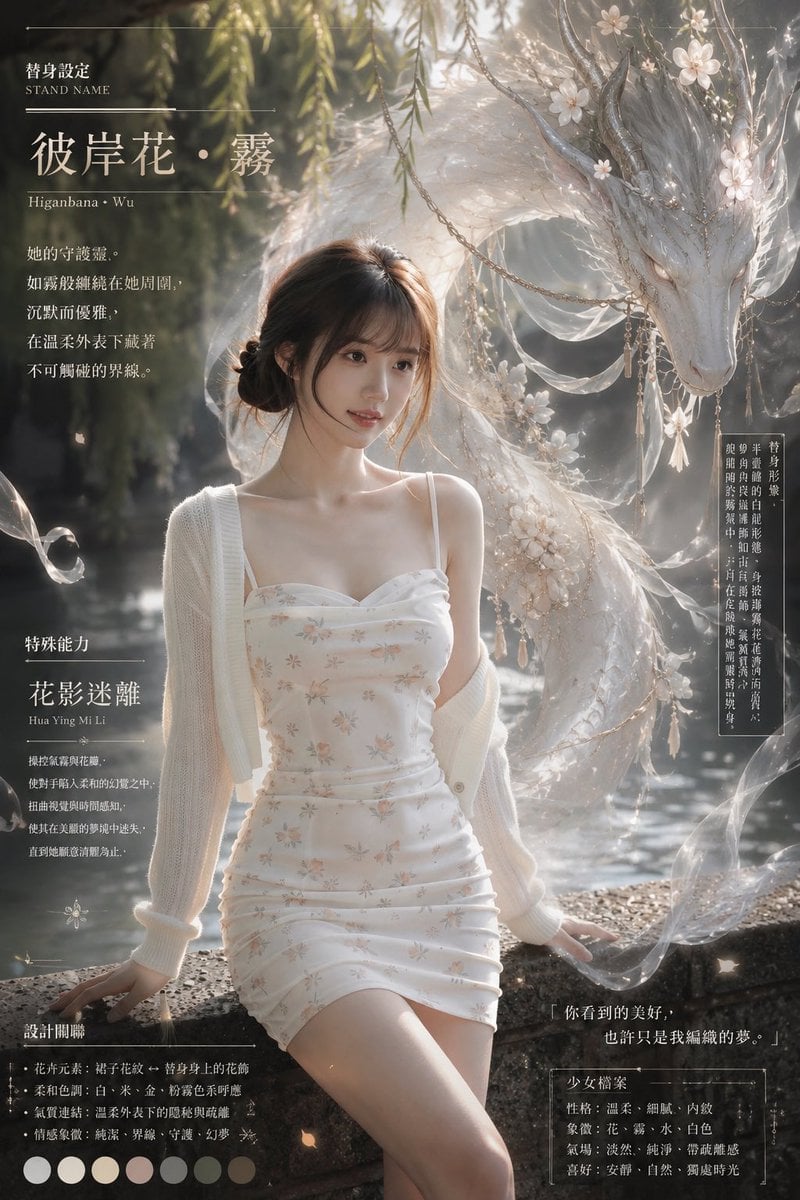
Ethereal Stand Profile Poster

AI Generation of Custom Calligraphy Font Library
3D Laser-Engraved Crystal Ornament Generator
Rainy Night Event Street Fashion
Ethereal Opulence: High-Fashion Editorial Portrait
Cinematic Sport Logo Render in Midjourne
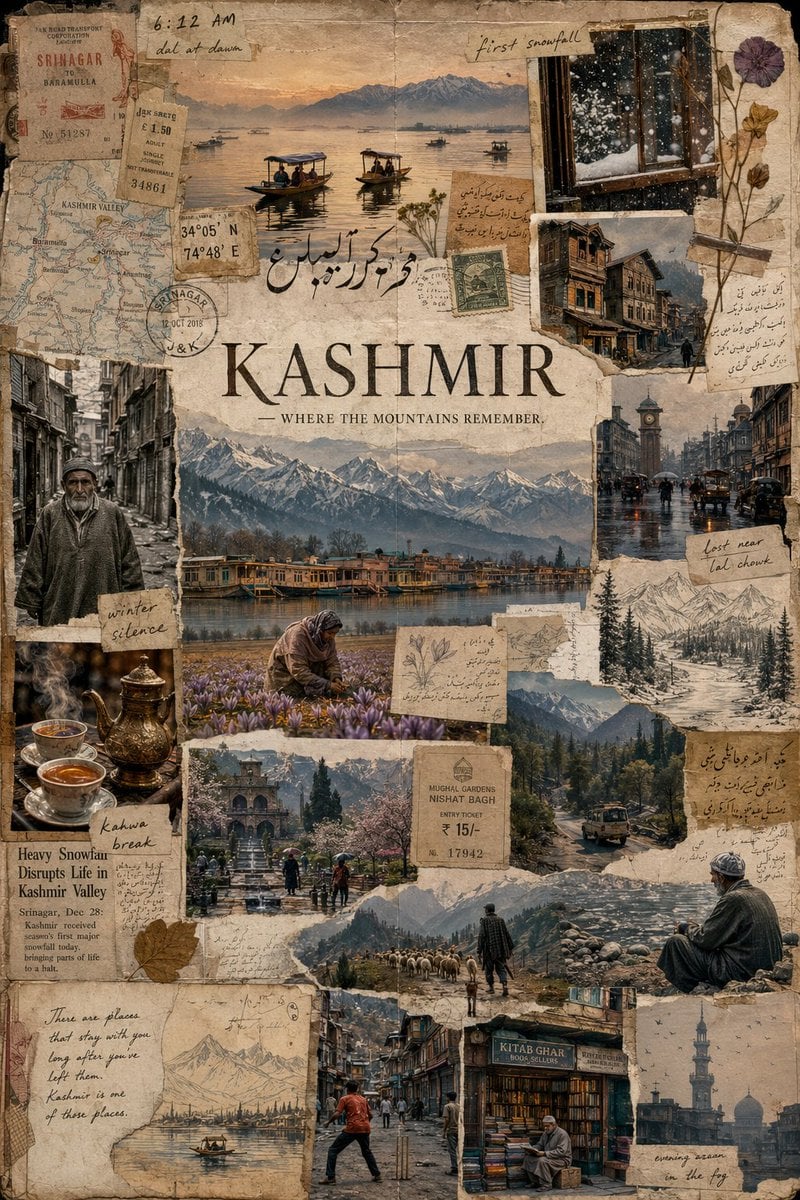
Kashmir Archival Travel Journal Collage
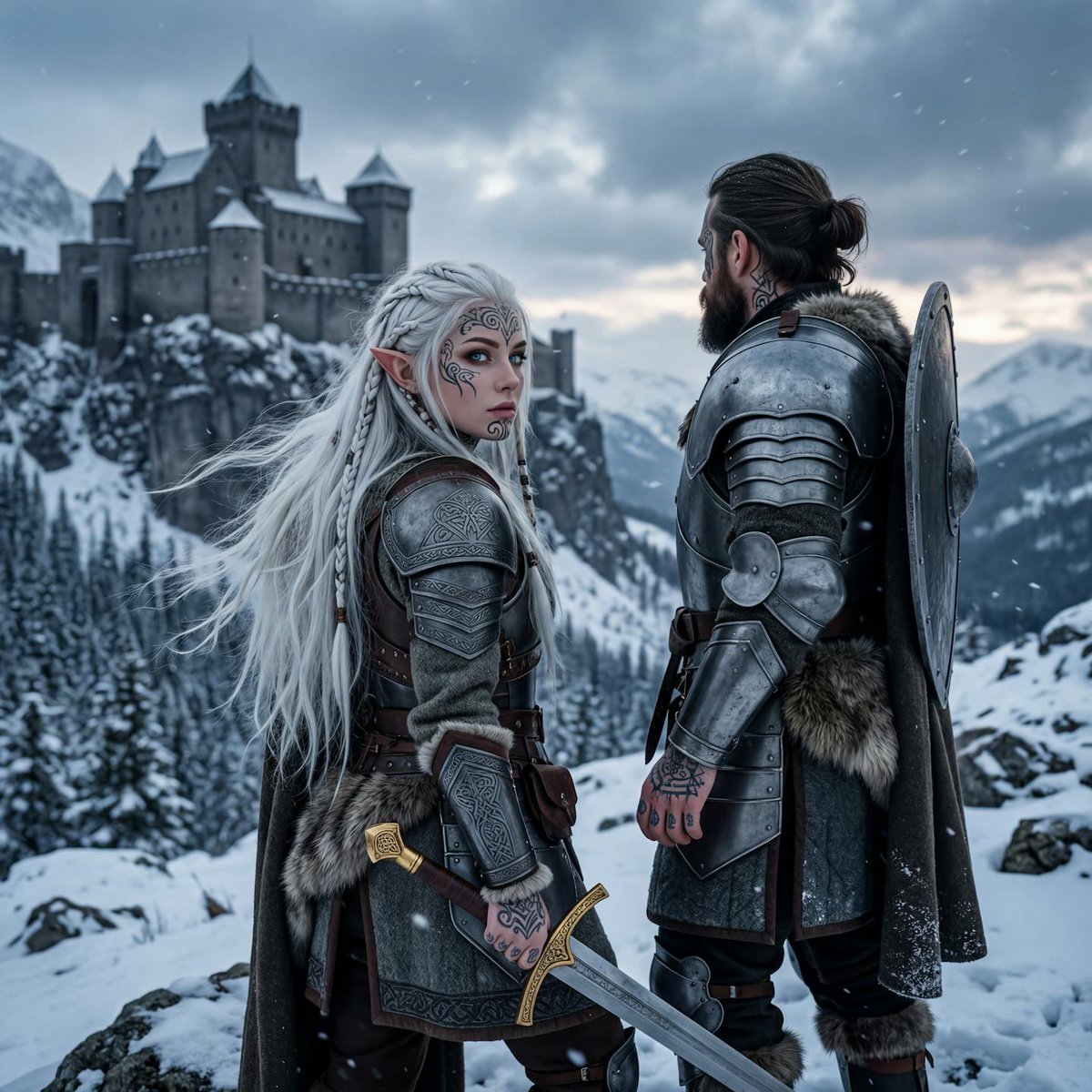
Hyperrealistic Tattooed Elf Couple

Die-Cut Sticker Illustration Prompt with Japanese Text
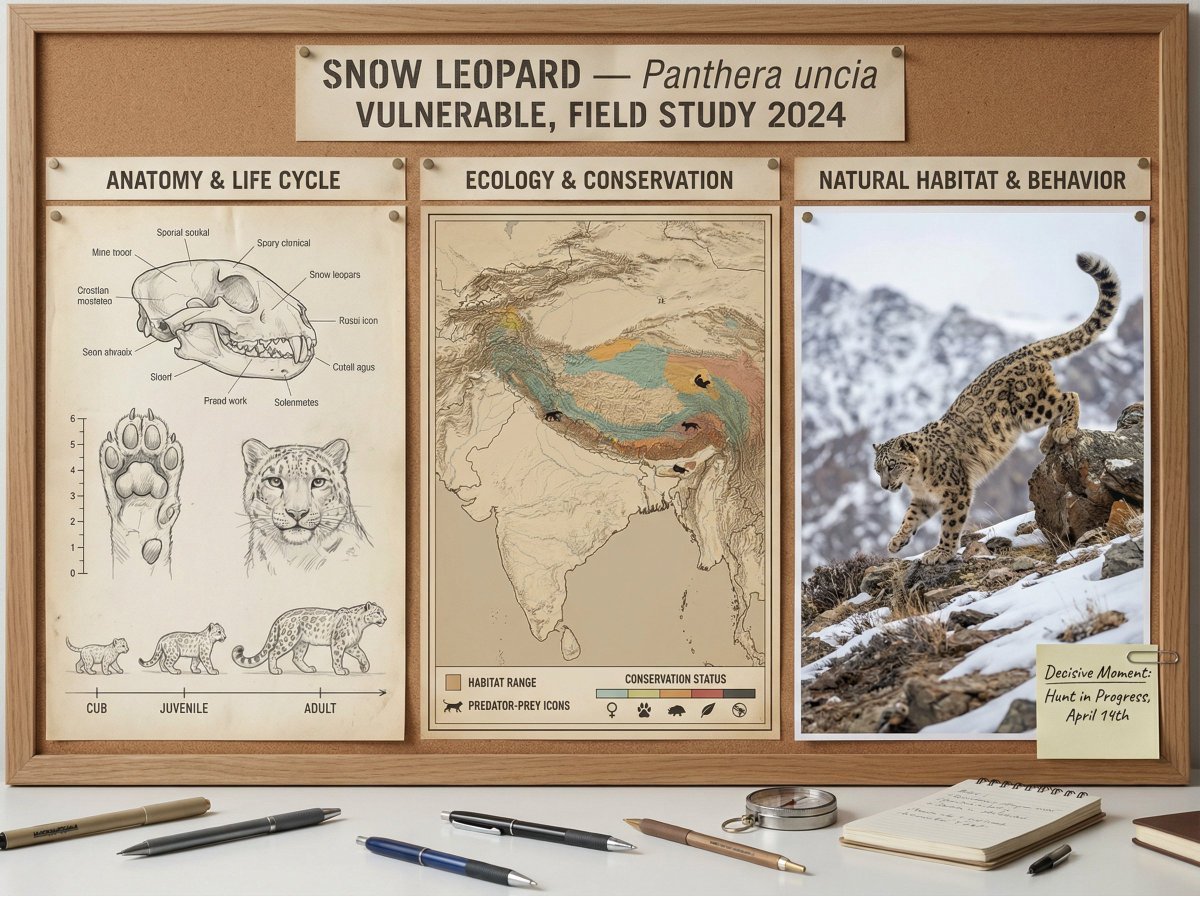
Scientific field researcher's documentation board prompt
Browse template categories
Historical Era Visualization Cube questions
How do I use the Historical Era Visualization Cube template?
Add your photo if the template asks for one, edit the prompt if you like — the template's model and format are already selected — and press Generate. Your version opens in PicX Studio.
Can I customize the Historical Era Visualization Cube template?
Yes. You can change the subject, setting, lighting, mood, format, and available model controls before creating your image.
Is the Historical Era Visualization Cube template free?
Opening and editing this template is free. Generating uses credits, shown on the Generate button when you are signed in.
Which AI model should I use?
Start with GPT Image 2, which is the model associated with this template. You can compare another compatible model for a different finish.
Looking for something else? Browse all templates.

Your photo, any look
Thousands of ready templates for every top image and video model, from one credit balance.