
Rainy Night Event Street Fashion
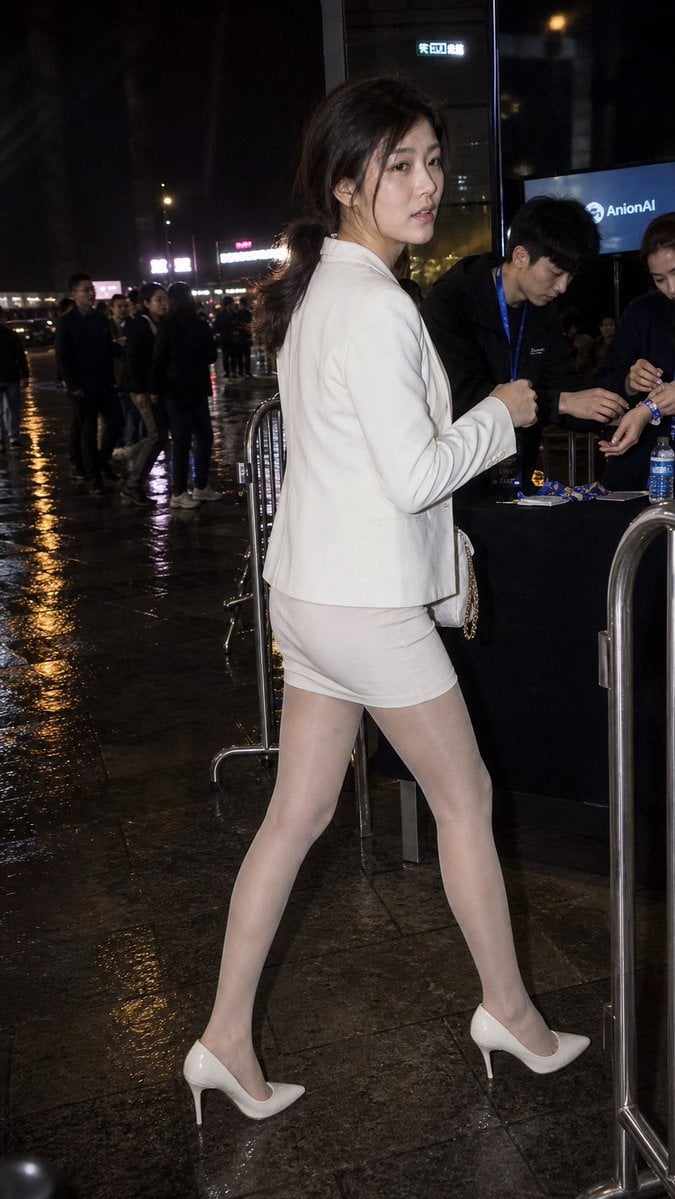
A realistic candid night photograph of a stylish woman in a white suit walking past an event check-in area on wet city pavement.
- Prompt included
- Model and format preset
- Free template
The prompt behind this image
Copy the exact prompt behind Rainy Night Event Street Fashion, or open it in the studio and make it yours.
Create a candid full-body street-event photograph at night of a fashionable {argument name="character description" default="young East Asian woman"} walking past a registration or security table outside a modern glass building. She is captured in profile with her body moving to the right while her head turns back toward the camera, giving a slightly surprised, neutral expression. She has long dark hair tied loosely in a low ponytail with stray strands around her face, natural makeup, and a slim silhouette. Outfit: a fitted {argument name="outfit color" default="white"} blazer, matching short pencil skirt, sheer pale tights, and glossy white pointed-toe stiletto heels; include a small light shoulder bag with a chain strap partly visible at her side. Environment: rainy urban night, wet reflective stone pavement, metal crowd-control barriers, a black check-in table on the right, event staff wearing dark clothing and blue lanyards handling wristbands, and a blue screen/sign in the background showing an AI-company-style logo and the text {argument name="screen text" default="AnionAI"}. Add a crowd of people waiting in the dim background, blurred city lights and signage, strong on-camera flash lighting on the woman, high ISO documentary realism, vertical smartphone-like composition, 2:3 aspect ratio, slightly imperfect candid framing, realistic skin texture, realistic fabric folds, no glamour retouching, no studio lighting, no illustration style.
How to use Rainy Night Event Street Fashion in 3 steps
- 1Upload ImagePNG, JPG or paste
Add your photo
Upload the photo the template builds on. The prompt, model and format are already set.
- 2…a portrait of your subject in softgolden-hour light, 85mm…
Personalize
Edit the subject and creative details for your destination.
- 3Generate
Generate
Press Generate — your image is created in PicX Studio, so you can compare it with the original and refine one variable at a time.
More like this
Templates with the same subject, style or setup. Open one to see its prompt.

Face-Locked Cream Half-Zip Street Walk

Nano Banana - Street Paris T-Shirt

Two Tickets, One Night
Rainy Night Fashion Comparison

Frozen Street Luxe Graffiti Fashion Campaign

Blue Hour Editorial Fashion Portrait

Neon Night Crosswalk Candid Portrait
Double Exposure City Street Portrait
Neon Night Crosswalk Candid Portrait

Meet Me When It Rains

Two Hearts. One Scooter.

80s College Gate
Make it yours
Rainy Night Event Street Fashion works as-is. These are the safest ways to change it without losing the look.
Change one field
Copy a single group, rewrite it, and generate again so you can see what that field is doing.
Keep the frame, change the subject
Hold the composition and light of Rainy Night Event Street Fashion, then swap wardrobe, props or the person for a new take.
| If the result… | Why | Fix |
|---|---|---|
| The result drifts from the preview | Too many fields changed at once. | Reuse Rainy Night Event Street Fashion as-is first, then change one group — subject, light, or setting. |
| The model over-stylizes the scene | The prose prompt leaves finish and camera underspecified. | Add one camera or lighting sentence and stay on GPT Image 2. |
More GPT Image 2 templates
Other prompts made for GPT Image 2.

Six VTuber Japanese Logo Sheet

Realistic Portrait of Woman and Deer

The Vista Modular Condo Poster

AI Model Routing Comparison Infographic

2.5D Anime Art Board

Isometric Productivity Desk Scene

New York Double Exposure Poster

Four-Panel AI Landscape Comparison

Japanese Tatami Lifestyle Magazine Cover

NESCAFÉ Coffee Map Poster
More image prompts
Fresh picks from across the catalog.
Candid Night Street Fashion Photograph
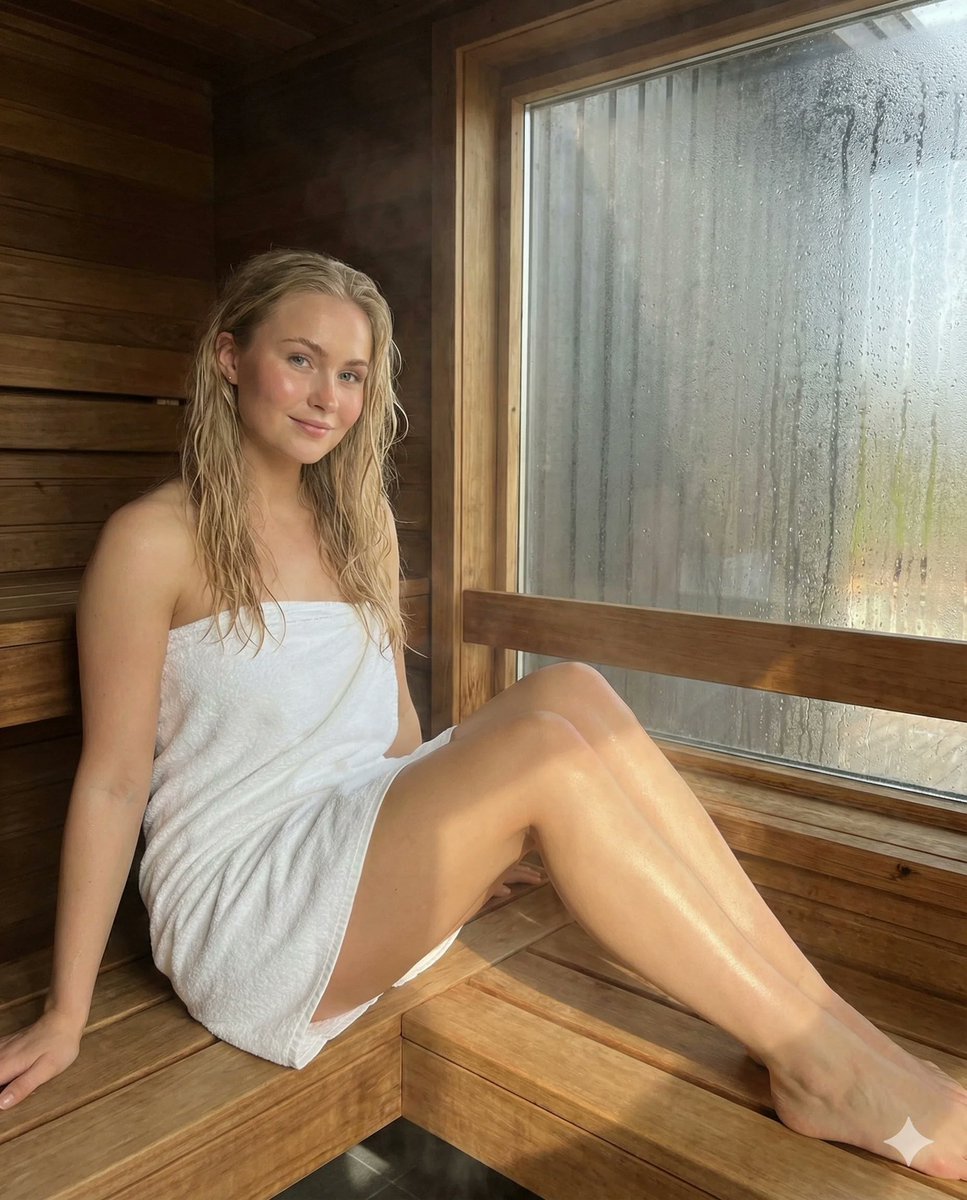
Photorealistic Spa Lifestyle Portrait with Identity Lock
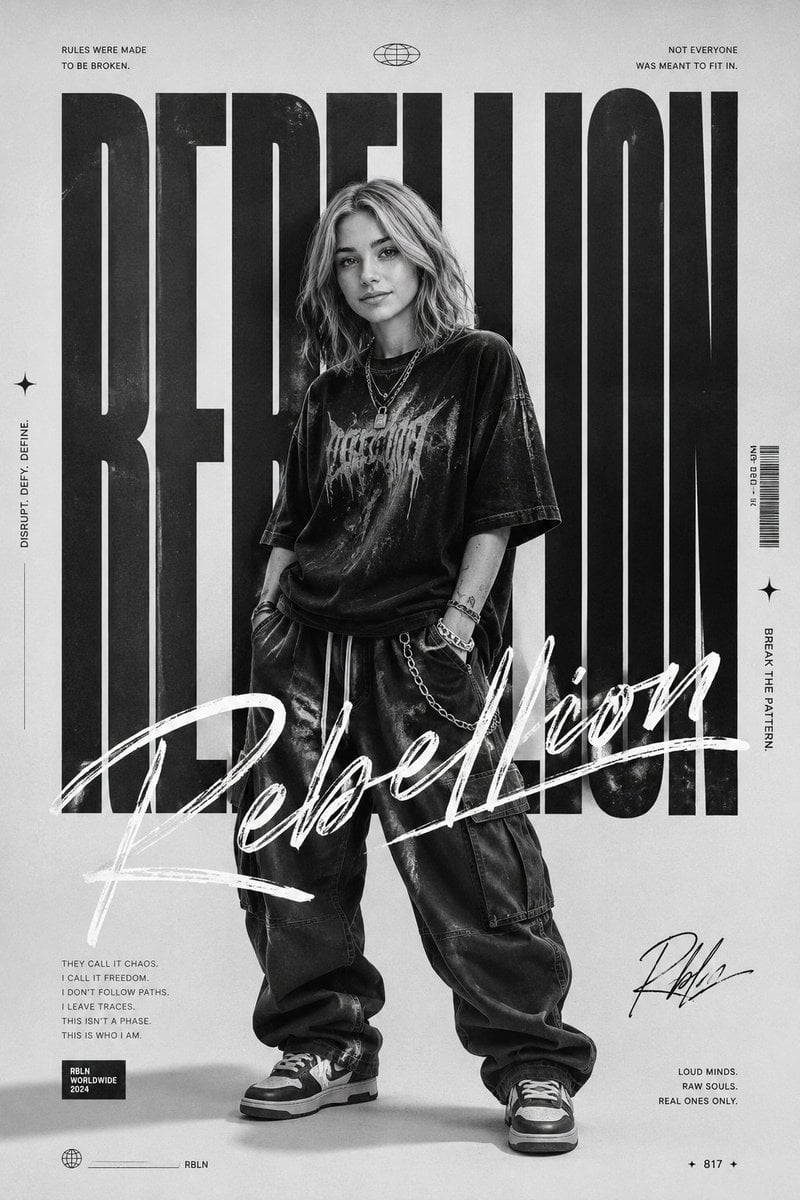
Monochrome Rebellion Streetwear Poster
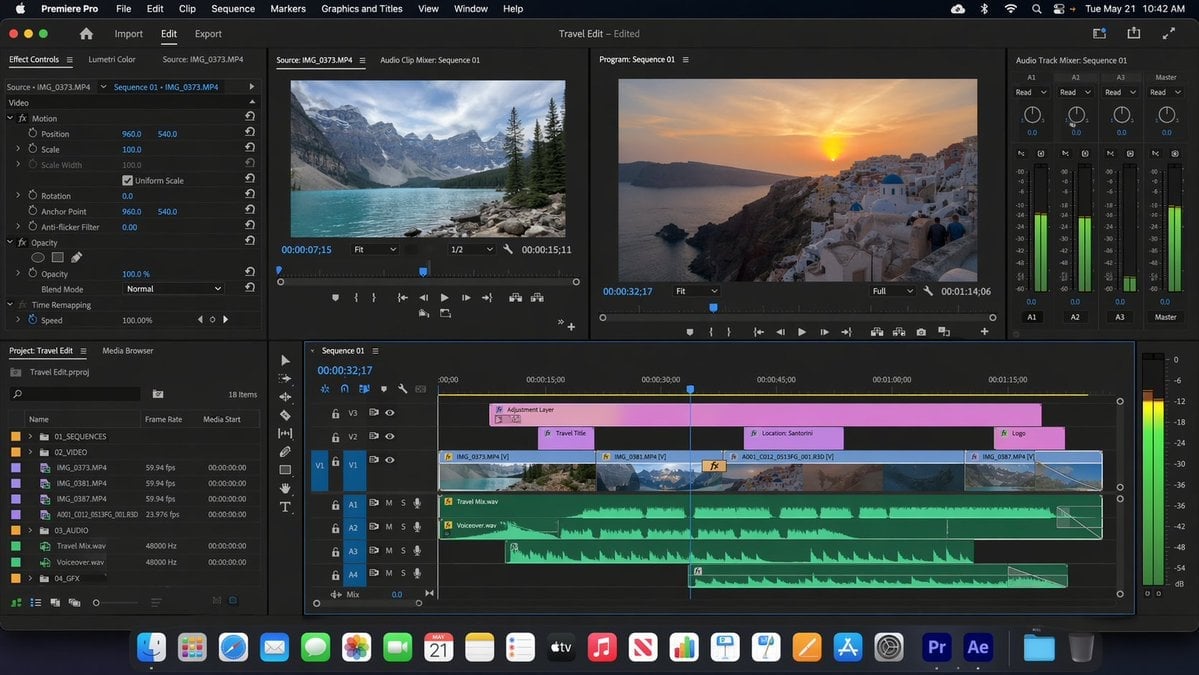
Software UI Desktop Screenshot
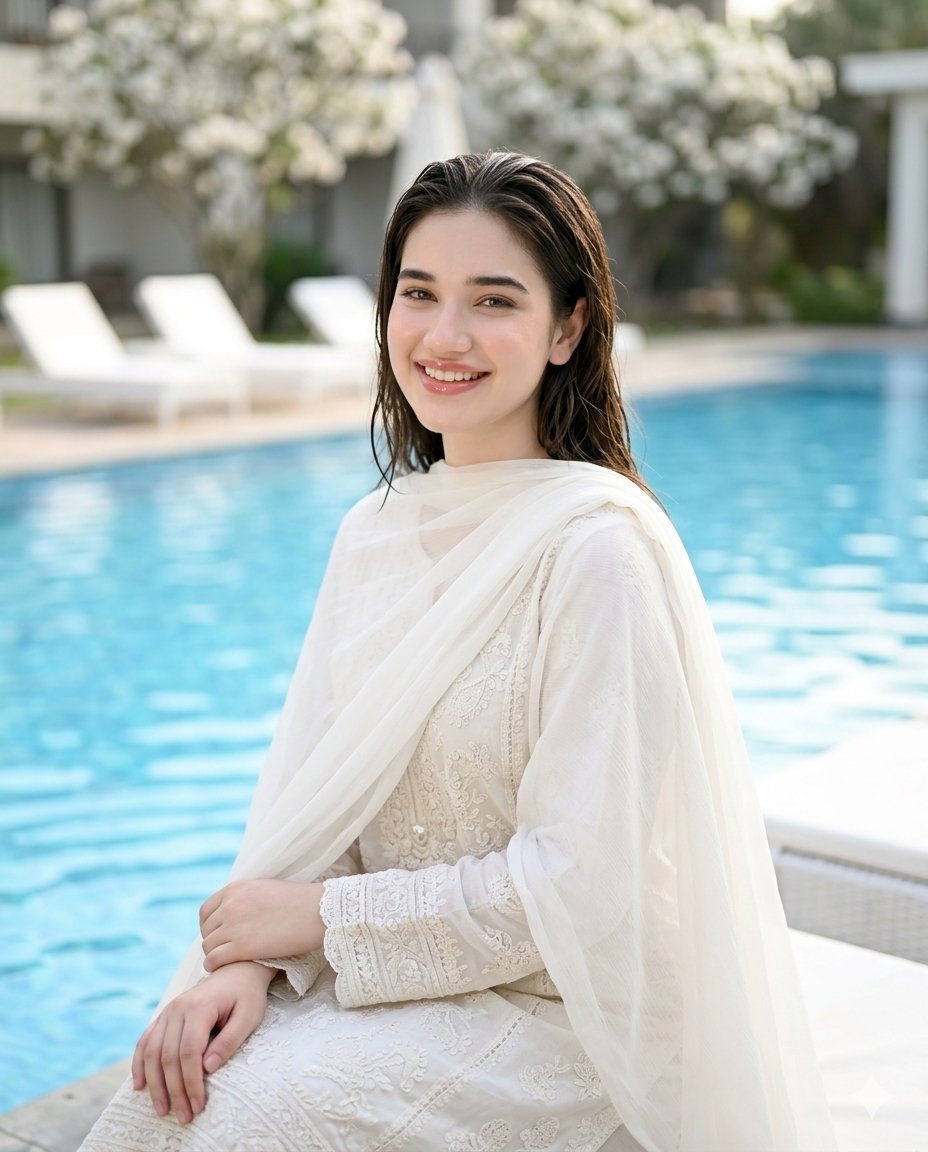
Poolside White Pakistani Fashion Portrait
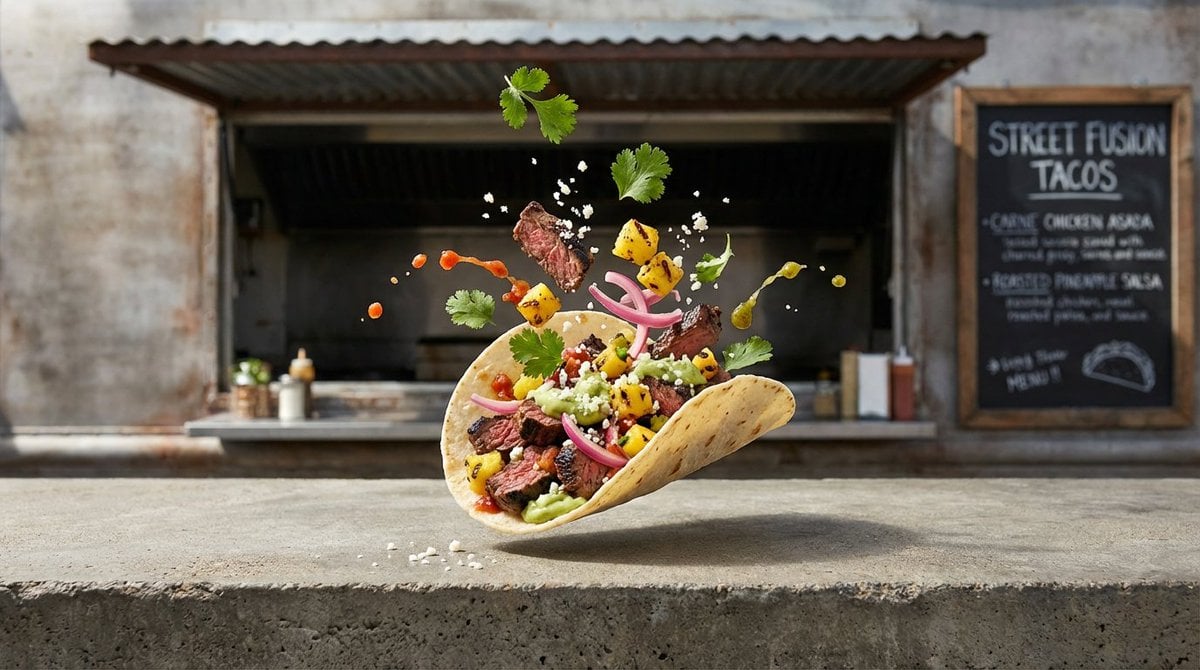
Four High-Detail Composite Photography Prompts
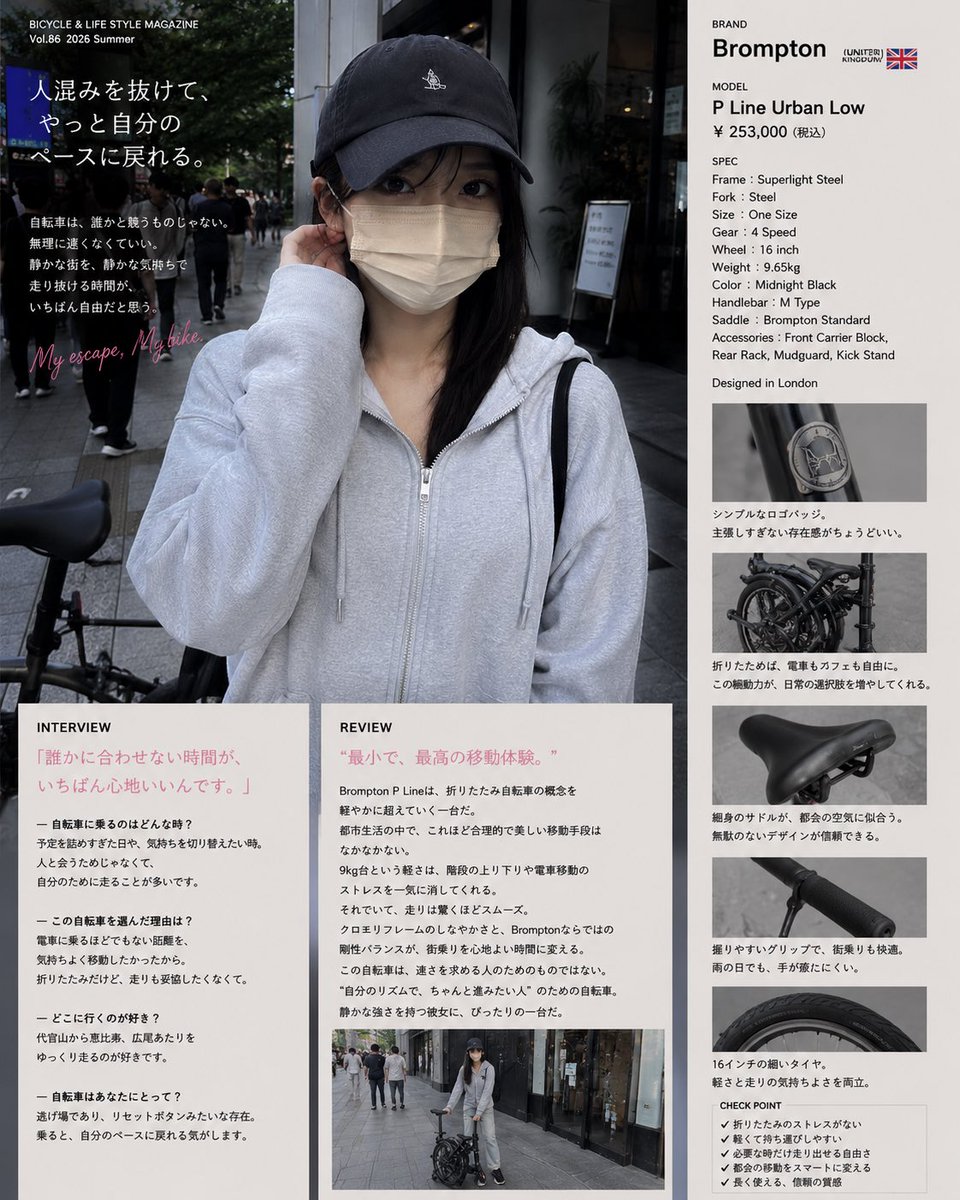
Authentic Magazine Bicycle Feature
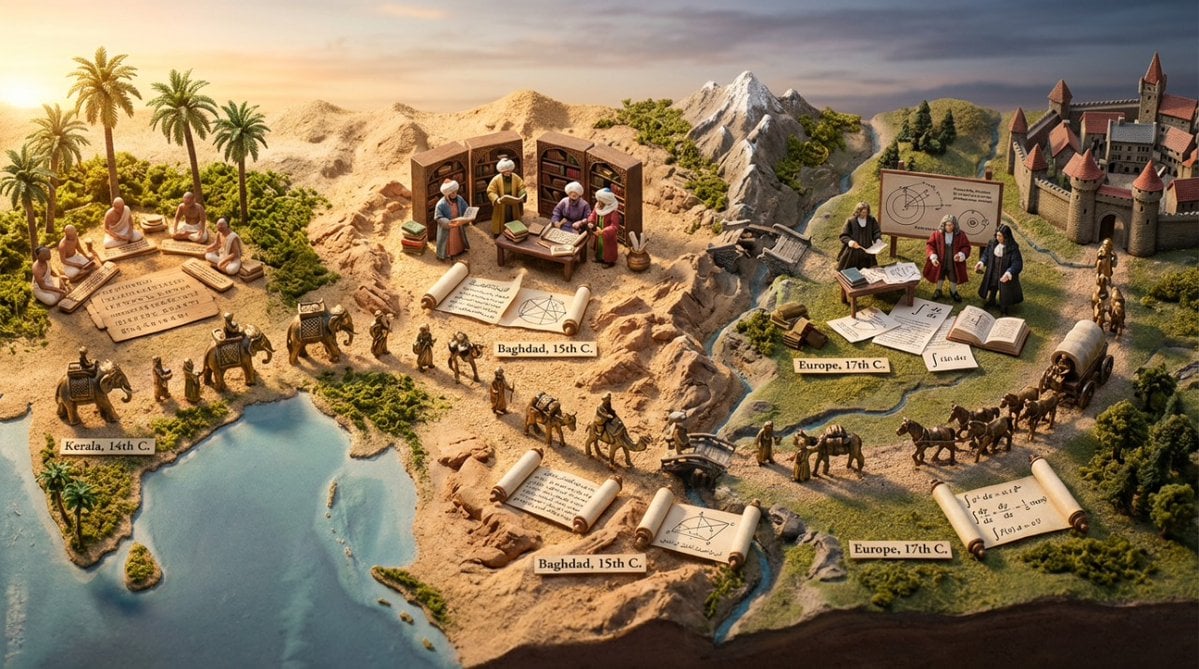
Miniature Diorama Prompt for Visualizing the Historical Journey of Calculus
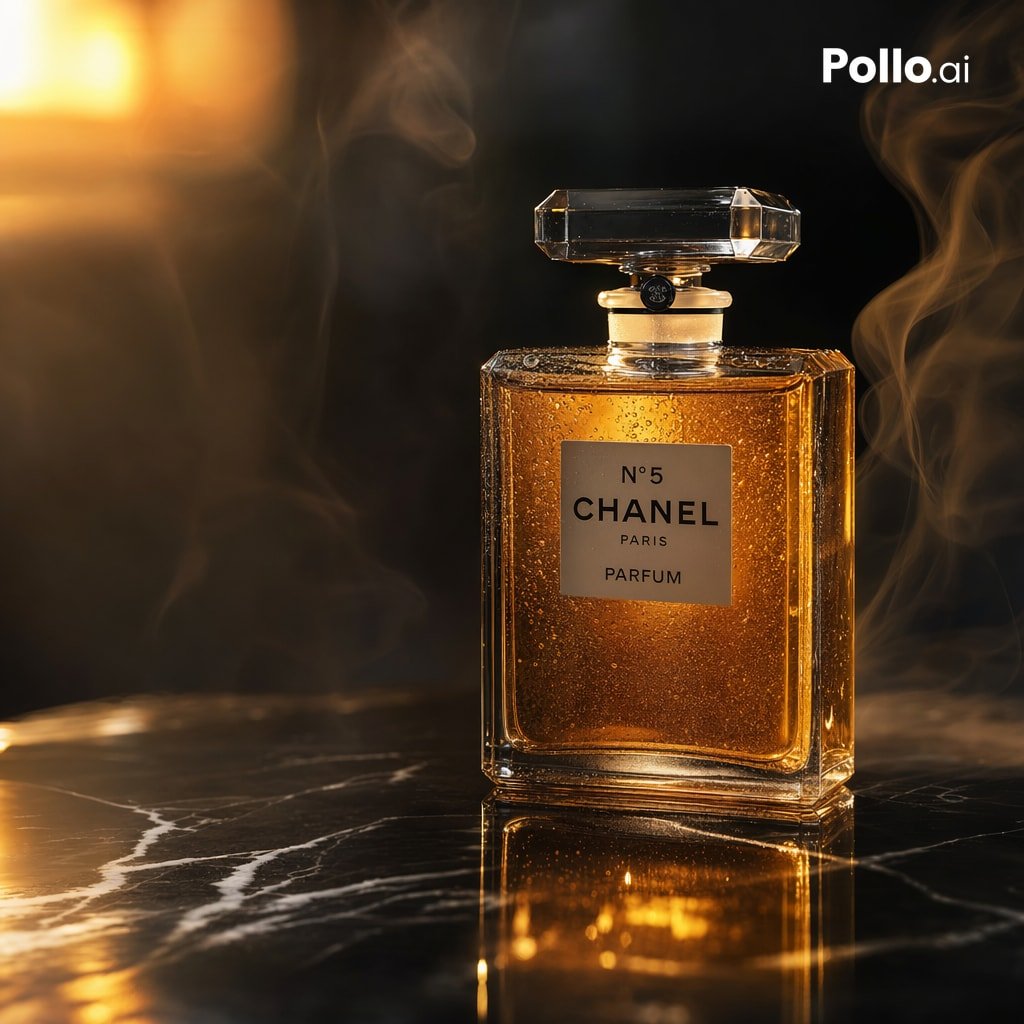
Luxury Amber Perfume Ad
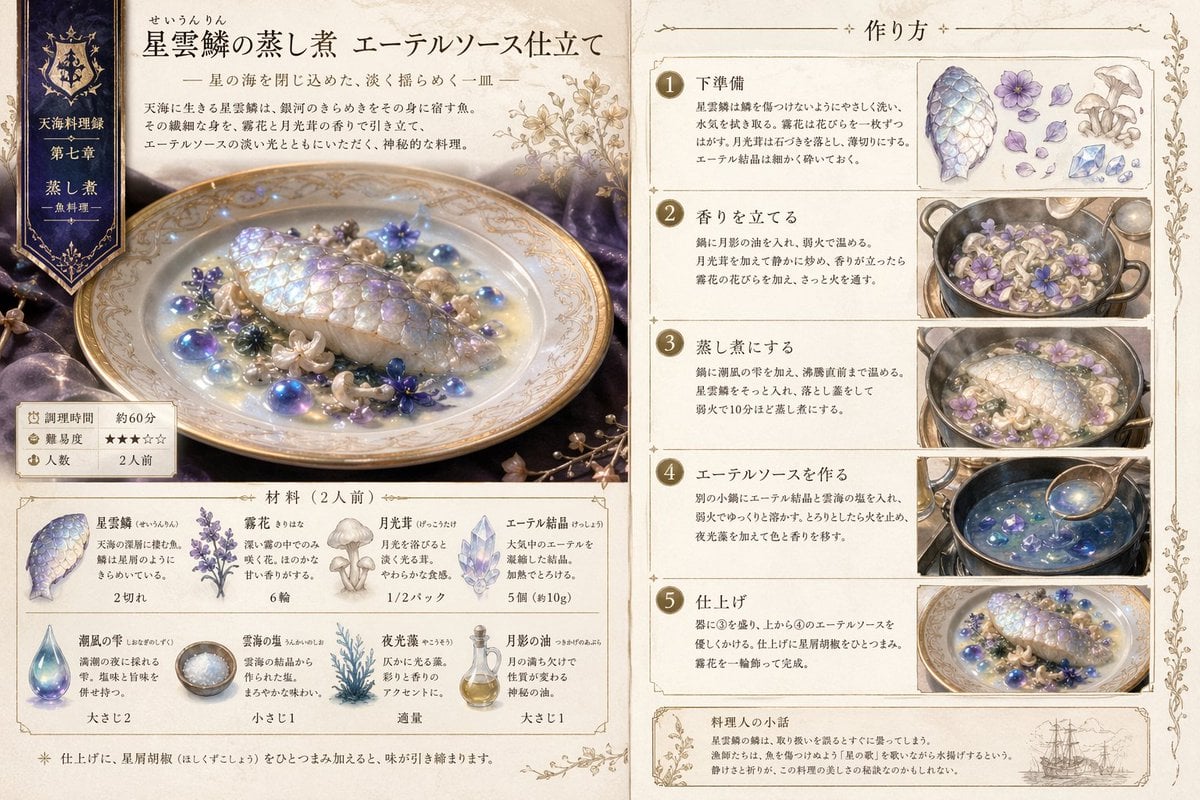
Fantasy Recipe Illustration
Browse template categories
Rainy Night Event Street Fashion questions
How do I use the Rainy Night Event Street Fashion template?
Add your photo if the template asks for one, edit the prompt if you like — the template's model and format are already selected — and press Generate. Your version opens in PicX Studio.
Can I customize the Rainy Night Event Street Fashion template?
Yes. You can change the subject, setting, lighting, mood, format, and available model controls before creating your image.
Is the Rainy Night Event Street Fashion template free?
Opening and editing this template is free. Generating uses credits, shown on the Generate button when you are signed in.
Which AI model should I use?
Start with GPT Image 2, which is the model associated with this template. You can compare another compatible model for a different finish.
Looking for something else? Browse all templates.

Your photo, any look
Thousands of ready templates for every top image and video model, from one credit balance.