
Monochrome Rebellion Streetwear Poster
Generates a gritty black-and-white streetwear campaign poster with a centered model, huge distressed typography, and rebellious editorial microtext.
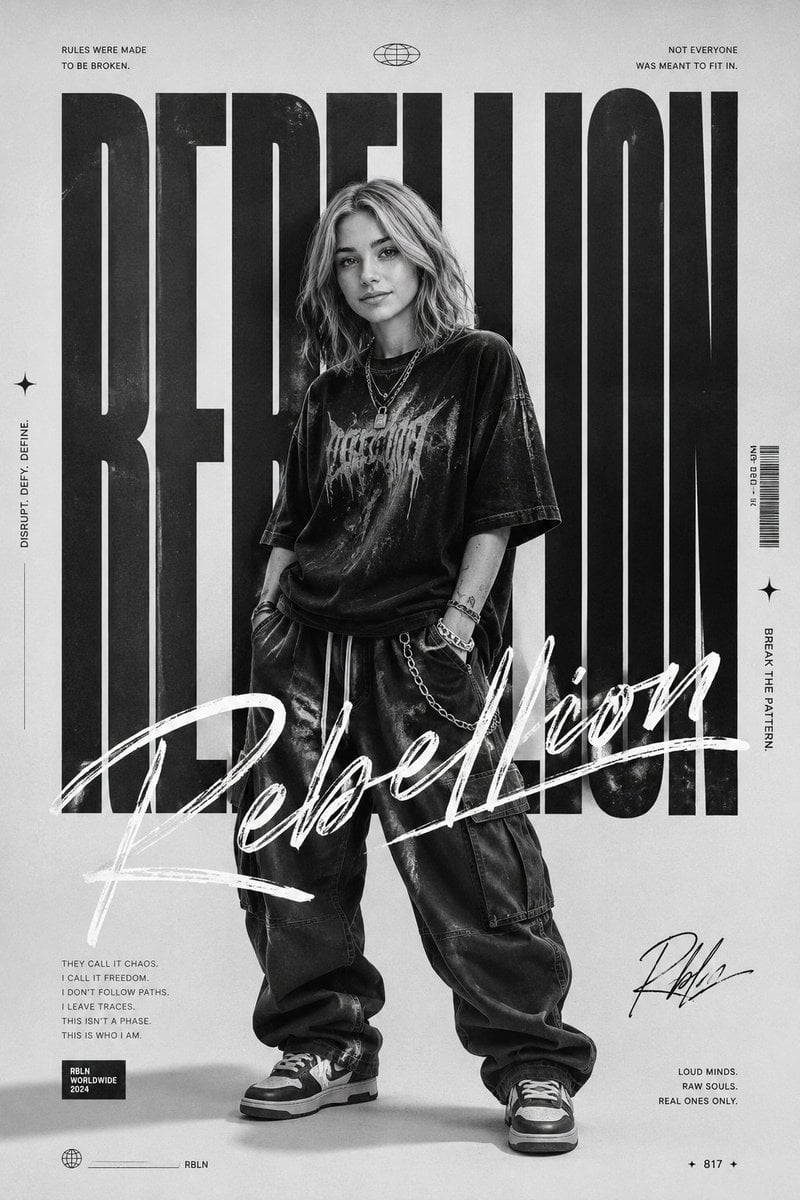
- Prompt included
- Model and format preset
- Free template
The prompt behind this image
Copy the exact prompt behind Monochrome Rebellion Streetwear Poster, or open it in the studio and make it yours.
Goal: Create a monochrome rebellious fashion editorial poster for {argument name="brand name" default="RBLN"}, centered on a full-body streetwear model in front of enormous typography. Canvas: Vertical 2:3 poster, 768 x 1152 style composition, black-and-white with light gray paper background, subtle photocopy grain, worn ink texture, high contrast, underground music zine aesthetic. Layout: Place one full-body person standing centered, feet near the bottom edge, head overlapping the giant background word. Behind them, fill almost the entire poster height with one huge condensed bold uppercase word: {argument name="main background word" default="REBELLION"}. The letters must be black, extremely tall, tightly spaced, distressed, and partially hidden behind the model. Across the lower-middle foreground, overlay a large white hand-painted brush script reading {argument name="script title" default="Rebellion"}, slashing diagonally from bottom left toward right center and covering the model’s legs and torso. Add small editorial microtext around the edges like a magazine cover or streetwear campaign poster. Subject details: The model is androgynous, standing relaxed with hands in pockets, slightly slouched, facing forward. Use shoulder-length messy wavy blond hair. The face is intentionally obscured by a centered soft gray square blur/mask. Outfit has exactly 8 visible fashion elements: 1 oversized dark distressed graphic T-shirt, 2 layered necklaces with small pendants, 1 baggy dark cargo pant, 1 hanging chain on the right hip, 1 bracelet stack on the wrist, 1 pair of chunky black-and-white sneakers, and 1 small forearm tattoo. Clothing should look worn, rebellious, and urban. Text content: Include exactly 10 small text blocks/icons around the poster: 1 top-left quote reading “RULES WERE MADE / TO BE BROKEN.”, 1 top-center small globe icon, 1 top-right quote reading “NOT EVERYONE / WAS MEANT TO FIT IN.”, 1 left vertical slogan reading “DISRUPT. DEFY. DEFINE.”, 1 right-side vertical barcode with tiny label text, 1 right vertical slogan reading “BREAK THE PATTERN”, 1 lower-left manifesto block reading “THEY CALL IT CHAOS. / I CALL IT FREEDOM. / I DON’T FOLLOW PATHS. / I LEAVE TRACES. / THIS ISN’T A PHASE. / THIS IS WHO I AM.”, 1 small black label reading “RBLN / WORLDWIDE / 2024”, 1 bottom-right handwritten signature reading {argument name="signature text" default="Rbln"}, and 1 bottom-right quote reading “LOUD MINDS. / RAW SOULS. / REAL ONES ONLY.” Add exactly 3 small star/spark icons: one on the left side, one near the right barcode area, and one near the lower bottom center. Add exactly 2 tiny globe icons total: one at the top center and one at the bottom left. Visual style: Black, white, and gray only; gritty halftone texture; editorial streetwear look; distressed typography; sharp studio lighting with a soft floor shadow; high-fashion poster design; no color accents. Constraints: Keep all text in English, preserve the huge word and script title as the visual focus, do not add extra people, do not add extra logos beyond the specified {argument name="brand name" default="RBLN"} branding, and keep the composition clean but intense.
How to use Monochrome Rebellion Streetwear Poster in 3 steps
- 1Upload ImagePNG, JPG or paste
Add your photo
Upload the photo the template builds on. The prompt, model and format are already set.
- 2…a portrait of your subject in softgolden-hour light, 85mm…
Personalize
Edit the subject and creative details for your destination.
- 3Generate
Generate
Press Generate — your image is created in PicX Studio, so you can compare it with the original and refine one variable at a time.
More like this
Templates with the same subject, style or setup. Open one to see its prompt.

Urban Fashion Editorial Collage Streetwear Poster

Monochrome Hypebeast Street Fashion Editorial Motion

Monochrome Halftone Editorial Fashion Poster

Ultra-Stylized High-Fashion Streetwear Poster

Urban Fashion Editorial Collage Poster
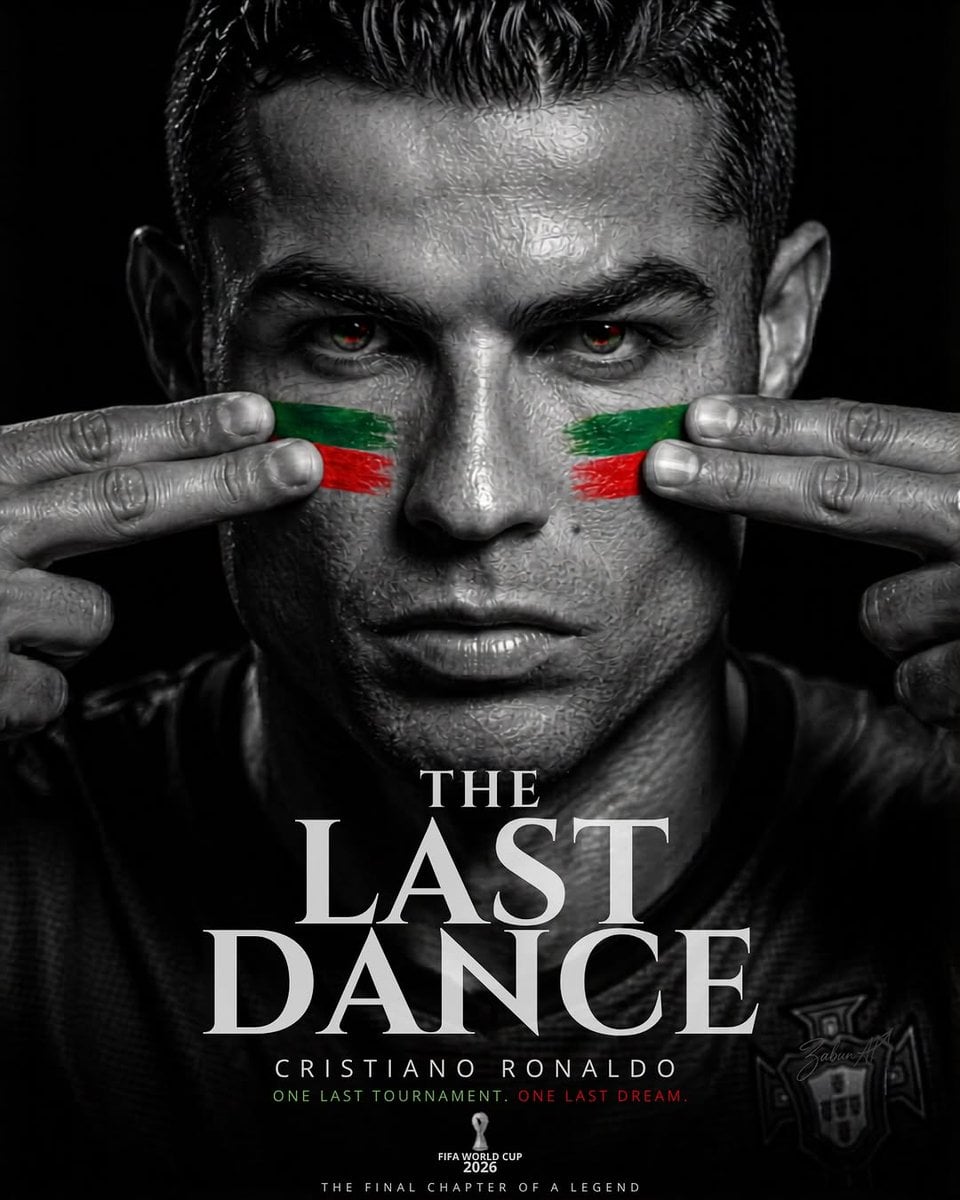
Last Dance Legacy Monochrome Portrait

Gpt2 Product Marketing Streetwear Sneaker Poster Ad

1988 Mall Style

Japan Travel Brochure Poster

Cartoon TV Show Poster Pack

Trendy Cafe Drink Promo Poster

Premium Fashion Editorial Cover Layout System
Make it yours
Monochrome Rebellion Streetwear Poster works as-is. These are the safest ways to change it without losing the look.
Change one field
Copy a single group, rewrite it, and generate again so you can see what that field is doing.
Keep the frame, change the subject
Hold the composition and light of Monochrome Rebellion Streetwear Poster, then swap wardrobe, props or the person for a new take.
| If the result… | Why | Fix |
|---|---|---|
| The result drifts from the preview | Too many fields changed at once. | Reuse Monochrome Rebellion Streetwear Poster as-is first, then change one group — subject, light, or setting. |
| The model over-stylizes the scene | The prose prompt leaves finish and camera underspecified. | Add one camera or lighting sentence and stay on GPT Image 2. |
More GPT Image 2 templates
Other prompts made for GPT Image 2.

Six VTuber Japanese Logo Sheet

Realistic Portrait of Woman and Deer

The Vista Modular Condo Poster

AI Model Routing Comparison Infographic

2.5D Anime Art Board

Isometric Productivity Desk Scene

New York Double Exposure Poster

Four-Panel AI Landscape Comparison

Japanese Tatami Lifestyle Magazine Cover

NESCAFÉ Coffee Map Poster
More image prompts
Fresh picks from across the catalog.
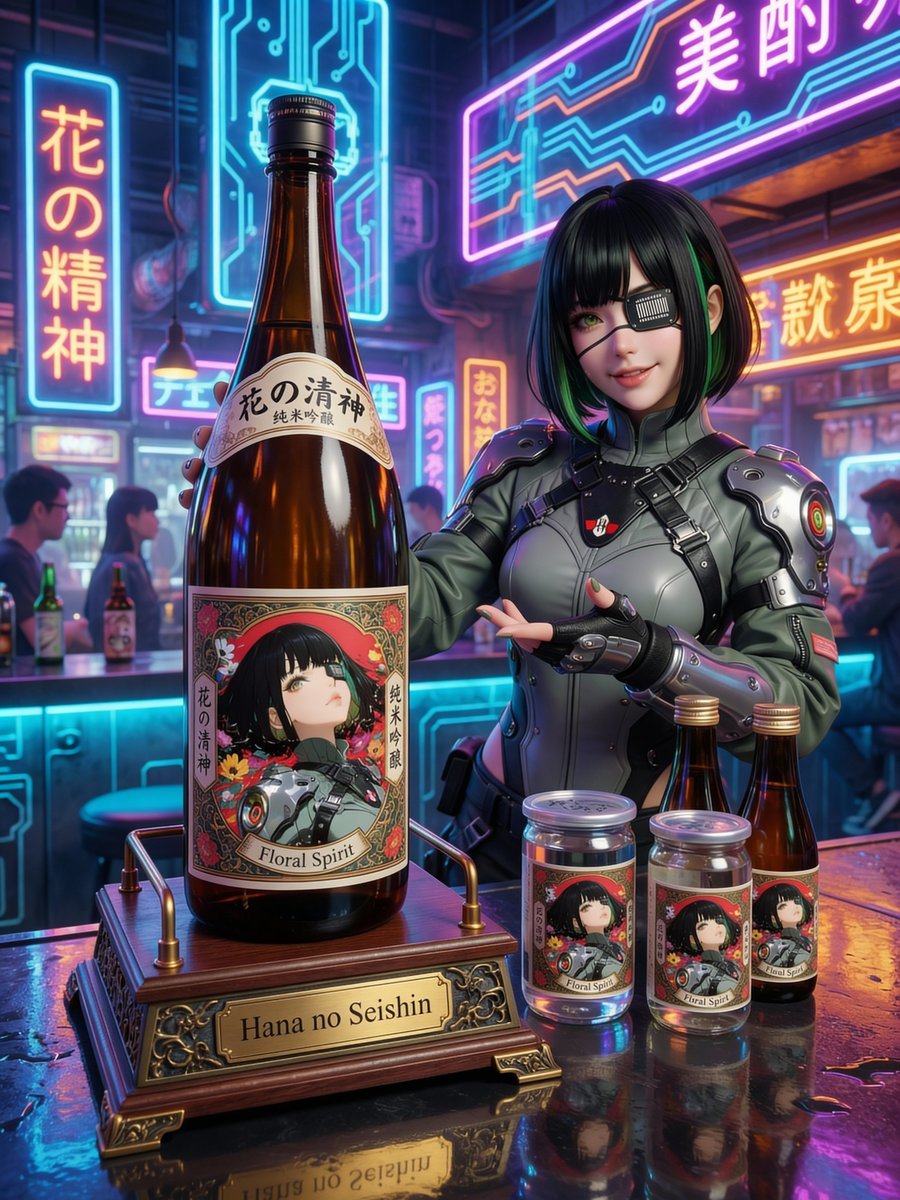
Fictional Sake Brand Bottle Design
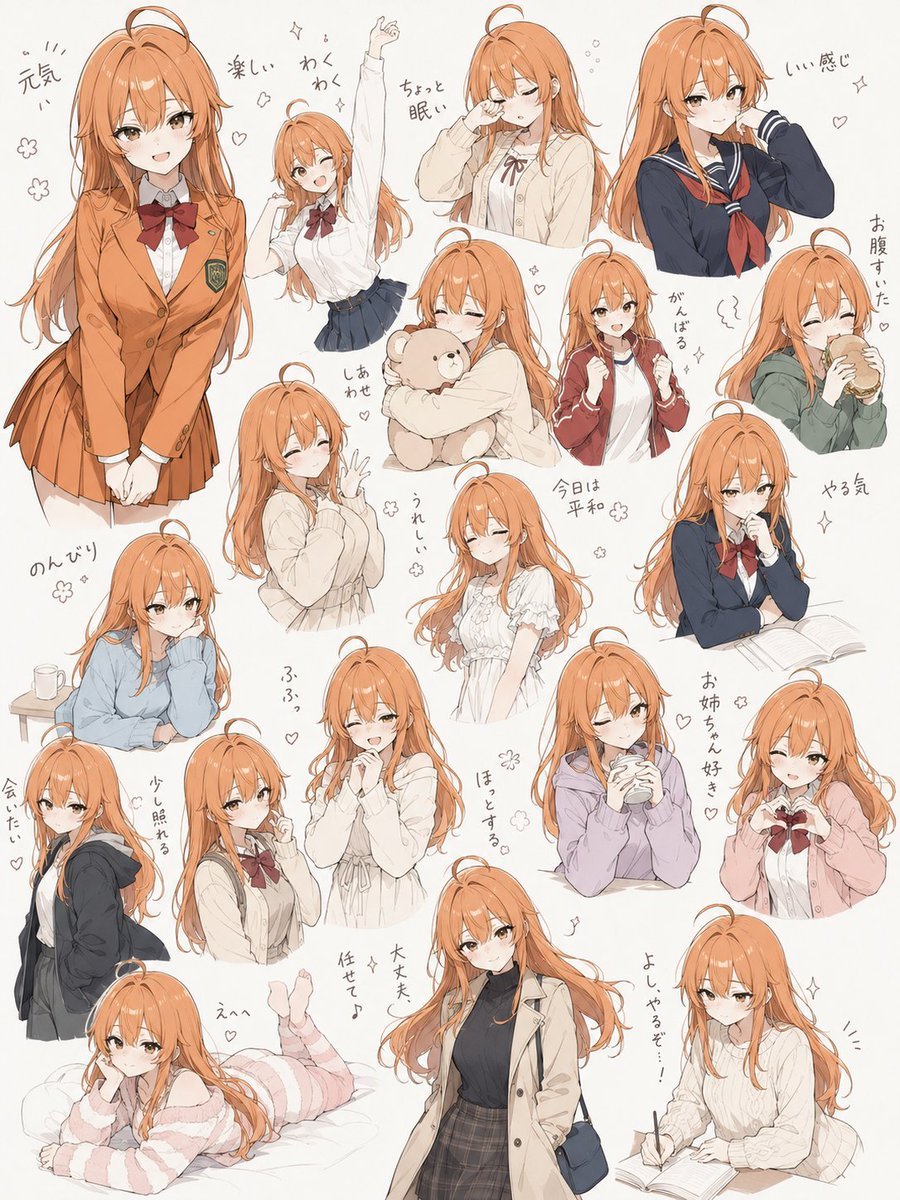
Hand-Drawn Character Sticker Sheet Prompt
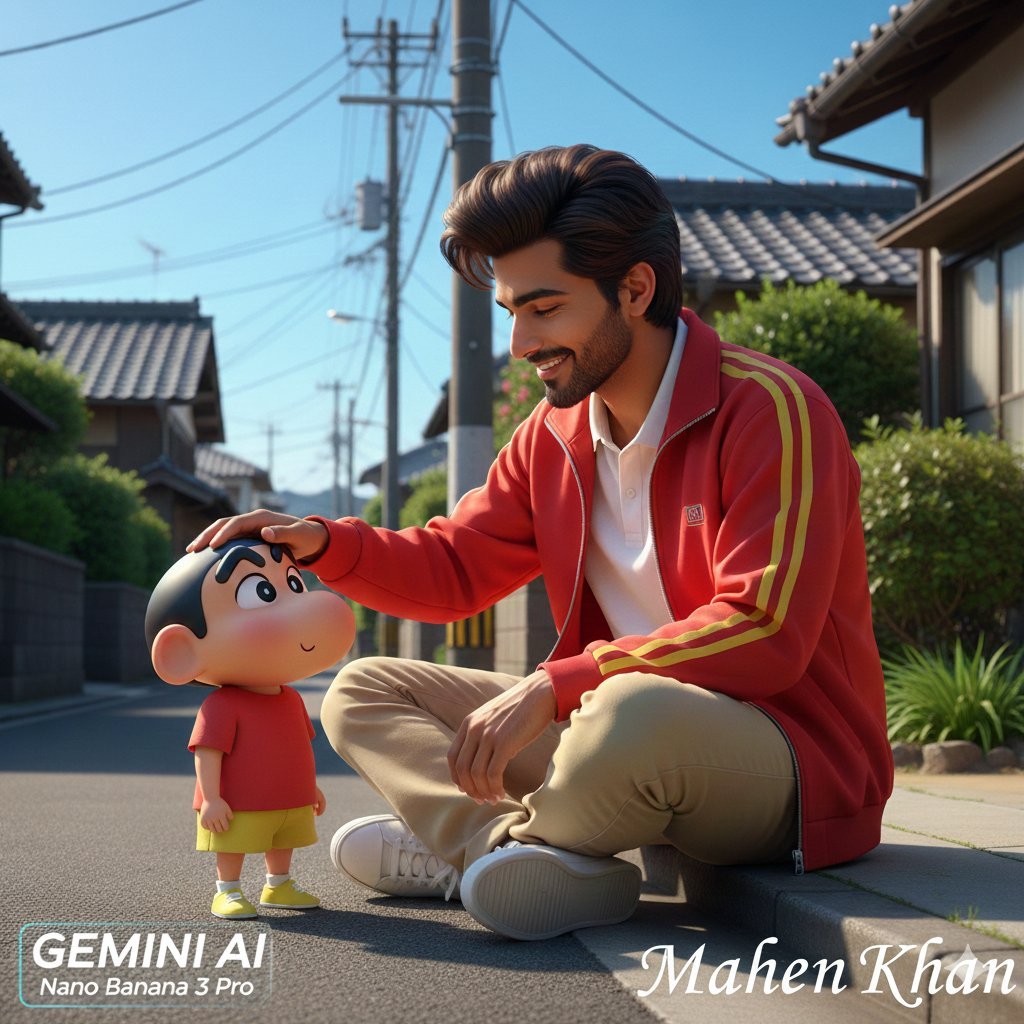
Photorealistic Man Interacting with 3D Shin-chan
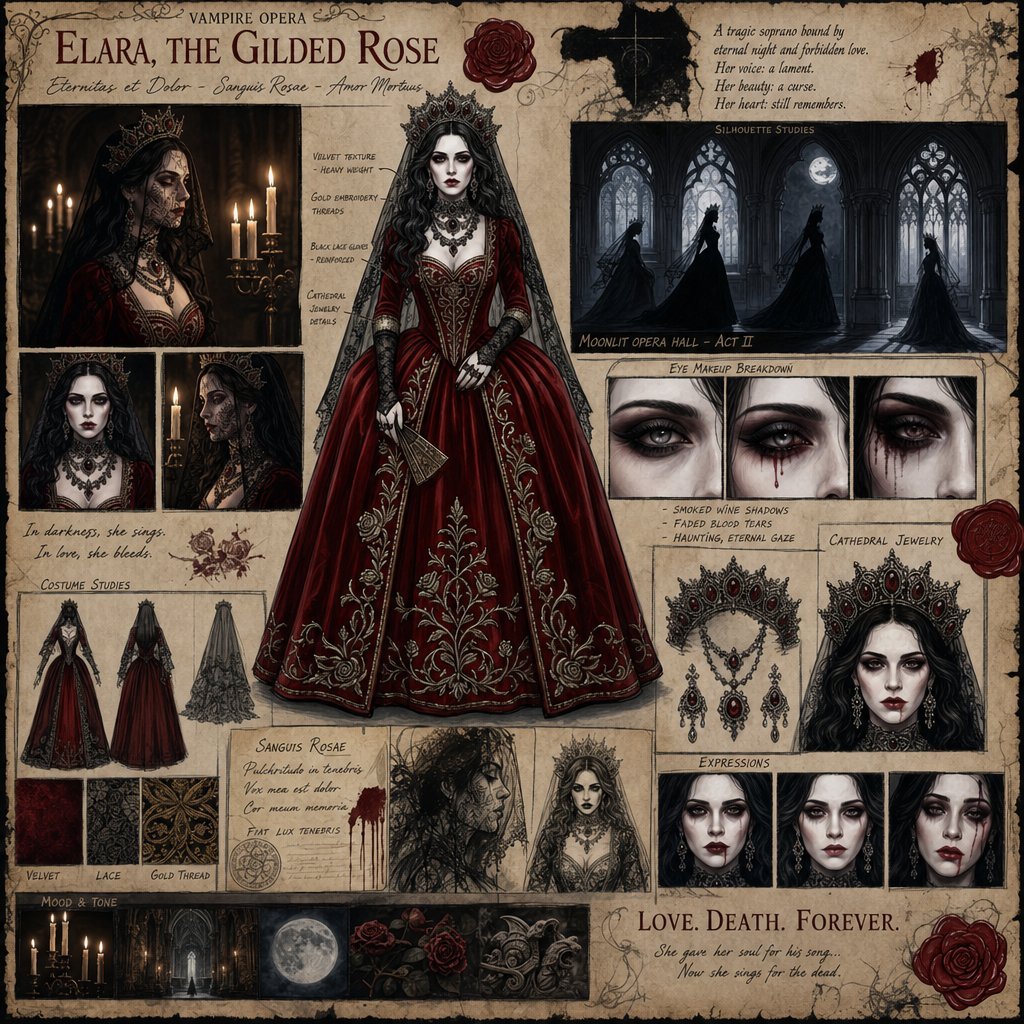
Dark Gothic Vampire Opera Character Design
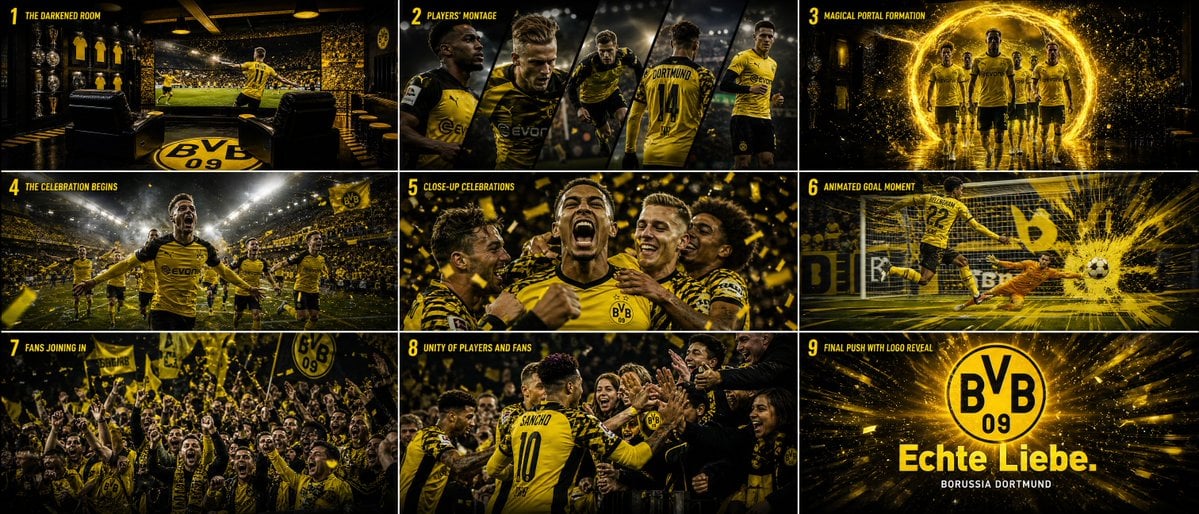
Cinematic Sports Storyboard
Nano Banana Pro Prompt Summary and Templates
Moonlit Dancer Shadow Box
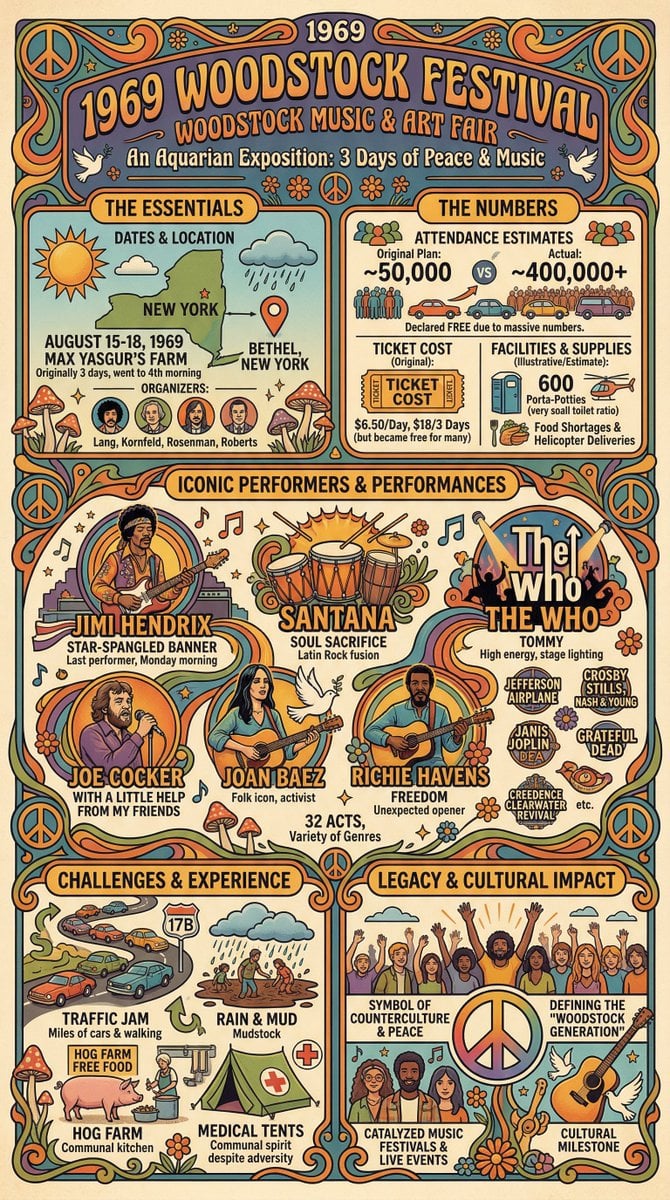
Infographic Creation with Simple Text Prompt
Upscale and Detail Enhancement
Neon Night Shoulder-Look Portrait
Browse template categories
Monochrome Rebellion Streetwear Poster questions
How do I use the Monochrome Rebellion Streetwear Poster template?
Add your photo if the template asks for one, edit the prompt if you like — the template's model and format are already selected — and press Generate. Your version opens in PicX Studio.
Can I customize the Monochrome Rebellion Streetwear Poster template?
Yes. You can change the subject, setting, lighting, mood, format, and available model controls before creating your image.
Is the Monochrome Rebellion Streetwear Poster template free?
Opening and editing this template is free. Generating uses credits, shown on the Generate button when you are signed in.
Which AI model should I use?
Start with GPT Image 2, which is the model associated with this template. You can compare another compatible model for a different finish.
Looking for something else? Browse all templates.

Your photo, any look
Thousands of ready templates for every top image and video model, from one credit balance.