
Moonlit Dancer Shadow Box
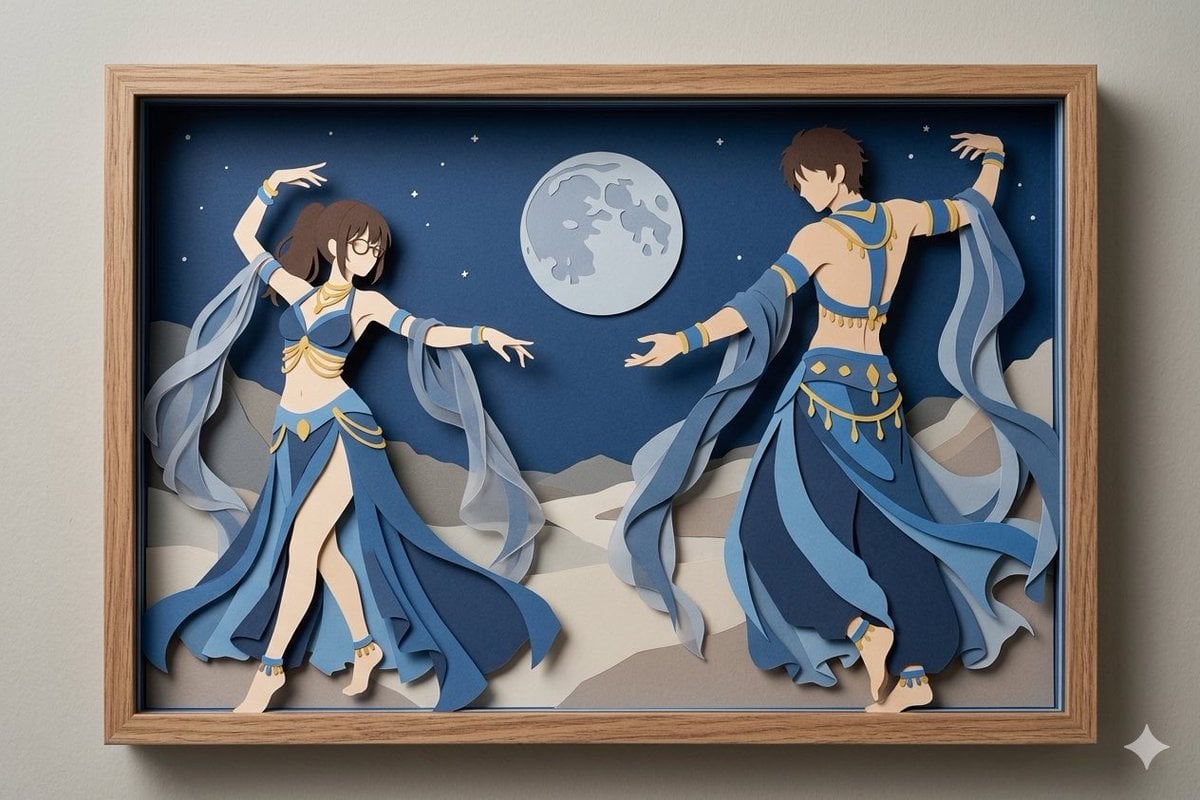
Generates a layered anime-style paper-cut shadow box diorama of two blue-and-gold dancers in a moonlit desert scene.
- Prompt included
- Model and format preset
- Free template
The prompt behind this image
Copy the exact prompt behind Moonlit Dancer Shadow Box, or open it in the studio and make it yours.
Create a horizontal framed paper-cut shadow box artwork mounted on a pale gray wall, with a light natural wood frame and a deep black inner recess casting realistic layered shadows. Inside the box, depict a moonlit desert dance scene made from stacked cut paper and foam layers: two anime-inspired belly dancers in flowing blue and gold costumes, one female dancer on the left facing inward with long dark brown ponytail, glasses, bare midriff, raised left arm and extended right arm, and one male dancer on the right turned partly away with short brown hair, bare back, raised right arm and extended left arm. Both dancers wear layered sapphire, navy, and pale blue fabric panels, translucent gauzy sleeve ribbons, gold trim, jewelry, anklets, and bare feet, with the ribbons curling outward as separate cut-paper layers. The background is a deep navy night sky with exactly one large pale full moon near the upper center and 16 small white stars scattered around it, above layered beige and gray desert dunes. Emphasize a handcrafted 3D paper diorama look, clean anime silhouettes, crisp cut edges, soft drop shadows between layers, elegant motion, balanced composition, museum-like craft photography, realistic wall lighting, high detail, no text. Use {argument name="frame material" default="light natural wood"}, {argument name="main costume color" default="sapphire blue"}, {argument name="accent color" default="gold"}, {argument name="scene setting" default="moonlit desert"}, and {argument name="art style" default="anime paper-cut shadow box"}.
How to use Moonlit Dancer Shadow Box in 3 steps
- 1Upload ImagePNG, JPG or paste
Add your photo
Upload the photo the template builds on. The prompt, model and format are already set.
- 2…a portrait of your subject in softgolden-hour light, 85mm…
Personalize
Edit the subject and creative details for your destination.
- 3Generate
Generate
Press Generate — your image is created in PicX Studio, so you can compare it with the original and refine one variable at a time.
More like this
Templates with the same subject, style or setup. Open one to see its prompt.
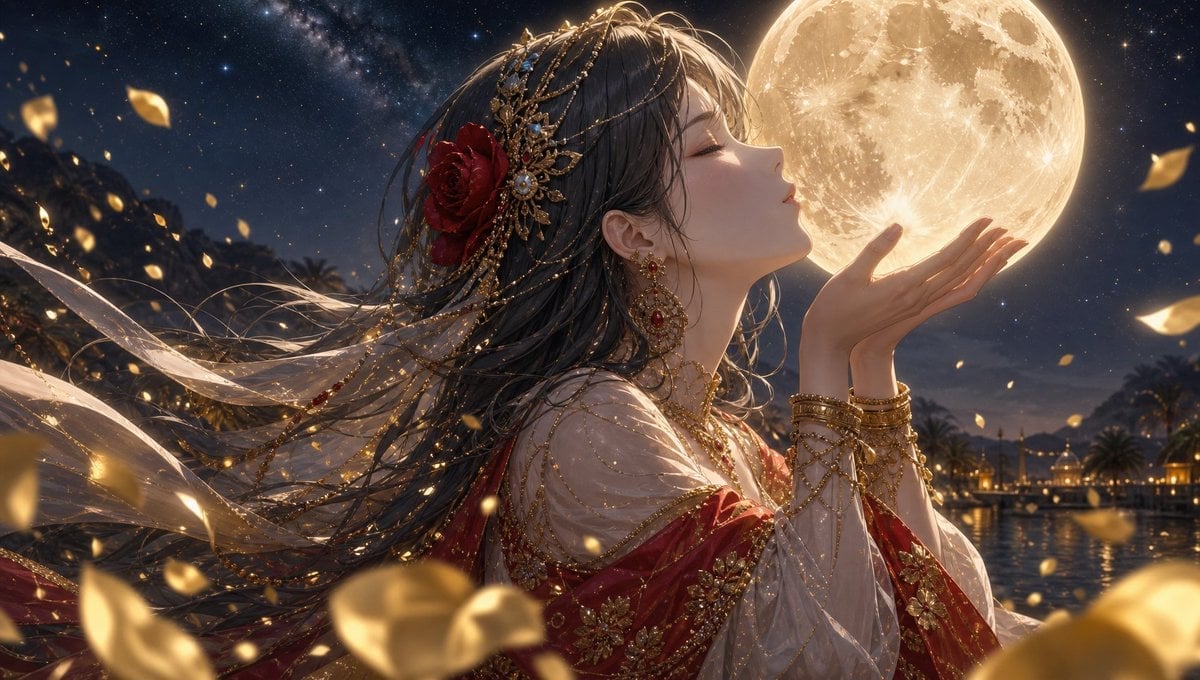
Moonlit Arabian Dancer
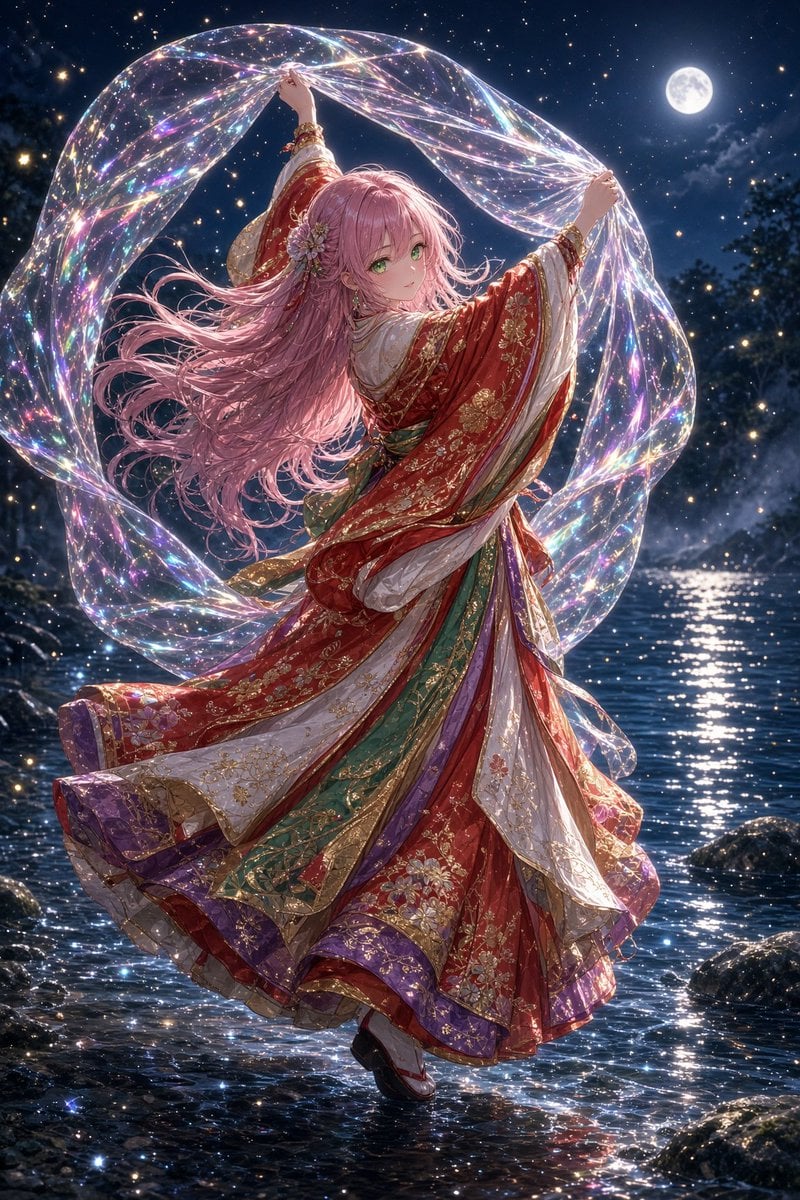
Moonlit Prism Veil Kimono Dancer
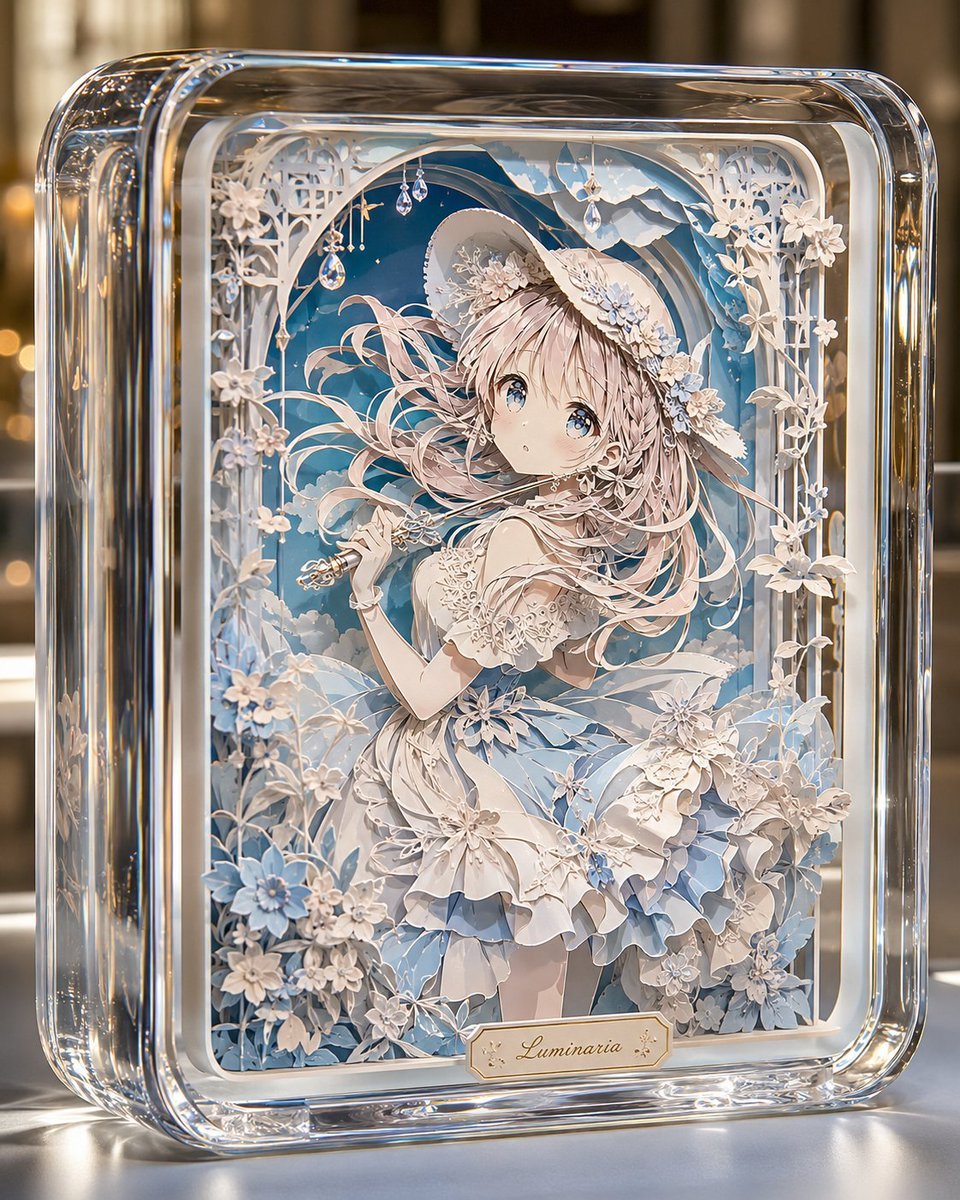
Glass Paper-Craft Anime Shadow Box
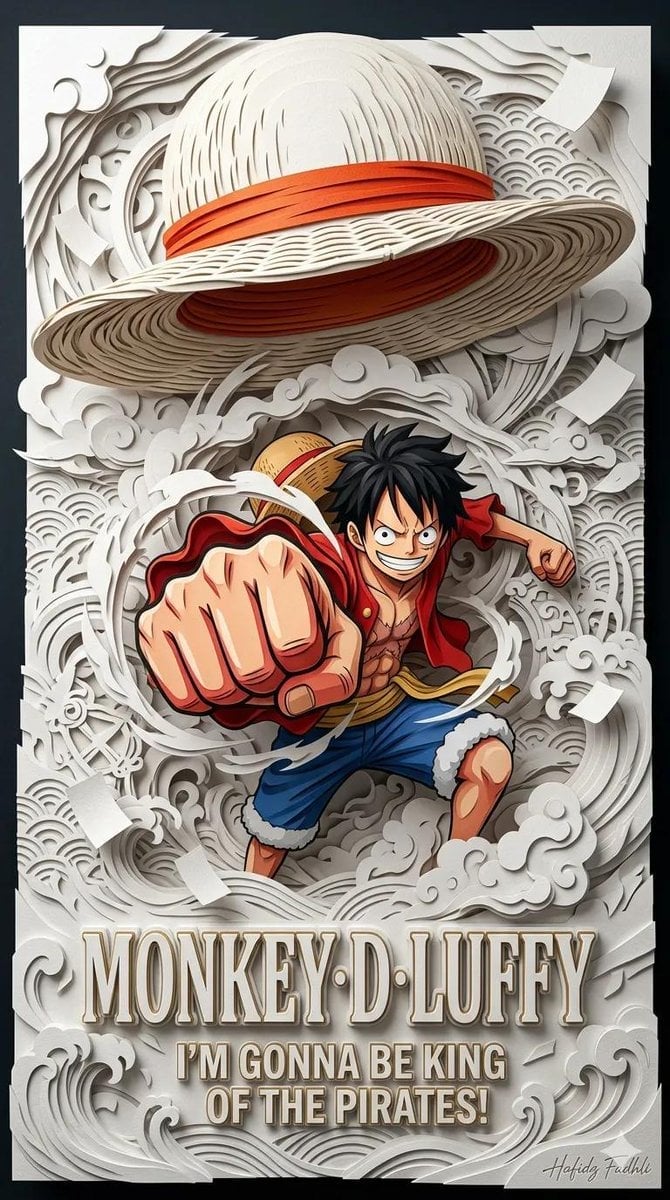
Master Papercraft Shadow Box — Anime Hero Emerging from Paper Waves
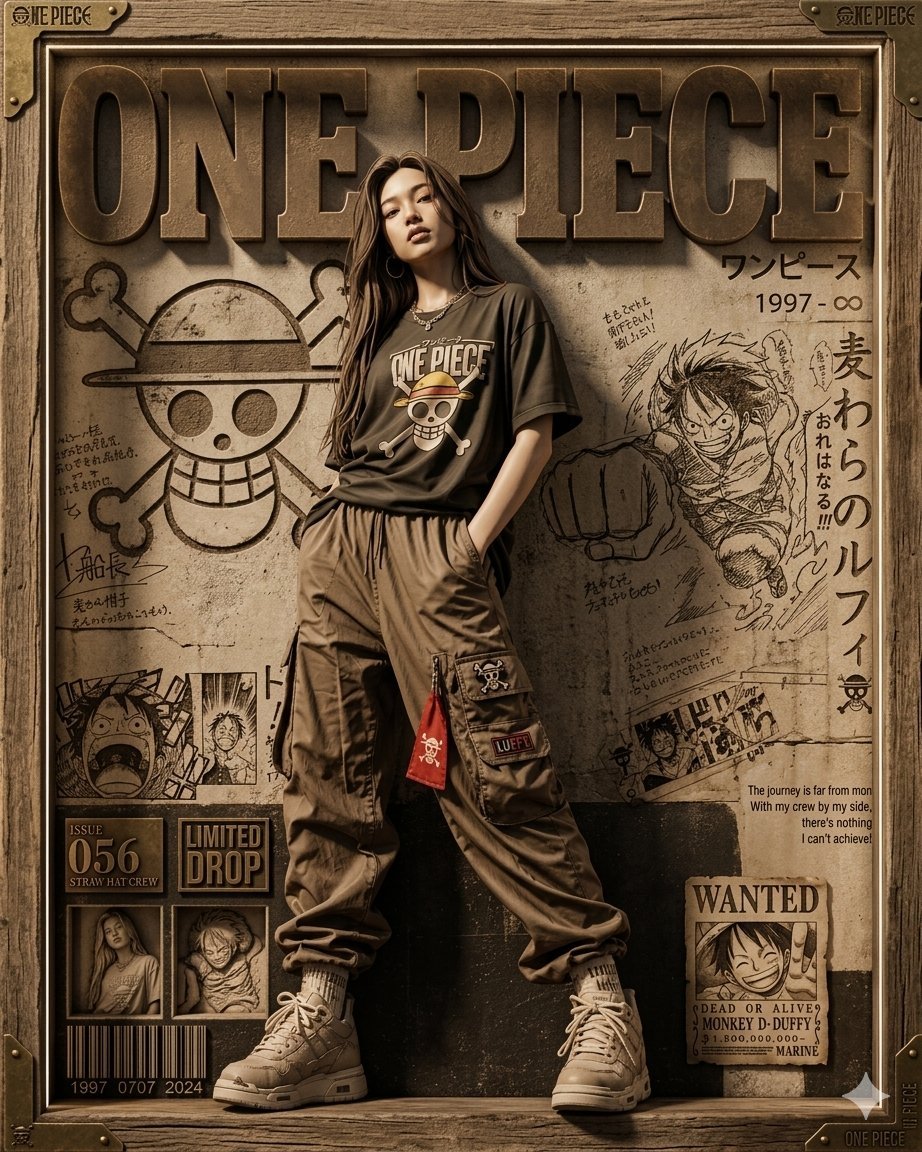
3D Shadowbox Manga Display
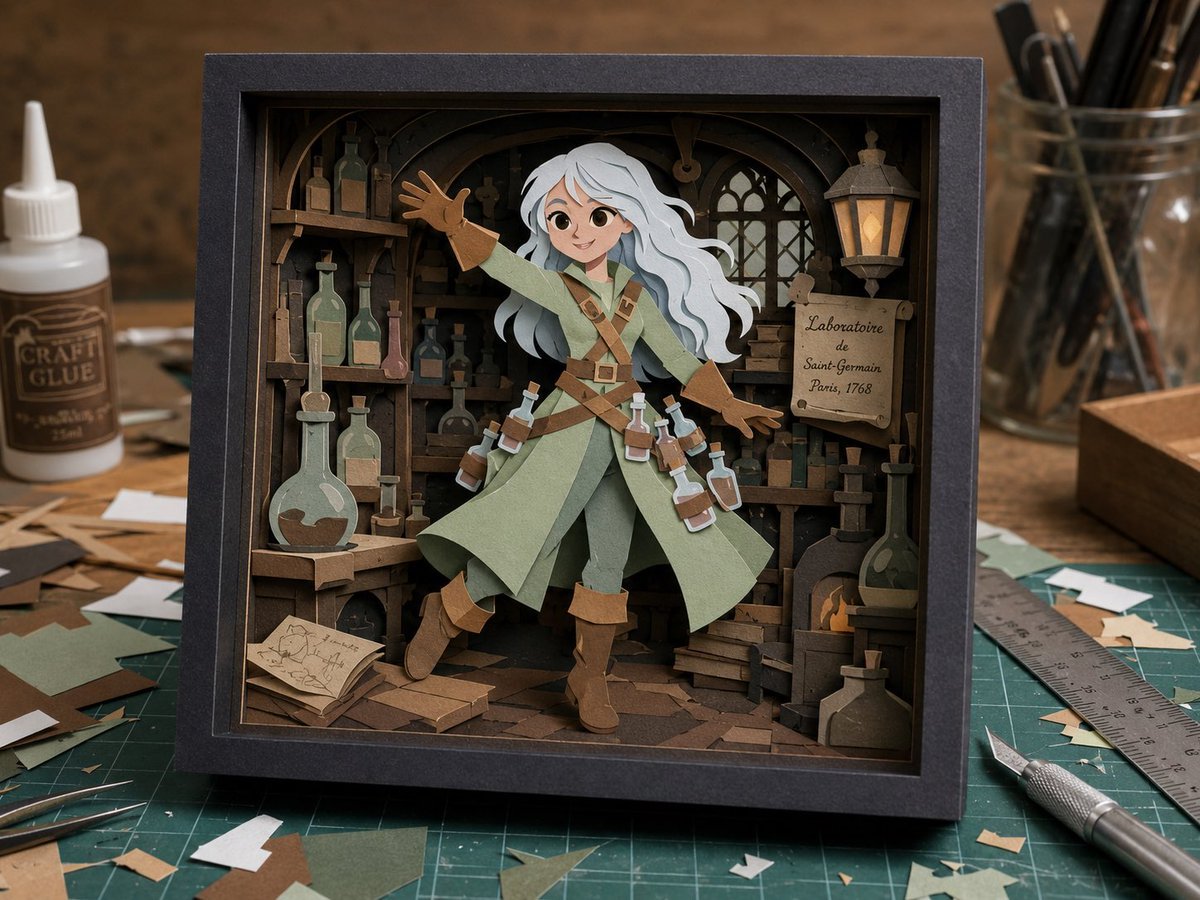
Layered Alchemist Shadow Box
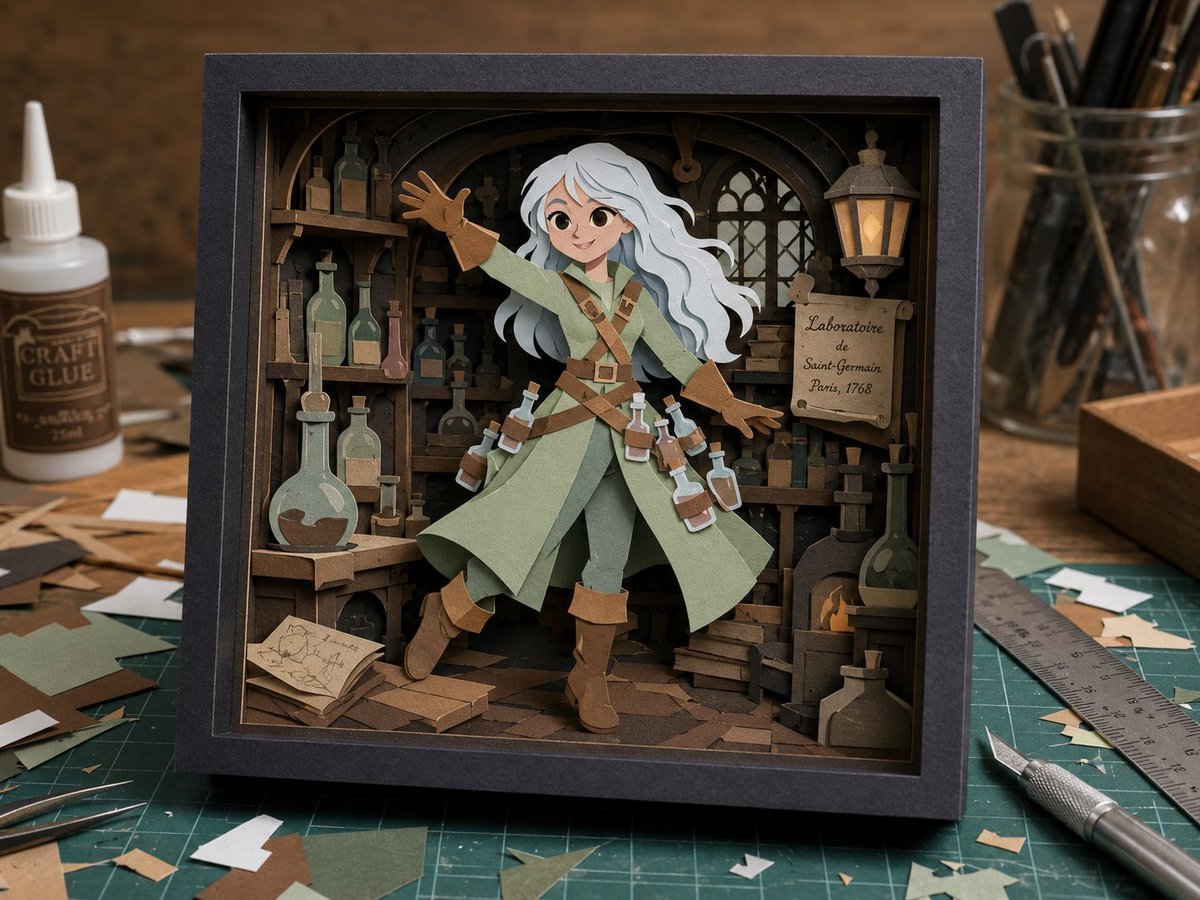
Craft Paper Alchemist Shadow Box
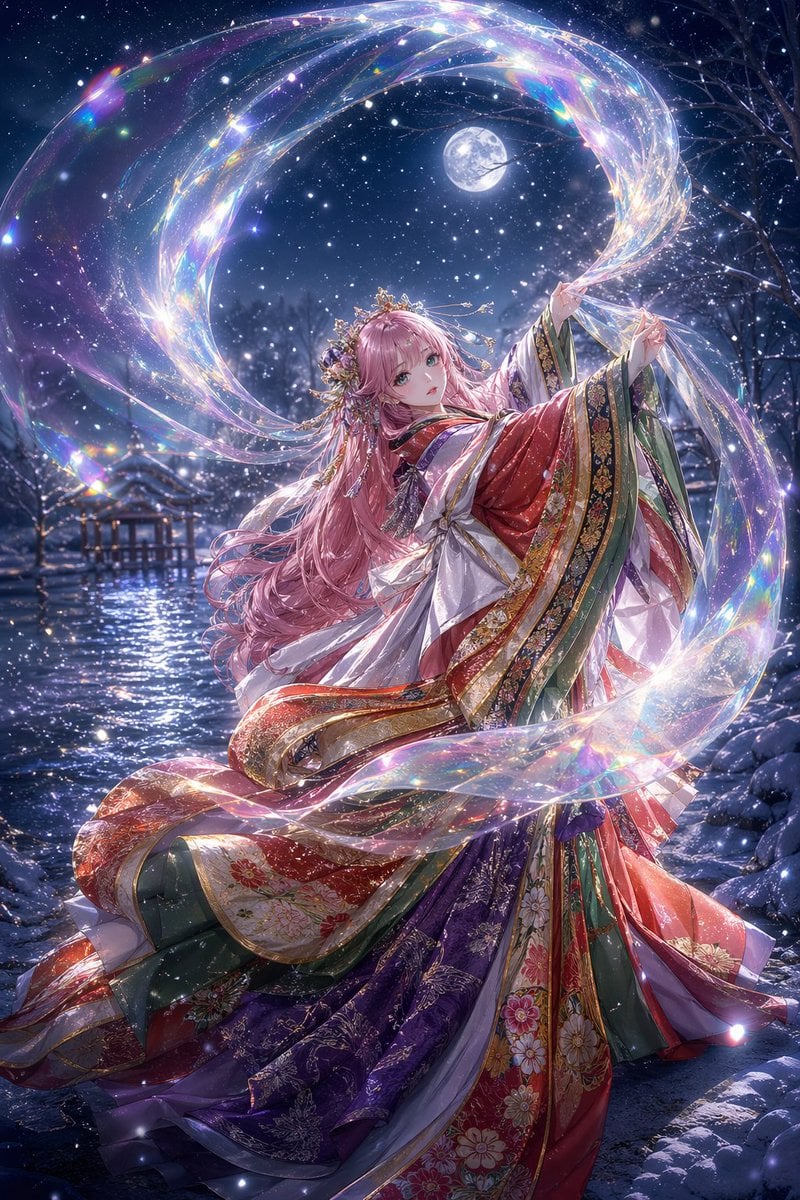
Moonlit Celestial Kimono Dancer

Dancer Character - Four View Reference Sheet
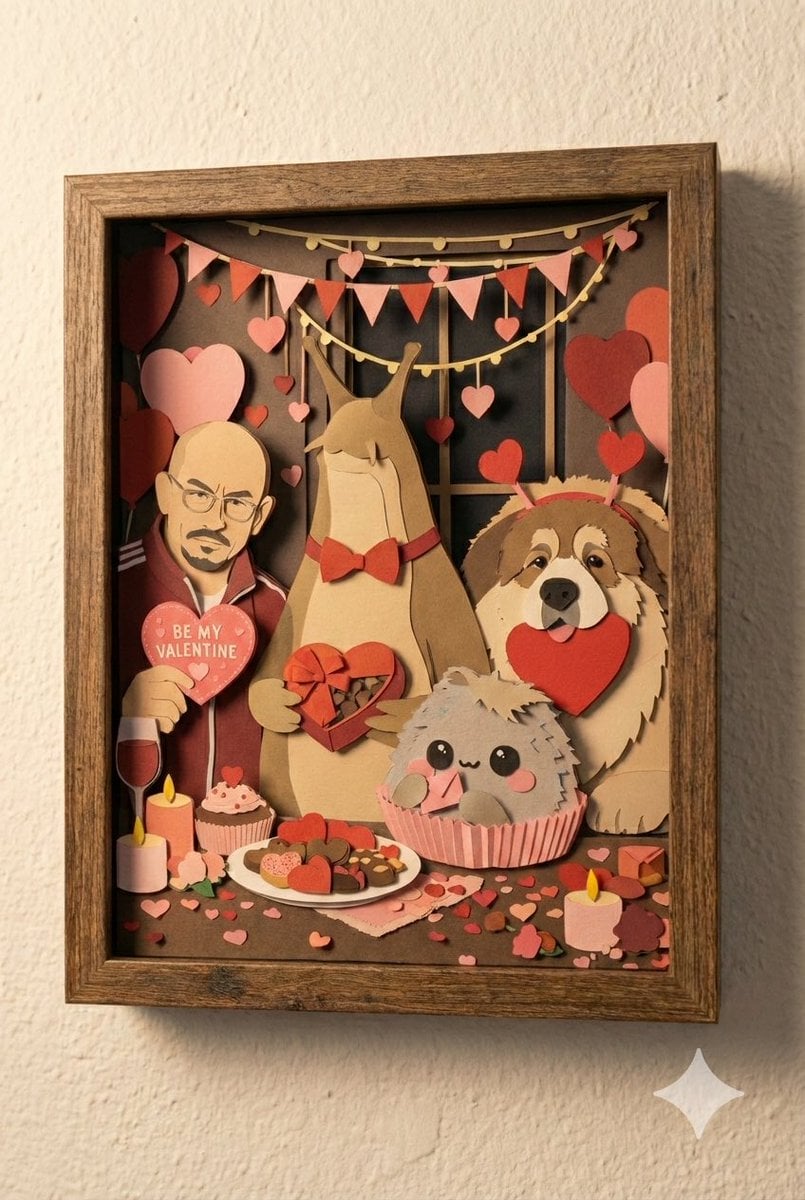
Shadow Box Conversion Prompt
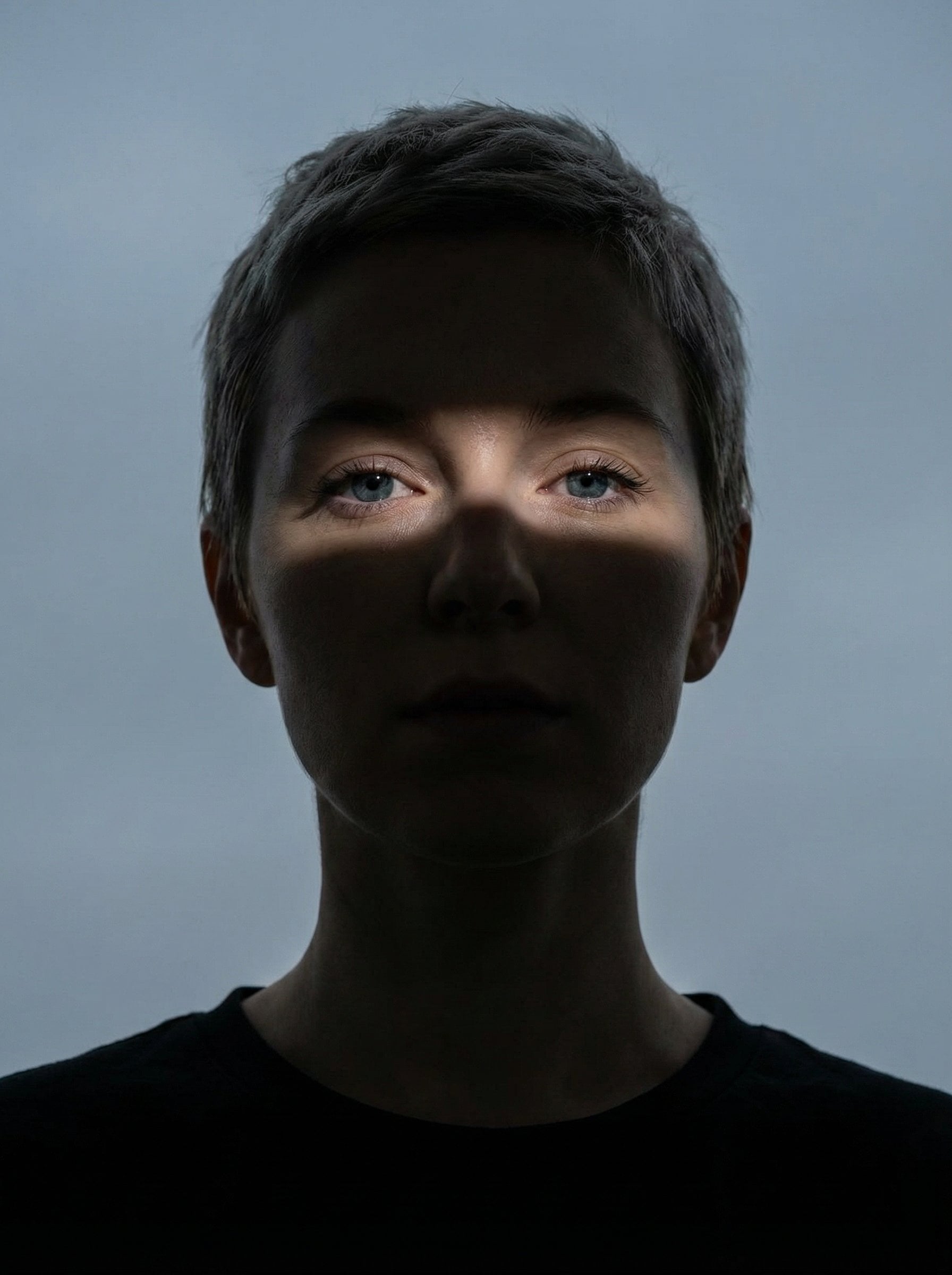
Nano Banana Pro Eyes in Shadow

Moonlit Fox Mask Night Market
Make it yours
Moonlit Dancer Shadow Box works as-is. These are the safest ways to change it without losing the look.
Change one field
Copy a single group, rewrite it, and generate again so you can see what that field is doing.
Keep the frame, change the subject
Hold the composition and light of Moonlit Dancer Shadow Box, then swap wardrobe, props or the person for a new take.
| If the result… | Why | Fix |
|---|---|---|
| The result drifts from the preview | Too many fields changed at once. | Reuse Moonlit Dancer Shadow Box as-is first, then change one group — subject, light, or setting. |
| The model over-stylizes the scene | The prose prompt leaves finish and camera underspecified. | Add one camera or lighting sentence and stay on GPT Image 2. |
More GPT Image 2 templates
Other prompts made for GPT Image 2.

Six VTuber Japanese Logo Sheet

Realistic Portrait of Woman and Deer

The Vista Modular Condo Poster

AI Model Routing Comparison Infographic

2.5D Anime Art Board

Isometric Productivity Desk Scene

New York Double Exposure Poster

Four-Panel AI Landscape Comparison

Japanese Tatami Lifestyle Magazine Cover

NESCAFÉ Coffee Map Poster
More image prompts
Fresh picks from across the catalog.
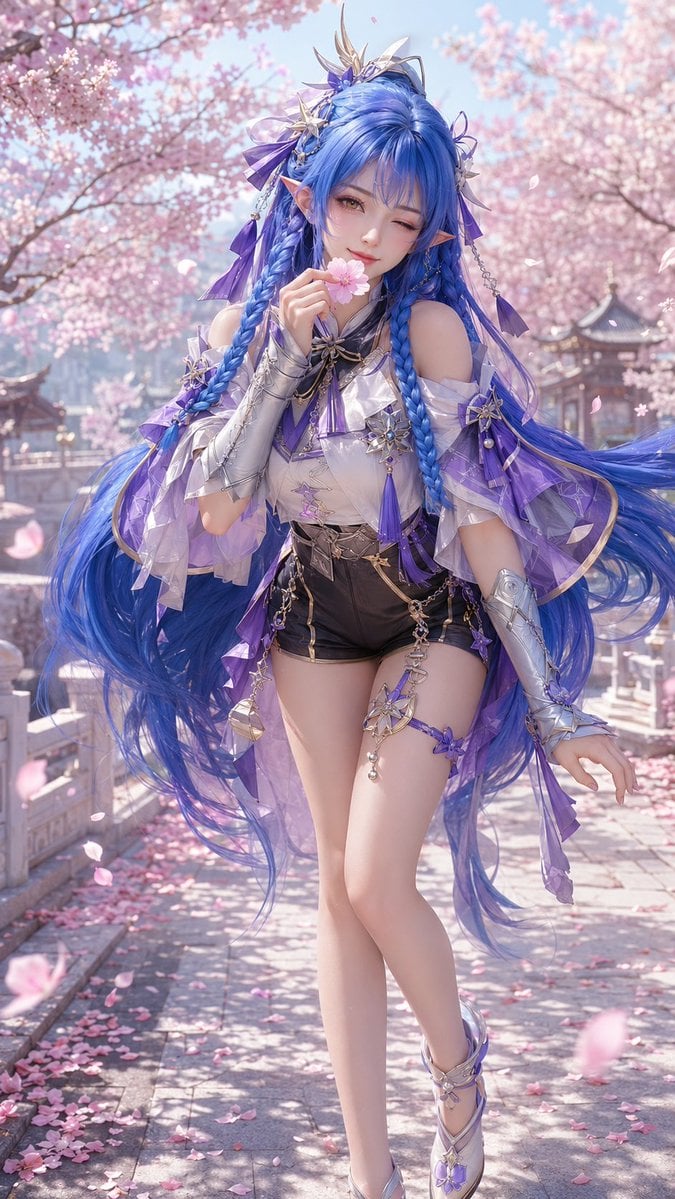
3D CG Oriental Fantasy Character Portrait
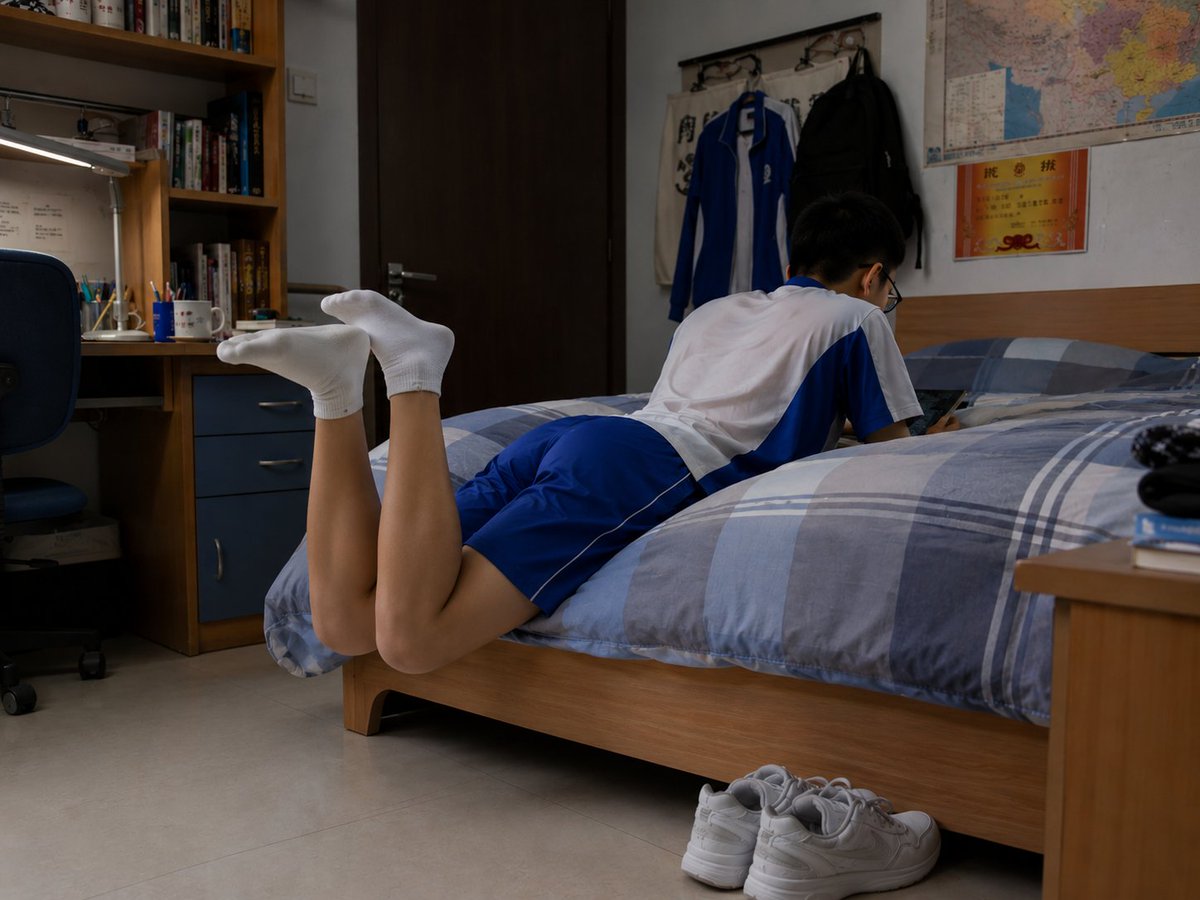
Photorealistic Student Dorm Room Scene
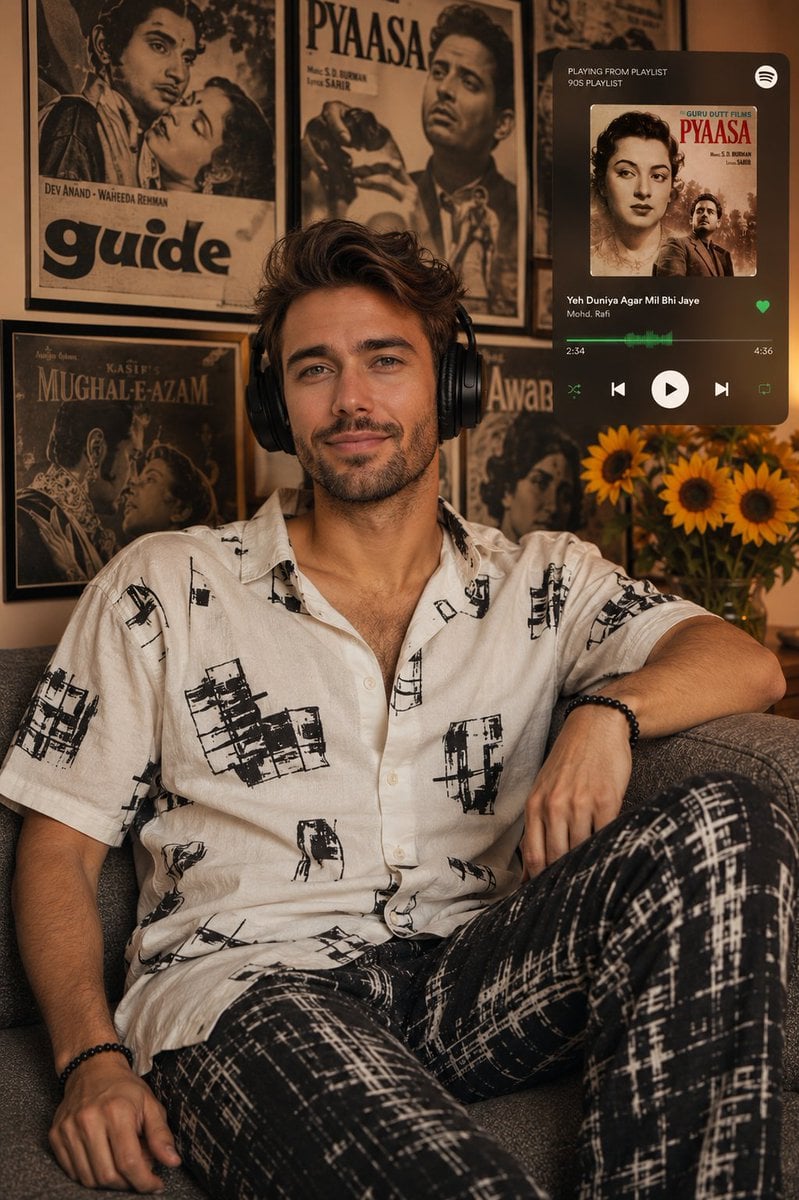
Vintage Bollywood Editorial Portrait
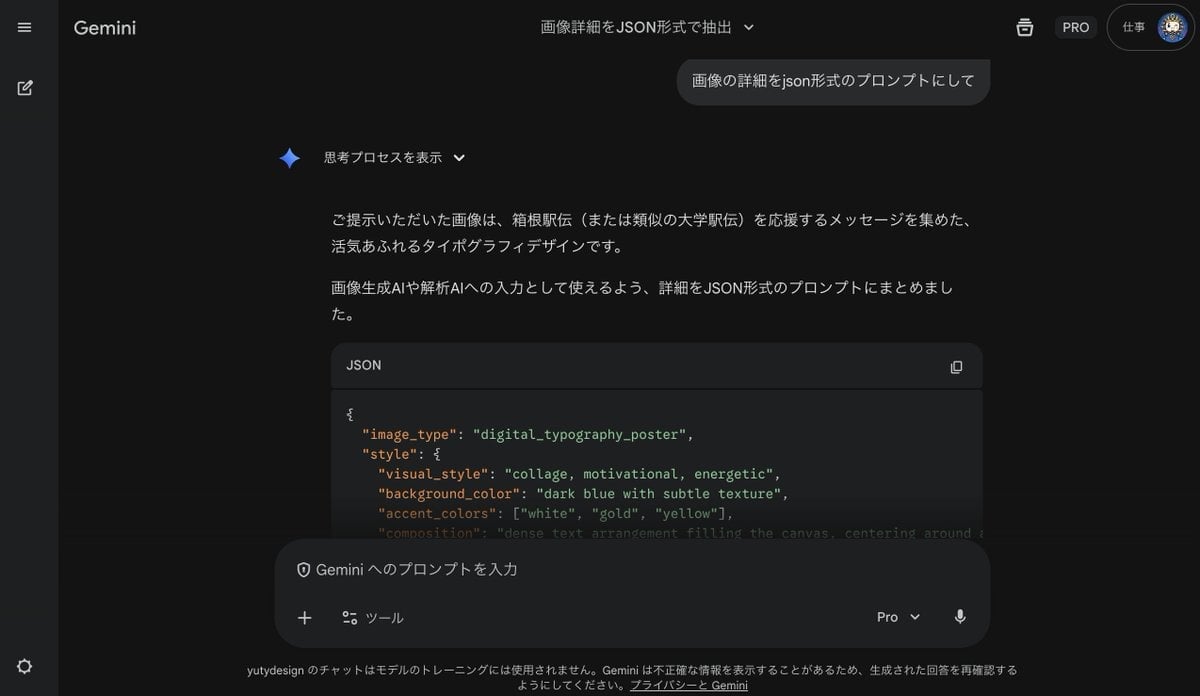
Generating Prompts from Reference Images with Nano Banana Pro
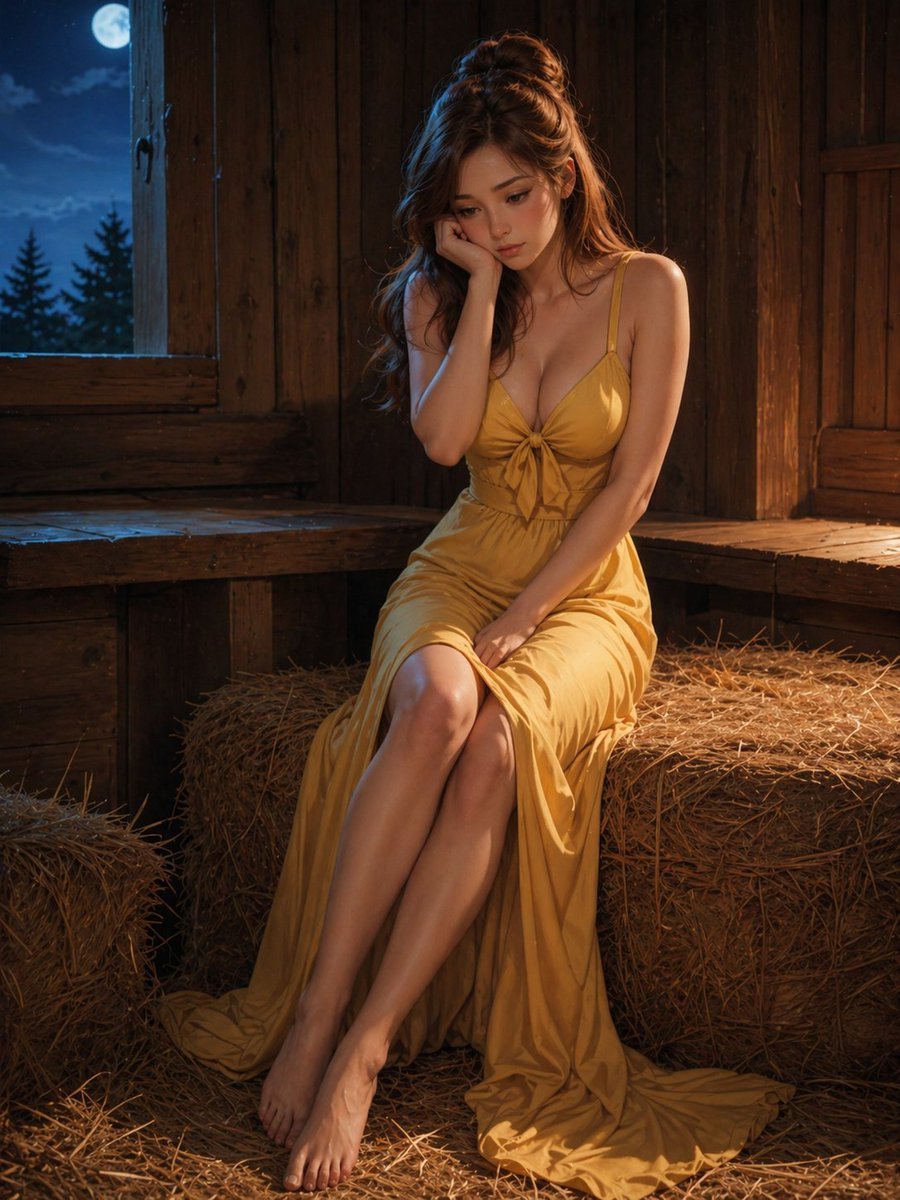
Moonlit Barn Fashion Portrait
Exploding Cosmetic Jar Product Photography
Cyberpunk Muscle Car Cinematic Prompt
Photorealistic Korean Newspaper Front Page
Fantasy Coastal City Landscape
Elegant Satin Portrait Transformation
Browse template categories
Moonlit Dancer Shadow Box questions
How do I use the Moonlit Dancer Shadow Box template?
Add your photo if the template asks for one, edit the prompt if you like — the template's model and format are already selected — and press Generate. Your version opens in PicX Studio.
Can I customize the Moonlit Dancer Shadow Box template?
Yes. You can change the subject, setting, lighting, mood, format, and available model controls before creating your image.
Is the Moonlit Dancer Shadow Box template free?
Opening and editing this template is free. Generating uses credits, shown on the Generate button when you are signed in.
Which AI model should I use?
Start with GPT Image 2, which is the model associated with this template. You can compare another compatible model for a different finish.
Looking for something else? Browse all templates.

Your photo, any look
Thousands of ready templates for every top image and video model, from one credit balance.