
Layered Alchemist Shadow Box
Generates a photorealistic handmade papercraft shadow-box diorama of an alchemist laboratory on a craft workbench.
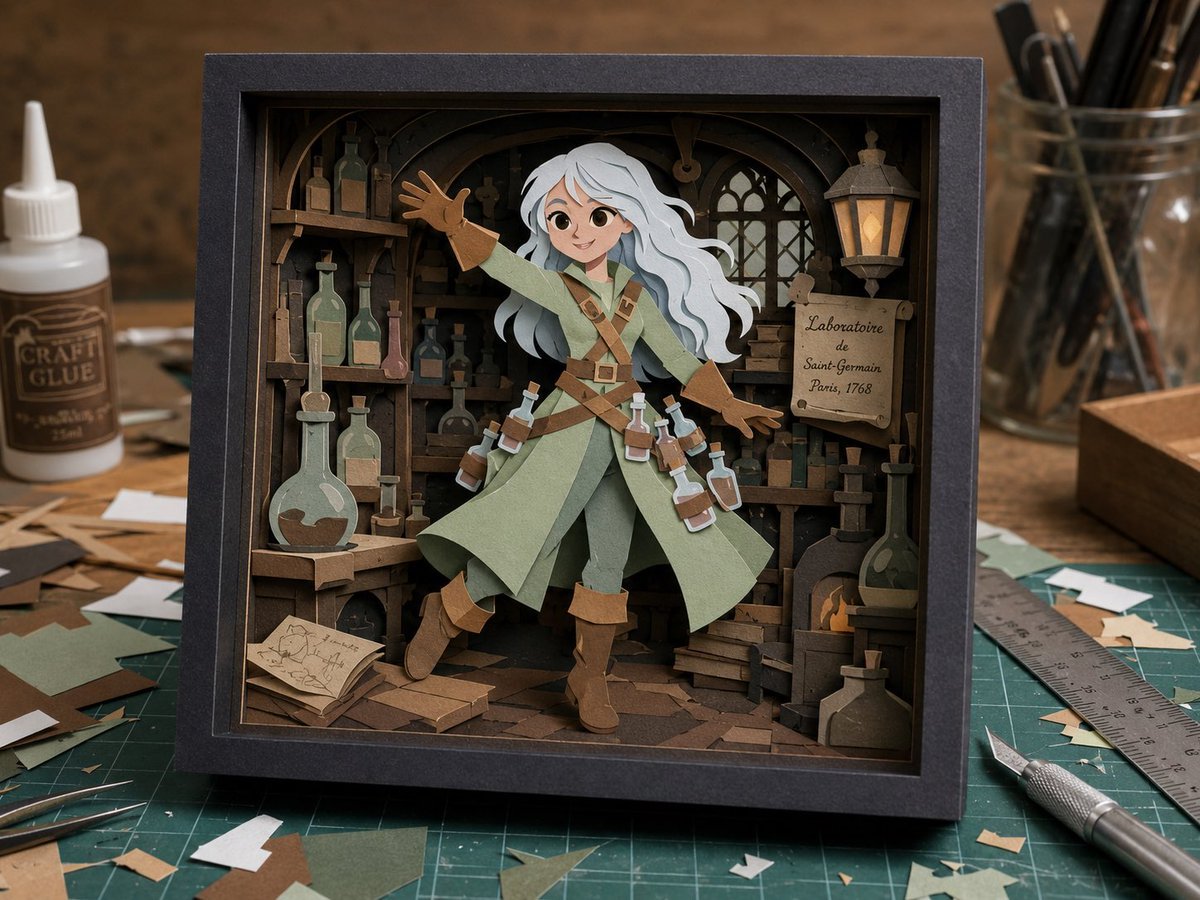
- Prompt included
- Model and format preset
- Free template
The prompt behind this image
Copy the exact prompt behind Layered Alchemist Shadow Box, or open it in the studio and make it yours.
- Type
- photorealistic tabletop product shot of a handmade paper-cut shadow box diorama
- Style
- layered papercraft, laser-cut cardstock, 3D paper theater, warm cinematic workshop lighting, shallow depth of field, realistic paper fibers and cut edges
- Main Subject › Description
- a square black shadow-box frame containing a miniature alchemist laboratory scene
- Main Subject › Frame
- thick matte charcoal-black square frame with deep recessed glassless opening
- Main Subject › Central Character
- one full-body fantasy alchemist adventurer made from layered paper, standing dynamically with one arm raised and one arm extended, long flowing {argument name="hair color" default="white"} hair, pale green long coat, darker green trousers, brown cross-body leather straps, brown gloves, brown boots, small potion bottles attached to belt straps
- Main Subject › Face
- intentionally soft and indistinct, no recognizable facial features
- Main Subject › Character Role
- {argument name="character role" default="wandering alchemist"}
- Diorama Interior › Setting
- old wooden laboratory packed with shelves, arched beams, gothic window, hanging lantern, bottles, books, crates, and alchemy equipment
- Diorama Interior › Visible Labeled Sign › Count
- 1
- Diorama Interior › Visible Labeled Sign › Text
- {argument name="sign text" default="Laboratoire de Saint-Germain Paris, 1768"}
- Diorama Interior › Visible Labeled Sign › Position
- right wall on parchment plaque
- Diorama Interior › Large Props Counted › Hanging Lanterns
- 1
- Diorama Interior › Large Props Counted › Gothic Windows
- 1
- Diorama Interior › Large Props Counted › Large Glass Flasks
- 3
- Diorama Interior › Large Props Counted › Open Books Or Papers
- 1
- Diorama Interior › Large Props Counted › Wooden Crates
- 3
- Diorama Interior › Large Props Counted › Small Belt Potion Bottles
- 5
- Diorama Interior › Large Props Counted › Shelf Bottles And Jars
- 18
- Diorama Interior › Large Props Counted › Arched Wood Supports
- 3
- Surrounding Workbench › Surface
- green self-healing cutting mat on a wooden craft table
- Surrounding Workbench › Left Side
- one white craft glue bottle with label text {argument name="glue label" default="CRAFT GLUE"}, scattered cardstock scraps, tweezers
- Surrounding Workbench › Right Side
- one metal ruler, one silver precision craft knife, a glass jar holding brushes and pens, more paper offcuts, a wooden tray edge
- Surrounding Workbench › Visible Loose Paper Scraps
- about 34 irregular cardstock scraps in tan, white, dark brown, and sage green around the frame
- Camera And Lighting › Composition
- front-facing three-quarter view, frame centered, slight downward angle, background softly blurred
Raw JSON
{"type":"photorealistic tabletop product shot of a handmade paper-cut shadow box diorama","style":"layered papercraft, laser-cut cardstock, 3D paper theater, warm cinematic workshop lighting, shallow depth of field, realistic paper fibers and cut edges","main_subject":{"description":"a square black shadow-box frame containing a miniature alchemist laboratory scene","frame":"thick matte charcoal-black square frame with deep recessed glassless opening","central_character":"one full-body fantasy alchemist adventurer made from layered paper, standing dynamically with one arm raised and one arm extended, long flowing {argument name=\"hair color\" default=\"white\"} hair, pale green long coat, darker green trousers, brown cross-body leather straps, brown gloves, brown boots, small potion bottles attached to belt straps","face":"intentionally soft and indistinct, no recognizable facial features","character role":"{argument name=\"character role\" default=\"wandering alchemist\"}"},"diorama_interior":{"setting":"old wooden laboratory packed with shelves, arched beams, gothic window, hanging lantern, bottles, books, crates, and alchemy equipment","visible_labeled_sign":{"count":1,"text":"{argument name=\"sign text\" default=\"Laboratoire de Saint-Germain Paris, 1768\"}","position":"right wall on parchment plaque"},"large_props_counted":{"hanging_lanterns":1,"gothic_windows":1,"large_glass_flasks":3,"open_books_or_papers":1,"wooden_crates":3,"small_belt_potion_bottles":5,"shelf_bottles_and_jars":18,"arched_wood_supports":3}},"surrounding_workbench":{"surface":"green self-healing cutting mat on a wooden craft table","left_side":"one white craft glue bottle with label text {argument name=\"glue label\" default=\"CRAFT GLUE\"}, scattered cardstock scraps, tweezers","right_side":"one metal ruler, one silver precision craft knife, a glass jar holding brushes and pens, more paper offcuts, a wooden tray edge","visible_loose_paper_scraps":"about 34 irregular cardstock scraps in tan, white, dark brown, and sage green around the frame"},"camera_and_lighting":{"composition":"front-facing three-quarter view, frame centered, slight downward angle, background softly blurred","lighting":"warm amber workshop light from upper left, soft shadows inside the diorama, high detail on paper layers","lens":"realistic macro product photography, shallow depth of field, 4:3 aspect ratio"},"color_palette":"muted sage green, tan leather brown, dark walnut, charcoal black, parchment beige, dusty glass blue-green","quality":"highly detailed, believable handmade construction, visible depth between paper layers, no digital illustration look, no extra text beyond the specified labels"}How to use Layered Alchemist Shadow Box in 3 steps
- 1Upload ImagePNG, JPG or paste
Add your photo
Upload the photo the template builds on. The prompt, model and format are already set.
- 2…a portrait of your subject in softgolden-hour light, 85mm…
Personalize
Edit the subject and creative details for your destination.
- 3Generate
Generate
Press Generate — your image is created in PicX Studio, so you can compare it with the original and refine one variable at a time.
More like this
Templates with the same subject, style or setup. Open one to see its prompt.
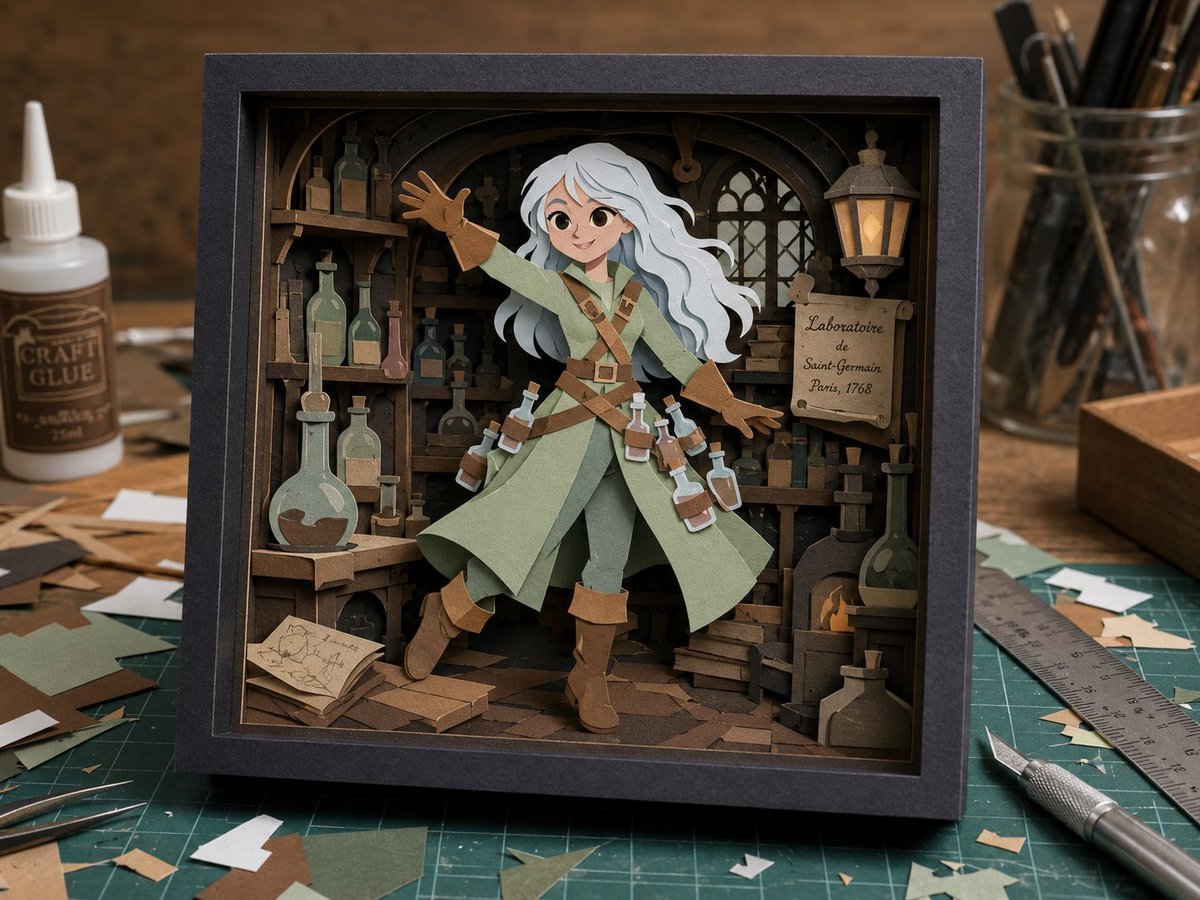
Craft Paper Alchemist Shadow Box
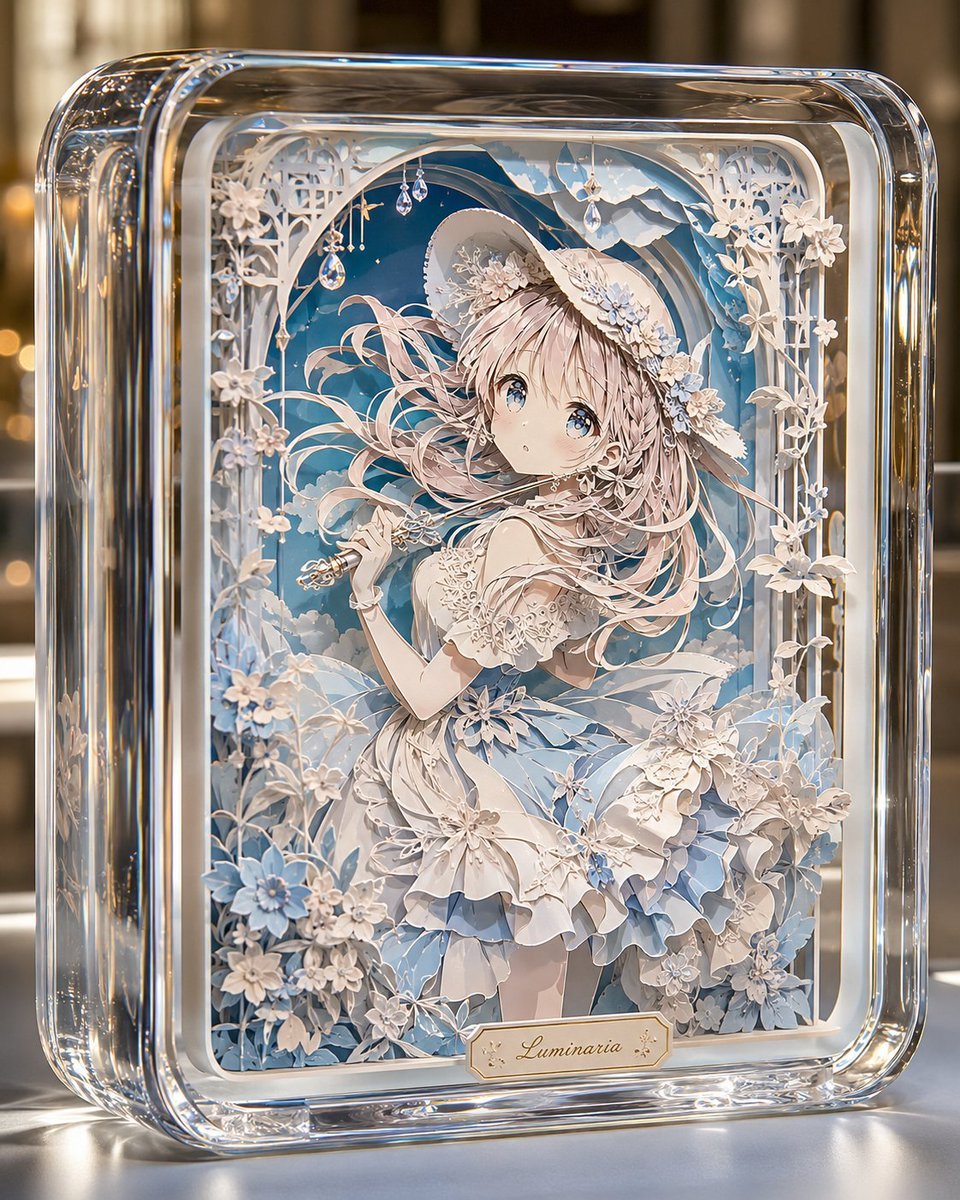
Glass Paper-Craft Anime Shadow Box
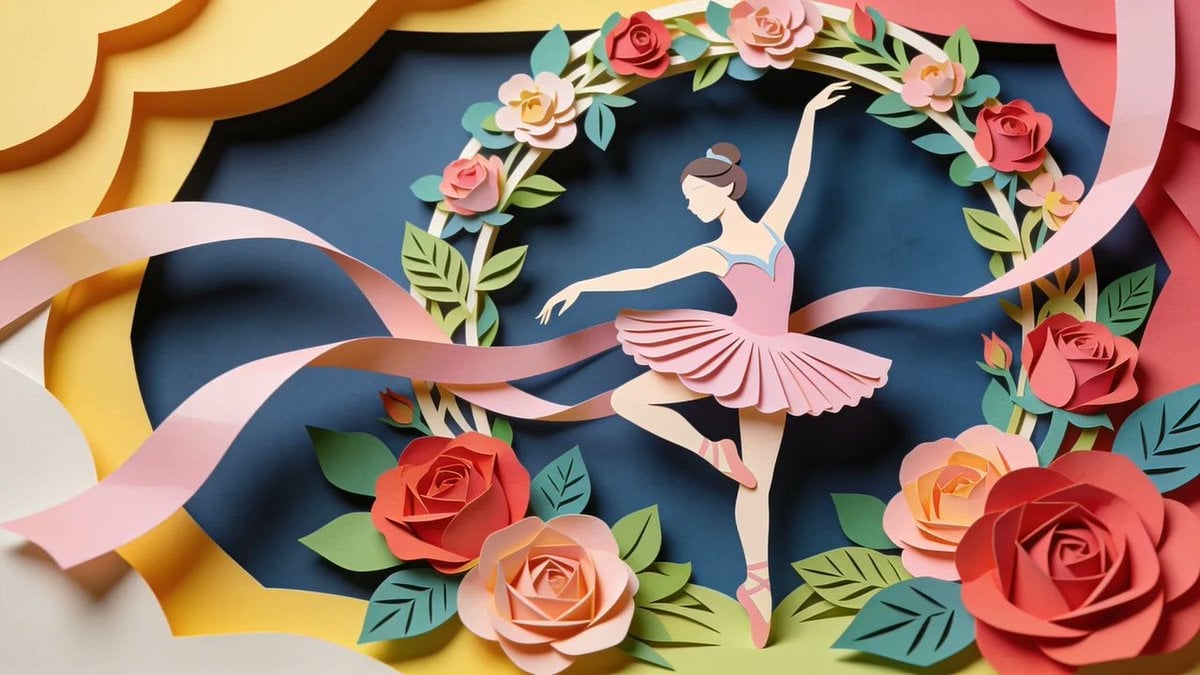
Master Layered Paper Cut Craft — Colorful Layered Composition with Soft Drop Shadows
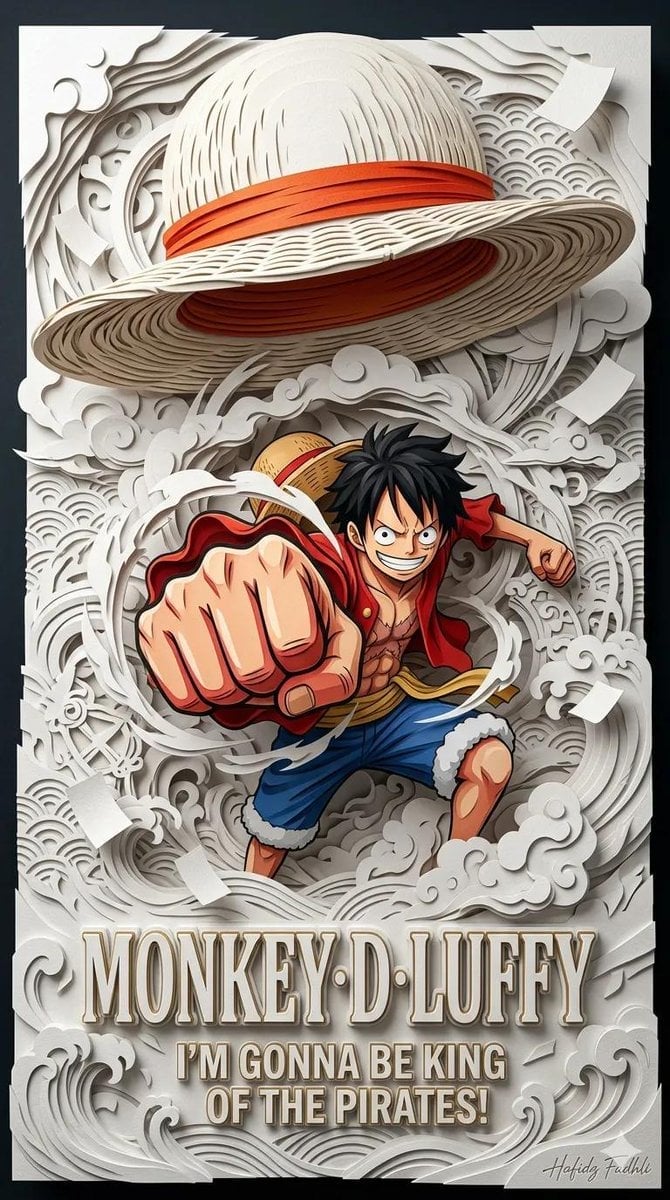
Master Papercraft Shadow Box — Anime Hero Emerging from Paper Waves

Saudi Arabia Paper Cut Travel Poster

Cute Layered Paper Cut Chibi Girl

Soft Handcrafted Paper-Cut Layered Illustration

Paper Cut Craft Illustration

Layered Paper Cut Illustration Template

Decorative Folk Flat Paper Cut Illustration
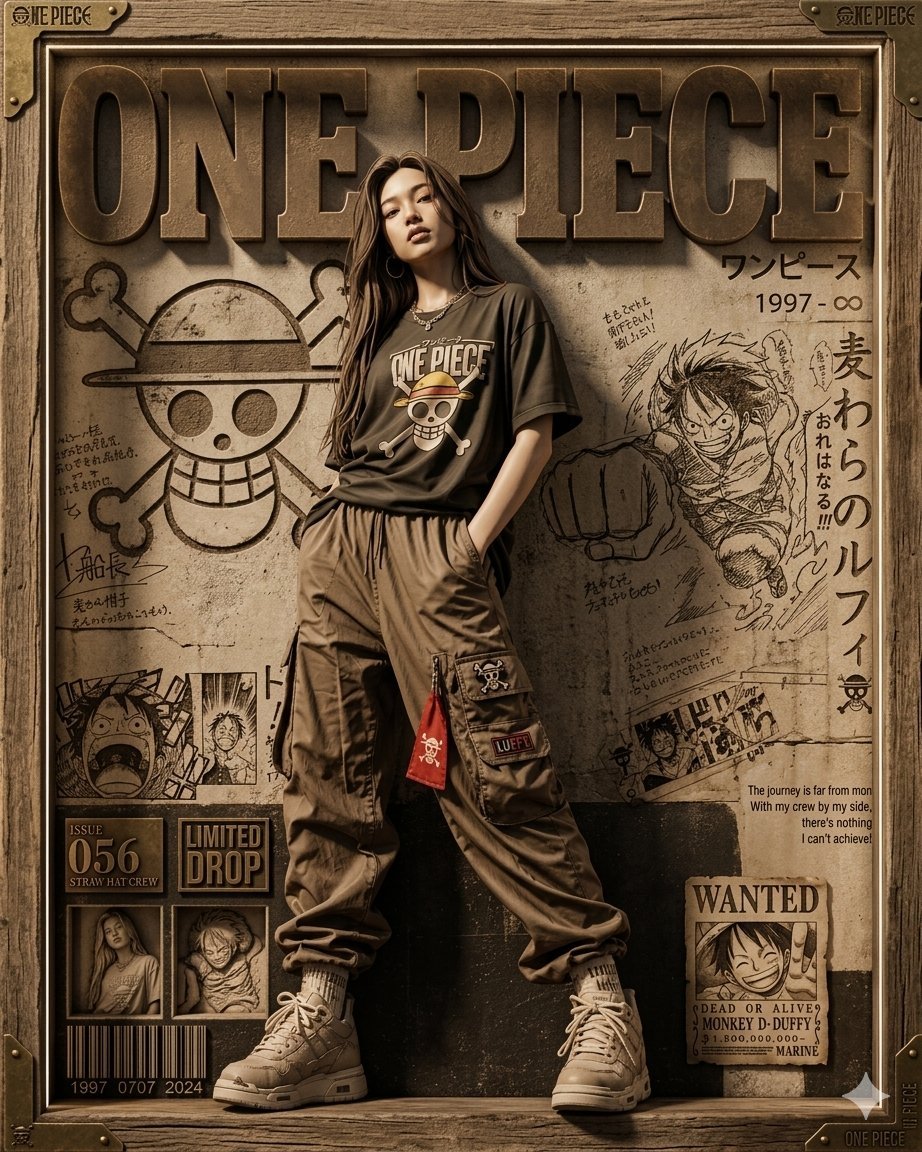
3D Shadowbox Manga Display

Paper Cut Finale Fireworks
Make it yours
Layered Alchemist Shadow Box works as-is. These are the safest ways to change it without losing the look.
Swap the setting
Keep the rest of the prompt and replace the location block. The current setting is “old wooden laboratory packed with shelves, arched beams, gothic window, hanging ”.
Swap the light
One lighting change is enough to compare takes. Current light: “front-facing three-quarter view, frame centered, slight downward angle, backgrou”.
Change one field
Copy a single group, rewrite it, and generate again so you can see what that field is doing.
| If the result… | Why | Fix |
|---|---|---|
| The result drifts from the preview | Too many fields changed at once. | Reuse Layered Alchemist Shadow Box as-is first, then change one group — subject, light, or setting. |
| GPT Image 2 ignores part of the JSON | Some models flatten or skip nested keys. | Keep the same values and paste them as a short paragraph instead. |
More GPT Image 2 templates
Other prompts made for GPT Image 2.

Six VTuber Japanese Logo Sheet

Realistic Portrait of Woman and Deer

The Vista Modular Condo Poster

AI Model Routing Comparison Infographic

2.5D Anime Art Board

Isometric Productivity Desk Scene

New York Double Exposure Poster

Four-Panel AI Landscape Comparison

Japanese Tatami Lifestyle Magazine Cover

NESCAFÉ Coffee Map Poster
More image prompts
Fresh picks from across the catalog.
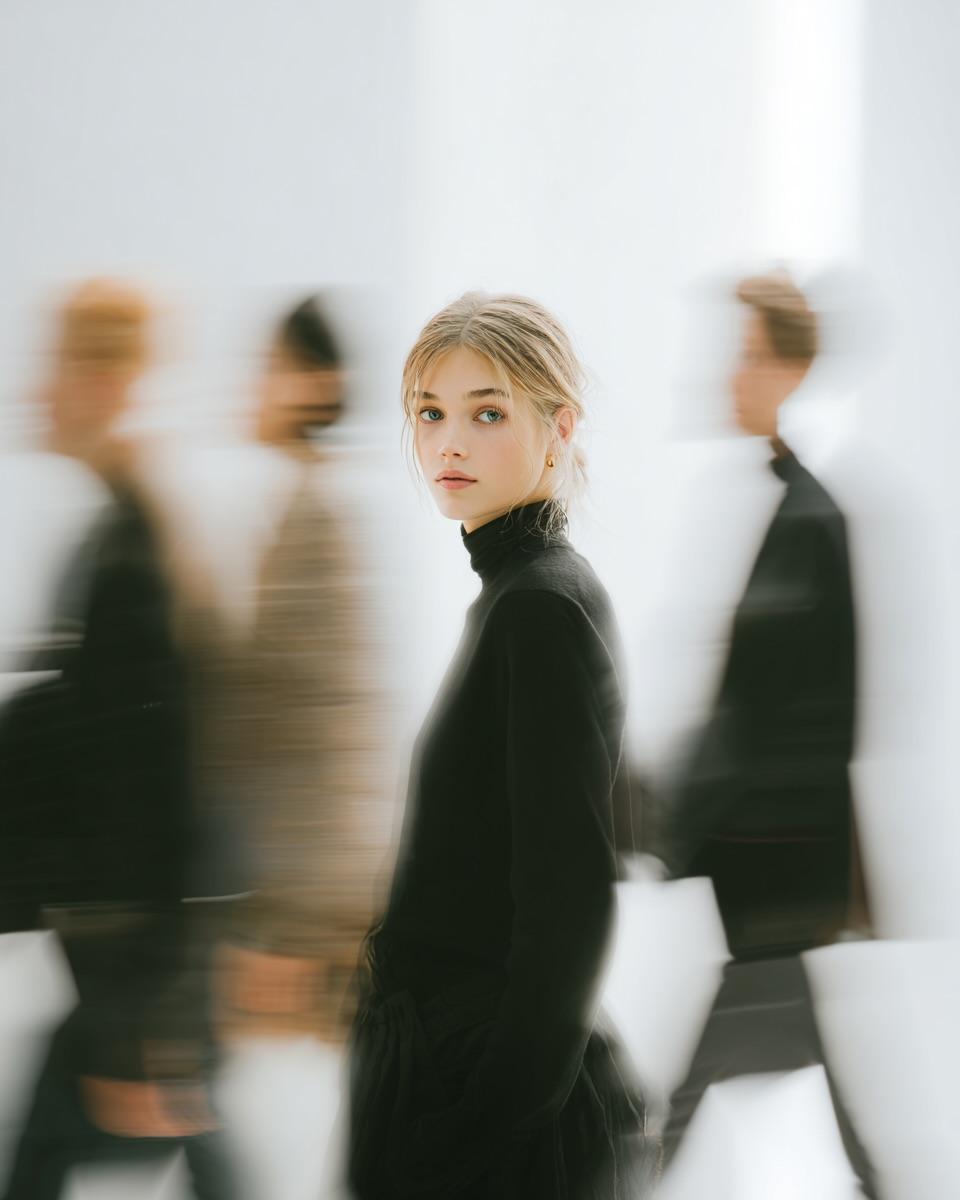
High Fashion Pictorial with Motion Blur

Retro Pop Travel Family Poster
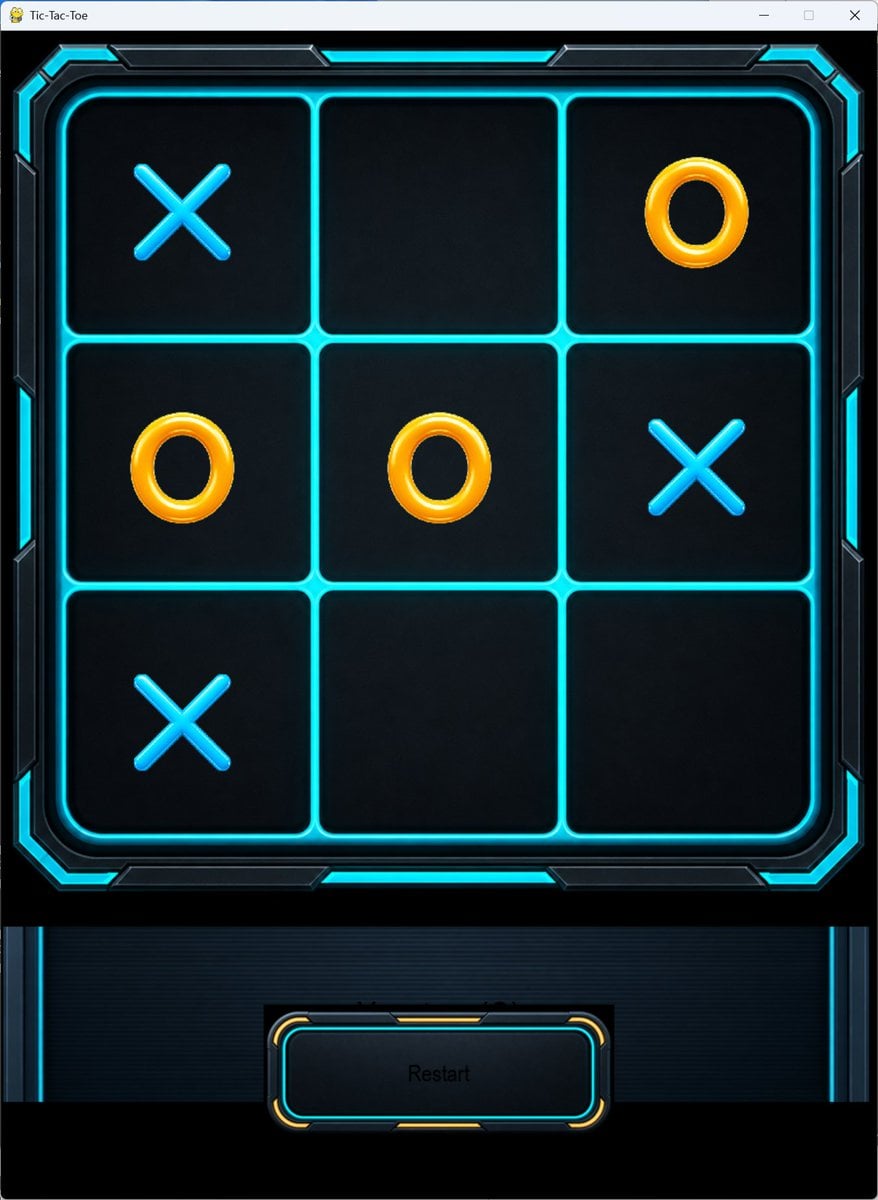
Futuristic Neon Tic-Tac-Toe UI
Cinematic Chinese Style Editorial Prompt (Ma Sichun Style)
Pastel Pink Anime Gaming Desk Setup
Dramatic Product Video Prompt for Monster Energy Drink
Cyberpunk Neon Portrait

Cyberpunk Portrait with Sci-Fi Interface
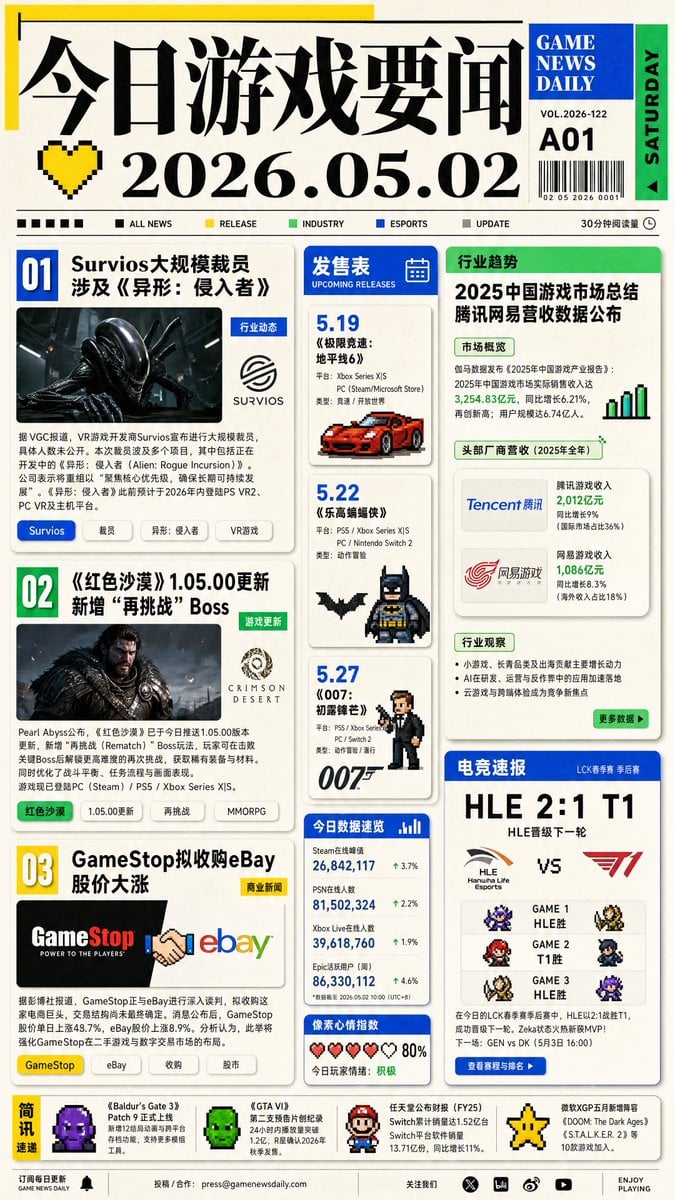
Game News Daily Front Page
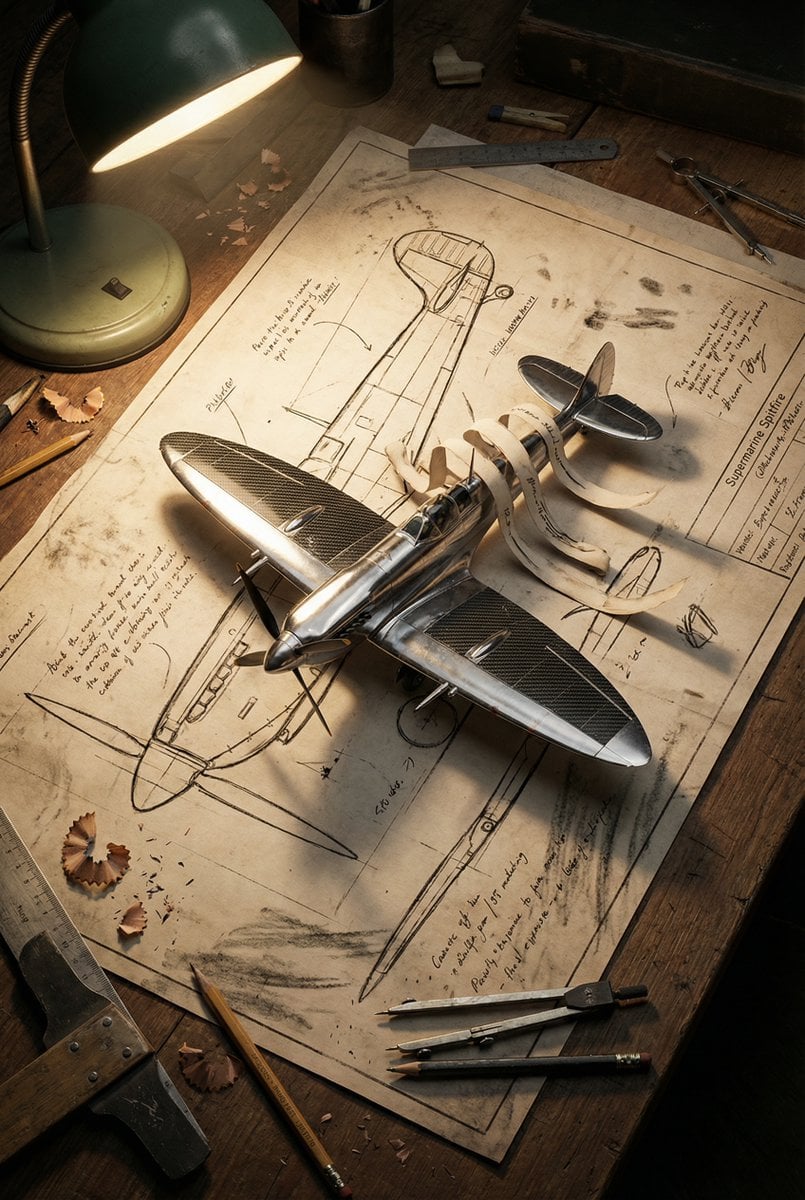
Blueprint to 3D Chrome Manifestation Prompt
Browse template categories
Layered Alchemist Shadow Box questions
How do I use the Layered Alchemist Shadow Box template?
Add your photo if the template asks for one, edit the prompt if you like — the template's model and format are already selected — and press Generate. Your version opens in PicX Studio.
Can I customize the Layered Alchemist Shadow Box template?
Yes. You can change the subject, setting, lighting, mood, format, and available model controls before creating your image.
Is the Layered Alchemist Shadow Box template free?
Opening and editing this template is free. Generating uses credits, shown on the Generate button when you are signed in.
Which AI model should I use?
Start with GPT Image 2, which is the model associated with this template. You can compare another compatible model for a different finish.
Looking for something else? Browse all templates.

Your photo, any look
Thousands of ready templates for every top image and video model, from one credit balance.