
Decorative Folk Flat Paper Cut Illustration
Decorative Folk Flat Illustration blended with soft handcrafted paper-cut layered style, inspired by charming papercraft diorama aesthetics

- Prompt included
- Model and format preset
- Free template
The prompt behind this image
Copy the exact prompt behind Decorative Folk Flat Paper Cut Illustration, or open it in the studio and make it yours.
Reimagine the entire image as one cohesive Decorative Folk Flat Illustration blended with a soft handcrafted paper-cut layered style, inspired by charming papercraft diorama aesthetics. Preserve the original subject, composition, and overall mood, but simplify every element into clean flat forms, bold rounded shapes, and cute childlike proportions. Add playful doodle accents, decorative folk patterns, slightly uneven handmade outlines, and minimal facial details such as dot eyes and soft blush cheeks. Use a vivid, cheerful color palette that feels fresh and different from the original image, while keeping the final artwork warm, sweet, innocent, whimsical, and storybook-like. Create the feeling of layered cardstock with stacked paper depth, clean cut edges, subtle shadows between layers, and gentle paper-crafted imperfections, as if the scene were carefully cut, colored, and assembled on clean white paper. The result should look cute, handcrafted, playful, and visually unified, with a polished yet charming handmade folk-art papercraft finish.
How to use Decorative Folk Flat Paper Cut Illustration in 3 steps
- 1Upload ImagePNG, JPG or paste
Add your photo
Upload the photo the template builds on. The prompt, model and format are already set.
- 2…a portrait of your subject in softgolden-hour light, 85mm…
Personalize
Edit the subject and creative details for your destination.
- 3Generate
Generate
Press Generate — your image is created in PicX Studio, so you can compare it with the original and refine one variable at a time.
More like this
Templates with the same subject, style or setup. Open one to see its prompt.

Saudi Arabia Paper Cut Travel Poster

Soft Handcrafted Paper-Cut Layered Illustration

Paper Cut Craft Illustration

Layered Paper Cut Illustration Template
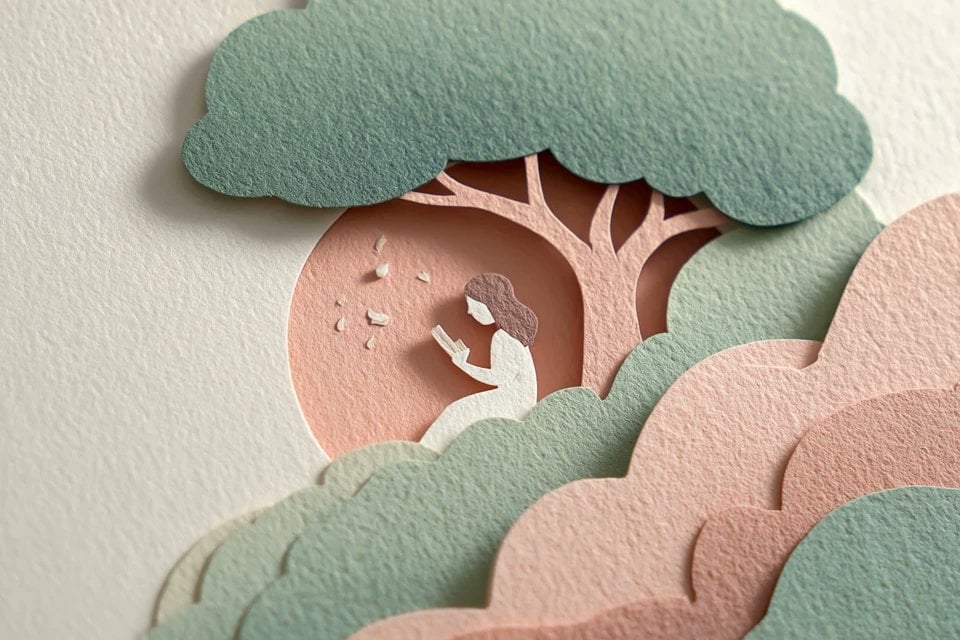
Master Layered Paper Cut Illustration — Overlapping Shapes with Handcrafted Textures

Paper Cut Finale Fireworks

Paper Cut Garden Maze

Paper Cut Rooftop Concert

Paper Cut Bicycle Coast

Paper Cut Castle Gate

Paper Cut Kitchen Chaos

Paper Cut Carnival Ride
Make it yours
Decorative Folk Flat Paper Cut Illustration works as-is. These are the safest ways to change it without losing the look.
Change one field
Copy a single group, rewrite it, and generate again so you can see what that field is doing.
Keep the frame, change the subject
Hold the composition and light of Decorative Folk Flat Paper Cut Illustration, then swap wardrobe, props or the person for a new take.
| If the result… | Why | Fix |
|---|---|---|
| The result drifts from the preview | Too many fields changed at once. | Reuse Decorative Folk Flat Paper Cut Illustration as-is first, then change one group — subject, light, or setting. |
| The model over-stylizes the scene | The prose prompt leaves finish and camera underspecified. | Add one camera or lighting sentence and stay on PicX Studio. |
More image prompts
Fresh picks from across the catalog.

Gemini Nano Banana 2
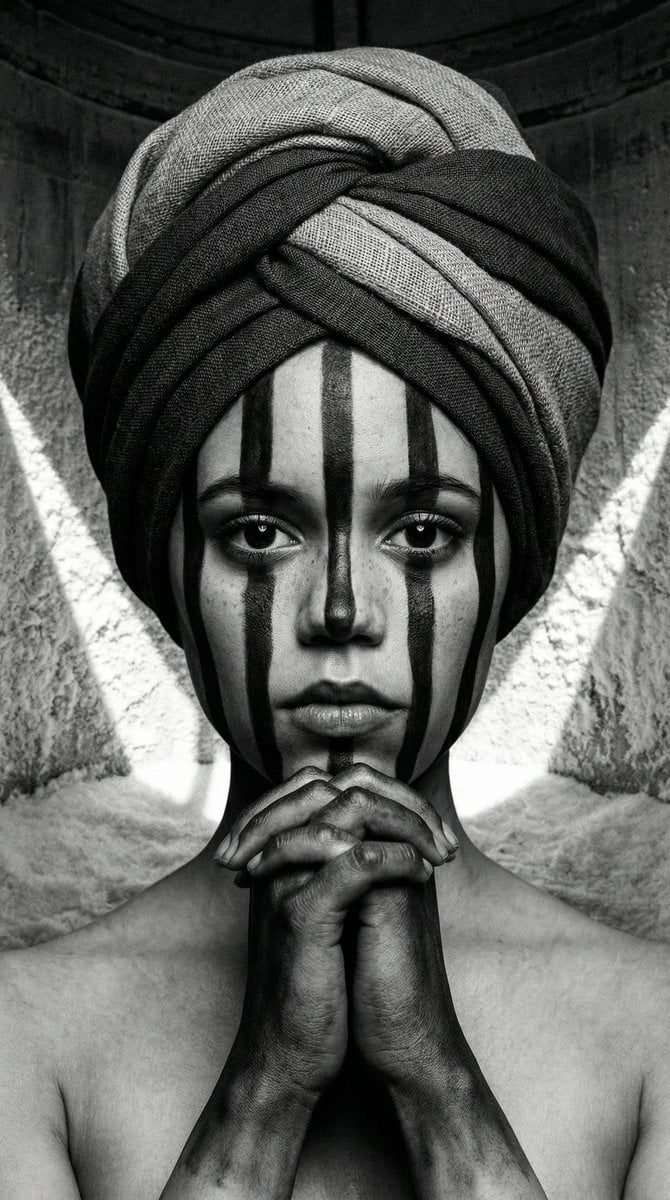
Monochrome Avant-Garde Portrait: Obsidian Ritual

Cozy, Intimate Bedroom Portrait with High Angle Selfie Aesthetic
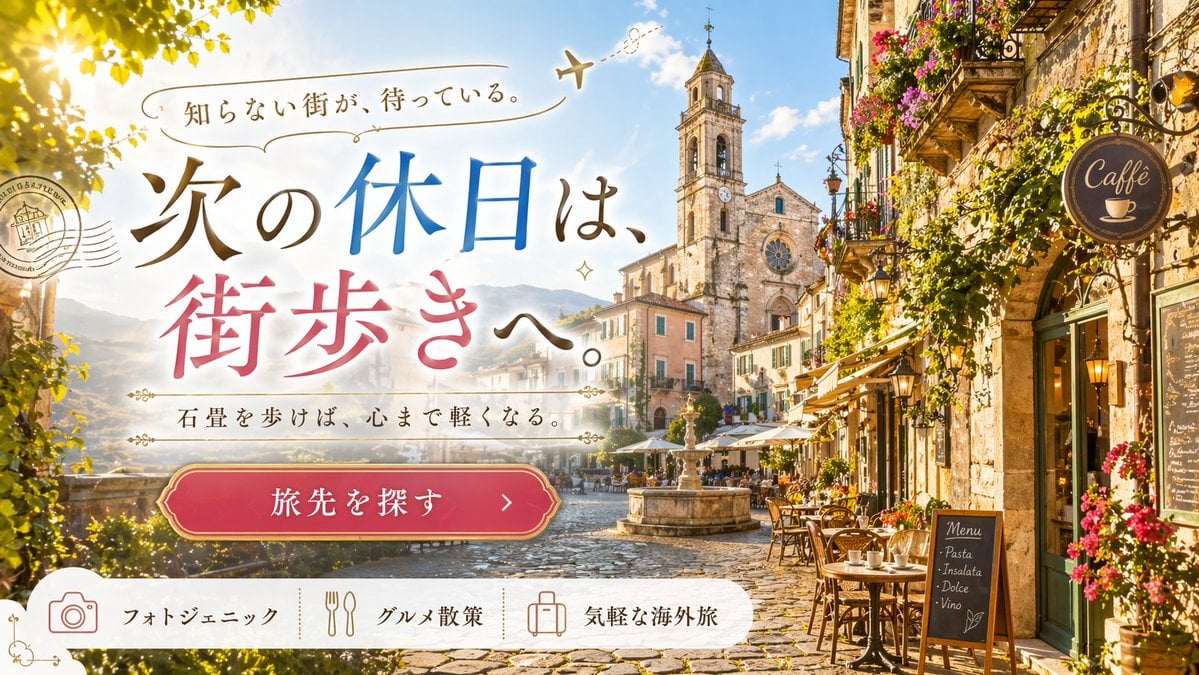
European Travel Advertisement Banner
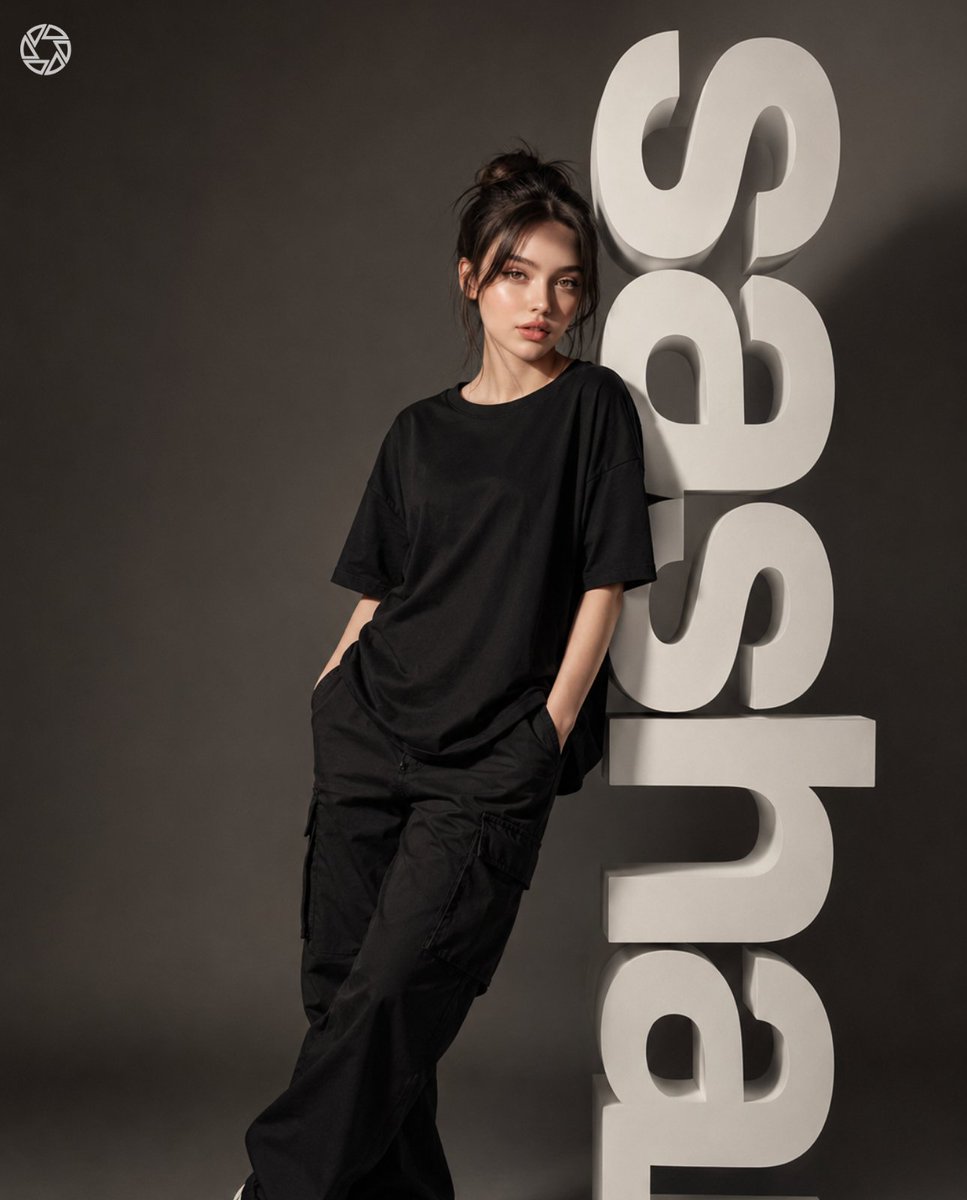
3D Block Letter Fashion Portrait
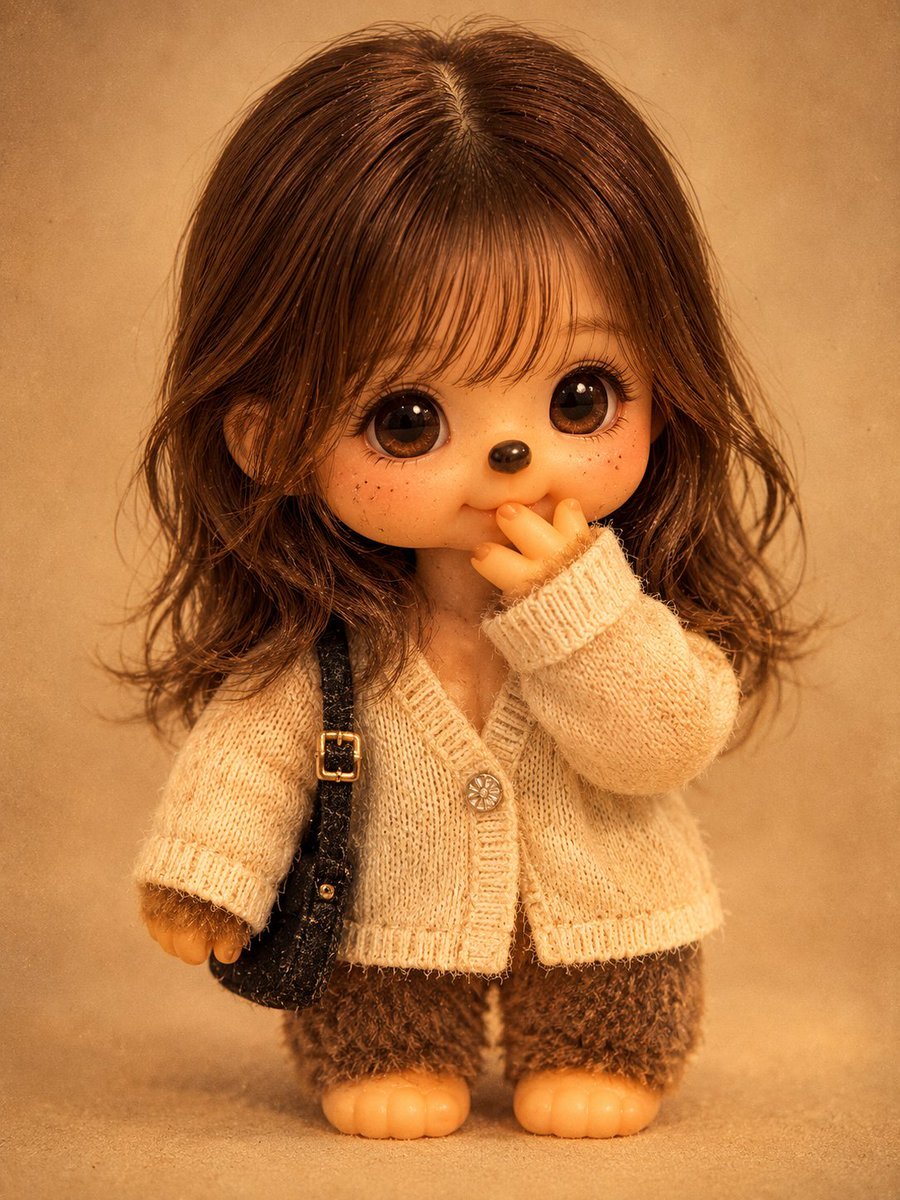
Vintage Monchhichi Doll Conversion

Upscaler Prompt for Low-Resolution Images

Luxury Editorial Portrait of Mature Woman Prompt
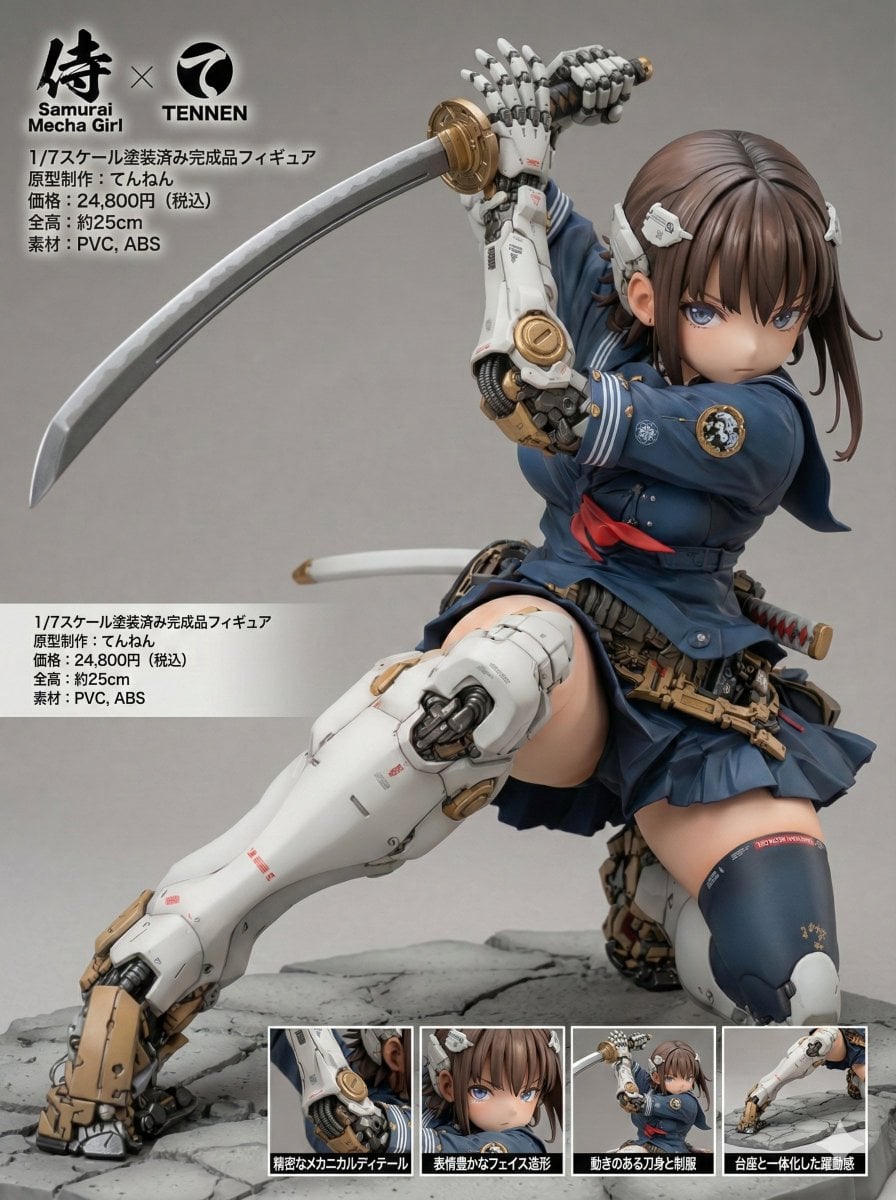
Multilingual Figure Product Introduction Layout Prompt for Nano Banana Pro

Japanese Drama Collage Film Poster
Browse template categories
Decorative Folk Flat Paper Cut Illustration questions
How do I use the Decorative Folk Flat Paper Cut Illustration template?
Add your photo if the template asks for one, edit the prompt if you like — the template's model and format are already selected — and press Generate. Your version opens in PicX Studio.
Can I customize the Decorative Folk Flat Paper Cut Illustration template?
Yes. You can change the subject, setting, lighting, mood, format, and available model controls before creating your image.
Is the Decorative Folk Flat Paper Cut Illustration template free?
Opening and editing this template is free. Generating uses credits, shown on the Generate button when you are signed in.
Which AI model should I use?
Choose a compatible model in PicX Studio based on the style, speed, and output controls your project needs.
Looking for something else? Browse all templates.

Your photo, any look
Thousands of ready templates for every top image and video model, from one credit balance.