
Gemini Nano Banana 2
Gemini Nano Banana 2 is a ready photo look for Nano Banana.
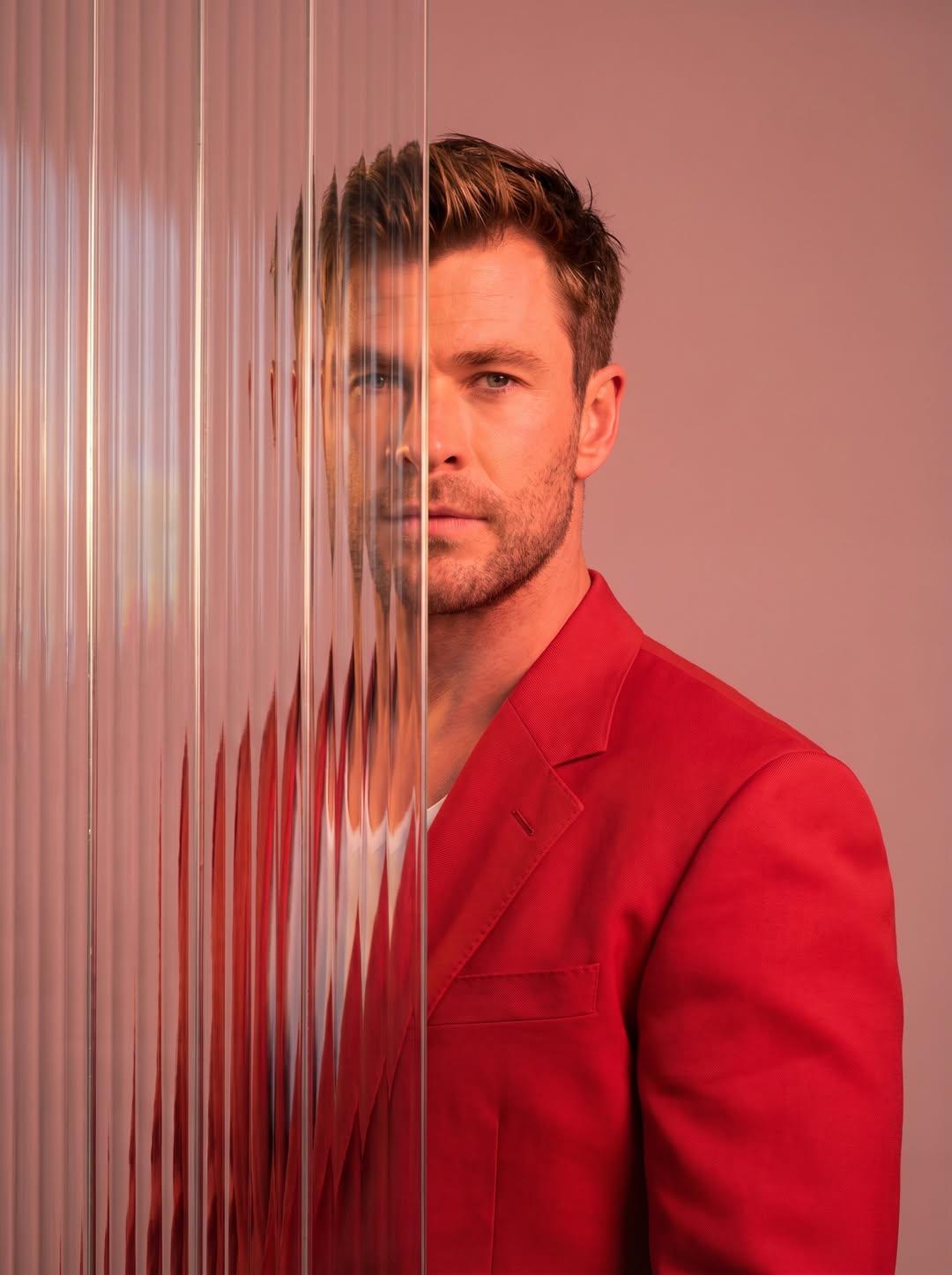
- Prompt included
- Model and format preset
- Premium template
The prompt behind this image
Copy the exact prompt behind Gemini Nano Banana 2, or open it in the studio and make it yours.
A striking editorial portrait photograph of a person wearing a red blazer, shot against a soft light pink studio background. The left half of the face and body is partially obscured by multiple overlapping vertical strips of tall narrow reeded ribbed frosted glass panels, creating a realistic distortion and refraction effect where the features appear blurred, shifted, and fragmented behind the glass. The right side of the face is clearly visible with sharp detail. Dramatic cool-toned studio lighting with a blue-purple color grade overall. The glass strips run vertically from top to bottom of the frame, covering approximately the left 40 to 50 percent of the image. Serious neutral facial expression. High-fashion editorial style, photorealistic, no text, no watermark, no overlays, clean composition. Vertical portrait orientation, 3:4 ratio.
How to use Gemini Nano Banana 2 in 3 steps
- 1
Open
The prompt is already in the box next to the preview, with the template's model and format selected.
- 2…a portrait of your subject in softgolden-hour light, 85mm…
Personalize
Edit the subject and creative details for your destination.
- 3Generate
Generate
Press Generate — your image is created in PicX Studio, so you can compare it with the original and refine one variable at a time.
More like this
Templates with the same subject, style or setup. Open one to see its prompt.

Google Gemini Nano Banana Pro
Gemini Nano Banana Realistic Portrait Re

Gemini Nano Banana 2

Nano Banana 2 Editorial Fashion Portrait

Nano Banana 2 High Fashion Sports Campai

Caution Tape Fashion — Industrial Editorial

Nano Banana - Paris Cafe Editorial
Image on Gemini Nano Banana
Gemini Nano Banana Portrait

Gemini Nano Banana 2 Isometric 3d City D

Gemini Nano Banana 2

Gemini Nano Banana 2 Logo in Wet Sand Be
Make it yours
Gemini Nano Banana 2 works as-is. These are the safest ways to change it without losing the look.
Change one field
Copy a single group, rewrite it, and generate again so you can see what that field is doing.
Keep the frame, change the subject
Hold the composition and light of 3-gemini-nano-banana-2, then swap wardrobe, props or the person for a new take.
| If the result… | Why | Fix |
|---|---|---|
| The result drifts from the preview | Too many fields changed at once. | Reuse 3-gemini-nano-banana-2 as-is first, then change one group — subject, light, or setting. |
| The model over-stylizes the scene | The prose prompt leaves finish and camera underspecified. | Add one camera or lighting sentence and stay on Nano Banana. |
More Nano Banana templates
Other prompts made for Nano Banana.










More image prompts
Fresh picks from across the catalog.

Ultra-Realistic Winter Portrait with Face Lock Prompt
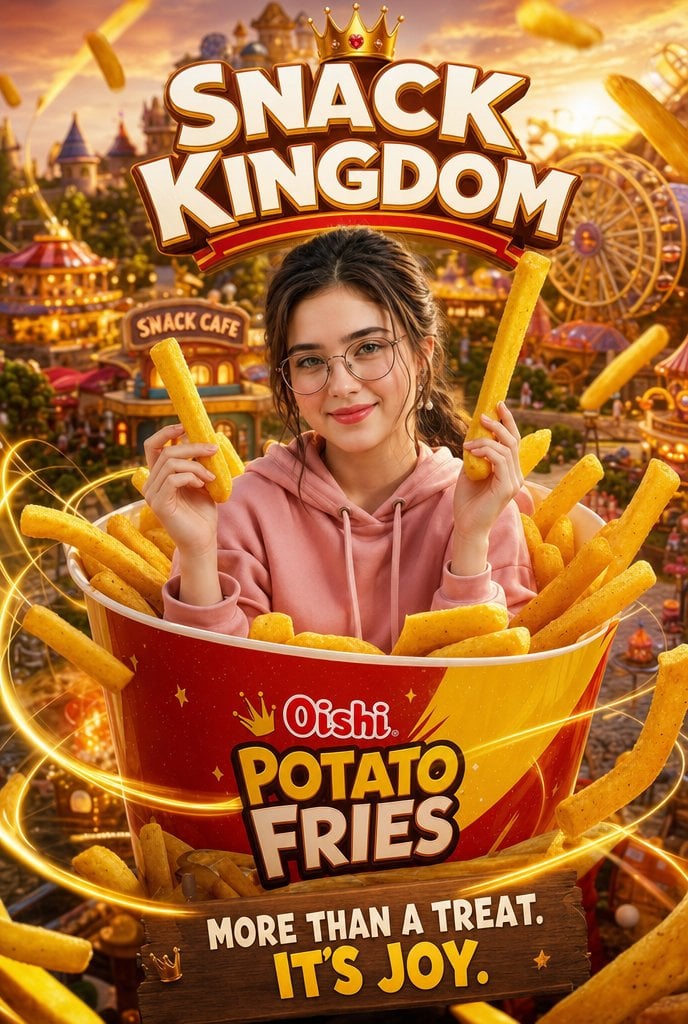
Snack Kingdom Potato Fries Ad
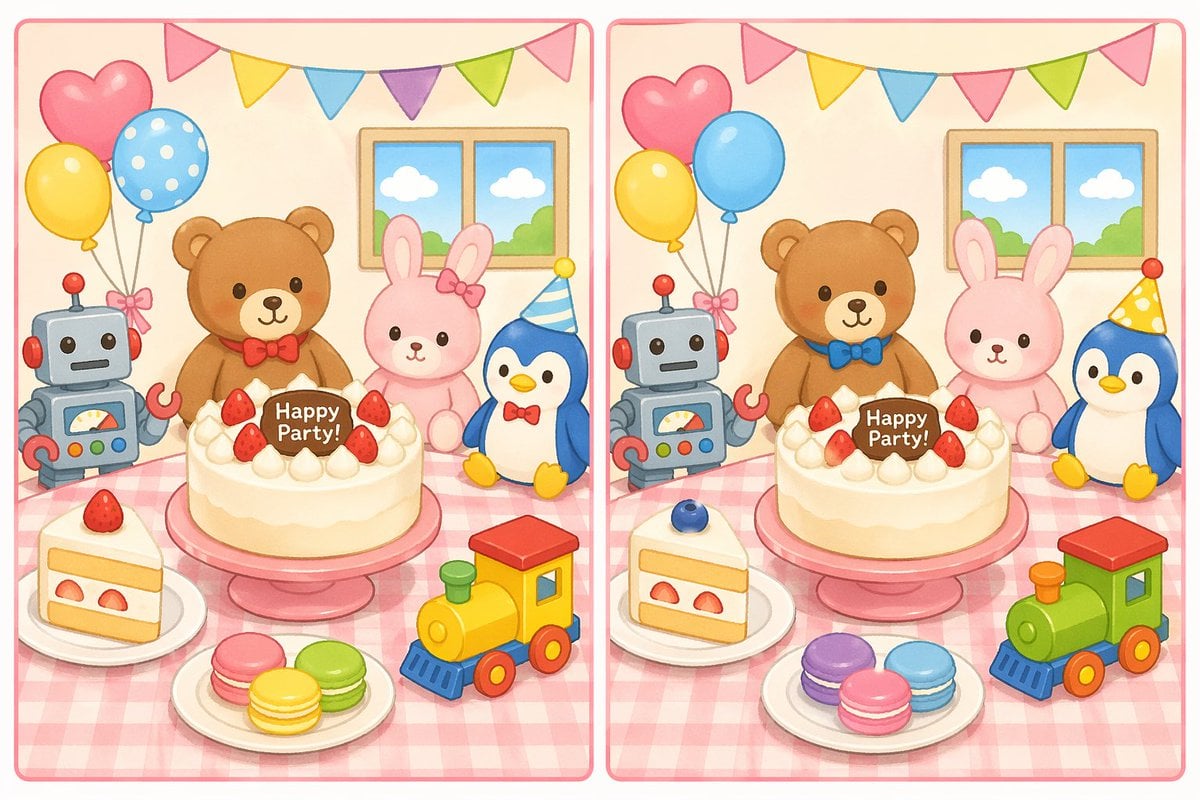
Spot the Difference Puzzle Generator
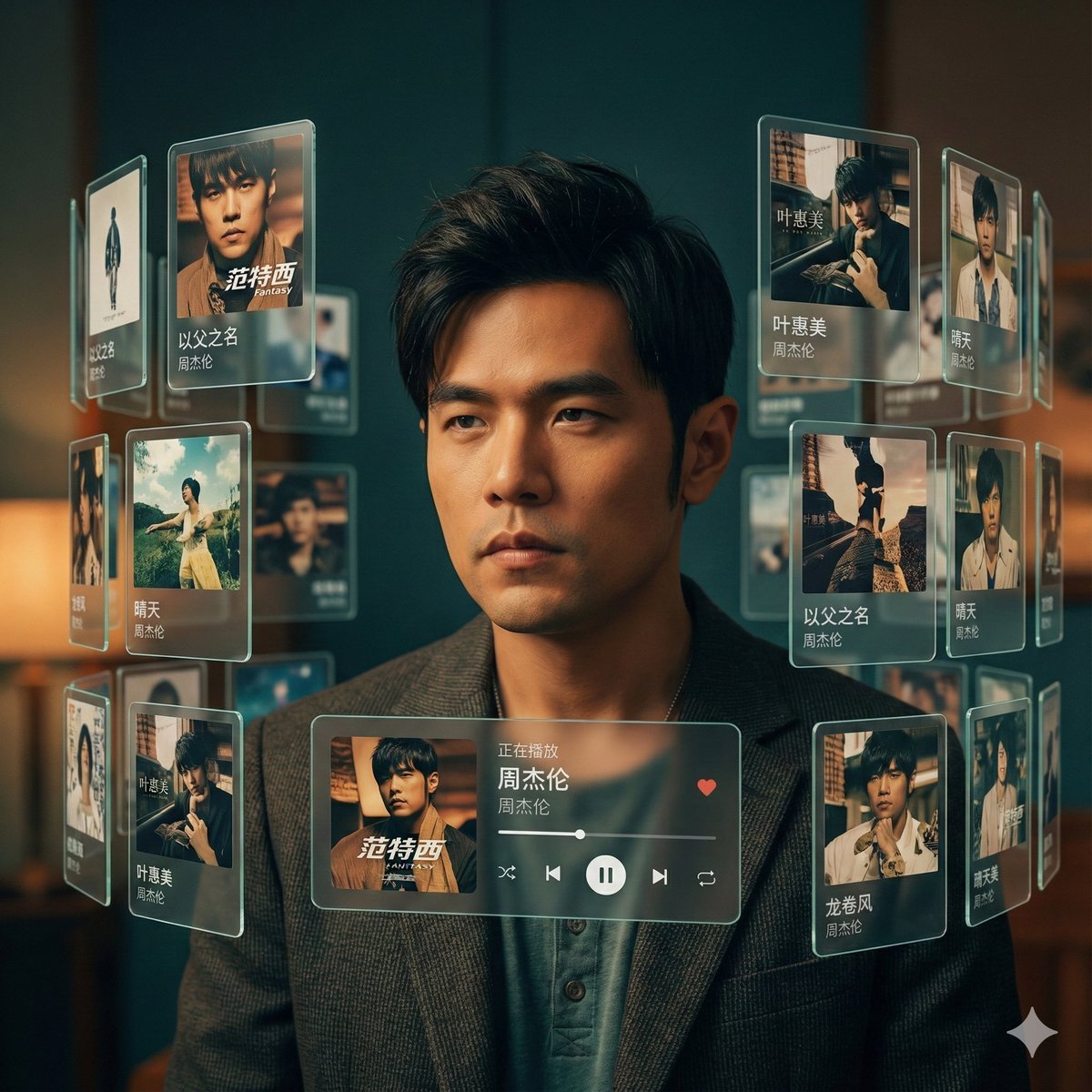
Singer AR Floating Play Card Effect
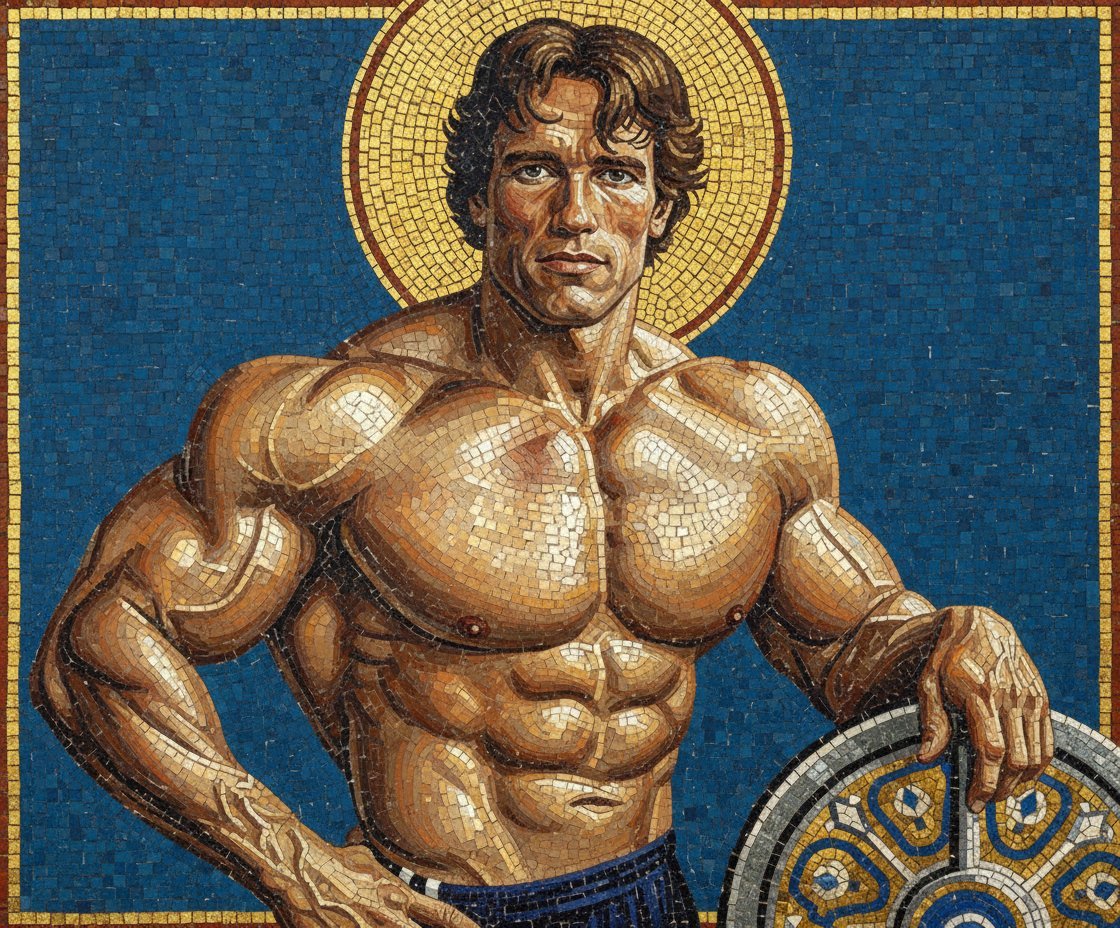
Byzantine Mosaic Style Portrait Prompt
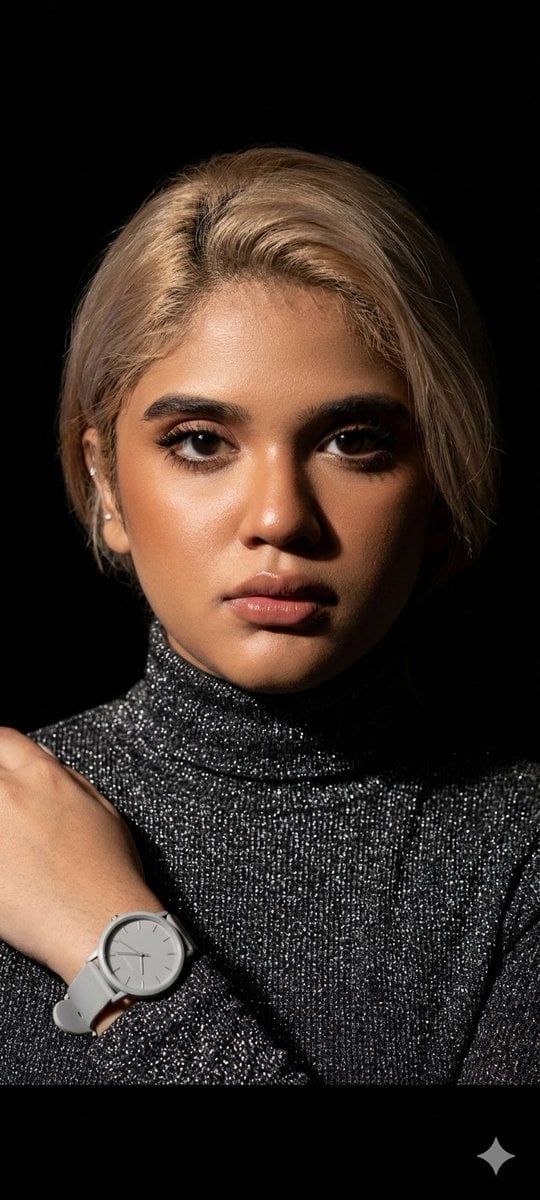
Elegant Studio Portrait with Sparkling Top
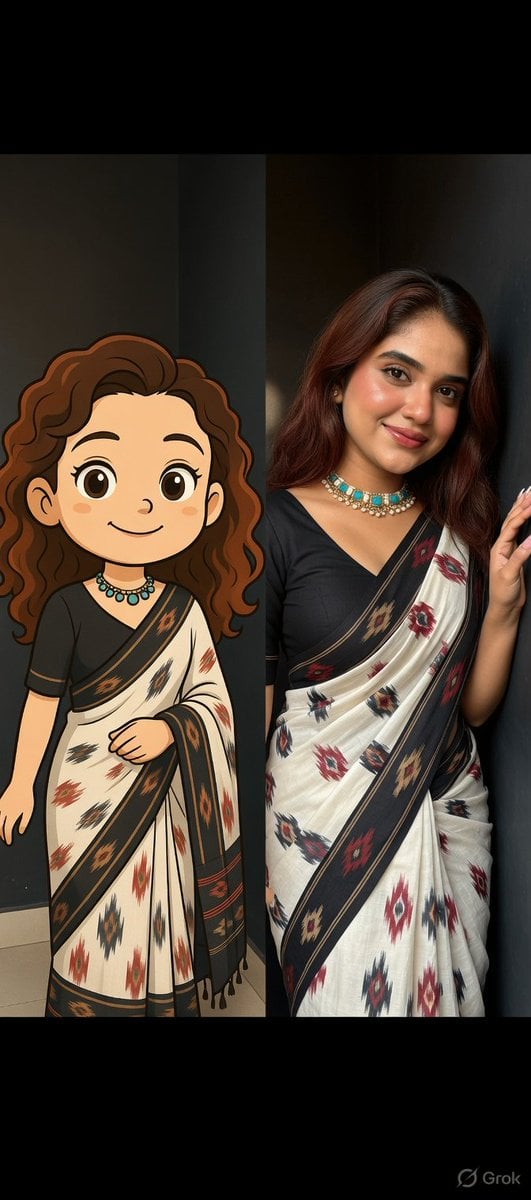
Side-by-Side Portrait of Realistic Woman in Saree and Cartoon Younger Self
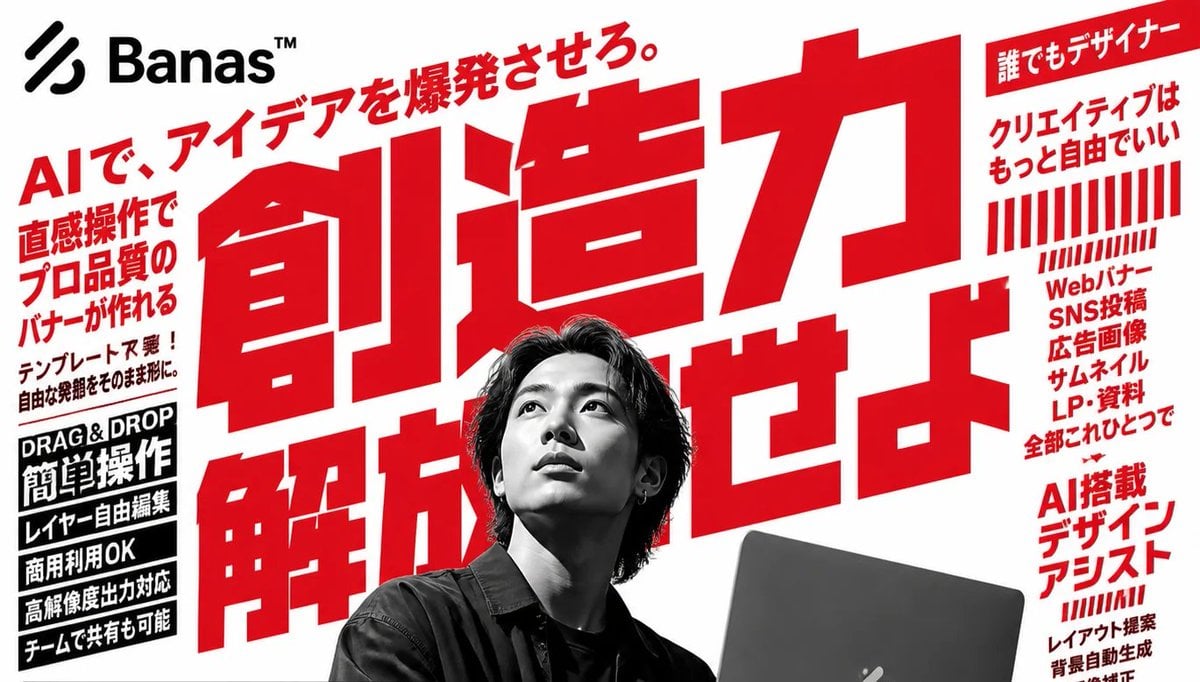
Bold Japanese AI Design Tool Ad

Commercial Photography Prompt: Still Subject in Motion Blur
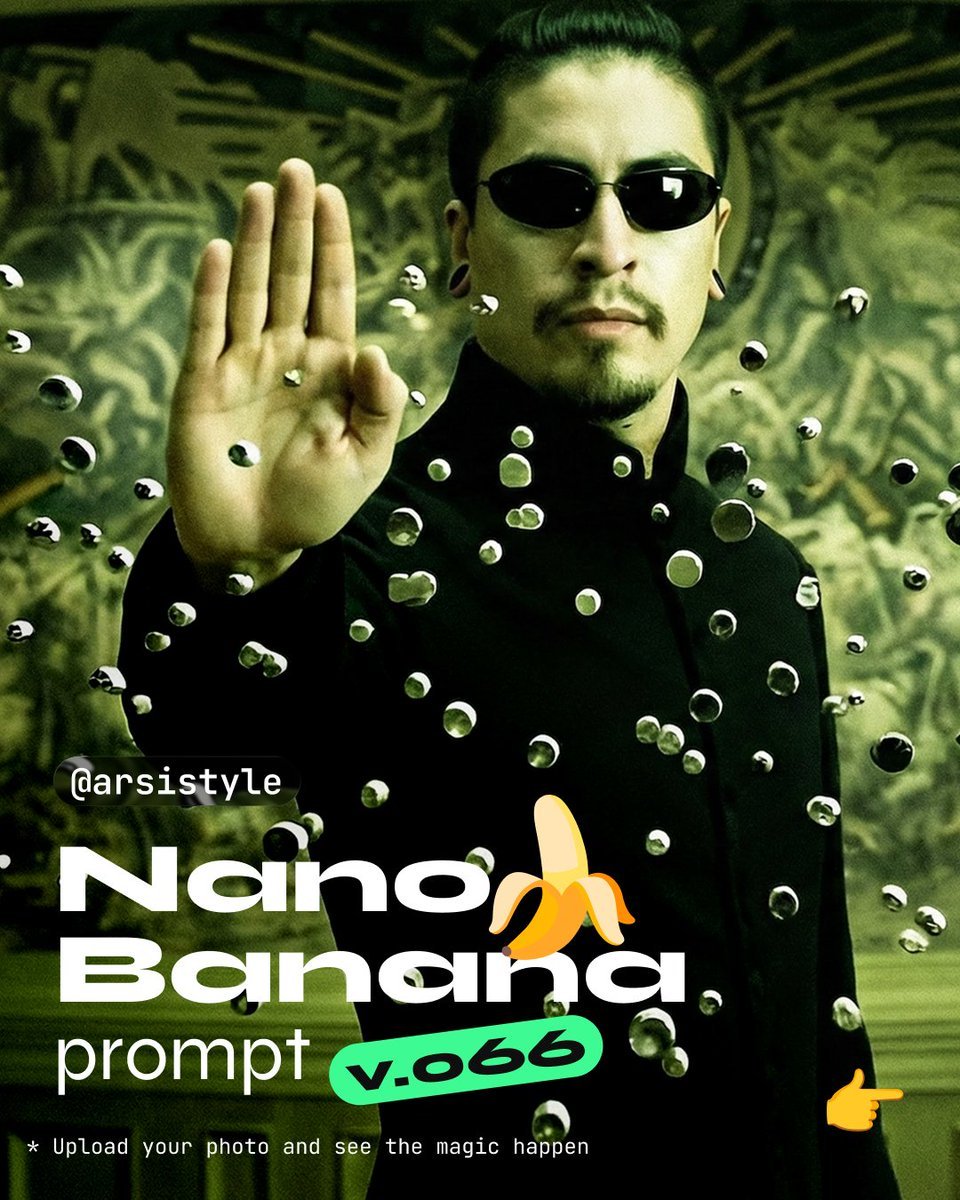
Cinematic Action Shot with Suspended Projectiles
Browse template categories
Gemini Nano Banana 2 questions
How do I use the 3-gemini-nano-banana-2 template?
Add your photo if the template asks for one, edit the prompt if you like — the template's model and format are already selected — and press Generate. Your version opens in PicX Studio.
Can I customize the 3-gemini-nano-banana-2 template?
Yes. You can change the subject, setting, lighting, mood, format, and available model controls before creating your image.
Is the 3-gemini-nano-banana-2 template free?
Opening and editing this template is free. Generating uses credits, shown on the Generate button when you are signed in.
Which AI model should I use?
Start with Nano Banana, which is the model associated with this template. You can compare another compatible model for a different finish.
Looking for something else? Browse all templates.

Your photo, any look
Thousands of ready templates for every top image and video model, from one credit balance.