
Gemini Nano Banana 2
Gemini Nano Banana 2 is a ready photo look for Nano Banana.

- Prompt included
- Model and format preset
- Free template
The prompt behind this image
Copy the exact prompt behind Gemini Nano Banana 2, or open it in the studio and make it yours.
The silk ribbon unfolds diagonally across the canvas, gently twisting in the air. In the folds of the ribbon, there is a miniature carved city [CITY NAME], made in the form of a 3D bass relief arising from the textures of the woven material. Inside the ribbon: Iconic landmarks, streets and rhythms of the silhouette of [CITY NAME], flowing naturally in accordance with the bend of the ribbon, with the superimposition of subtle depth. Style: Fabric realism fused with sculptural relief. Soft highlights, tactile folds, elegant poster design. Color palette: Taken from the flag of [COUNTRY NAME], flawlessly woven into the tones of the fabric. View and background: Minimalistic layout from top to bottom, the texture of the museum paper in a shade of dirty white, a strong negative space. Typography: The title: "CITY NAME" is a sophisticated serif subtitle with poetic geographical language. Composition rules: All architectural details strictly remain inside the ribbon shape. Ultra-detailed, HDR, 8K gallery poster aesthetics.
How to use Gemini Nano Banana 2 in 3 steps
- 1
Open
The prompt is already in the box next to the preview, with the template's model and format selected.
- 2…a portrait of your subject in softgolden-hour light, 85mm…
Personalize
Edit the subject and creative details for your destination.
- 3Generate
Generate
Press Generate — your image is created in PicX Studio, so you can compare it with the original and refine one variable at a time.
More like this
Templates with the same subject, style or setup. Open one to see its prompt.
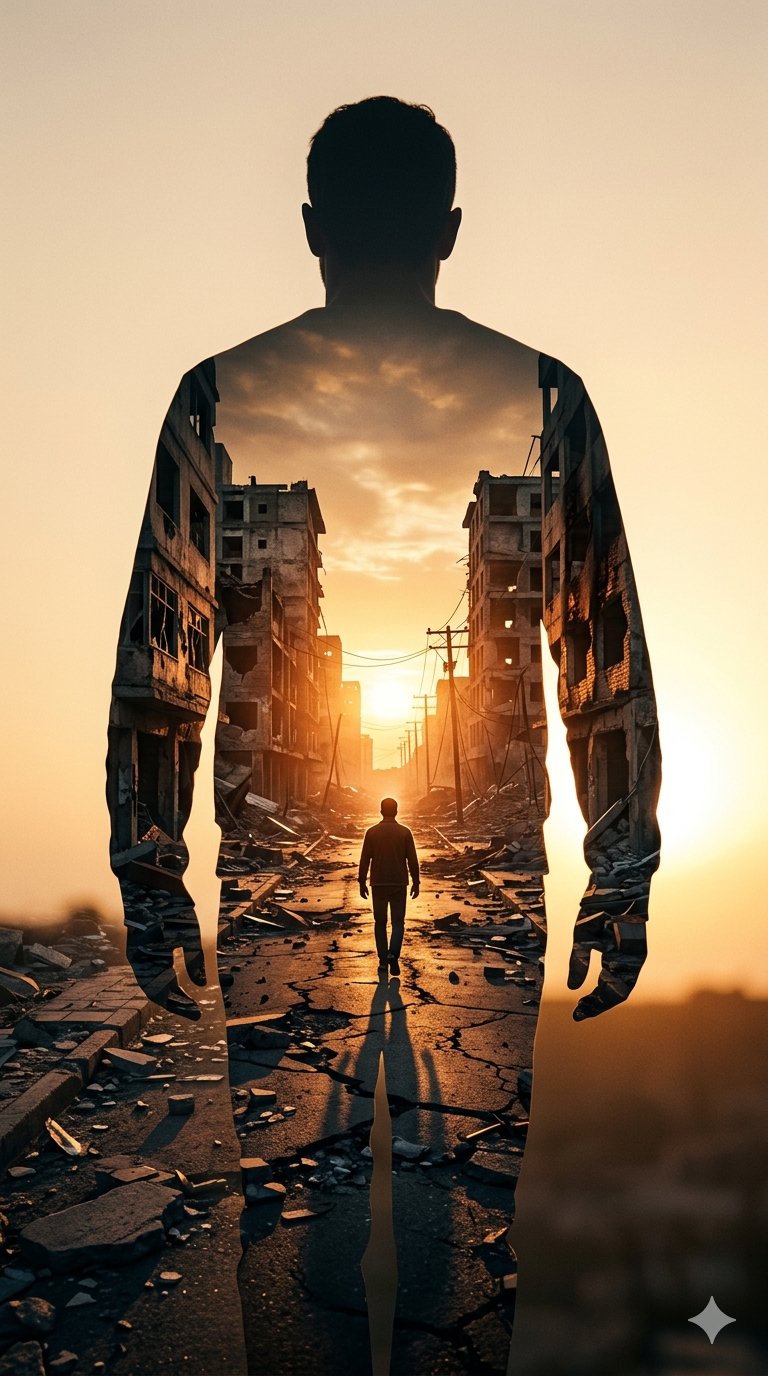
Image on Gemini Nano Banana

Google Gemini Nano Banana Pro
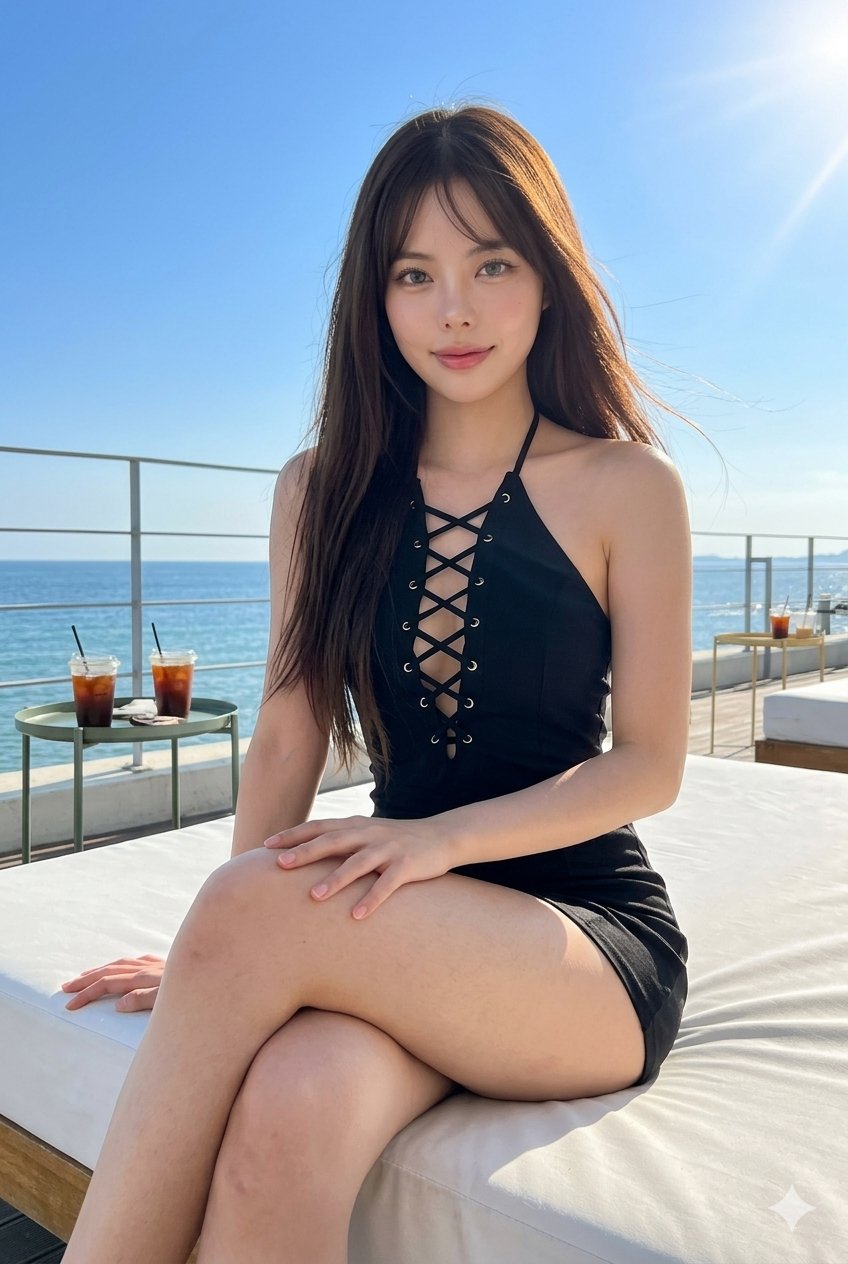
Gemini Nano Banana Portrait
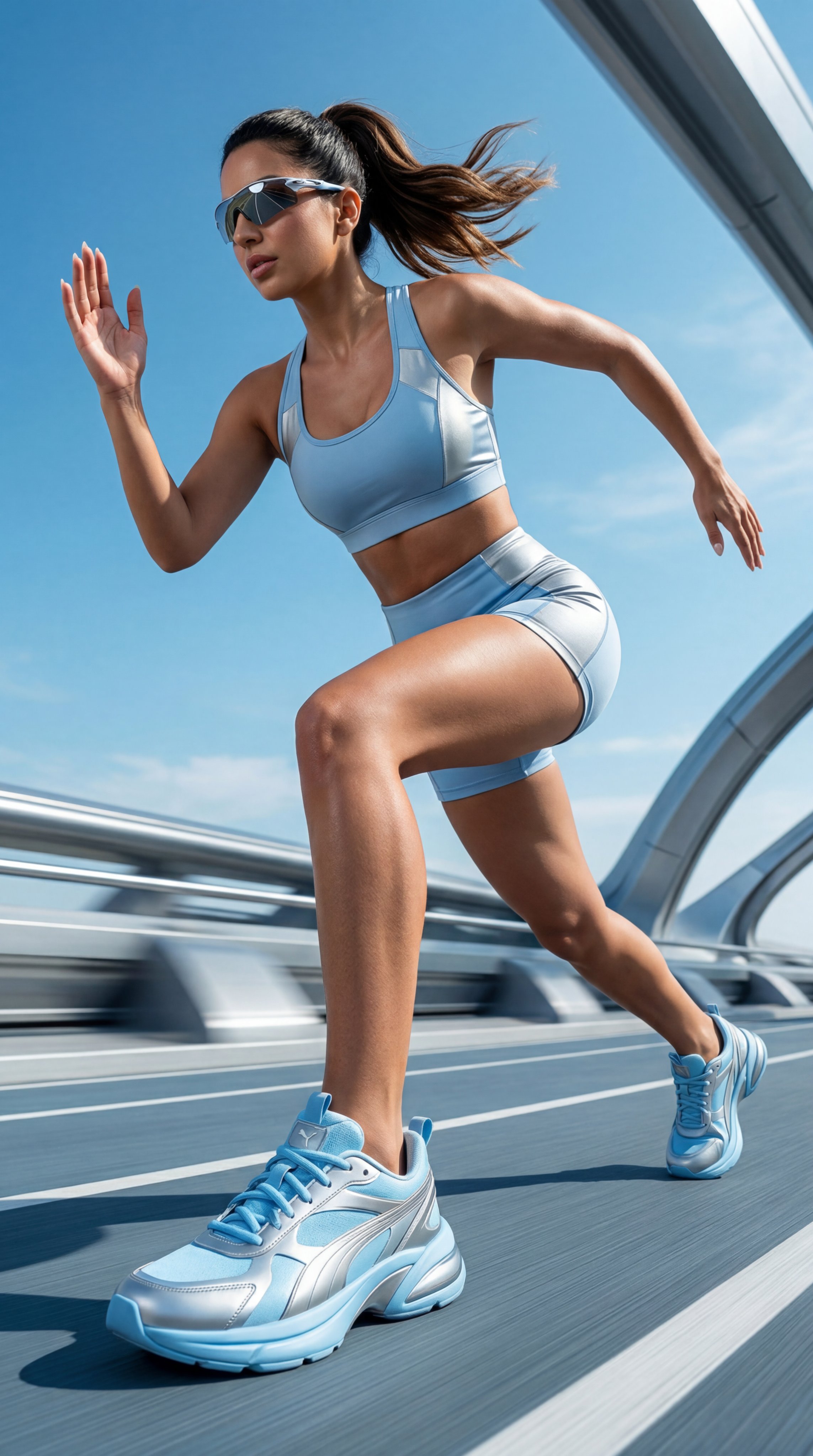
Gemini Nano Banana Realistic Portrait Re

Gemini Nano Banana 2 Isometric 3d City D

Gemini Nano Banana 2 Logo in Wet Sand Be

Gemini Nano Banana 2
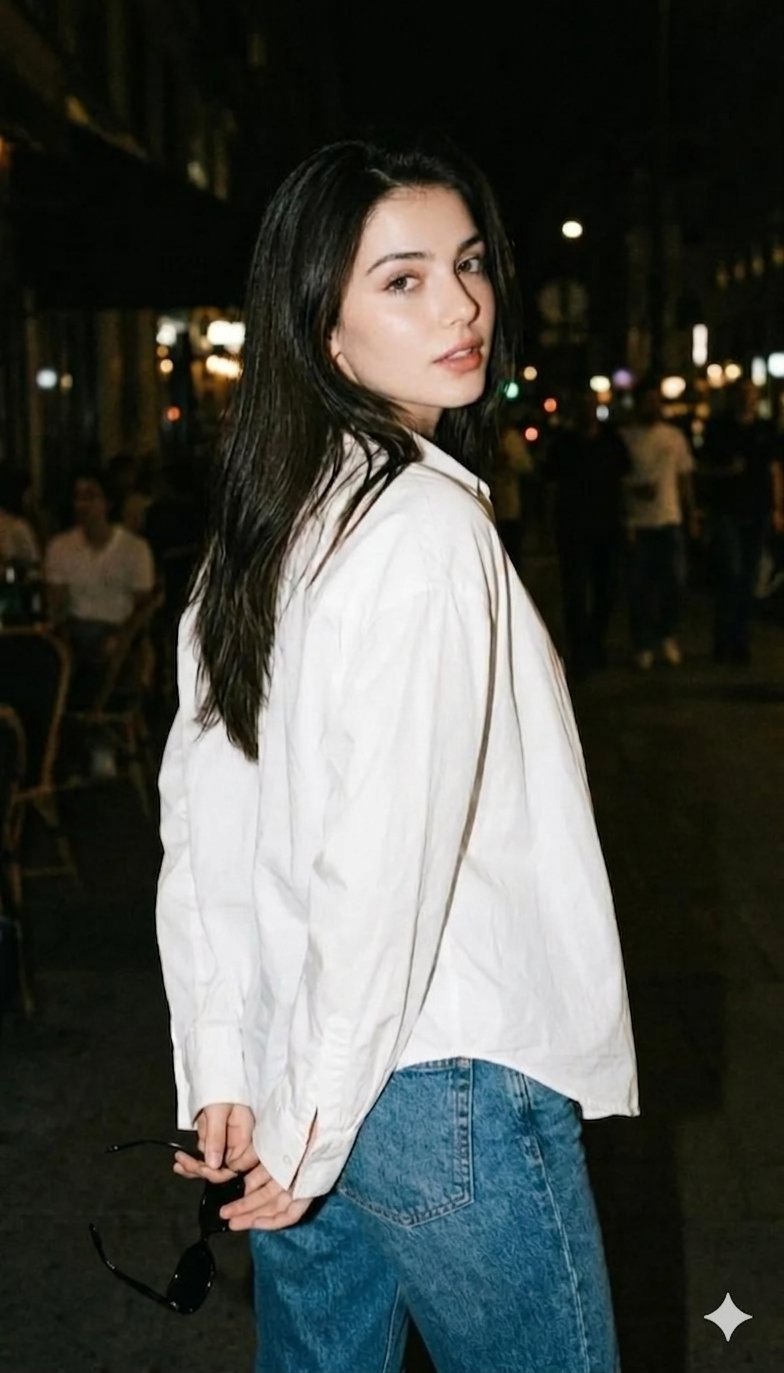
Gemini Night Flash Portrait

Nano Banana Is So Addictive

Nano Banana 2 Perspective Experiment

Nano Banana 2

Nano Banana 2 Gourmet Ice Cream Commerci
Make it yours
Gemini Nano Banana 2 works as-is. These are the safest ways to change it without losing the look.
Change one field
Copy a single group, rewrite it, and generate again so you can see what that field is doing.
Keep the frame, change the subject
Hold the composition and light of 55-gemini-nano-banana-2, then swap wardrobe, props or the person for a new take.
| If the result… | Why | Fix |
|---|---|---|
| The result drifts from the preview | Too many fields changed at once. | Reuse 55-gemini-nano-banana-2 as-is first, then change one group — subject, light, or setting. |
| The model over-stylizes the scene | The prose prompt leaves finish and camera underspecified. | Add one camera or lighting sentence and stay on Nano Banana. |
More Nano Banana templates
Other prompts made for Nano Banana.










More image prompts
Fresh picks from across the catalog.
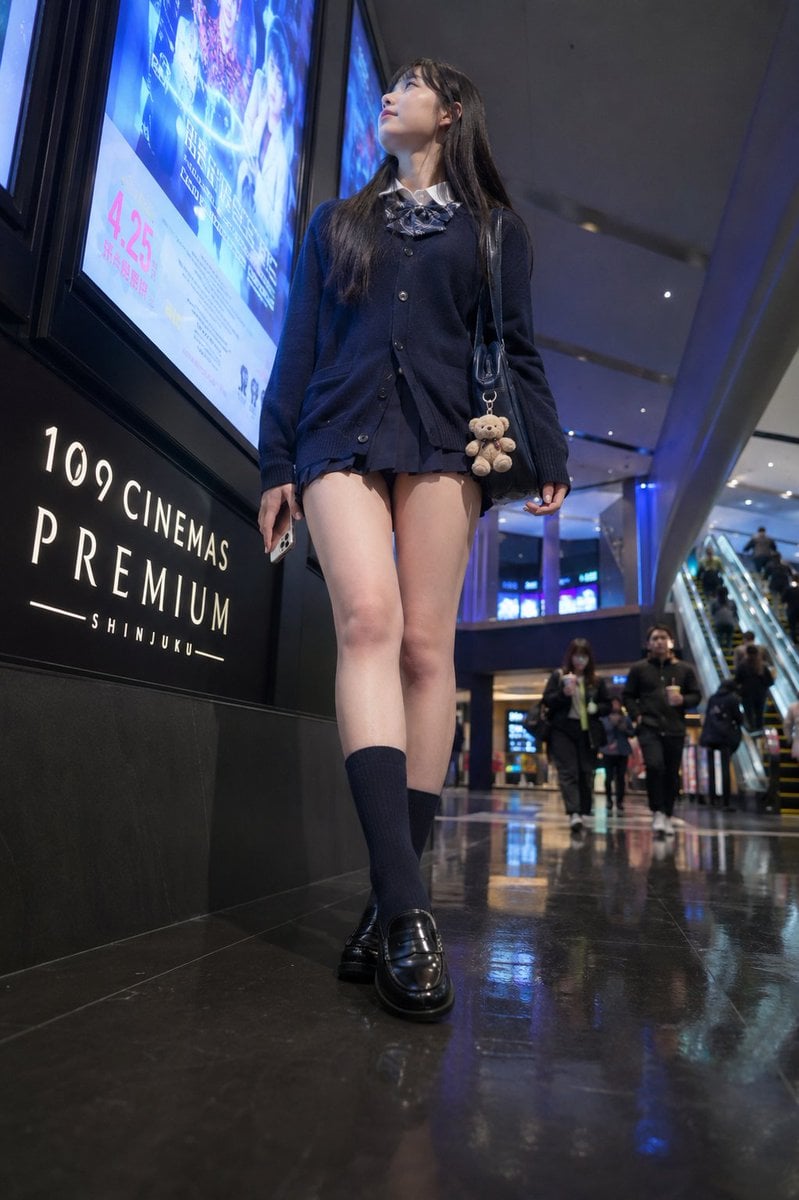
Cinema Lobby School-Inspired Fashion Photo
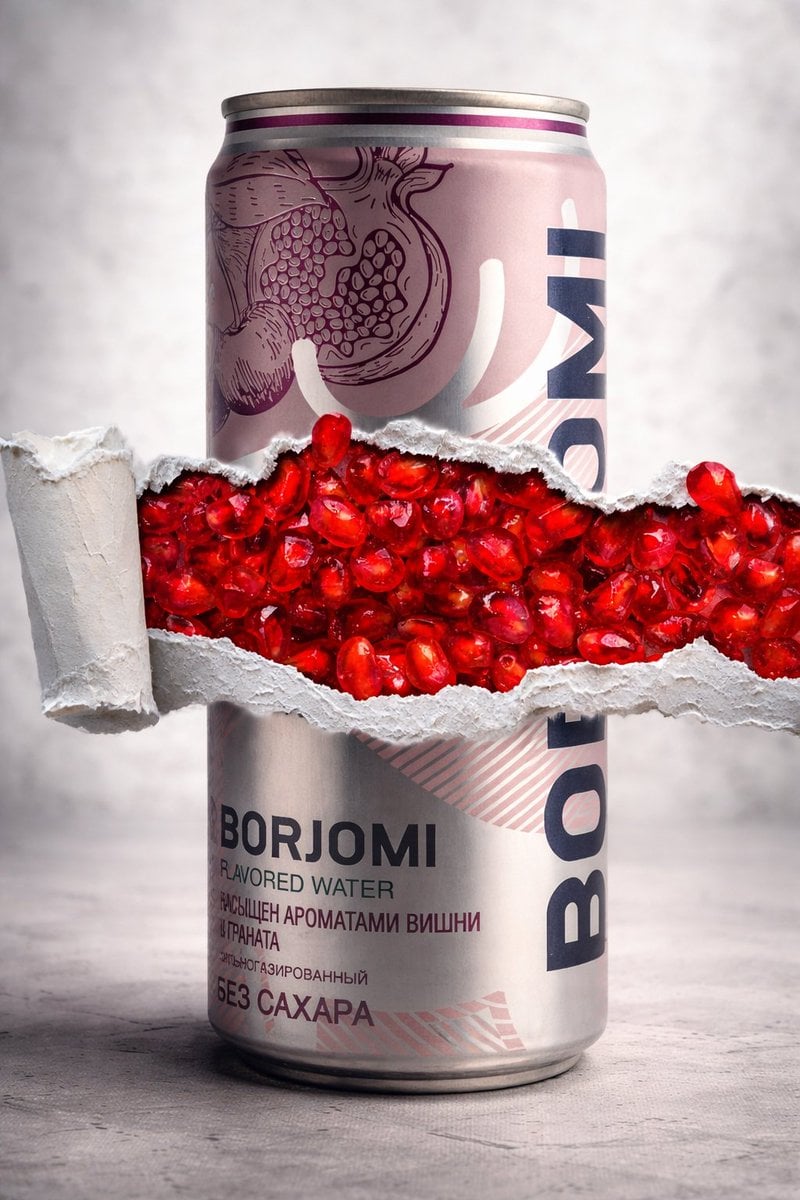
8K Product Photography with Conceptual Cutaway (Borjomi)
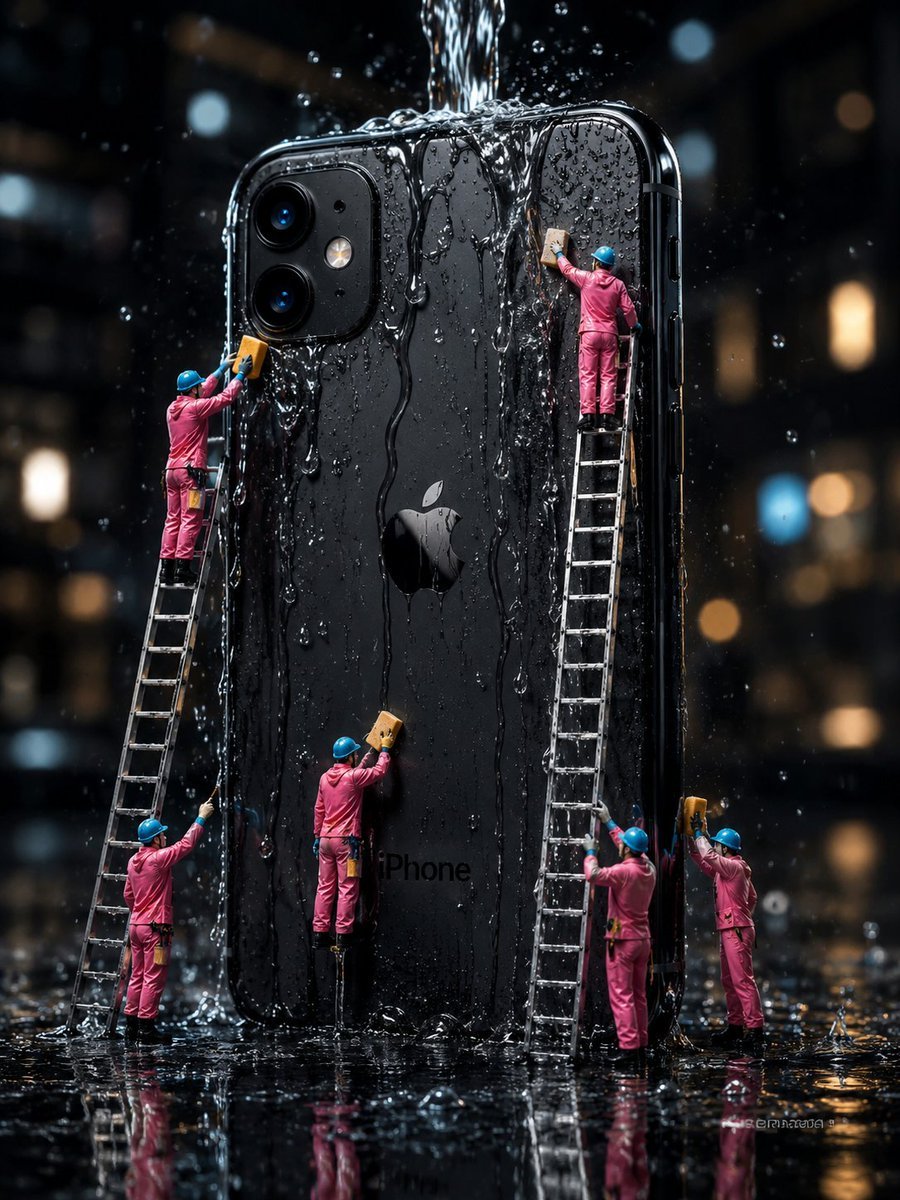
Mini Workers Washing Giant iPhone

Resize banner image to 1:1
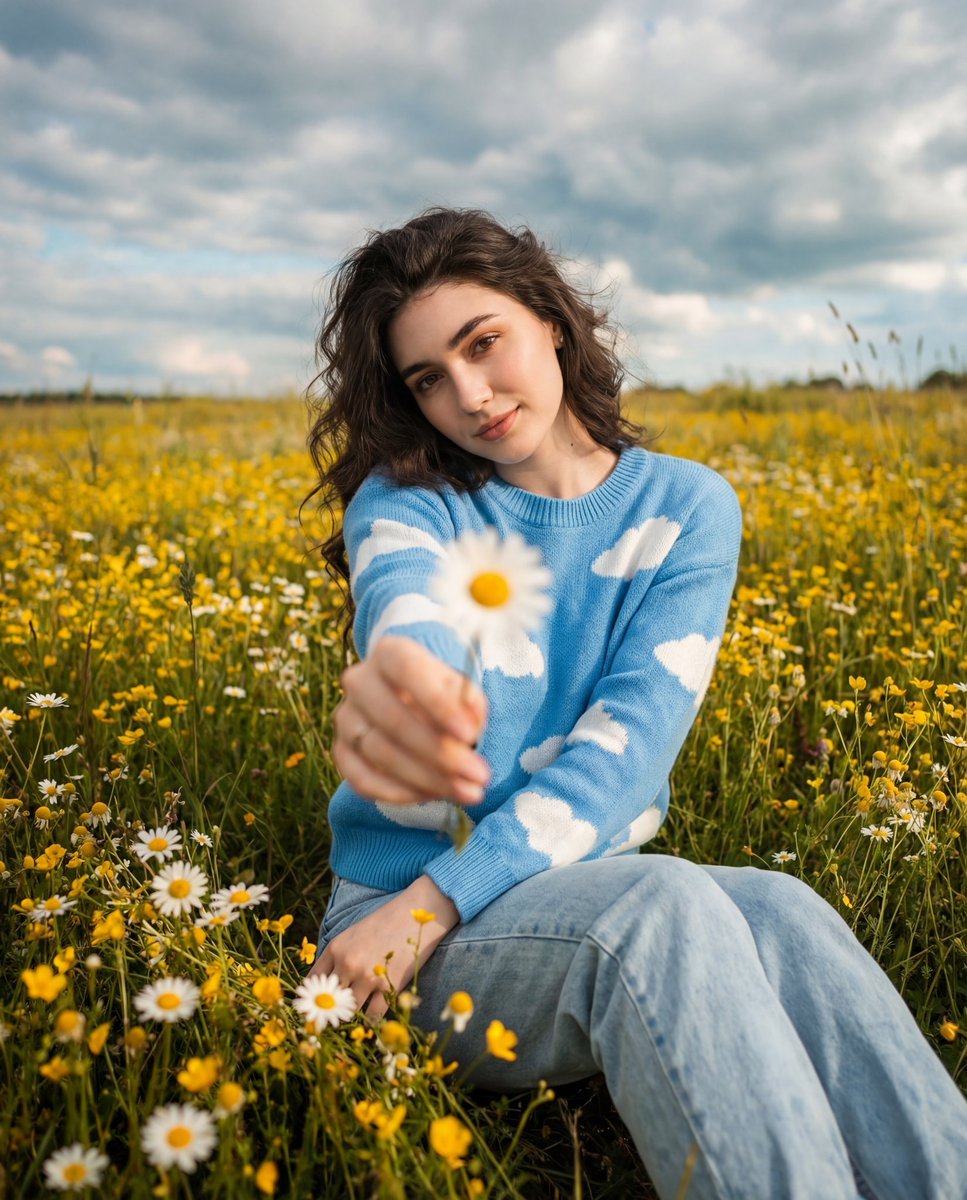
Cinematic Portrait in a Wildflower Field
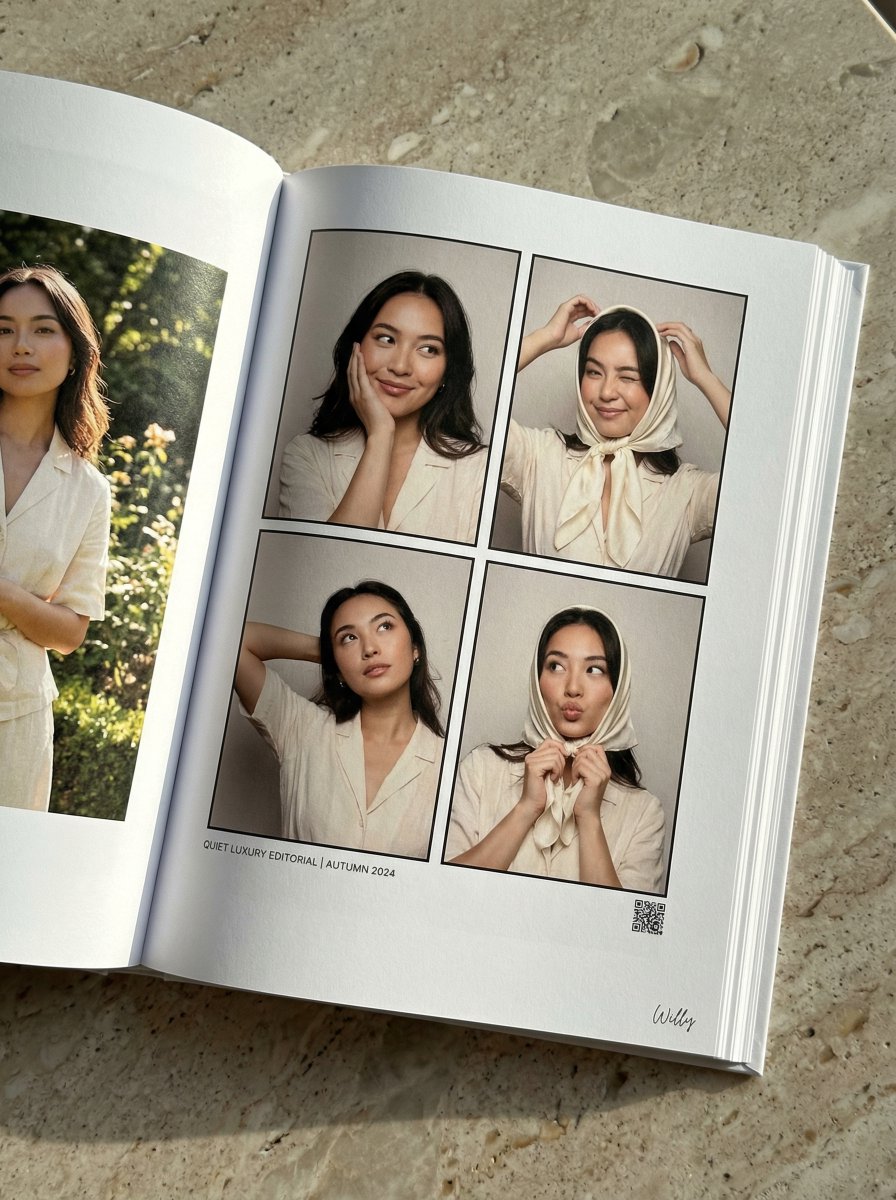
Quiet Luxury Editorial Photobook Spread
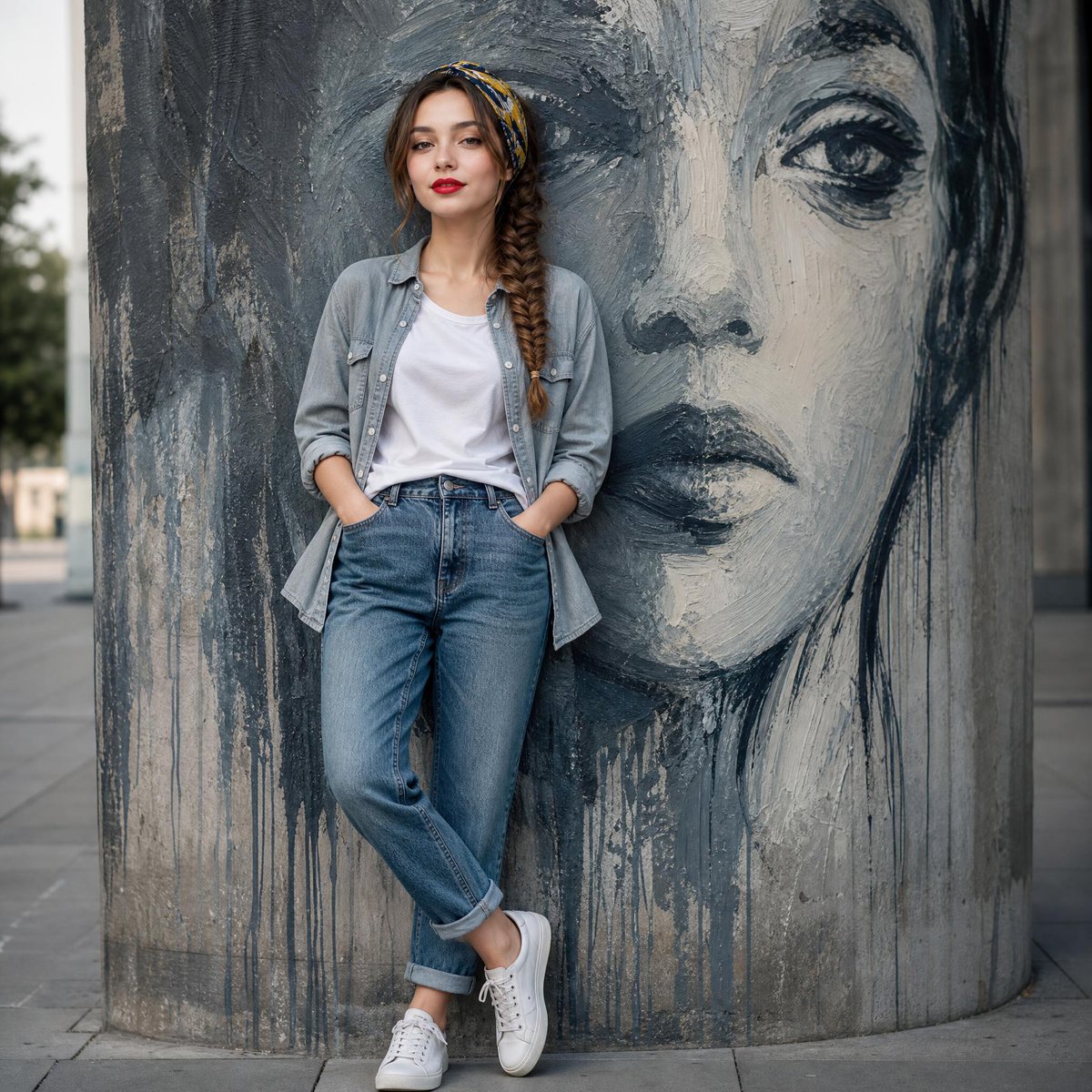
Fashion Mural Editorial Portrait
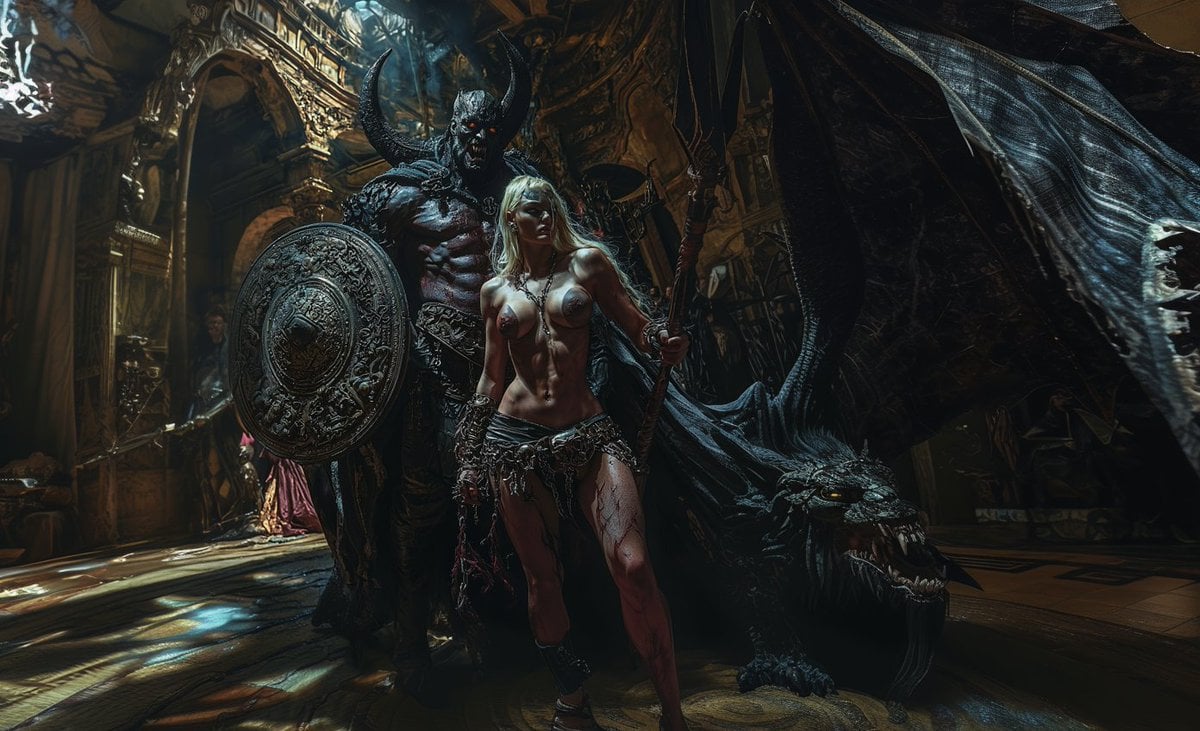
Generate Realistic Character from Fantasy Image Reference Prompt
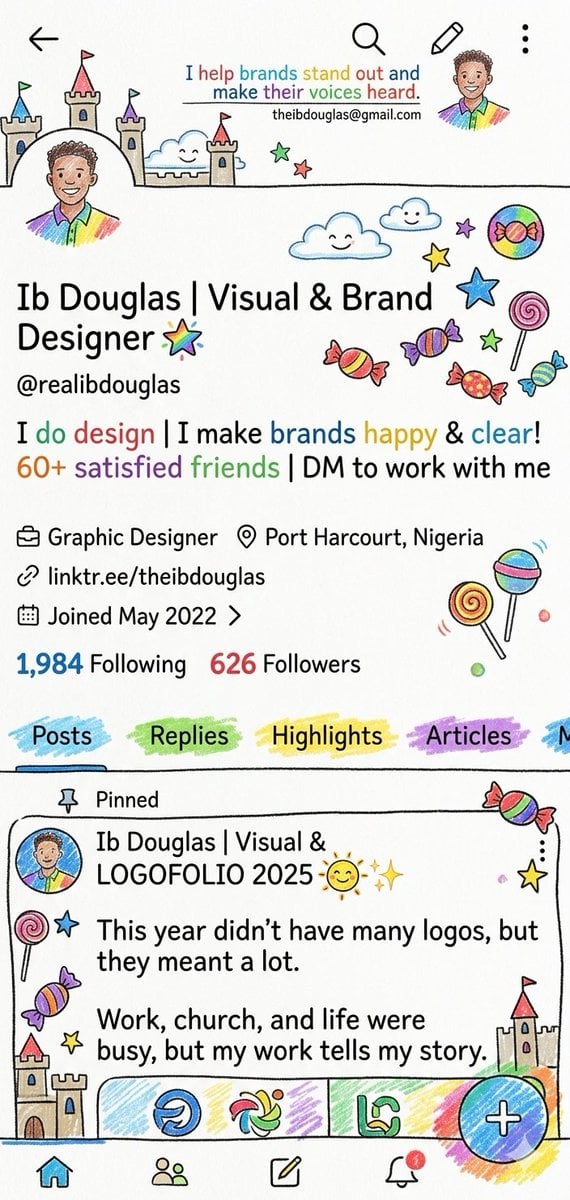
Whimsical Designer Profile UI
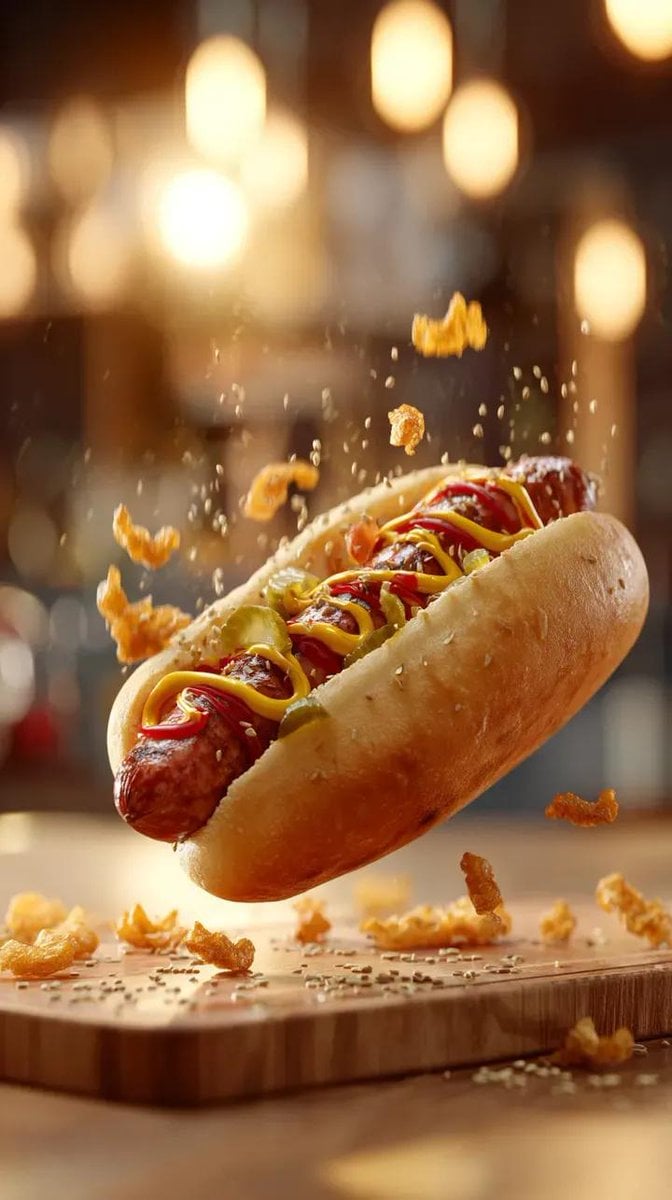
Gourmet Hotdog Mid-Air Drop Cinematic Shot
Browse template categories
Gemini Nano Banana 2 questions
How do I use the 55-gemini-nano-banana-2 template?
Add your photo if the template asks for one, edit the prompt if you like — the template's model and format are already selected — and press Generate. Your version opens in PicX Studio.
Can I customize the 55-gemini-nano-banana-2 template?
Yes. You can change the subject, setting, lighting, mood, format, and available model controls before creating your image.
Is the 55-gemini-nano-banana-2 template free?
Opening and editing this template is free. Generating uses credits, shown on the Generate button when you are signed in.
Which AI model should I use?
Start with Nano Banana, which is the model associated with this template. You can compare another compatible model for a different finish.
Looking for something else? Browse all templates.

Your photo, any look
Thousands of ready templates for every top image and video model, from one credit balance.