
Mini Workers Washing Giant iPhone
A cinematic macro scene of tiny cleaners in bright uniforms washing an oversized rain-soaked black iPhone at night.
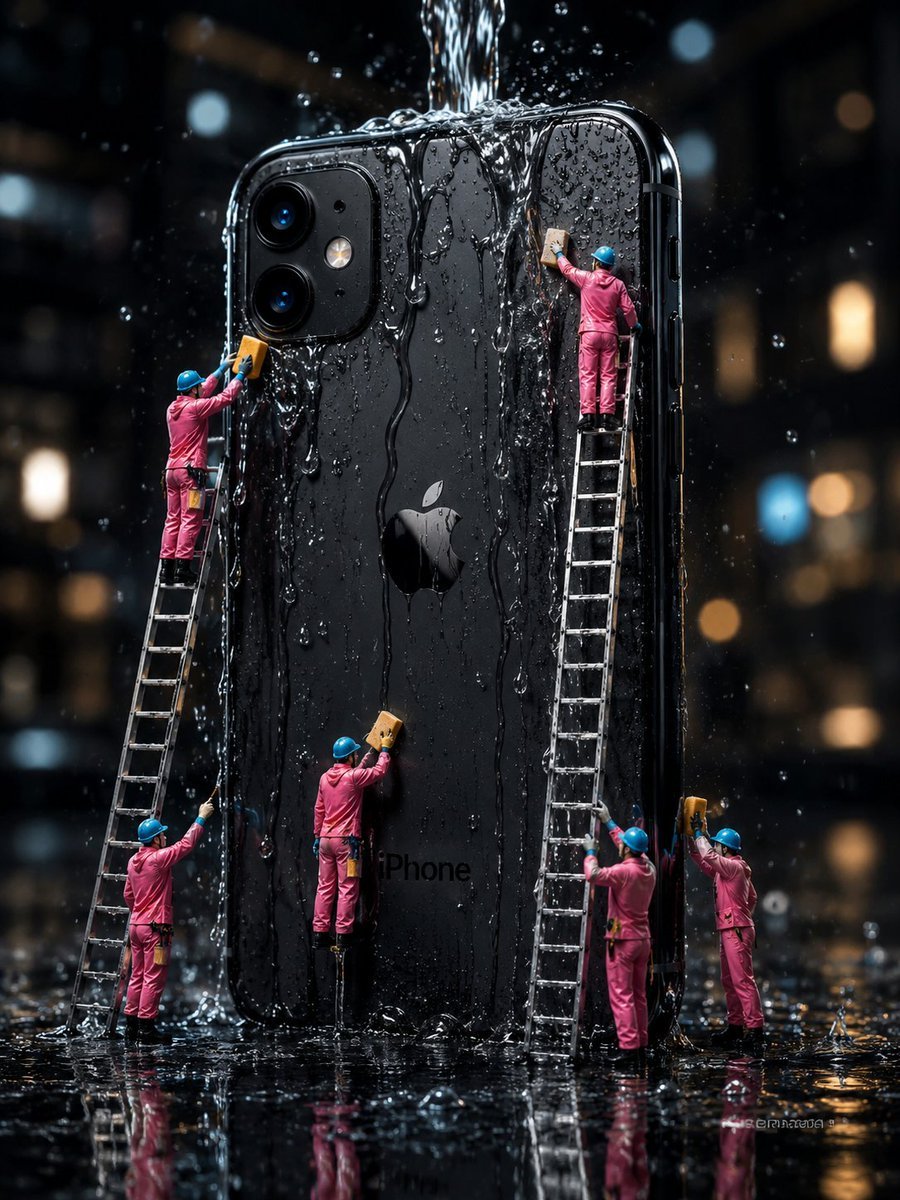
- Prompt included
- Model and format preset
- Free template
The prompt behind this image
Copy the exact prompt behind Mini Workers Washing Giant iPhone, or open it in the studio and make it yours.
Create a hyper-realistic cinematic macro photograph of a giant black {argument name="phone model" default="iPhone"} standing upright in heavy rain at night, its glossy back facing the viewer with the Apple logo centered and dual rear cameras at the upper left. A strong stream of water pours from above onto the top edge, sending splashes, droplets, and vertical rivulets down the phone’s surface; the whole scene is wet, reflective, and dramatic. Show exactly six miniature maintenance workers in bright {argument name="worker uniform color" default="pink"} coveralls and blue hard hats cleaning the oversized phone with yellow sponges: one worker high on a leaning ladder at the upper left scrubbing near the camera module, one worker standing at the bottom left holding the same ladder and spraying or wiping water upward, one worker near the lower center standing on a small support and scrubbing the back of the phone, one worker high on a tall ladder at the upper right scrubbing under the falling water, one worker standing near the base of that tall ladder cleaning the lower right side, and one worker at the far right holding a sponge up to the phone edge. Include exactly two visible ladders: one slanted ladder on the left and one tall nearly vertical ladder on the right. The phone should be enormous compared with the workers, with rounded black edges, visible side buttons, glossy reflections, tiny water beads, and the faint word “iPhone” near the lower back. Set the scene on a black rain-soaked floor with mirror-like reflections of the workers, ladders, phone, water splashes, and warm city bokeh lights in the dark background. Use shallow depth of field, high contrast, sharp detailed water droplets, moody noir lighting, realistic scale-model photography, 3:4 vertical composition, no extra text, no watermark.
How to use Mini Workers Washing Giant iPhone in 3 steps
- 1Upload ImagePNG, JPG or paste
Add your photo
Upload the photo the template builds on. The prompt, model and format are already set.
- 2…a portrait of your subject in softgolden-hour light, 85mm…
Personalize
Edit the subject and creative details for your destination.
- 3Generate
Generate
Press Generate — your image is created in PicX Studio, so you can compare it with the original and refine one variable at a time.
More like this
Templates with the same subject, style or setup. Open one to see its prompt.
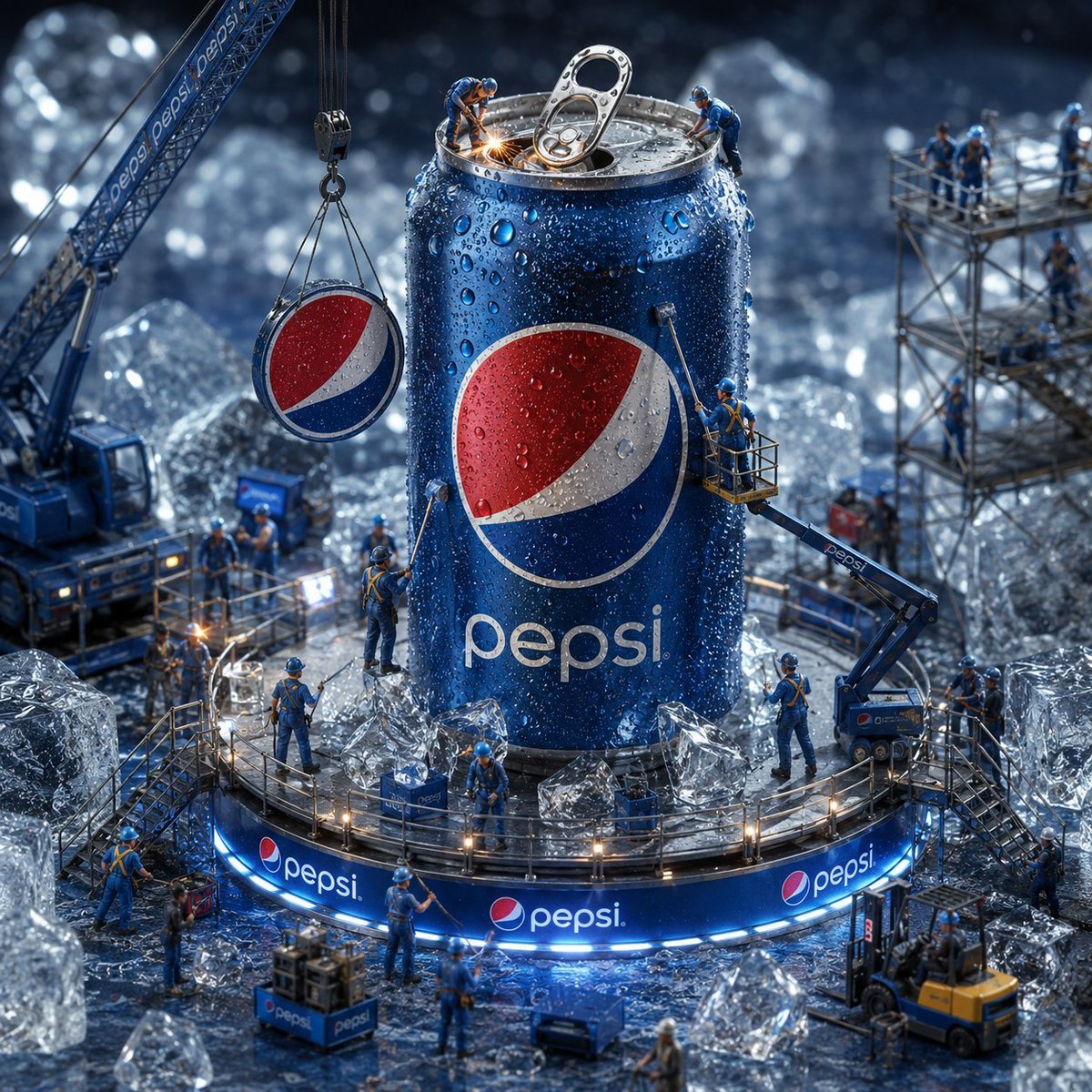
Miniature Workers Giant Soda Can
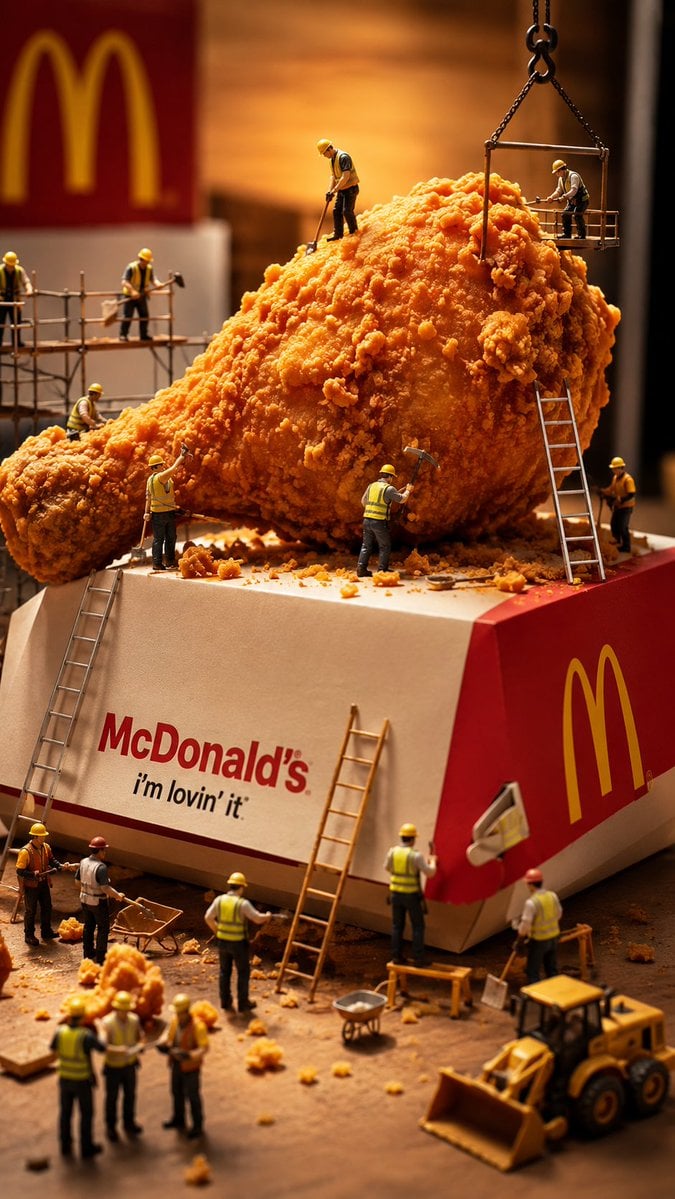
Miniature Workers Sculpt Giant McDonald's Drumstick
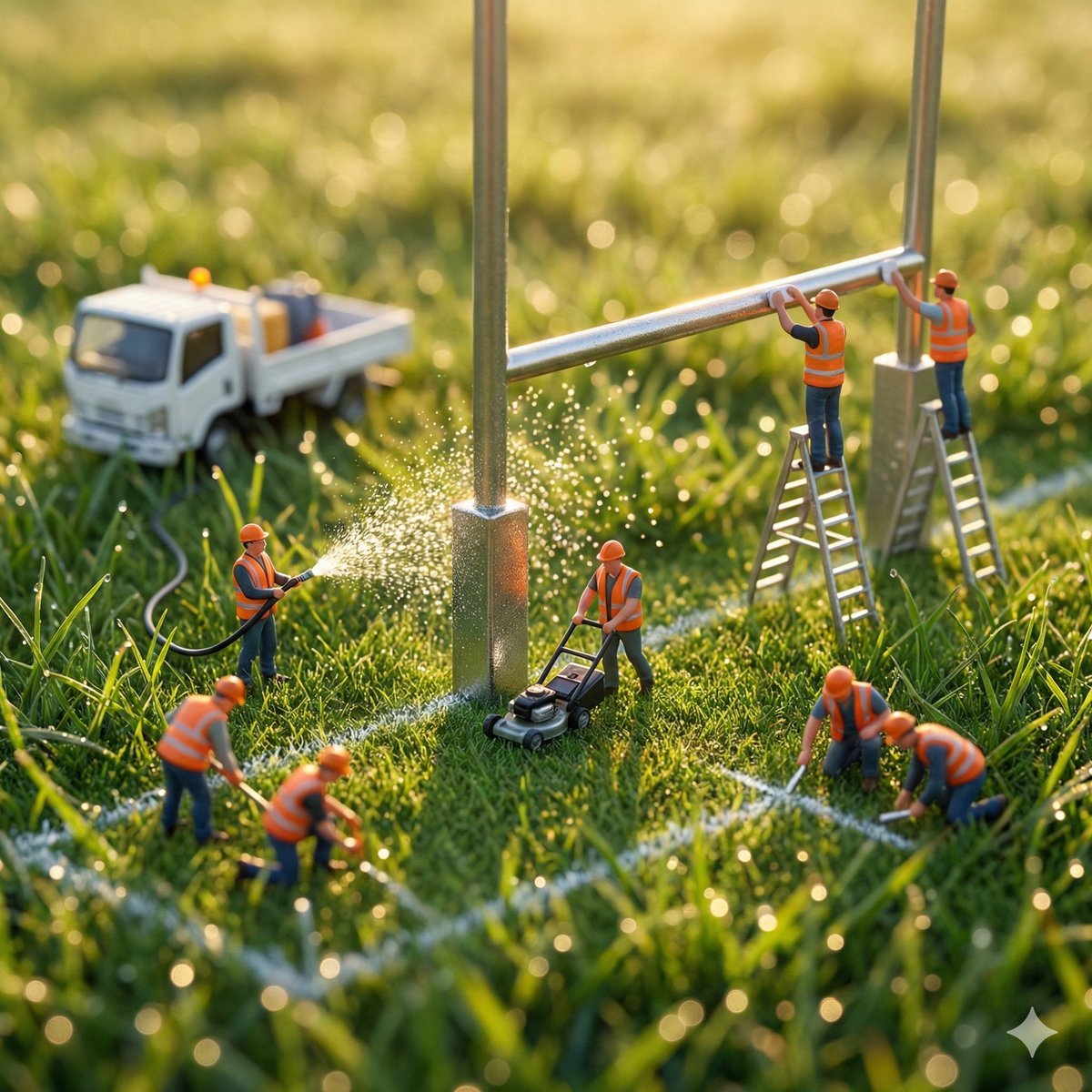
Ultra-realistic macro photography of miniature construction workers

iPhone Style Minimalist Office Portrait

Miniature Girl on Giant Smartphone Desk

Miniature Girl on Giant Football
Mini Workers Sculpt Spicy Chicken Wings

4x4 Grid - Candid Nostalgic Vacation Selfies
Miniature Toy Soldiers on a Giant Eggshell
Macro Photography of Miniature Workers Cleaning Ashtray
Giant Pharmaceutical Capsule with White House Miniature
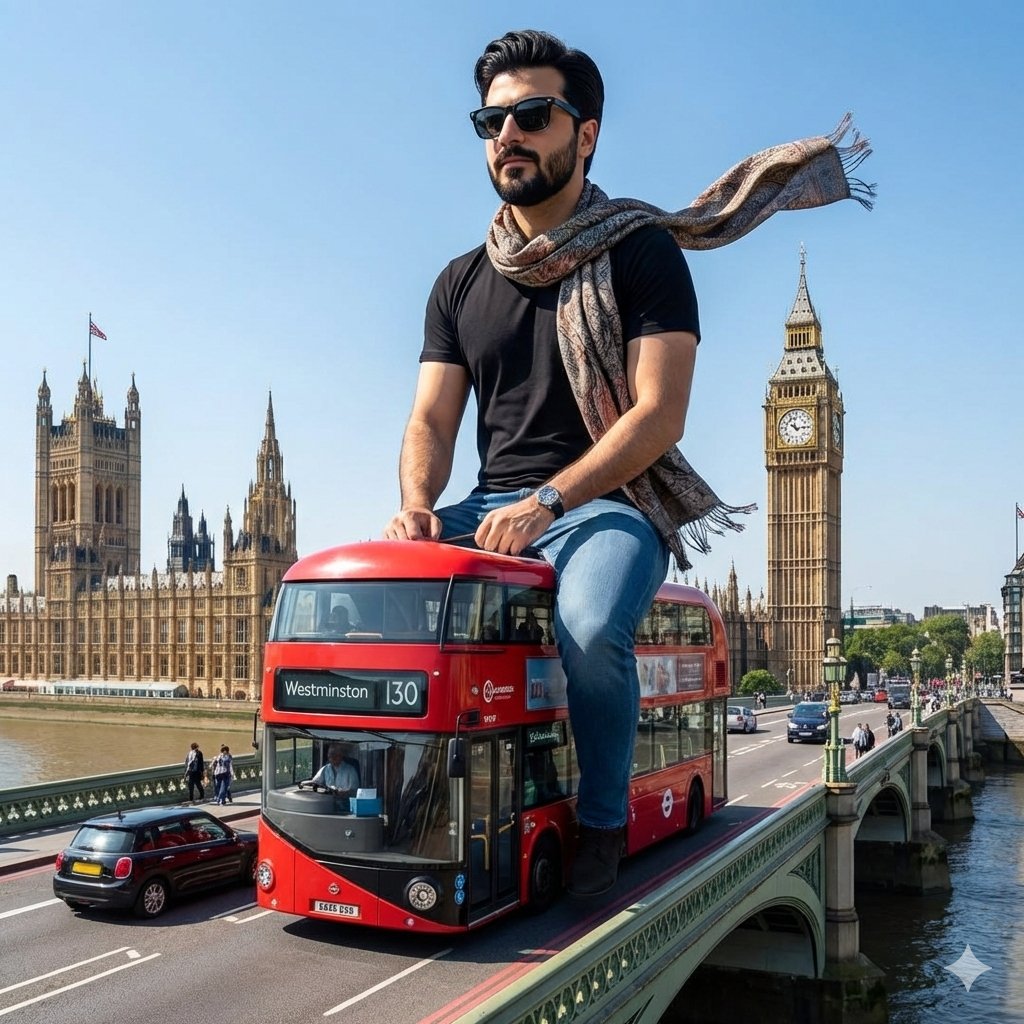
Surreal Giant Man Riding Miniature London Bus
Make it yours
Mini Workers Washing Giant iPhone works as-is. These are the safest ways to change it without losing the look.
Change one field
Copy a single group, rewrite it, and generate again so you can see what that field is doing.
Keep the frame, change the subject
Hold the composition and light of Mini Workers Washing Giant iPhone, then swap wardrobe, props or the person for a new take.
| If the result… | Why | Fix |
|---|---|---|
| The result drifts from the preview | Too many fields changed at once. | Reuse Mini Workers Washing Giant iPhone as-is first, then change one group — subject, light, or setting. |
| The model over-stylizes the scene | The prose prompt leaves finish and camera underspecified. | Add one camera or lighting sentence and stay on GPT Image 2. |
More GPT Image 2 templates
Other prompts made for GPT Image 2.

Six VTuber Japanese Logo Sheet

Realistic Portrait of Woman and Deer

The Vista Modular Condo Poster

AI Model Routing Comparison Infographic

2.5D Anime Art Board

Isometric Productivity Desk Scene

New York Double Exposure Poster

Four-Panel AI Landscape Comparison

Japanese Tatami Lifestyle Magazine Cover

NESCAFÉ Coffee Map Poster
More image prompts
Fresh picks from across the catalog.

Cyberpunk Anime Character in Neon Tub

Nano Banana Pro Cinematic Night Romcom Ride Prompt
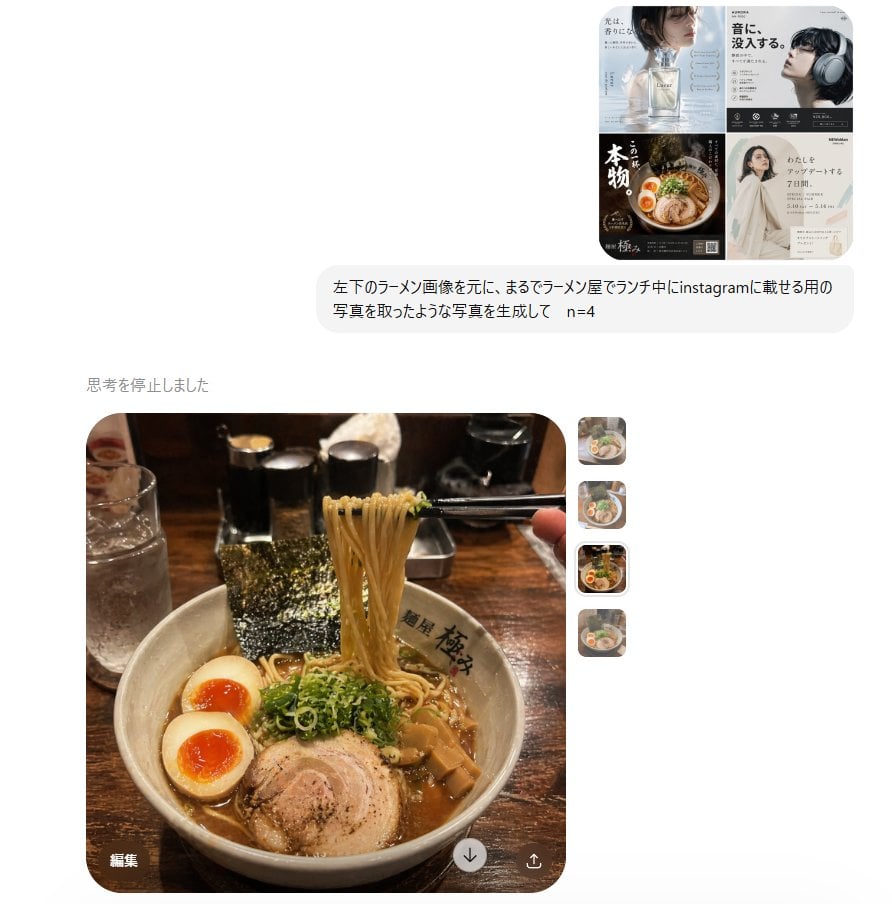
Instagram Style Ramen Photography
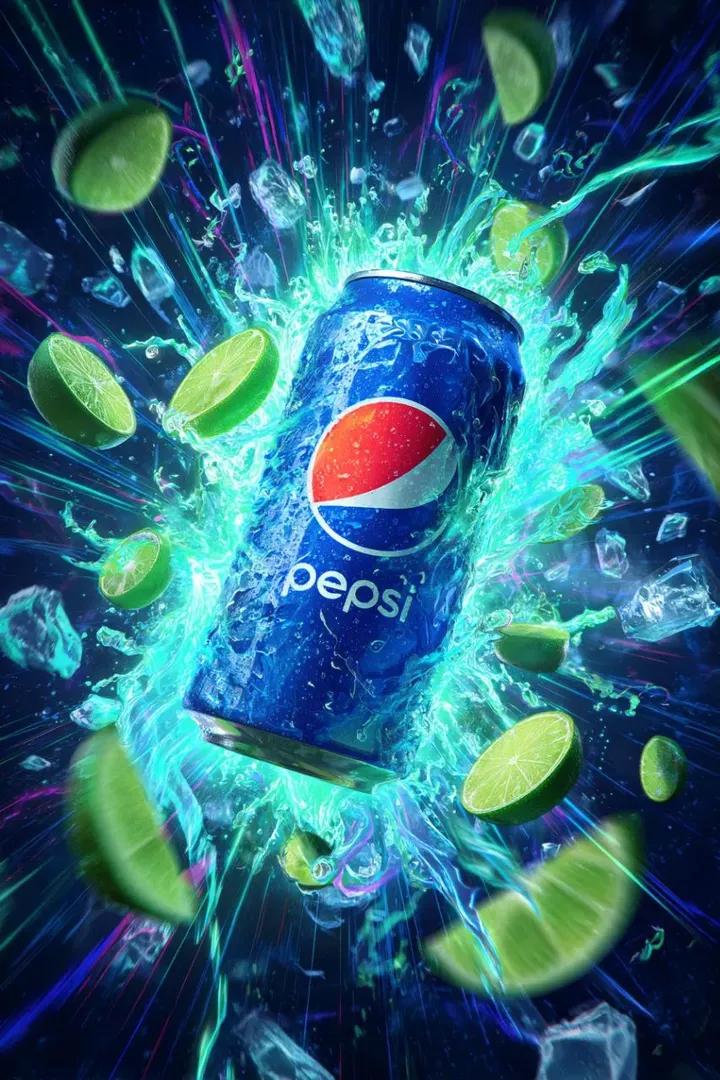
Cinematic Cola Can Explosion Advertisement Prompt
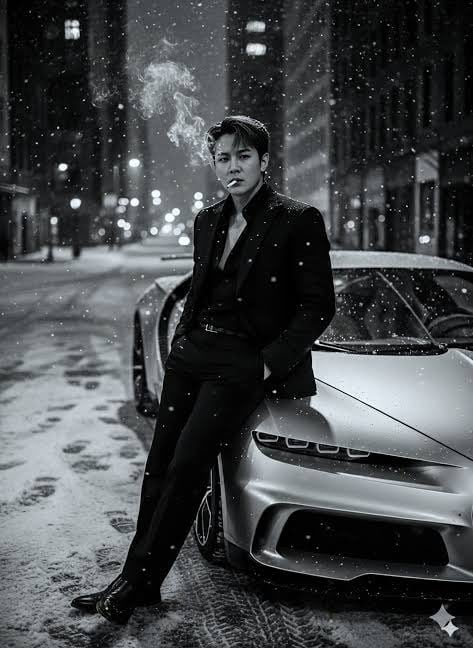
Cinematic Noir Prompt for a Man and a Sports Car
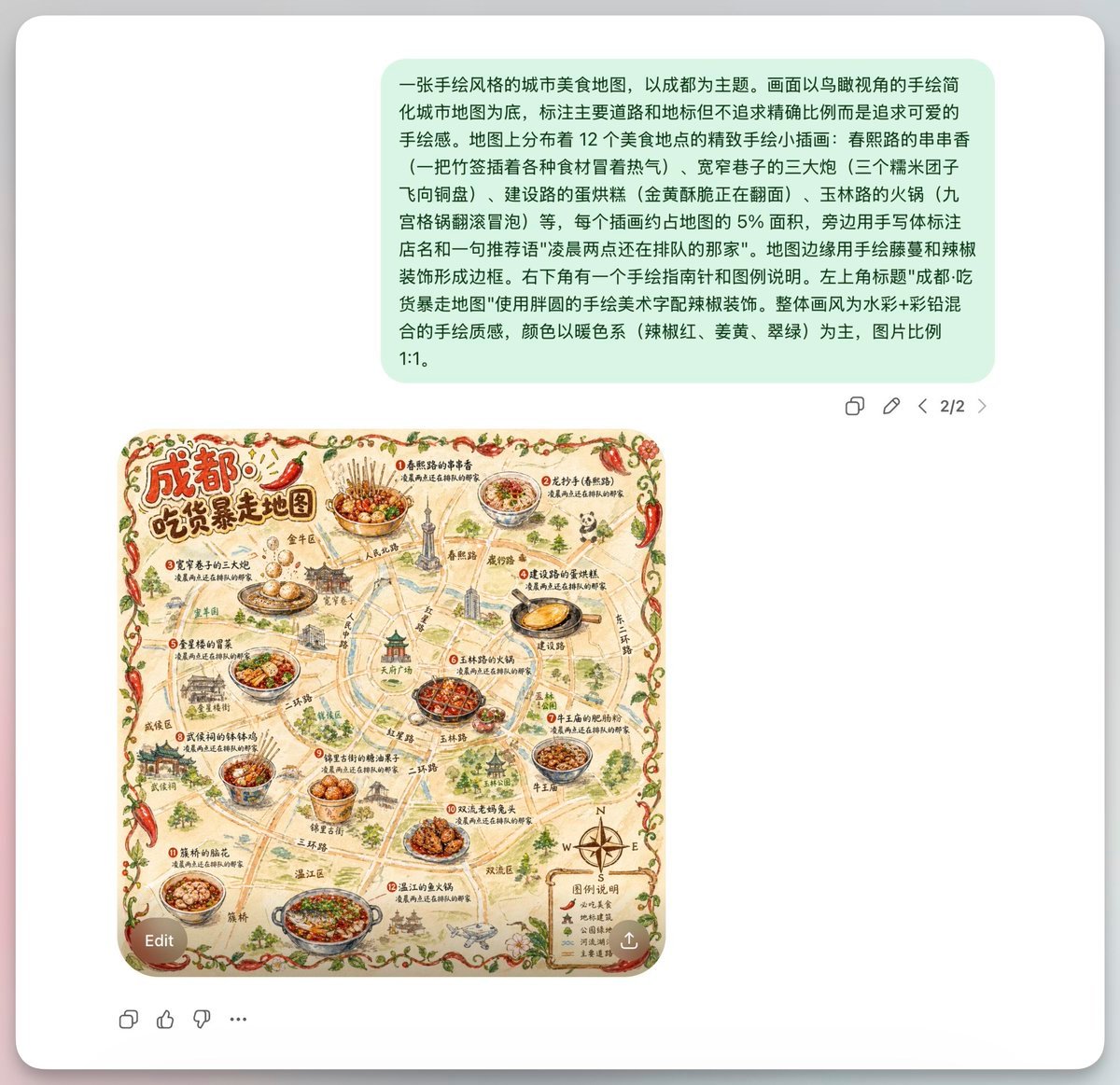
Chengdu Hand-Drawn Food Map UI
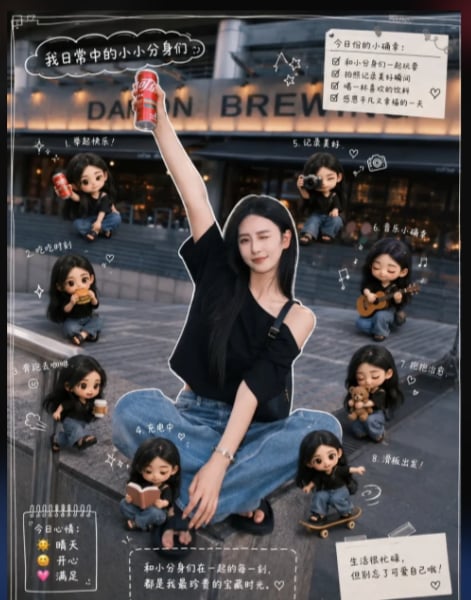
Mini Clone Cafe Selfie Composite
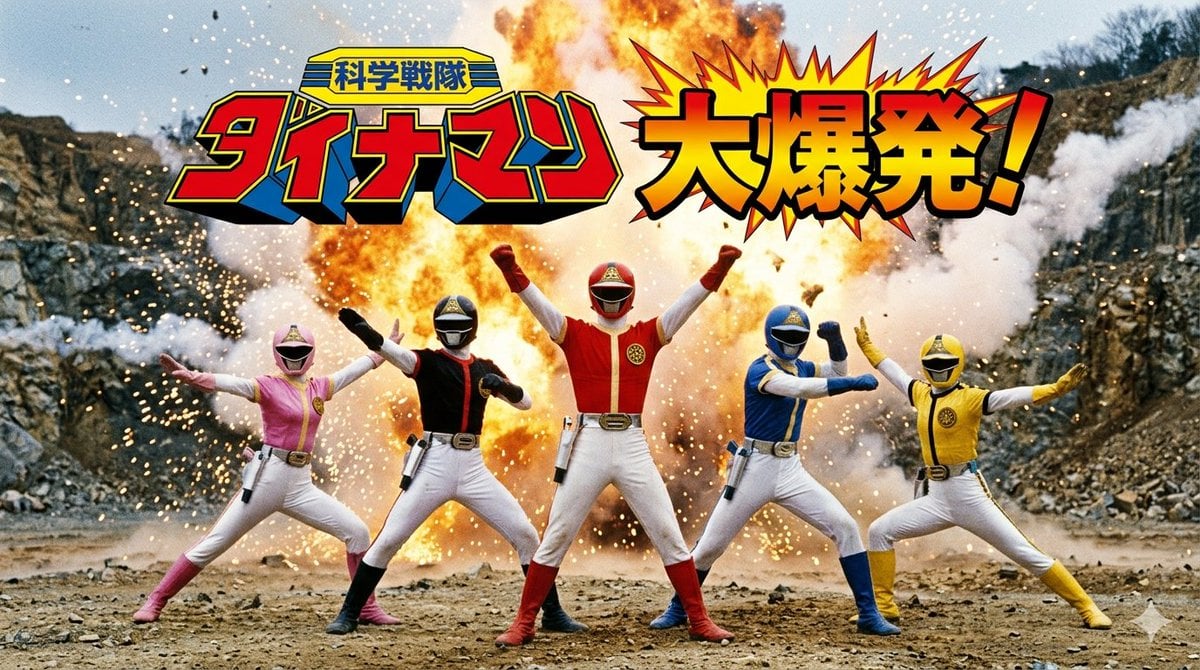
Generate Dynaman Great Explosion
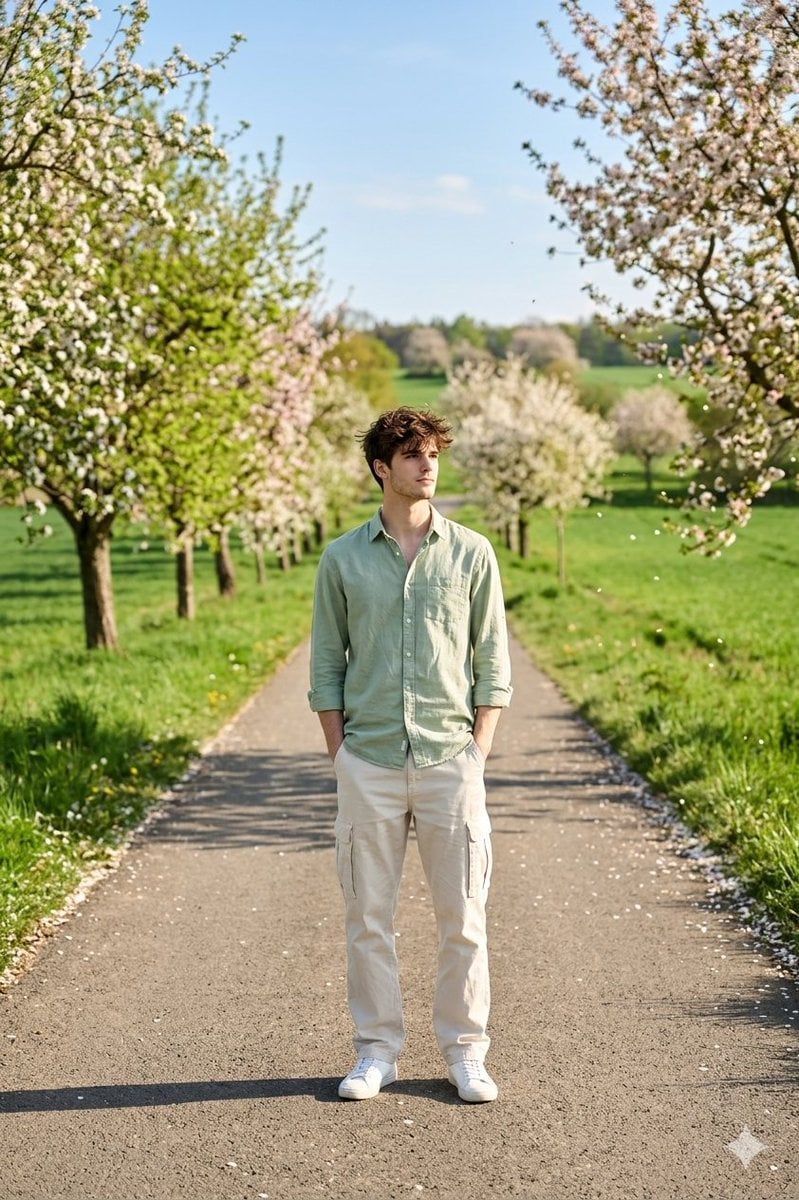
Cinematic Photograph of Man on Countryside Road
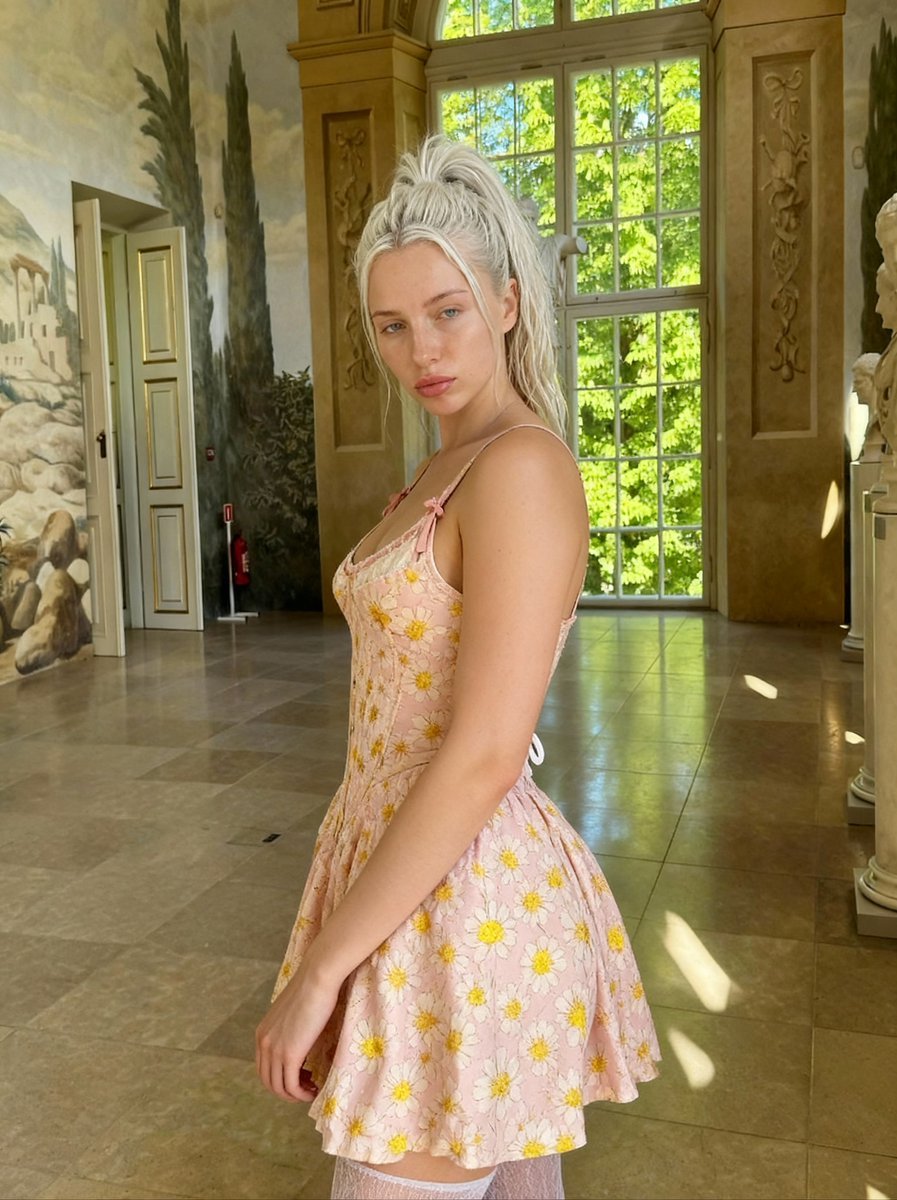
Renaissance Painting Style Portrait in an Italian Palazzo
Browse template categories
Mini Workers Washing Giant iPhone questions
How do I use the Mini Workers Washing Giant iPhone template?
Add your photo if the template asks for one, edit the prompt if you like — the template's model and format are already selected — and press Generate. Your version opens in PicX Studio.
Can I customize the Mini Workers Washing Giant iPhone template?
Yes. You can change the subject, setting, lighting, mood, format, and available model controls before creating your image.
Is the Mini Workers Washing Giant iPhone template free?
Opening and editing this template is free. Generating uses credits, shown on the Generate button when you are signed in.
Which AI model should I use?
Start with GPT Image 2, which is the model associated with this template. You can compare another compatible model for a different finish.
Looking for something else? Browse all templates.

Your photo, any look
Thousands of ready templates for every top image and video model, from one credit balance.