
Mini Clone Cafe Selfie Composite
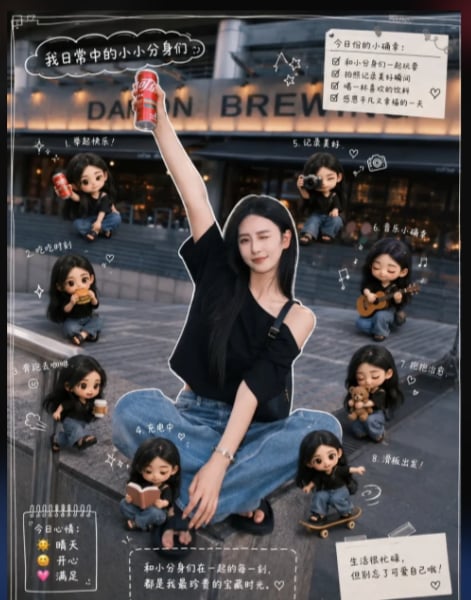
Creates a warm Instagram-style photo composite of a seated person surrounded by eight playful miniature chibi clones in a cafe street scene.
- Prompt included
- Model and format preset
- Free template
The prompt behind this image
Copy the exact prompt behind Mini Clone Cafe Selfie Composite, or open it in the studio and make it yours.
Goal: Create a high-quality Instagram story-style composite image titled {argument name="theme title" default="我日常中的小小分身们"}, showing one real-life young woman sitting outdoors in front of a warmly lit cafe storefront, surrounded by exactly 8 palm-sized SD mini clone figurines of herself, with cute playful interaction and a warm everyday-life story atmosphere. Canvas: Vertical 4:5 social-media image, realistic photo base mixed with 3D chibi figurines and scrapbook doodles. Slight cinematic blur in the background, warm evening cafe lighting, dark gray pavement, cozy urban street mood. Main subject: A stylish young woman with {argument name="hair color" default="long black hair"}, wearing a black asymmetrical off-shoulder top, loose blue jeans, black sandals, and a crossbody strap. She sits cross-legged on outdoor steps, one arm raised high holding a red soda can, relaxed and cheerful. Add a clean white sticker-like outline around her body and a natural grounded shadow so she looks like a cutout sticker placed into the photo. Mini clone count and actions: Generate exactly 8 tiny palm-sized chibi versions of the same woman, all wearing the same black top and blue jeans, each with a white sticker outline, soft shadow, and slightly toy-like 3D proportions. Place them around the main subject with varied poses: 1 holding a red soda can at upper left, 2 sitting calmly at mid-left, 3 sitting with a small drink or snack at lower left, 4 reading an open book near the bottom center, 5 taking a photo with a camera at upper right, 6 playing a small guitar at mid-right, 7 holding a bunch of snacks or bread at lower right, and 8 riding a tiny skateboard at bottom right. Make every clone expressive, bouncy, and different in posture. Layout and decorations: Add hand-drawn white scrapbook lines, stars, hearts, swirls, arrows, small camera icons, music notes, and dashed borders around the scene. Include thin white frame lines near the image edges. Use a playful diary/planner aesthetic, like a casual Instagram story with handwritten annotations. Text content: Include a black cloud-shaped speech label at the top left with the Chinese title {argument name="top left title text" default="我日常中的小小分身们"}. Add a cream memo card at top right titled {argument name="checklist title" default="今日份的小确幸:"} with exactly 4 checked checklist lines in Chinese, plus a small heart. Add a small dark note card at bottom left titled {argument name="mood card title" default="今日心情:"} with exactly 3 emoji-style mood lines. Add a beige note card at bottom right with short Chinese diary text. Add a semi-transparent handwritten caption strip near the bottom center with a sentimental Chinese sentence about being together with little clones. Visual style: Realistic photograph plus cute 3D miniature character synthesis, glossy toy-like mini figures, shallow depth of field, warm highlights, soft shadows, high detail, cozy emotional tone, playful but polished. Keep the subject and all mini clones consistent in face, hairstyle, outfit, and body type. Constraints: Exactly 1 main full-size person and exactly 8 mini clones. Do not add extra people. Keep all text decorative and handwritten-style, with visible Chinese where specified. Maintain a high-quality social-media composite look, no watermark, no logo, no messy artifacts.
How to use Mini Clone Cafe Selfie Composite in 3 steps
- 1Upload ImagePNG, JPG or paste
Add your photo
Upload the photo the template builds on. The prompt, model and format are already set.
- 2…a portrait of your subject in softgolden-hour light, 85mm…
Personalize
Edit the subject and creative details for your destination.
- 3Generate
Generate
Press Generate — your image is created in PicX Studio, so you can compare it with the original and refine one variable at a time.
More like this
Templates with the same subject, style or setup. Open one to see its prompt.

Cat Photobomb Selfie — 0.5x Wide Angle Café Chaos

Photoreal Village Lanterns Minecraft Scene

Photoreal Selfie Minecraft Block World

Photoreal Selfie Minecraft Village Ghast UI

Korean Cafe Courtyard Gold Frame Mirror Selfie

Rooftop Fisheye — Cat-Ear Balaclava at Golden Hour

Felt & Knit 3D Character — Photo-Exact Face, Pixar-Quality Plush Figurine

Eid al-Adha Cute Chaos — Fisheye Selfie with Farm Selfie, Mosque & Animals

Gen Z Triple Selfie Collage — Y2K Flash Photography

Surreal Cat Astronaut — Humanoid Face Freefall
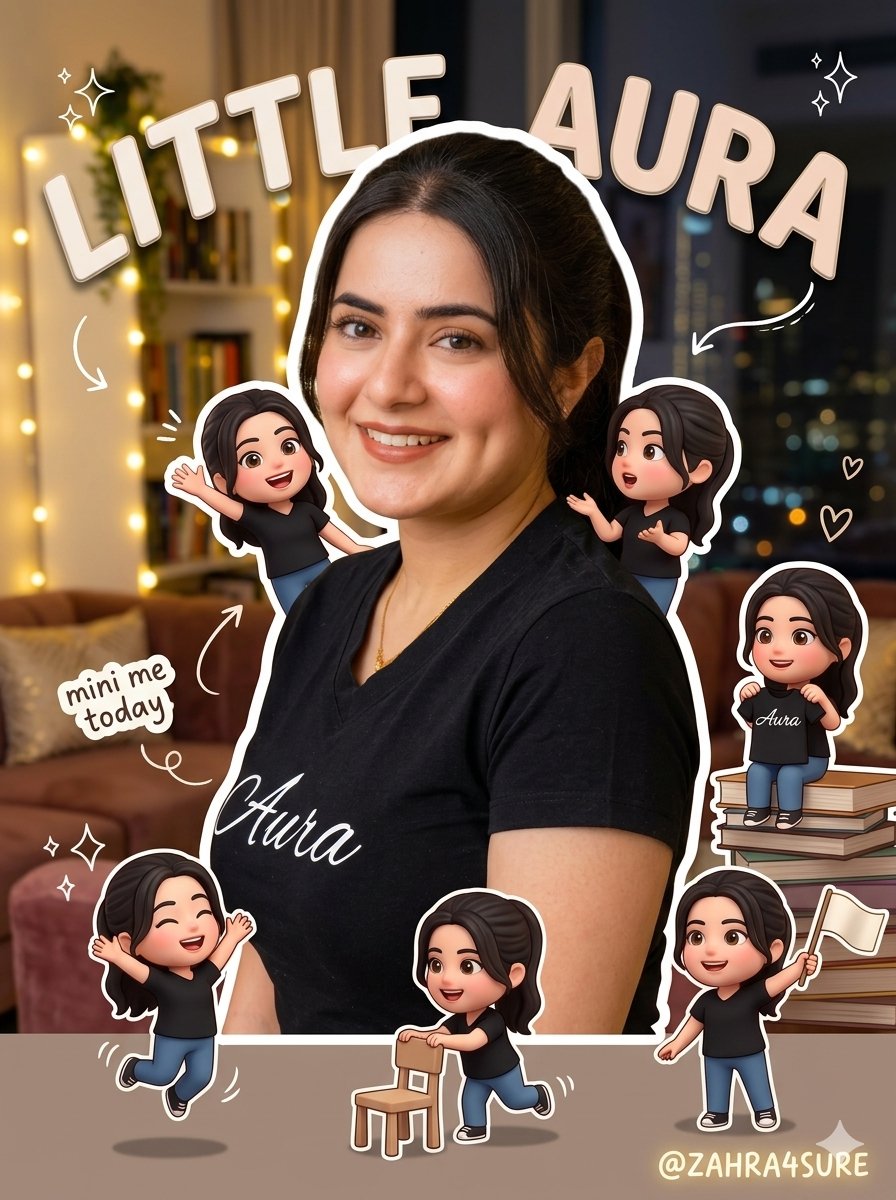
Mini-Me Character Composite Image
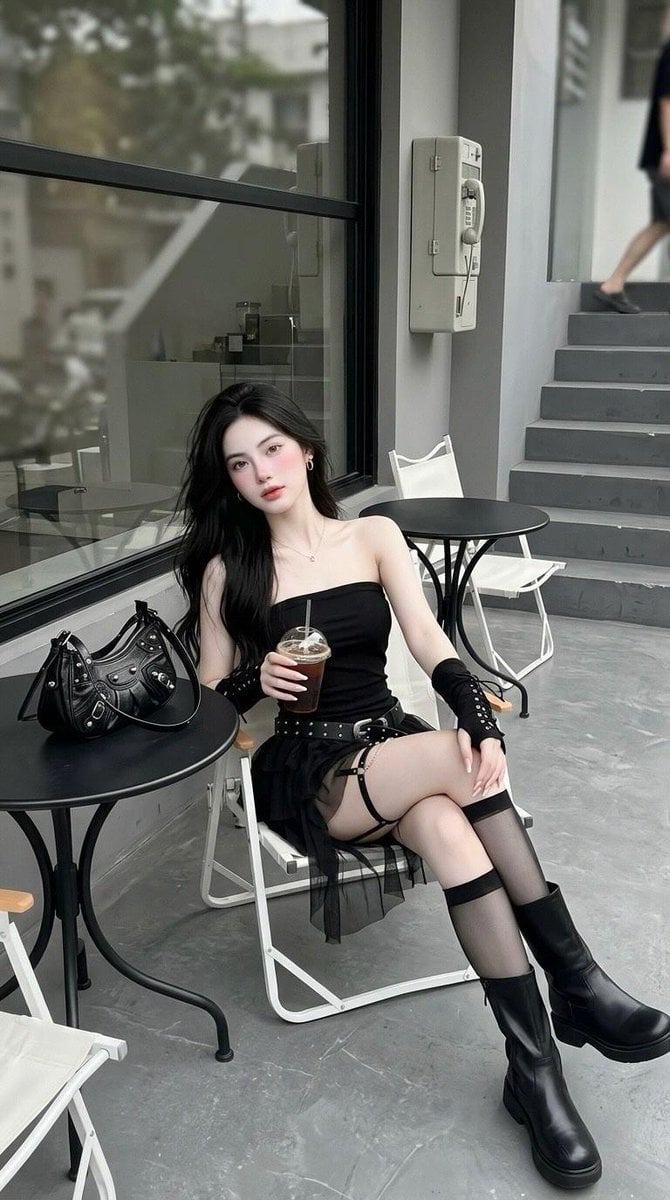
Minimalist Cafe Street Fashion
Make it yours
Mini Clone Cafe Selfie Composite works as-is. These are the safest ways to change it without losing the look.
Change one field
Copy a single group, rewrite it, and generate again so you can see what that field is doing.
Keep the frame, change the subject
Hold the composition and light of Mini Clone Cafe Selfie Composite, then swap wardrobe, props or the person for a new take.
| If the result… | Why | Fix |
|---|---|---|
| The result drifts from the preview | Too many fields changed at once. | Reuse Mini Clone Cafe Selfie Composite as-is first, then change one group — subject, light, or setting. |
| The model over-stylizes the scene | The prose prompt leaves finish and camera underspecified. | Add one camera or lighting sentence and stay on GPT Image 2. |
More GPT Image 2 templates
Other prompts made for GPT Image 2.

Six VTuber Japanese Logo Sheet

Realistic Portrait of Woman and Deer

The Vista Modular Condo Poster

AI Model Routing Comparison Infographic

2.5D Anime Art Board

Isometric Productivity Desk Scene

New York Double Exposure Poster

Four-Panel AI Landscape Comparison

Japanese Tatami Lifestyle Magazine Cover

NESCAFÉ Coffee Map Poster
More image prompts
Fresh picks from across the catalog.
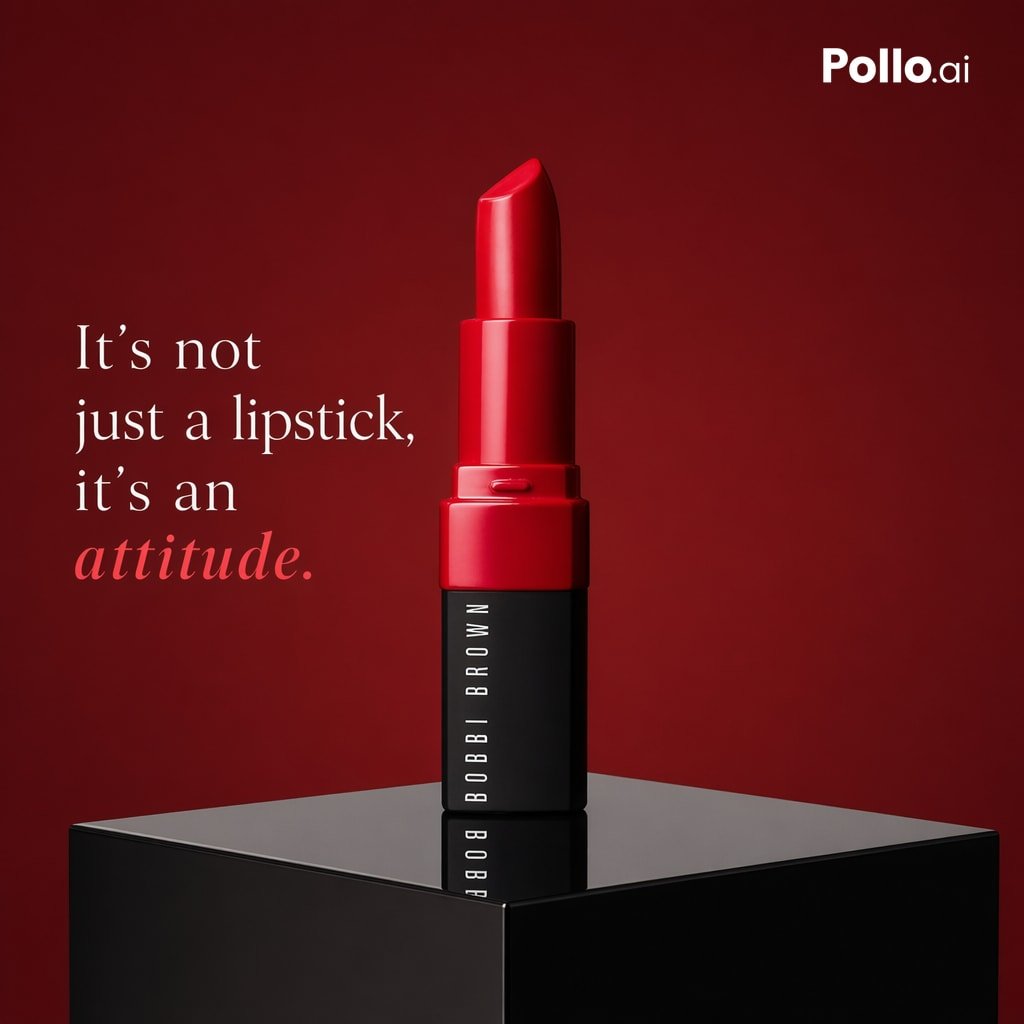
Luxury Red Lipstick Ad Poster
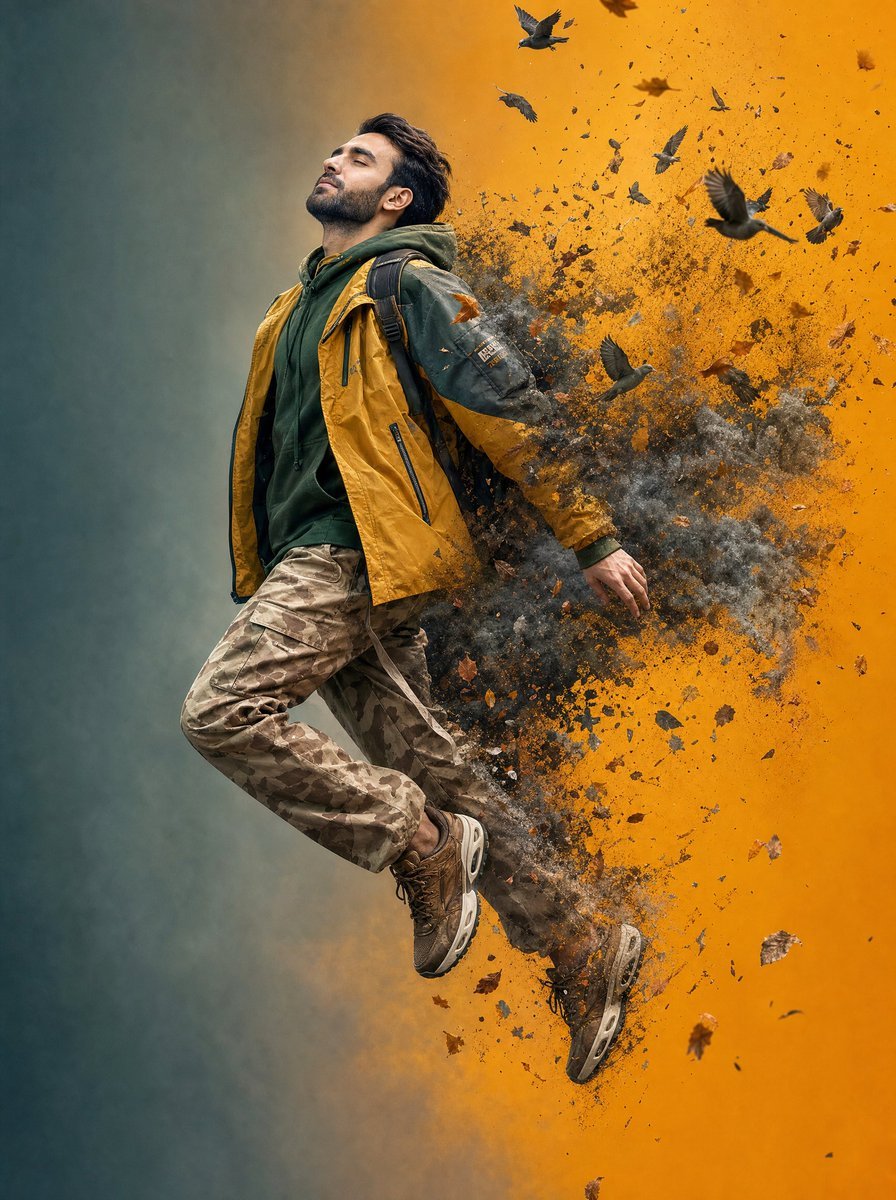
Surreal Floating Man Dissolving Into Ash
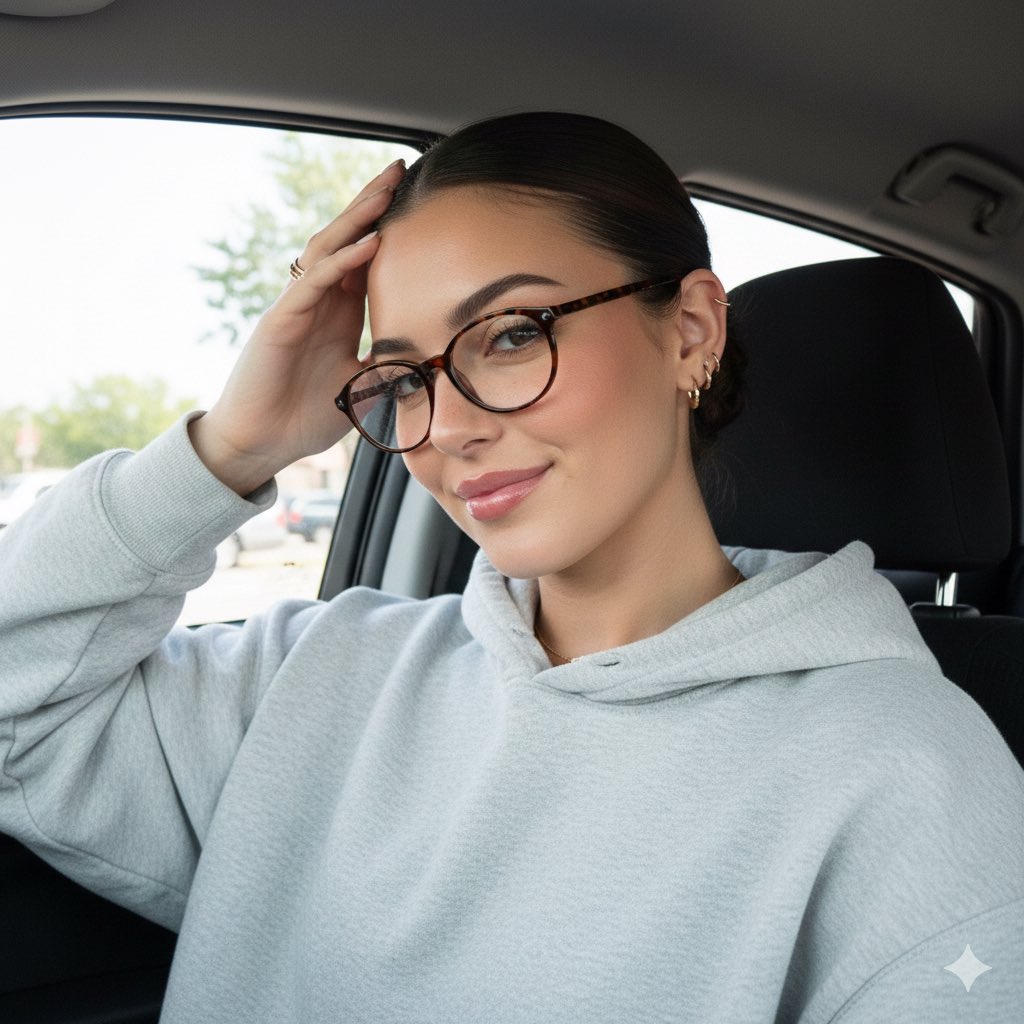
Detailed JSON Prompt for Car Selfie Portrait
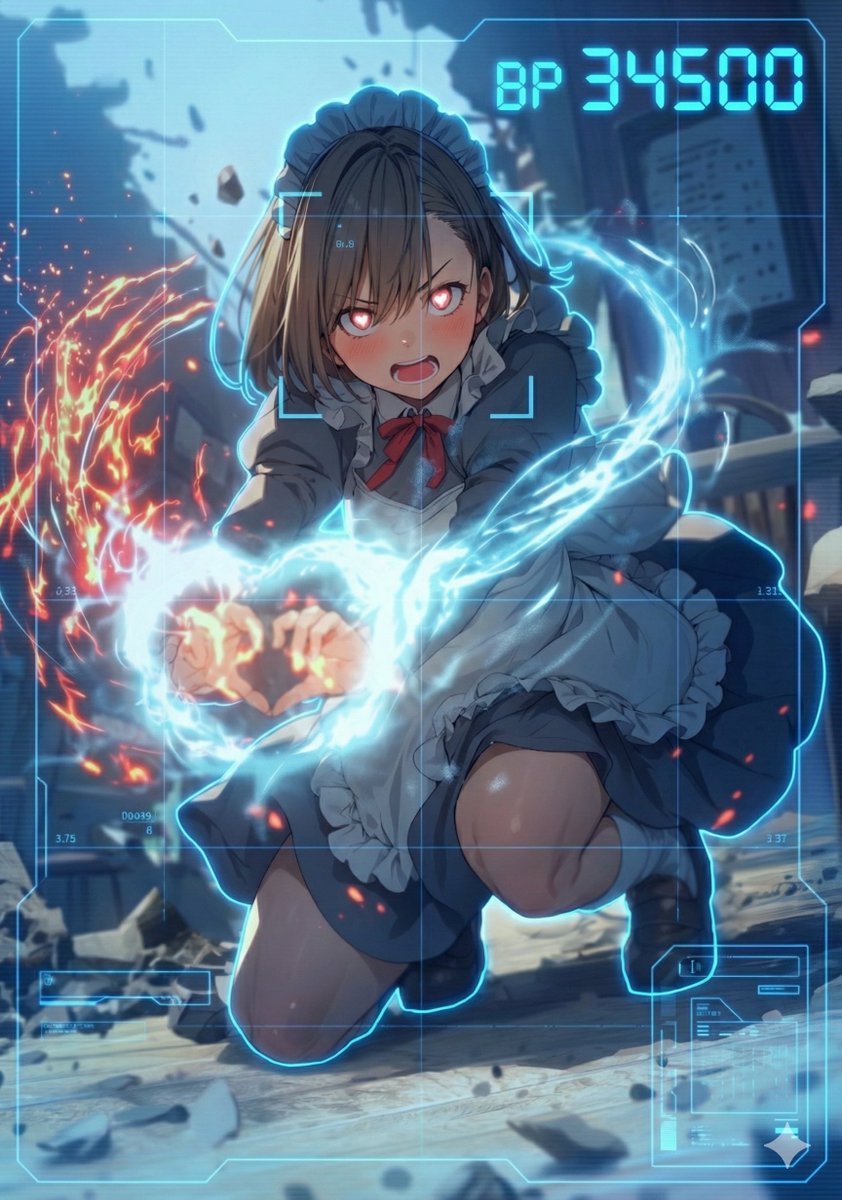
HUD battle power overlay for any character image
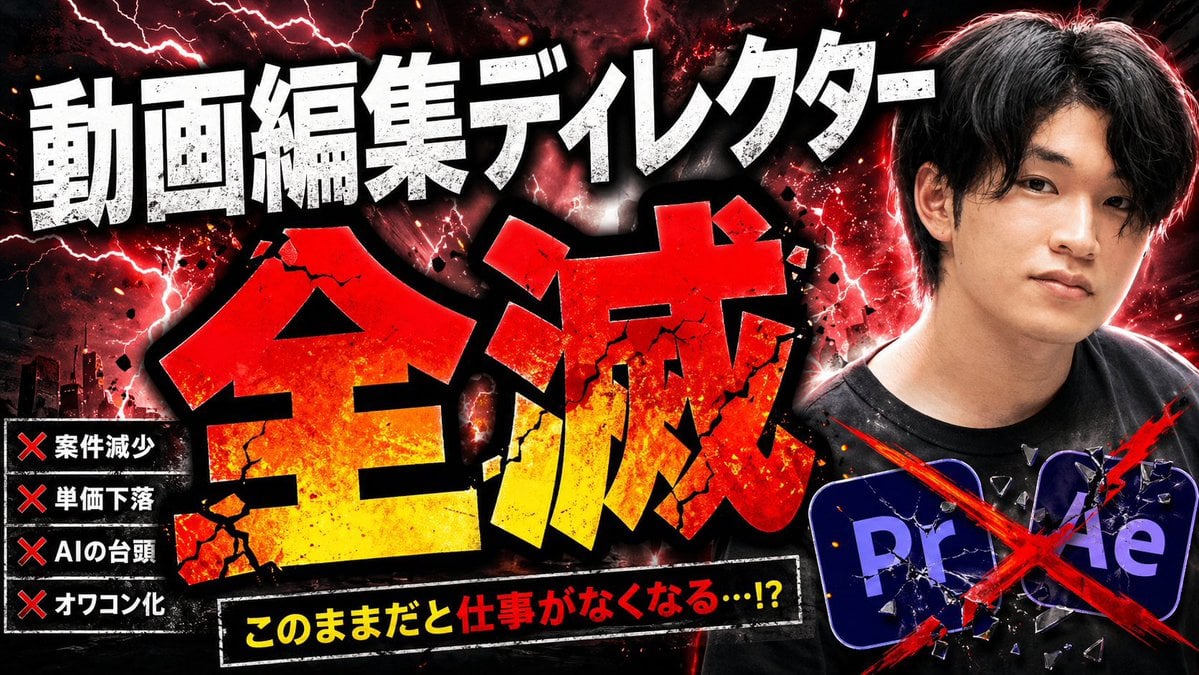
Explosive Japanese AI Threat Thumbnail
Thumbnail text overlay based on attachment
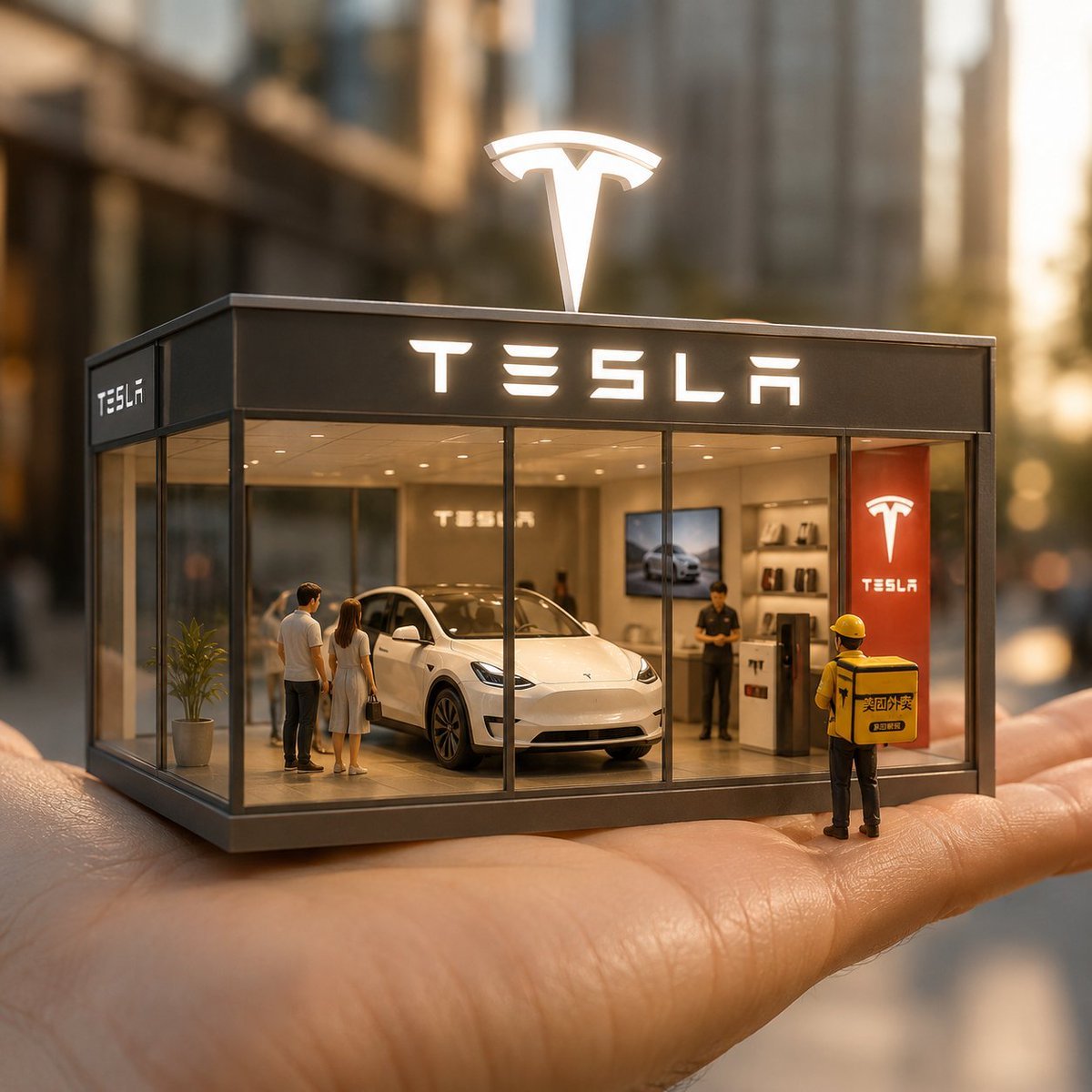
Surreal Miniature Tesla Showroom
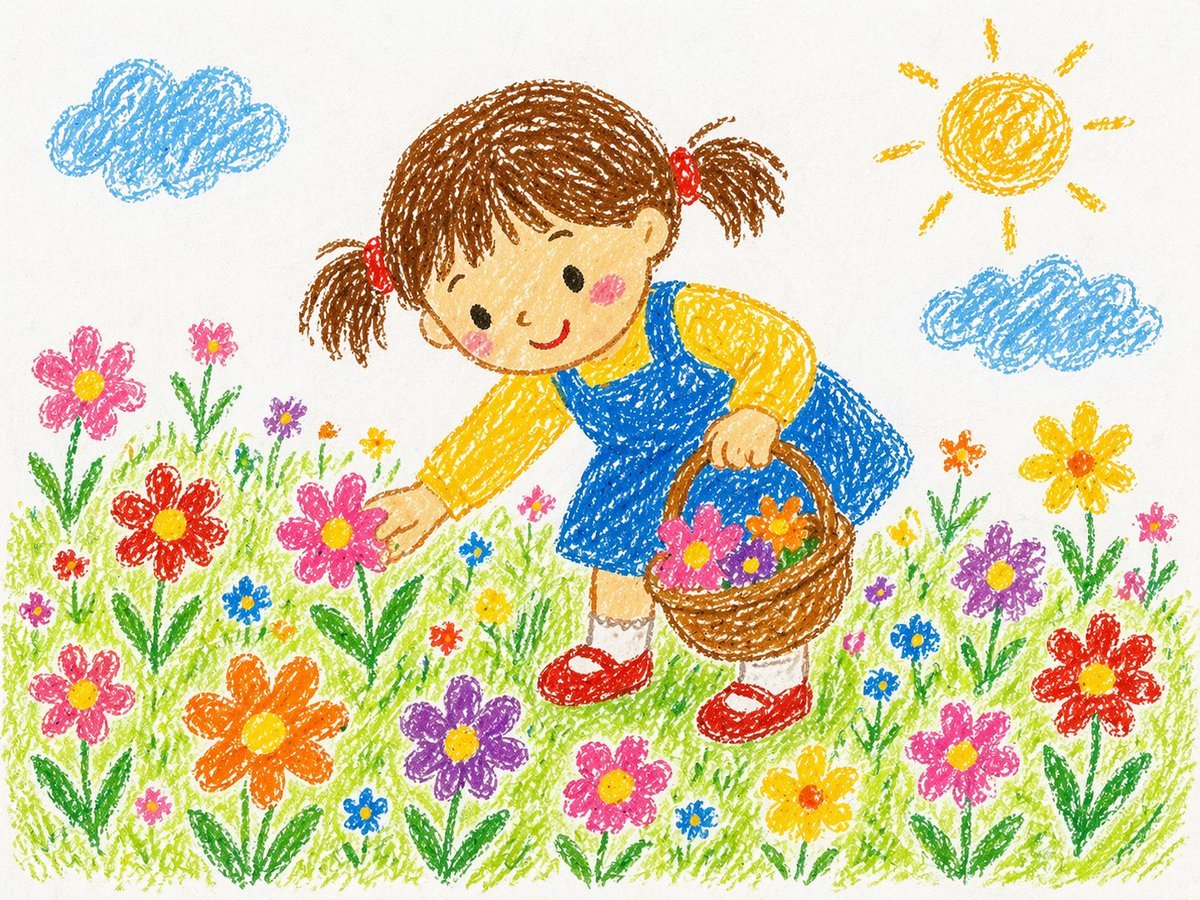
Crayon Style Drawing Prompt
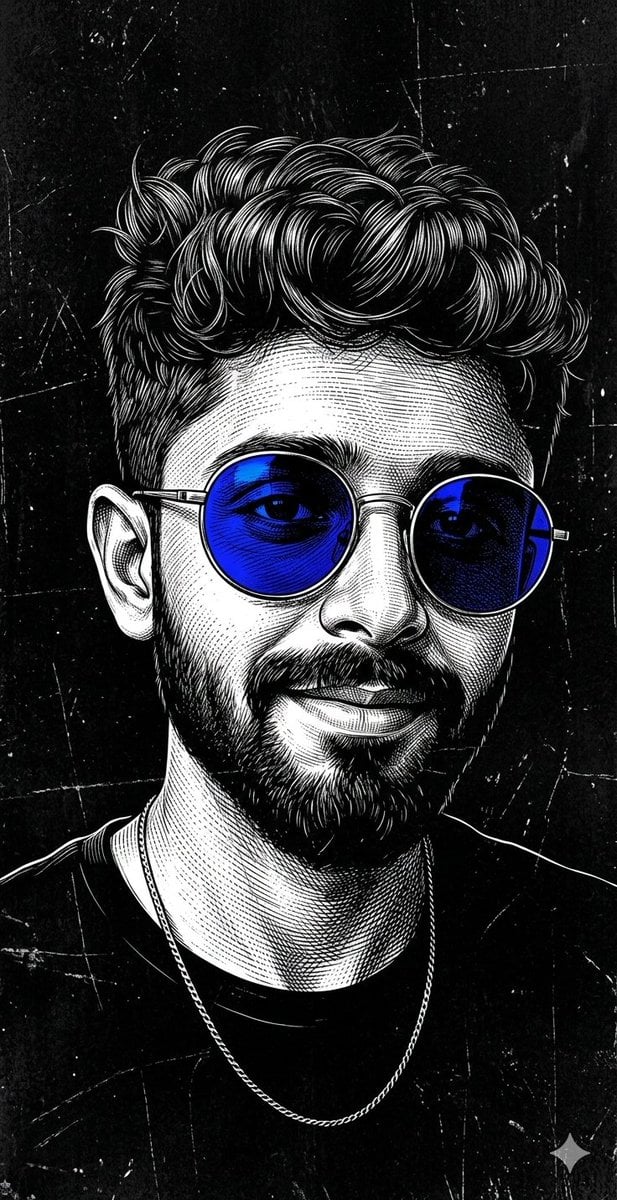
Monochrome Scratchboard Selfie Portrait
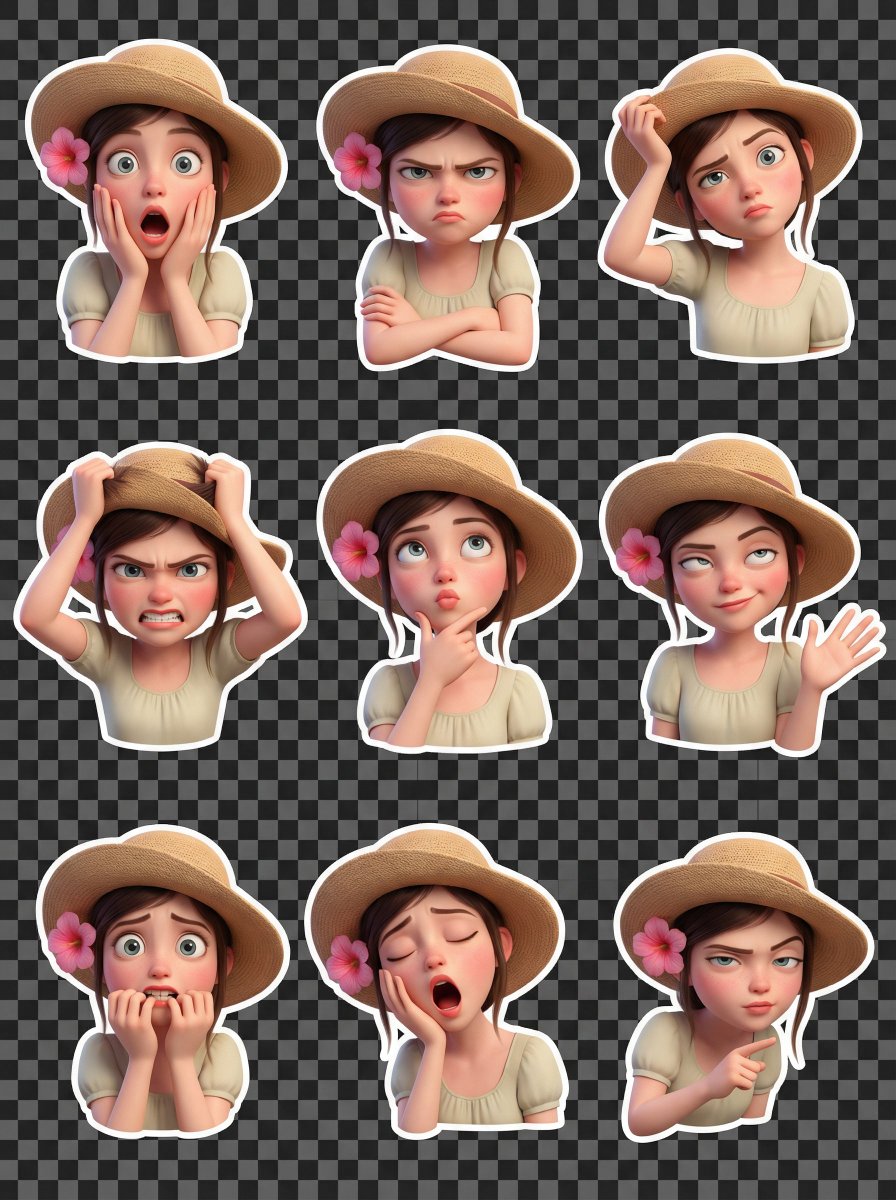
Pixar Style 3D Emoji Sticker Pack
Browse template categories
Mini Clone Cafe Selfie Composite questions
How do I use the Mini Clone Cafe Selfie Composite template?
Add your photo if the template asks for one, edit the prompt if you like — the template's model and format are already selected — and press Generate. Your version opens in PicX Studio.
Can I customize the Mini Clone Cafe Selfie Composite template?
Yes. You can change the subject, setting, lighting, mood, format, and available model controls before creating your image.
Is the Mini Clone Cafe Selfie Composite template free?
Opening and editing this template is free. Generating uses credits, shown on the Generate button when you are signed in.
Which AI model should I use?
Start with GPT Image 2, which is the model associated with this template. You can compare another compatible model for a different finish.
Looking for something else? Browse all templates.

Your photo, any look
Thousands of ready templates for every top image and video model, from one credit balance.