
Cat Photobomb Selfie — 0.5x Wide Angle Café Chaos
0.5x wide-angle, smartphone selfie, candid, slice-of-life.

- Prompt included
- Model and format preset
- Free template
The prompt behind this image
Copy the exact prompt behind Cat Photobomb Selfie — 0.5x Wide Angle Café Chaos, or open it in the studio and make it yours.
A hilarious, extreme 0.5x wide-angle low selfie looking up, ruined by a pet. An enormous fluffy orange cat presses its giant pink nose and whiskers directly against the camera, filling most of the frame in soft blurry detail. Behind the cat, a cheerful young woman with shoulder-length dark hair wears a cozy cream knitted sweater, laughing helplessly. They are sitting inside a warm aesthetic café filled with wooden furniture, hanging plants, pastries, and soft golden afternoon light. Curved perspective, casual slice-of-life, candid moment, high ISO smartphone photography, natural imperfections.
How to use Cat Photobomb Selfie — 0.5x Wide Angle Café Chaos in 3 steps
- 1
Open
The prompt is already in the box next to the preview, with the template's model and format selected.
- 2…a portrait of your subject in softgolden-hour light, 85mm…
Personalize
Edit the subject and creative details for your destination.
- 3Generate
Generate
Press Generate — your image is created in PicX Studio, so you can compare it with the original and refine one variable at a time.
More like this
Templates with the same subject, style or setup. Open one to see its prompt.

Nostalgic Digicam Café Afternoon Portrait

Rooftop Fisheye — Cat-Ear Balaclava at Golden Hour

4x4 Grid - Candid Nostalgic Vacation Selfies
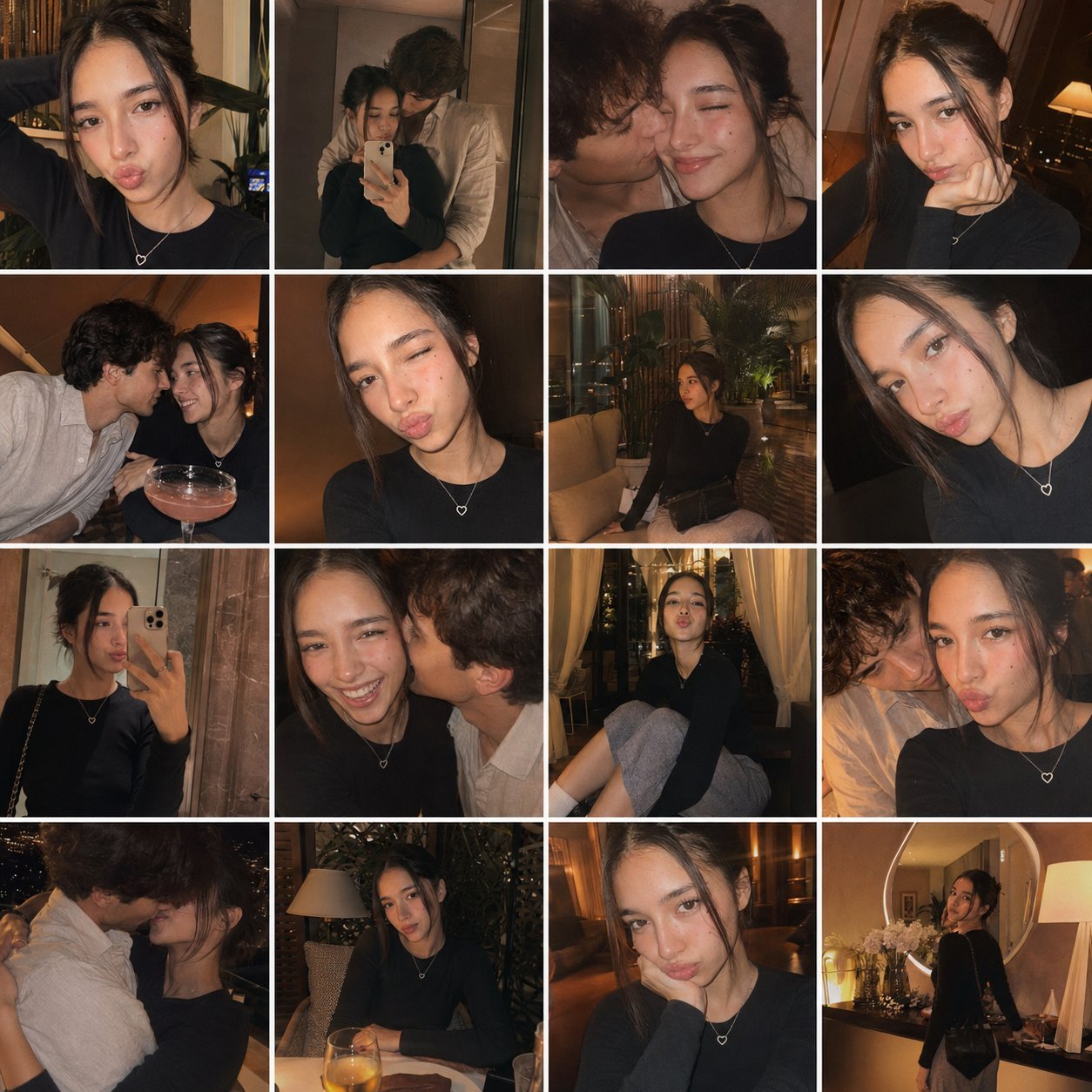
Gpt4o Candid Vacation Memories

Delicate Japanese Café Lifestyle Illustration

Sunday Afternoon, 1988

If We Met in 1985

Our Song was on a Cassette

The Date After College

80s College Gate

80s Rooftop Couple

80s Golden Hour Cinema
Make it yours
Cat Photobomb Selfie — 0.5x Wide Angle Café Chaos works as-is. These are the safest ways to change it without losing the look.
Change one field
Copy a single group, rewrite it, and generate again so you can see what that field is doing.
Keep the frame, change the subject
Hold the composition and light of Cat Photobomb Selfie — 0.5x Wide Angle Café Chaos, then swap wardrobe, props or the person for a new take.
| If the result… | Why | Fix |
|---|---|---|
| The result drifts from the preview | Too many fields changed at once. | Reuse Cat Photobomb Selfie — 0.5x Wide Angle Café Chaos as-is first, then change one group — subject, light, or setting. |
| The model over-stylizes the scene | The prose prompt leaves finish and camera underspecified. | Add one camera or lighting sentence and stay on PicX Studio. |
More image prompts
Fresh picks from across the catalog.

Character Generation from Google Slides Shapes

Anime Style Basketball Athlete Poster
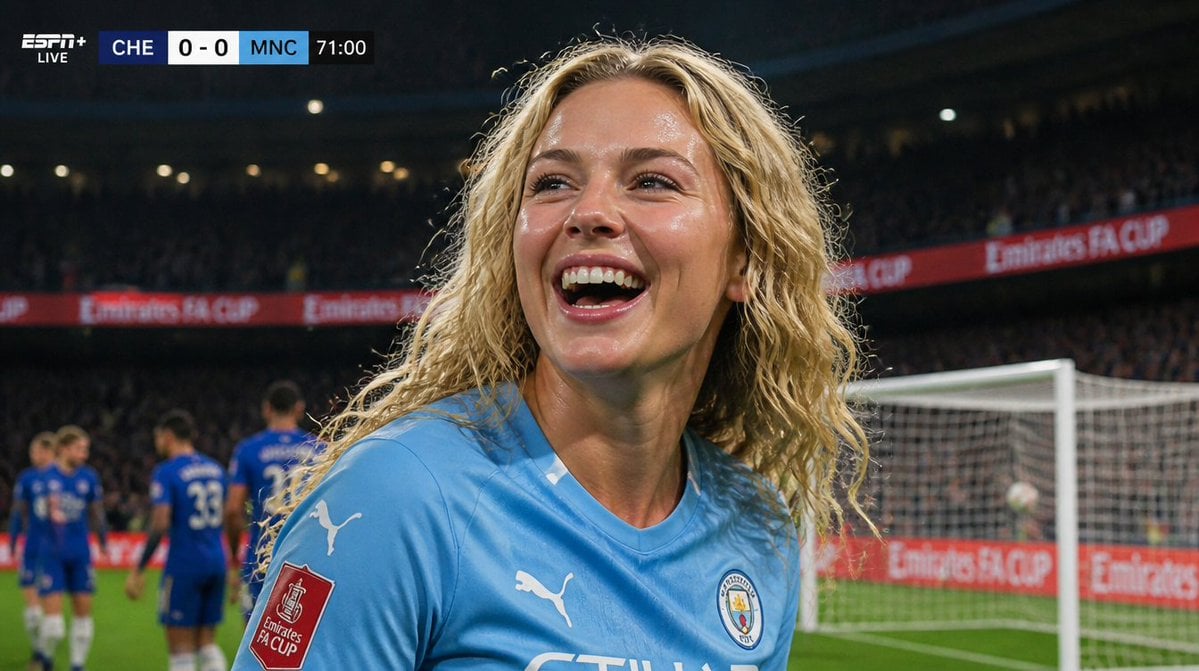
Hyper-Realistic Football Broadcast Still
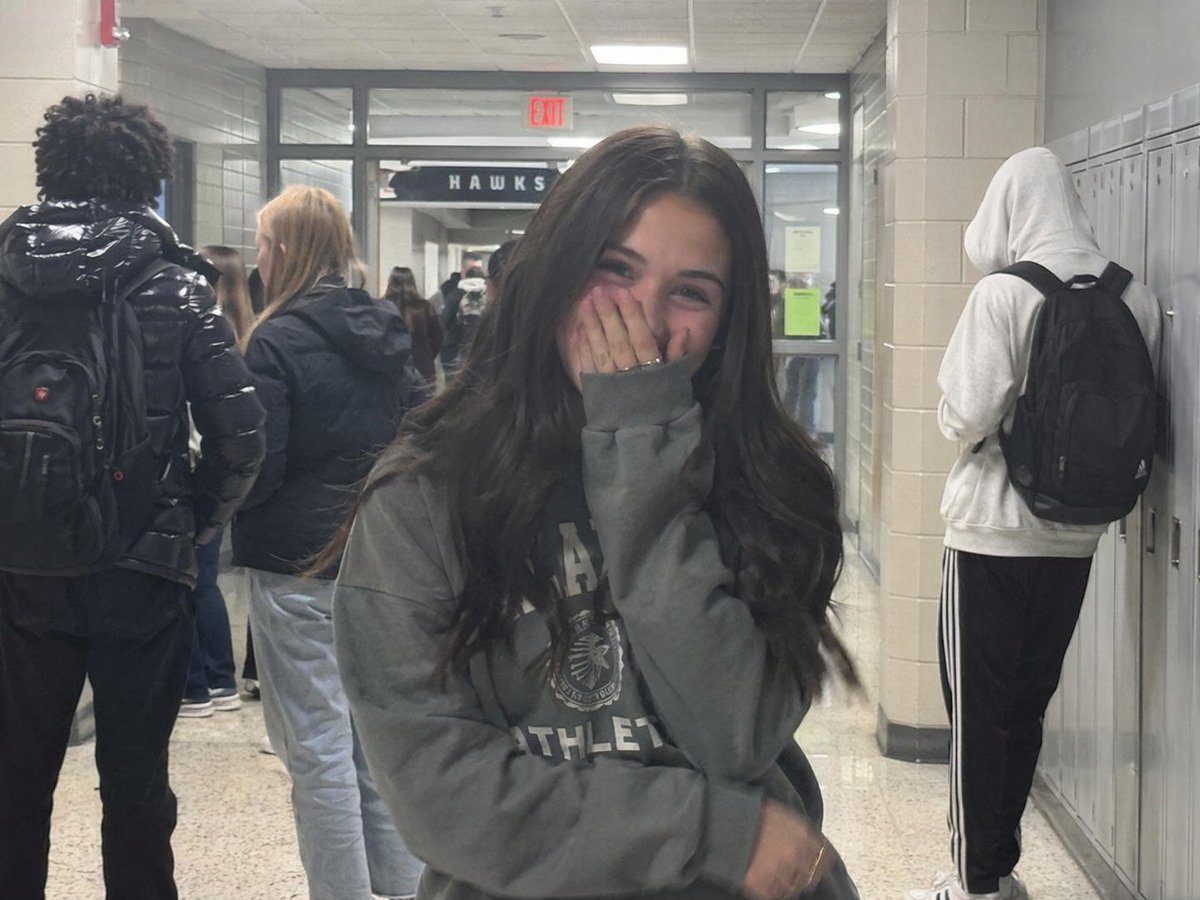
Early 2020s High School Photo
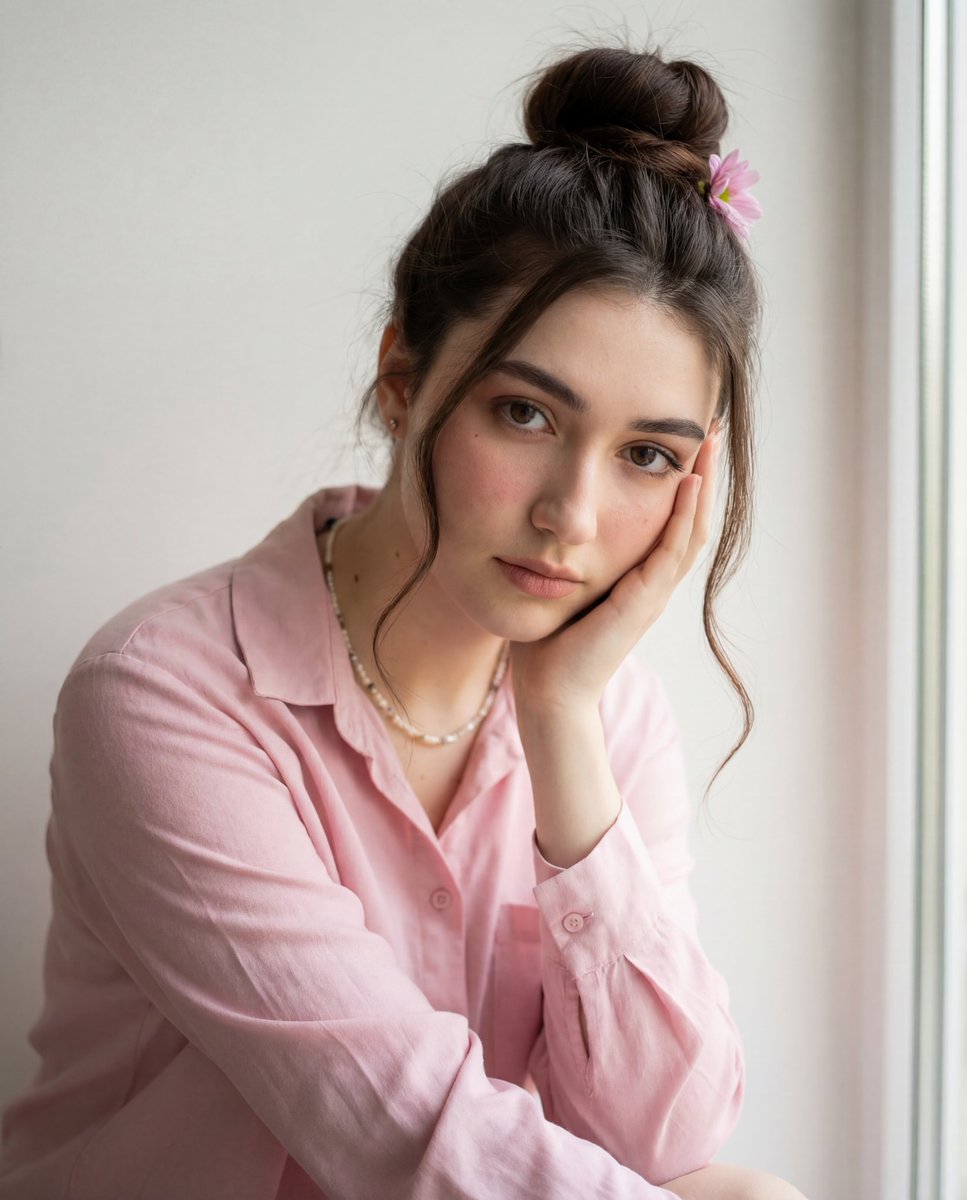
Intimate Photorealistic Portrait with Strict Face Consistency

Overhead Escalator Mall Portrait
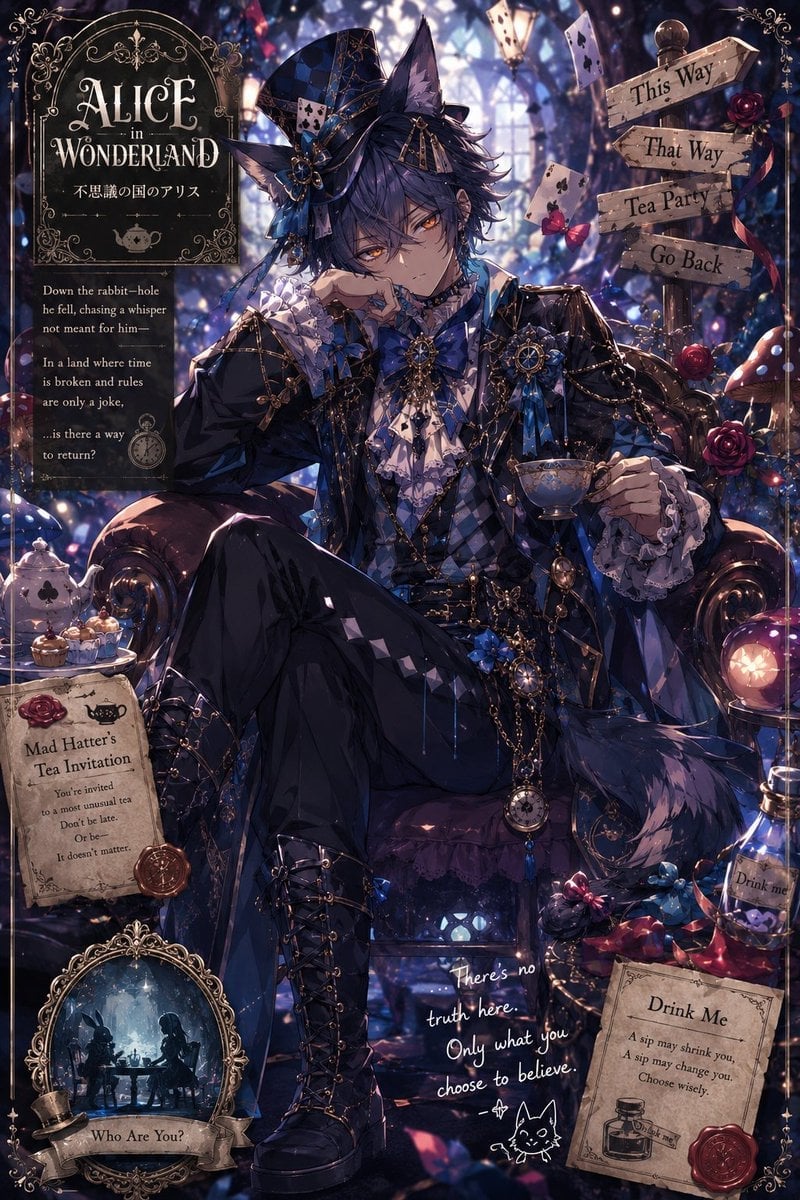
Gothic Alice Tea Party Poster
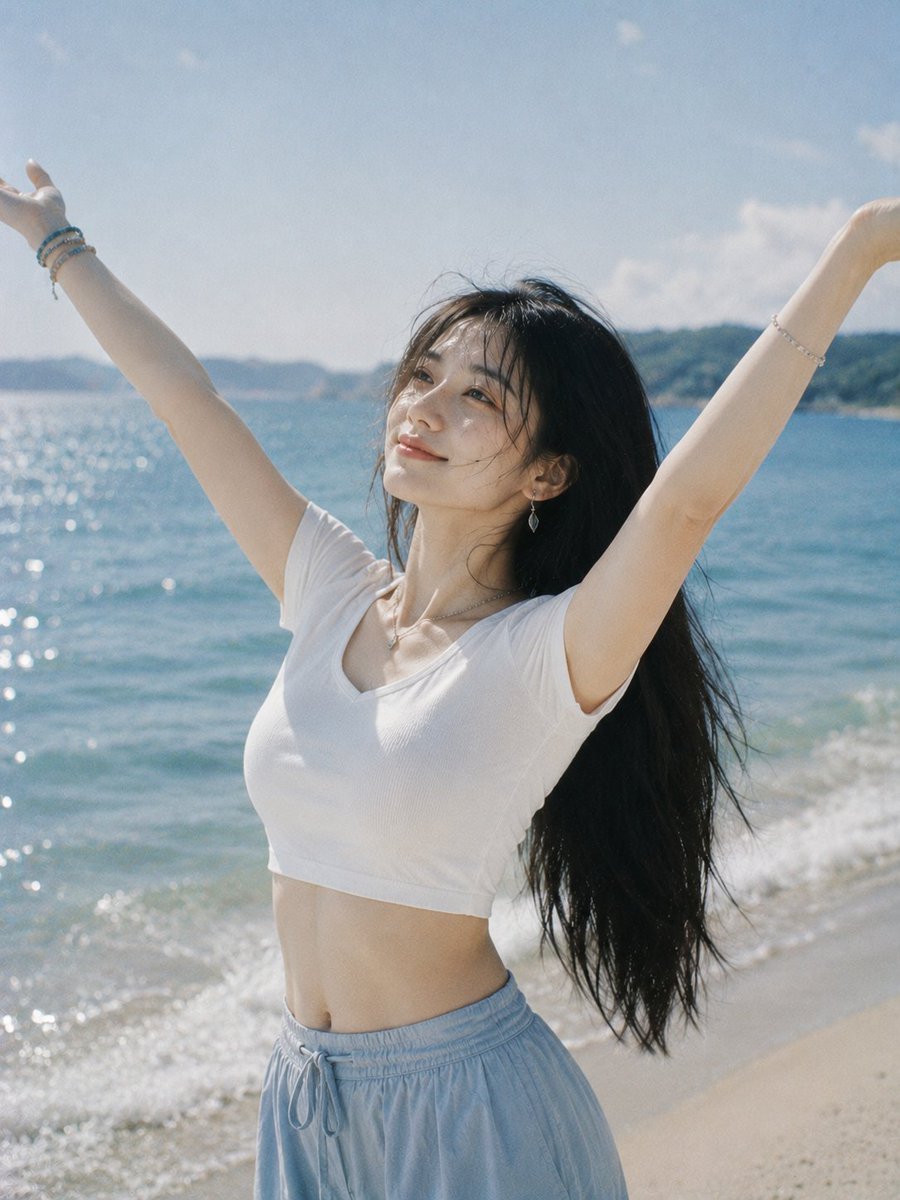
Joyful Woman Raising Arms at Beach

Isometric Coastal Base Under Naval Attack
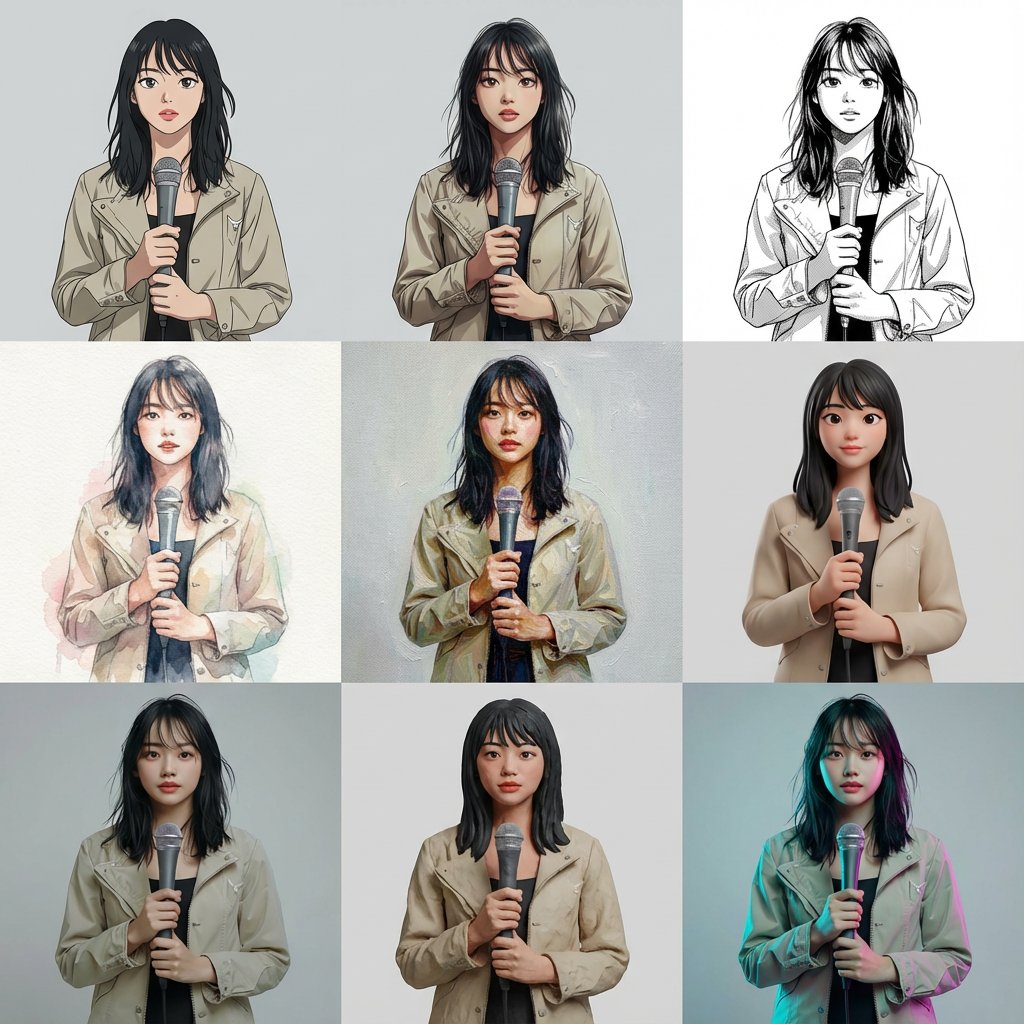
Multi-Cut Image Generation with Style Variation
Featured in prompt roundups
Hand-picked collections that include this template.
Browse template categories
Cat Photobomb Selfie — 0.5x Wide Angle Café Chaos questions
How do I use the Cat Photobomb Selfie — 0.5x Wide Angle Café Chaos template?
Add your photo if the template asks for one, edit the prompt if you like — the template's model and format are already selected — and press Generate. Your version opens in PicX Studio.
Can I customize the Cat Photobomb Selfie — 0.5x Wide Angle Café Chaos template?
Yes. You can change the subject, setting, lighting, mood, format, and available model controls before creating your image.
Is the Cat Photobomb Selfie — 0.5x Wide Angle Café Chaos template free?
Opening and editing this template is free. Generating uses credits, shown on the Generate button when you are signed in.
Which AI model should I use?
Choose a compatible model in PicX Studio based on the style, speed, and output controls your project needs.
Looking for something else? Browse all templates.

Your photo, any look
Thousands of ready templates for every top image and video model, from one credit balance.