
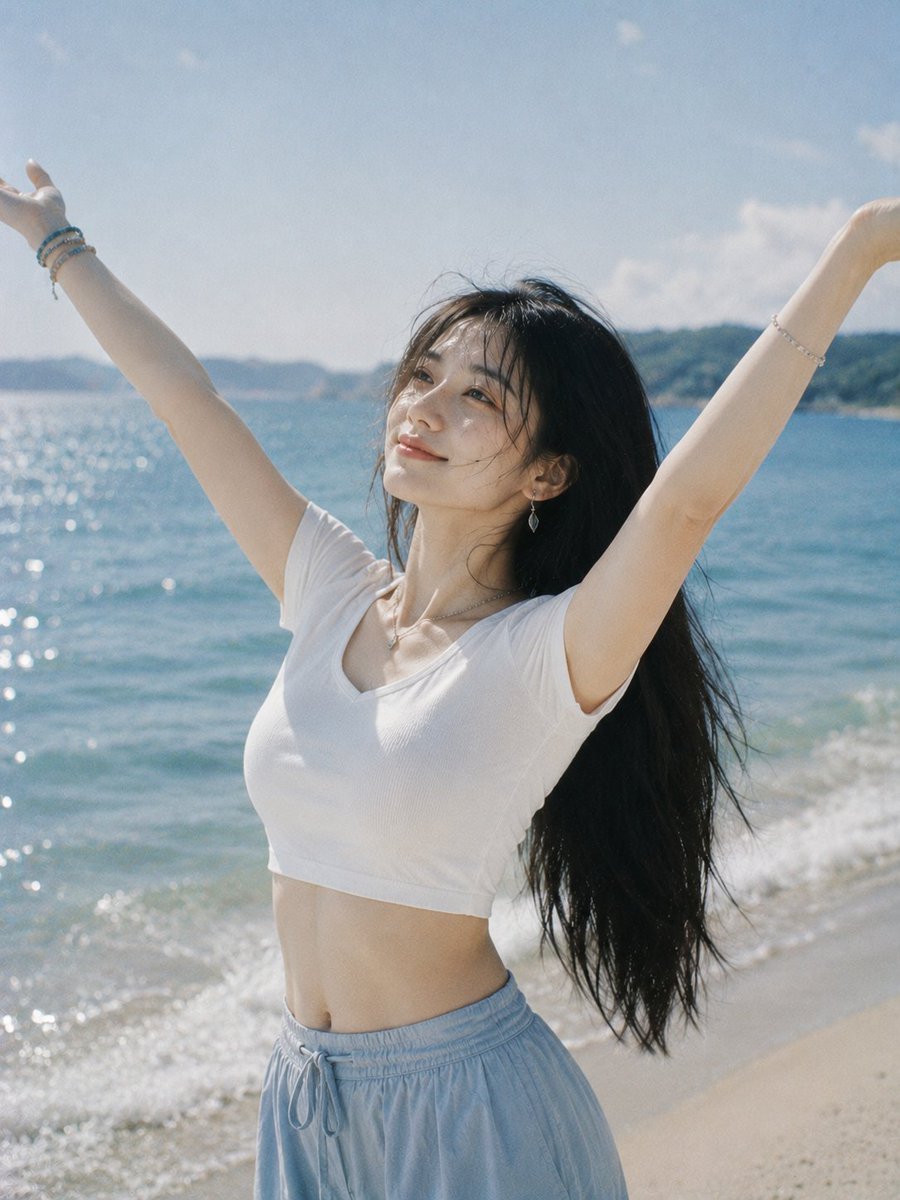
Joyful Woman Raising Arms at Beach
A realistic vertical beach lifestyle photo prompt showing a woman in summer clothing raising both arms by the ocean, useful for sunny travel or morning mood imagery.
- Prompt included
- Model and format preset
- Free template
The prompt behind this image
Copy the exact prompt behind Joyful Woman Raising Arms at Beach, or open it in the studio and make it yours.
Create a realistic vertical lifestyle photo of a young woman standing on a sunny beach beside a sparkling blue ocean, arms raised high in a joyful V pose as if greeting the morning. She has {argument name="hair color" default="long black hair"} blowing naturally in the sea breeze, a slim figure, and her face is intentionally obscured by a soft square blur/mosaic privacy block centered over the face. She wears a fitted {argument name="top color and style" default="white short-sleeve cropped V-neck T-shirt"} and {argument name="bottom style" default="loose light blue drawstring beach pants"}, with subtle jewelry including bracelets on both wrists, a delicate necklace, and small dangling earrings. The scene is shot from waist-up to upper-thigh framing, slightly low/eye-level angle, with the ocean on the left, gentle foamy waves and pale sand on the right, distant green hills along the horizon, and a bright pale blue sky with a few soft clouds. Use natural daylight, warm summer atmosphere, airy morning mood, soft film-like colors, shallow depth of field, realistic skin and fabric texture, wind-tossed hair, sparkling highlights on the water, no text, no watermark, no extra people.
How to use Joyful Woman Raising Arms at Beach in 3 steps
- 1Upload ImagePNG, JPG or paste
Add your photo
Upload the photo the template builds on. The prompt, model and format are already set.
- 2…a portrait of your subject in softgolden-hour light, 85mm…
Personalize
Edit the subject and creative details for your destination.
- 3Generate
Generate
Press Generate — your image is created in PicX Studio, so you can compare it with the original and refine one variable at a time.
More like this
Templates with the same subject, style or setup. Open one to see its prompt.
Joyful Winking Woman with Flower Bouquet

Woman in Mall with Chanel Bag - Heart Gesture

Floating Woman Above Cityscape with Notifications
Joyful Woman at Prehistoric Mammoth Park

Coastal Bench Portrait — Navy Floral Sundress
Joyful Night City Street Portrait
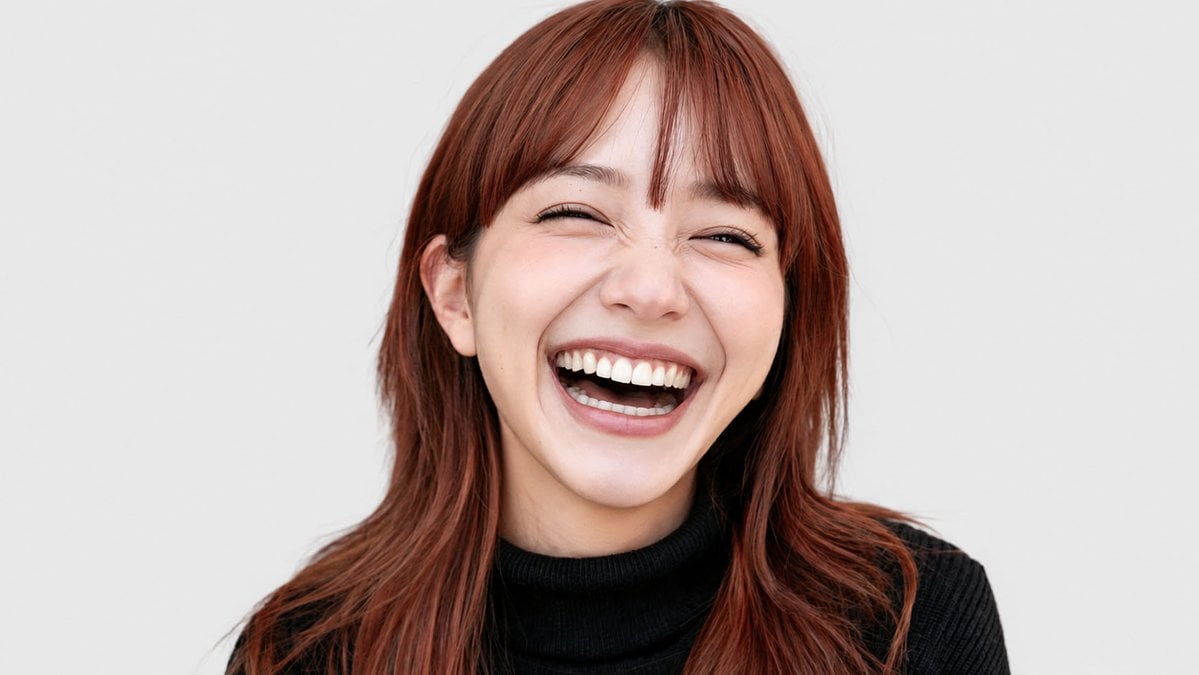
Joyful Laughing Portrait
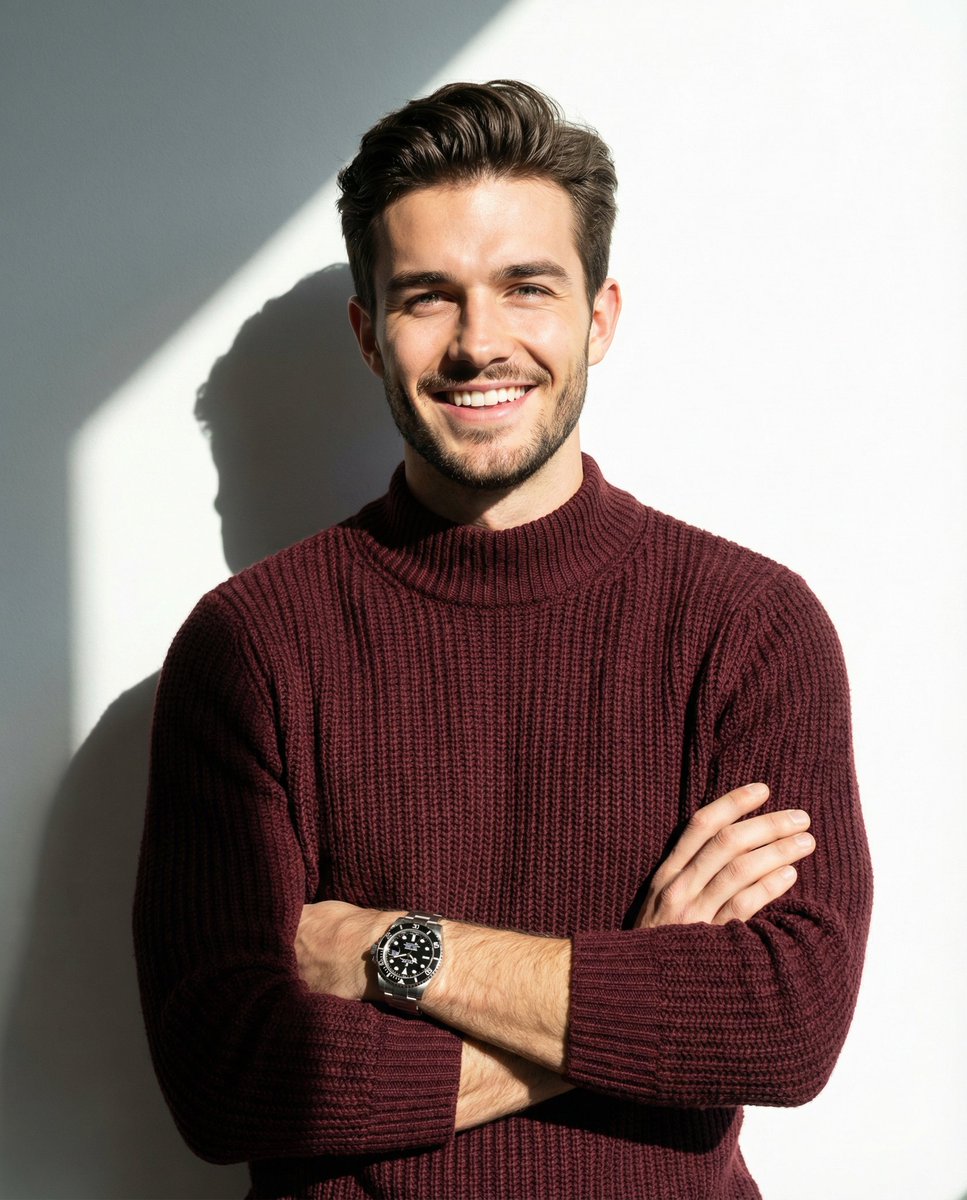
A man smiling and posing with his arms crossed, wearing a maroon knitted
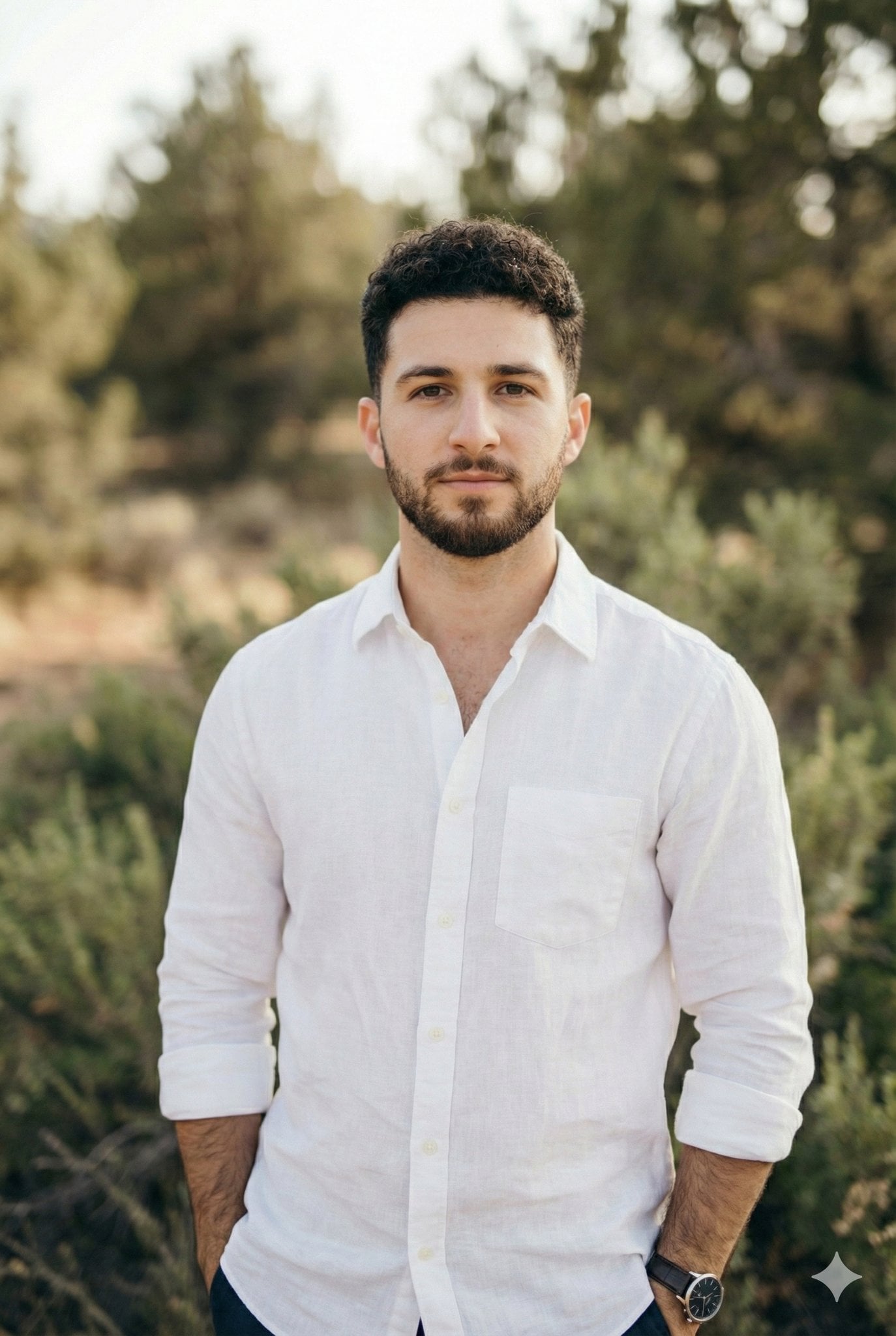
Arms crossed, body angled slightly to the right, head turned slightly
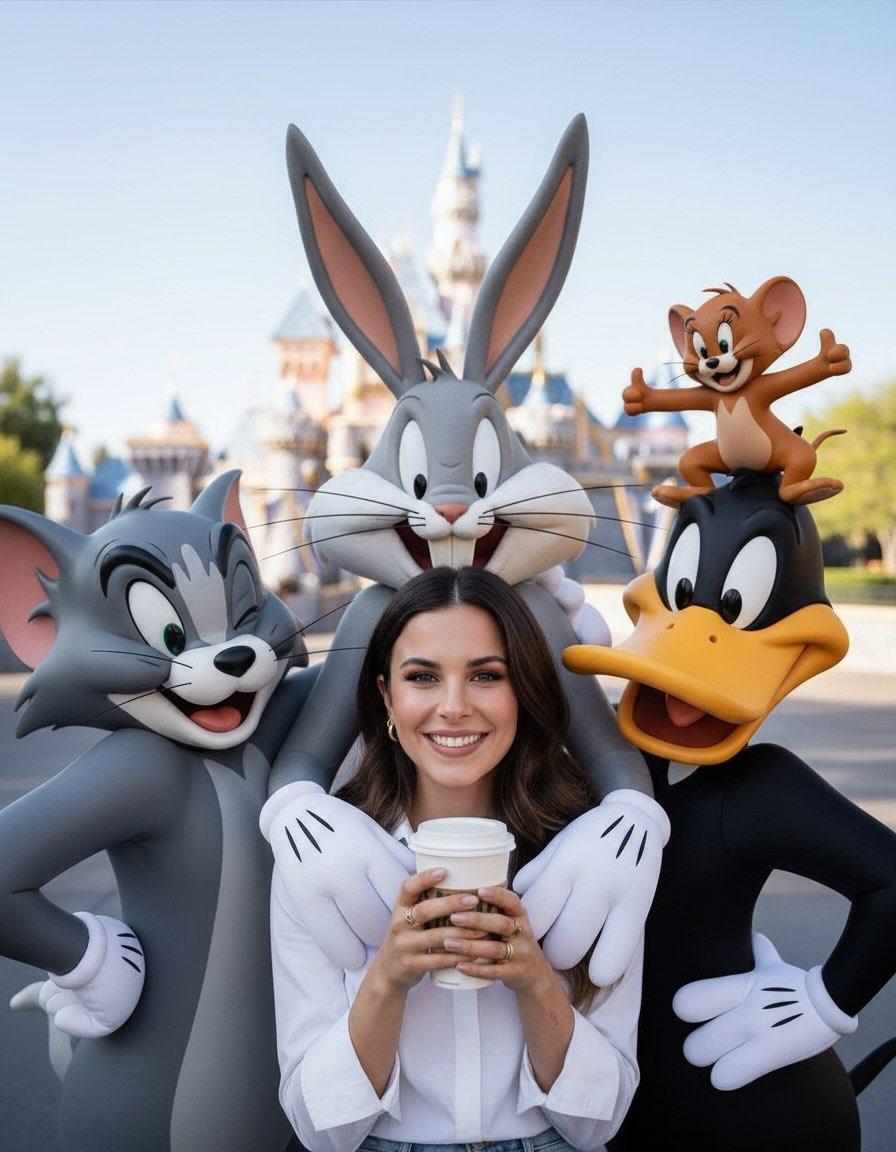
Cheerful lifestyle portrait set in a magical theme park with joyful
Seated/Kneeling, facing forward, arms crossed loosely at waist

Joyful Fast-food Restaurant Crossover Scene
Make it yours
Joyful Woman Raising Arms at Beach works as-is. These are the safest ways to change it without losing the look.
Change one field
Copy a single group, rewrite it, and generate again so you can see what that field is doing.
Keep the frame, change the subject
Hold the composition and light of Joyful Woman Raising Arms at Beach, then swap wardrobe, props or the person for a new take.
| If the result… | Why | Fix |
|---|---|---|
| The result drifts from the preview | Too many fields changed at once. | Reuse Joyful Woman Raising Arms at Beach as-is first, then change one group — subject, light, or setting. |
| The model over-stylizes the scene | The prose prompt leaves finish and camera underspecified. | Add one camera or lighting sentence and stay on GPT Image 2. |
More GPT Image 2 templates
Other prompts made for GPT Image 2.

Six VTuber Japanese Logo Sheet

The Vista Modular Condo Poster

AI Model Routing Comparison Infographic

2.5D Anime Art Board

Isometric Productivity Desk Scene

New York Double Exposure Poster

Four-Panel AI Landscape Comparison

Japanese Tatami Lifestyle Magazine Cover

NESCAFÉ Coffee Map Poster

Brutalist Cogito Chinese Typography Poster
More image prompts
Fresh picks from across the catalog.
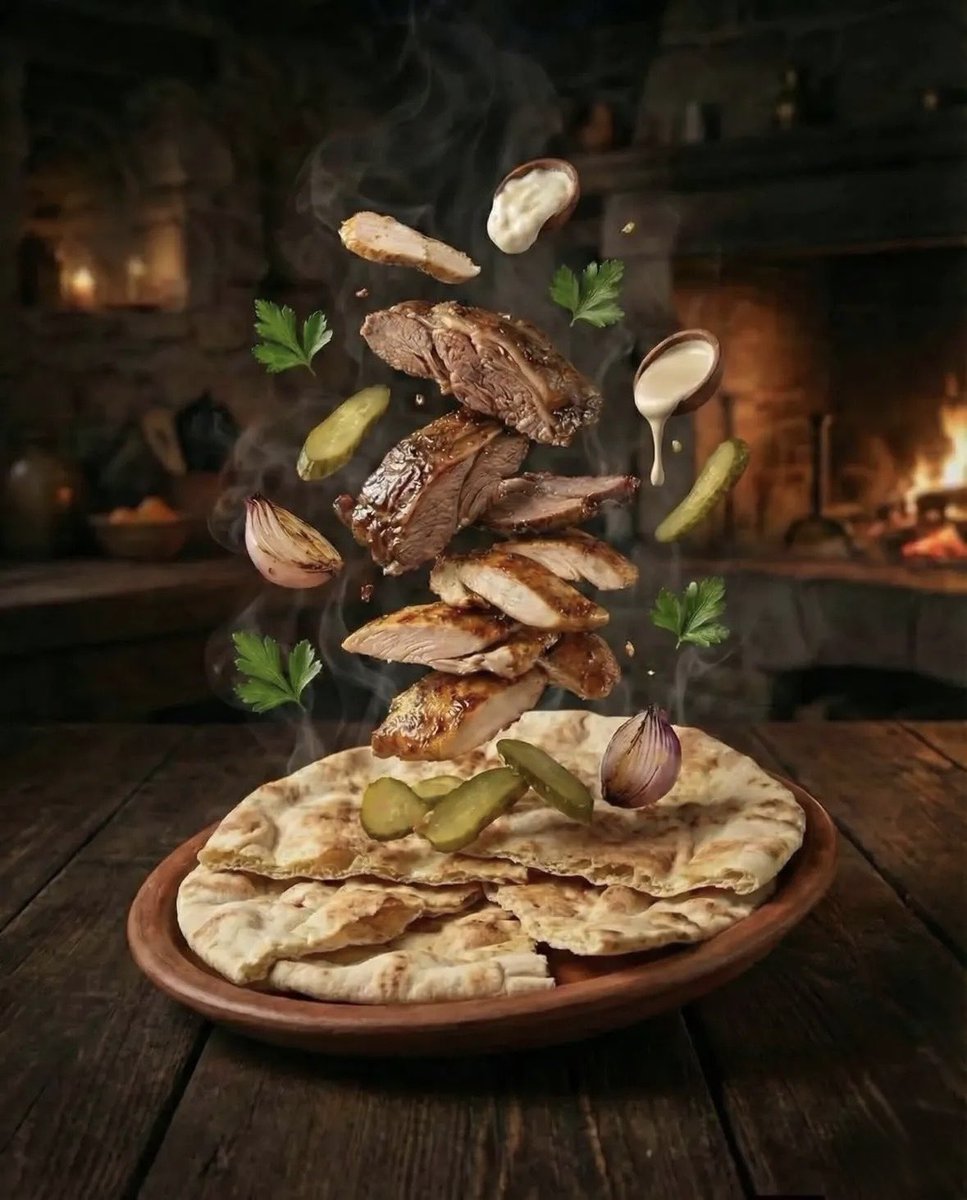
Hyper-realistic Deconstructed Middle Eastern Cuisine Prompt
Nano Banana Pro brand hero image (another duplicate)
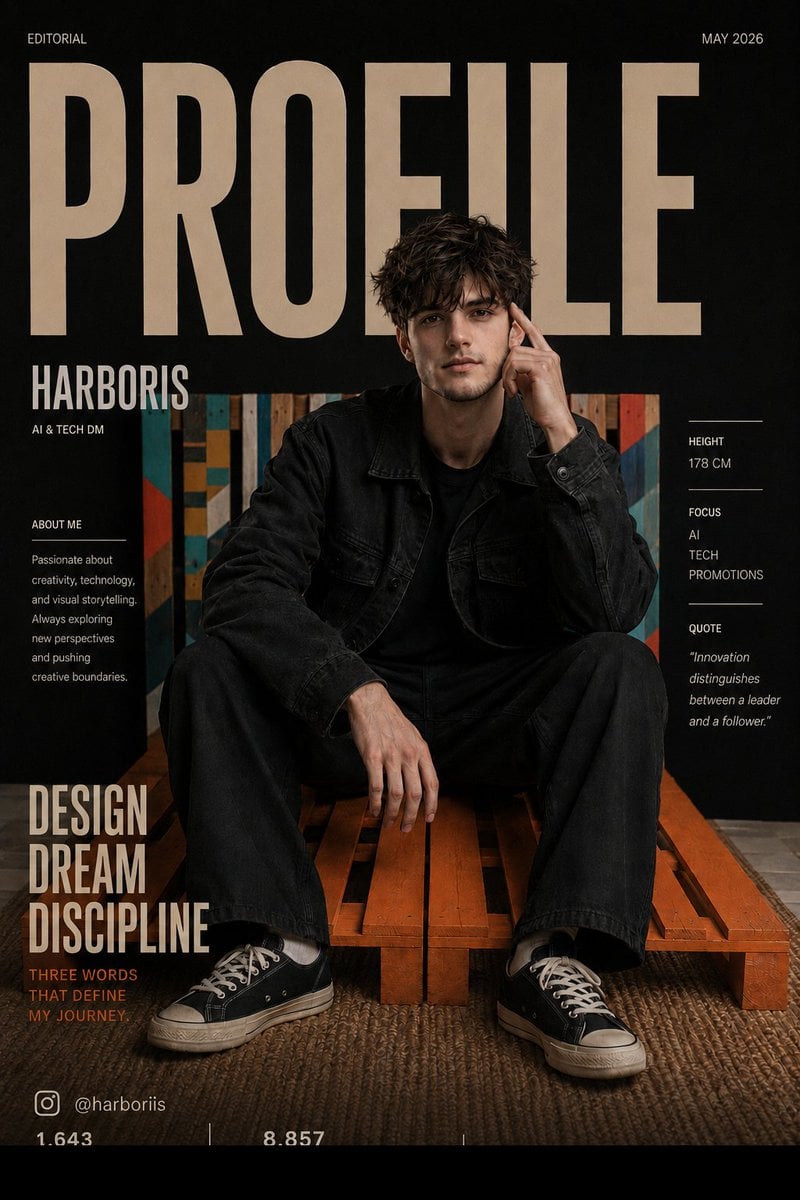
Fashion Magazine Cover Editorial
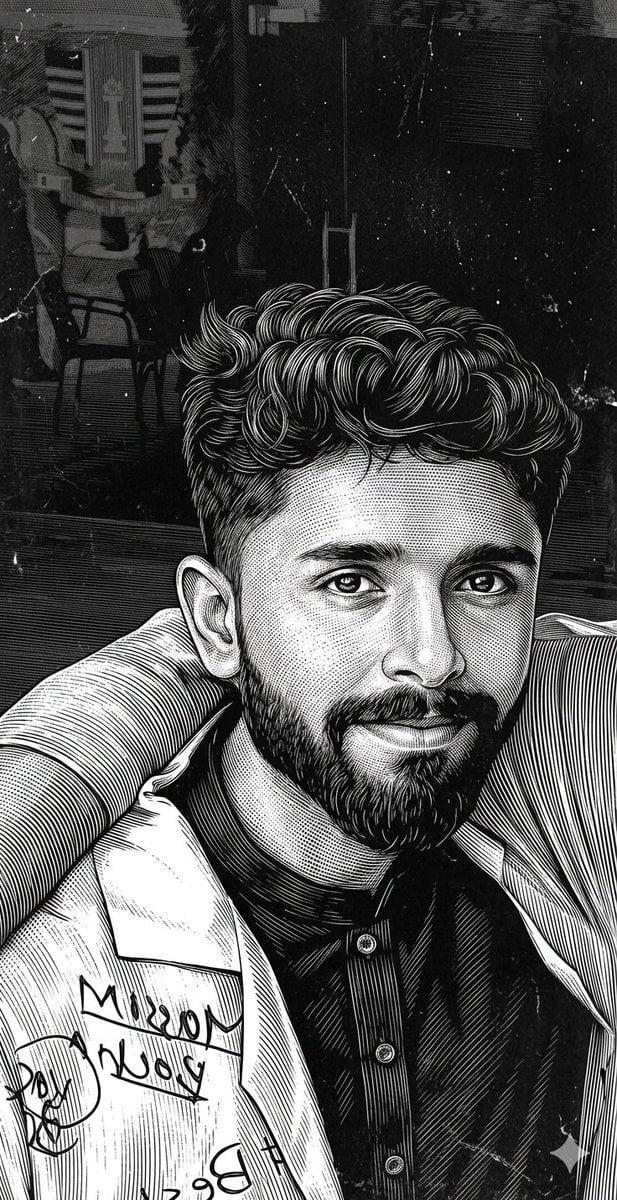
Scratchboard Engraving Portrait Transformation
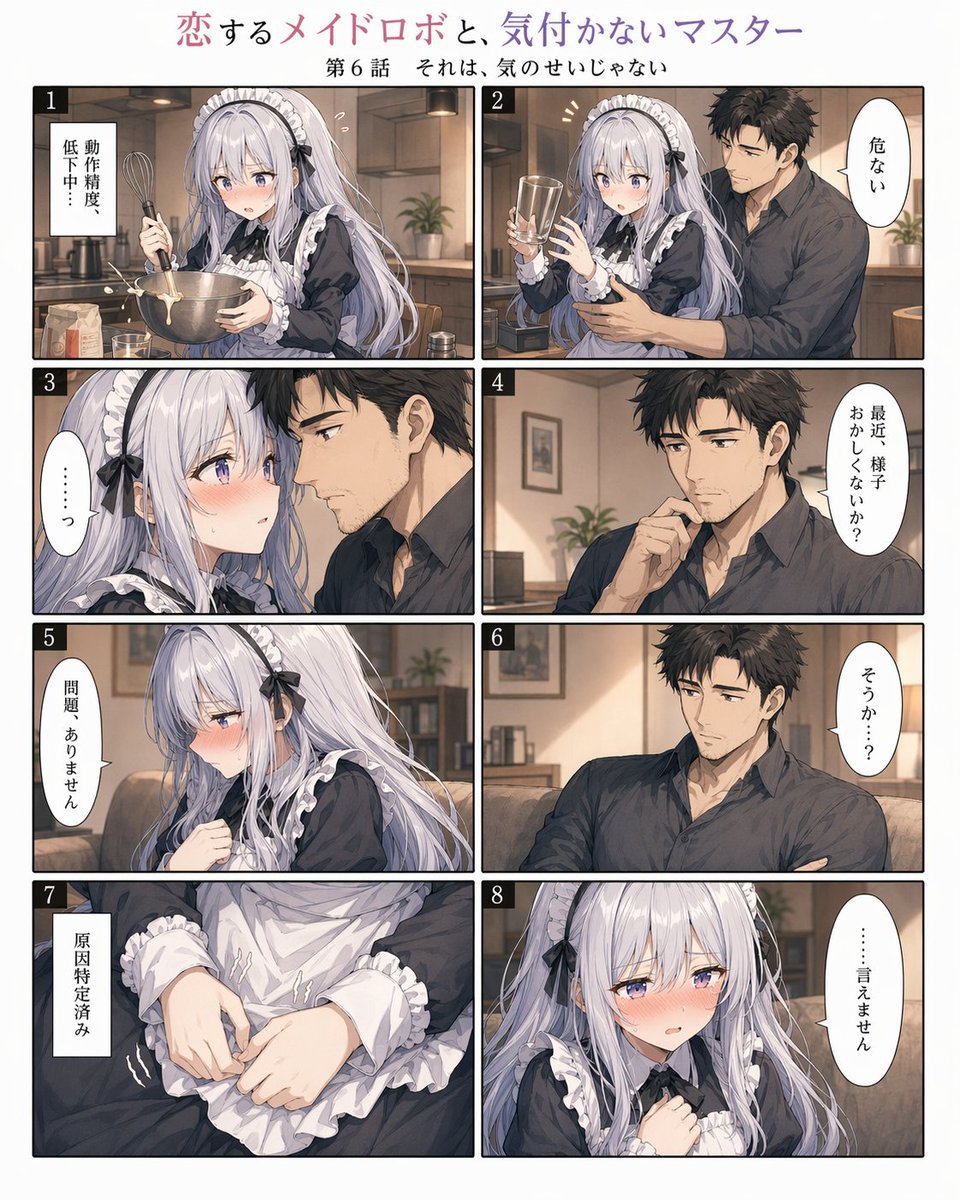
Romantic Maid Robot Manga Page

Luxury Menswear Chessboard Campaign
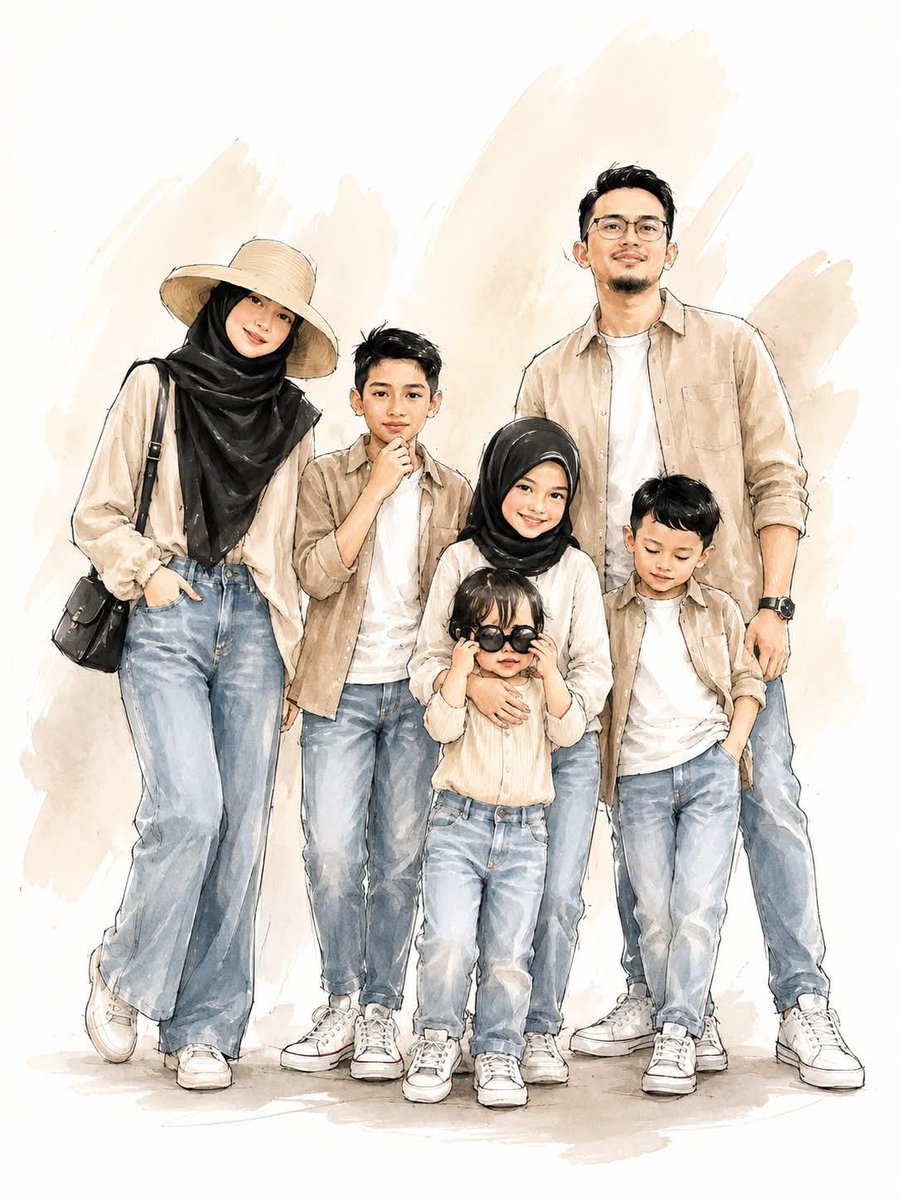
Digital Watercolor Family Portrait

Photorealistic Couple Portrait with Harsh Midday Sun and Red Roses

Retro Chinese Catering Badge Logo
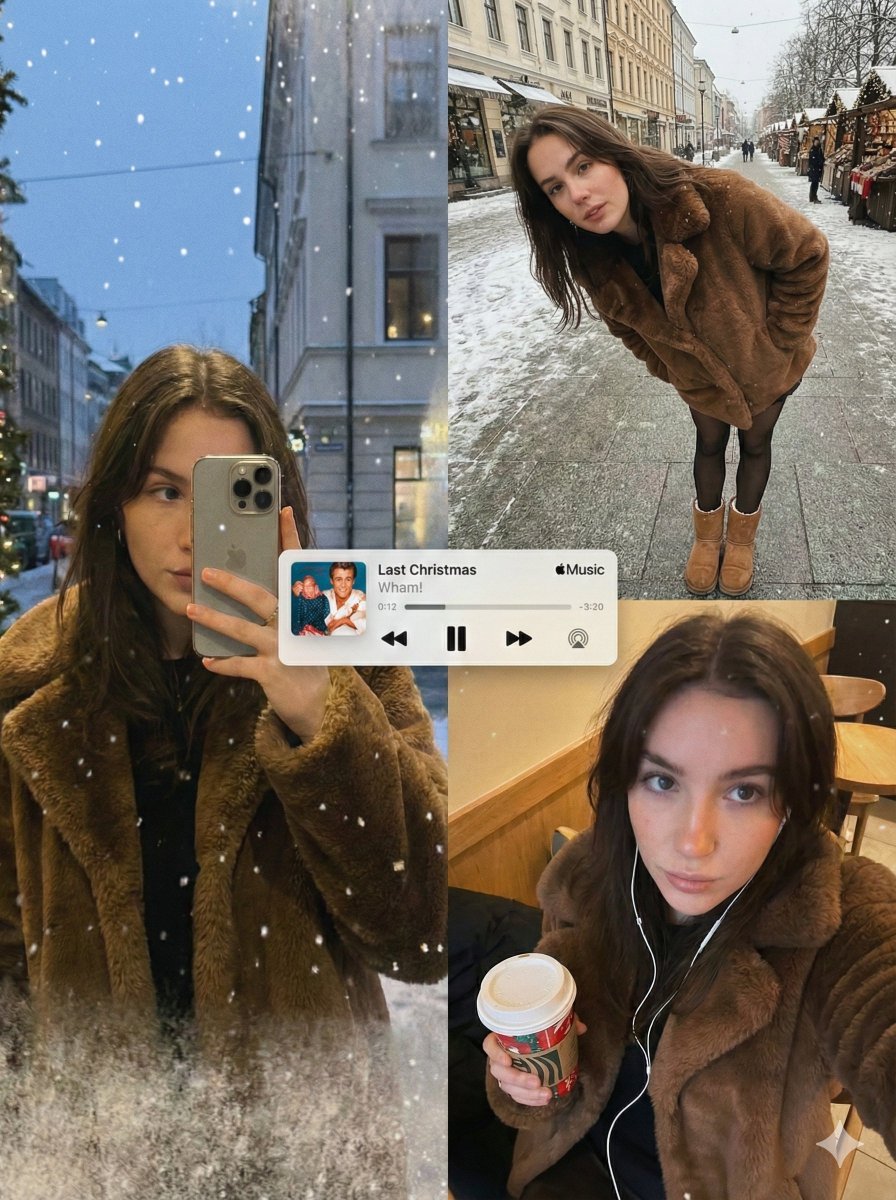
Editorial Winter Collage with Face Preservation
Browse template categories
Joyful Woman Raising Arms at Beach questions
How do I use the Joyful Woman Raising Arms at Beach template?
Add your photo if the template asks for one, edit the prompt if you like — the template's model and format are already selected — and press Generate. Your version opens in PicX Studio.
Can I customize the Joyful Woman Raising Arms at Beach template?
Yes. You can change the subject, setting, lighting, mood, format, and available model controls before creating your image.
Is the Joyful Woman Raising Arms at Beach template free?
Opening and editing this template is free. Generating uses credits, shown on the Generate button when you are signed in.
Which AI model should I use?
Start with GPT Image 2, which is the model associated with this template. You can compare another compatible model for a different finish.
Looking for something else? Browse all templates.

Your photo, any look
Thousands of ready templates for every top image and video model, from one credit balance.