
Editorial Winter Collage with Face Preservation
A complex, multi-panel JSON prompt designed to create an editorial winter poster-style collage using candid, realistic iPhone photography aesthetics.
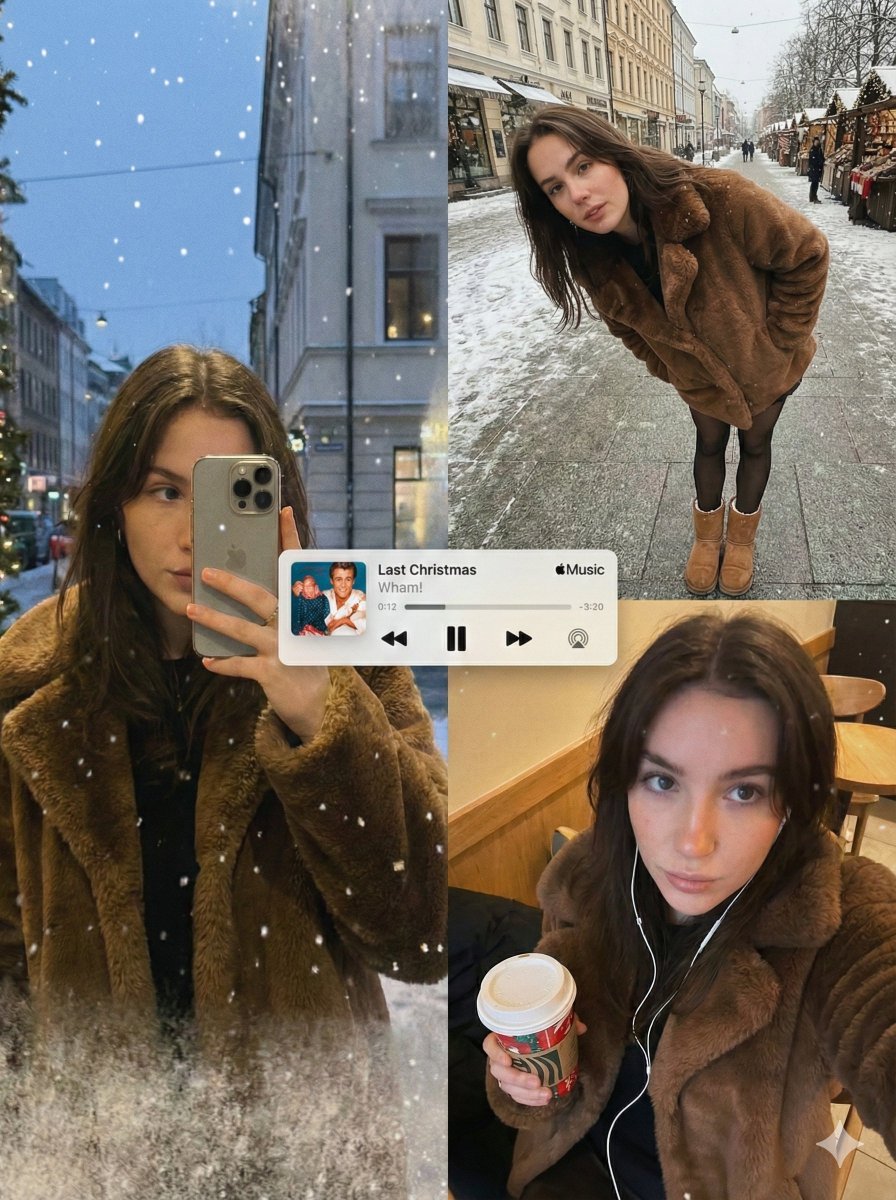
- Prompt included
- Model and format preset
- Free template
The prompt behind this image
Copy the exact prompt behind Editorial Winter Collage with Face Preservation, or open it in the studio and make it yours.
{ "image_generation_request": { "meta_protocols": { "reference_adherence": { "instruction": "Use the provided photo as a strict face reference.", "tolerance": "Zero deviation", "parameters": "Preserve facial proportions, skin texture, expression, and identity with 100% accuracy.", "stylization_constraint": "Do not stylize or alter facial features." }, "format_style": "Editorial winter poster–style multi-panel collage", "aesthetic_quality": "Spontaneous iPhone photography (candid, cozy, realistic)", "global_textures": "Soft snowfall, subtle analog grain, slight handheld imperfections" }, "consistent_elements": { "subject_wardrobe": { "coat": "Short faux-fur coat", "legwear": "Black tights", "footwear": "Classic UGG boots", "style_notes": "Simple, cozy, unmistakably winter" }, "primary_device": { "model": "iPhone 17 Pro Max", "color": "Silver", "usage": "Held by subject in relevant frames" }, "color_palette": [ "Warm ambers", "Soft reds", "Pine greens", "Muted winter greys" ] }, "layout_configuration": { "panel_1_top_left": { "scene_type": "Reflective shop-window shot at dusk", "lighting_and_atmosphere": "Faint Christmas lights, garlands, frosted glass edges, warm highlights on fur", "subject_action": "Holding phone partially covering face", "optical_effects": "Passing silhouettes, layered reflections, gentle ghosting, natural glass curvature distortion" }, "panel_2_top_right": { "scene_type": "Ultra-wide street portrait (snowy sidewalk/Christmas market)", "camera_angle": "Close, downward-angled", "subject_pose": "Leaning forward casually, hands in coat pockets", "visibility_check": "Black tights and UGG boots clearly visible", "motion_dynamics": "Falling snow with slight motion blur", "lens_characteristics": "Subtle perspective warping to reinforce handheld unstaged feel" }, "panel_3_bottom_right": { "scene_type": "Intimate overhead selfie", "lighting": "Warm street or café lighting", "props": { "held_item": "Takeaway holiday drink ({argument name="drink type" default="coffee or mulled wine"})", "accessories": "Wired earphones visible" }, "texture_focus": "Sharply detailed fur texture and winter fabrics", "mood": "Nostalgic holiday atmosphere enhanced by soft grain" } }, "graphic_overlay": { "element": "Minimal Apple Music–style mini player", "content": "Popular Christmas song (e.g., '{argument name="song title" default="Last Christmas or All I Want for Christmas Is You"}')", "style": "Rendered flat and clean, no shadows", "position": "Floating across the center of the collage" } } }
How to use Editorial Winter Collage with Face Preservation in 3 steps
- 1Upload ImagePNG, JPG or paste
Add your photo
Upload the photo the template builds on. The prompt, model and format are already set.
- 2…a portrait of your subject in softgolden-hour light, 85mm…
Personalize
Edit the subject and creative details for your destination.
- 3Generate
Generate
Press Generate — your image is created in PicX Studio, so you can compare it with the original and refine one variable at a time.
More like this
Templates with the same subject, style or setup. Open one to see its prompt.
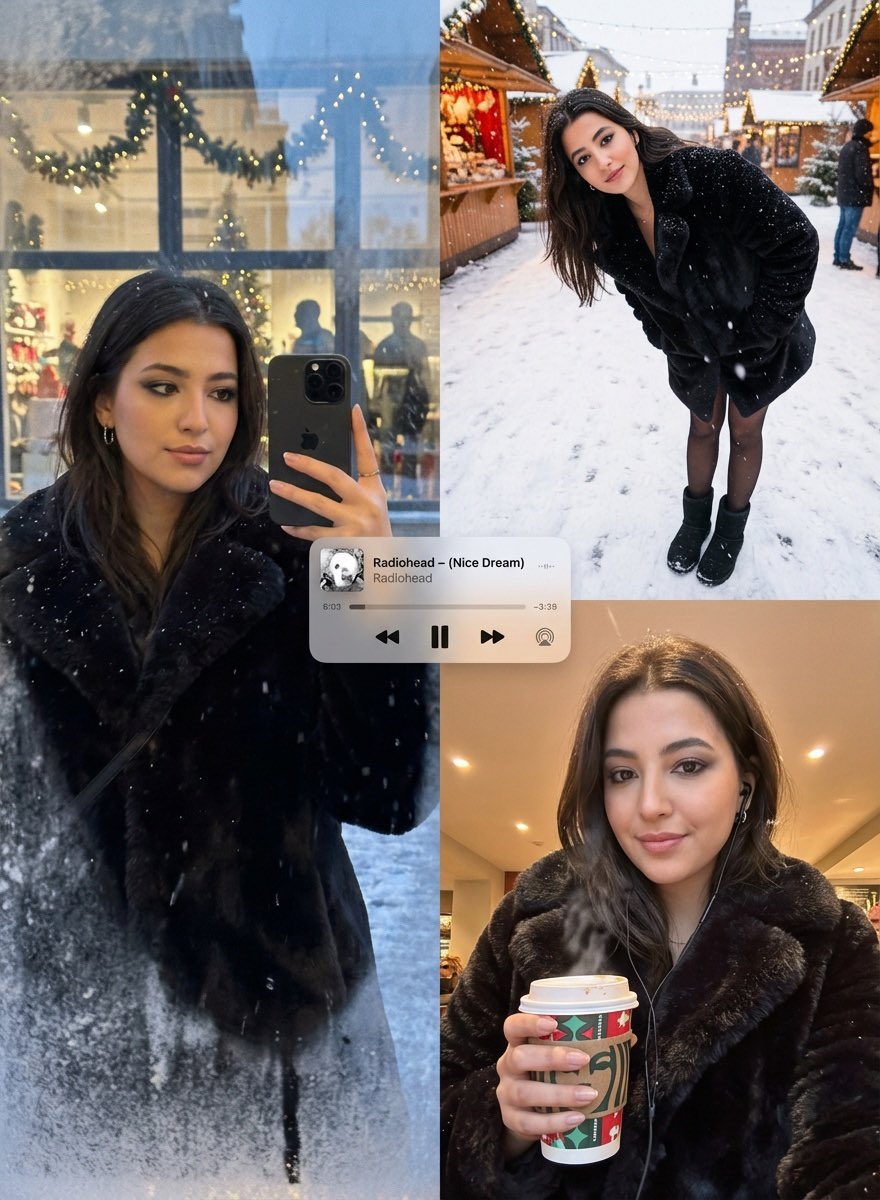
Editorial Winter Poster Collage with Strict Face Preservation
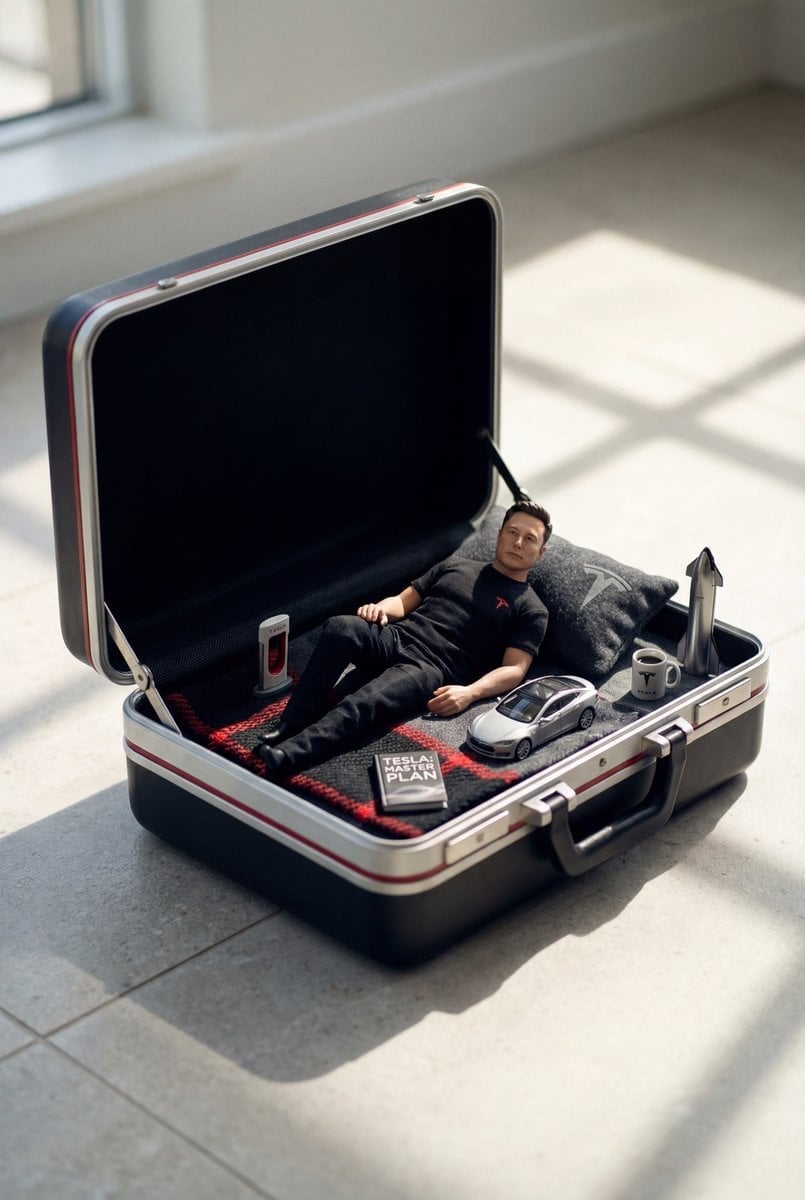
Paper Cut Winter Cabin
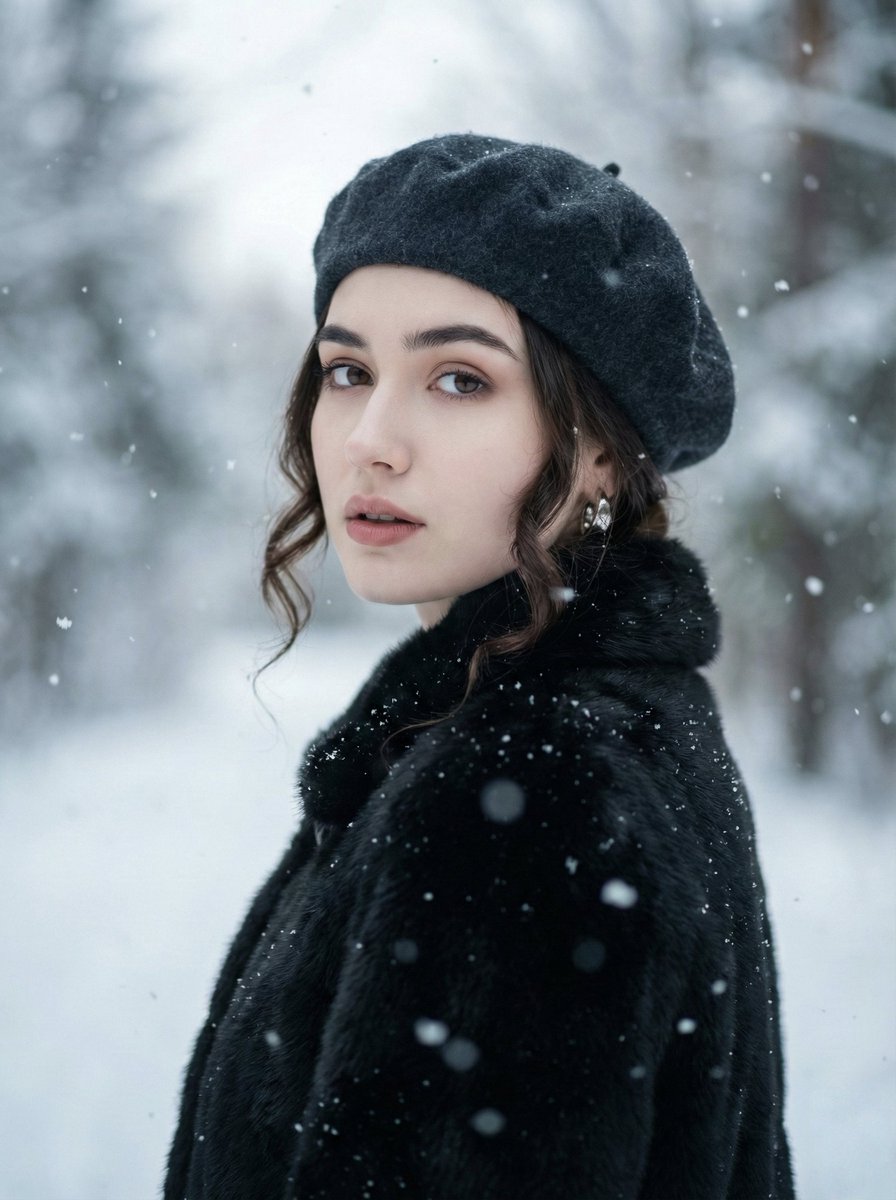
Filmic Winter Portrait Prompt with Face Preservation

Paper Cut Finale Fireworks

Paper Cut Garden Maze

Paper Cut Rooftop Concert

Paper Cut Bicycle Coast

Paper Cut Castle Gate

Paper Cut Kitchen Chaos

Paper Cut Carnival Ride

Paper Cut Rainy Bus Stop

Paper Cut Space Dock
Make it yours
Editorial Winter Collage with Face Preservation works as-is. These are the safest ways to change it without losing the look.
Change one field
Copy a single group, rewrite it, and generate again so you can see what that field is doing.
Keep the frame, change the subject
Hold the composition and light of Editorial Winter Collage with Face Preservation, then swap wardrobe, props or the person for a new take.
| If the result… | Why | Fix |
|---|---|---|
| The result drifts from the preview | Too many fields changed at once. | Reuse Editorial Winter Collage with Face Preservation as-is first, then change one group — subject, light, or setting. |
| The model over-stylizes the scene | The prose prompt leaves finish and camera underspecified. | Add one camera or lighting sentence and stay on Nano Banana 2. |
More Nano Banana 2 templates
Other prompts made for Nano Banana 2.

Photorealistic Leaf Shaped Like a Dragon

K-Pop Idol Portrait Grid for Rapid Selection

Poetic Rain Forest Portrait During Golden Hour

Urban Street Portrait with Cartoon Inner Self Duo

Candid Nighttime Photo with Cat Prompt

High-Concept 3D Diorama Generation Prompt

Cinematic Futuristic Studio Portrait Template

Skincare Editorial Photography Collage Prompt

Hyper-Realistic Commercial Product Photography (Splash Effect)

Hyper-Realistic Nightclub Portrait Prompt
More image prompts
Fresh picks from across the catalog.
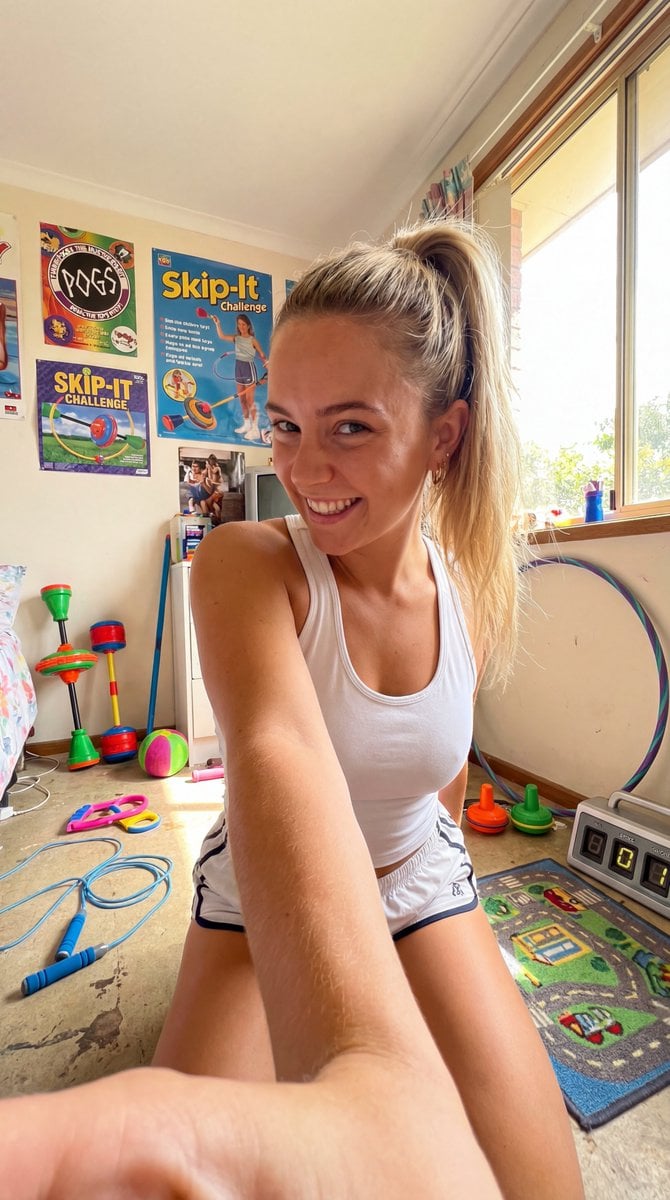
90s Skip-It Toy Selfie from Low Angle
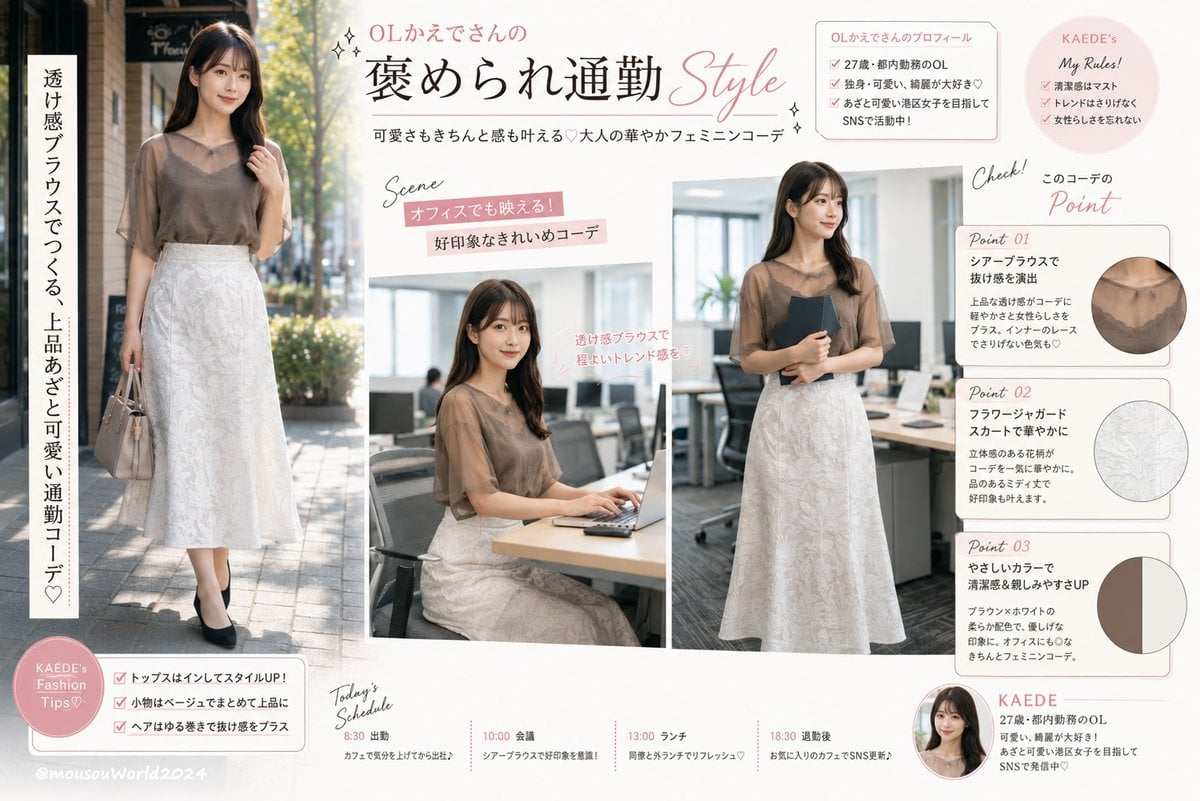
Japanese Office Outfit Magazine Spread

Nano Banana Pro brand hero image plus prompt pack link
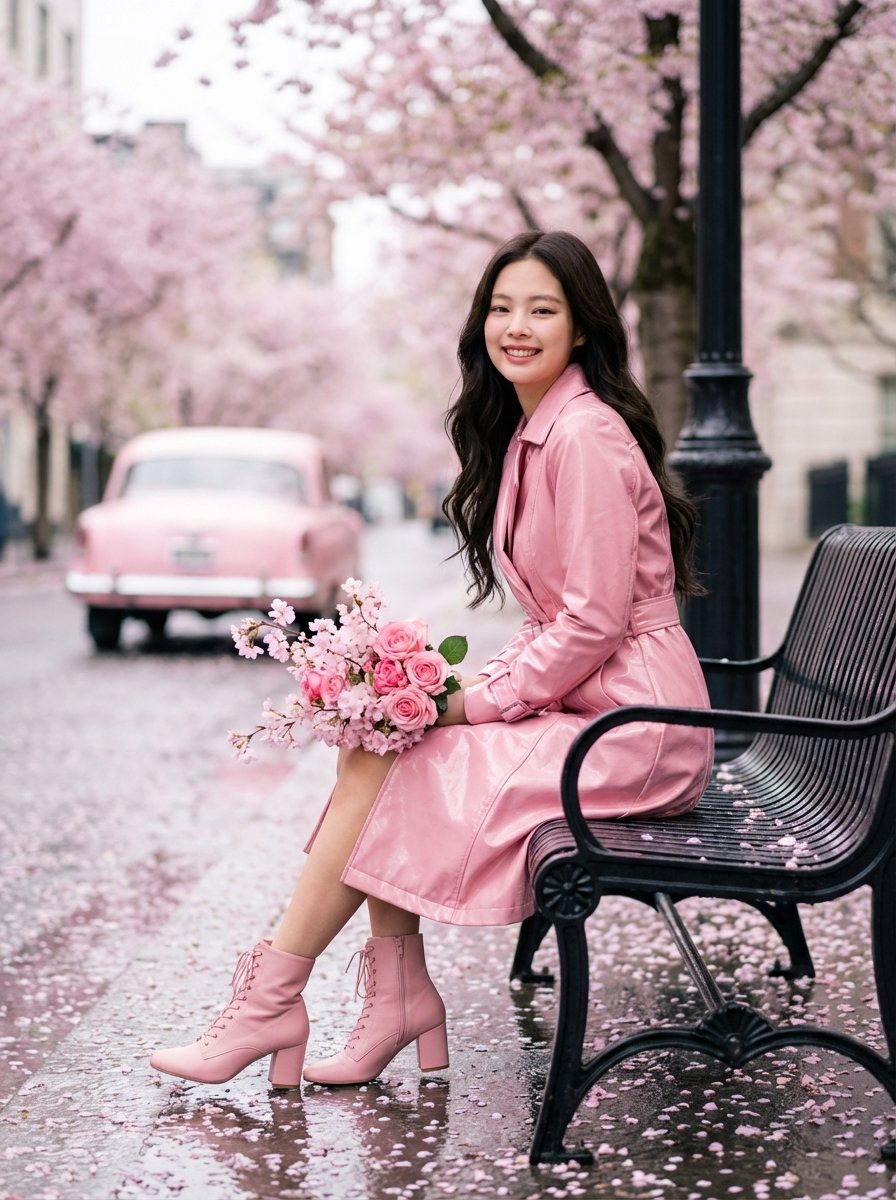
Jennie Kim Pink Spring Portrait

Dramatic Cinematic Kashmir Mountain Flood Rescue Scene
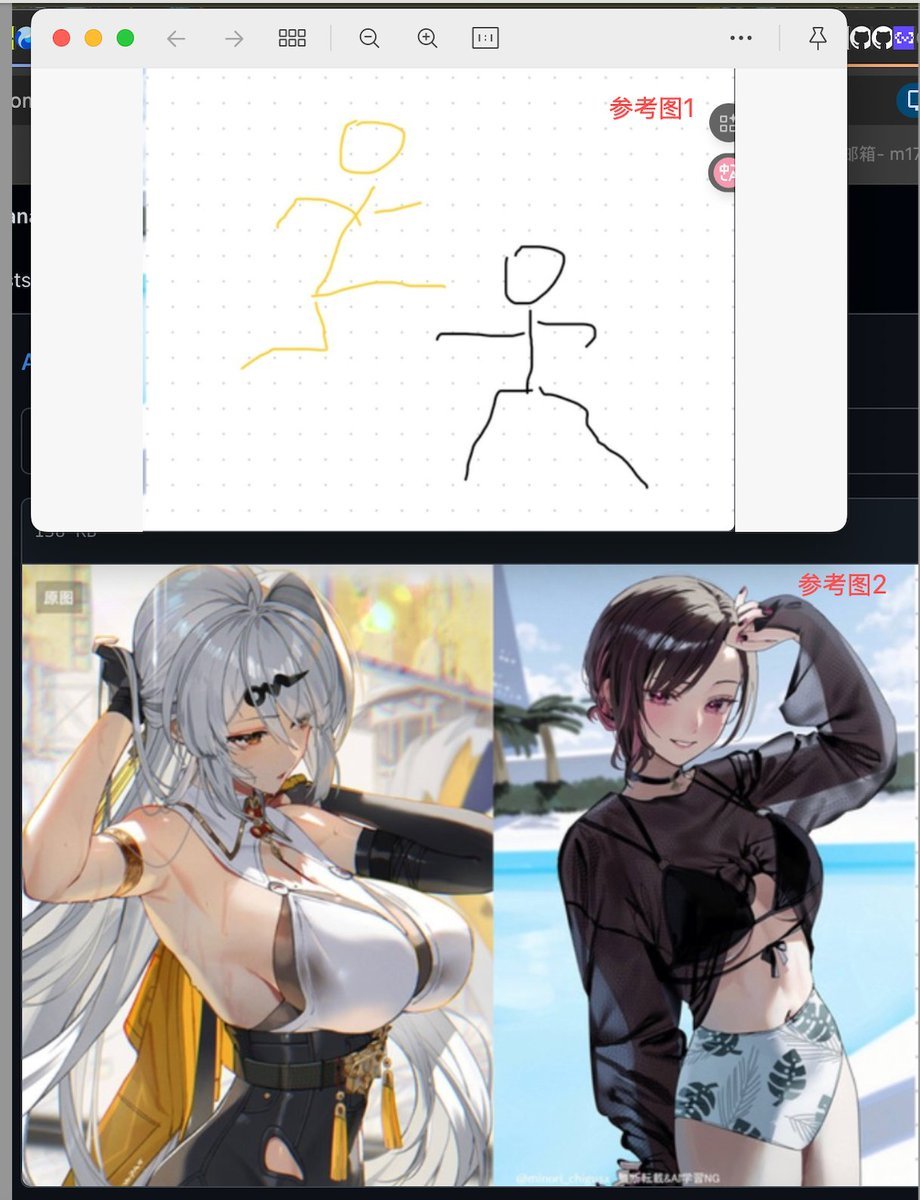
Image Fusion Prompt Using Multiple References

Watercolor Spring Greeting Card Portrait
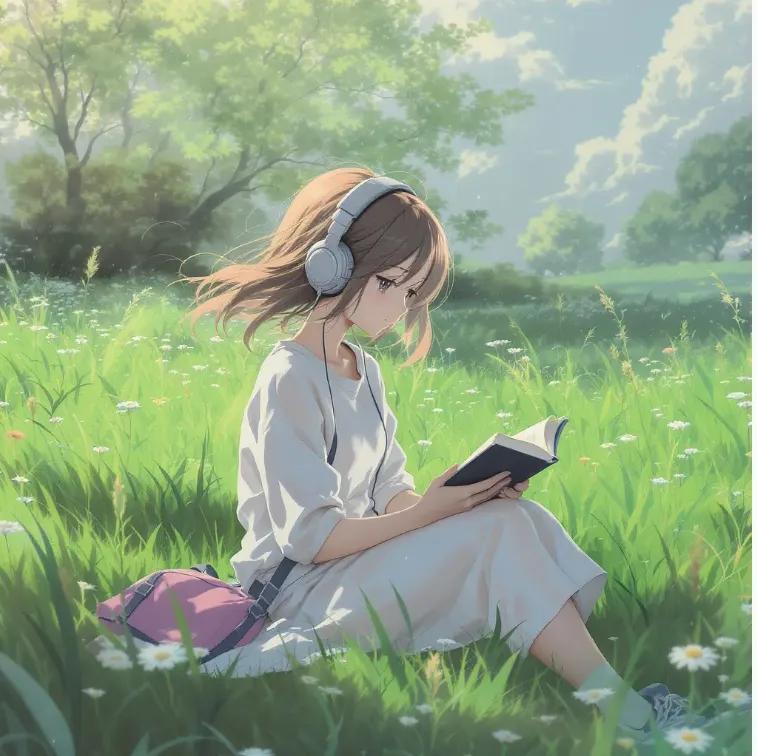
Anime Girl Meadow Reading

Pink Princess Idol Character Collage
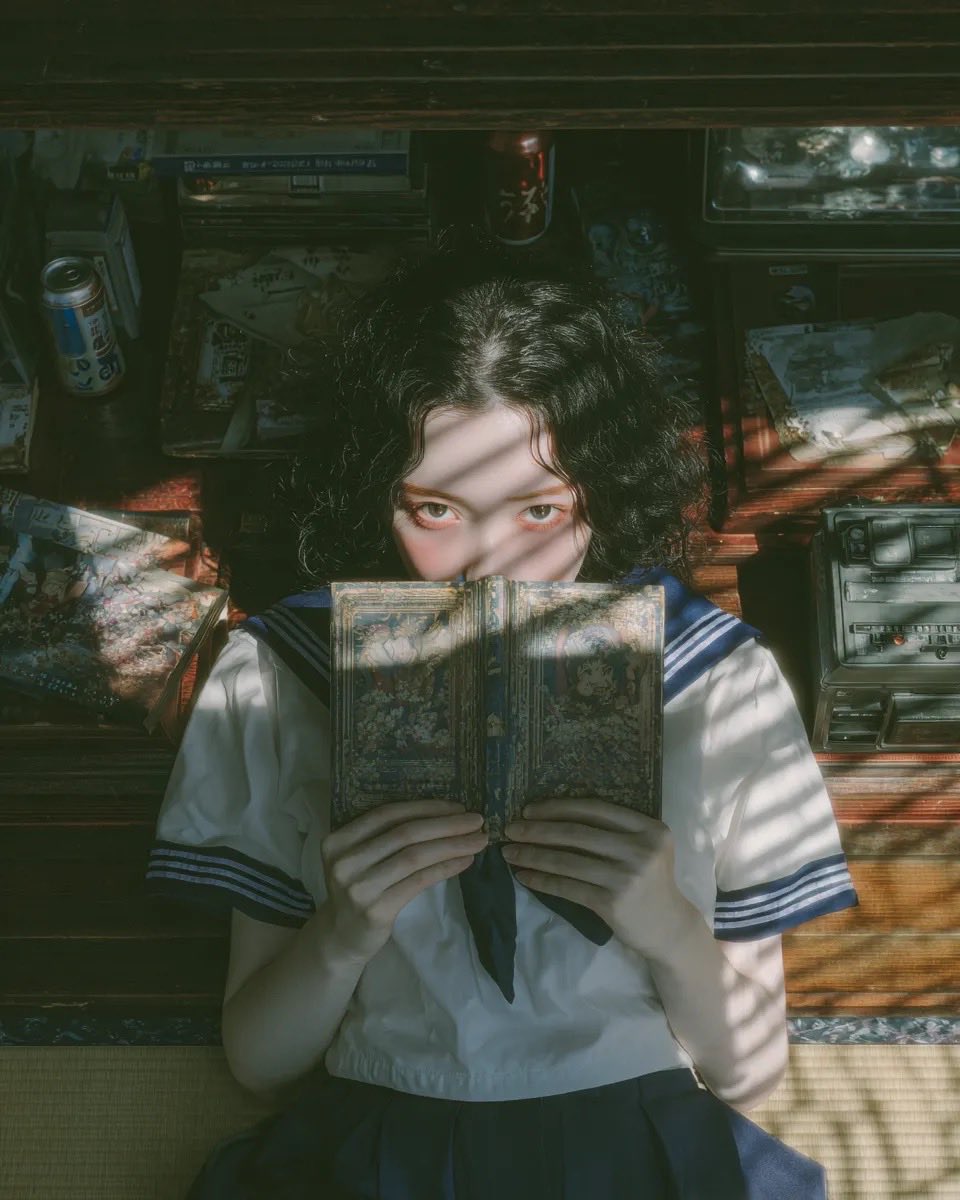
Nostalgic Japanese Youth Portrait
Browse template categories
Editorial Winter Collage with Face Preservation questions
How do I use the Editorial Winter Collage with Face Preservation template?
Add your photo if the template asks for one, edit the prompt if you like — the template's model and format are already selected — and press Generate. Your version opens in PicX Studio.
Can I customize the Editorial Winter Collage with Face Preservation template?
Yes. You can change the subject, setting, lighting, mood, format, and available model controls before creating your image.
Is the Editorial Winter Collage with Face Preservation template free?
Opening and editing this template is free. Generating uses credits, shown on the Generate button when you are signed in.
Which AI model should I use?
Start with Nano Banana 2, which is the model associated with this template. You can compare another compatible model for a different finish.
Looking for something else? Browse all templates.

Your photo, any look
Thousands of ready templates for every top image and video model, from one credit balance.