
Editorial Winter Poster Collage with Strict Face Preservation
A complex, multi-panel image generation prompt for an editorial winter poster collage.
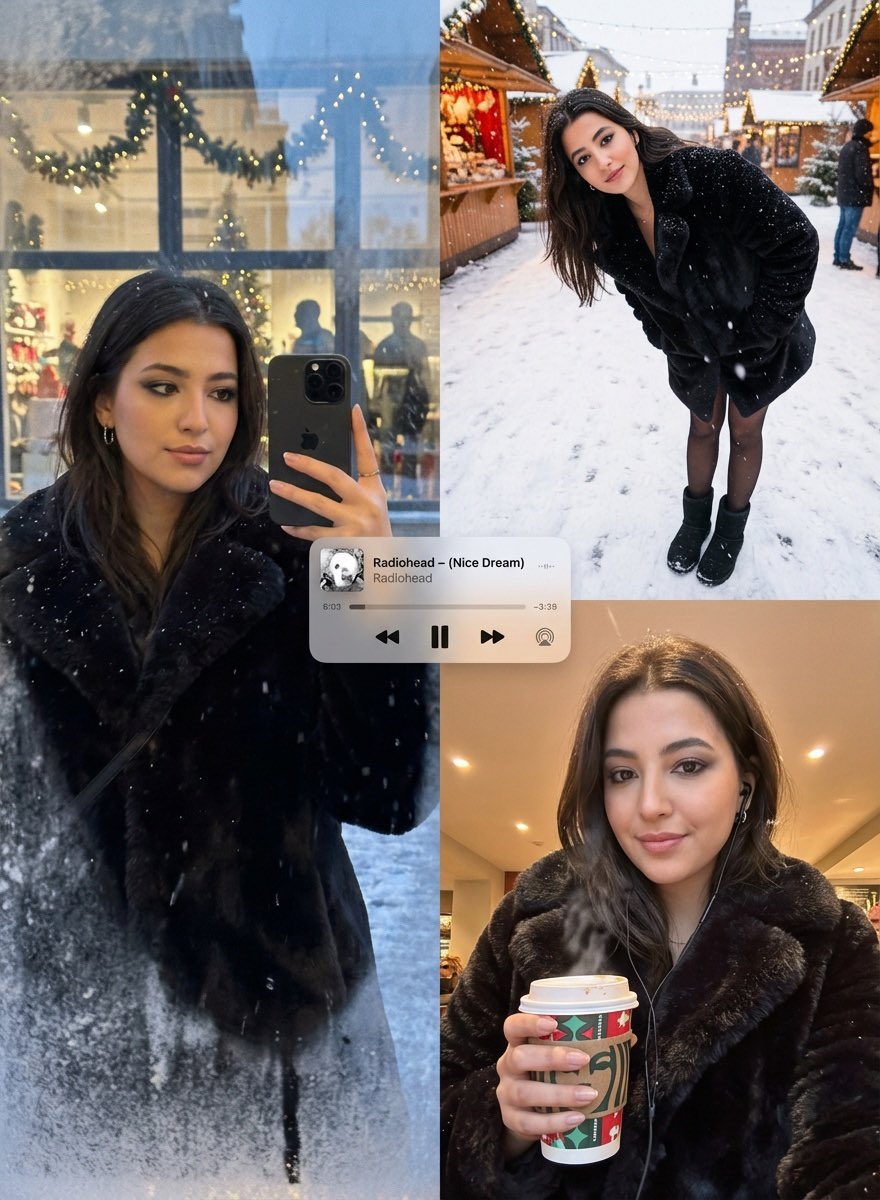
- Prompt included
- Model and format preset
- Premium template
The prompt behind this image
Copy the exact prompt behind Editorial Winter Poster Collage with Strict Face Preservation, or open it in the studio and make it yours.
{ "image_generation_request": { "meta_protocols": { "reference_adherence": { "instruction": "Use the provided photo as a strict face reference.", "tolerance": "Zero deviation", "parameters": "Preserve facial proportions, skin texture, expression, and identity with 100% accuracy.", "stylization_constraint": "Do not stylize or alter facial features." }, "format_style": "Editorial winter poster–style multi-panel collage", "aesthetic_quality": "Spontaneous iPhone photography (candid, cozy, realistic)", "global_textures": "Soft snowfall, subtle analog grain, slight handheld imperfections" }, "consistent_elements": { "subject_look": { "hair": "Long jet-black hair, very voluminous and softly wavy (glam blowout waves), thick full texture, realistic strands, healthy shine, face-framing waves", "makeup": "Black smokey eye makeup (soft blended charcoal/black), defined lashes, subtle eyeliner, natural skin texture (no beauty filter)", "nails": "Glossy black nail polish", "presence": "very beautiful, attractive, elegant, captivating (while keeping the same identity and realistic proportions)" }, "subject_wardrobe": { "coat": "Short faux-fur coat", "legwear": "Black tights", "footwear": "Classic UGG boots", "style_notes": "Simple, cozy, unmistakably winter" }, "primary_device": { "model": "{argument name="phone model" default="iPhone 17 Pro Max"}", "color": "Black", "usage": "Held by subject in relevant frames" }, "accessories": { "earphones": "Black Apple wired earphones visible (earbuds + cable clearly visible)" }, "color_palette": [ "Warm ambers", "Soft reds", "Pine greens", "Muted winter greys" ] }, "layout_configuration": { "panel_1_top_left": { "scene_type": "Reflective shop-window shot at dusk", "lighting_and_atmosphere": "Faint Christmas lights, garlands, frosted glass edges, warm highlights on fur", "subject_action": "Holding phone partially covering face", "optical_effects": "Passing silhouettes, layered reflections, gentle ghosting, natural glass curvature distortion" }, "panel_2_top_right": { "scene_type": "Ultra-wide street portrait (snowy sidewalk/Christmas market)", "camera_angle": "Close, downward-angled", "subject_pose": "Leaning forward casually, hands in coat pockets", "visibility_check": "Black tights and UGG boots clearly visible", "motion_dynamics": "Falling snow with slight motion blur", "lens_characteristics": "Subtle perspective warping to reinforce handheld unstaged feel" }, "panel_3_bottom_right": { "scene_type": "Intimate overhead selfie", "lighting": "Warm street or café lighting", "props": { "held_item": "Takeaway
How to use Editorial Winter Poster Collage with Strict Face Preservation in 3 steps
- 1Upload ImagePNG, JPG or paste
Add your photo
Upload the photo the template builds on. The prompt, model and format are already set.
- 2…a portrait of your subject in softgolden-hour light, 85mm…
Personalize
Edit the subject and creative details for your destination.
- 3Generate
Generate
Press Generate — your image is created in PicX Studio, so you can compare it with the original and refine one variable at a time.
More like this
Templates with the same subject, style or setup. Open one to see its prompt.
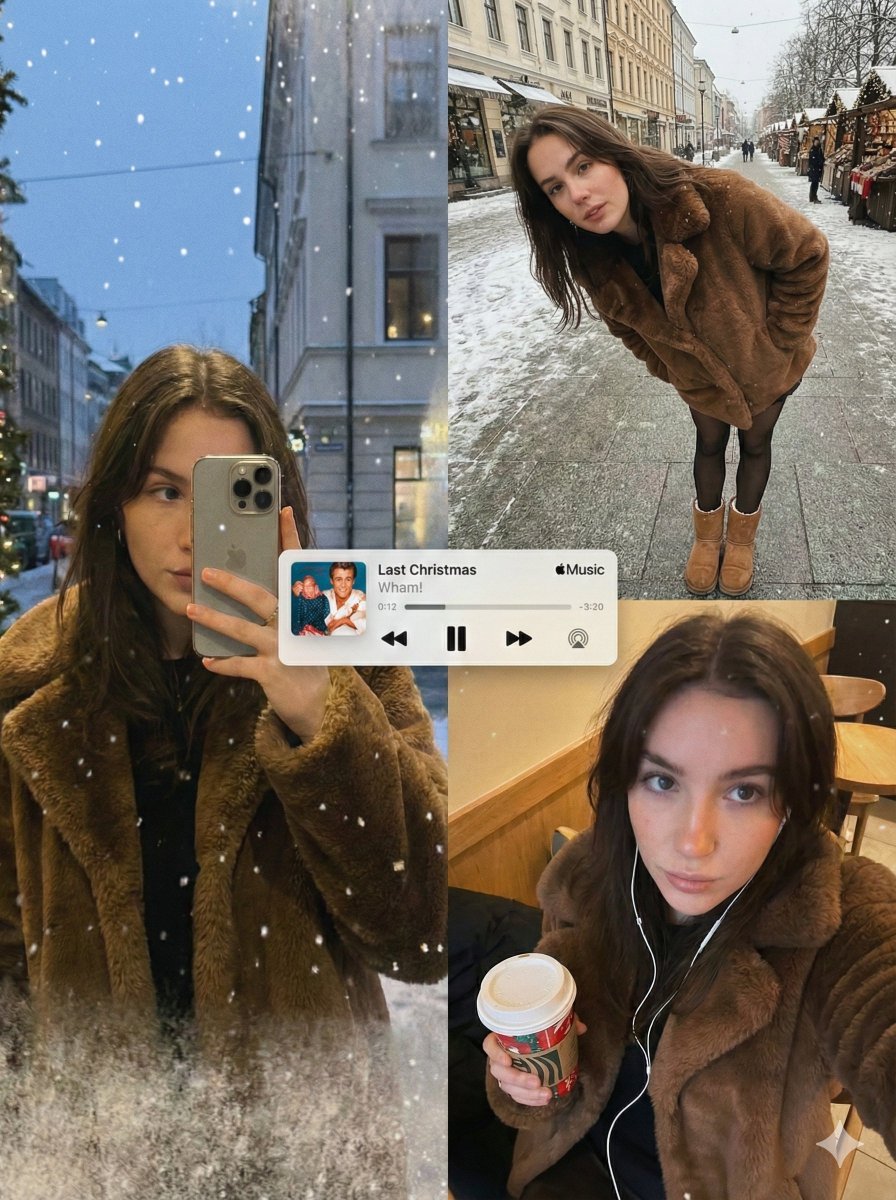
Editorial Winter Collage with Face Preservation

Usa Cinematic Hyperreal Collage Poster
Paper Cut Winter Cabin

Premium Vintage Travel Poster Landscape
Filmic Winter Portrait Prompt with Face Preservation
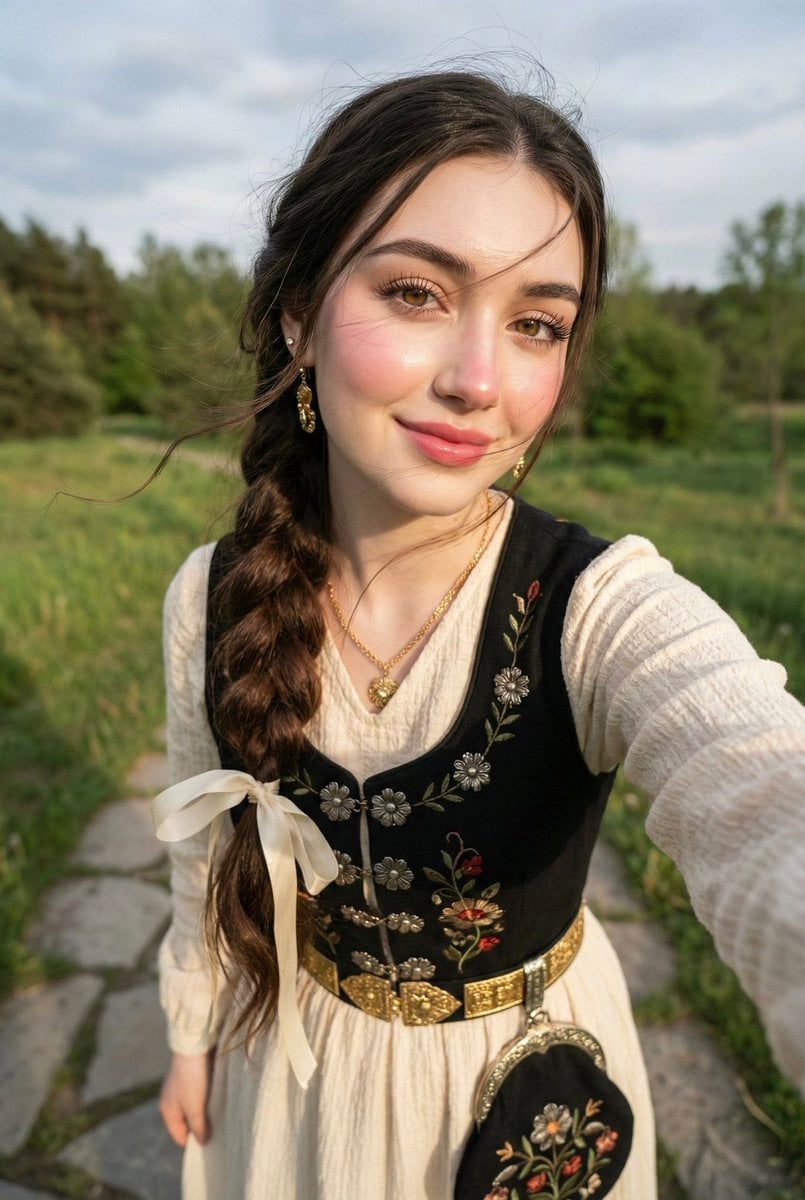
Traditional Attire Portrait with Strict Face Preservation Prompt

Japan Travel Brochure Poster

Minimalist Olive Green Editorial Poster

Strike Sport Boxer Editorial Poster

Six-Panel Retro Japanese Poster Collage

Paper Cut Finale Fireworks

Paper Cut Garden Maze
Make it yours
Editorial Winter Poster Collage with Strict Face Preservation works as-is. These are the safest ways to change it without losing the look.
Change one field
Copy a single group, rewrite it, and generate again so you can see what that field is doing.
Keep the frame, change the subject
Hold the composition and light of Editorial Winter Poster Collage with Strict Face Preservation, then swap wardrobe, props or the person for a new take.
| If the result… | Why | Fix |
|---|---|---|
| The result drifts from the preview | Too many fields changed at once. | Reuse Editorial Winter Poster Collage with Strict Face Preservation as-is first, then change one group — subject, light, or setting. |
| The model over-stylizes the scene | The prose prompt leaves finish and camera underspecified. | Add one camera or lighting sentence and stay on Nano Banana 2. |
More Nano Banana 2 templates
Other prompts made for Nano Banana 2.

Photorealistic Leaf Shaped Like a Dragon

K-Pop Idol Portrait Grid for Rapid Selection

Poetic Rain Forest Portrait During Golden Hour

Urban Street Portrait with Cartoon Inner Self Duo

Candid Nighttime Photo with Cat Prompt

High-Concept 3D Diorama Generation Prompt

Cinematic Futuristic Studio Portrait Template

Skincare Editorial Photography Collage Prompt

Hyper-Realistic Commercial Product Photography (Splash Effect)

Hyper-Realistic Nightclub Portrait Prompt
More image prompts
Fresh picks from across the catalog.

Dynamic Perspective Flat Vector Illustration

Dynamic Sportswear Product Photography
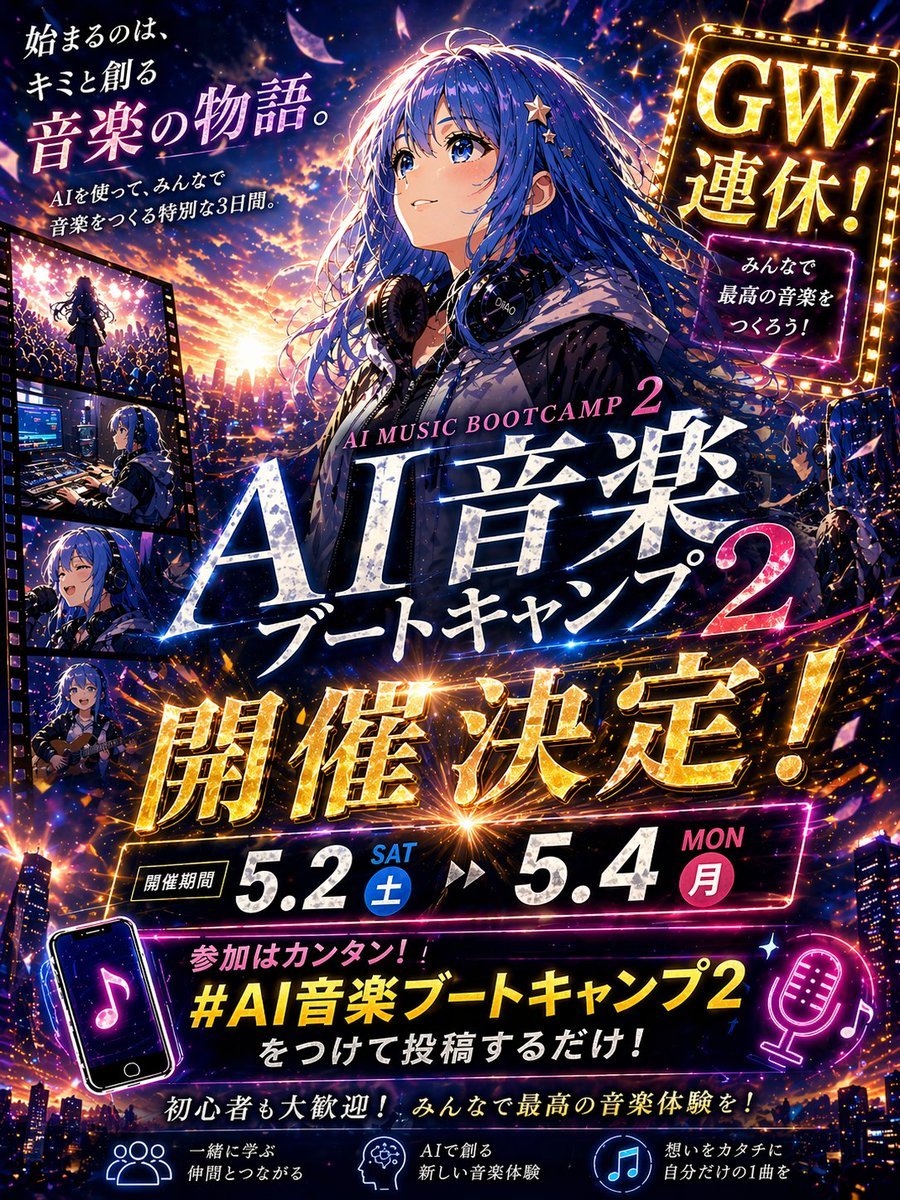
Anime Music Bootcamp Promo Poster

GPT-Image2 E-Commerce Course Banner
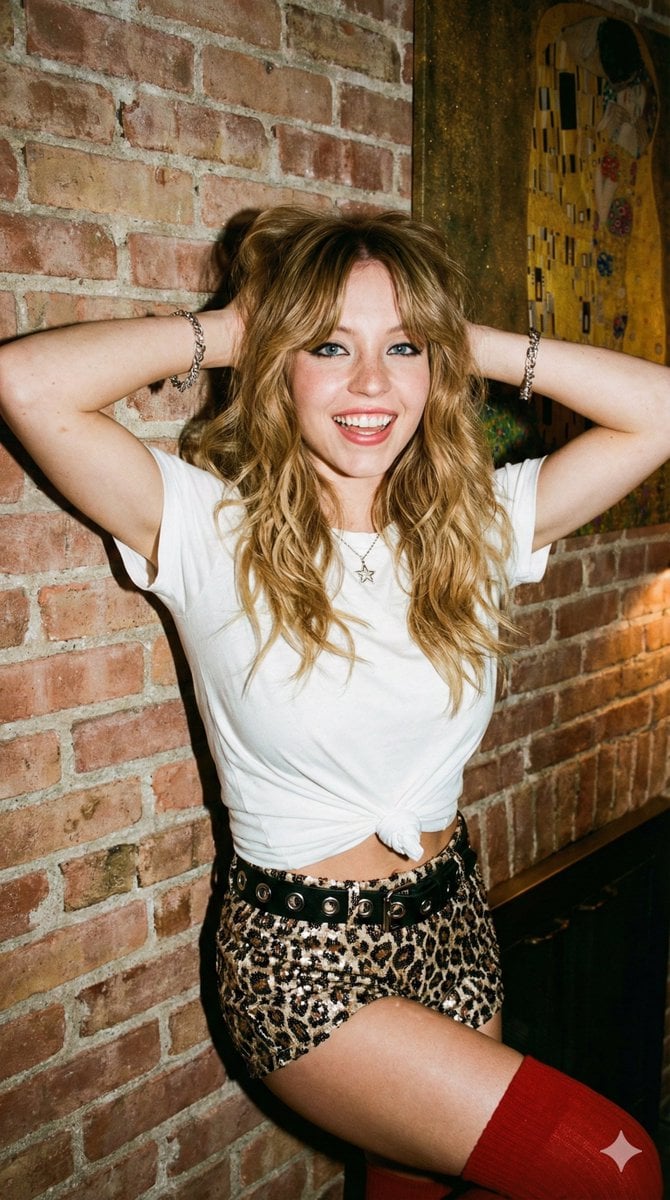
Flash Photography Portrait with Brick Wall
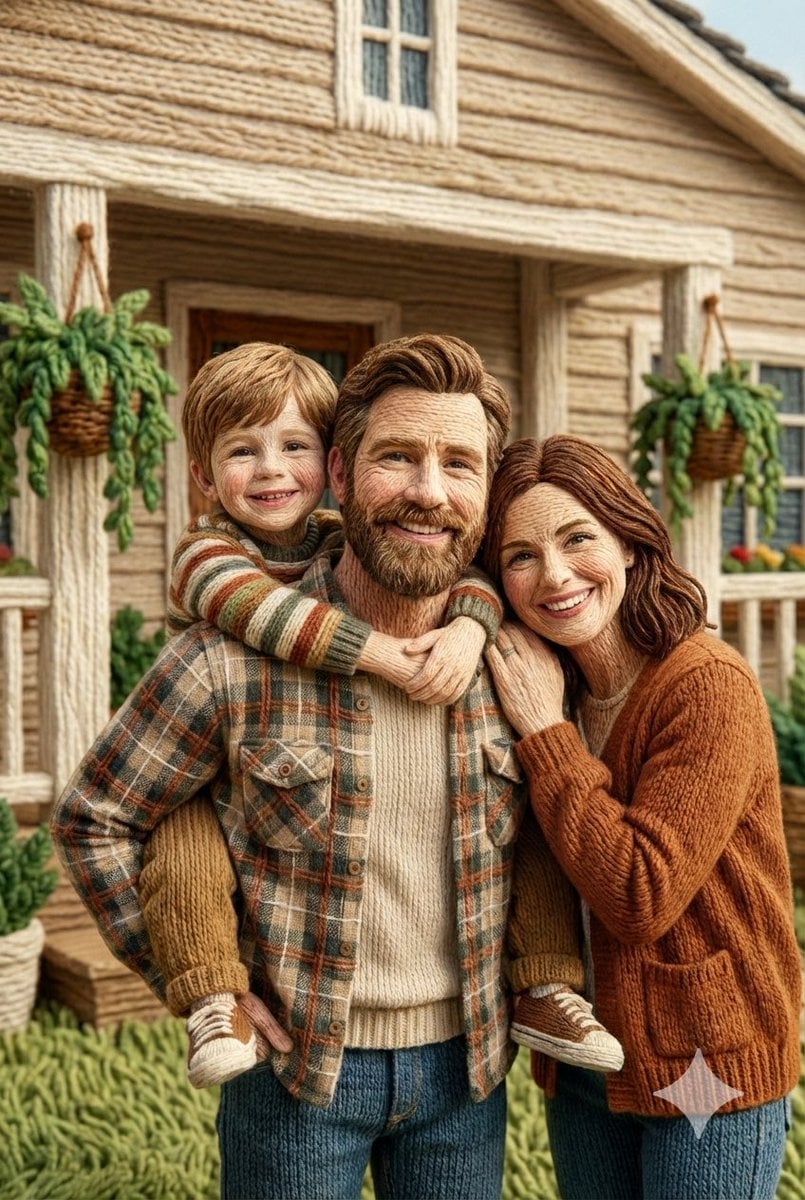
Image to Hyper-Detailed Hand Embroidery Artwork Prompt

Japanese Pest Lifecycle Infographic
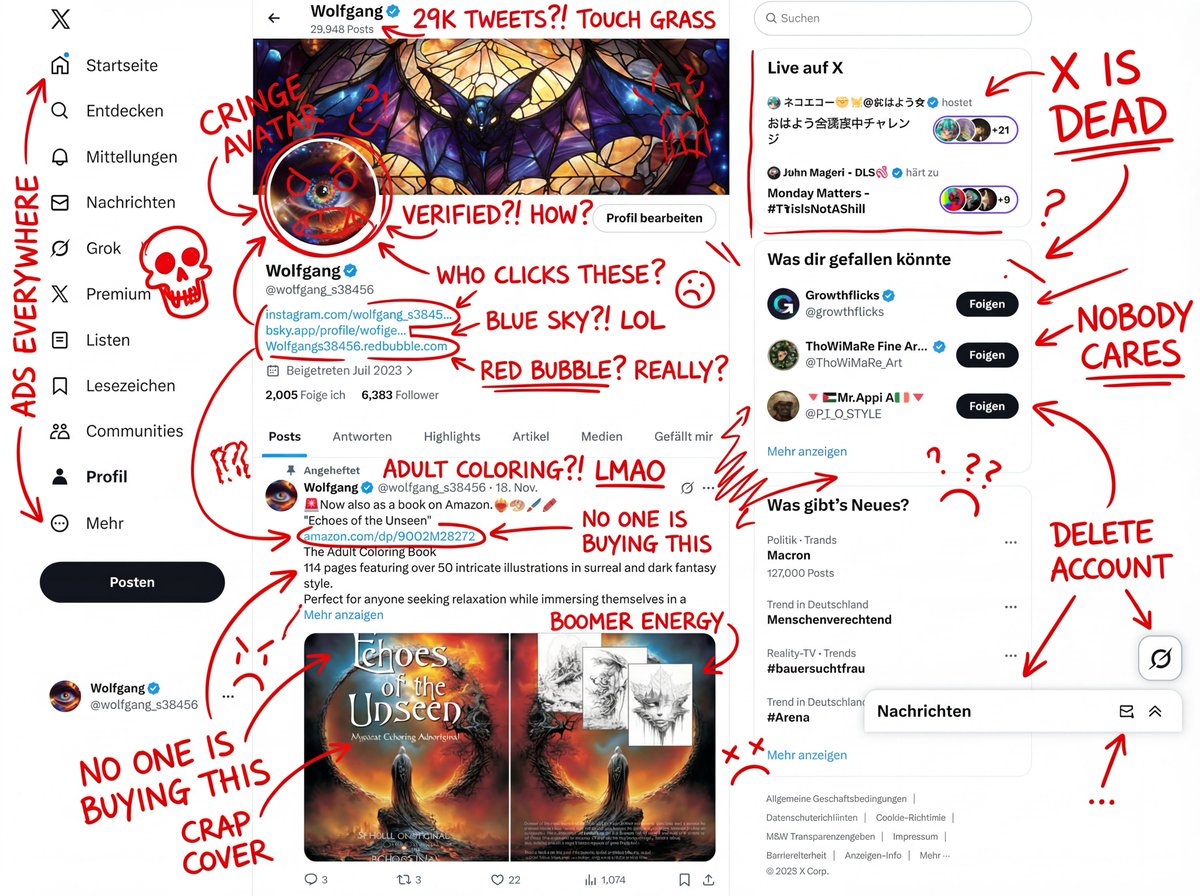
Image Overlay Prompt for Insane Roast Scribble
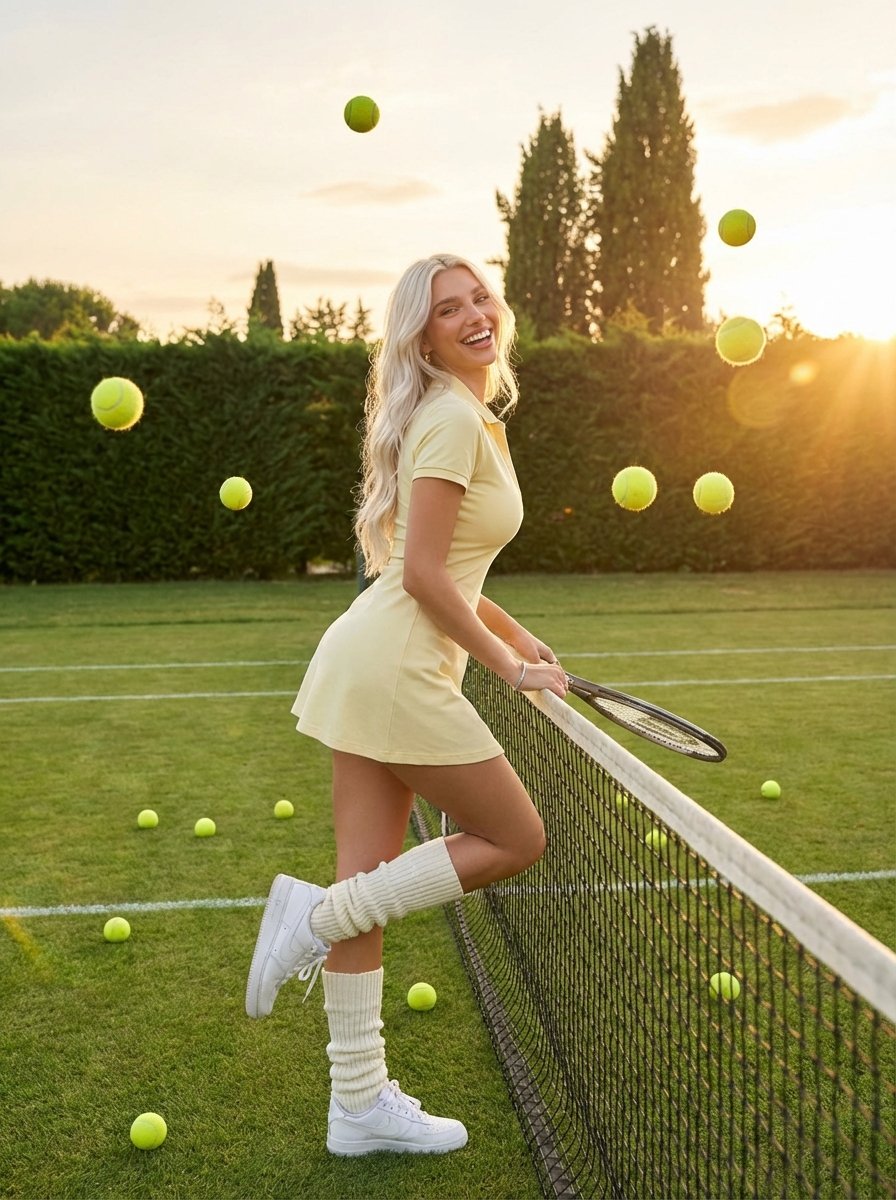
Golden Hour Tennis Lifestyle Photo
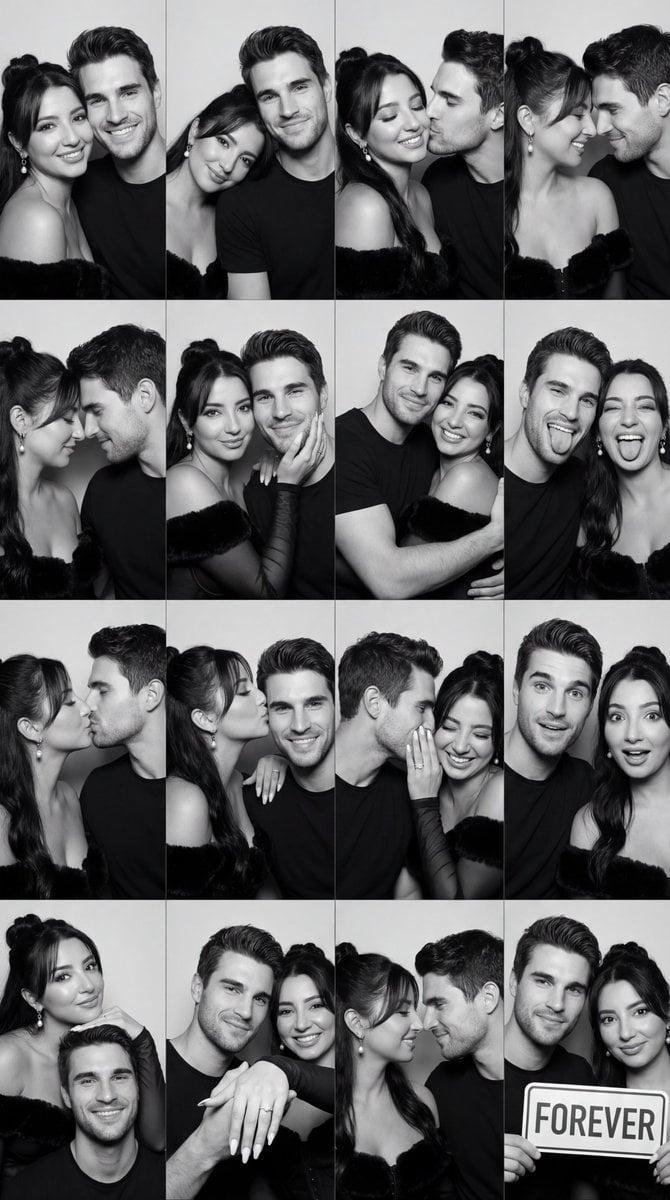
Black and White Photobooth Couple Grid Prompt (16 Panels)
Browse template categories
Editorial Winter Poster Collage with Strict Face Preservation questions
How do I use the Editorial Winter Poster Collage with Strict Face Preservation template?
Add your photo if the template asks for one, edit the prompt if you like — the template's model and format are already selected — and press Generate. Your version opens in PicX Studio.
Can I customize the Editorial Winter Poster Collage with Strict Face Preservation template?
Yes. You can change the subject, setting, lighting, mood, format, and available model controls before creating your image.
Is the Editorial Winter Poster Collage with Strict Face Preservation template free?
Opening and editing this template is free. Generating uses credits, shown on the Generate button when you are signed in.
Which AI model should I use?
Start with Nano Banana 2, which is the model associated with this template. You can compare another compatible model for a different finish.
Looking for something else? Browse all templates.

Your photo, any look
Thousands of ready templates for every top image and video model, from one credit balance.