
Six-Panel Retro Japanese Poster Collage
Generates a six-panel collage of varied retro Japanese modernist illustrations sharing one cohesive poster-art style.

- Prompt included
- Model and format preset
- Premium template
The prompt behind this image
Copy the exact prompt behind Six-Panel Retro Japanese Poster Collage, or open it in the studio and make it yours.
Goal: Create a vertical 2-column by 3-row collage of exactly 6 separate illustration panels, all in a unified retro Japanese modernist poster style with flat geometric shapes, hard-edged composition, limited palettes, subtle paper grain, ink texture, and strong black/cream/red/orange accents. Each panel should look like a distinct generated artwork sharing the same visual language. Canvas: Tall portrait canvas, approximately 675 × 1024 px or 2:3 ratio. Use thin white gutters between panels and a narrow white outer border. No captions, no logos, no watermark. Visual style: A fusion of mid-century graphic design, Japanese printmaking, Constructivist geometry, art deco poster composition, and contemporary anime/editorial illustration. Use flattened perspective, blocky shapes, textured paper, muted cream backgrounds, deep black shadows, burnt orange, vermilion red, slate gray, charcoal, and occasional navy blue. Keep details stylized rather than realistic. Layout: Arrange exactly 6 panels: 1. Top-left panel: A geometric night scene with an orange kangaroo-like animal standing upright beside a gray koala-like animal, a cream full moon in the upper left, small star/firework dots, and a grid of orange, beige, black, and gray rectangles in the background. The animals should be angular and origami-like. 2. Top-right panel: A dark gothic anime-style girl with long pale hair sitting on stone steps before ruined cathedral arches. Use black, gray, lavender, and hot magenta accents, with one red eye visible and a moody ruined-city atmosphere. 3. Middle-left panel: A reclining elegant long-haired person in black clothing holding a round fan near their face, surrounded by red and black geometric circles, grids, rectangles, and cream negative space. The mood is languid and stylish. 4. Middle-right panel: A close-up portrait of a pale bob-haired girl with straight black bangs, red eyes, small red vertical face markings, and a black-white-red abstract geometric background with circles and rectangular blocks. 5. Bottom-left panel: A minimalist city-walking scene with a person in a long gray coat holding a leash attached to a low, stretching orange-and-white corgi. Background includes red circles, black blocks, cream walls, stairs, and sharp architectural geometry. 6. Bottom-right panel: A back-view portrait of a traditional Japanese woman or geisha in a patterned kimono, standing before pagoda rooftops and a lantern. Include a bright blue sky with cream clouds and bold black, red, cream, and tan architectural shapes. Subject customization: Keep the collage structure fixed, but allow the overall subject set to be interpreted as {argument name="theme" default="six unrelated retro Japanese poster scenes"}. Use {argument name="main palette" default="cream, black, vermilion red, burnt orange, charcoal gray, navy blue"}. Set the mood to {argument name="mood" default="stylish, mysterious, nostalgic, graphic"}. Use {argument name="art style" default="retro Japanese modernist poster illustration with anime influence"}. Make the image suitable for {argument name="use case" default="a social media showcase of varied GPT Image 2 outputs from one consistent style prompt"}. Constraints: Exactly 6 panels, exactly 2 columns and 3 rows, no text inside the artwork, no photorealism, no extra panels, no floating UI, no frame labels. Maintain consistent texture and design language across all six panels while making every panel visually distinct.
How to use Six-Panel Retro Japanese Poster Collage in 3 steps
- 1Upload ImagePNG, JPG or paste
Add your photo
Upload the photo the template builds on. The prompt, model and format are already set.
- 2…a portrait of your subject in softgolden-hour light, 85mm…
Personalize
Edit the subject and creative details for your destination.
- 3Generate
Generate
Press Generate — your image is created in PicX Studio, so you can compare it with the original and refine one variable at a time.
More like this
Templates with the same subject, style or setup. Open one to see its prompt.

Cozy Six-Panel Bedtime Stages Collage

Tiny Man Macro Survival Six-Panel Collage

Sunday Afternoon, 1988

Two Tickets, One Night

If We Met in 1985

Found Photograph: Us, 1970

One Dance Before Midnight

Before We said Goodbye

Our Song was on a Cassette

Meet Me When It Rains

The Date After College

Two Hearts. One Scooter.
Make it yours
Six-Panel Retro Japanese Poster Collage works as-is. These are the safest ways to change it without losing the look.
Change one field
Copy a single group, rewrite it, and generate again so you can see what that field is doing.
Keep the frame, change the subject
Hold the composition and light of Six-Panel Retro Japanese Poster Collage, then swap wardrobe, props or the person for a new take.
| If the result… | Why | Fix |
|---|---|---|
| The result drifts from the preview | Too many fields changed at once. | Reuse Six-Panel Retro Japanese Poster Collage as-is first, then change one group — subject, light, or setting. |
| The model over-stylizes the scene | The prose prompt leaves finish and camera underspecified. | Add one camera or lighting sentence and stay on GPT Image 2. |
More GPT Image 2 templates
Other prompts made for GPT Image 2.

Six VTuber Japanese Logo Sheet

Realistic Portrait of Woman and Deer

The Vista Modular Condo Poster

AI Model Routing Comparison Infographic

2.5D Anime Art Board

Isometric Productivity Desk Scene

New York Double Exposure Poster

Four-Panel AI Landscape Comparison

Japanese Tatami Lifestyle Magazine Cover

NESCAFÉ Coffee Map Poster
More image prompts
Fresh picks from across the catalog.

8K Portrait in a Luxury Restaurant
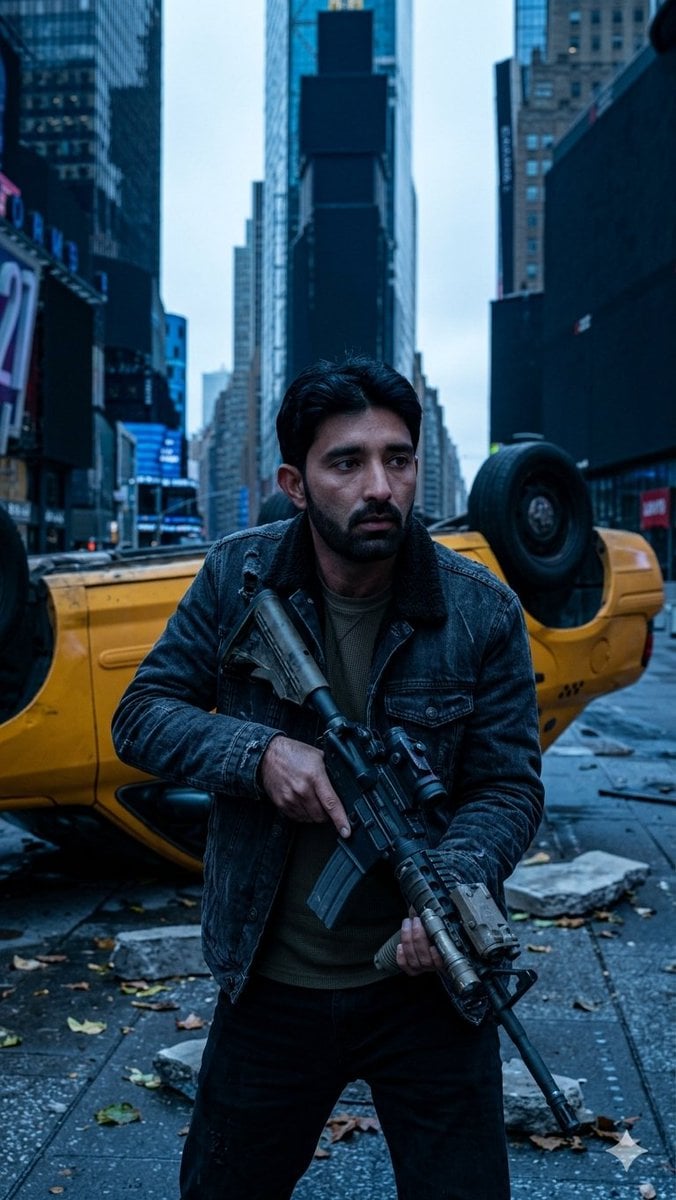
Deserted Times Square Protector
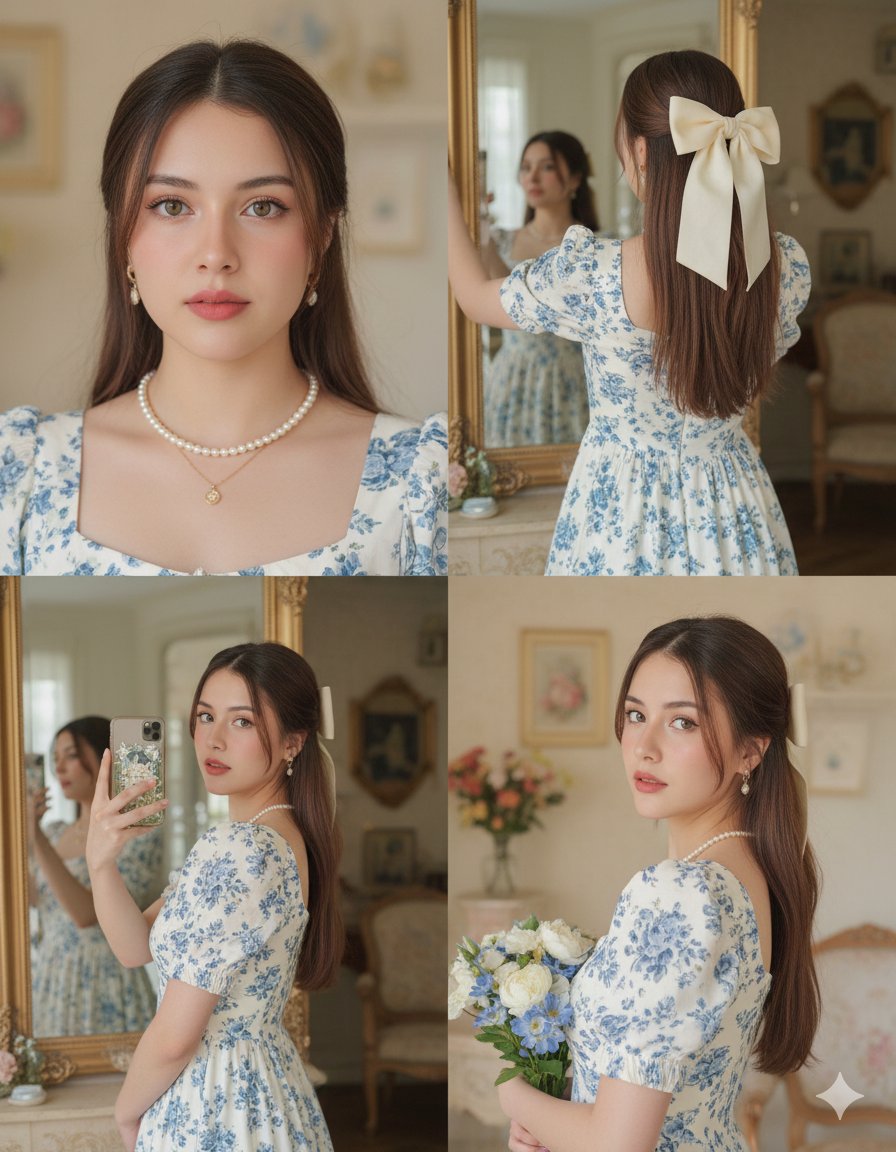
Panel Vintage Lifestyle Collage with Identity Lock
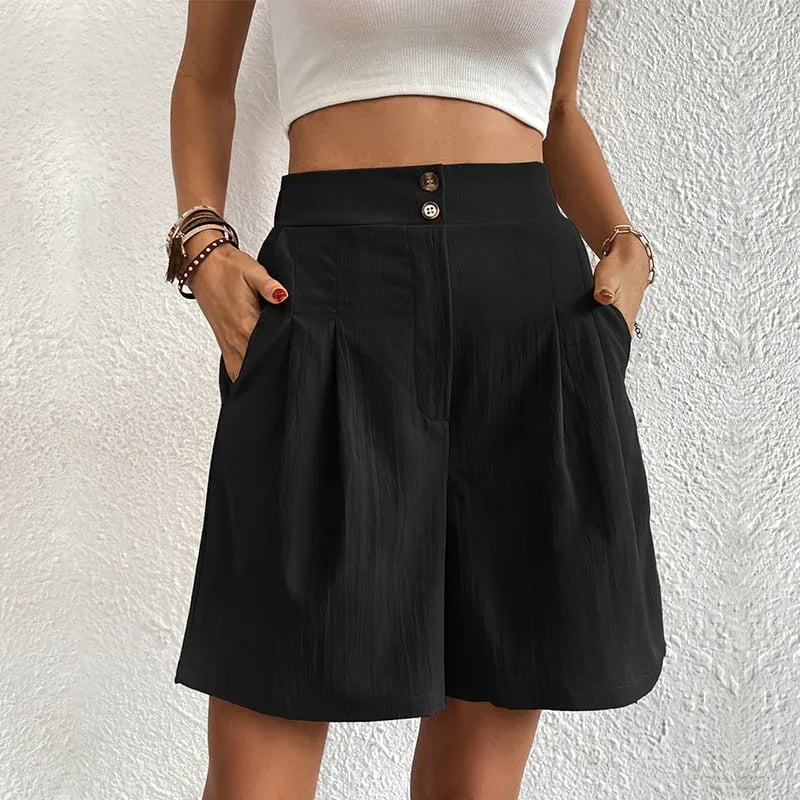
Commercial Lifestyle Showcase for Garment Preservation

Cinematic Mountain Portrait with Floating Text
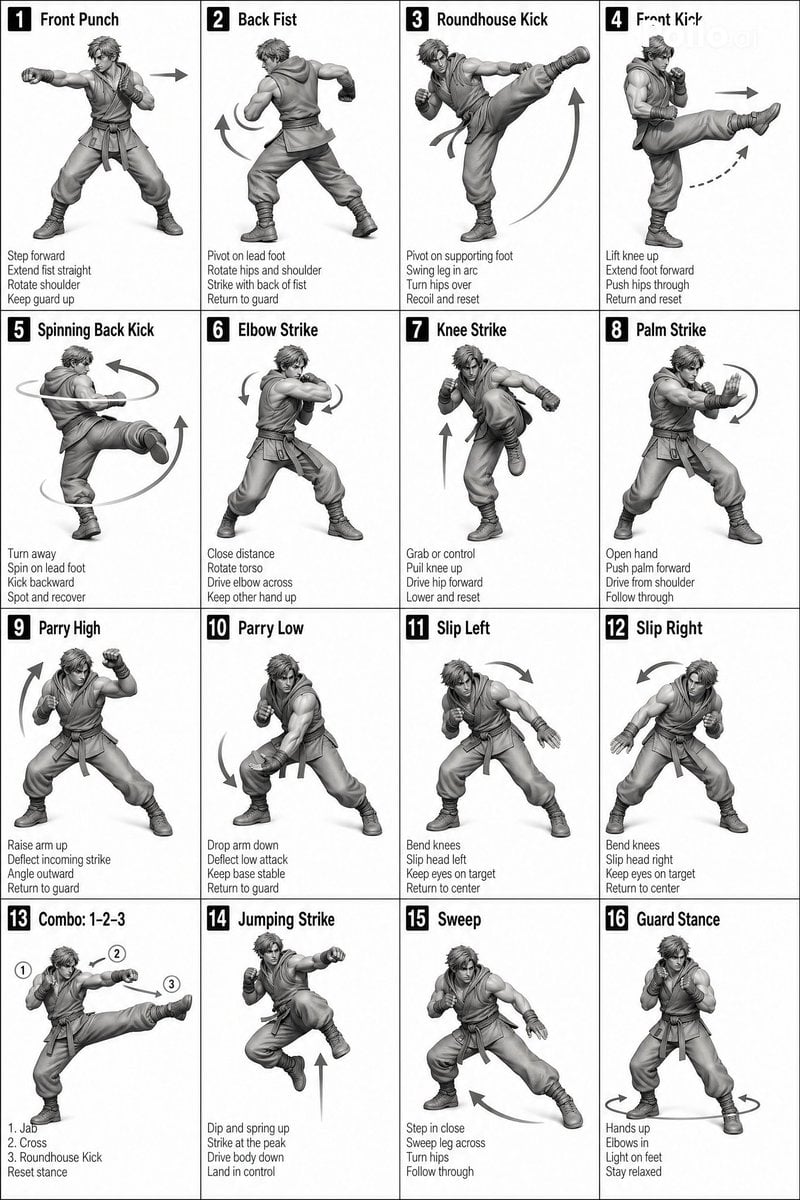
Instructional Martial Arts Movement Sheet
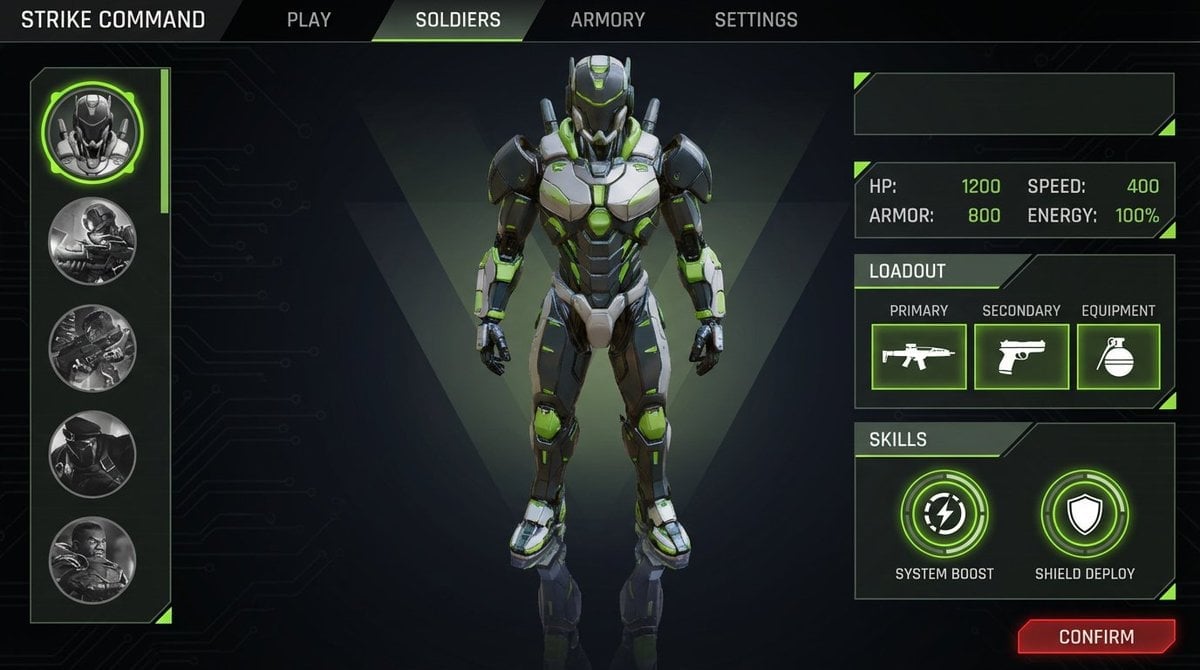
Character Selection Screen Generation
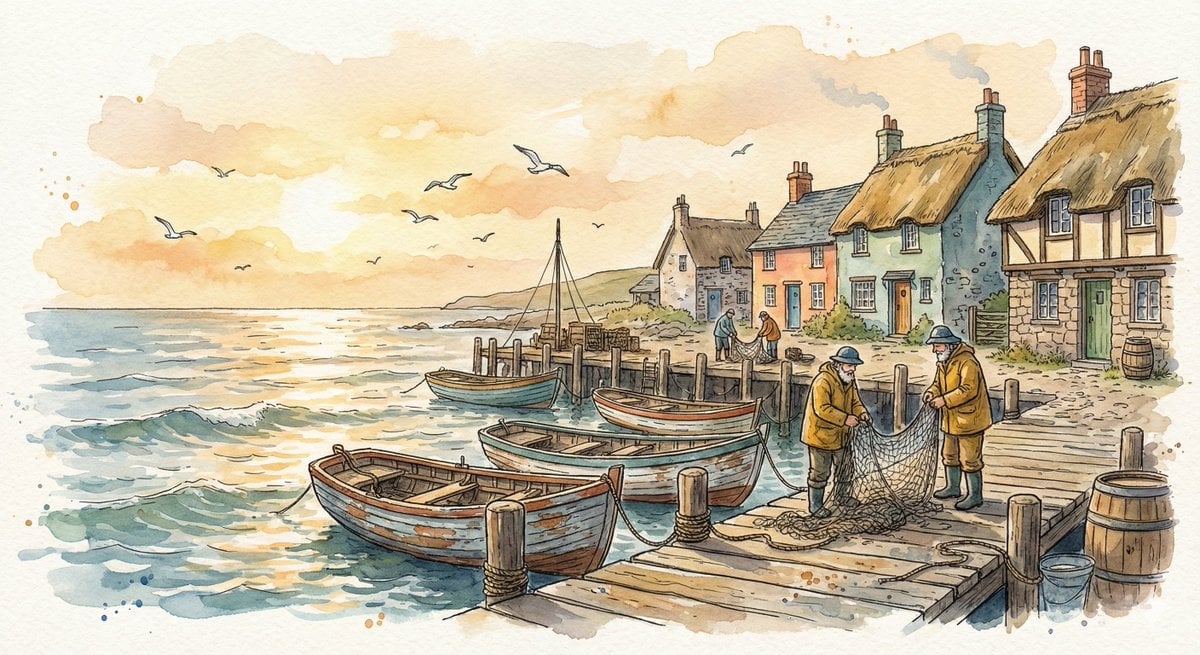
Watercolor Illustration of a Cozy Seaside Harbor Village
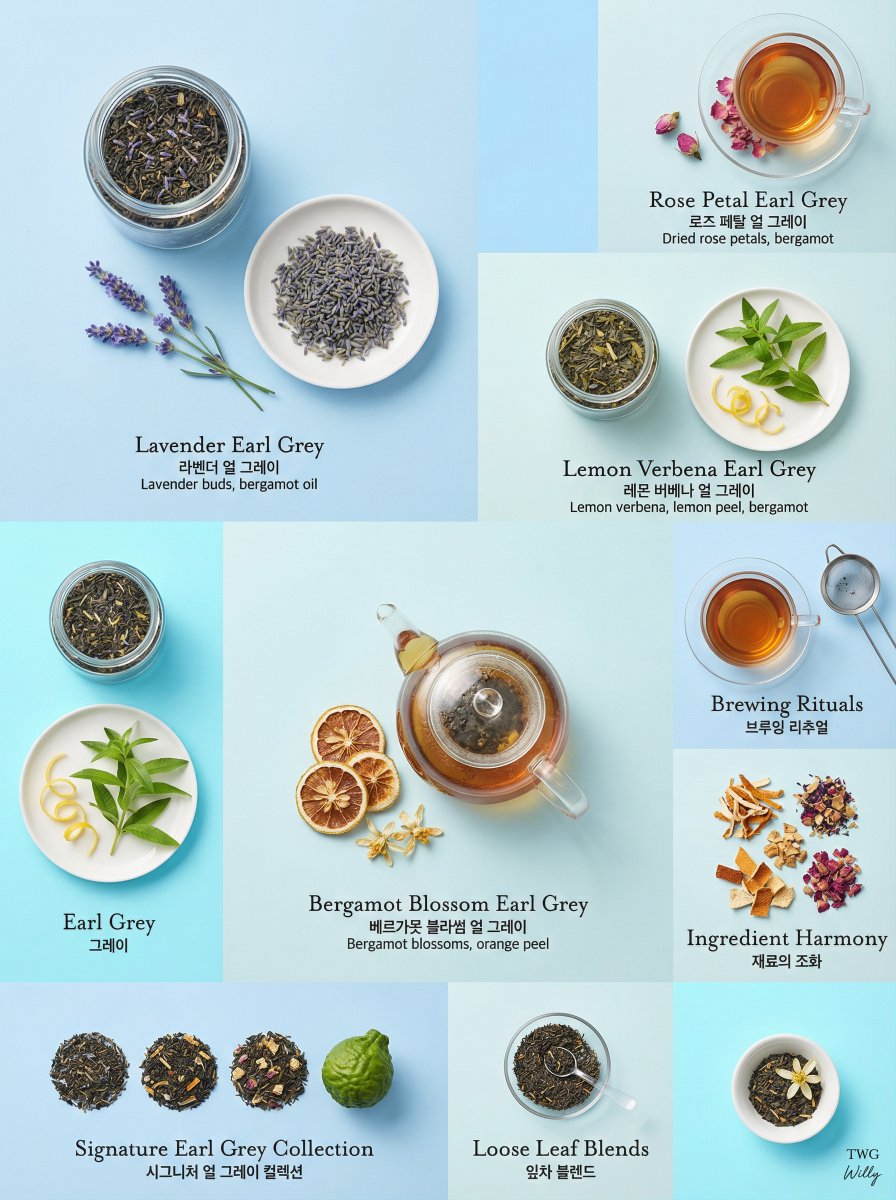
Luxury Earl Grey Tea Editorial Layout
GPT Image 2 Denoise Purification Instruction
Browse template categories
Six-Panel Retro Japanese Poster Collage questions
How do I use the Six-Panel Retro Japanese Poster Collage template?
Add your photo if the template asks for one, edit the prompt if you like — the template's model and format are already selected — and press Generate. Your version opens in PicX Studio.
Can I customize the Six-Panel Retro Japanese Poster Collage template?
Yes. You can change the subject, setting, lighting, mood, format, and available model controls before creating your image.
Is the Six-Panel Retro Japanese Poster Collage template free?
Opening and editing this template is free. Generating uses credits, shown on the Generate button when you are signed in.
Which AI model should I use?
Start with GPT Image 2, which is the model associated with this template. You can compare another compatible model for a different finish.
Looking for something else? Browse all templates.

Your photo, any look
Thousands of ready templates for every top image and video model, from one credit balance.