
The Date After College
College canteen, sharing chai — a 1980s restyle of a photo you upload, written for two people in frame.

- Prompt included
- Model and format preset
- Free template
The prompt behind this image
Copy the exact prompt behind The Date After College, or open it in the studio and make it yours.
Reimagine the uploaded couple as two young college students in 1984, sitting close together at a modest Indian college canteen, secretly sharing a cup of chai while their friends talk in the blurred background. Period-accurate shirts, denim, simple salwar suit, canvas bags, analog watches and natural 1980s hairstyles. Old wooden tables, steel chai glasses, handwritten college notices and ceiling fans create an authentic atmosphere. Capture the moment like an ordinary student photograph taken on a 35mm film camera, slightly imperfect framing, direct flash, soft film grain, mild color fading and natural skin texture. The image should feel intimate and unplanned, like a photograph discovered years later inside an old college album.
How to use The Date After College in 3 steps
- 1Upload ImagePNG, JPG or paste
Add your photo
Upload the photo the template builds on. The prompt, model and format are already set.
- 2…a portrait of your subject in softgolden-hour light, 85mm…
Personalize
Edit the subject and creative details while keeping the 9:16 frame.
- 3Generate
Generate
Press Generate — your image is created in PicX Studio, so you can compare it with the original and refine one variable at a time.
More like this
Templates with the same subject, style or setup. Open one to see its prompt.












Make it yours
The Date After College works as-is. These are the safest ways to change it without losing the look.
Change the frame
This template is built for 9:16. Try a matching image ratio in Studio if you need a different crop.
Change one field
Copy a single group, rewrite it, and generate again so you can see what that field is doing.
Keep the frame, change the subject
Hold the composition and light of The Date After College, then swap wardrobe, props or the person for a new take.
| If the result… | Why | Fix |
|---|---|---|
| The result drifts from the preview | Too many fields changed at once. | Reuse The Date After College as-is first, then change one group — subject, light, or setting. |
| The crop feels wrong | The prompt is framed for 9:16. | Set the image ratio to 9:16 before generating. |
| The model over-stylizes the scene | The prose prompt leaves finish and camera underspecified. | Add one camera or lighting sentence and stay on Openai/gpt Image 2.5/flare. |
More image prompts
Fresh picks from across the catalog.
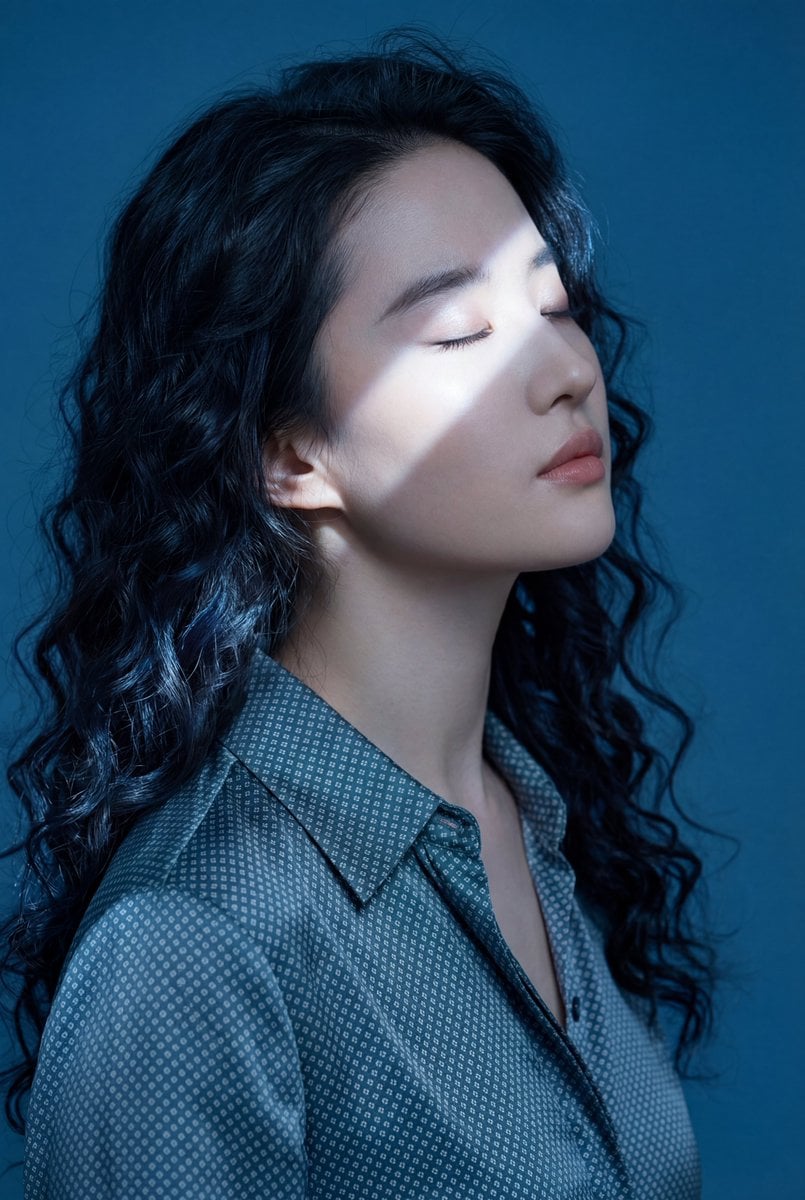
Ethereal Blue Light Editorial Portrait (Chinese Context)

Nano Banana 2 High Fashion Sports Campai
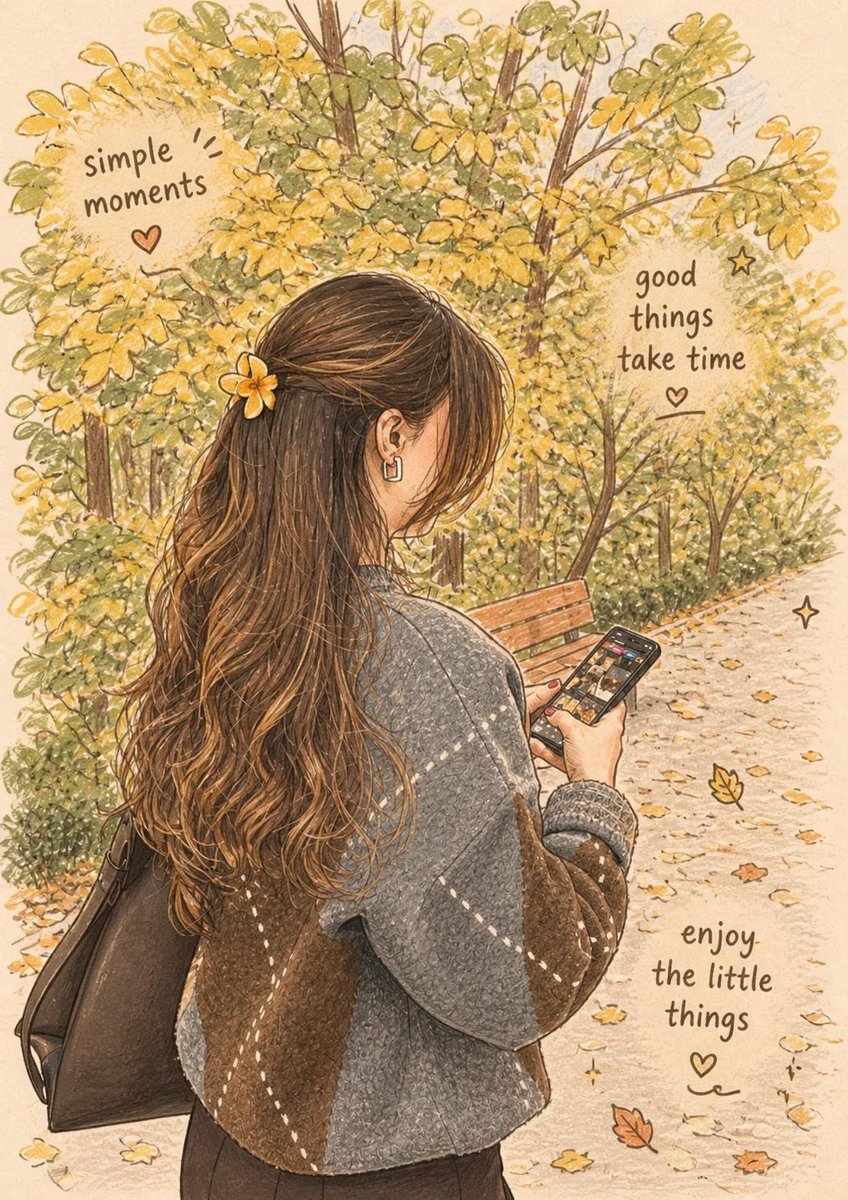
Cozy Autumn Lifestyle Collection

Person relaxing on glowing cloud above the sky
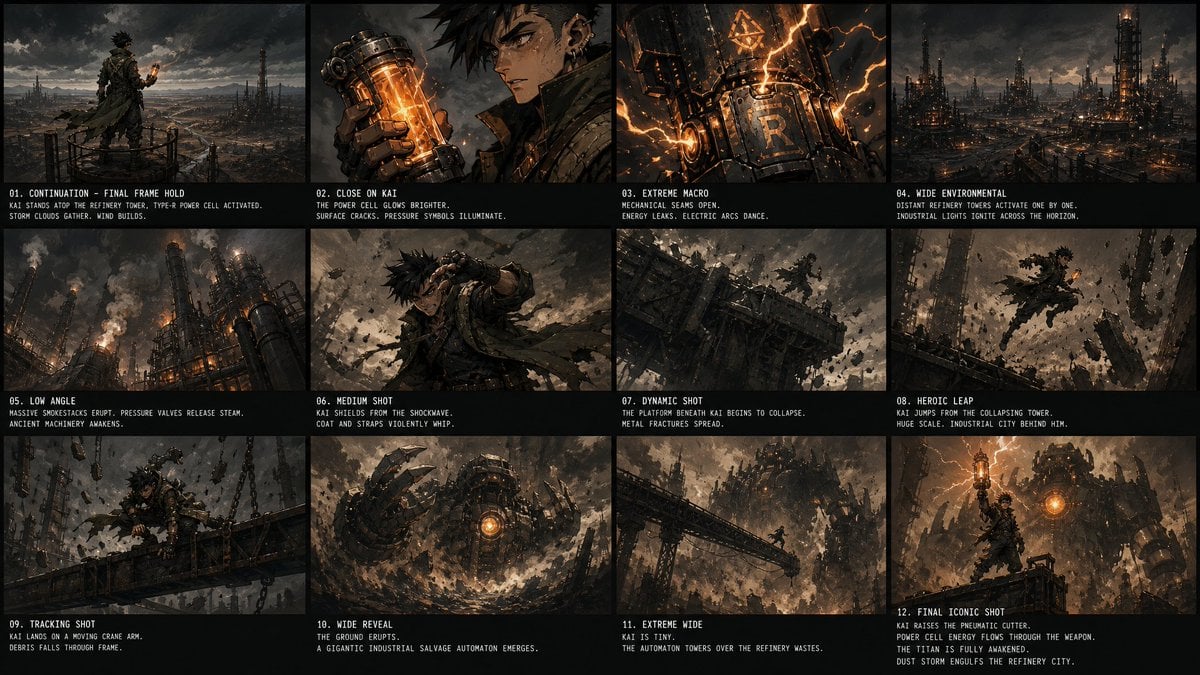
Kai Industrial Titan Storyboard
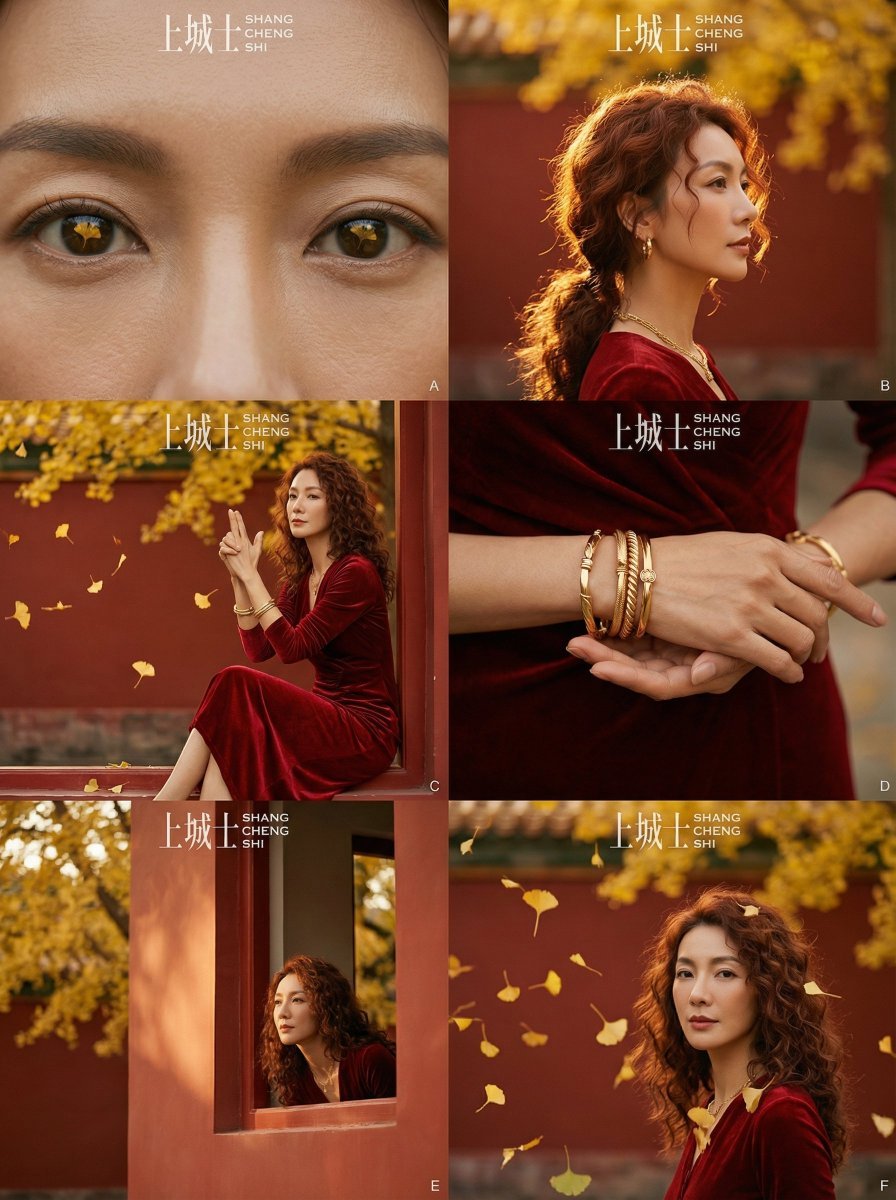
Cinematic Chinese Style Fashion Editorial (Shang Cheng Shi)
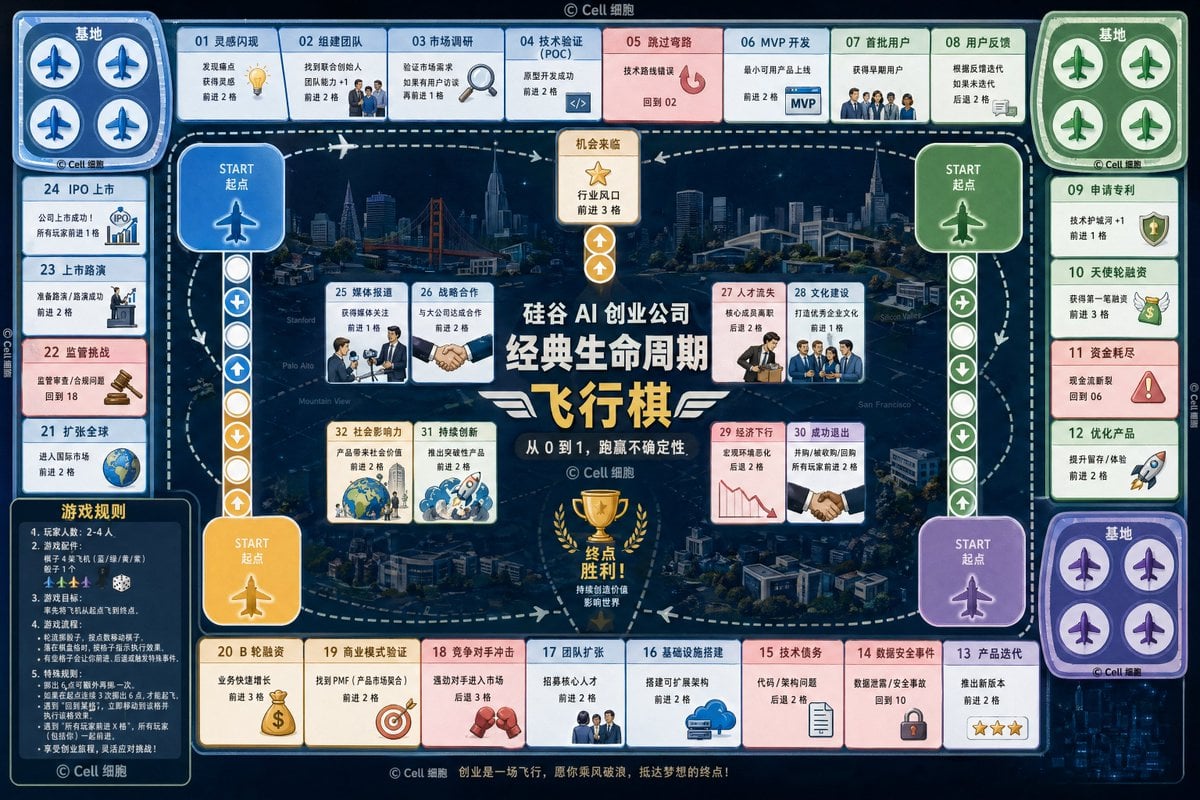
AI Startup lifecycle game prompt
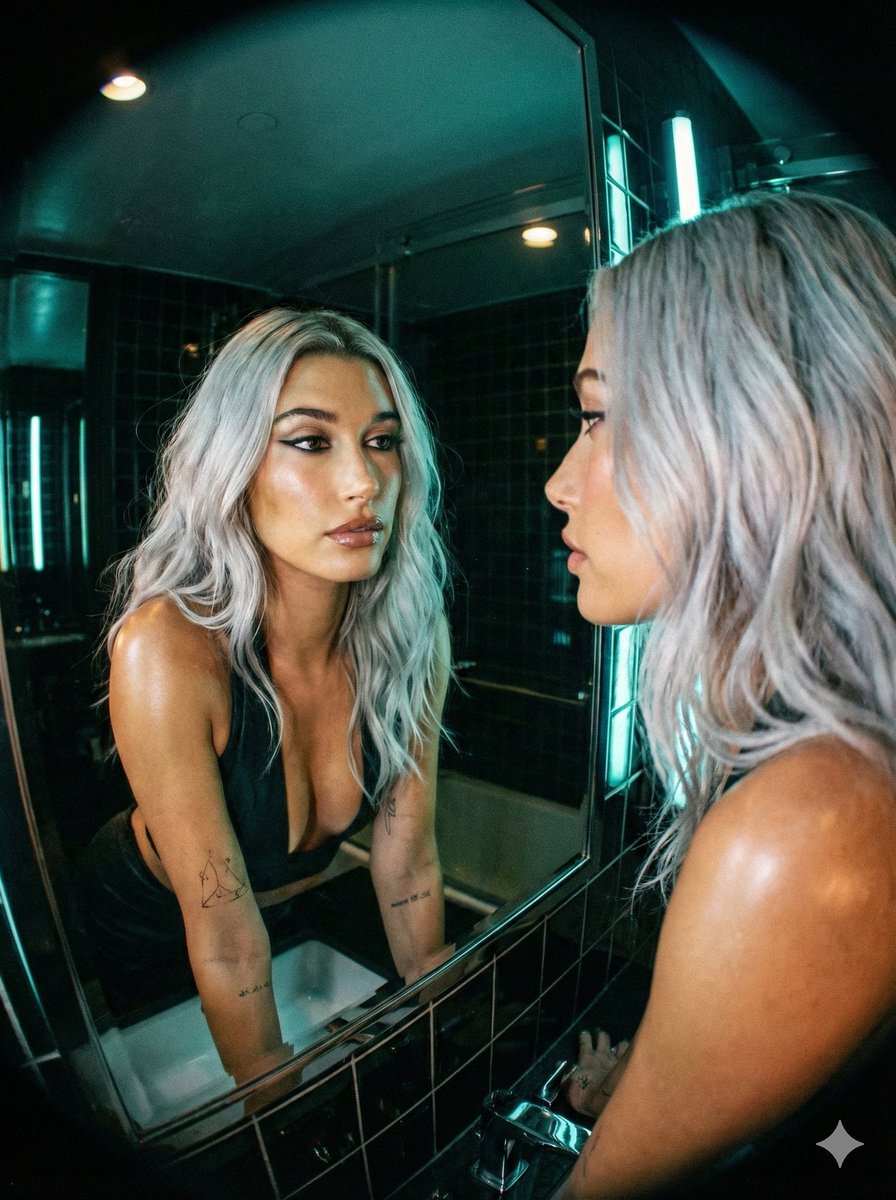
Neon Noir Wide-Angle Cinematic Portrait Prompt in JSON
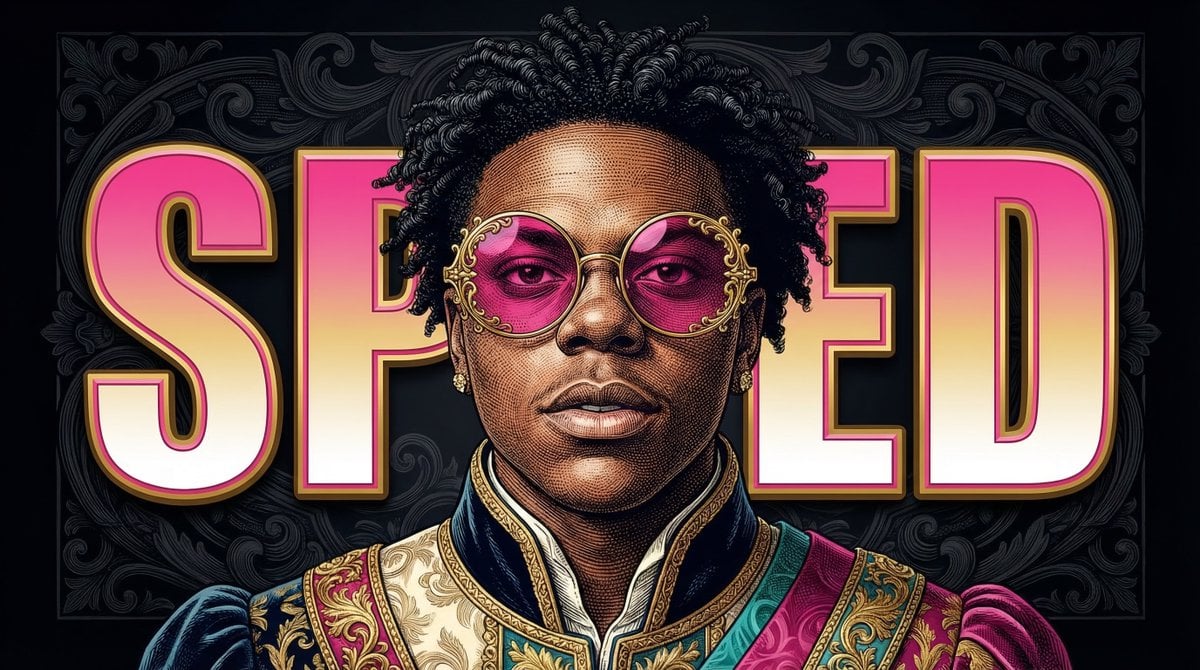
Neo-Baroque Engraved Pop Portrait

ChatGPT Analysis Diagnosis Card
Browse template categories
The Date After College questions
How do I use the The Date After College template?
Add your photo if the template asks for one, edit the prompt if you like — the template's model and format are already selected — and press Generate. Your version opens in PicX Studio.
Can I customize the The Date After College template?
Yes. You can change the subject, setting, lighting, mood, format, and available model controls before creating your image.
Is the The Date After College template free?
Opening and editing this template is free. Generating uses credits, shown on the Generate button when you are signed in.
Which AI model should I use?
Start with Openai/gpt Image 2.5/flare, which is the model associated with this template. You can compare another compatible model for a different finish.
Looking for something else? Browse all templates.

Your photo, any look
Thousands of ready templates for every top image and video model, from one credit balance.