
Kai Industrial Titan Storyboard
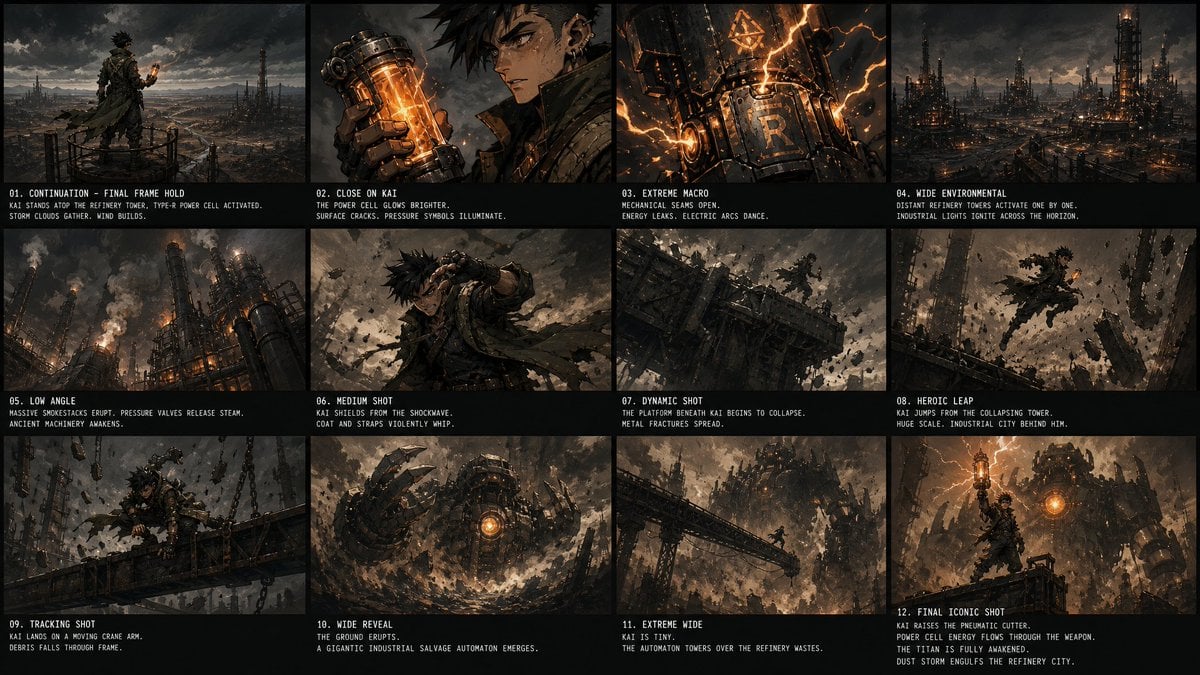
A 12-panel cinematic steampunk storyboard showing Kai activating a power cell and awakening a gigantic refinery automaton.
- Prompt included
- Model and format preset
- Free template
The prompt behind this image
Copy the exact prompt behind Kai Industrial Titan Storyboard, or open it in the studio and make it yours.
Goal: Create a dark cinematic storyboard/contact sheet for an action-fantasy steampunk sequence starring {argument name="character name" default="Kai"}, continuing from a previous final frame with no reset: same stormy refinery environment, same lighting, same character position and wardrobe continuity. Canvas: Wide 16:9 storyboard sheet, approximately 1200×675, black background with thin black gutters. Arrange exactly 12 widescreen panels in a 4-column by 3-row grid. Each panel has a cinematic frame above and a black caption strip below with small condensed white uppercase type, including a numbered shot title and two short description lines. Visual style: Gritty high-detail concept art, dark dieselpunk/steampunk industrial fantasy, ash-filled sky, brown-black metal palette, orange power-cell glow, lightning-like energy arcs, smoke, dust, sparks, ruined refinery towers, massive machinery, collapsing platforms, dramatic low-key lighting, dynamic camera angles, film storyboard presentation. Main character details: Kai is a spiky-haired young male warrior in ragged layered tactical clothing: dark cloak, straps, leather armor, metal gauntlets, utility belts, wind-torn scarf or coat tails, soot and grime on face, intense expression. He carries or activates a glowing cylindrical power cell with orange core energy. Keep him consistent across all panels. Storyboard layout and text content: Include exactly 12 discrete panels with these labels and visible descriptions: 01. CONTINUATION - FINAL FRAME HOLD Kai stands atop the refinery tower, type-R power cell activated. Storm clouds gather. Wind builds. 02. CLOSE ON KAI The power cell glows brighter. Surface cracks. Pressure symbols illuminate. 03. EXTREME MACRO Mechanical seams open. Energy leaks. Electric arcs dance. 04. WIDE ENVIRONMENTAL Distant refinery towers activate one by one. Industrial lights ignite across the horizon. 05. LOW ANGLE Massive smokestacks erupt, pressure valves release steam. Ancient machinery awakens. 06. MEDIUM SHOT Kai shields from the shockwave. Coat and straps violently whip. 07. DYNAMIC SHOT The platform beneath Kai begins to collapse. Metal fractures spread. 08. HEROIC LEAP Kai jumps from the collapsing tower. Huge scale. Industrial city behind him. 09. TRACKING SHOT Kai lands on a moving crane arm. Debris falls through frame. 10. WIDE REVEAL The ground erupts. A gigantic industrial salvage automaton emerges. 11. EXTREME WIDE Kai is tiny. The automaton towers over the refinery wastes. 12. FINAL ICONIC SHOT Kai raises the pneumatic cutter. Power cell energy flows through the weapon. The titan is fully awakened. Dust storm engulfs the refinery city. Shot-specific imagery: Panel 1 shows Kai from behind on a high circular railing overlooking a vast industrial wasteland, holding a small orange glowing cylinder. Panel 2 is a close-up of his gloved hand holding the glowing power cell near his face, with one soft blurred vertical rectangle obscuring part of the face area. Panel 3 is an extreme close-up of a metal machine surface marked with a large R, glowing orange cracks and arcs. Panel 4 shows a wide refinery skyline with many towers lighting up. Panel 5 uses a low angle on smokestacks venting steam and flame. Panel 6 shows Kai bracing against a violent blast with debris flying. Panel 7 shows a collapsing steel platform and tiny Kai amid fractured girders. Panel 8 shows Kai suspended mid-leap surrounded by shattered debris. Panel 9 tracks him crouched on a crane arm with chains and falling rubble. Panel 10 reveals a huge circular mechanical automaton head or torso rising from dust, orange core glowing. Panel 11 is an extreme wide silhouette of Kai on a bridge facing the towering automaton. Panel 12 is the heroic finale with Kai standing foreground, orange power glowing through his raised weapon, giant machine and refinery chaos behind him. Constraints: Use exactly 12 panels, exactly the listed captions, no extra panels, no logos or watermarks. Maintain consistent character, environment, stormy lighting, orange energy motif, and black storyboard caption strips throughout.
How to use Kai Industrial Titan Storyboard in 3 steps
- 1Upload ImagePNG, JPG or paste
Add your photo
Upload the photo the template builds on. The prompt, model and format are already set.
- 2…a portrait of your subject in softgolden-hour light, 85mm…
Personalize
Edit the subject and creative details for your destination.
- 3Generate
Generate
Press Generate — your image is created in PicX Studio, so you can compare it with the original and refine one variable at a time.
More like this
Templates with the same subject, style or setup. Open one to see its prompt.

Headphones Lifestyle Nine Panel Grid

Caution Tape Fashion — Industrial Editorial
Seedance - Storyboard to Movie
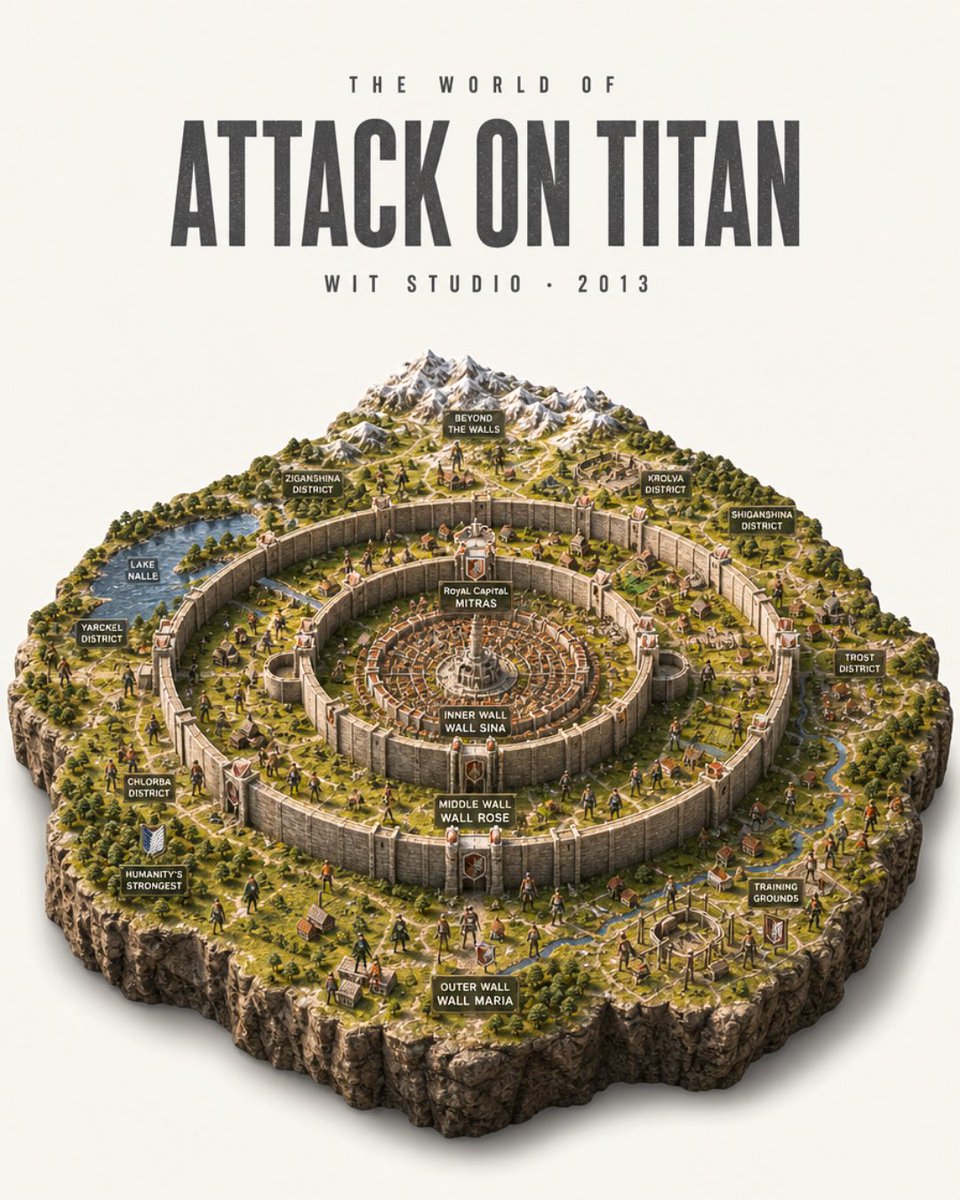
Attack on Titan Isometric Diorama Map
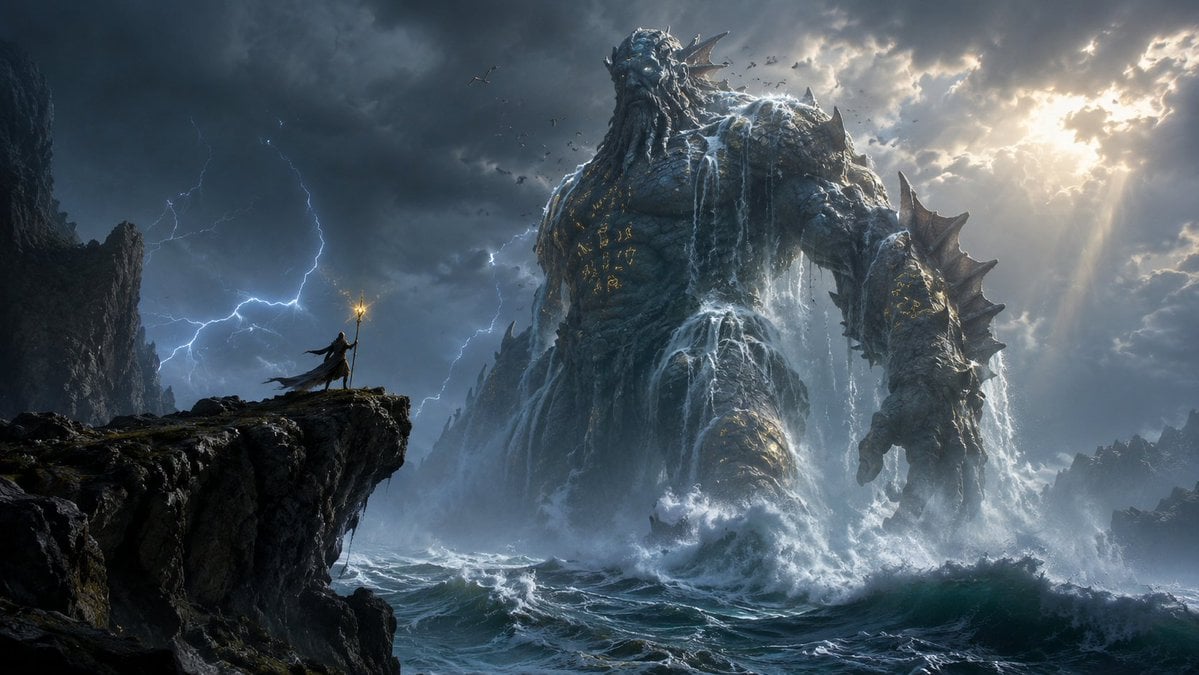
Colossal Ocean Titan and Messenger
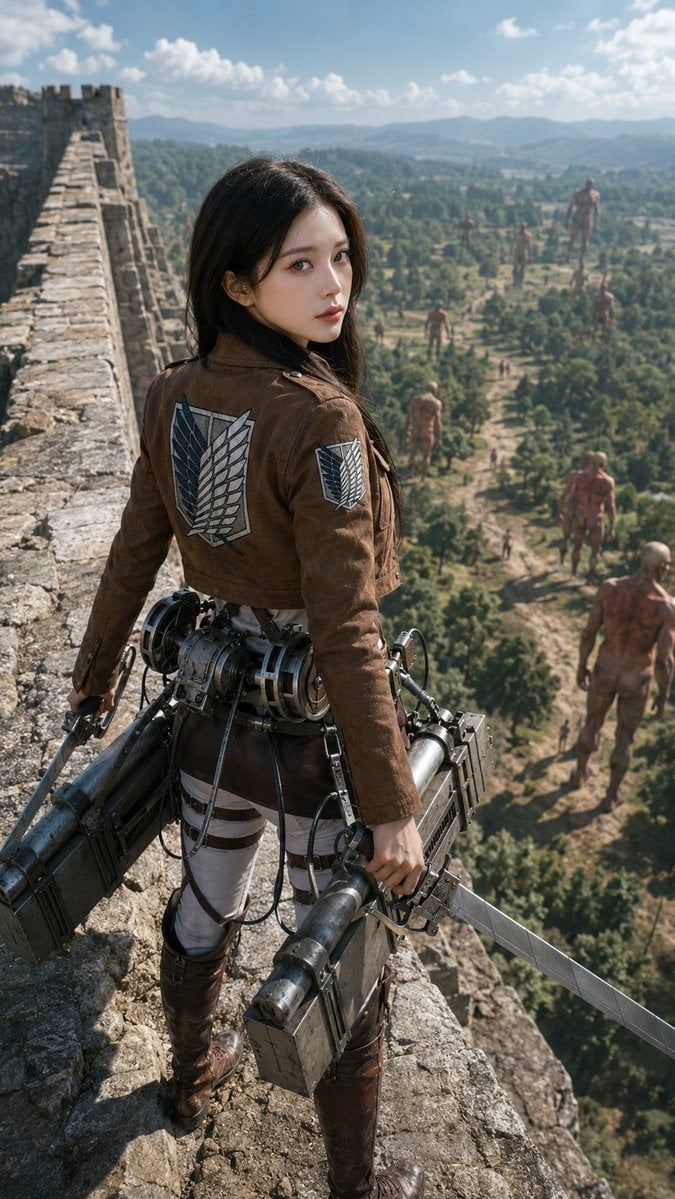
Photorealistic Scout on Titan Wall
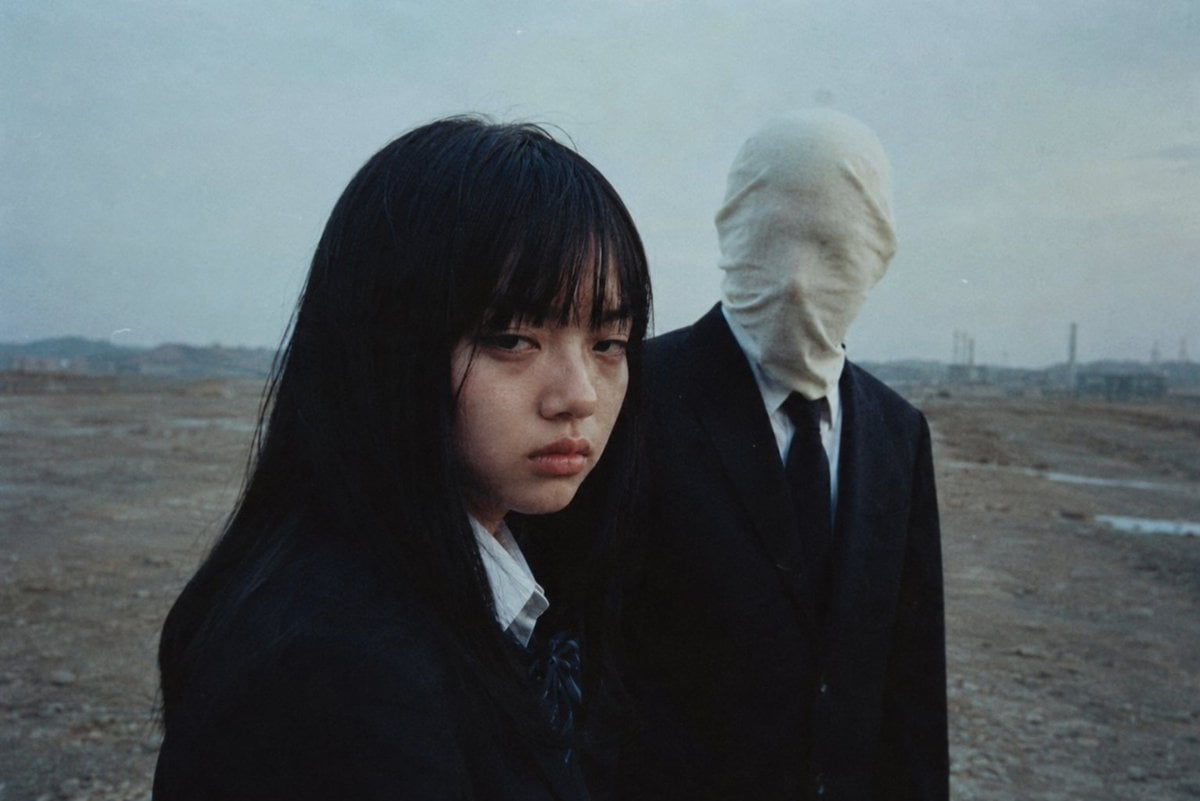
Anonymous Figures in Industrial Wasteland

Pencil Sketch Coffee Storyboard
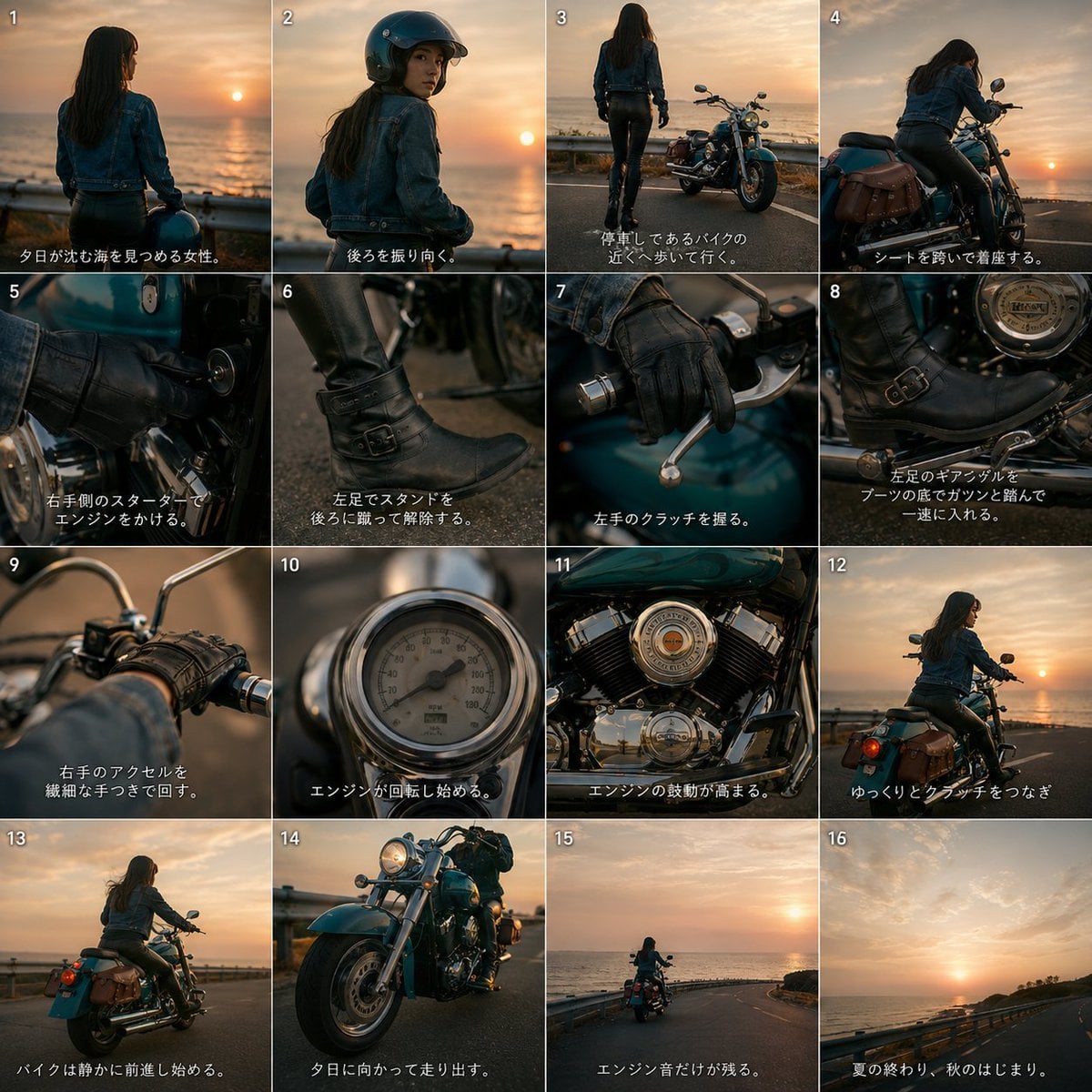
Cinematic Motorcycle Storyboard
Discord Anime Storyboard Feed
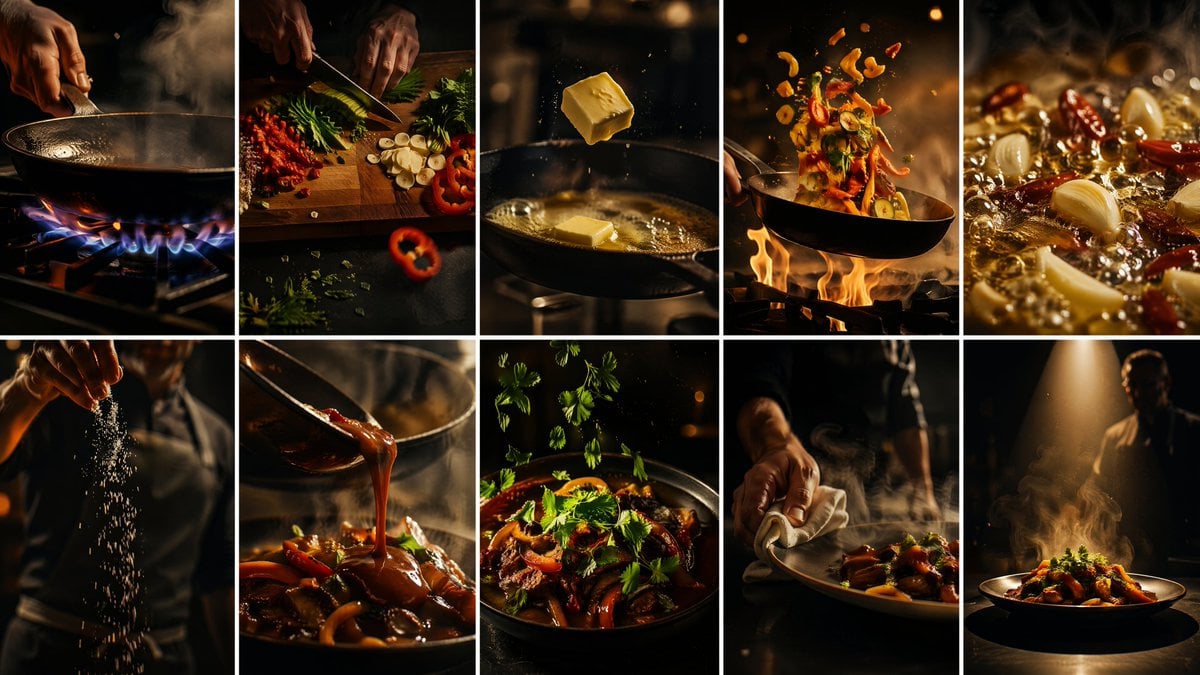
Cinematic Flame Chef Storyboard
Industrial Coffee Shop Portrait
Make it yours
Kai Industrial Titan Storyboard works as-is. These are the safest ways to change it without losing the look.
Change one field
Copy a single group, rewrite it, and generate again so you can see what that field is doing.
Keep the frame, change the subject
Hold the composition and light of Kai Industrial Titan Storyboard, then swap wardrobe, props or the person for a new take.
| If the result… | Why | Fix |
|---|---|---|
| The result drifts from the preview | Too many fields changed at once. | Reuse Kai Industrial Titan Storyboard as-is first, then change one group — subject, light, or setting. |
| The model over-stylizes the scene | The prose prompt leaves finish and camera underspecified. | Add one camera or lighting sentence and stay on GPT Image 2. |
More GPT Image 2 templates
Other prompts made for GPT Image 2.

Six VTuber Japanese Logo Sheet

Realistic Portrait of Woman and Deer

The Vista Modular Condo Poster

AI Model Routing Comparison Infographic

2.5D Anime Art Board

Isometric Productivity Desk Scene

New York Double Exposure Poster

Four-Panel AI Landscape Comparison

Japanese Tatami Lifestyle Magazine Cover

NESCAFÉ Coffee Map Poster
More image prompts
Fresh picks from across the catalog.
Manga page prompt for Nano Banana Pro
Photoreal Playful Couple Car Selfie Triptych
Cinematic Film Roll Archive
Casual Photo Prompt
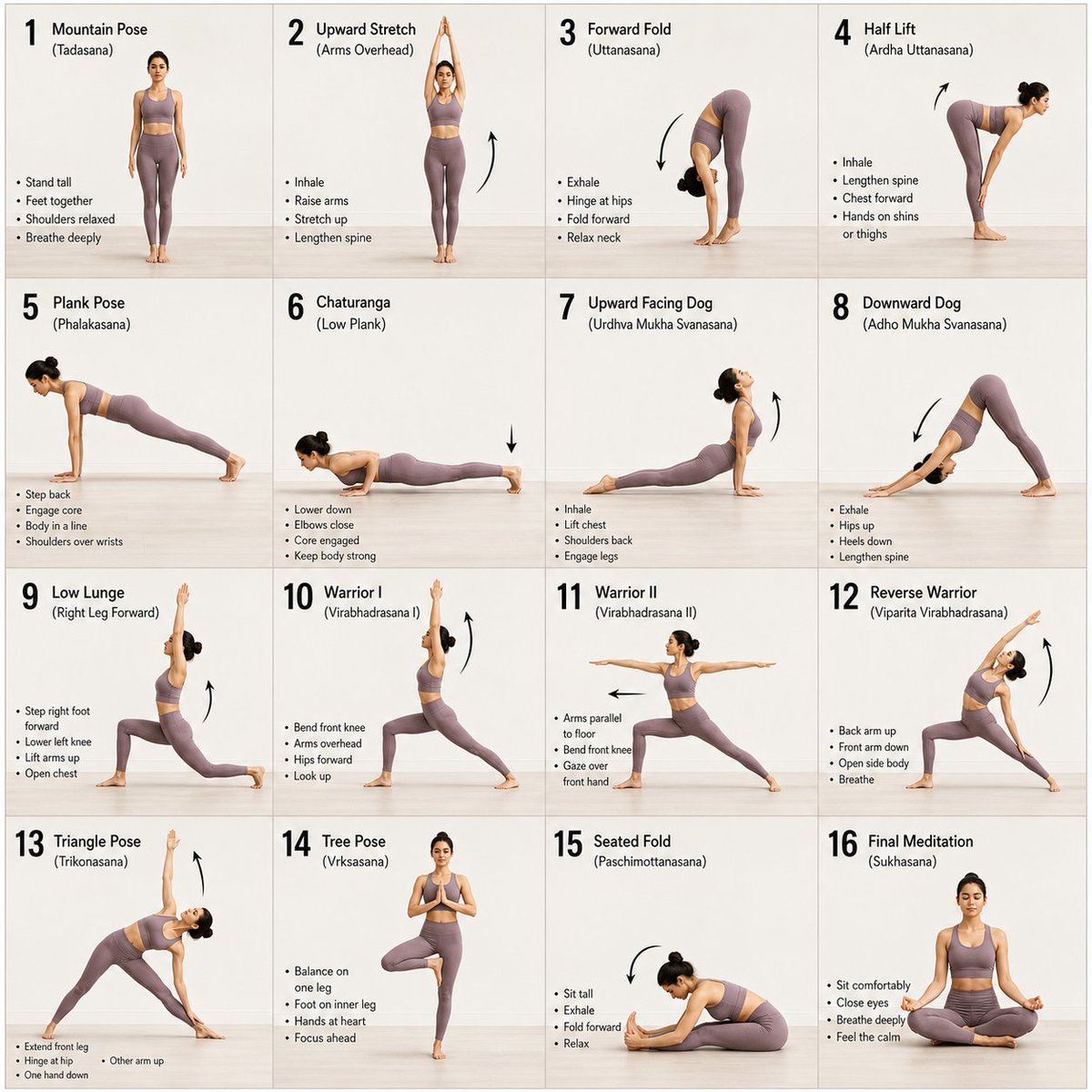
Panel Yoga Instructional Storyboard
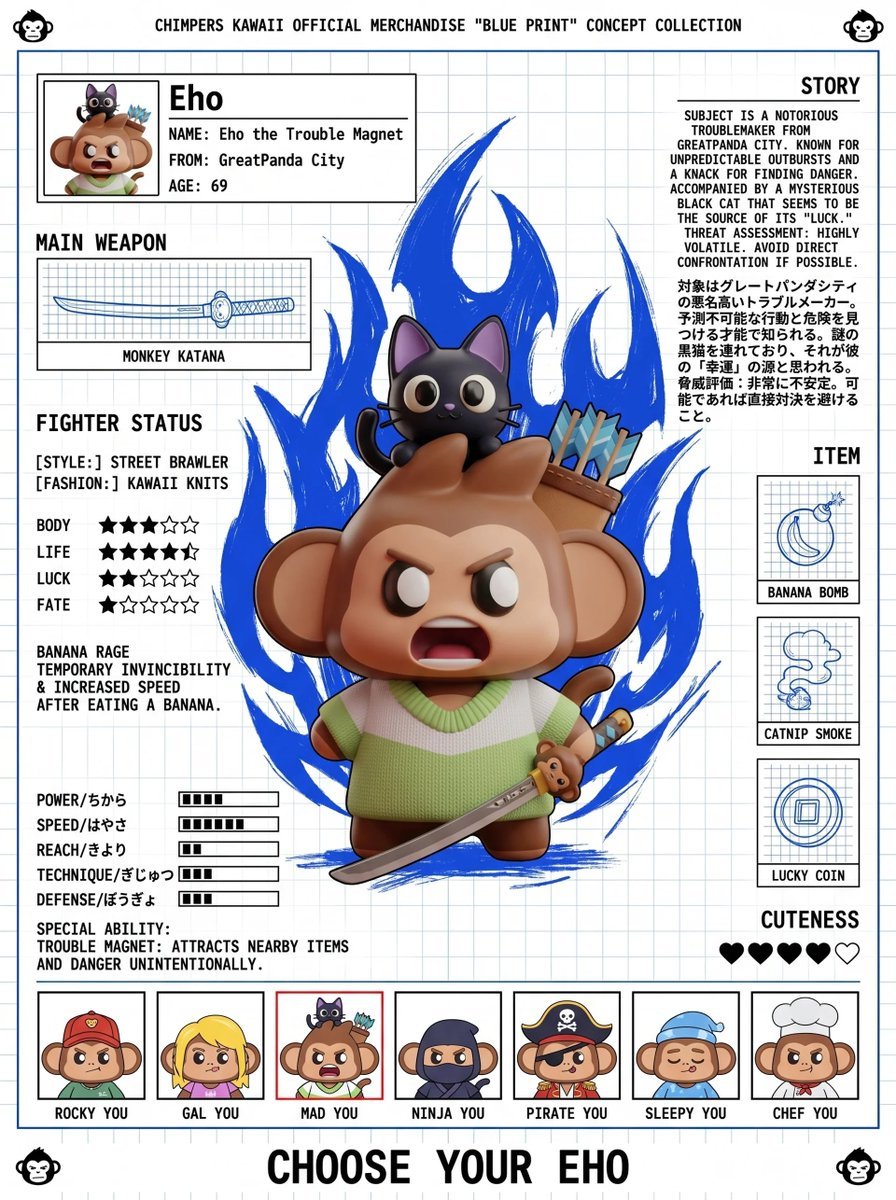
Fighting Game Blueprint Poster
Cinematic Disintegrating Energy Aura Portrait
JRPG Hatsune Miku Fantasy Logo
Coffee's Journey Board prompt for Nano Banana 2
Victorian Tea Room Waiting Wallpaper
Browse template categories
Kai Industrial Titan Storyboard questions
How do I use the Kai Industrial Titan Storyboard template?
Add your photo if the template asks for one, edit the prompt if you like — the template's model and format are already selected — and press Generate. Your version opens in PicX Studio.
Can I customize the Kai Industrial Titan Storyboard template?
Yes. You can change the subject, setting, lighting, mood, format, and available model controls before creating your image.
Is the Kai Industrial Titan Storyboard template free?
Opening and editing this template is free. Generating uses credits, shown on the Generate button when you are signed in.
Which AI model should I use?
Start with GPT Image 2, which is the model associated with this template. You can compare another compatible model for a different finish.
Looking for something else? Browse all templates.

Your photo, any look
Thousands of ready templates for every top image and video model, from one credit balance.