
Discord Anime Storyboard Feed
Generates a mobile Discord dark-mode screenshot showing a channel feed of four anime storyboard scene images with captions.
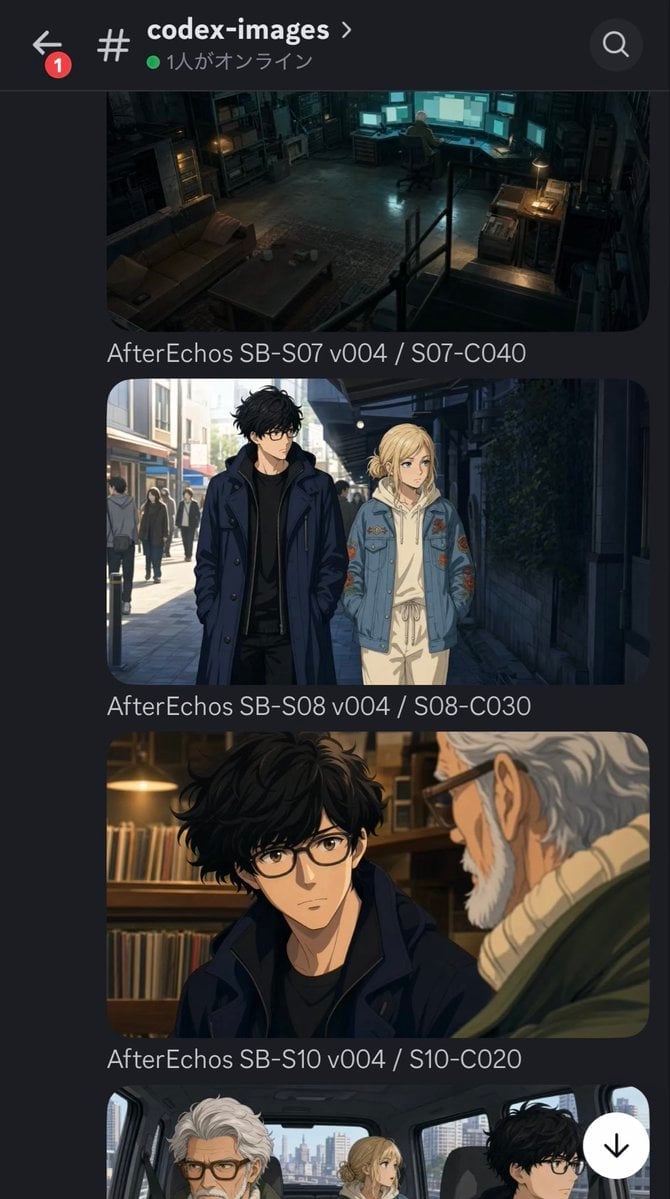
- Prompt included
- Model and format preset
- Premium template
The prompt behind this image
Copy the exact prompt behind Discord Anime Storyboard Feed, or open it in the studio and make it yours.
Goal: Create a realistic mobile Discord screenshot showing an image-generation channel for an anime project called {argument name="project title" default="After Echos"}, with a dark theme interface and a vertical feed of storyboard scene images. Canvas: Tall smartphone screenshot, portrait orientation, about 670×1200 pixels, dark charcoal Discord UI. Crop the bottom slightly so the fourth image is only partially visible. Header: At the top, show the Discord channel header with a back arrow on the far left, a red notification badge with the number 1, a hashtag icon, the channel name {argument name="channel name" default="codex-images"} in bold white text, a small chevron, a green online dot, Japanese status text reading 「1人がオンライン」, and a circular search icon on the right. Layout: Below the header, show a scrollable feed with exactly 4 rounded-corner image posts stacked vertically. Each post has a cinematic anime scene image followed by a gray filename-style caption. Use narrow side margins, rounded image corners, and Discord-like spacing. Post 1: A dark, moody, wide cinematic anime image of a cluttered underground workspace or safehouse at night. One person sits at a desk facing multiple glowing computer monitors. The room has shelves, boxes, a couch, a low table, scattered objects, warm desk lamps, teal monitor light, and a gritty industrial atmosphere. Caption: “AfterEchos SB-S07 v004 / S07-C040”. Post 2: A daylight anime street scene with exactly 2 main characters walking side by side: a tall young man with messy black hair, glasses, black shirt, and long navy coat; and a blonde young woman with hair tied back, wearing a pale hoodie, light pants, and a blue embroidered denim jacket. Urban pedestrians and storefronts recede in the background; the right side is shaded by a wall with greenery. Caption: “AfterEchos SB-S08 v004 / S08-C030”. Post 3: A warm indoor anime conversation close-up with exactly 2 visible characters: the same black-haired young man in glasses and navy coat looking serious in the foreground, and an elderly white-haired man with glasses, beard, and a beige turtleneck seen from behind/right profile. Background shelves contain books or records under warm lamplight. Caption: “AfterEchos SB-S10 v004 / S10-C020”. Post 4: Partially visible at the bottom, an anime vehicle interior with exactly 3 visible characters: the elderly white-haired man with glasses on the left, the blonde young woman in the center rear, and the black-haired young man with glasses on the right. City buildings are visible through the windows. A floating white circular down-arrow button overlaps the lower-right area. Visual style: The embedded images should look like polished Japanese anime concept art with cinematic lighting and detailed backgrounds, while the surrounding interface should look like a real Discord mobile app screenshot. Keep all UI text crisp and legible, with no extra watermarks or unrelated icons.
How to use Discord Anime Storyboard Feed in 3 steps
- 1Upload ImagePNG, JPG or paste
Add your photo
Upload the photo the template builds on. The prompt, model and format are already set.
- 2…a portrait of your subject in softgolden-hour light, 85mm…
Personalize
Edit the subject and creative details for your destination.
- 3Generate
Generate
Press Generate — your image is created in PicX Studio, so you can compare it with the original and refine one variable at a time.
More like this
Templates with the same subject, style or setup. Open one to see its prompt.












Make it yours
Discord Anime Storyboard Feed works as-is. These are the safest ways to change it without losing the look.
Change one field
Copy a single group, rewrite it, and generate again so you can see what that field is doing.
Keep the frame, change the subject
Hold the composition and light of Discord Anime Storyboard Feed, then swap wardrobe, props or the person for a new take.
| If the result… | Why | Fix |
|---|---|---|
| The result drifts from the preview | Too many fields changed at once. | Reuse Discord Anime Storyboard Feed as-is first, then change one group — subject, light, or setting. |
| The model over-stylizes the scene | The prose prompt leaves finish and camera underspecified. | Add one camera or lighting sentence and stay on GPT Image 2. |
More GPT Image 2 templates
Other prompts made for GPT Image 2.

Six VTuber Japanese Logo Sheet

Realistic Portrait of Woman and Deer

The Vista Modular Condo Poster

AI Model Routing Comparison Infographic

2.5D Anime Art Board

Isometric Productivity Desk Scene

New York Double Exposure Poster

Four-Panel AI Landscape Comparison

Japanese Tatami Lifestyle Magazine Cover

NESCAFÉ Coffee Map Poster
More image prompts
Fresh picks from across the catalog.
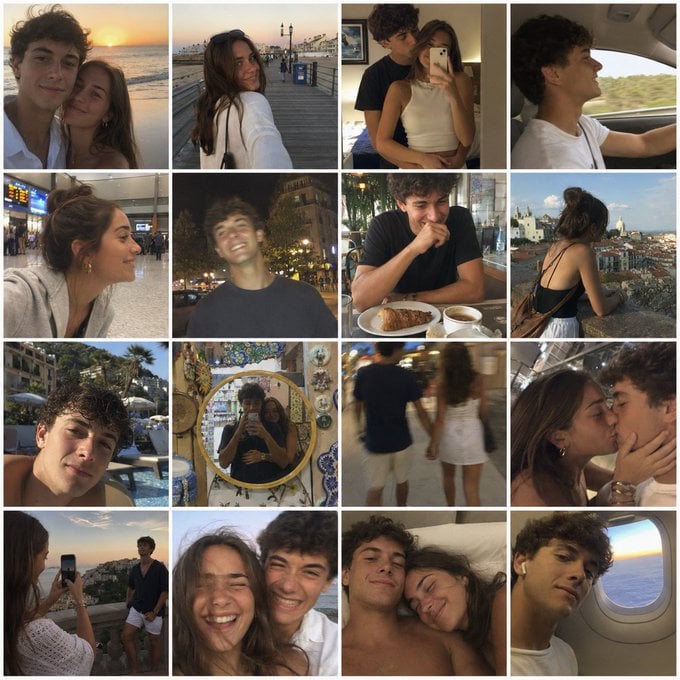
Nostalgic Vacation iPhone Snapshot Grid
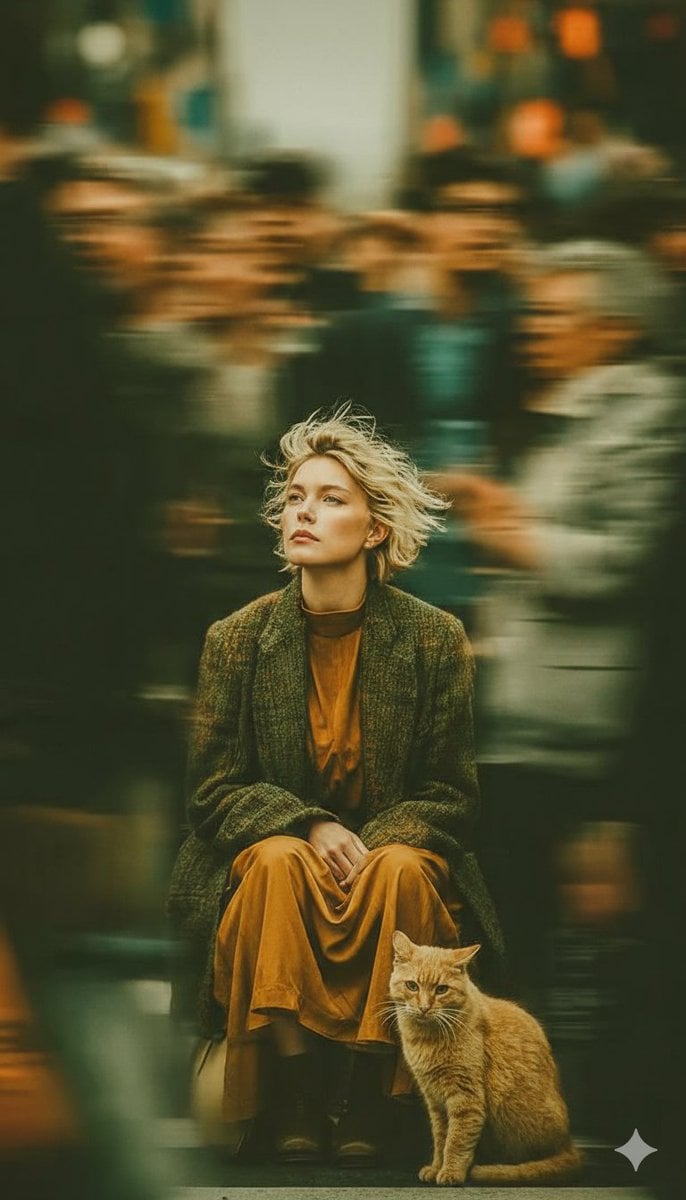
Long-Exposure Cinematic Street Photography Portrait
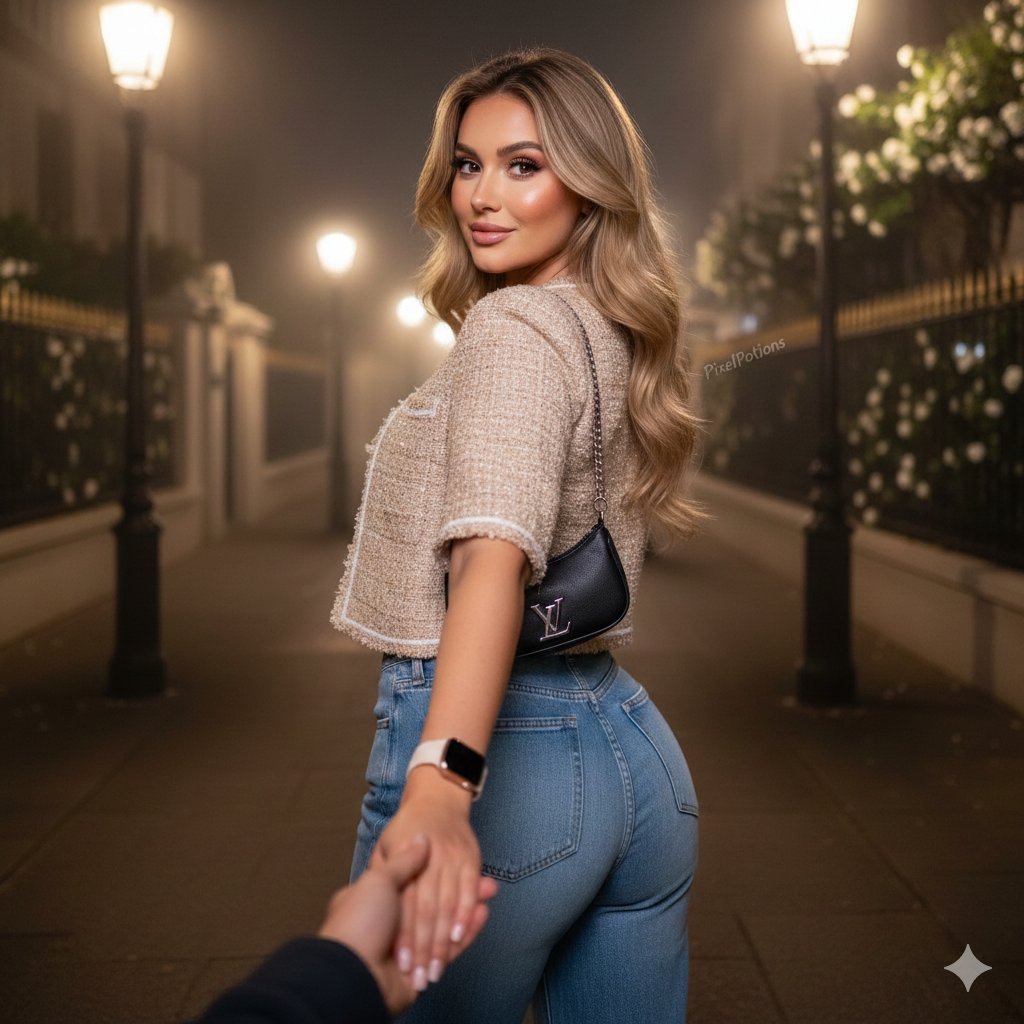
Hyper-realistic Fashion Editorial Portrait: Night Walk
Material and Surface Study for Realism Testing
Character Card Generation from Profile Image
Ultra-Realistic Studio Portrait of Man in Green Hoodie
World-in-a-Box Cutaway Diorama Prompt
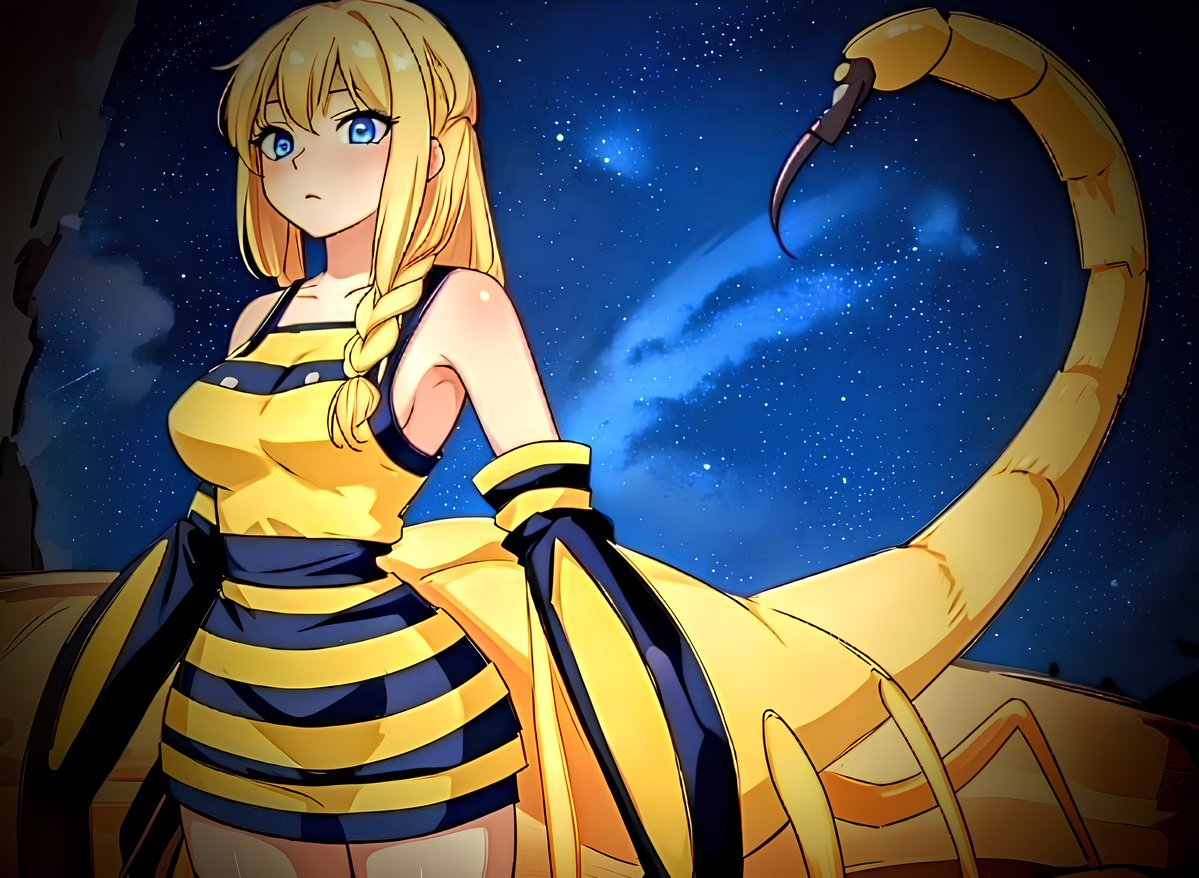
Deathstalker Arachne Personification
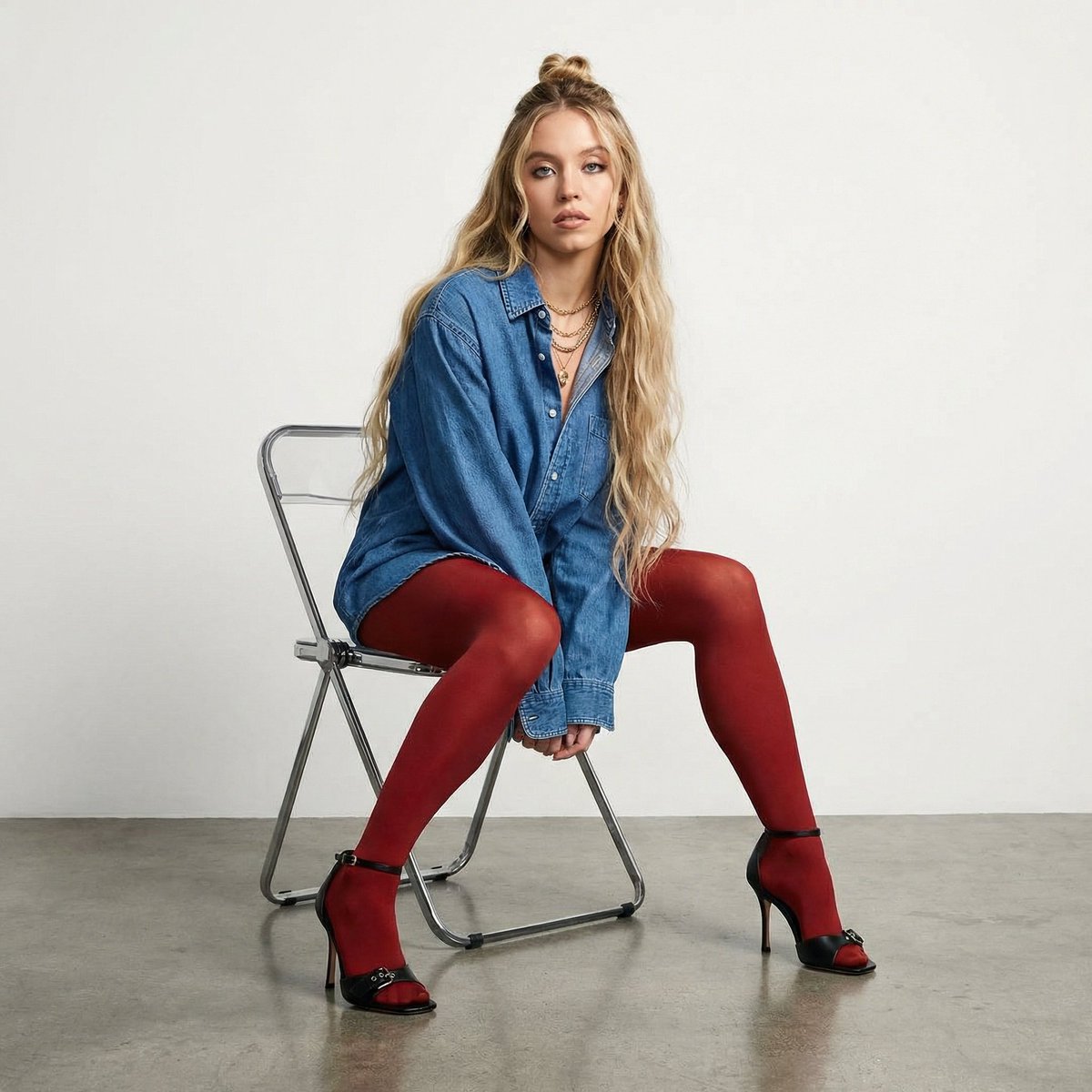
High-Fashion Denim Photoshoot with Ultra-Long Hair
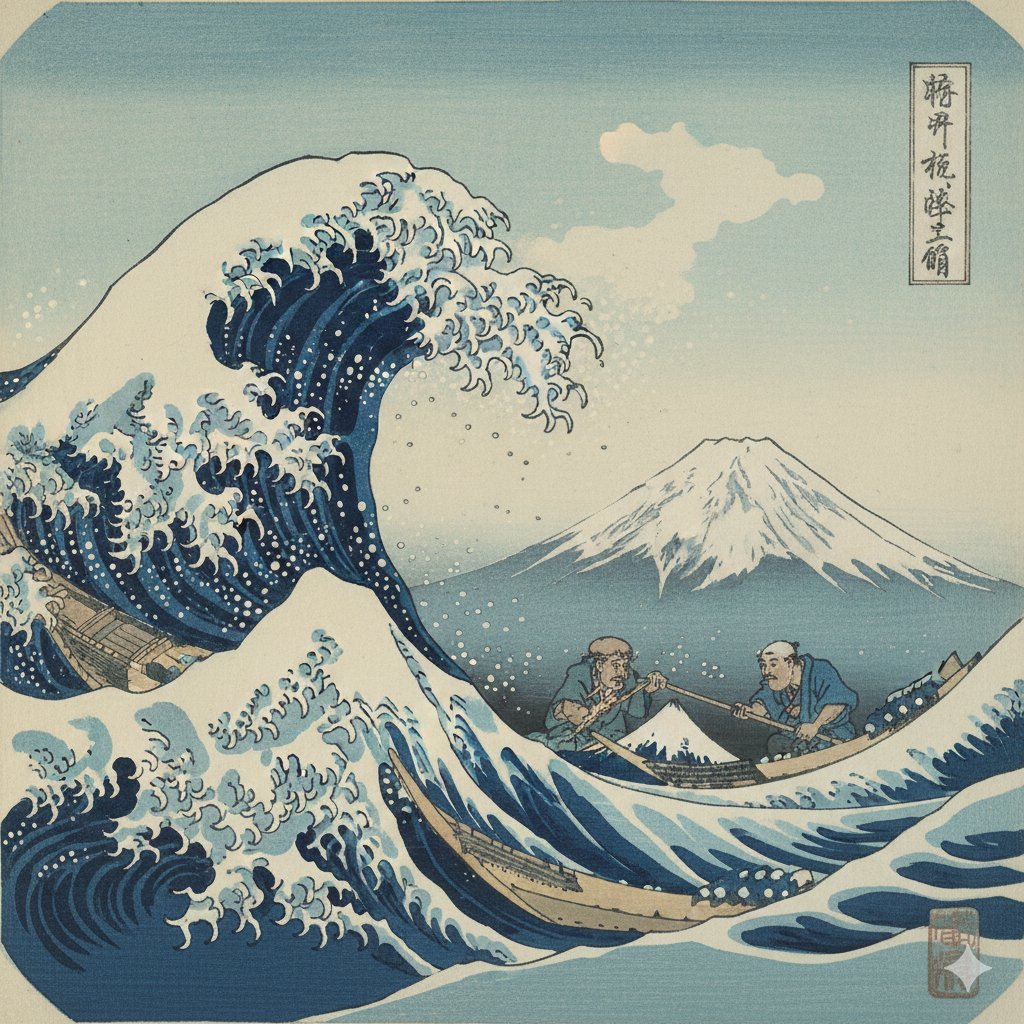
Hokusai Style Woodblock Print Generation
Browse template categories
Discord Anime Storyboard Feed questions
How do I use the Discord Anime Storyboard Feed template?
Add your photo if the template asks for one, edit the prompt if you like — the template's model and format are already selected — and press Generate. Your version opens in PicX Studio.
Can I customize the Discord Anime Storyboard Feed template?
Yes. You can change the subject, setting, lighting, mood, format, and available model controls before creating your image.
Is the Discord Anime Storyboard Feed template free?
Opening and editing this template is free. Generating uses credits, shown on the Generate button when you are signed in.
Which AI model should I use?
Start with GPT Image 2, which is the model associated with this template. You can compare another compatible model for a different finish.
Looking for something else? Browse all templates.

Your photo, any look
Thousands of ready templates for every top image and video model, from one credit balance.