
World-in-a-Box Cutaway Diorama Prompt
A complex, instruction-based prompt designed to convert any topic (e.g., Bleach) into a highly detailed, physical 'world-in-a-box' cutaway diorama.
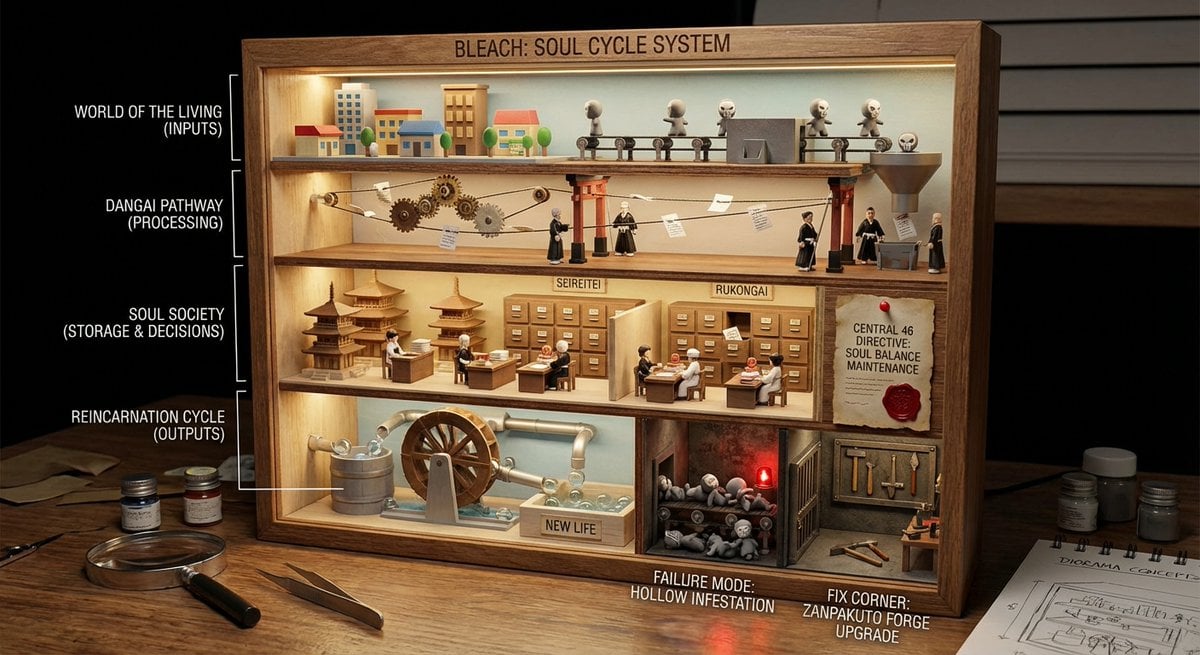
- Prompt included
- Model and format preset
- Premium template
The prompt behind this image
Copy the exact prompt behind World-in-a-Box Cutaway Diorama Prompt, or open it in the studio and make it yours.
<instructions> role: You are a cutaway diorama builder and practical-effects set designer. Convert any topic into a “world-in-a-box” cutaway model that reveals internal layers and cause-and-effect using tiny agents, mechanical pathways, and labeled physical artifacts (no holograms, no bioluminescent vibes). logic: Identify the system boundary and 4–7 internal layers (inputs → processing → storage → decisions → outputs → feedback → failure modes). Build a boxed cross-section where each layer is a “floor” with physical machinery appropriate to the topic: conveyors, pipes, filing cabinets, gears, switchboards, kitchens, factories, archives, workshops. Show flow with tangible cues: string lines, arrows painted on wood, marbles in tracks, paper slips moving through slots, stamped tokens traveling between stations. Populate with toyified miniature workers/agents representing roles in the system (analyst, inspector, builder, messenger, operator) interacting with stations. Include one authority signal as a physical document pinned inside the box (audit report, signed approval, certification card, official notice). Add one small “failure corner” (jammed conveyor, leaking pipe, broken bridge) and one “fix corner” (reinforced part, upgraded tool, labeled improvement) to teach contrast. Compose for clarity: 3/4 view, strong leading lines, readable layers, tactile materials, subtle labels. Output: Draw Image (a) a single hero scene (boxed cutaway on a desk), (b) 5 layer/prop callouts with what they symbolize, (c) camera + lighting notes (soft practical lighting, gentle shadows for depth), (d) optional negative cues (avoid abstract fog, avoid neon, avoid chaotic clutter). Everything must be inferred from the topic. no texts </instructions>
How to use World-in-a-Box Cutaway Diorama Prompt in 3 steps
- 1
Open
The prompt is already in the box next to the preview, with the template's model and format selected.
- 2…a portrait of your subject in softgolden-hour light, 85mm…
Personalize
Edit the subject and creative details for your destination.
- 3Generate
Generate
Press Generate — your image is created in PicX Studio, so you can compare it with the original and refine one variable at a time.
More like this
Templates with the same subject, style or setup. Open one to see its prompt.

FIFA World Cup — Brazil National Pass Diorama
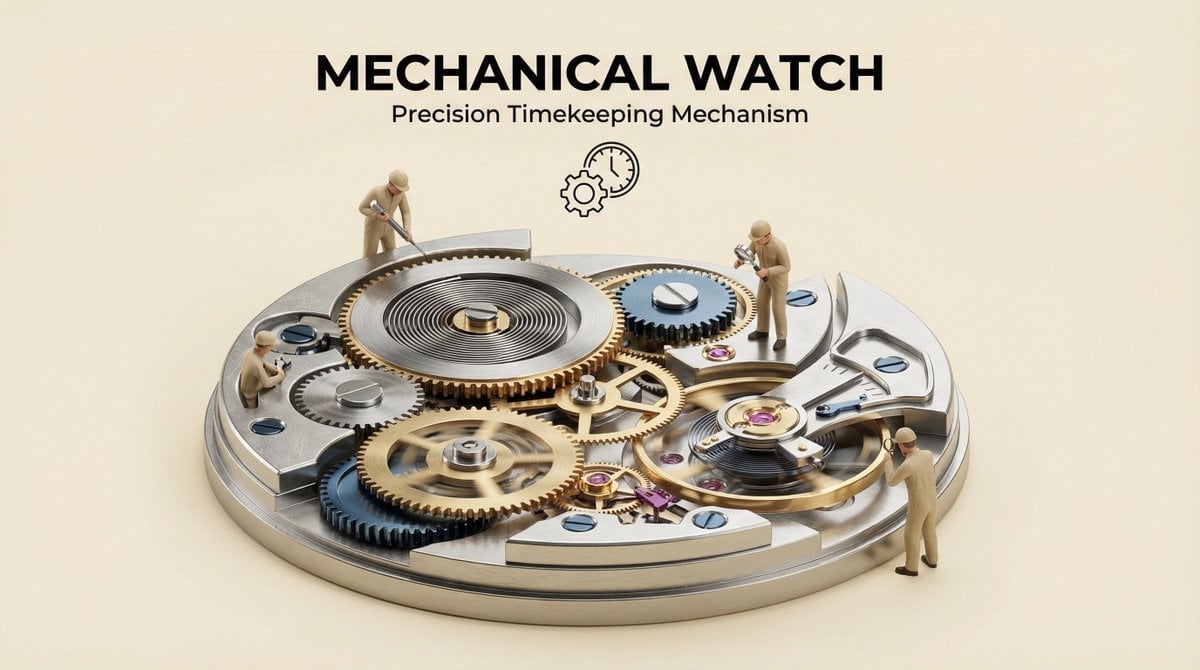
Clear, 45 top-down isometric miniature 3D cutaway diorama showing
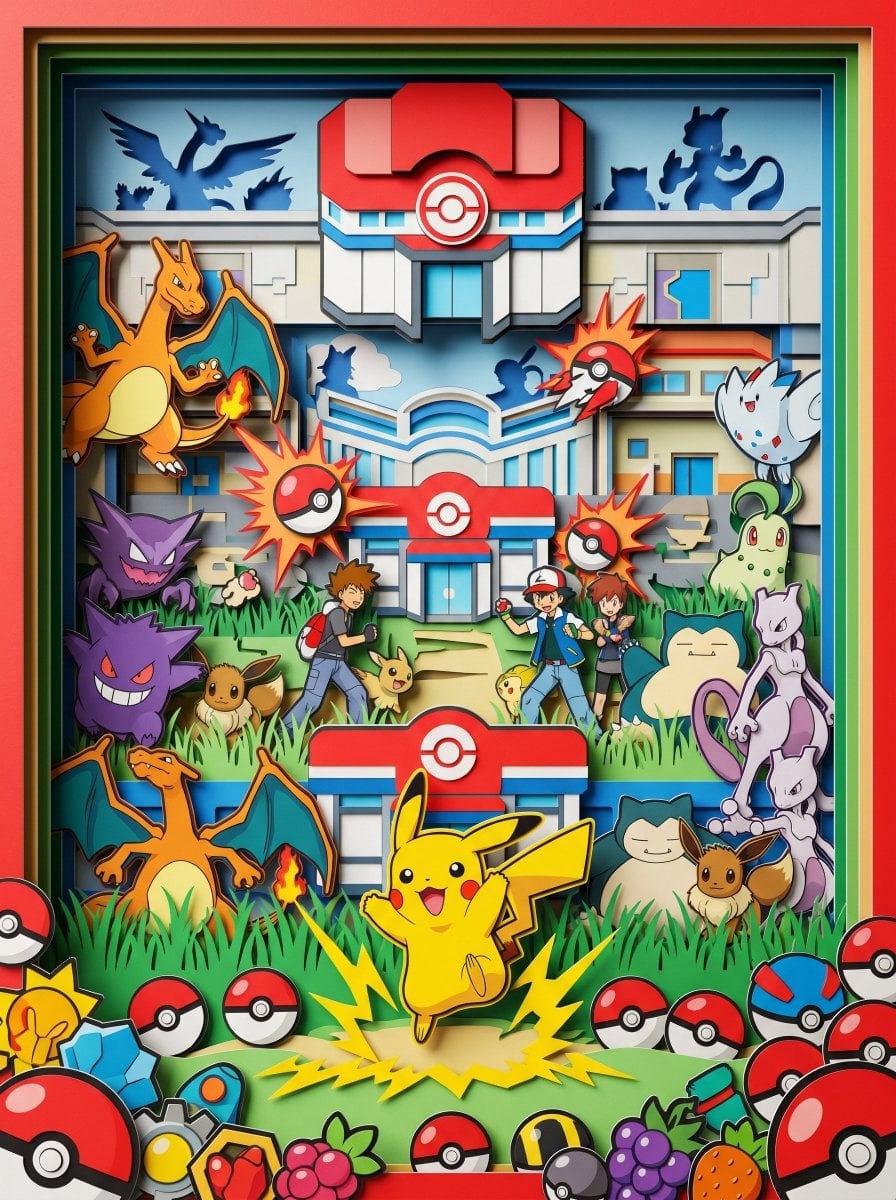
Layered Paper Cut Forest Diorama
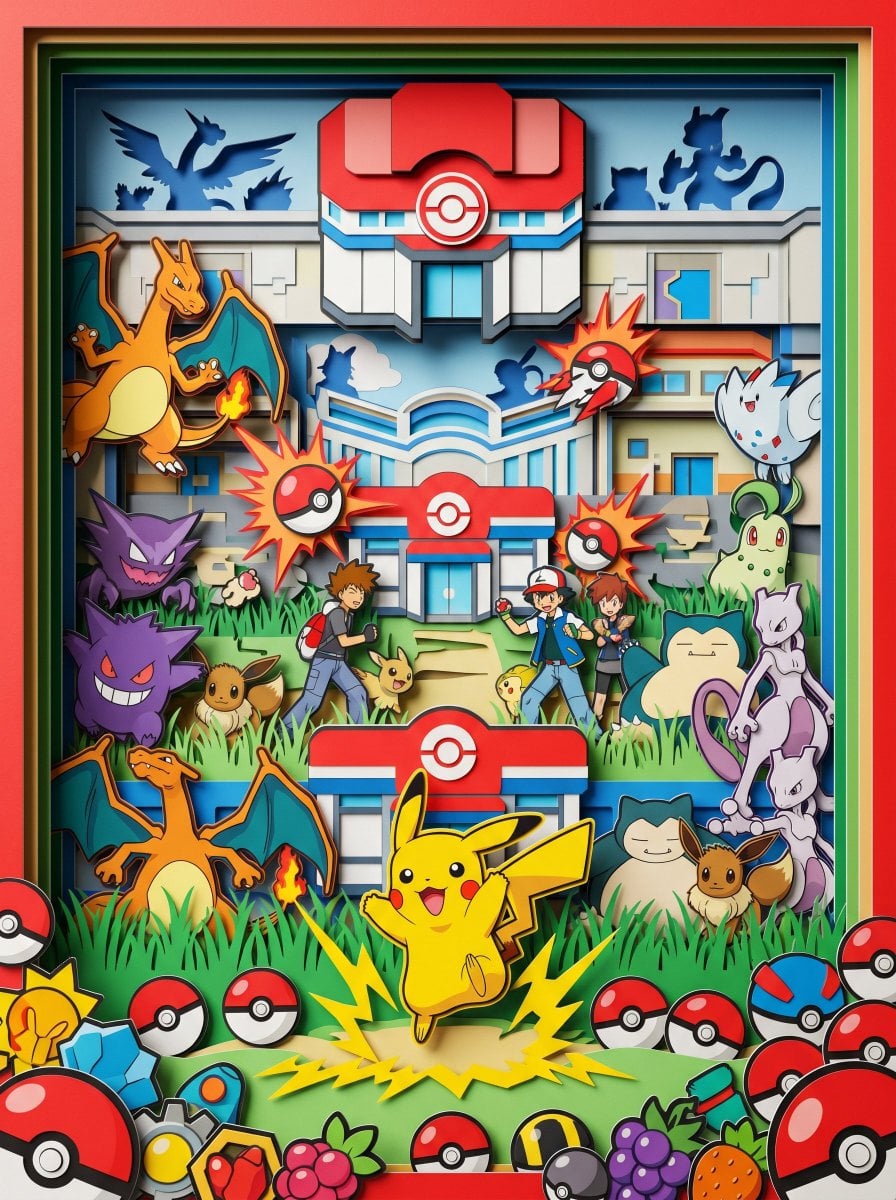
Master Paper Cut Diorama — Hyper-Vibrant 3D Layered Pokémon World
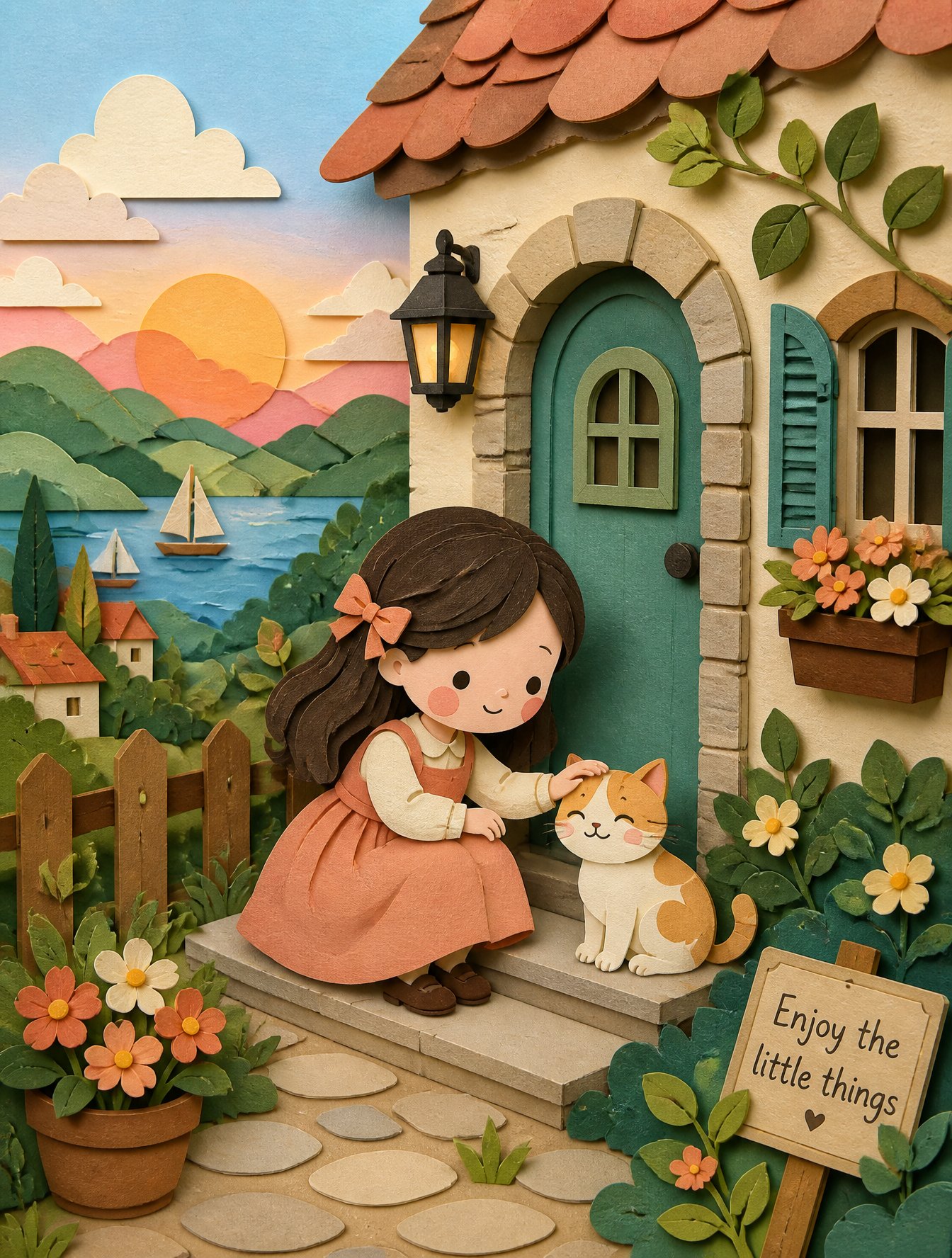
Soft Handcrafted Paper-Cut Layered Illustration
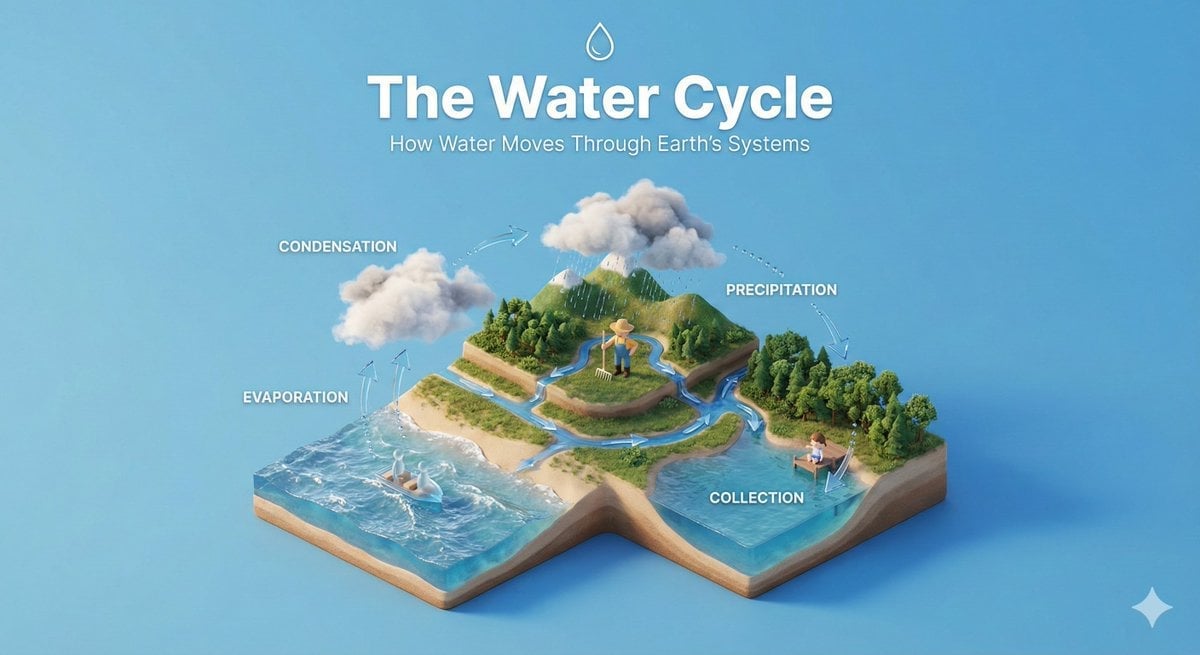
Isometric Process Educational Diorama
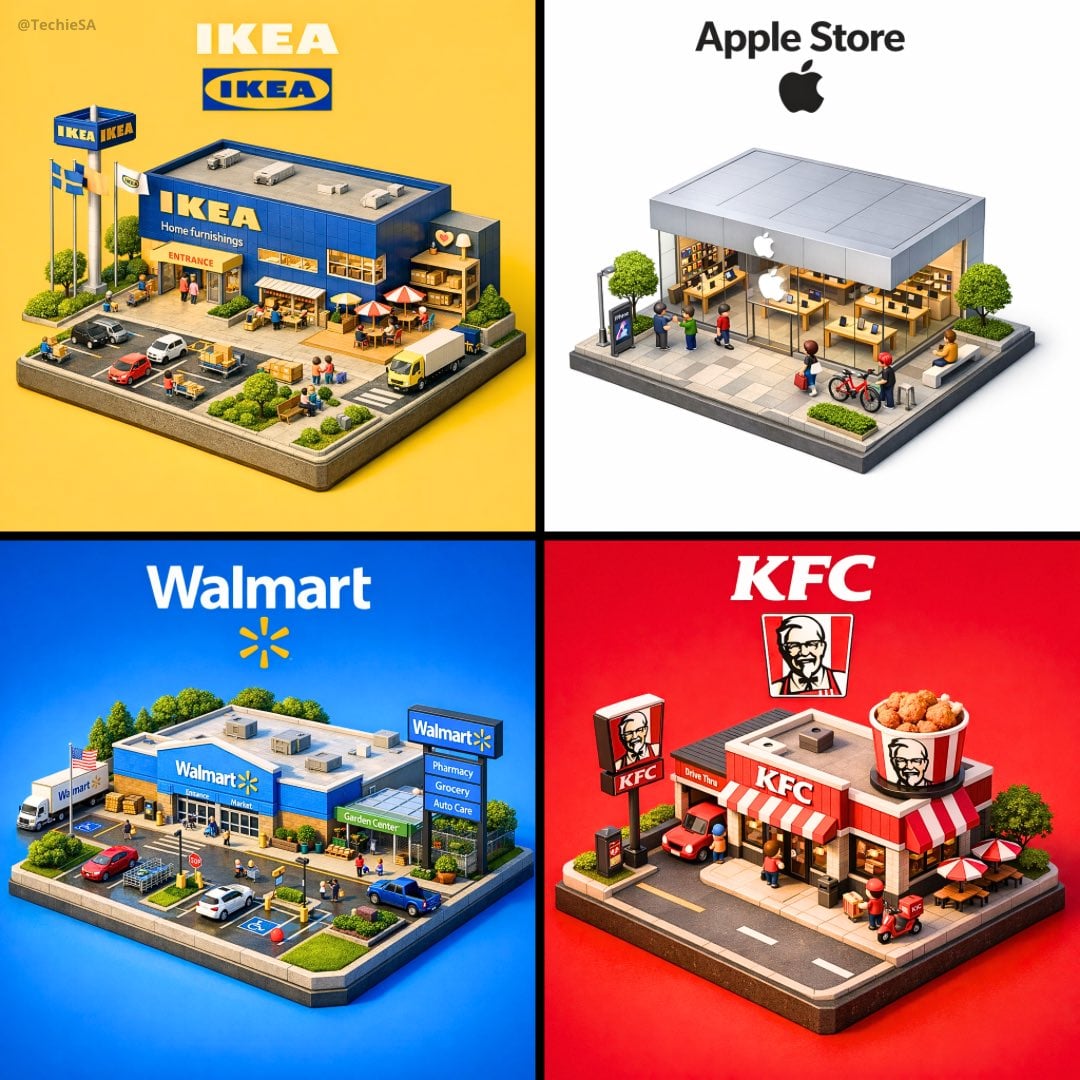
Isometric Brand Store Diorama
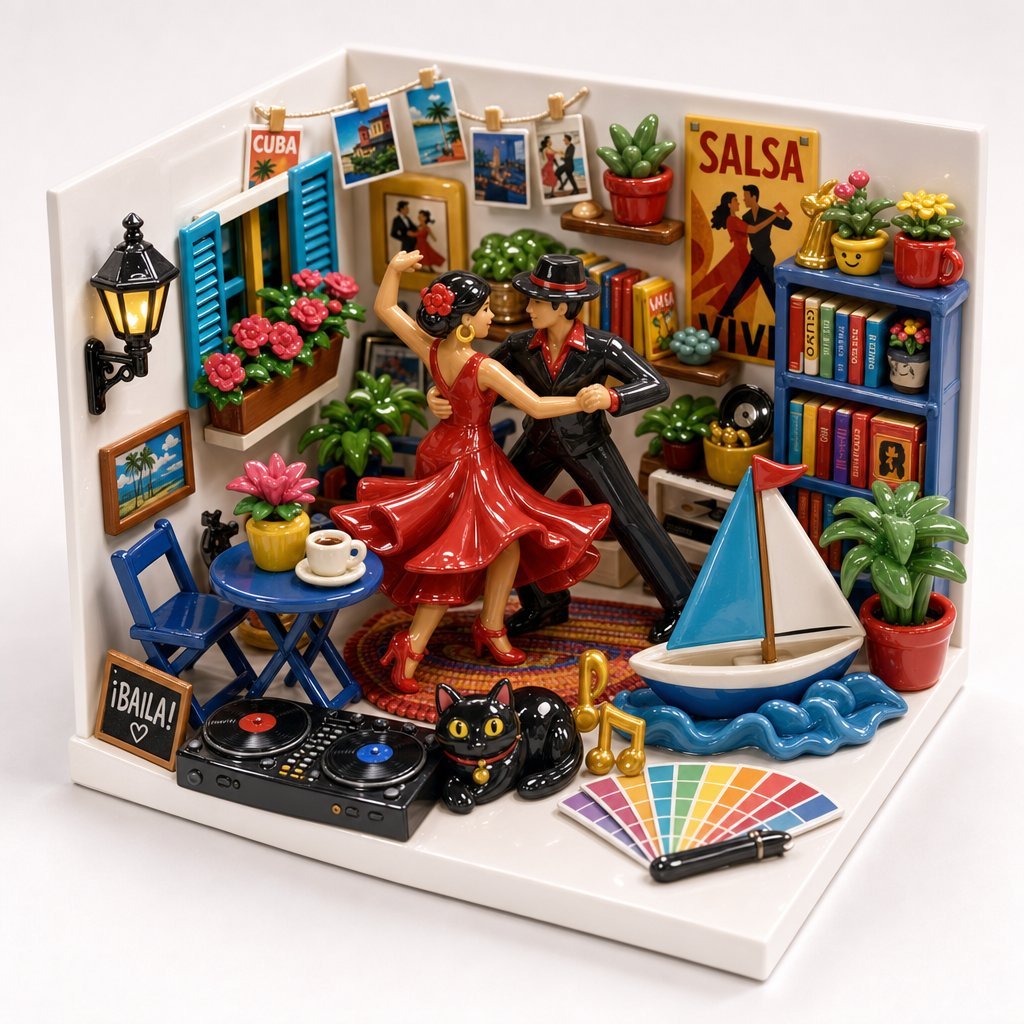
Miniature Salsa Box Garden Diorama
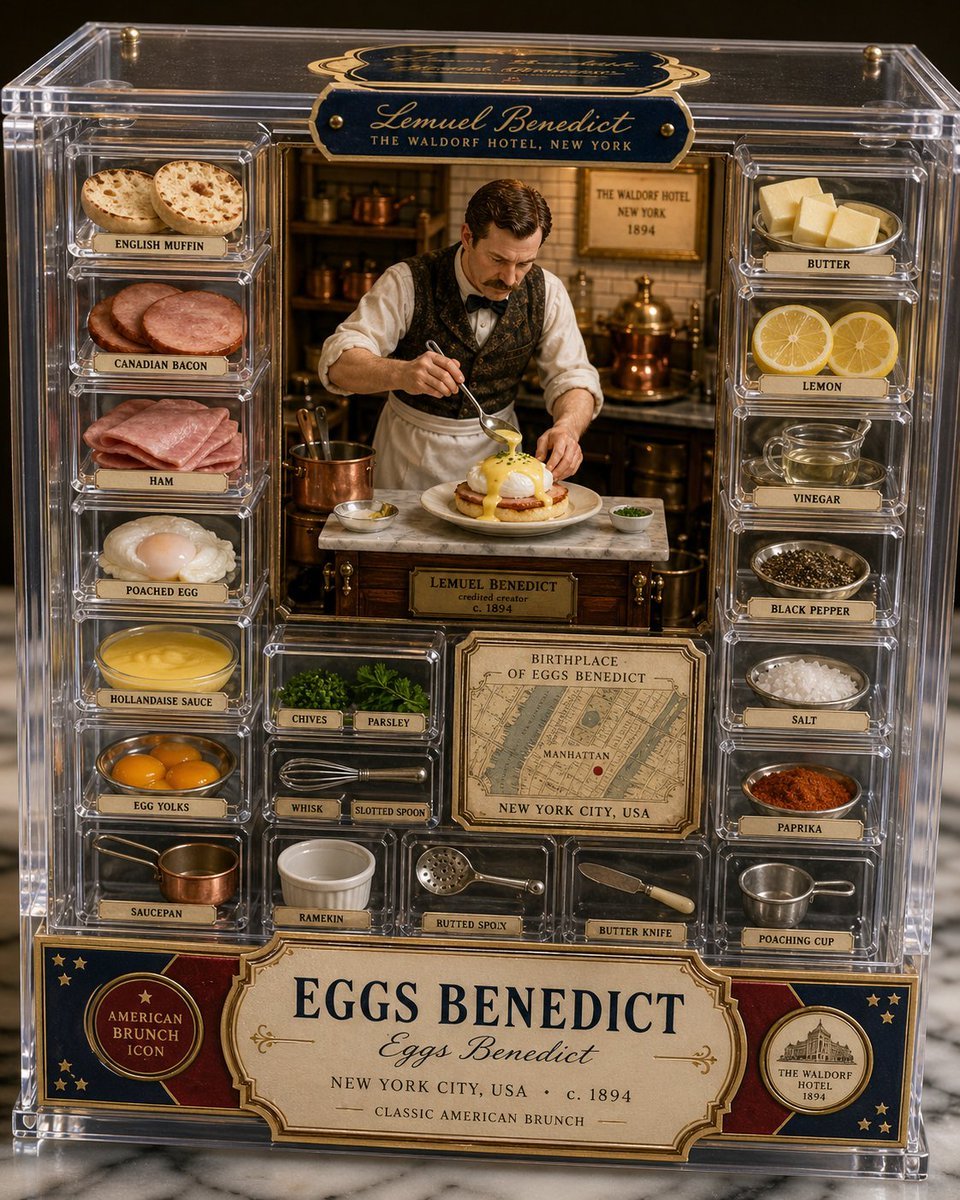
Luxury Eggs Benedict Diorama Box
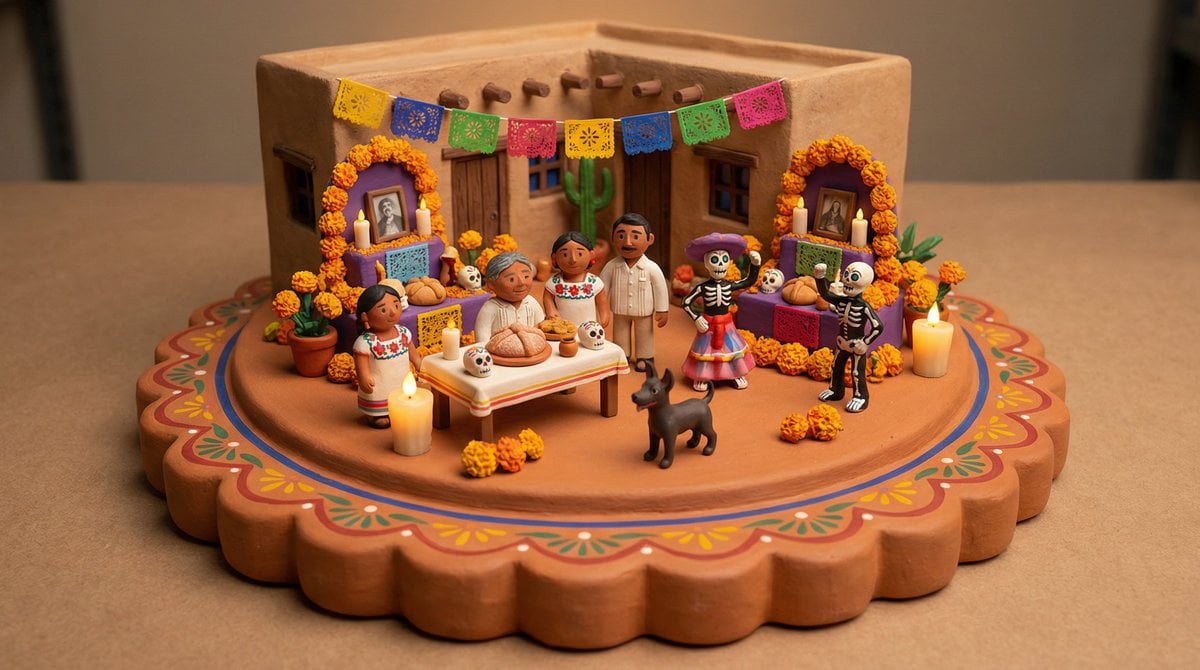
Tiny Clay World Diorama Generator
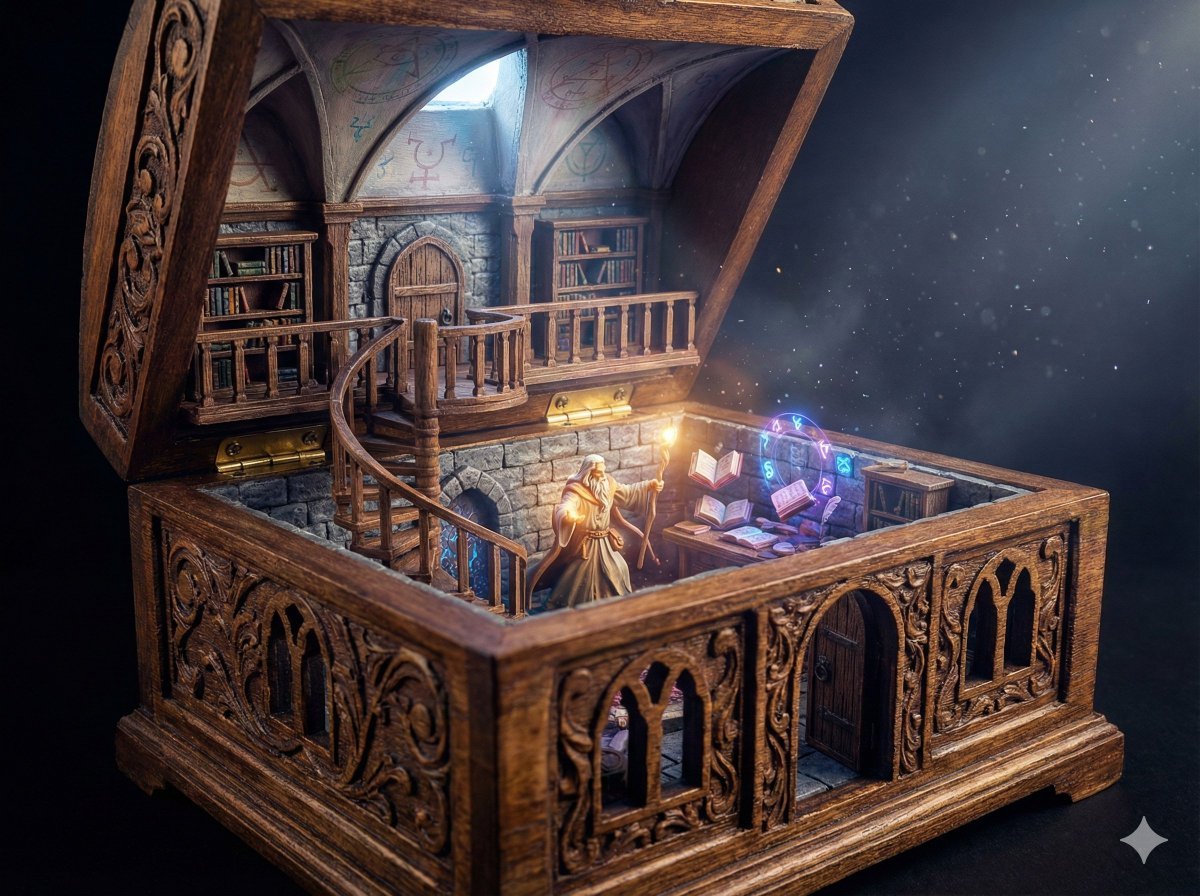
Wizard in a Box Miniature Diorama
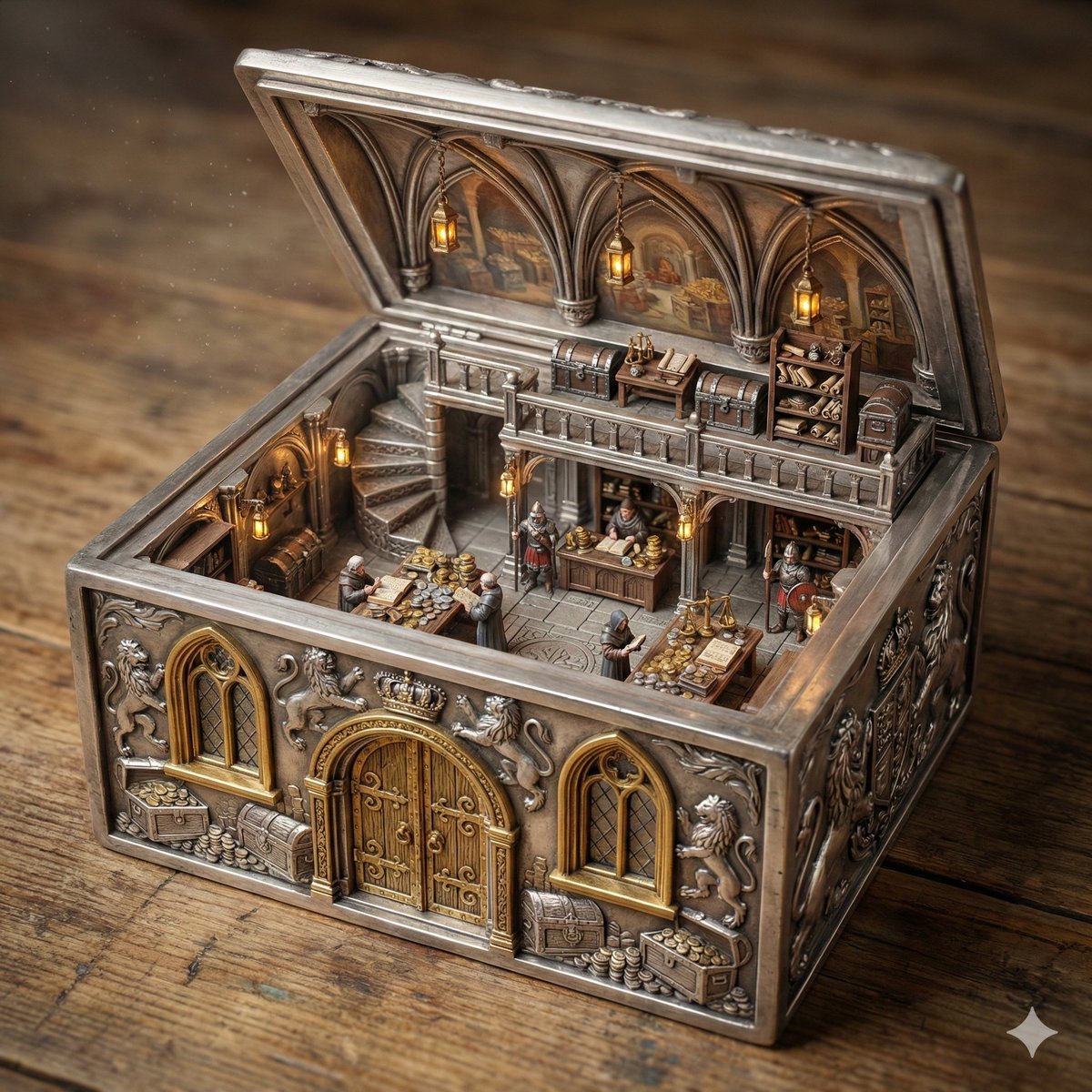
Ornate Box Diorama of a Royal Treasury Counting Room
Make it yours
World-in-a-Box Cutaway Diorama Prompt works as-is. These are the safest ways to change it without losing the look.
Change one field
Copy a single group, rewrite it, and generate again so you can see what that field is doing.
Keep the frame, change the subject
Hold the composition and light of World-in-a-Box Cutaway Diorama Prompt, then swap wardrobe, props or the person for a new take.
| If the result… | Why | Fix |
|---|---|---|
| The result drifts from the preview | Too many fields changed at once. | Reuse World-in-a-Box Cutaway Diorama Prompt as-is first, then change one group — subject, light, or setting. |
| The model over-stylizes the scene | The prose prompt leaves finish and camera underspecified. | Add one camera or lighting sentence and stay on Nano Banana 2. |
More Nano Banana 2 templates
Other prompts made for Nano Banana 2.

Photorealistic Leaf Shaped Like a Dragon

K-Pop Idol Portrait Grid for Rapid Selection

Poetic Rain Forest Portrait During Golden Hour

Urban Street Portrait with Cartoon Inner Self Duo

Candid Nighttime Photo with Cat Prompt

High-Concept 3D Diorama Generation Prompt

Cinematic Futuristic Studio Portrait Template

Skincare Editorial Photography Collage Prompt

Hyper-Realistic Commercial Product Photography (Splash Effect)

Hyper-Realistic Nightclub Portrait Prompt
More image prompts
Fresh picks from across the catalog.

Photorealistic Leaf Shaped Like a Lion
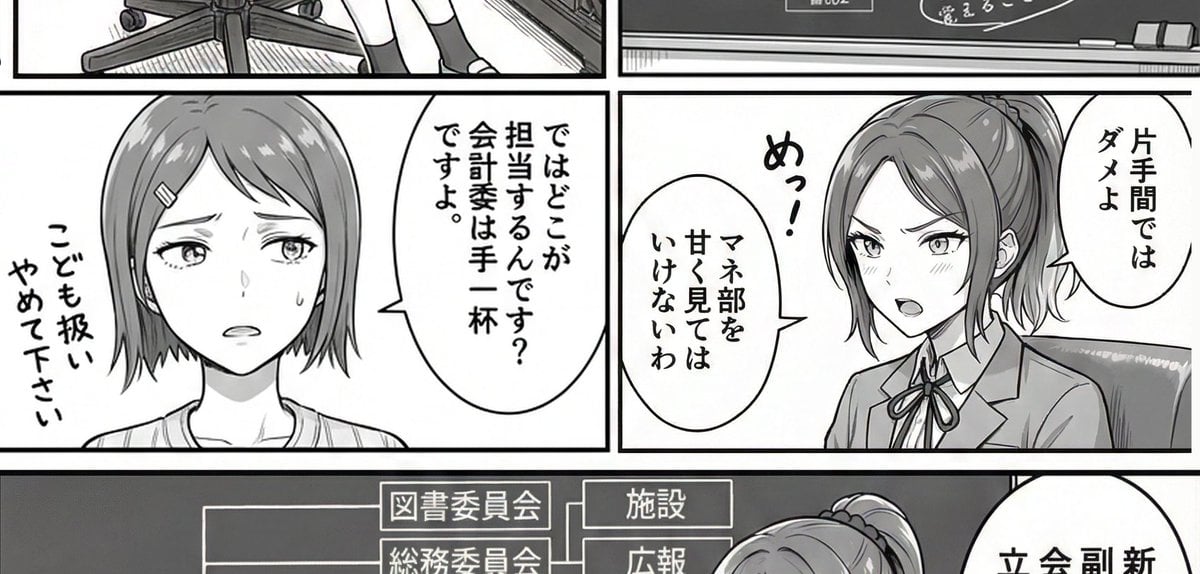
AI Art Experiment: Speech Bubbles and Hand-Drawn Text

Man Racing Cart with Sheep
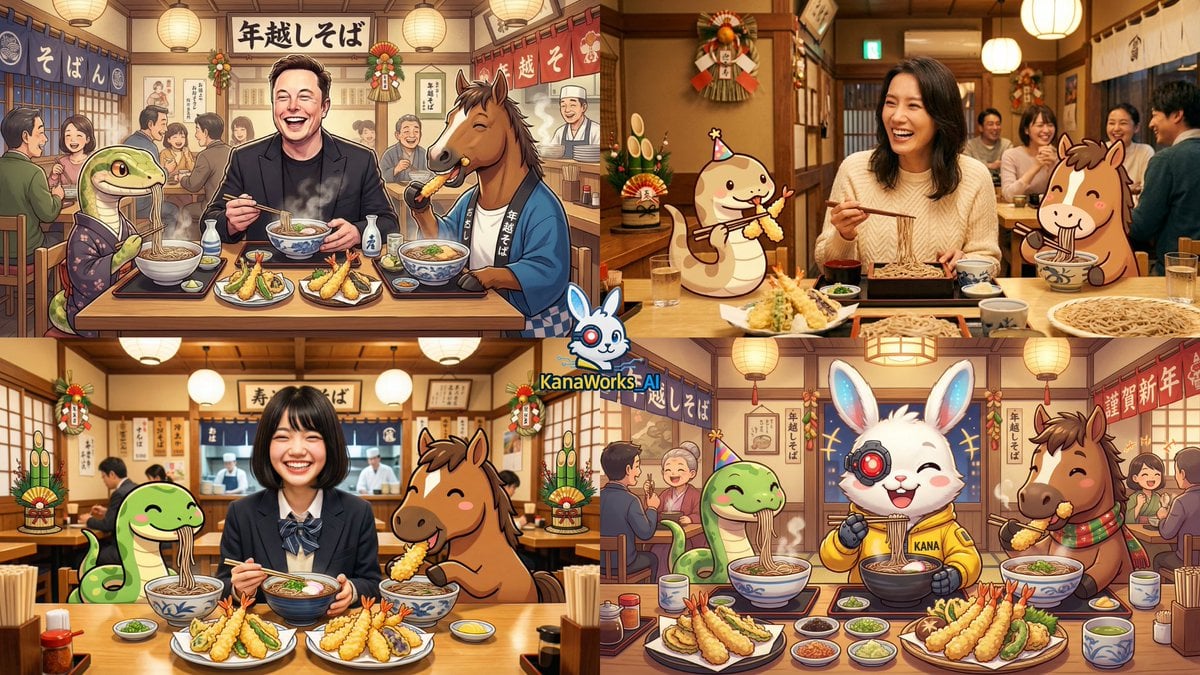
New Year's Eve Soba and Tempura Image Prompt

Dark Fantasy Wizard Podcast Poster
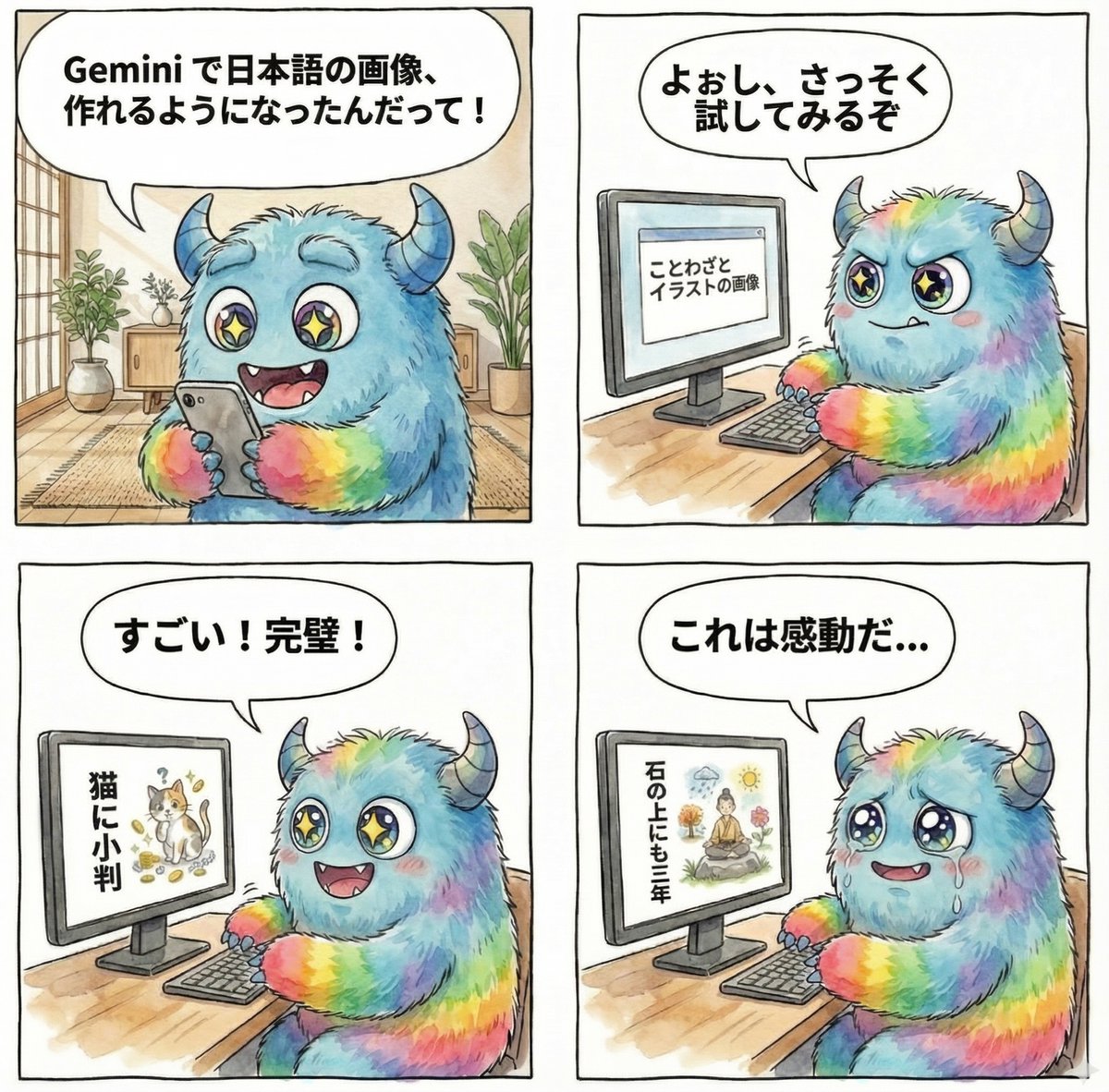
panel manga about Gemini generating Japanese text images
Nano Banana Seedance Cinematic Walk

Nano Banana - Pont Alexandre III Kiss
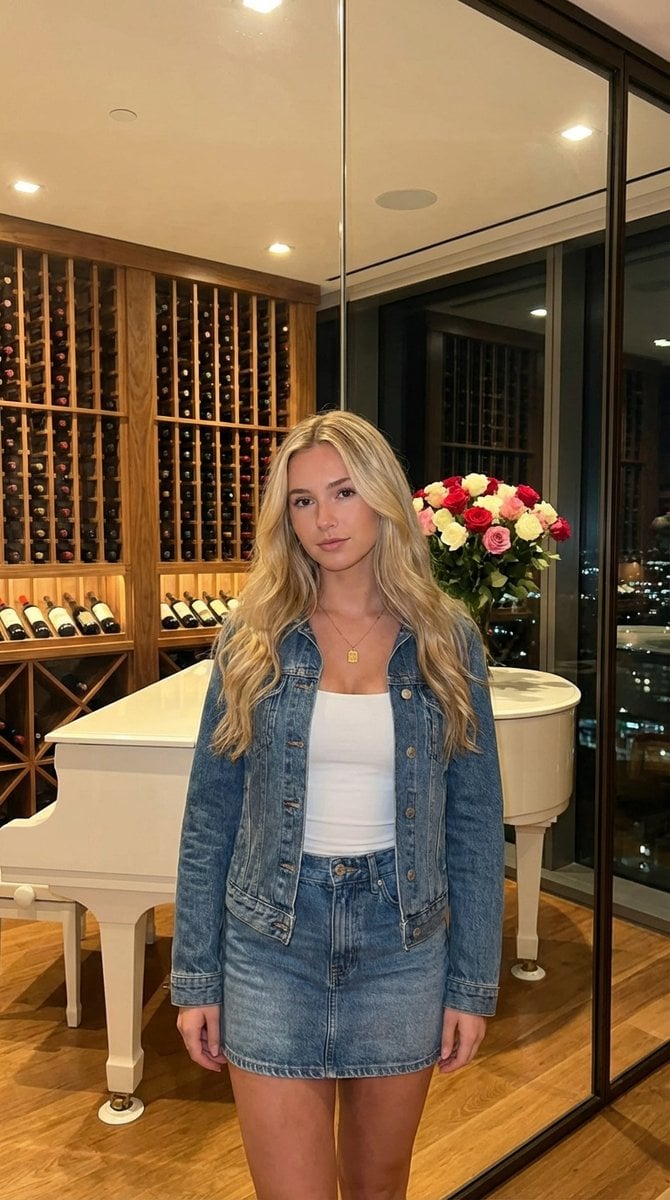
AI UGC Prompt for Upscale Lifestyle Portrait
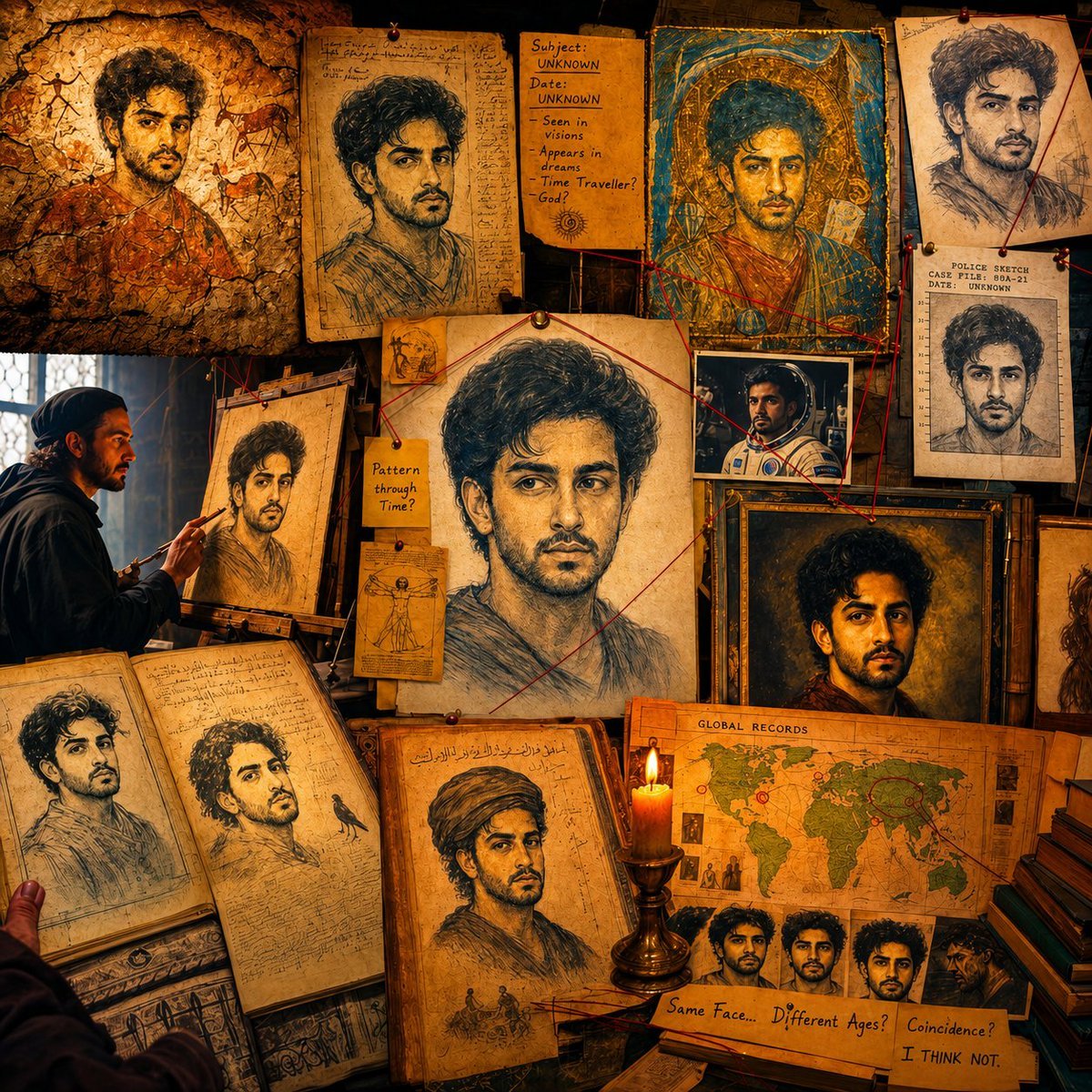
Surreal Conspiracy History Sketch Concept
Browse template categories
World-in-a-Box Cutaway Diorama Prompt questions
How do I use the World-in-a-Box Cutaway Diorama Prompt template?
Add your photo if the template asks for one, edit the prompt if you like — the template's model and format are already selected — and press Generate. Your version opens in PicX Studio.
Can I customize the World-in-a-Box Cutaway Diorama Prompt template?
Yes. You can change the subject, setting, lighting, mood, format, and available model controls before creating your image.
Is the World-in-a-Box Cutaway Diorama Prompt template free?
Opening and editing this template is free. Generating uses credits, shown on the Generate button when you are signed in.
Which AI model should I use?
Start with Nano Banana 2, which is the model associated with this template. You can compare another compatible model for a different finish.
Looking for something else? Browse all templates.

Your photo, any look
Thousands of ready templates for every top image and video model, from one credit balance.