
Ornate Box Diorama of a Royal Treasury Counting Room
A complex, multi-layered master prompt for generating an ultra-realistic cinematic miniature diorama photograph of a Royal Treasury Counting Room, detailing strict geometric constraints, material variables, scene logic…
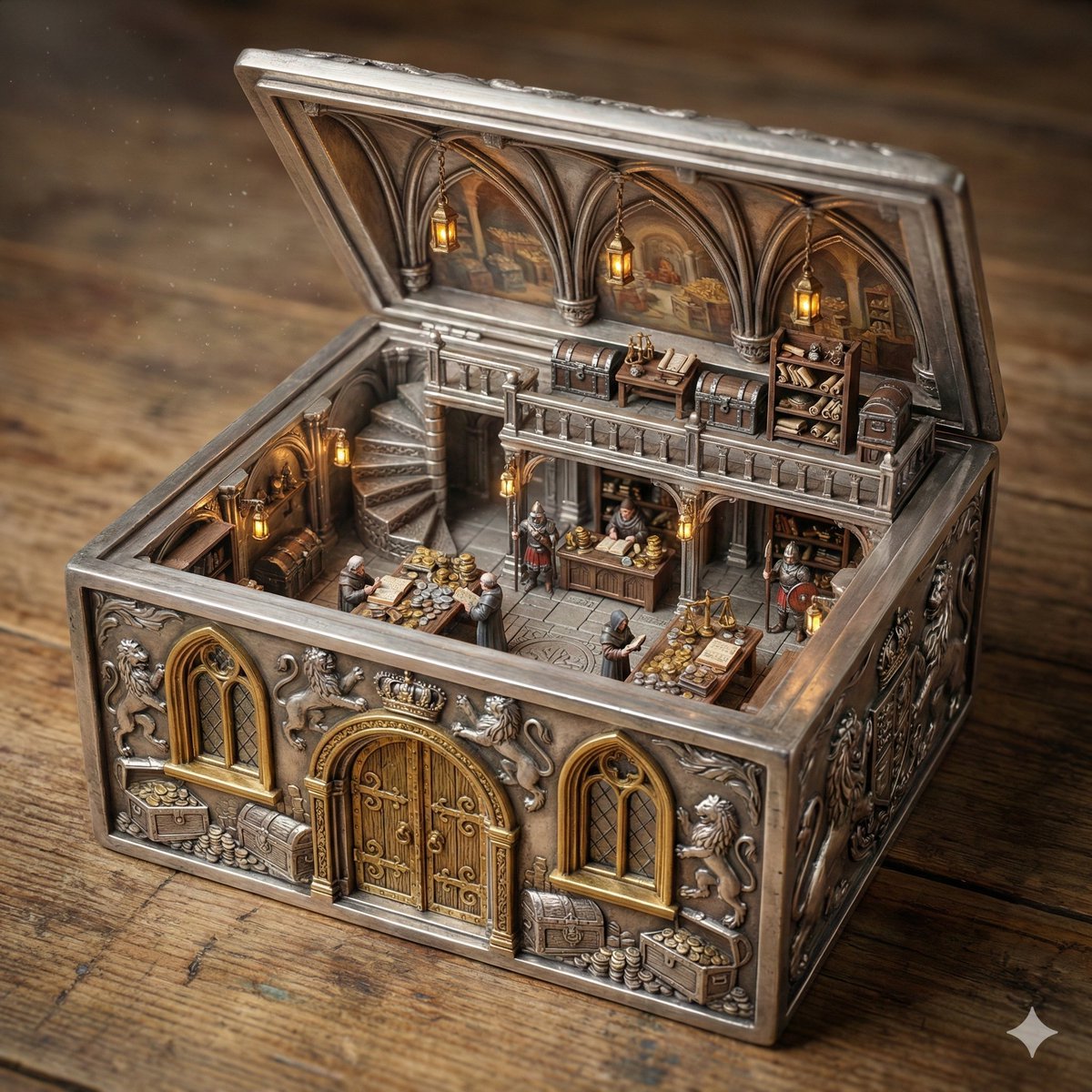
- Prompt included
- Model and format preset
- Free template
The prompt behind this image
Copy the exact prompt behind Ornate Box Diorama of a Royal Treasury Counting Room, or open it in the studio and make it yours.
ORNATE BOX DIORAMA — TRI-LAYER MASTER PROMPT (HARD FRONT-RIGHT ISOMETRIC) THEME_LOCATION = Royal Treasury Counting Room BOX_VARIABLE = Silver DOOR_MATERIAL = Gold WINDOW_MATERIAL = Gold WINDOW_PANE_MATERIAL = FLOOR_MATERIAL = STAIRCASE_TYPE = Spiral STAIRCASE_MATERIAL = Silver MEZZANINE_FLOOR_MATERIAL = Silver DIORAMA_LIGHTING = ======================== LAYER 1 — PHYSICAL GEOMETRY (HIGHEST PRIORITY) The ornate antique box is a solid rigid container transformed into architecture. If BOX_VARIABLE is specified, the entire container and its carved architectural structure must be made from that material. If BOX_VARIABLE is empty, infer logically from THEME_LOCATION. The full outer shell must remain intact on all sides. No removed walls. No dollhouse cutaway. FRONT FACADE LOCK: The FRONT SIDE must contain: • exactly ONE centered door • exactly TWO windows • one window left of the door • one window right of the door Openings must be carved THROUGH the existing wall. Apply DOOR_MATERIAL / WINDOW_MATERIAL / WINDOW_PANE_MATERIAL if specified, otherwise infer logically. Front wall must remain structurally thick and complete. ORNAMENTAL DEPTH CONTINUITY LOCK: All carvings must continue through wall thickness. Frames must appear carved from the same solid material. Interior walls share identical structural thickness. The lid must match base width and length and be hinge-connected. ======================== LAYER 2 — SCENE LOGIC Create a two-level miniature THEME_LOCATION fully integrated into the container. Use FLOOR_MATERIAL / STAIRCASE_TYPE / STAIRCASE_MATERIAL / MEZZANINE_FLOOR_MATERIAL if specified, otherwise infer logically. Upper level attaches directly to container walls. The inside of the lid functions as the vaulted ceiling. All props, materials, and architecture must match THEME_LOCATION. ======================== LAYER 3 — RENDER & CAMERA Ultra-realistic cinematic miniature diorama photography. Use DIORAMA_LIGHTING if specified. ======================== HARD FRONT-RIGHT ISOMETRIC CAMERA SYSTEM CORNER ANCHOR RULE: The FRONT-RIGHT TOP CORNER of the box must be the closest point to the viewer. WALL VISIBILITY RATIO RULE: The front wall must occupy slightly more visible area than the right wall. Approximate visual dominance: • front wall ≈ 60% visibility • right wall ≈ 40% visibility Both must be clearly visible simultaneously. RIM OCCLUSION RULE: Camera must remain above the front wall rim. The top edge of the front wall must overlap a small portion of the interior floor. Interior must be seen OVER the wall, never through a missing wall. FORBIDDEN CAMERA POSITIONS: Do NOT center the camera on the front wall. Do NOT use a straight frontal view. Do NOT use a top-down view. Do NOT prioritize interior visibility over box geometry. COMPOSITION TARGET: The image must resemble a professionally photographed miniature collectible box viewed from a stable elevated front
How to use Ornate Box Diorama of a Royal Treasury Counting Room in 3 steps
- 1
Open
The prompt is already in the box next to the preview, with the template's model and format selected.
- 2…a portrait of your subject in softgolden-hour light, 85mm…
Personalize
Edit the subject and creative details for your destination.
- 3Generate
Generate
Press Generate — your image is created in PicX Studio, so you can compare it with the original and refine one variable at a time.
More like this
Templates with the same subject, style or setup. Open one to see its prompt.
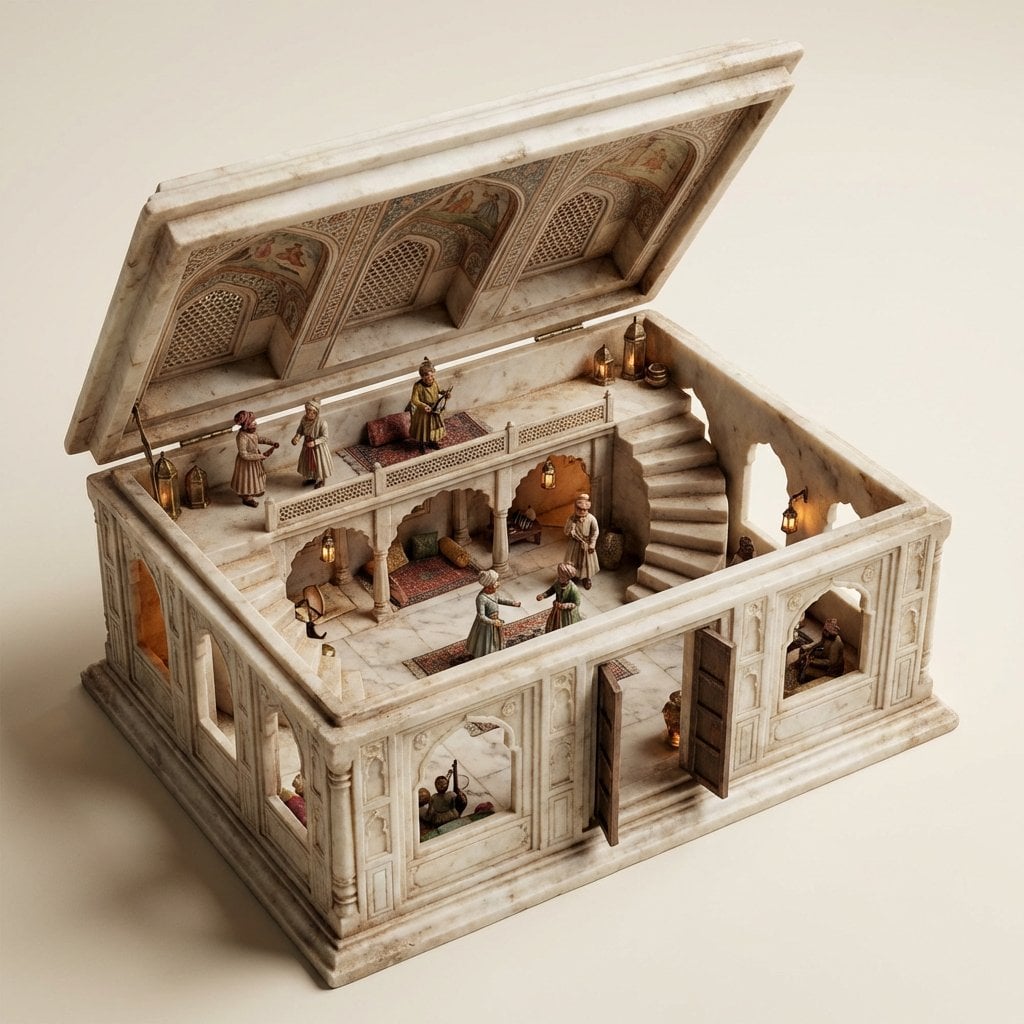
Ornate Box Diorama Master Prompt (Mughal Hall Interior)
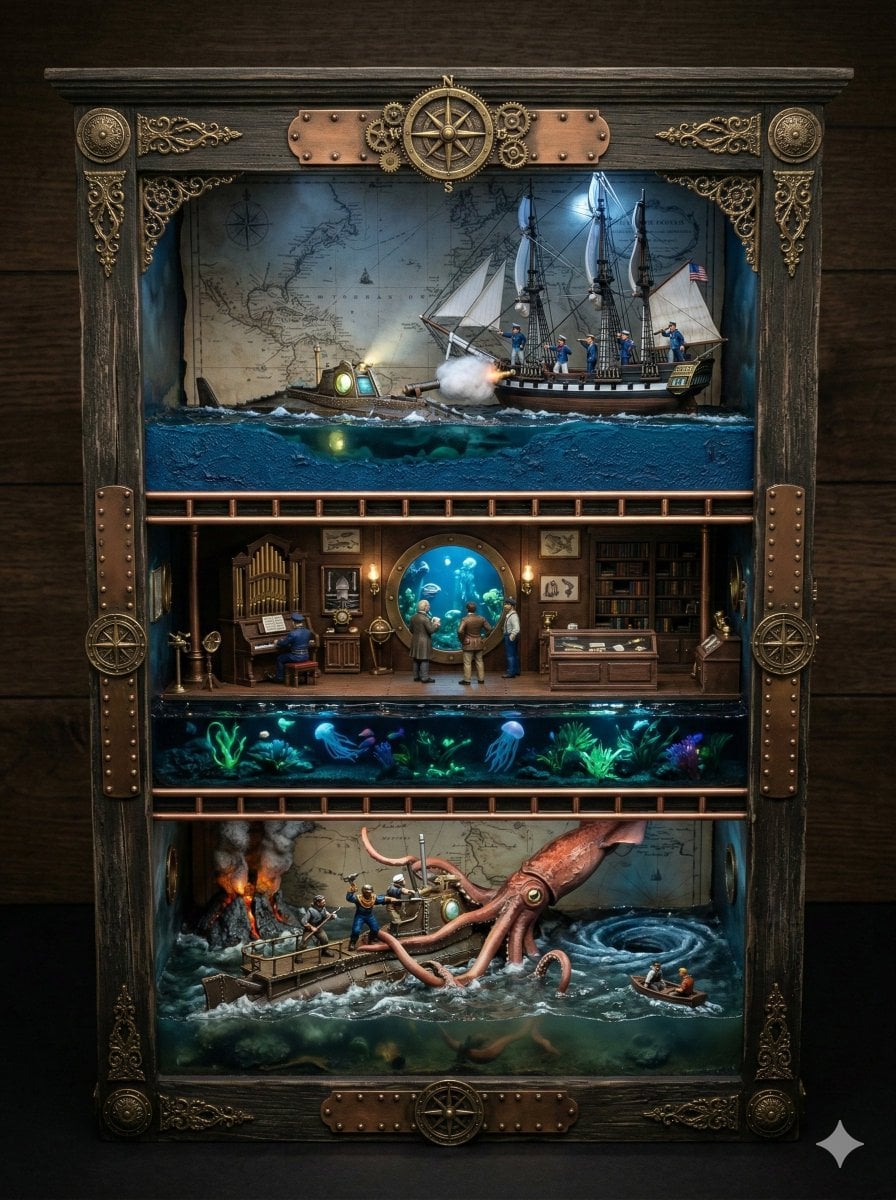
Ornate Box Diorama Prompt for Twenty Thousand Leagues Under the Sea
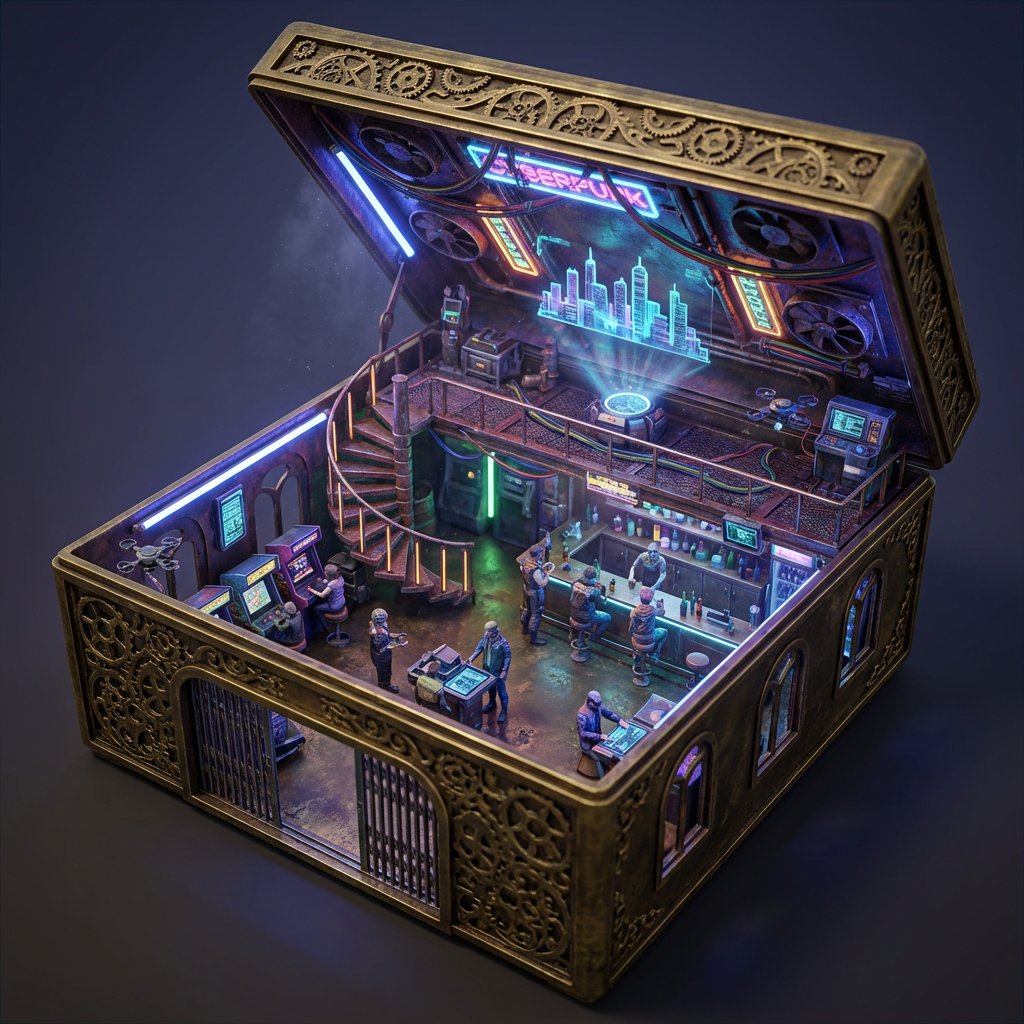
Ornate Box Diorama Prompt (Cyberpunk Pub)

Cozy Isometric Bathroom Miniature Diorama
Gothic Fantasy Diorama Room

Layered Paper Cut Forest Diorama

Soft Handcrafted Paper-Cut Layered Illustration

Isometric Process Educational Diorama

Isometric Brand Store Diorama

FIFA World Cup — Brazil National Pass Diorama
Candlelit Royal Ballroom Couple
Miniature Salsa Box Garden Diorama
Make it yours
Ornate Box Diorama of a Royal Treasury Counting Room works as-is. These are the safest ways to change it without losing the look.
Change one field
Copy a single group, rewrite it, and generate again so you can see what that field is doing.
Keep the frame, change the subject
Hold the composition and light of Ornate Box Diorama of a Royal Treasury Counting Room, then swap wardrobe, props or the person for a new take.
| If the result… | Why | Fix |
|---|---|---|
| The result drifts from the preview | Too many fields changed at once. | Reuse Ornate Box Diorama of a Royal Treasury Counting Room as-is first, then change one group — subject, light, or setting. |
| The model over-stylizes the scene | The prose prompt leaves finish and camera underspecified. | Add one camera or lighting sentence and stay on Nano Banana 2. |
More Nano Banana 2 templates
Other prompts made for Nano Banana 2.

Photorealistic Leaf Shaped Like a Dragon

K-Pop Idol Portrait Grid for Rapid Selection

Poetic Rain Forest Portrait During Golden Hour

Urban Street Portrait with Cartoon Inner Self Duo

Candid Nighttime Photo with Cat Prompt

High-Concept 3D Diorama Generation Prompt

Cinematic Futuristic Studio Portrait Template

Skincare Editorial Photography Collage Prompt

Hyper-Realistic Commercial Product Photography (Splash Effect)

Hyper-Realistic Nightclub Portrait Prompt
More image prompts
Fresh picks from across the catalog.
Hyper-Realistic Brazilian Surfer Girl Portrait Prompt
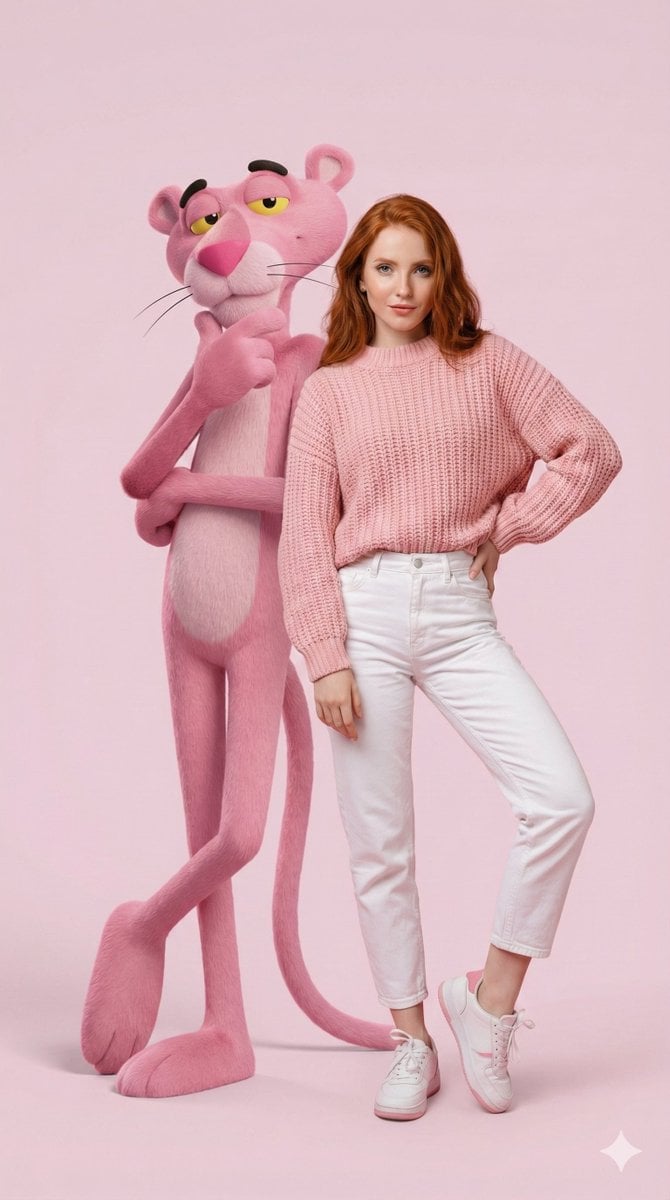
Hyper-Realistic Portrait with Giant Pink Panther
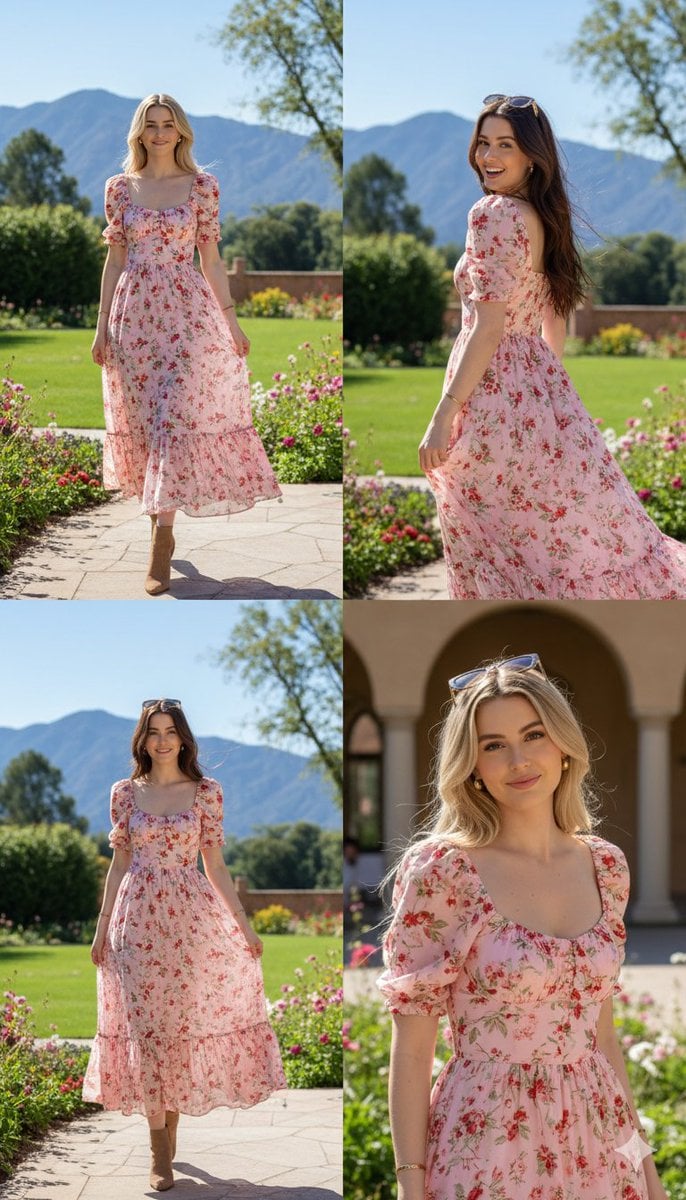
Photorealistic fashion collage of Polina Gagarina
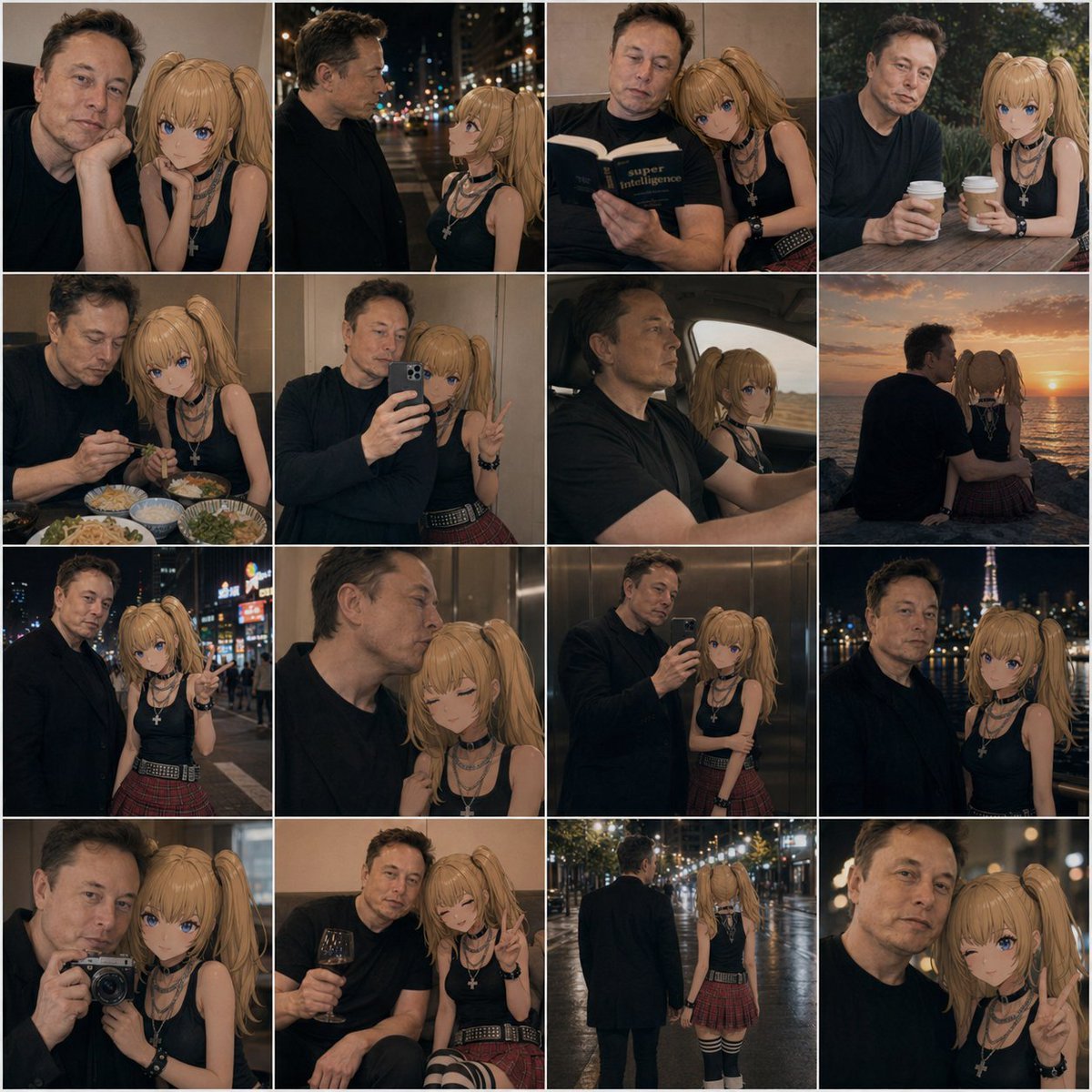
Anime Girl and Man Date Photo Collage
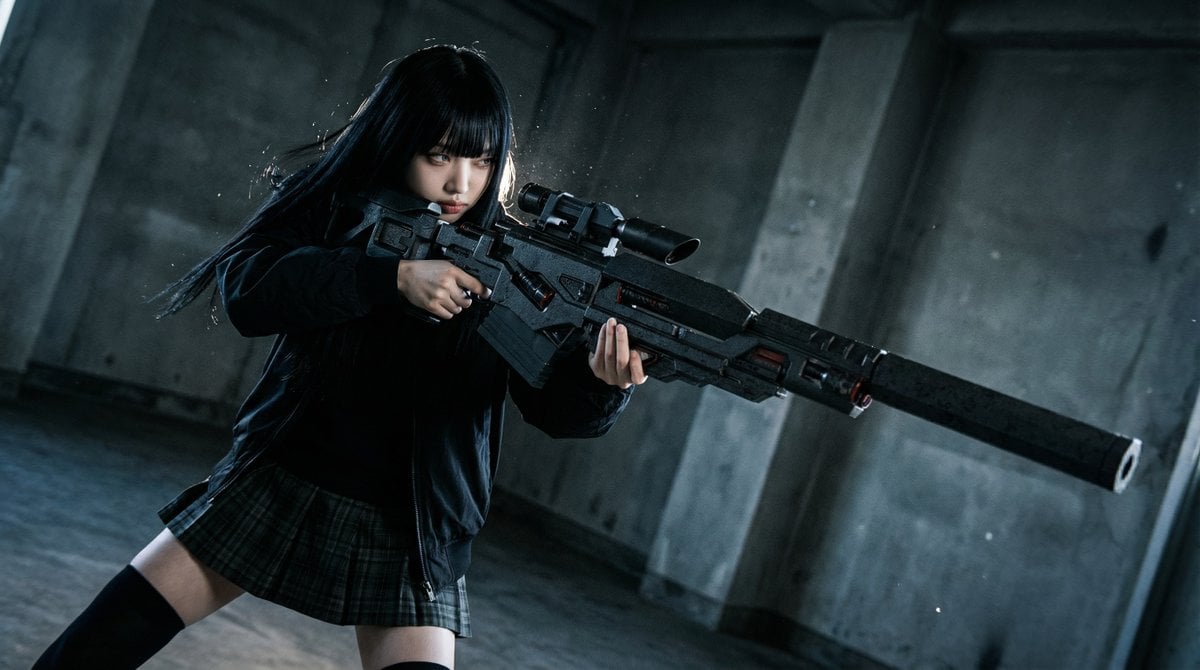
Ultimate Weapon Mastery Cinematic Pose Prompt
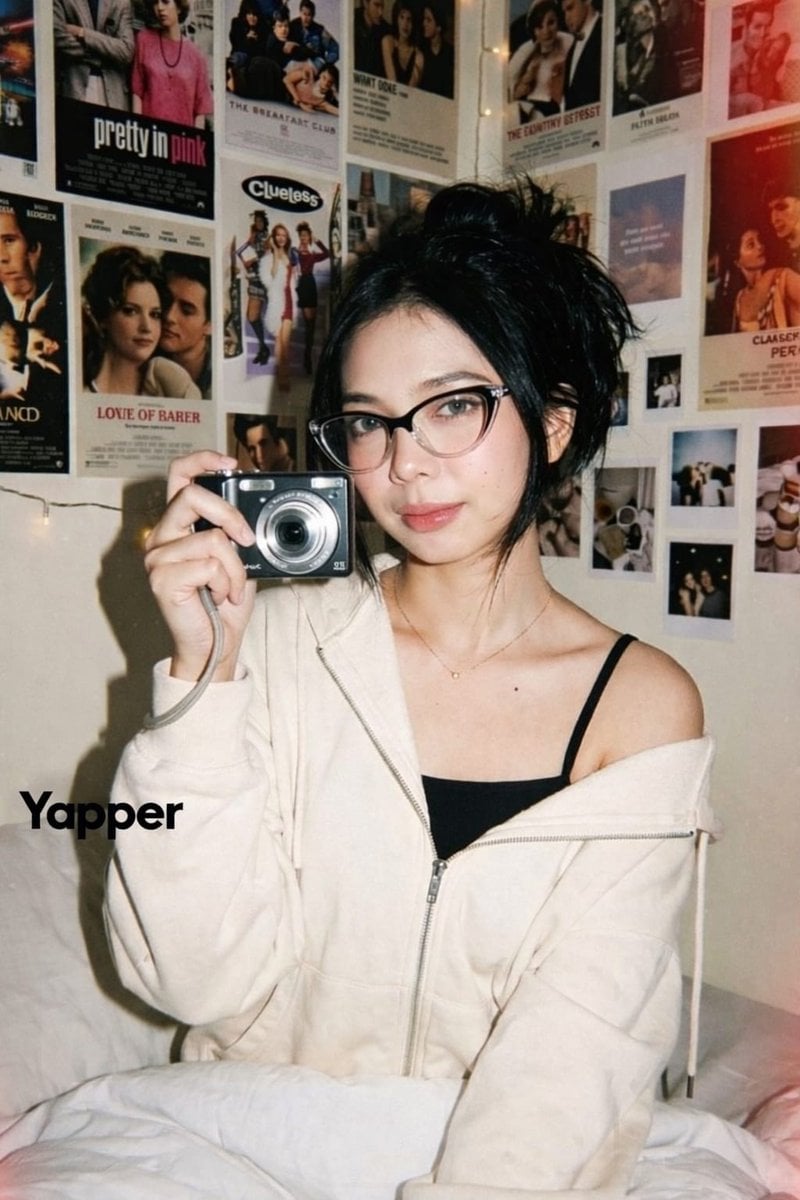
Y2K Candid Digital Camera Portrait of a Young Woman
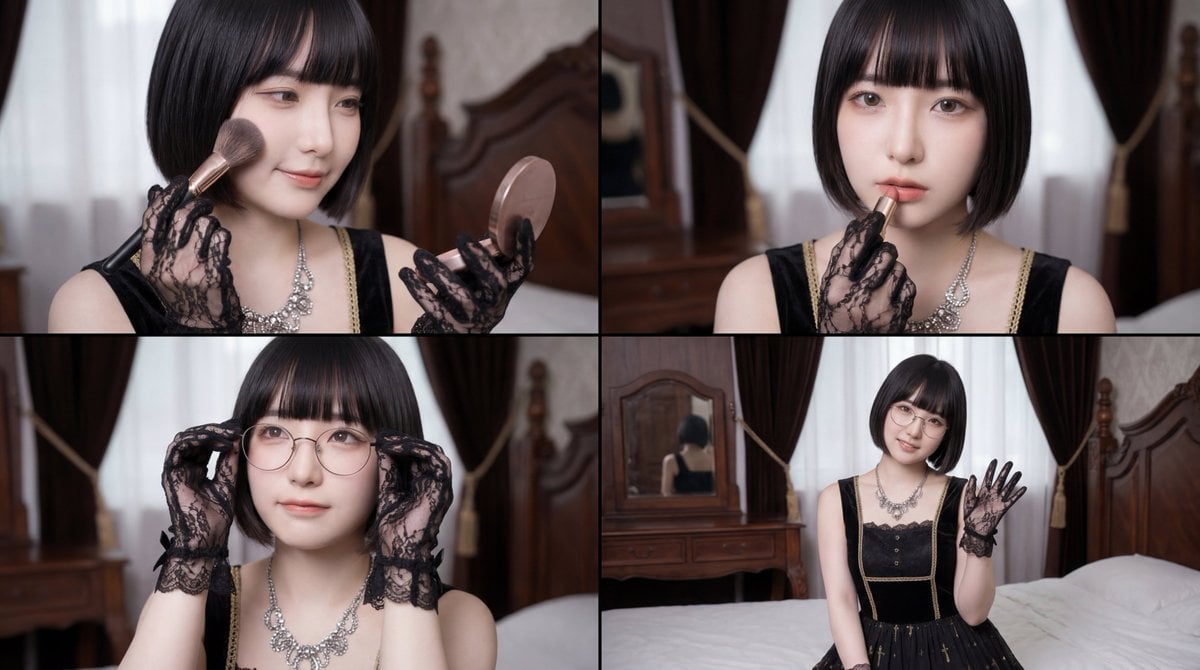
Cinematic Close-up of Woman Applying Makeup Video Prompt
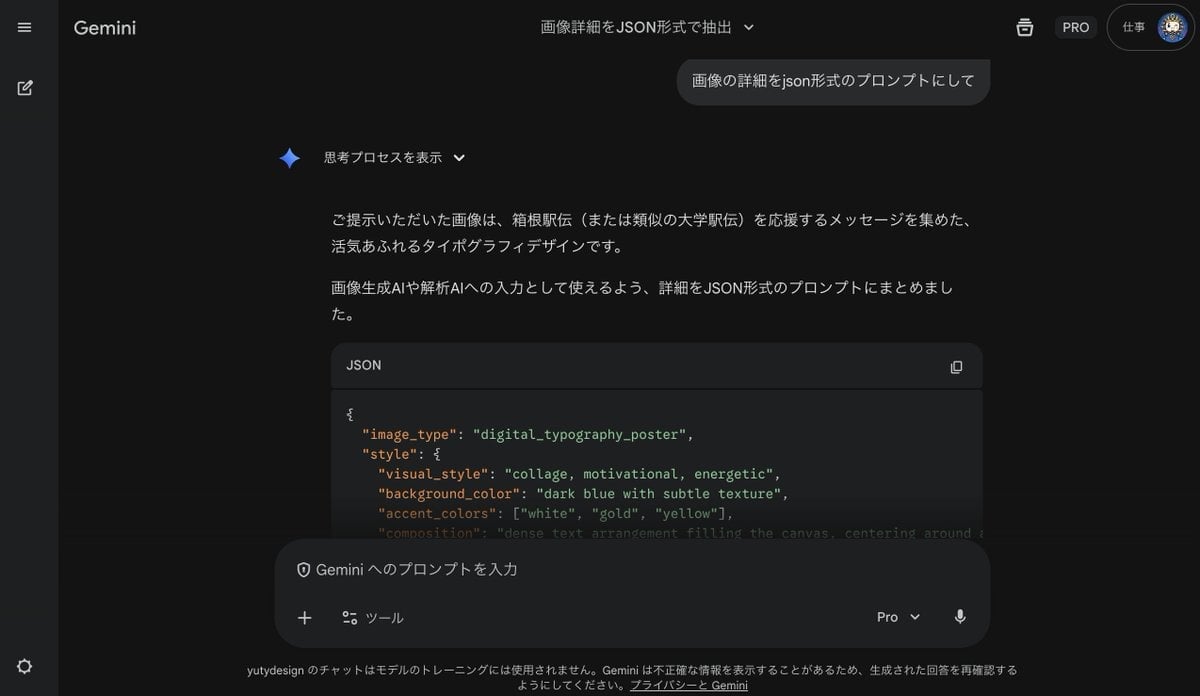
Generating Prompts from Reference Images with Nano Banana Pro
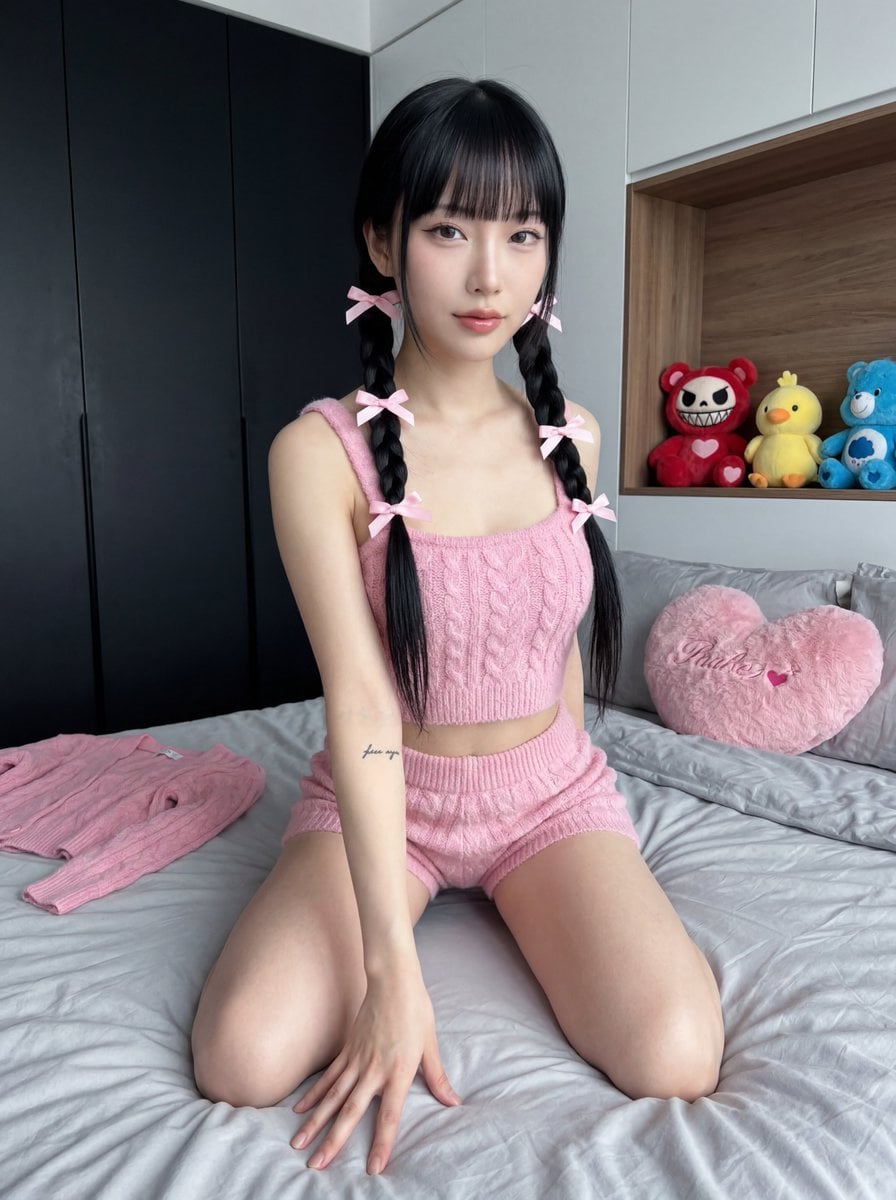
Ultra Photorealistic Japanese Woman in Pink Knit Set

Extreme Close-up Portrait with Glistening Skin
Browse template categories
Ornate Box Diorama of a Royal Treasury Counting Room questions
How do I use the Ornate Box Diorama of a Royal Treasury Counting Room template?
Add your photo if the template asks for one, edit the prompt if you like — the template's model and format are already selected — and press Generate. Your version opens in PicX Studio.
Can I customize the Ornate Box Diorama of a Royal Treasury Counting Room template?
Yes. You can change the subject, setting, lighting, mood, format, and available model controls before creating your image.
Is the Ornate Box Diorama of a Royal Treasury Counting Room template free?
Opening and editing this template is free. Generating uses credits, shown on the Generate button when you are signed in.
Which AI model should I use?
Start with Nano Banana 2, which is the model associated with this template. You can compare another compatible model for a different finish.
Looking for something else? Browse all templates.

Your photo, any look
Thousands of ready templates for every top image and video model, from one credit balance.