How do I use the Gothic Fantasy Diorama Room template?
Choose the primary action to open PicX Studio with the available template settings. Review the model and format, personalize the creative direction, and generate when ready.
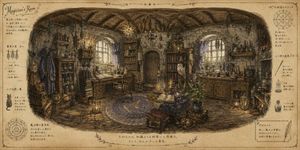
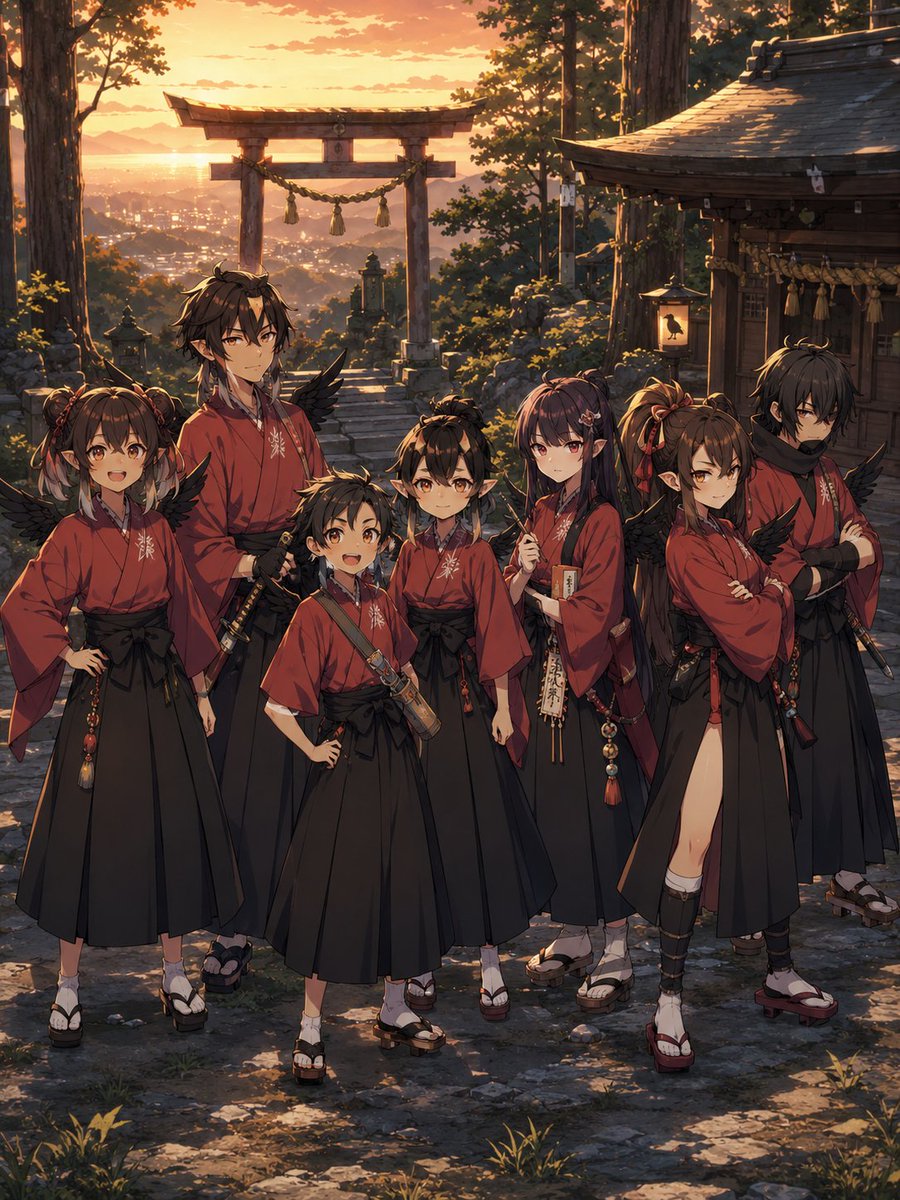
Generates a dense magical anime dollhouse diorama with six collectible figures, glowing crystals, vines, and gothic fantasy décor.
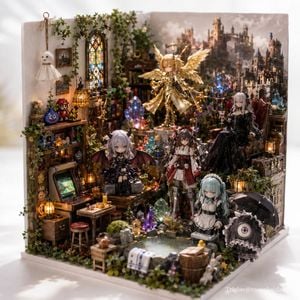
Goal: Create a highly detailed fantasy miniature diorama room in a handcrafted dollhouse style, photographed like a premium collectible display, themed around {argument name="theme" default="magical gothic fantasy atelier"}. Canvas: Square 1:1 image, three-quarter front view, shallow depth of field, realistic macro photography lighting, soft daylight from the upper left, crisp foreground details and slightly blurred deep background. The diorama sits on a clean white tabletop with soft shadows. Layout: Build a box-shaped miniature room with two walls and an open front. The left wall is an ivy-covered shop corner with shelves, stained glass, hanging lamps, framed pictures, and a retro arcade cabinet. The back wall is a large fantasy castle mural showing a misty medieval city and towers. The center is crowded with glowing crystals, tiny furniture, books, bottles, treasure, lanterns, greenery, and a small stone-edged water pool in the foreground. Main figures: Include exactly 6 anime-style collectible doll figures: 1 golden angel warrior floating or standing elevated at the rear center with radiant feather wings, gold armor, a halo-like crown, and a long spear; 1 small silver-haired gothic demon girl seated front-left-center with black bat wings and a black frilly dress; 1 red-and-white armored shrine-maiden warrior standing center-front with mechanical details and twin horn-like accessories; 1 elegant long pale-haired woman seated on a high-backed red chair at the right rear, shown mostly from behind, wearing a black gothic ball gown; 1 small pale blue-haired maid standing front-right-center in a black-and-white maid outfit; and 1 tiny one-eyed monster-girl near the front-right edge holding or standing beside a black umbrella, wearing a black frilly dress with a single large purple eye. Additional visible characters and ornaments: Include exactly 1 small white hanging ghost decoration on the upper left wall, exactly 3 pixel-art game character decorations on the left shelf area, and numerous tiny non-human decorative objects such as skulls, pumpkins, potion bottles, miniature creatures, crystals, treasure chests, and glowing lanterns without adding extra humanoid dolls. Environment details: Use dense miniature clutter: wooden shelves packed with tiny books and trinkets, vines climbing the walls, a tall arched stained-glass window on the left, warm amber cage lamps, blue and purple magical crystal clusters, a little wooden table with snacks and cups, stools, crates, barrels, moss, flowers, rocks, and reflective water in the small pond. Make the scene feel enchanted, cozy, and maximalist. Visual style: Hyper-detailed mixed-media miniature craft, realistic resin figures, glossy crystals, warm candlelight mixed with cool magical blue glows, cinematic depth, rich golds, browns, greens, black lace, and jewel tones. Use {argument name="lighting style" default="warm lantern glow with cool magical crystal highlights"}. The figures should have delicate anime faces, high-quality painted details, and doll-like proportions. Text: Add a small subtle white signature watermark in the bottom-right corner reading {argument name="signature text" default="Triglav@rasenkaidano"}. Constraints: Keep the exact count of 6 anime doll figures, 1 hanging ghost, and 3 pixel-art decorations. Do not add modern full-size people, vehicles, or extra large characters. Avoid a flat illustration look; it should resemble a real handcrafted miniature diorama photographed with a macro lens.
Choose the primary action to open PicX Studio with the available template settings. Review the model and format, personalize the creative direction, and generate when ready.
Yes. You can change the subject, setting, lighting, mood, format, and available model controls before creating your image.
This template is free to open and customize. Generation usage is shown in PicX Studio before you create.
Start with GPT Image 2, which is the model associated with this template. You can compare another compatible model for a different finish.
Follow a topic to a crawlable collection of related PicX Studio templates.