
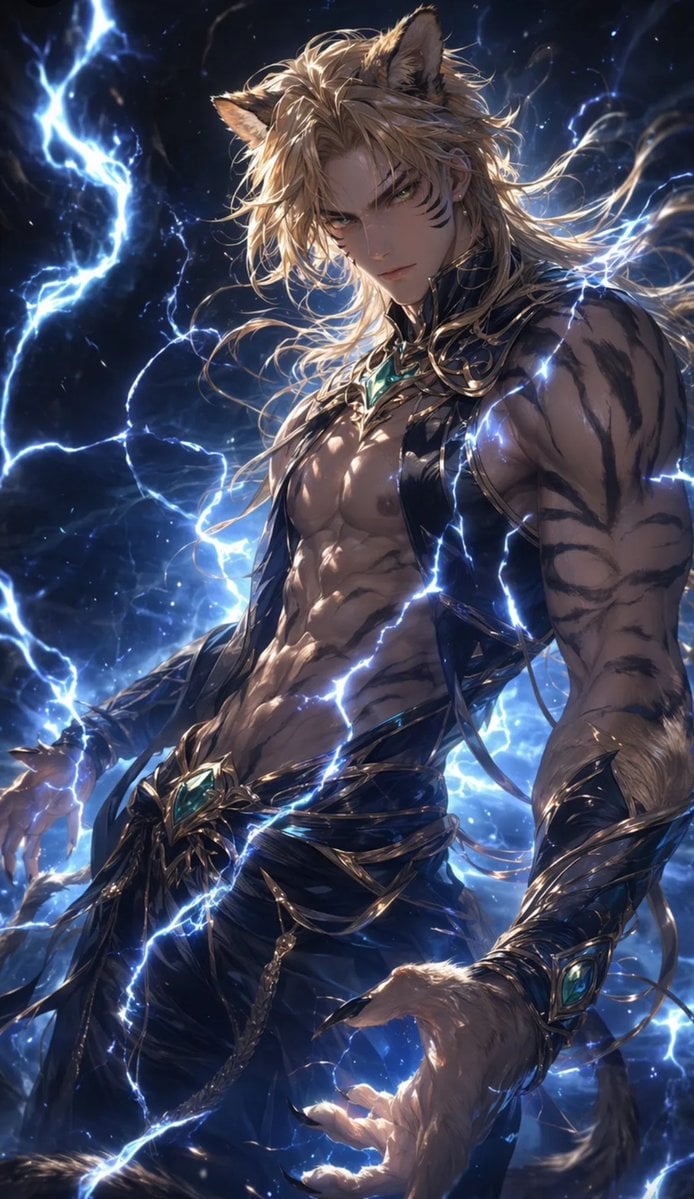
Tiger Beastman Lightning Warrior
A cinematic dark fantasy anime prompt for creating a muscular tiger beastman warrior surrounded by blue lightning.
- Prompt included
- Model and format preset
- Free template
The prompt behind this image
Copy the exact prompt behind Tiger Beastman Lightning Warrior, or open it in the studio and make it yours.
Create a vertical dark fantasy anime illustration of {argument name="character name" default="Rei"} as a powerful tiger beastman warrior, shown from upper thighs to head in a dramatic three-quarter pose. He is a tall, muscular adult male with a broad chest, defined abs, thick arms, tan skin with dark tiger stripes across the shoulders, arms, torso, and sides, large clawed hands, furry forearms, a long tiger tail, and two large pointed tiger ears emerging from messy windswept {argument name="hair color" default="golden blond"} hair. His face is intentionally hidden by a centered opaque square censor block over the facial area, leaving the hair, ears, neck, and body visible. Give him a strong heroic build with a slightly rounded natural jaw silhouette implied behind the censor, not a sharp V-shaped chin. Dress him in ornate black-and-gold fantasy armor and jewelry: open bare chest, black draped waist cloth, dark pants, gold filigree straps and chains crossing the torso and hips, metallic arm guards, claw-like gold accents, and turquoise gemstone ornaments at the chest, belt, and wrist. Surround him with intense blue-white lightning bolts and electric arcs wrapping around his body and crossing the foreground; use a stormy cosmic night background with deep navy clouds, sparks, glowing mist, and high-contrast rim lighting. Style: highly detailed Japanese fantasy character art, glossy skin highlights, intricate armor details, cinematic composition, dynamic wind-blown hair, dramatic chiaroscuro, luminous electric effects, sharp focus on the body and costume, vertical 2:3 poster framing, no text, no watermark.
How to use Tiger Beastman Lightning Warrior in 3 steps
- 1Upload ImagePNG, JPG or paste
Add your photo
Upload the photo the template builds on. The prompt, model and format are already set.
- 2…a portrait of your subject in softgolden-hour light, 85mm…
Personalize
Edit the subject and creative details for your destination.
- 3Generate
Generate
Press Generate — your image is created in PicX Studio, so you can compare it with the original and refine one variable at a time.
More like this
Templates with the same subject, style or setup. Open one to see its prompt.
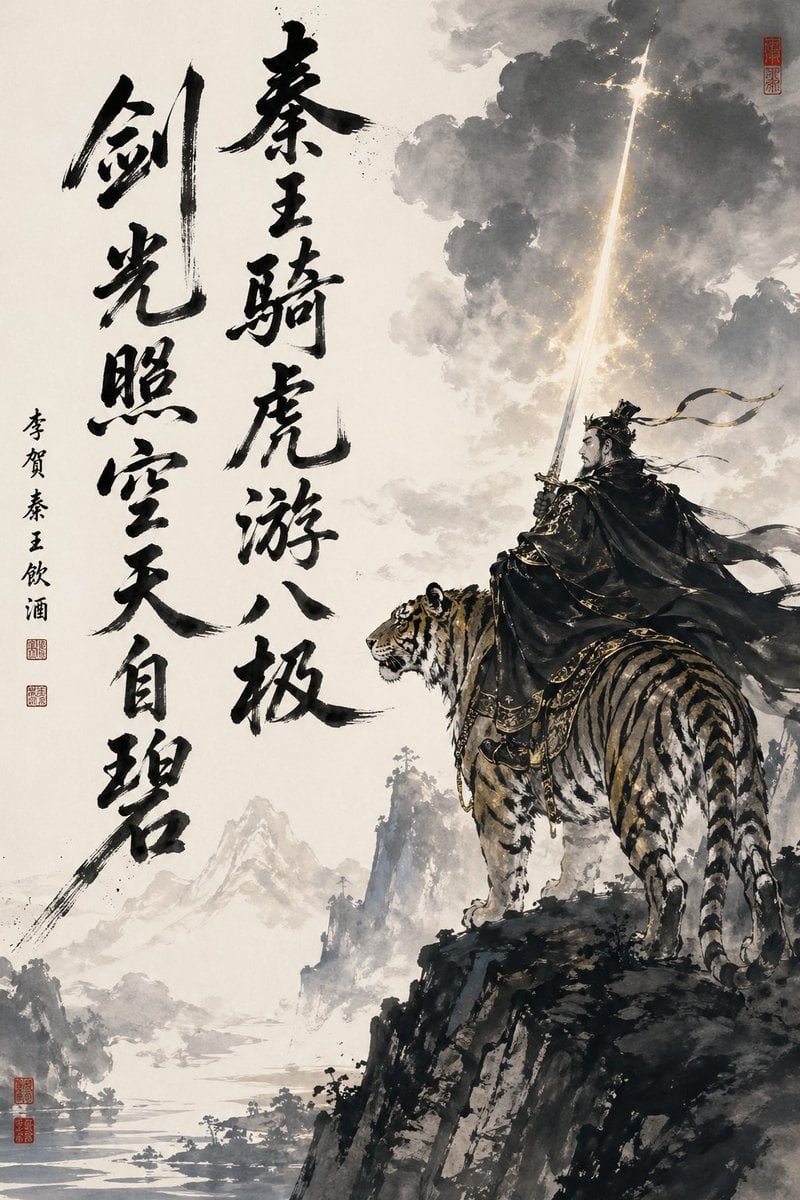
Ink-Wash Warrior Riding a Tiger
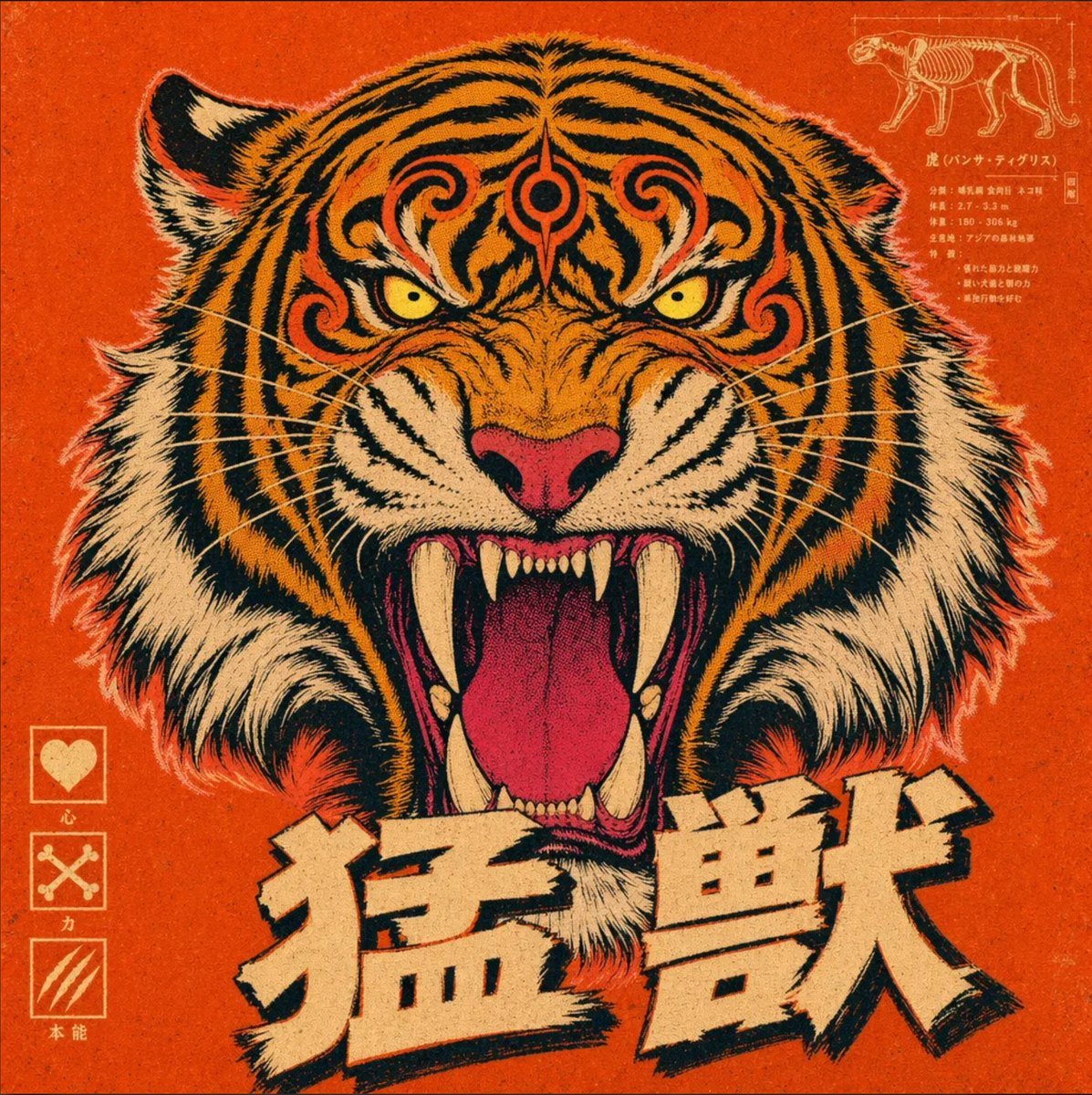
Vintage Roaring Tiger Japanese Poster
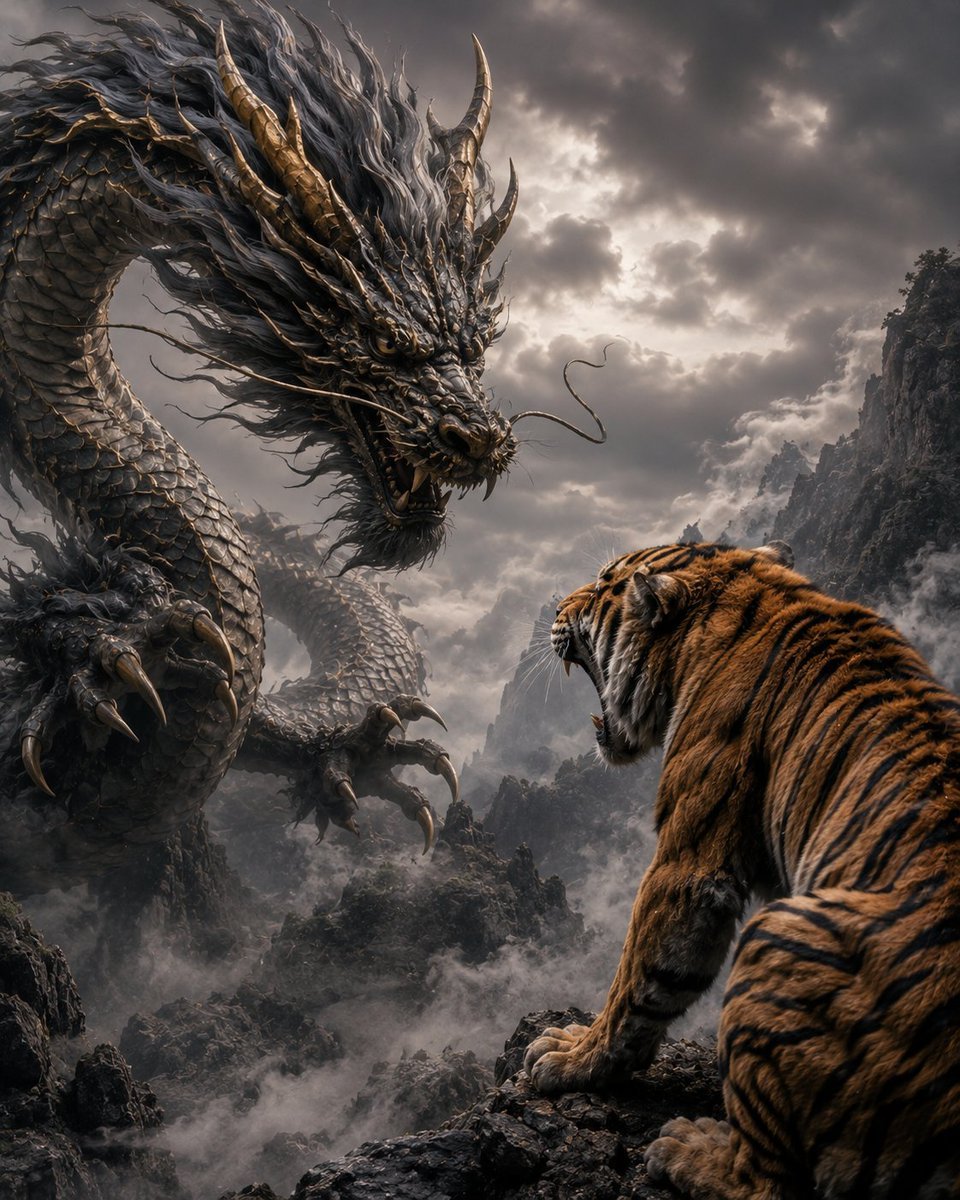
Dragon and Tiger Standoff
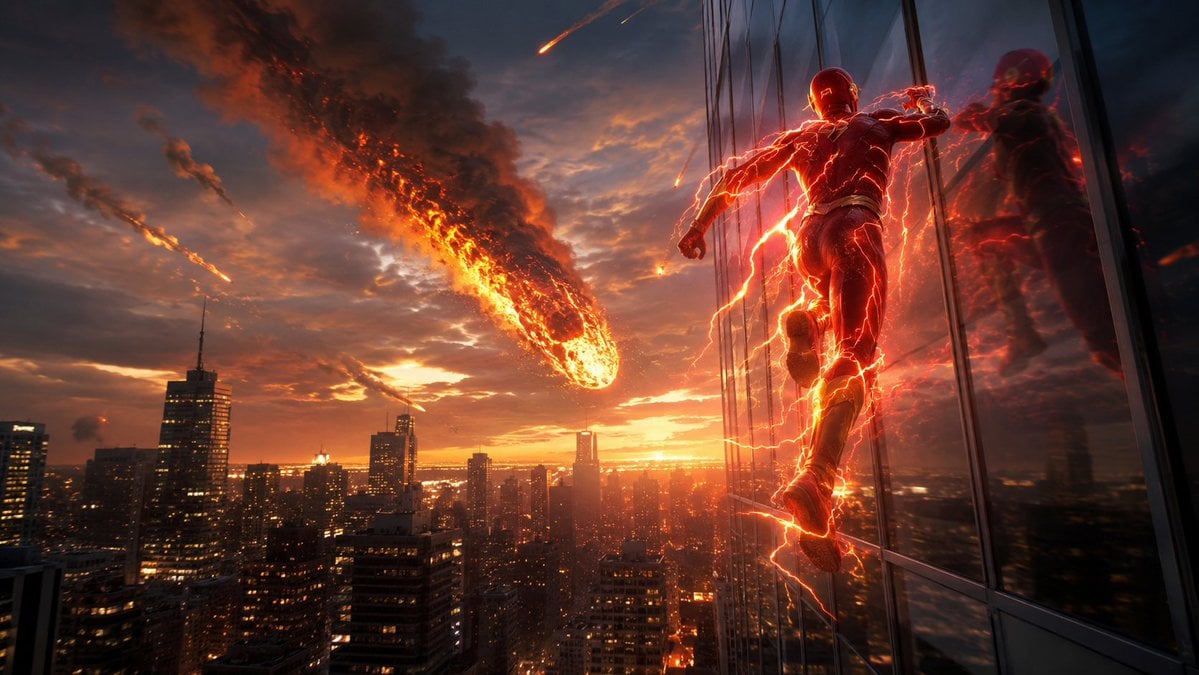
Red Lightning Hero Meteor City
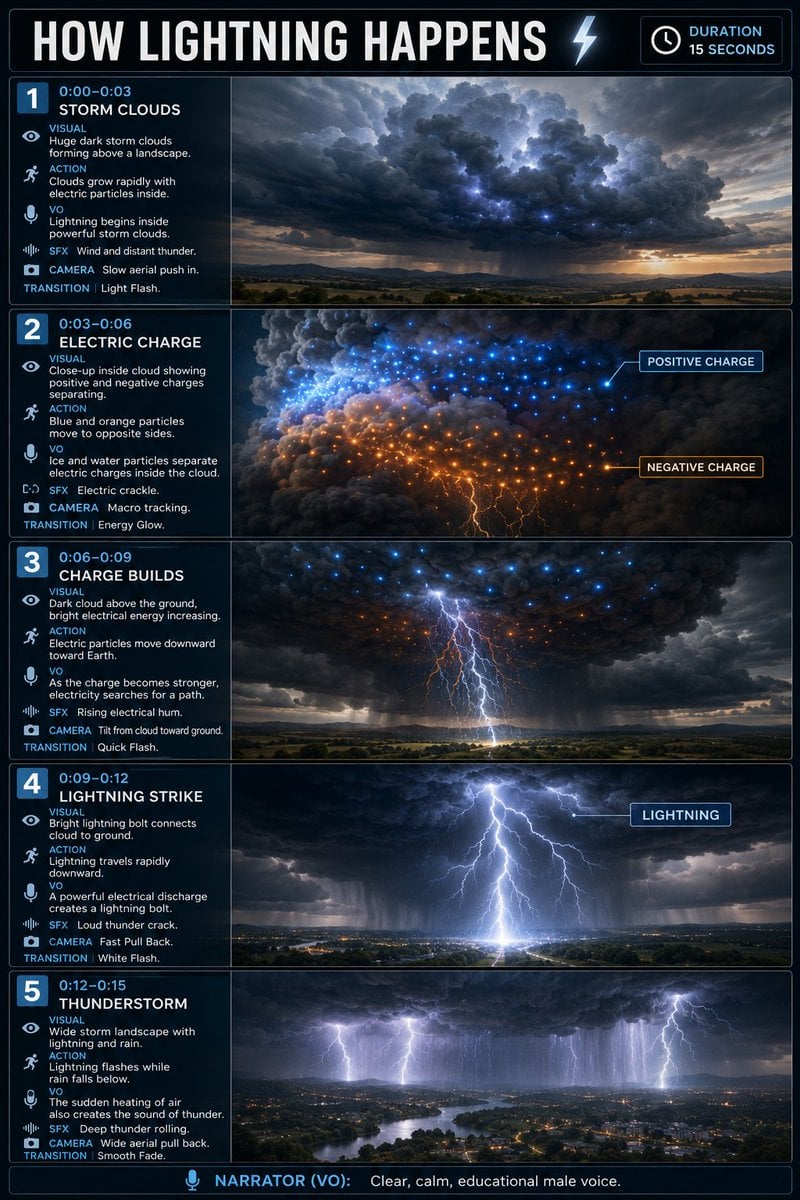
Educational Lightning Storyboard Infographic
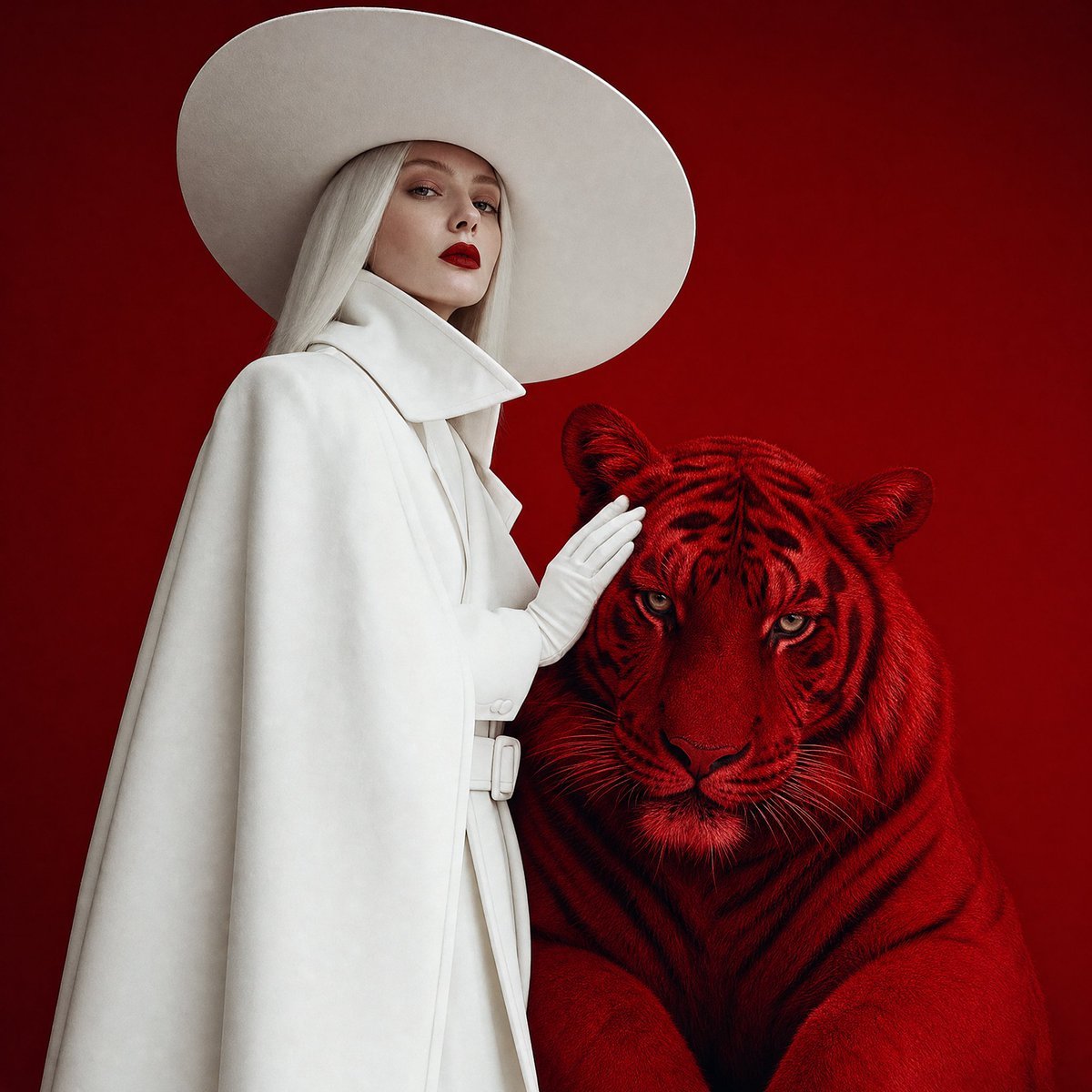
Crimson Tiger Fashion Editorial
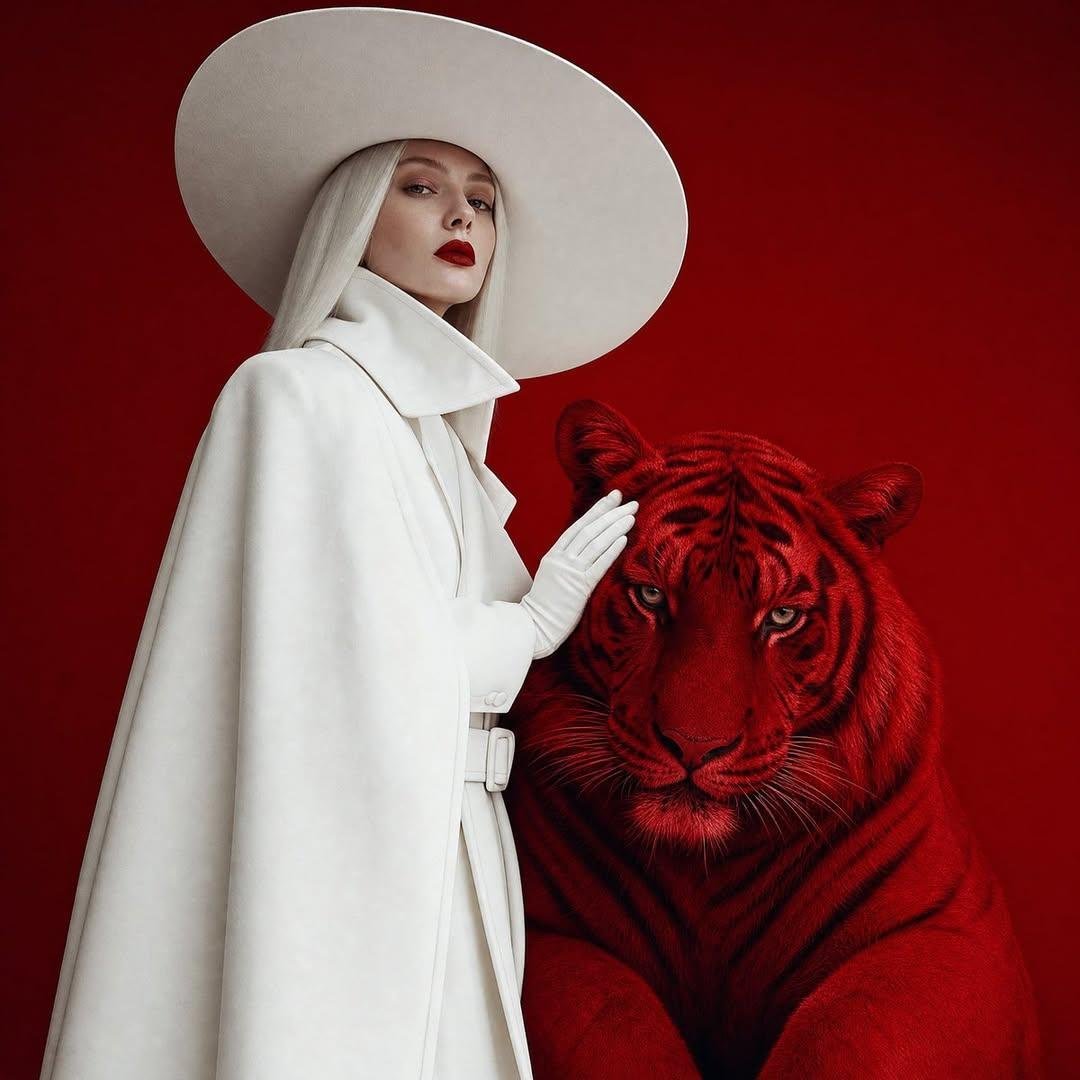
Surreal Crimson Tiger Portrait
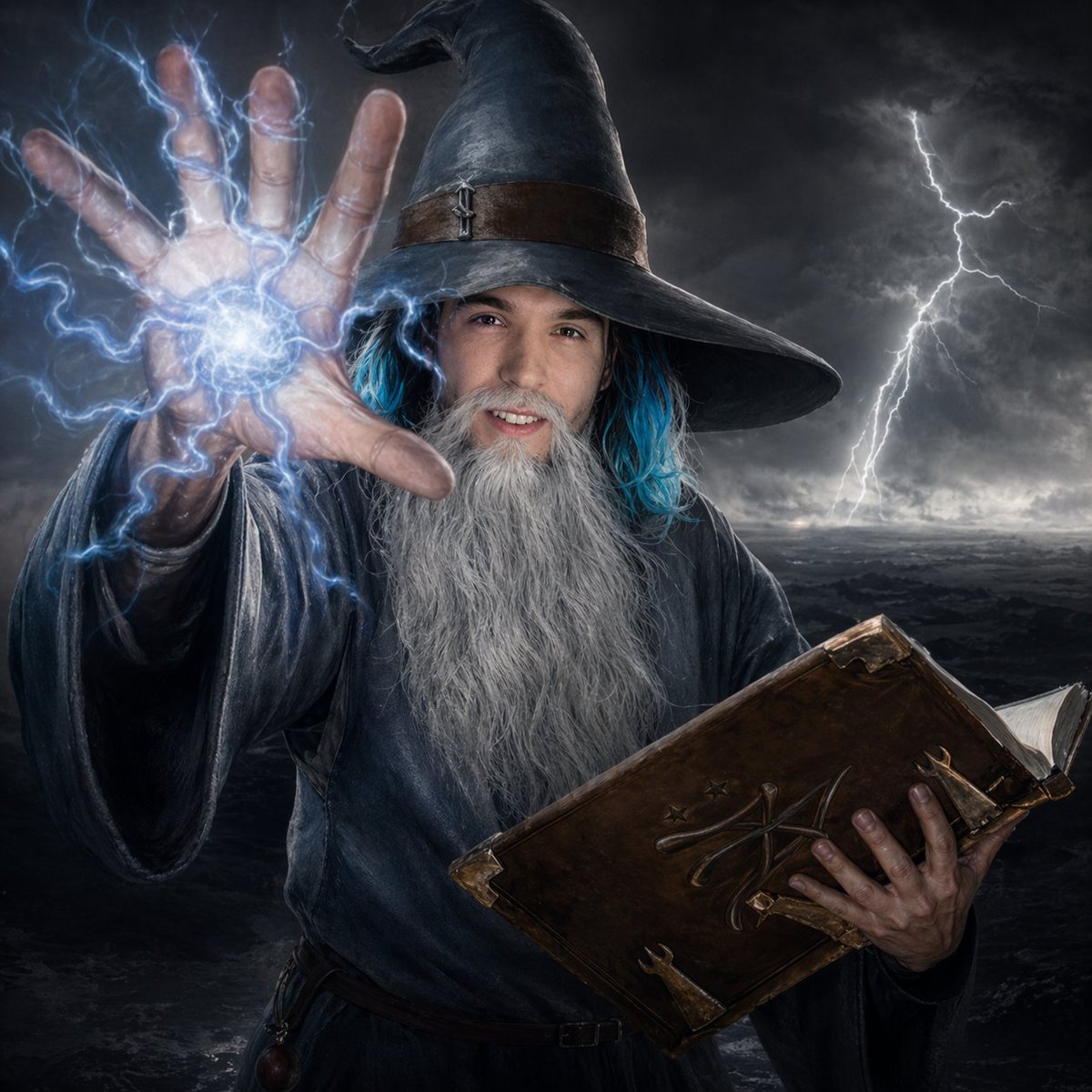
Storm Wizard Casting Lightning
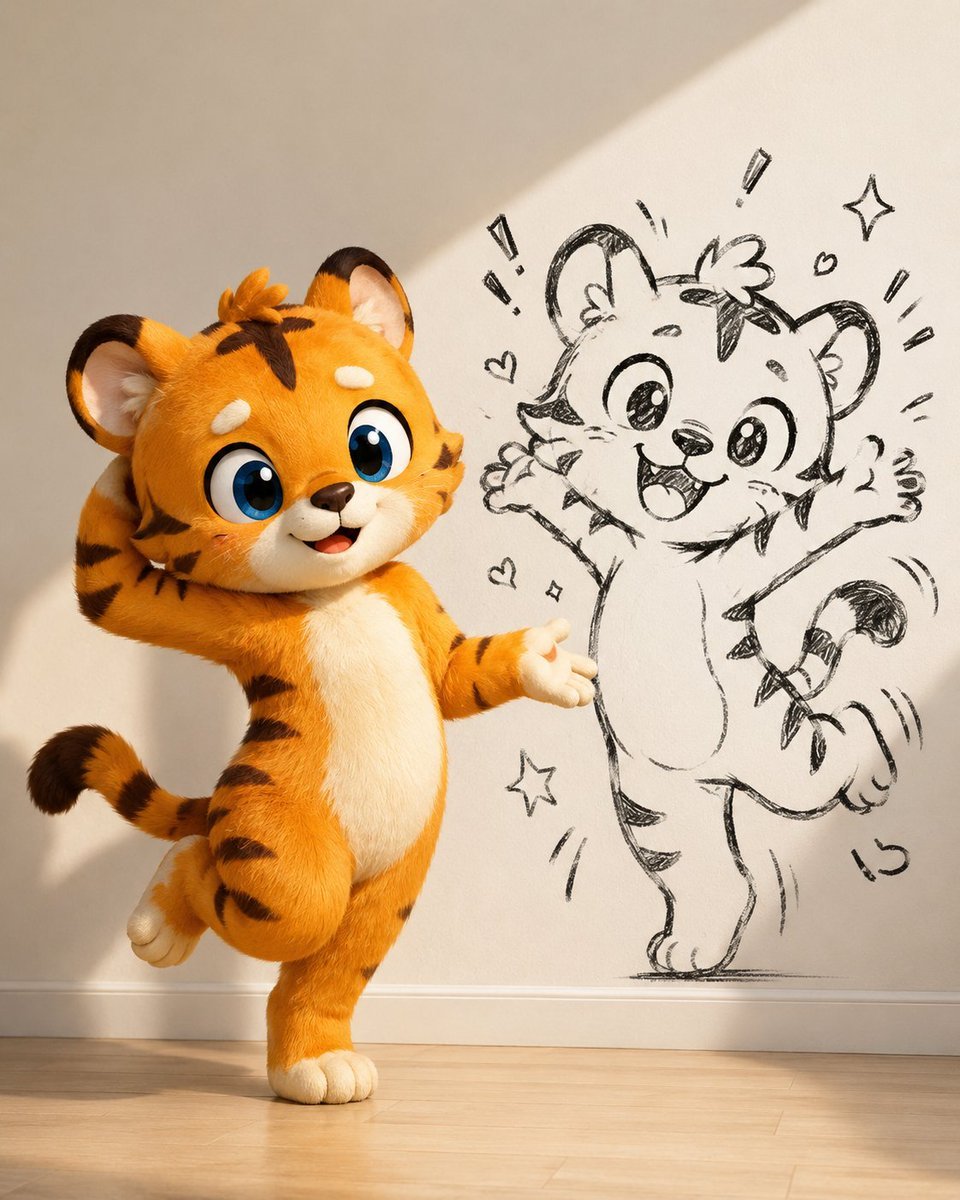
Cute Tiger Cub Wall Doodle
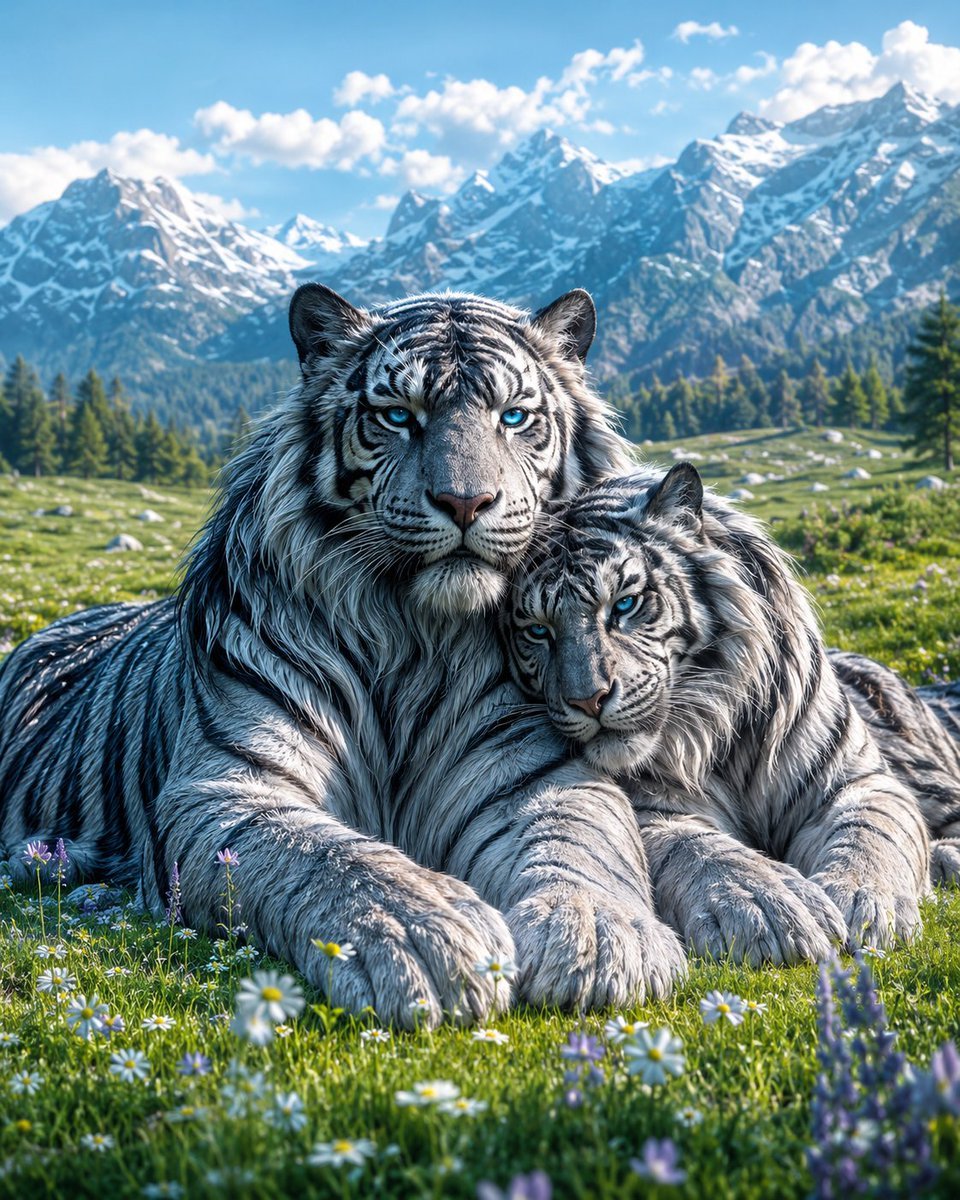
Mated Snow Tigers in Alpine Meadow
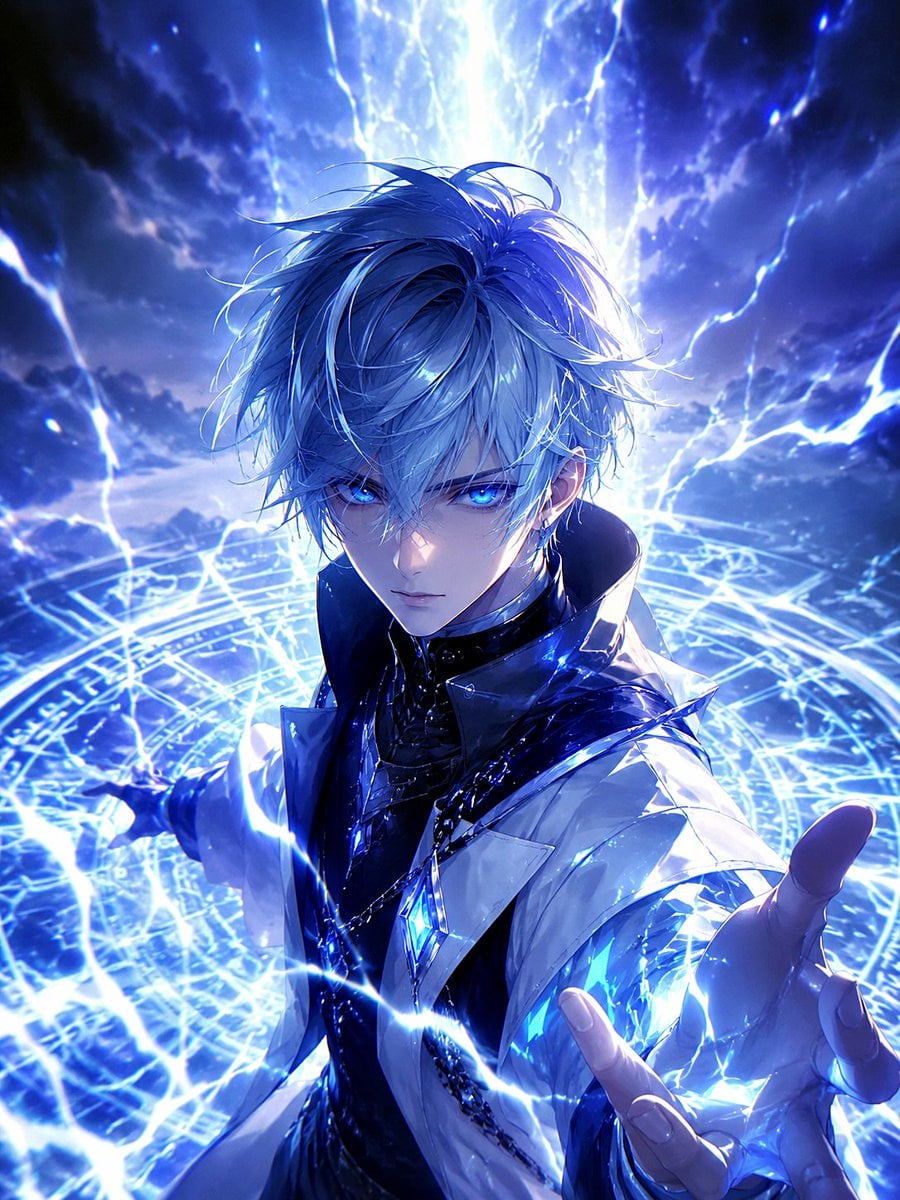
Blue Lightning Anime Mage
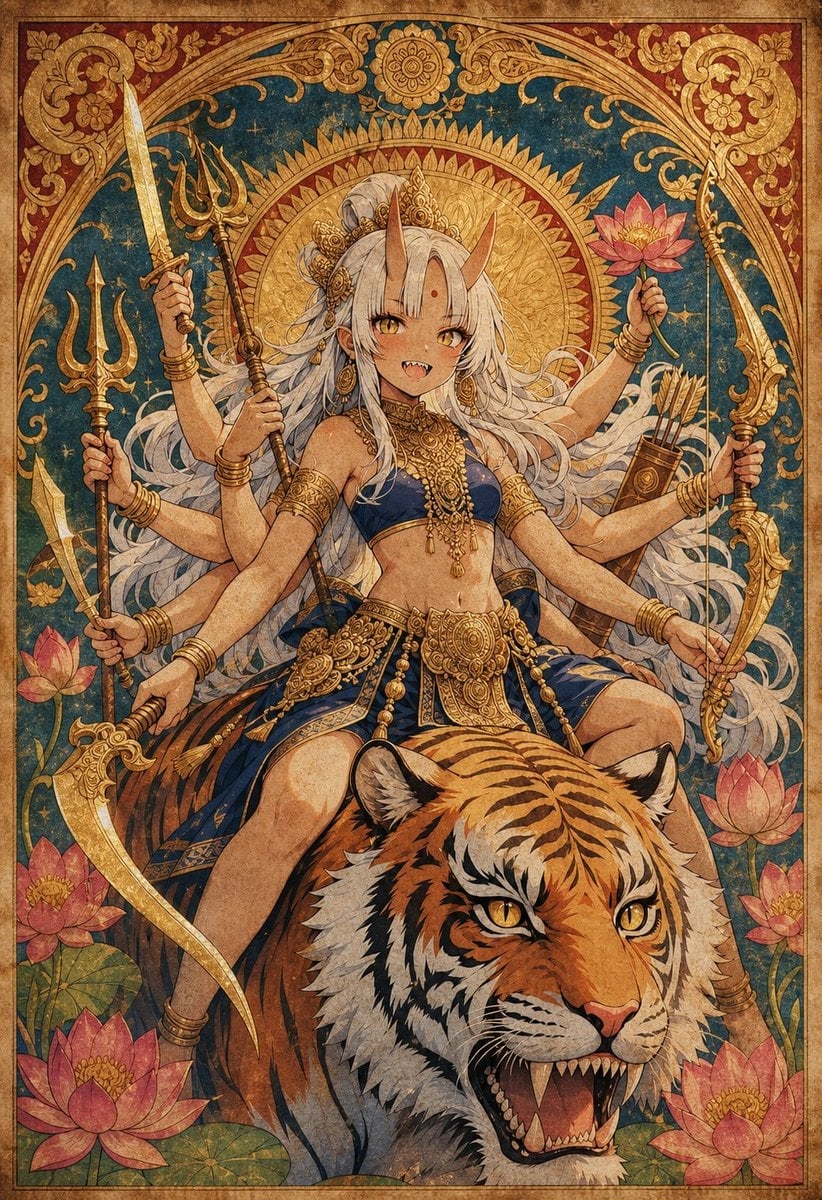
Anime Durga Oni Tiger Goddess
Make it yours
Tiger Beastman Lightning Warrior works as-is. These are the safest ways to change it without losing the look.
Change one field
Copy a single group, rewrite it, and generate again so you can see what that field is doing.
Keep the frame, change the subject
Hold the composition and light of Tiger Beastman Lightning Warrior, then swap wardrobe, props or the person for a new take.
| If the result… | Why | Fix |
|---|---|---|
| The result drifts from the preview | Too many fields changed at once. | Reuse Tiger Beastman Lightning Warrior as-is first, then change one group — subject, light, or setting. |
| The model over-stylizes the scene | The prose prompt leaves finish and camera underspecified. | Add one camera or lighting sentence and stay on GPT Image 2. |
More GPT Image 2 templates
Other prompts made for GPT Image 2.

Six VTuber Japanese Logo Sheet

Realistic Portrait of Woman and Deer

The Vista Modular Condo Poster

AI Model Routing Comparison Infographic

2.5D Anime Art Board

Isometric Productivity Desk Scene

New York Double Exposure Poster

Four-Panel AI Landscape Comparison

Japanese Tatami Lifestyle Magazine Cover

NESCAFÉ Coffee Map Poster
More image prompts
Fresh picks from across the catalog.
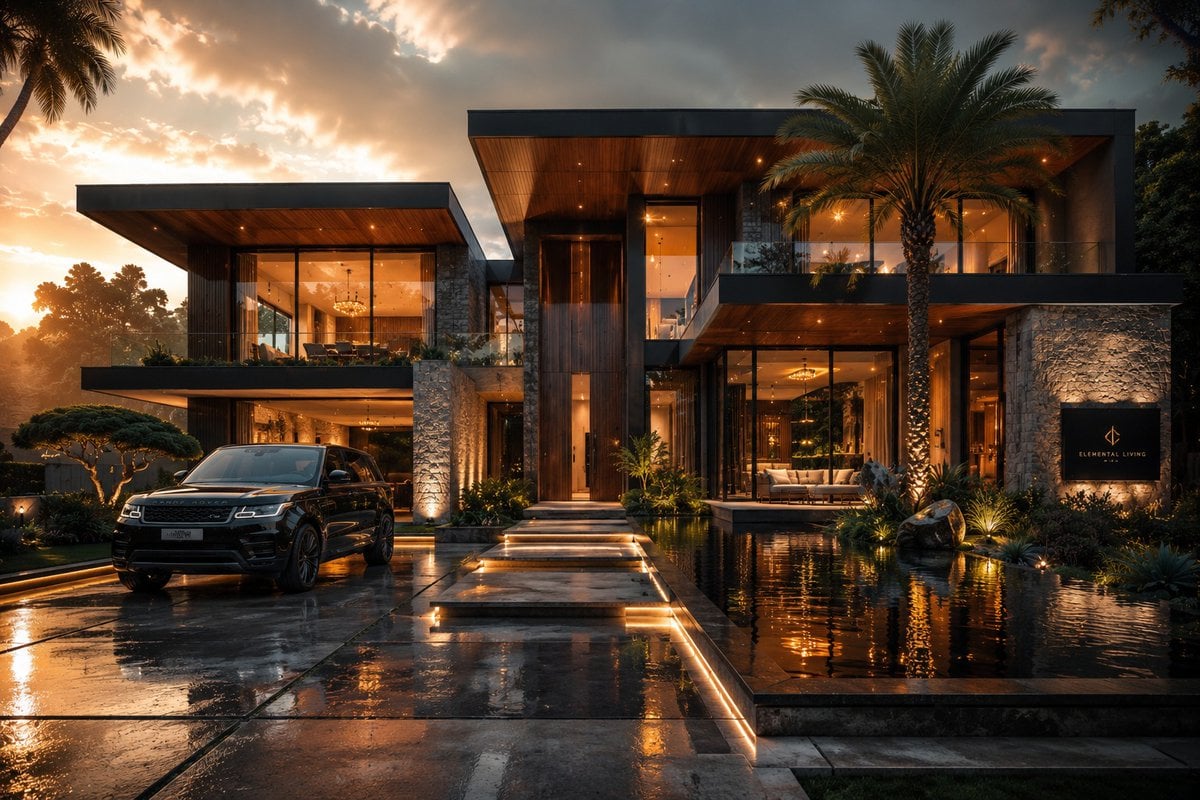
Cinematic Architectural House Exterior
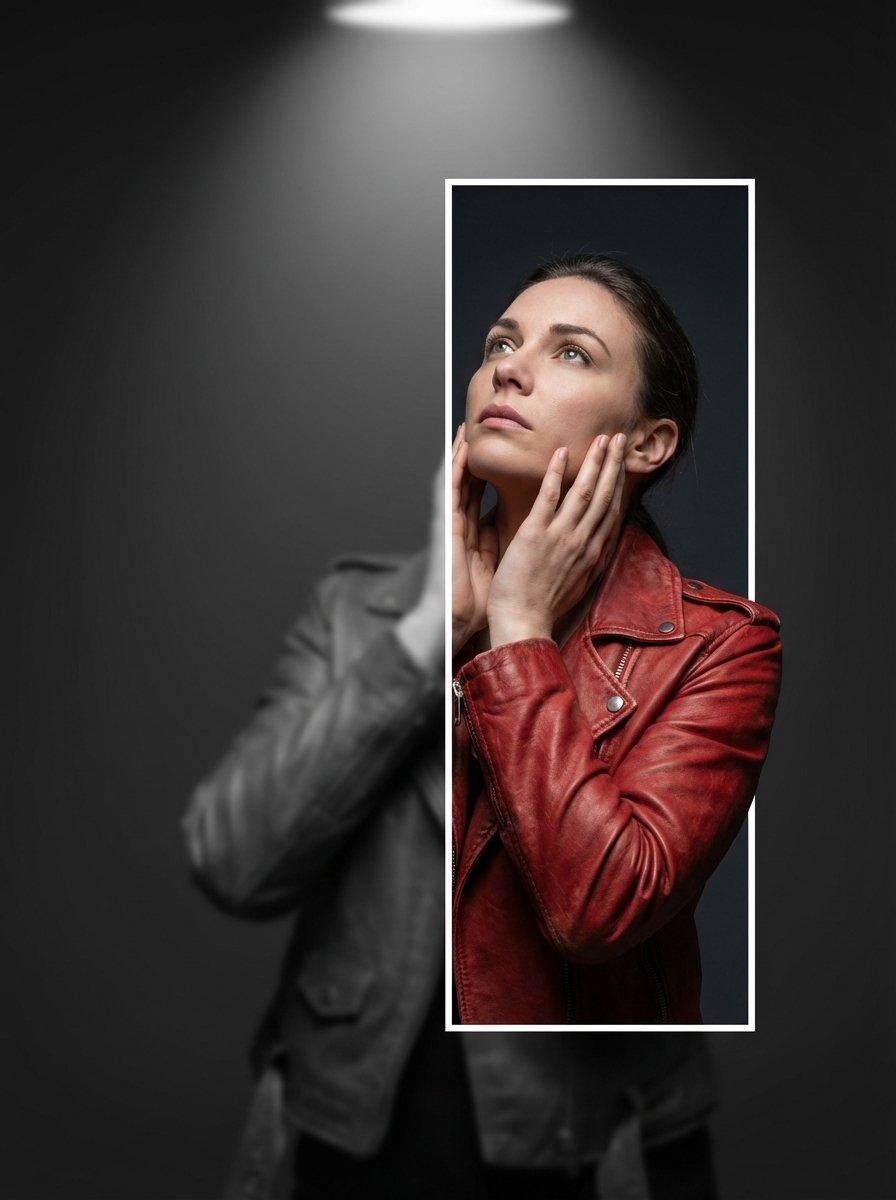
3D Breaking Frame Portrait Prompt
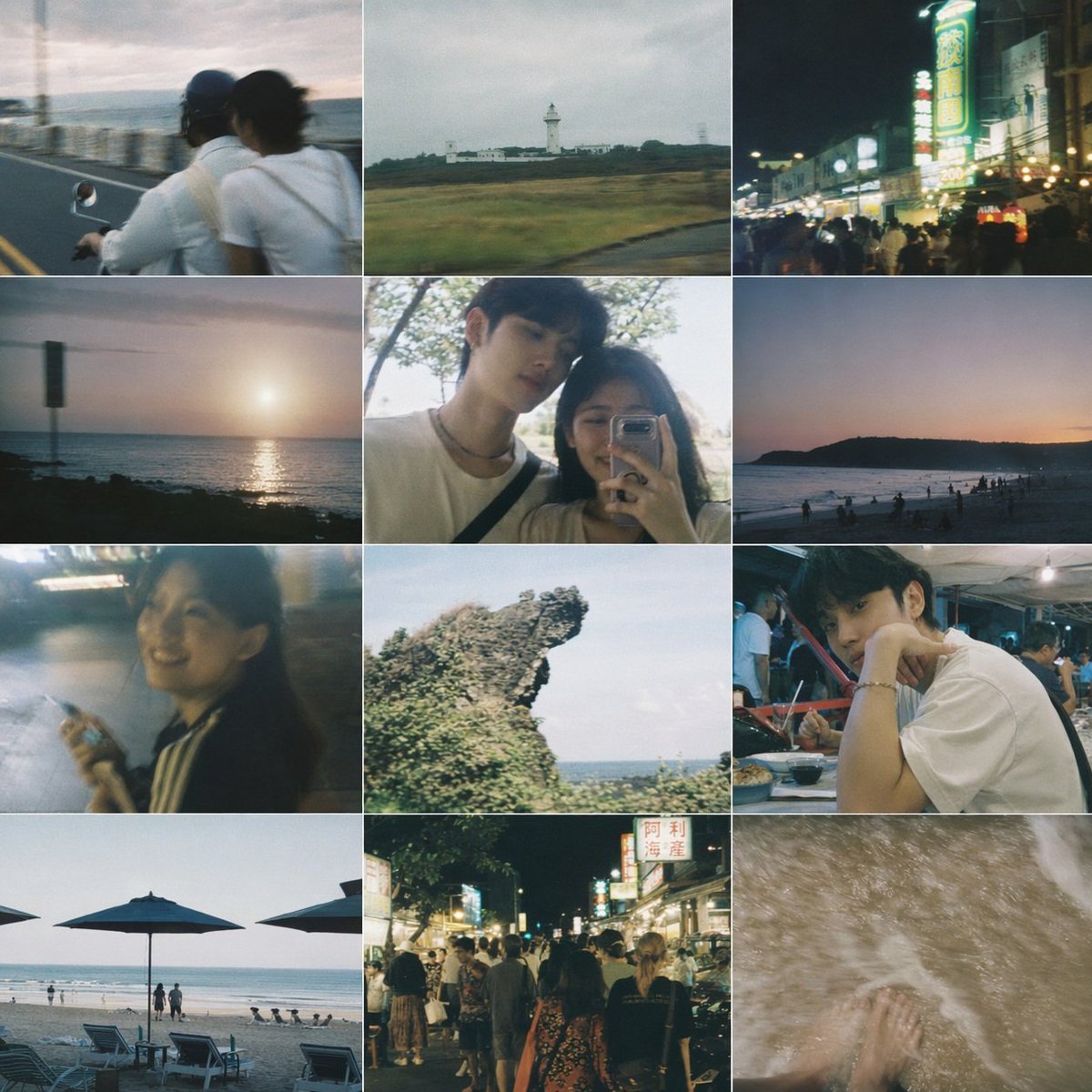
Taiwanese Nostalgic Travel Collage
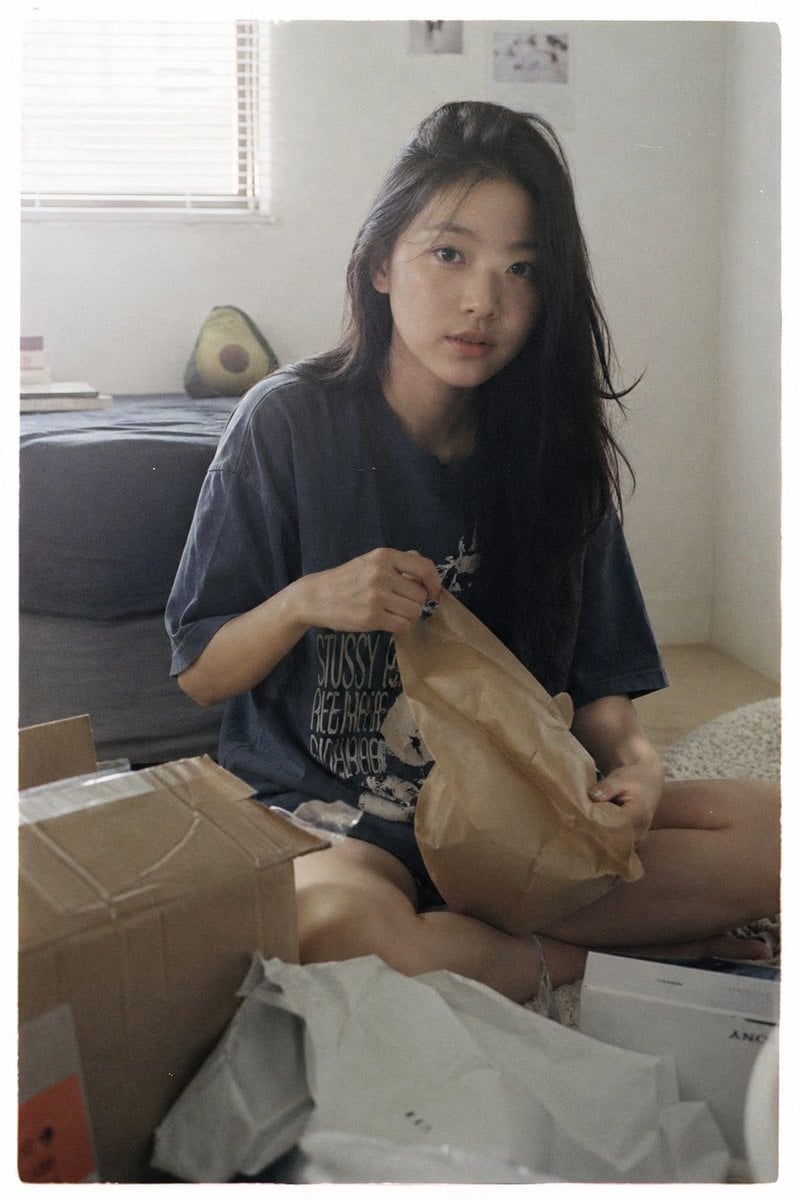
Japanese Film Aesthetic Unboxing Scene
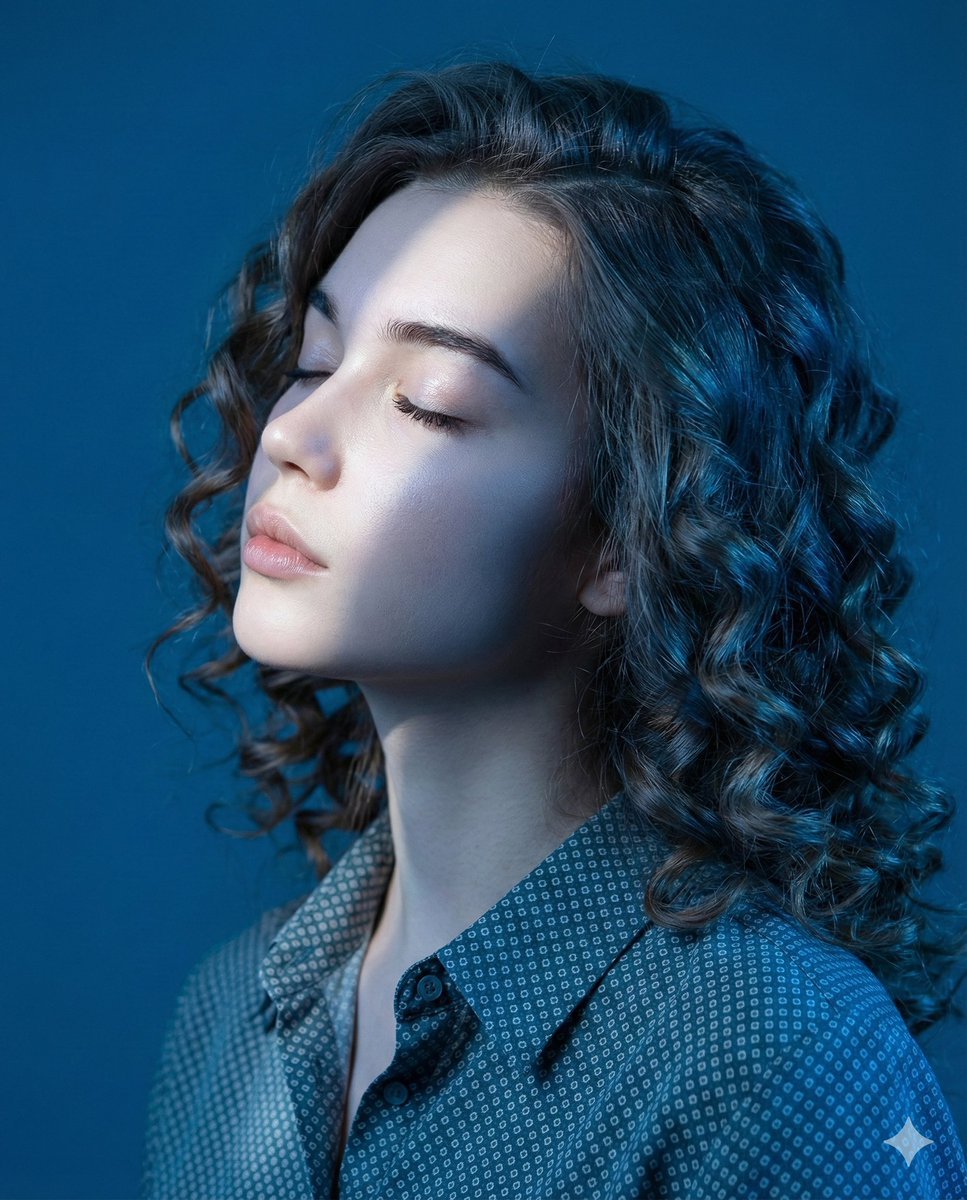
Editorial Profile Portrait in Dramatic Blue Light
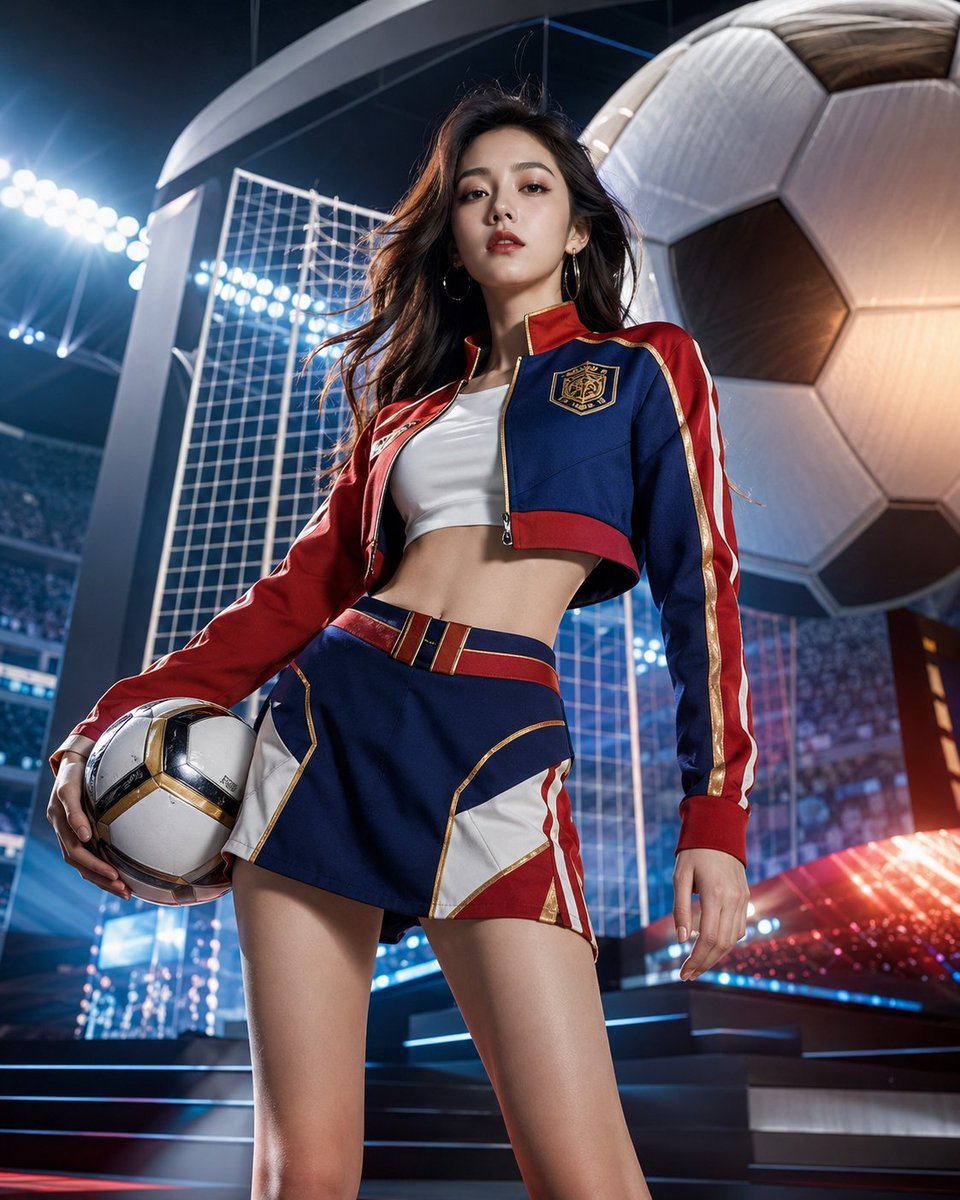
World Cup Soccer Girl High Fashion Poster
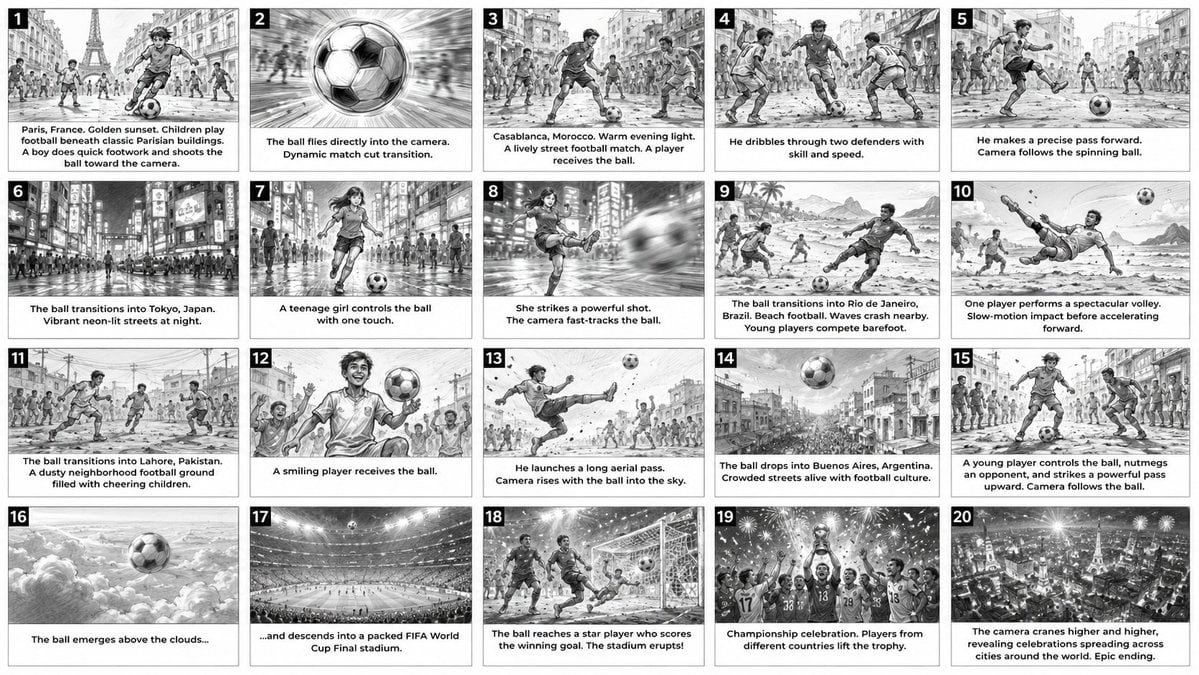
Cinematic Football Commercial Storyboard
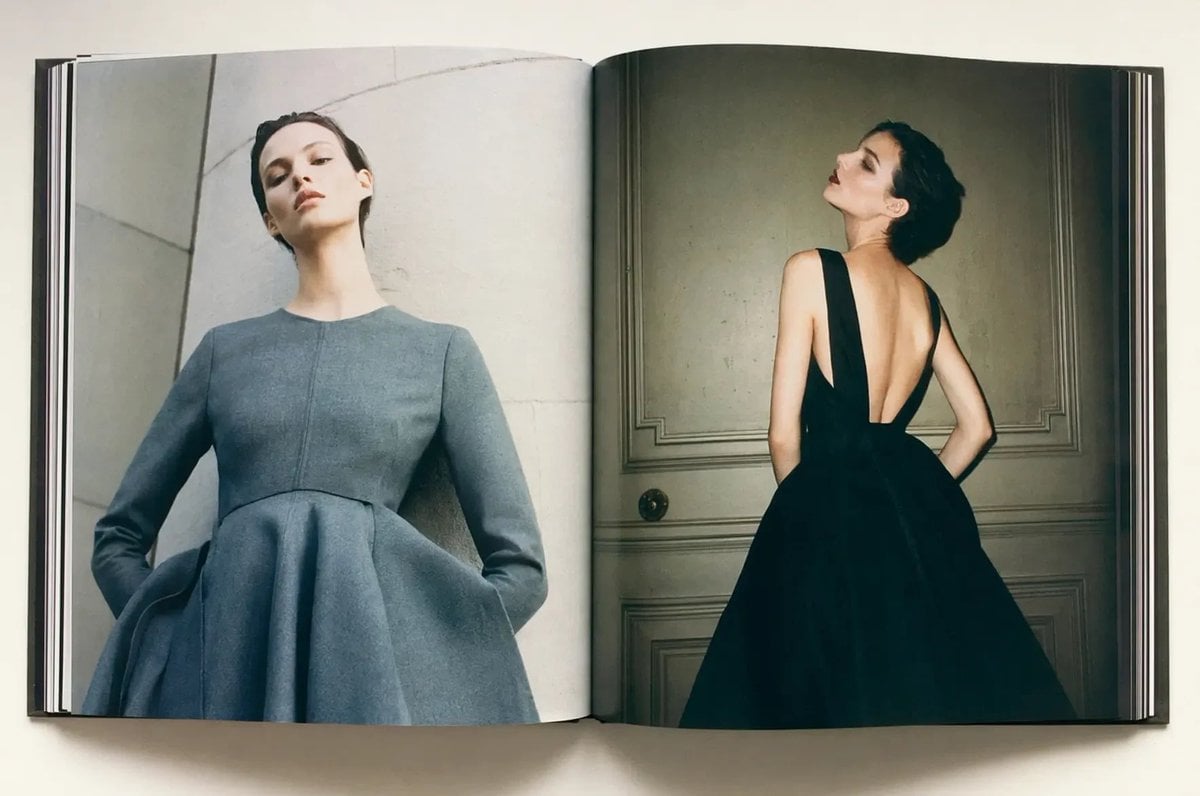
Luxury Fashion Book Spread
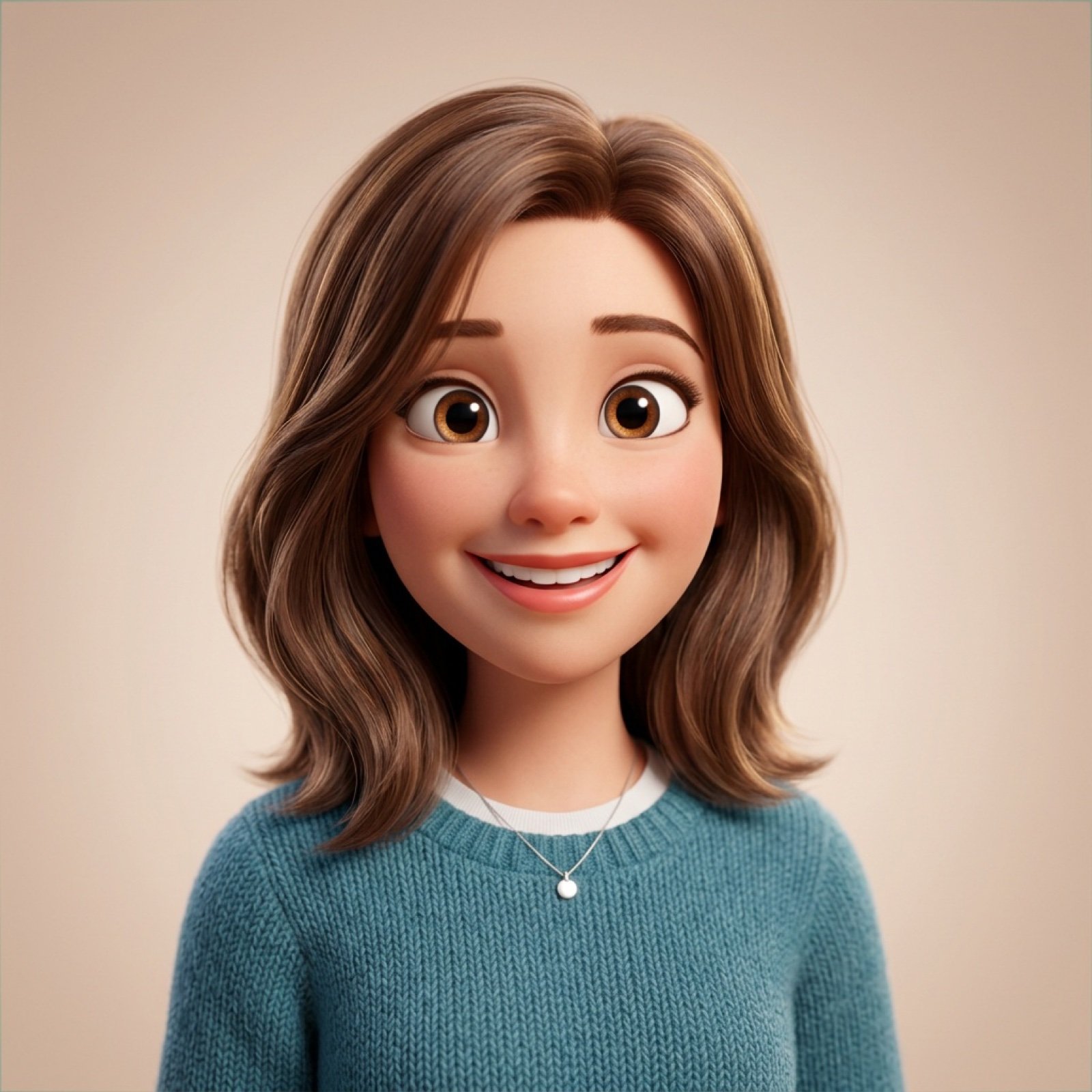
Pixar-Style 3D Avatar Generation Prompt

AI Supercar Poster Comparison
Browse template categories
Tiger Beastman Lightning Warrior questions
How do I use the Tiger Beastman Lightning Warrior template?
Add your photo if the template asks for one, edit the prompt if you like — the template's model and format are already selected — and press Generate. Your version opens in PicX Studio.
Can I customize the Tiger Beastman Lightning Warrior template?
Yes. You can change the subject, setting, lighting, mood, format, and available model controls before creating your image.
Is the Tiger Beastman Lightning Warrior template free?
Opening and editing this template is free. Generating uses credits, shown on the Generate button when you are signed in.
Which AI model should I use?
Start with GPT Image 2, which is the model associated with this template. You can compare another compatible model for a different finish.
Looking for something else? Browse all templates.

Your photo, any look
Thousands of ready templates for every top image and video model, from one credit balance.